
Sponsored by SAPIEN
PowerShell Saturday
Singapore 01:
PowerShell 4.0
Brought to you by Singapore PowerShell User Group
http://www.facebook.com/singaporepowershell
http://powershell.org/wp/user-groups/singapore-powershell-user-group/
singapore@powershellgroup.org
Speaker: Ravikanth C
Twitter: @Ravikanth
FaceBook: Ravikanthc
Blog: http://ravichaganti.com/blog and http://www.powershellmagazine.com
Sponsored by SAPIEN
Thank you to the Sponsors
Prizes Sponsored by SAPIEN Technologies
• Download a trial of SAPIEN PowerShell Studio 2012:
• http://www.sapien.com/powershellstudio
Sponsored by SAPIEN
About Me
• 12+ years in IT; Lead Engineer for MS Collaboration Solutions at Dell
• PowerShell MVP since 2010
• Founder and Editor of PowerShell Magazine
• Community Lead
• Bangalore IT Pro User Group (@BangaloreITPro)
• PowerShell Bangalore User Group (@PSBug)
Sponsored by SAPIEN
Windows Management Framework 4.0
• Includes Updates to …
• PowerShell
• PowerShell ISE
• PowerShell Web Services
• Not updated in the current build
• Windows Remote Management (WinRM)
• Windows Management Instrumentation (WMI)
Sponsored by SAPIEN
PowerShell 4.0 - Requirements
• Requirements
• Windows Server 2008 R2 SP1 (x86 and amd64)
• Windows 7 SP1
• Windows Server 2012
• .NET Framework 4.5
• No Windows 8 yet!
Sponsored by SAPIEN
What is new?
• Several enhancements to existing features and cmdlets!
• Desired State Configuration (DSC)
Sponsored by SAPIEN
Elevated Privileges
• #Requires can now be used for checking administrative credentials
• #Requires -runasadministrator
Sponsored by SAPIEN
PowerShell Web Access
• Supports connecting and disconnecting from sessions
• Default values for the connection settings can be updated via
Web.config
Sponsored by SAPIEN
Pipeline Variable
• Useful in iterative pipelines
• Pipeline variable becomes available throughout the pipeline
• Cmdlets support -PipelineVariable
Sponsored by SAPIEN
Method Syntax for Filtering
• Perform object filtering by using Where() method on the object
collection
• Part of Desired State Configuration Module
• Not all operators are supported
Sponsored by SAPIEN
Dynamic Method Names
• Dynamic Properties support has always been there
• Variables can be used to invoke methods dynamically
Sponsored by SAPIEN
Built-in cmdlet for file hashing
• Get-FileHash
• MACTripleDES
• MD5
• RIPEMD160
• SHA1
• SHA256
• SHA384
• SHA512
Sponsored by SAPIEN
Other Changes
• Get-Process include UserName
• Remote and workflow script debugging
• -Runnow support for Register-ScheduledJob and Set-ScheduledJob
• -RepeatIndefinitely support for New-JobTrigger and Set-JobTrigger
• -Workgroup parameter support for Add-Computer and Remove-
Computer
• http://technet.microsoft.com/en-us/library/hh857339.aspx
Sponsored by SAPIEN
Desired State Configuration
• Platform that enables deployment and management of configuration
data
• DSC provides
• Language extensions
• Cmdlets to manage DSC
• Resources to specify the configuration
• Means to maintain and manage configuration
• Uses PowerShell remoting
• Uses declarative syntax
Sponsored by SAPIEN
Imperative vs Declarative Syntax
• Imperative – How a task needs to be performed
• PowerShell is imperative by design
• Declarative – What task needs to be performed
Sponsored by SAPIEN
DSC – Terminology
• Configuration
• Node
• Resource
Sponsored by SAPIEN
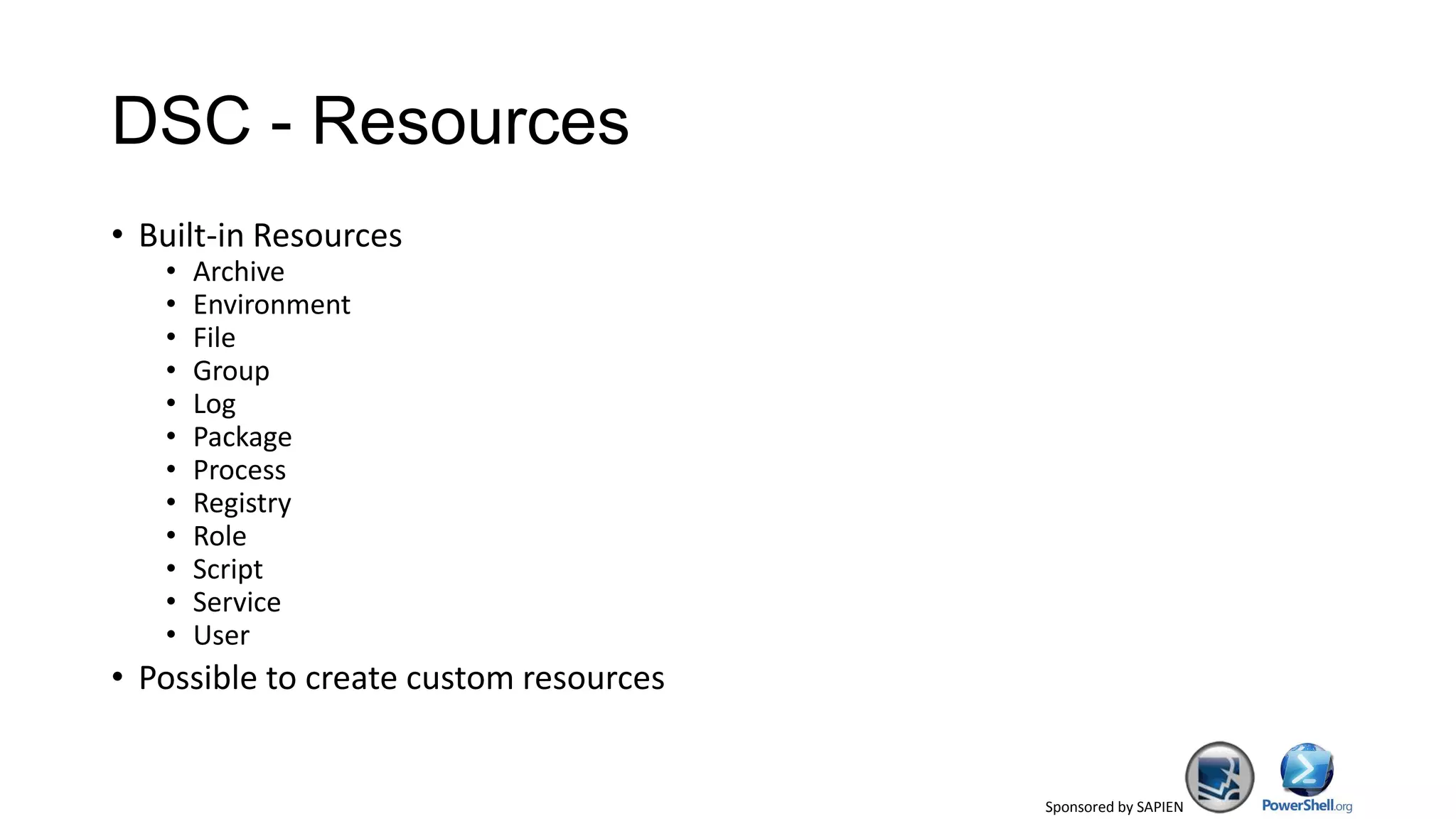
DSC - Resources
• Built-in Resources
• Archive
• Environment
• File
• Group
• Log
• Package
• Process
• Registry
• Role
• Script
• Service
• User
• Possible to create custom resources
Sponsored by SAPIEN
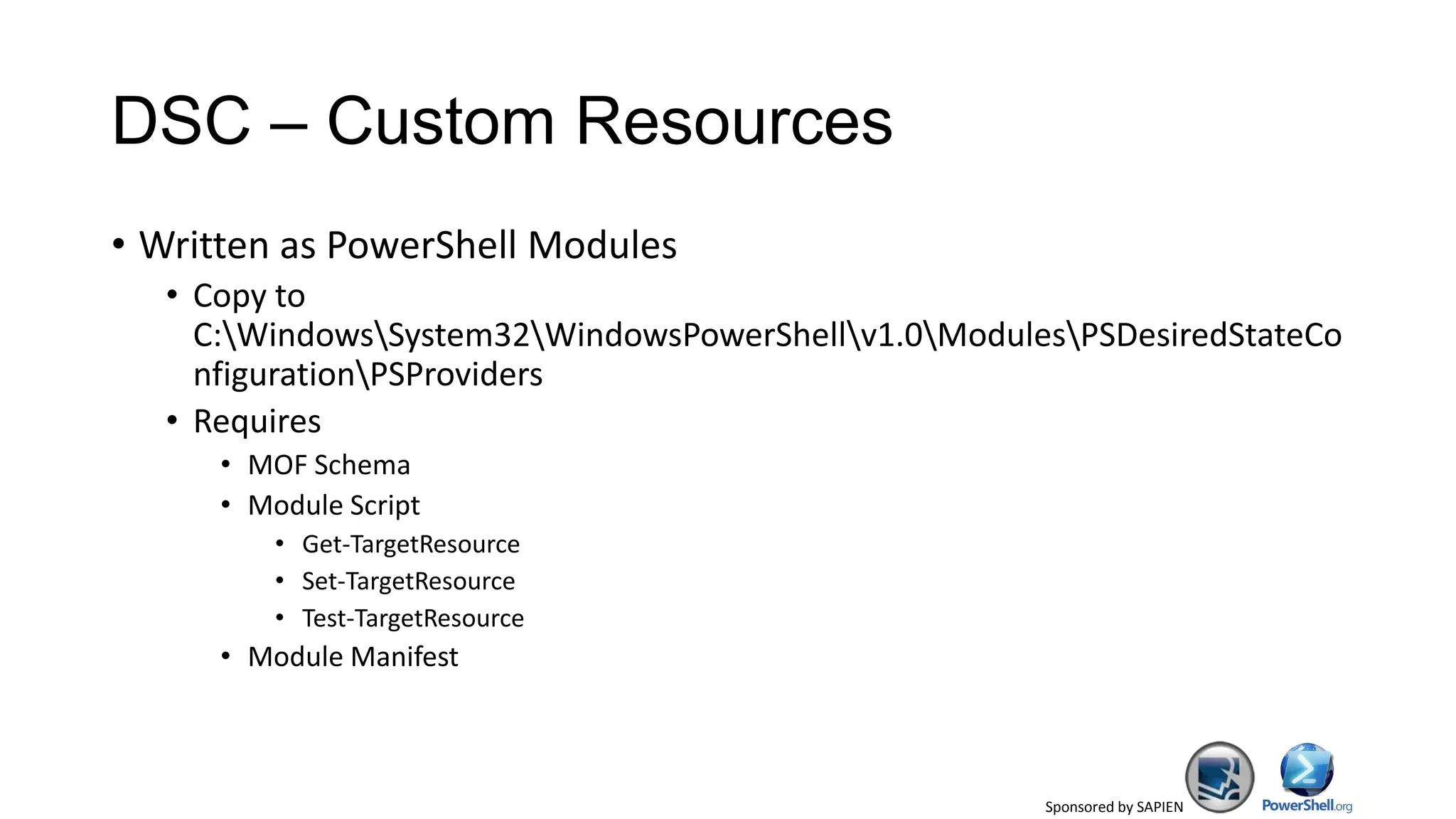
DSC – Custom Resources
• Written as PowerShell Modules
• Copy to
C:WindowsSystem32WindowsPowerShellv1.0ModulesPSDesiredStateCo
nfigurationPSProviders
• Requires
• MOF Schema
• Module Script
• Get-TargetResource
• Set-TargetResource
• Test-TargetResource
• Module Manifest
Sponsored by SAPIEN
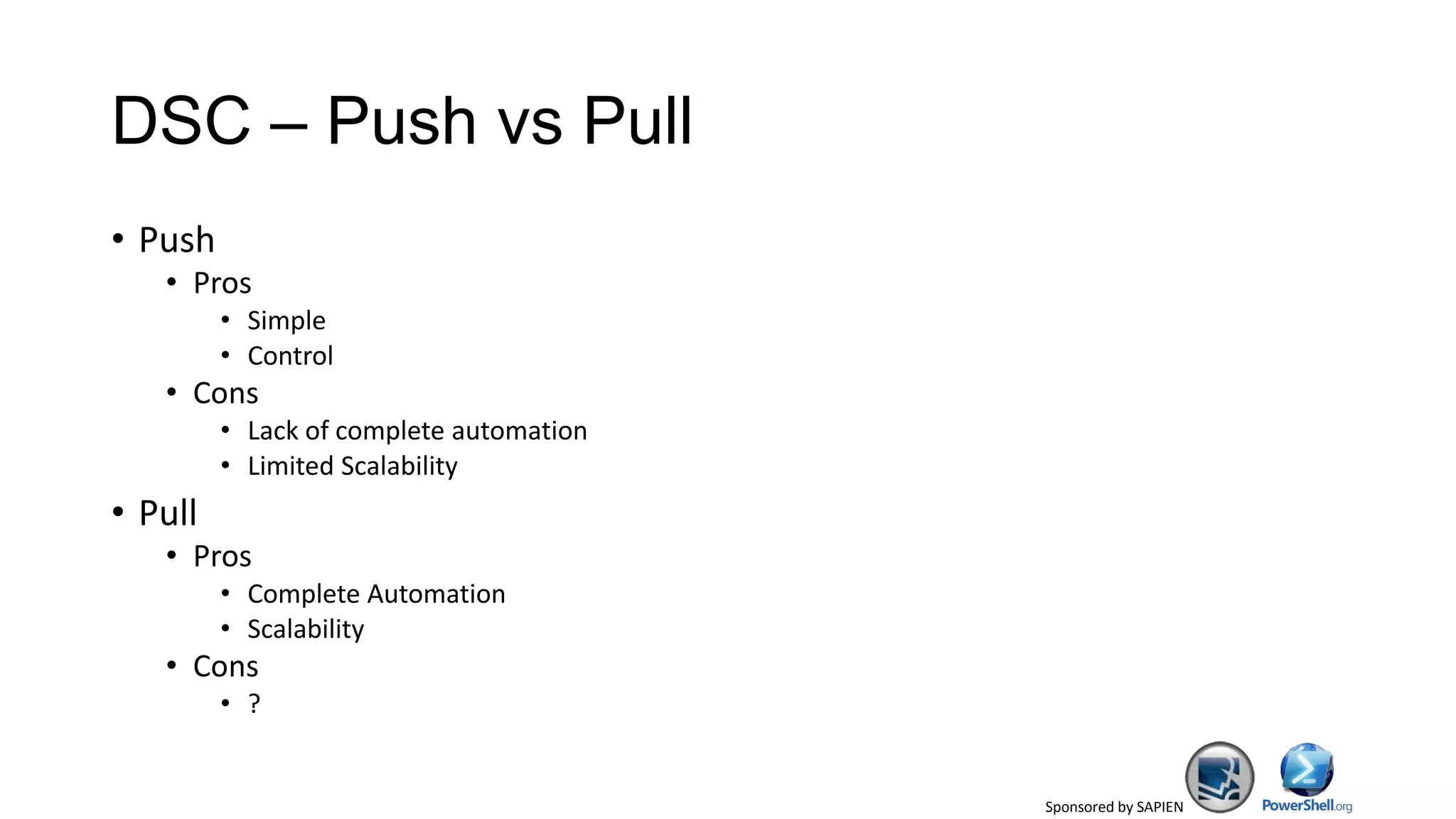
DSC – Push vs Pull
• Push
• Pros
• Simple
• Control
• Cons
• Lack of complete automation
• Limited Scalability
• Pull
• Pros
• Complete Automation
• Scalability
• Cons
• ?
Sponsored by SAPIEN
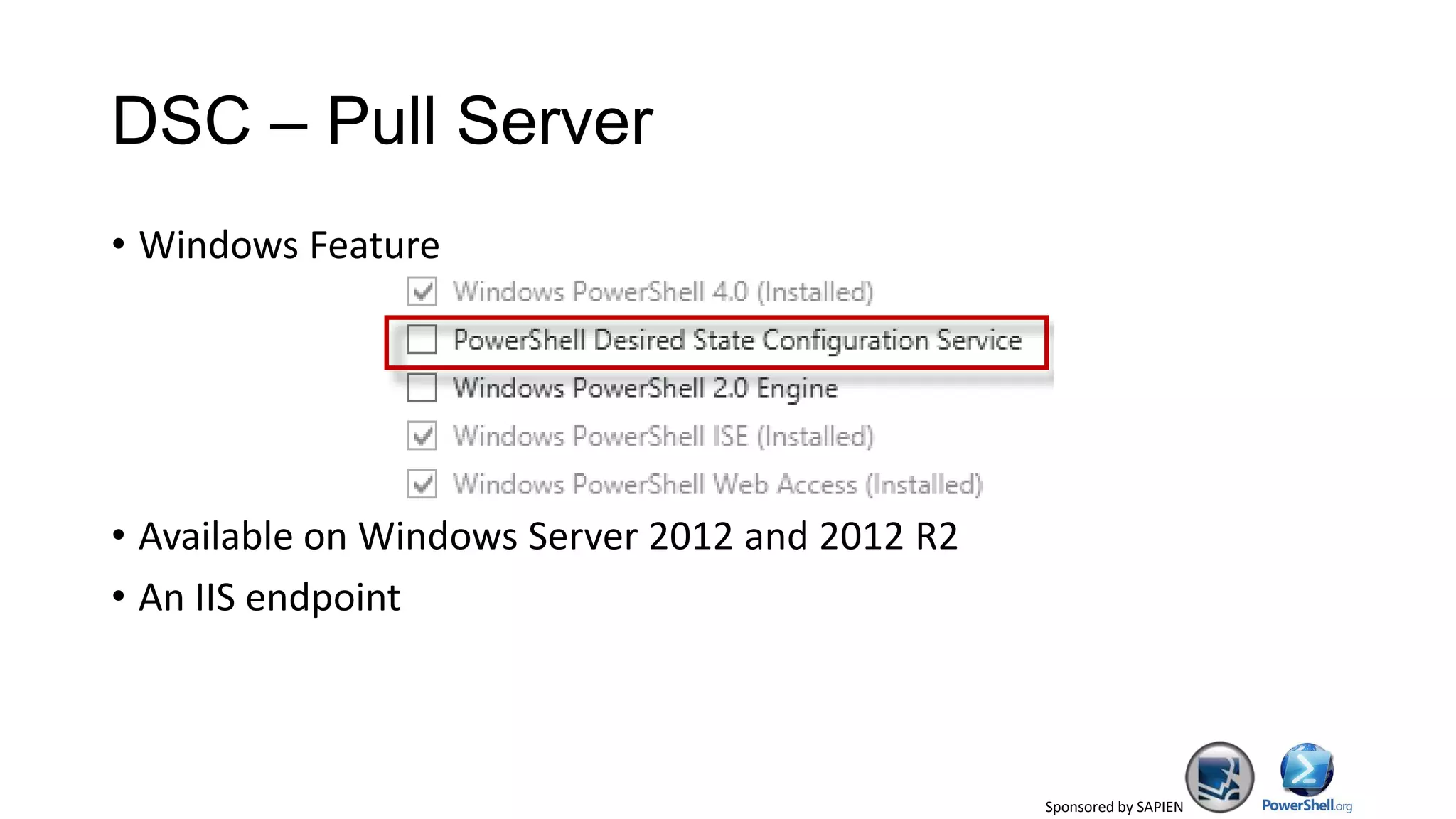
DSC – Pull Server
• Windows Feature
• Available on Windows Server 2012 and 2012 R2
• An IIS endpoint
Sponsored by SAPIEN
DSC – Local Configuration Manager
• DSC Engine
• Runs on all nodes
• Responsible for calling the DSC resources
• LCM properties can be updated to use pull model; of course, using
DSC 
Sponsored by SAPIEN
Summary
• DSC is the biggest thing in PowerShell 4.0
• Get started with DSC!
Sponsored by SAPIEN
References
• Windows Management Framework 4.0 Download
http://www.microsoft.com/en-us/download/details.aspx?id=39347
• What is new in PowerShell 4.0?
http://technet.microsoft.com/en-us/library/hh857339.aspx
• Desired State Configuration
http://technet.microsoft.com/en-us/library/dn249912.aspx
• Imeprative vs Declarative Syntax in PowerShell
http://www.powershellmagazine.com/2013/07/05/imperative-versus-
declarative-syntax-in-powershell/
Sponsored by SAPIEN
Q & A

Power shell saturday ravikanth

  • 1.
    Sponsored by SAPIEN PowerShellSaturday Singapore 01: PowerShell 4.0 Brought to you by Singapore PowerShell User Group http://www.facebook.com/singaporepowershell http://powershell.org/wp/user-groups/singapore-powershell-user-group/ singapore@powershellgroup.org Speaker: Ravikanth C Twitter: @Ravikanth FaceBook: Ravikanthc Blog: http://ravichaganti.com/blog and http://www.powershellmagazine.com
  • 2.
    Sponsored by SAPIEN Thankyou to the Sponsors Prizes Sponsored by SAPIEN Technologies • Download a trial of SAPIEN PowerShell Studio 2012: • http://www.sapien.com/powershellstudio
  • 3.
    Sponsored by SAPIEN AboutMe • 12+ years in IT; Lead Engineer for MS Collaboration Solutions at Dell • PowerShell MVP since 2010 • Founder and Editor of PowerShell Magazine • Community Lead • Bangalore IT Pro User Group (@BangaloreITPro) • PowerShell Bangalore User Group (@PSBug)
  • 4.
    Sponsored by SAPIEN WindowsManagement Framework 4.0 • Includes Updates to … • PowerShell • PowerShell ISE • PowerShell Web Services • Not updated in the current build • Windows Remote Management (WinRM) • Windows Management Instrumentation (WMI)
  • 5.
    Sponsored by SAPIEN PowerShell4.0 - Requirements • Requirements • Windows Server 2008 R2 SP1 (x86 and amd64) • Windows 7 SP1 • Windows Server 2012 • .NET Framework 4.5 • No Windows 8 yet!
  • 6.
    Sponsored by SAPIEN Whatis new? • Several enhancements to existing features and cmdlets! • Desired State Configuration (DSC)
  • 7.
    Sponsored by SAPIEN ElevatedPrivileges • #Requires can now be used for checking administrative credentials • #Requires -runasadministrator
  • 8.
    Sponsored by SAPIEN PowerShellWeb Access • Supports connecting and disconnecting from sessions • Default values for the connection settings can be updated via Web.config
  • 9.
    Sponsored by SAPIEN PipelineVariable • Useful in iterative pipelines • Pipeline variable becomes available throughout the pipeline • Cmdlets support -PipelineVariable
  • 10.
    Sponsored by SAPIEN MethodSyntax for Filtering • Perform object filtering by using Where() method on the object collection • Part of Desired State Configuration Module • Not all operators are supported
  • 11.
    Sponsored by SAPIEN DynamicMethod Names • Dynamic Properties support has always been there • Variables can be used to invoke methods dynamically
  • 12.
    Sponsored by SAPIEN Built-incmdlet for file hashing • Get-FileHash • MACTripleDES • MD5 • RIPEMD160 • SHA1 • SHA256 • SHA384 • SHA512
  • 13.
    Sponsored by SAPIEN OtherChanges • Get-Process include UserName • Remote and workflow script debugging • -Runnow support for Register-ScheduledJob and Set-ScheduledJob • -RepeatIndefinitely support for New-JobTrigger and Set-JobTrigger • -Workgroup parameter support for Add-Computer and Remove- Computer • http://technet.microsoft.com/en-us/library/hh857339.aspx
  • 14.
    Sponsored by SAPIEN DesiredState Configuration • Platform that enables deployment and management of configuration data • DSC provides • Language extensions • Cmdlets to manage DSC • Resources to specify the configuration • Means to maintain and manage configuration • Uses PowerShell remoting • Uses declarative syntax
  • 15.
    Sponsored by SAPIEN Imperativevs Declarative Syntax • Imperative – How a task needs to be performed • PowerShell is imperative by design • Declarative – What task needs to be performed
  • 16.
    Sponsored by SAPIEN DSC– Terminology • Configuration • Node • Resource
  • 17.
    Sponsored by SAPIEN DSC- Resources • Built-in Resources • Archive • Environment • File • Group • Log • Package • Process • Registry • Role • Script • Service • User • Possible to create custom resources
  • 18.
    Sponsored by SAPIEN DSC– Custom Resources • Written as PowerShell Modules • Copy to C:WindowsSystem32WindowsPowerShellv1.0ModulesPSDesiredStateCo nfigurationPSProviders • Requires • MOF Schema • Module Script • Get-TargetResource • Set-TargetResource • Test-TargetResource • Module Manifest
  • 19.
    Sponsored by SAPIEN DSC– Push vs Pull • Push • Pros • Simple • Control • Cons • Lack of complete automation • Limited Scalability • Pull • Pros • Complete Automation • Scalability • Cons • ?
  • 20.
    Sponsored by SAPIEN DSC– Pull Server • Windows Feature • Available on Windows Server 2012 and 2012 R2 • An IIS endpoint
  • 21.
    Sponsored by SAPIEN DSC– Local Configuration Manager • DSC Engine • Runs on all nodes • Responsible for calling the DSC resources • LCM properties can be updated to use pull model; of course, using DSC 
  • 22.
    Sponsored by SAPIEN Summary •DSC is the biggest thing in PowerShell 4.0 • Get started with DSC!
  • 23.
    Sponsored by SAPIEN References •Windows Management Framework 4.0 Download http://www.microsoft.com/en-us/download/details.aspx?id=39347 • What is new in PowerShell 4.0? http://technet.microsoft.com/en-us/library/hh857339.aspx • Desired State Configuration http://technet.microsoft.com/en-us/library/dn249912.aspx • Imeprative vs Declarative Syntax in PowerShell http://www.powershellmagazine.com/2013/07/05/imperative-versus- declarative-syntax-in-powershell/
  • 24.

Editor's Notes

  • #3 Today has been made possible by our sponsors – SAPIEN Technologies and Microsoft
  • #6 Default execution policy setting isRemoteSigned on Windows Server 2012 R2