
POWERPOINT
TIPS, TRICKS &
   TECHNIQUES
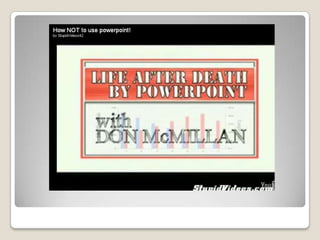
Death by
powerpoint
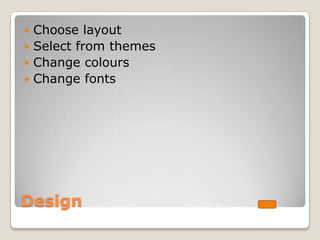
 Choose layout
 Select from themes
 Change colours
 Change fonts


Design
Background
Transitions and Animations
Controlled from the Animation tab
Transitions are how the
slideshow moves from one
slide to the next
Animations are the
movement of text
and objects on a
slide
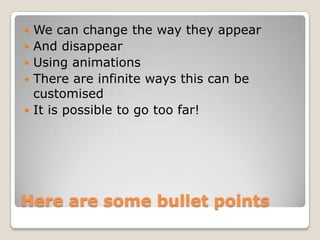
   We can change the way they appear
   And disappear
   Using animations
   There are infinite ways this can be
    customised
   It is possible to go too far!


Here are some bullet points
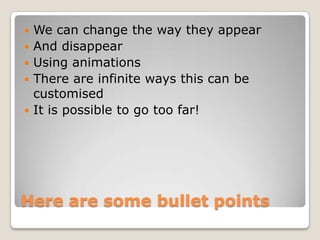
   We can change the way they appear
   And disappear
   Using animations
   There are infinite ways this can be
    customised
   It is possible to go too far!


Here are some bullet points
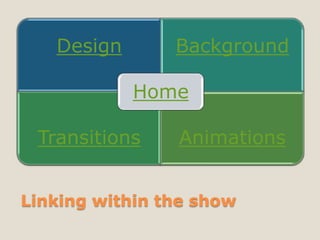
Design       Background

            Home

 Transitions    Animations


Linking within the show
 Google
 Another Ppt show


Linking to websites or other
documents
Inserting YouTube Video
   Save as a Powerpoint show
   Save as a PDF
   Save as JPEG
   Upload to Google docs
   Upload to Slideshare


Sharing your presentation

Powerpoint tips, tricks & techniques