Download to read offline
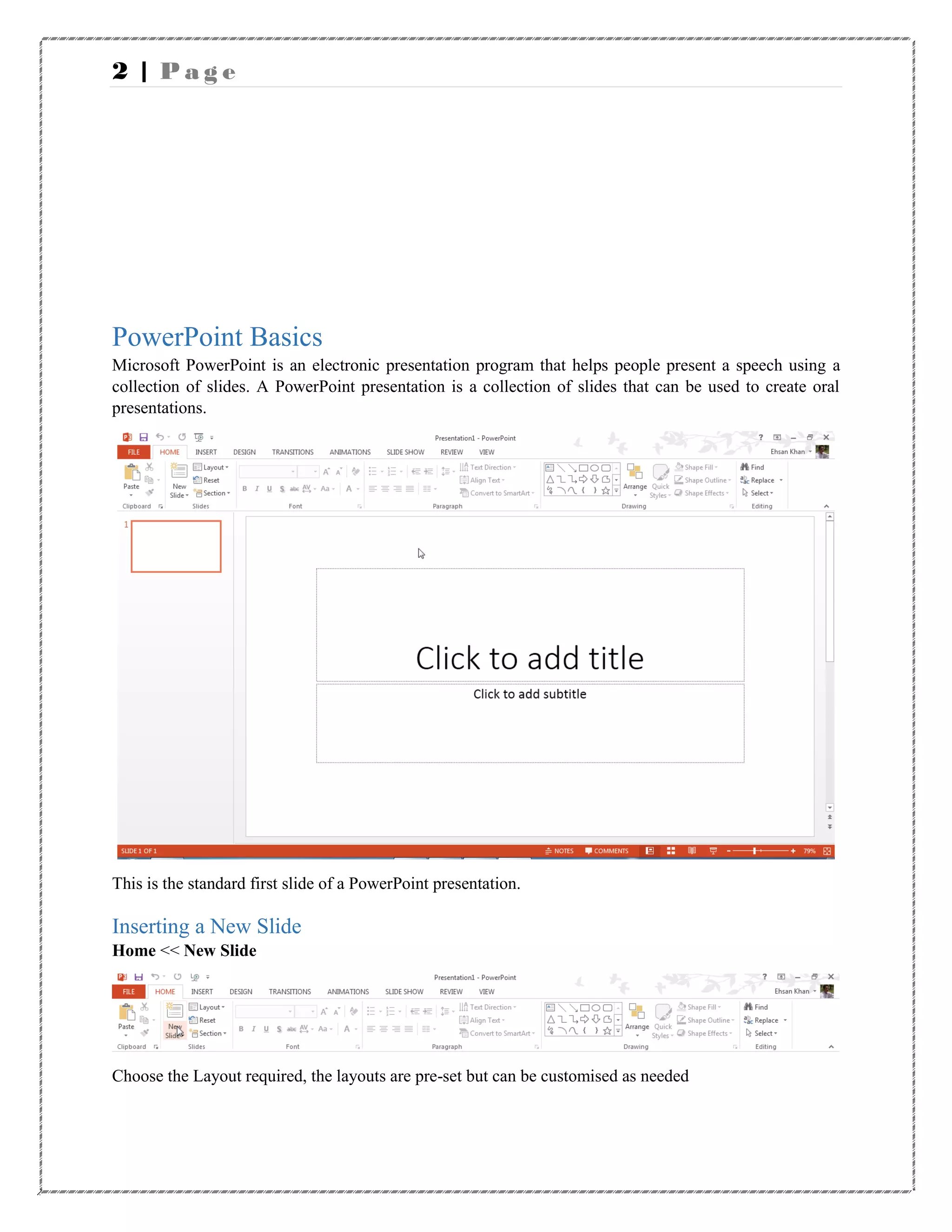
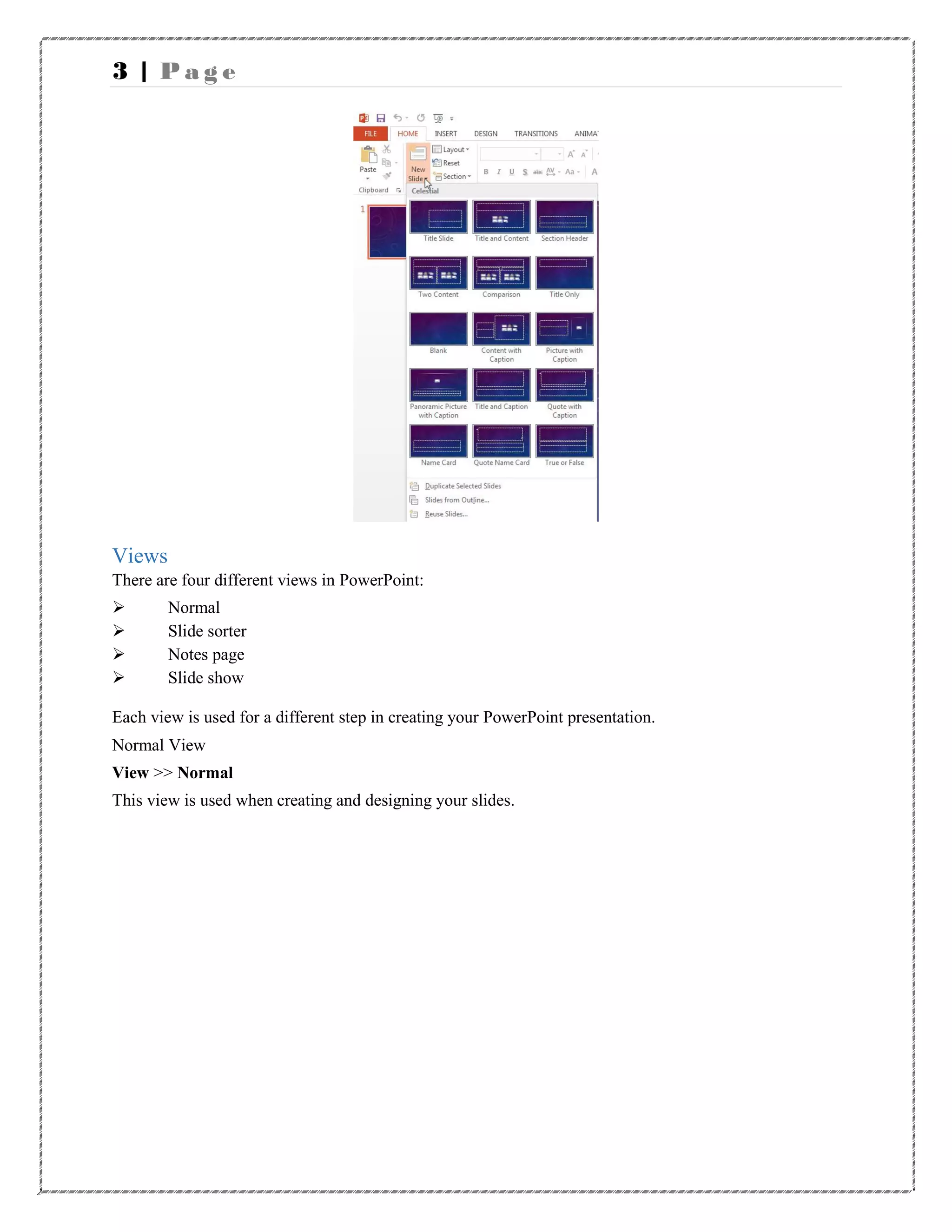
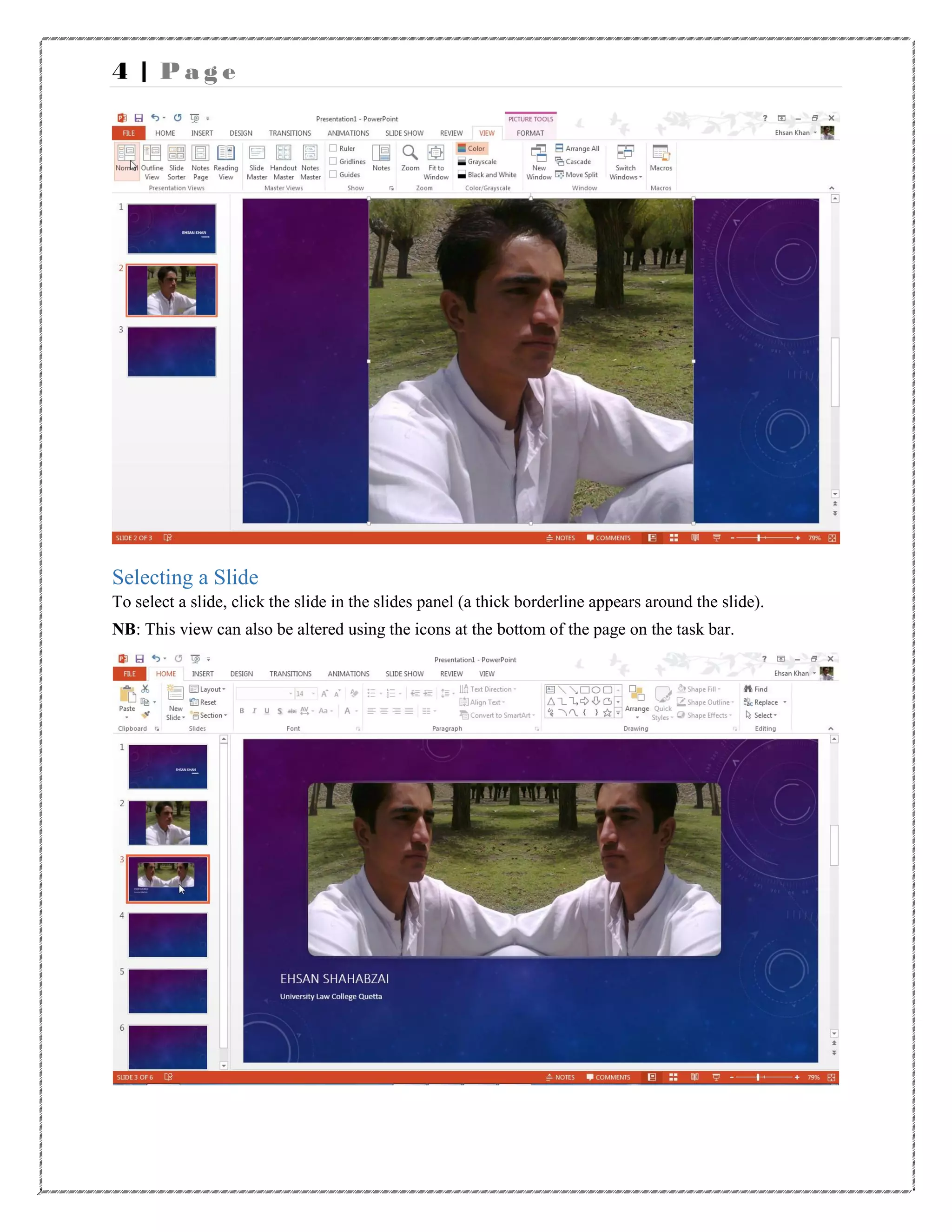
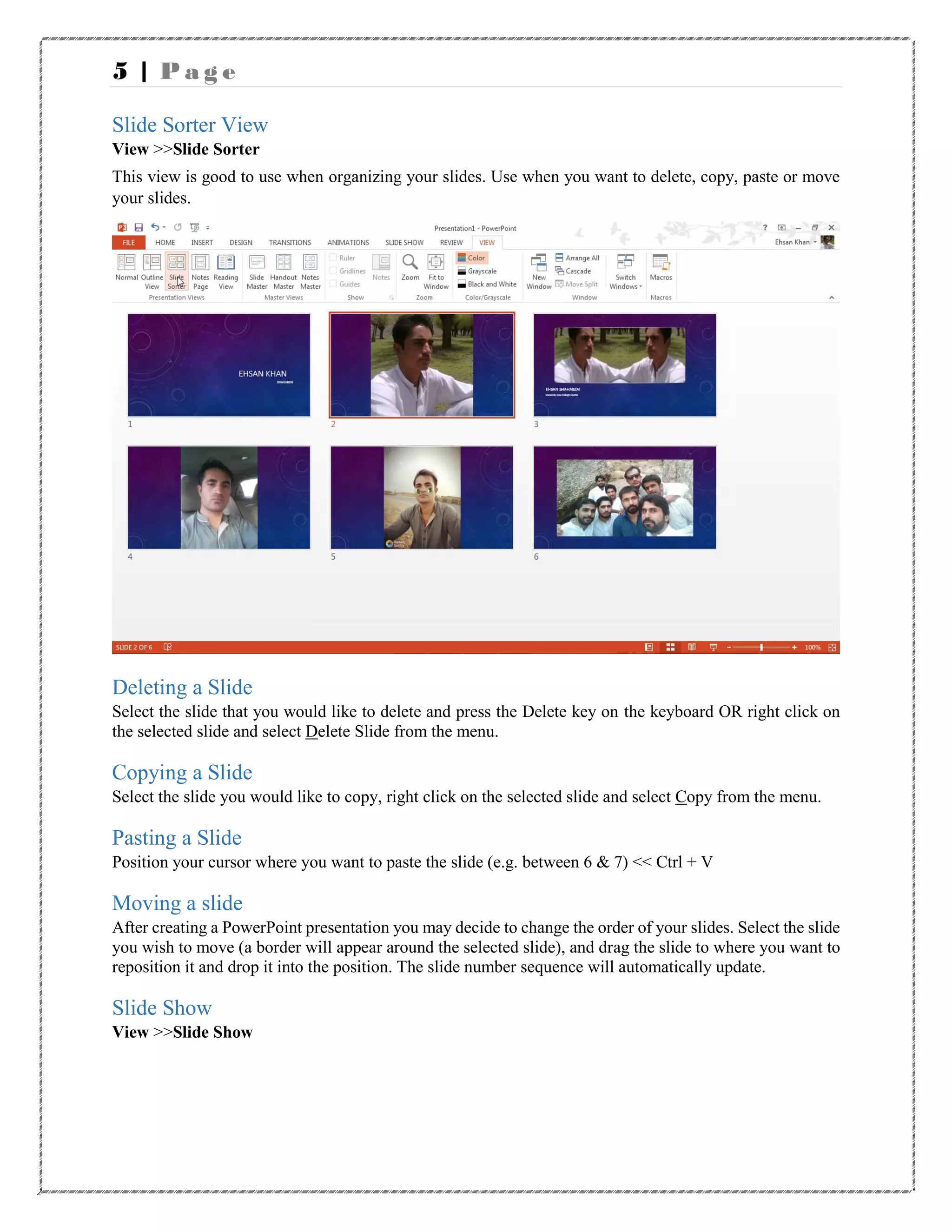
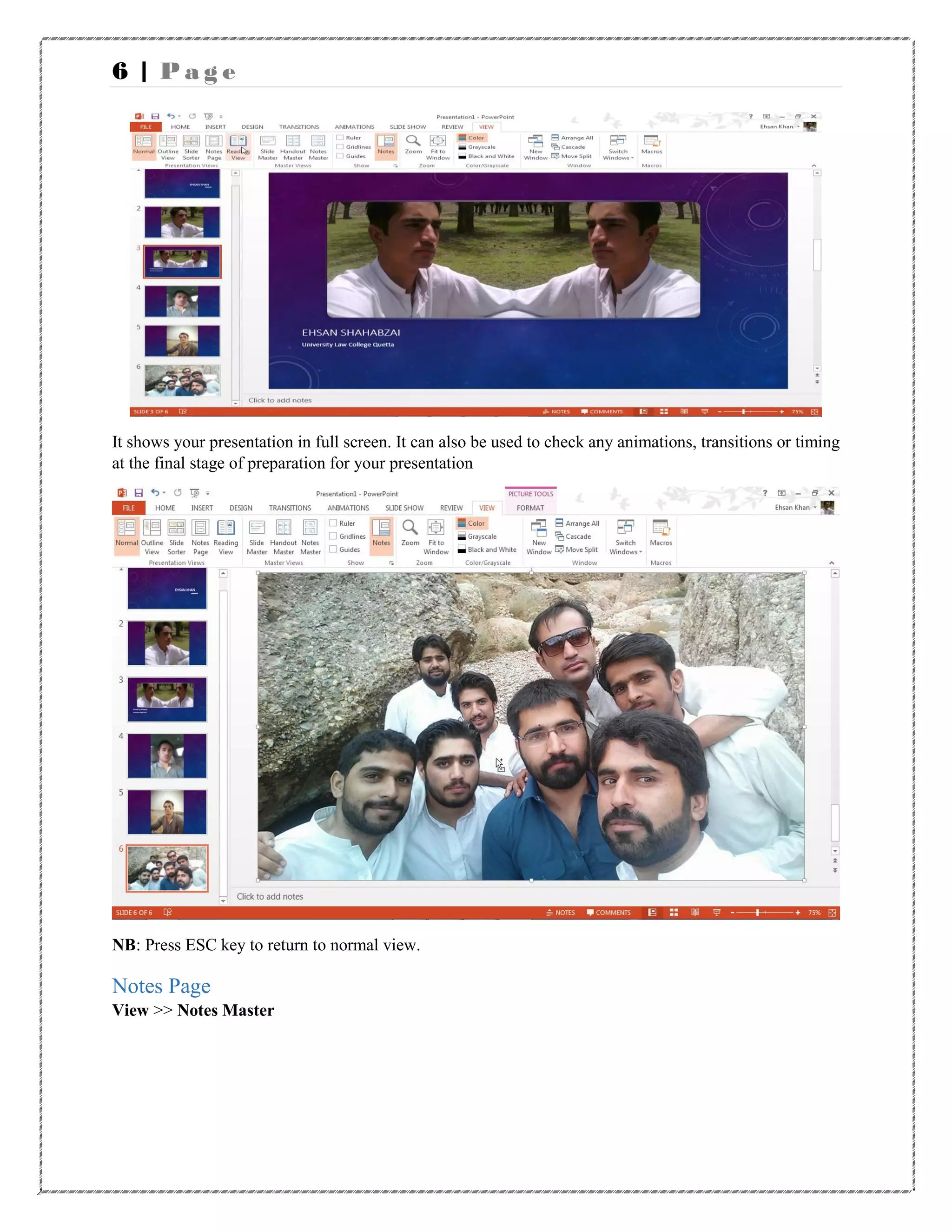
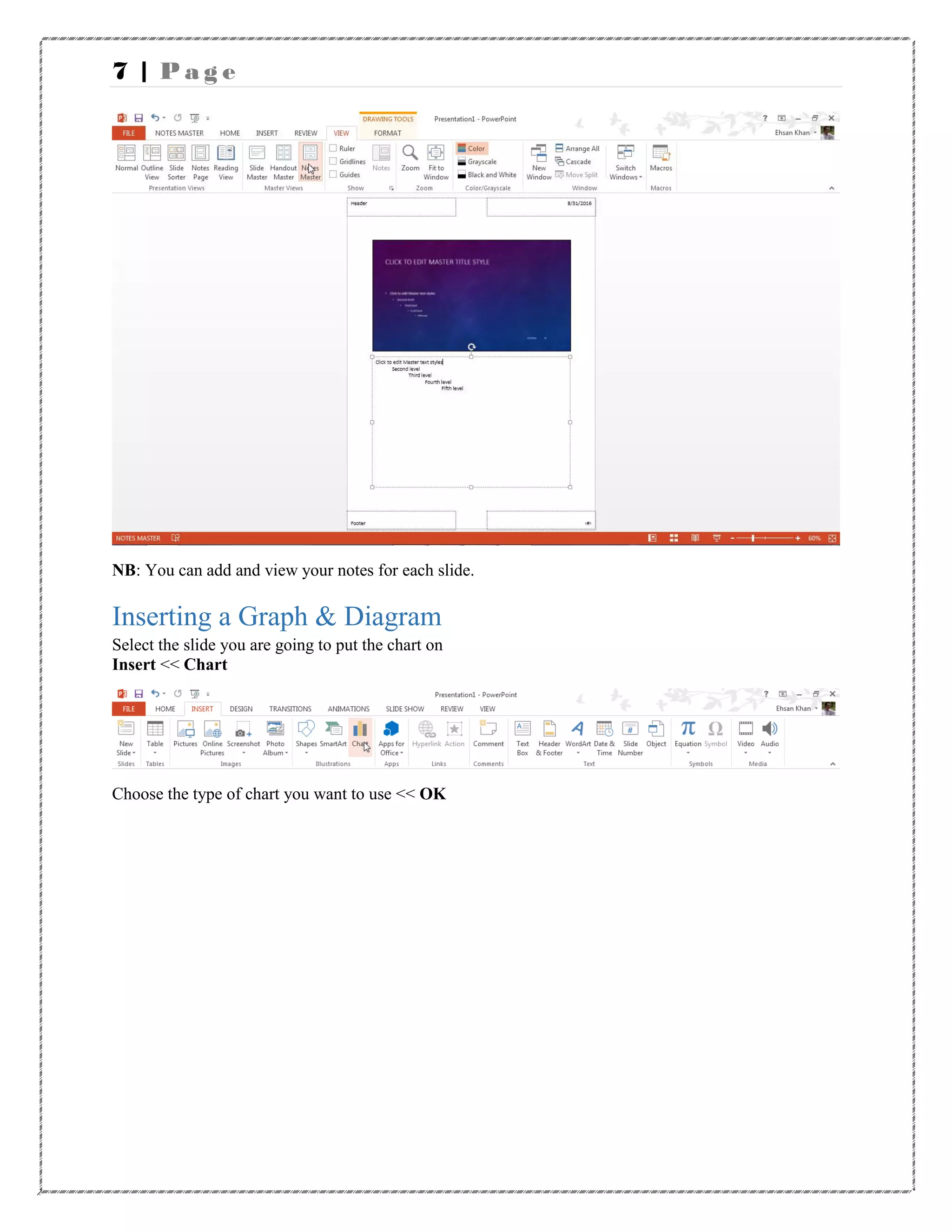
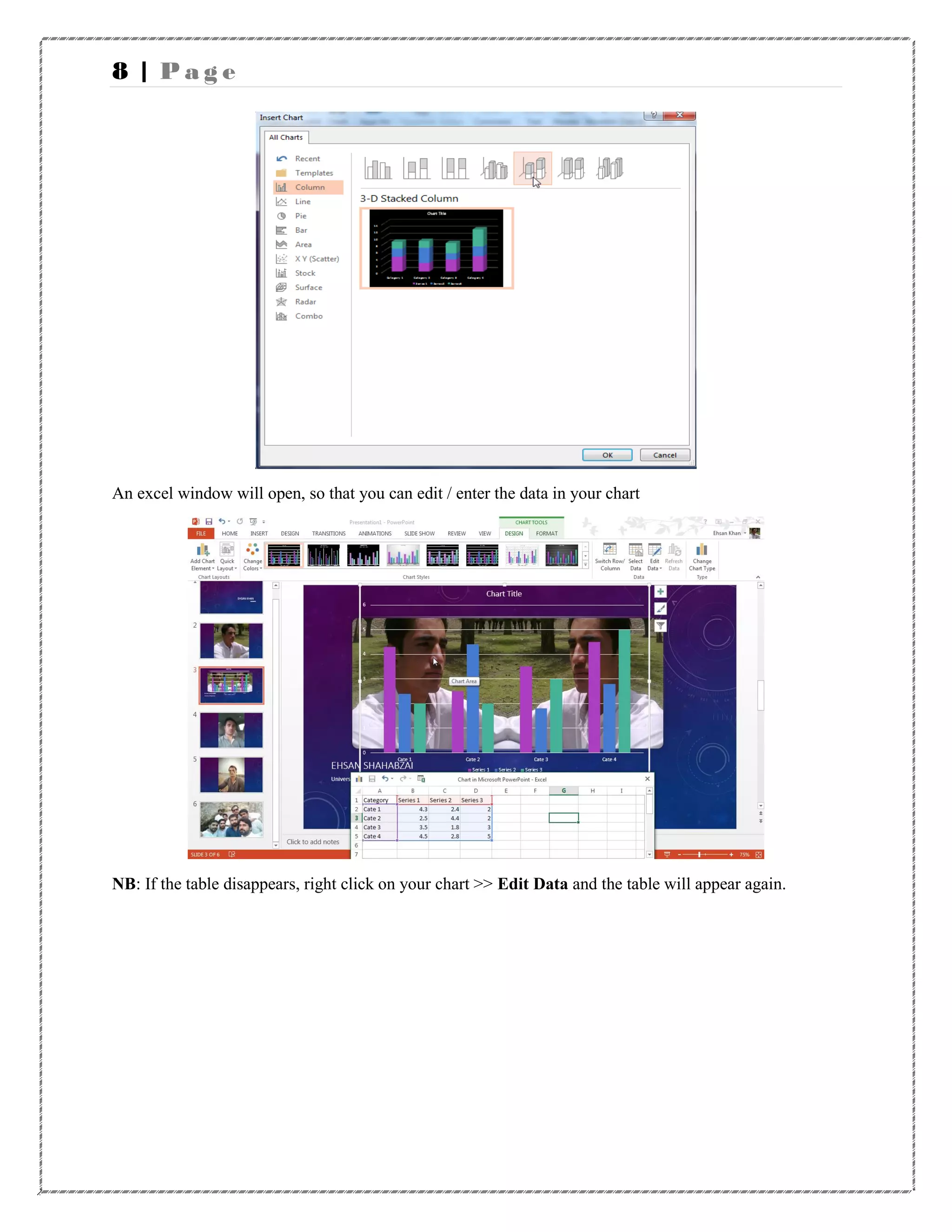
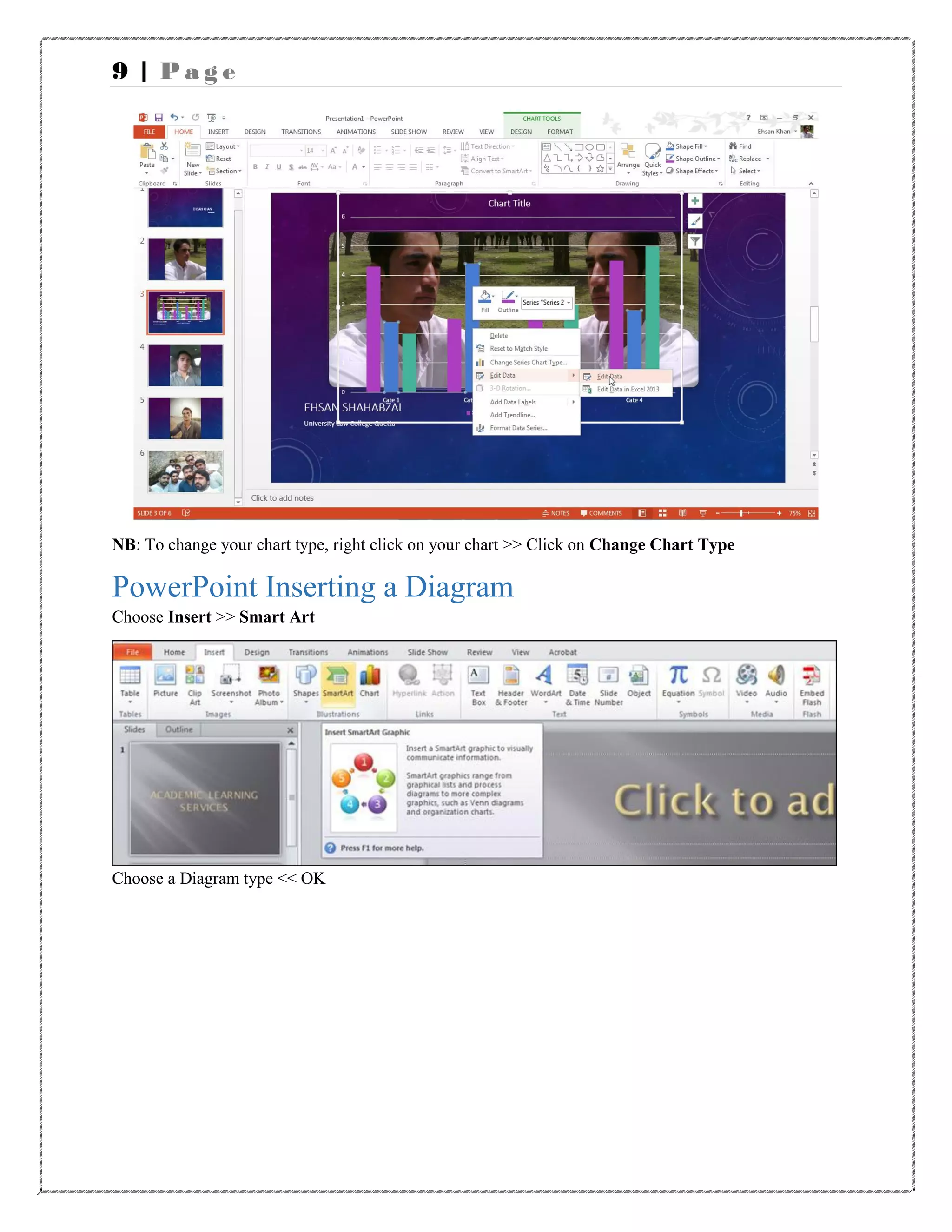
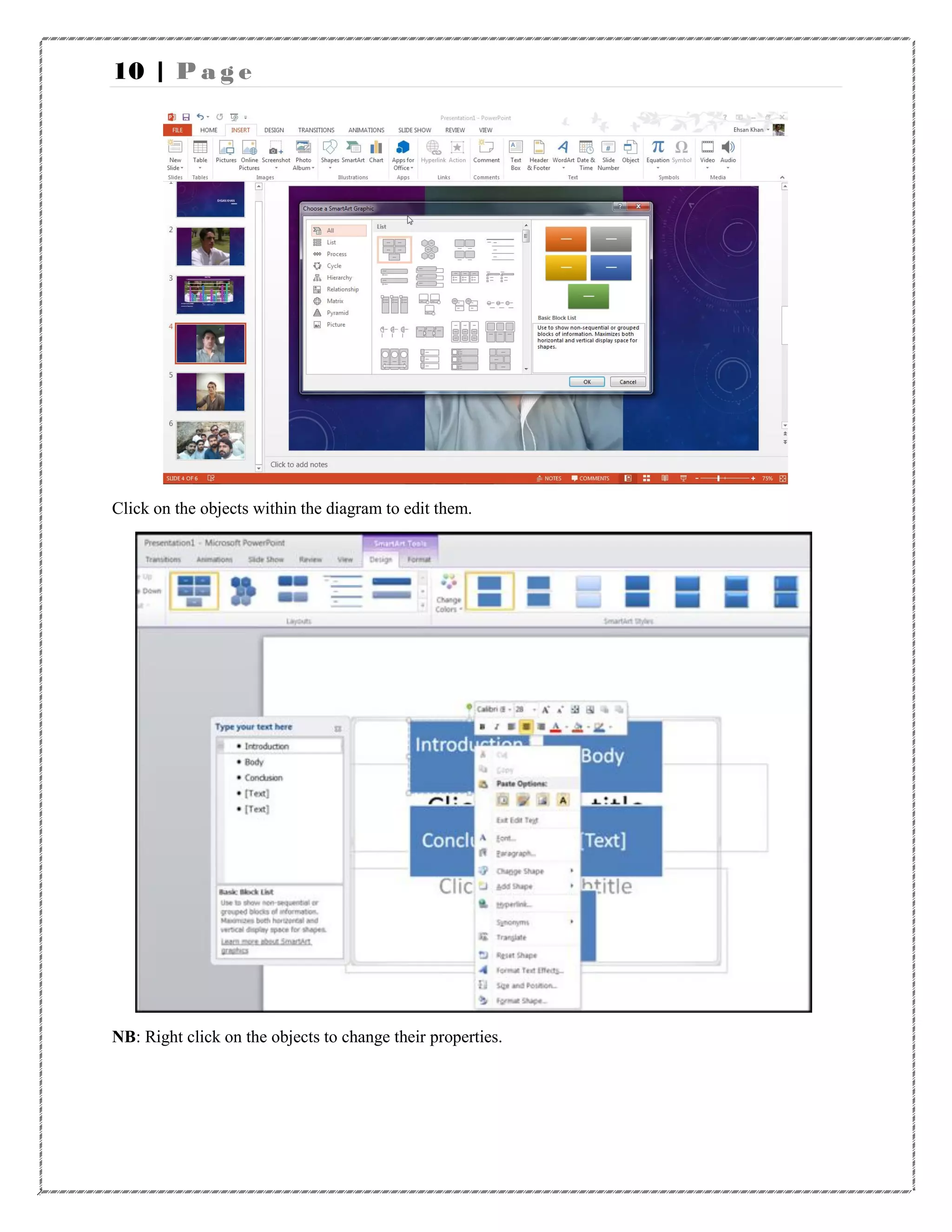
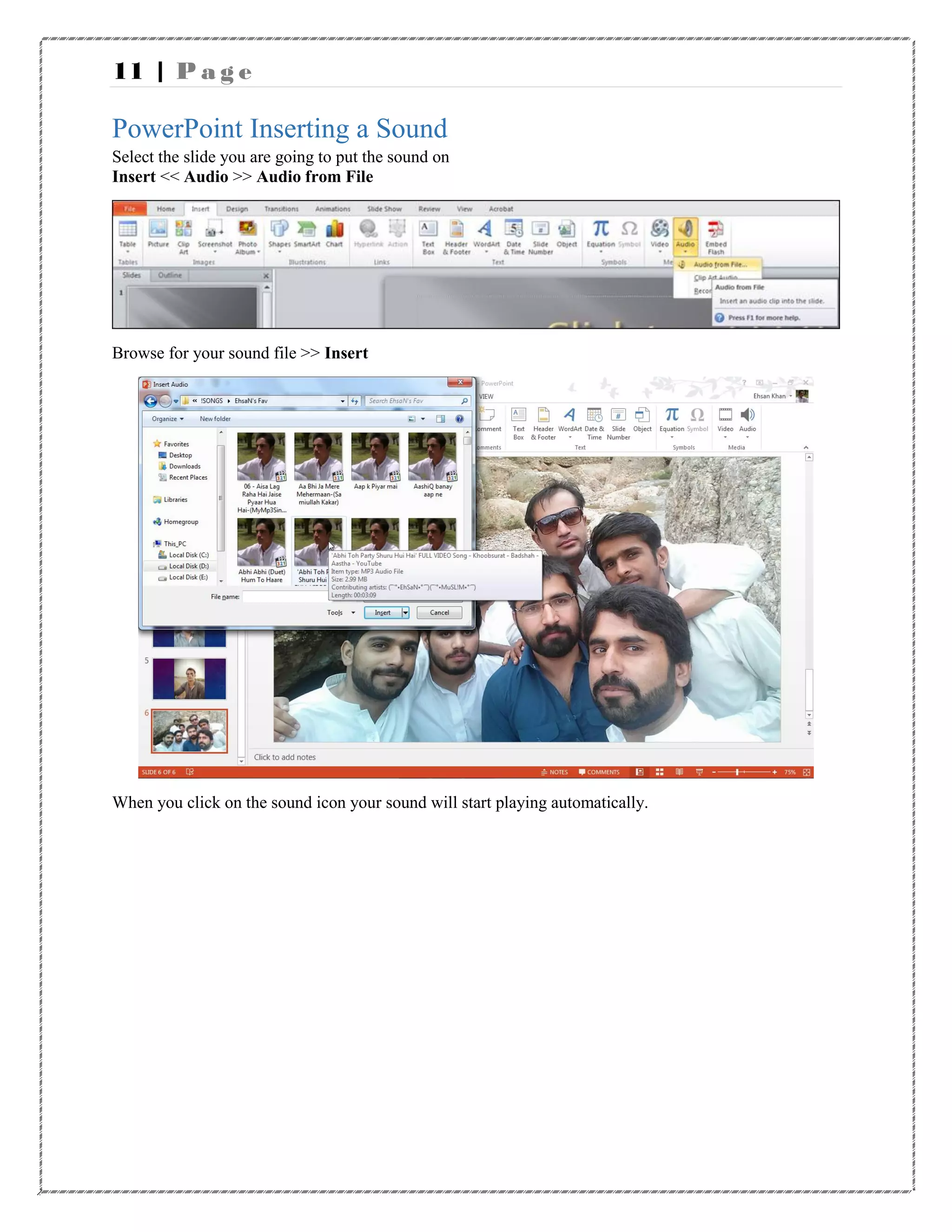
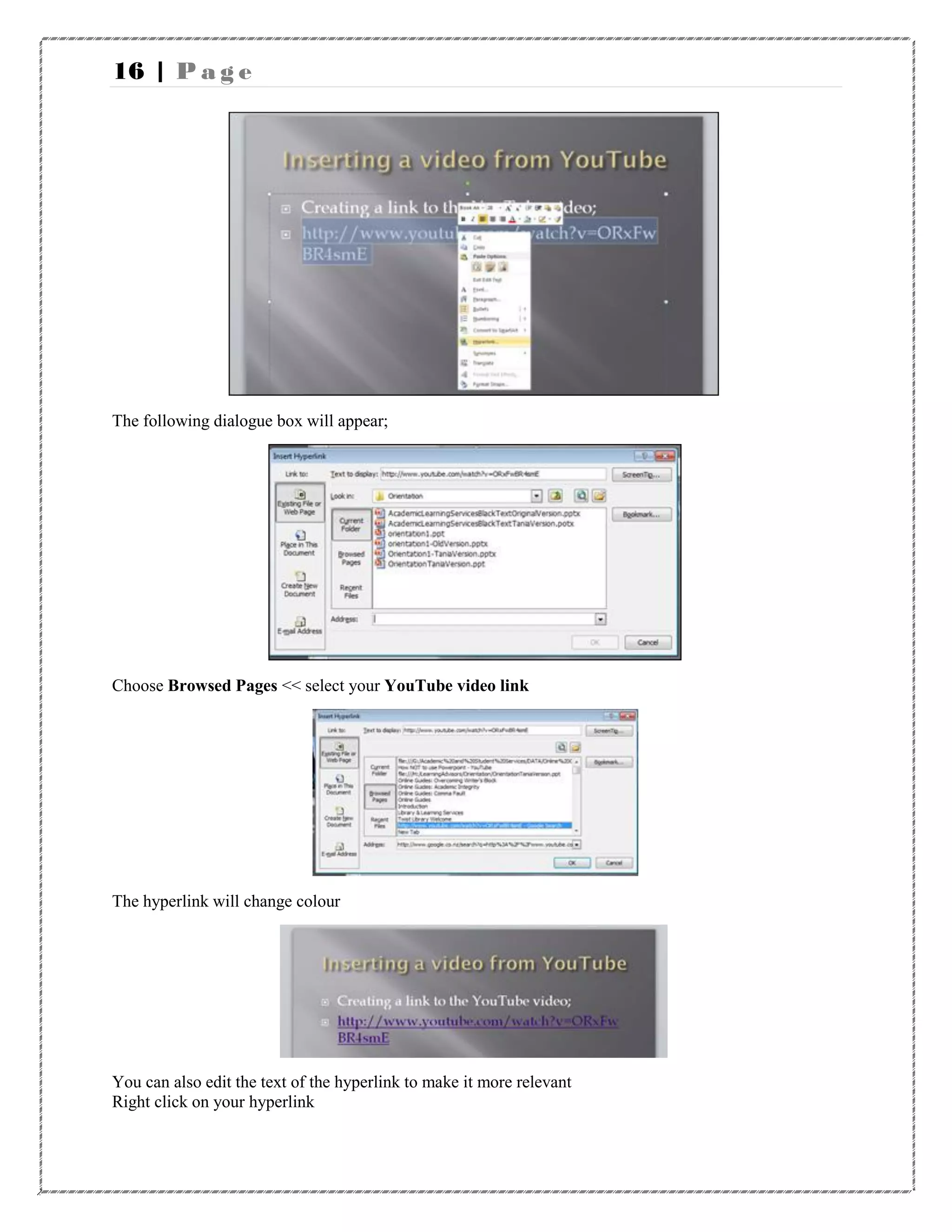
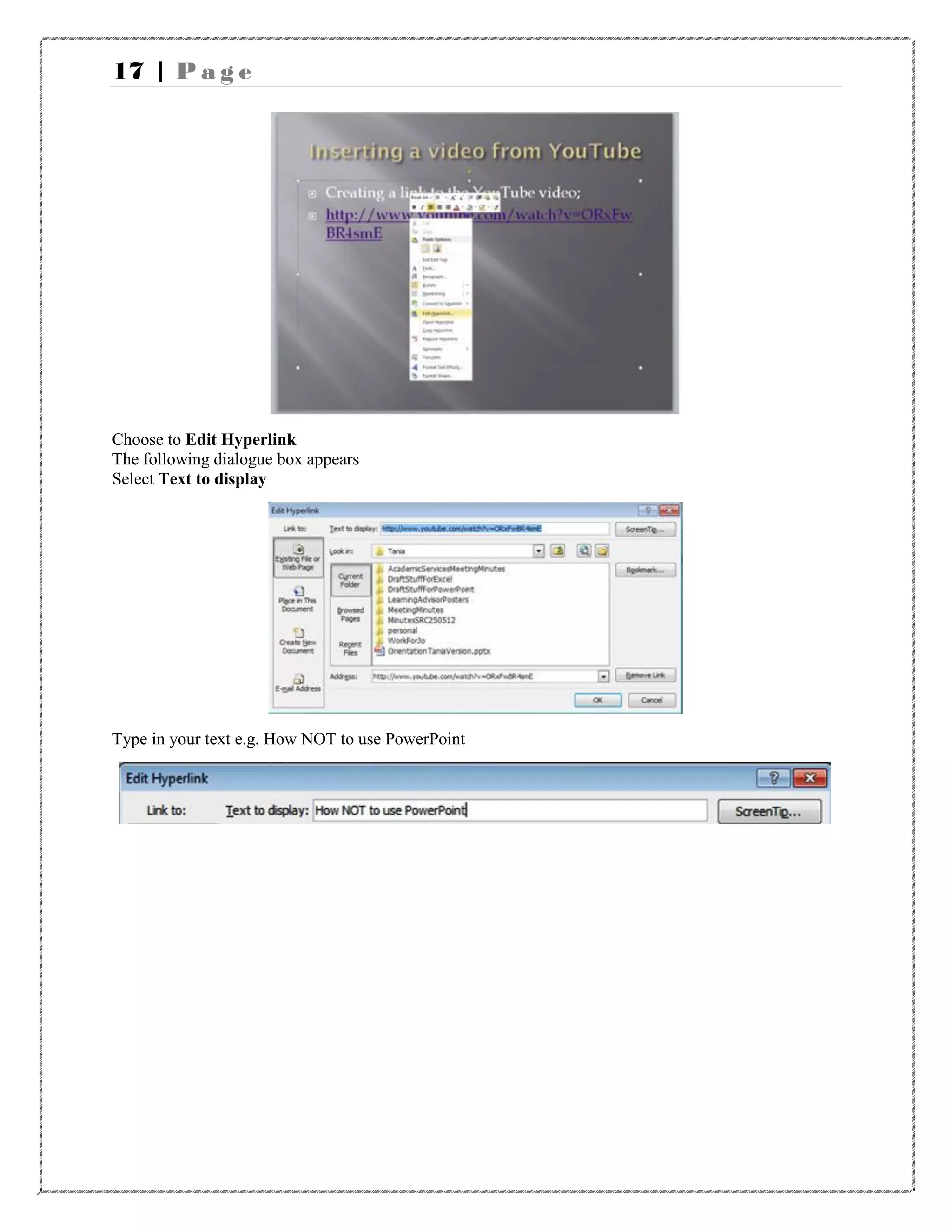
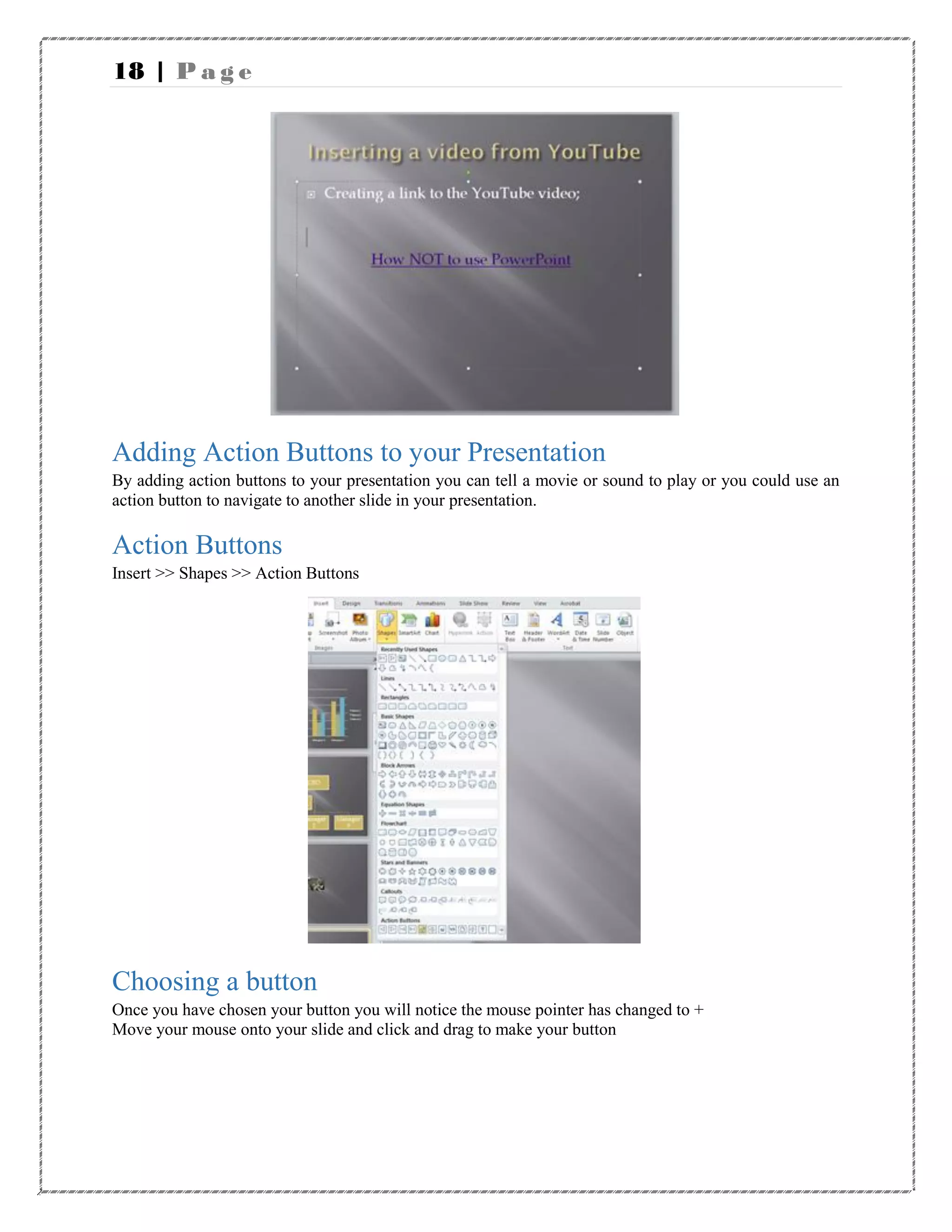
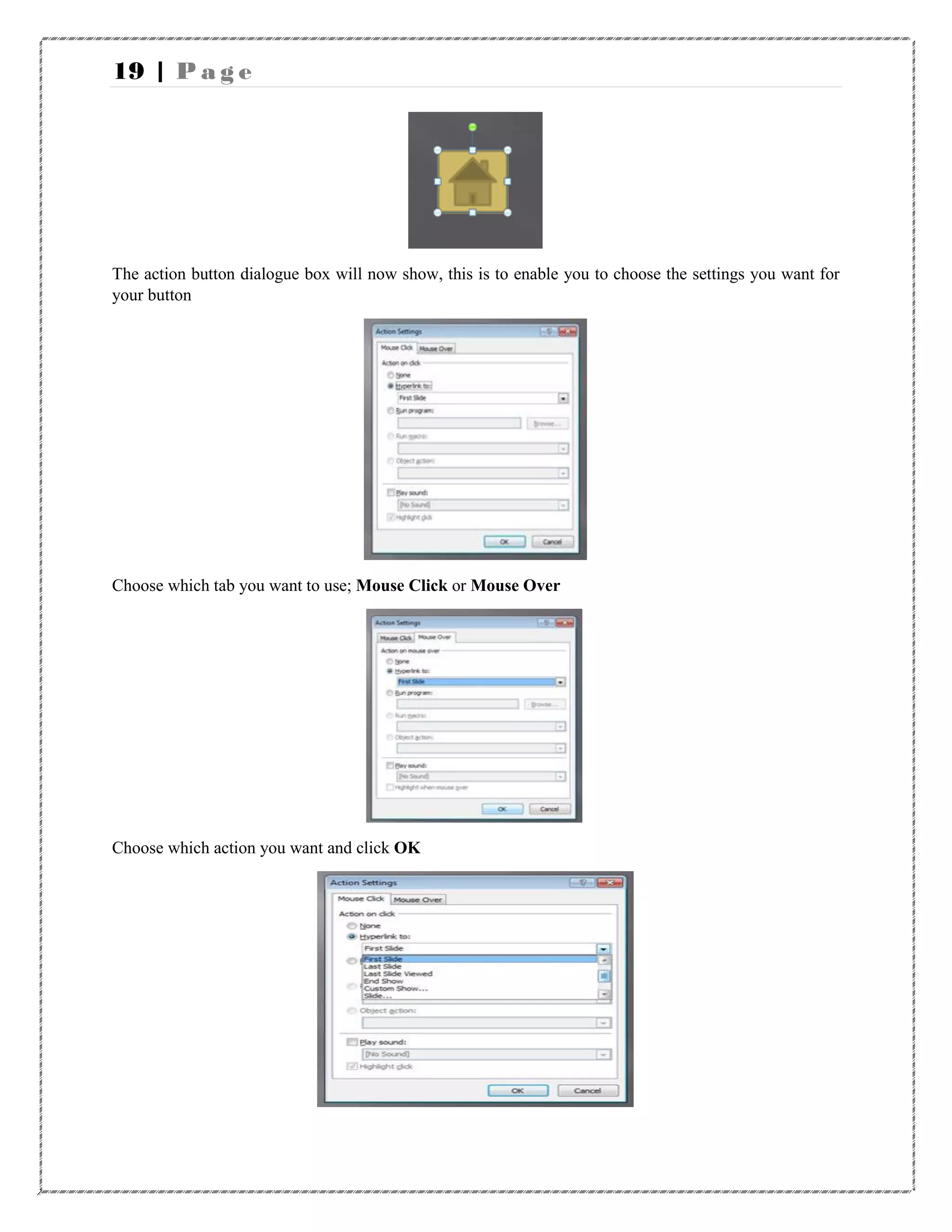

This document provides instructions for various features in Microsoft PowerPoint, including: - Inserting new slides, views, graphs, diagrams, sounds, videos and action buttons. - Organizing slides using slide sorter view and moving, copying, deleting and pasting slides. - Adding notes pages and playing slide shows. - Linking to YouTube videos rather than embedding for copyright reasons. The document demonstrates how to use the different views and tools in PowerPoint to create and organize presentations.


