© 2021 Kos Kliuiev
POSTMAN:
API Automation Testing Swiss Army knife
Not just an automation story
• QA Trainer at Start IT
• AQA Trainer at Start IT
• TPM at EPAM
• QA Lead at FastCTO
• Life Lover
• Frequent Traveller
• Vaccinated guy))
Who am I?
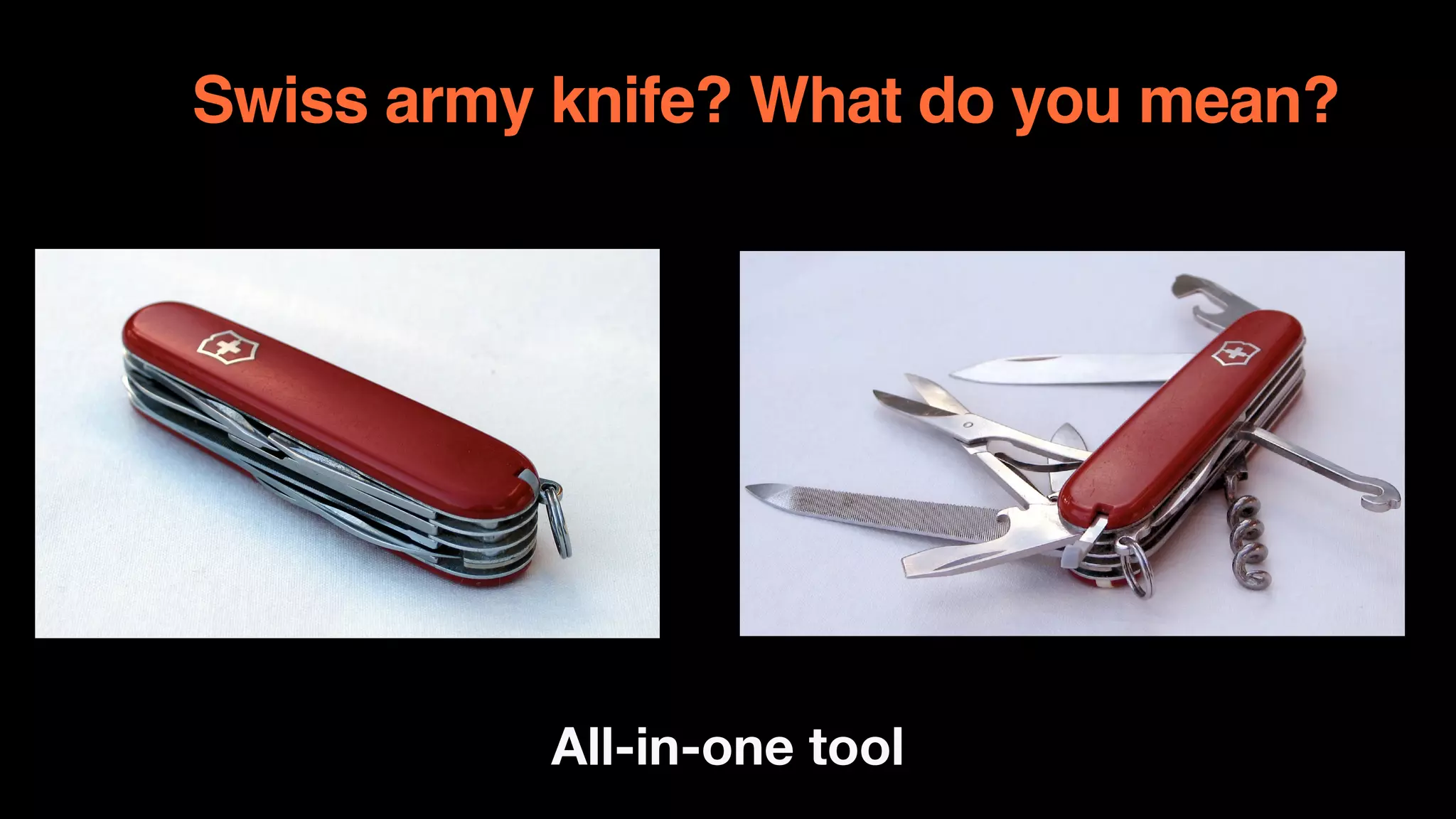
Swiss army knife? What do you mean?
All-in-one tool
What about Postman?
• Use anywhere - Windows, Linux, Mac
OS

• REST API

• SOAP API

• WebSocket (Yeah! It’s working now)

• Simple assertions using ChaiJS

• Newman CLI (run )

• Any reports, using multiple reporters
What should I start from?
follow the right flow
• Understand the main userflow(s);

• Find the most critical one(s);

• Build the appropriate scenario(s);

• Get familiar with API Documentation;

• Send requests and analyse responses;

• Write tests for separate requests;

• Join requests in one test suite;
From User’s flow to request scenarios
Capture and Inspect
• Follow the steps manually 

• Inspect each step with browser dev tools

• Capture requests with Interceptor plug-in

• Capture requests from any devices via
Postman Proxy
So, I’ve got the request
What’s next?
• Analyse response and it’s status code;

• Analyse headers;

• Analyse body;

• Find the points to assert;

• Save variables, you might use later;
What to assert on?
Wonderful world is almost here
Status code:

• pm.response.to.have.status(200);

• pm.response.to.have.status(“OK");

• pm.expect(pm.response.code).to.be.oneOf([201,202]);

• pm.expect(pm.response.code).to.not.be.oneOf([402,403]);
Response time:

• pm.expect(pm.response.responseTime).to.be.below(200);
Headers:

• pm.expect(pm.response.headers.get(‘X-Frame-
Options')).to.eql('DENY');
Hm…What about body?
Do whatever you want
Simply check value:

• pm.expect(pm.response.json().first_name).to.eql(“Kos”);

• pm.expect(pm.response.json().last_name).to.contain(“Kliu”)

• pm.expect(pm.response.json().age).to.be.above(18);

• pm.expect(pm.response.json().balance).to.not.eql(0);
Object properties:

• pm.expect(jsonData).to.have.all.keys(‘first_name',
‘last_name');

• pm.expect(jsonData).to.have.any.keys(‘tel', ‘fax’);

• pm.expect(jsonData.role).to.be.oneOf([“Admin”,
“Superadmin"]);

Value type:

• pm.expect(pm.response.json()).to.be.an(“object");

• pm.expect(pm.response.json().first_name).to.be.a(“string”);

• pm.expect(pm.response.json().problems).to.be.undefined;

• pm.expect(pm.response.json().worries).to.be.null;
Array properties:

• pm.expect(jsonData.errors_array).to.be.empty;

• pm.expect(jsonData.sizes).to.include(“XXL”);
Variables
Total Recall
Save:

• postman.setEnvironmentVariable("token",
responseData.accessToken);
Use in request:

• $token;

Use in tests:

• pm.variables.get(“token");

Randomize:

• $randomFirstName;

• $randomJobTitle;

• $randomPhoneNumber;

• $randomEmail;
Scenario is ready. What’s next?
Go! Go! Go!
• Run with Postman Runner;

• Export as a JSON;

• Run with Newman;

• Turn on reporting;

• Run in CI;

• Save the world!
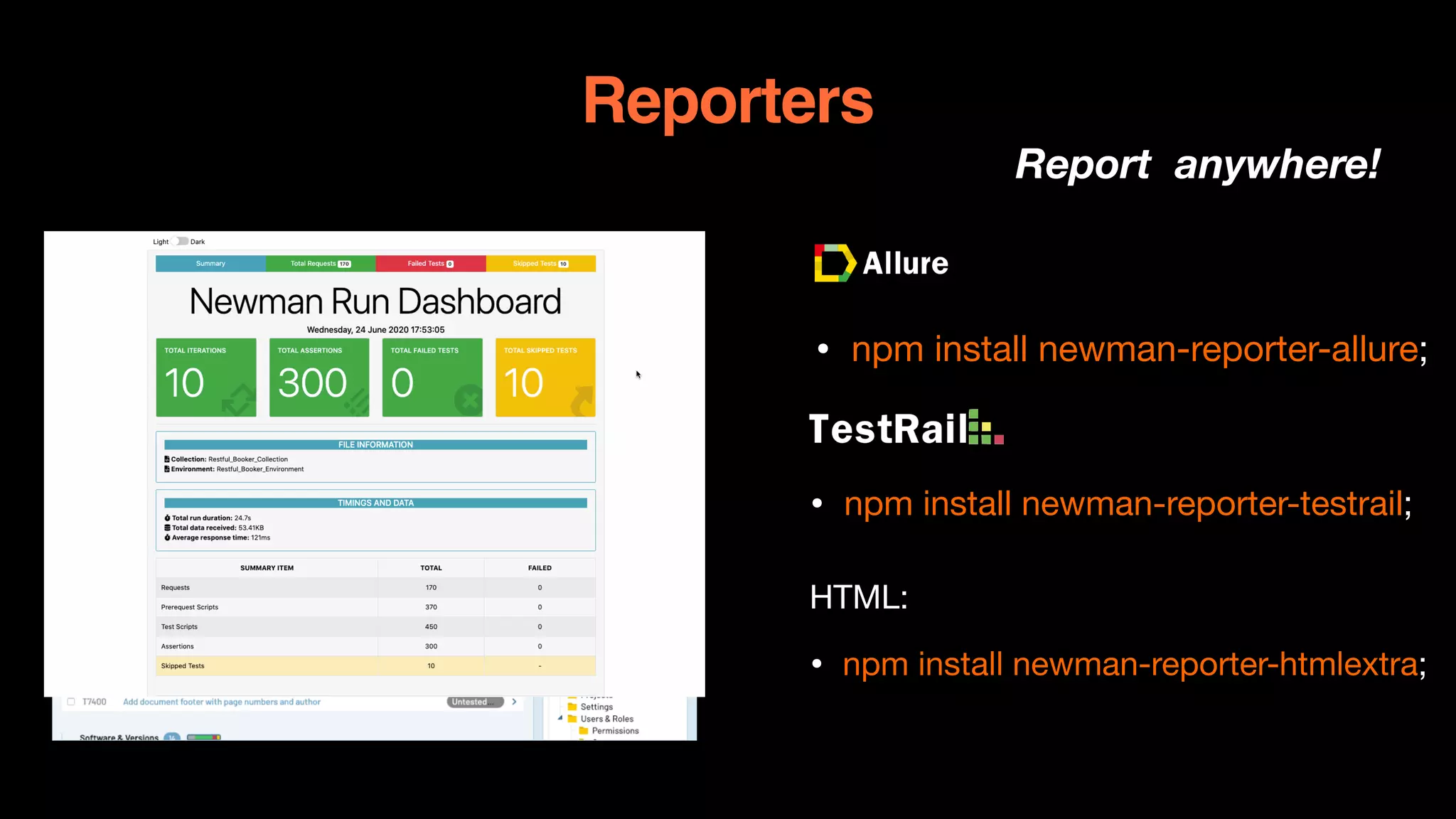
Reporters
Report anywhere!


• npm install newman-reporter-allure;


• npm install newman-reporter-testrail;

HTML:

• npm install newman-reporter-htmlextra;
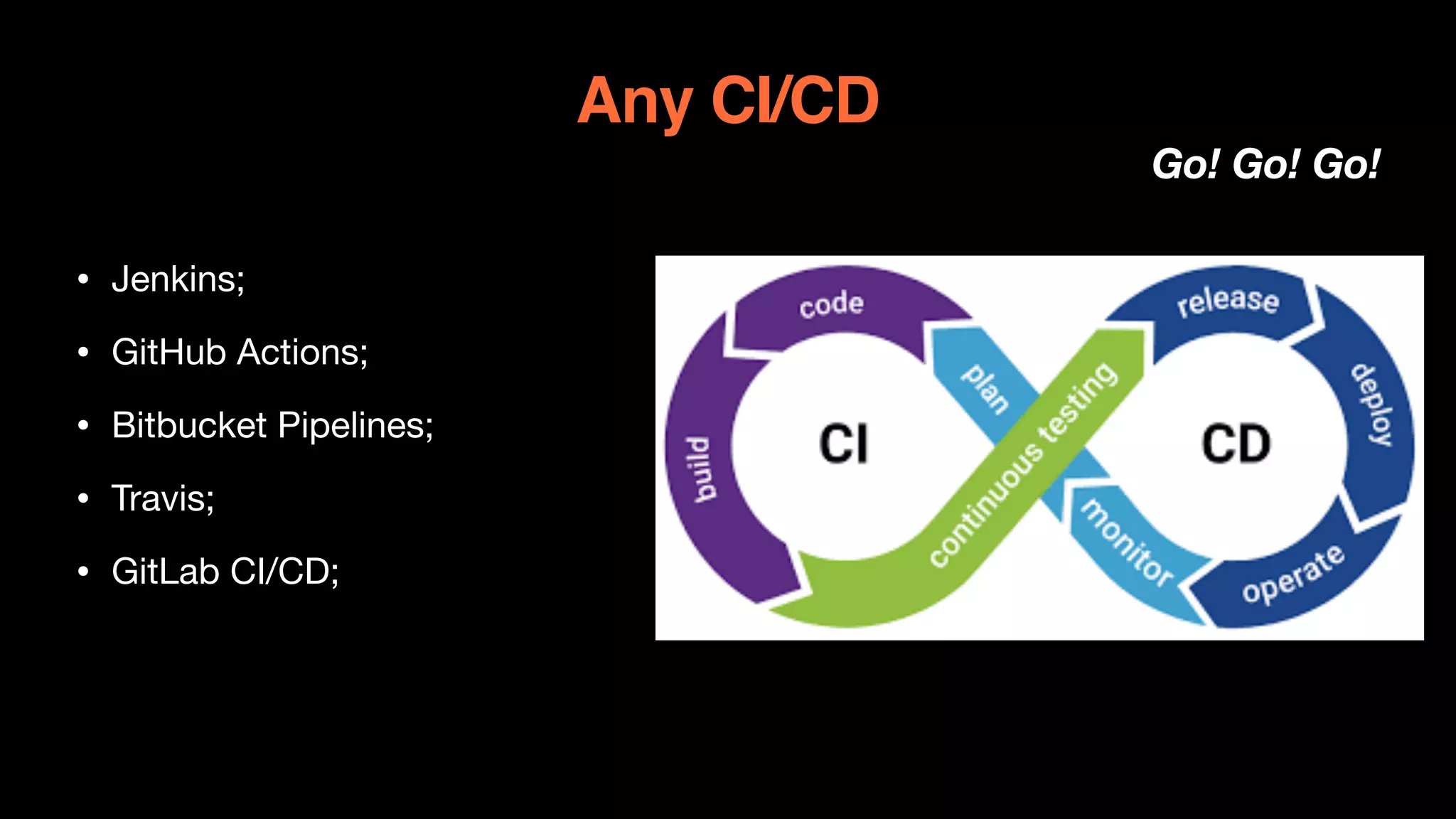
Any CI/CD
Go! Go! Go!
• Jenkins;

• GitHub Actions;

• Bitbucket Pipelines;

• Travis;

• GitLab CI/CD;
Any Questions?

КОСТЯНТИН КЛЮЄВ «Postman: API Automation Testing Swiss Army Knife» Kyiv QADay 2021

  • 1.
    © 2021 KosKliuiev POSTMAN: API Automation Testing Swiss Army knife Not just an automation story
  • 2.
    • QA Trainerat Start IT • AQA Trainer at Start IT • TPM at EPAM • QA Lead at FastCTO • Life Lover • Frequent Traveller • Vaccinated guy)) Who am I?
  • 3.
    Swiss army knife?What do you mean? All-in-one tool
  • 4.
    What about Postman? •Use anywhere - Windows, Linux, Mac OS • REST API • SOAP API • WebSocket (Yeah! It’s working now) • Simple assertions using ChaiJS • Newman CLI (run ) • Any reports, using multiple reporters
  • 5.
    What should Istart from? follow the right flow • Understand the main userflow(s); • Find the most critical one(s); • Build the appropriate scenario(s); • Get familiar with API Documentation; • Send requests and analyse responses; • Write tests for separate requests; • Join requests in one test suite;
  • 6.
    From User’s flowto request scenarios Capture and Inspect • Follow the steps manually • Inspect each step with browser dev tools • Capture requests with Interceptor plug-in • Capture requests from any devices via Postman Proxy
  • 7.
    So, I’ve gotthe request What’s next? • Analyse response and it’s status code; • Analyse headers; • Analyse body; • Find the points to assert; • Save variables, you might use later;
  • 8.
    What to asserton? Wonderful world is almost here Status code: • pm.response.to.have.status(200); • pm.response.to.have.status(“OK"); • pm.expect(pm.response.code).to.be.oneOf([201,202]); • pm.expect(pm.response.code).to.not.be.oneOf([402,403]); Response time: • pm.expect(pm.response.responseTime).to.be.below(200); Headers: • pm.expect(pm.response.headers.get(‘X-Frame- Options')).to.eql('DENY');
  • 9.
    Hm…What about body? Dowhatever you want Simply check value: • pm.expect(pm.response.json().first_name).to.eql(“Kos”); • pm.expect(pm.response.json().last_name).to.contain(“Kliu”) • pm.expect(pm.response.json().age).to.be.above(18); • pm.expect(pm.response.json().balance).to.not.eql(0); Object properties: • pm.expect(jsonData).to.have.all.keys(‘first_name', ‘last_name'); • pm.expect(jsonData).to.have.any.keys(‘tel', ‘fax’); • pm.expect(jsonData.role).to.be.oneOf([“Admin”, “Superadmin"]); Value type: • pm.expect(pm.response.json()).to.be.an(“object"); • pm.expect(pm.response.json().first_name).to.be.a(“string”); • pm.expect(pm.response.json().problems).to.be.undefined; • pm.expect(pm.response.json().worries).to.be.null; Array properties: • pm.expect(jsonData.errors_array).to.be.empty; • pm.expect(jsonData.sizes).to.include(“XXL”);
  • 10.
    Variables Total Recall Save: • postman.setEnvironmentVariable("token", responseData.accessToken); Usein request: • $token; Use in tests: • pm.variables.get(“token"); Randomize: • $randomFirstName; • $randomJobTitle; • $randomPhoneNumber; • $randomEmail;
  • 11.
    Scenario is ready.What’s next? Go! Go! Go! • Run with Postman Runner; • Export as a JSON; • Run with Newman; • Turn on reporting; • Run in CI; • Save the world!
  • 12.
    Reporters Report anywhere! • npm install newman-reporter-allure; •npm install newman-reporter-testrail; HTML: • npm install newman-reporter-htmlextra;
  • 13.
    Any CI/CD Go! Go!Go! • Jenkins; • GitHub Actions; • Bitbucket Pipelines; • Travis; • GitLab CI/CD;
  • 14.