Download as PDF, PPTX
![Structure of an AWK command
awk [program arguments] code [input file]
•
Program arguments change how the interpreter works
•
Code is an awk script, usually quote-protected
•
Input file is optional, awk will then read the standard
input
•
Awk writes to standard output
•
You can put the script in a file if it gets too big for a one-
liner](https://image.slidesharecdn.com/pre-poss2019-awk-191216143704/75/POSS-2019-Learn-AWK-in-15-minutes-5-2048.jpg)
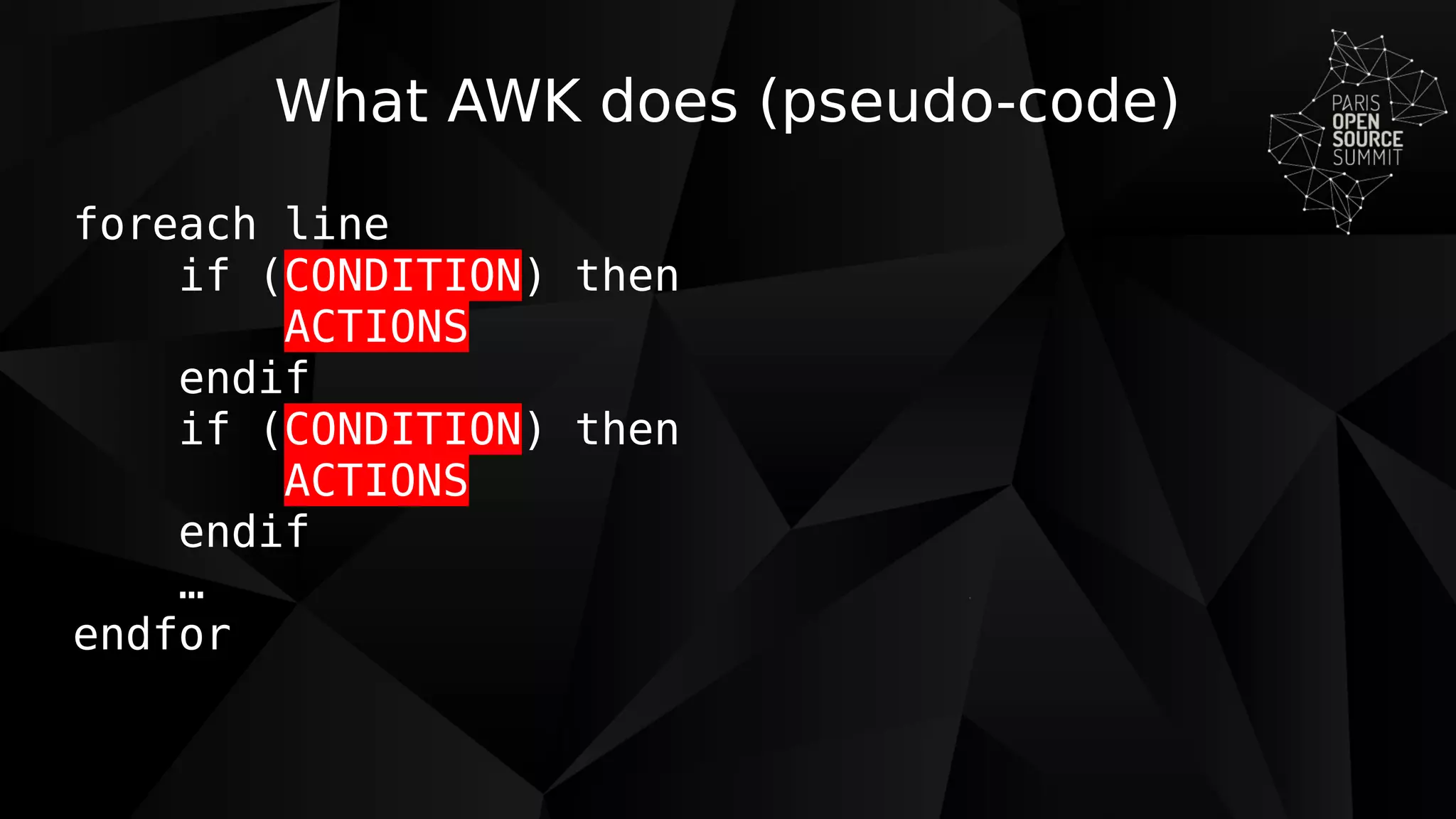
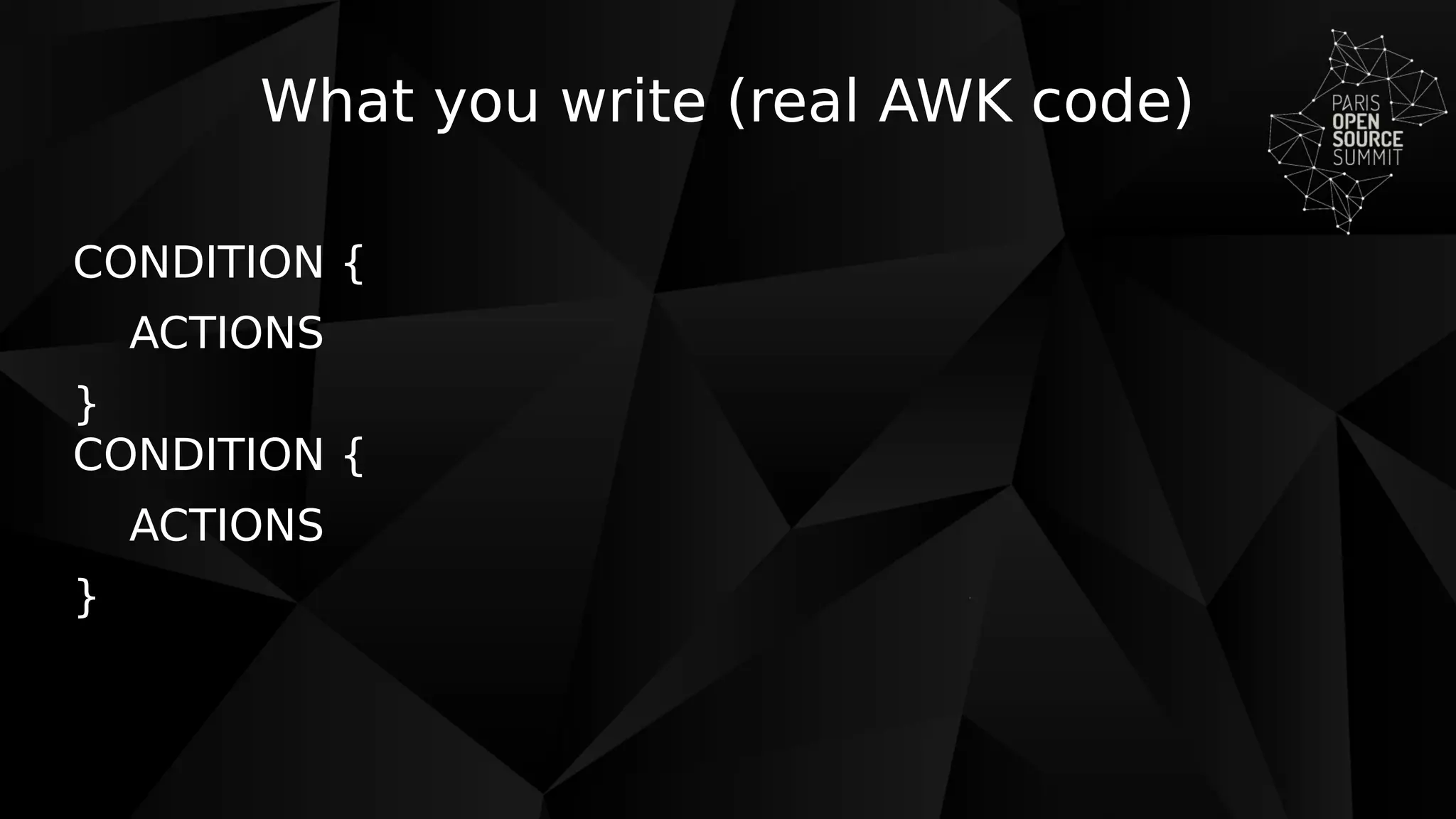
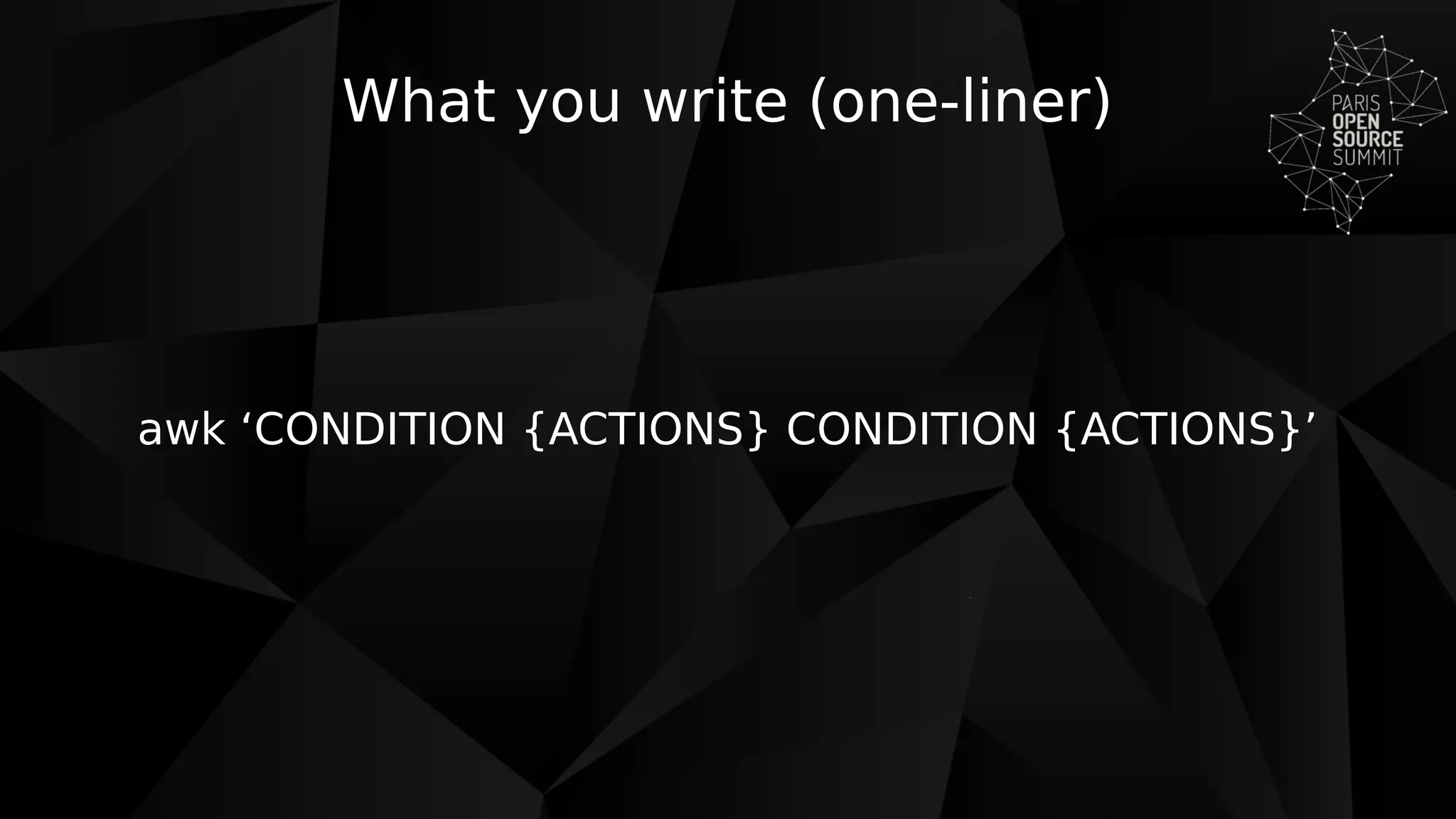
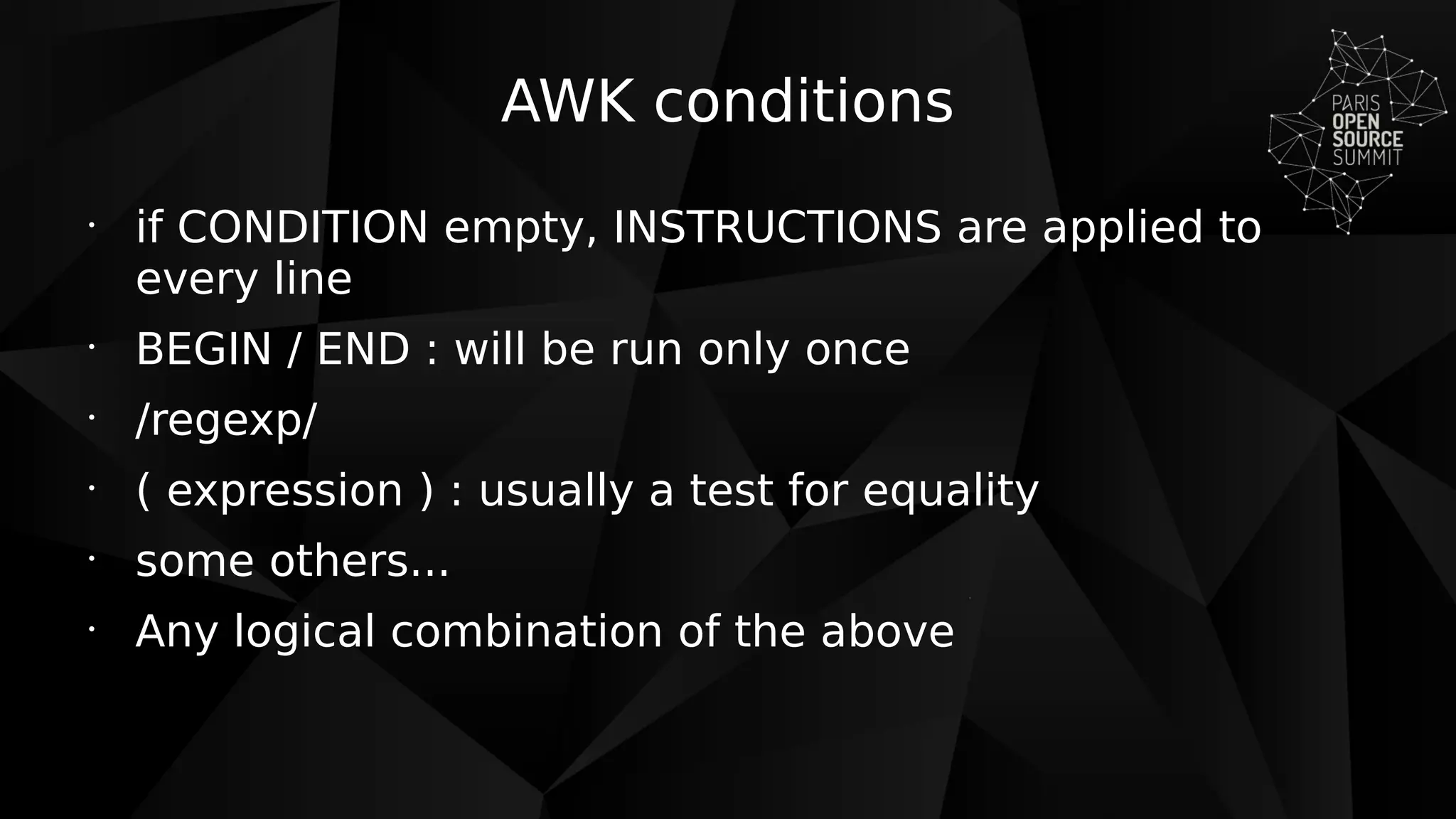
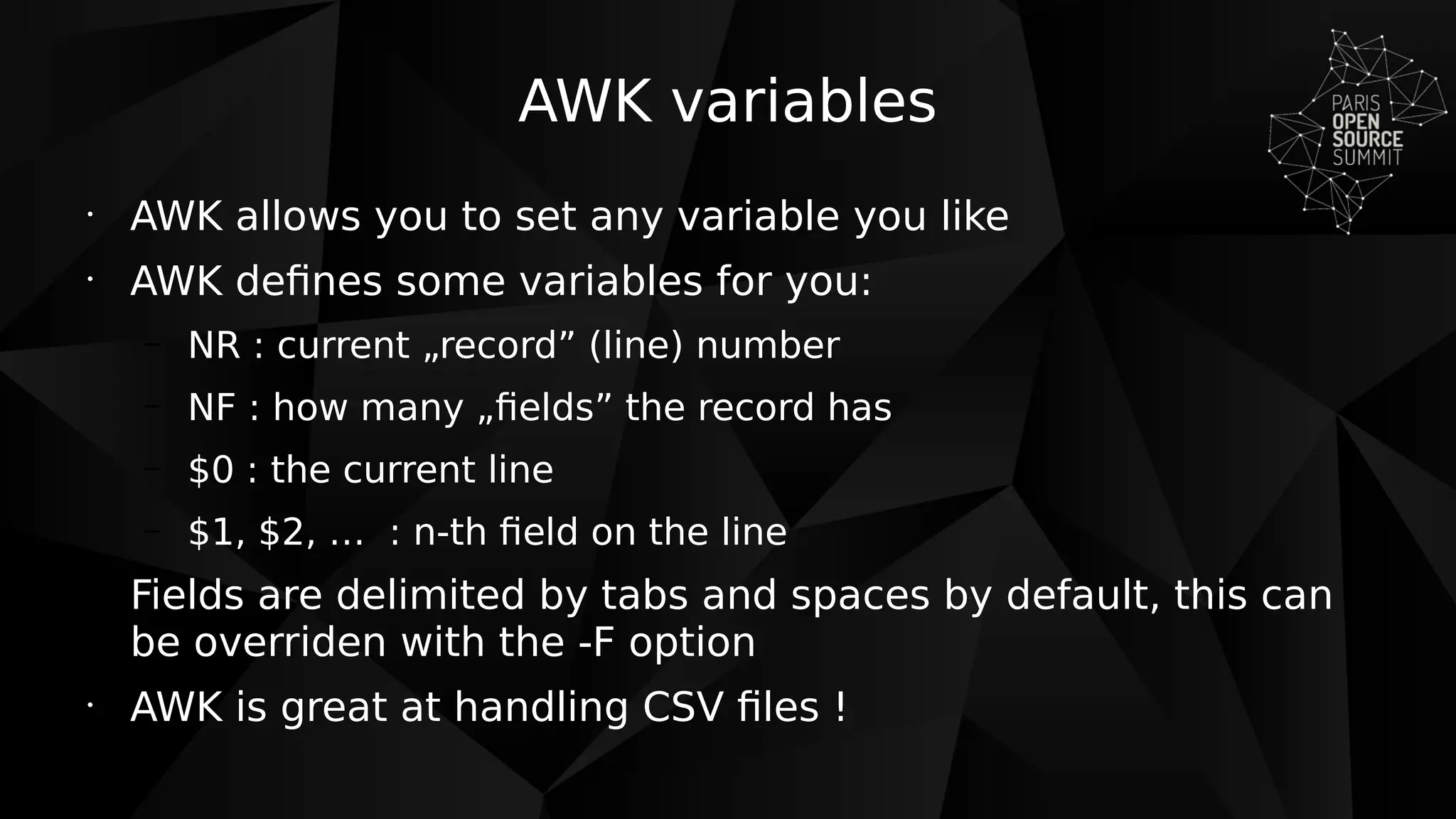
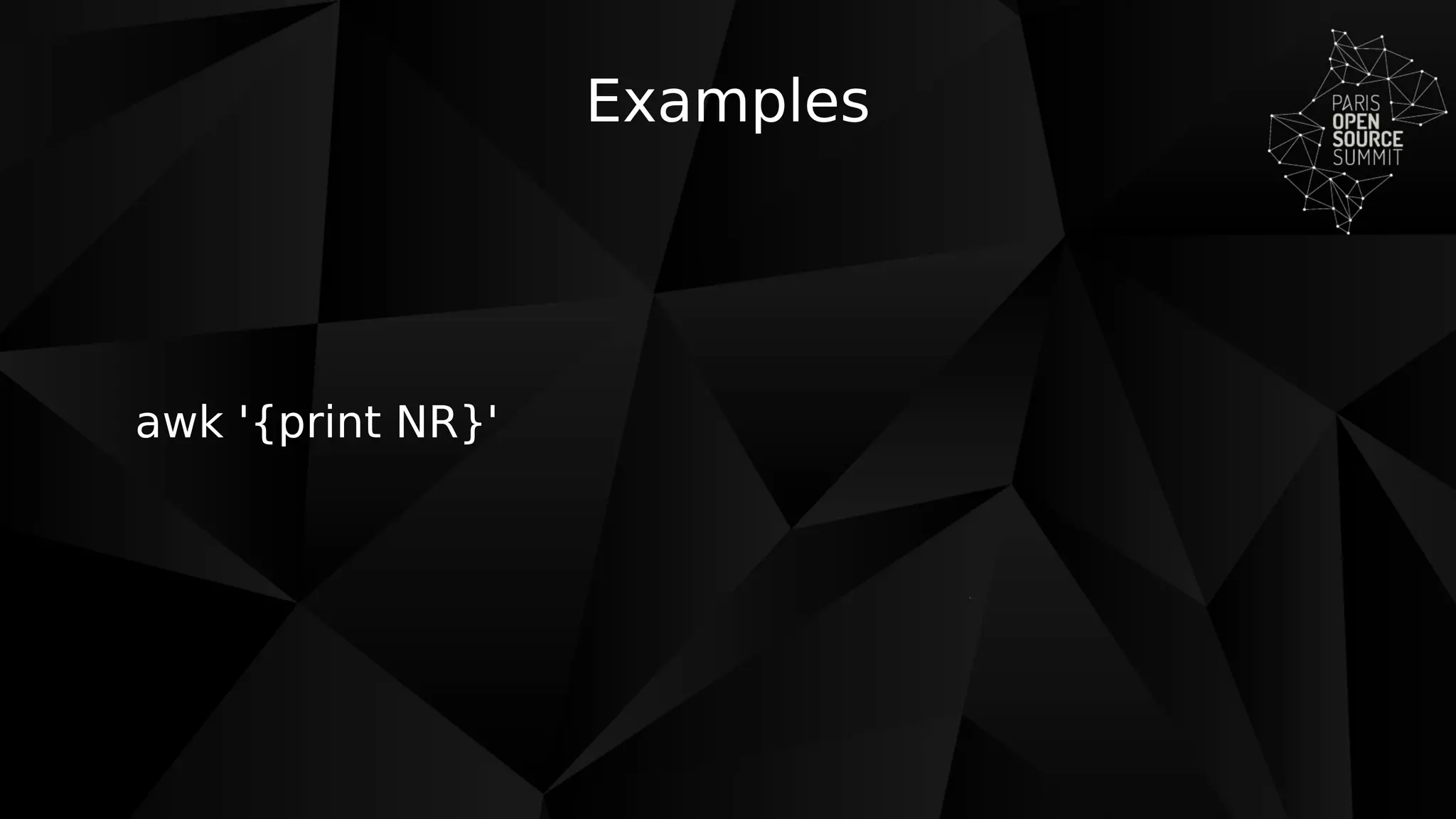
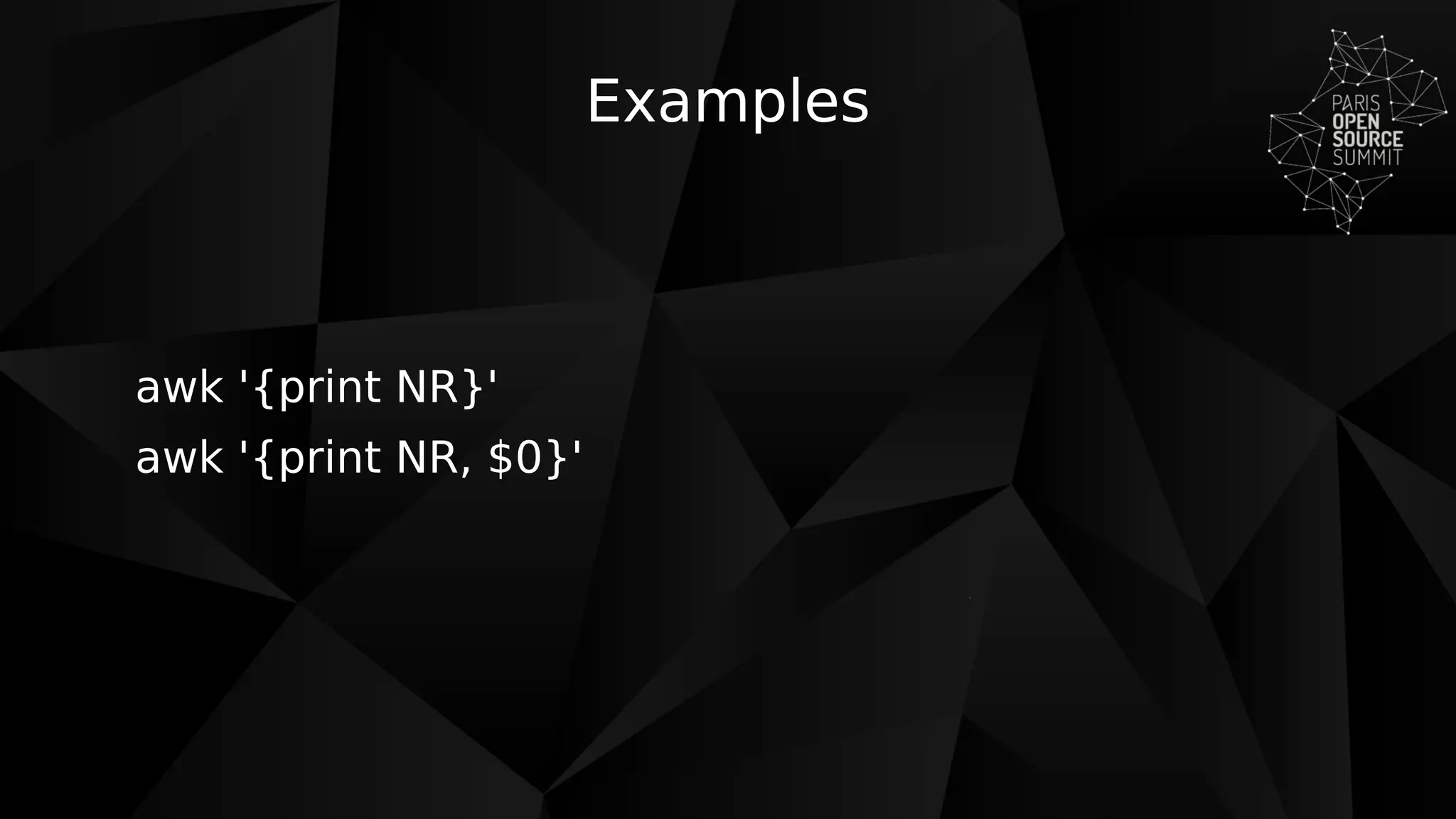
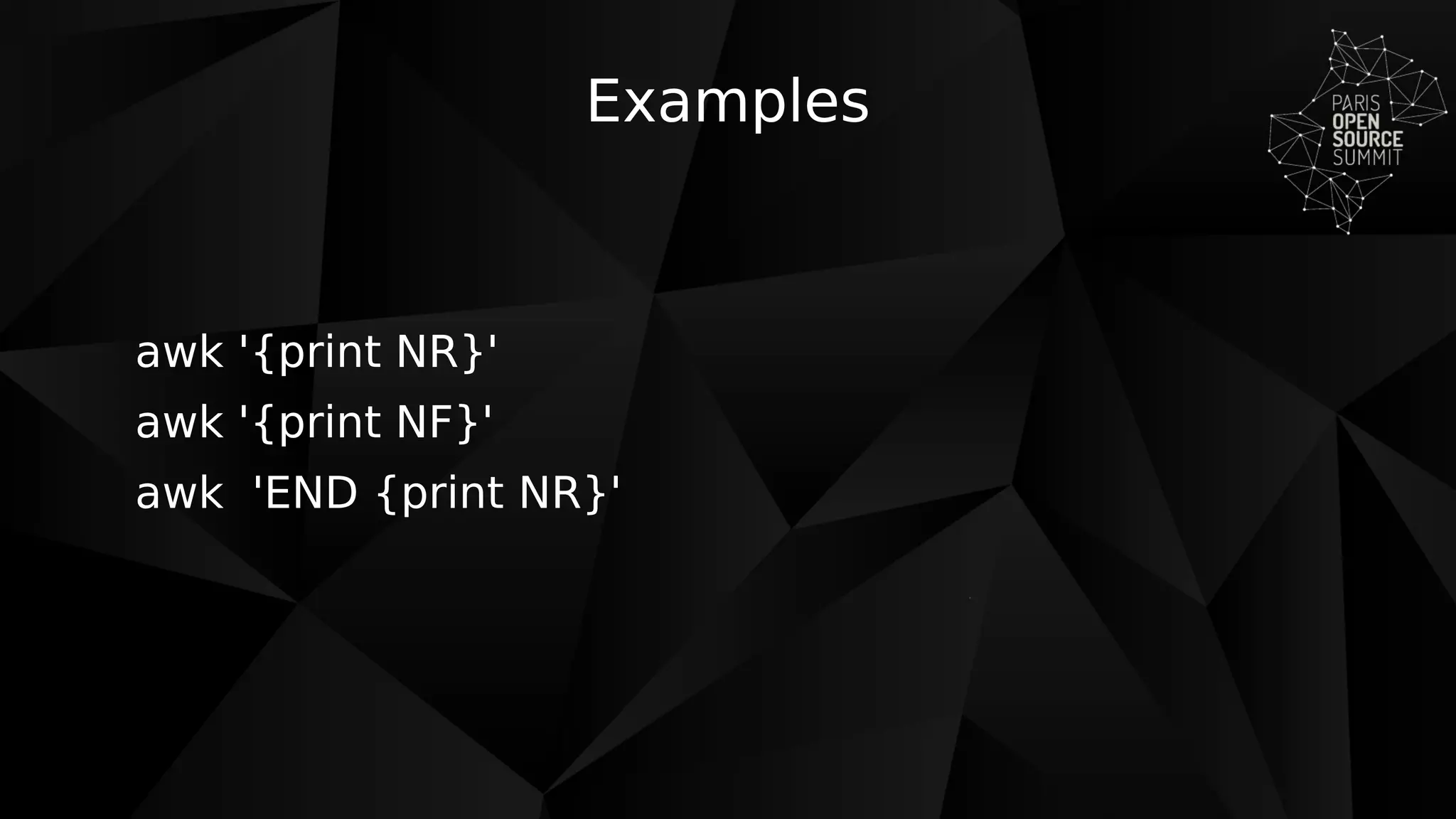
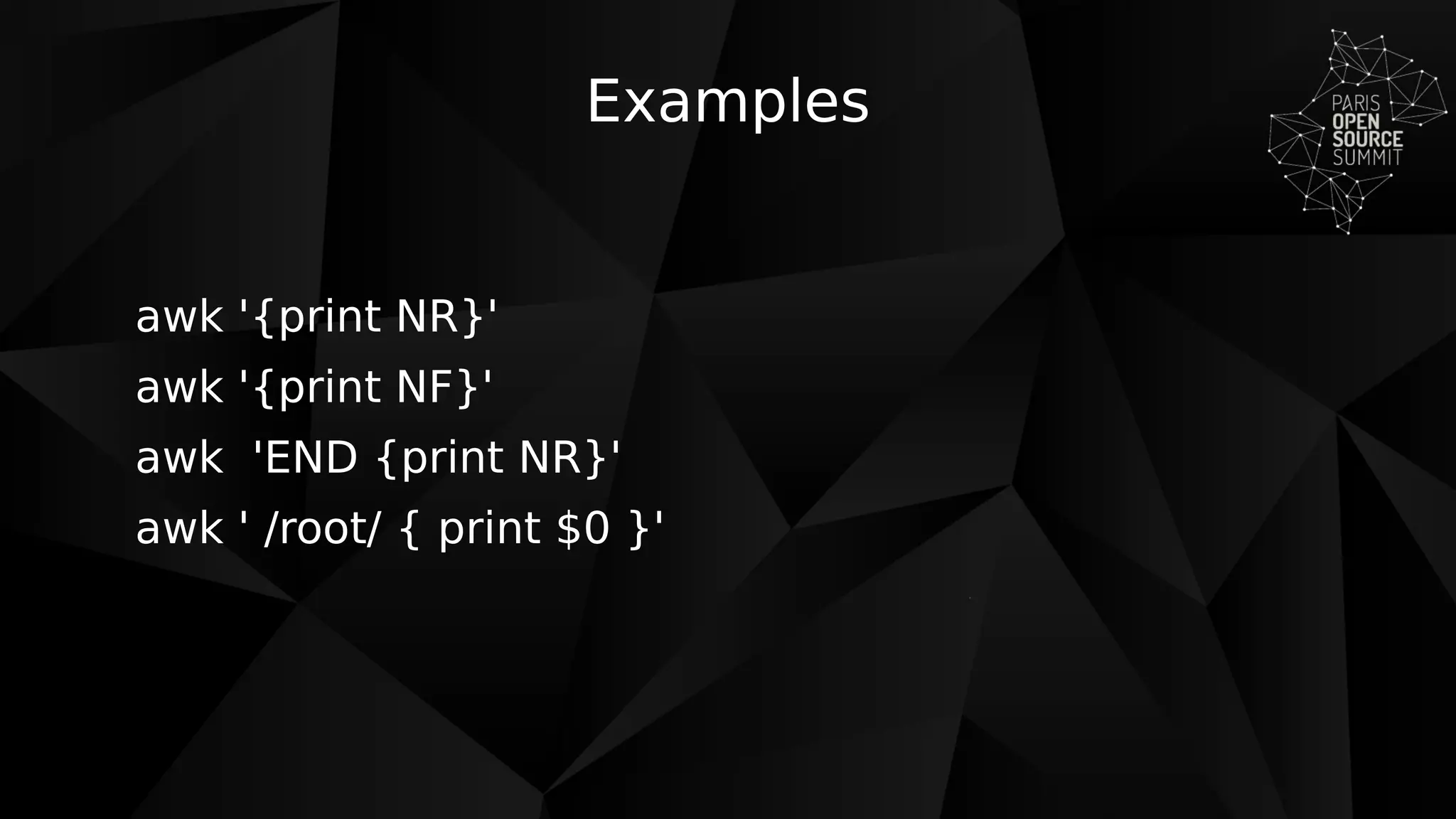
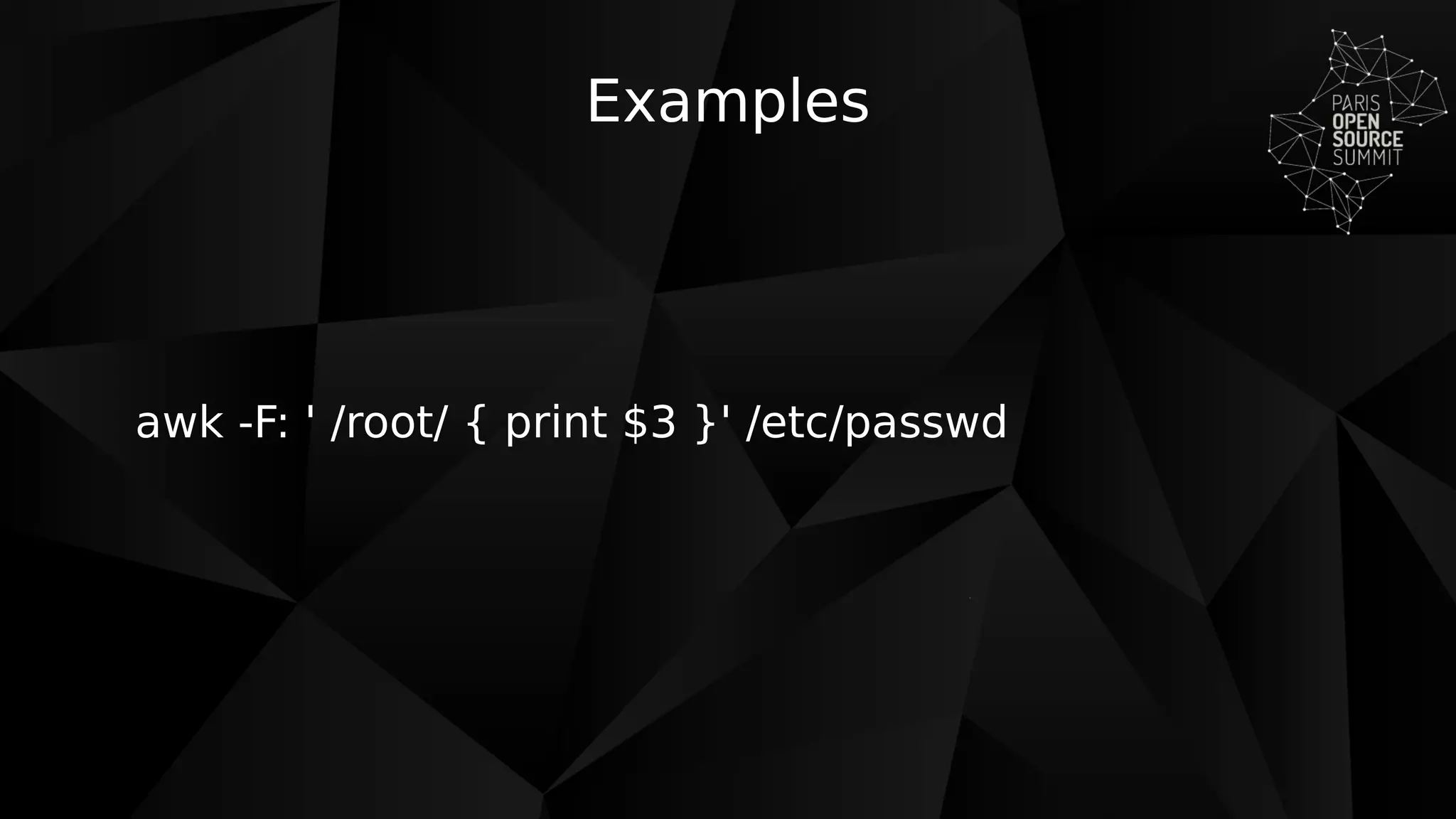
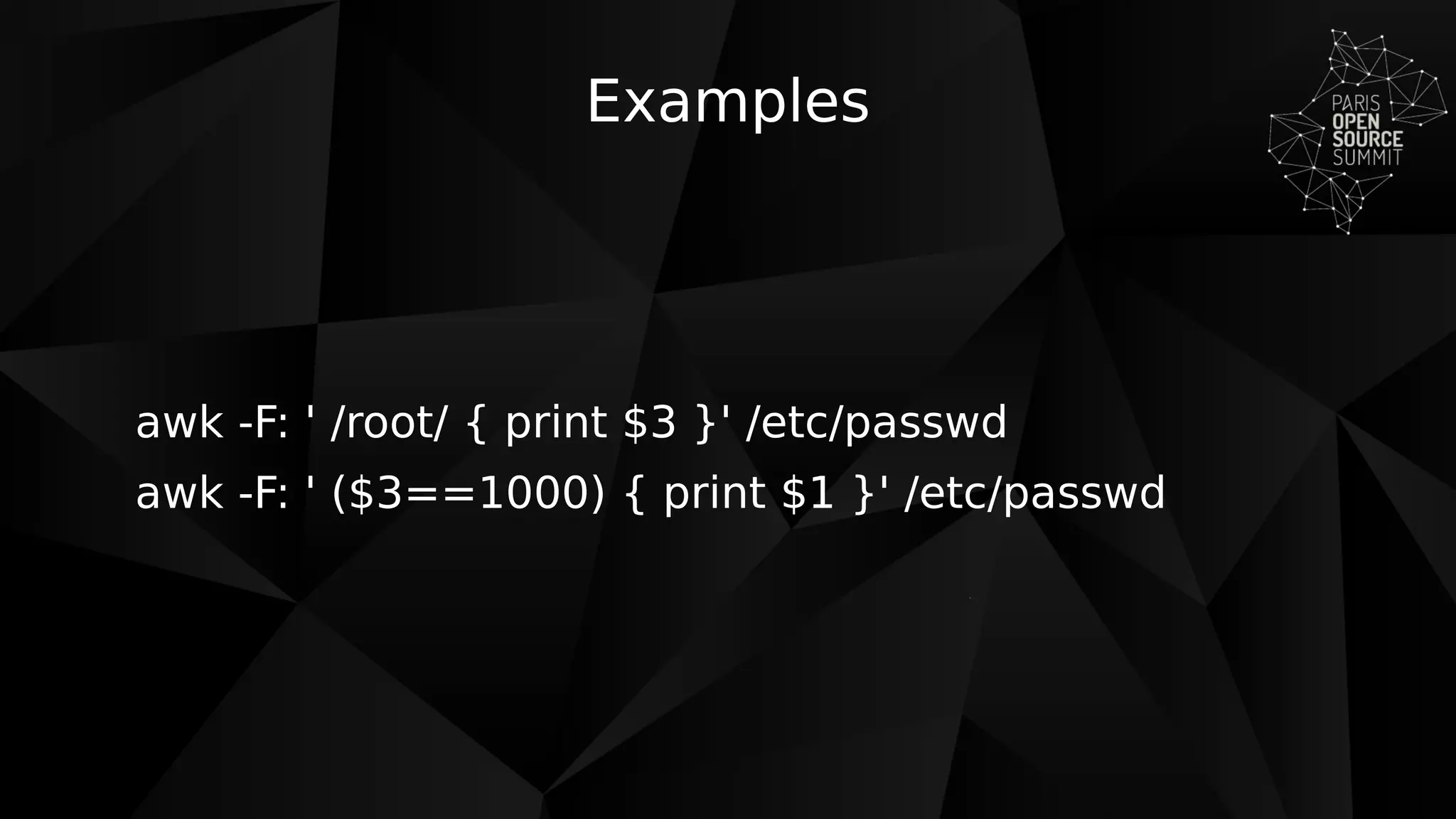
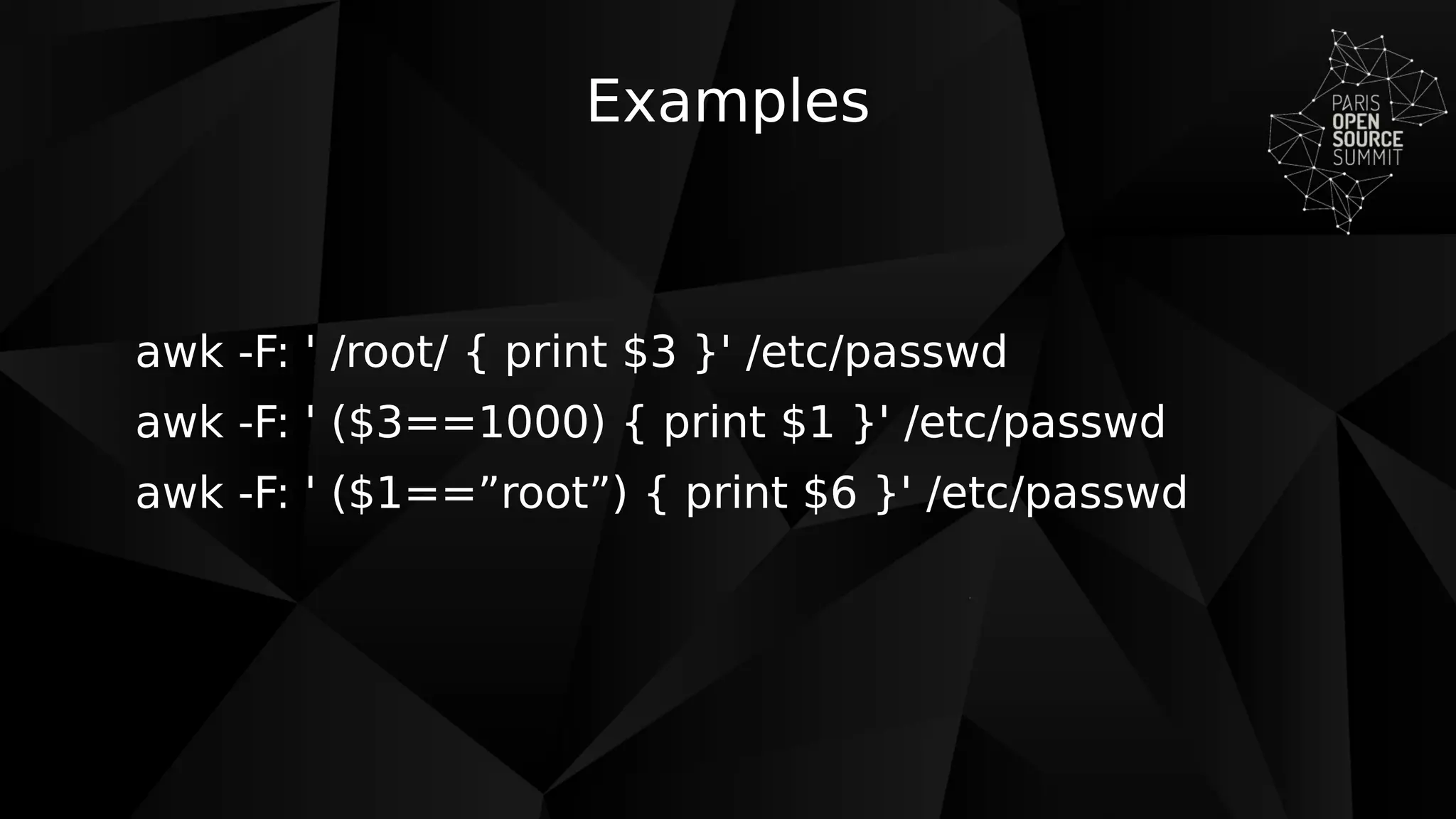
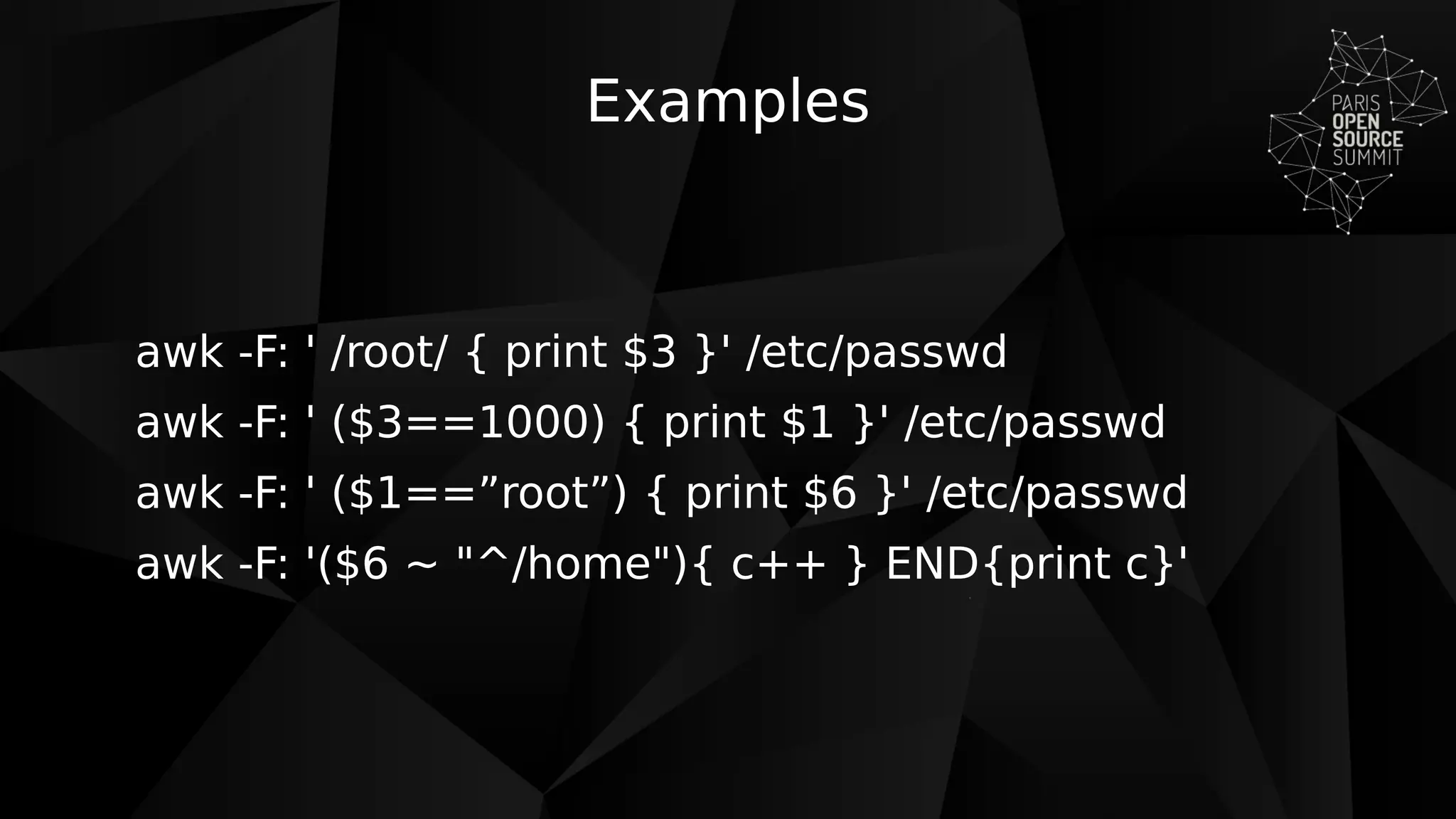
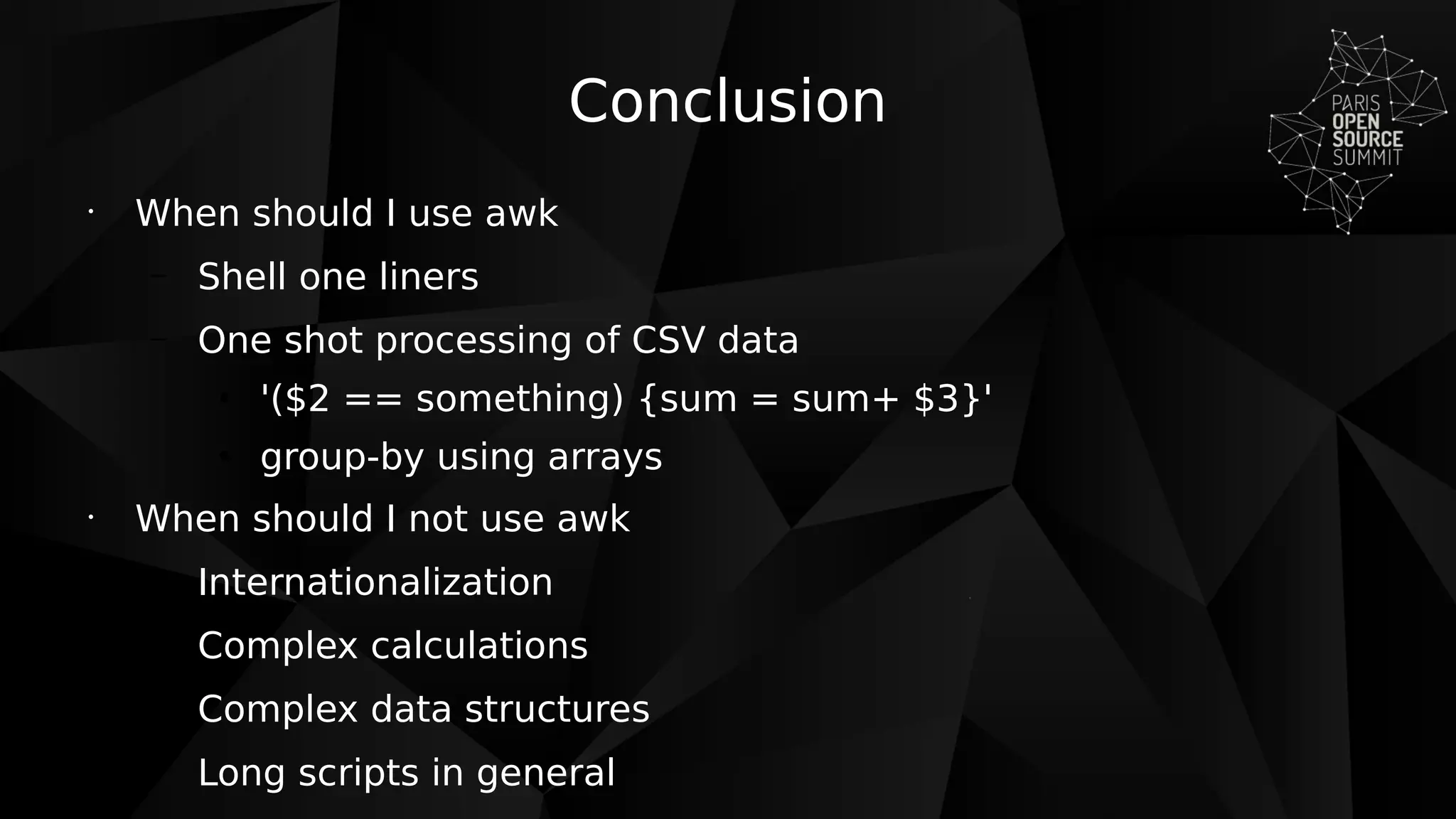

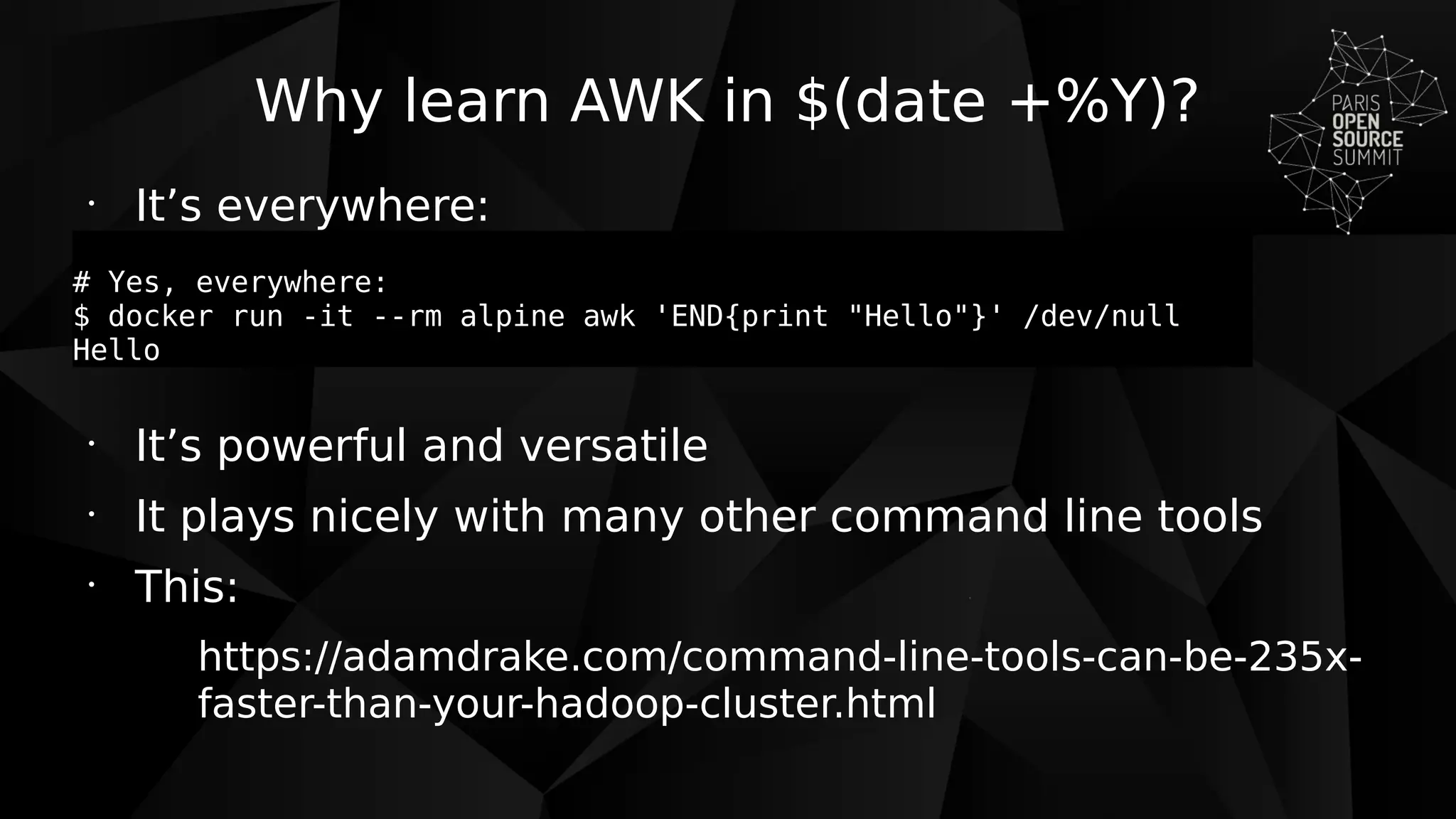
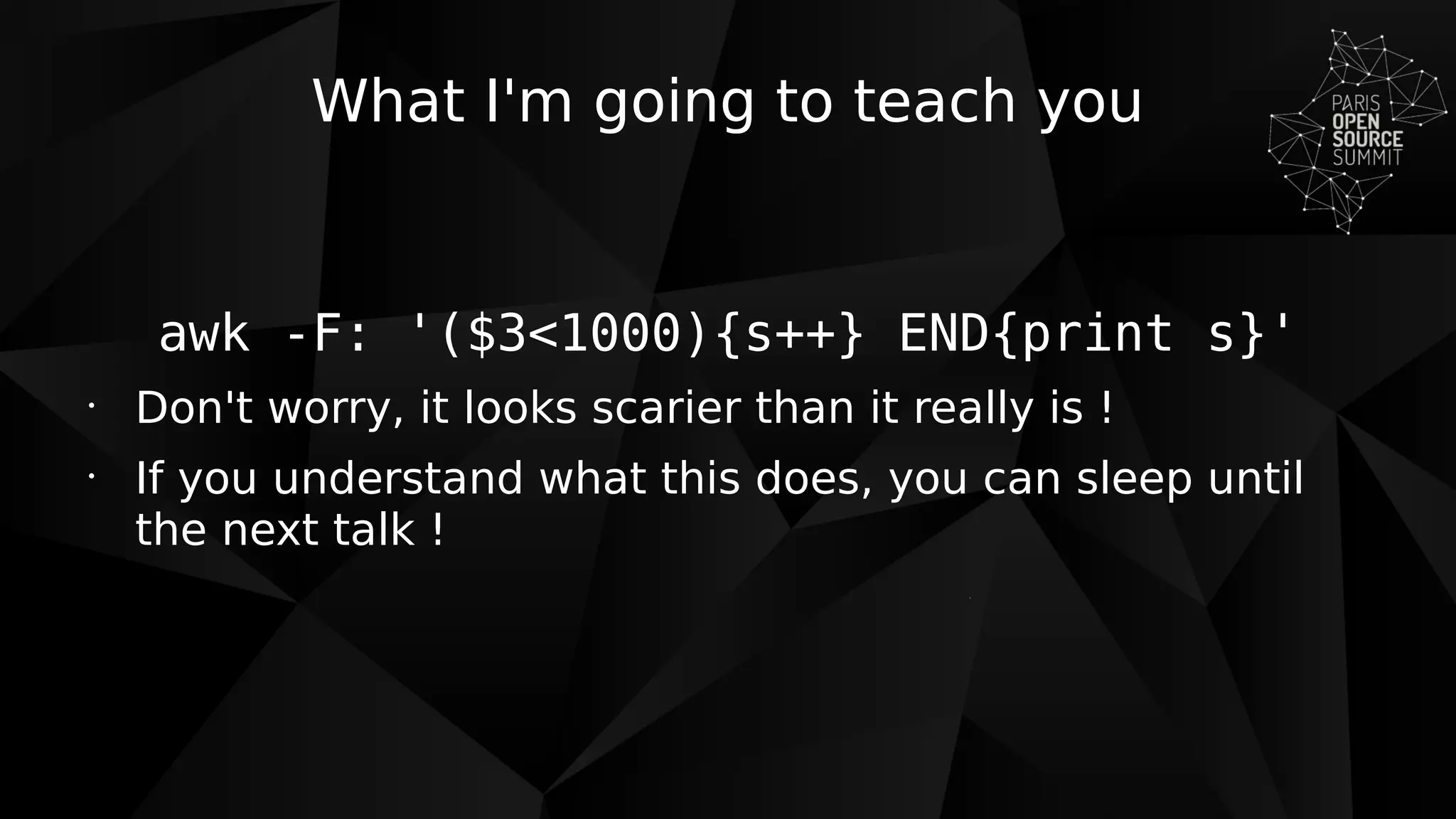
This document provides an introduction to using the AWK command line tool for text processing and scripting. It explains what AWK is, when it should be used, the basic structure of AWK commands and scripts, how to write conditions and actions, and provides some examples of common AWK tasks like printing fields, counting lines, and searching/extracting values. The document recommends using AWK for one-liners and simple CSV/text processing but not for more complex tasks.


![[Open Source Experience 2021] Une infrastructure Cloud et une solution IDaaS ...](https://cdn.slidesharecdn.com/ss_thumbnails/presentation-opensourceexperience-2021-infrastructure-cloud-widaas-211126162333-thumbnail.jpg?width=640&height=640&fit=bounds)
![[Identity Days 2021] W'IDaaS - Identity as a Service](https://cdn.slidesharecdn.com/ss_thumbnails/pre-widaas-identity-days-2021-211126162131-thumbnail.jpg?width=640&height=640&fit=bounds)
![[Identity Days 2021] Quel avenir pour OpenLDAP ?](https://cdn.slidesharecdn.com/ss_thumbnails/presentation-identitydays-2021-quel-avenir-pour-openldap-211126161907-thumbnail.jpg?width=640&height=640&fit=bounds)
![[Pass the SALT 2021] Hosting Identity in the Cloud with free softwares](https://cdn.slidesharecdn.com/ss_thumbnails/pts2021identitycloud-210706135353-thumbnail.jpg?width=640&height=640&fit=bounds)
![[OW2con'21] Hosting Identity in the Cloud with OW2 free softwares](https://cdn.slidesharecdn.com/ss_thumbnails/ow2con21identitycloud-210623143630-thumbnail.jpg?width=640&height=640&fit=bounds)
![[AFUP Lyon 2021] LDAP Tool Box Self Service Password](https://cdn.slidesharecdn.com/ss_thumbnails/afuplyon2021selfservicepassword-210422180102-thumbnail.jpg?width=640&height=640&fit=bounds)
![[OpenDay 2021] Logiciel libre, entreprises et modèles économiques](https://cdn.slidesharecdn.com/ss_thumbnails/pre-ploss-ra-openday-2021-210203102539-thumbnail.jpg?width=640&height=640&fit=bounds)
![[Campus du Libre 2020] Présentation de la solution W'Sweet](https://cdn.slidesharecdn.com/ss_thumbnails/campusdulibre2020wsweet-201107141759-thumbnail.jpg?width=640&height=640&fit=bounds)
![[Identity Days 2020] Politique des mots de passe des annuaires LDAP et outils...](https://cdn.slidesharecdn.com/ss_thumbnails/identitydays2020-politiquemotdepasseldap-201029163523-thumbnail.jpg?width=640&height=640&fit=bounds)
![[Université Lyon 1] Exemples de logiciels libres : LemonLDAP::NG et W'Sweet](https://cdn.slidesharecdn.com/ss_thumbnails/univlyon1plossra-200924080353-thumbnail.jpg?width=640&height=640&fit=bounds)
![[Pass the SALT 2020] Understand password policy in OpenLDAP and discover tool...](https://cdn.slidesharecdn.com/ss_thumbnails/pts20openldappasswordpolicy-200629135810-thumbnail.jpg?width=640&height=640&fit=bounds)
![[OW2online 2020] LDAP Synchronization Connector](https://cdn.slidesharecdn.com/ss_thumbnails/ow2con20lsc-200629135140-thumbnail.jpg?width=640&height=640&fit=bounds)
![[Aperhologramme 2020] Comment faire du logiciel libre ?](https://cdn.slidesharecdn.com/ss_thumbnails/aperhologrammelogiciellibreworteks-200629134851-thumbnail.jpg?width=640&height=640&fit=bounds)
![[POSS 2019] OVirt and Ceph: Perfect Combination.?](https://cdn.slidesharecdn.com/ss_thumbnails/pre-poss2019-worteks-ovirt-ceph-191216145947-thumbnail.jpg?width=640&height=640&fit=bounds)
![[POSS 2019] MicroServices authentication and authorization with LemonLDAP::NG](https://cdn.slidesharecdn.com/ss_thumbnails/pre-poss2019-webservices-authentication-lemonldapng-191216145725-thumbnail.jpg?width=640&height=640&fit=bounds)
![[LDAPCon 2019] LemonLDAP::NG 2.0: Mutli-factor authentication, Identity Feder...](https://cdn.slidesharecdn.com/ss_thumbnails/preldapcon2019lemonldapng-191106100705-thumbnail.jpg?width=640&height=640&fit=bounds)
![[LDAPCon 2019] The FusionIAM initiative](https://cdn.slidesharecdn.com/ss_thumbnails/preldapcon2019fusioniam-191105125529-thumbnail.jpg?width=640&height=640&fit=bounds)
![[Identity Days 2019] Maîtrisez les accès à vos applications Web (Cloud et On...](https://cdn.slidesharecdn.com/ss_thumbnails/pre-identitydays2019-lemonldapng-191024143758-thumbnail.jpg?width=640&height=640&fit=bounds)
![[RedHat Forum 2019] REX - COMMENT MONTER UNE OFFRE DE CLOUD EN MARQUE BLANCHE...](https://cdn.slidesharecdn.com/ss_thumbnails/20191015redhatforumworteksrex-191015154107-thumbnail.jpg?width=640&height=640&fit=bounds)
![[OW2con19] LemonLDAP::NG success stories](https://cdn.slidesharecdn.com/ss_thumbnails/ow2con19lemonldapng-190613172830-thumbnail.jpg?width=640&height=640&fit=bounds)


![Coded Agents – with UiPath SDK + LangGraph [Virtual Hands-on Workshop]](https://cdn.slidesharecdn.com/ss_thumbnails/codedagentsdeck-251215155422-5497c599-thumbnail.jpg?width=640&height=640&fit=bounds)


