








Welcome!
Please login to your Pinterest account before we start
http://www.facebook.com/headthoughts
http://twitter.com/artpreston
http://www.diigo.com/user/artpreston
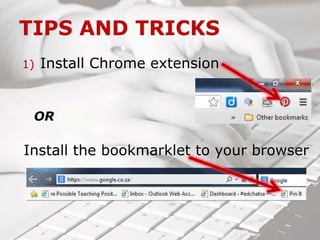
1) Install Chrome extension
OR
Install the bookmarklet to your browser
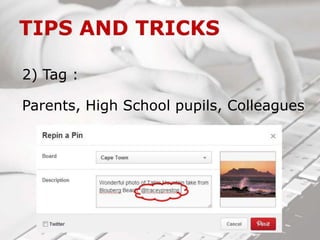
2) Tag :
Parents, High School pupils, Colleagues
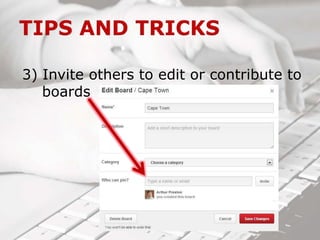
3) Invite others to edit or contribute to
boards
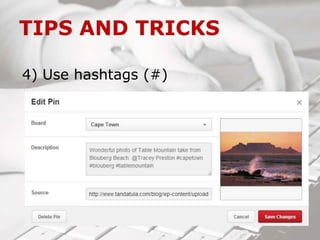
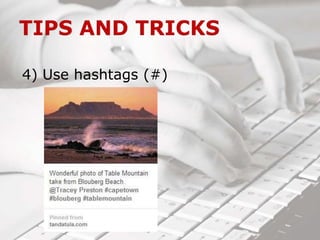
4) Use hashtags (#)
4) Use hashtags (#)
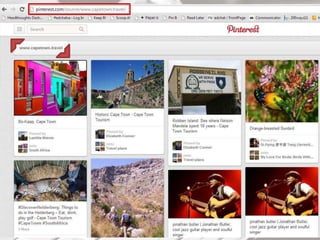
5) Search for pins from a specific site
http://www.pinterest.com/source/URL
Example:
http://www.pinterest.com/source/www.capetown.travel
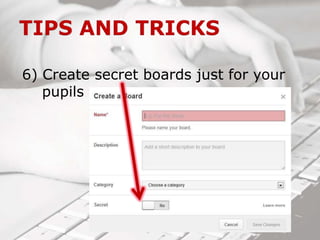
6) Create secret boards just for your
pupils
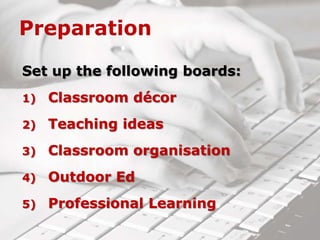
Set up the following boards:
1) Classroom décor
2) Teaching ideas
3) Classroom organisation
4) Outdoor Ed
5) Professional Learning
You would like to liven up your
classroom but have a limited
budget and need ideas…fast!
You’re always coming across
wonderful ideas online but
keep forgetting to bookmark
them.
You have a busy classroom
and even busier pupils!
For your sanity and that of
your pupils, you need to
organise your classroom
better.
You have been teaching the
same topic with the same
lesson plan/idea for the past
10 years…
Your pupils have enjoyed a
wonderful outdoor education
experience and have many
photos to share.
You would like to provide a
platform for this to happen.
You want to increase your
professional knowledge but
find conferences expensive
and time-consuming…
You are wanting to find an
effective behaviour
management tool for your
classroom.
Find one that you like on
Pinterest and “pin” it.
Pinterest for teachers

Pinterest for teachers