12 Ways to use
pinterest in the
classroom

Rob Tidrow
Technology Coordinator
Richmond Community Schools
weRrichmond.com

Pinterest: RobTidrow
Twitter: @robtidrow
Facebook: RichmondSchools
basics of pinterest
http://www.Pinterest.com

•

A site to save your favorite things...
Anatomy of pinterest
•

Pins

•

Boards

•

Repins and Likes

•

Follow

•

Home Feed

QuickTime™ and a
Photo - JPEG decompressor
are needed to see this picture.
Pins
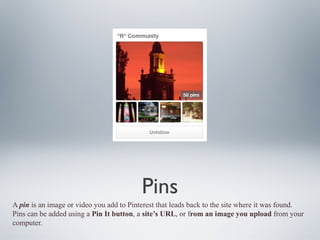
A pin is an image or video you add to Pinterest that leads back to the site where it was found.
Pins can be added using a Pin It button, a site’s URL, or from an image you upload from your
computer.
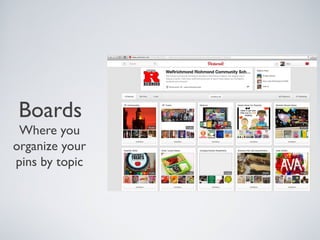
Boards

Where you
organize your
pins by topic
repins and likes
•

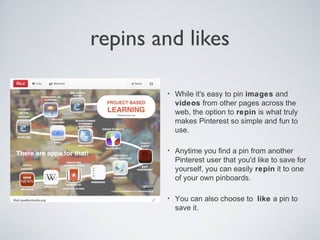
While it's easy to pin images and
videos from other pages across the
web, the option to repin is what truly
makes Pinterest so simple and fun to
use.

•

Anytime you find a pin from another
Pinterest user that you'd like to save for
yourself, you can easily repin it to one
of your own pinboards.

•

You can also choose to like a pin to
save it.
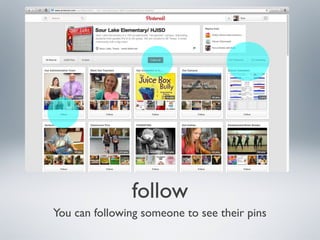
follow
You can following someone to see their pins
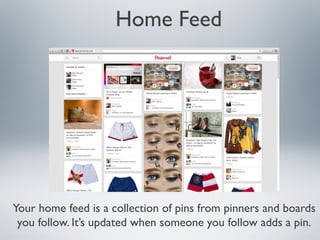
Home Feed

Your home feed is a collection of pins from pinners and boards
you follow. It’s updated when someone you follow adds a pin.
demo
Pinterest
The fastest growing social media site!
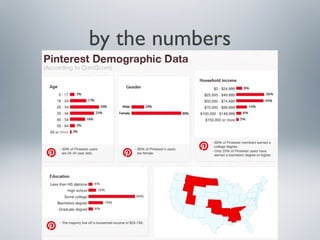
by the numbers
pinterest Tips
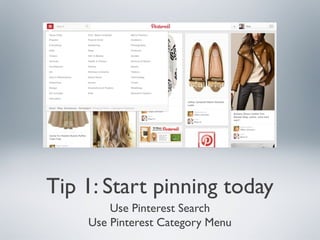
Tip 1: Start pinning today
Use Pinterest Search
Use Pinterest Category Menu
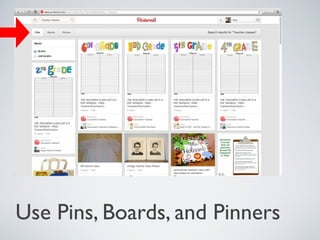
Use Pins, Boards, and Pinners
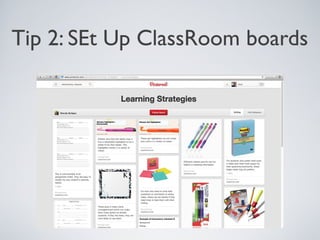
Tip 2: SEt Up ClassRoom boards
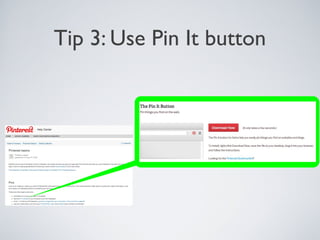
Tip 3: Use Pin It button
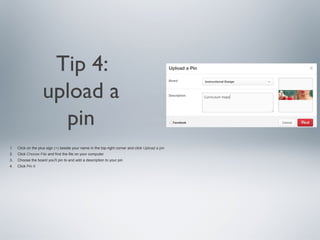
Tip 4:
upload a
pin
1.

Click on the plus sign (+) beside your name in the top-right corner and click Upload a pin

2.

Click Choose File and find the file on your computer

3.

Choose the board you'll pin to and add a description to your pin

4.

Click Pin It
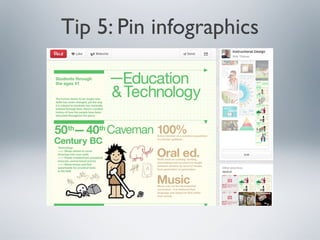
Tip 5: Pin infographics
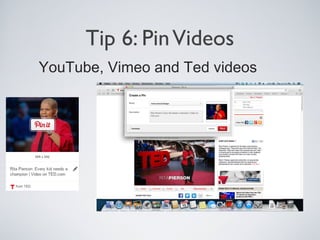
Tip 6: Pin Videos
YouTube, Vimeo and Ted videos
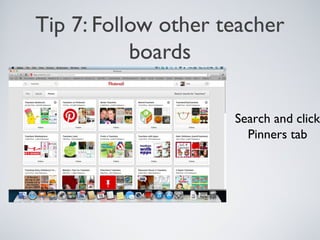
Tip 7: Follow other teacher
boards

Search and click
Pinners tab
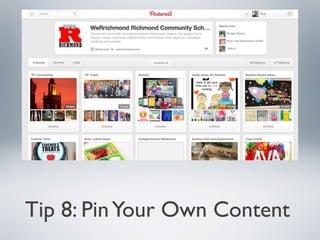
Tip 8: Pin Your Own Content
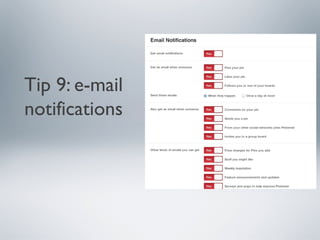
Tip 9: e-mail
notifications
Tip 10: Go Mobile
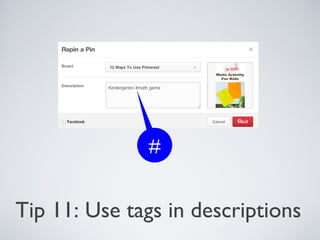
#

Tip 11: Use tags in descriptions
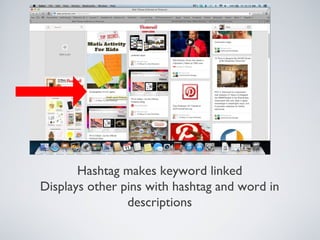
Hashtag makes keyword linked
Displays other pins with hashtag and word in
descriptions
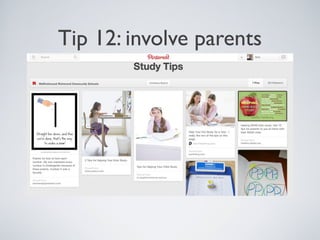
Tip 12: involve parents
Questions

Rob Tidrow
Technology Coordinator
Richmond Community Schools
weRrichmond.com

Pinterest: RobTidrow
Twitter: @robtidrow
Facebook: RichmondSchools
12 Ways to use
pinterest in the
classroom

Rob Tidrow
Technology Coordinator
Richmond Community Schools
weRrichmond.com

Pinterest: RobTidrow
Twitter: @robtidrow
Facebook: RichmondSchools

12 ways pinterest