




Why and how to measure statistics on your Website?Cédric BraemCEO – internetVista.com
AgendaIntroductionWhich marketing?Which metrics?From basic to advanced
IntroductionYou have a Website ...and now?How to increase visitor?How to convert visitor into customer?How to capture the attention?How to keep one’s clientele?
Which marketing?“Classic” MarketingAdvertising By word of mouthBy publishing the URL everywherePress releaseNetworkingEvent and exhibitionE-MarketingEmail marketingOnline marketingBuzz and viral marketingPermission marketingSocial marketingSearch Engine marketing
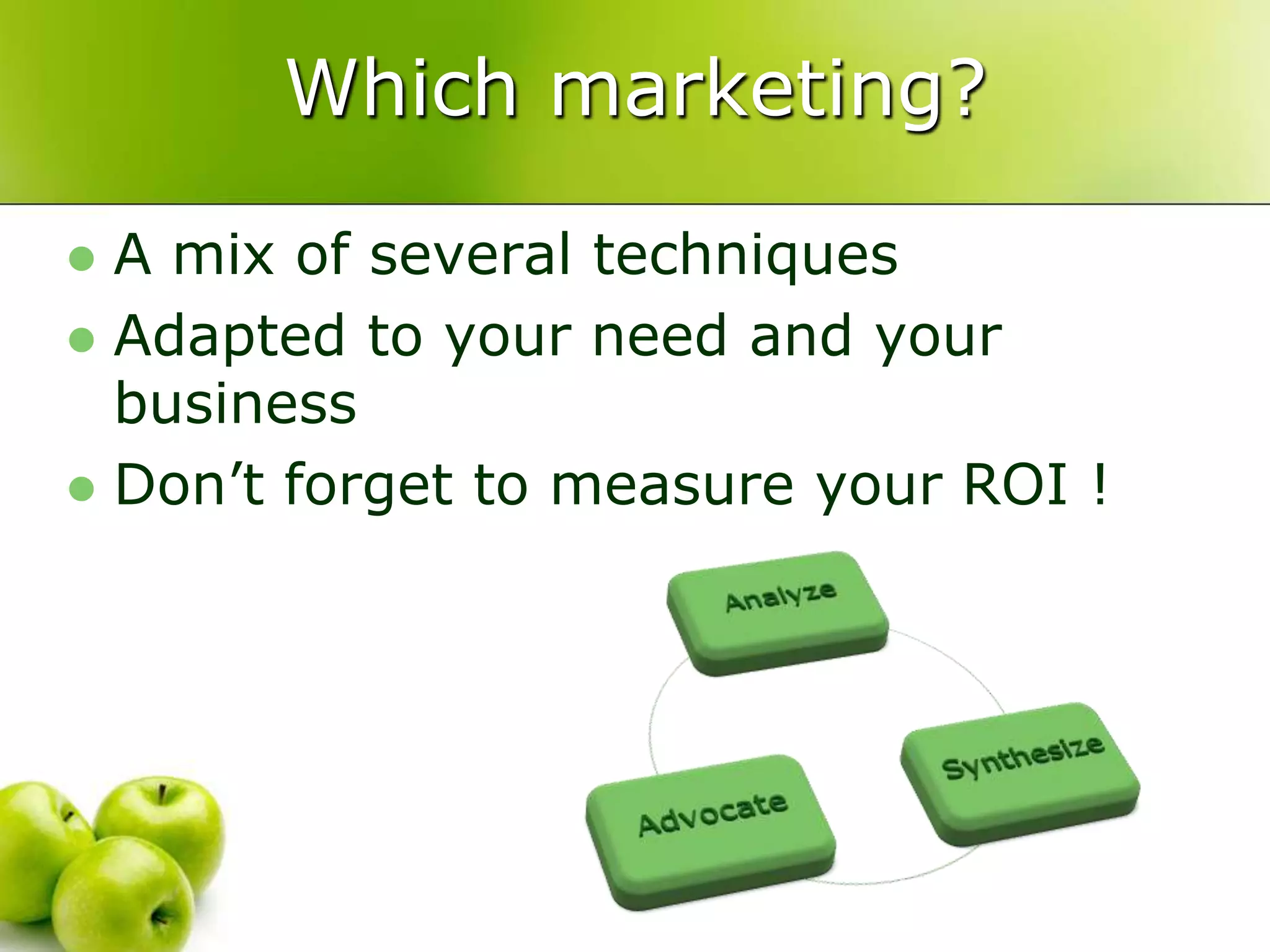
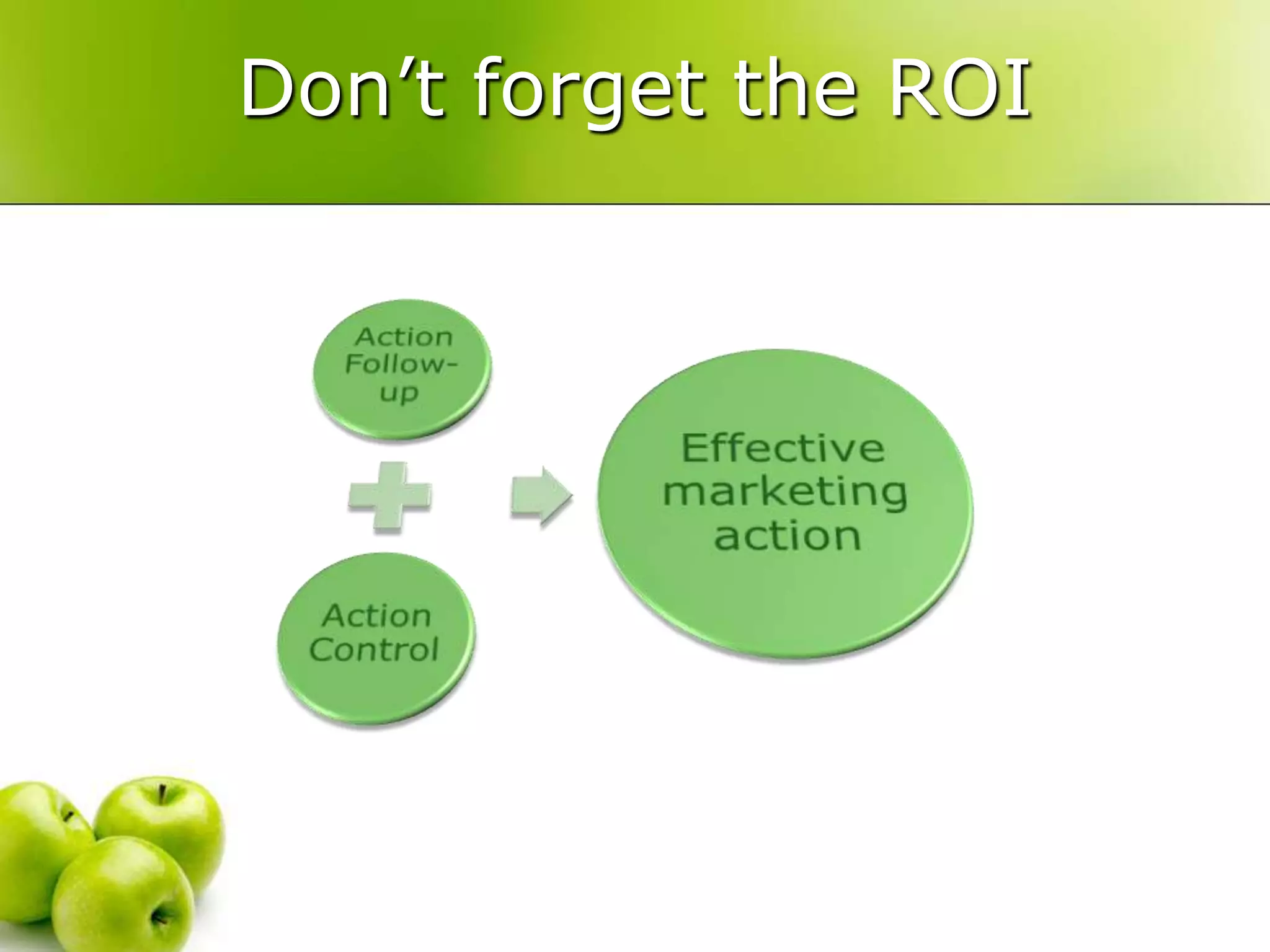
Which marketing?A mix of several techniquesAdapted to your need and your businessDon’t forget to measure your ROI !
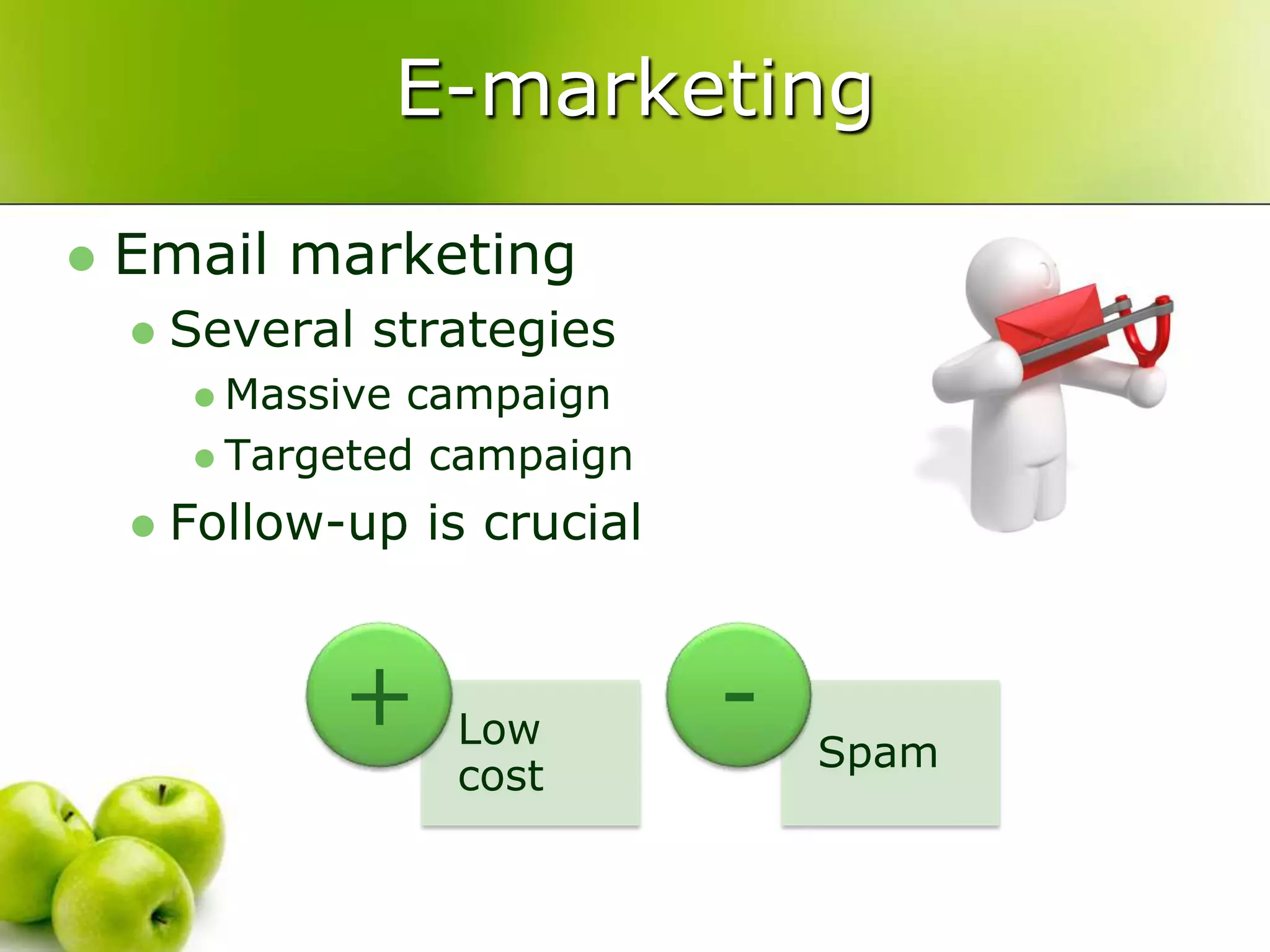
E-marketingEmail marketingSeveral strategiesMassive campaignTargeted campaignFollow-up is crucial
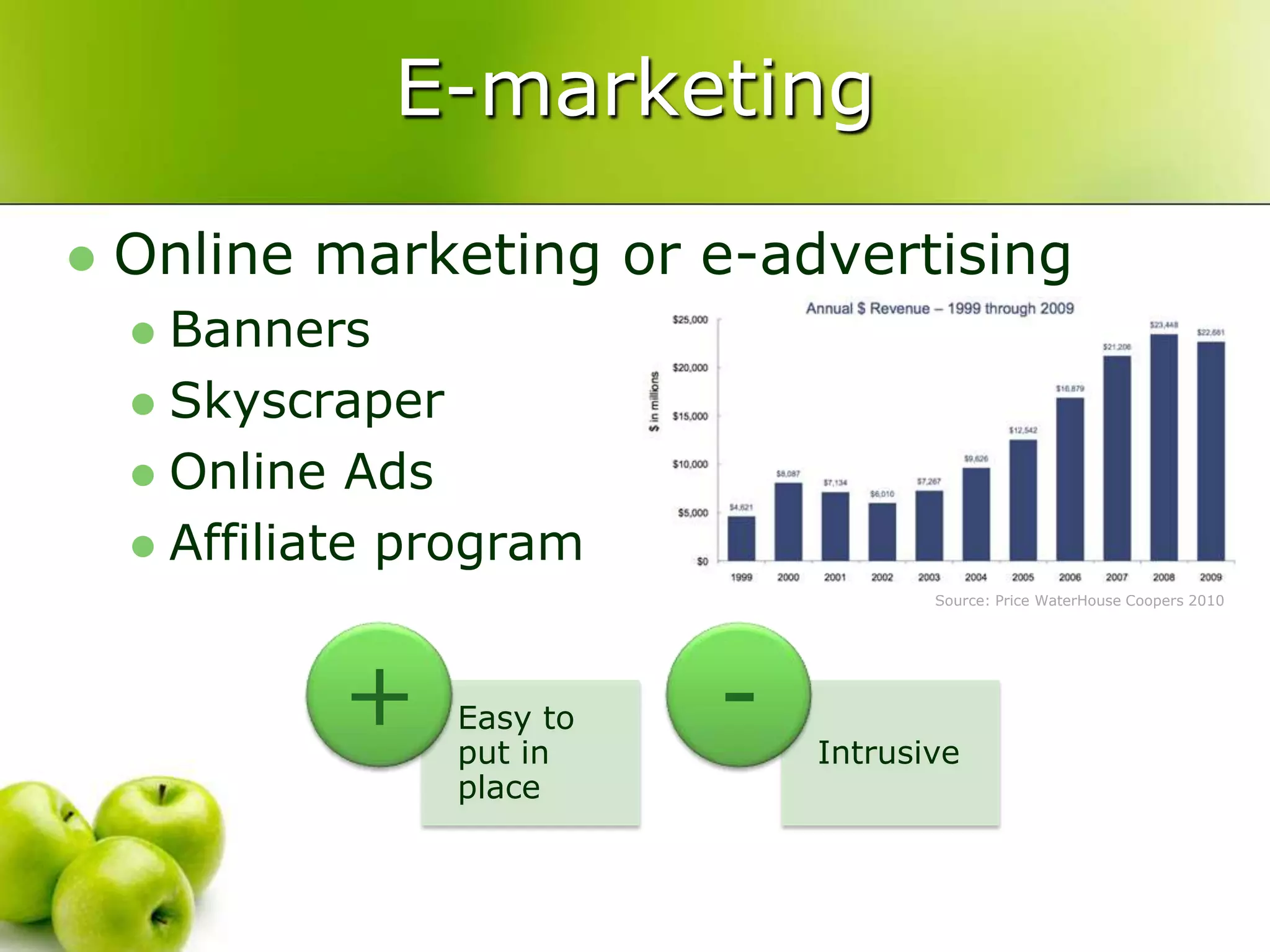
E-marketingOnline marketing or e-advertisingBannersSkyscraperOnline Ads Affiliate programSource: Price WaterHouse Coopers 2010
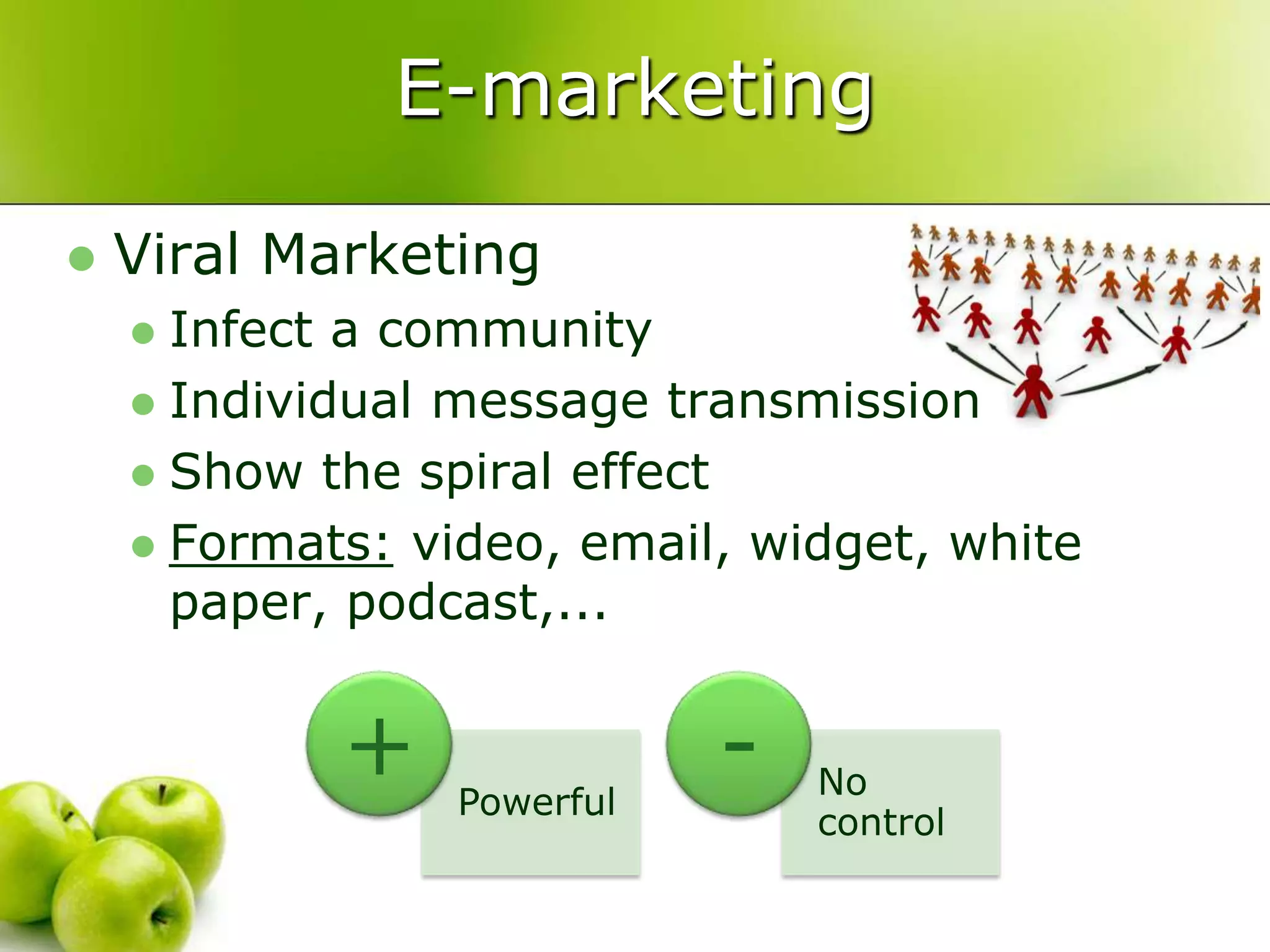
E-marketingViral MarketingInfect a communityIndividual message transmissionShow the spiral effectFormats: video, email, widget, white paper, podcast,...
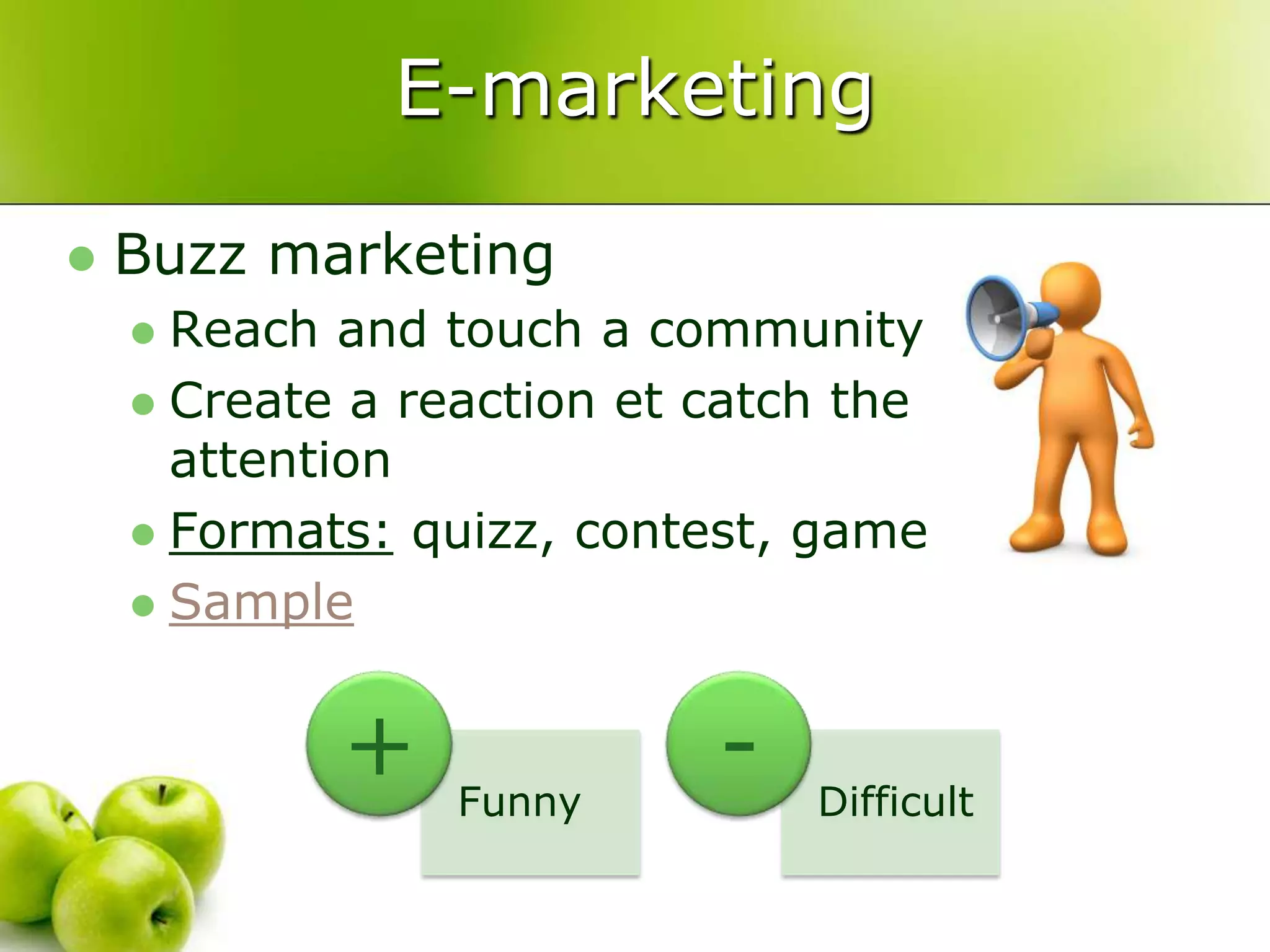
E-marketingBuzz marketingReach and touch a communityCreate a reaction et catch the attentionFormats:quizz, contest, game Sample
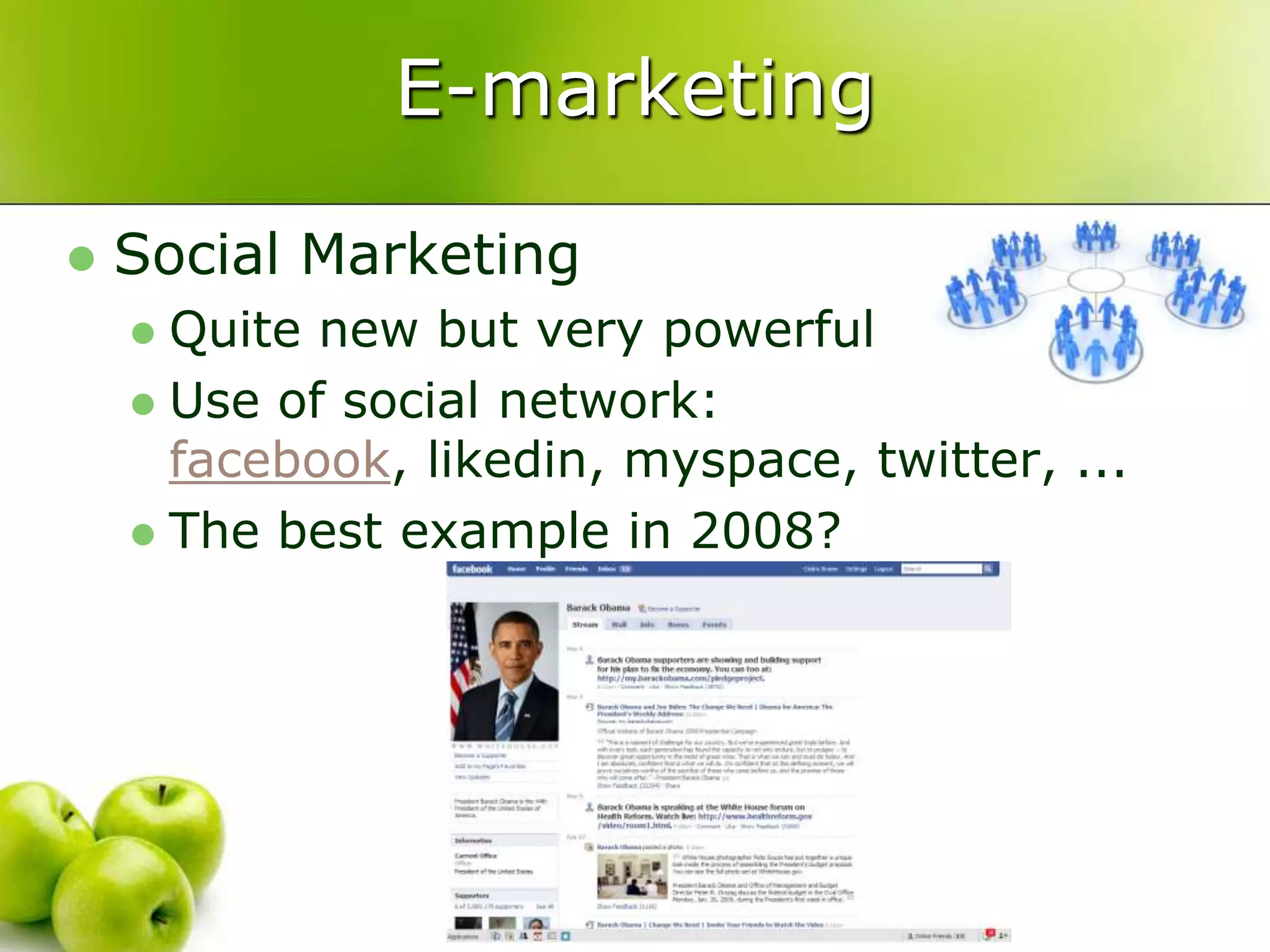
E-marketingSocial MarketingQuite new but very powerfulUse of social network: facebook, likedin, myspace, twitter, ...The best example in 2008?
E-marketingPermission MarketingYou receive the “permission”Conversation with your customerPrivileged linkCrucial difference between interruption and permission
E-marketingBlack marketing(Forget this section)In the limit of the lawWarketing with your competitorFormats:darksite, spaming, domain recuperation, ...
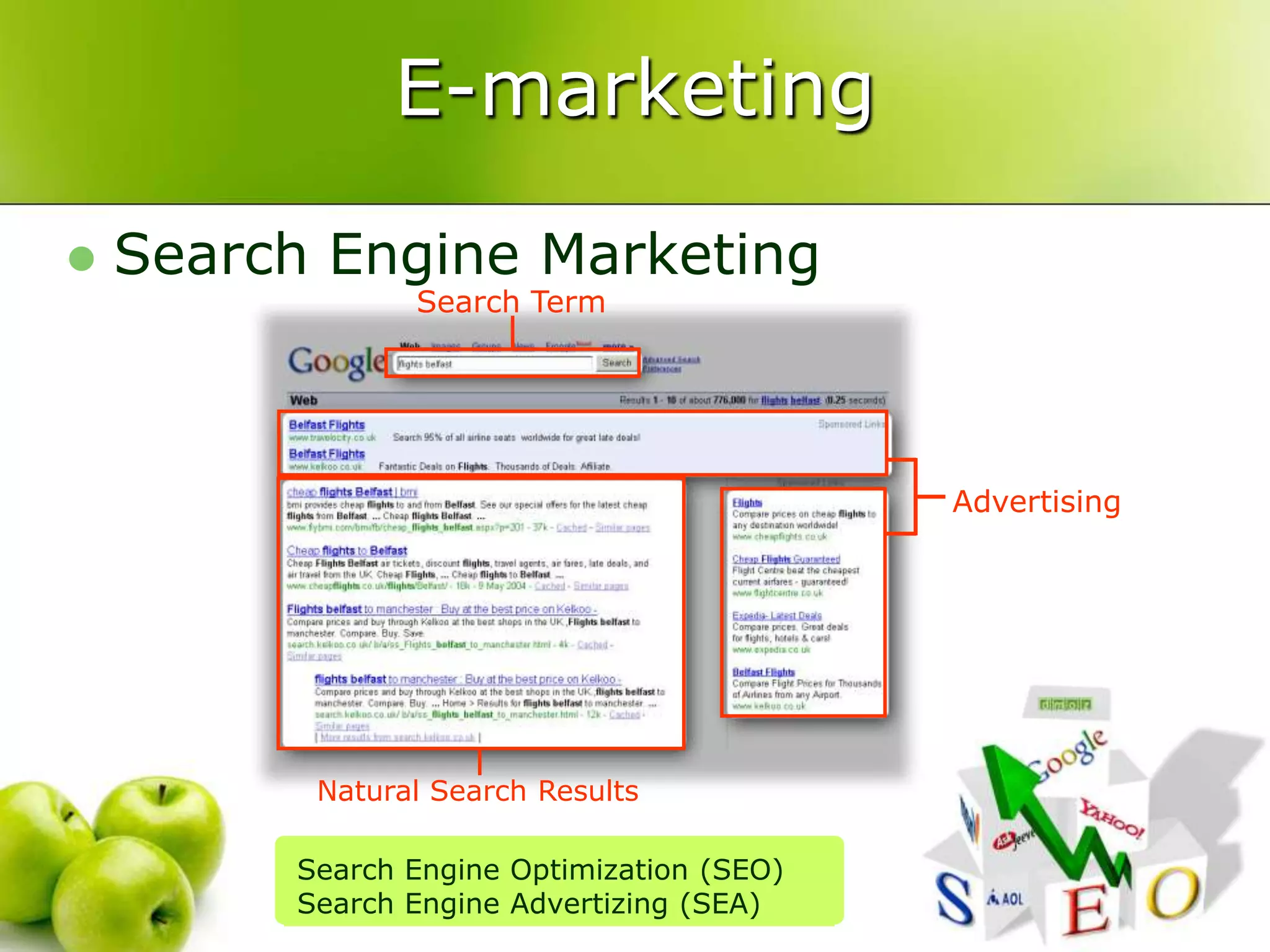
E-marketingSearch Engine MarketingSearch TermAdvertisingNatural Search ResultsSearch Engine Optimization (SEO)Search Engine Advertizing (SEA)
Some questionsHow much for each campaign?What is the return?How many visitors?How many conversion?How many achieved goals?How fast is your website?How often does your website hiccup?How to know if actions are efficients?
Don’t forget the ROI
From basic…
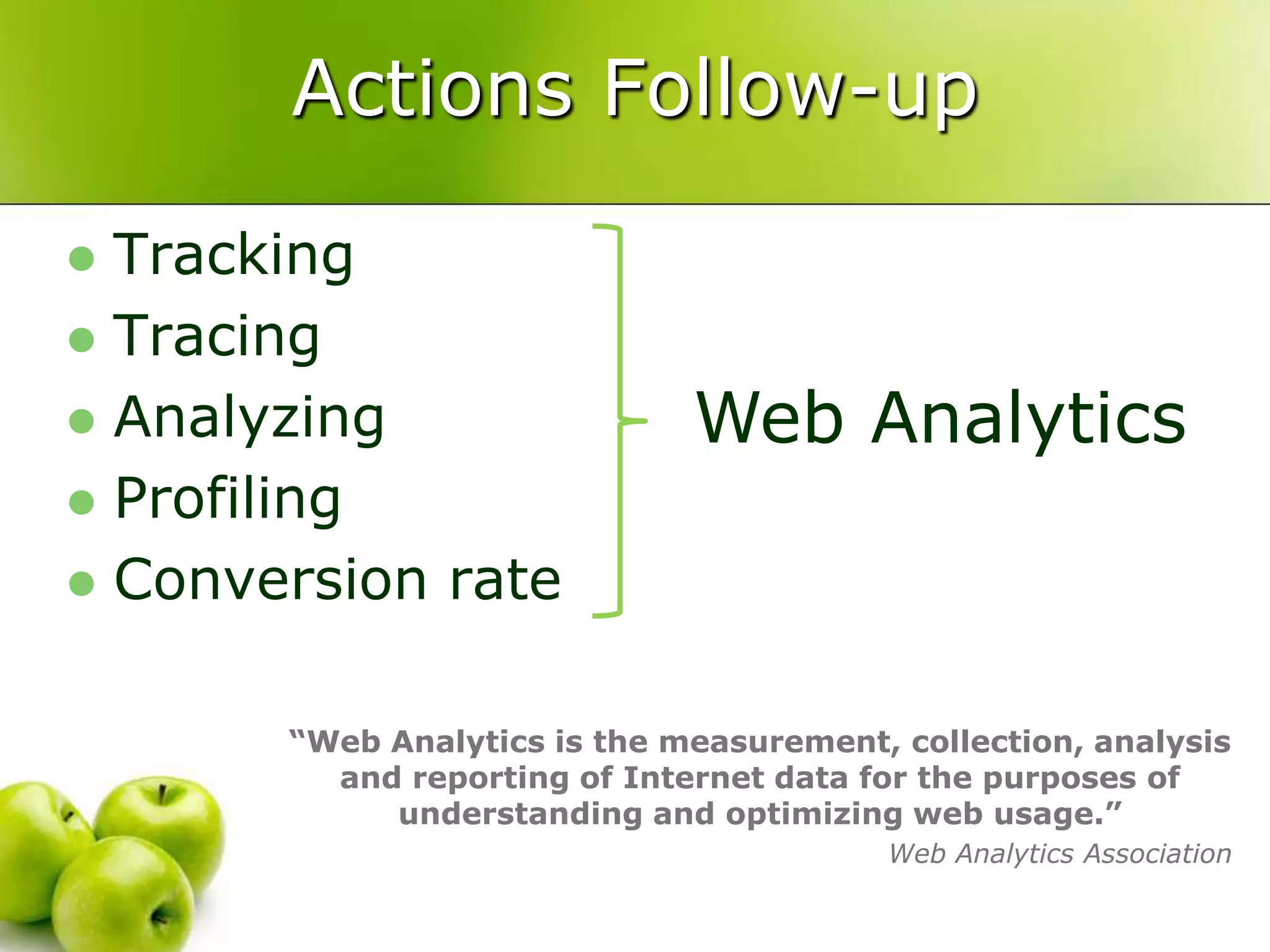
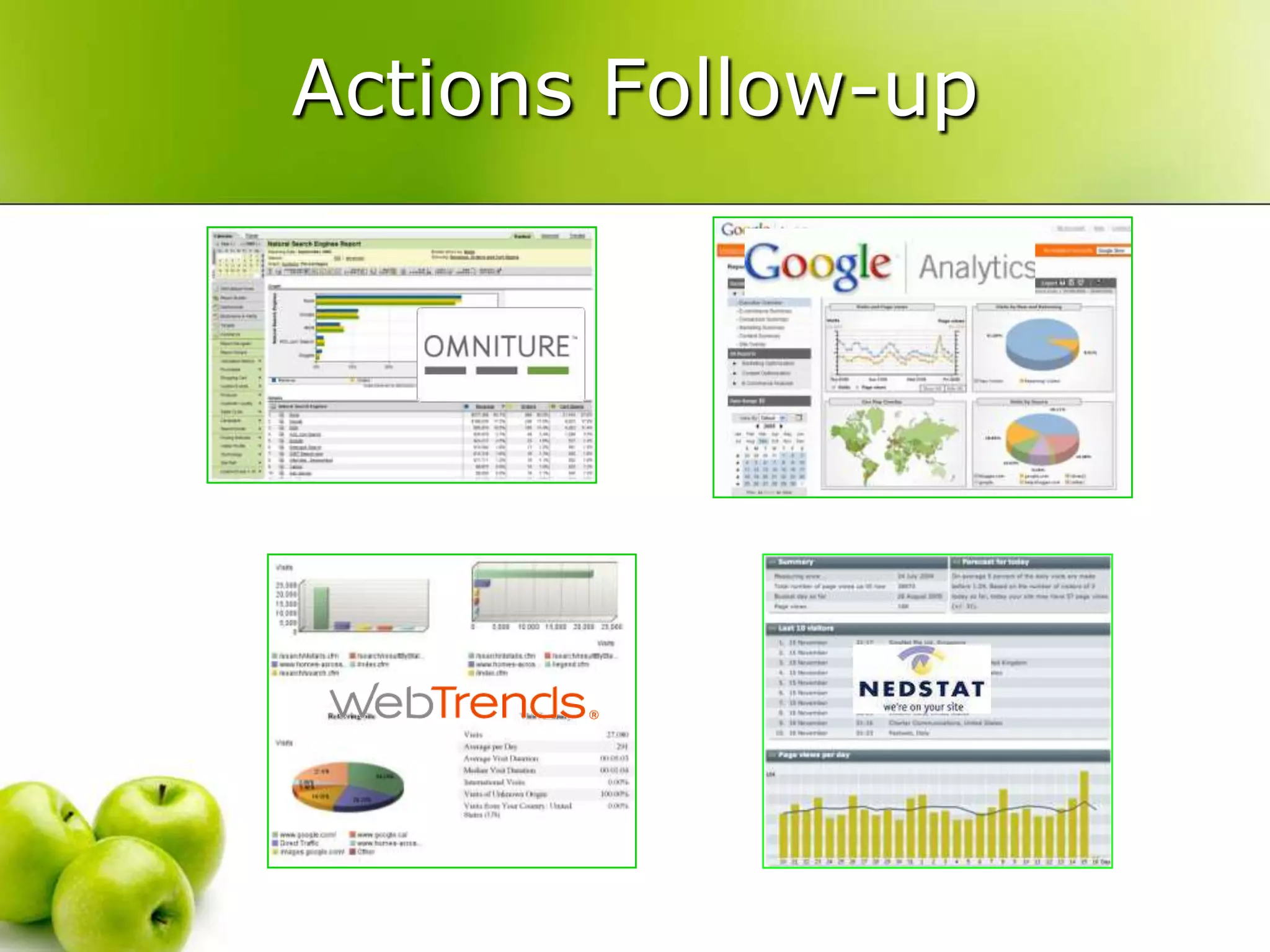
Actions Follow-upTrackingTracingAnalyzingProfilingConversion rateWeb Analytics“Web Analytics is the measurement, collection, analysis and reporting of Internet data for the purposes of understanding and optimizing web usage.”Web Analytics Association
Actions Follow-upWhich metrics?Visitor: country, language, new vs returning, loyalty, technical, …Traffic source: search, direct, campaign, keywords, referrer, …Content: page view, top landing page, top exit page, …Goals: conversion rate, funnel, sales, …Pertinence can be different
Data collectionTraffic to your websiteImprove your website Improve your traffic acquisitionBusiness DecisionActions Follow-up
Actions Follow-up
Actions Follow-upChose your right campaignsIncrease your chance of success
Actions ControlYour are launching your campaignAnd if …Your website is down?Your website is to slow?Impact on your salesImpact on your image?Which ROI in this case?WebMonitoring
Actions ControlsWhich are the most frequent errors?No response: network problem, server outage, …Page not found:  update problem, dead link, …Database problemsUnknown host: DNS problem, expired domain name, …Other risks?Hacking: home page hacking, phishing, DoS, …Exploitation problems (slow, error, …)Amazon: « your website must answer in less than 3sec... Otherwise the surfer goes to your competitor! »
Actions ControlOnly one ;-)
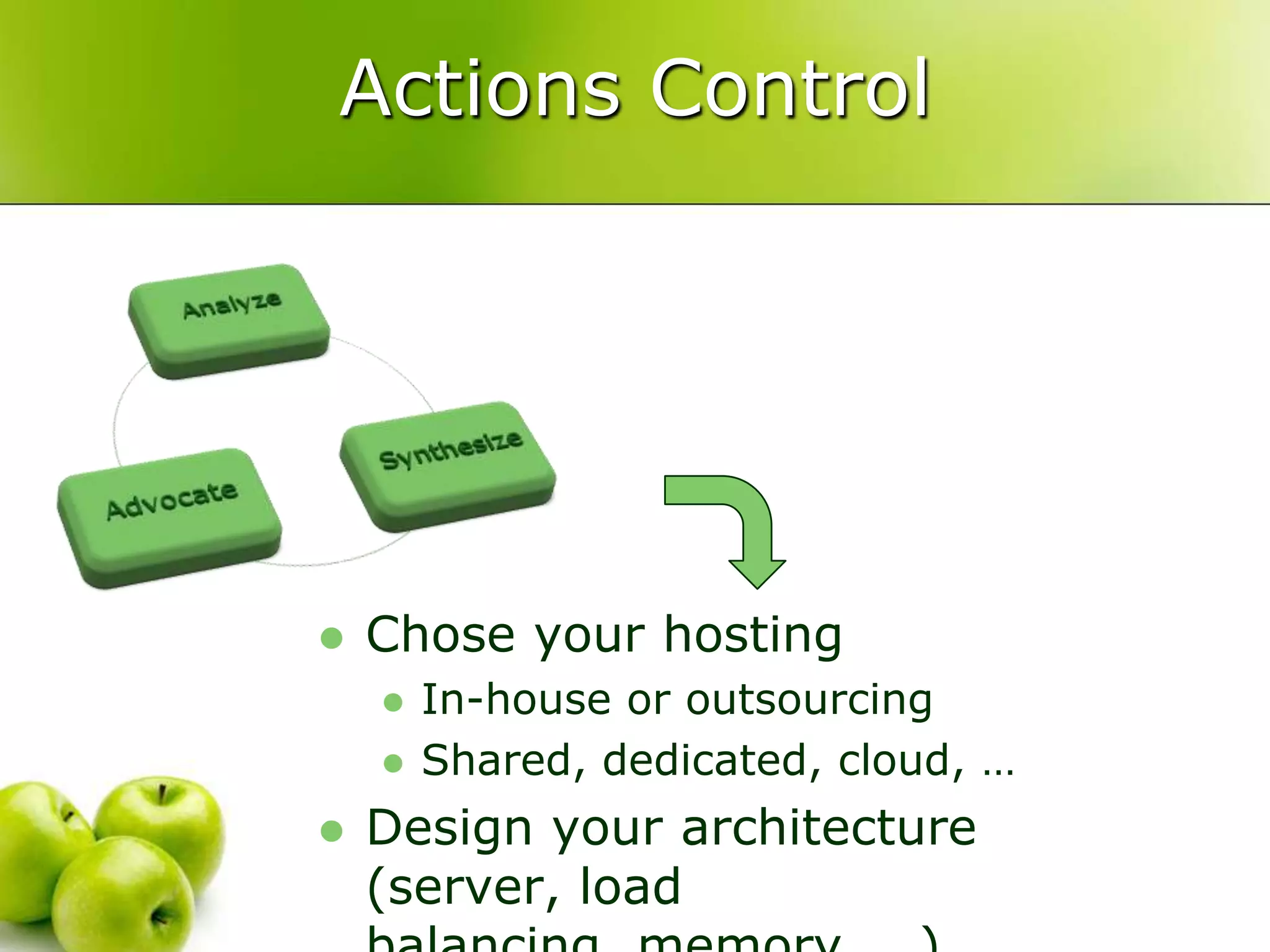
Actions ControlChose your hostingIn-house or outsourcingShared, dedicated, cloud, …Design your architecture (server, load balancing, memory, …)
To advanced
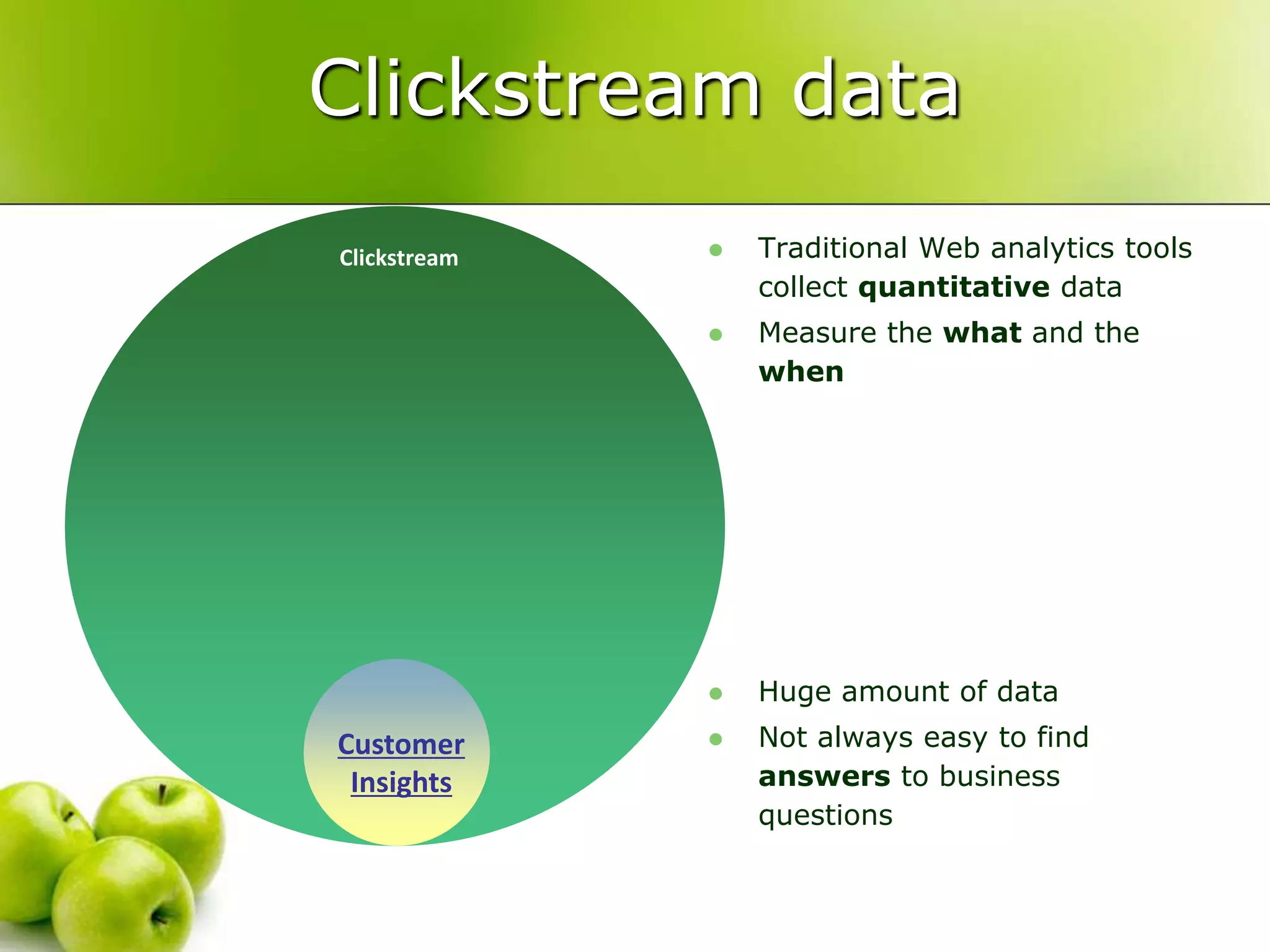
CustomerInsightsClickstream dataTraditional Web analytics tools collect quantitative dataMeasure the what and the whenHuge amount of dataNot always easy to find answers to business questionsClickstream
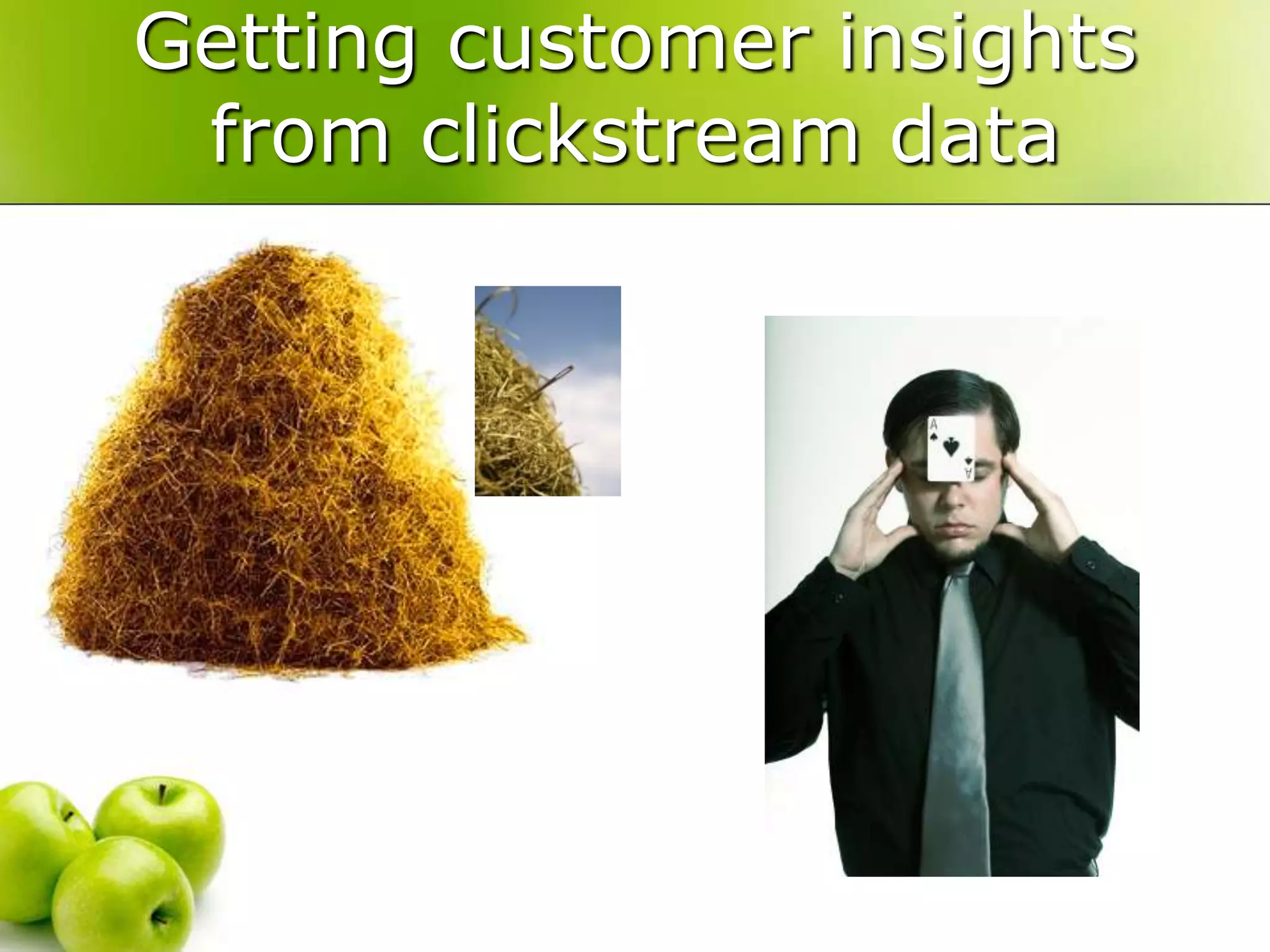
Getting customer insights from clickstream data
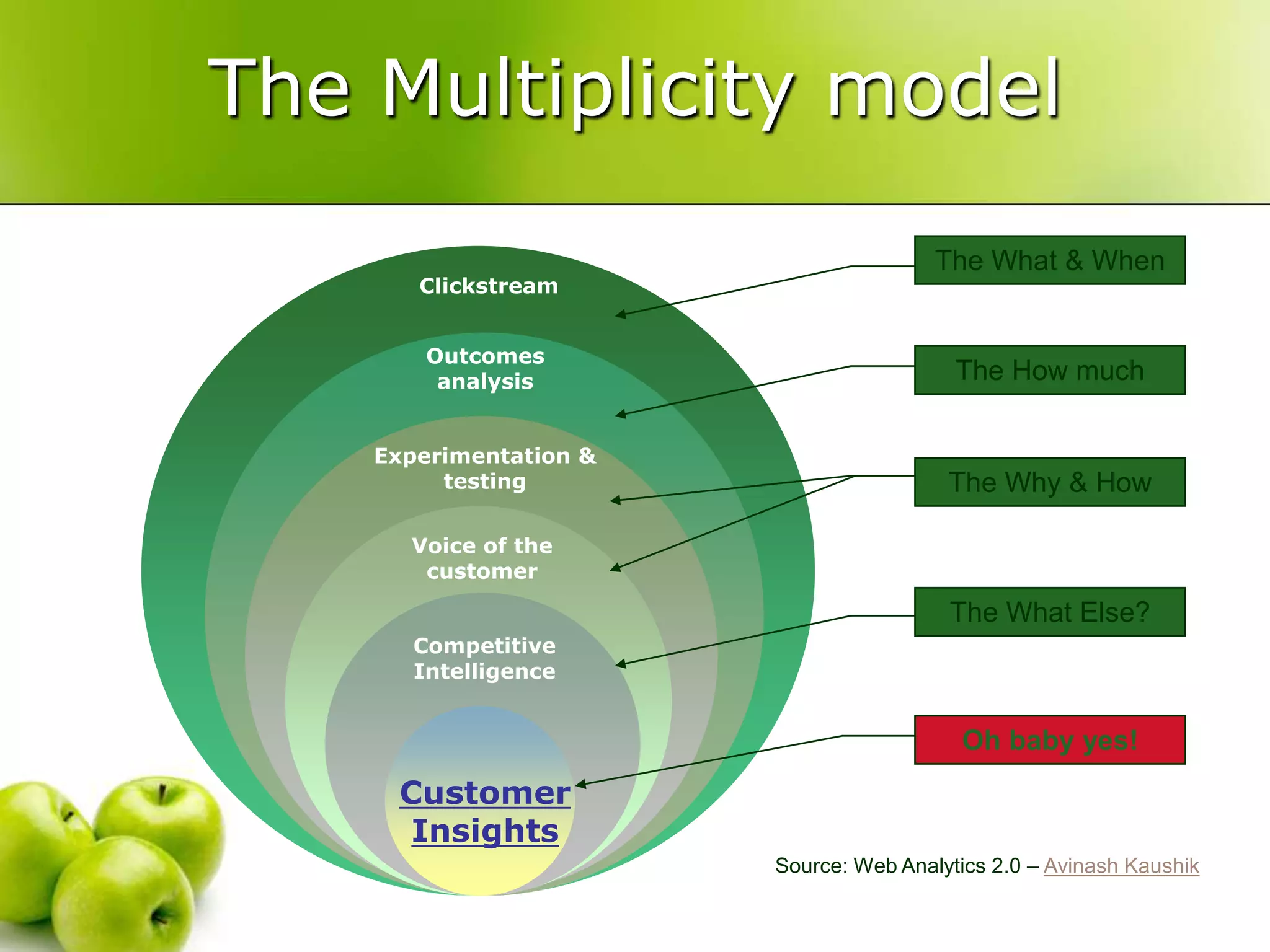
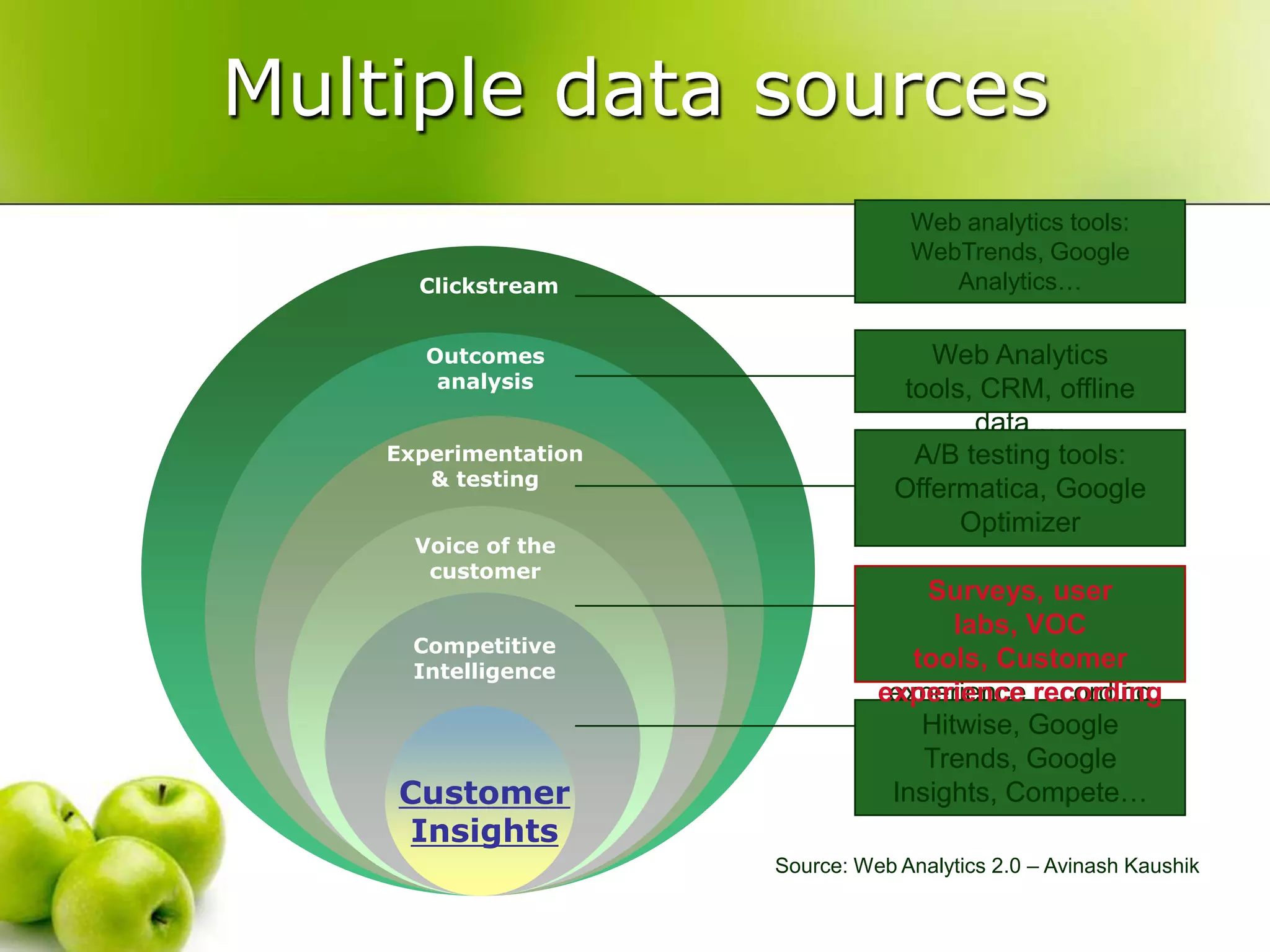
The Multiplicity modelThe What & WhenOutcomesanalysisThe How muchExperimentation & testingThe Why & HowVoice of the customerThe What Else?Competitive IntelligenceOh baby yes!CustomerInsightsClickstreamSource: Web Analytics 2.0 – AvinashKaushik
Web analytics tools: WebTrends, Google Analytics…Web Analytics tools, CRM, offline data,…A/B testing tools: Offermatica, Google OptimizerSurveys, user labs, VOC tools, Customer experience recording Hitwise, Google Trends, Google Insights, Compete…ClickstreamOutcomes analysisExperimentation & testingVoice of the customerSurveys, user labs, VOC tools, Customer experience recording Competitive IntelligenceCustomerInsightsMultiple data sourcesSource: Web Analytics 2.0 – Avinash Kaushik
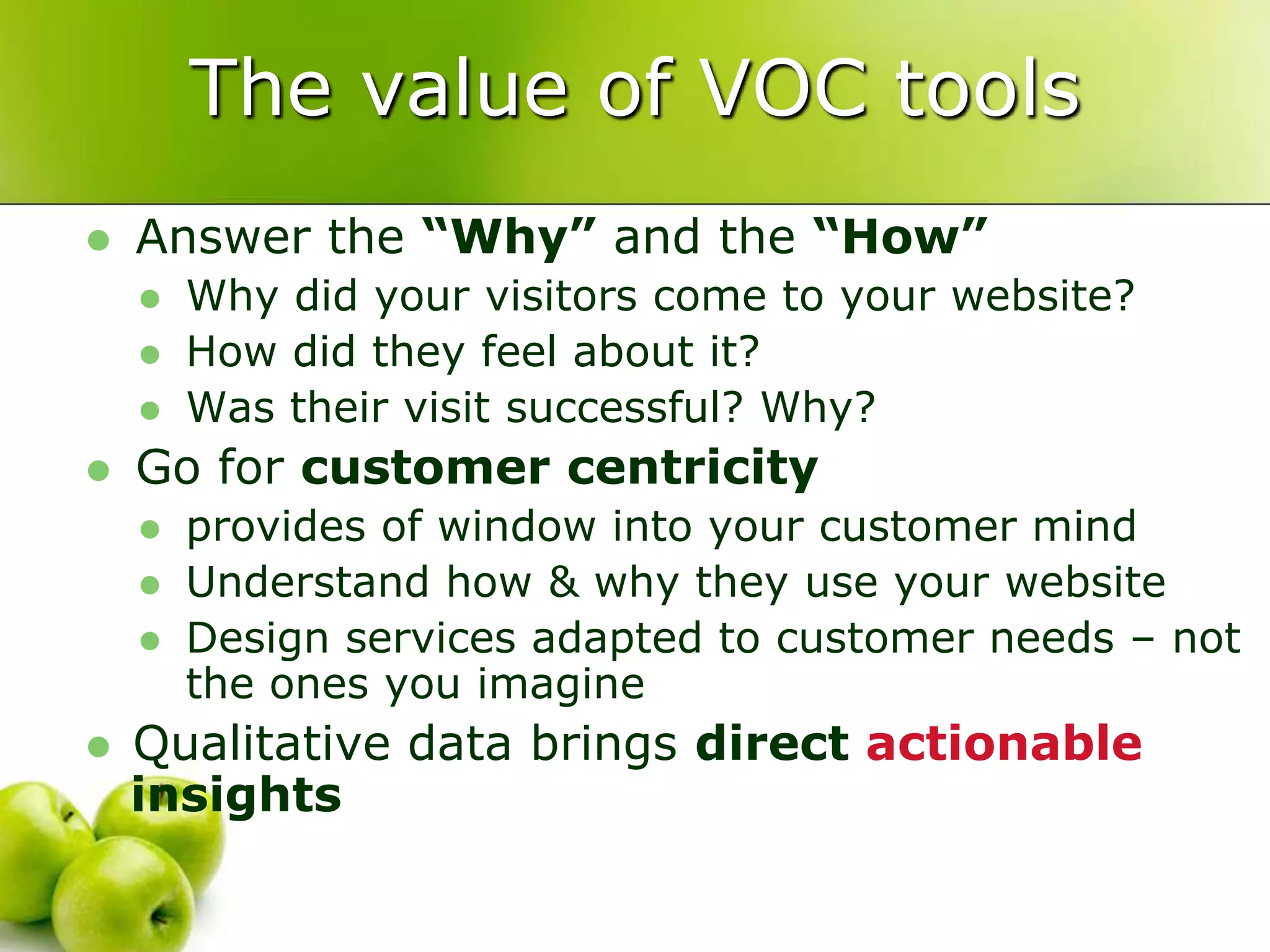
The value of VOC toolsAnswer the “Why” and the “How”Why did your visitors come to your website?How did they feel about it?Was their visit successful? Why?Go for customer centricityprovides of window into your customer mindUnderstand how & why they use your websiteDesign services adapted to customer needs – not the ones you imagineQualitative data brings direct actionable insights
Online Survey toolsoverview
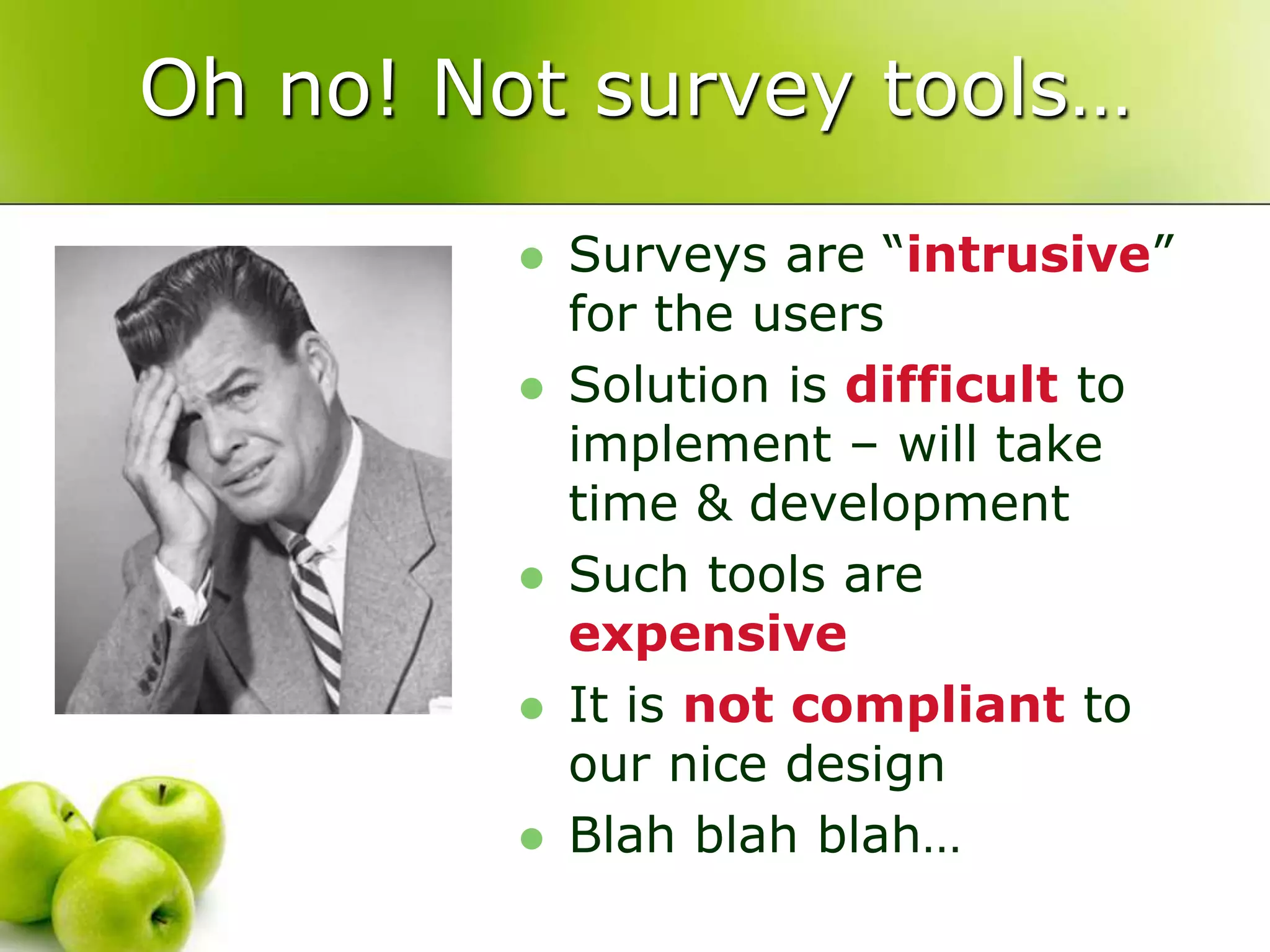
Oh no! Not survey tools…Surveys are “intrusive” for the usersSolution is difficult to implement – will take time & developmentSuch tools are expensiveIt is not compliant to our nice designBlah blahblah…
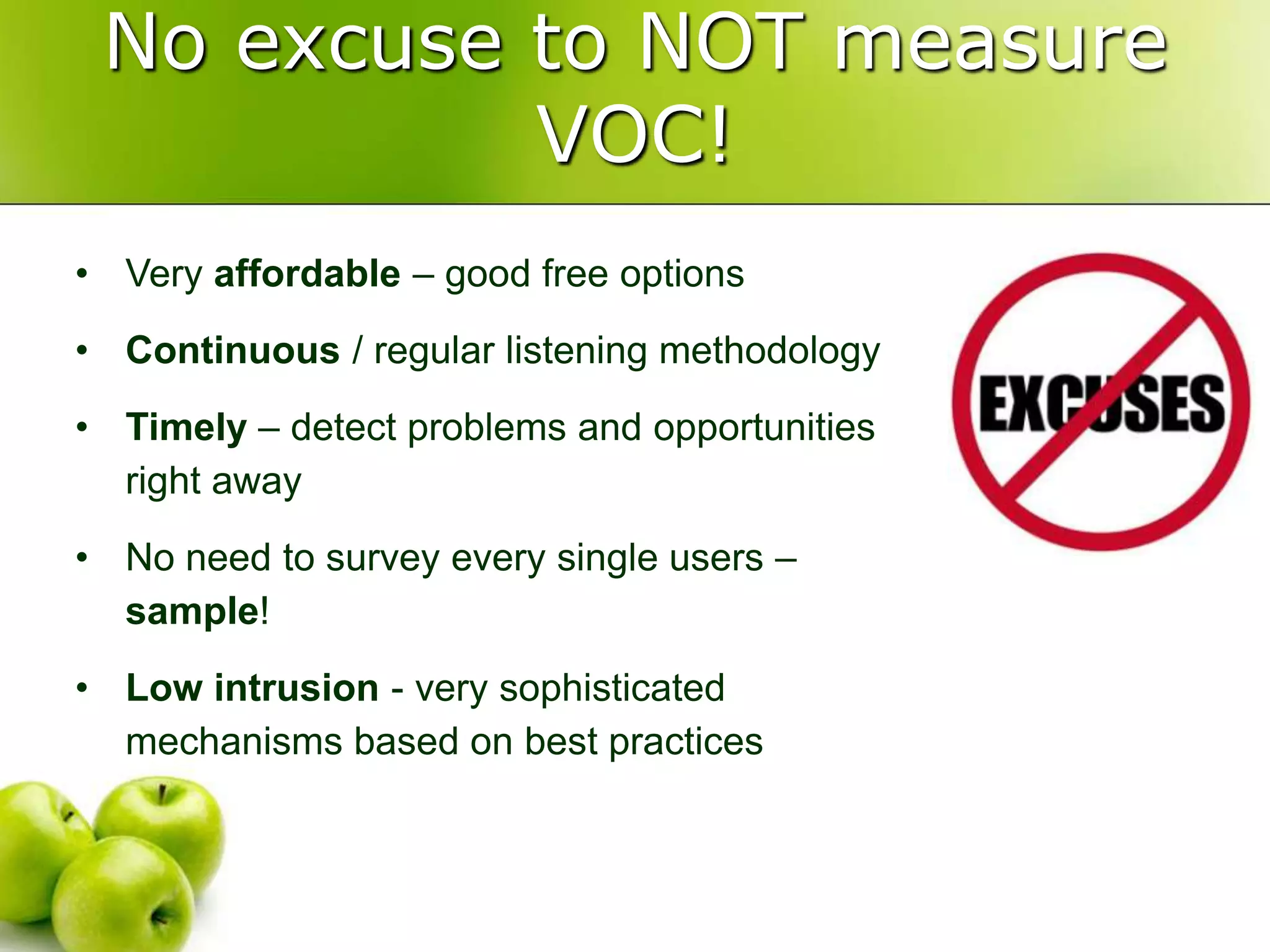
These are excuses!
No excuse to NOT measure VOC!Very affordable – good free options
Continuous / regular listening methodology
Timely – detect problems and opportunities right away
No need to survey every single users – sample!
Low intrusion - very sophisticated mechanisms based on best practicesMain types of surveytoolsBasicallytwo main types of surveysProactivePassiveEach with own pro’s & con’sServe distinct purpose
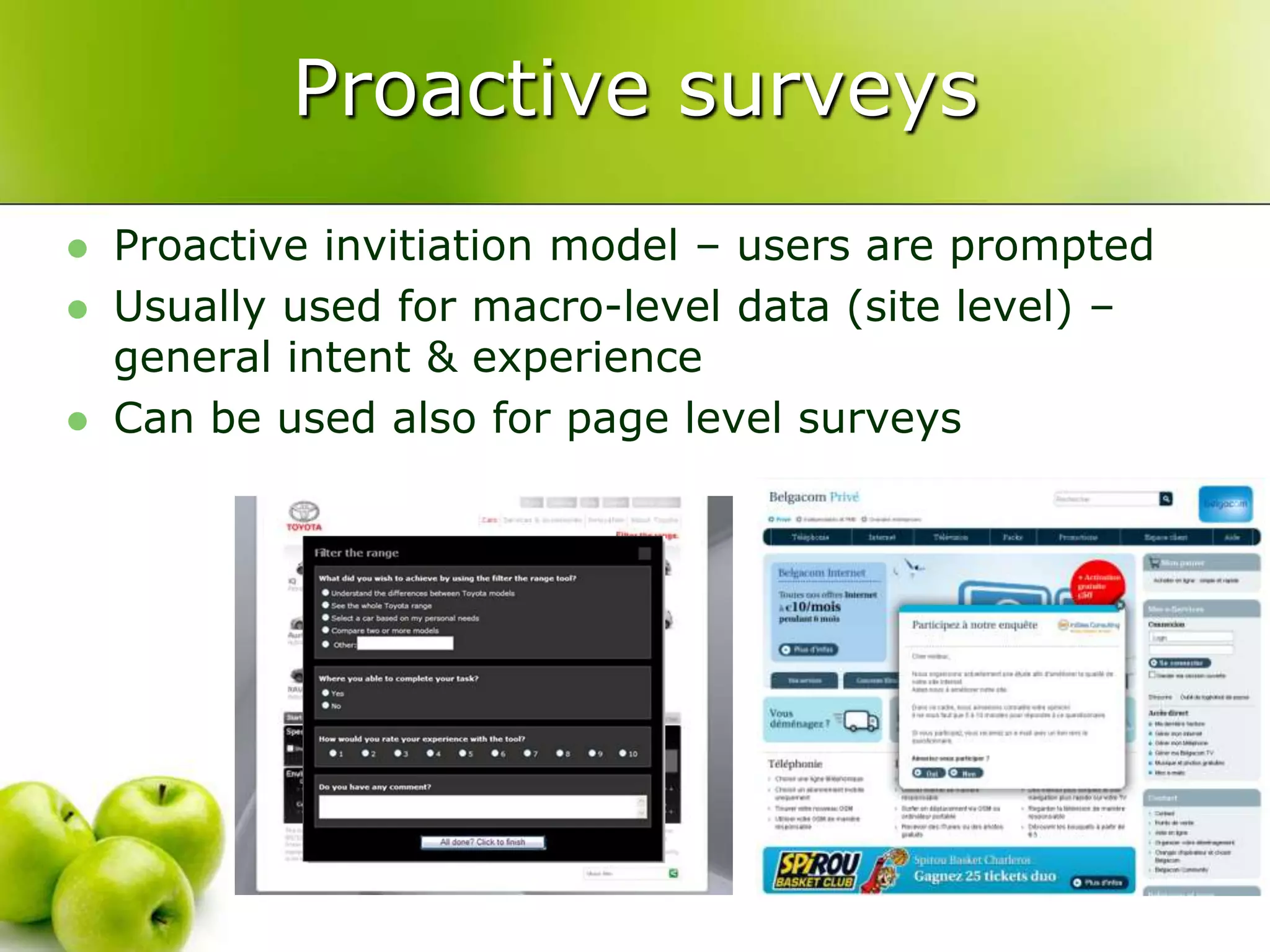
Proactive surveysProactive invitiation model – users are promptedUsuallyused for macro-level data (site level) – generalintent & experienceCan beusedalso for page levelsurveys
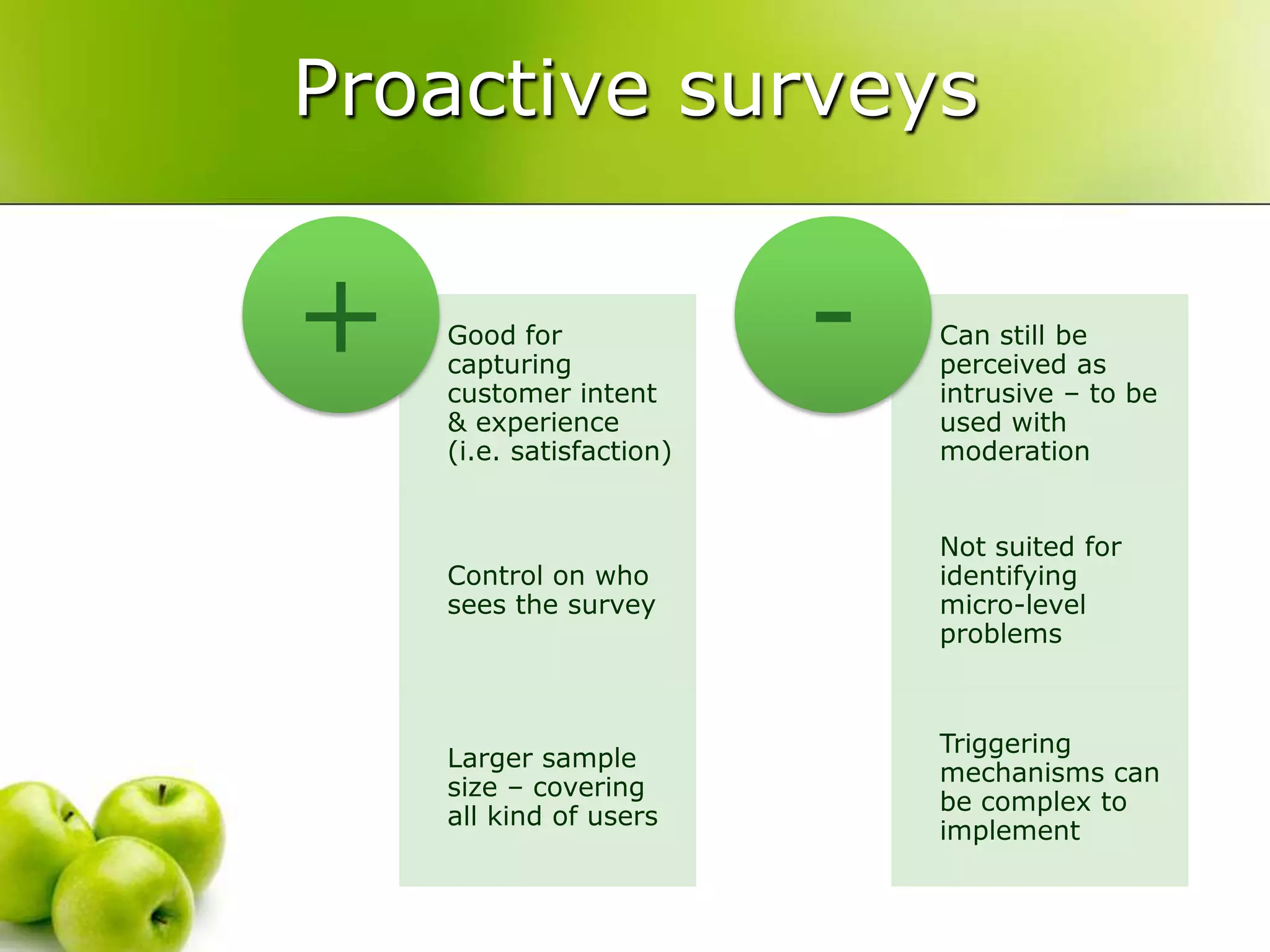
Proactive surveys
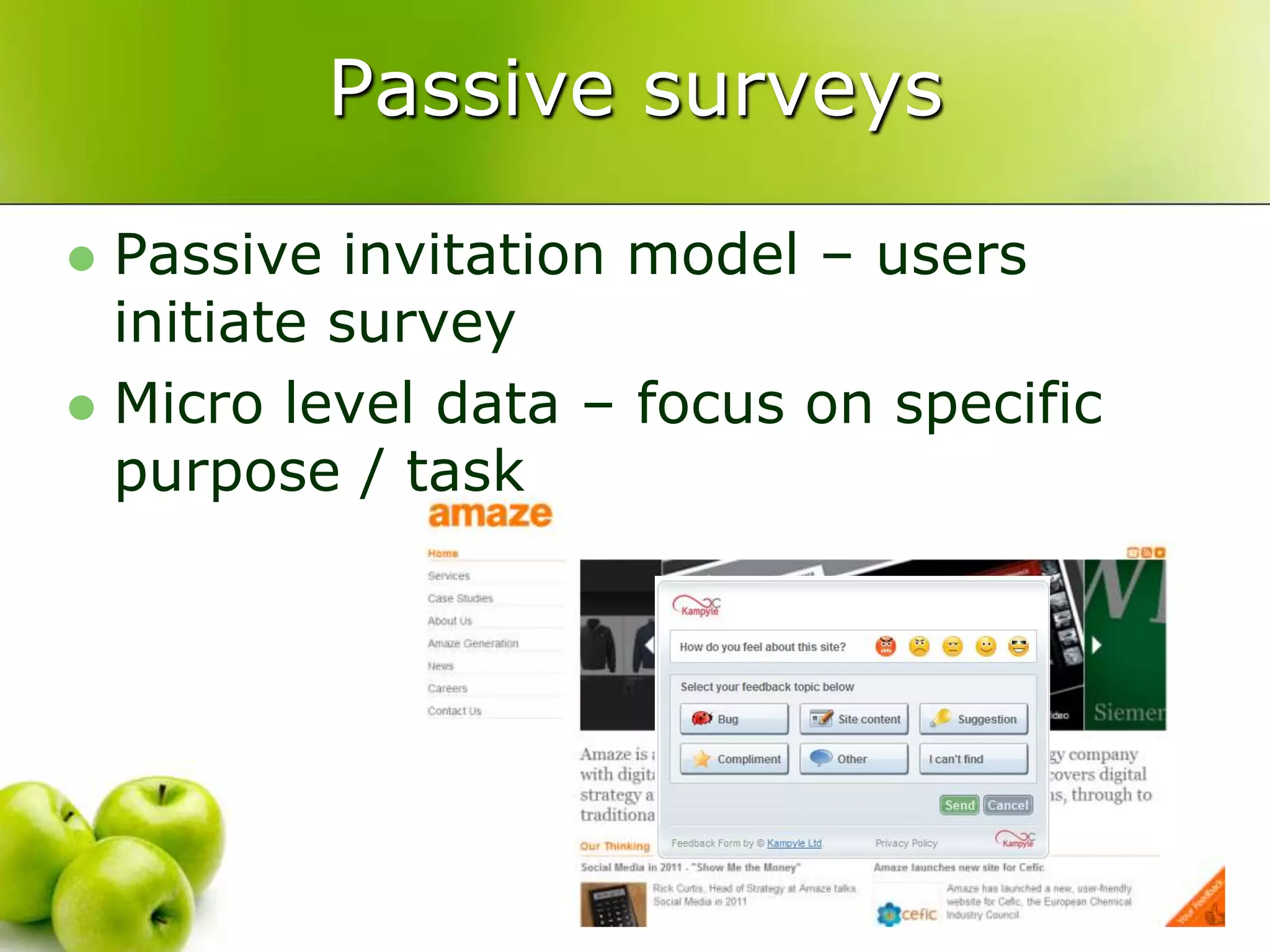
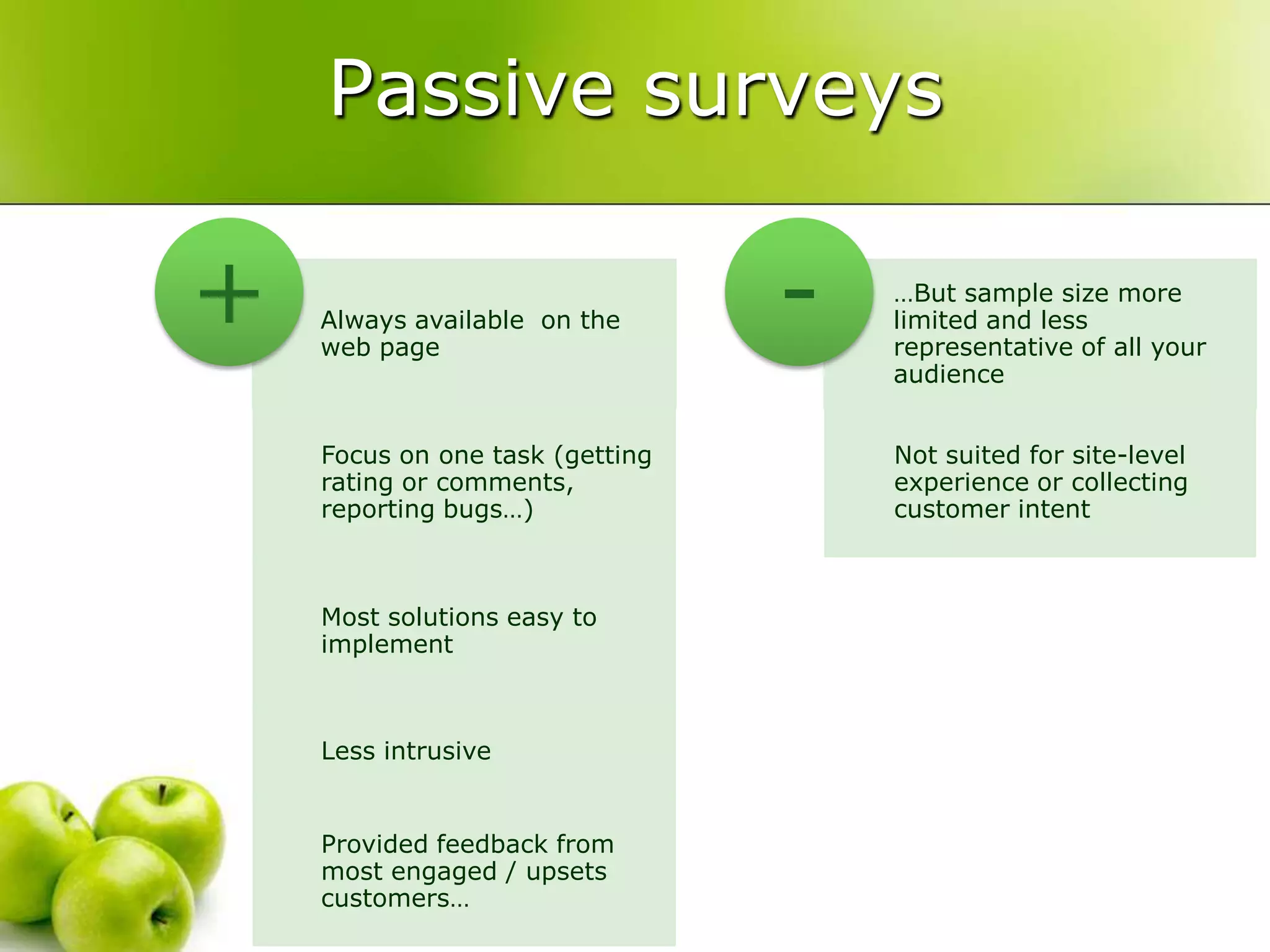
Passive surveysPassive invitation model – usersinitiatesurveyMicro level data – focus on specificpurpose / task
Passive surveys
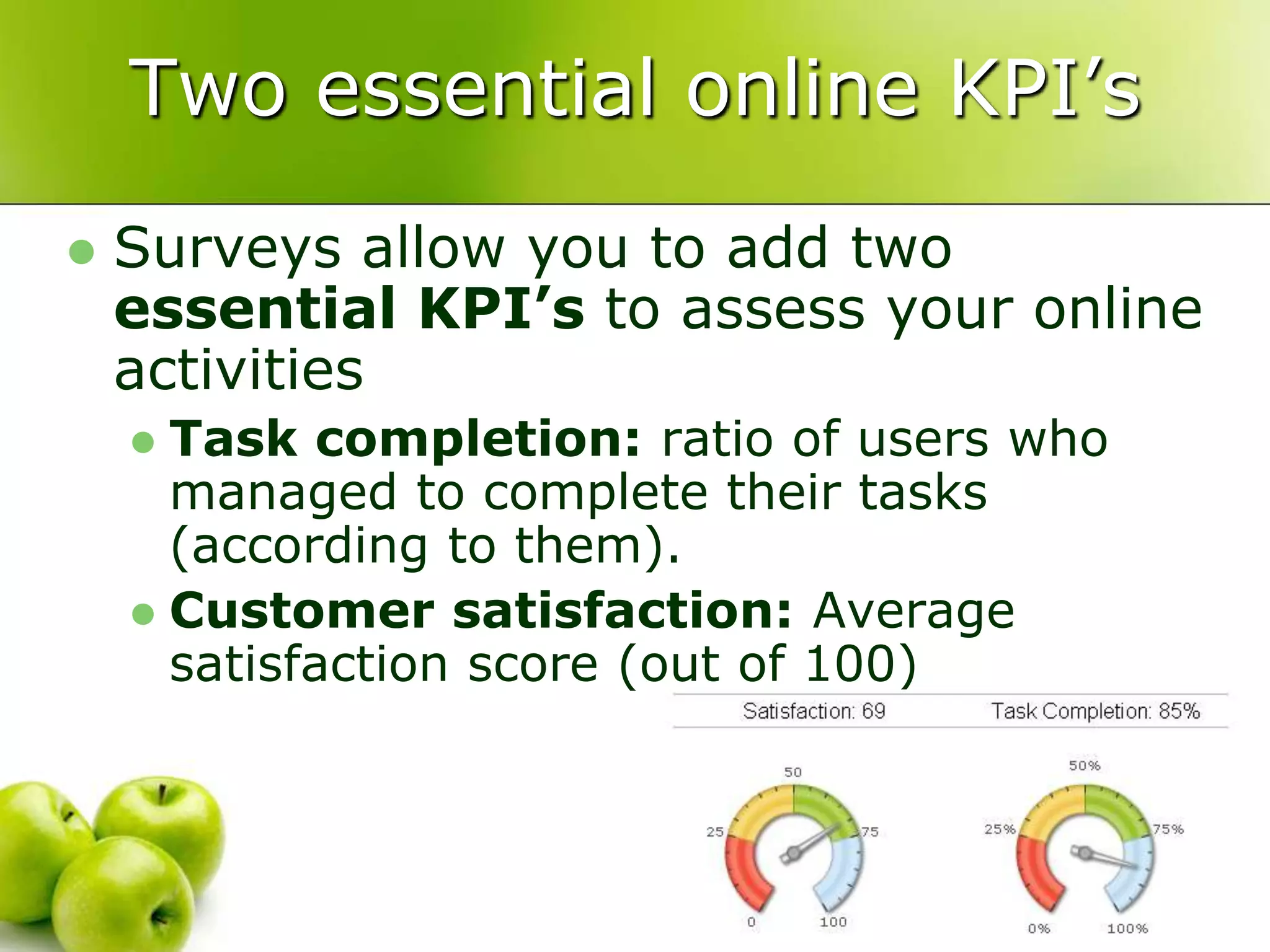
Two essential online KPI’sSurveysallowyou to addtwoessential KPI’sto assessyour online activitiesTask completion: ratio of users who managed to complete their tasks (according to them).Customer satisfaction:Average satisfaction score (out of 100)
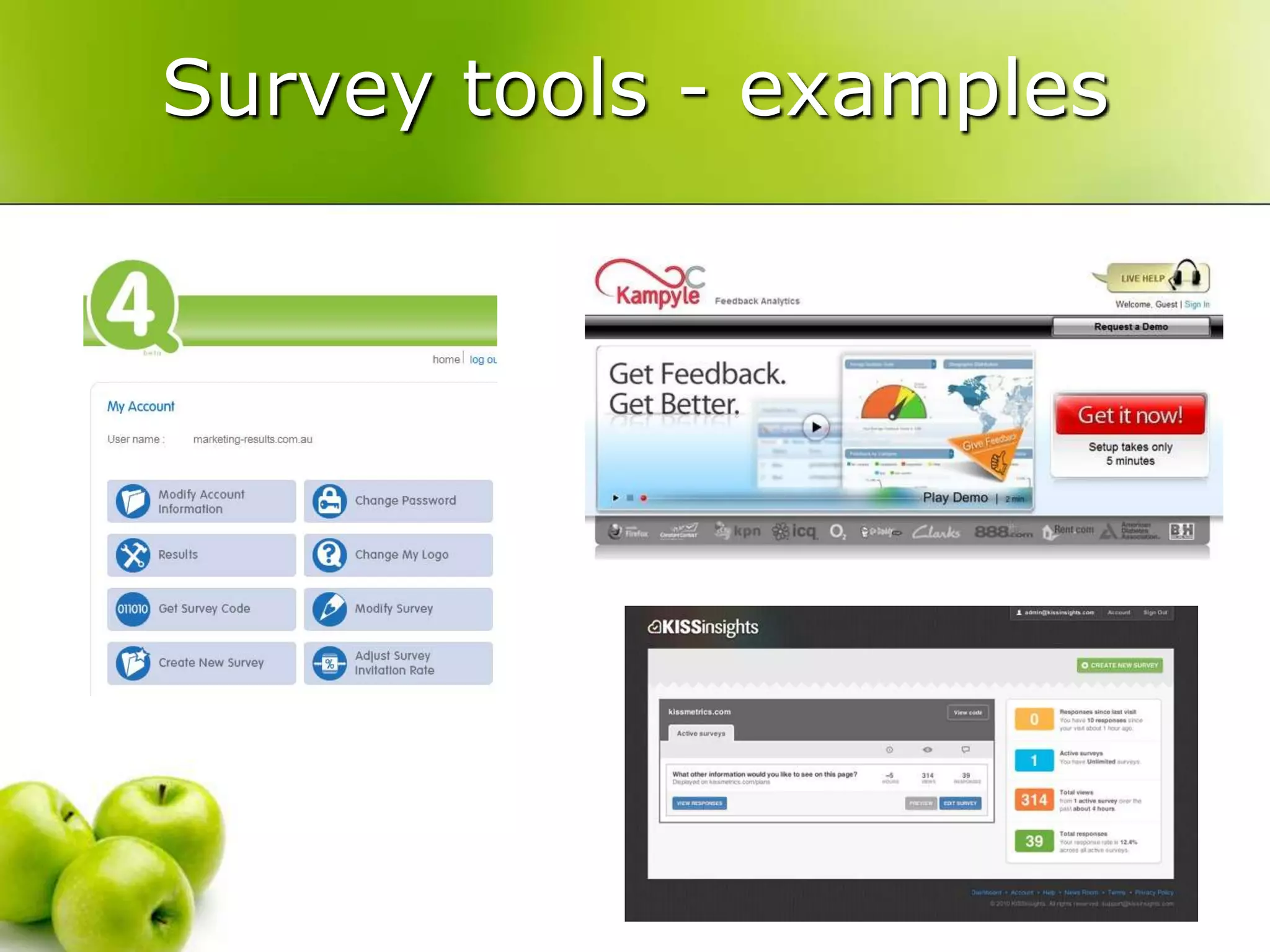
Survey tools - examples
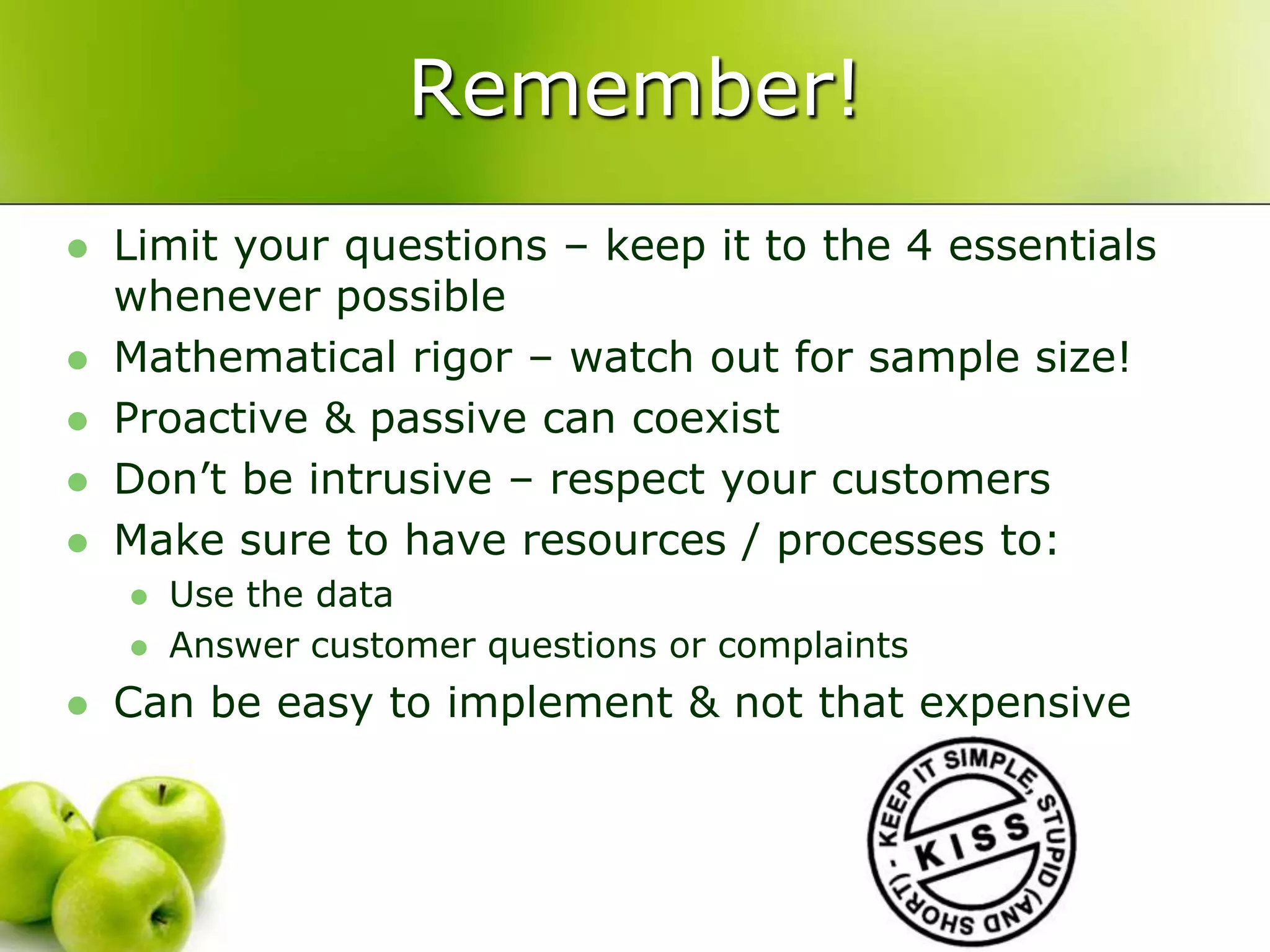
Remember!Limityour questions – keepit to the 4 essentialswhenever possibleMathematicalrigor – watch out for sample size!Proactive & passive cancoexistDon’tbe intrusive – respect yourcustomersMake sure to have resources / processes to:Use the dataAnswercustomer questions or complaintsCan beeasy to implement & not thatexpensive

Passionate People: Why and How to measure statistics on your website

  • 1.
    Why and howto measure statistics on your Website?Cédric BraemCEO – internetVista.com
  • 2.
  • 3.
    IntroductionYou have aWebsite ...and now?How to increase visitor?How to convert visitor into customer?How to capture the attention?How to keep one’s clientele?
  • 4.
    Which marketing?“Classic” MarketingAdvertisingBy word of mouthBy publishing the URL everywherePress releaseNetworkingEvent and exhibitionE-MarketingEmail marketingOnline marketingBuzz and viral marketingPermission marketingSocial marketingSearch Engine marketing
  • 5.
    Which marketing?A mixof several techniquesAdapted to your need and your businessDon’t forget to measure your ROI !
  • 6.
    E-marketingEmail marketingSeveral strategiesMassivecampaignTargeted campaignFollow-up is crucial
  • 7.
    E-marketingOnline marketing ore-advertisingBannersSkyscraperOnline Ads Affiliate programSource: Price WaterHouse Coopers 2010
  • 8.
    E-marketingViral MarketingInfect acommunityIndividual message transmissionShow the spiral effectFormats: video, email, widget, white paper, podcast,...
  • 9.
    E-marketingBuzz marketingReach andtouch a communityCreate a reaction et catch the attentionFormats:quizz, contest, game Sample
  • 10.
    E-marketingSocial MarketingQuite newbut very powerfulUse of social network: facebook, likedin, myspace, twitter, ...The best example in 2008?
  • 11.
    E-marketingPermission MarketingYou receivethe “permission”Conversation with your customerPrivileged linkCrucial difference between interruption and permission
  • 12.
    E-marketingBlack marketing(Forget thissection)In the limit of the lawWarketing with your competitorFormats:darksite, spaming, domain recuperation, ...
  • 13.
    E-marketingSearch Engine MarketingSearchTermAdvertisingNatural Search ResultsSearch Engine Optimization (SEO)Search Engine Advertizing (SEA)
  • 14.
    Some questionsHow muchfor each campaign?What is the return?How many visitors?How many conversion?How many achieved goals?How fast is your website?How often does your website hiccup?How to know if actions are efficients?
  • 15.
  • 16.
  • 17.
    Actions Follow-upTrackingTracingAnalyzingProfilingConversion rateWebAnalytics“Web Analytics is the measurement, collection, analysis and reporting of Internet data for the purposes of understanding and optimizing web usage.”Web Analytics Association
  • 18.
    Actions Follow-upWhich metrics?Visitor:country, language, new vs returning, loyalty, technical, …Traffic source: search, direct, campaign, keywords, referrer, …Content: page view, top landing page, top exit page, …Goals: conversion rate, funnel, sales, …Pertinence can be different
  • 19.
    Data collectionTraffic toyour websiteImprove your website Improve your traffic acquisitionBusiness DecisionActions Follow-up
  • 20.
  • 21.
    Actions Follow-upChose yourright campaignsIncrease your chance of success
  • 22.
    Actions ControlYour arelaunching your campaignAnd if …Your website is down?Your website is to slow?Impact on your salesImpact on your image?Which ROI in this case?WebMonitoring
  • 23.
    Actions ControlsWhich arethe most frequent errors?No response: network problem, server outage, …Page not found: update problem, dead link, …Database problemsUnknown host: DNS problem, expired domain name, …Other risks?Hacking: home page hacking, phishing, DoS, …Exploitation problems (slow, error, …)Amazon: « your website must answer in less than 3sec... Otherwise the surfer goes to your competitor! »
  • 24.
  • 25.
    Actions ControlChose yourhostingIn-house or outsourcingShared, dedicated, cloud, …Design your architecture (server, load balancing, memory, …)
  • 26.
  • 27.
    CustomerInsightsClickstream dataTraditional Webanalytics tools collect quantitative dataMeasure the what and the whenHuge amount of dataNot always easy to find answers to business questionsClickstream
  • 28.
    Getting customer insightsfrom clickstream data
  • 29.
    The Multiplicity modelTheWhat & WhenOutcomesanalysisThe How muchExperimentation & testingThe Why & HowVoice of the customerThe What Else?Competitive IntelligenceOh baby yes!CustomerInsightsClickstreamSource: Web Analytics 2.0 – AvinashKaushik
  • 30.
    Web analytics tools:WebTrends, Google Analytics…Web Analytics tools, CRM, offline data,…A/B testing tools: Offermatica, Google OptimizerSurveys, user labs, VOC tools, Customer experience recording Hitwise, Google Trends, Google Insights, Compete…ClickstreamOutcomes analysisExperimentation & testingVoice of the customerSurveys, user labs, VOC tools, Customer experience recording Competitive IntelligenceCustomerInsightsMultiple data sourcesSource: Web Analytics 2.0 – Avinash Kaushik
  • 31.
    The value ofVOC toolsAnswer the “Why” and the “How”Why did your visitors come to your website?How did they feel about it?Was their visit successful? Why?Go for customer centricityprovides of window into your customer mindUnderstand how & why they use your websiteDesign services adapted to customer needs – not the ones you imagineQualitative data brings direct actionable insights
  • 32.
  • 33.
    Oh no! Notsurvey tools…Surveys are “intrusive” for the usersSolution is difficult to implement – will take time & developmentSuch tools are expensiveIt is not compliant to our nice designBlah blahblah…
  • 34.
  • 35.
    No excuse toNOT measure VOC!Very affordable – good free options
  • 36.
    Continuous / regularlistening methodology
  • 37.
    Timely – detectproblems and opportunities right away
  • 38.
    No need tosurvey every single users – sample!
  • 39.
    Low intrusion -very sophisticated mechanisms based on best practicesMain types of surveytoolsBasicallytwo main types of surveysProactivePassiveEach with own pro’s & con’sServe distinct purpose
  • 40.
    Proactive surveysProactive invitiationmodel – users are promptedUsuallyused for macro-level data (site level) – generalintent & experienceCan beusedalso for page levelsurveys
  • 41.
  • 42.
    Passive surveysPassive invitationmodel – usersinitiatesurveyMicro level data – focus on specificpurpose / task
  • 43.
  • 44.
    Two essential onlineKPI’sSurveysallowyou to addtwoessential KPI’sto assessyour online activitiesTask completion: ratio of users who managed to complete their tasks (according to them).Customer satisfaction:Average satisfaction score (out of 100)
  • 45.
  • 46.
    Remember!Limityour questions –keepit to the 4 essentialswhenever possibleMathematicalrigor – watch out for sample size!Proactive & passive cancoexistDon’tbe intrusive – respect yourcustomersMake sure to have resources / processes to:Use the dataAnswercustomer questions or complaintsCan beeasy to implement & not thatexpensive
  • 47.
    You want more?EyetrackingBrain tracking
  • 48.
    ConclusionPlay with “your”marketingMeasure, measure, measureDon’t forget to convert  CALL TO ACTION and ROIWalk a mile in your customer shoesTomorrow you must play again
  • 49.
    More informationcbr@internetvista.com@internetvistainternetvistaSearch inGoogle ;-)“Call To Action” – B.& J. Eisenberg“All books” - Seth Godin