THE NEW WAY OF MANAGING, MONITORING AND SUPPORTING IT
SYSTEMS
10/04/2015
Systems Management
10/04/2015Systems Management 2
1. Challenges For Improving Productivity
2. What is Panda Cloud Systems
Management?
3. Benefits of Panda Cloud Systems
Management
4. Resource and Infrastructure
Requirements
Challenges for Improving
Productivity
10/04/2015Systems Management 3
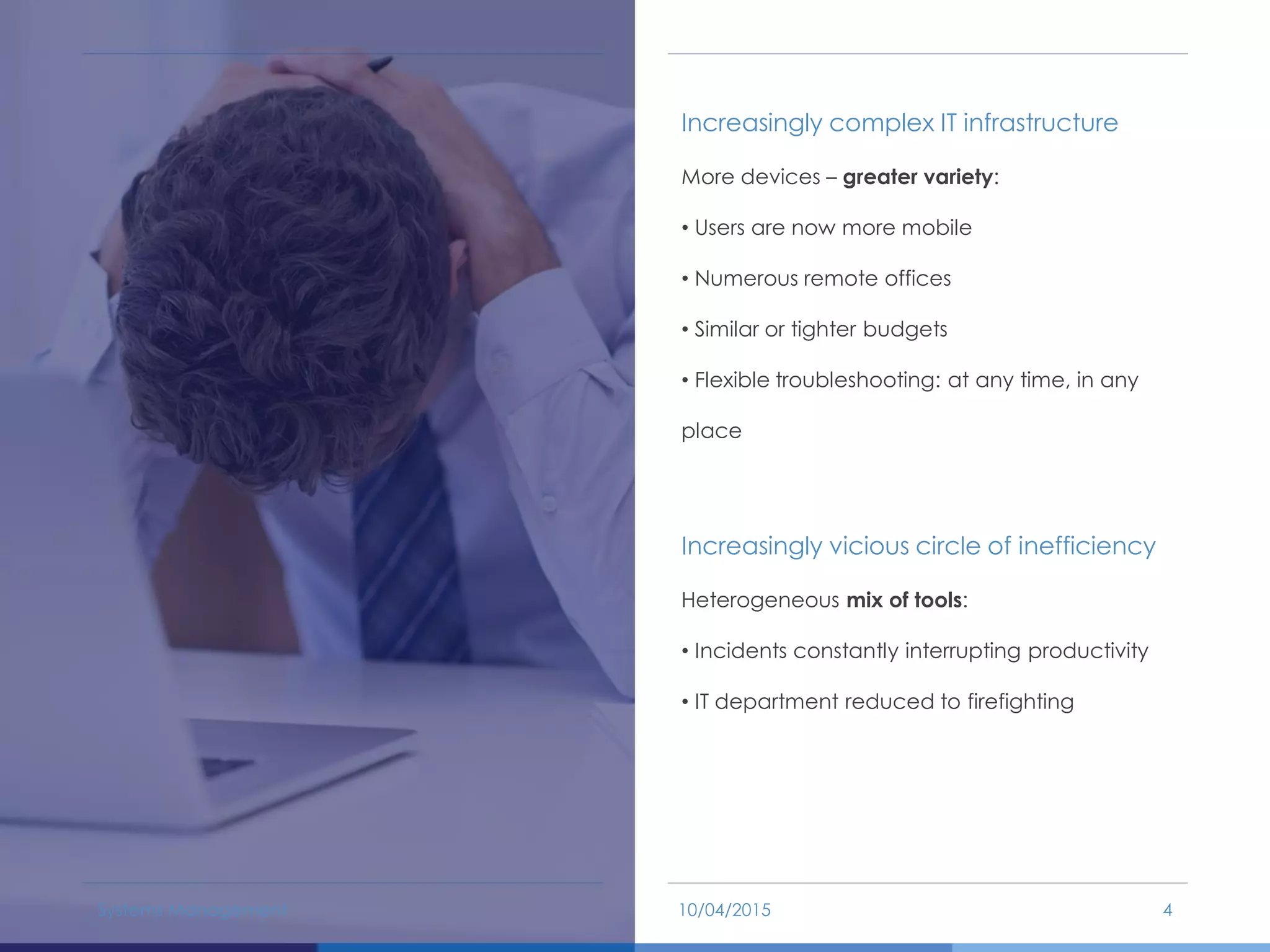
Increasingly complex IT infrastructure
More devices – greater variety:
• Users are now more mobile
• Numerous remote offices
• Similar or tighter budgets
• Flexible troubleshooting: at any time, in any
place
Increasingly vicious circle of inefficiency
Heterogeneous mix of tools:
• Incidents constantly interrupting productivity
• IT department reduced to firefighting
10/04/2015Systems Management 4
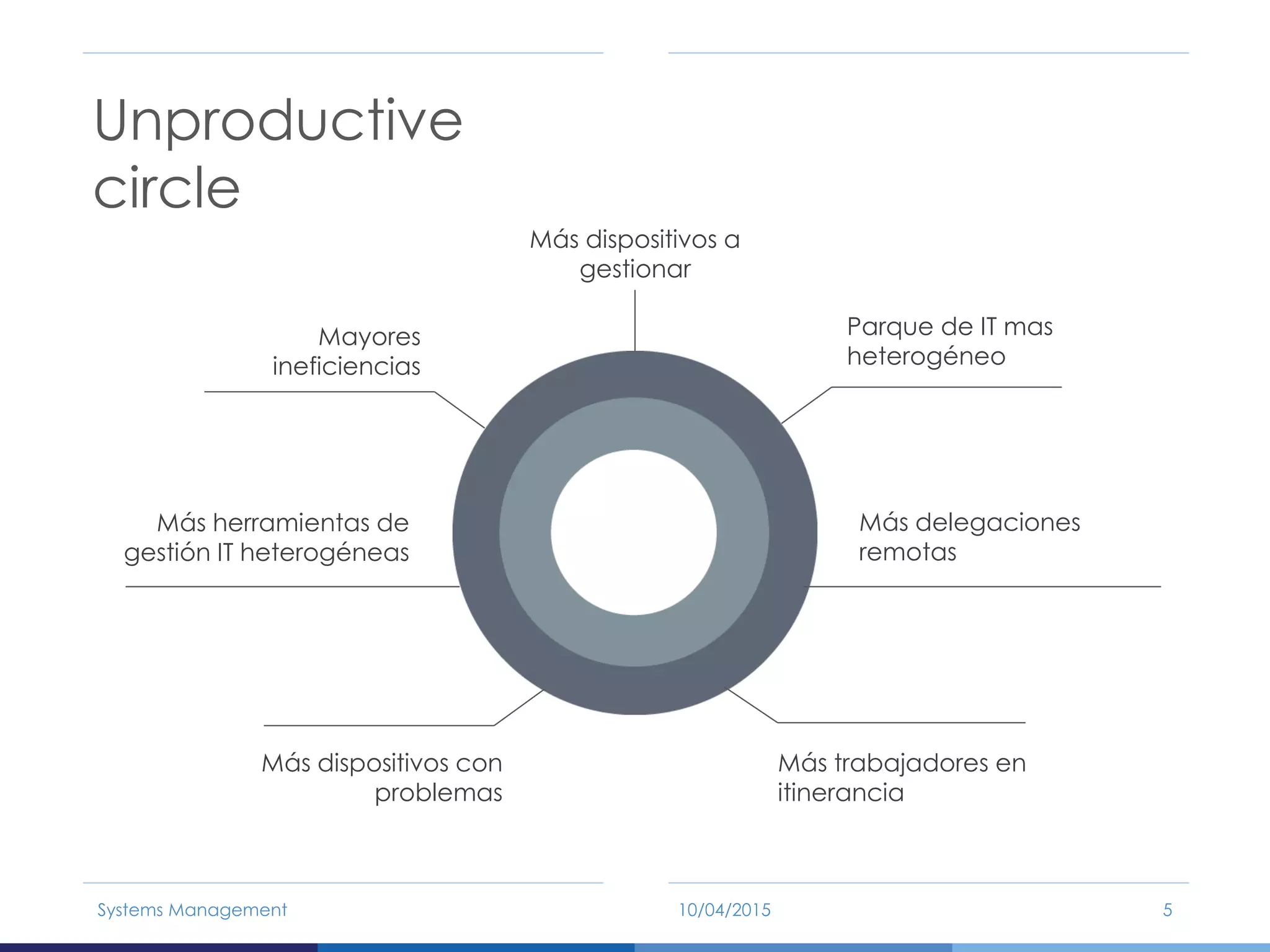
Unproductive
circle
10/04/2015Systems Management 5
Más dispositivos a
gestionar
Parque de IT mas
heterogéneo
Más delegaciones
remotas
Más trabajadores en
itinerancia
Más dispositivos con
problemas
Más herramientas de
gestión IT heterogéneas
Mayores
ineficiencias
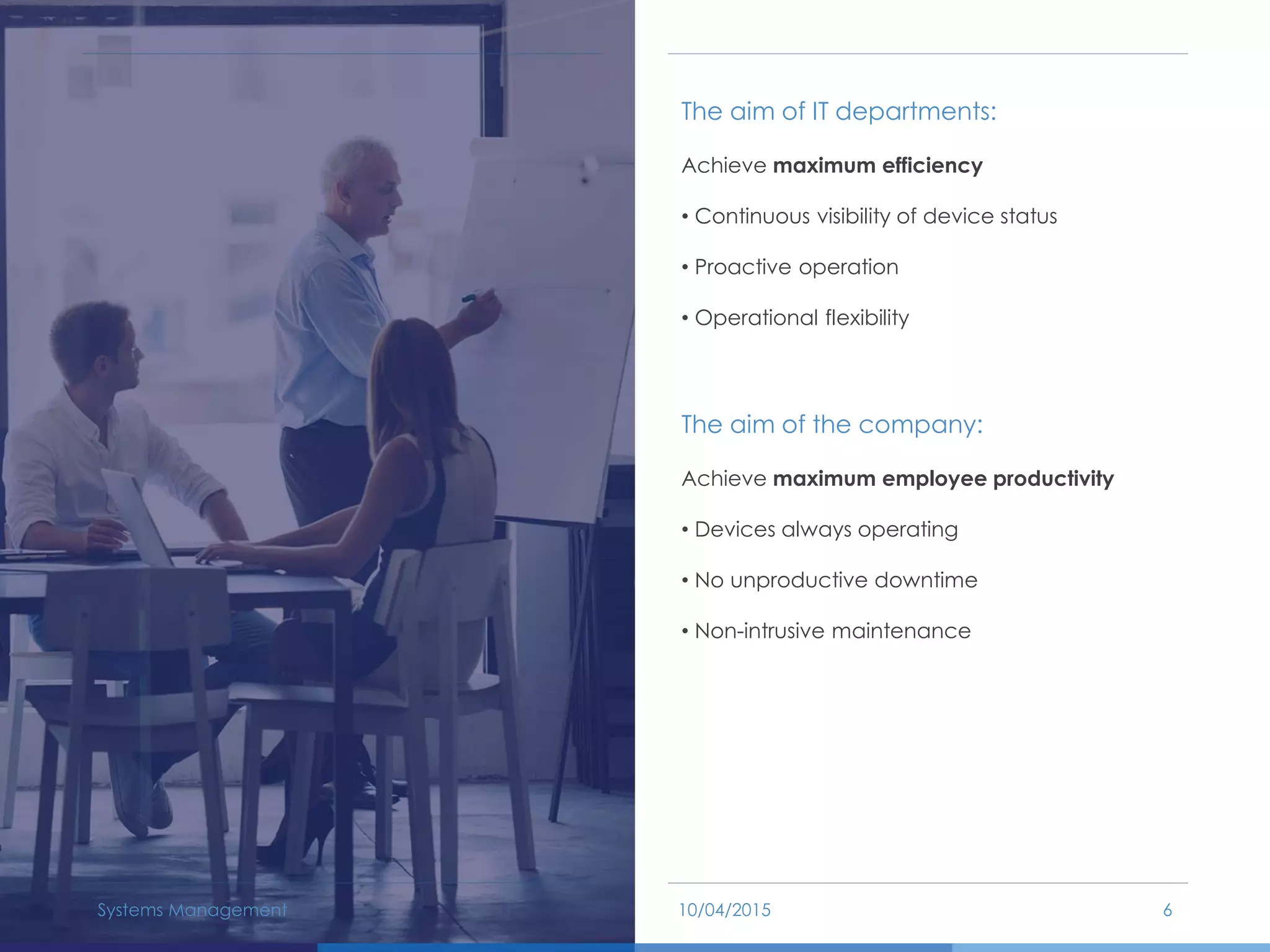
The aim of IT departments:
Achieve maximum efficiency
• Continuous visibility of device status
• Proactive operation
• Operational flexibility
The aim of the company:
Achieve maximum employee productivity
• Devices always operating
• No unproductive downtime
• Non-intrusive maintenance
10/04/2015Systems Management 6
What is Systems Management?
10/04/2015Systems Management 7
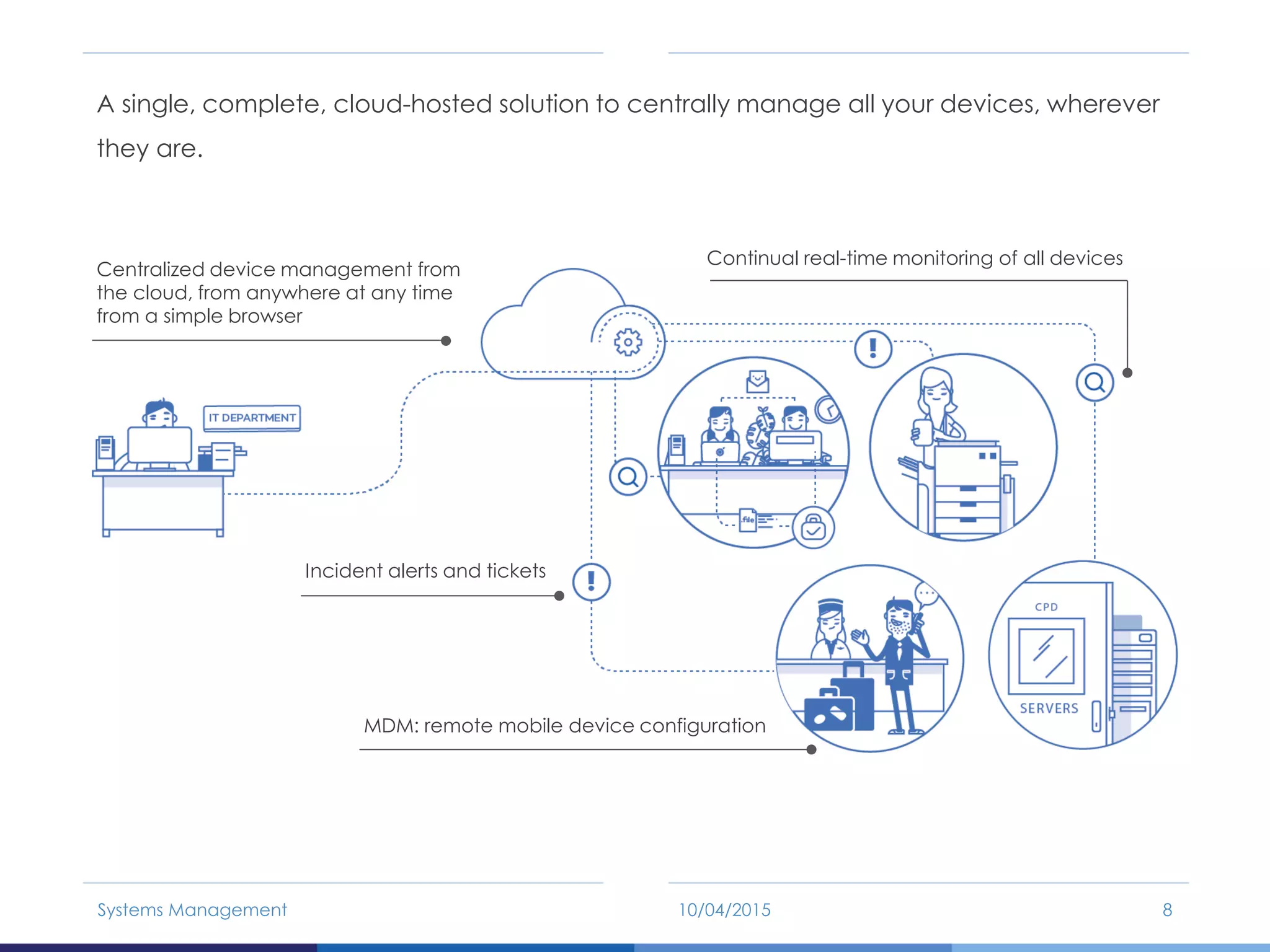
A single, complete, cloud-hosted solution to centrally manage all your devices, wherever
they are.
10/04/2015Systems Management 8
Centralized device management from
the cloud, from anywhere at any time
from a simple browser
Incident alerts and tickets
MDM: remote mobile device configuration
Continual real-time monitoring of all devices
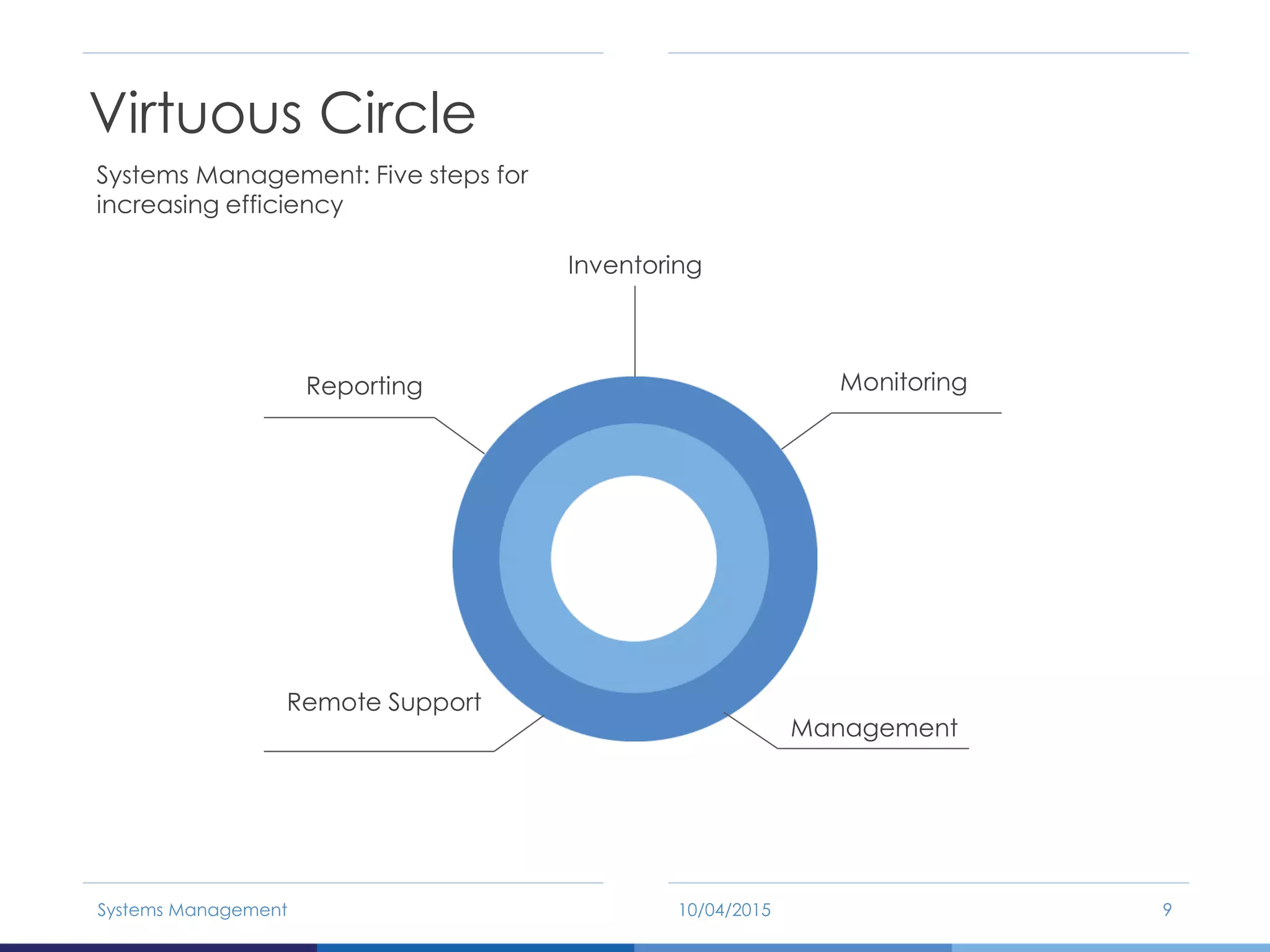
Systems Management: Five steps for
increasing efficiency
Virtuous Circle
10/04/2015Systems Management 9
Inventoring
Monitoring
Management
Remote Support
Reporting
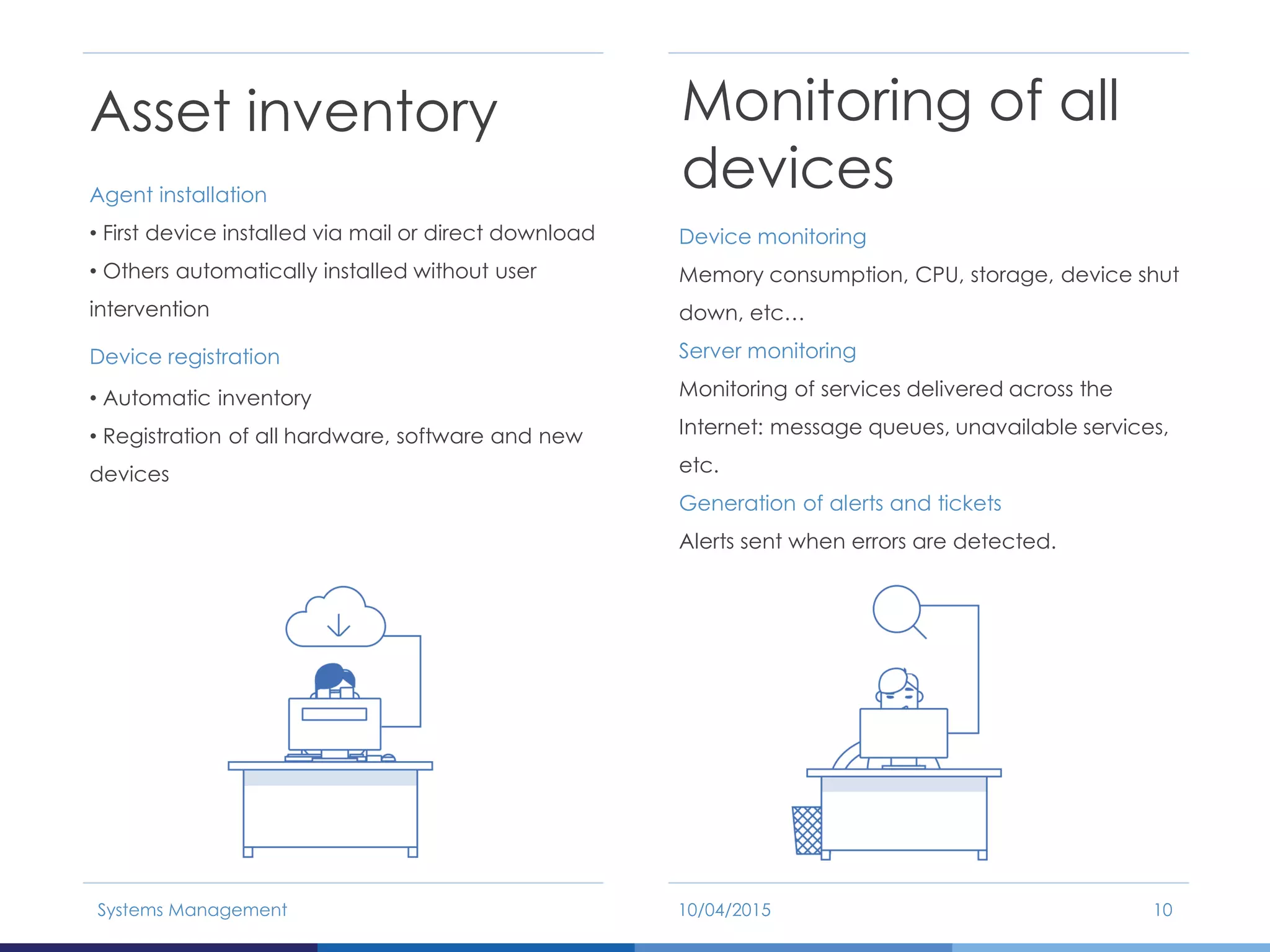
Asset inventory
Agent installation
• First device installed via mail or direct download
• Others automatically installed without user
intervention
Device registration
• Automatic inventory
• Registration of all hardware, software and new
devices
Monitoring of all
devices
Device monitoring
Memory consumption, CPU, storage, device shut
down, etc…
Server monitoring
Monitoring of services delivered across the
Internet: message queues, unavailable services,
etc.
Generation of alerts and tickets
Alerts sent when errors are detected.
10/04/2015Systems Management 10
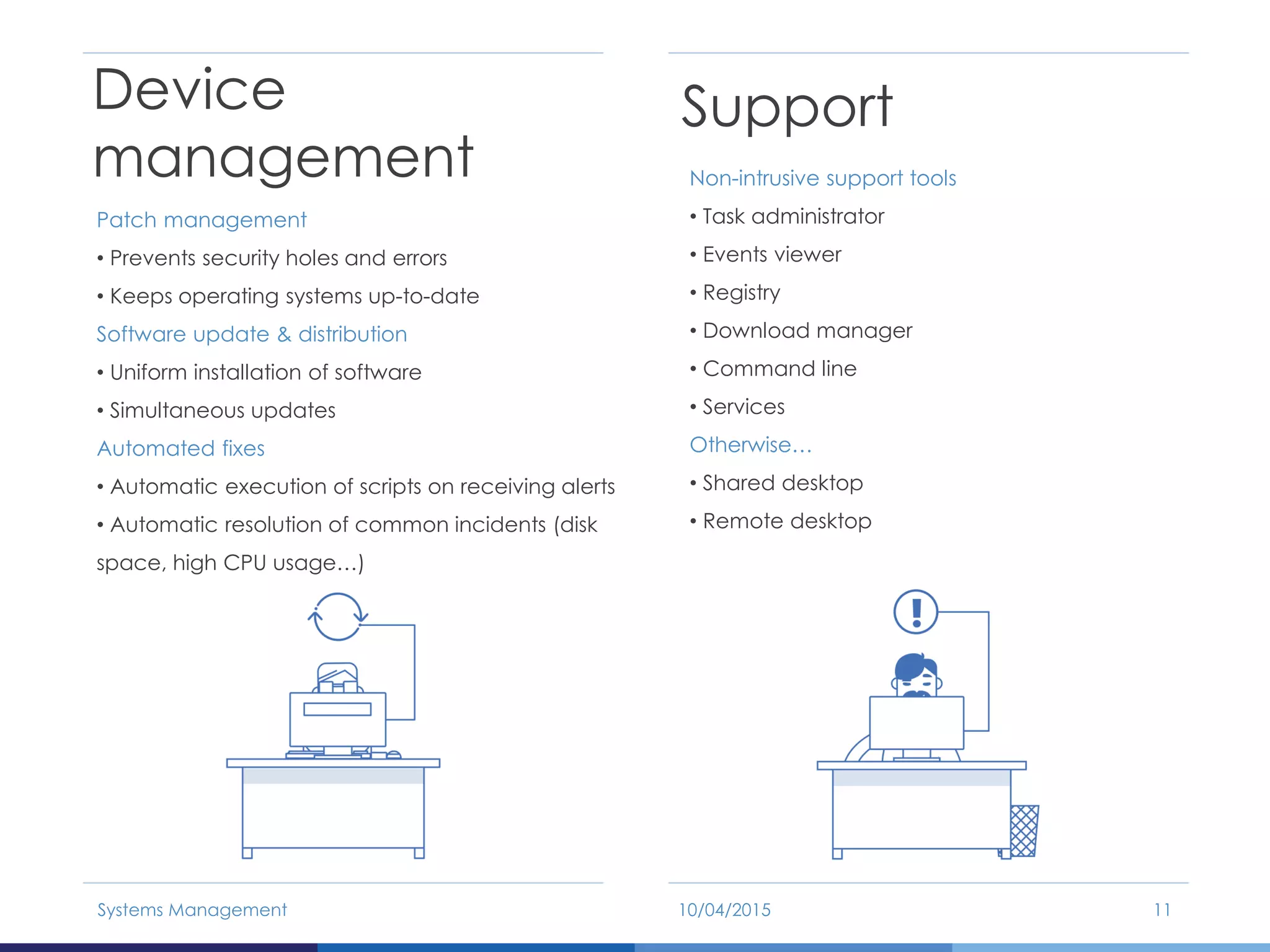
Device
management
Patch management
• Prevents security holes and errors
• Keeps operating systems up-to-date
Software update & distribution
• Uniform installation of software
• Simultaneous updates
Automated fixes
• Automatic execution of scripts on receiving alerts
• Automatic resolution of common incidents (disk
space, high CPU usage…)
Support
Non-intrusive support tools
• Task administrator
• Events viewer
• Registry
• Download manager
• Command line
• Services
Otherwise…
• Shared desktop
• Remote desktop
10/04/2015Systems Management 11
Reports
Highlight the work of the IT team
• Number of actions taken
• Errors prevented or resolved
• Time invested
Identify conflictive areas
• Problematic hardware and software
• Users with low IT skills or specific requirements
Demonstrate return on investment
• Less interruptions
• Fewer problems filtering through to users
• Improved efficiency of the resources assigned
to the IT department
10/04/2015Systems Management 12
Benefits of Panda Cloud
Systems Management
10/04/2015Systems Management 13
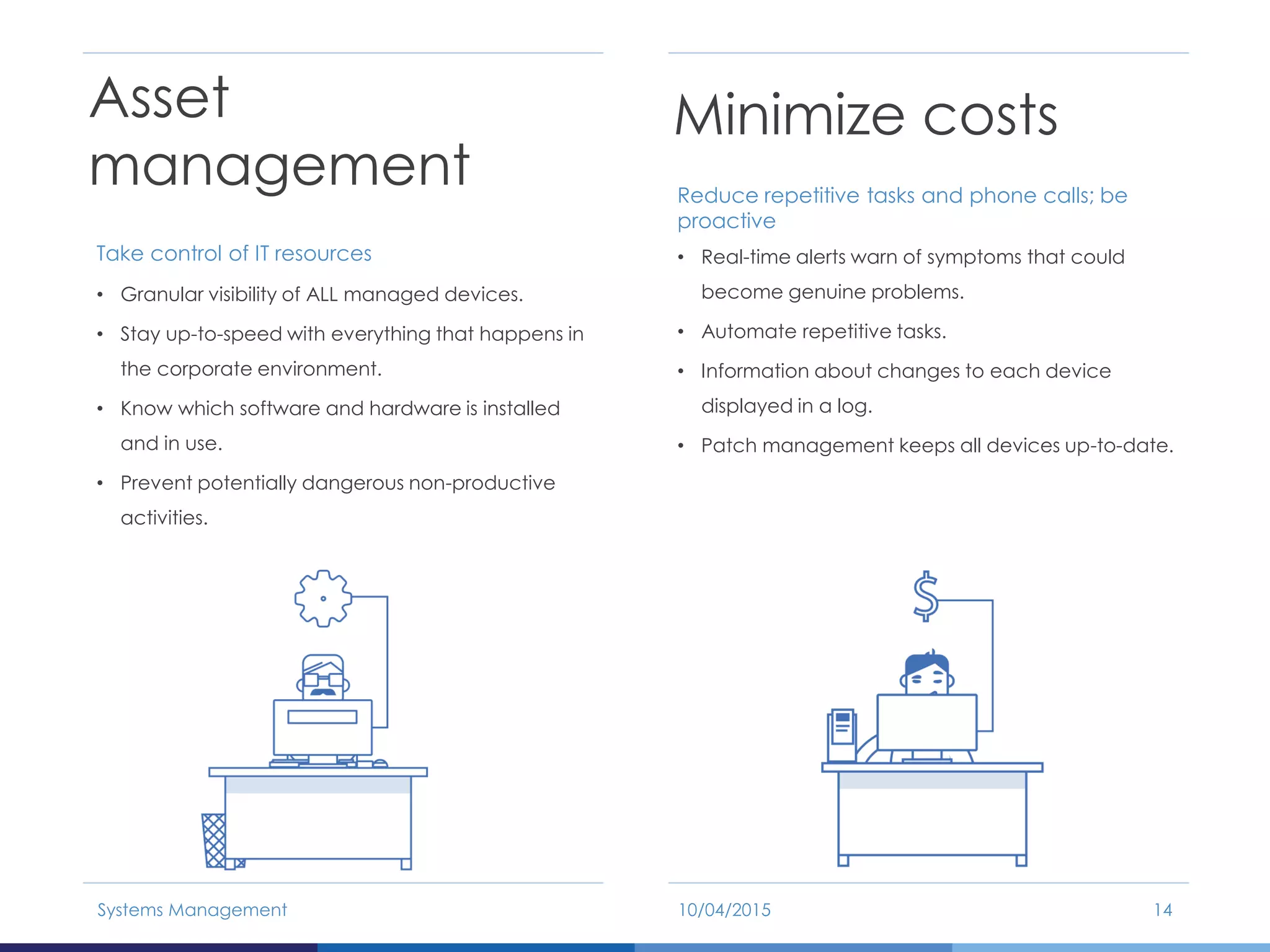
Asset
management
Take control of IT resources
• Granular visibility of ALL managed devices.
• Stay up-to-speed with everything that happens in
the corporate environment.
• Know which software and hardware is installed
and in use.
• Prevent potentially dangerous non-productive
activities.
10/04/2015Systems Management 14
Minimize costs
Reduce repetitive tasks and phone calls; be
proactive
• Real-time alerts warn of symptoms that could
become genuine problems.
• Automate repetitive tasks.
• Information about changes to each device
displayed in a log.
• Patch management keeps all devices up-to-date.
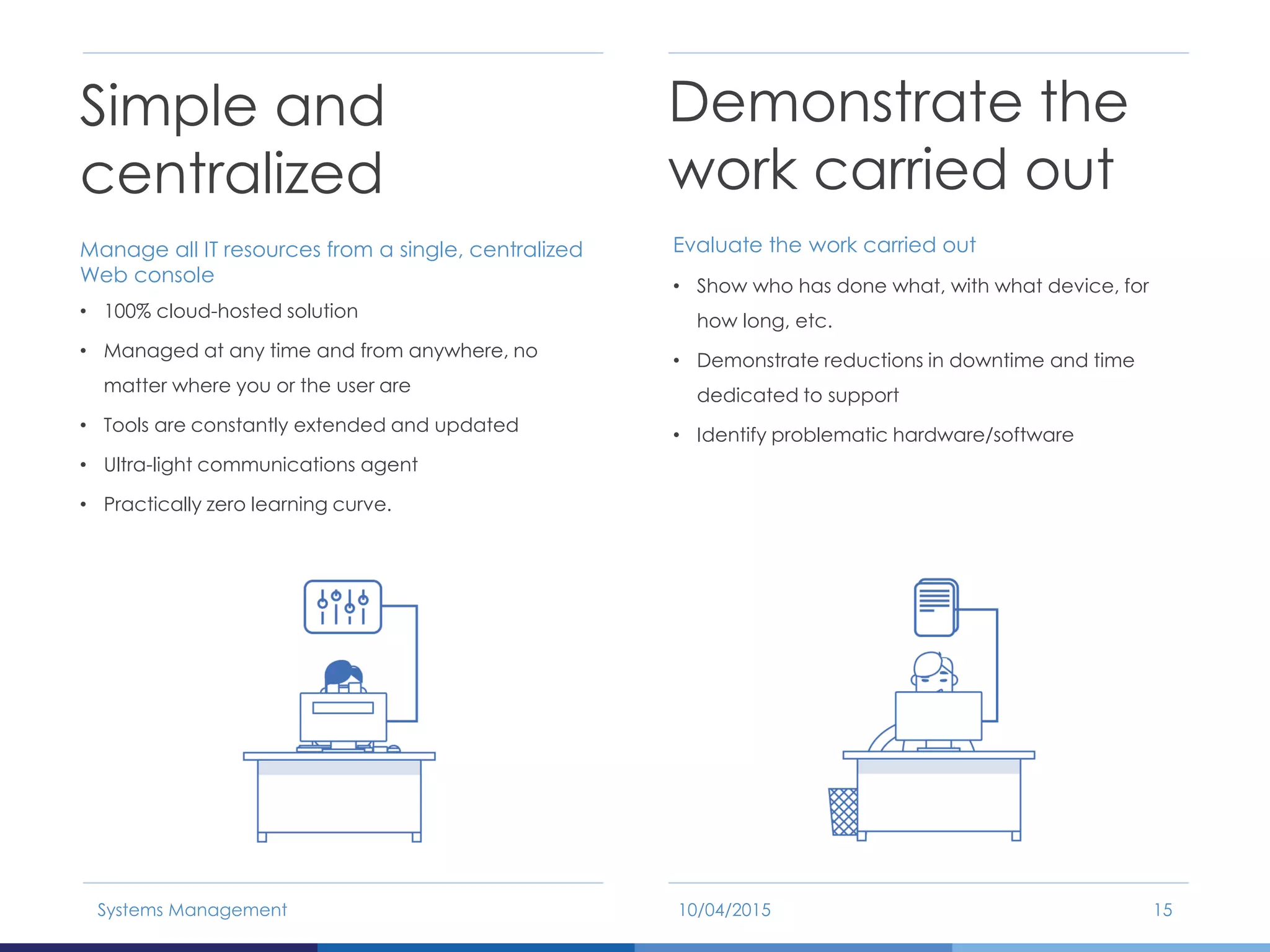
Simple and
centralized
Manage all IT resources from a single, centralized
Web console
• 100% cloud-hosted solution
• Managed at any time and from anywhere, no
matter where you or the user are
• Tools are constantly extended and updated
• Ultra-light communications agent
• Practically zero learning curve.
10/04/2015Systems Management 15
Demonstrate the
work carried out
Evaluate the work carried out
• Show who has done what, with what device, for
how long, etc.
• Demonstrate reductions in downtime and time
dedicated to support
• Identify problematic hardware/software
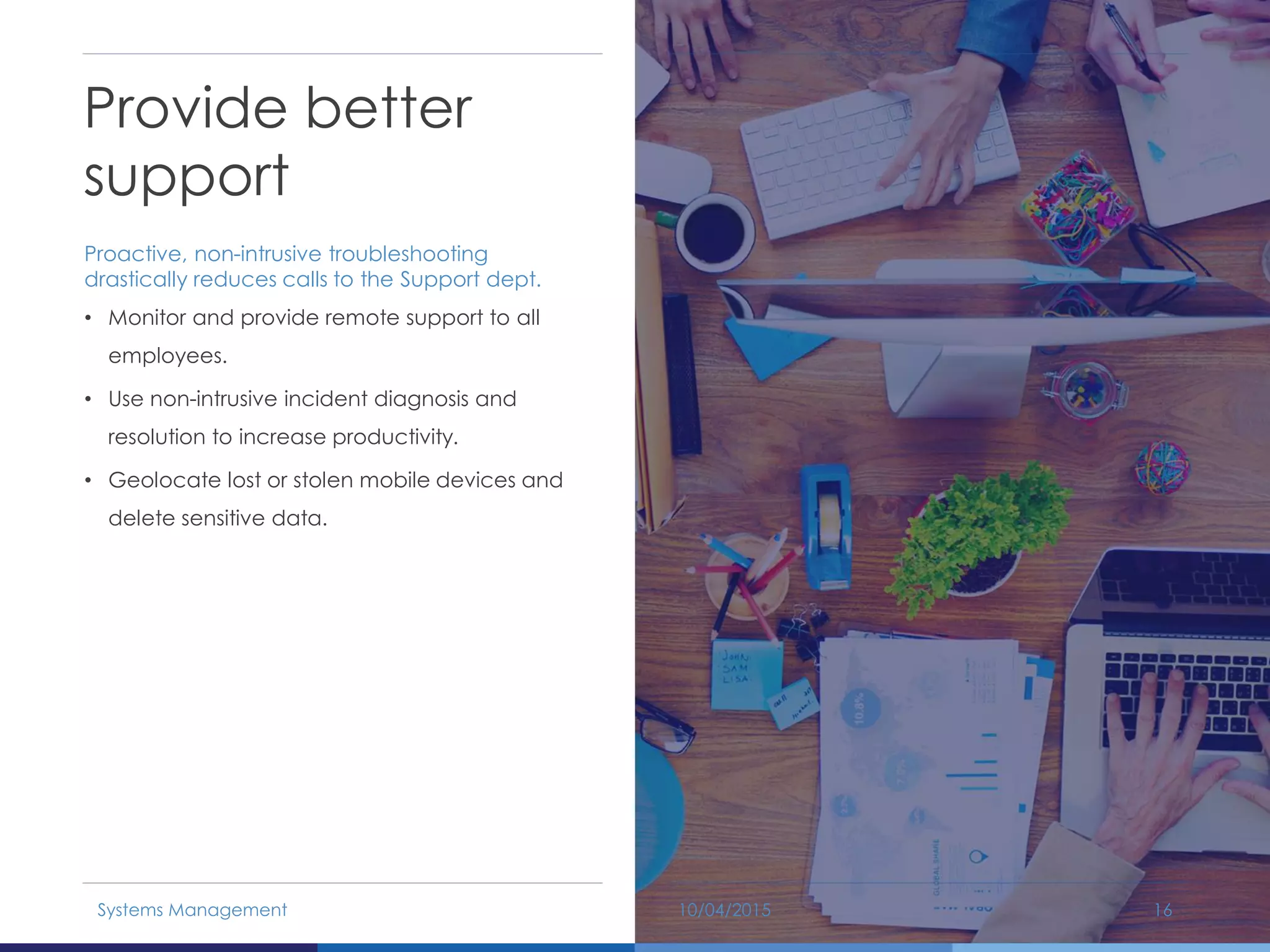
Provide better
support
Proactive, non-intrusive troubleshooting
drastically reduces calls to the Support dept.
• Monitor and provide remote support to all
employees.
• Use non-intrusive incident diagnosis and
resolution to increase productivity.
• Geolocate lost or stolen mobile devices and
delete sensitive data.
10/04/2015Systems Management 16
Resource and Infrastructure
Requirements
10/04/2015Systems Management 17
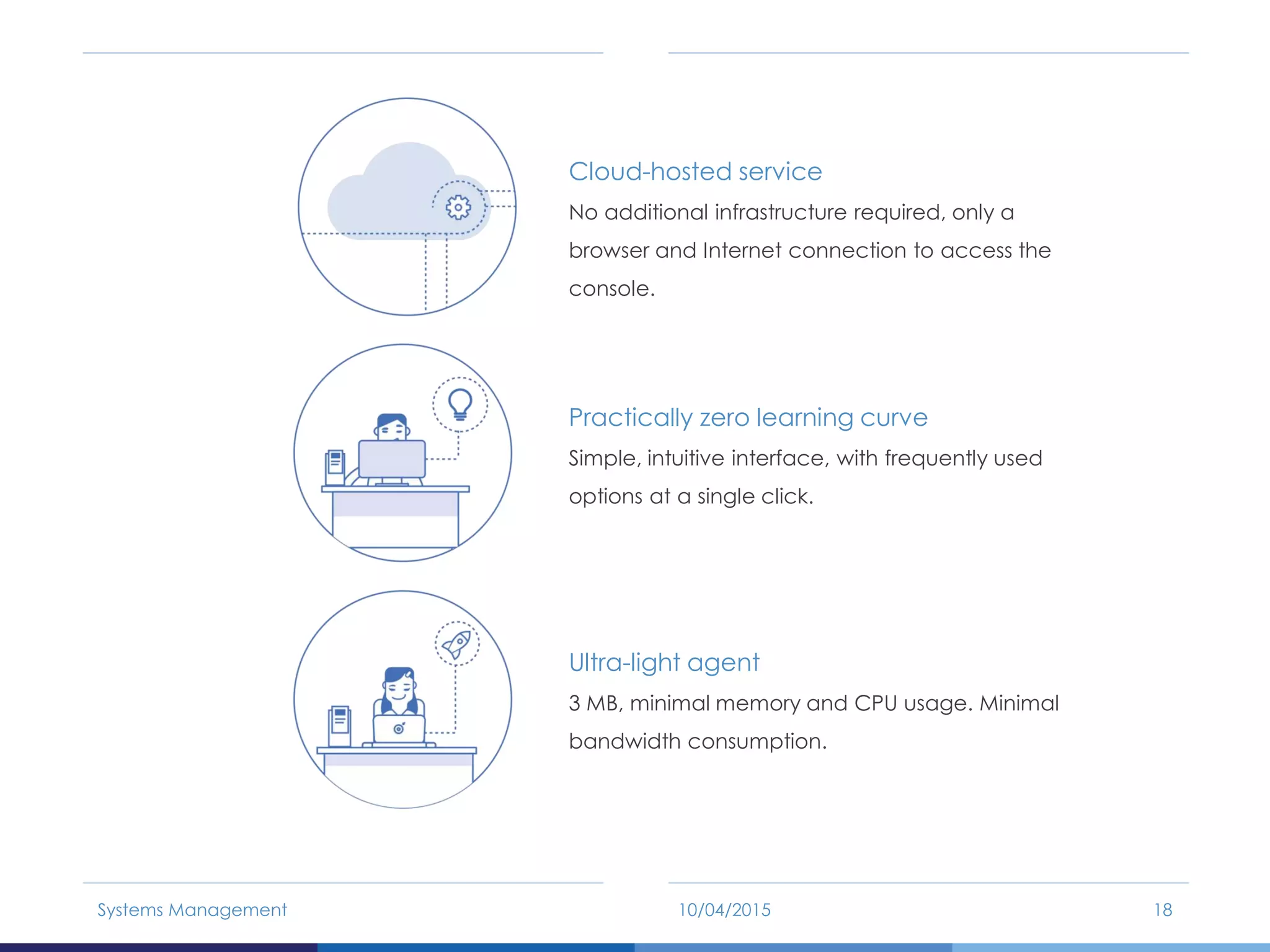
Cloud-hosted service
No additional infrastructure required, only a
browser and Internet connection to access the
console.
Practically zero learning curve
Simple, intuitive interface, with frequently used
options at a single click.
Ultra-light agent
3 MB, minimal memory and CPU usage. Minimal
bandwidth consumption.
10/04/2015Systems Management 18
Thank you!

Panda Security - Systems Management

  • 1.
    THE NEW WAYOF MANAGING, MONITORING AND SUPPORTING IT SYSTEMS 10/04/2015 Systems Management
  • 2.
    10/04/2015Systems Management 2 1.Challenges For Improving Productivity 2. What is Panda Cloud Systems Management? 3. Benefits of Panda Cloud Systems Management 4. Resource and Infrastructure Requirements
  • 3.
  • 4.
    Increasingly complex ITinfrastructure More devices – greater variety: • Users are now more mobile • Numerous remote offices • Similar or tighter budgets • Flexible troubleshooting: at any time, in any place Increasingly vicious circle of inefficiency Heterogeneous mix of tools: • Incidents constantly interrupting productivity • IT department reduced to firefighting 10/04/2015Systems Management 4
  • 5.
    Unproductive circle 10/04/2015Systems Management 5 Másdispositivos a gestionar Parque de IT mas heterogéneo Más delegaciones remotas Más trabajadores en itinerancia Más dispositivos con problemas Más herramientas de gestión IT heterogéneas Mayores ineficiencias
  • 6.
    The aim ofIT departments: Achieve maximum efficiency • Continuous visibility of device status • Proactive operation • Operational flexibility The aim of the company: Achieve maximum employee productivity • Devices always operating • No unproductive downtime • Non-intrusive maintenance 10/04/2015Systems Management 6
  • 7.
    What is SystemsManagement? 10/04/2015Systems Management 7
  • 8.
    A single, complete,cloud-hosted solution to centrally manage all your devices, wherever they are. 10/04/2015Systems Management 8 Centralized device management from the cloud, from anywhere at any time from a simple browser Incident alerts and tickets MDM: remote mobile device configuration Continual real-time monitoring of all devices
  • 9.
    Systems Management: Fivesteps for increasing efficiency Virtuous Circle 10/04/2015Systems Management 9 Inventoring Monitoring Management Remote Support Reporting
  • 10.
    Asset inventory Agent installation •First device installed via mail or direct download • Others automatically installed without user intervention Device registration • Automatic inventory • Registration of all hardware, software and new devices Monitoring of all devices Device monitoring Memory consumption, CPU, storage, device shut down, etc… Server monitoring Monitoring of services delivered across the Internet: message queues, unavailable services, etc. Generation of alerts and tickets Alerts sent when errors are detected. 10/04/2015Systems Management 10
  • 11.
    Device management Patch management • Preventssecurity holes and errors • Keeps operating systems up-to-date Software update & distribution • Uniform installation of software • Simultaneous updates Automated fixes • Automatic execution of scripts on receiving alerts • Automatic resolution of common incidents (disk space, high CPU usage…) Support Non-intrusive support tools • Task administrator • Events viewer • Registry • Download manager • Command line • Services Otherwise… • Shared desktop • Remote desktop 10/04/2015Systems Management 11
  • 12.
    Reports Highlight the workof the IT team • Number of actions taken • Errors prevented or resolved • Time invested Identify conflictive areas • Problematic hardware and software • Users with low IT skills or specific requirements Demonstrate return on investment • Less interruptions • Fewer problems filtering through to users • Improved efficiency of the resources assigned to the IT department 10/04/2015Systems Management 12
  • 13.
    Benefits of PandaCloud Systems Management 10/04/2015Systems Management 13
  • 14.
    Asset management Take control ofIT resources • Granular visibility of ALL managed devices. • Stay up-to-speed with everything that happens in the corporate environment. • Know which software and hardware is installed and in use. • Prevent potentially dangerous non-productive activities. 10/04/2015Systems Management 14 Minimize costs Reduce repetitive tasks and phone calls; be proactive • Real-time alerts warn of symptoms that could become genuine problems. • Automate repetitive tasks. • Information about changes to each device displayed in a log. • Patch management keeps all devices up-to-date.
  • 15.
    Simple and centralized Manage allIT resources from a single, centralized Web console • 100% cloud-hosted solution • Managed at any time and from anywhere, no matter where you or the user are • Tools are constantly extended and updated • Ultra-light communications agent • Practically zero learning curve. 10/04/2015Systems Management 15 Demonstrate the work carried out Evaluate the work carried out • Show who has done what, with what device, for how long, etc. • Demonstrate reductions in downtime and time dedicated to support • Identify problematic hardware/software
  • 16.
    Provide better support Proactive, non-intrusivetroubleshooting drastically reduces calls to the Support dept. • Monitor and provide remote support to all employees. • Use non-intrusive incident diagnosis and resolution to increase productivity. • Geolocate lost or stolen mobile devices and delete sensitive data. 10/04/2015Systems Management 16
  • 17.
  • 18.
    Cloud-hosted service No additionalinfrastructure required, only a browser and Internet connection to access the console. Practically zero learning curve Simple, intuitive interface, with frequently used options at a single click. Ultra-light agent 3 MB, minimal memory and CPU usage. Minimal bandwidth consumption. 10/04/2015Systems Management 18
  • 19.