@naserca
@func_i
Own Your
Front-end
Performance
Tools, Not Rules
Alex Naser @naserca
Laith Azer @func_i
devhub - devmonth
April 14, 2016
@naserca
@func_i
“Don’t Be Slow”
@naserca
@func_i
@naserca
@func_i
fast as possible response times
measure via benchmark
@naserca
@func_i
Rules!
@naserca
@func_i
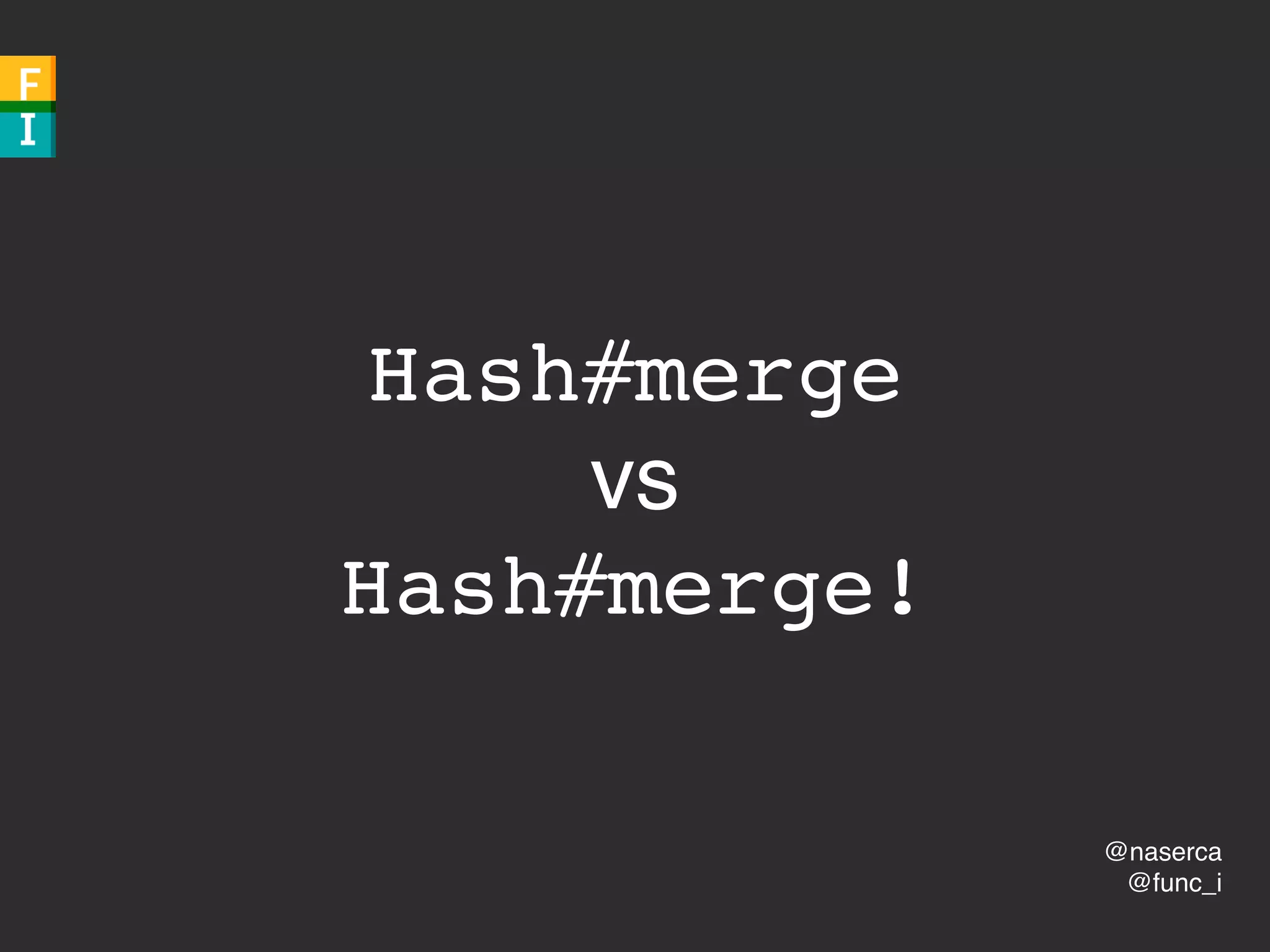
Hash#merge
vs
Hash#merge!
@naserca
@func_i
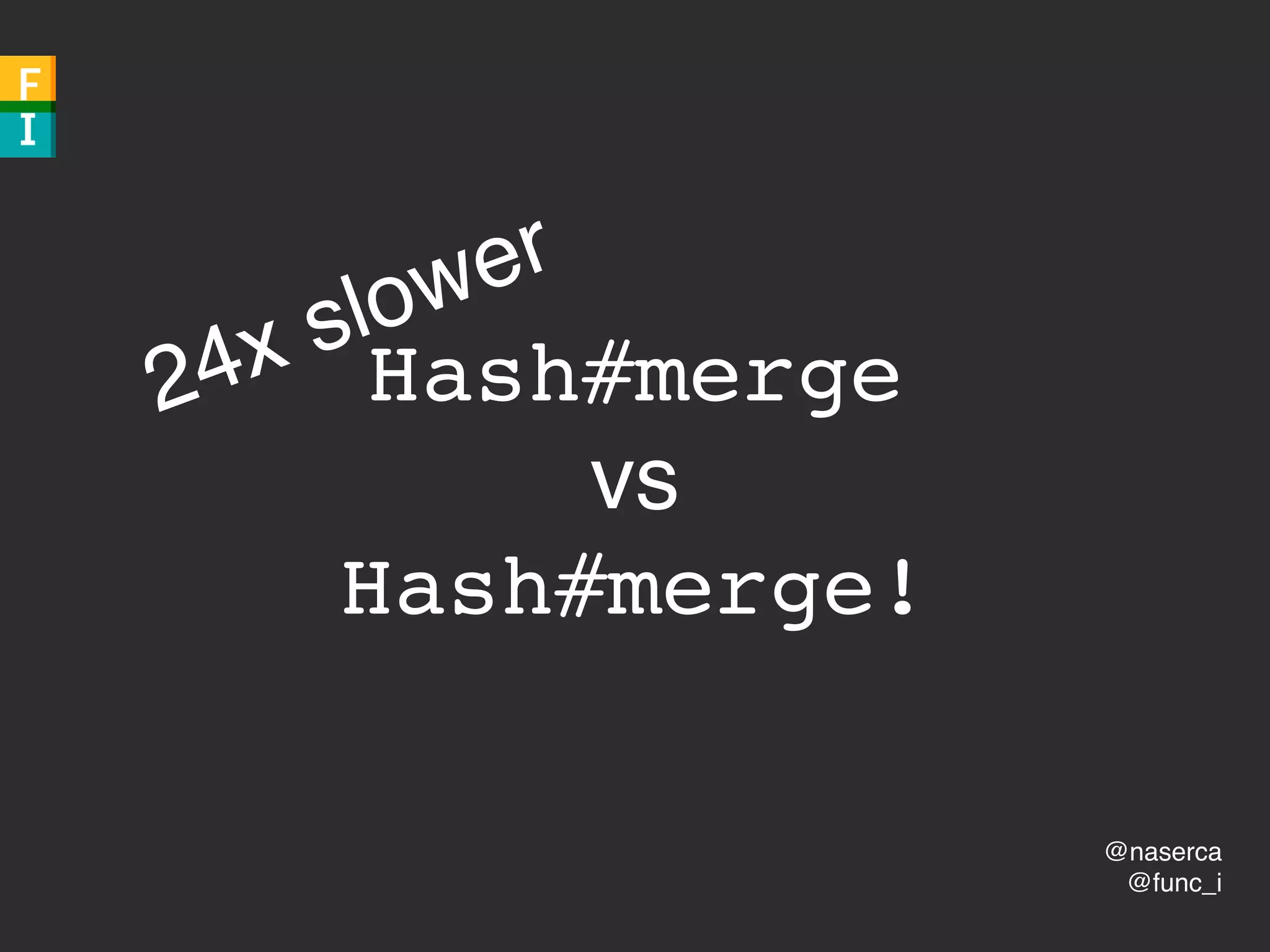
Hash#merge
vs
Hash#merge!
24x slower
@naserca
@func_i
Array#unshift
vs
Array#insert
@naserca
@func_i
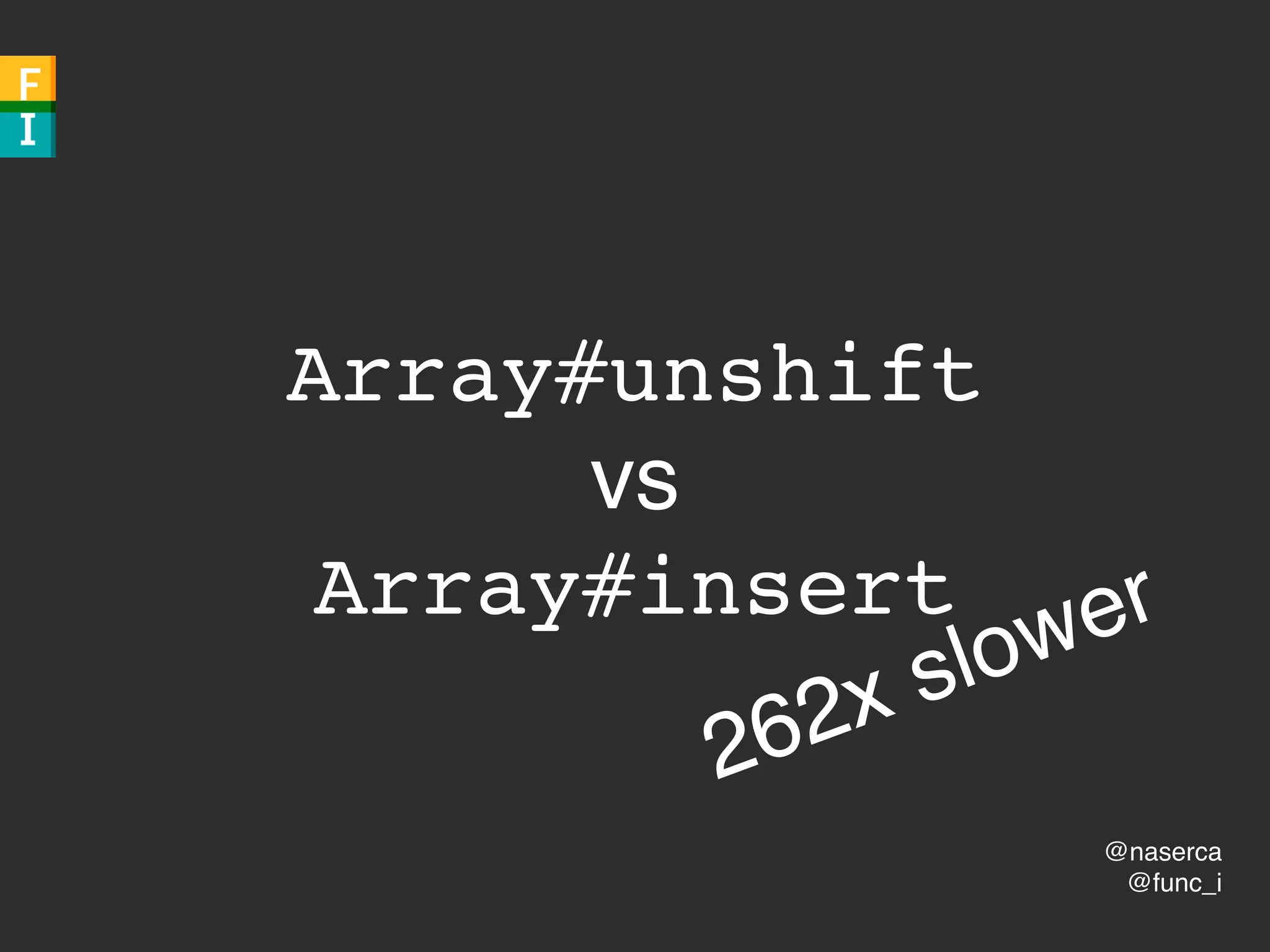
Array#unshift
vs
Array#insert
262x slower
@naserca
@func_i
Easy!
@naserca
@func_i
“Don’t Be Slow”
@naserca
@func_i
@naserca
@func_i
fast load, smooth animations
measure
@naserca
@func_i
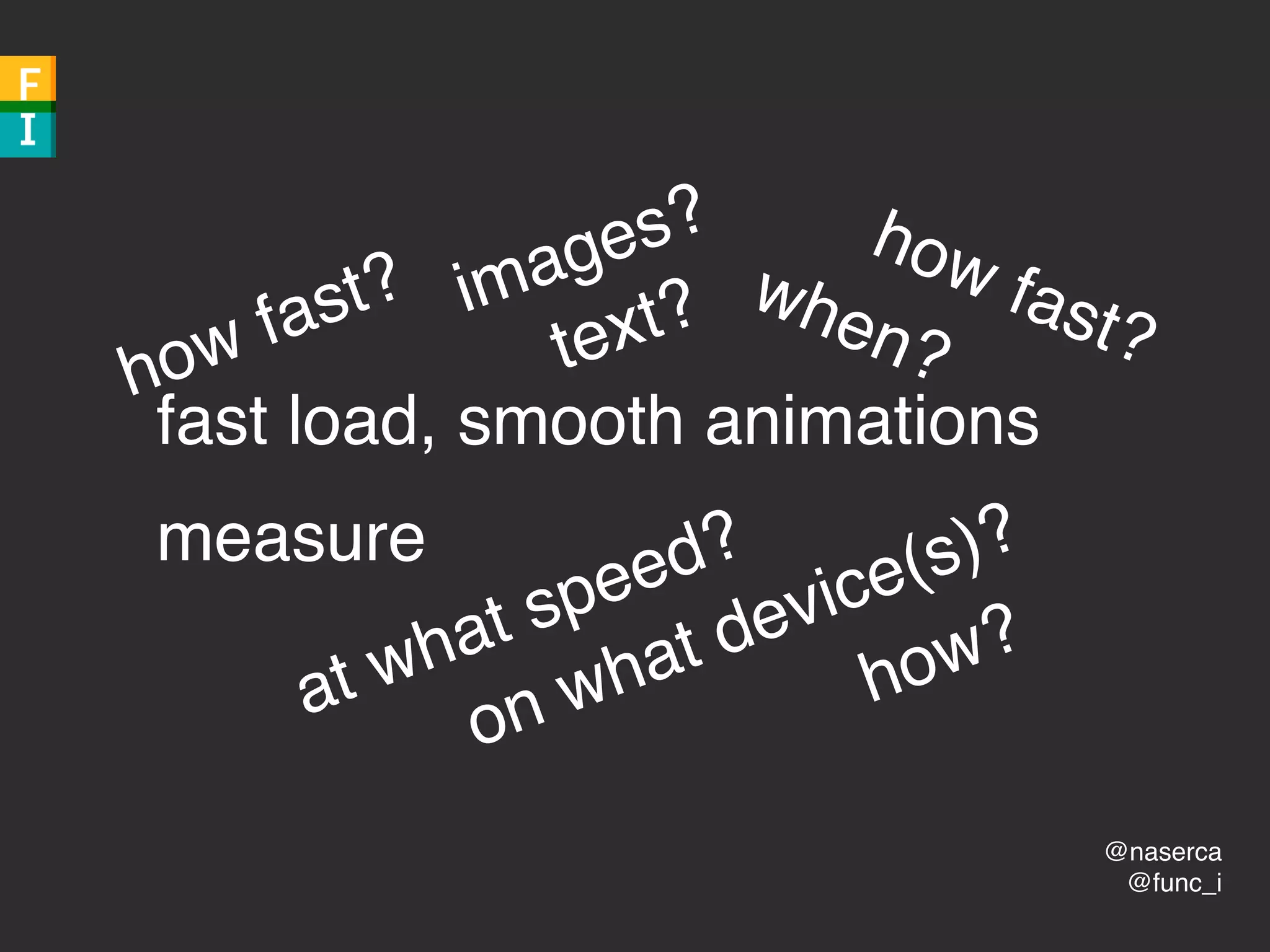
fast load, smooth animations
measure
how fast?
at what speed?
on what device(s)?
how fast?
when?
images?
text?
how?
@naserca
@func_i
Rules?!
@naserca
@func_i
CSS animations
vs
JS animations
@naserca
@func_i
well…
@naserca
@func_i
concat’d CSS files
vs
separate CSS files
@naserca
@func_i
well…
@naserca
@func_i
Hard!
@naserca
@func_i
“Don’t Be Slow”
@naserca
@func_i
“Don’t Be Slow”
“Don’t Feel Slow”
@naserca
@func_i
Title slide
Subtitle

Day Month, Year
users
@naserca
@func_i
Title slide
Subtitle

Day Month, Year
What are they doing?
@naserca
@func_i
waiting for page to load
tap nav icon
watch animation of nav bar
looking for link
@naserca
@func_i
waiting for page to load
LOAD
@naserca
@func_i
tap nav icon
RESPOND
@naserca
@func_i
watch animation of nav bar
ANIMATION
@naserca
@func_i
looking for link
IDLE
@naserca
@func_i
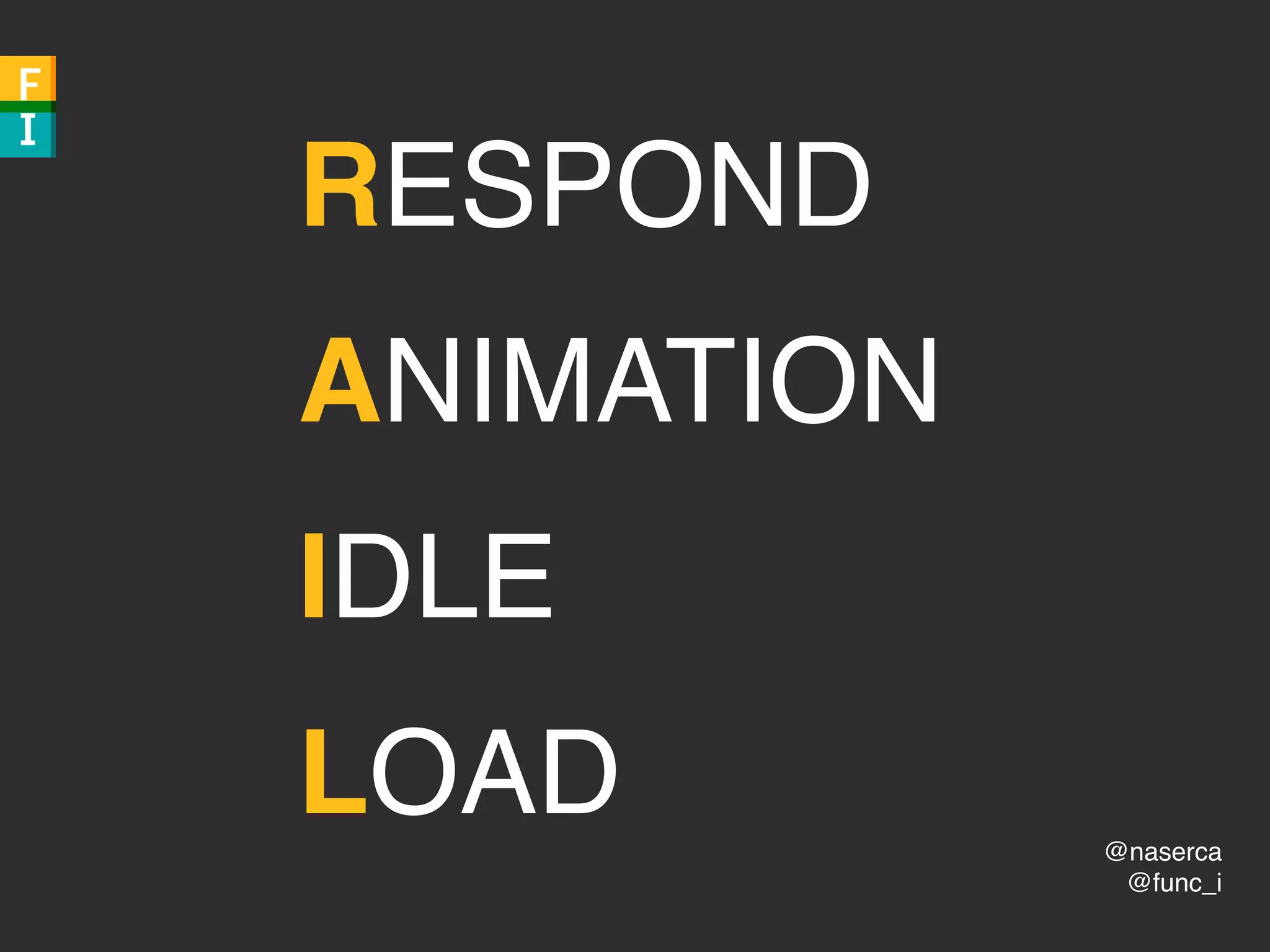
RESPOND
ANIMATION
IDLE
LOAD
@naserca
@func_i
Paul Lewis
Paul IrishTHANKS
@naserca
@func_i
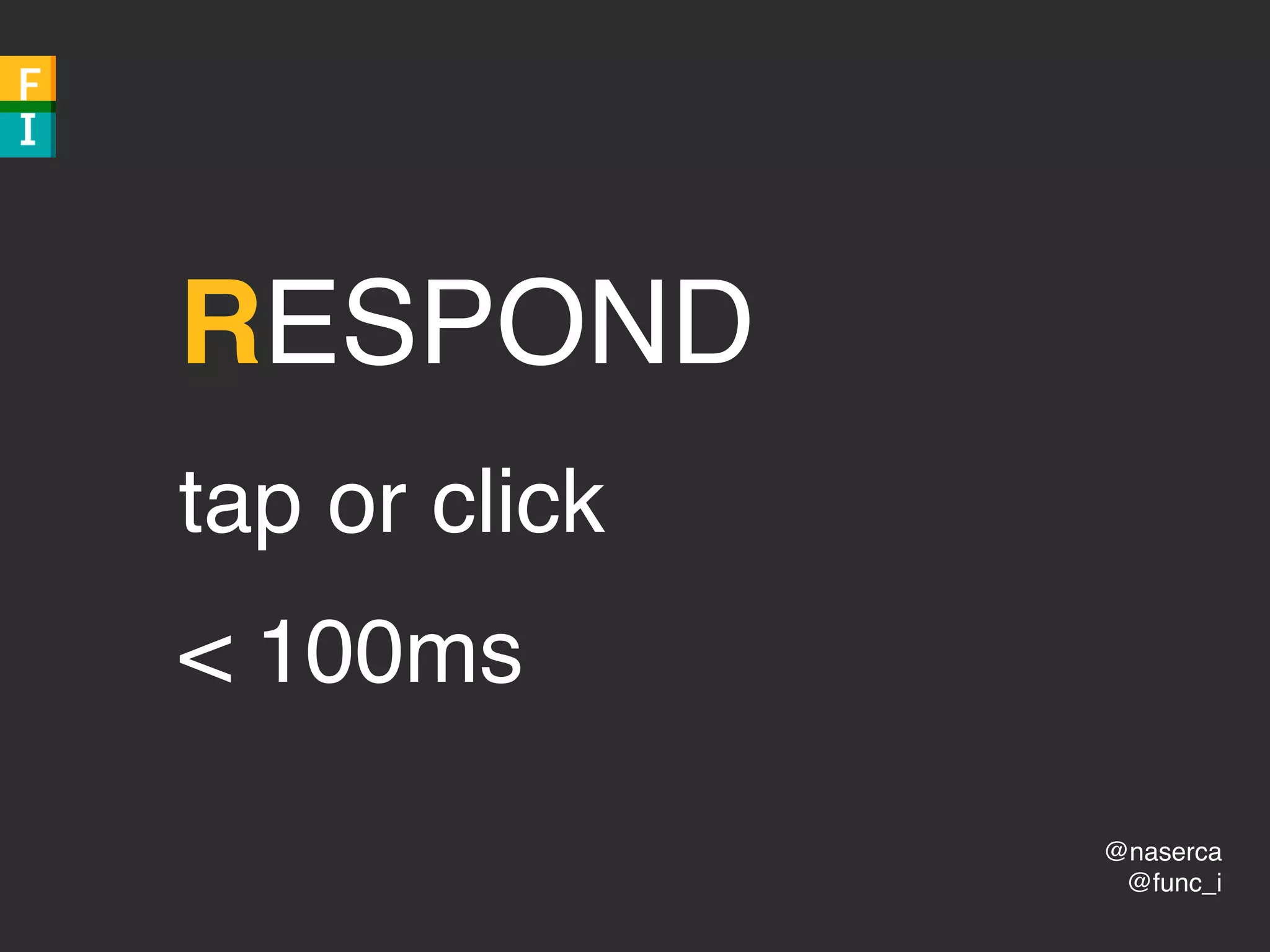
RESPOND
tap or click
< 100ms
@naserca
@func_i
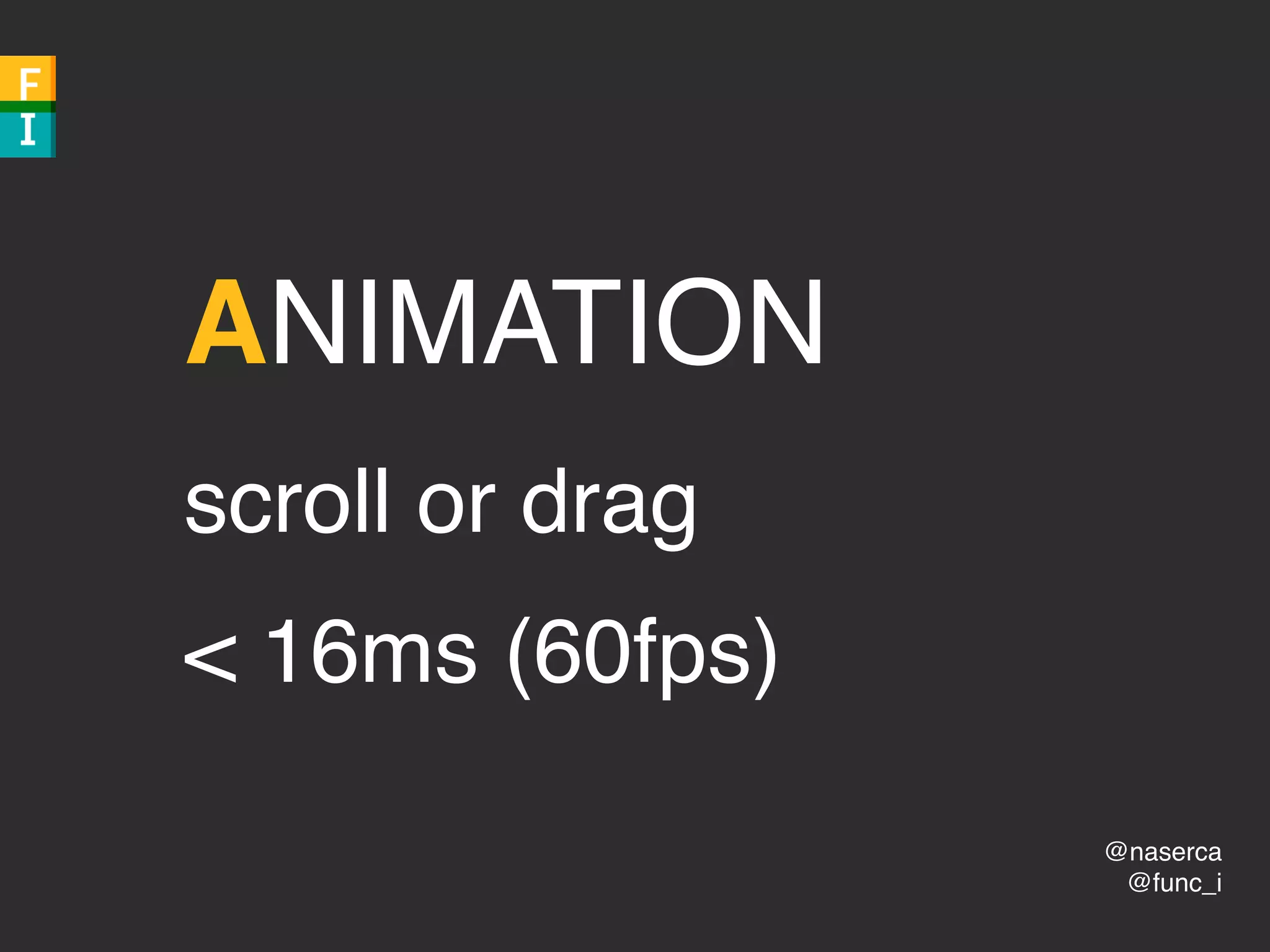
ANIMATION
scroll or drag
< 16ms (60fps)
@naserca
@func_i
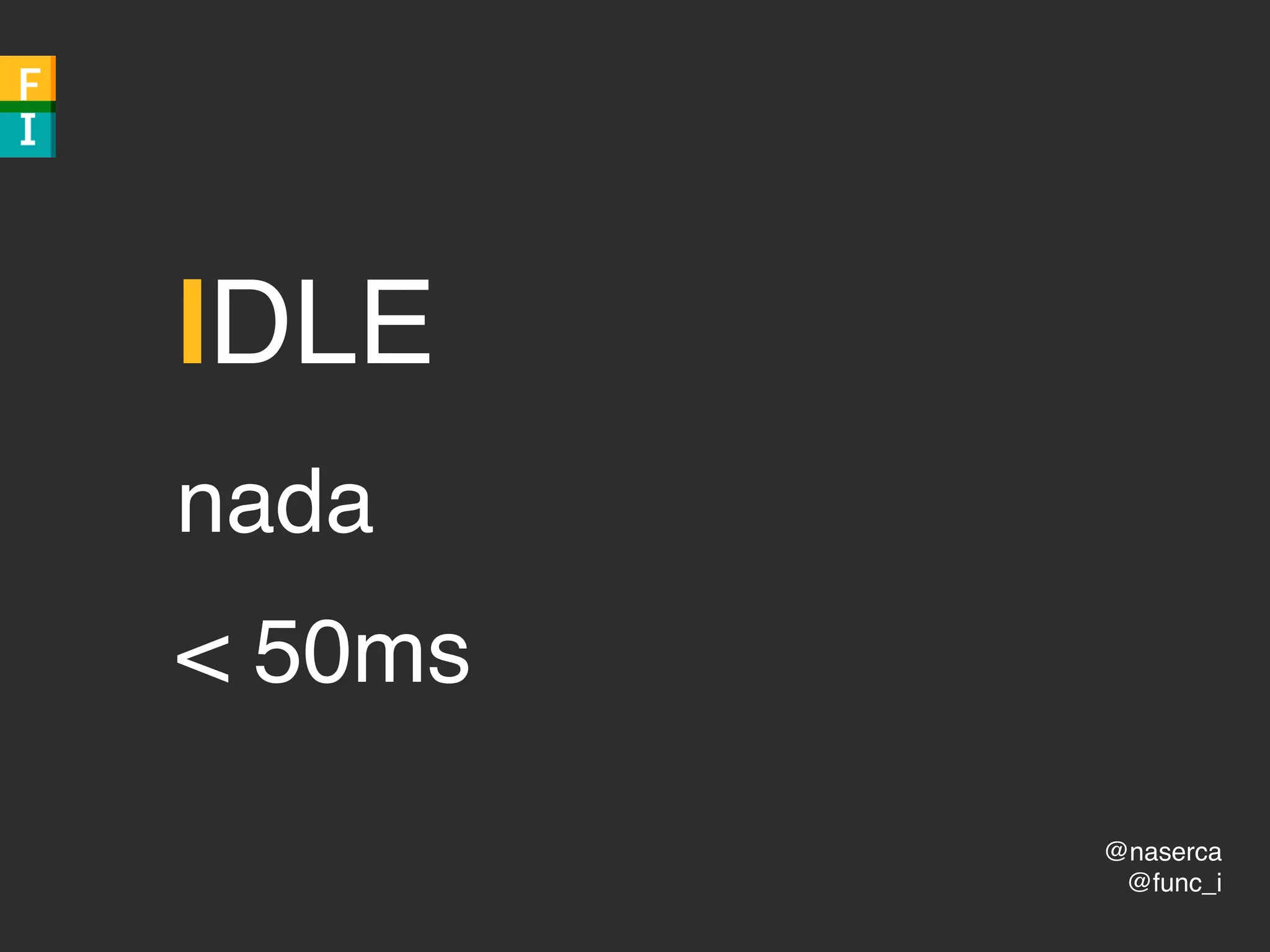
IDLE
nada
< 50ms
@naserca
@func_i
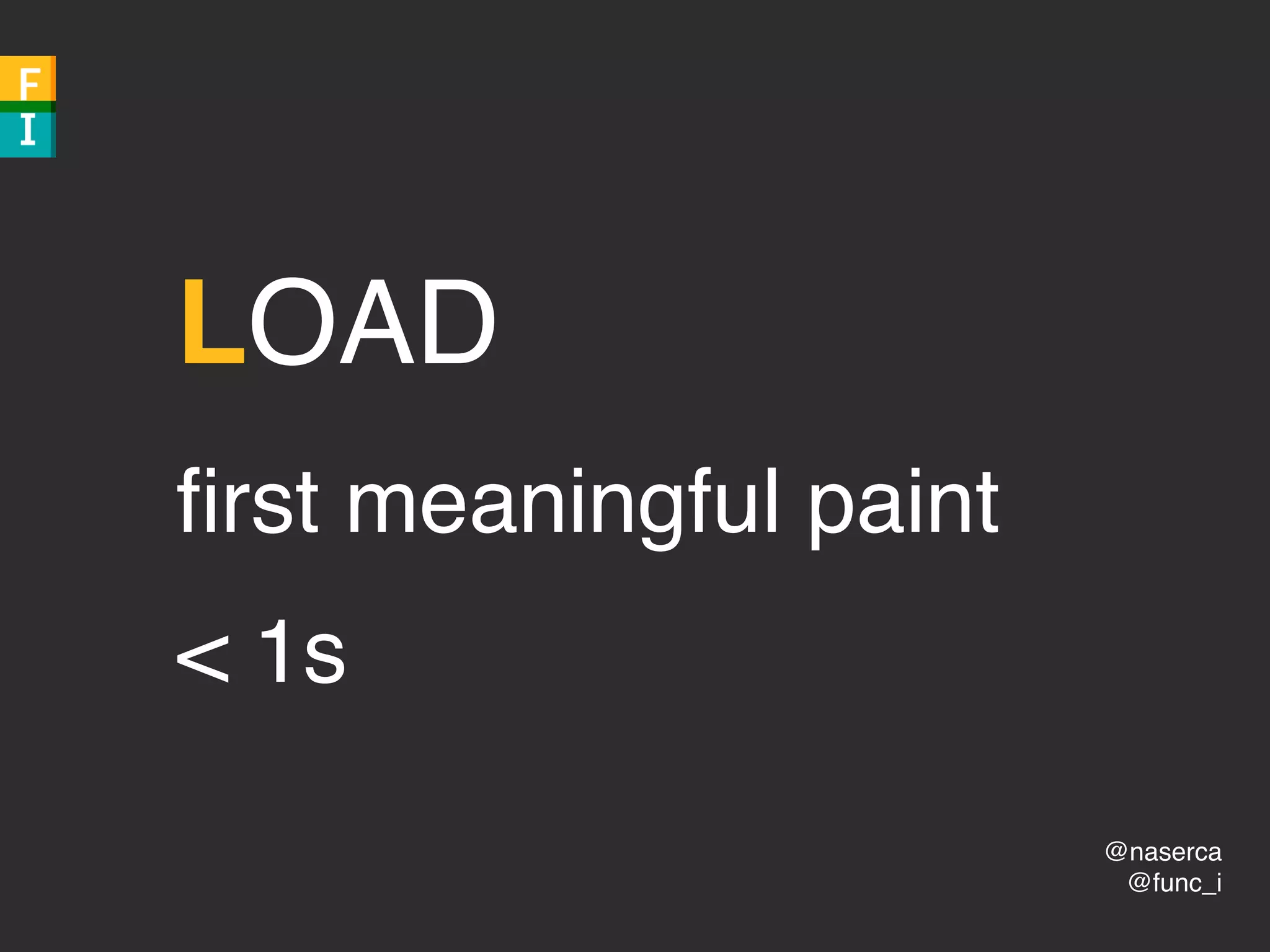
LOAD
first meaningful paint
< 1s
@naserca
@func_i
bad
@naserca
@func_i
device
@naserca
@func_i
network speed
@naserca
@func_i
90th percentile
@naserca
@func_i
websiteswebsites
@naserca
@func_i
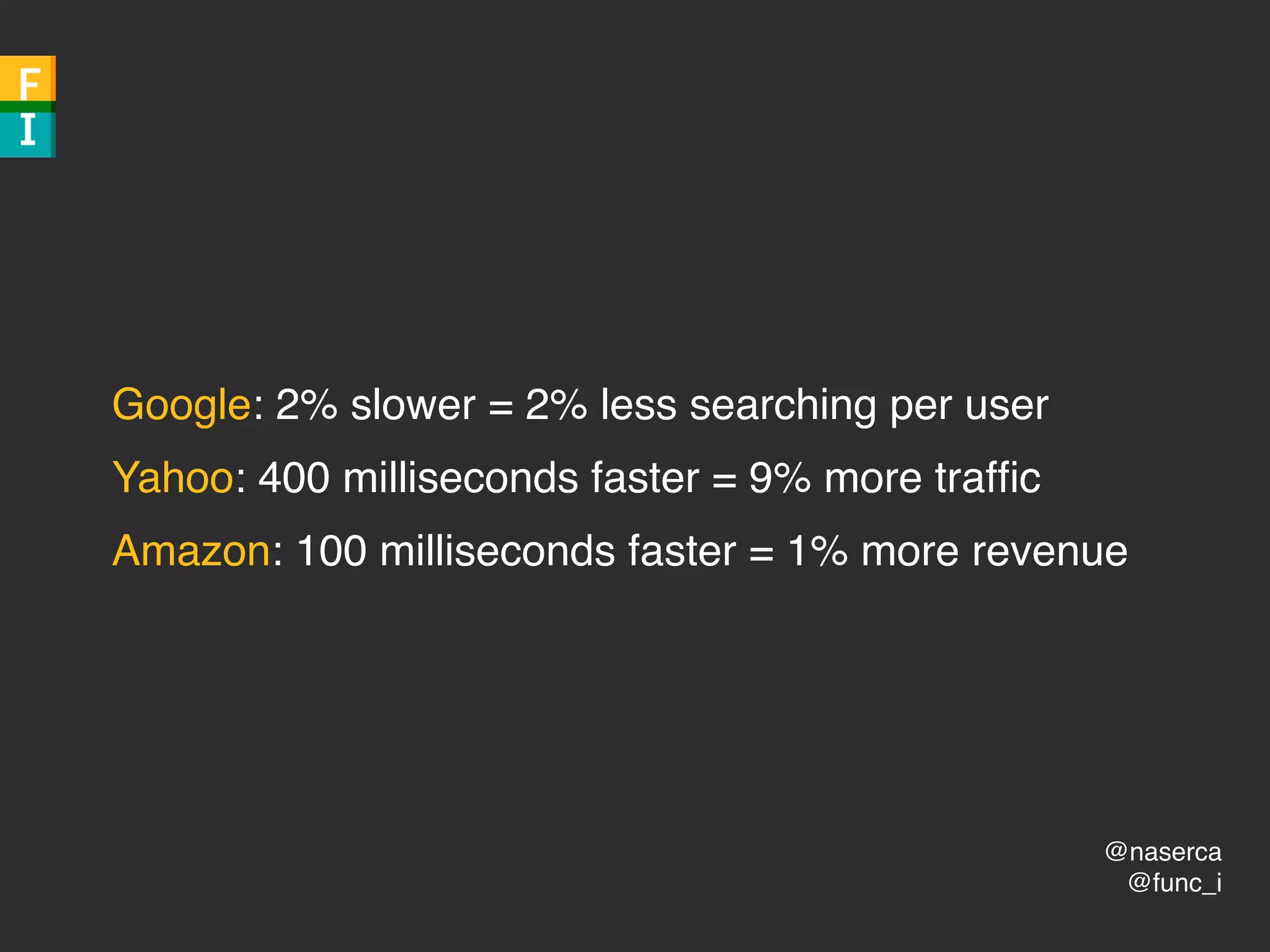
Google: 2% slower = 2% less searching per user
Yahoo: 400 milliseconds faster = 9% more traffic
Amazon: 100 milliseconds faster = 1% more revenue
@naserca
@func_i
Rules?!
Tools!
@naserca
@func_i
1. html
2. ?
3. website
@naserca
@func_i
1. html
2. critical rendering path
3. website
@naserca
@func_i
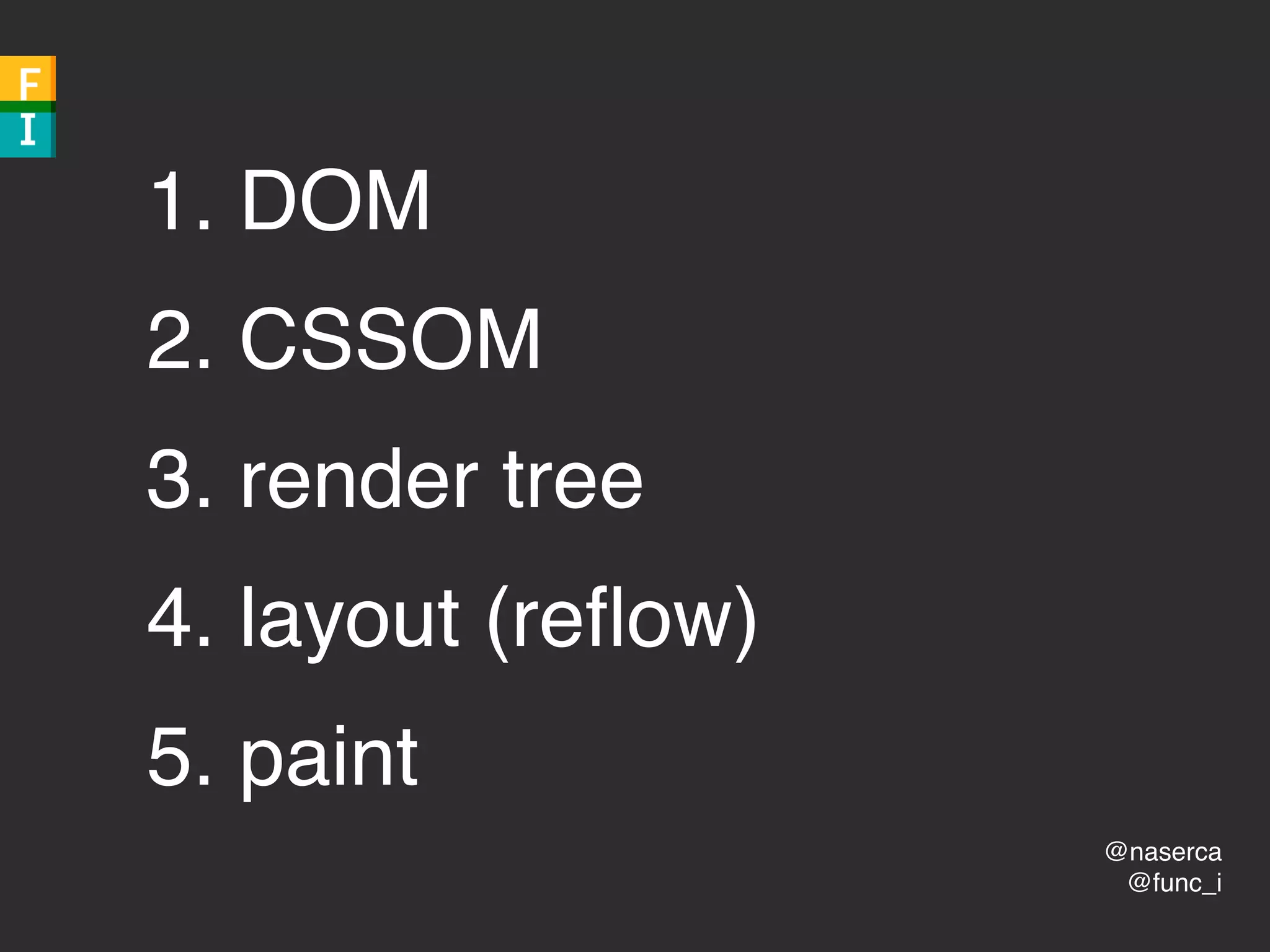
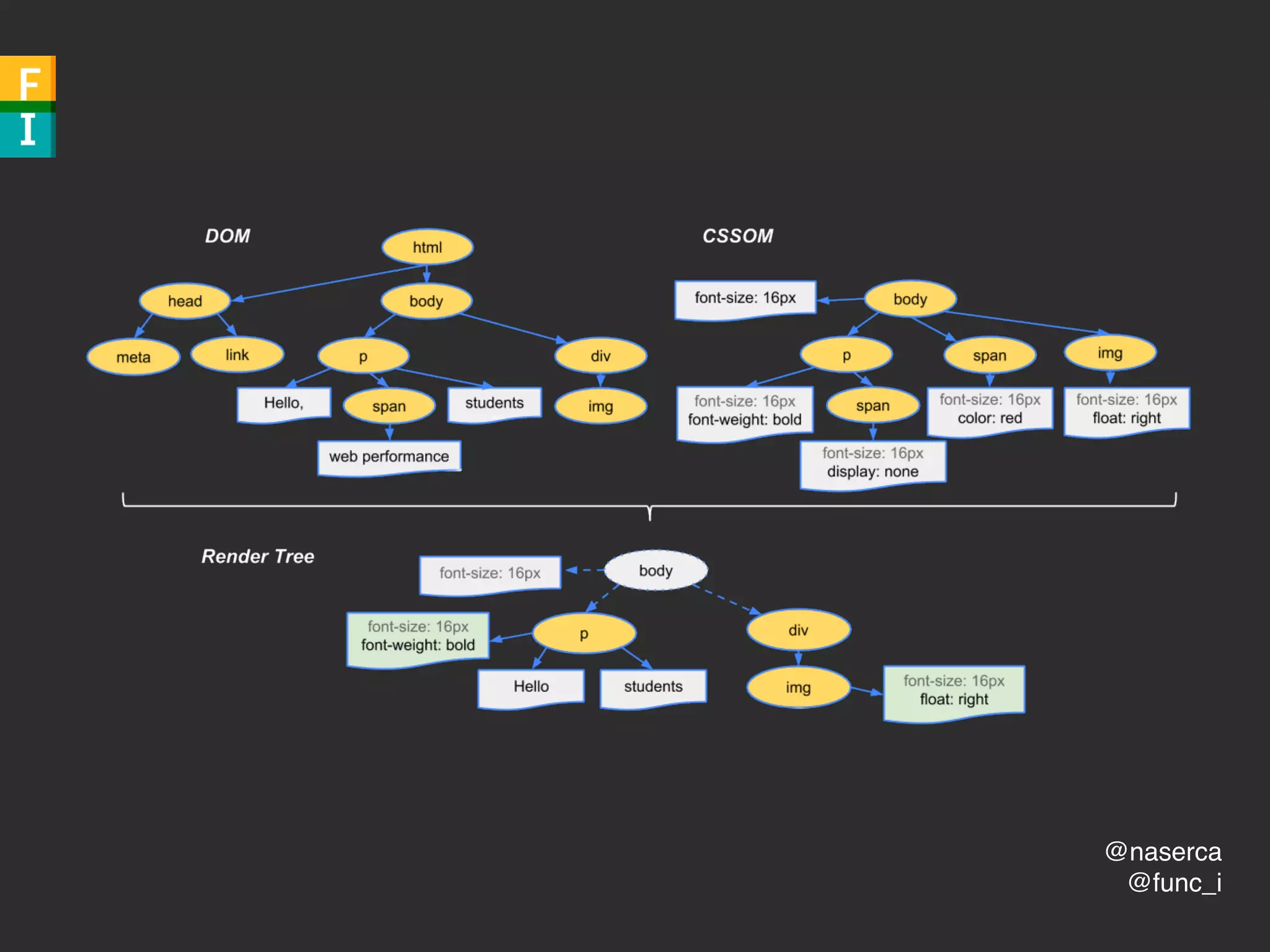
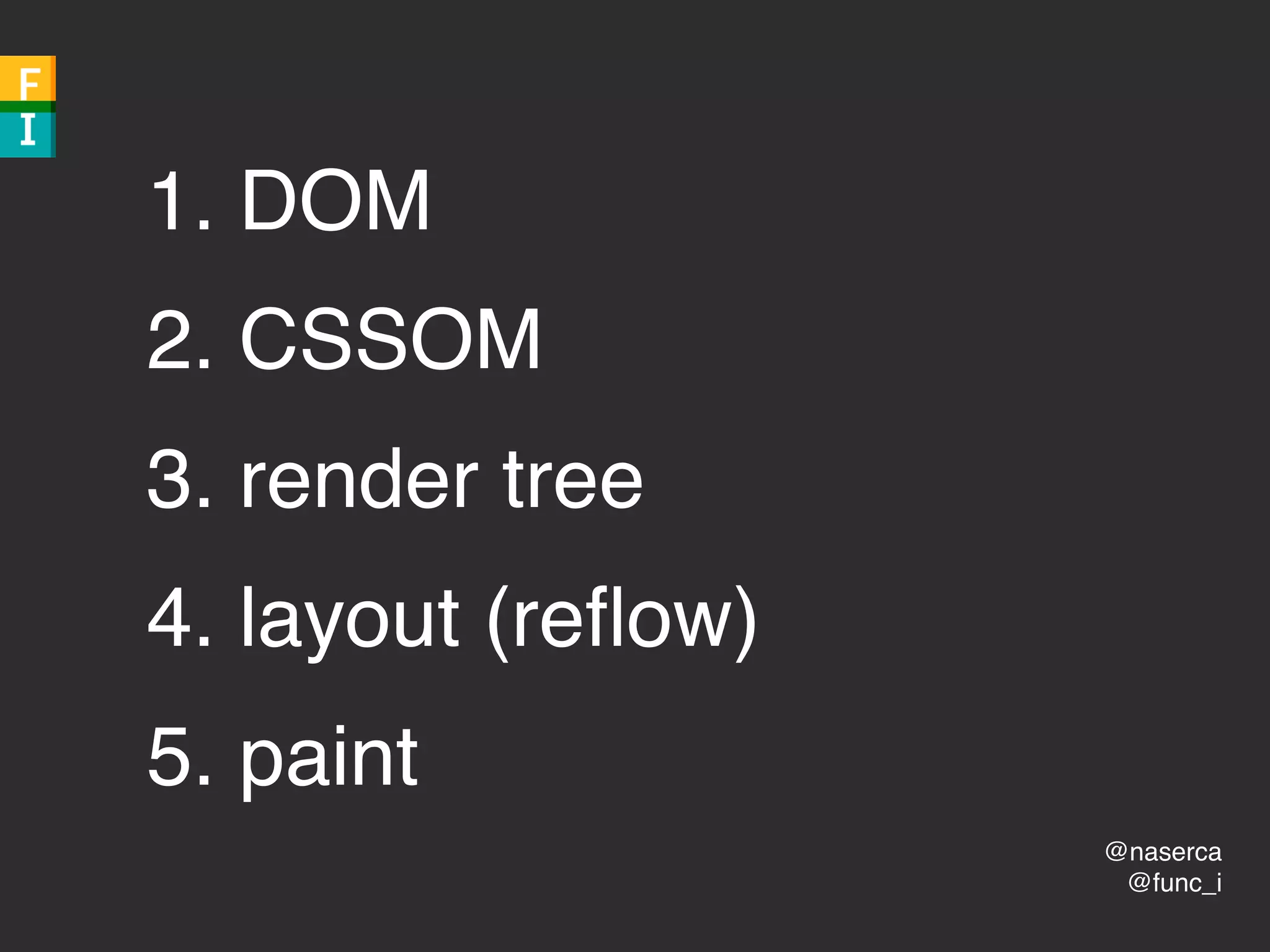
1. DOM
2. CSSOM
3. render tree
4. layout (reflow)
5. paint
@naserca
@func_i
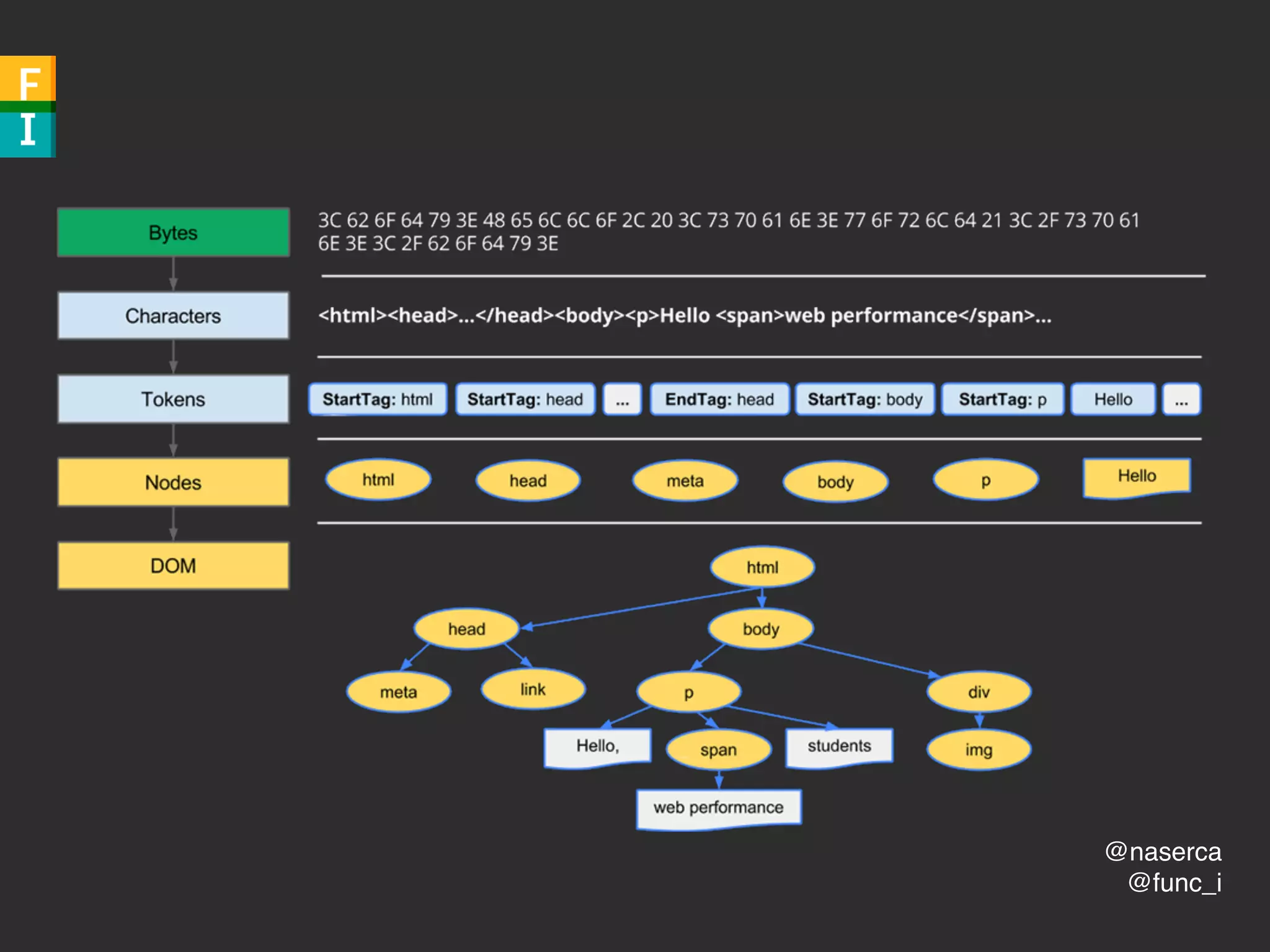
1. DOM
Document Object Model
@naserca
@func_i
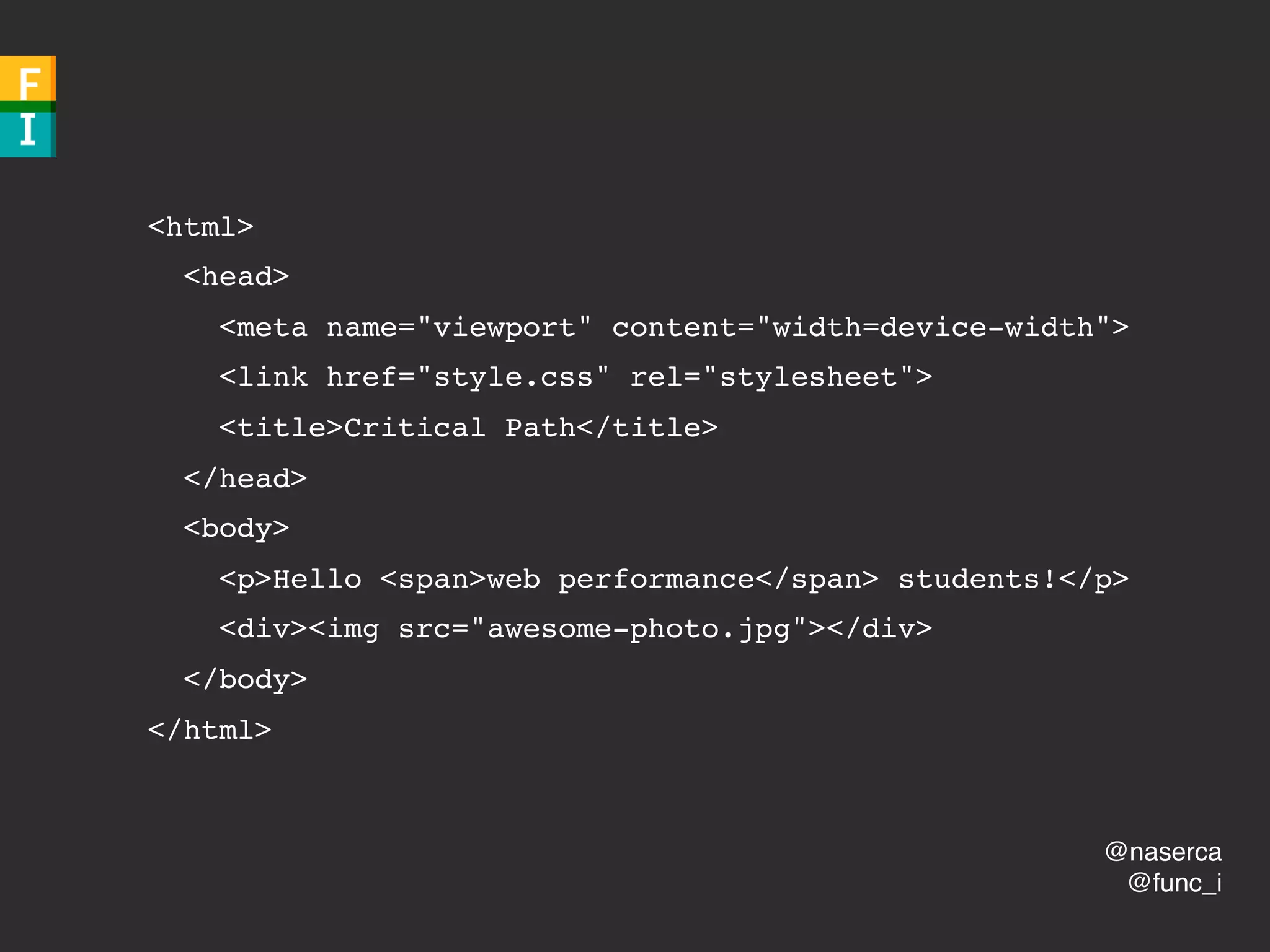
<html>
<head>
<meta name="viewport" content="width=device-width">
<link href="style.css" rel="stylesheet">
<title>Critical Path</title>
</head>
<body>
<p>Hello <span>web performance</span> students!</p>
<div><img src="awesome-photo.jpg"></div>
</body>
</html>
@naserca
@func_i
@naserca
@func_i
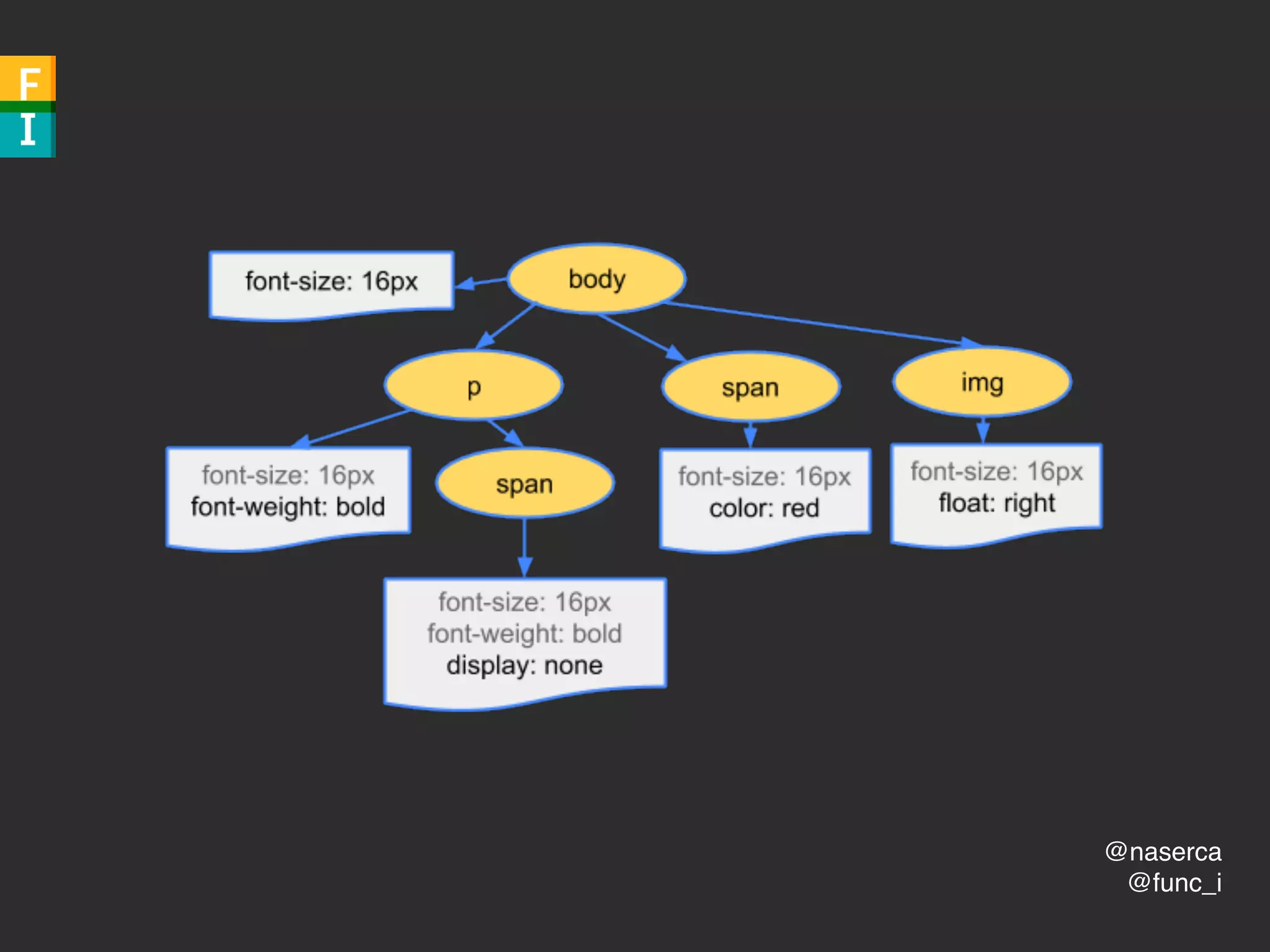
2. CSSOM
CSS Object Model
@naserca
@func_i
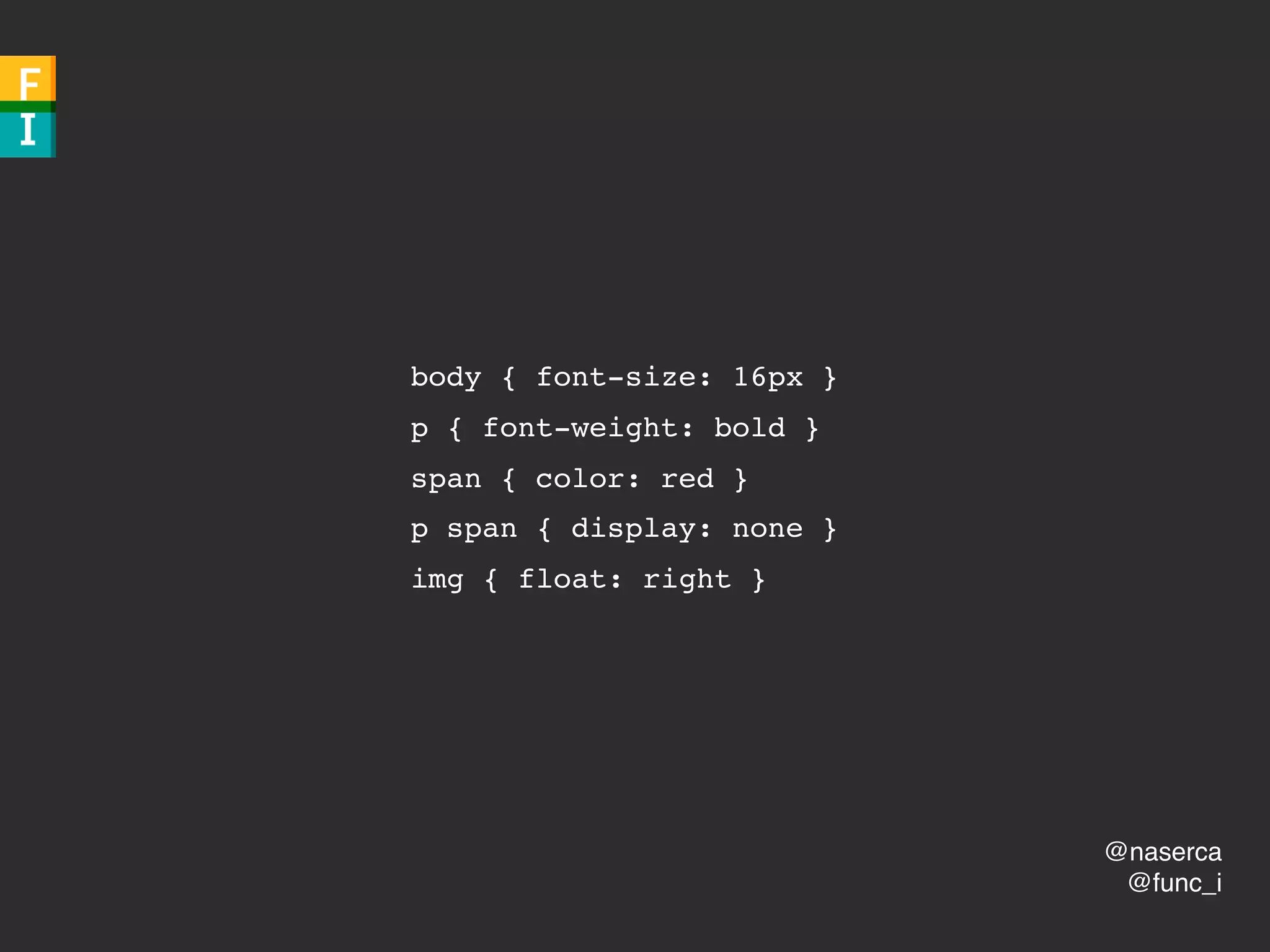
body { font-size: 16px }
p { font-weight: bold }
span { color: red }
p span { display: none }

img { float: right }
@naserca
@func_i
@naserca
@func_i
render blocking
(by default)
@naserca
@func_i
FOUC
@naserca
@func_i
3. render tree

@naserca
@func_i
@naserca
@func_i
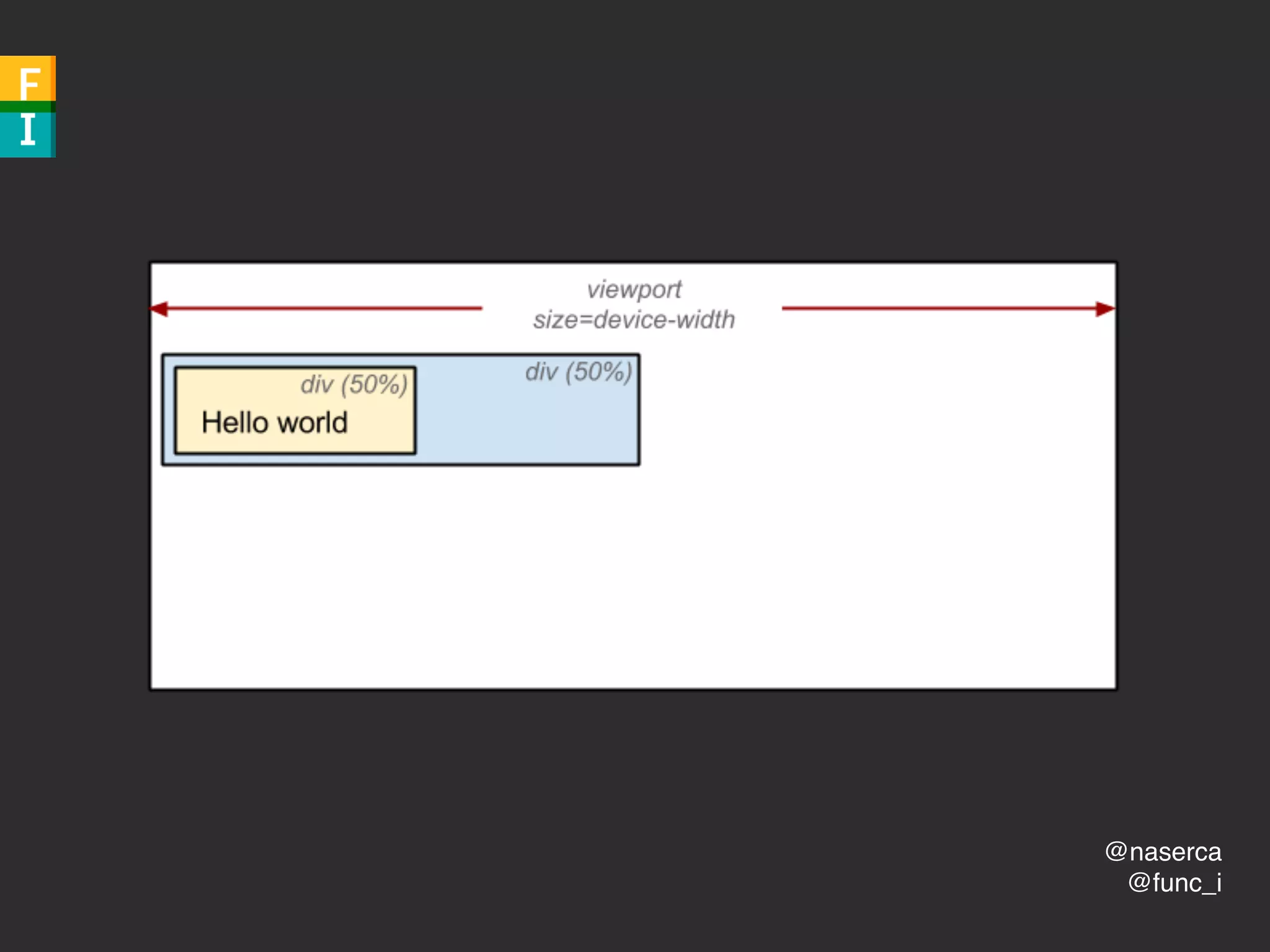
4. layout (reflow)
@naserca
@func_i
calculate exact
position and size
@naserca
@func_i
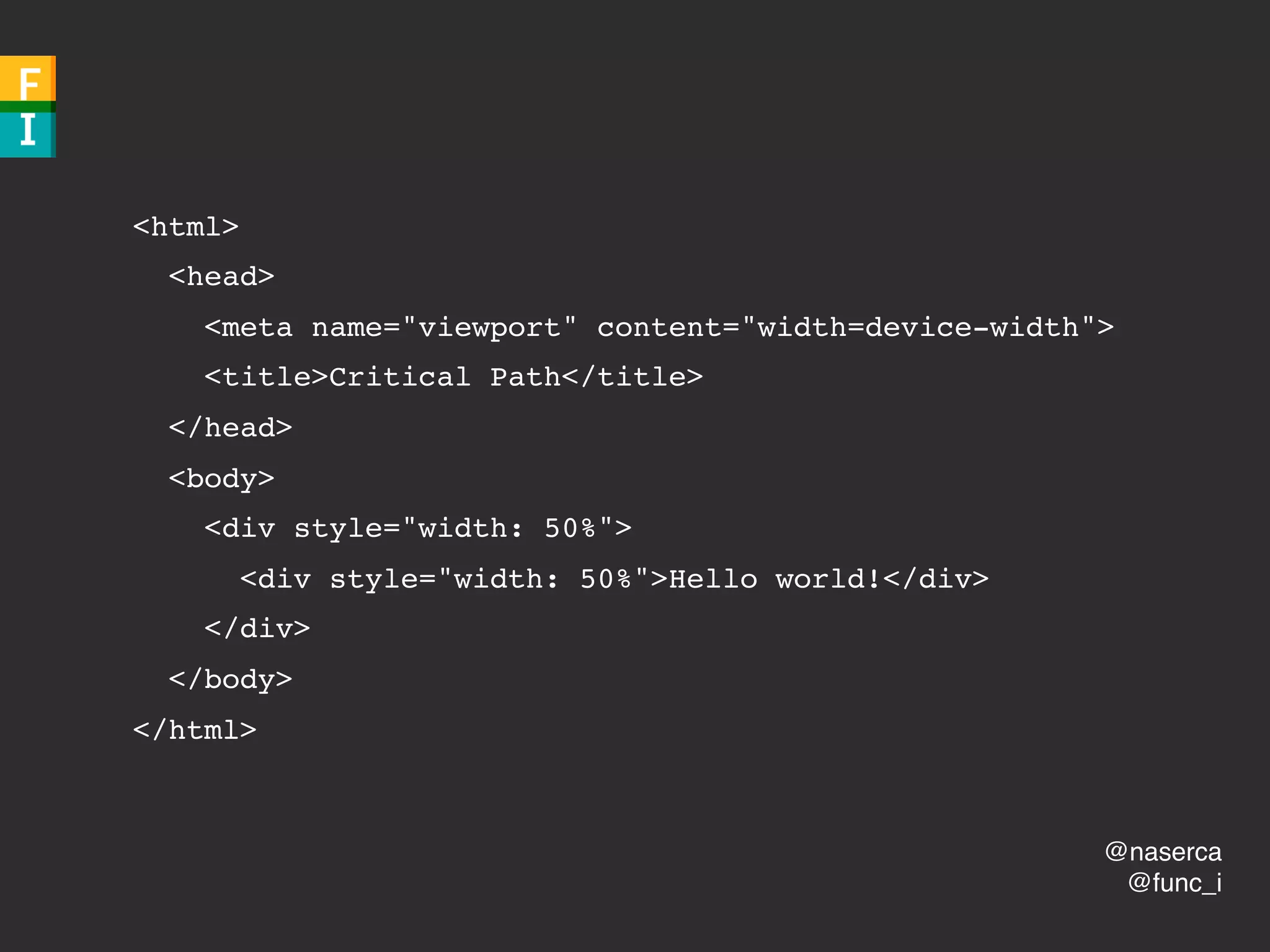
<html>
<head>
<meta name="viewport" content="width=device-width">
<title>Critical Path</title>
</head>
<body>
<div style="width: 50%">
<div style="width: 50%">Hello world!</div>
</div>
</body>
</html>
@naserca
@func_i
@naserca
@func_i
style changes
fetching of layout/scroll
adding/removing els
@naserca
@func_i
5. paint
@naserca
@func_i
paint *itself*
“composite layers”
@naserca
@func_i
<html>
z-index’d & positioned
opacity < 1
overflow
@naserca
@func_i
CPU & GPU
@naserca
@func_i
@naserca
@func_i
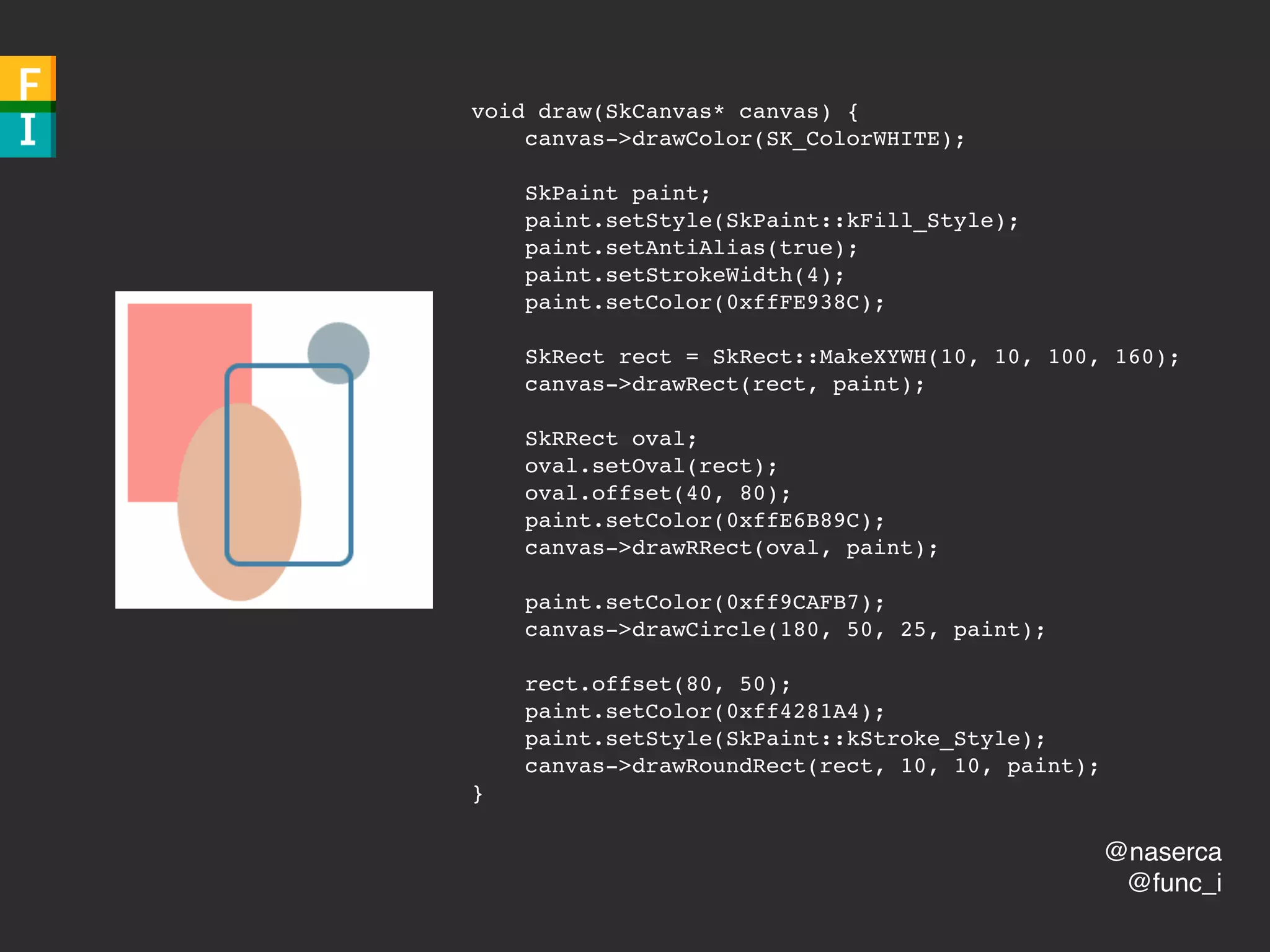
void draw(SkCanvas* canvas) {
canvas->drawColor(SK_ColorWHITE);
SkPaint paint;
paint.setStyle(SkPaint::kFill_Style);
paint.setAntiAlias(true);
paint.setStrokeWidth(4);
paint.setColor(0xffFE938C);
SkRect rect = SkRect::MakeXYWH(10, 10, 100, 160);
canvas->drawRect(rect, paint);
SkRRect oval;
oval.setOval(rect);
oval.offset(40, 80);
paint.setColor(0xffE6B89C);
canvas->drawRRect(oval, paint);
paint.setColor(0xff9CAFB7);
canvas->drawCircle(180, 50, 25, paint);
rect.offset(80, 50);
paint.setColor(0xff4281A4);
paint.setStyle(SkPaint::kStroke_Style);
canvas->drawRoundRect(rect, 10, 10, paint);
}
@naserca
@func_i
1. DOM
2. CSSOM
3. render tree
4. layout (reflow)
5. paint
@naserca
@func_i
javascript
@naserca
@func_i
synchronous
DOM blocking
(by default)
(scary)
@naserca
@func_i
requires CSSOM
@func_i
@naserca
functionalimperative.com
But wait, there’s more!
@naserca
@func_i
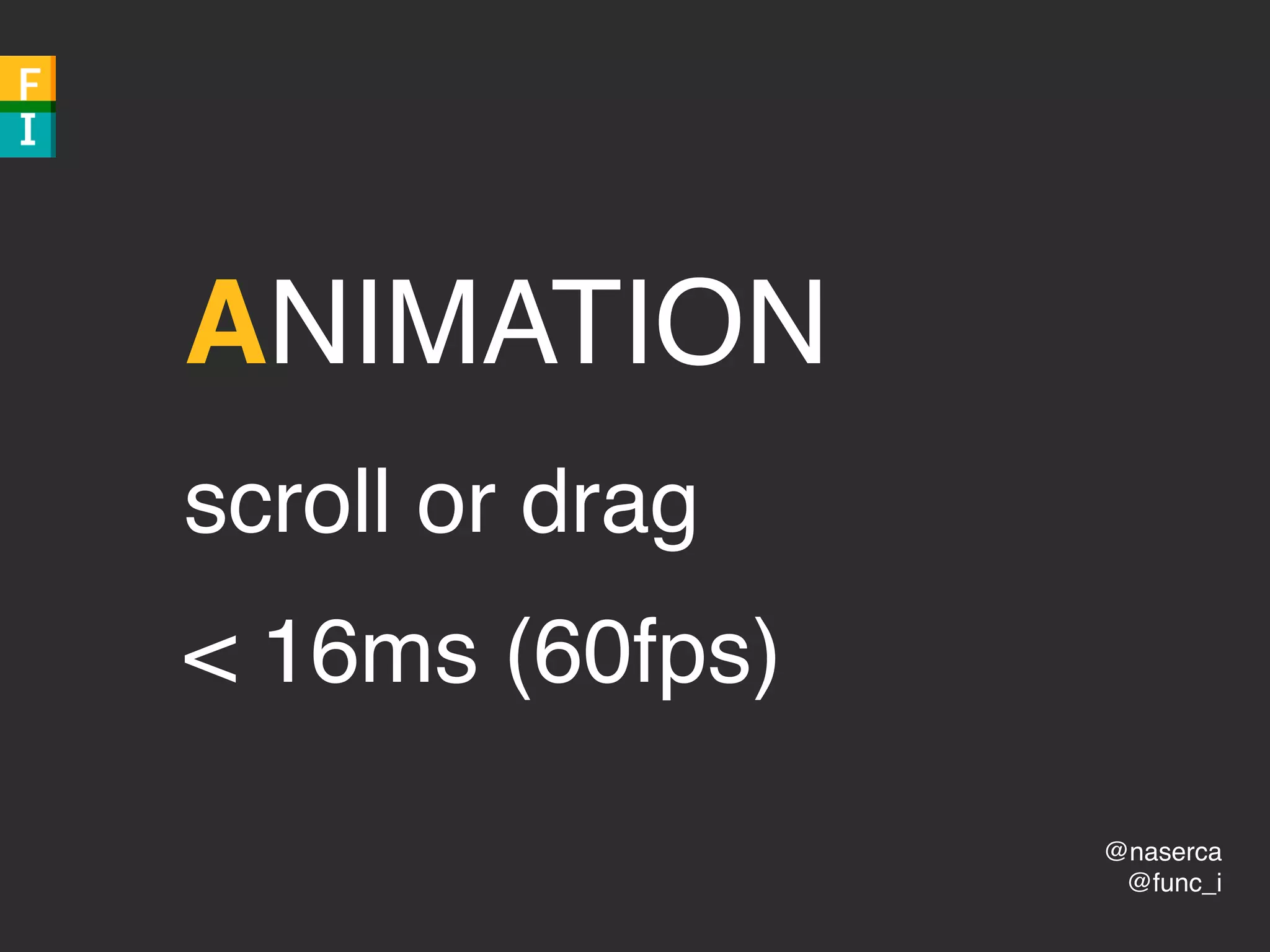
ANIMATION
scroll or drag
< 16ms (60fps)
@naserca
@func_i
60Hz
@naserca
@func_i
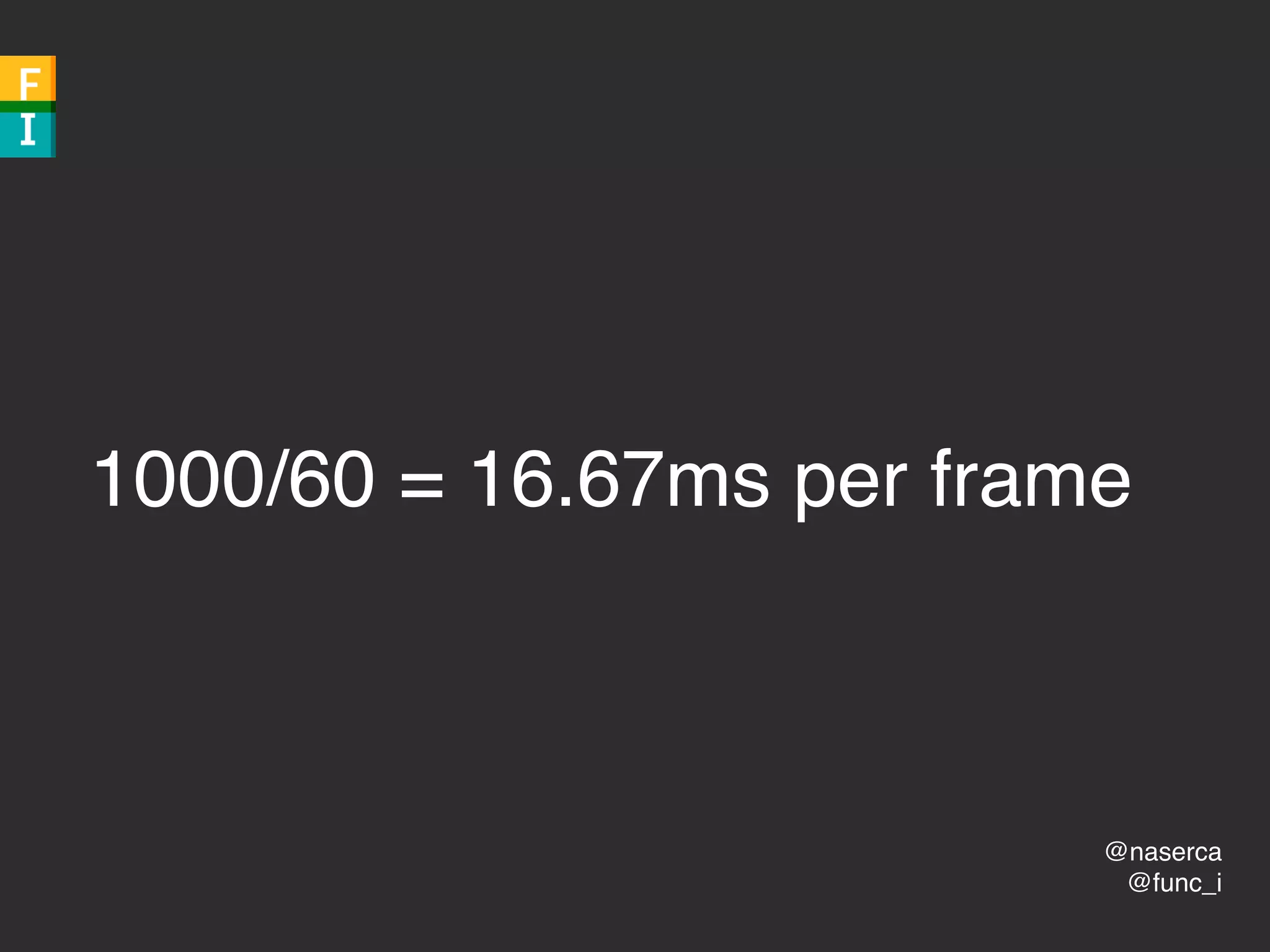
1000/60 = 16.67ms per frame
@naserca
@func_i
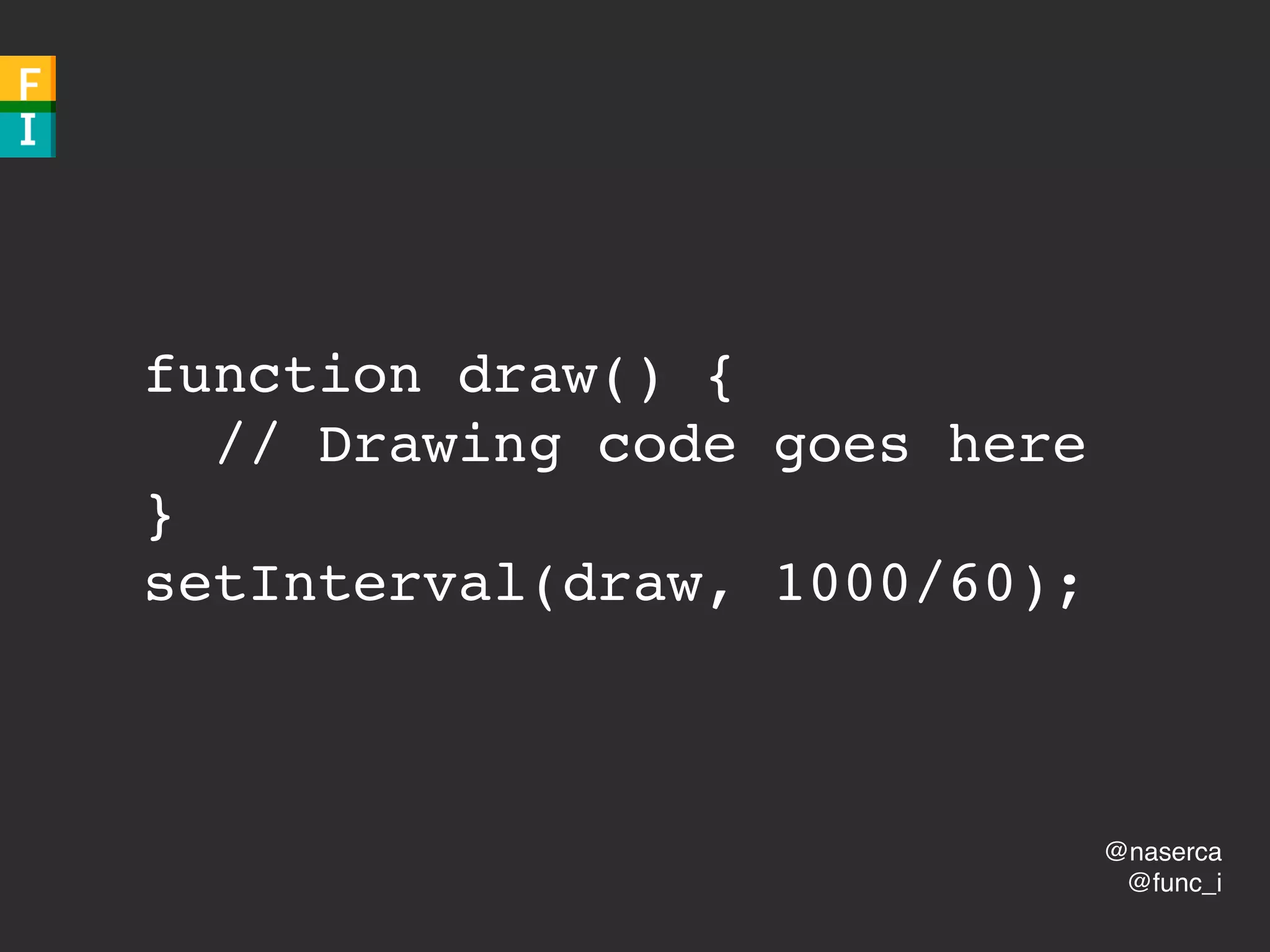
JavaScript Animations
@naserca
@func_i
function draw() {
// Drawing code goes here
}
setInterval(draw, 1000/60);
@naserca
@func_i
∞
@naserca
@func_i
YOLO
@naserca
@func_i
juggling
@naserca
@func_i
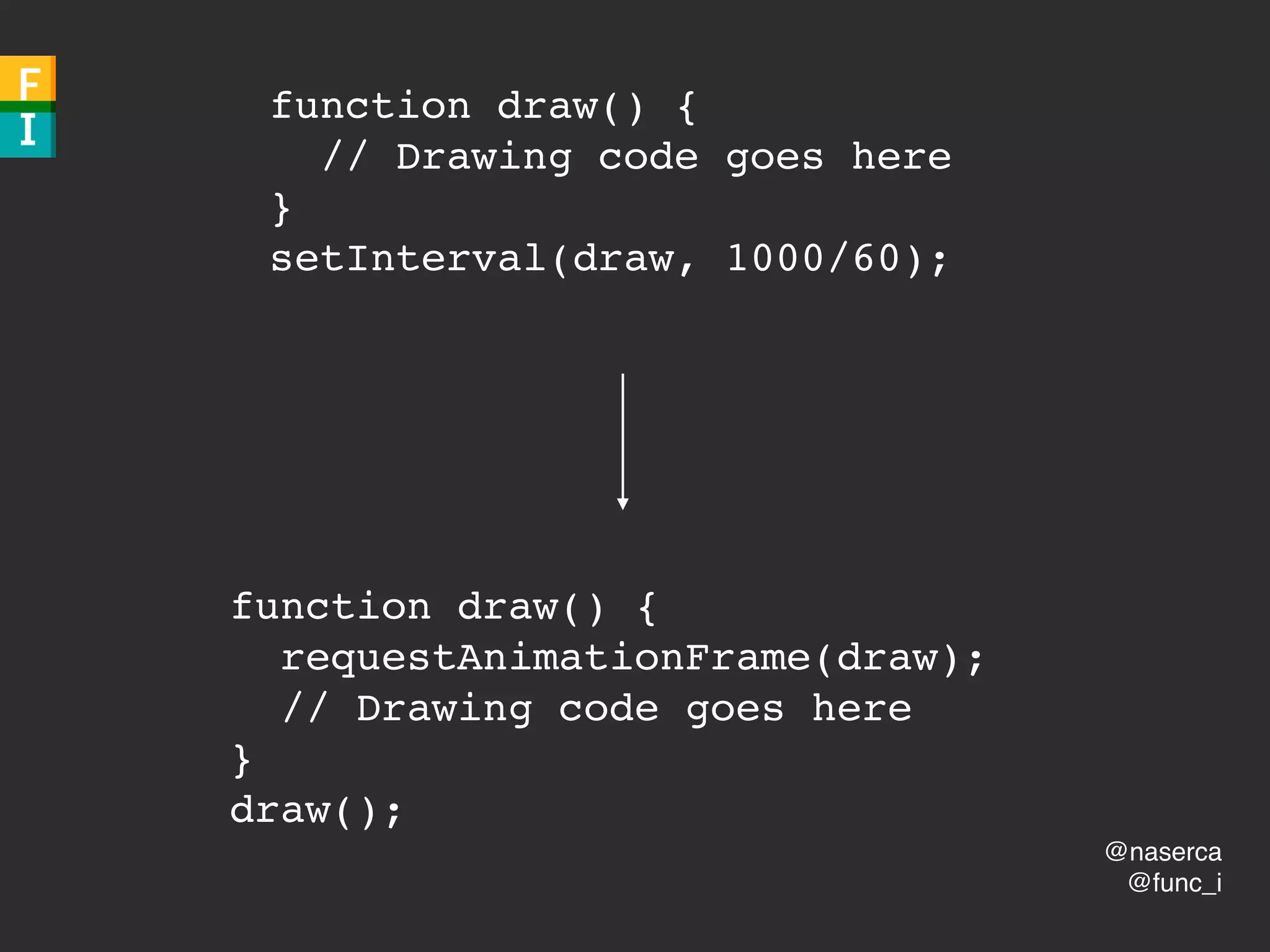
requestAnimationFrame
🙌
@naserca
@func_i
function draw() {
requestAnimationFrame(draw);
// Drawing code goes here
}
draw();
function draw() {
// Drawing code goes here
}
setInterval(draw, 1000/60);
@func_i
@naserca
functionalimperative.com
Go get ‘em!

Own Your Front-end Performance: Tools, Not Rules