B. SOUNDARYA M.SC
NADAR SARASWATHI
COLLEGE OF ARTS &
SCIENCE, THENI.
TERMINAL SERVICES &
FAST USER
DEFINITION
Window terminal services is a feature
that allows more than one user to log onto
a windows machine…. On windows XP,
more than one user can logon at the
console, although only one of the logged-
on users will be able to see his desktop at
any time. This terminal services function
is called fast user switching.
FAST USER SWITCHING
Fast user switching is a feature,
a term for some rather loosely
specified functionality, of a
multi-user operating system. It
allows users to switch between
user accounts on a single
computer without quitting
applications and logging out.
TERMINAL SERVERS USED FOR?
 Terminal servers enable businesses
to centrally host applications and
resources and publish them to
remote client devices, regardless of
the location and platform of the end
user device.
 A terminal server provides multi
benefits.
TERMINAL LICENSE
Terminal server client require
two licenses to connect to a
Terminal server.
The first license is a window NT
workstation license.
The second license is a client
access license for the server.
HOW DO I DISABLE FAST USER
SWITCHING?
 Hold the window key and press “R” to bring up the
run dialog box.
 Type “gpedit.msc” then press “enter”.
 The local group policy editor appears expand the
following:/
 Open “Hide entry points for fast user switching”.
 Select “enables” to turn fast user switching off.
SWITCH USERS IN COMPUTER
 Switch user. fast user switching is a
feature,
 A team for some rather loosely specified
functionality, of a multi user operating
system.
 It allows users to switch between user
accounts on a single computer without
quitting applications and logging out.
SHORTCUT FOR SWITCH USER
Alternately, you can press
ctrl + Alt + Del ,
then click switch user.
WINDOW 10 SWITCH USER
 Open the shut down windows dialog
by alt+f4 click the down arrow
choose switch user in the list and hit
ok.
 Way: Switch via the ctrl + Alt + Del
options.
 Press ctrl + Alt + Del on the
keyboard, and the select switch user
in the options
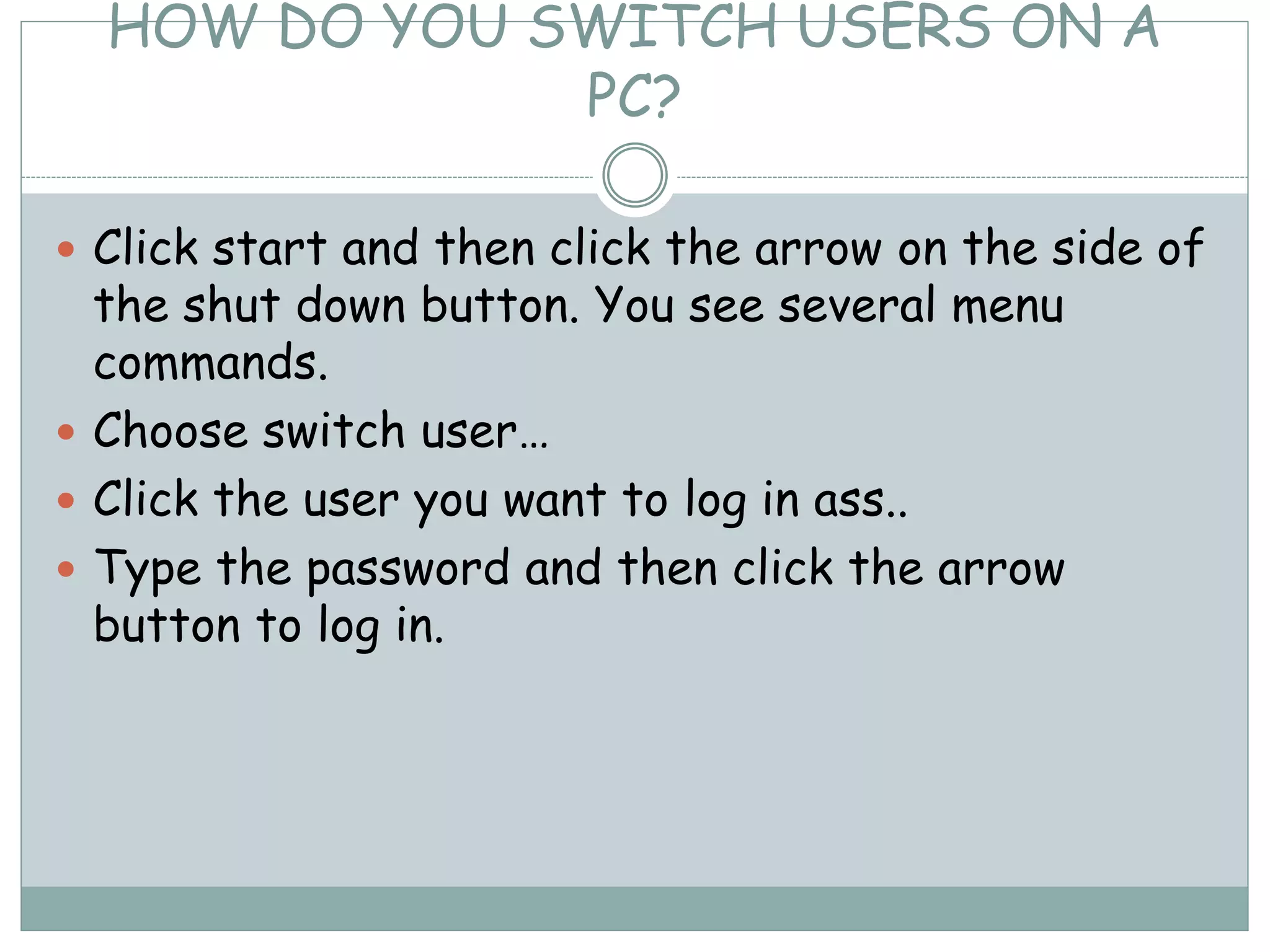
HOW DO YOU SWITCH USERS ON A
PC?
 Click start and then click the arrow on the side of
the shut down button. You see several menu
commands.
 Choose switch user…
 Click the user you want to log in ass..
 Type the password and then click the arrow
button to log in.
THANK YOU!!!

OS

  • 1.
    B. SOUNDARYA M.SC NADARSARASWATHI COLLEGE OF ARTS & SCIENCE, THENI. TERMINAL SERVICES & FAST USER
  • 2.
    DEFINITION Window terminal servicesis a feature that allows more than one user to log onto a windows machine…. On windows XP, more than one user can logon at the console, although only one of the logged- on users will be able to see his desktop at any time. This terminal services function is called fast user switching.
  • 3.
    FAST USER SWITCHING Fastuser switching is a feature, a term for some rather loosely specified functionality, of a multi-user operating system. It allows users to switch between user accounts on a single computer without quitting applications and logging out.
  • 4.
    TERMINAL SERVERS USEDFOR?  Terminal servers enable businesses to centrally host applications and resources and publish them to remote client devices, regardless of the location and platform of the end user device.  A terminal server provides multi benefits.
  • 5.
    TERMINAL LICENSE Terminal serverclient require two licenses to connect to a Terminal server. The first license is a window NT workstation license. The second license is a client access license for the server.
  • 6.
    HOW DO IDISABLE FAST USER SWITCHING?  Hold the window key and press “R” to bring up the run dialog box.  Type “gpedit.msc” then press “enter”.  The local group policy editor appears expand the following:/  Open “Hide entry points for fast user switching”.  Select “enables” to turn fast user switching off.
  • 7.
    SWITCH USERS INCOMPUTER  Switch user. fast user switching is a feature,  A team for some rather loosely specified functionality, of a multi user operating system.  It allows users to switch between user accounts on a single computer without quitting applications and logging out.
  • 8.
    SHORTCUT FOR SWITCHUSER Alternately, you can press ctrl + Alt + Del , then click switch user.
  • 9.
    WINDOW 10 SWITCHUSER  Open the shut down windows dialog by alt+f4 click the down arrow choose switch user in the list and hit ok.  Way: Switch via the ctrl + Alt + Del options.  Press ctrl + Alt + Del on the keyboard, and the select switch user in the options
  • 10.
    HOW DO YOUSWITCH USERS ON A PC?  Click start and then click the arrow on the side of the shut down button. You see several menu commands.  Choose switch user…  Click the user you want to log in ass..  Type the password and then click the arrow button to log in.
  • 11.