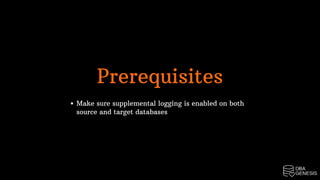
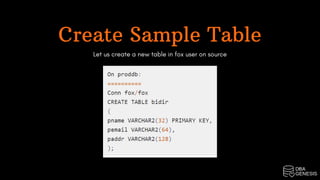
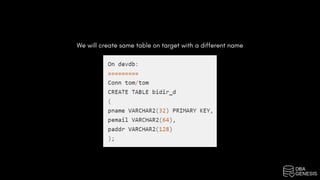
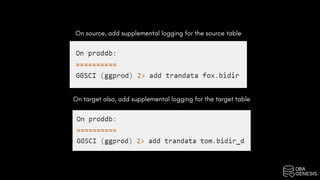
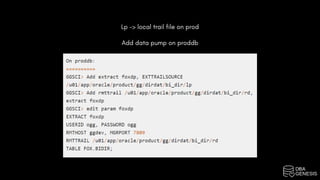
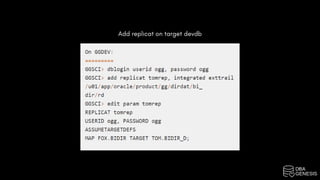
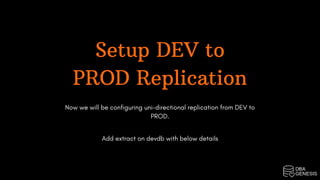
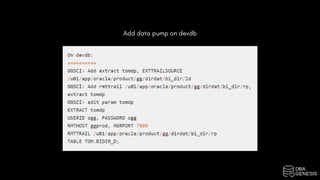
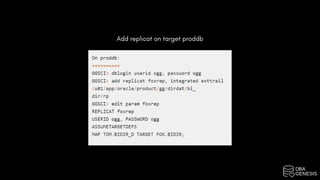
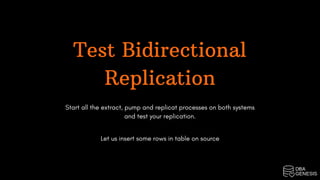
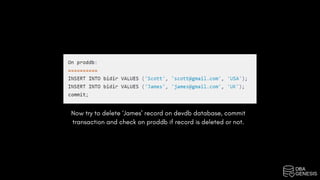
The document outlines the setup of Oracle GoldenGate bidirectional replication between source and target databases, emphasizing the need for supplemental logging on both ends. It details the configuration process for uni-directional replication from production to development and vice versa, including steps for adding extract, data pump, and replicat processes. To test the replication, it suggests inserting and deleting records to verify synchronization between the databases.





![20260201 [FOSDEM] gomodjail - library sandboxing for Go modules.pdf](https://cdn.slidesharecdn.com/ss_thumbnails/20260201fosdemgomodjail-librarysandboxingforgomodules-260201225659-76609ec4-thumbnail.jpg?width=640&height=640&fit=bounds)


