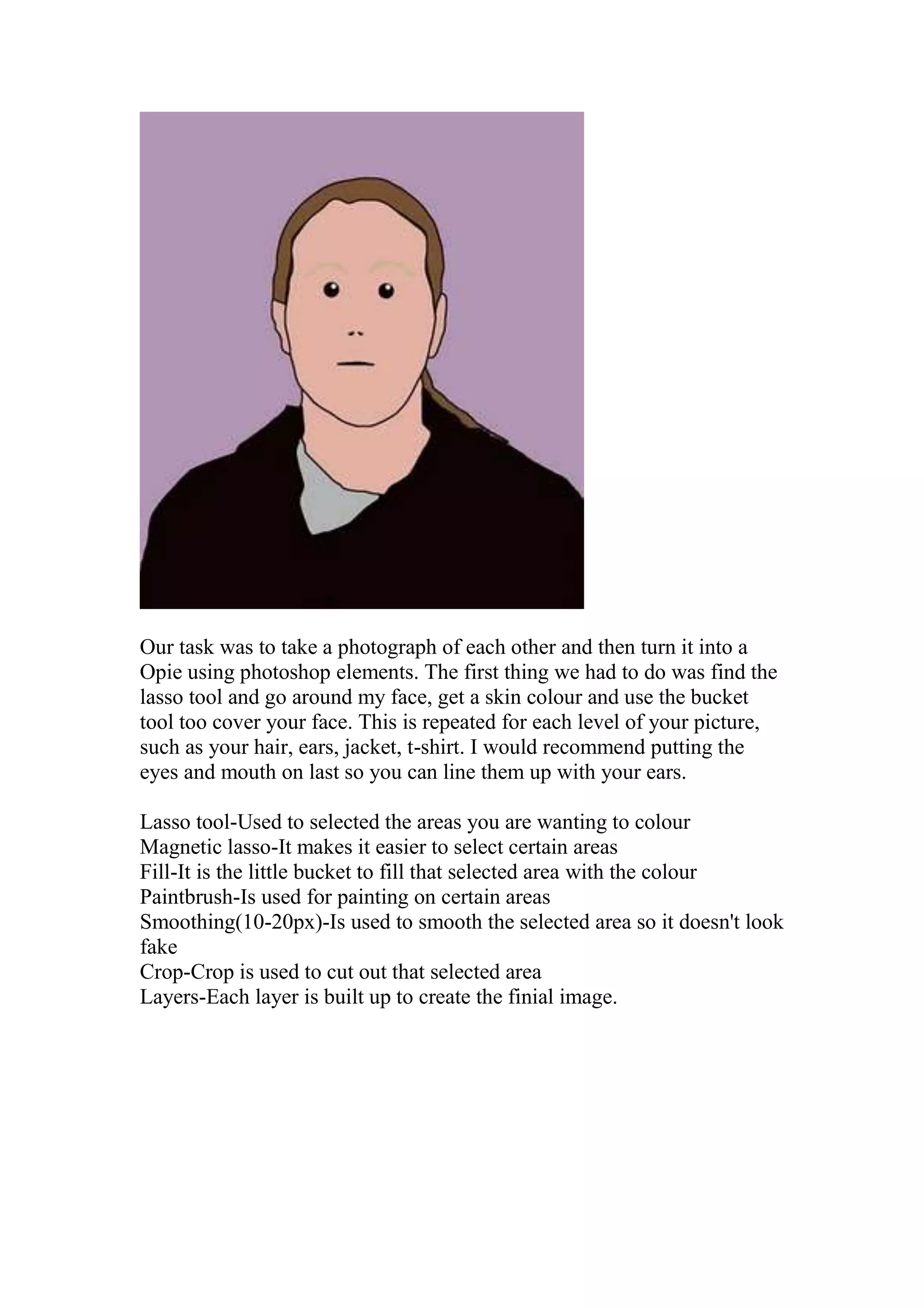
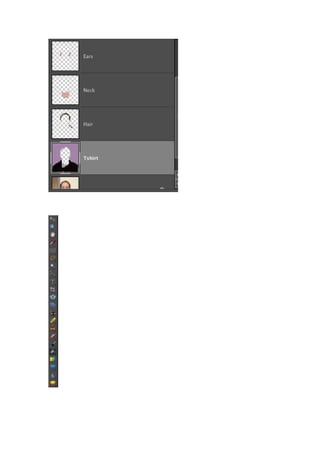
<br />Our task was to take a photograph of each other and then turn it into a Opie using photoshop elements. The first thing we had to do was find the lasso tool and go around my face, get a skin colour and use the bucket tool too cover your face. This is repeated for each level of your picture, such as your hair, ears, jacket, t-shirt. I would recommend putting the eyes and mouth on last so you can line them up with your ears.<br />Lasso tool-Used to selected the areas you are wanting to colour<br />Magnetic lasso-It makes it easier to select certain areas<br />Fill-It is the little bucket to fill that selected area with the colour<br />Paintbrush-Is used for painting on certain areas<br />Smoothing (10-20px)-Is used to smooth the selected area so it doesn't look fake<br />Crop-Crop is used to cut out that selected area<br />Layers-Each layer is built up to create the finial image.<br />
Opie portrait

Opie portrait

  • 1.
    <br />Our task was to take a photograph of each other and then turn it into a Opie using photoshop elements. The first thing we had to do was find the lasso tool and go around my face, get a skin colour and use the bucket tool too cover your face. This is repeated for each level of your picture, such as your hair, ears, jacket, t-shirt. I would recommend putting the eyes and mouth on last so you can line them up with your ears.<br />Lasso tool-Used to selected the areas you are wanting to colour<br />Magnetic lasso-It makes it easier to select certain areas<br />Fill-It is the little bucket to fill that selected area with the colour<br />Paintbrush-Is used for painting on certain areas<br />Smoothing (10-20px)-Is used to smooth the selected area so it doesn't look fake<br />Crop-Crop is used to cut out that selected area<br />Layers-Each layer is built up to create the finial image.<br />