On Committing Well
James Aylett
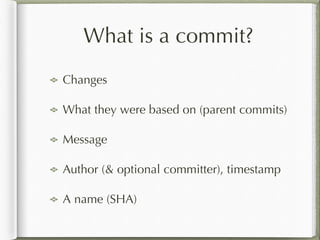
What is a commit?
Changes
What they were based on (parent commits)
Message
Author (& optional committer), timestamp
A name (SHA)
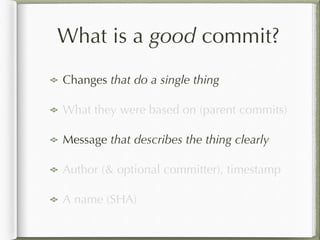
What is a good commit?
Changes that do a single thing
What they were based on (parent commits)
Message that describes the thing clearly
Author (& optional committer), timestamp
A name (SHA)
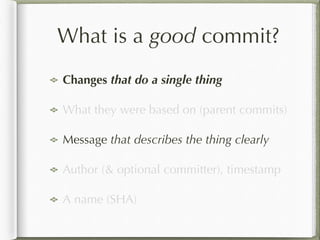
What is a good commit?
Changes that do a single thing
What they were based on (parent commits)
Message that describes the thing clearly
Author (& optional committer), timestamp
A name (SHA)
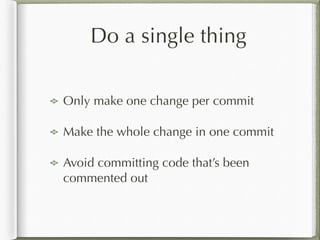
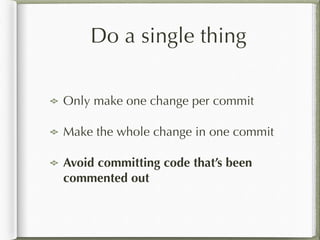
Do a single thing
Only make one change per commit
Make the whole change in one commit
Avoid committing code that’s been
commented out
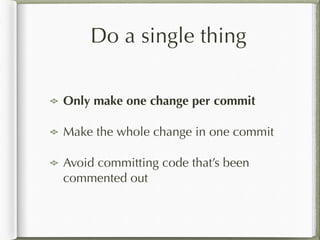
Do a single thing
Only make one change per commit
Make the whole change in one commit
Avoid committing code that’s been
commented out
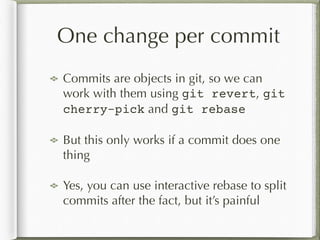
One change per commit
Commits are objects in git, so we can
work with them using git revert, git
cherry-pick and git rebase
But this only works if a commit does one
thing
Yes, you can use interactive rebase to split
commits after the fact, but it’s painful
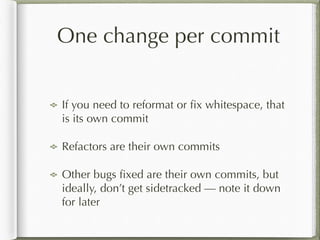
One change per commit
!
If you need to reformat or fix whitespace, that
is its own commit
Refactors are their own commits
Other bugs fixed are their own commits, but
ideally, don’t get sidetracked — note it down
for later
One change per commit
!
If you have multiple changes per commit,
it’s almost impossible to write a good
commit message (which we’ll shortly
discuss further)
git add -p is your friend, as is using
the index incrementally
Do a single thing
Only make one change per commit
Make the whole change in one commit
Avoid committing code that’s been
commented out
The whole change in one
Commits are much easier to review
Even if you review at a PR level, well-
sized commits make it easier to see the
structure of the change
Also important in later forensics eg git
bisect
The whole change in one
Check your commits before you push, or
at least before you make a PR
You can coalesce commits using git
rebase -i
You can force push your rebased changes
just before making a PR
The whole change in one
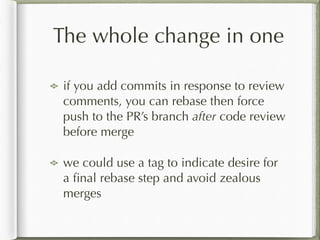
if you add commits in response to review
comments, you can rebase then force
push to the PR’s branch after code review
before merge
we could use a tag to indicate desire for
a final rebase step and avoid zealous
merges
Do a single thing
Only make one change per commit
Make the whole change in one commit
Avoid committing code that’s been
commented out
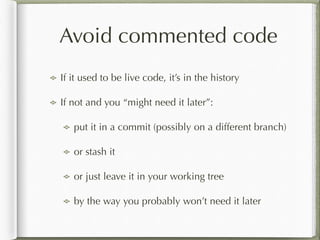
Avoid commented code
If it used to be live code, it’s in the history
If not and you “might need it later”:
put it in a commit (possibly on a different branch)
or stash it
or just leave it in your working tree
by the way you probably won’t need it later
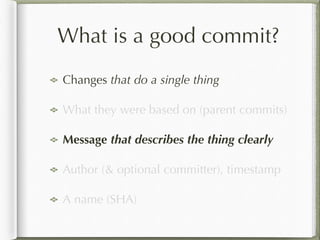
What is a good commit?
Changes that do a single thing
What they were based on (parent commits)
Message that describes the thing clearly
Author (& optional committer), timestamp
A name (SHA)
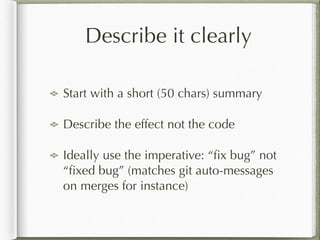
Describe it clearly
Start with a short (50 chars) summary
Describe the effect not the code
Ideally use the imperative: “fix bug” not
“fixed bug” (matches git auto-messages
on merges for instance)
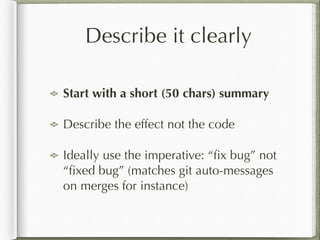
Describe it clearly
Start with a short (50 chars) summary
Describe the effect not the code
Ideally use the imperative: “fix bug” not
“fixed bug” (matches git auto-messages
on merges for instance)
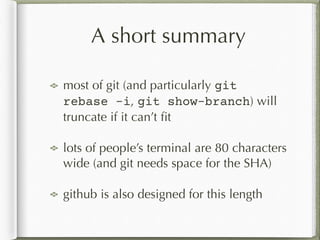
A short summary
most of git (and particularly git
rebase -i, git show-branch) will
truncate if it can’t fit
lots of people’s terminal are 80 characters
wide (and git needs space for the SHA)
github is also designed for this length
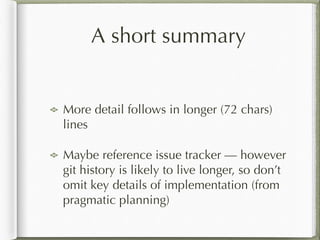
A short summary
!
More detail follows in longer (72 chars)
lines
Maybe reference issue tracker — however
git history is likely to live longer, so don’t
omit key details of implementation (from
pragmatic planning)
Describe it clearly
Start with a short (50 chars) summary
Describe the effect not the code
Ideally use the imperative: “fix bug” not
“fixed bug” (matches git auto-messages
on merges for instance)
Describe the effect
No point describing the code changes: the code
changes are already part of the commit
However capturing intent, how these changes solve
the problem or satisfy the feature, is important
Helps code review (is the intent what I expect? does
the code match the intent?)
Helps future forensics: why is this code there or
written in that way?
Describe it clearly
Start with a short (50 chars) summary
Describe the effect not the code
Ideally use the imperative: “fix bug” not
“fixed bug” (matches git auto-messages
on merges for instance)
How about some
examples?
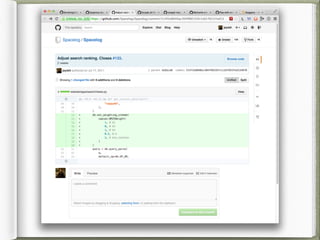
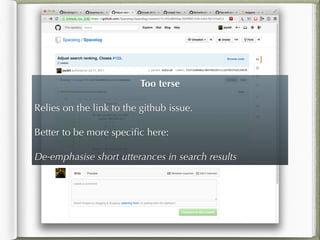
Too terse
!
Relies on the link to the github issue.
!
Better to be more specific here:
!
De-emphasise short utterances in search results
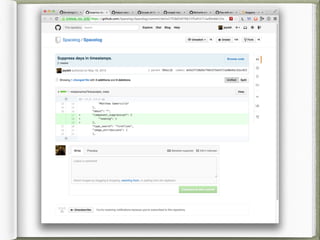
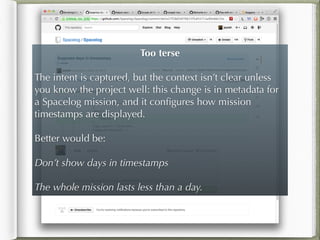
Too terse
!
The intent is captured, but the context isn’t clear unless
you know the project well: this change is in metadata for
a Spacelog mission, and it configures how mission
timestamps are displayed.
!
Better would be:
!
Don’t show days in timestamps
!
The whole mission lasts less than a day.
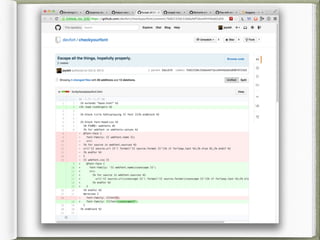
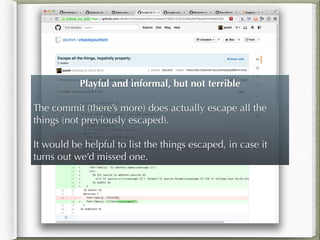
Playful and informal, but not terrible
!
The commit (there’s more) does actually escape all the
things (not previously escaped).
!
It would be helpful to list the things escaped, in case it
turns out we’d missed one.
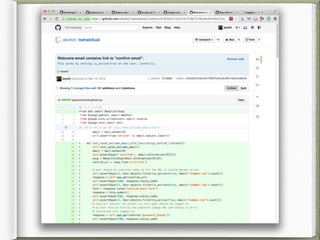
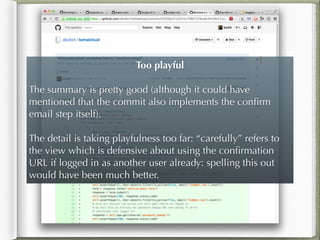
Too playful
!
The summary is pretty good (although it could have
mentioned that the commit also implements the confirm
email step itself).
!
The detail is taking playfulness too far: “carefully” refers to
the view which is defensive about using the confirmation
URL if logged in as another user already: spelling this out
would have been much better.
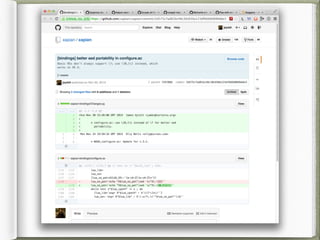
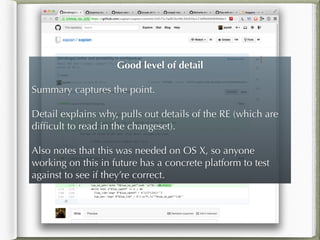
Good level of detail
!
Summary captures the point.
!
Detail explains why, pulls out details of the RE (which are
difficult to read in the changeset).
!
Also notes that this was needed on OS X, so anyone
working on this in future has a concrete platform to test
against to see if they’re correct.
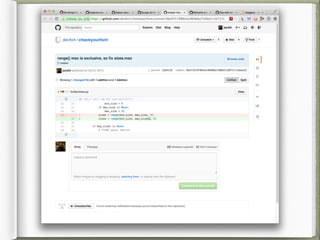
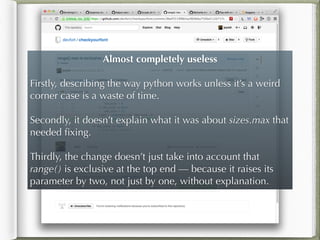
Almost completely useless
!
Firstly, describing the way python works unless it’s a weird
corner case is a waste of time.
!
Secondly, it doesn’t explain what it was about sizes.max that
needed fixing.
!
Thirdly, the change doesn’t just take into account that
range() is exclusive at the top end — because it raises its
parameter by two, not just by one, without explanation.
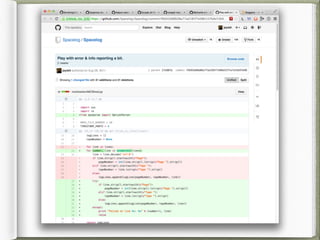
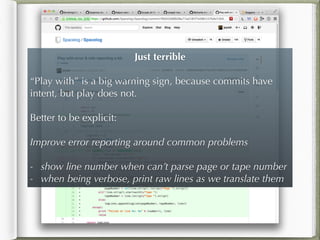
Just terrible
!
“Play with” is a big warning sign, because commits have
intent, but play does not.
!
Better to be explicit:
!
Improve error reporting around common problems
!
- show line number when can’t parse page or tape number
- when being verbose, print raw lines as we translate them
Reading
A Note About Git Commit Messages by
Tim Pope (http://tbaggery.com/
2008/04/19/a-note-about-git-commit-
messages.html)
What’s in a Good Commit? by Timo
Mihaljov (http://dev.solita.fi/2013/07/04/
whats-in-a-good-commit.html)

On committing well

  • 1.
  • 2.
    What is acommit? Changes What they were based on (parent commits) Message Author (& optional committer), timestamp A name (SHA)
  • 3.
    What is agood commit? Changes that do a single thing What they were based on (parent commits) Message that describes the thing clearly Author (& optional committer), timestamp A name (SHA)
  • 4.
    What is agood commit? Changes that do a single thing What they were based on (parent commits) Message that describes the thing clearly Author (& optional committer), timestamp A name (SHA)
  • 5.
    Do a singlething Only make one change per commit Make the whole change in one commit Avoid committing code that’s been commented out
  • 6.
    Do a singlething Only make one change per commit Make the whole change in one commit Avoid committing code that’s been commented out
  • 7.
    One change percommit Commits are objects in git, so we can work with them using git revert, git cherry-pick and git rebase But this only works if a commit does one thing Yes, you can use interactive rebase to split commits after the fact, but it’s painful
  • 8.
    One change percommit ! If you need to reformat or fix whitespace, that is its own commit Refactors are their own commits Other bugs fixed are their own commits, but ideally, don’t get sidetracked — note it down for later
  • 9.
    One change percommit ! If you have multiple changes per commit, it’s almost impossible to write a good commit message (which we’ll shortly discuss further) git add -p is your friend, as is using the index incrementally
  • 10.
    Do a singlething Only make one change per commit Make the whole change in one commit Avoid committing code that’s been commented out
  • 11.
    The whole changein one Commits are much easier to review Even if you review at a PR level, well- sized commits make it easier to see the structure of the change Also important in later forensics eg git bisect
  • 12.
    The whole changein one Check your commits before you push, or at least before you make a PR You can coalesce commits using git rebase -i You can force push your rebased changes just before making a PR
  • 13.
    The whole changein one if you add commits in response to review comments, you can rebase then force push to the PR’s branch after code review before merge we could use a tag to indicate desire for a final rebase step and avoid zealous merges
  • 14.
    Do a singlething Only make one change per commit Make the whole change in one commit Avoid committing code that’s been commented out
  • 15.
    Avoid commented code Ifit used to be live code, it’s in the history If not and you “might need it later”: put it in a commit (possibly on a different branch) or stash it or just leave it in your working tree by the way you probably won’t need it later
  • 16.
    What is agood commit? Changes that do a single thing What they were based on (parent commits) Message that describes the thing clearly Author (& optional committer), timestamp A name (SHA)
  • 17.
    Describe it clearly Startwith a short (50 chars) summary Describe the effect not the code Ideally use the imperative: “fix bug” not “fixed bug” (matches git auto-messages on merges for instance)
  • 18.
    Describe it clearly Startwith a short (50 chars) summary Describe the effect not the code Ideally use the imperative: “fix bug” not “fixed bug” (matches git auto-messages on merges for instance)
  • 19.
    A short summary mostof git (and particularly git rebase -i, git show-branch) will truncate if it can’t fit lots of people’s terminal are 80 characters wide (and git needs space for the SHA) github is also designed for this length
  • 20.
    A short summary ! Moredetail follows in longer (72 chars) lines Maybe reference issue tracker — however git history is likely to live longer, so don’t omit key details of implementation (from pragmatic planning)
  • 21.
    Describe it clearly Startwith a short (50 chars) summary Describe the effect not the code Ideally use the imperative: “fix bug” not “fixed bug” (matches git auto-messages on merges for instance)
  • 22.
    Describe the effect Nopoint describing the code changes: the code changes are already part of the commit However capturing intent, how these changes solve the problem or satisfy the feature, is important Helps code review (is the intent what I expect? does the code match the intent?) Helps future forensics: why is this code there or written in that way?
  • 23.
    Describe it clearly Startwith a short (50 chars) summary Describe the effect not the code Ideally use the imperative: “fix bug” not “fixed bug” (matches git auto-messages on merges for instance)
  • 24.
  • 26.
    Too terse ! Relies onthe link to the github issue. ! Better to be more specific here: ! De-emphasise short utterances in search results
  • 28.
    Too terse ! The intentis captured, but the context isn’t clear unless you know the project well: this change is in metadata for a Spacelog mission, and it configures how mission timestamps are displayed. ! Better would be: ! Don’t show days in timestamps ! The whole mission lasts less than a day.
  • 30.
    Playful and informal,but not terrible ! The commit (there’s more) does actually escape all the things (not previously escaped). ! It would be helpful to list the things escaped, in case it turns out we’d missed one.
  • 32.
    Too playful ! The summaryis pretty good (although it could have mentioned that the commit also implements the confirm email step itself). ! The detail is taking playfulness too far: “carefully” refers to the view which is defensive about using the confirmation URL if logged in as another user already: spelling this out would have been much better.
  • 34.
    Good level ofdetail ! Summary captures the point. ! Detail explains why, pulls out details of the RE (which are difficult to read in the changeset). ! Also notes that this was needed on OS X, so anyone working on this in future has a concrete platform to test against to see if they’re correct.
  • 36.
    Almost completely useless ! Firstly,describing the way python works unless it’s a weird corner case is a waste of time. ! Secondly, it doesn’t explain what it was about sizes.max that needed fixing. ! Thirdly, the change doesn’t just take into account that range() is exclusive at the top end — because it raises its parameter by two, not just by one, without explanation.
  • 38.
    Just terrible ! “Play with”is a big warning sign, because commits have intent, but play does not. ! Better to be explicit: ! Improve error reporting around common problems ! - show line number when can’t parse page or tape number - when being verbose, print raw lines as we translate them
  • 39.
    Reading A Note AboutGit Commit Messages by Tim Pope (http://tbaggery.com/ 2008/04/19/a-note-about-git-commit- messages.html) What’s in a Good Commit? by Timo Mihaljov (http://dev.solita.fi/2013/07/04/ whats-in-a-good-commit.html)