Download to read offline
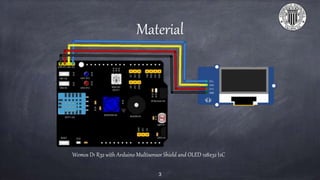
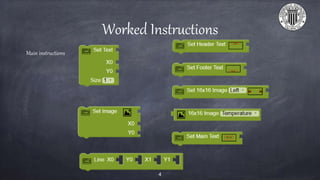
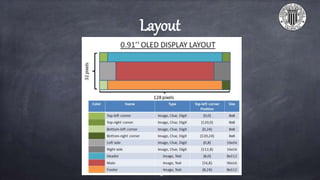
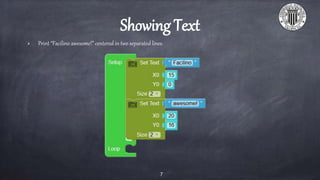
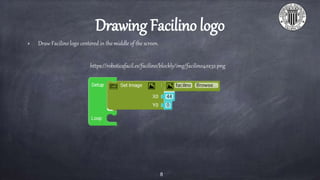
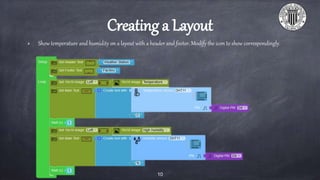

The document outlines instructions for programming a 128x32 OLED display using the Facilino platform, including exercises like showing text and drawing a logo. It provides specifics on material and tools required, such as a Wemos D1 R32 and an Arduino multisensor shield. Key tasks include centering text and graphics and creating a layout to display temperature and humidity.


