Office 365 Groups: Deep Dive
Alex Pearce
 Alex Pearce (Office 365 MVP)
 Director @ BFC Networks
 BLOG: http://www.bfcnetworks.com
 apearce@bfcnetworks.com / @alex_pearce
 Interests in Office 365 Education, Configuration
not Customisation, integration.
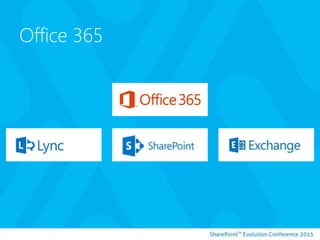
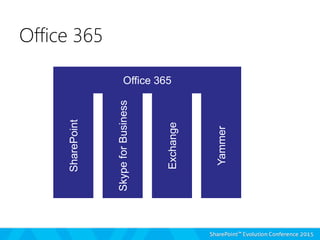
Office 365
Office 365SharePoint
Office 365
SkypeforBusiness
Yammer
Exchange
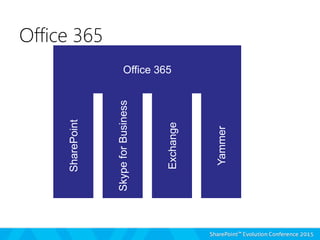
Office 365
Office 365SharePoint Office 365
SkypeforBusiness
Yammer
Exchange
Office 365
Getting things done at work means sharing
information and collaborating across ad hoc
groups and project teams. But, often times the
tools we use to bring people together are
different in each app—distribution groups in
Outlook, buddy lists in Lync, groups in
Yammer. That’s why we’re introducing Groups in
Office 365, so you can easily connect with the
colleagues, information and applications you
need to do more. Blogs.office.com
What is an Office 365 Group?
So, is the team site dead?
CREATING AN OFFICE 365 GROUP
Creating and navigating through a Office 365 Group
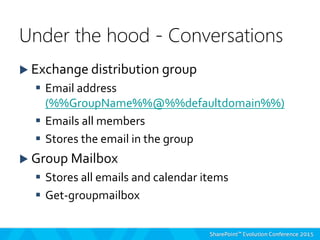
 Exchange distribution group
 Email address
(%%GroupName%%@%%defaultdomain%%)
 Emails all members
 Stores the email in the group
 Group Mailbox
 Stores all emails and calendar items
 Get-groupmailbox
Under the hood - Conversations
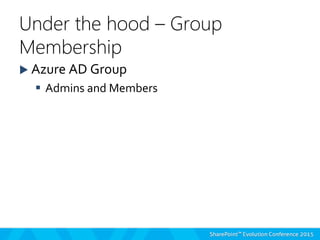
 Azure AD Group
 Admins and Members
Under the hood – Group
Membership
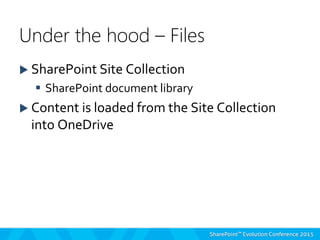
 SharePoint Site Collection
 SharePoint document library
 Content is loaded from the Site Collection
into OneDrive
Under the hood – Files
WHERE IS MY GROUP CONTENT?
Where can I see this information in my Office 365 Tenant
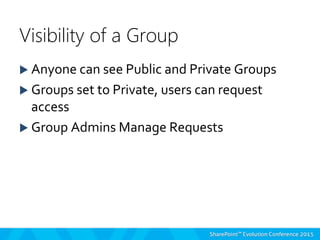
 Anyone can see Public and Private Groups
 Groups set to Private, users can request
access
 Group Admins Manage Requests
Visibility of a Group
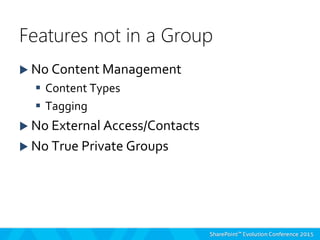
 No Content Management
 Content Types
 Tagging
 No External Access/Contacts
 No True Private Groups
Features not in a Group
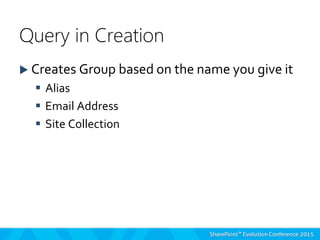
 Creates Group based on the name you give it
 Alias
 Email Address
 Site Collection
Query in Creation
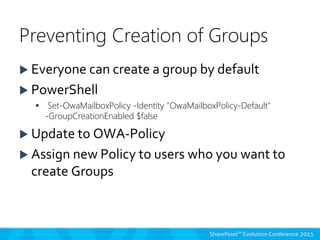
 Everyone can create a group by default
 PowerShell
 Set-OwaMailboxPolicy -Identity "OwaMailboxPolicy-Default"
-GroupCreationEnabled $false
 Update to OWA-Policy
 Assign new Policy to users who you want to
create Groups
Preventing Creation of Groups
PREVENT USERS FROM CREATING
GROUPS
Updating the OWA Policy
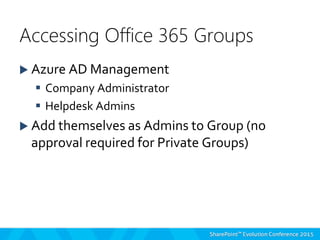
 Azure AD Management
 Company Administrator
 Helpdesk Admins
 Add themselves as Admins to Group (no
approval required for Private Groups)
Accessing Office 365 Groups
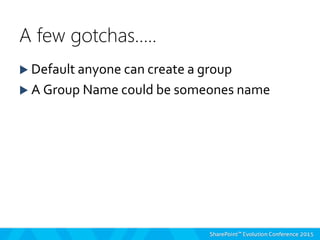
 Default anyone can create a group
 A Group Name could be someones name
A few gotchas…..
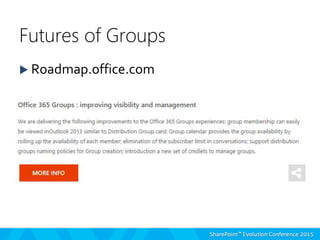
 Roadmap.office.com
Futures of Groups
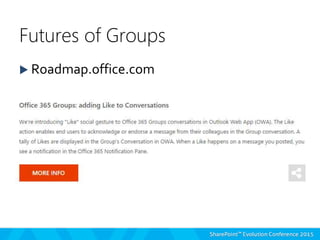
 Roadmap.office.com
Futures of Groups
Thank you for attending!
Alex Pearce @alex_pearce
apearce@bfcnetworks.com

Office 365 Groups: Deep Dive

  • 1.
    Office 365 Groups:Deep Dive Alex Pearce
  • 2.
     Alex Pearce(Office 365 MVP)  Director @ BFC Networks  BLOG: http://www.bfcnetworks.com  apearce@bfcnetworks.com / @alex_pearce  Interests in Office 365 Education, Configuration not Customisation, integration.
  • 3.
  • 4.
  • 5.
    Office 365SharePoint Office365 SkypeforBusiness Yammer Exchange Office 365
  • 6.
    Getting things doneat work means sharing information and collaborating across ad hoc groups and project teams. But, often times the tools we use to bring people together are different in each app—distribution groups in Outlook, buddy lists in Lync, groups in Yammer. That’s why we’re introducing Groups in Office 365, so you can easily connect with the colleagues, information and applications you need to do more. Blogs.office.com What is an Office 365 Group?
  • 7.
    So, is theteam site dead?
  • 8.
    CREATING AN OFFICE365 GROUP Creating and navigating through a Office 365 Group
  • 9.
     Exchange distributiongroup  Email address (%%GroupName%%@%%defaultdomain%%)  Emails all members  Stores the email in the group  Group Mailbox  Stores all emails and calendar items  Get-groupmailbox Under the hood - Conversations
  • 10.
     Azure ADGroup  Admins and Members Under the hood – Group Membership
  • 11.
     SharePoint SiteCollection  SharePoint document library  Content is loaded from the Site Collection into OneDrive Under the hood – Files
  • 12.
    WHERE IS MYGROUP CONTENT? Where can I see this information in my Office 365 Tenant
  • 13.
     Anyone cansee Public and Private Groups  Groups set to Private, users can request access  Group Admins Manage Requests Visibility of a Group
  • 14.
     No ContentManagement  Content Types  Tagging  No External Access/Contacts  No True Private Groups Features not in a Group
  • 15.
     Creates Groupbased on the name you give it  Alias  Email Address  Site Collection Query in Creation
  • 16.
     Everyone cancreate a group by default  PowerShell  Set-OwaMailboxPolicy -Identity "OwaMailboxPolicy-Default" -GroupCreationEnabled $false  Update to OWA-Policy  Assign new Policy to users who you want to create Groups Preventing Creation of Groups
  • 17.
    PREVENT USERS FROMCREATING GROUPS Updating the OWA Policy
  • 18.
     Azure ADManagement  Company Administrator  Helpdesk Admins  Add themselves as Admins to Group (no approval required for Private Groups) Accessing Office 365 Groups
  • 19.
     Default anyonecan create a group  A Group Name could be someones name A few gotchas…..
  • 20.
  • 21.
  • 22.
    Thank you forattending! Alex Pearce @alex_pearce apearce@bfcnetworks.com

Editor's Notes

  • #7 http://blogs.office.com/2014/09/25/delivering-first-chapter-groups-office-365/
  • #9 Navigation to a Group – OWA Create a Group Add Members Navigation around -Conversations -Calendar -Documents -Notebook Navigate to groups from OneDrive to finish Off
  • #13 Navigation to a Group – OWA Create a Group Add Members Navigation around -Conversations -Calendar -Documents -Notebook Navigate to groups from OneDrive to finish Off
  • #18 Navigation to a Group – OWA Create a Group Add Members Navigation around -Conversations -Calendar -Documents -Notebook Navigate to groups from OneDrive to finish Off
  • #23 Permissions, Allow, Deny, Site Collection Admins, Owners, Members, Visitors, Approve, Decline, Workflow, Groups, SharePoint Online, Office 365, Active Directory, Azure, View, Contribute, Design, Break Inheritance, Site, List, External Access, Sharing, SharePoint Evolution Conference, OneDrive, Site, Web, Data, Organisation, Yammer, Exchange, Lync, Skype