Understanding the Office
365 Architecture
Alex Pearce
me
Director: BFC Networks
SharePoint MVP since 2008
Twitter: @alex_pearce
Personal Interests in SharePoint
• Office 365
• Integration
• Doing as much as you can with OOTB features
agenda
•
•
•
•

The basics
Windows Azure Active Directory
SharePoint Online
SharePoint and Azure AD
the core of office 365
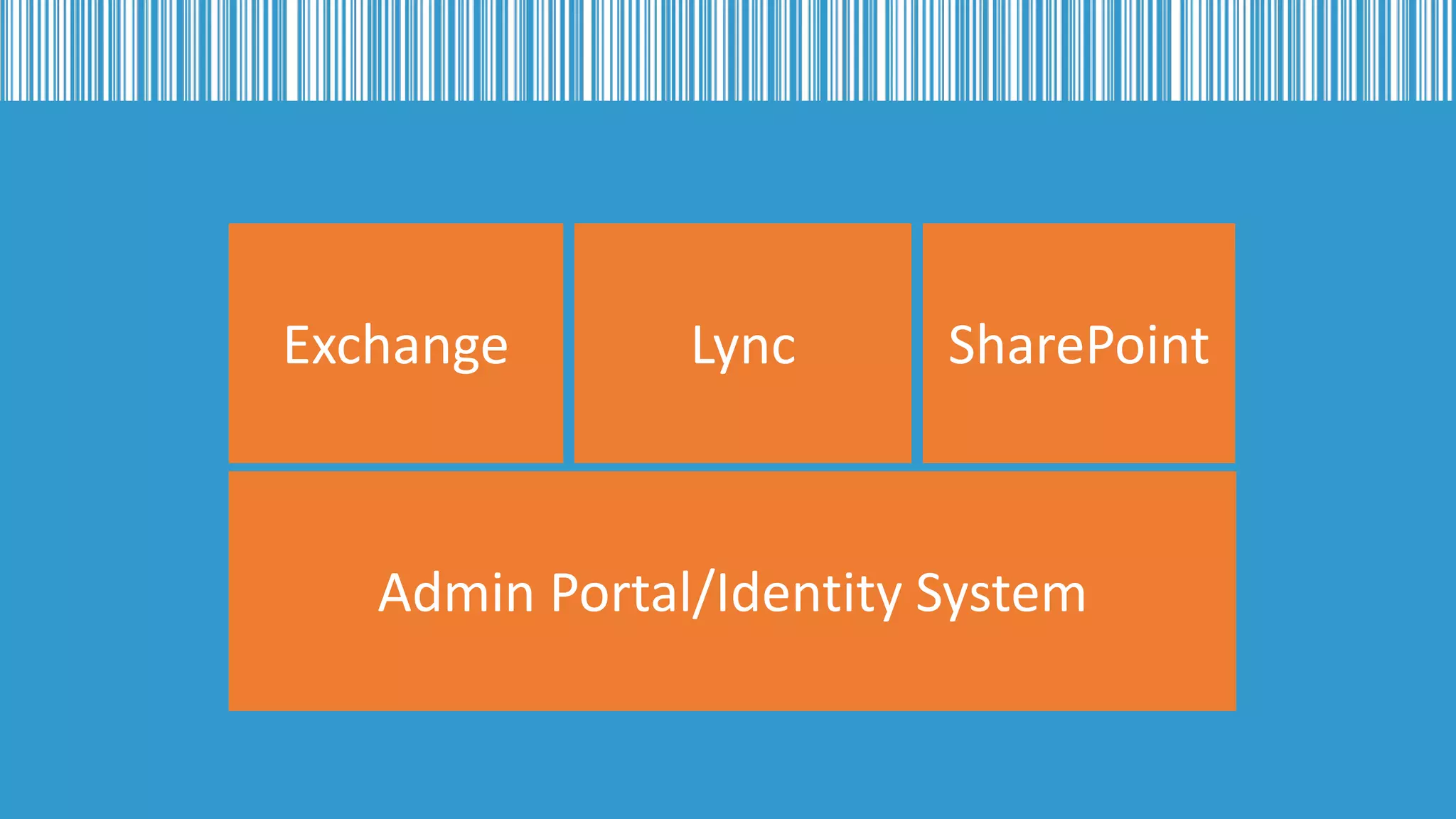
understanding the 5 main products
Exchange

Lync

SharePoint

Admin Portal/Identity System
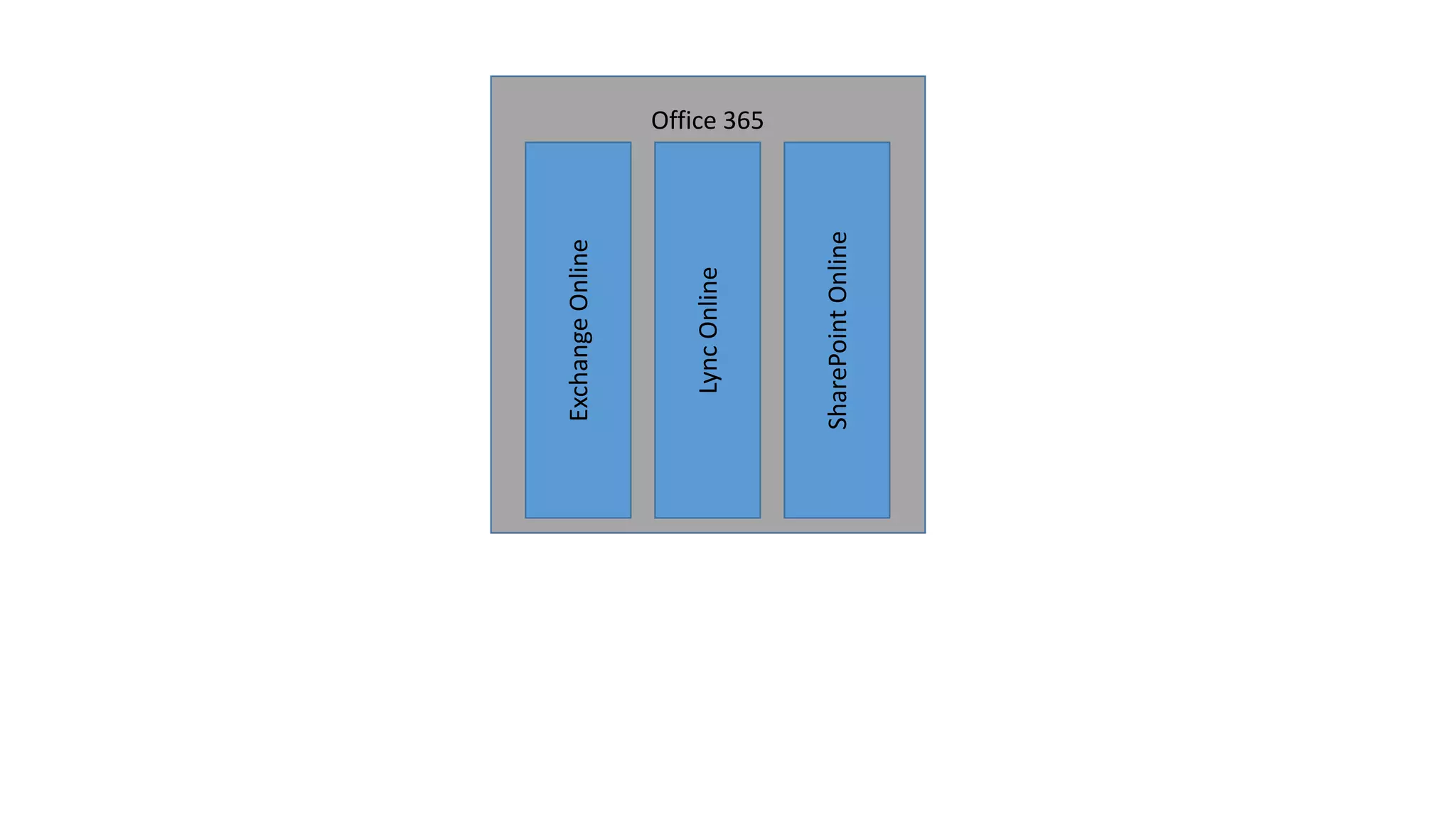
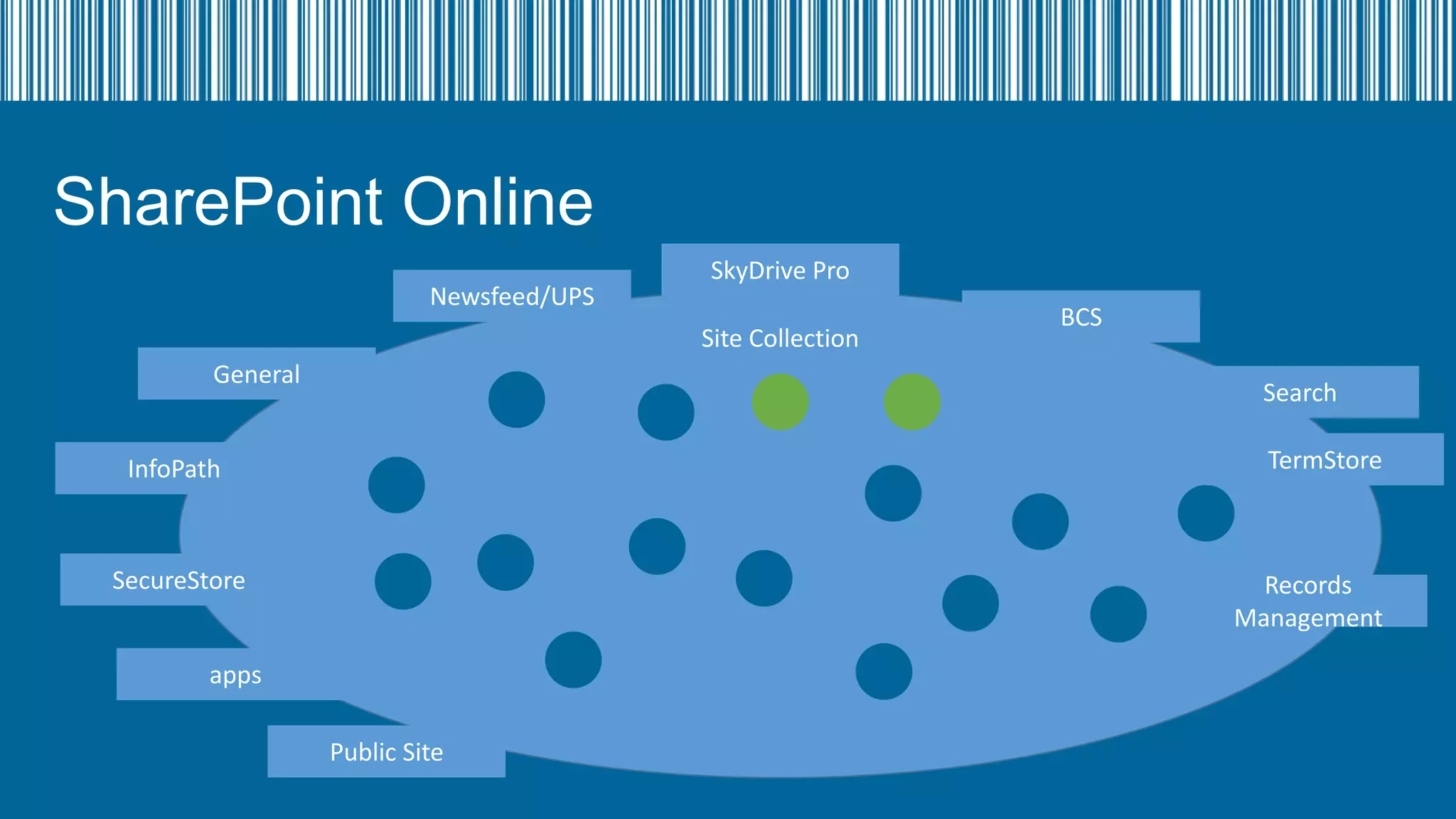
SharePoint Online

Lync Online

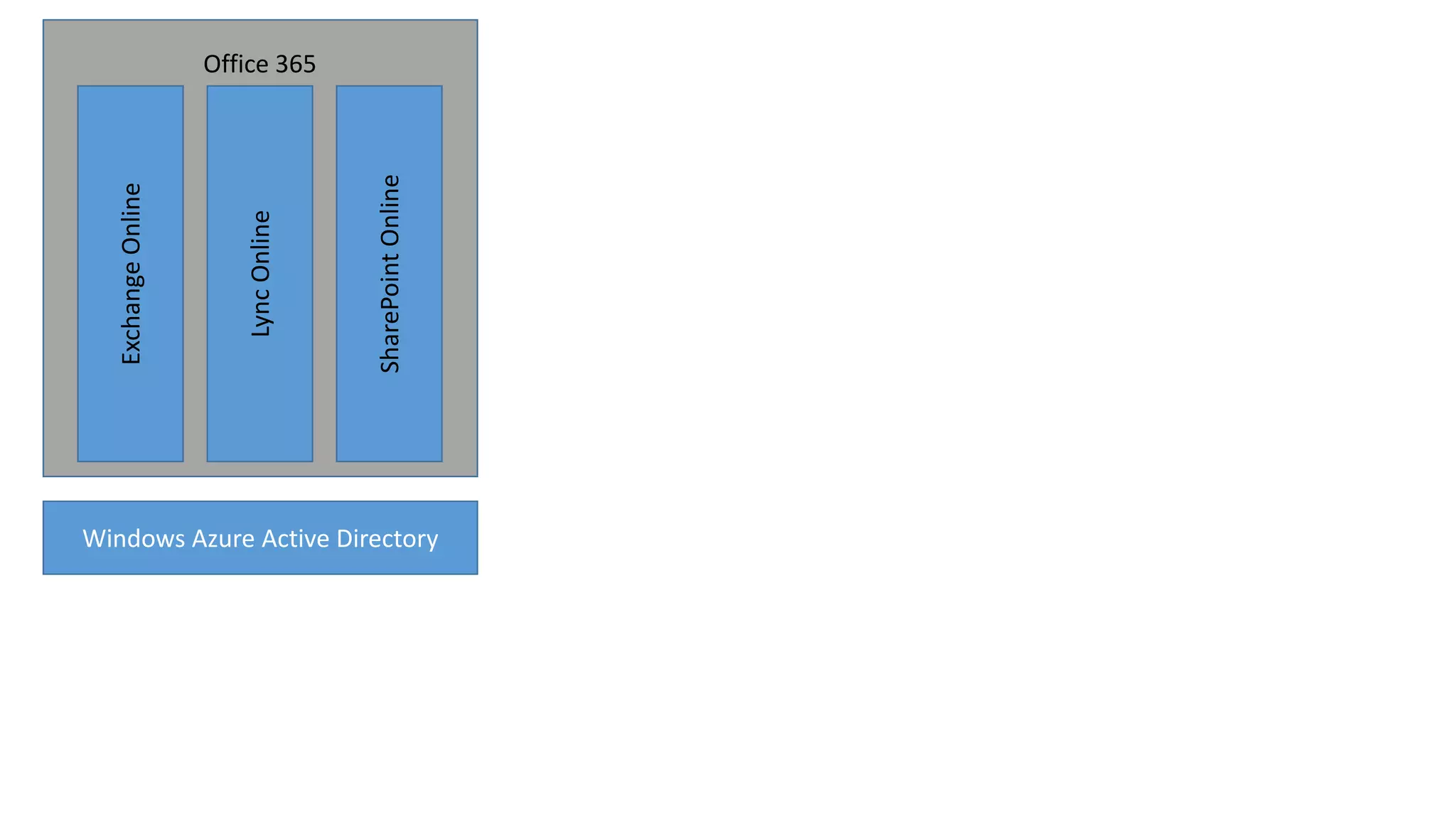
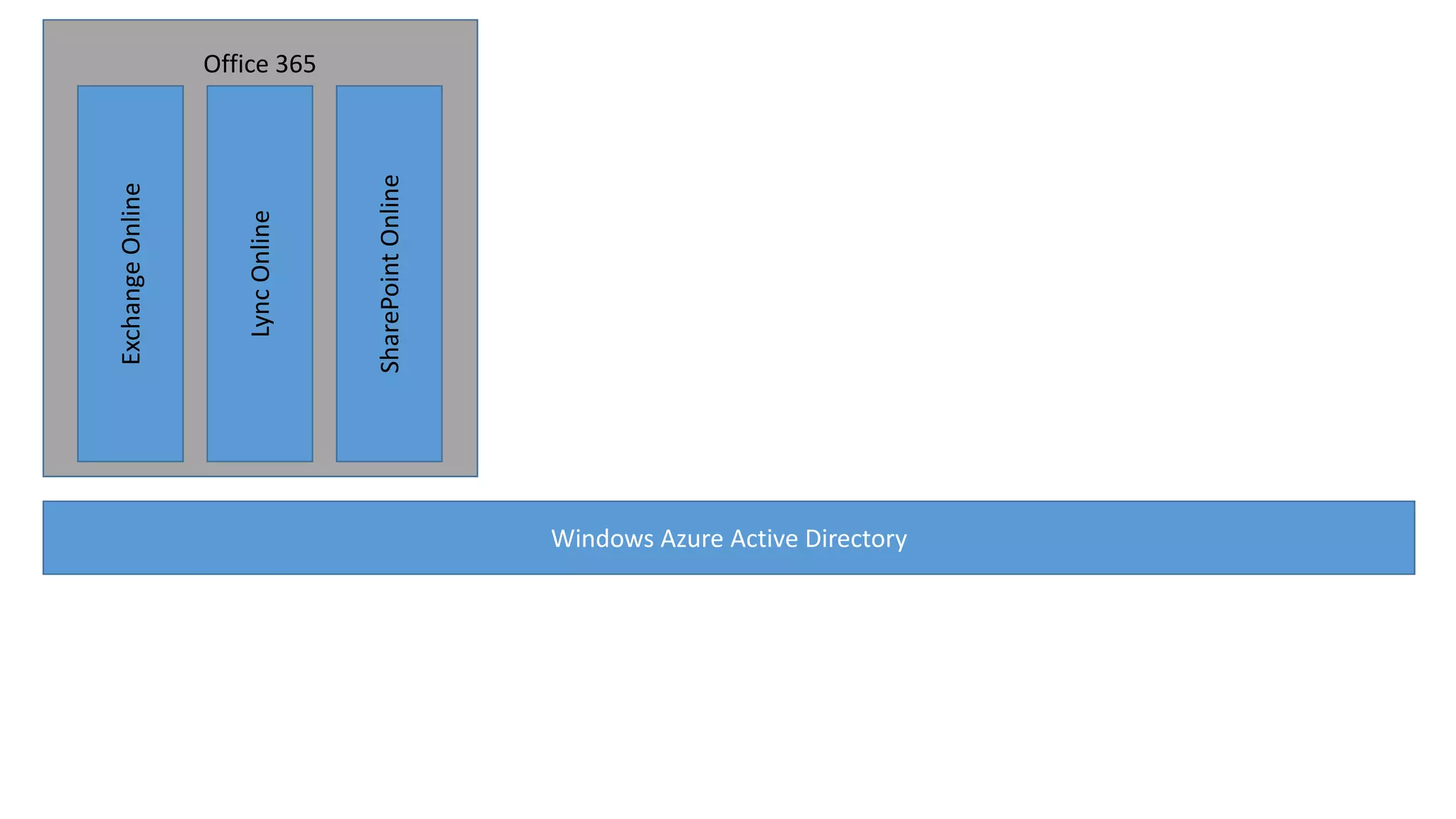
Exchange Online
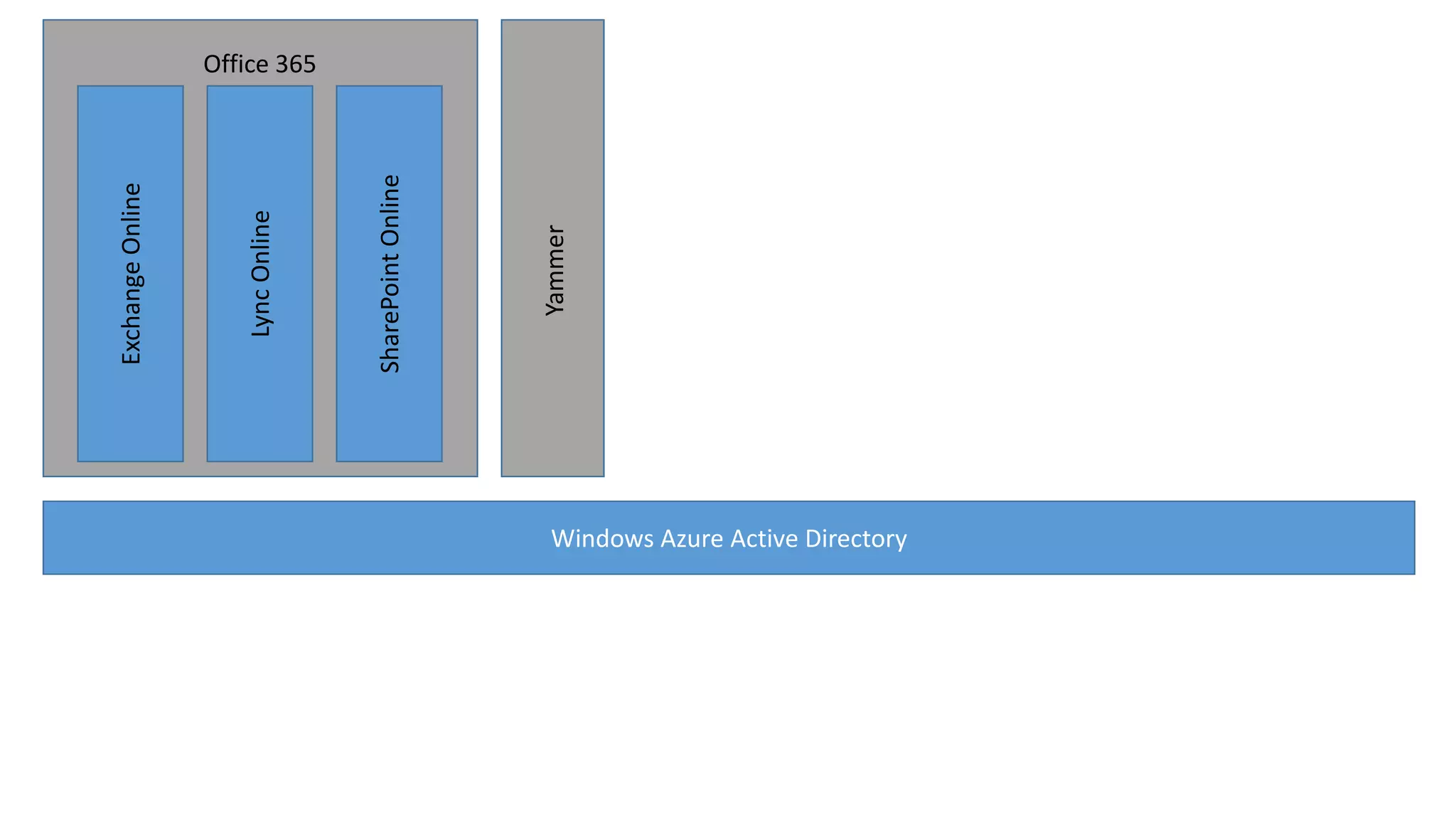
Office 365
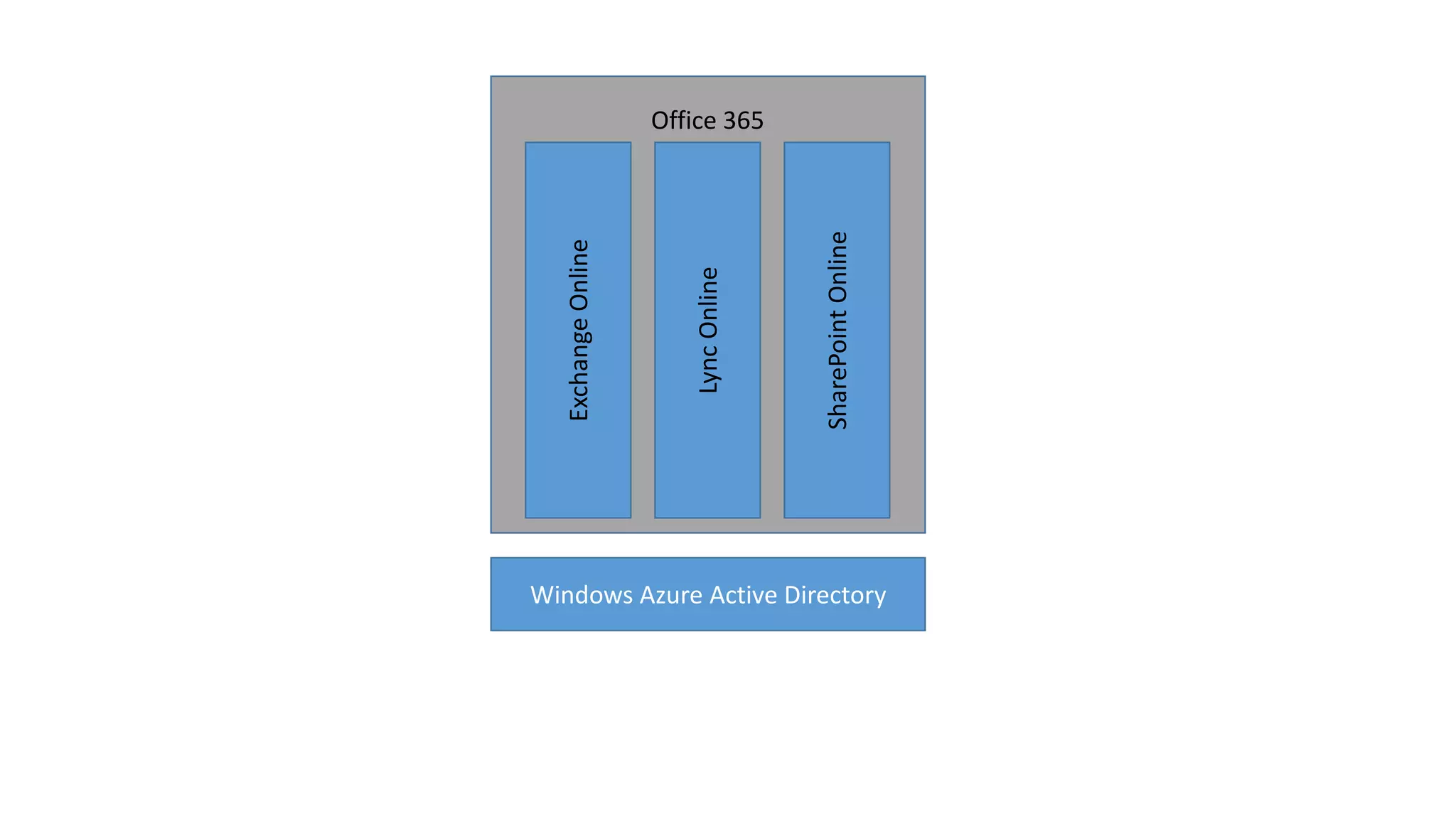
SharePoint Online

Lync Online

Exchange Online
Office 365

Windows Azure Active Directory
identity
why bother about this?
identity
• Given default domain to use to log in *tenancyname*.onmicrosoft.com
• Use you own domain name to log into Office 365/Azure AD
Example: apearce@bfcnetworks.com
• One way sync user information into Azure AD, from Active Directory or other
system using either DirSync or FIM
• Copy user password from Active Directory to Azure AD
• Allow integrated and Single Sign On through Active Directory (user log on
through a server in the same infrastructure as your Active Directory Domain
Controller
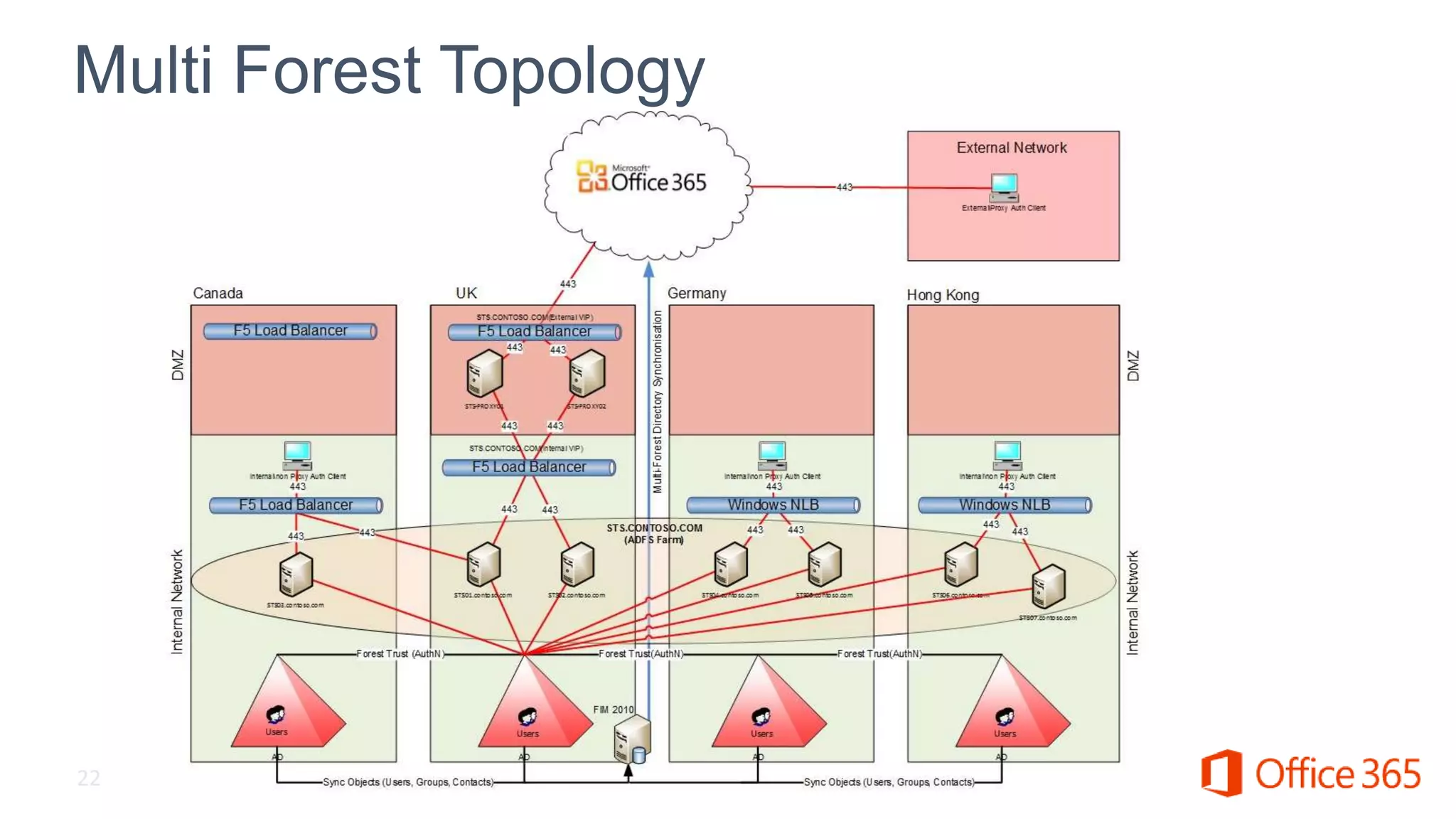
• Allow multiple Active Directory Forests to Sync and log into Azure AD
SharePoint Online

Lync Online

Exchange Online
Office 365

Windows Azure Active Directory
SharePoint Online

Lync Online

Exchange Online
Office 365

Windows Azure Active Directory
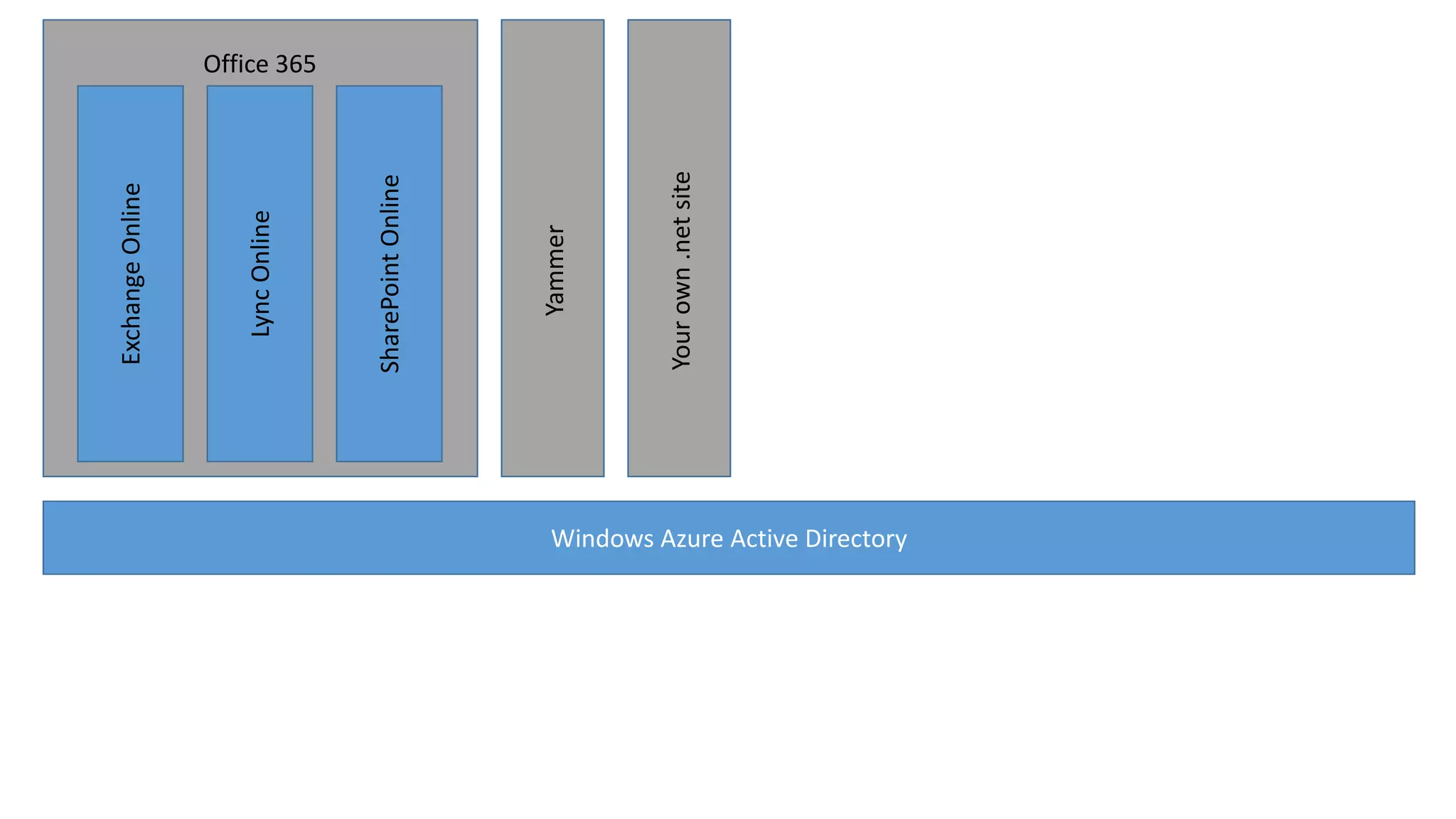
Yammer

SharePoint Online

Lync Online

Exchange Online
Office 365

Windows Azure Active Directory
Your own .net site

Yammer

SharePoint Online

Lync Online

Exchange Online
Office 365

Windows Azure Active Directory
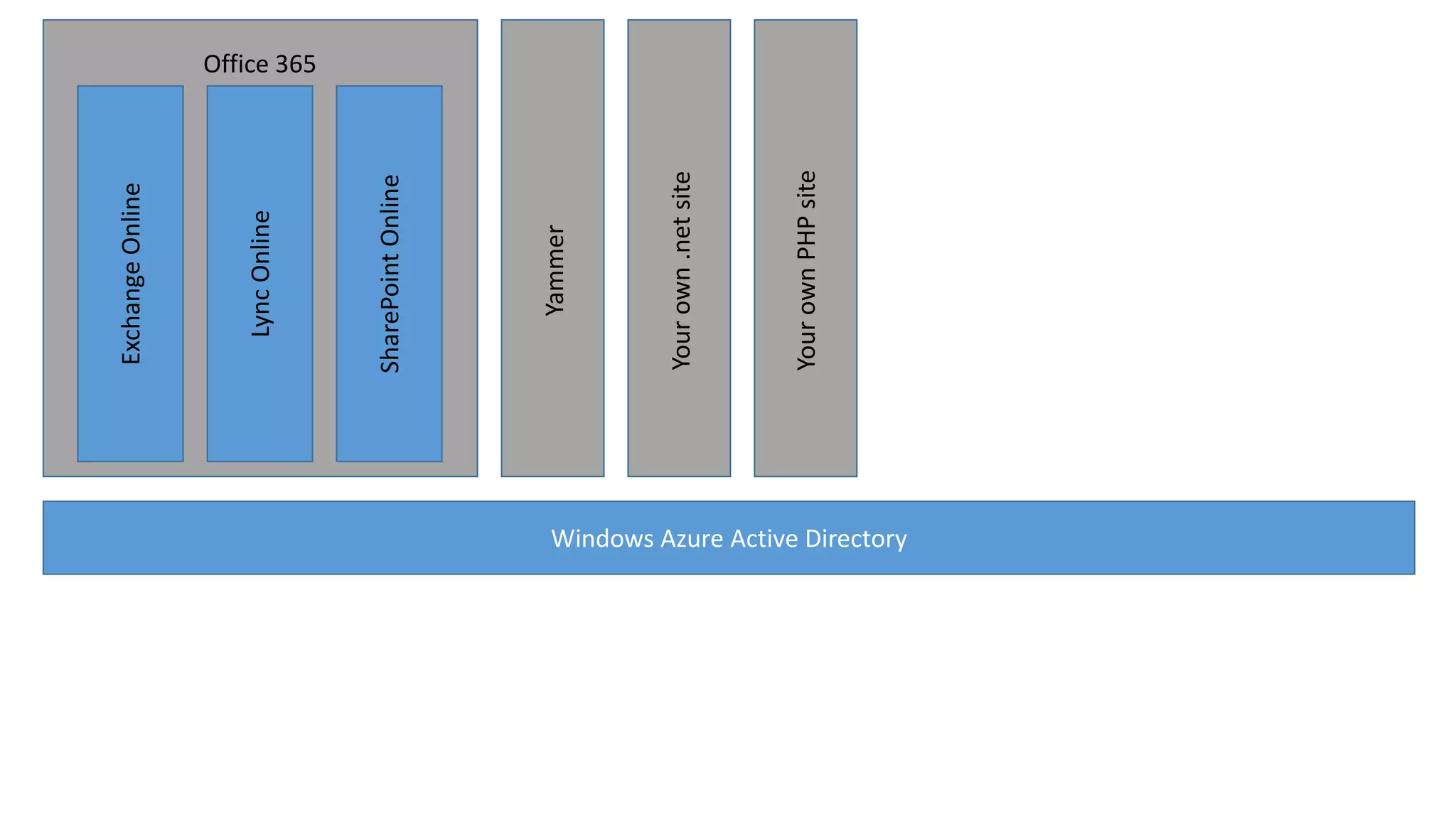
Your own PHP site

Your own .net site

Yammer

SharePoint Online

Lync Online

Exchange Online
Office 365

Windows Azure Active Directory
Your own PHP site

Your own .net site

Yammer

SharePoint Online

Lync Online

Exchange Online

Office 365

Windows Azure Active Directory

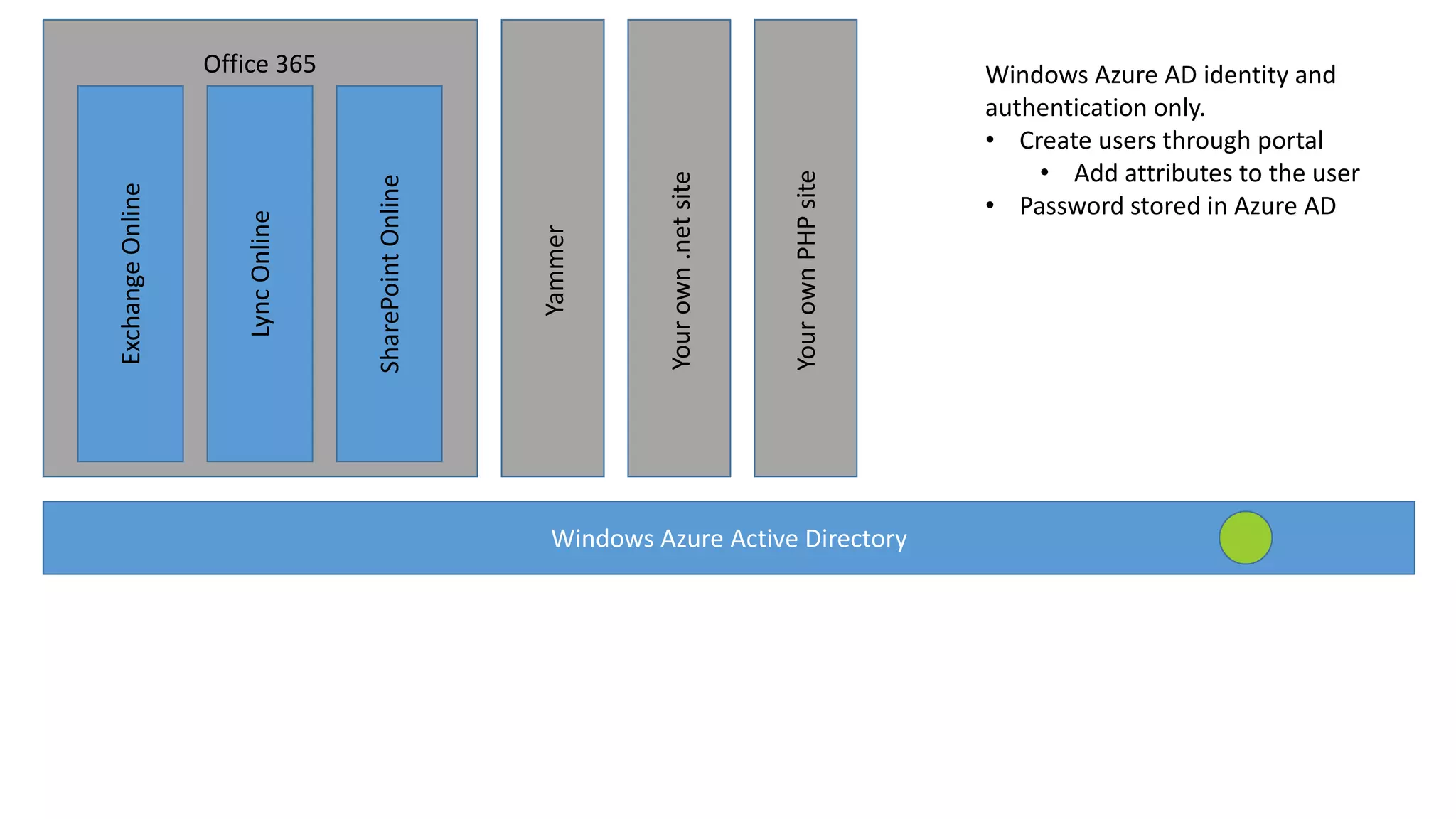
Windows Azure AD identity and
authentication only.
• Create users through portal
• Add attributes to the user
• Password stored in Azure AD
Your own PHP site

Your own .net site

Yammer

SharePoint Online

Lync Online

Exchange Online

Office 365

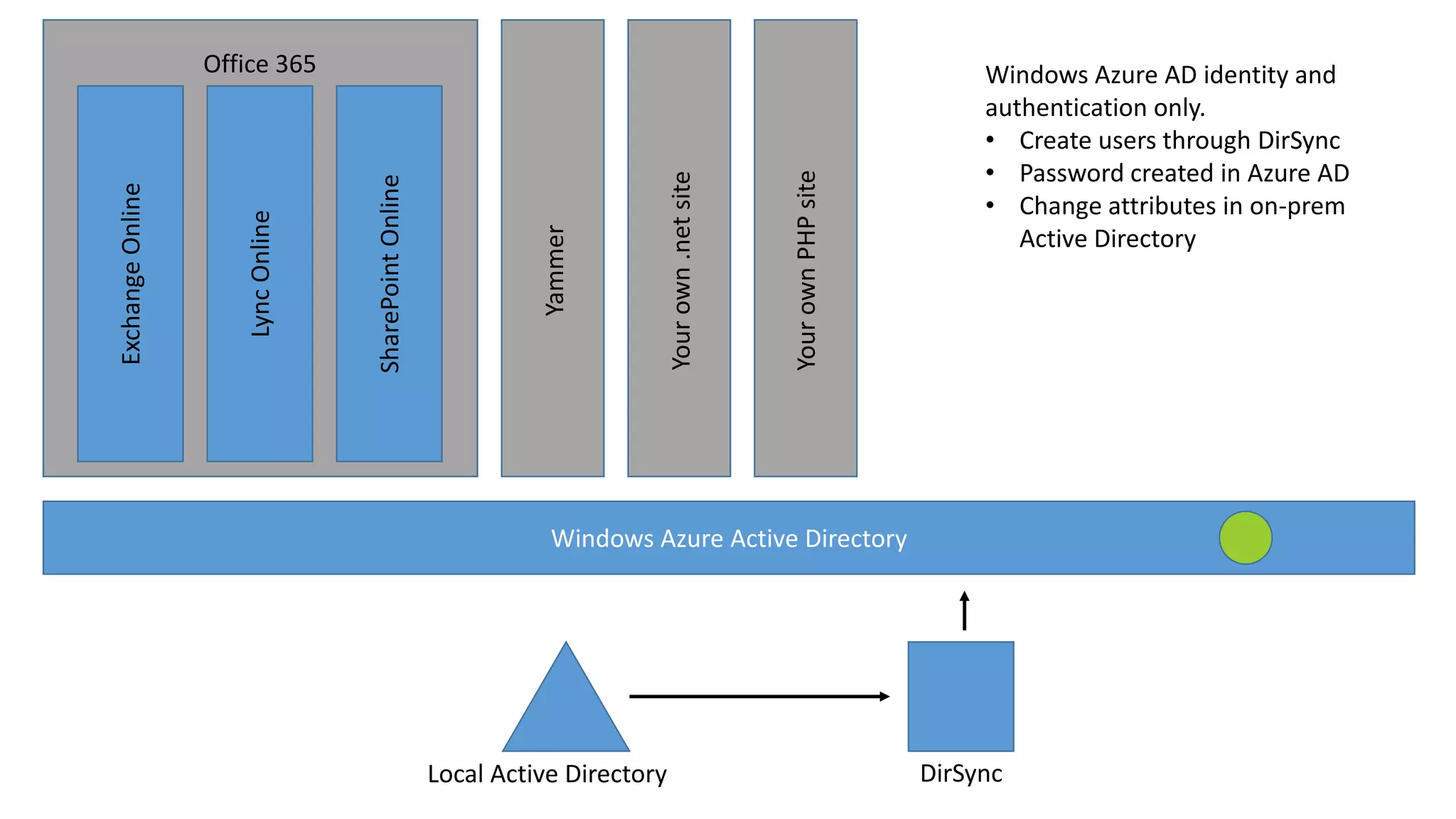
Windows Azure AD identity and
authentication only.
• Create users through DirSync
• Password created in Azure AD
• Change attributes in on-prem
Active Directory

Windows Azure Active Directory

Local Active Directory

DirSync
Your own PHP site

Your own .net site

Yammer

SharePoint Online

Lync Online

Exchange Online

Office 365

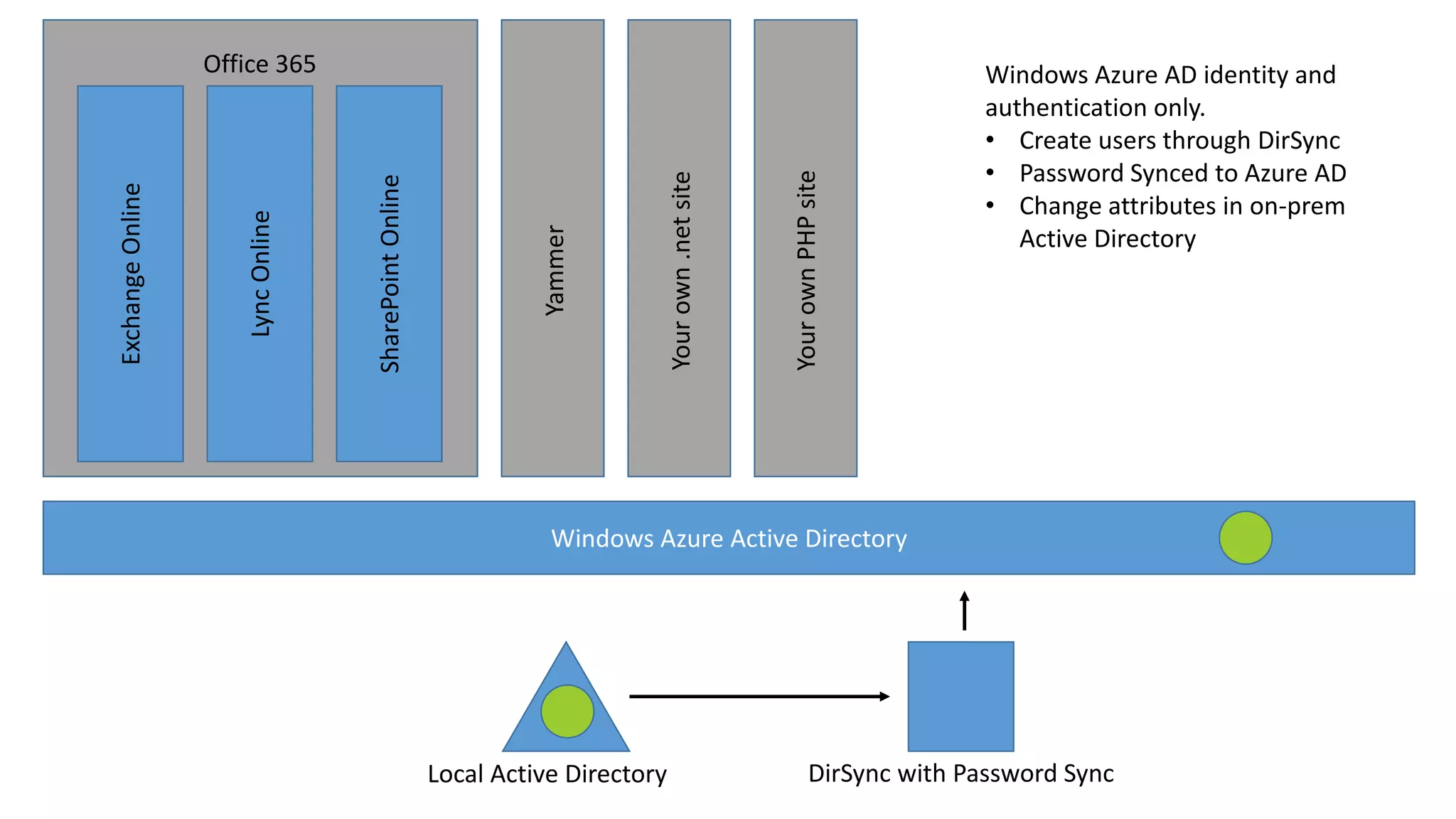
Windows Azure AD identity and
authentication only.
• Create users through DirSync
• Password Synced to Azure AD
• Change attributes in on-prem
Active Directory

Windows Azure Active Directory

Local Active Directory

DirSync with Password Sync
Your own PHP site

Your own .net site

Yammer

SharePoint Online

Lync Online

Exchange Online

Office 365

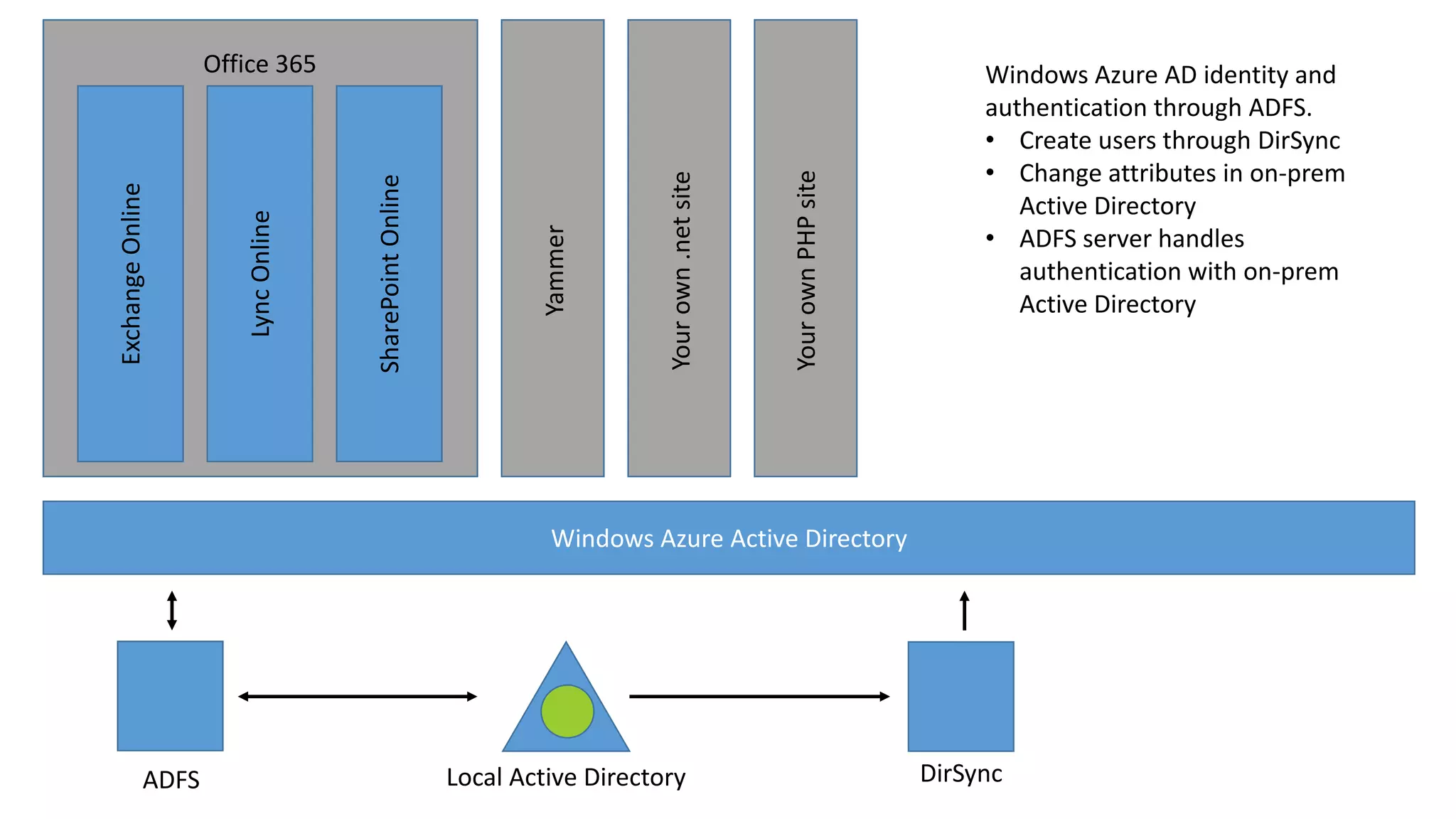
Windows Azure AD identity and
authentication through ADFS.
• Create users through DirSync
• Change attributes in on-prem
Active Directory
• ADFS server handles
authentication with on-prem
Active Directory

Windows Azure Active Directory

ADFS

Local Active Directory

DirSync
Your own PHP site

Your own .net site

Yammer

SharePoint Online

Lync Online

Exchange Online

Office 365

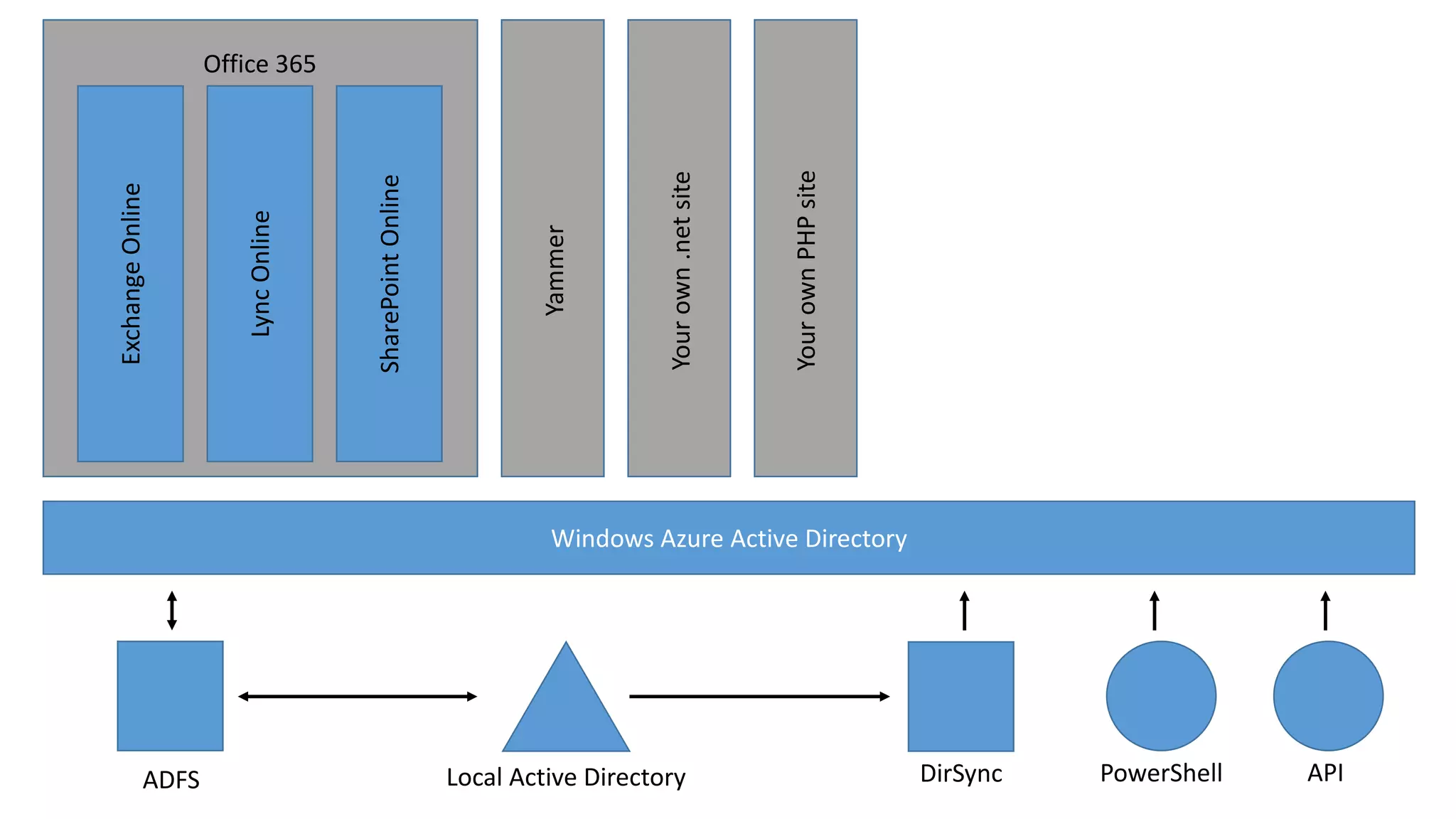
Windows Azure Active Directory

ADFS

Local Active Directory

DirSync

PowerShell

API
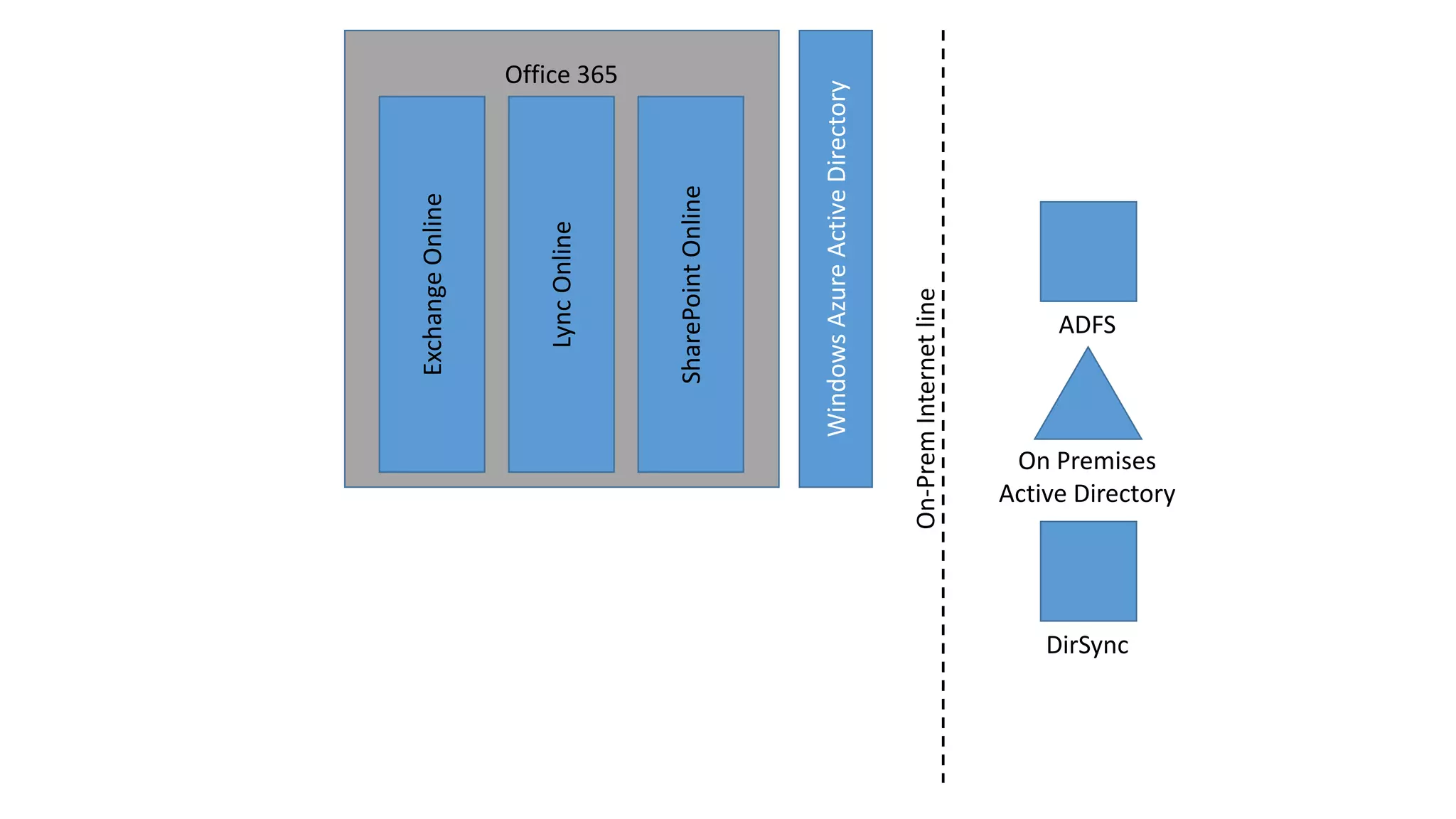
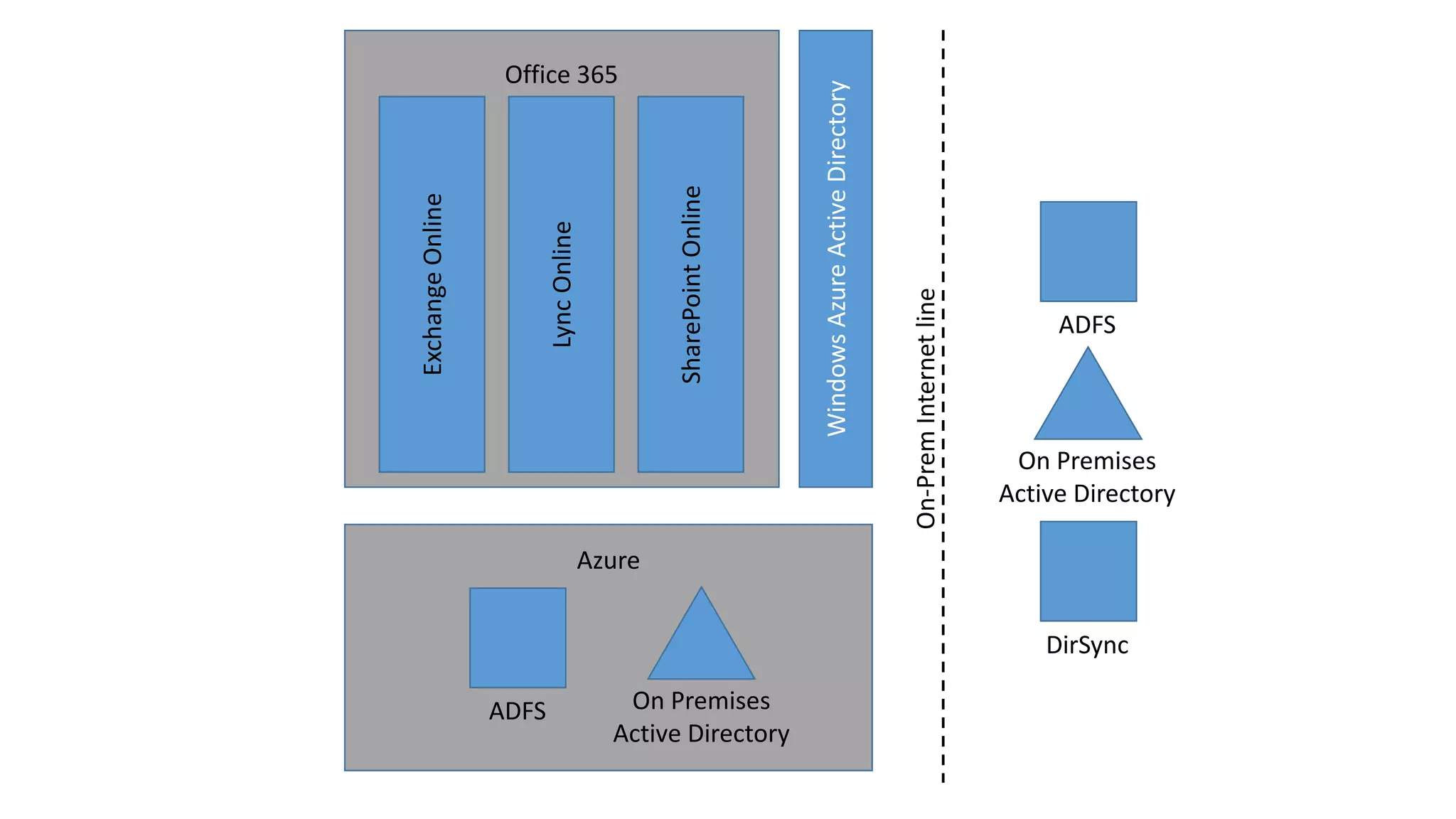
Identity - demo
Authentication with Azure AD, DirSync, ADFS
On-Prem Internet line

Windows Azure Active Directory

SharePoint Online

Lync Online

Exchange Online
Office 365

ADFS

On Premises
Active Directory

DirSync
ADFS
On Premises
Active Directory

On-Prem Internet line

Windows Azure Active Directory

SharePoint Online

Lync Online

Exchange Online
Office 365

ADFS

On Premises
Active Directory

Azure
DirSync
SharePoint Online
The Architecture – It’s not that different
Quick Stats
•
•
•
•
•
•

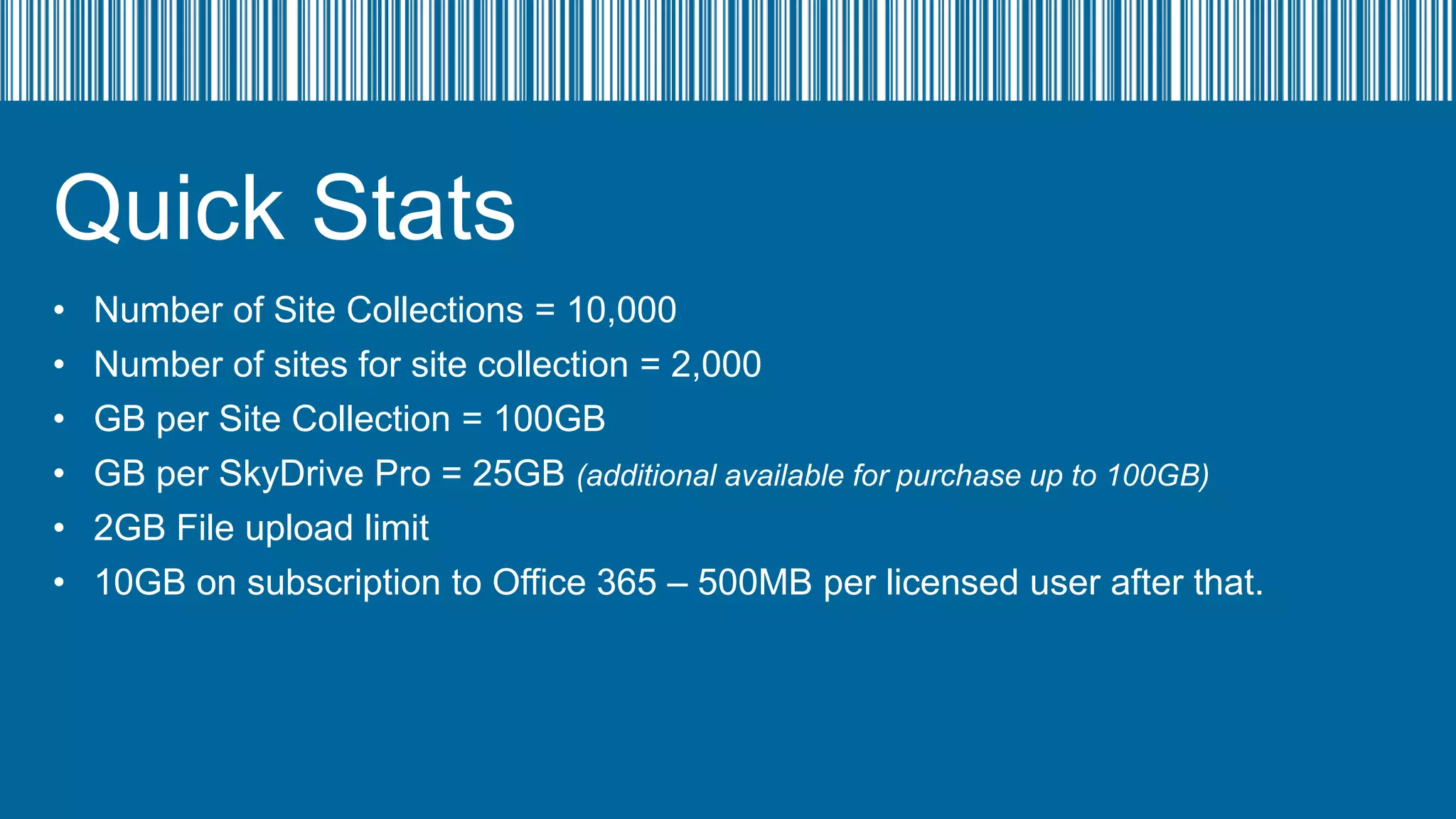
Number of Site Collections = 10,000
Number of sites for site collection = 2,000
GB per Site Collection = 100GB
GB per SkyDrive Pro = 25GB (additional available for purchase up to 100GB)
2GB File upload limit
10GB on subscription to Office 365 – 500MB per licensed user after that.
Quick Stats
•
•
•
•
•

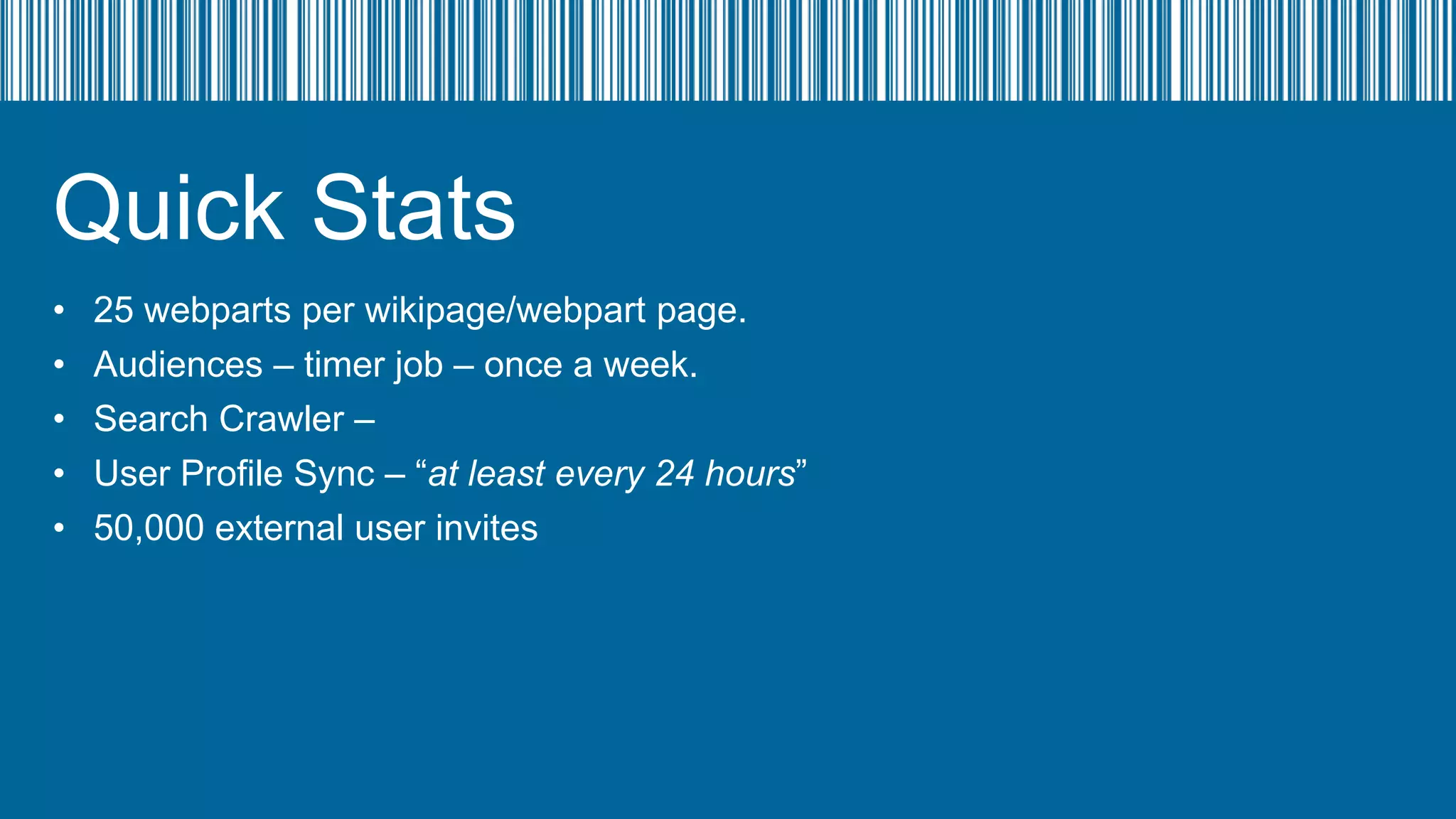
25 webparts per wikipage/webpart page.
Audiences – timer job – once a week.
Search Crawler –
User Profile Sync – “at least every 24 hours”
50,000 external user invites
SharePoint Online
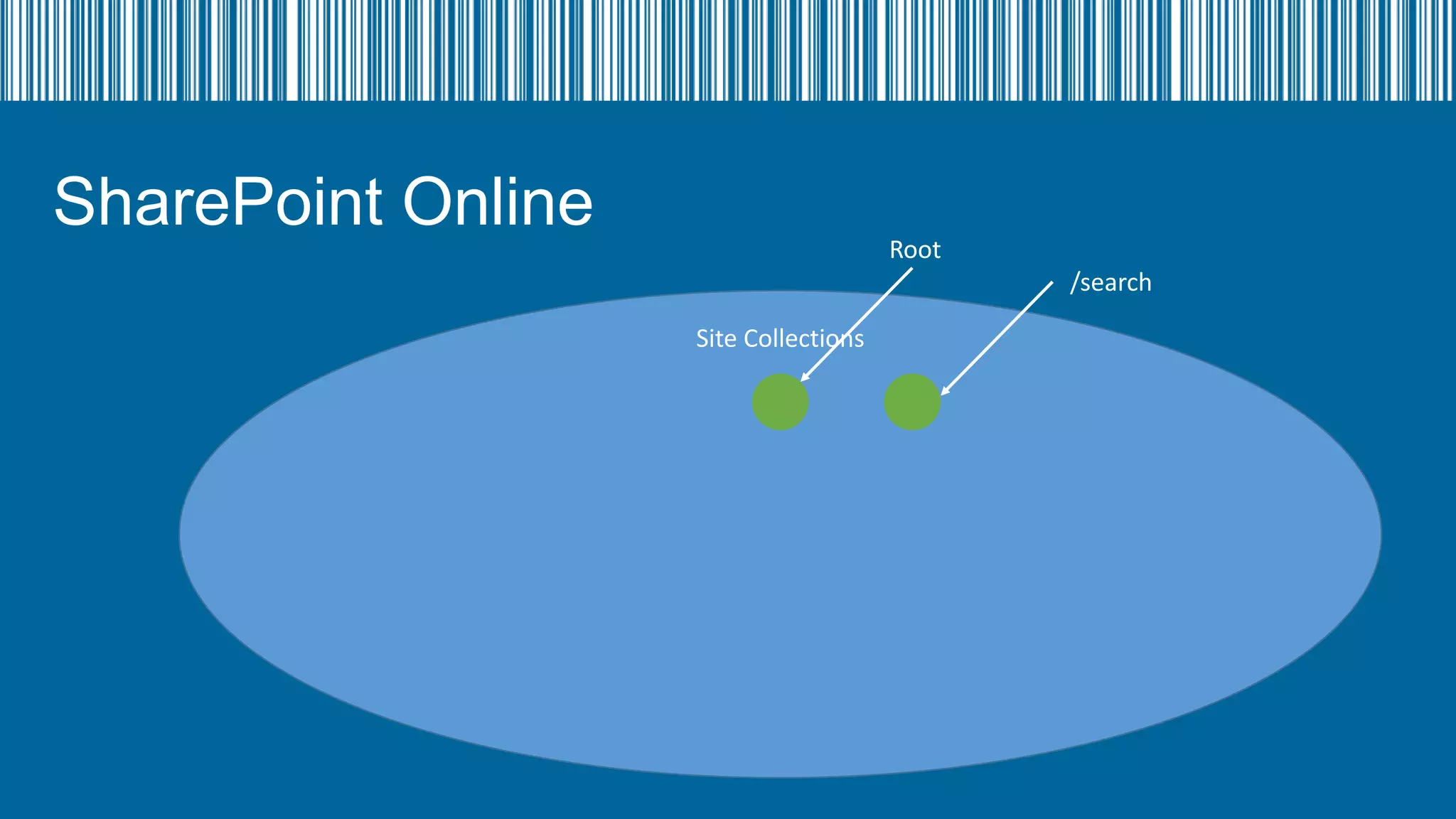
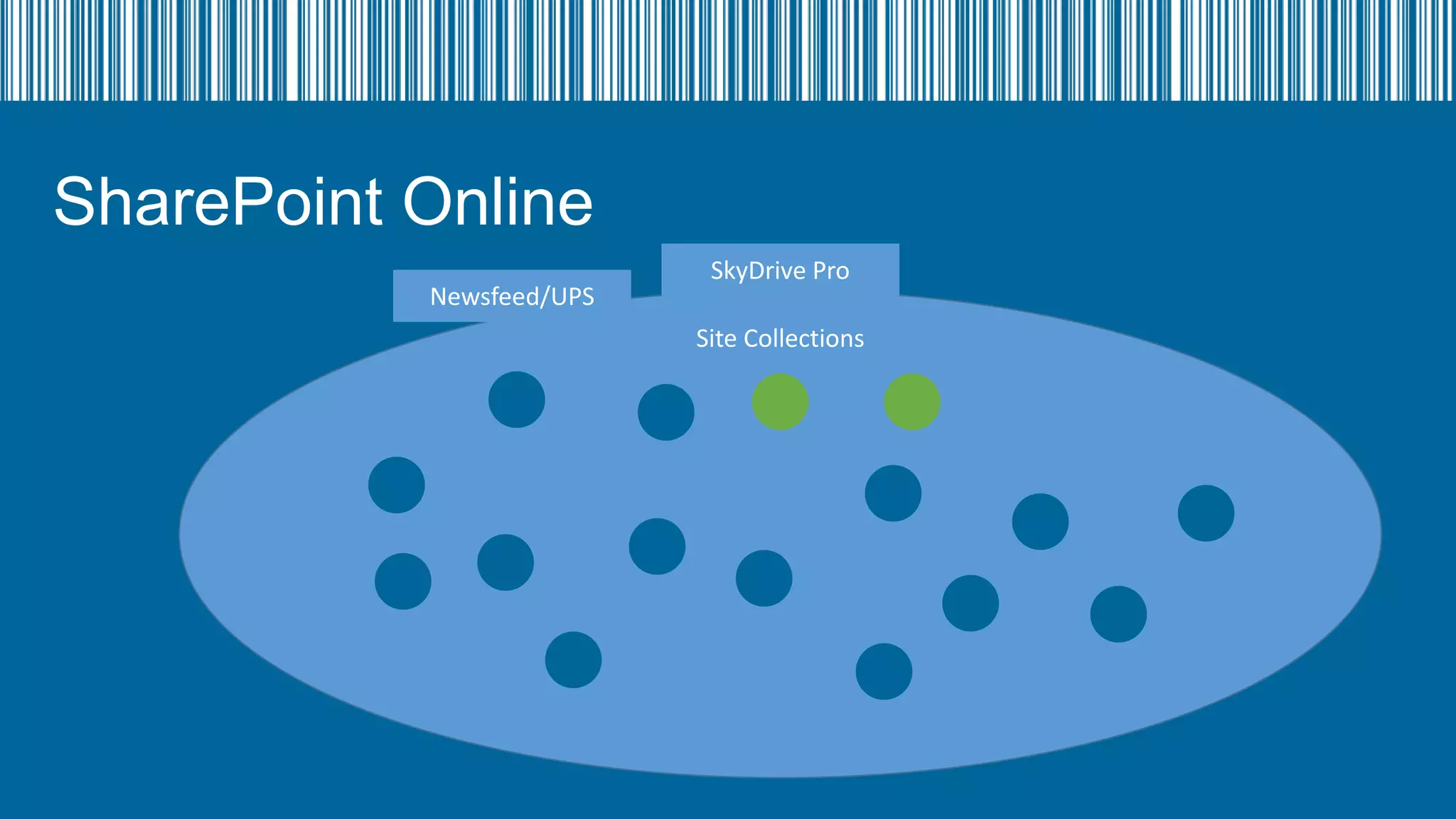
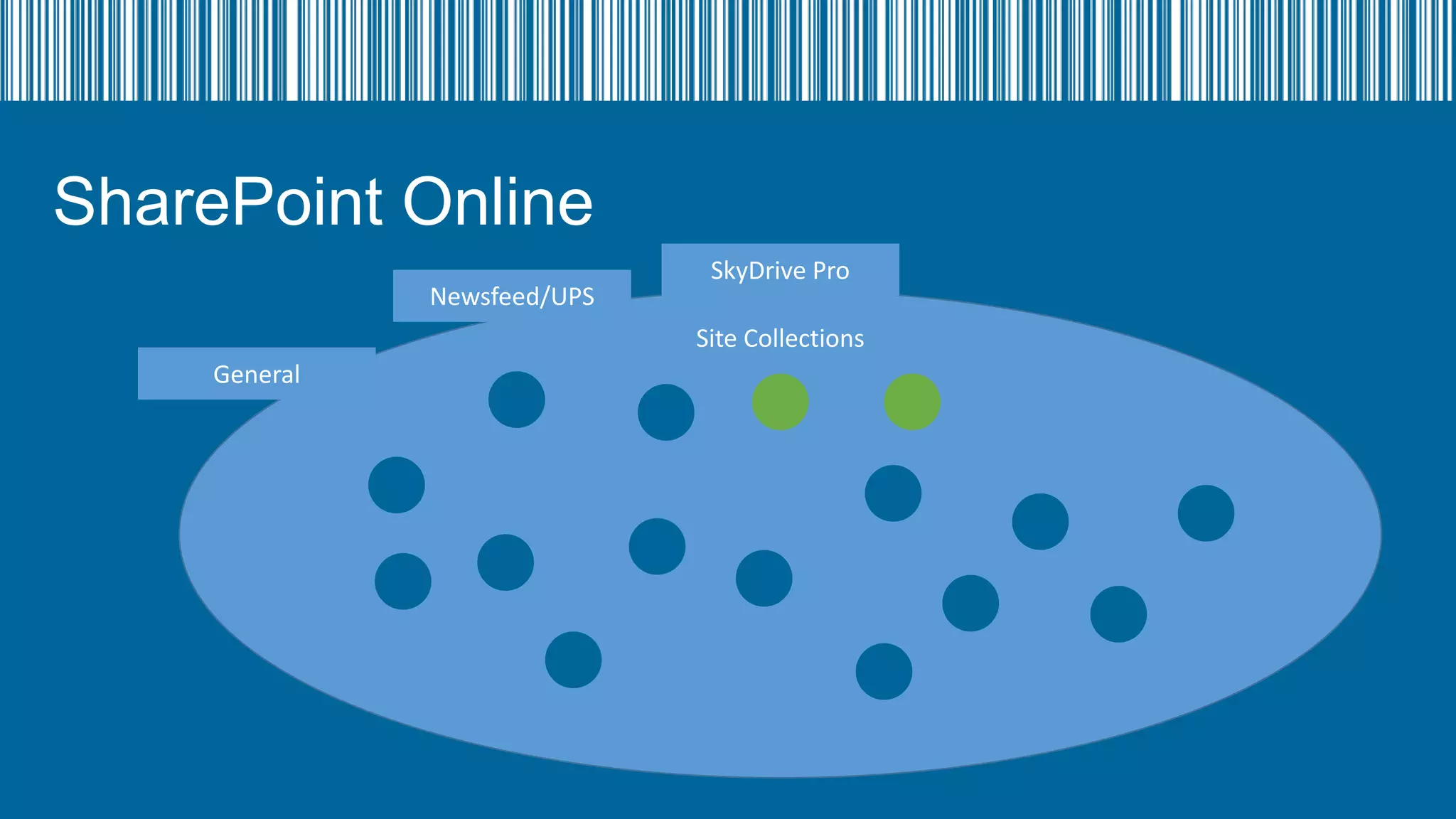
Site Collections
SharePoint Online

Root
/search
Site Collections
SharePoint Online
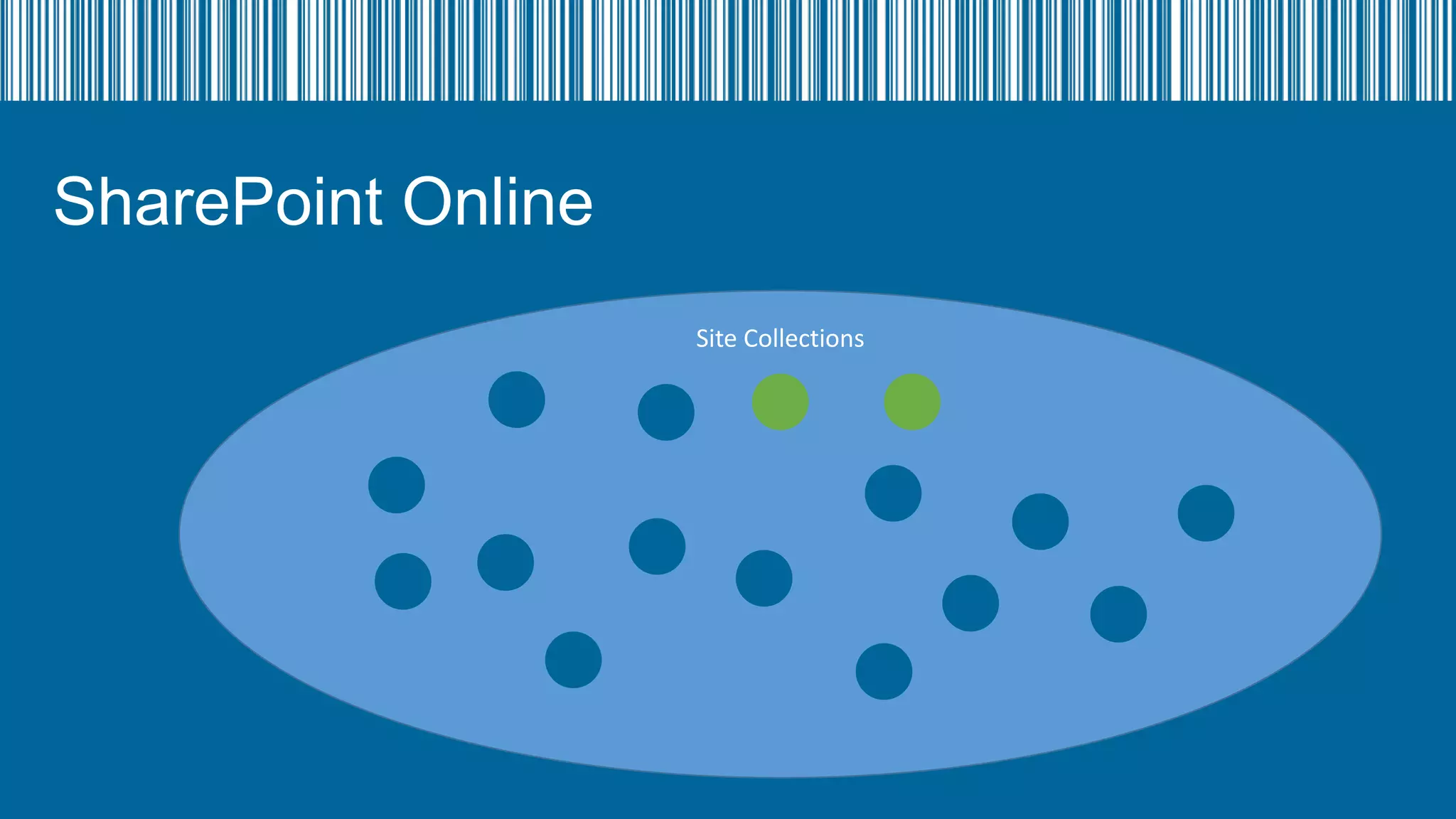
Site Collections
SharePoint Online
SharePoint Online
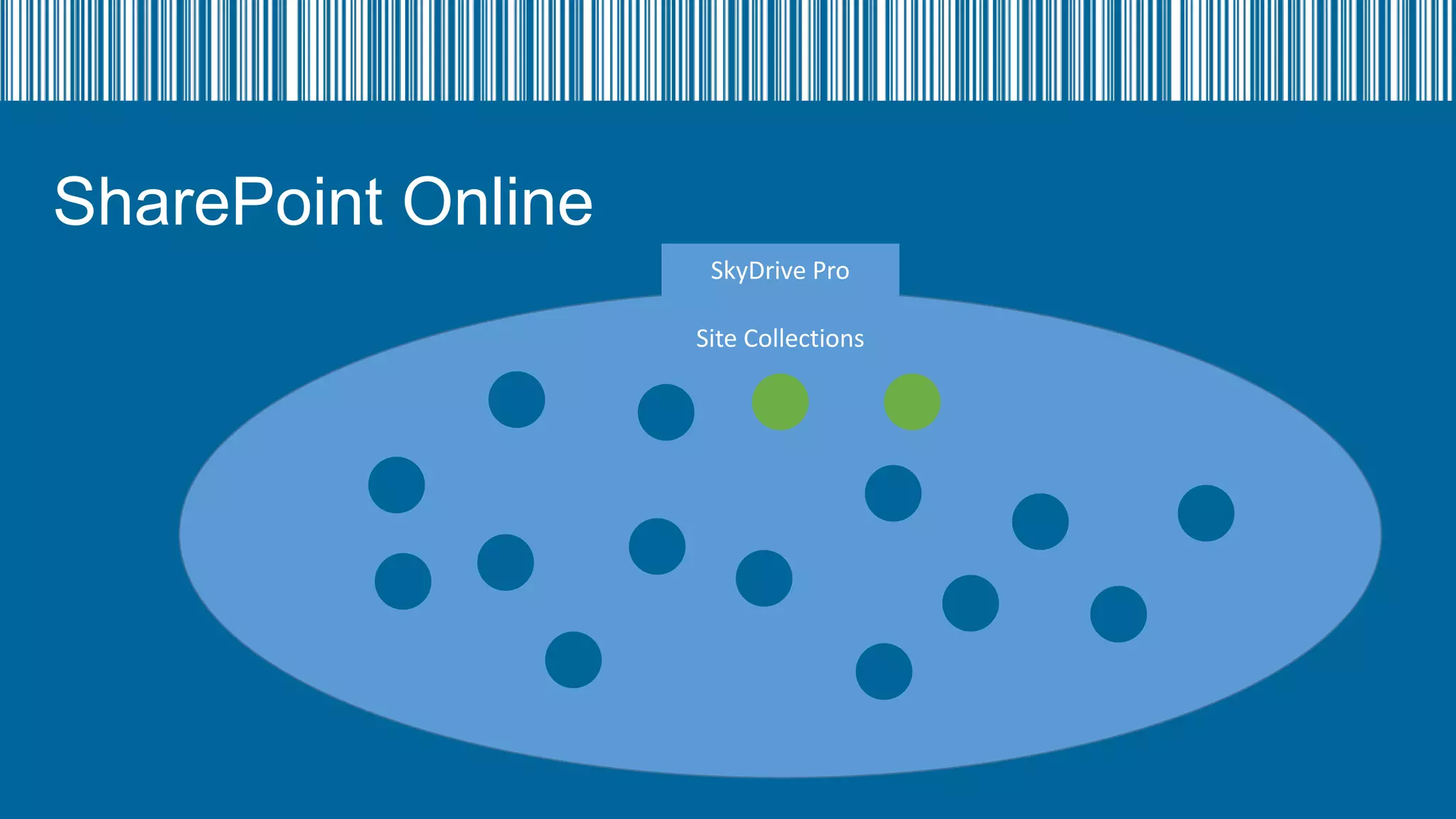
SkyDrive Pro
Site Collections
SharePoint Online
Newsfeed/UPS

SkyDrive Pro
Site Collections
SharePoint Online
Newsfeed/UPS

SkyDrive Pro
Site Collections

General
SharePoint Online
Newsfeed/UPS

SkyDrive Pro
Site Collection

General
InfoPath

SecureStore

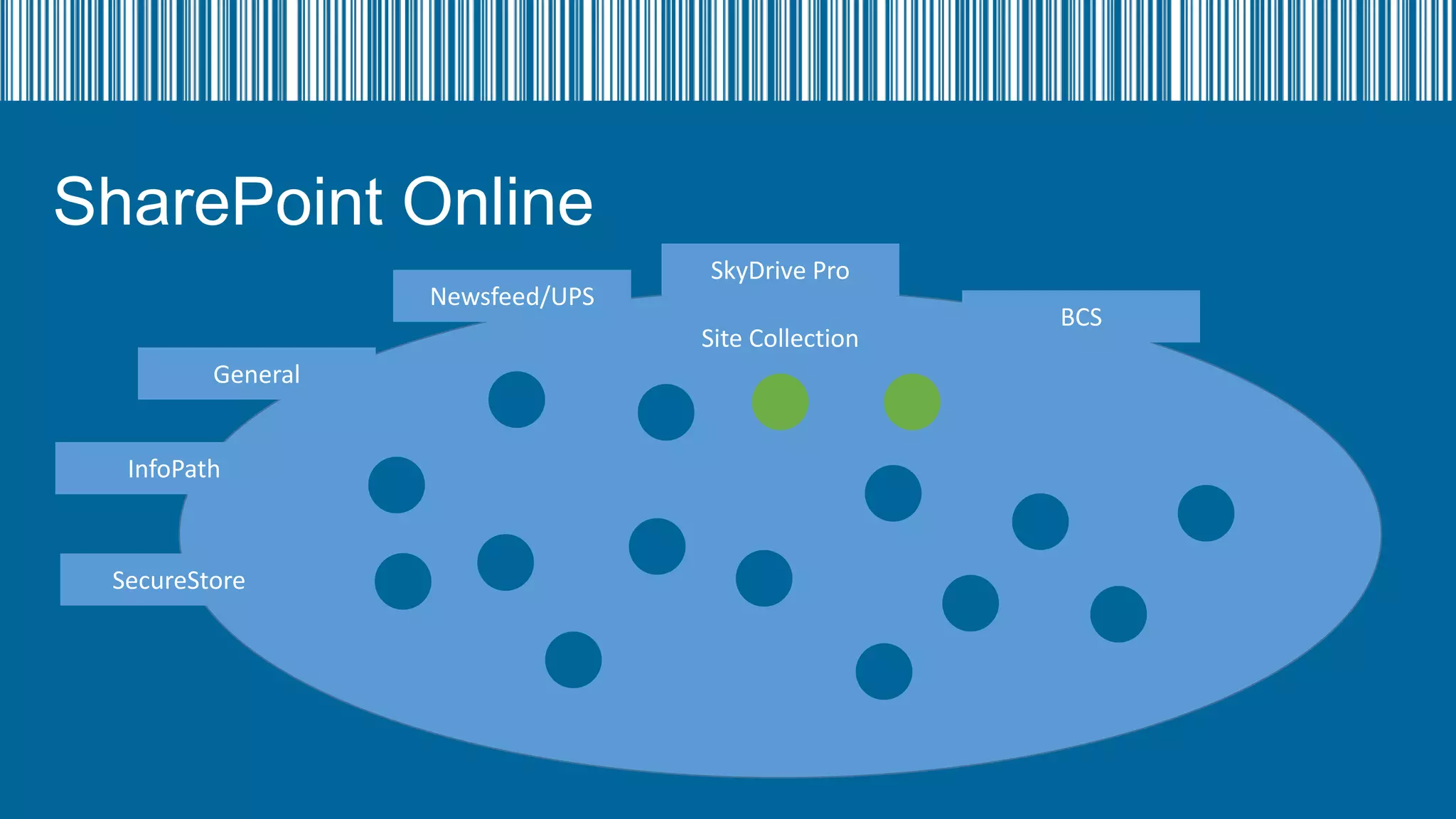
BCS
SharePoint Online
Newsfeed/UPS

SkyDrive Pro
Site Collection

General
InfoPath

SecureStore

BCS
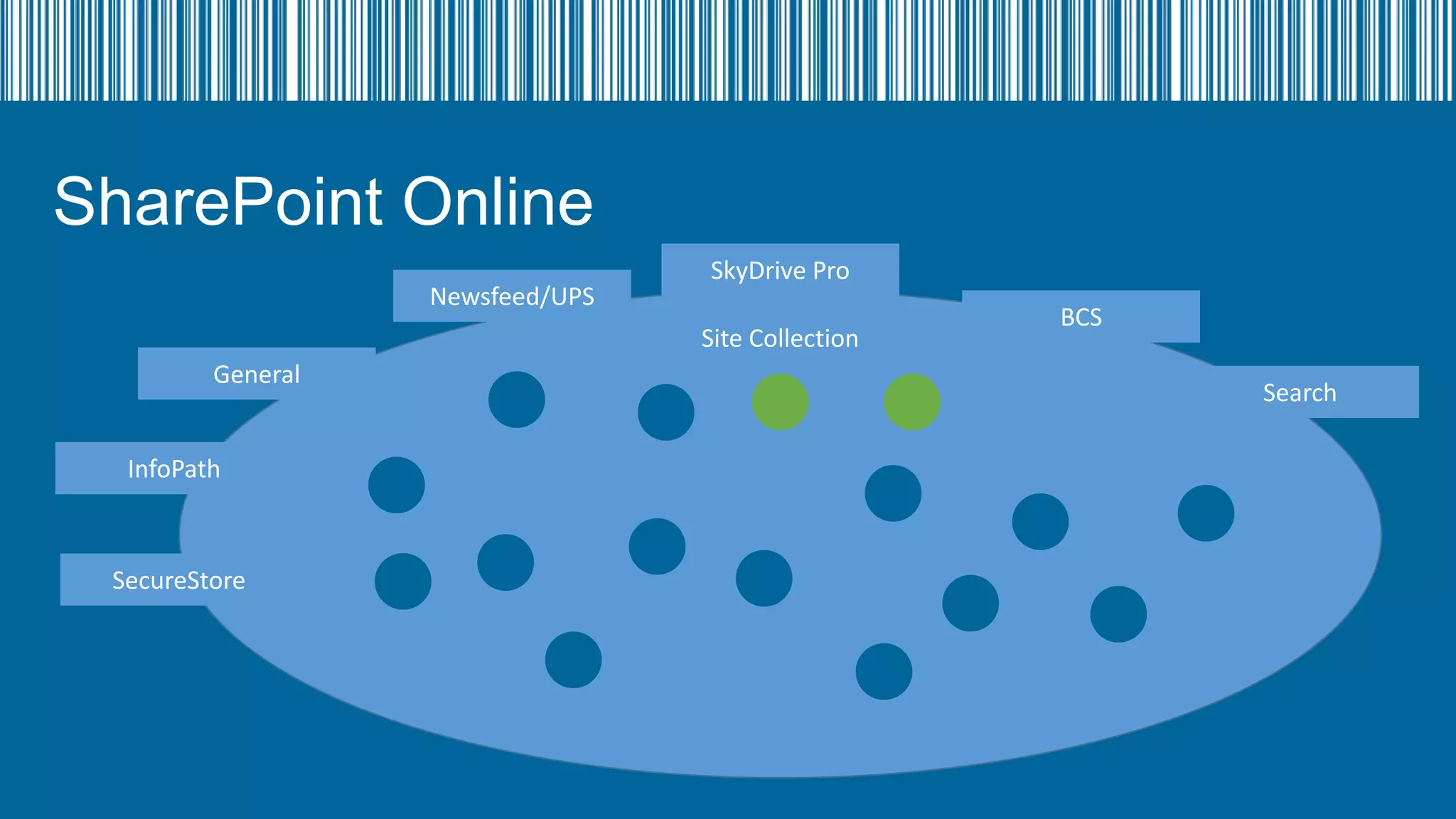
Search
SharePoint Online
Newsfeed/UPS

SkyDrive Pro
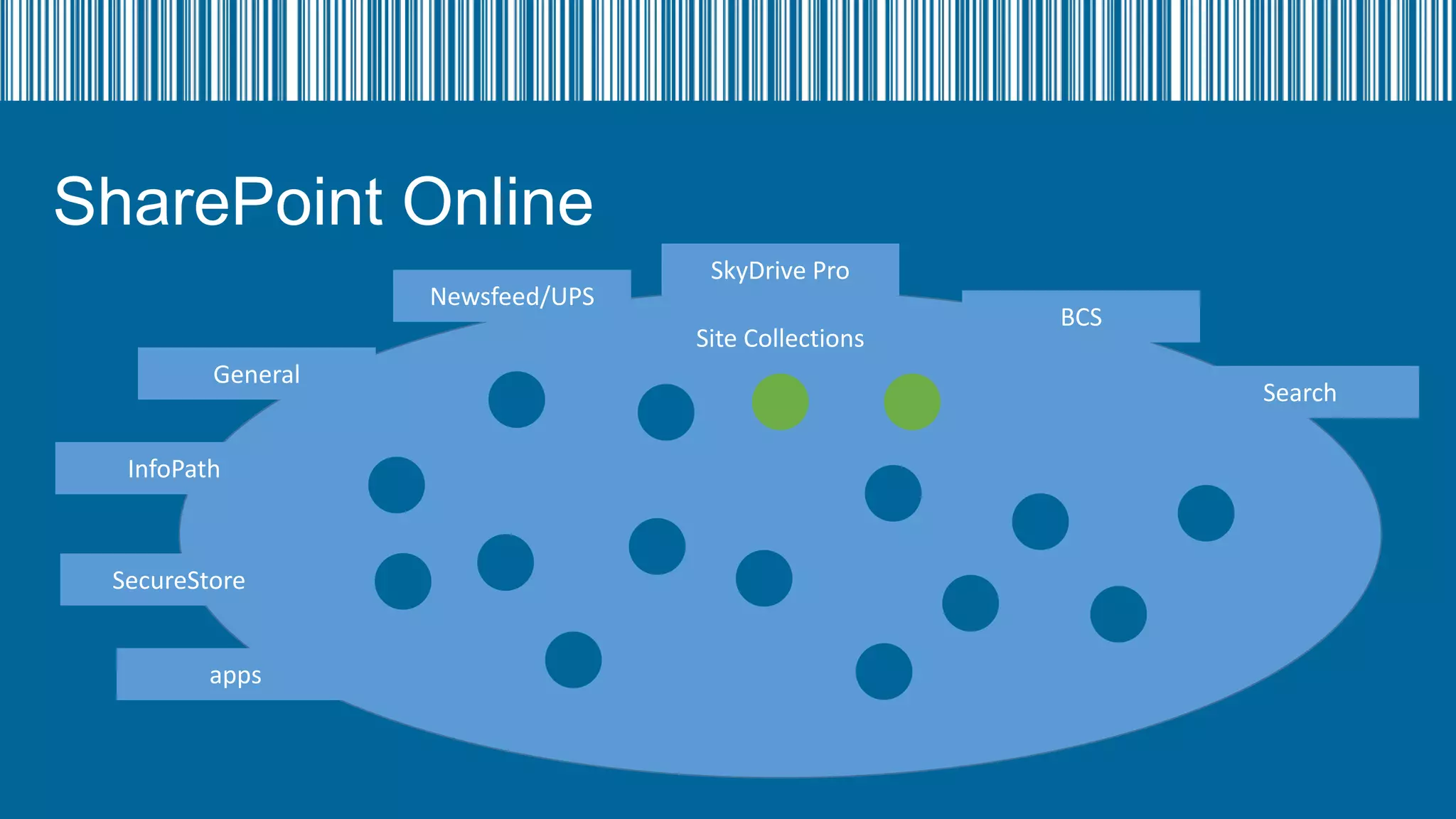
Site Collections

General
InfoPath

SecureStore
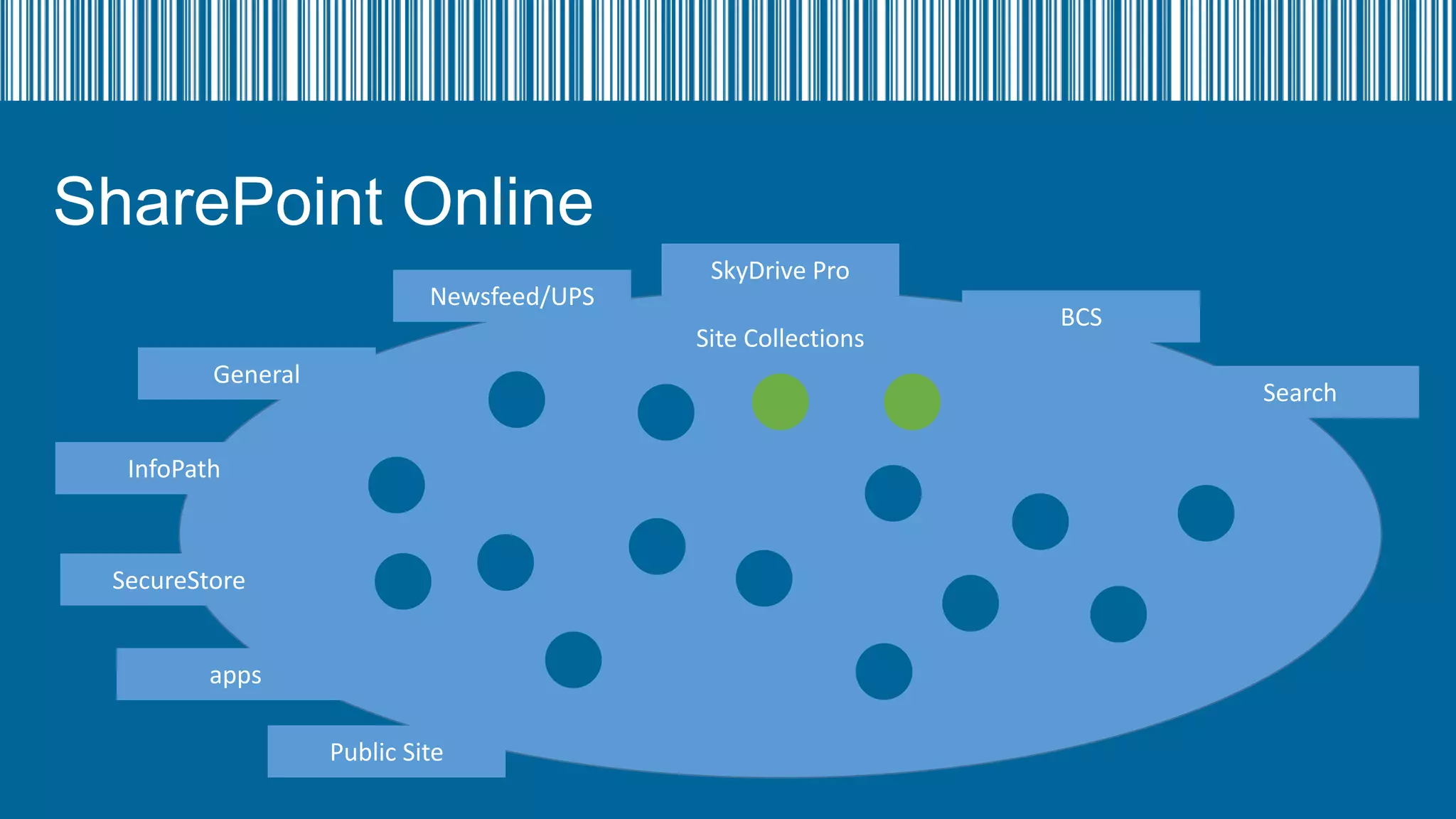
apps

BCS
Search
Apps
• Users can purchase apps from the store
• Can be added to a central app store for the tenancy
• Own site collection

• Can be added from the store into their site collection, SkyDrive
Pro, Site
• BEWARE! Do not put a trial app into production
SharePoint Online
Newsfeed/UPS

SkyDrive Pro
Site Collections

General

BCS
Search

InfoPath

SecureStore
apps

Public Site
SharePoint Online
•
•
•
•
•

Publishing Site Collection
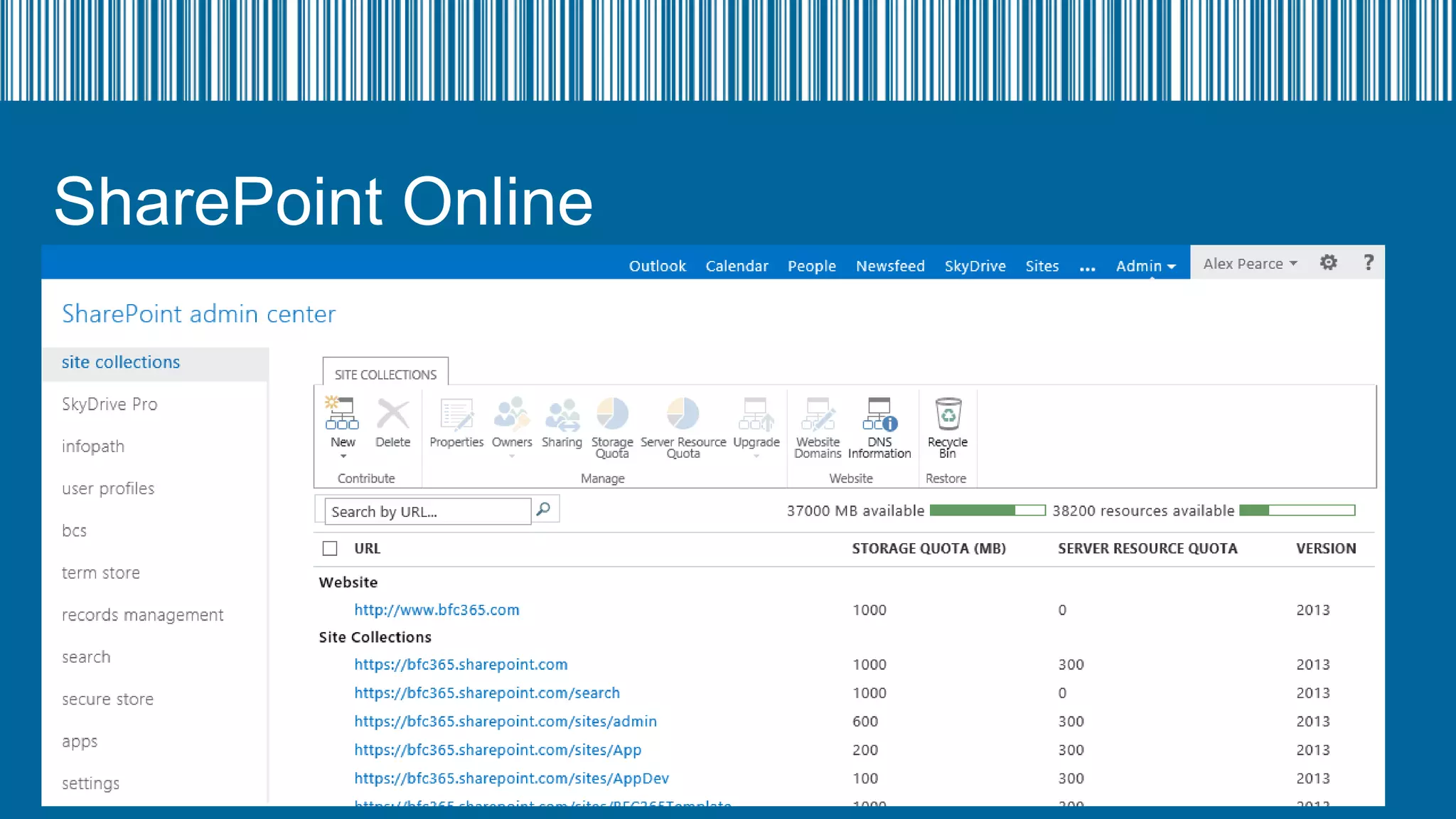
Own URL  - www.bfc365.com
Up to 100GB in size
Only 1 available
No Subsites
SharePoint Online
Newsfeed/UPS

SkyDrive Pro
Site Collections

General

BCS
Search
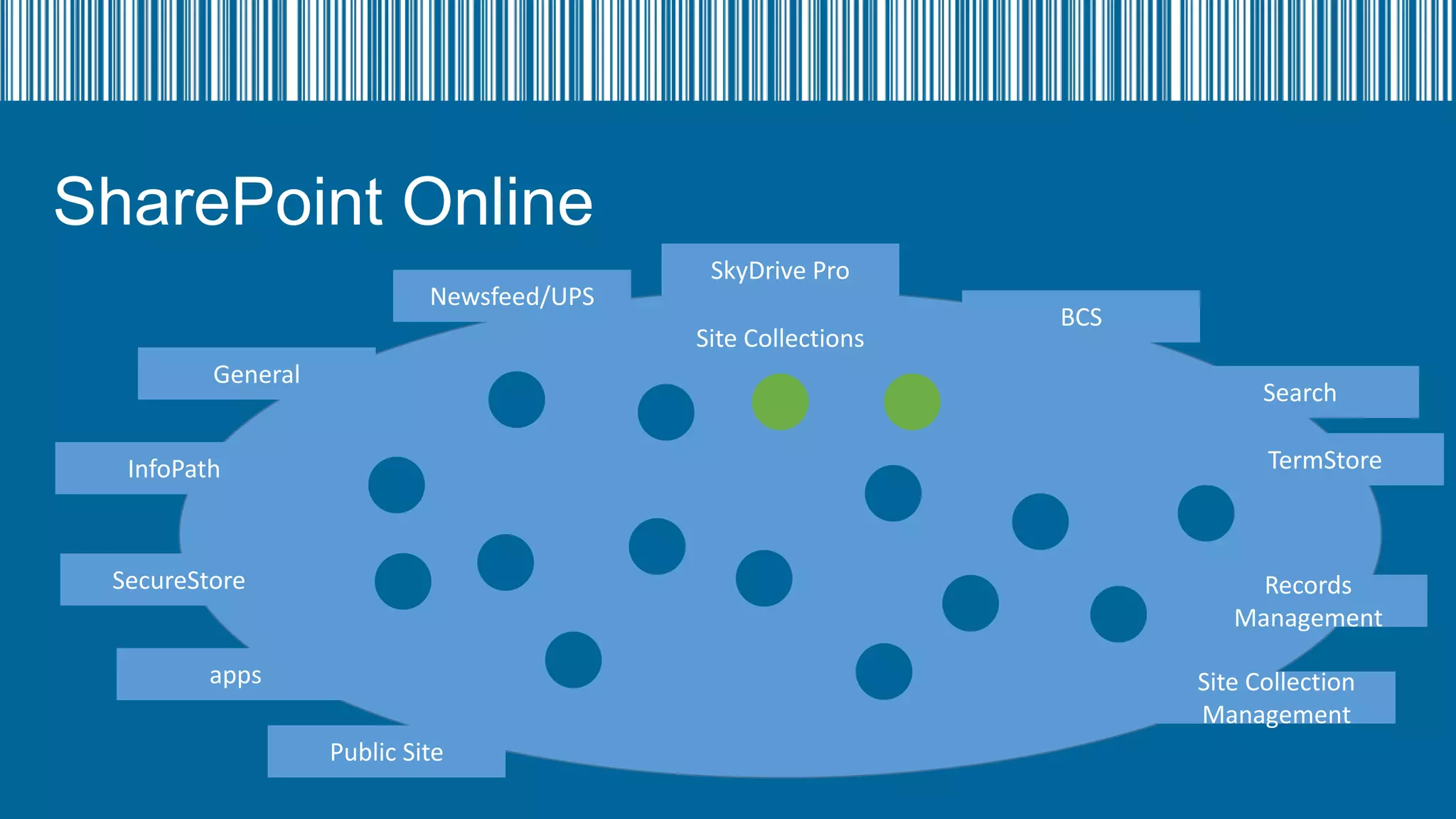
TermStore

InfoPath

SecureStore

Records
Management

apps

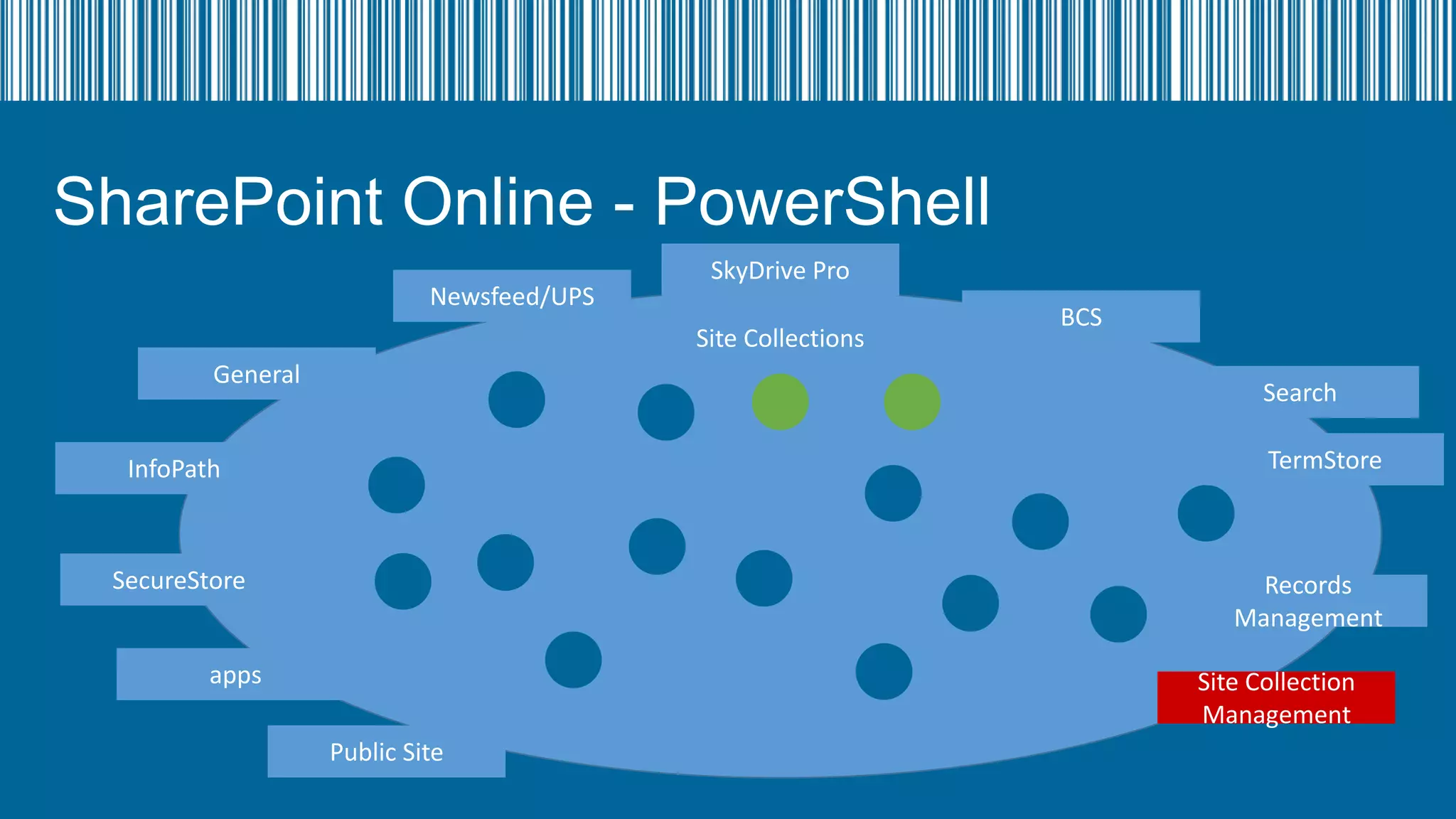
Site Collection
Management

Public Site
SharePoint Online - PowerShell
Newsfeed/UPS

SkyDrive Pro
Site Collections

General

BCS
Search
TermStore

InfoPath

SecureStore

Records
Management

apps

Site Collection
Management

Public Site
SharePoint Online - PowerShell
Newsfeed/UPS

SkyDrive Pro
Site Collections

General

BCS
Search
TermStore

InfoPath

SecureStore

Records
Management

apps

Site Collection
Management

Public Site
SharePoint Online - PowerShell
•
•
•
•
•
•
•

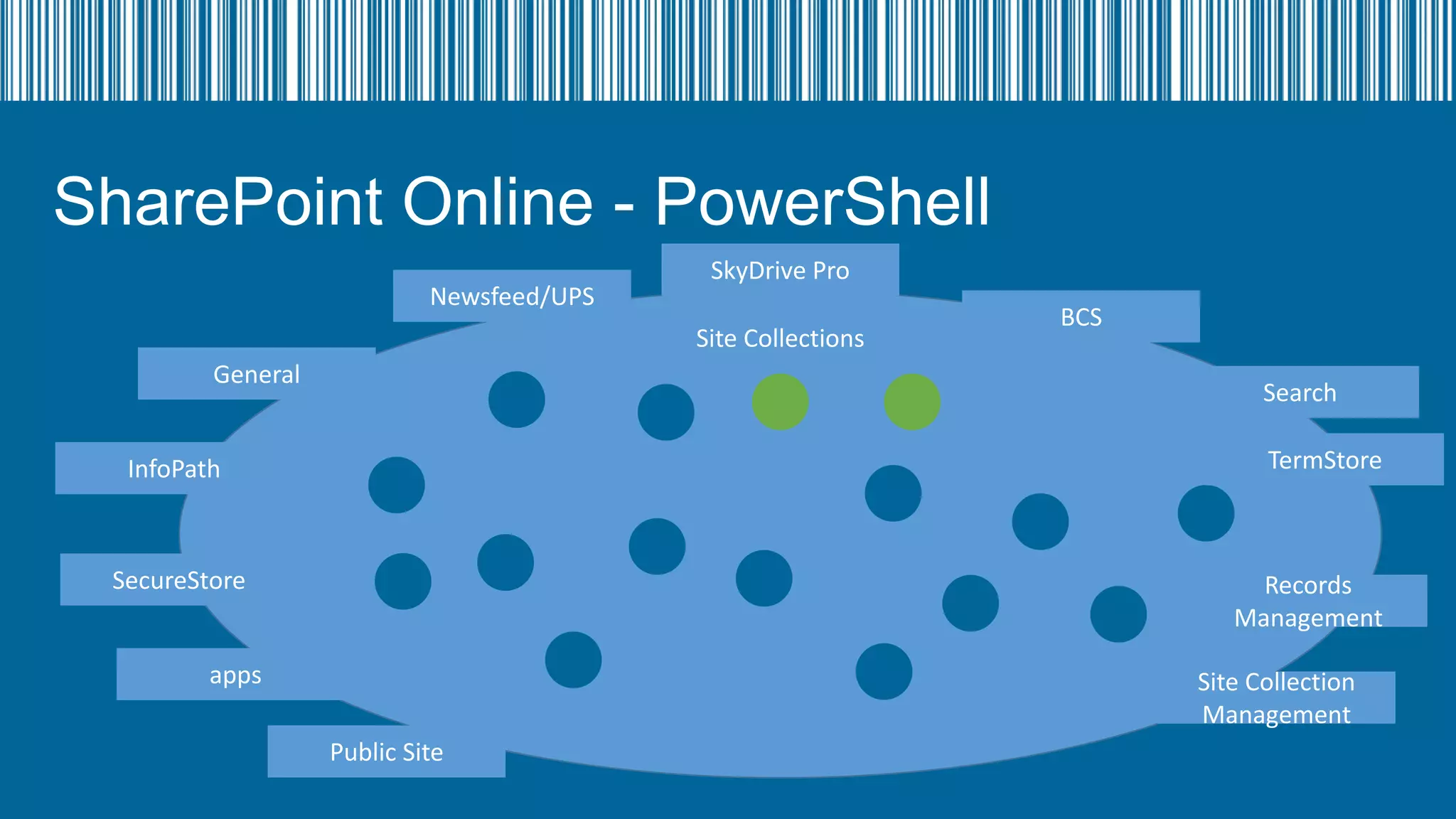
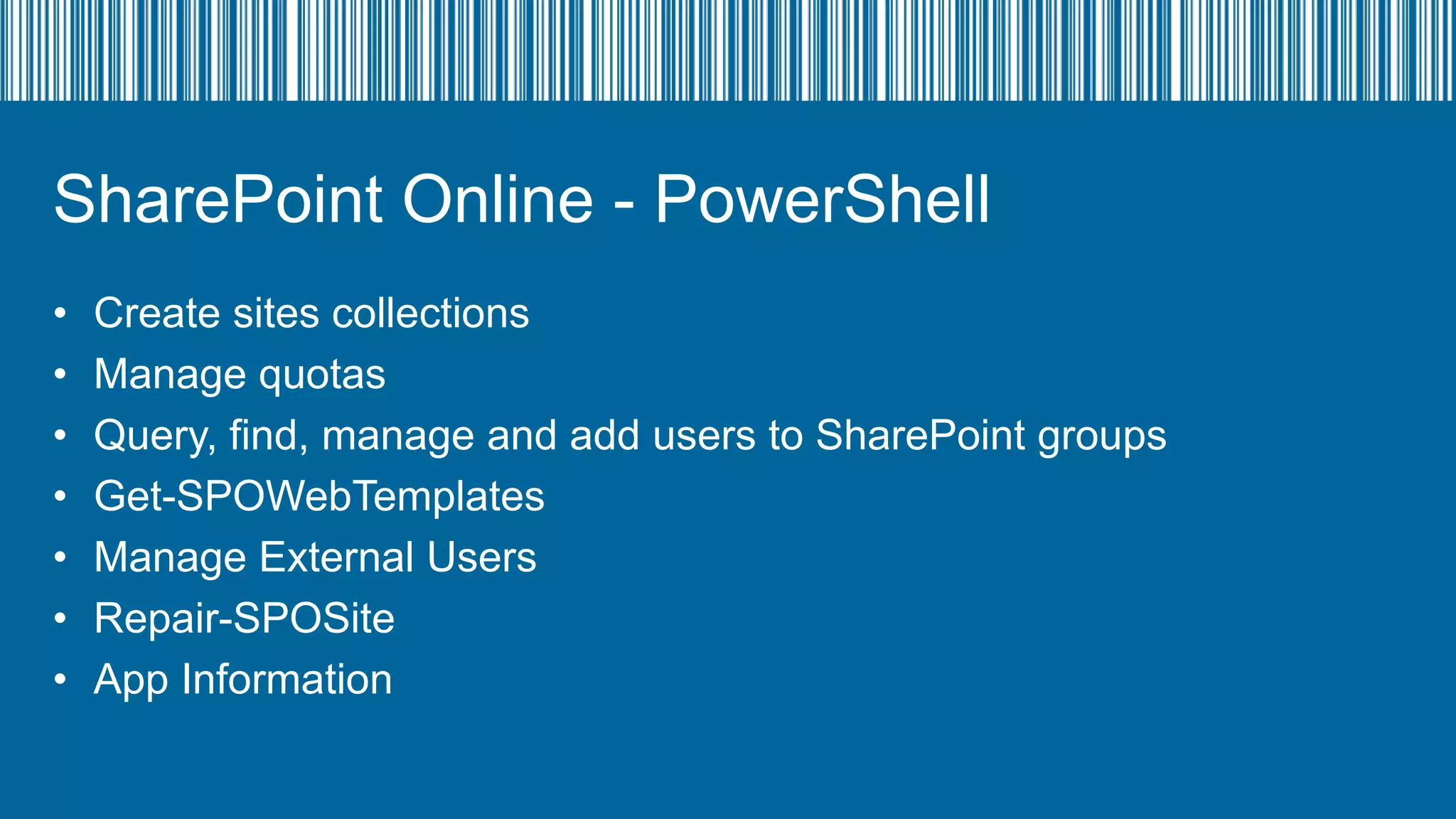
Create sites collections
Manage quotas
Query, find, manage and add users to SharePoint groups
Get-SPOWebTemplates
Manage External Users
Repair-SPOSite
App Information
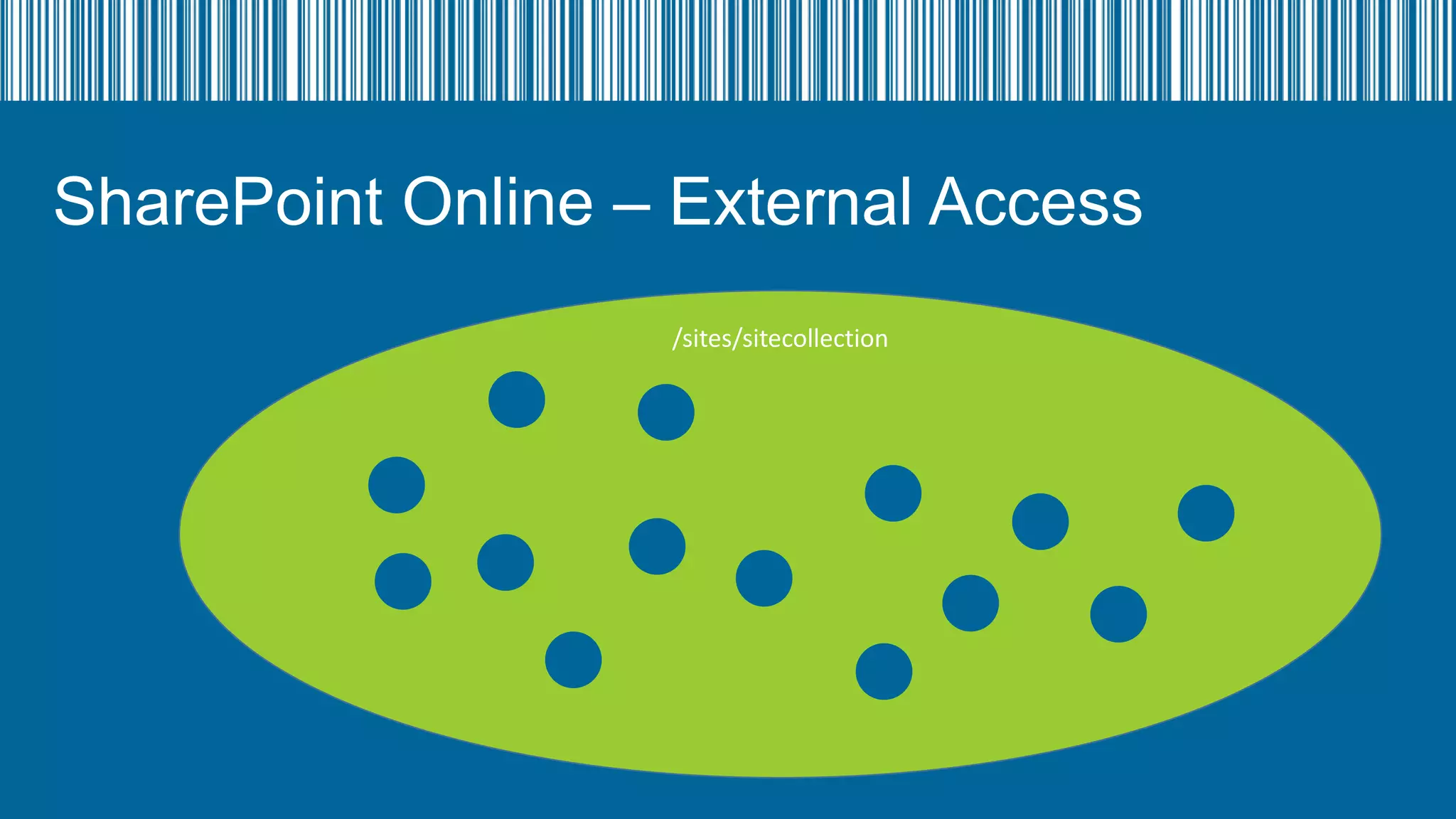
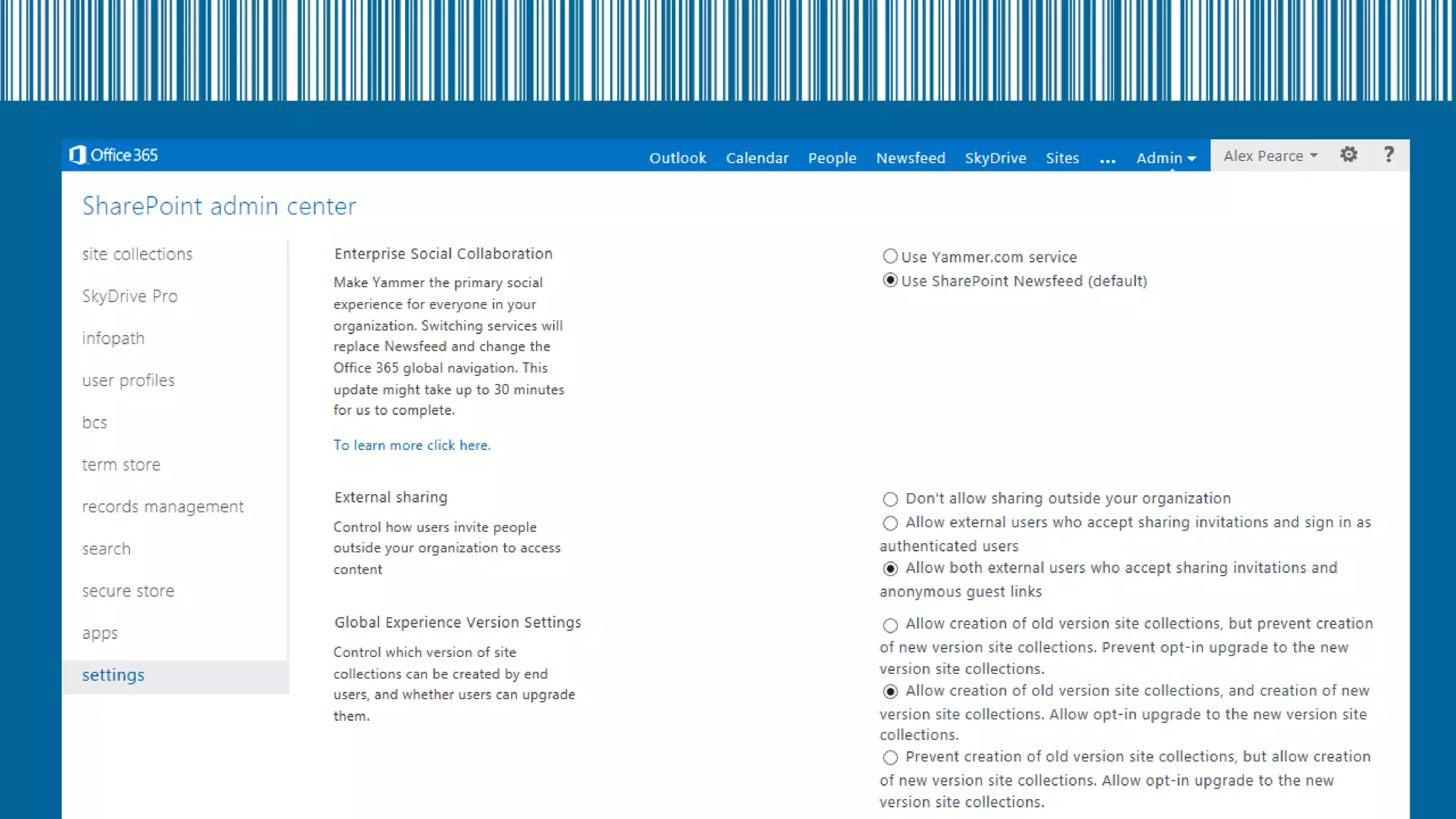
SharePoint Online – External Access
/sites/sitecollection
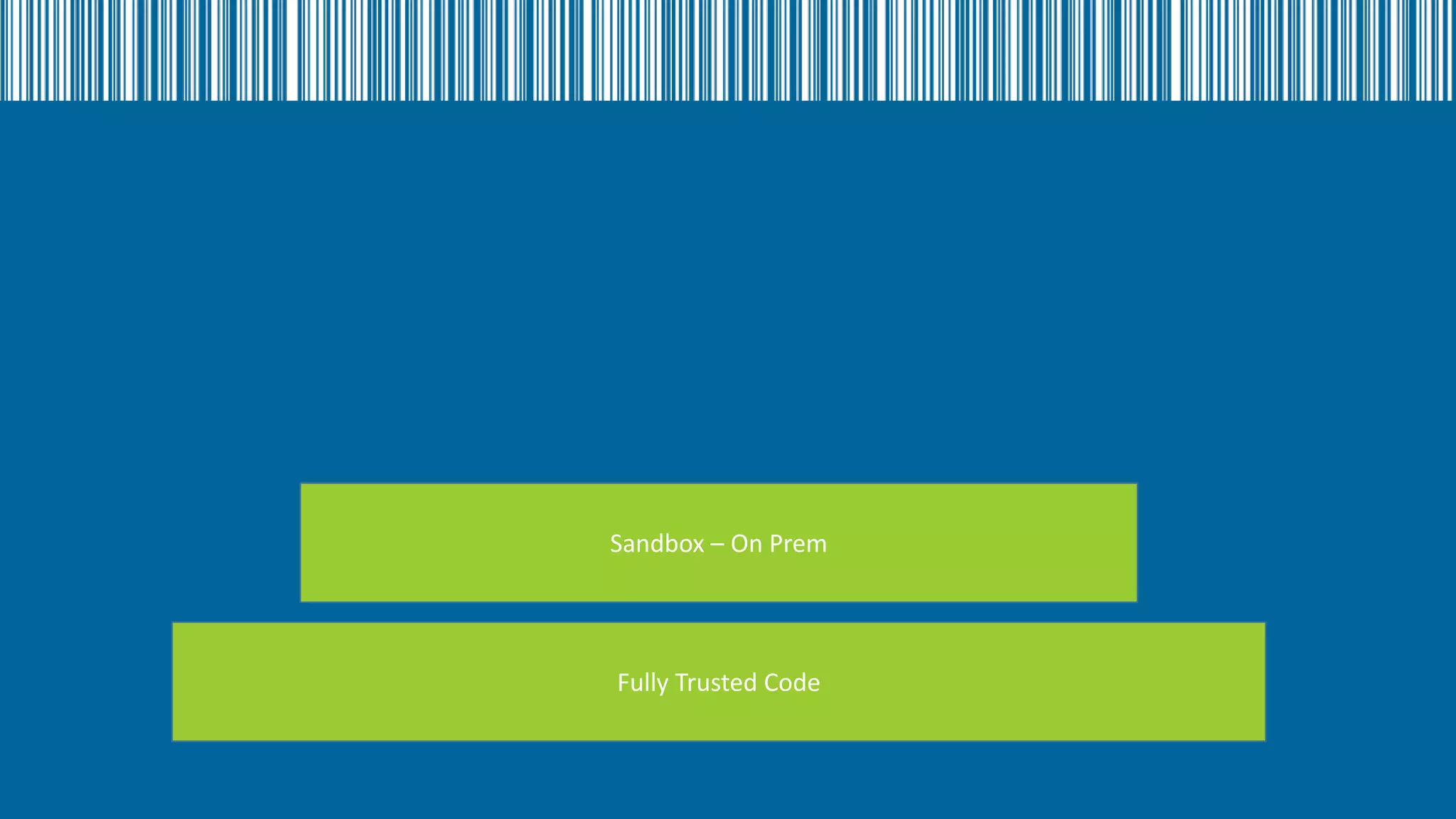
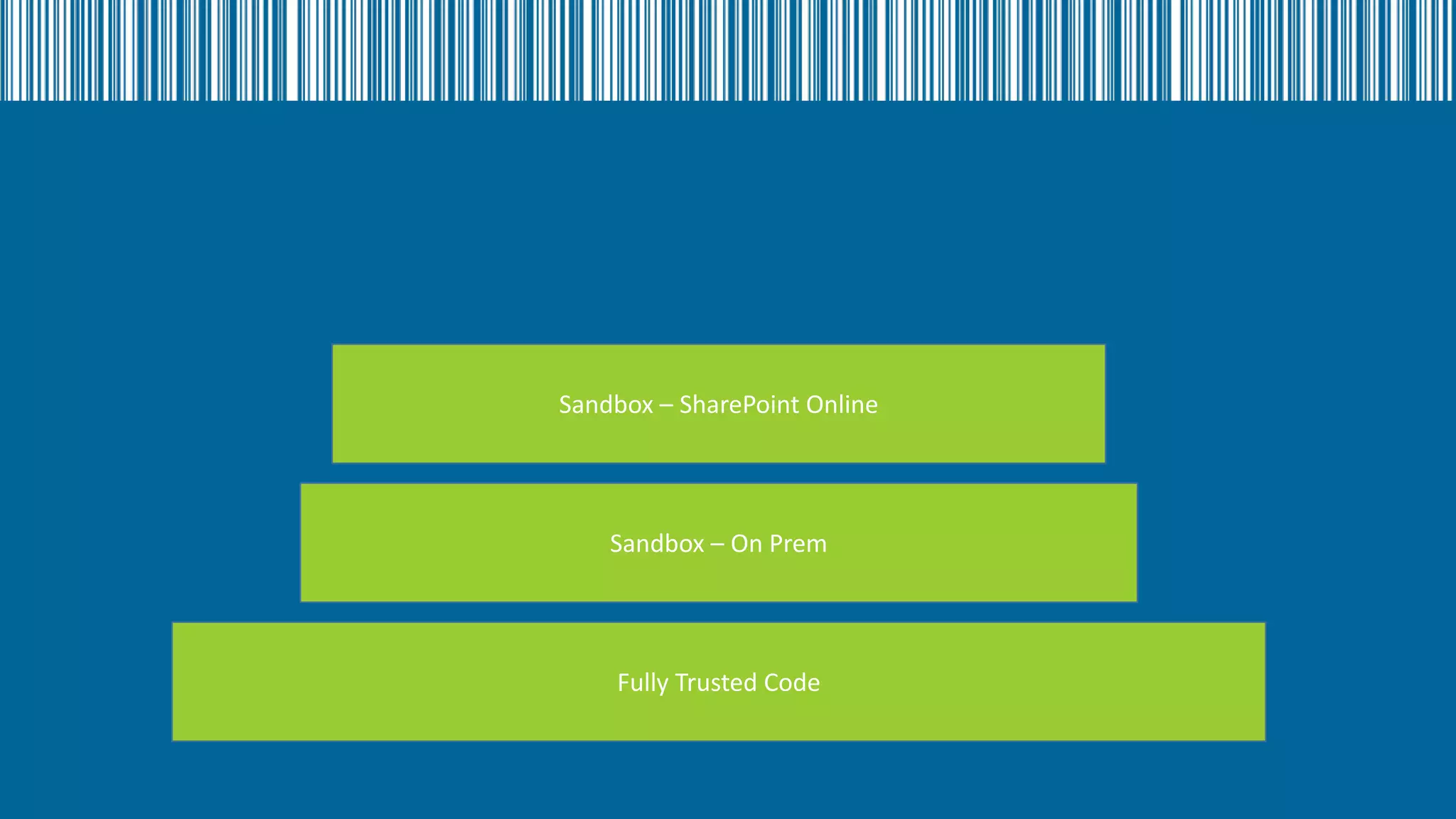
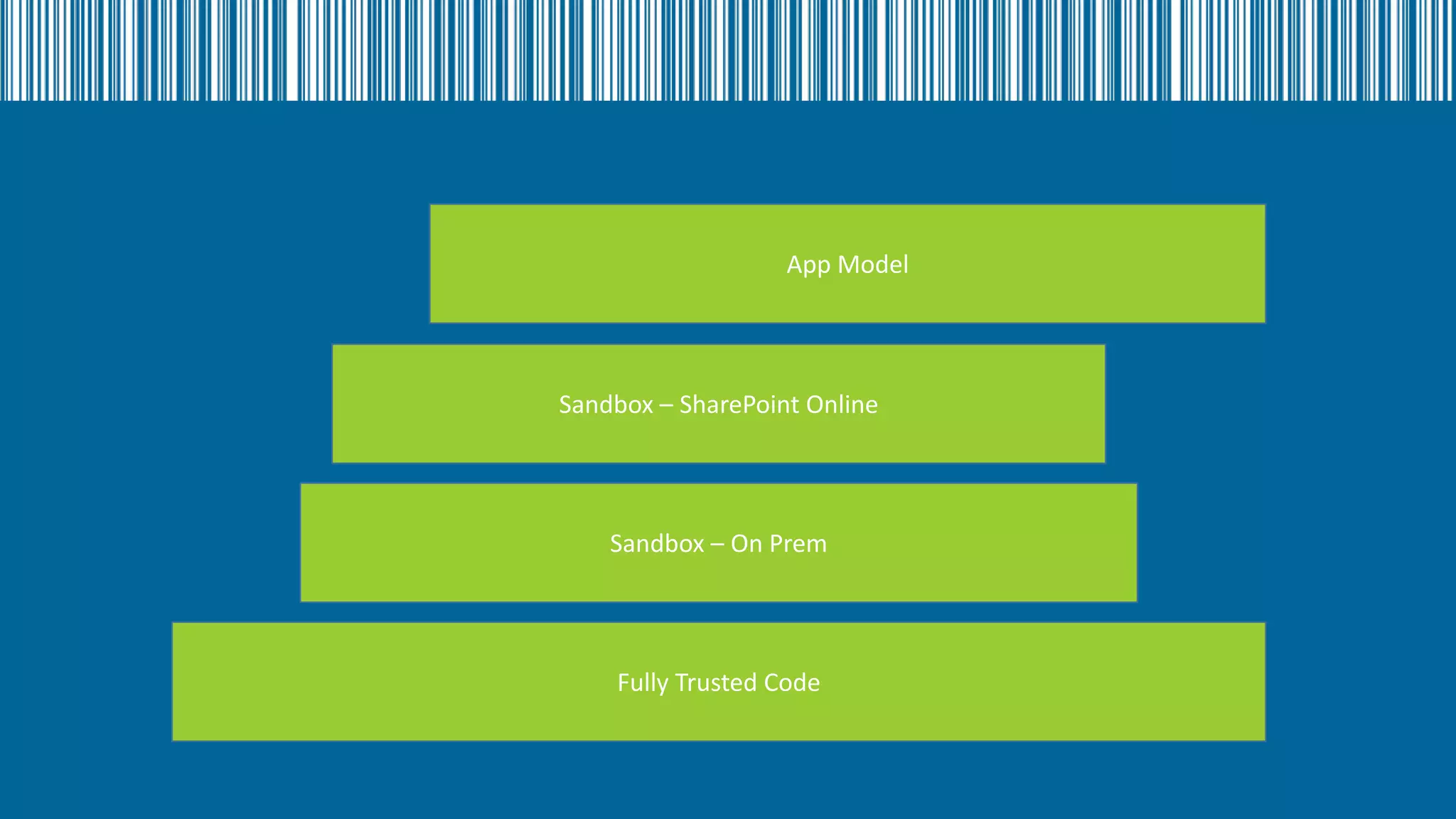
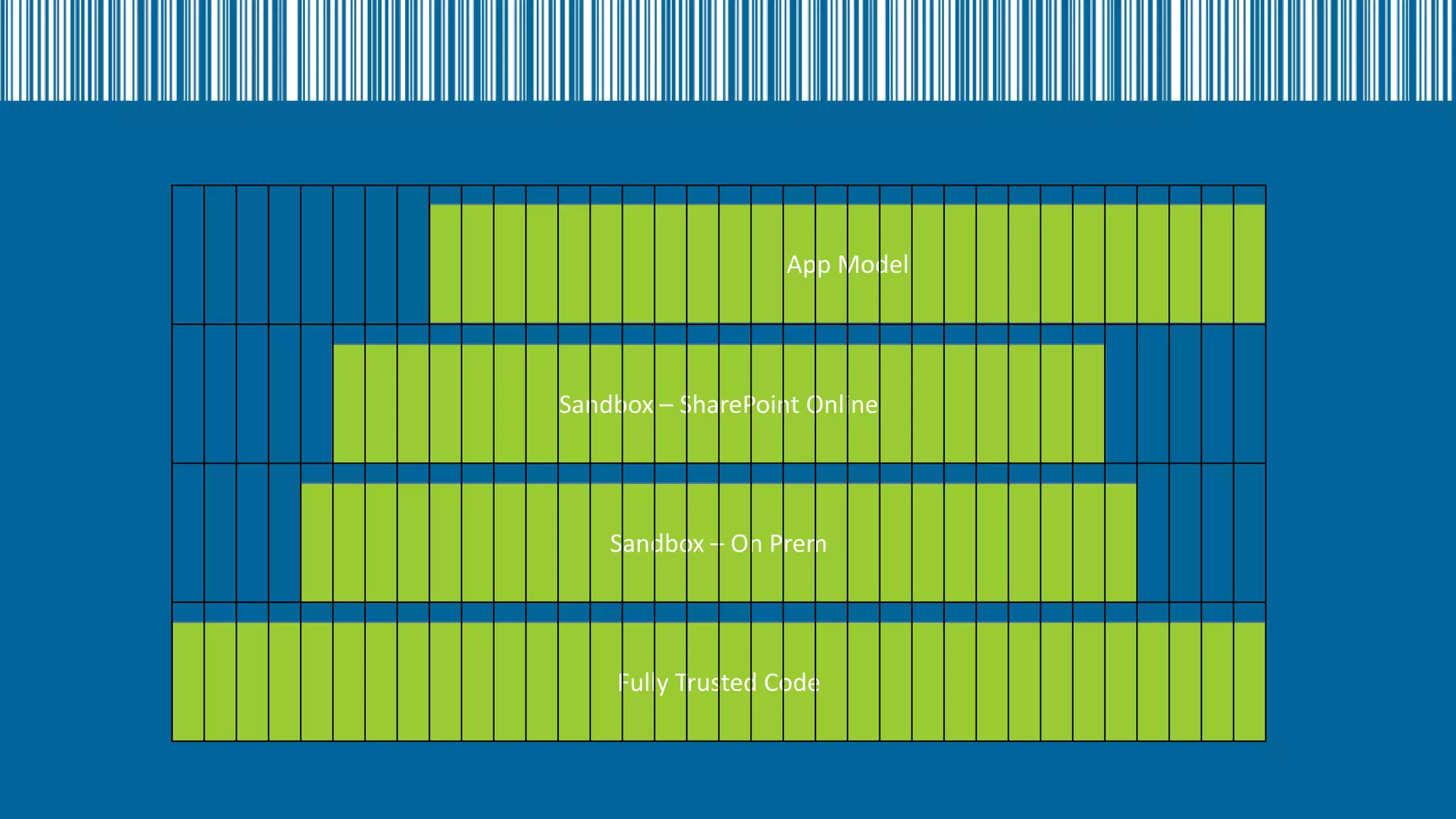
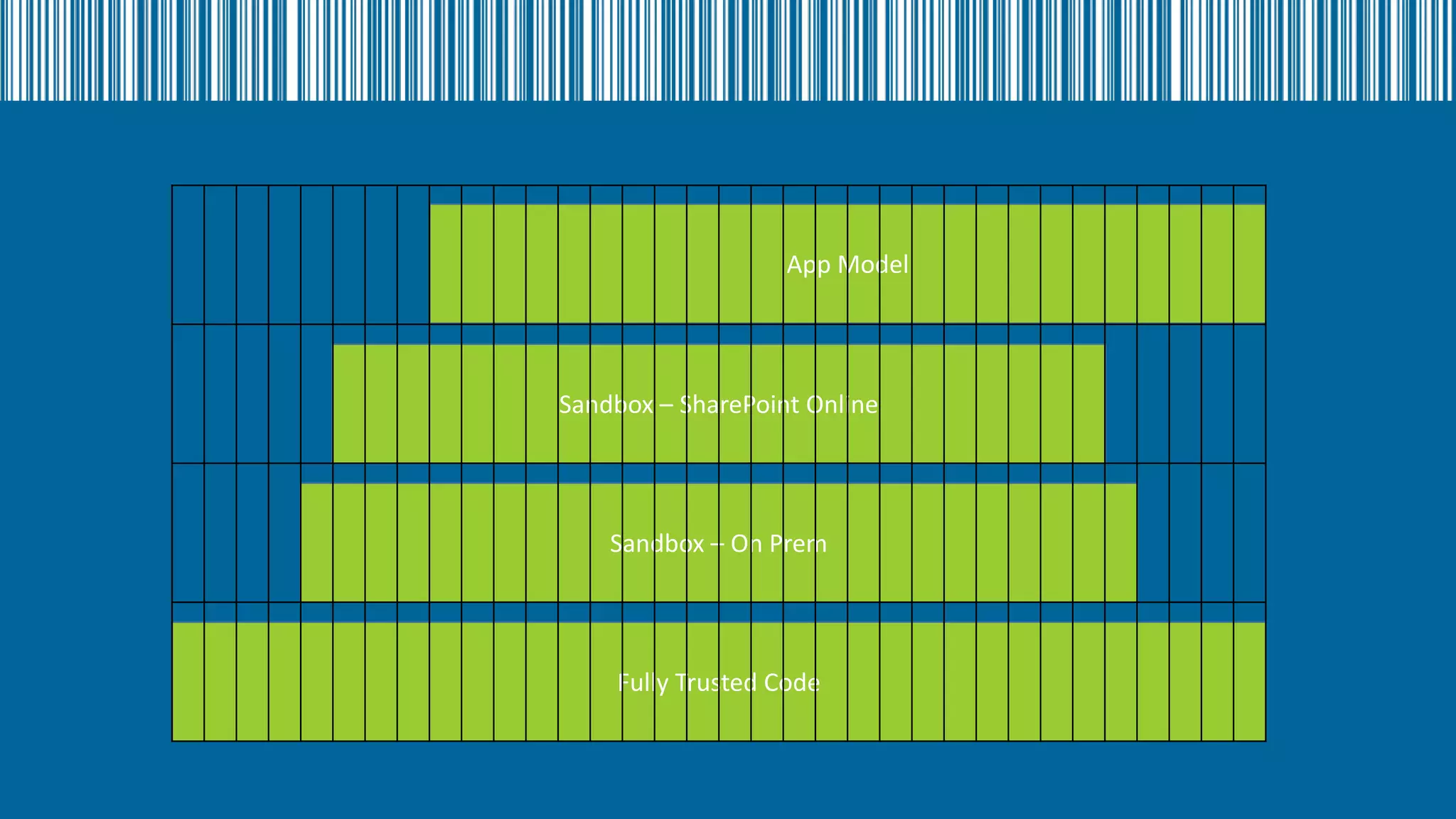
SharePoint Development Pyramid

Fully Trusted Code
Sandbox – On Prem

Fully Trusted Code
Sandbox – SharePoint Online

Sandbox – On Prem

Fully Trusted Code
App Model

Sandbox – SharePoint Online

Sandbox – On Prem

Fully Trusted Code
App Model

Sandbox – SharePoint Online

Sandbox – On Prem

Fully Trusted Code
App Model

Sandbox – SharePoint Online

Sandbox – On Prem

Fully Trusted Code
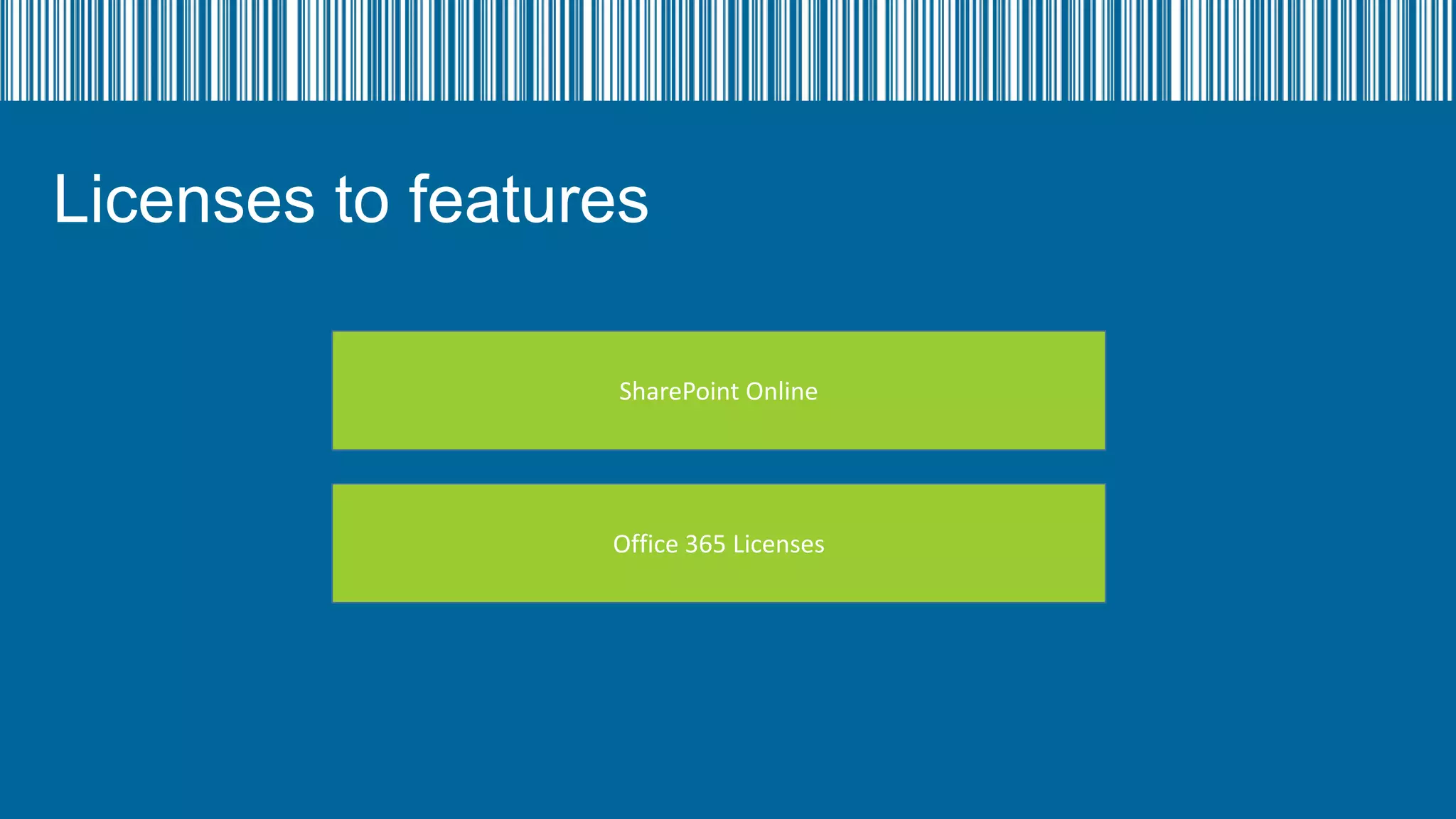
Licenses to features
SharePoint Online

Office 365 Licenses
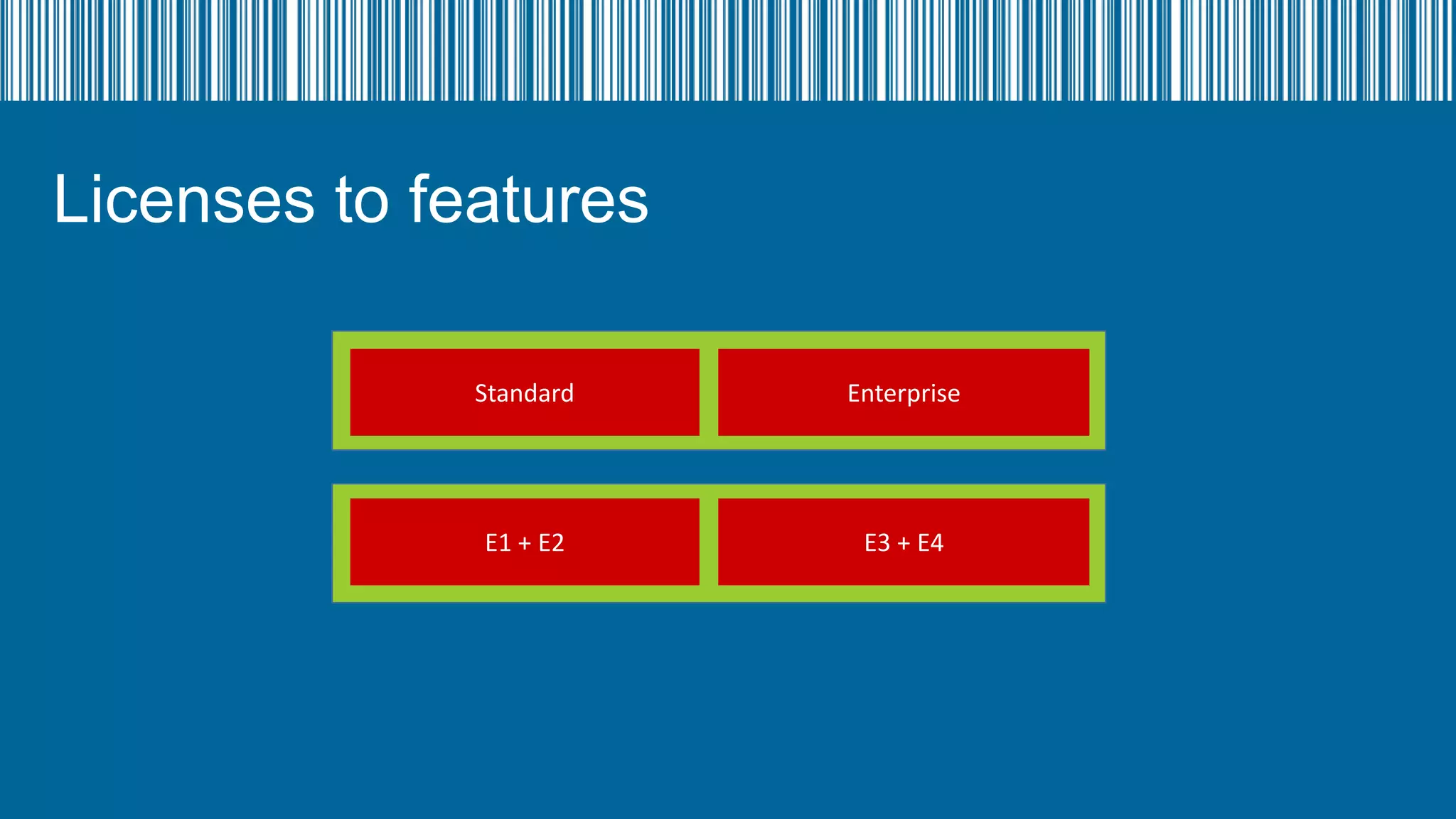
Licenses to features
Standard

Enterprise

E1 + E2

E3 + E4
Windows Azure Active Directory
SharePoint Online

Office 365

Lync Online

Exchange Online

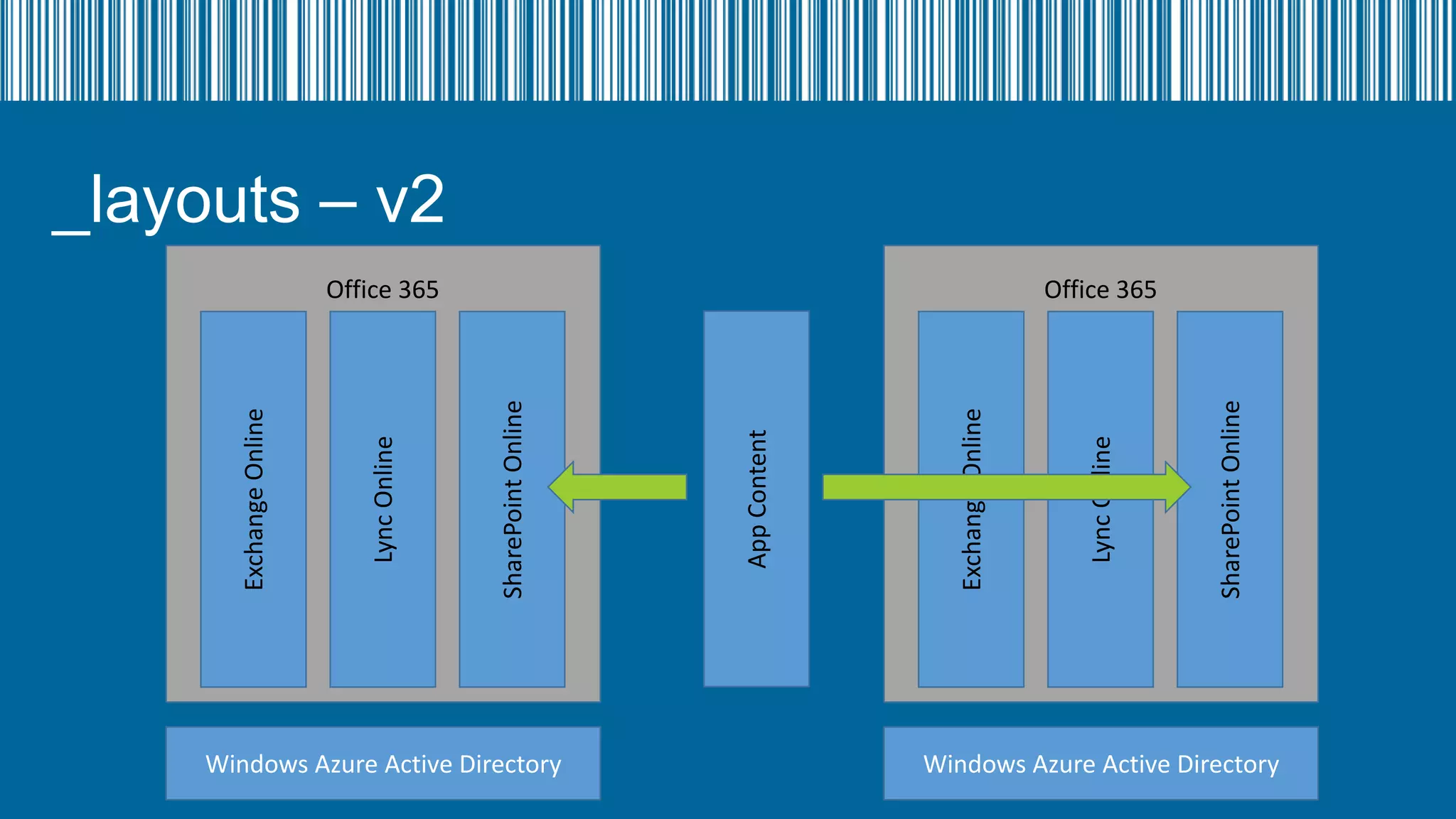
App Content

SharePoint Online

Lync Online

Exchange Online

_layouts – v2
Office 365

Windows Azure Active Directory
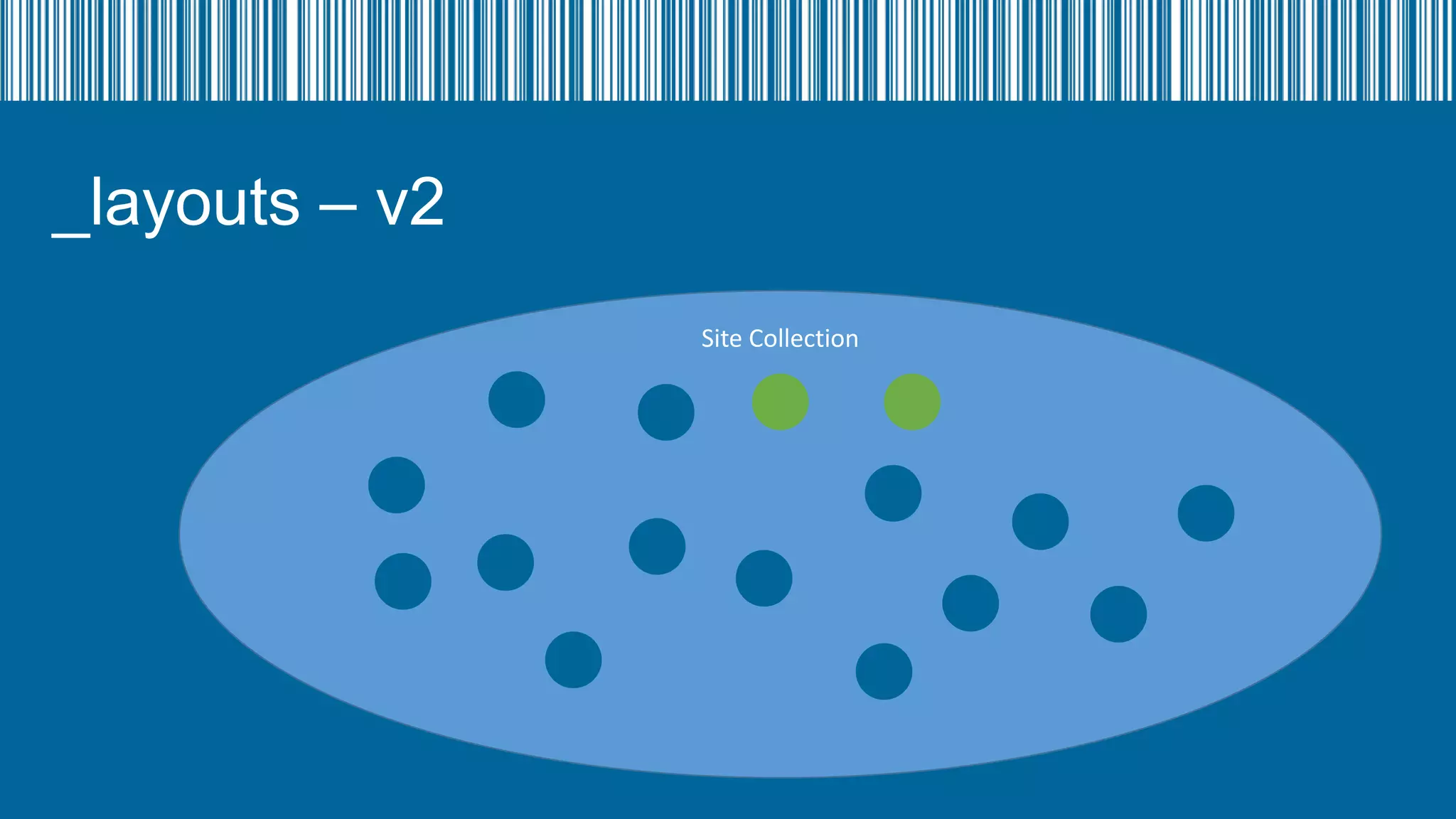
_layouts – v2
Site Collection
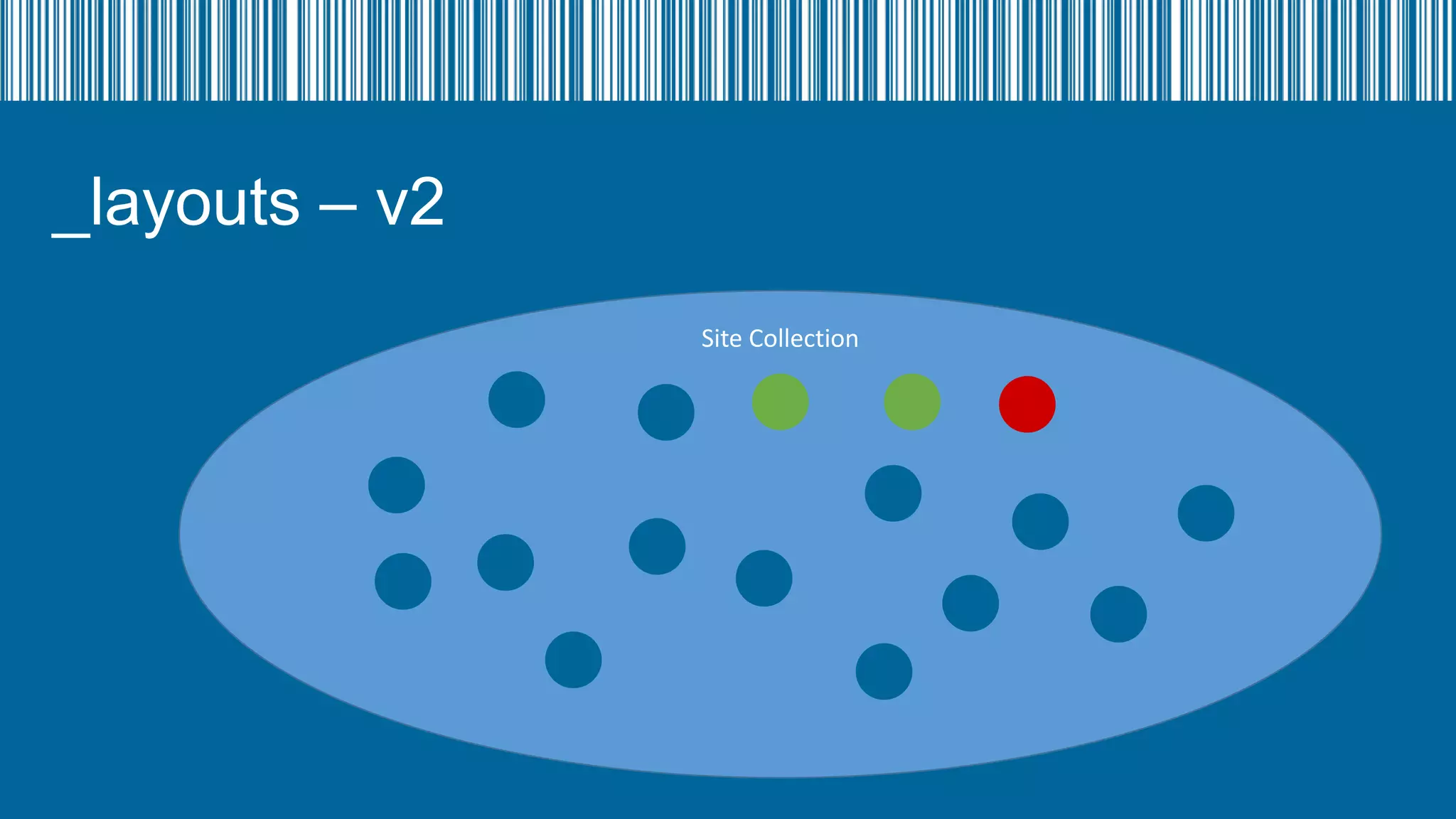
_layouts – v2
Site Collection
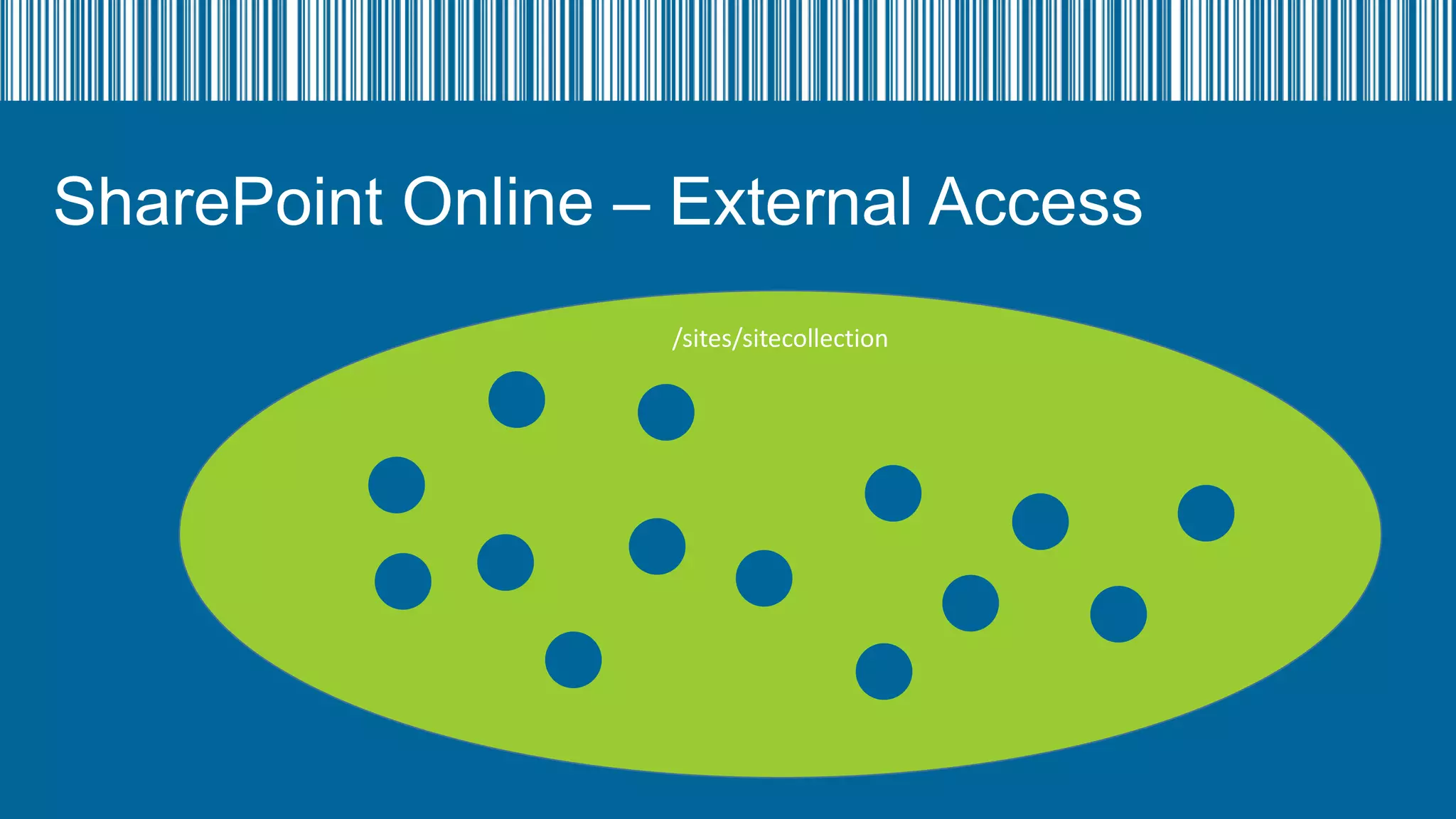
SharePoint Online – External Access
/sites/sitecollection
SharePoint Online – External Access
•
•
•
•

Invite per site
Added to a SharePoint Group so group can be added to other sites
Have to be invited per site collection
Can either log in as LiveID (MicrosoftID) or MSO ID
SharePoint Online and
Azure AD
What is Sync’d
Sync’d (Basics)
• Groups (your normal AD groups) are security groups in Azure AD
• Users are users (they only appear once a license has been assigned to them
• User can access SkyDrive once they have a license even if they don’t have
permission to any site collections
• Can also use all the applications/apps for SkyDrive

• SkyDrive Pro is created when user first navigates to SkyDrive in navigation (can
take 2 – 60 minutes).
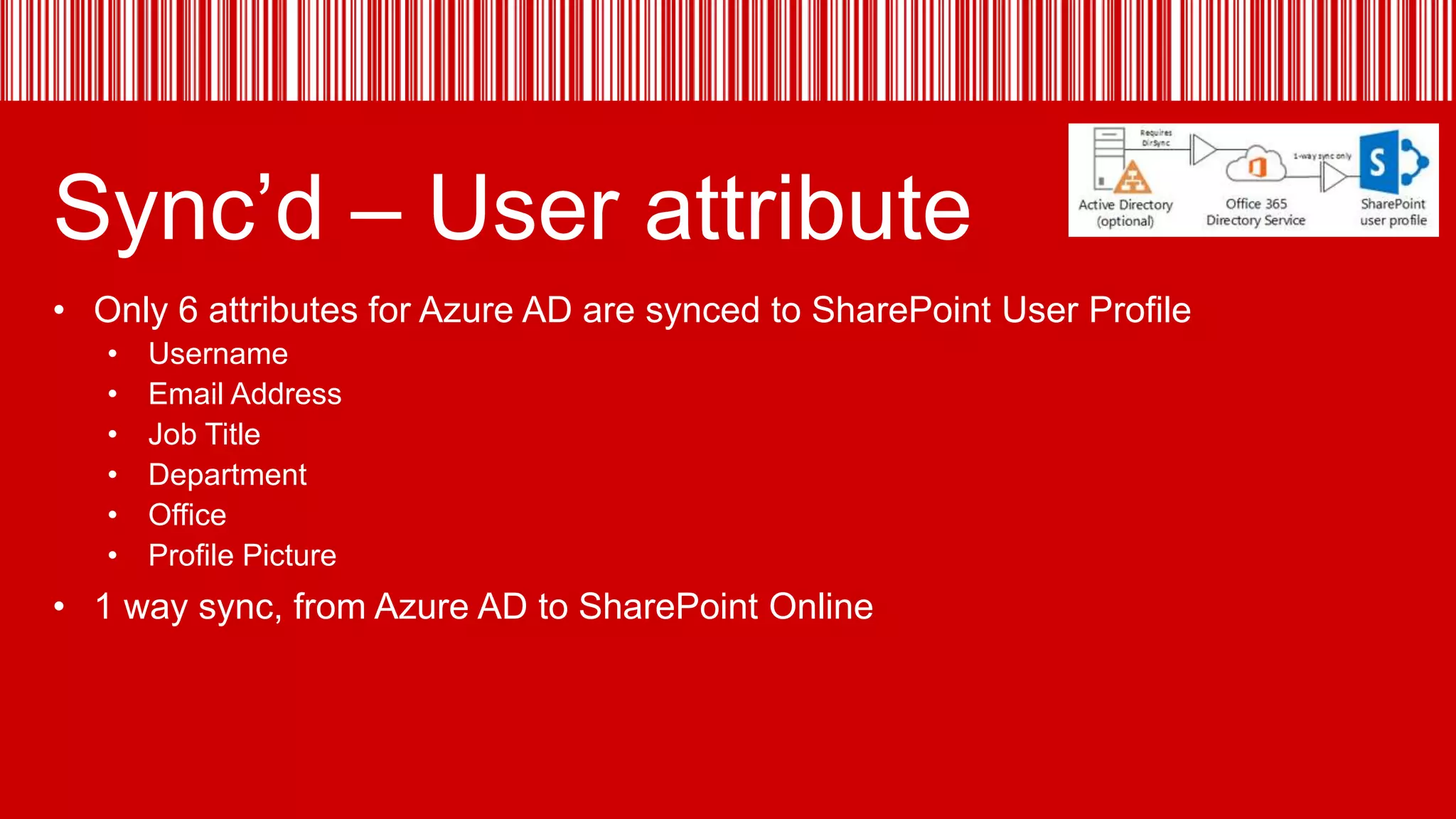
Sync’d – User attribute
• Only 6 attributes for Azure AD are synced to SharePoint User Profile
•
•
•
•
•
•

Username
Email Address
Job Title
Department
Office
Profile Picture

• 1 way sync, from Azure AD to SharePoint Online
SharePoint Online
Newsfeed/UPS

SkyDrive Pro
Site Collection

General

BCS
Search
TermStore

InfoPath

SecureStore

Records
Management

apps

Public Site

#spsuk: Understanding the Office 365 Architecture

Editor's Notes

  • #5 Site tmeplates
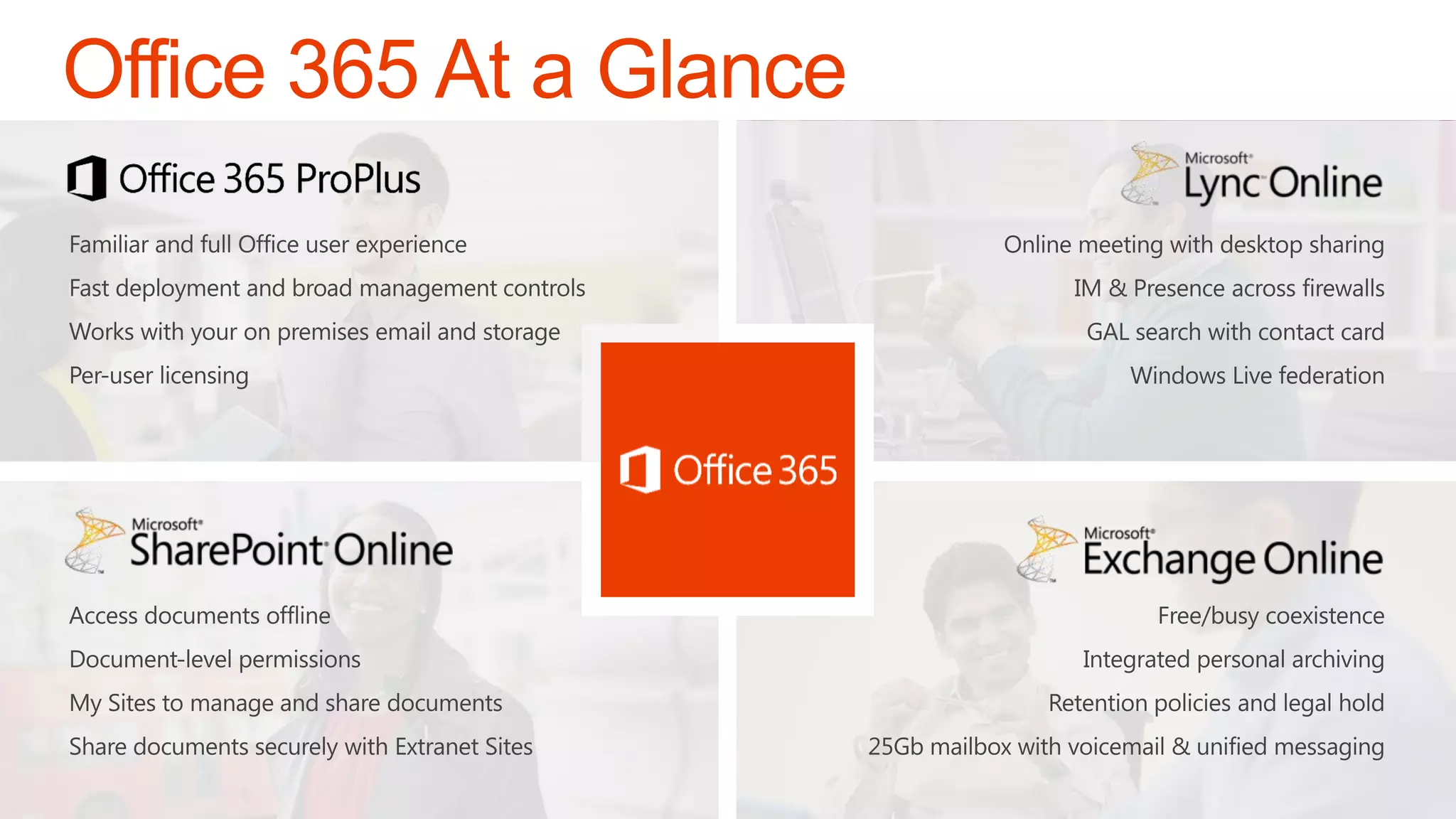
  • #6 Speaker Notes (1 minute):Office 365 offers the tools and technologies to deliver leading experiences messaging with Exchange Online, collaboration with SharePoint Online, unified communications with Lync Online and of course rich Office application experiences with Office 365 ProPlus. (click) Office 365 ProPlus is the full version of Office, you can use it without an Internet connection, and it works with the customizations you have made over the years. Deploy it how you normally would deploy Office and you can use Office with your existing in-house SharePoint or Exchange services and whether you want to allow cloud file storage is up to you. We’ll focus the rest of our time talking about Office 365 ProPlus and the optimizations we have made to improve user and IT experiences for adopting the new Office.
  • #7 Key points:Office 365 is actually 3 separate products.
  • #8 Key pointsThey are 3 separate products but use the same identity systemThe identity system can be synced with active directory to allow single sign on from the desktop
  • #11 Site tmeplates
  • #24 Site tmeplates
  • #28 http://office.microsoft.com/en-001/office365-sharepoint-online-enterprise-help/sharepoint-online-software-boundaries-and-limits-HA102694293.aspx
  • #29 http://office.microsoft.com/en-001/office365-sharepoint-online-enterprise-help/sharepoint-online-software-boundaries-and-limits-HA102694293.aspx
  • #66 Site tmeplates
  • #67 Site tmeplates
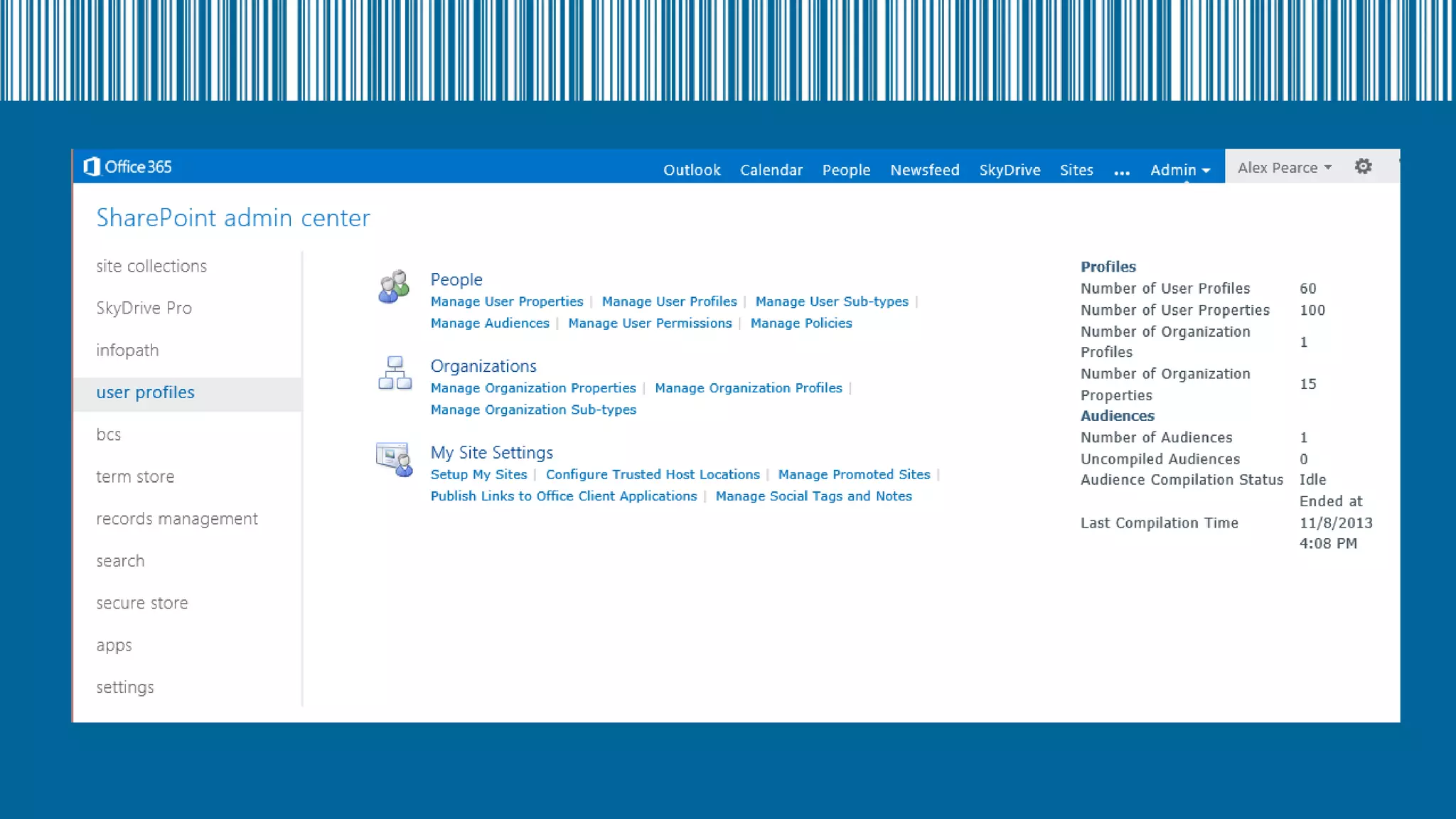
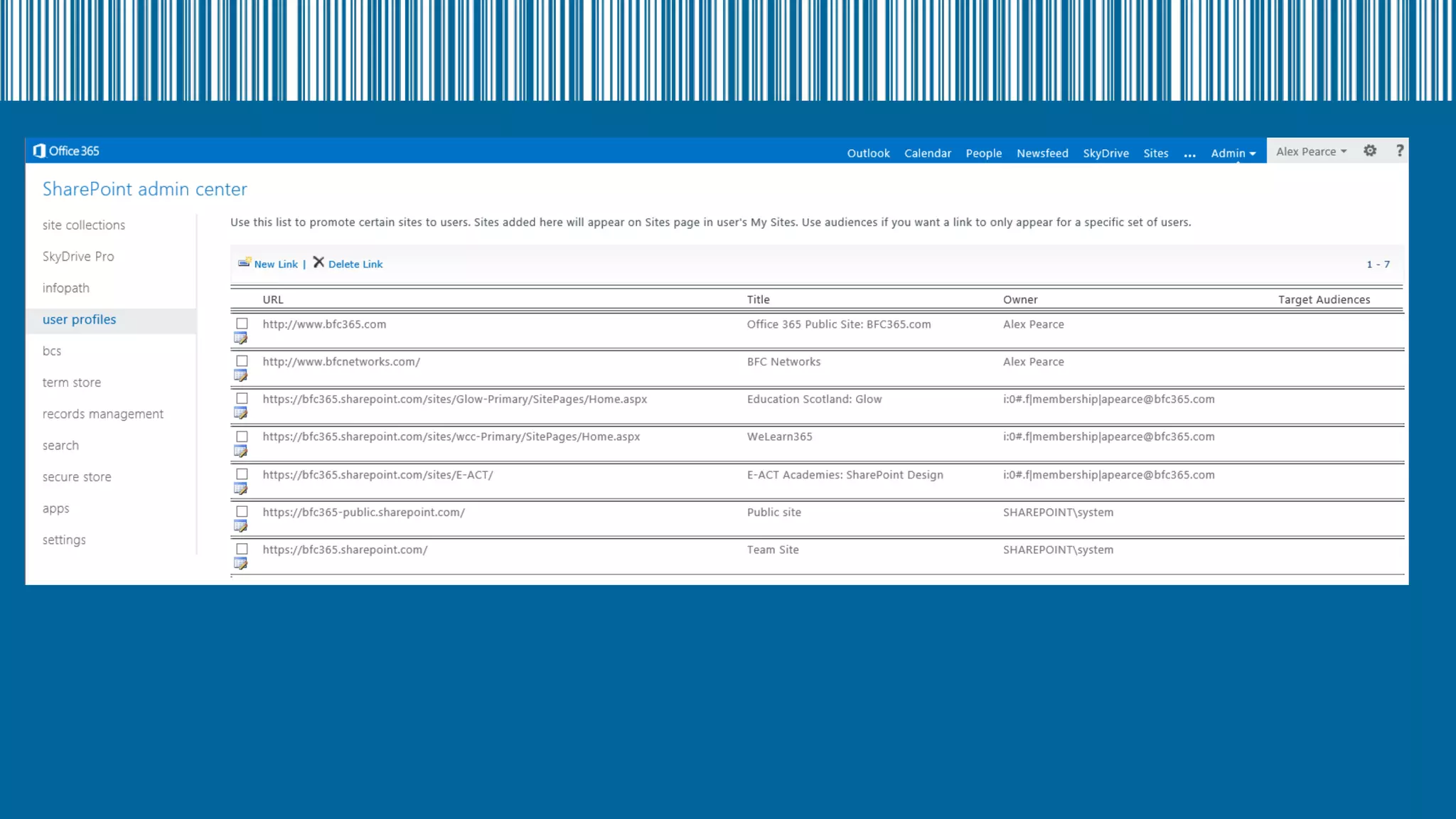
  • #68 http://office.microsoft.com/en-001/office365-sharepoint-online-enterprise-help/manage-sharepoint-online-user-profiles-from-the-sharepoint-admin-center-HA102772733.aspx