Office 365 Directory Synchronization
Speaker Name : Amit Vasu
Speaker Title : Sr. SharePoint Consultant
Speaker Company: Momentum Digital Solutions Inc.
Speaker Contact Info: @amitvasu
Nov 21, 2015
Thank you to all of our Sponsors!!
WWW.COLLAB365.EVENTS
Session Objective
 Provide overview of Azure Active Directory and Directory
Synchronization with respect to Office365.
WWW.COLLAB365.EVENTS
Agenda
 Overview – Azure Active Directory
 Directory Synchronization
 Different Tools for Directory Sync
 DEMO : Configuring Directory Sync
 Creating Development Environment
WWW.COLLAB365.EVENTS
Azure Active Directory -
Overview
WWW.COLLAB365.EVENTS
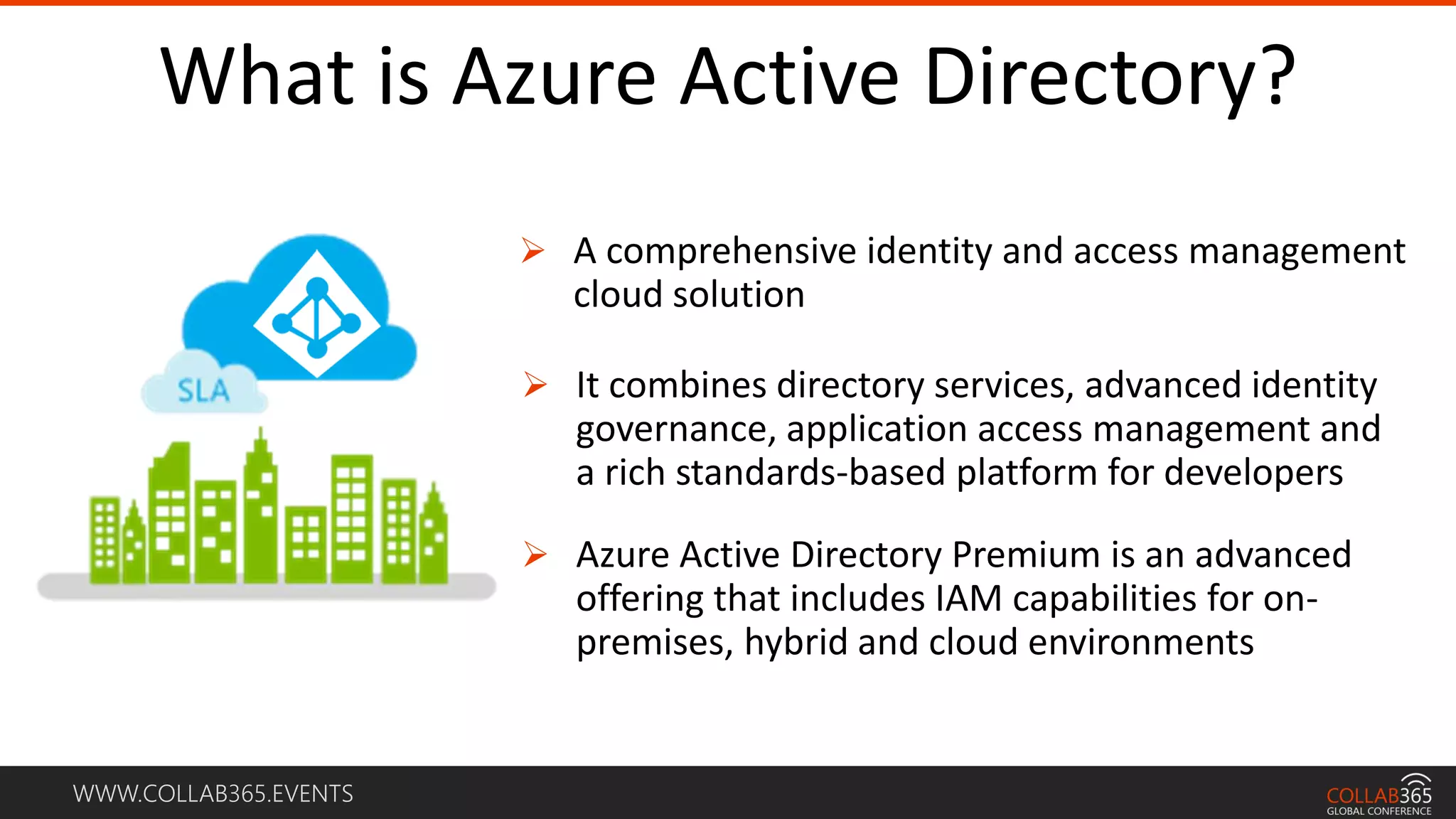
What is Azure Active Directory?
 A comprehensive identity and access management
cloud solution
 It combines directory services, advanced identity
governance, application access management and
a rich standards-based platform for developers
 Azure Active Directory Premium is an advanced
offering that includes IAM capabilities for on-
premises, hybrid and cloud environments
WWW.COLLAB365.EVENTS
Protect access to enterprise apps
 Built-in security features, like “you
can’t be in two places at once”
 Security reporting that tracks
inconsistent access patterns, analytics
and alerts.
WWW.COLLAB365.EVENTS
Protect access to enterprise apps
 Security reporting that tracks
inconsistent access patterns,
analytics, and alerts.
 Ensure secure access by
enabling MFA
WWW.COLLAB365.EVENTS
Sign-in Model for Office 365
WWW.COLLAB365.EVENTS
Cloud Identity
WWW.COLLAB365.EVENTS
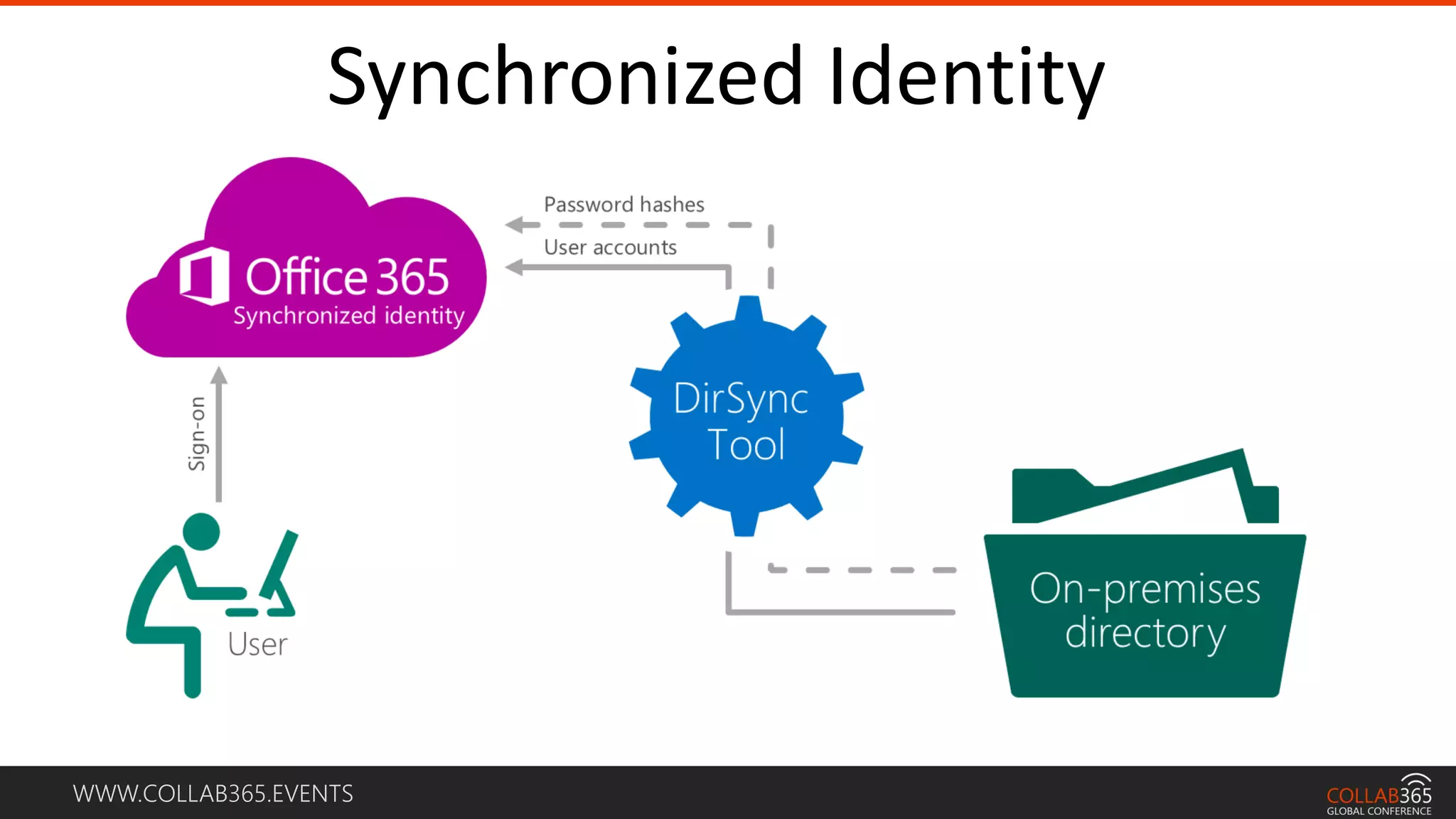
Synchronized Identity
WWW.COLLAB365.EVENTS
Federated Identity
WWW.COLLAB365.EVENTS
Directory Synchronization
WWW.COLLAB365.EVENTS
Identity and Access Management for the Cloud
 Synchronizes users, passwords, security groups, distribution lists, contacts,
and conference rooms.
 Enables unified Global Address List with Exchange Online
 Support multiple sync scenarios i.e. DirSync, DirSync/Password,
DirSync/SSO
WWW.COLLAB365.EVENTS
Directory Quota Limit
 Up to 50k objects with no verified domain
 Up to 500k objects with first verified domain
 Each tenant is only granted one increase
 Unlimited if you have Azure Active Directory Basic or Premium
subscription
WWW.COLLAB365.EVENTS
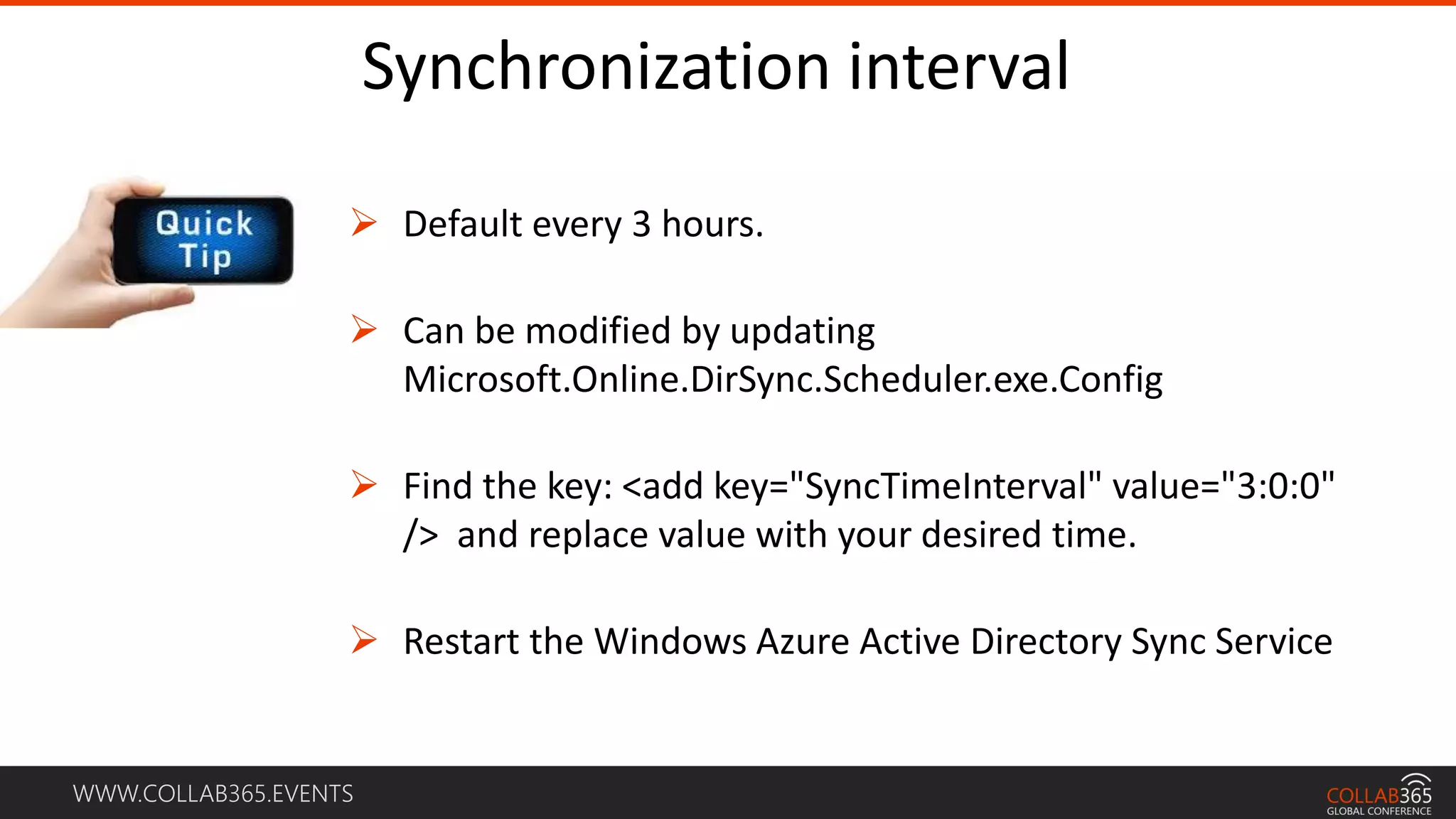
Synchronization interval
 Default every 3 hours.
 Can be modified by updating
Microsoft.Online.DirSync.Scheduler.exe.Config
 Find the key: <add key="SyncTimeInterval" value="3:0:0"
/> and replace value with your desired time.
 Restart the Windows Azure Active Directory Sync Service
WWW.COLLAB365.EVENTS
Password Sync
 Does not mean its SSO as there is not token sharing
 Passwords are synchronized every two minutes
 The synchronization of a password has no impact on currently logged on
users.
WWW.COLLAB365.EVENTS
Source of Authority
 Location which is original source of Active Directory objects
 Azure AD requires a single source of authority for every object.
 By default, Azure AD directory objects are mastered in the cloud.
WWW.COLLAB365.EVENTS
Changing Source of Authority
 Three scenarios where source of authority may get changed for an object
 Activate
 Deactivate
 Reactivate*
WWW.COLLAB365.EVENTS
Directory Synchronization Tools
WWW.COLLAB365.EVENTS
Directory Sync
 Most commonly-known product is the Directory Sync tool (DirSync).
 Download link from the Office 365 portal.
 Relies on Forefront Identity Manager (FIM) for Synchronization.
WWW.COLLAB365.EVENTS
Azure Active Directory Synchronization (AAD Sync)
 Successor to DirSync and eventually will replace DirSync.
 Supports Multi-Forest Synchronization.
 Advanced provisioning, mapping and filtering rules for objects and
attributes.
WWW.COLLAB365.EVENTS
Azure Active Directory Connect
 At some point in the future AADConnect will be the single choice.
 Will also assist you to set up AD FS
 AADConnect will simplify the deployment and configuration of your end-
to-end identity setup.
 COMPARE FEATURES:
https://msdn.microsoft.com/en-us/library/azure/dn757582.aspx
WWW.COLLAB365.EVENTS
System Requirements
WWW.COLLAB365.EVENTS
Directory Synchronization Computer - OS
 64-bit edition of Windows Server 2008 Standard, Enterprise, or
Datacenter edition with SP1 or later
 Windows Server 2008 R2 Standard, Enterprise, or Datacenter edition
with SP1 or later
 Windows Server 2012 Standard or Datacenter
 Windows Server 2012 R2 Standard or Datacenter
WWW.COLLAB365.EVENTS
Directory Synchronization Computer
 It must be joined to Active Directory.
 It must run the Microsoft .NET Framework 3.5 SP1 and the Microsoft
.NET Framework 4.5.1
 It must run Windows PowerShell
 It must be located in an access-controlled environment.
WWW.COLLAB365.EVENTS
Directory Synchronization – Domain Controller
 Windows Server 2003 forest functional mode or higher
 32-bit or 64-bit Windows Server 2003 Standard Edition or Enterprise
Edition with Service Pack 1 (SP1)
 32-bit or 64-bit edition of the Windows Server 2008 STD or ENT,
Windows Server 2008 R2 Standard or Enterprise, or Windows Server
2008 Datacenter or Windows Server 2008 R2 Datacenter.
 Windows Server 2012 Standard or Datacenter.
WWW.COLLAB365.EVENTS
Permissions
 You must have administrator permissions for the following:
 The computer running the Directory Sync tool.
 Your company’s local Active Directory.
 Your company’s Microsoft cloud service administrator account.
WWW.COLLAB365.EVENTS
DirSync on Domain Controller
 DirSync can be installed on Domain Controller
 Steps to install DirSync on a DC is exactly the same.
 Just because you can does not mean you should. 
 Follow the best practice and install DirSync on separate server.
WWW.COLLAB365.EVENTS
DEMO: Setting up DirSync
WWW.COLLAB365.EVENTS
AAD Connect
WWW.COLLAB365.EVENTS
AAD Connect
WWW.COLLAB365.EVENTS
PowerShell
 Azure AD Connect depends on PowerShell and .Net 4.5.1.
 Windows Server 2012R2
 PowerShell is installed by default, no action is required.
 Windows Server 2008R2 and Windows Server 2012
 .Net 4.5.1 and later releases are available on Microsoft Download Center.
 Windows Server 2008
 .Net 4.5.1 and later releases are available on Microsoft Download Center.
WWW.COLLAB365.EVENTS
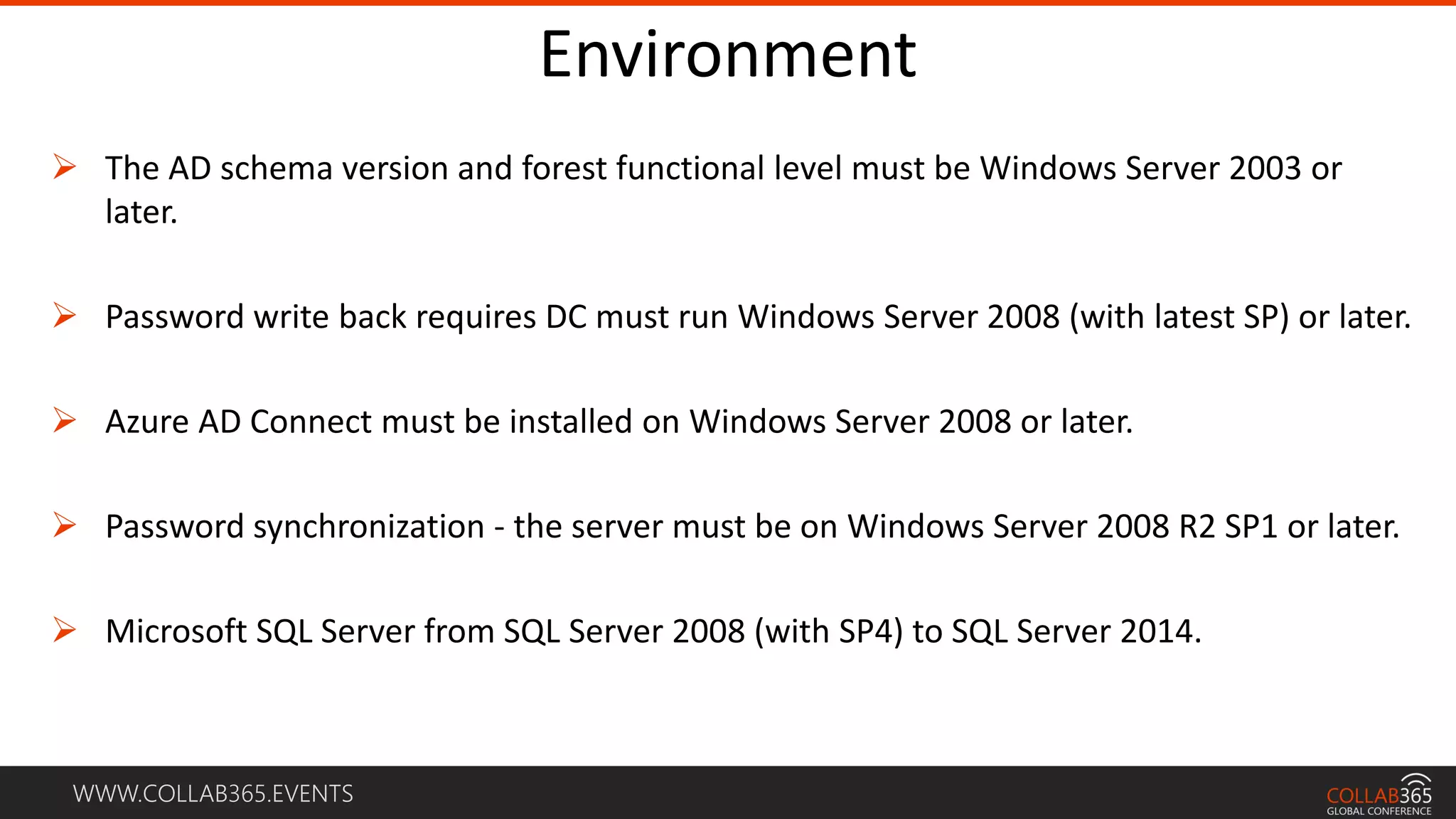
Environment
 The AD schema version and forest functional level must be Windows Server 2003 or
later.
 Password write back requires DC must run Windows Server 2008 (with latest SP) or later.
 Azure AD Connect must be installed on Windows Server 2008 or later.
 Password synchronization - the server must be on Windows Server 2008 R2 SP1 or later.
 Microsoft SQL Server from SQL Server 2008 (with SP4) to SQL Server 2014.
WWW.COLLAB365.EVENTS
More Information
http://www.slideshare.net/AntonioMaio2/hybrid-identity-management-with-
sharepoint-and-office-365-antonio-maio
WWW.COLLAB365.EVENTS
Setting up Development
Environment
WWW.COLLAB365.EVENTS
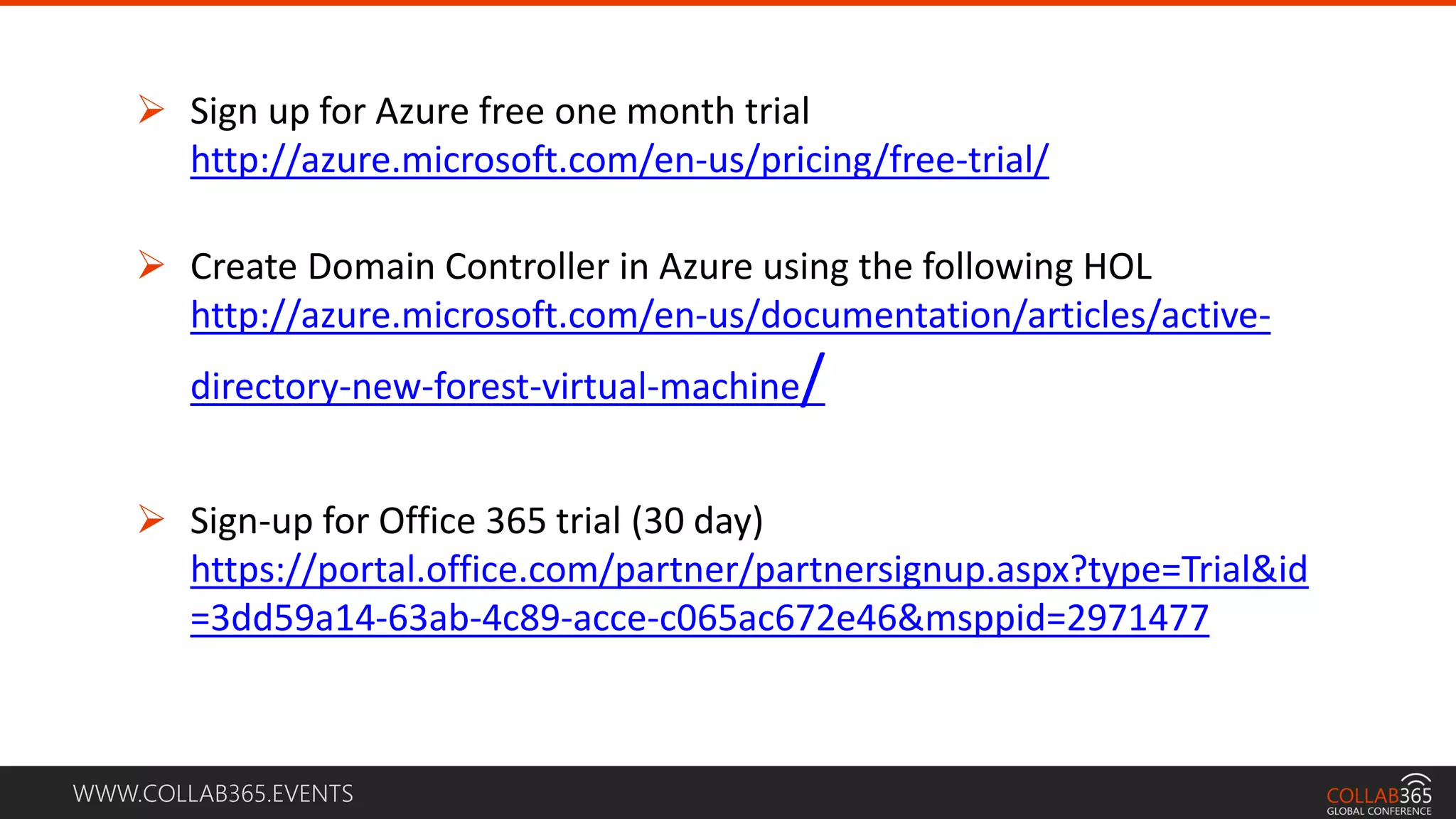
 Sign up for Azure free one month trial
http://azure.microsoft.com/en-us/pricing/free-trial/
 Create Domain Controller in Azure using the following HOL
http://azure.microsoft.com/en-us/documentation/articles/active-
directory-new-forest-virtual-machine/
 Sign-up for Office 365 trial (30 day)
https://portal.office.com/partner/partnersignup.aspx?type=Trial&id
=3dd59a14-63ab-4c89-acce-c065ac672e46&msppid=2971477
Thank you to all of our Sponsors!!
At the Observatory Student Pub in Building A
4:10 pm: New! Experts’ Panel Q&A
4:30 pm: Prizes and Giveaways
4:45 pm: Wrap-up and SharePint!
Parking: No need to move your car!*
If you don’t know where the Observatory is, ask an organizer or a
volunteer for directions.
Remember to fill out your evaluation forms to win some great prizes!
Join the conversation – tweet at #spsottawa
New and Improved!
SharePint!
WWW.COLLAB365.EVENTS
Stay tuned for more great sessions …
Thank you

Office 365 Directory Synchronization