Sreekanth N
Agenda
 Introduction
 Nmap- Features
 Options Summary
 Screenshots
 Results
 Conclusion
 References
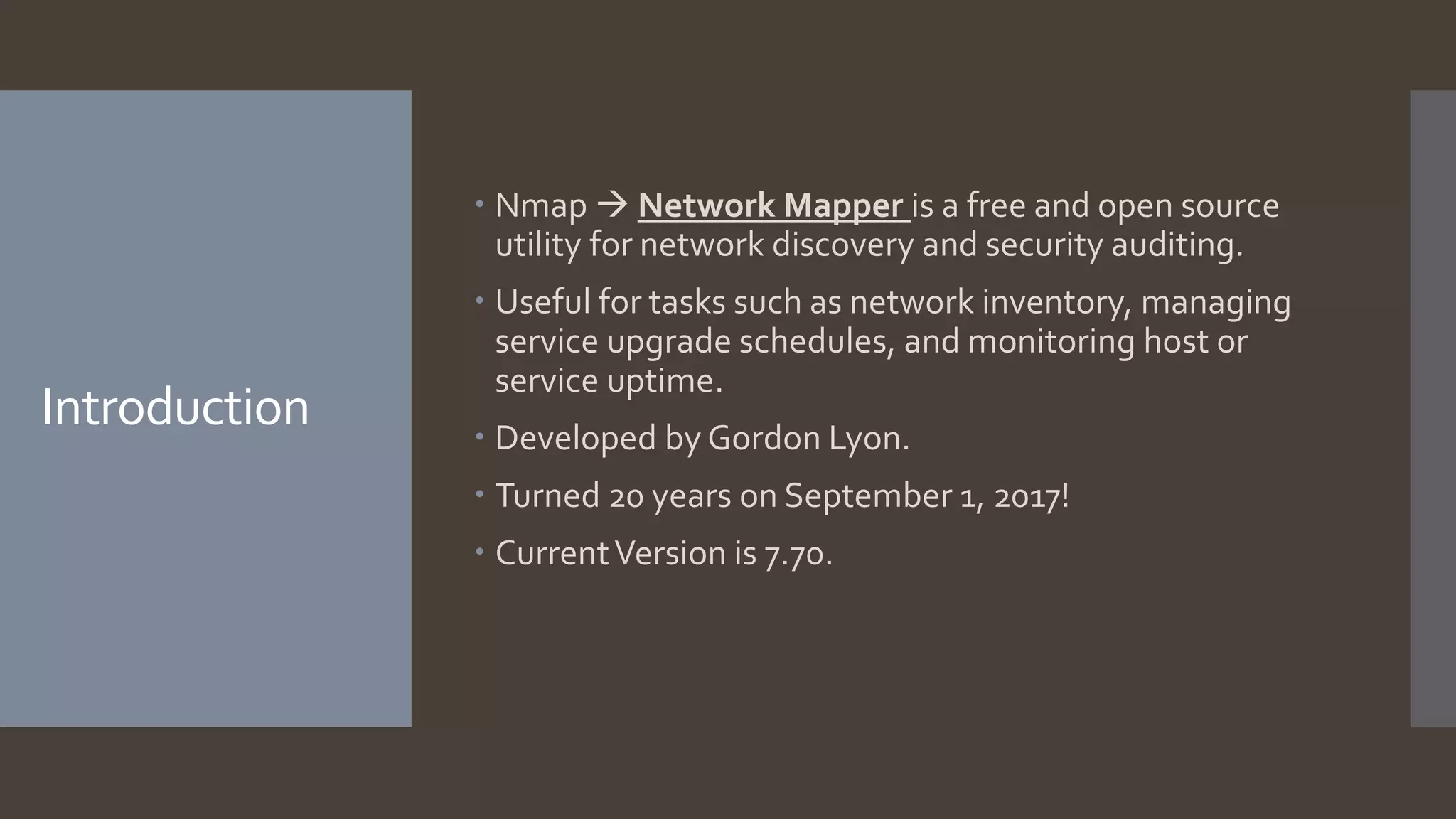
Introduction
 Nmap  Network Mapper is a free and open source
utility for network discovery and security auditing.
 Useful for tasks such as network inventory, managing
service upgrade schedules, and monitoring host or
service uptime.
 Developed by Gordon Lyon.
 Turned 20 years on September 1, 2017!
 CurrentVersion is 7.70.
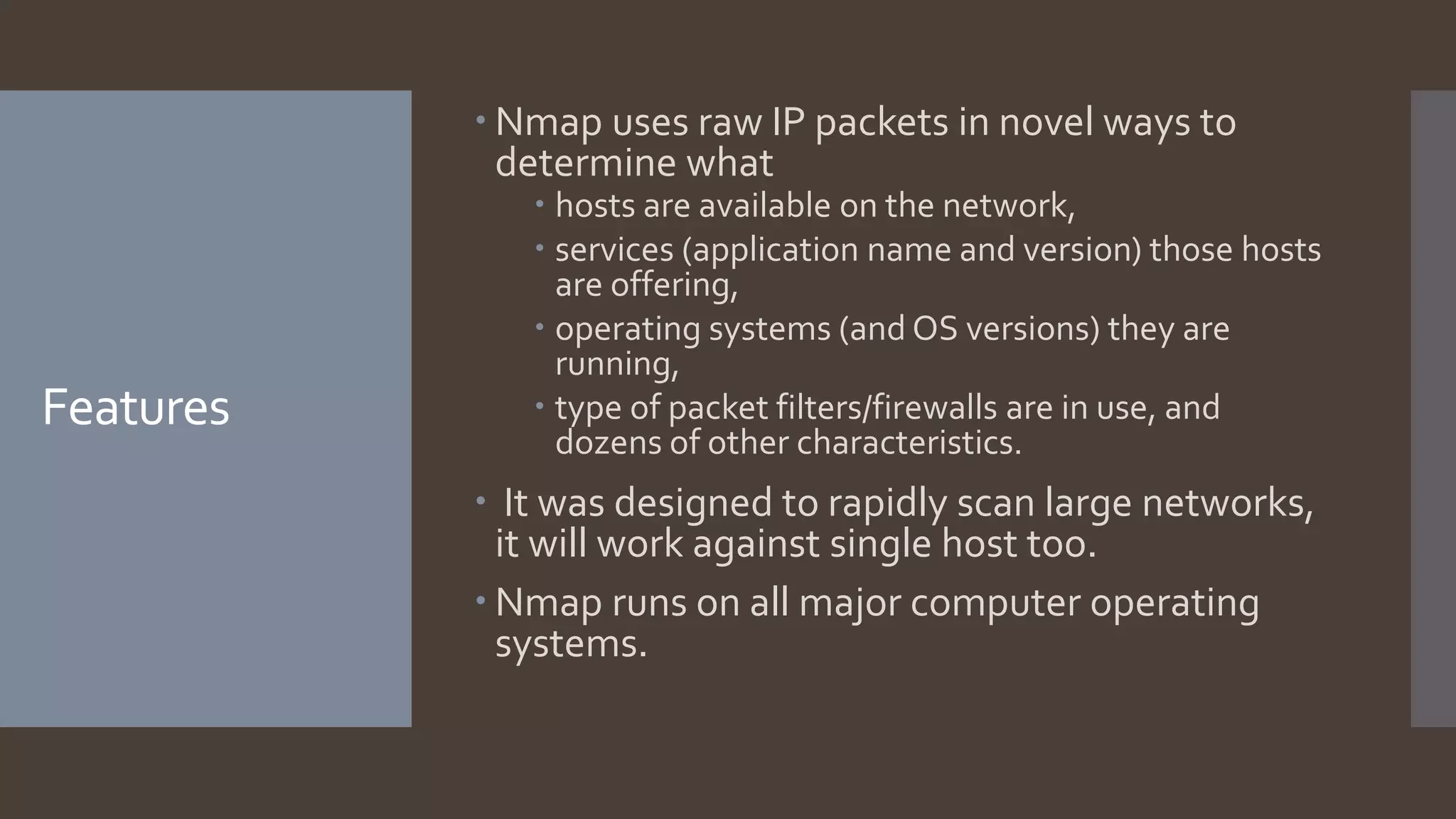
Features
 Nmap uses raw IP packets in novel ways to
determine what
 hosts are available on the network,
 services (application name and version) those hosts
are offering,
 operating systems (and OS versions) they are
running,
 type of packet filters/firewalls are in use, and
dozens of other characteristics.
 It was designed to rapidly scan large networks,
it will work against single host too.
 Nmap runs on all major computer operating
systems.
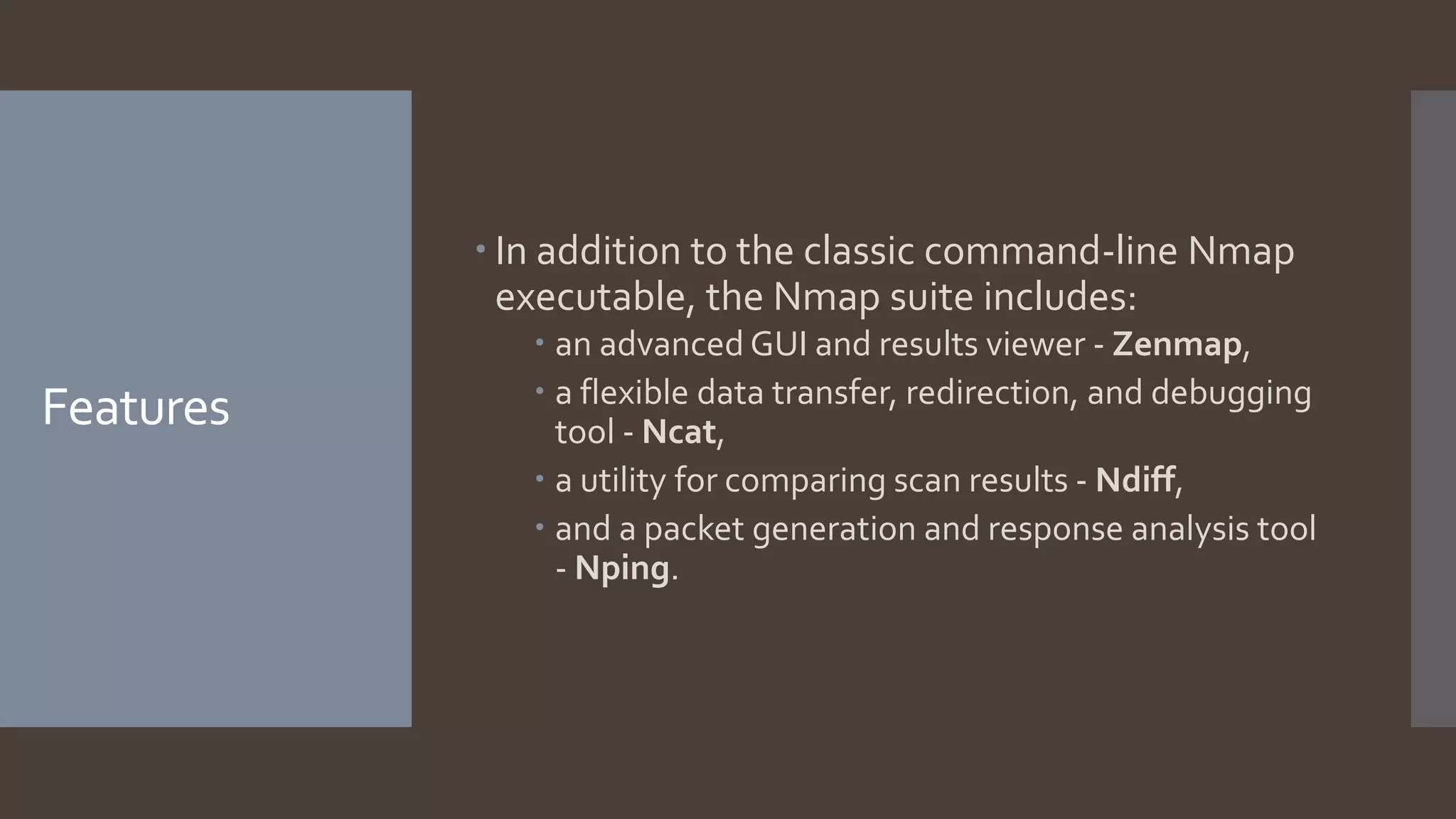
Features
 In addition to the classic command-line Nmap
executable, the Nmap suite includes:
 an advanced GUI and results viewer - Zenmap,
 a flexible data transfer, redirection, and debugging
tool - Ncat,
 a utility for comparing scan results - Ndiff,
 and a packet generation and response analysis tool
- Nping.
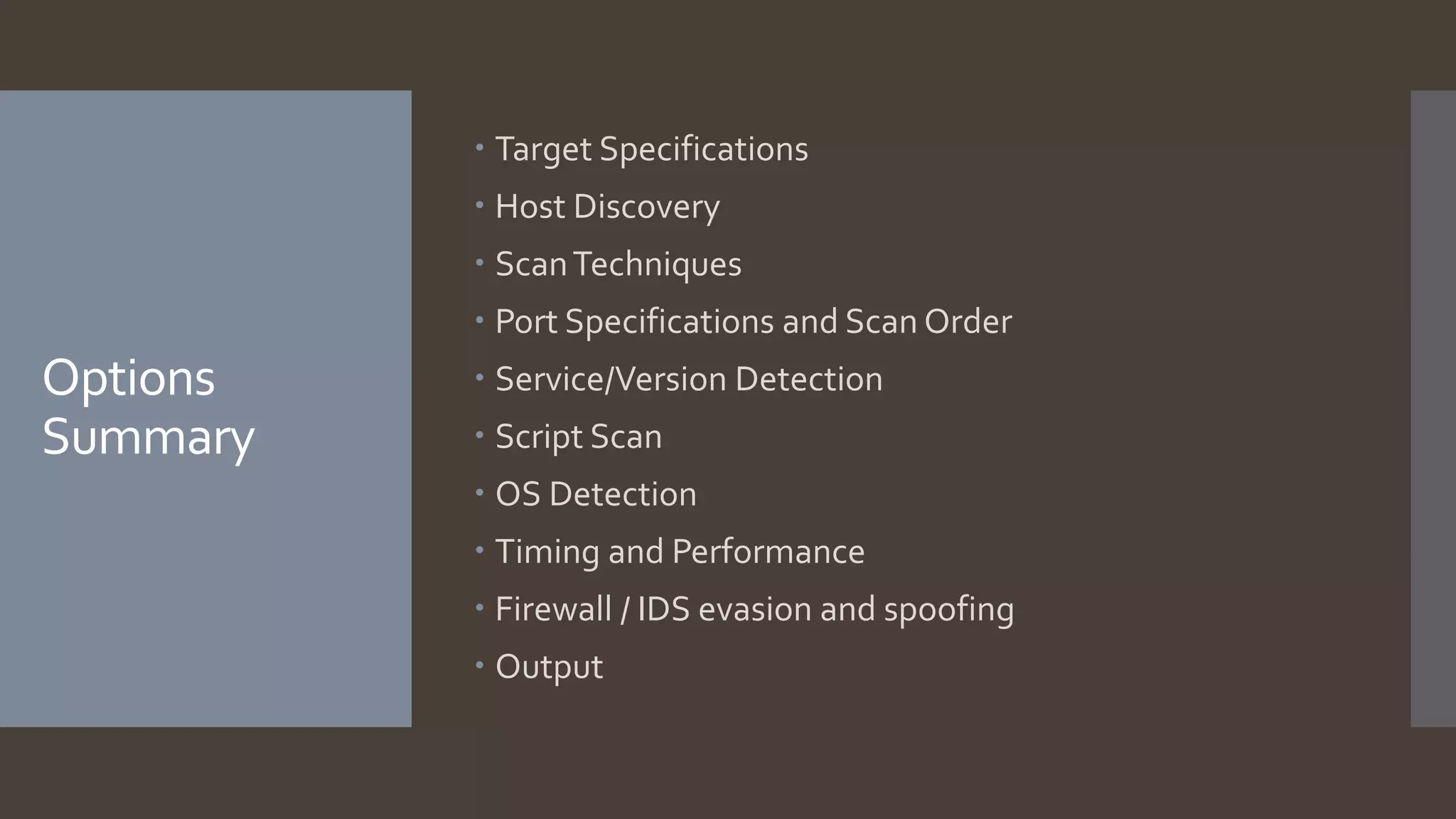
Options
Summary
 Target Specifications
 Host Discovery
 ScanTechniques
 Port Specifications and Scan Order
 Service/Version Detection
 Script Scan
 OS Detection
 Timing and Performance
 Firewall / IDS evasion and spoofing
 Output
Screenshots –
Nmap service
starting
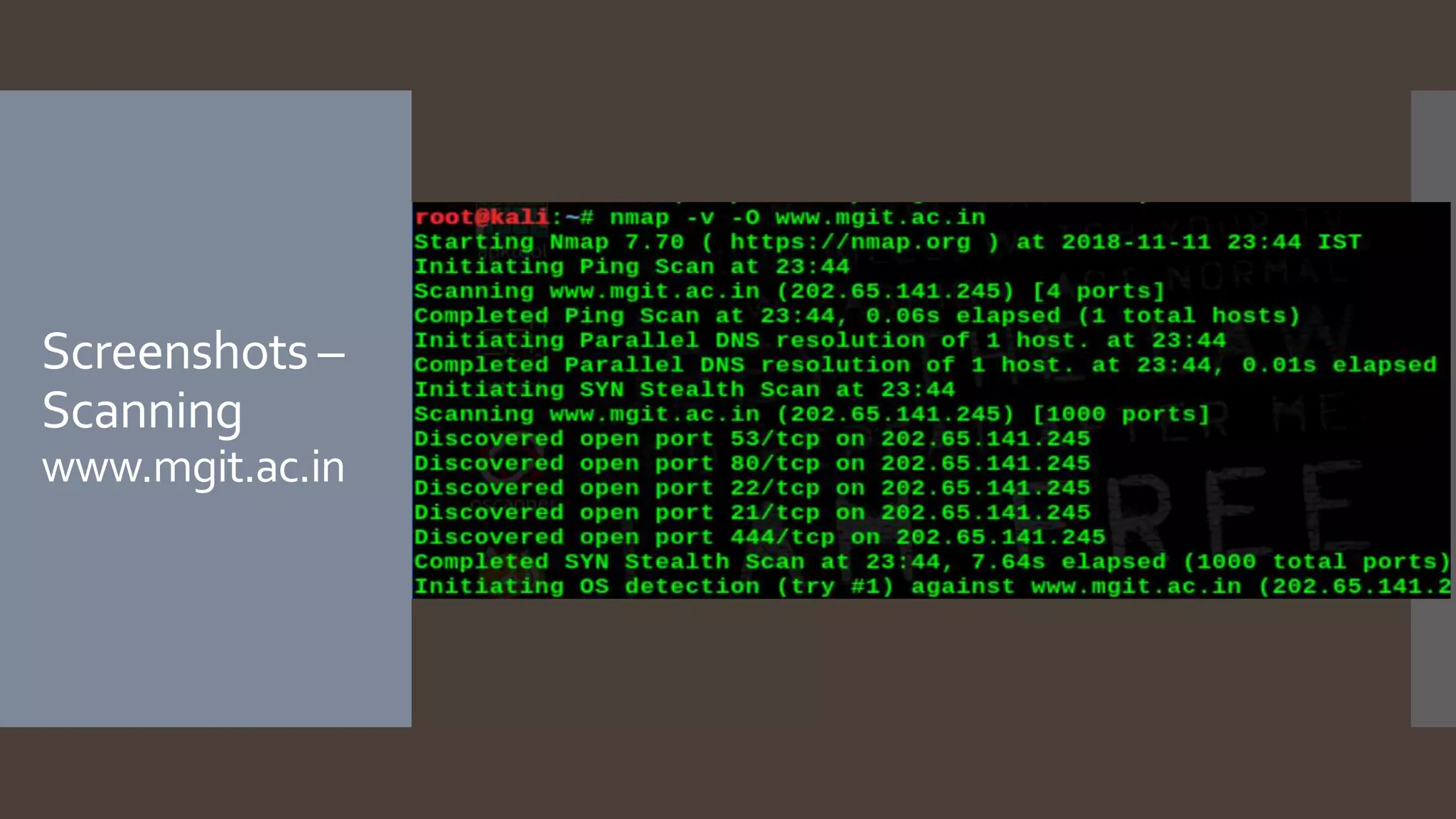
Screenshots –
Scanning
www.mgit.ac.in
Screenshots –
Results
www.mgit.ac.in
Screenshots – Results www.mgit.ac.in
Conclusion
 Network scanning provides information about the
target, which is valuable regardless of whether you're
trying to attack the network or protect it from attack.
 While performing a basic scan Nmap provides a wide
array of options to tweak your scan to achieve the best
results.
 These features can make scans more accurate, less
likely to be detected, and faster to complete.
 Nmap's huge list of features and solid implementation
make it the go-to scanner for most scans.
Reference
 https://nmap.org/
 https://en.wikipedia.org/wiki/Nmap
 https://www.networkcomputing.com/networking/nma
p-tutorial-common-commands/520799832/page/0/2
ThankYou

Nmap

  • 1.
  • 2.
    Agenda  Introduction  Nmap-Features  Options Summary  Screenshots  Results  Conclusion  References
  • 3.
    Introduction  Nmap Network Mapper is a free and open source utility for network discovery and security auditing.  Useful for tasks such as network inventory, managing service upgrade schedules, and monitoring host or service uptime.  Developed by Gordon Lyon.  Turned 20 years on September 1, 2017!  CurrentVersion is 7.70.
  • 4.
    Features  Nmap usesraw IP packets in novel ways to determine what  hosts are available on the network,  services (application name and version) those hosts are offering,  operating systems (and OS versions) they are running,  type of packet filters/firewalls are in use, and dozens of other characteristics.  It was designed to rapidly scan large networks, it will work against single host too.  Nmap runs on all major computer operating systems.
  • 5.
    Features  In additionto the classic command-line Nmap executable, the Nmap suite includes:  an advanced GUI and results viewer - Zenmap,  a flexible data transfer, redirection, and debugging tool - Ncat,  a utility for comparing scan results - Ndiff,  and a packet generation and response analysis tool - Nping.
  • 6.
    Options Summary  Target Specifications Host Discovery  ScanTechniques  Port Specifications and Scan Order  Service/Version Detection  Script Scan  OS Detection  Timing and Performance  Firewall / IDS evasion and spoofing  Output
  • 7.
  • 8.
  • 9.
  • 10.
  • 11.
    Conclusion  Network scanningprovides information about the target, which is valuable regardless of whether you're trying to attack the network or protect it from attack.  While performing a basic scan Nmap provides a wide array of options to tweak your scan to achieve the best results.  These features can make scans more accurate, less likely to be detected, and faster to complete.  Nmap's huge list of features and solid implementation make it the go-to scanner for most scans.
  • 12.
    Reference  https://nmap.org/  https://en.wikipedia.org/wiki/Nmap https://www.networkcomputing.com/networking/nma p-tutorial-common-commands/520799832/page/0/2
  • 13.