Downloaded 10 times

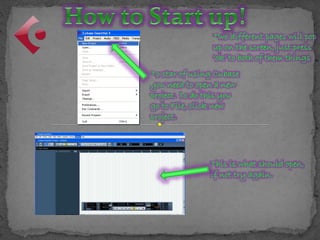
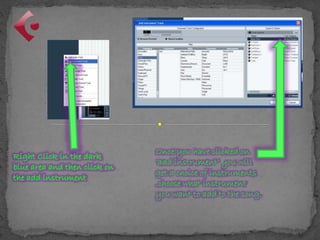
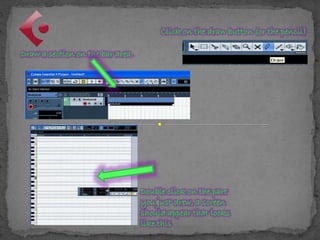
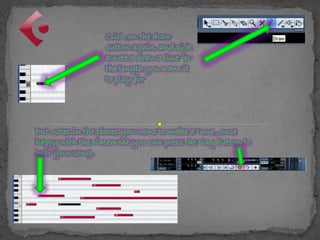
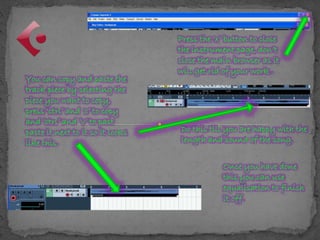
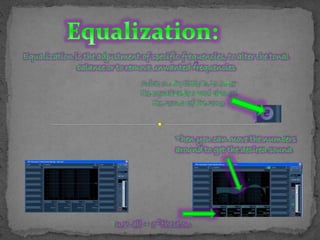
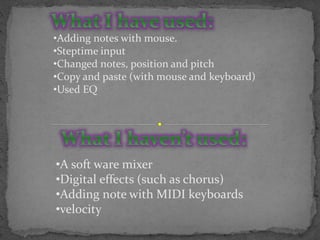


To create a new project in Cubase, go to File and click New Project. Once the project is open, add instruments by clicking "add instrument" and selecting from the options. Draw notes on the bar area by clicking the draw button and placing notes where wanted. Play the song by pressing play to hear it. Equalization can be used to adjust frequencies and change the sound of the song.


