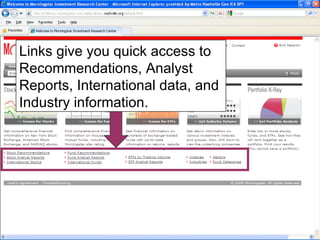
Morningstar Investment Research Center gives in-depth information for: Stocks Mutual Funds Exchange-traded Funds Industry Information Portfolio management
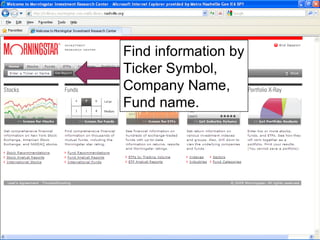
Find information by Ticker Symbol, Company Name, Fund name.
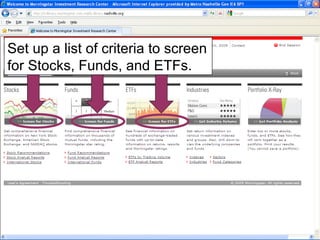
Set up a list of criteria to screen for Stocks, Funds, and ETFs.
Links give you quick access to Recommendations, Analyst Reports, International data, and Industry information.
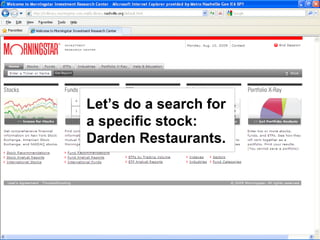
Let’s do a search for a specific stock: Darden Restaurants.
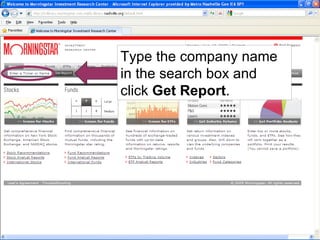
Type the company name in the search box and click  Get Report .
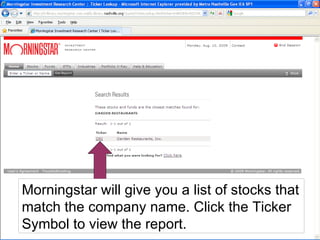
Morningstar will give you a list of stocks that match the company name. Click the Ticker Symbol to view the report.
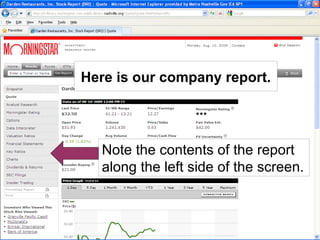
Note the contents of the report along the left side of the screen. Here is our company report.
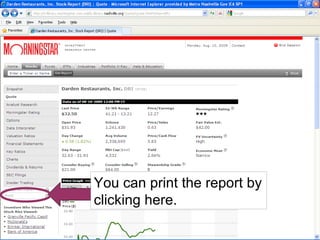
You can print the report by clicking here.
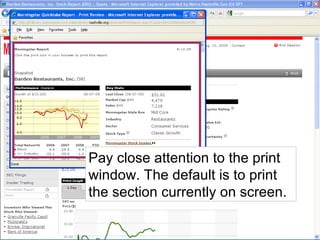
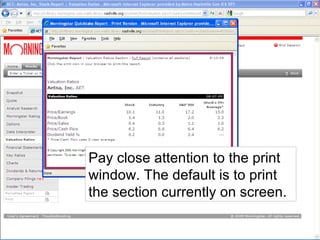
Pay close attention to the print window. The default is to print the section currently on screen.
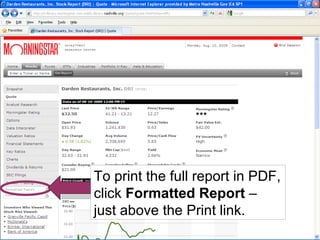
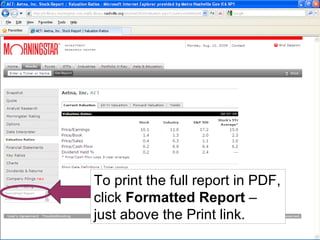
To print the full report in PDF, click  Formatted Report  – just above the Print link.
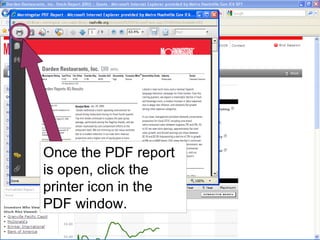
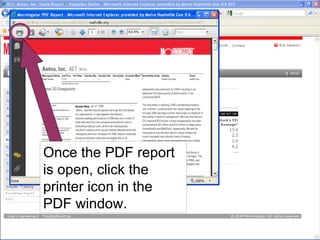
Once the PDF report is open, click the printer icon in the PDF window.
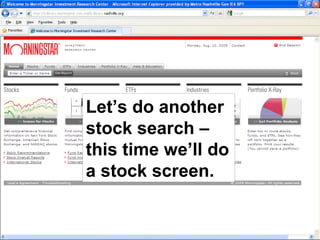
Let’s do another stock search – this time we’ll do a stock screen.
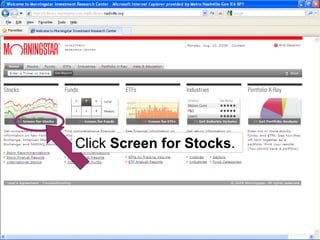
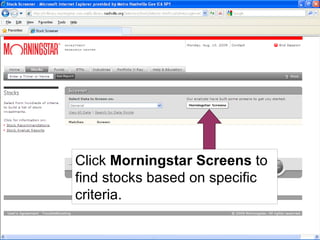
Click  Screen for Stocks .
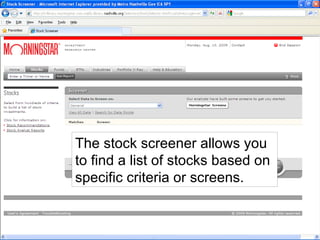
The stock screener allows you to find a list of stocks based on specific criteria or screens.
Click  Morningstar Screens  to find stocks based on specific criteria.
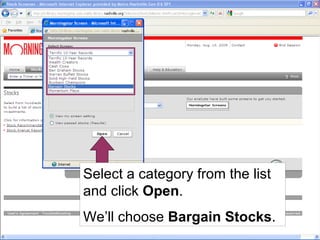
Select a category from the list and click  Open . We’ll choose  Bargain Stocks .
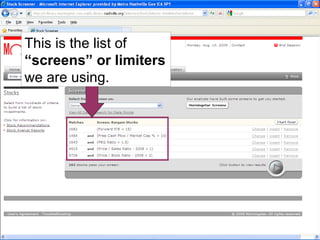
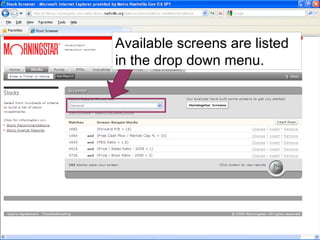
This is the list of  “screens” or limiters  we are using.
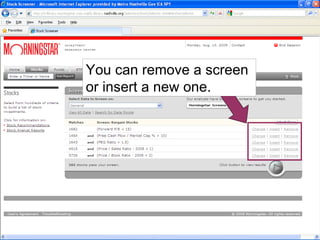
You can remove a screen or insert a new one.
Available screens are listed in the drop down menu.
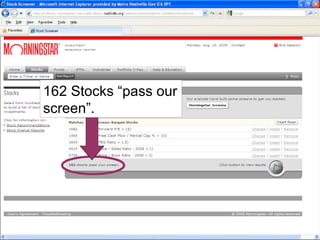
162 Stocks “pass our screen”.
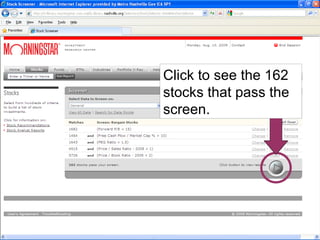
Click to see the 162 stocks that pass the screen.
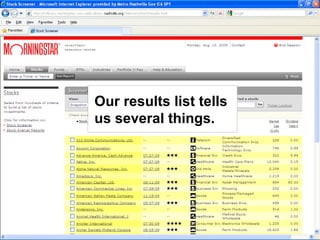
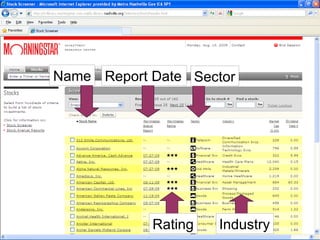
Our results list tells us several things.
Name Report Date Rating Sector Industry
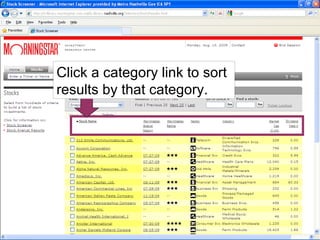
Click a category link to sort results by that category.
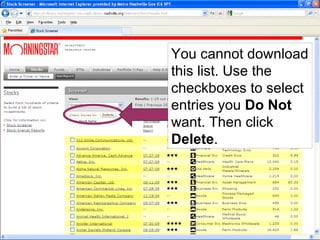
You cannot download this list. Use the checkboxes to select entries you  Do Not  want. Then click  Delete .
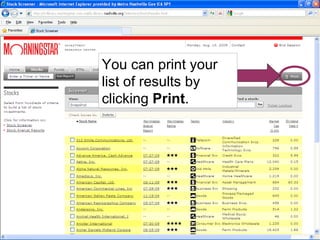
You can print your list of results by clicking  Print .
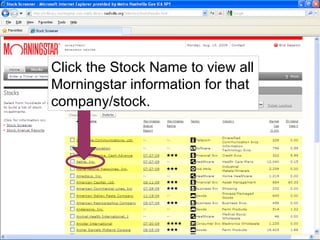
Click the Stock Name to view all Morningstar information for that company/stock.
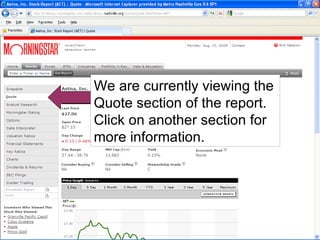
We are currently viewing the Quote section of the report. Click on another section for more information.
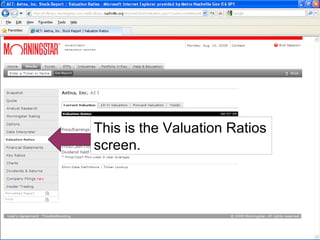
This is the Valuation Ratios screen.
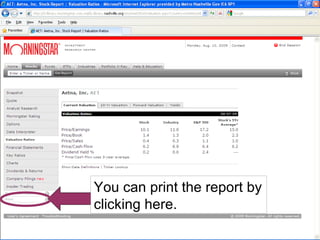
You can print the report by clicking here.
Pay close attention to the print window. The default is to print the section currently on screen.
To print the full report in PDF, click  Formatted Report  – just above the Print link.
Once the PDF report is open, click the printer icon in the PDF window.
 

Morningstar Tutorial