Monitoring your
Power BI Tenant
Angel Abundez
Angel Abundez
• VP Solutions Architecture, DesignMind
• Power BI and MSBI User Group Leader
• BI Consultant for 9 Years, Been in BI since 2007
• VP, Project Manager, Mentor
• Soccer Coach, Musician, Father of 4
Session Objectives & Agenda
• What should you Monitor in your Power BI tenant?
• What tools exist?
• Tooling you can build, or eventually… buy 
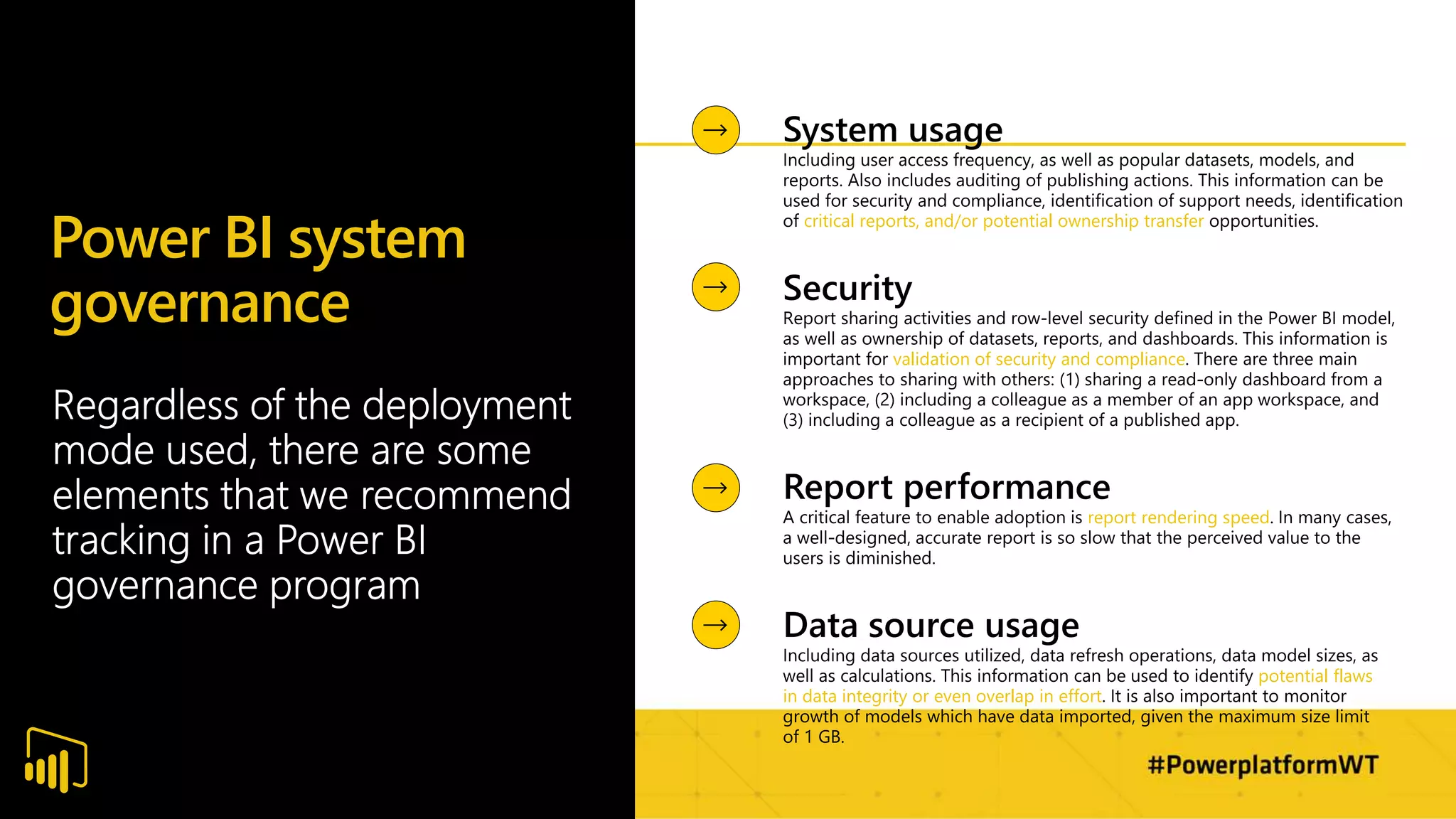
Power BI system
governance
critical reports, and/or potential ownership transfer
validation of security and compliance
report rendering speed
potential flaws
in data integrity or even overlap in effort
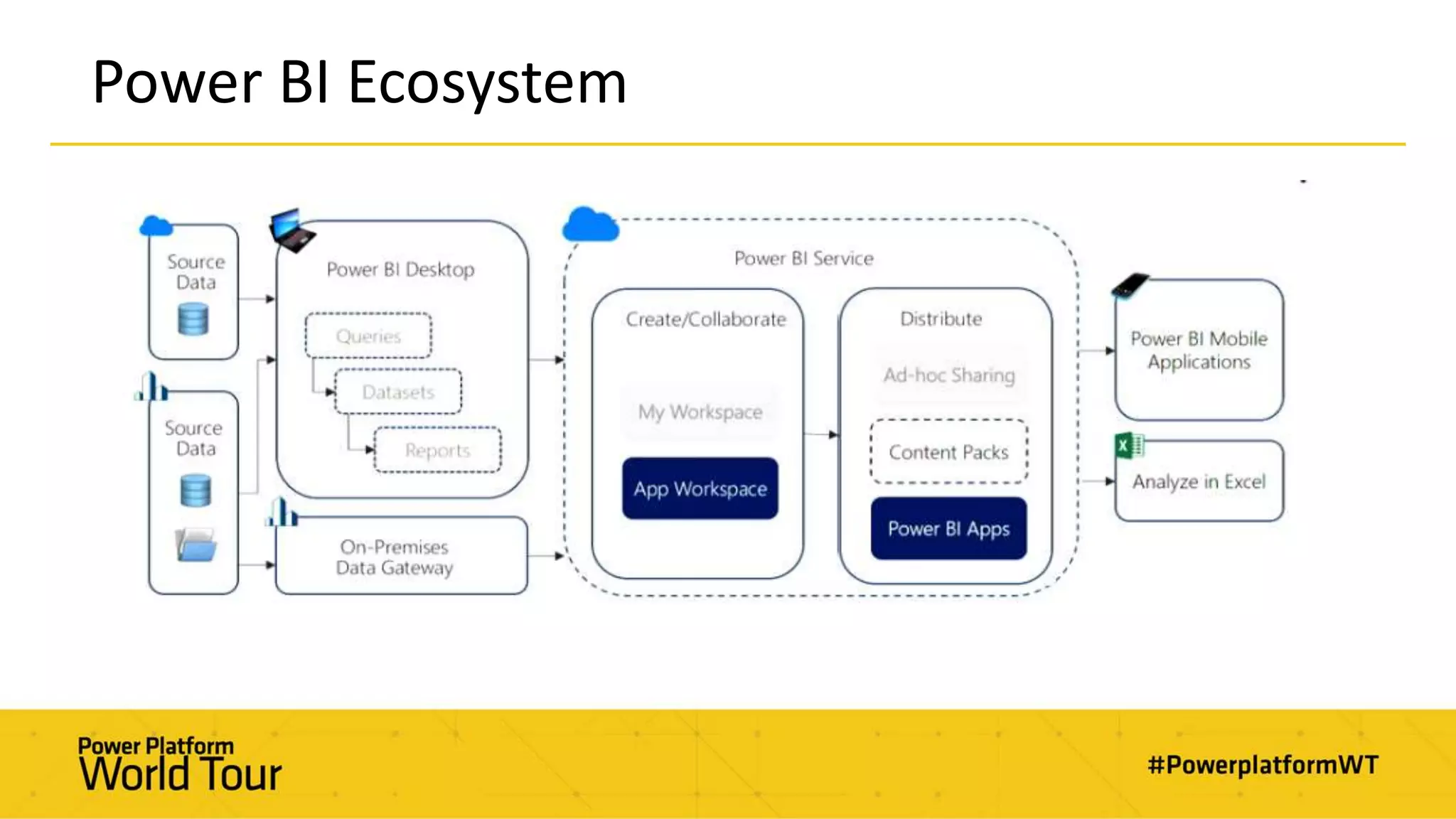
Power BI Ecosystem
Current Admin Tools
Examples of tools admins use today to monitor their workspaces and/or tenants:
• Usage Metrics in Admin Portal
• Usage Metrics in Workspaces or Individual Reports
• Workspace view in Admin Portal
• Refresh History in Datasets
• User Security of Workspaces (New and Classic)
• User Security of Apps
• Gateways and Datasources in Power BI
• Personal and Enterprise Gateways in the Power Platform
• https://admin.powerplatform.microsoft.com/ext/DataGateways
• Premium Capacity App (for Premium customers only)
• Performance Analyzer
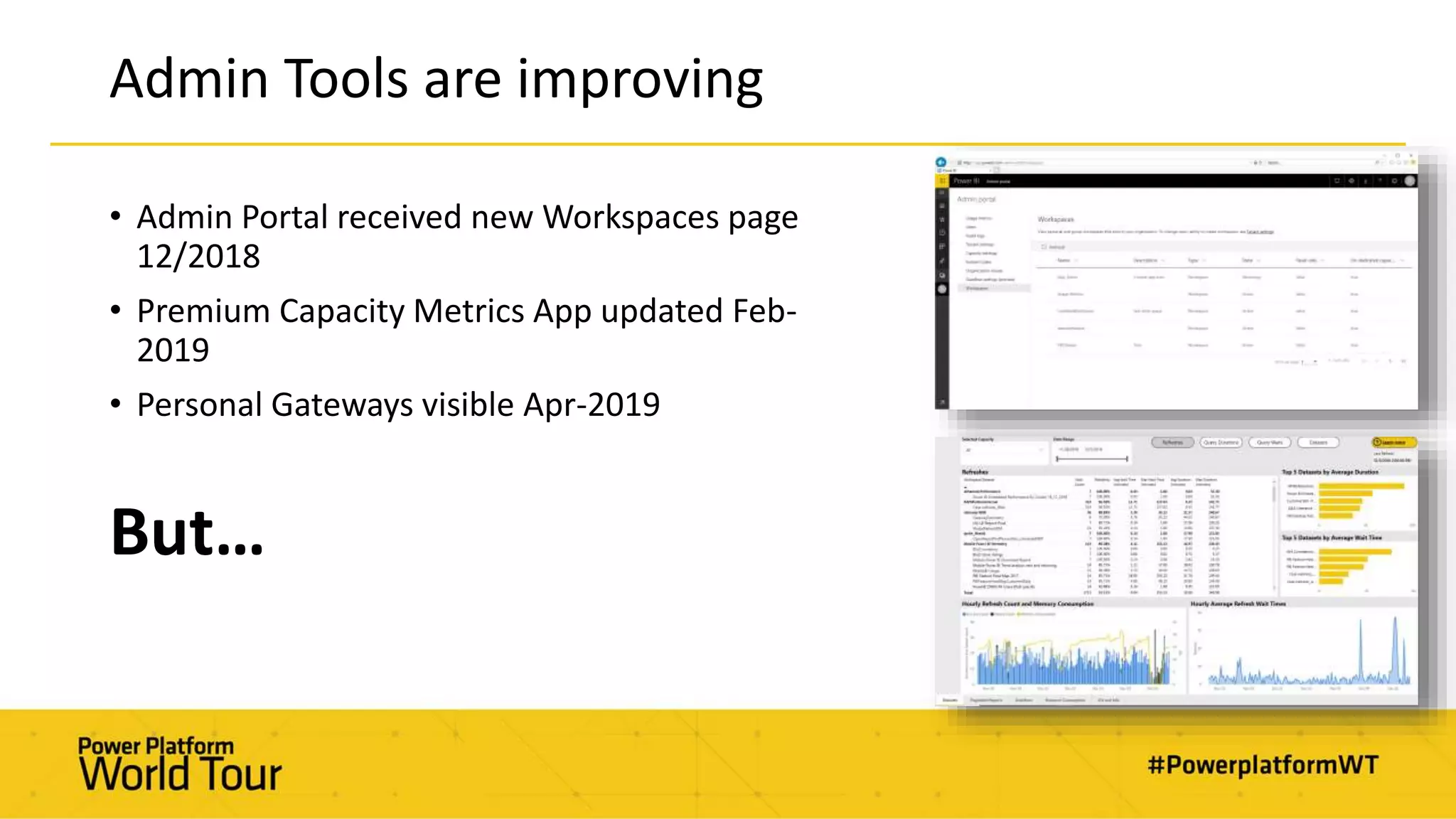
Admin Tools are improving
• Admin Portal received new Workspaces page
12/2018
• Premium Capacity Metrics App updated Feb-
2019
• Personal Gateways visible Apr-2019
But…
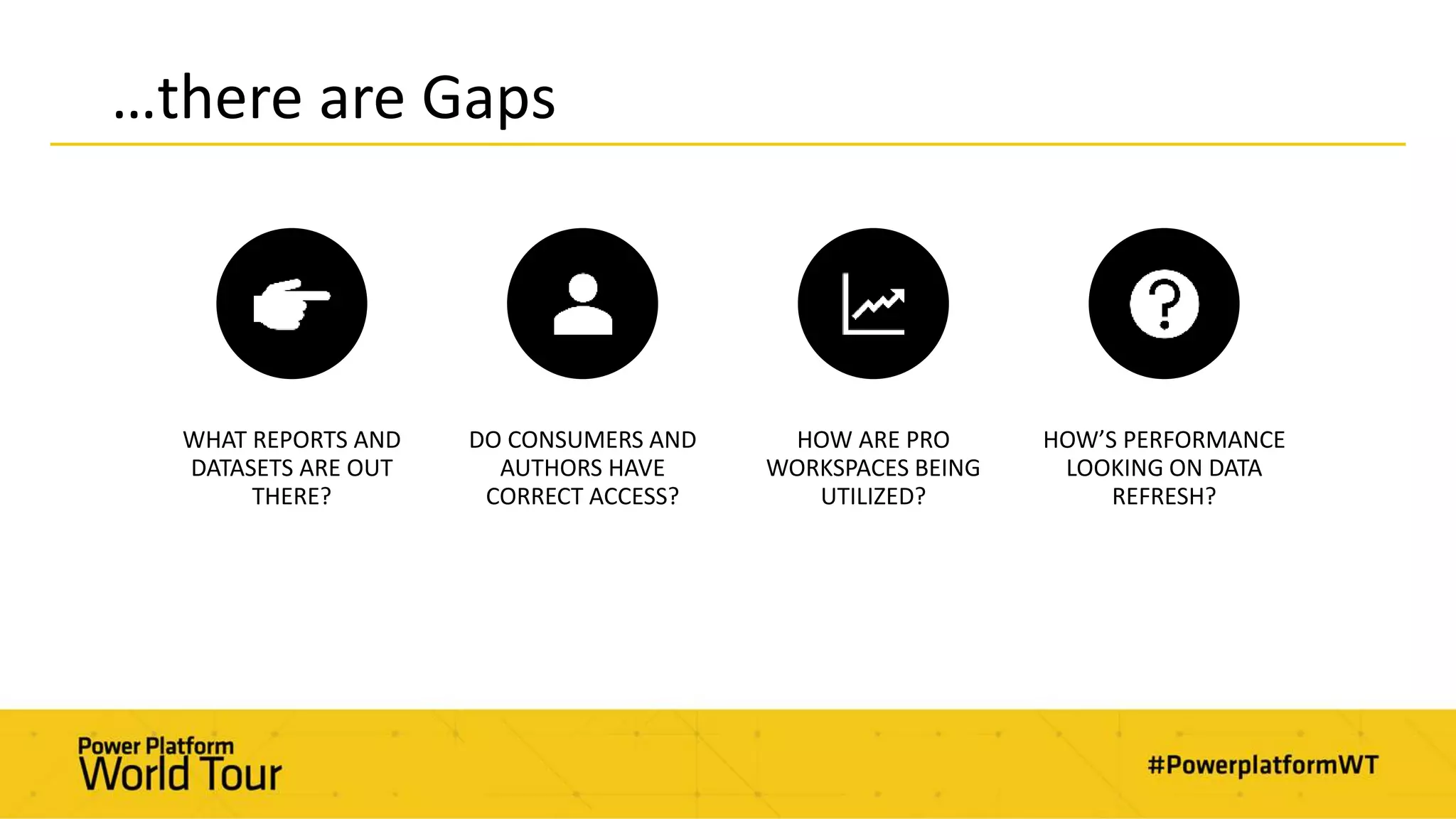
…there are Gaps
WHAT REPORTS AND
DATASETS ARE OUT
THERE?
DO CONSUMERS AND
AUTHORS HAVE
CORRECT ACCESS?
HOW ARE PRO
WORKSPACES BEING
UTILIZED?
HOW’S PERFORMANCE
LOOKING ON DATA
REFRESH?
Administrator Screens
Cataloging your Tenant
• Catalog the Power BI Service
• Catalog Licenses and Security with Azure AD (not MSOnline)
• Collect O365 Audit Logs
• Automate and Publish
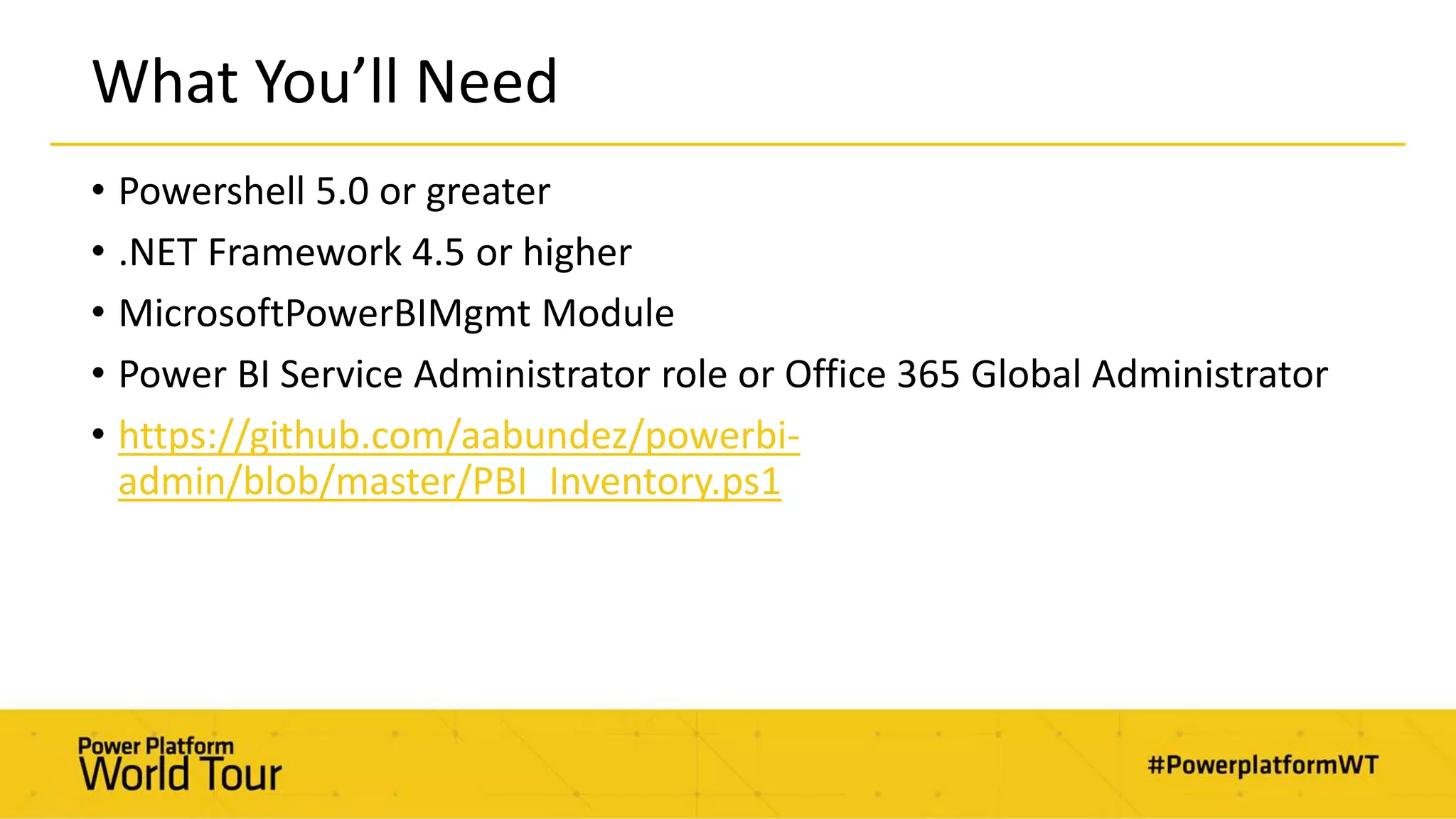
What You’ll Need
• Powershell 5.0 or greater
• .NET Framework 4.5 or higher
• MicrosoftPowerBIMgmt Module
• Power BI Service Administrator role or Office 365 Global Administrator
• https://github.com/aabundez/powerbi-
admin/blob/master/PBI_Inventory.ps1
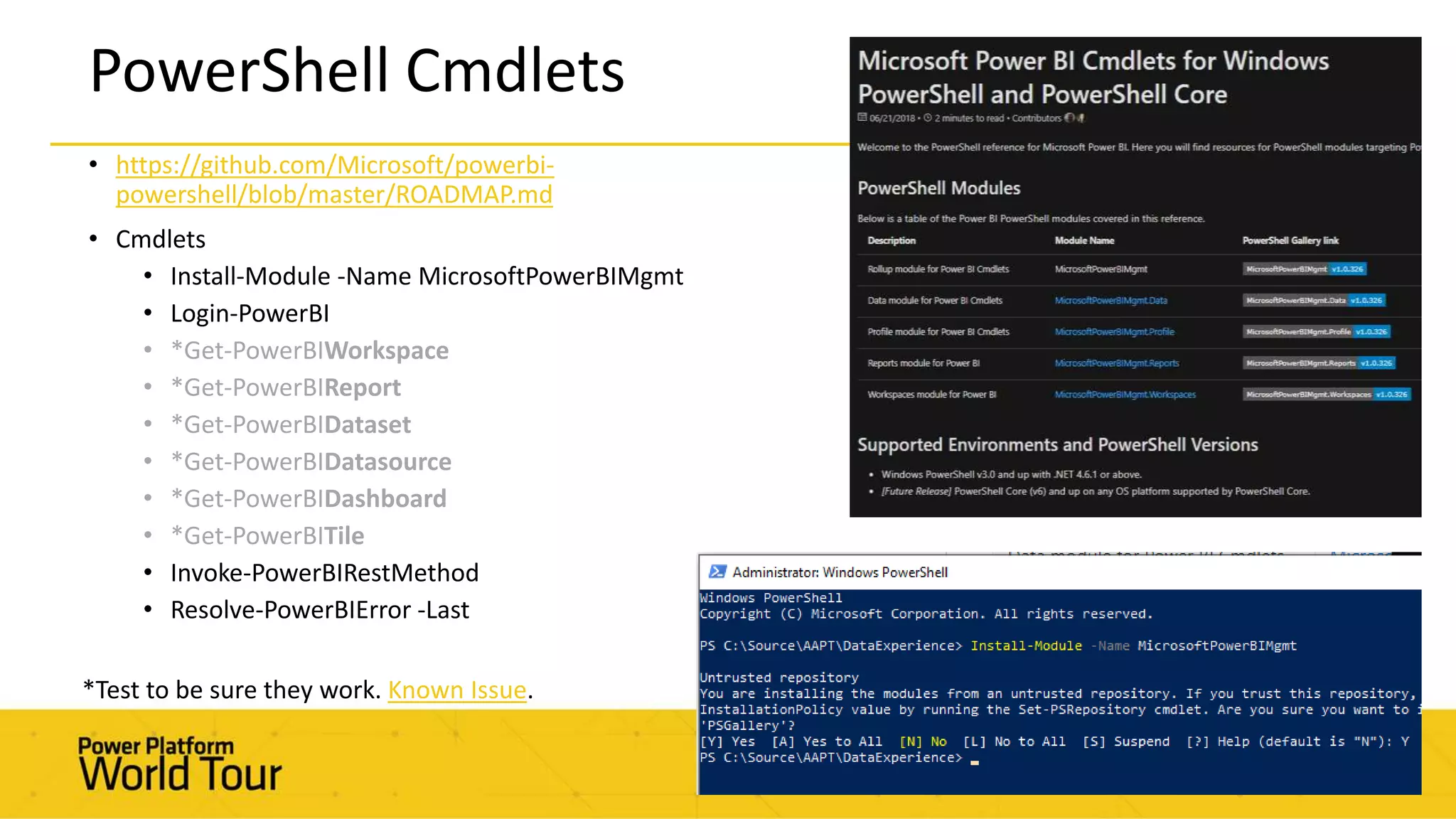
• https://github.com/Microsoft/powerbi-
powershell/blob/master/ROADMAP.md
• Cmdlets
• Install-Module -Name MicrosoftPowerBIMgmt
• Login-PowerBI
• *Get-PowerBIWorkspace
• *Get-PowerBIReport
• *Get-PowerBIDataset
• *Get-PowerBIDatasource
• *Get-PowerBIDashboard
• *Get-PowerBITile
• Invoke-PowerBIRestMethod
• Resolve-PowerBIError -Last
PowerShell Cmdlets
*Test to be sure they work. Known Issue.
REST APIs
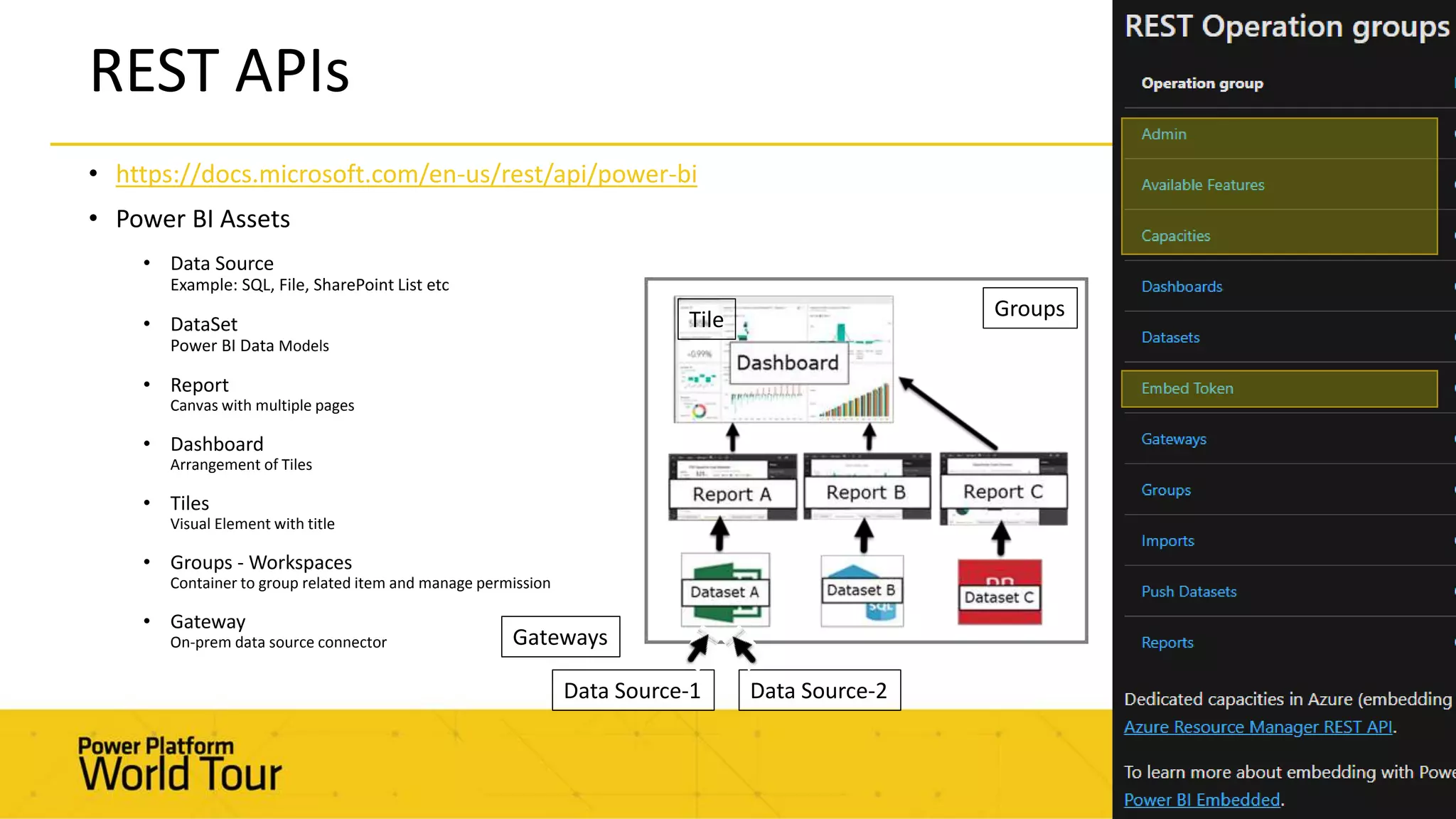
• https://docs.microsoft.com/en-us/rest/api/power-bi
• Power BI Assets
• Data Source
Example: SQL, File, SharePoint List etc
• DataSet
Power BI Data Models
• Report
Canvas with multiple pages
• Dashboard
Arrangement of Tiles
• Tiles
Visual Element with title
• Groups - Workspaces
Container to group related item and manage permission
• Gateway
On-prem data source connector
Groups
Data Source-1 Data Source-2
Tile
Gateways
Cataloging your Tenant
Automating and Publishing
• Run Powershell from a Server
• Windows Task Scheduler
• Run Powershell Runbooks in Azure Automation (Serverless)
Azure Automation
• Securely store O365 Service Account credentials
• Cheaply run nightly jobs on schedule
• Kick-off from other tools such as ADF
• https://github.com/aabundez/powerbi-
admin/blob/master/PBI_Inventory_Azure%20_Automation.ps1
Azure Automation – First
Look
There Are Limitations
• No Dataset size
• Deleted Groups (Workspaces) are returned
• APIs can change without notice
• Need $top parameter now in query
• New [IsOrphaned] and [Users] attributes in Get-PowerBIWorkspace cmdlet
• Security on O365 Audit Logs
Troubleshooting Tips
• Use Fiddler to get better error descriptions
• Use Powershell ISE or VS Code
• There is a Powershell test website

Monitoring your Power BI Tenant

  • 2.
    Monitoring your Power BITenant Angel Abundez
  • 3.
    Angel Abundez • VPSolutions Architecture, DesignMind • Power BI and MSBI User Group Leader • BI Consultant for 9 Years, Been in BI since 2007 • VP, Project Manager, Mentor • Soccer Coach, Musician, Father of 4
  • 4.
    Session Objectives &Agenda • What should you Monitor in your Power BI tenant? • What tools exist? • Tooling you can build, or eventually… buy 
  • 5.
    Power BI system governance criticalreports, and/or potential ownership transfer validation of security and compliance report rendering speed potential flaws in data integrity or even overlap in effort
  • 6.
  • 7.
    Current Admin Tools Examplesof tools admins use today to monitor their workspaces and/or tenants: • Usage Metrics in Admin Portal • Usage Metrics in Workspaces or Individual Reports • Workspace view in Admin Portal • Refresh History in Datasets • User Security of Workspaces (New and Classic) • User Security of Apps • Gateways and Datasources in Power BI • Personal and Enterprise Gateways in the Power Platform • https://admin.powerplatform.microsoft.com/ext/DataGateways • Premium Capacity App (for Premium customers only) • Performance Analyzer
  • 8.
    Admin Tools areimproving • Admin Portal received new Workspaces page 12/2018 • Premium Capacity Metrics App updated Feb- 2019 • Personal Gateways visible Apr-2019 But…
  • 9.
    …there are Gaps WHATREPORTS AND DATASETS ARE OUT THERE? DO CONSUMERS AND AUTHORS HAVE CORRECT ACCESS? HOW ARE PRO WORKSPACES BEING UTILIZED? HOW’S PERFORMANCE LOOKING ON DATA REFRESH?
  • 10.
  • 11.
    Cataloging your Tenant •Catalog the Power BI Service • Catalog Licenses and Security with Azure AD (not MSOnline) • Collect O365 Audit Logs • Automate and Publish
  • 12.
    What You’ll Need •Powershell 5.0 or greater • .NET Framework 4.5 or higher • MicrosoftPowerBIMgmt Module • Power BI Service Administrator role or Office 365 Global Administrator • https://github.com/aabundez/powerbi- admin/blob/master/PBI_Inventory.ps1
  • 13.
    • https://github.com/Microsoft/powerbi- powershell/blob/master/ROADMAP.md • Cmdlets •Install-Module -Name MicrosoftPowerBIMgmt • Login-PowerBI • *Get-PowerBIWorkspace • *Get-PowerBIReport • *Get-PowerBIDataset • *Get-PowerBIDatasource • *Get-PowerBIDashboard • *Get-PowerBITile • Invoke-PowerBIRestMethod • Resolve-PowerBIError -Last PowerShell Cmdlets *Test to be sure they work. Known Issue.
  • 14.
    REST APIs • https://docs.microsoft.com/en-us/rest/api/power-bi •Power BI Assets • Data Source Example: SQL, File, SharePoint List etc • DataSet Power BI Data Models • Report Canvas with multiple pages • Dashboard Arrangement of Tiles • Tiles Visual Element with title • Groups - Workspaces Container to group related item and manage permission • Gateway On-prem data source connector Groups Data Source-1 Data Source-2 Tile Gateways
  • 15.
  • 16.
    Automating and Publishing •Run Powershell from a Server • Windows Task Scheduler • Run Powershell Runbooks in Azure Automation (Serverless)
  • 17.
    Azure Automation • Securelystore O365 Service Account credentials • Cheaply run nightly jobs on schedule • Kick-off from other tools such as ADF • https://github.com/aabundez/powerbi- admin/blob/master/PBI_Inventory_Azure%20_Automation.ps1
  • 18.
  • 19.
    There Are Limitations •No Dataset size • Deleted Groups (Workspaces) are returned • APIs can change without notice • Need $top parameter now in query • New [IsOrphaned] and [Users] attributes in Get-PowerBIWorkspace cmdlet • Security on O365 Audit Logs
  • 20.
    Troubleshooting Tips • UseFiddler to get better error descriptions • Use Powershell ISE or VS Code • There is a Powershell test website

Editor's Notes

  • #6 There are some elements that we recommend tracking in a Power BI governance programs:   System Usage: Including user access frequency, as well as popular datasets, models and reports. Also includes auditing of publishing actions. This information can be used for security and compliance, identification of support needs, identification of critical reports, and/or potential ownership transfer opportunities.   Security: Report sharing activities and row-level security defined in the Power BI Service, as well as ownership of datasets, reports, and dashboards. This information is important for validation of security and compliance. There are three main approaches to sharing with others: Sharing a read-only dashboard from a workspace Including a colleague as a member of an app workspace Including a colleague as a recipient of a published app.   Report Performance: A critical feature to enable adoption is report rendering speed. In many cases, a well-designed, accurate report is so slow that the perceived value to the users is diminished.   Data Source Usage: Including data sources utilized, data refresh operations, data model sizes, as well as calculations. This information can be used to identify potential flaws in data integrity or even overlap in effort. It is also important to monitor growth of models which have data imported, given the maximum size limit of 250 MB.
  • #9 Workspace Management got a facelift in the Power BI Admin portal: https://powerbi.microsoft.com/en-us/blog/workspace-management-in-the-admin-portal/ Monitoring Premium capacities is always improving: https://docs.microsoft.com/en-us/power-bi/service-admin-premium-monitor-capacity https://dataveld.com/2019/01/31/what-is-an-orphaned-workspace-in-power-bi/