Module-3
PROTOTYPING AND DESIGNING THE
SOFTWARE FOR IOT APPLICATIONS
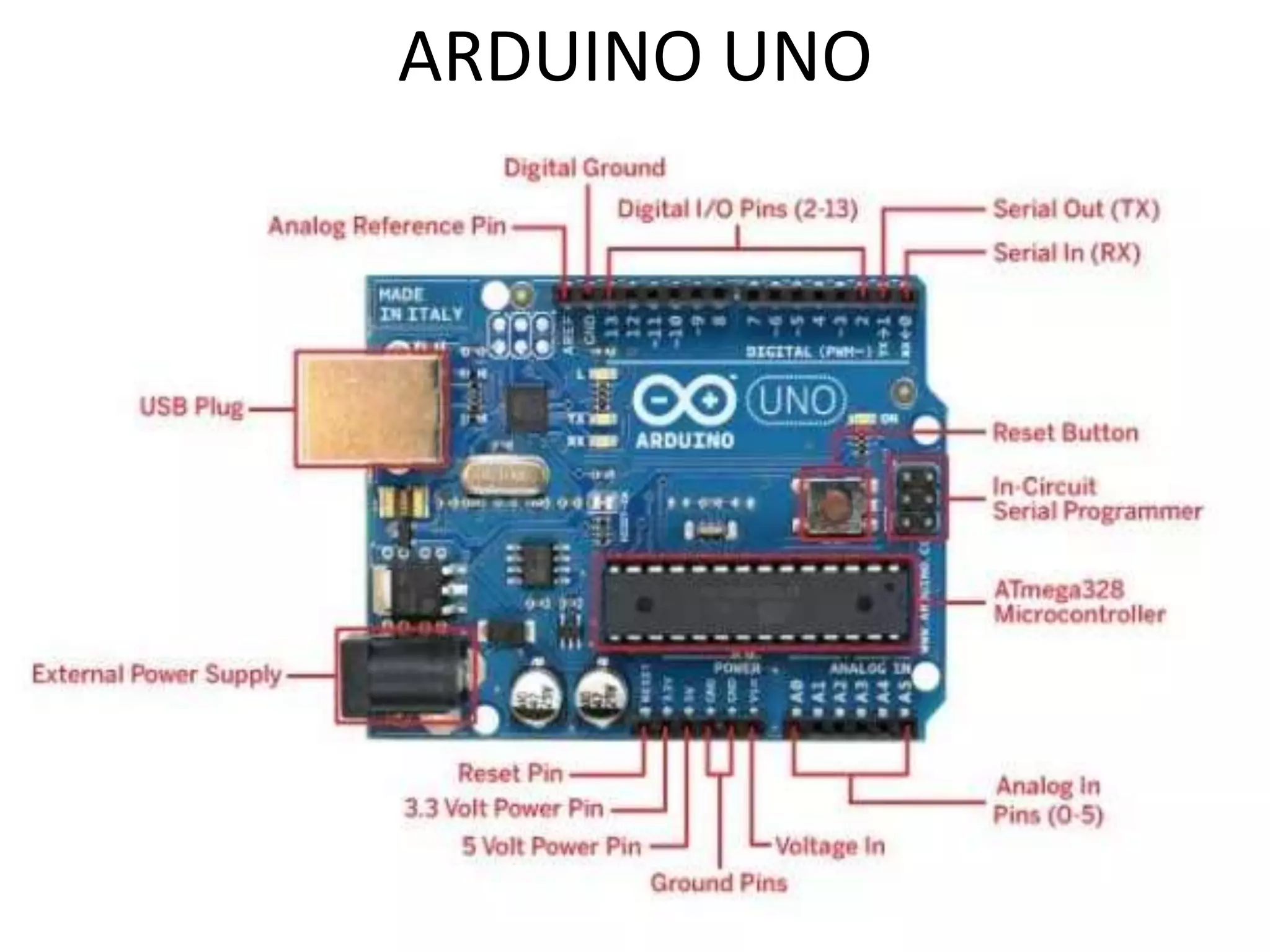
ARDUINO UNO
• Only two functions are necessary to define
executable program functions for the board
namely
setup() – runs at the start and is used for
initialising settings
loop() – has a program in endless loop using
statement ‘while(true){statements;}’which
runs till power off
digitalWrite()
[Digital I/O]
• Write a HIGH or a LOW value to a digital pin.
Syntax
• digitalWrite(pin, value)
Parameters
• pin: the pin number
• value: HIGH or LOW
• It is recommended to set
the pinMode() to INPUT_PULLUP to enable the
internal pull-up resistor.
• If you do not set the pinMode() to OUTPUT, and
connect an LED to a pin, when
calling digitalWrite(HIGH), the LED may appear dim.
• Without explicitly
setting pinMode(), digitalWrite() will have enabled
the internal pull-up resistor, which acts like a large
current-limiting resistor.
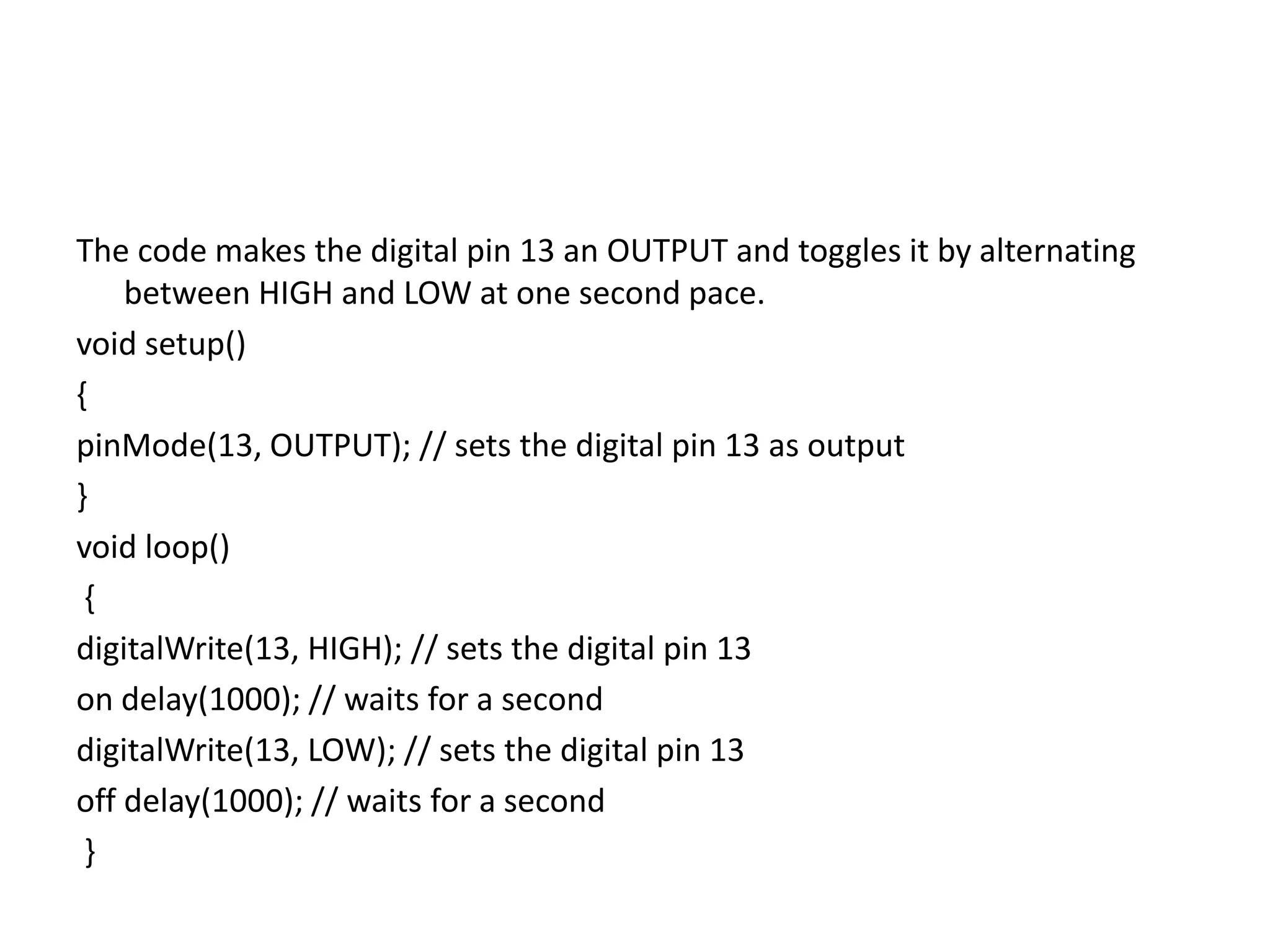
The code makes the digital pin 13 an OUTPUT and toggles it by alternating
between HIGH and LOW at one second pace.
void setup()
{
pinMode(13, OUTPUT); // sets the digital pin 13 as output
}
void loop()
{
digitalWrite(13, HIGH); // sets the digital pin 13
on delay(1000); // waits for a second
digitalWrite(13, LOW); // sets the digital pin 13
off delay(1000); // waits for a second
}

Module-3.pptx

  • 1.
    Module-3 PROTOTYPING AND DESIGNINGTHE SOFTWARE FOR IOT APPLICATIONS
  • 2.
  • 3.
    • Only twofunctions are necessary to define executable program functions for the board namely setup() – runs at the start and is used for initialising settings loop() – has a program in endless loop using statement ‘while(true){statements;}’which runs till power off
  • 4.
    digitalWrite() [Digital I/O] • Writea HIGH or a LOW value to a digital pin. Syntax • digitalWrite(pin, value) Parameters • pin: the pin number • value: HIGH or LOW
  • 5.
    • It isrecommended to set the pinMode() to INPUT_PULLUP to enable the internal pull-up resistor. • If you do not set the pinMode() to OUTPUT, and connect an LED to a pin, when calling digitalWrite(HIGH), the LED may appear dim. • Without explicitly setting pinMode(), digitalWrite() will have enabled the internal pull-up resistor, which acts like a large current-limiting resistor.
  • 6.
    The code makesthe digital pin 13 an OUTPUT and toggles it by alternating between HIGH and LOW at one second pace. void setup() { pinMode(13, OUTPUT); // sets the digital pin 13 as output } void loop() { digitalWrite(13, HIGH); // sets the digital pin 13 on delay(1000); // waits for a second digitalWrite(13, LOW); // sets the digital pin 13 off delay(1000); // waits for a second }