Farmington Hills Salesforce Developer User
Group
Salesforce Apex Hours - Modular
Application Development Using
Unlocked Packages
#SalesforceApexHours #FarmingtonHillsSFDCDug
Speaker :- Mohith Shrivastava, Amit Chaudhary
Date :- Saturday, March 2, 2018 10:00 AM EST
Venue/Link :- https://zoom.us/j/875155044
Who am I ?
Amit Chaudhary (Salesforce MVP)
• Founder of ApexHours
• Blogging at http://amitsalesforce.blogspot.in/
• Follow me @amit_sfdc
Our Speaker
Mohith Shrivastava
Salesforce MVP
Author “Learning Salesforce Lightning
Application Development”
Technical Architect - Codescience INC
Agenda
● Introduction To Salesforce Packaging
● Differentiate between unmanaged packages , managed packaged and unlocked
packages
● Modular Application Development Concepts
● Building unlocked packages using salesforce cli
● Publishing and Installing Unlocked packages
● Creating Dependency between packages
● References
● Q&A
Introduction To Packaging
● Packaging allows you to group various Salesforce Components (Apps ,
Tabs , Objects , Layouts , Workflows, Approval Process Flows , visualforce ,
apex , lightning components , profiles , permission sets and other
metadata) for distribution or deployment .
● A package can also be defined as a container and allows for
deployment of the components across various salesforce organizations.
● Salesforce Set up UI and Salesforce CLI allows for creation of these
● Package Creation yields a URL that allows it to install in various orgs
Differentiate between Unmanaged packages ,
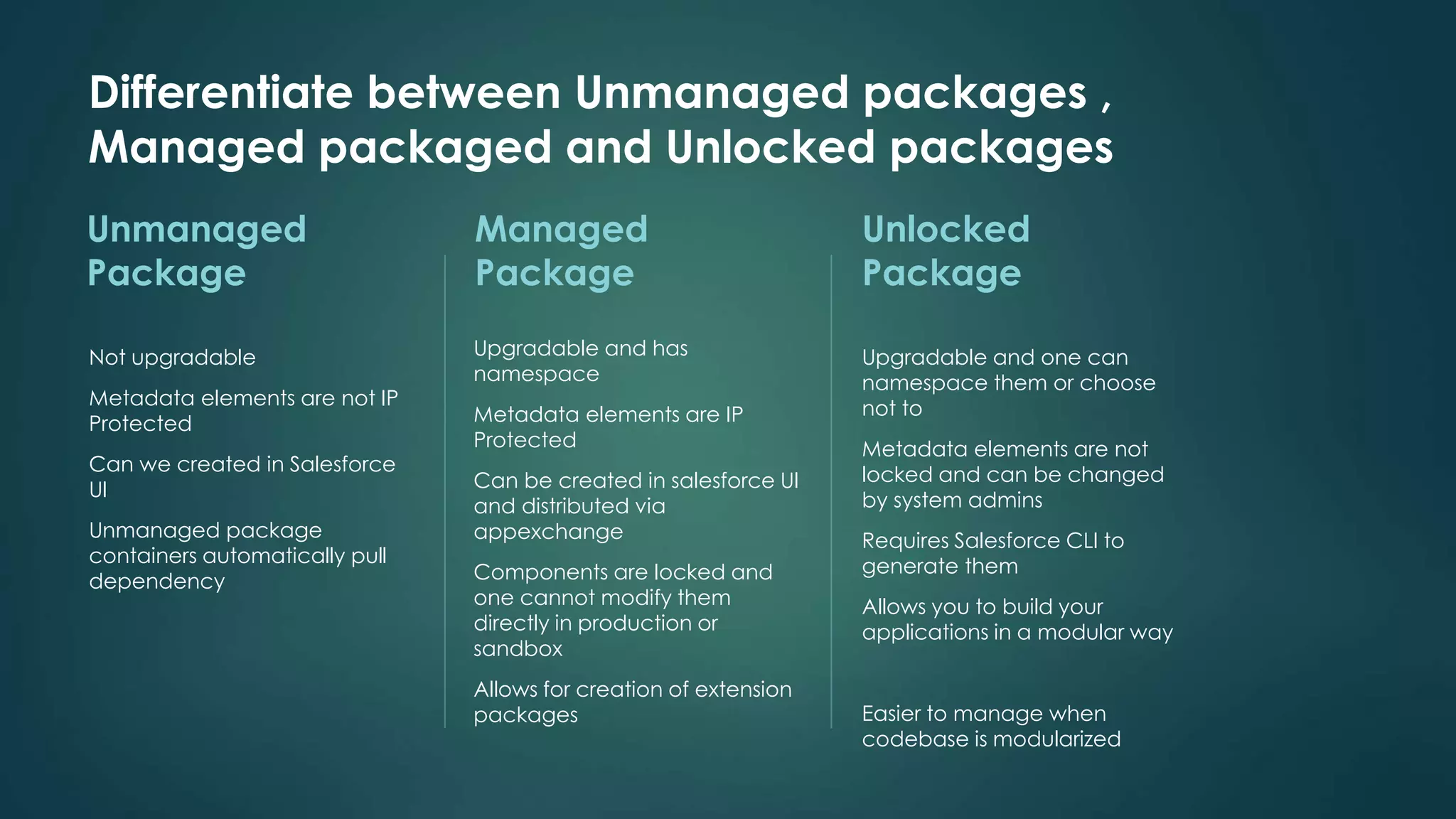
Managed packaged and Unlocked packages
Unmanaged
Package
Not upgradable
Metadata elements are not IP
Protected
Can we created in Salesforce
UI
Unmanaged package
containers automatically pull
dependency
Managed
Package
Upgradable and has
namespace
Metadata elements are IP
Protected
Can be created in salesforce UI
and distributed via
appexchange
Components are locked and
one cannot modify them
directly in production or
sandbox
Allows for creation of extension
packages
Unlocked
Package
Upgradable and one can
namespace them or choose
not to
Metadata elements are not
locked and can be changed
by system admins
Requires Salesforce CLI to
generate them
Allows you to build your
applications in a modular way
Easier to manage when
codebase is modularized
Modular Application
Development Concepts
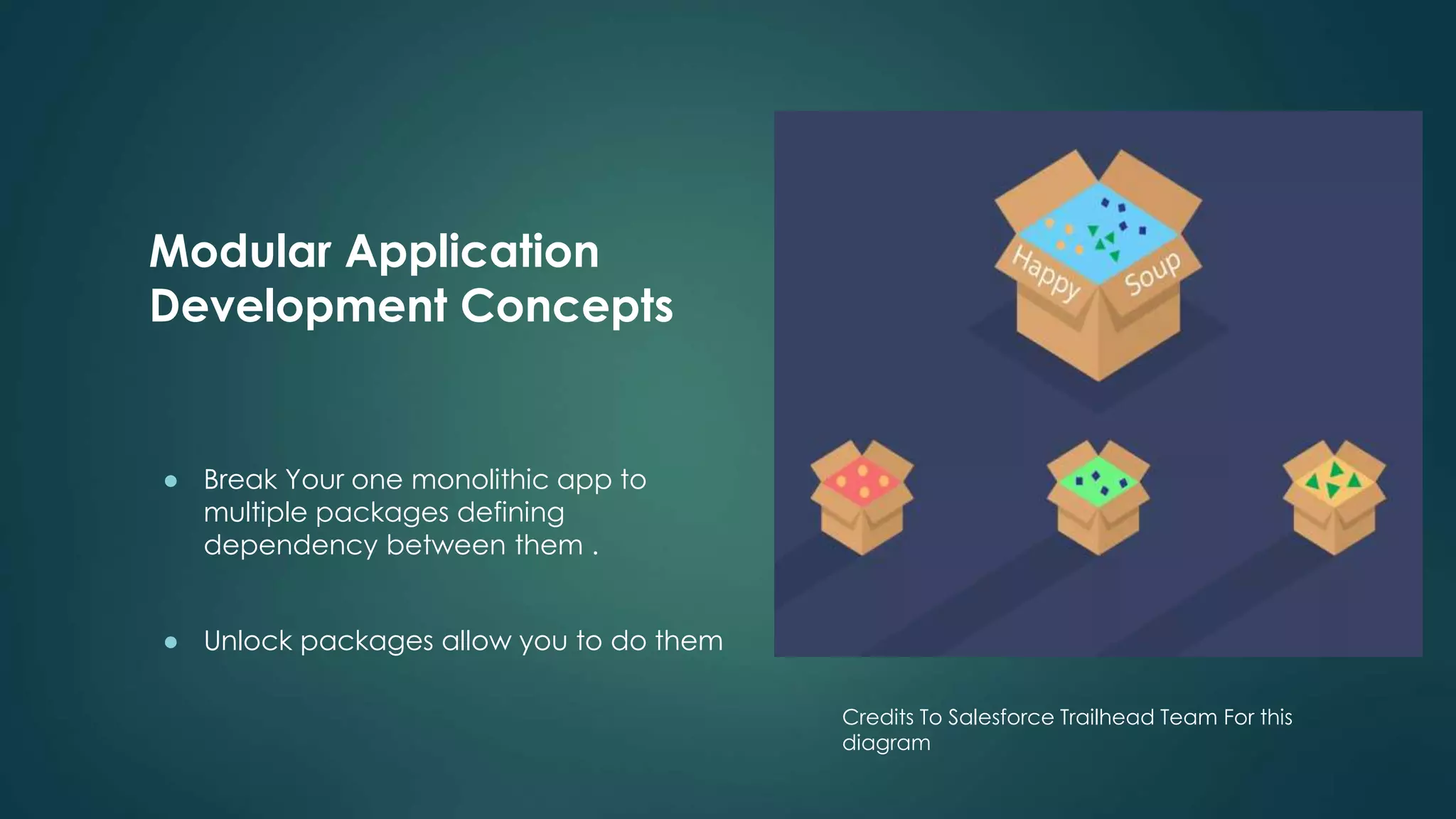
● Break Your one monolithic app to
multiple packages defining
dependency between them .
● Unlock packages allow you to do them
Credits To Salesforce Trailhead Team For this
diagram
Building Unlocked packages using Salesforce CLI
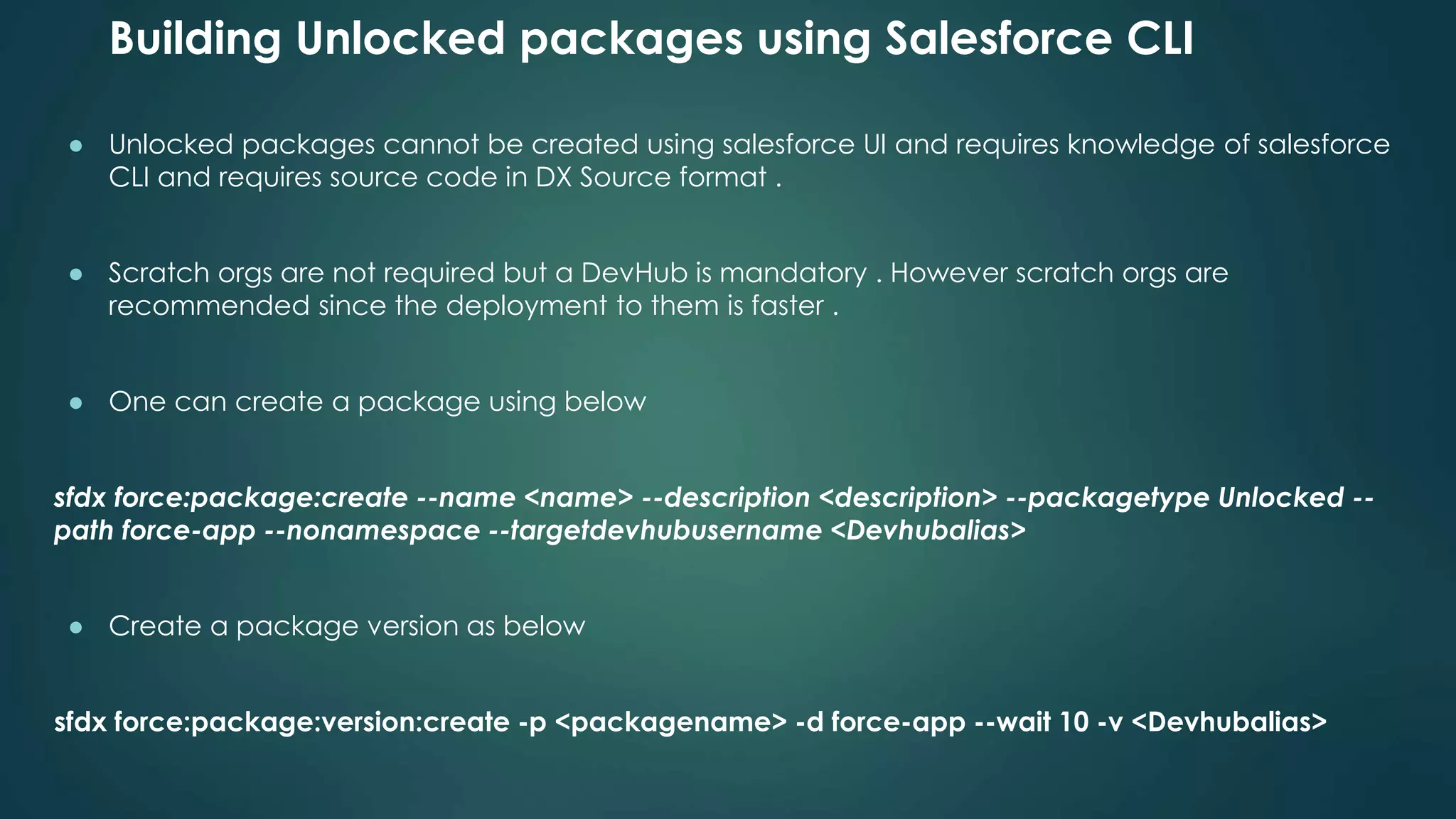
● Unlocked packages cannot be created using salesforce UI and requires knowledge of salesforce
CLI and requires source code in DX Source format .
● Scratch orgs are not required but a DevHub is mandatory . However scratch orgs are
recommended since the deployment to them is faster .
● One can create a package using below
sfdx force:package:create --name <name> --description <description> --packagetype Unlocked --
path force-app --nonamespace --targetdevhubusername <Devhubalias>
● Create a package version as below
sfdx force:package:version:create -p <packagename> -d force-app --wait 10 -v <Devhubalias>
Publishing and Installing Unlocked packages
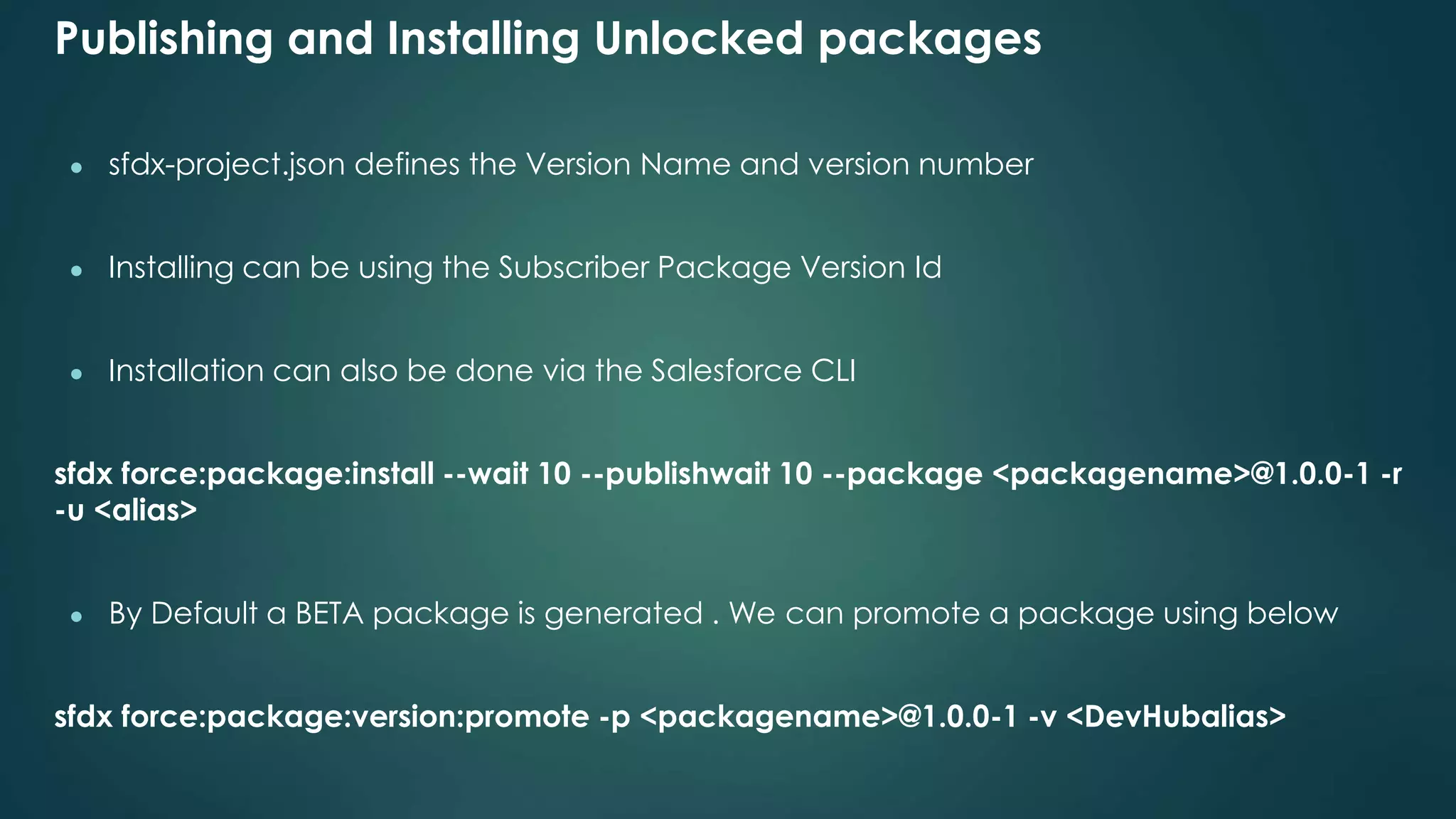
● sfdx-project.json defines the Version Name and version number
● Installing can be using the Subscriber Package Version Id
● Installation can also be done via the Salesforce CLI
sfdx force:package:install --wait 10 --publishwait 10 --package <packagename>@1.0.0-1 -r
-u <alias>
● By Default a BETA package is generated . We can promote a package using below
sfdx force:package:version:promote -p <packagename>@1.0.0-1 -v <DevHubalias>
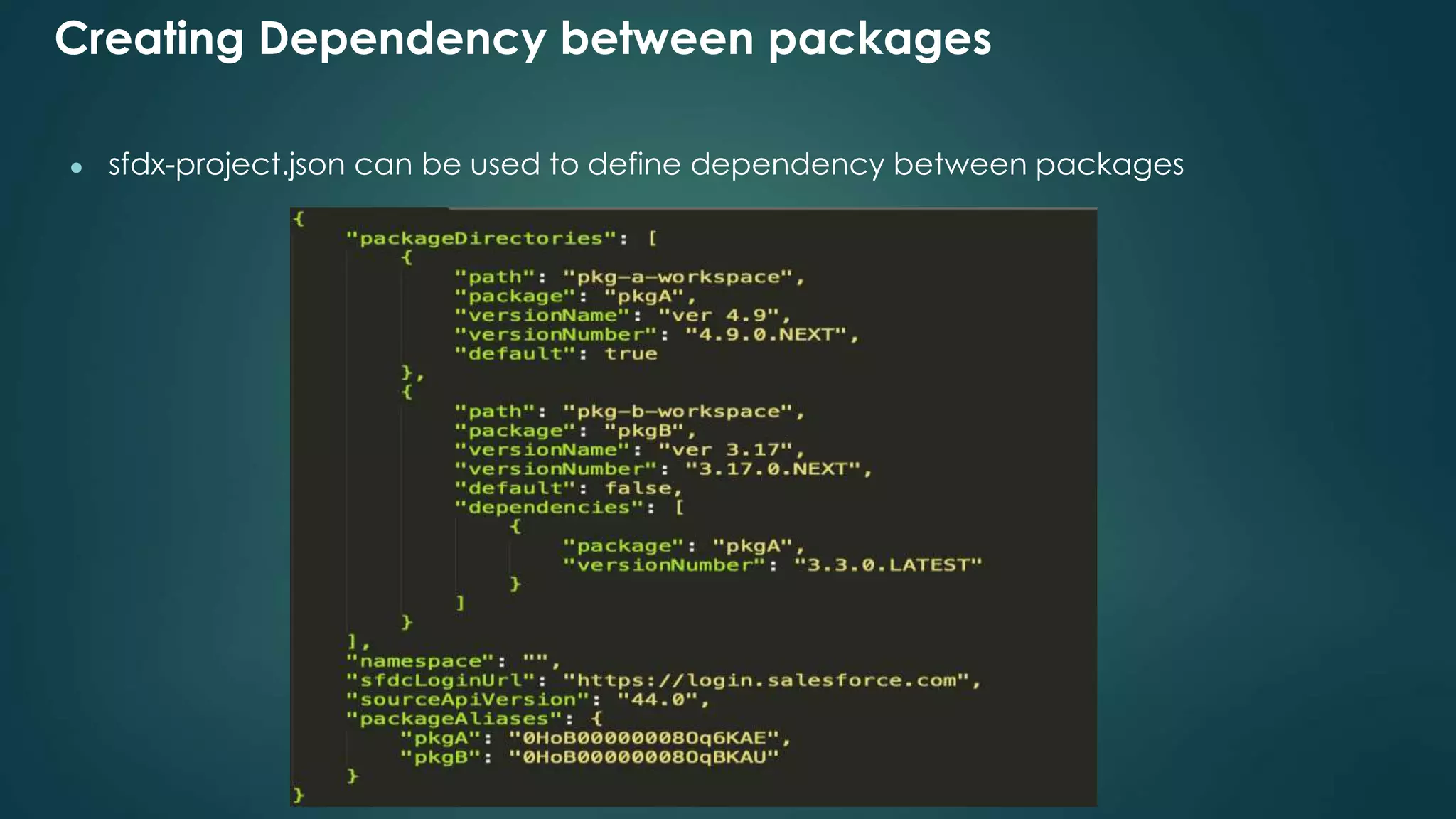
Creating Dependency between packages
● sfdx-project.json can be used to define dependency between packages
References
Created a Trail Mix with relevant Trailhead Module
App Development Guide
Dreamforce Session
4 part blog series on this topic from Salesforce Developer Evangelist Team
Thank You
Thank you for attending the session.
Follow us
#SalesforceApexHours @ApexHours
http://www.apexhours.com/
https://trailblazercommunitygroups.com/farmington-mi-
developers-group/
https://www.youtube.com/channel/UChTdRj6YfwqhR_WEFepkcJw/
videos
https://www.facebook.com/SalesforceApexHours

Modular application development using unlocked packages

  • 1.
    Farmington Hills SalesforceDeveloper User Group Salesforce Apex Hours - Modular Application Development Using Unlocked Packages #SalesforceApexHours #FarmingtonHillsSFDCDug Speaker :- Mohith Shrivastava, Amit Chaudhary Date :- Saturday, March 2, 2018 10:00 AM EST Venue/Link :- https://zoom.us/j/875155044
  • 2.
    Who am I? Amit Chaudhary (Salesforce MVP) • Founder of ApexHours • Blogging at http://amitsalesforce.blogspot.in/ • Follow me @amit_sfdc
  • 3.
    Our Speaker Mohith Shrivastava SalesforceMVP Author “Learning Salesforce Lightning Application Development” Technical Architect - Codescience INC
  • 4.
    Agenda ● Introduction ToSalesforce Packaging ● Differentiate between unmanaged packages , managed packaged and unlocked packages ● Modular Application Development Concepts ● Building unlocked packages using salesforce cli ● Publishing and Installing Unlocked packages ● Creating Dependency between packages ● References ● Q&A
  • 5.
    Introduction To Packaging ●Packaging allows you to group various Salesforce Components (Apps , Tabs , Objects , Layouts , Workflows, Approval Process Flows , visualforce , apex , lightning components , profiles , permission sets and other metadata) for distribution or deployment . ● A package can also be defined as a container and allows for deployment of the components across various salesforce organizations. ● Salesforce Set up UI and Salesforce CLI allows for creation of these ● Package Creation yields a URL that allows it to install in various orgs
  • 6.
    Differentiate between Unmanagedpackages , Managed packaged and Unlocked packages Unmanaged Package Not upgradable Metadata elements are not IP Protected Can we created in Salesforce UI Unmanaged package containers automatically pull dependency Managed Package Upgradable and has namespace Metadata elements are IP Protected Can be created in salesforce UI and distributed via appexchange Components are locked and one cannot modify them directly in production or sandbox Allows for creation of extension packages Unlocked Package Upgradable and one can namespace them or choose not to Metadata elements are not locked and can be changed by system admins Requires Salesforce CLI to generate them Allows you to build your applications in a modular way Easier to manage when codebase is modularized
  • 7.
    Modular Application Development Concepts ●Break Your one monolithic app to multiple packages defining dependency between them . ● Unlock packages allow you to do them Credits To Salesforce Trailhead Team For this diagram
  • 8.
    Building Unlocked packagesusing Salesforce CLI ● Unlocked packages cannot be created using salesforce UI and requires knowledge of salesforce CLI and requires source code in DX Source format . ● Scratch orgs are not required but a DevHub is mandatory . However scratch orgs are recommended since the deployment to them is faster . ● One can create a package using below sfdx force:package:create --name <name> --description <description> --packagetype Unlocked -- path force-app --nonamespace --targetdevhubusername <Devhubalias> ● Create a package version as below sfdx force:package:version:create -p <packagename> -d force-app --wait 10 -v <Devhubalias>
  • 9.
    Publishing and InstallingUnlocked packages ● sfdx-project.json defines the Version Name and version number ● Installing can be using the Subscriber Package Version Id ● Installation can also be done via the Salesforce CLI sfdx force:package:install --wait 10 --publishwait 10 --package <packagename>@1.0.0-1 -r -u <alias> ● By Default a BETA package is generated . We can promote a package using below sfdx force:package:version:promote -p <packagename>@1.0.0-1 -v <DevHubalias>
  • 10.
    Creating Dependency betweenpackages ● sfdx-project.json can be used to define dependency between packages
  • 11.
    References Created a TrailMix with relevant Trailhead Module App Development Guide Dreamforce Session 4 part blog series on this topic from Salesforce Developer Evangelist Team
  • 12.
    Thank You Thank youfor attending the session.
  • 13.