Mobile LMS and
Pedagogical Uses for Social Media
Terese Bird, Leicester Learning Institute, University of Leicester, UK
Fourth International Conference of E-Learning and Distance Learning
Riyadh, Saudi Arabia – February/March 2015
What shall we talk about?
• Research cycle and
profiling
• Example of HE
research/teaching use
• Social tools
– Example tools
– Examples of use
• Tips to begin
• Digital Literacy
Photo by ILO on Flickr
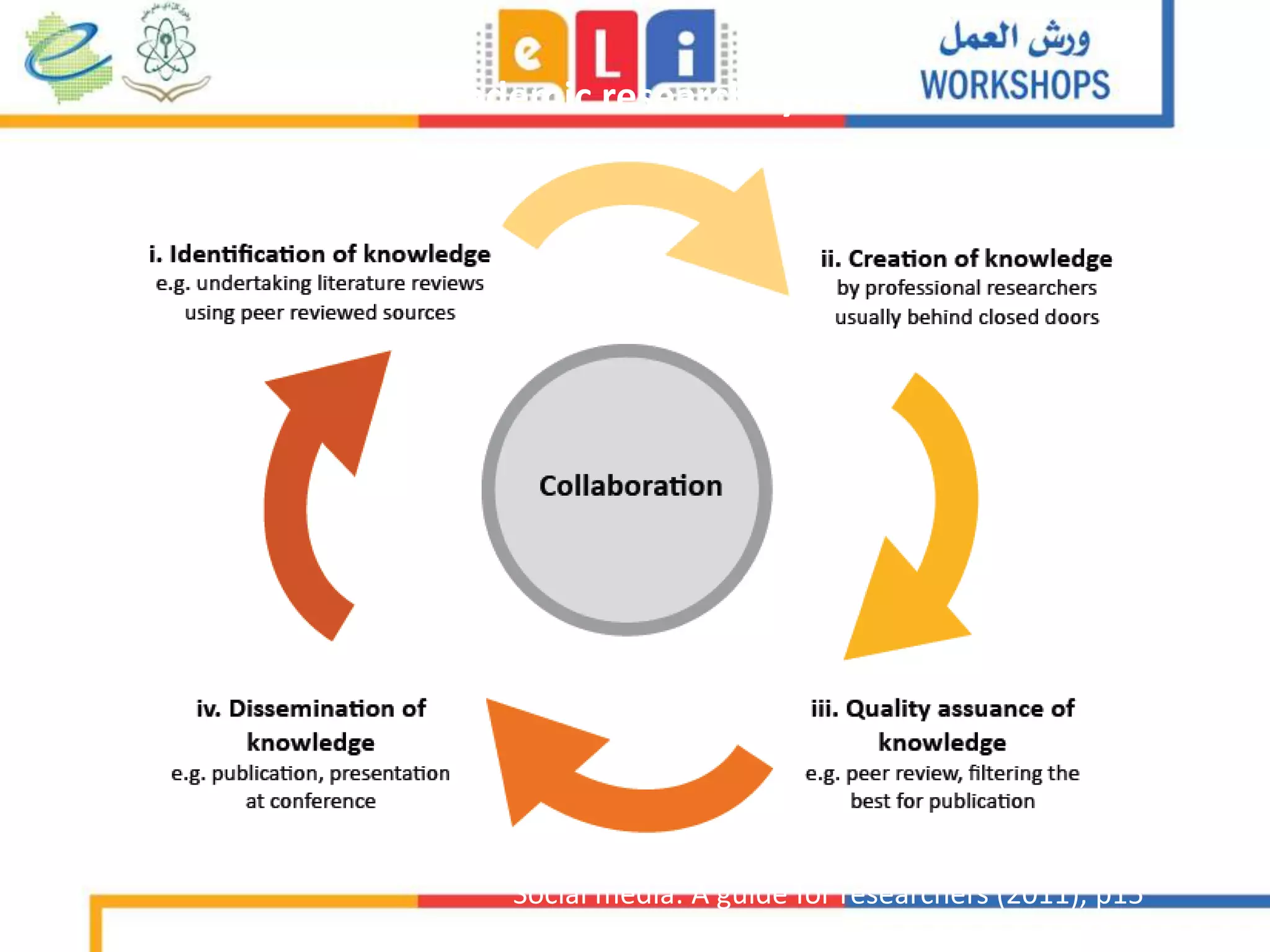
The academic research cycle
Social media: A guide for researchers (2011), p15
Academic Digital Profile:
Cristina Costa on Flickr
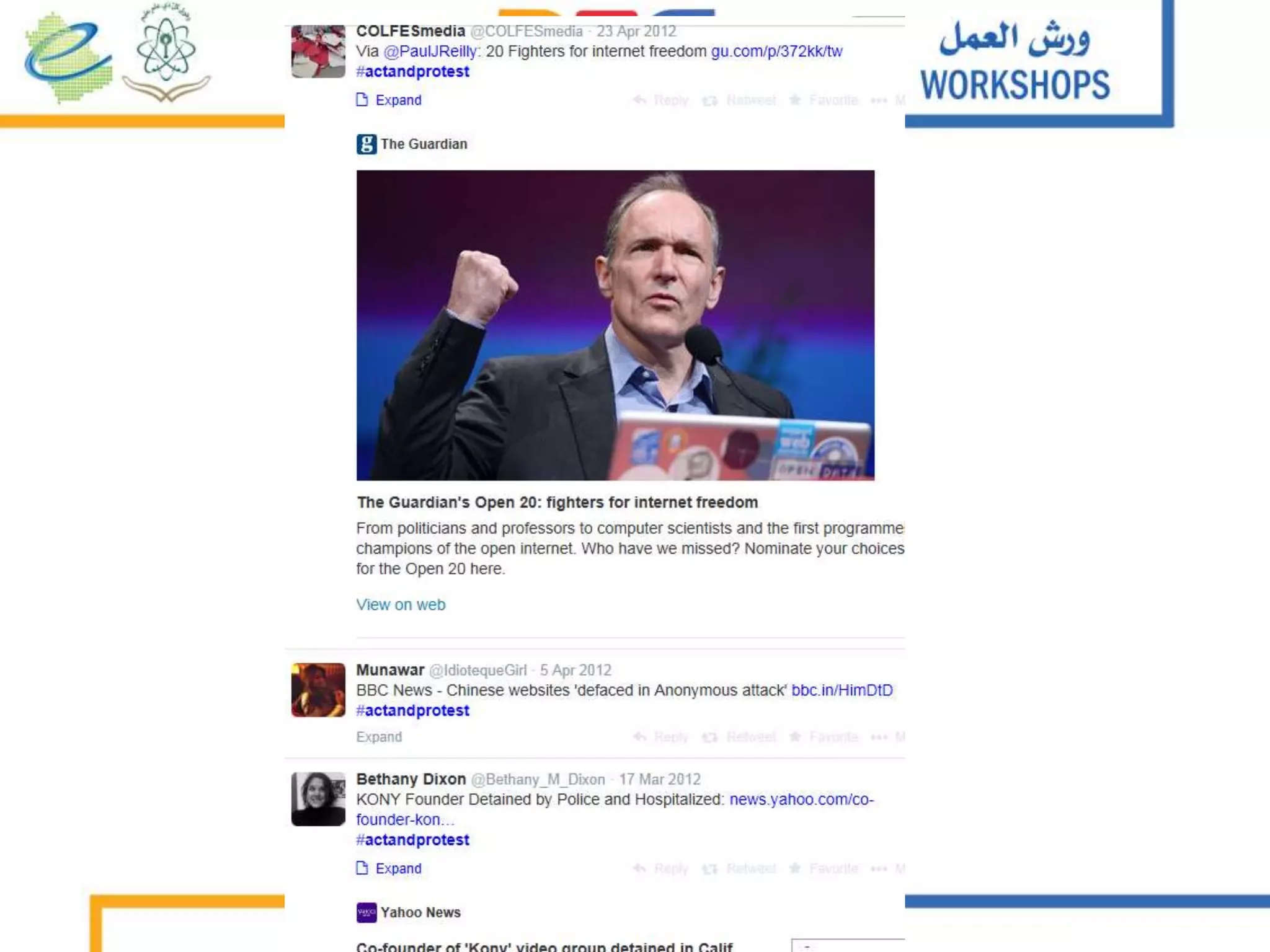
Reilly (2013): YouTube, sousveillance and the
‘anti-Tesco’ riot in Stokes Croft
• http://www.youtube.com/watch?v=zpPM2NXLK-c
6
Overview of Media & Communications study
• N=1018 comments left under four most commented-upon
videos showing eyewitness perspectives on policing of
disturbances
• Study examines whether commentators perceived this
footage as a form of hierarchical sousveillance (inverse
surveillance)
• Little rational debate about the broader issues e.g.
legitimacy of No Tesco campaign and media narratives
often reproduced by commenters
• Only a very small number of users perceived this footage
as hierarchical sousveillance
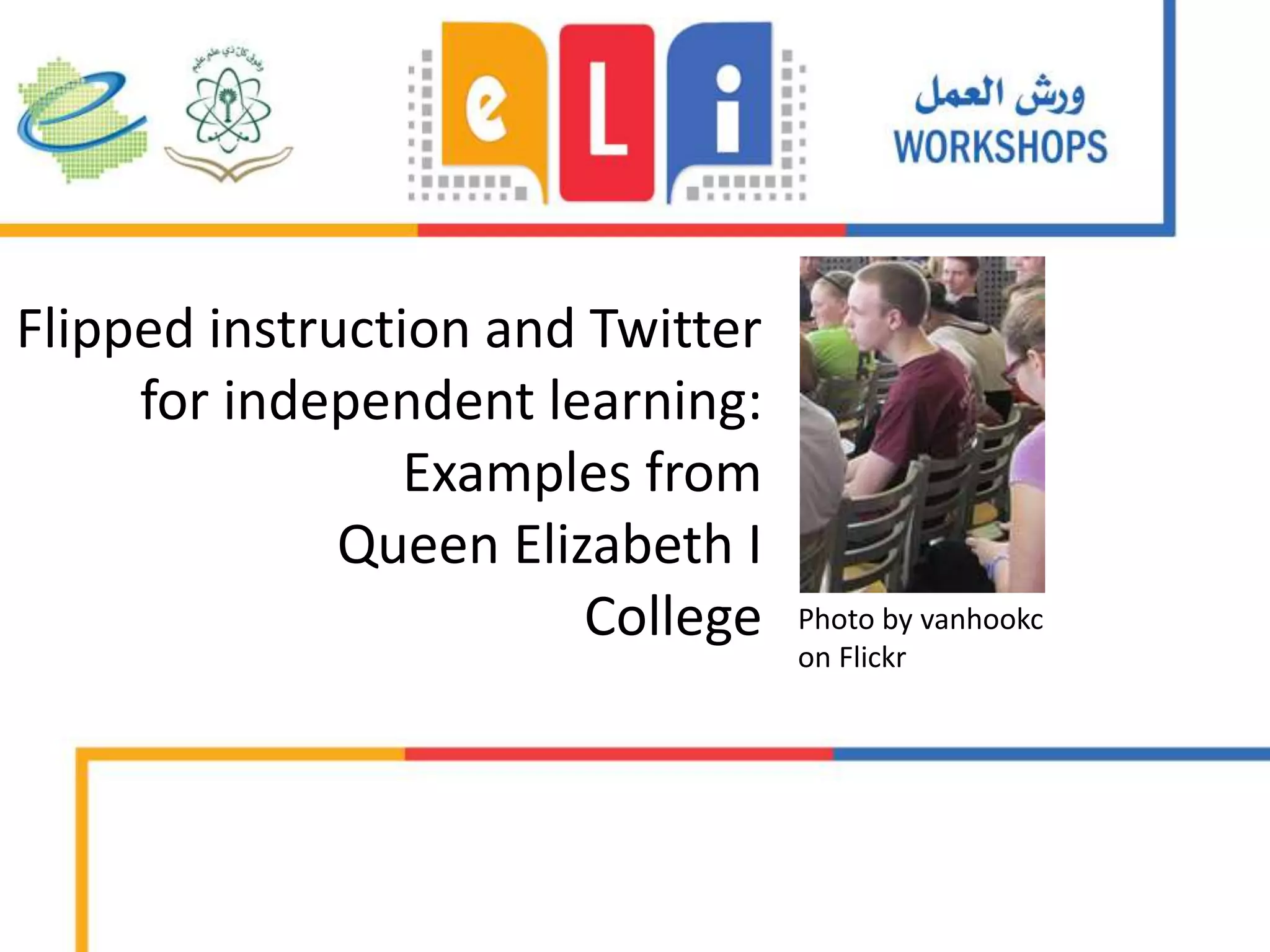
Flipped instruction and Twitter
for independent learning:
Examples from
Queen Elizabeth I
College Photo by vanhookc
on Flickr
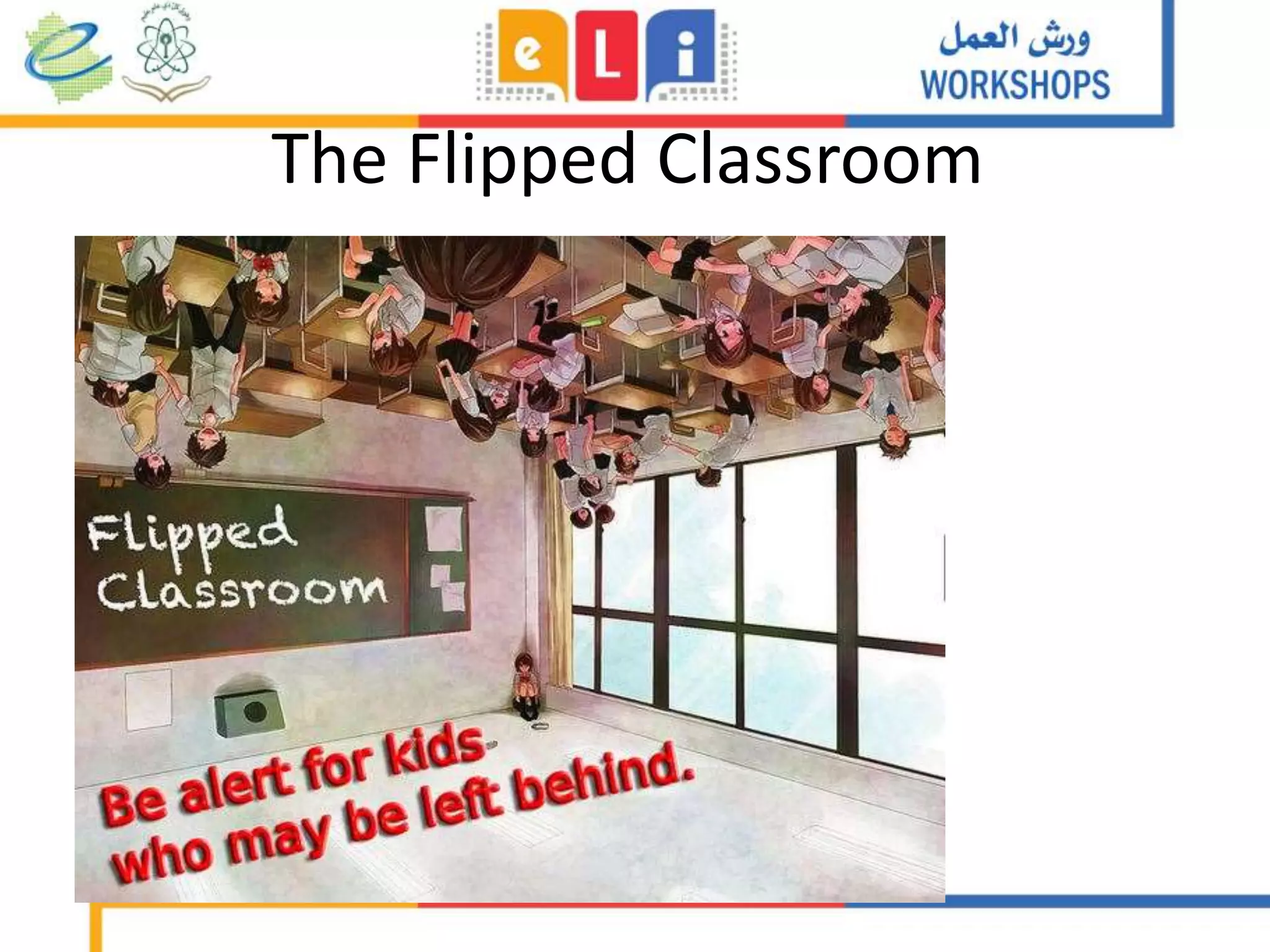
The Flipped Classroom
Image by
ransomtech on
Flickr
How to flip sensibly
Image by Xristina La on Wikipedia
CC-BY-SA
Class
Home
Example of successful flipping: Clintondale
http://www.techsmith.com/customer-stories-clintondale.html
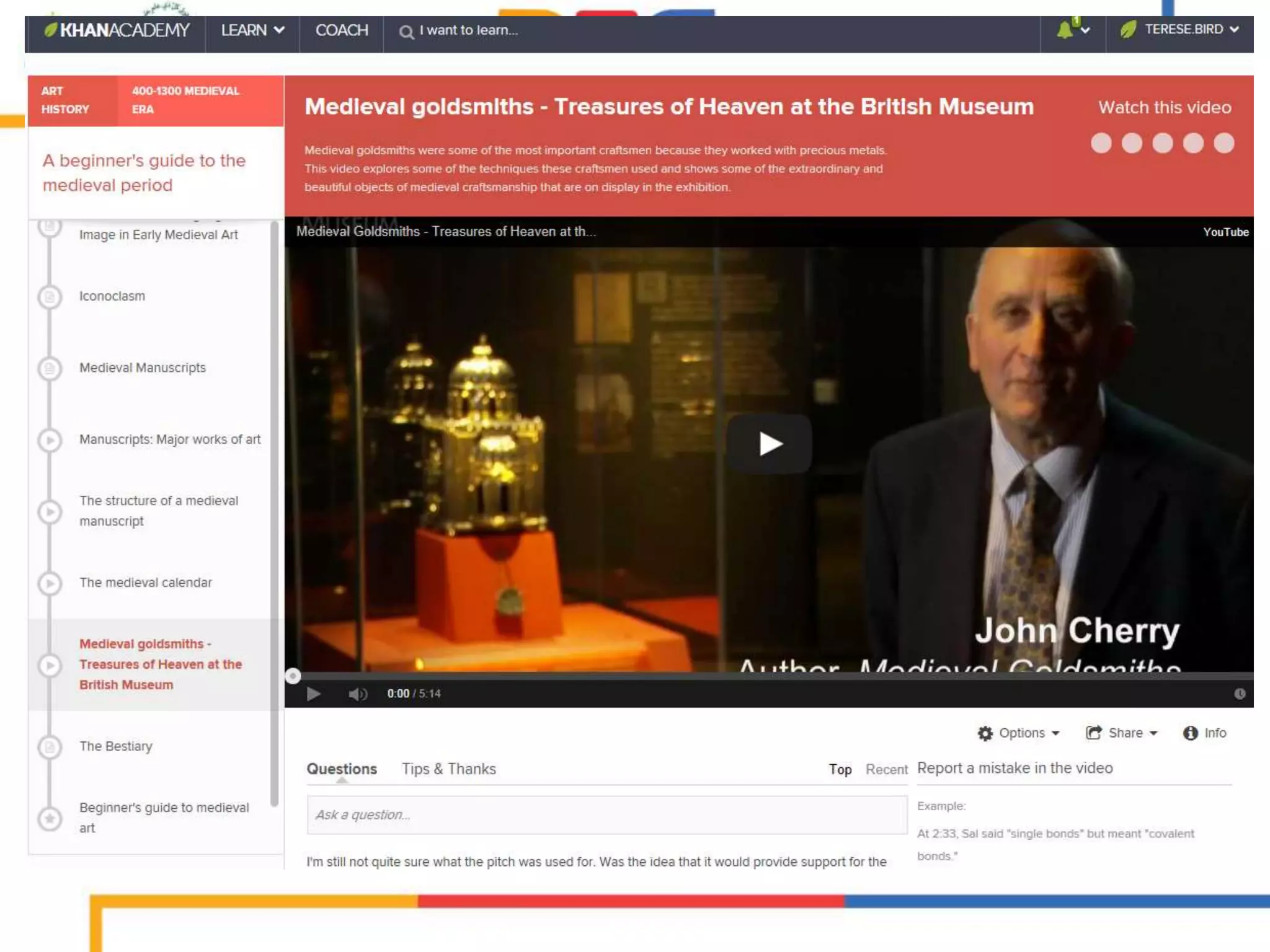
Resources for flipping
• Make your own – ScreenR, ScreenOMatic,
Quicktime
• Kahn Academy
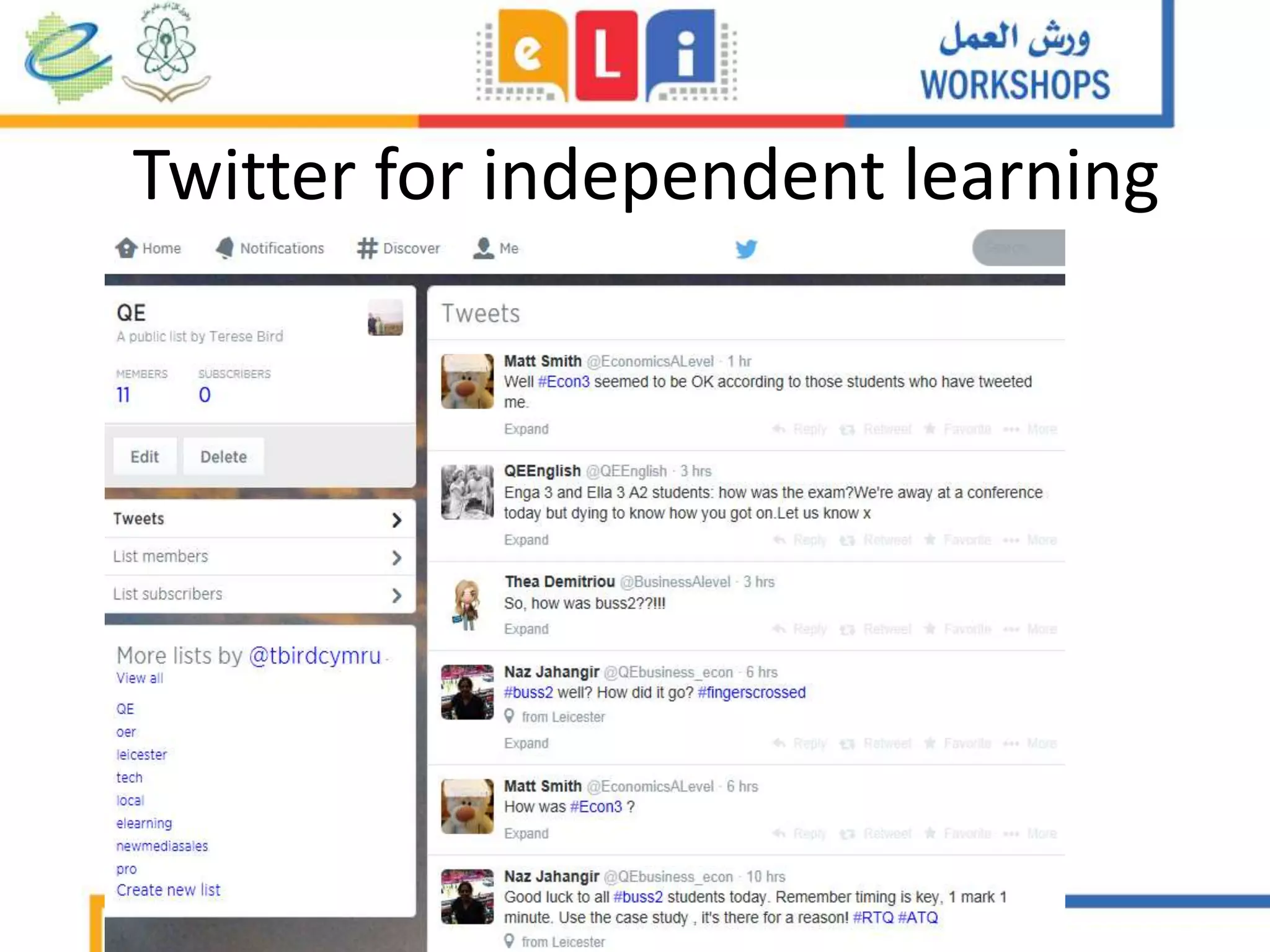
Twitter for independent learning
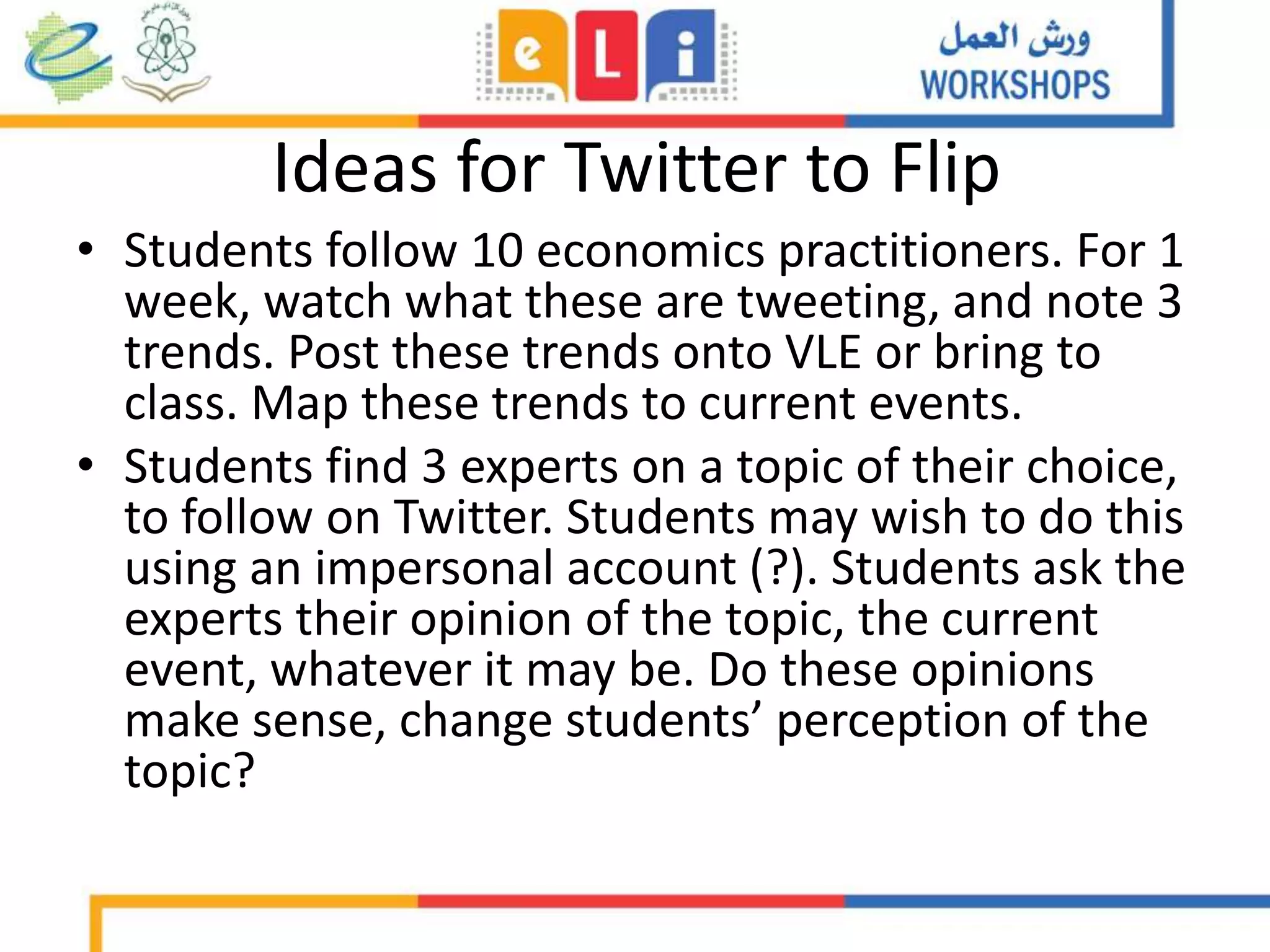
Ideas for Twitter to Flip
• Students follow 10 economics practitioners. For 1
week, watch what these are tweeting, and note 3
trends. Post these trends onto VLE or bring to
class. Map these trends to current events.
• Students find 3 experts on a topic of their choice,
to follow on Twitter. Students may wish to do this
using an impersonal account (?). Students ask the
experts their opinion of the topic, the current
event, whatever it may be. Do these opinions
make sense, change students’ perception of the
topic?
More resources
• Mrs Caviness: http://novemberlearning.com/educational-
resources-for-educators/teaching-and-learning-articles/how-twitter-can-
be-used-as-a-powerful-educational-tool/
• 50 ways to use Twitter in the classroom:
http://www.teachhub.com/50-ways-use-twitter-classroom
• Kahn Academy: https://www.khanacademy.org/
University staff
from various
nations, various
career stages
N=711
Academics’ use of social media
report
http://www.canberra.edu.au/faculties/
arts-design/attachments/pdf/n-and-
mrc/Feeling-Better-Connected-report-
final.pdf
None
Facebook
Twitter
Academia.edu
ResearchGate
Personal blog
Multi-author blog
YouTube
Wikipedia
Pinterest
Google+
LinkedIn
Slideshare
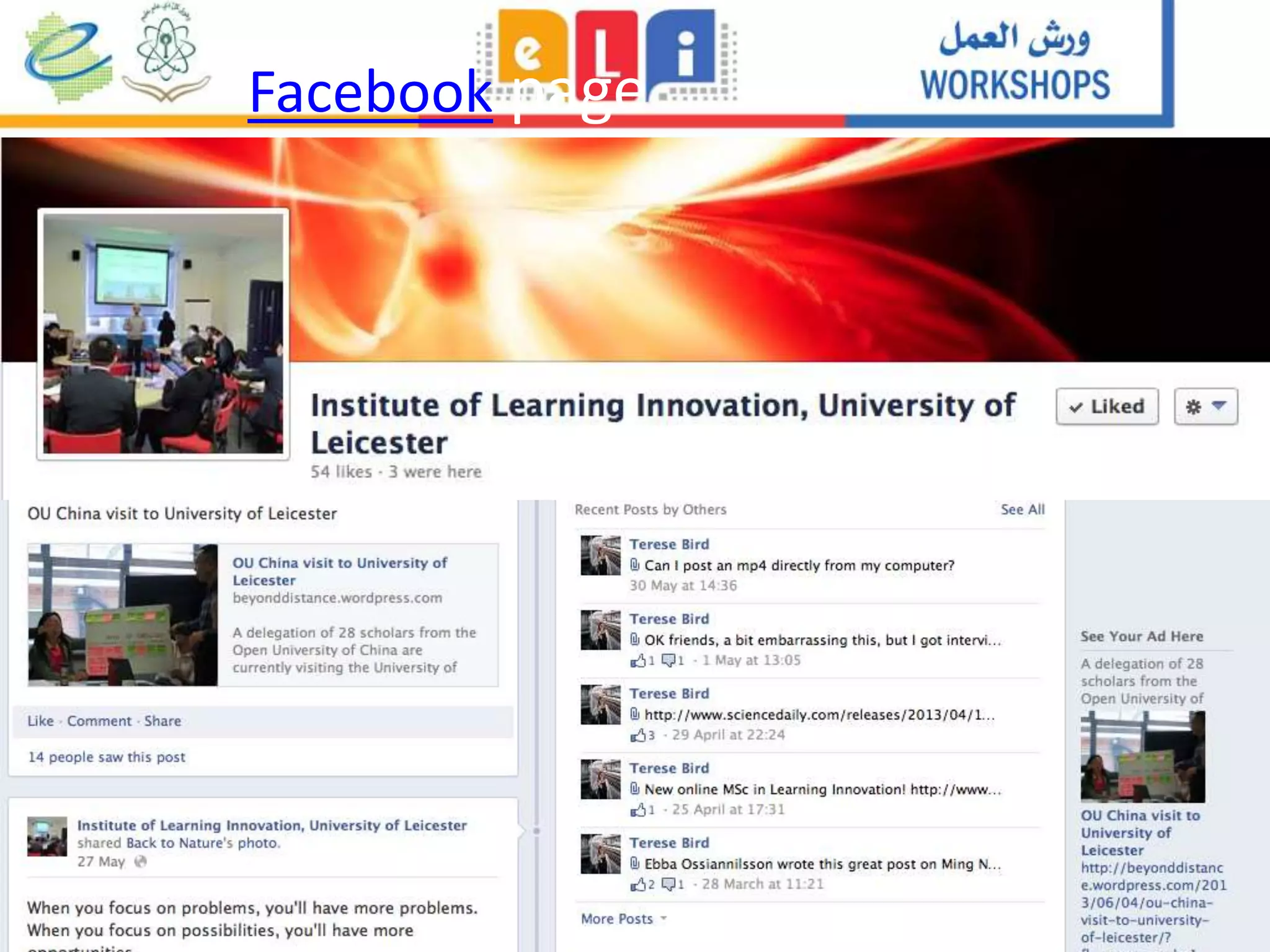
Facebook page
Facebook
group
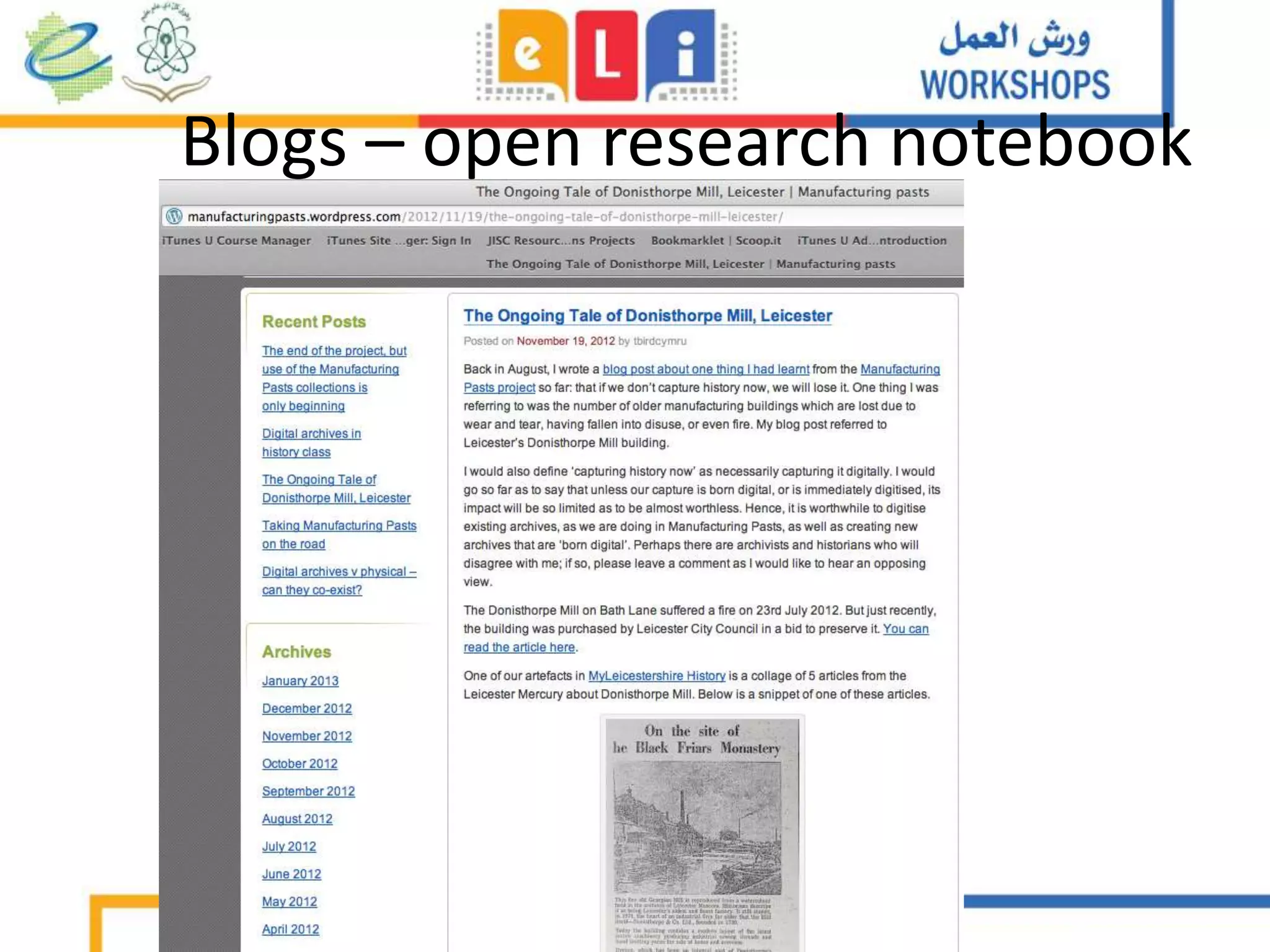
Blogs – open research notebook
http://pauljreillydot.com
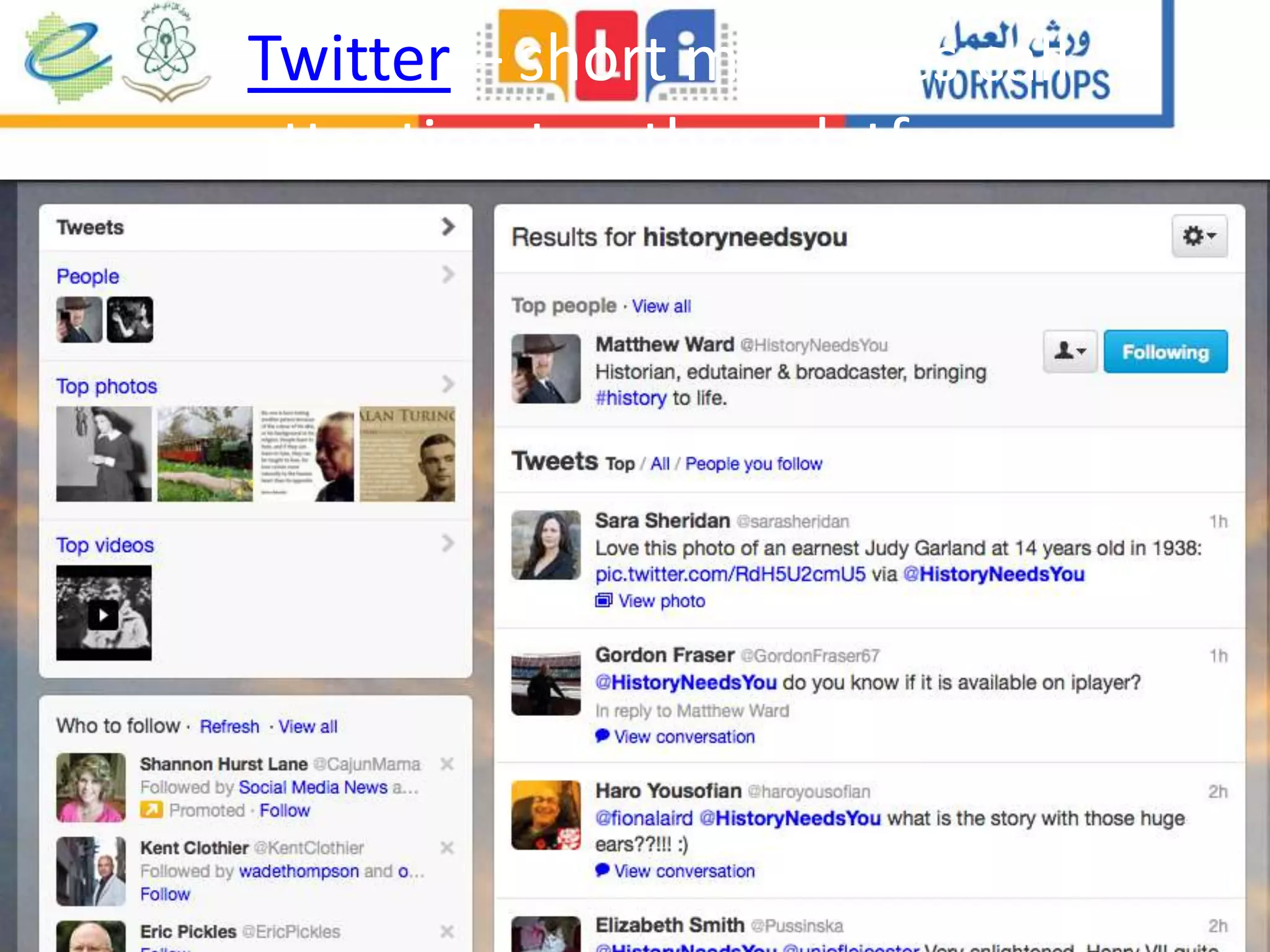
Twitter – short messages call
attention to other platforms
Storify: curate tweets from conferences
• https://storify.com/PaulJReilly/media-for-social-change-
unconference-birmingham-ci
Professional social networking sites:
Linkedin Academia.edu
Scoop.it: Research, Curate, and Draw
readers to your project website
YouTube – power of video
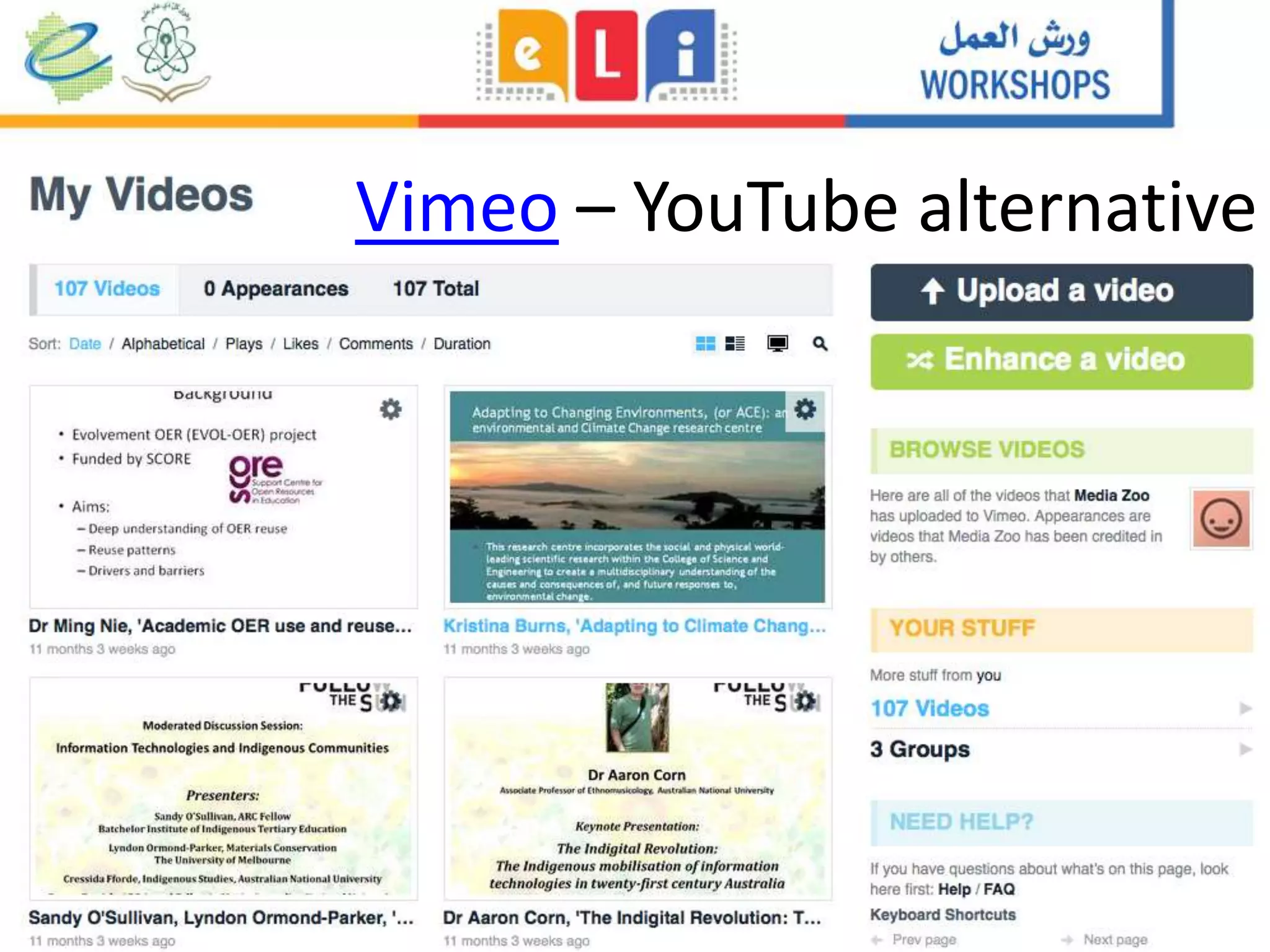
Vimeo – YouTube alternative
Flickr
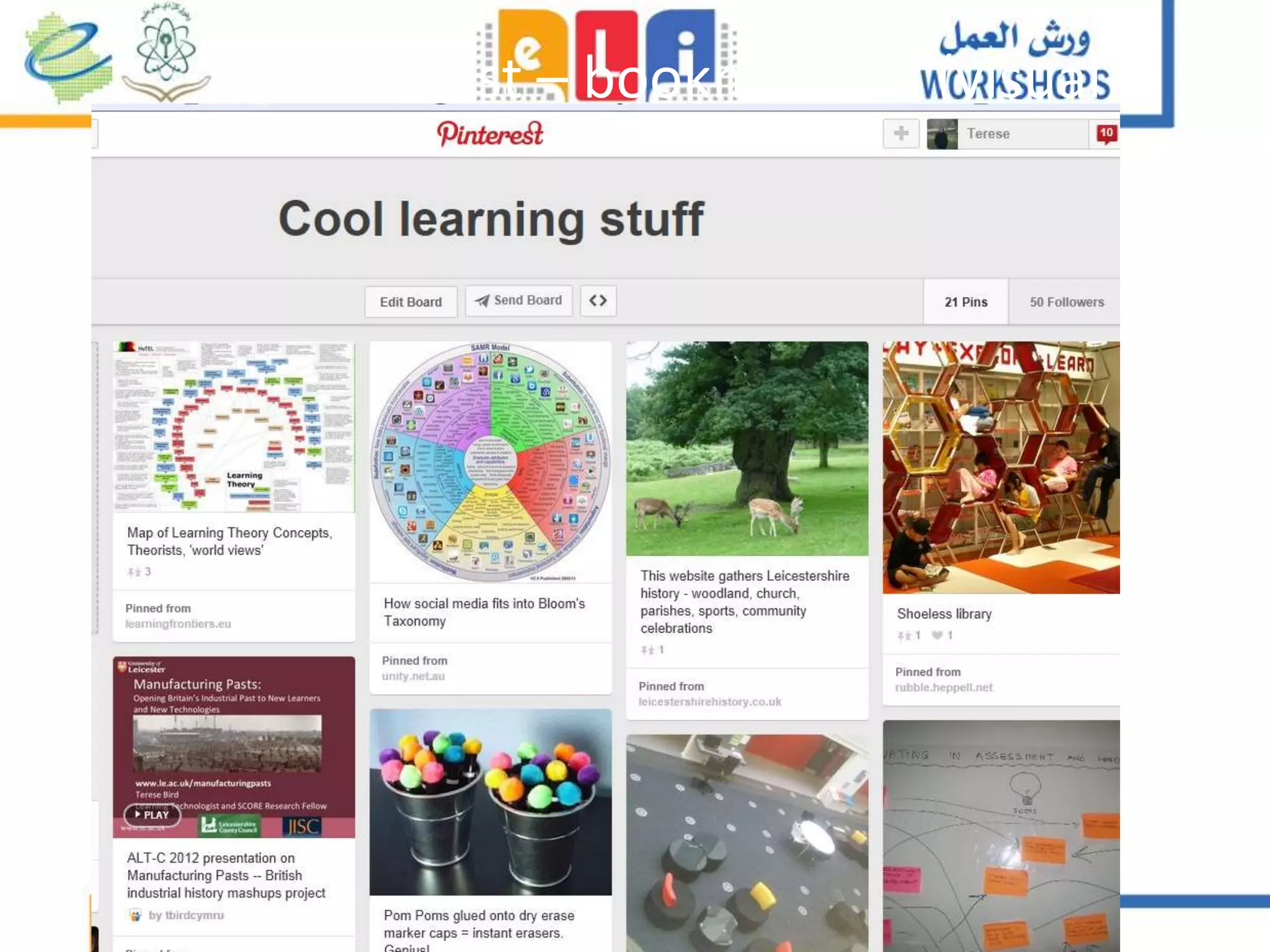
Pinterest – bookmarking (visual)
SoundCloud & AudioBoo - audio
Slideshare – elevate your presentations
Google Docs
– project collaboration
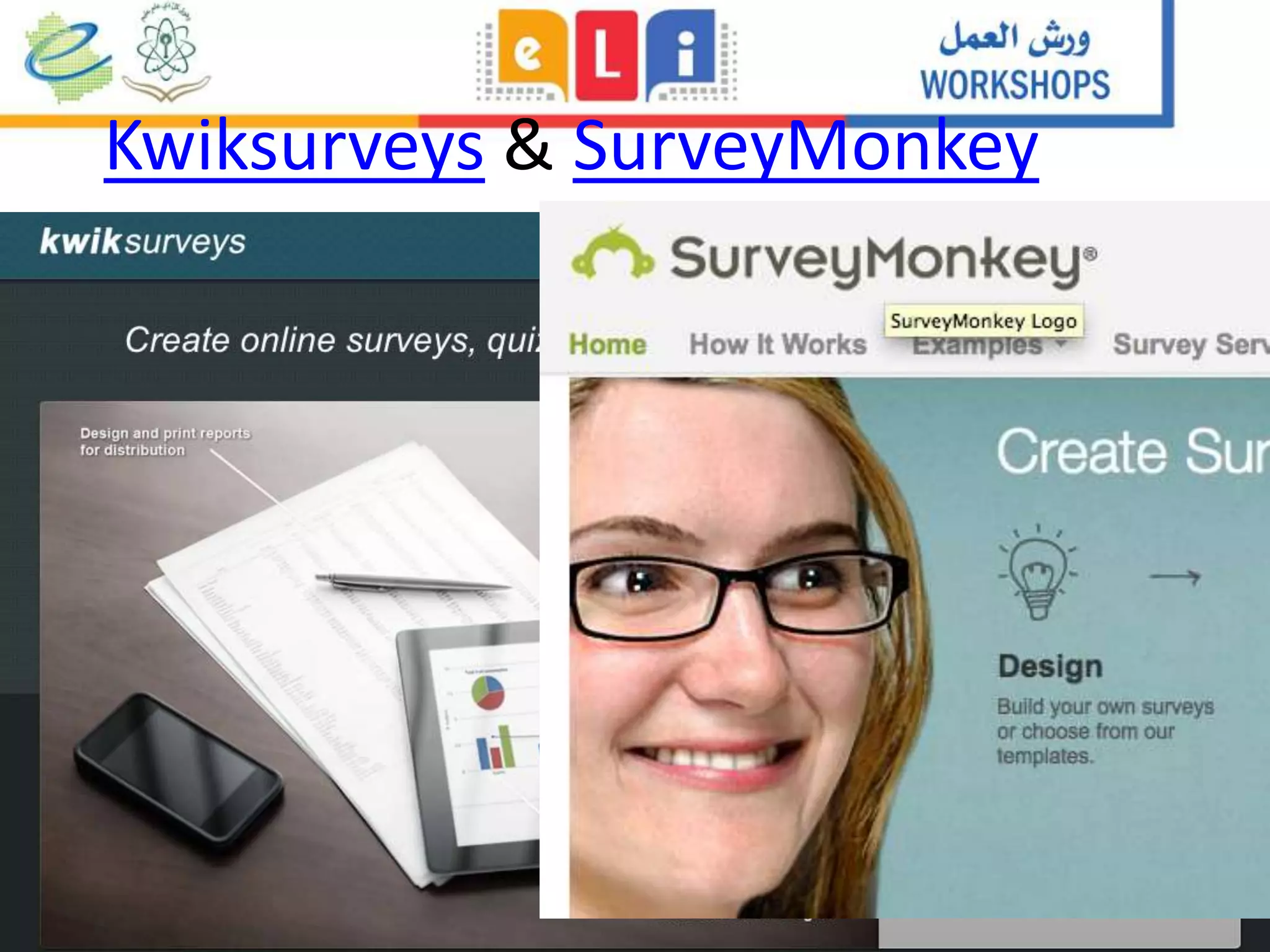
Kwiksurveys & SurveyMonkey
Go to Twitter
• Log in as learninginn
• Password is elearning
• Type into the search a word or
phrase within your field of study
Tip for beginners:
Try one or two for 10 minutes a day
Task Tool
Show yourself as a presenter YouTube, Vimeo, AudioBoo,
SoundCloud, Slideshare
Show yourself as a writer Blog
Share your findings All (match the format!)
Keep up on hot news in your field Twitter, Facebook, Scoop.it
Collaborate with other
researchers
Google Docs, Google Hangouts,
Twitter, Facebook
Organise Storify, Pinterest, Scoop.it
Your online CV LinkedIn, Academia.edu
Digital Literacy and
Tools Roundup:
The power of the
learning network
Terese Bird
tmb10@le.ac.uk
Leicester Learning Institute
Photo by cindy47452, Flickr
What shall we talk about?
• Digital literacy
• Academic Digital
Literacy
• Digital Learning
Literacy
• Examples of tools
Photo by xdxd_vx_xdxd on Flickr
http://www.le.ac.uk/manufacturingpasts
Example of digitally-literate research project
Digital Literacy
• “Digital literacy is the ability to understand and use information in
multiple formats from a wide range of sources when it is presented
via computers.” (Gilster, 1997)
• Technology such as mobile devices and social media are now part of
our life and language, and should be included in learning:
– 24/7 flexibility & efficiency
– Further reach to experts
– Ethos and Ethics
– Lifelong learning
– Careers
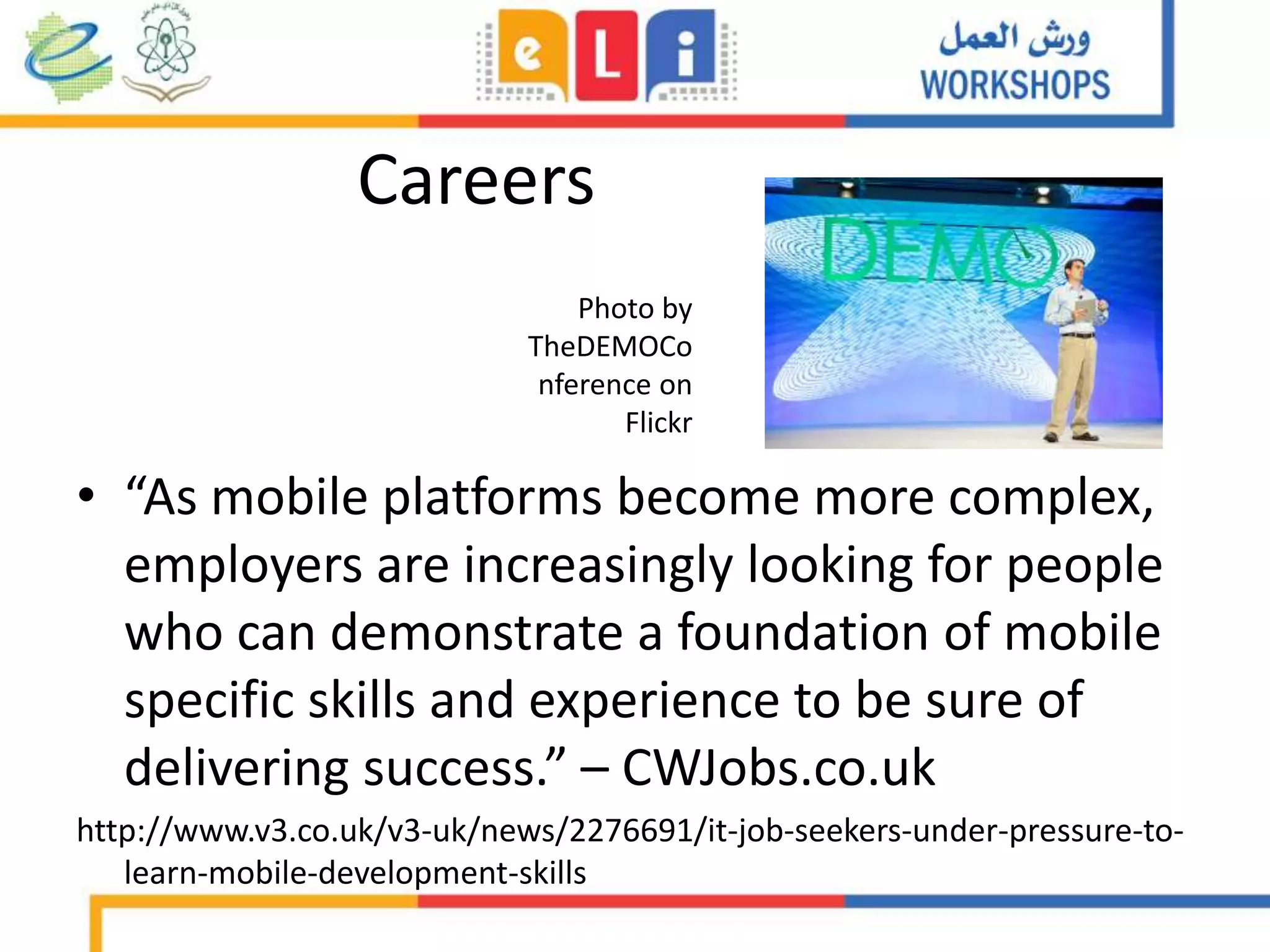
Careers
• “As mobile platforms become more complex,
employers are increasingly looking for people
who can demonstrate a foundation of mobile
specific skills and experience to be sure of
delivering success.” – CWJobs.co.uk
http://www.v3.co.uk/v3-uk/news/2276691/it-job-seekers-under-pressure-to-
learn-mobile-development-skills
Photo by
TheDEMOCo
nference on
Flickr
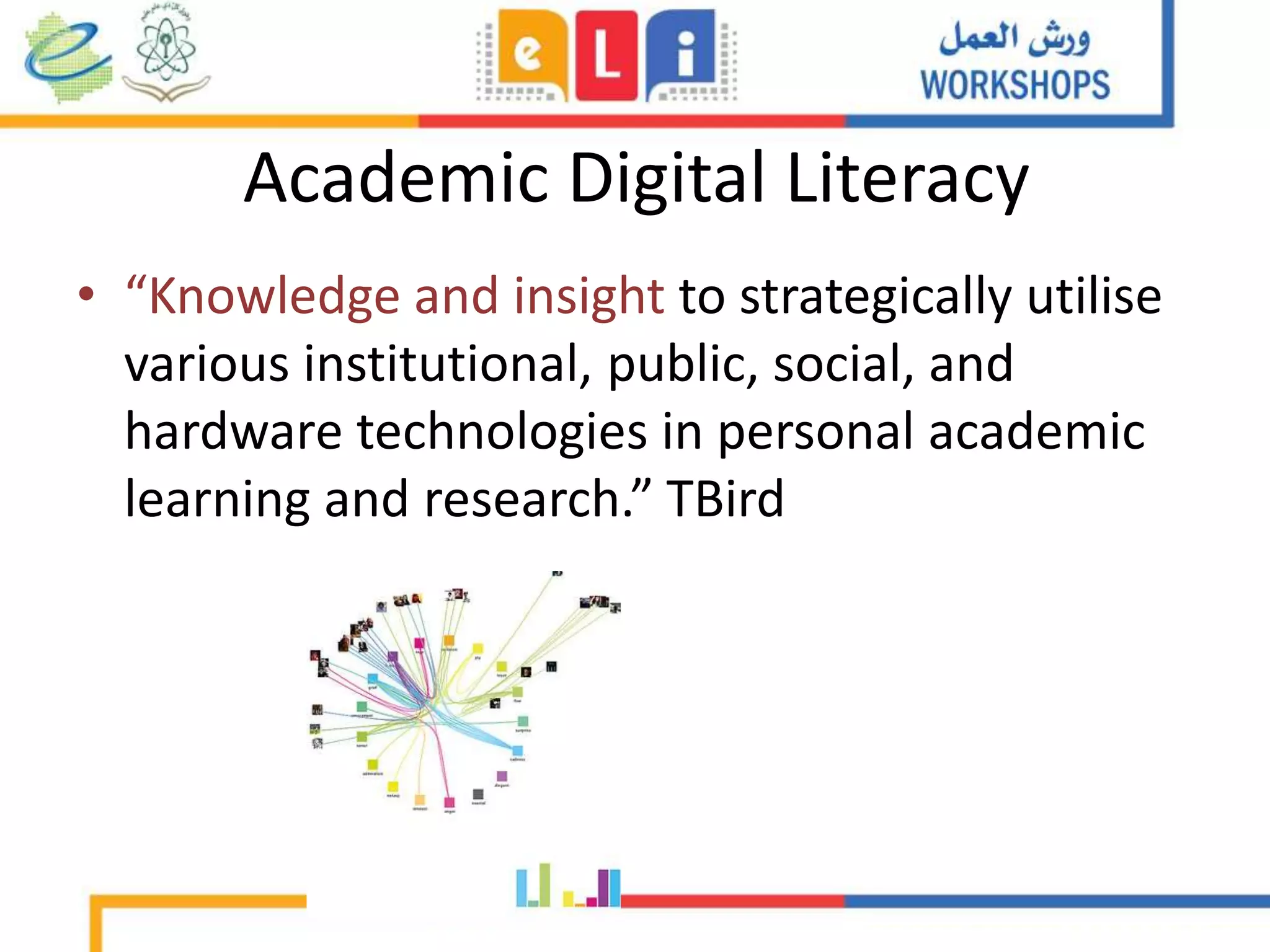
Academic Digital Literacy
• “Knowledge and insight to strategically utilise
various institutional, public, social, and
hardware technologies in personal academic
learning and research.” TBird
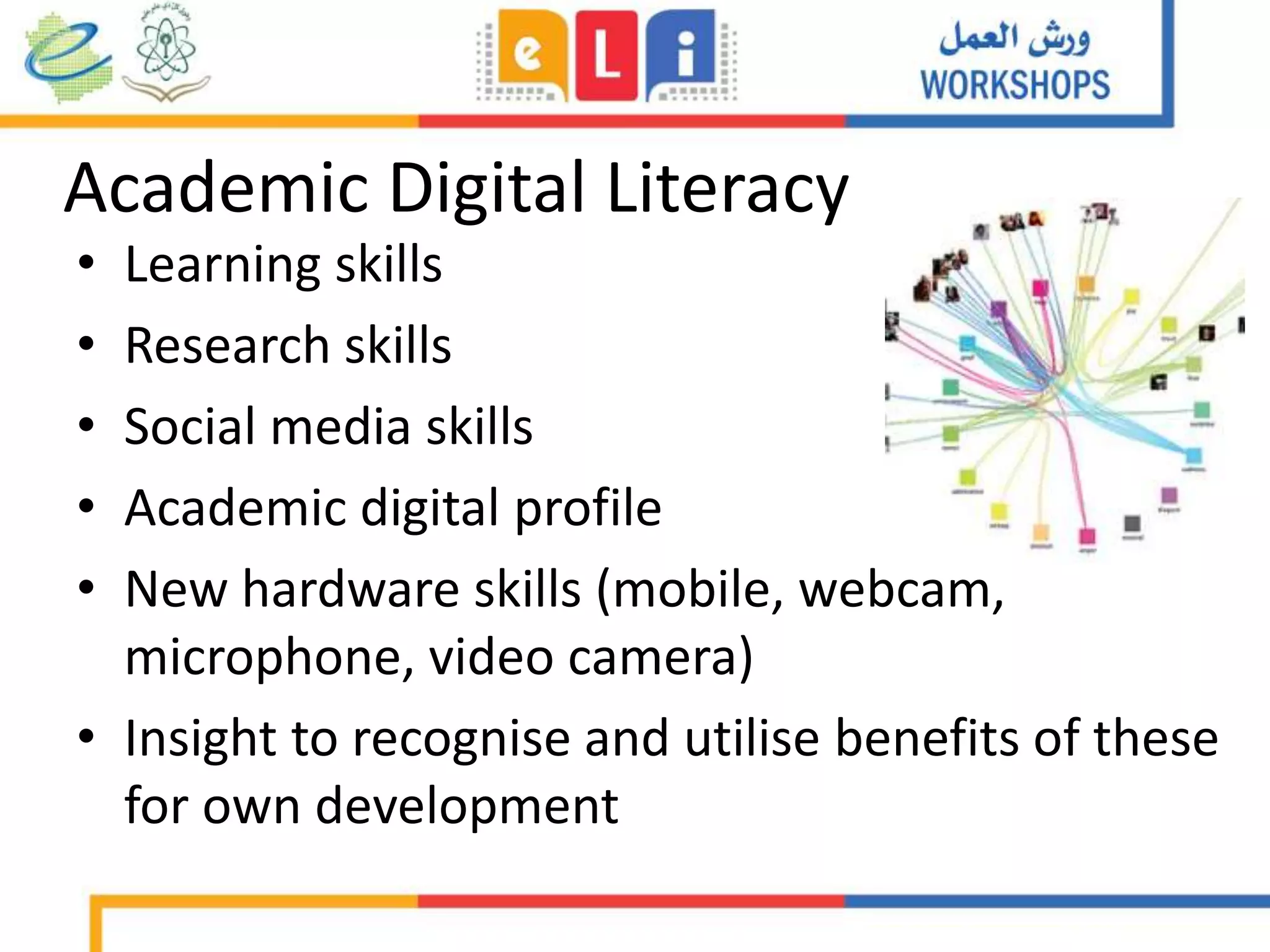
Academic Digital Literacy
• Learning skills
• Research skills
• Social media skills
• Academic digital profile
• New hardware skills (mobile, webcam,
microphone, video camera)
• Insight to recognise and utilise benefits of these
for own development
What tools to do these tasks?
• Creation knowledge – offline research, blogging
• Discussing – Twitter, Facebook, Google+
• Curating – Scoop.it, Pinterest, Flickr
• Presenting – Prezi, Slideshare
• ‘Advertising’ – all of the above
Private / Professional / Collective Uses
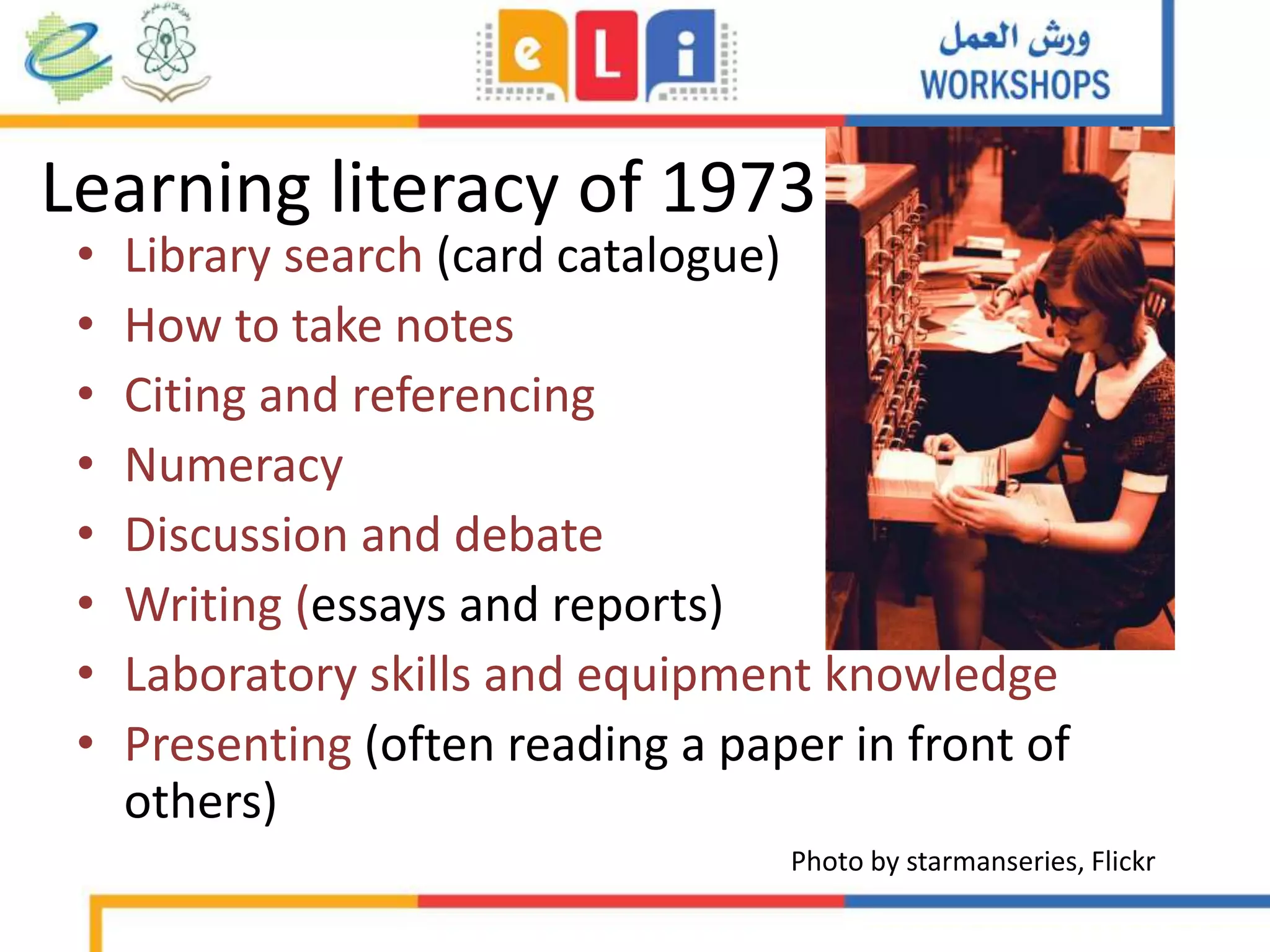
Learning literacy of 1973
• Library search (card catalogue)
• How to take notes
• Citing and referencing
• Numeracy
• Discussion and debate
• Writing (essays and reports)
• Laboratory skills and equipment knowledge
• Presenting (often reading a paper in front of
others)
Photo by starmanseries, Flickr
Learning literacy
2015
• Library search (online and various journal searches)
• How to take notes annotate e-books, recorded
lectures
• Citing and referencing articles, blogs, YouTube vids
• Numeracy (spreadsheets, simple statistics)
• Discussion and debate (offline and online)
• Writing (offline and online: blogging, microblogging)
• Laboratory equipment (added technology)
• Presenting (Powerpoint, Prezi, Slideshare, Webinar)
Photo by
hugovk on
Flickr
‘Networked learner’ (Drexler, 2010)
Institutional
Environment
Modules:
•Documents
•Activities
•Admin
•Library
Instructor
Email
Student
University Library
•Books
•Ebooks
•Subscribed
journals
Special
collections
(digitised) •Special
collections
Asynchronous
Sharing knowledge,
discussion,
organisation
•Institutional open-access
articles, theses
•Articles via
Google
Scholar
•Kahn
Academy
•iTunes U
•YouTube
•TED Talks
•Slideshare
(Presentations)
•LinkedIn (business)
•Academia.edu
•Facebook
for learning
•Pinterest/Flickr
(Images)
•Twitter (API)
•Scoop.it
Curated
sites, blog
posts,
articles,
research
Synchronous
Sharing knowledge,
discussion,
organisation
•Webinars
•Google Hangout
•Skype
•Blogging
HE Digital Learning Literacy
(Bird, 2013)
Face-to-face connection
Fellow
students
Digital Literacies Development Framework (Beetham, 2013)
Feedback
• http://tinyurl.com/12345tbird
• If you want my slides, please join
Edmodo group
References
• Beetham, H. (2013). The Design Studio / Literacies development
framework.doc. The Design Studio Wiki. Retrieved October 02,
2013, from
http://jiscdesignstudio.pbworks.com/w/file/40474958/Literacies
development framework.doc
• Cann, A., Dimitrou, K., Hooley, T. (2011) Social media: A guide for
researchers. Research Information Network,
http://www.rin.ac.uk/our-work/communicating-and-disseminating-
research/social-media-guide-researchers
• Reilly, P. (2013) Every Llttle helps? Youtube, sousveillance and the
‘anti-Tesco’ riots in Bristol, New Media and Society. published online
before print, doi: 10.1177/1461444813512195.
Mobile LMS and Pedagogical Uses for Social Media

Mobile LMS and Pedagogical Uses for Social Media

  • 1.
    Mobile LMS and PedagogicalUses for Social Media Terese Bird, Leicester Learning Institute, University of Leicester, UK Fourth International Conference of E-Learning and Distance Learning Riyadh, Saudi Arabia – February/March 2015
  • 3.
    What shall wetalk about? • Research cycle and profiling • Example of HE research/teaching use • Social tools – Example tools – Examples of use • Tips to begin • Digital Literacy Photo by ILO on Flickr
  • 4.
    The academic researchcycle Social media: A guide for researchers (2011), p15
  • 5.
  • 6.
    Reilly (2013): YouTube,sousveillance and the ‘anti-Tesco’ riot in Stokes Croft • http://www.youtube.com/watch?v=zpPM2NXLK-c 6
  • 8.
    Overview of Media& Communications study • N=1018 comments left under four most commented-upon videos showing eyewitness perspectives on policing of disturbances • Study examines whether commentators perceived this footage as a form of hierarchical sousveillance (inverse surveillance) • Little rational debate about the broader issues e.g. legitimacy of No Tesco campaign and media narratives often reproduced by commenters • Only a very small number of users perceived this footage as hierarchical sousveillance
  • 9.
    Flipped instruction andTwitter for independent learning: Examples from Queen Elizabeth I College Photo by vanhookc on Flickr
  • 10.
    The Flipped Classroom Imageby ransomtech on Flickr
  • 11.
    How to flipsensibly Image by Xristina La on Wikipedia CC-BY-SA Class Home
  • 12.
    Example of successfulflipping: Clintondale http://www.techsmith.com/customer-stories-clintondale.html
  • 13.
    Resources for flipping •Make your own – ScreenR, ScreenOMatic, Quicktime • Kahn Academy
  • 15.
  • 17.
    Ideas for Twitterto Flip • Students follow 10 economics practitioners. For 1 week, watch what these are tweeting, and note 3 trends. Post these trends onto VLE or bring to class. Map these trends to current events. • Students find 3 experts on a topic of their choice, to follow on Twitter. Students may wish to do this using an impersonal account (?). Students ask the experts their opinion of the topic, the current event, whatever it may be. Do these opinions make sense, change students’ perception of the topic?
  • 18.
    More resources • MrsCaviness: http://novemberlearning.com/educational- resources-for-educators/teaching-and-learning-articles/how-twitter-can- be-used-as-a-powerful-educational-tool/ • 50 ways to use Twitter in the classroom: http://www.teachhub.com/50-ways-use-twitter-classroom • Kahn Academy: https://www.khanacademy.org/
  • 19.
    University staff from various nations,various career stages N=711 Academics’ use of social media report http://www.canberra.edu.au/faculties/ arts-design/attachments/pdf/n-and- mrc/Feeling-Better-Connected-report- final.pdf None Facebook Twitter Academia.edu ResearchGate Personal blog Multi-author blog YouTube Wikipedia Pinterest Google+ LinkedIn Slideshare
  • 20.
  • 21.
  • 22.
    Blogs – openresearch notebook
  • 23.
  • 24.
    Twitter – shortmessages call attention to other platforms
  • 25.
    Storify: curate tweetsfrom conferences • https://storify.com/PaulJReilly/media-for-social-change- unconference-birmingham-ci
  • 26.
    Professional social networkingsites: Linkedin Academia.edu
  • 27.
    Scoop.it: Research, Curate,and Draw readers to your project website
  • 28.
  • 29.
    Vimeo – YouTubealternative
  • 30.
  • 31.
  • 32.
  • 33.
    Slideshare – elevateyour presentations
  • 34.
  • 35.
  • 36.
    Go to Twitter •Log in as learninginn • Password is elearning • Type into the search a word or phrase within your field of study
  • 37.
    Tip for beginners: Tryone or two for 10 minutes a day Task Tool Show yourself as a presenter YouTube, Vimeo, AudioBoo, SoundCloud, Slideshare Show yourself as a writer Blog Share your findings All (match the format!) Keep up on hot news in your field Twitter, Facebook, Scoop.it Collaborate with other researchers Google Docs, Google Hangouts, Twitter, Facebook Organise Storify, Pinterest, Scoop.it Your online CV LinkedIn, Academia.edu
  • 38.
    Digital Literacy and ToolsRoundup: The power of the learning network Terese Bird tmb10@le.ac.uk Leicester Learning Institute Photo by cindy47452, Flickr
  • 39.
    What shall wetalk about? • Digital literacy • Academic Digital Literacy • Digital Learning Literacy • Examples of tools Photo by xdxd_vx_xdxd on Flickr
  • 40.
  • 41.
    Digital Literacy • “Digitalliteracy is the ability to understand and use information in multiple formats from a wide range of sources when it is presented via computers.” (Gilster, 1997) • Technology such as mobile devices and social media are now part of our life and language, and should be included in learning: – 24/7 flexibility & efficiency – Further reach to experts – Ethos and Ethics – Lifelong learning – Careers
  • 42.
    Careers • “As mobileplatforms become more complex, employers are increasingly looking for people who can demonstrate a foundation of mobile specific skills and experience to be sure of delivering success.” – CWJobs.co.uk http://www.v3.co.uk/v3-uk/news/2276691/it-job-seekers-under-pressure-to- learn-mobile-development-skills Photo by TheDEMOCo nference on Flickr
  • 43.
    Academic Digital Literacy •“Knowledge and insight to strategically utilise various institutional, public, social, and hardware technologies in personal academic learning and research.” TBird
  • 44.
    Academic Digital Literacy •Learning skills • Research skills • Social media skills • Academic digital profile • New hardware skills (mobile, webcam, microphone, video camera) • Insight to recognise and utilise benefits of these for own development
  • 45.
    What tools todo these tasks? • Creation knowledge – offline research, blogging • Discussing – Twitter, Facebook, Google+ • Curating – Scoop.it, Pinterest, Flickr • Presenting – Prezi, Slideshare • ‘Advertising’ – all of the above Private / Professional / Collective Uses
  • 46.
    Learning literacy of1973 • Library search (card catalogue) • How to take notes • Citing and referencing • Numeracy • Discussion and debate • Writing (essays and reports) • Laboratory skills and equipment knowledge • Presenting (often reading a paper in front of others) Photo by starmanseries, Flickr
  • 47.
    Learning literacy 2015 • Librarysearch (online and various journal searches) • How to take notes annotate e-books, recorded lectures • Citing and referencing articles, blogs, YouTube vids • Numeracy (spreadsheets, simple statistics) • Discussion and debate (offline and online) • Writing (offline and online: blogging, microblogging) • Laboratory equipment (added technology) • Presenting (Powerpoint, Prezi, Slideshare, Webinar) Photo by hugovk on Flickr
  • 48.
  • 49.
    Institutional Environment Modules: •Documents •Activities •Admin •Library Instructor Email Student University Library •Books •Ebooks •Subscribed journals Special collections (digitised) •Special collections Asynchronous Sharingknowledge, discussion, organisation •Institutional open-access articles, theses •Articles via Google Scholar •Kahn Academy •iTunes U •YouTube •TED Talks •Slideshare (Presentations) •LinkedIn (business) •Academia.edu •Facebook for learning •Pinterest/Flickr (Images) •Twitter (API) •Scoop.it Curated sites, blog posts, articles, research Synchronous Sharing knowledge, discussion, organisation •Webinars •Google Hangout •Skype •Blogging HE Digital Learning Literacy (Bird, 2013) Face-to-face connection Fellow students
  • 50.
    Digital Literacies DevelopmentFramework (Beetham, 2013)
  • 51.
    Feedback • http://tinyurl.com/12345tbird • Ifyou want my slides, please join Edmodo group
  • 52.
    References • Beetham, H.(2013). The Design Studio / Literacies development framework.doc. The Design Studio Wiki. Retrieved October 02, 2013, from http://jiscdesignstudio.pbworks.com/w/file/40474958/Literacies development framework.doc • Cann, A., Dimitrou, K., Hooley, T. (2011) Social media: A guide for researchers. Research Information Network, http://www.rin.ac.uk/our-work/communicating-and-disseminating- research/social-media-guide-researchers • Reilly, P. (2013) Every Llttle helps? Youtube, sousveillance and the ‘anti-Tesco’ riots in Bristol, New Media and Society. published online before print, doi: 10.1177/1461444813512195.