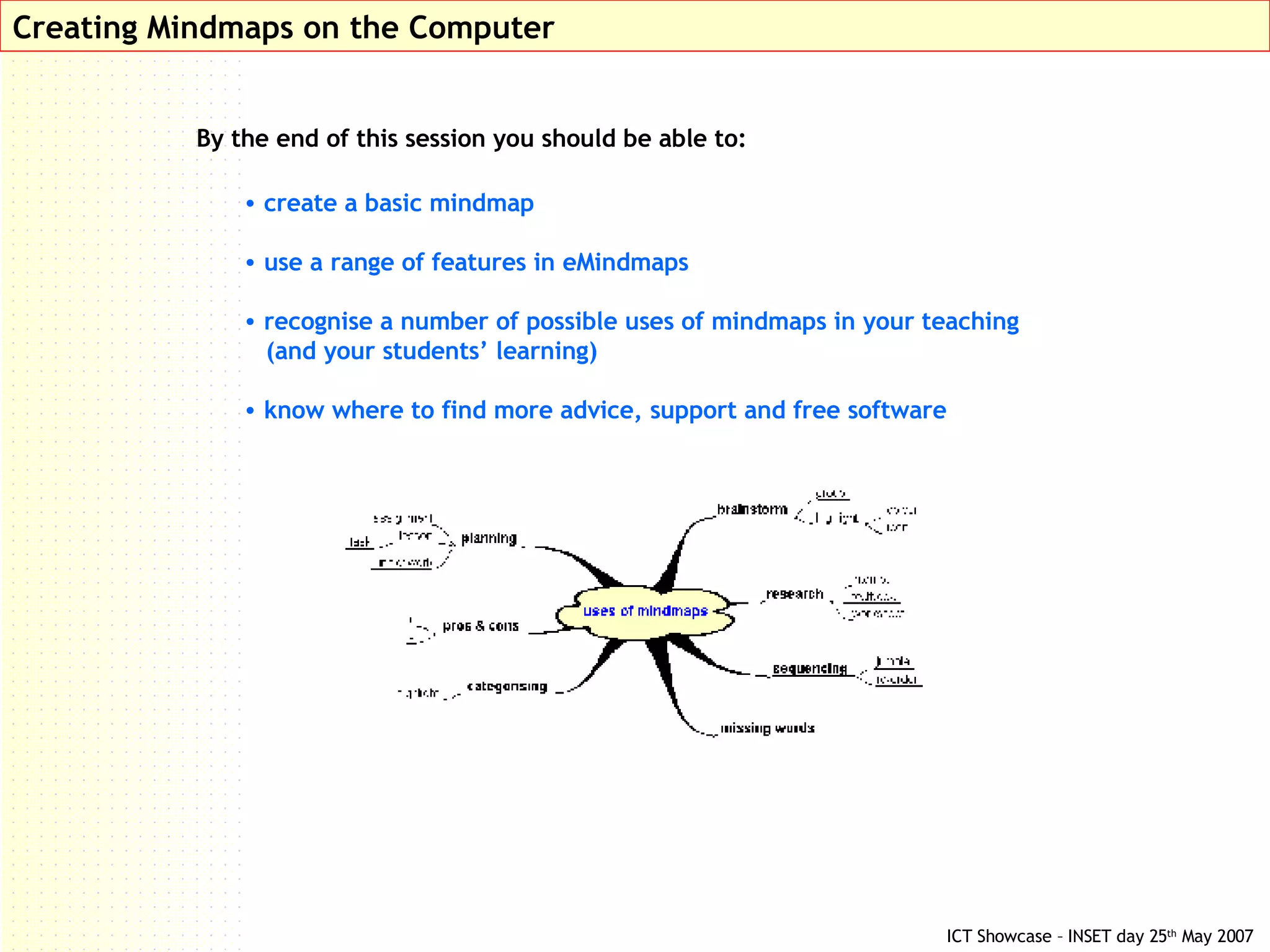
Creating Mindmaps on the Computer By the end of this session you should be able to: create a basic mindmap use a range of features in eMindmaps recognise a number of possible uses of mindmaps in your teaching  (and your students’ learning) know where to find more advice, support and free software
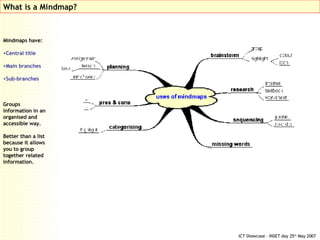
Mindmaps have: Central title Main branches Sub-branches Groups information in an organised and accessible way. Better than a list because it allows you to group together related information. What is a Mindmap?
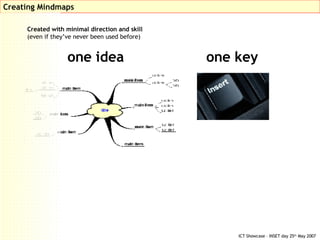
Creating Mindmaps one idea one key Created with minimal direction and skill  (even if they’ve never been used before)
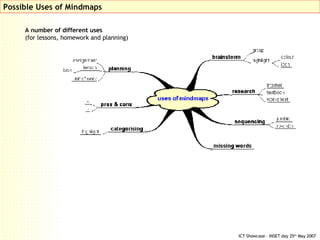
Possible Uses of Mindmaps A number of different uses  (for lessons, homework and planning)
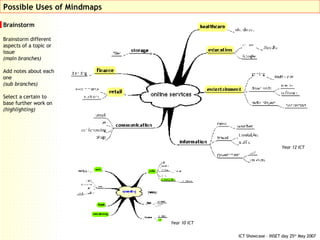
Brainstorm Brainstorm different aspects of a topic or issue (main branches) Add notes about each one (sub branches) Select a certain to base further work on (highlighting) Possible Uses of Mindmaps Year 12 ICT Year 10 ICT
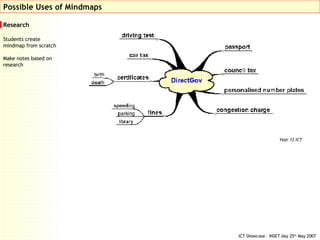
Research Students create mindmap from scratch Make notes based on research Possible Uses of Mindmaps Year 12 ICT
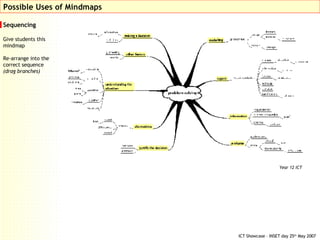
Sequencing Give students this mindmap Re-arrange into the correct sequence (drag branches) Possible Uses of Mindmaps Year 12 ICT
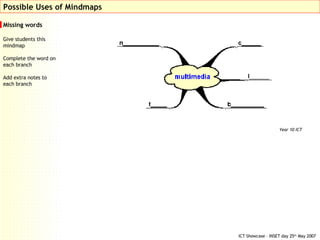
Missing words Give students this mindmap Complete the word on each branch Add extra notes to each branch Possible Uses of Mindmaps Year 10 ICT
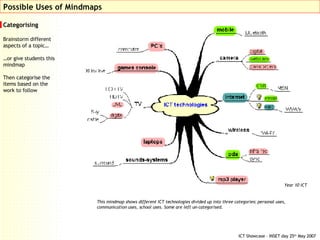
Categorising Brainstorm different aspects of a topic…  … or give students this mindmap Then categorise the items based on the work to follow Possible Uses of Mindmaps This mindmap shows different ICT technologies divided up into three categories: personal uses, communication uses, school uses. Some are left un-categorised. Year 10 ICT
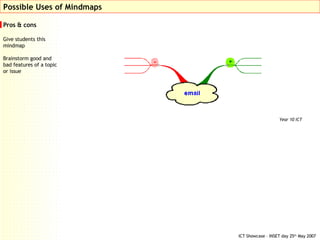
Pros & cons Give students this mindmap Brainstorm good and  bad features of a topic or issue Possible Uses of Mindmaps Year 10 ICT
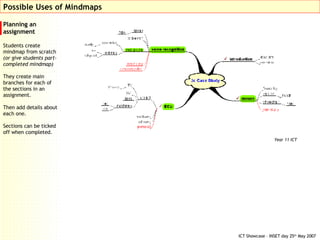
Planning an assignment Students create mindmap from scratch  (or give students part-completed mindmap) They create main branches for each of the sections in an assignment. Then add details about each one. Sections can be ticked off when completed. Possible Uses of Mindmaps Year 11 ICT
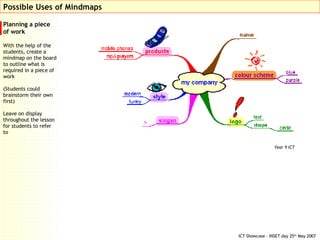
Planning a piece of work  With the help of the students, create a mindmap on the board to outline what is required in a piece of work  (Students could brainstorm their own first) Leave on display throughout the lesson for students to refer to Possible Uses of Mindmaps Year 9 ICT
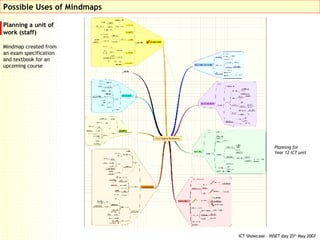
Planning a unit of work (staff) Mindmap created from an exam specification and textbook for an upcoming course Possible Uses of Mindmaps Planning for  Year 12 ICT unit
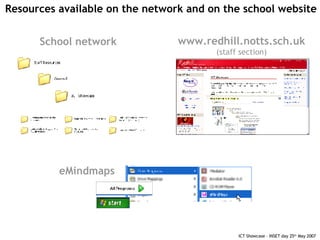
Resources available on the network and on the school website School network www.redhill.notts.sch.uk (staff section) eMindmaps

Mindmapping Presentation (Short Version)

  • 1.
    Creating Mindmaps onthe Computer By the end of this session you should be able to: create a basic mindmap use a range of features in eMindmaps recognise a number of possible uses of mindmaps in your teaching (and your students’ learning) know where to find more advice, support and free software
  • 2.
    Mindmaps have: Centraltitle Main branches Sub-branches Groups information in an organised and accessible way. Better than a list because it allows you to group together related information. What is a Mindmap?
  • 3.
    Creating Mindmaps oneidea one key Created with minimal direction and skill (even if they’ve never been used before)
  • 4.
    Possible Uses ofMindmaps A number of different uses (for lessons, homework and planning)
  • 5.
    Brainstorm Brainstorm differentaspects of a topic or issue (main branches) Add notes about each one (sub branches) Select a certain to base further work on (highlighting) Possible Uses of Mindmaps Year 12 ICT Year 10 ICT
  • 6.
    Research Students createmindmap from scratch Make notes based on research Possible Uses of Mindmaps Year 12 ICT
  • 7.
    Sequencing Give studentsthis mindmap Re-arrange into the correct sequence (drag branches) Possible Uses of Mindmaps Year 12 ICT
  • 8.
    Missing words Givestudents this mindmap Complete the word on each branch Add extra notes to each branch Possible Uses of Mindmaps Year 10 ICT
  • 9.
    Categorising Brainstorm differentaspects of a topic… … or give students this mindmap Then categorise the items based on the work to follow Possible Uses of Mindmaps This mindmap shows different ICT technologies divided up into three categories: personal uses, communication uses, school uses. Some are left un-categorised. Year 10 ICT
  • 10.
    Pros & consGive students this mindmap Brainstorm good and bad features of a topic or issue Possible Uses of Mindmaps Year 10 ICT
  • 11.
    Planning an assignmentStudents create mindmap from scratch (or give students part-completed mindmap) They create main branches for each of the sections in an assignment. Then add details about each one. Sections can be ticked off when completed. Possible Uses of Mindmaps Year 11 ICT
  • 12.
    Planning a pieceof work With the help of the students, create a mindmap on the board to outline what is required in a piece of work (Students could brainstorm their own first) Leave on display throughout the lesson for students to refer to Possible Uses of Mindmaps Year 9 ICT
  • 13.
    Planning a unitof work (staff) Mindmap created from an exam specification and textbook for an upcoming course Possible Uses of Mindmaps Planning for Year 12 ICT unit
  • 14.
    Resources available onthe network and on the school website School network www.redhill.notts.sch.uk (staff section) eMindmaps