MICROSOFT AZURE ITPRO 
MICROSOFT AZURE ACTIVE 
DIRECTORY 
Önder DEĞER 
Microsoft Azure - MVP
Module Overview 
• Introduction to Azure Active Directory 
• Administering Azure Active Directory 
• Managing Azure Active Directory
What is Azure Active Directory 
• Cloud based identity and access management 
solution 
• Can be used as a standalone cloud directory 
• Can be integrated into your existing on-premises 
Active Directory 
• Developers can integrate their applications 
• Allows for applications to be hosted in the cloud 
but user authentication is done with corporate 
credentials
Similarities between Azure AD and AD 
• Active Directory is the data store for on-premises 
identities 
• Azure AD stores the same data in the cloud 
• Azure AD allows 3rd party cloud applications to 
interact with data stored in Azure AD 
• Data can be synchronized between your local AD 
and Azure AD
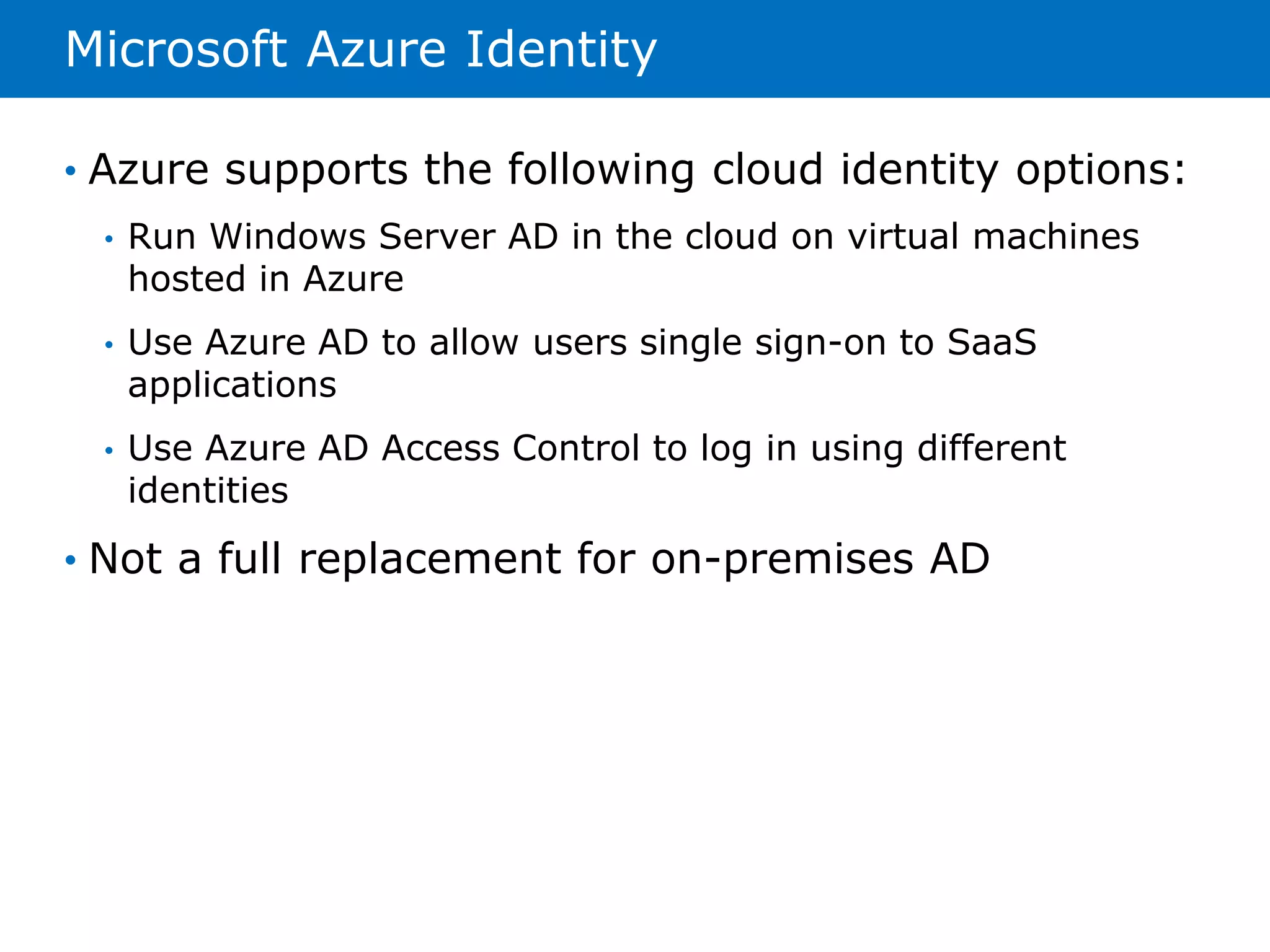
Microsoft Azure Identity 
• Azure supports the following cloud identity options: 
• Run Windows Server AD in the cloud on virtual machines 
hosted in Azure 
• Use Azure AD to allow users single sign-on to SaaS 
applications 
• Use Azure AD Access Control to log in using different 
identities 
• Not a full replacement for on-premises AD
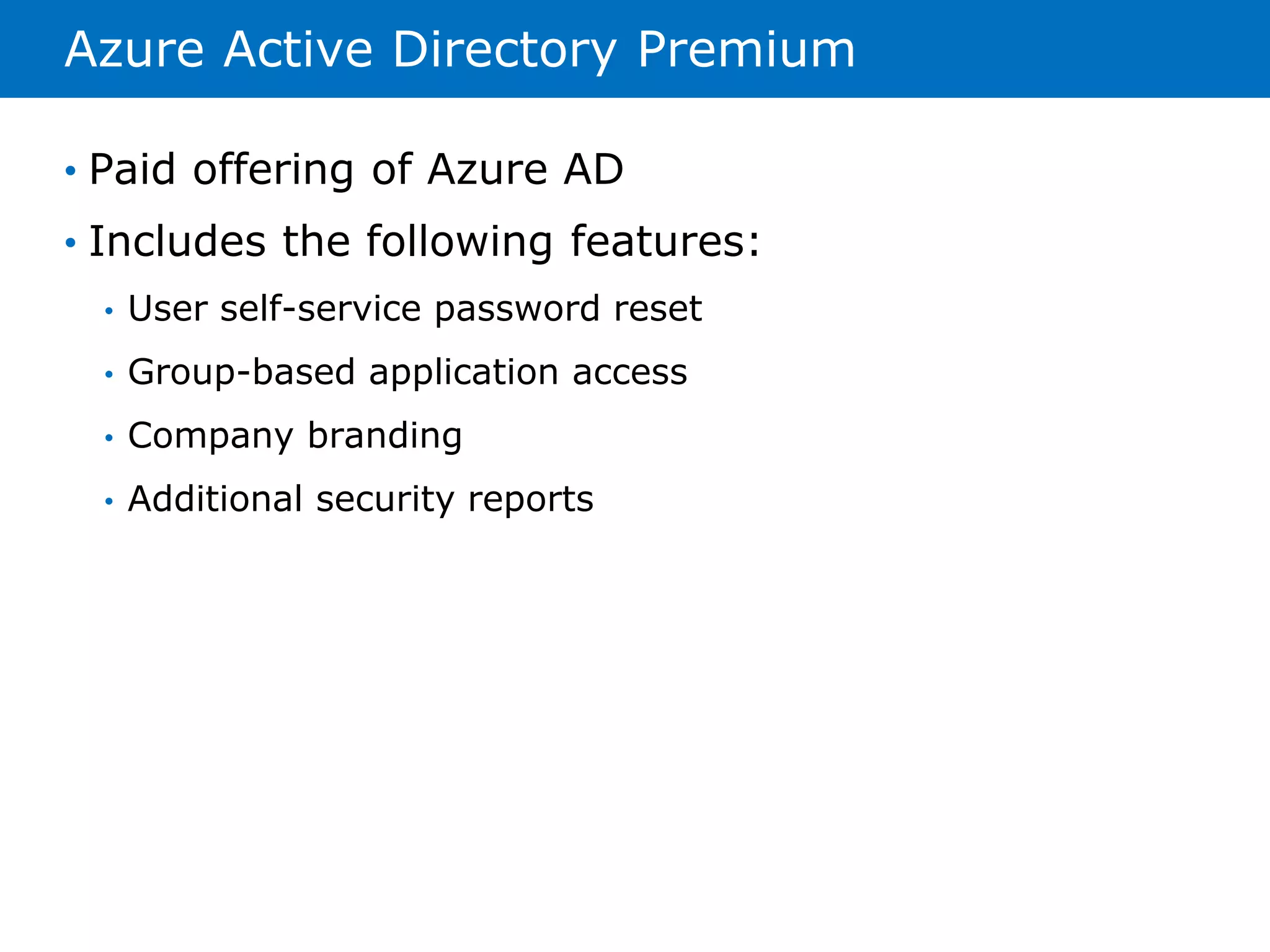
Azure Active Directory Premium 
• Paid offering of Azure AD 
• Includes the following features: 
• User self-service password reset 
• Group-based application access 
• Company branding 
• Additional security reports
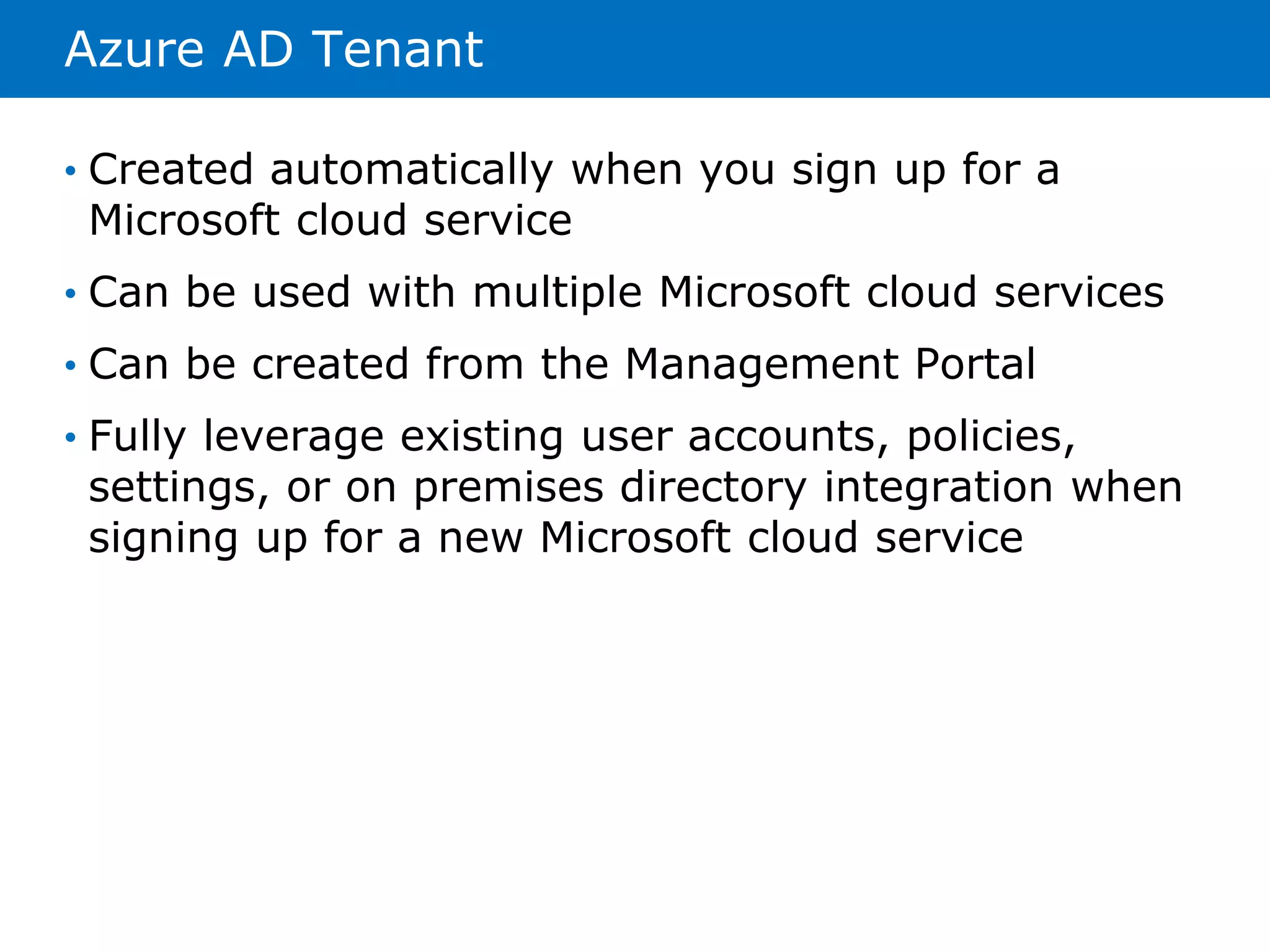
Azure AD Tenant 
• Created automatically when you sign up for a 
Microsoft cloud service 
• Can be used with multiple Microsoft cloud services 
• Can be created from the Management Portal 
• Fully leverage existing user accounts, policies, 
settings, or on premises directory integration when 
signing up for a new Microsoft cloud service
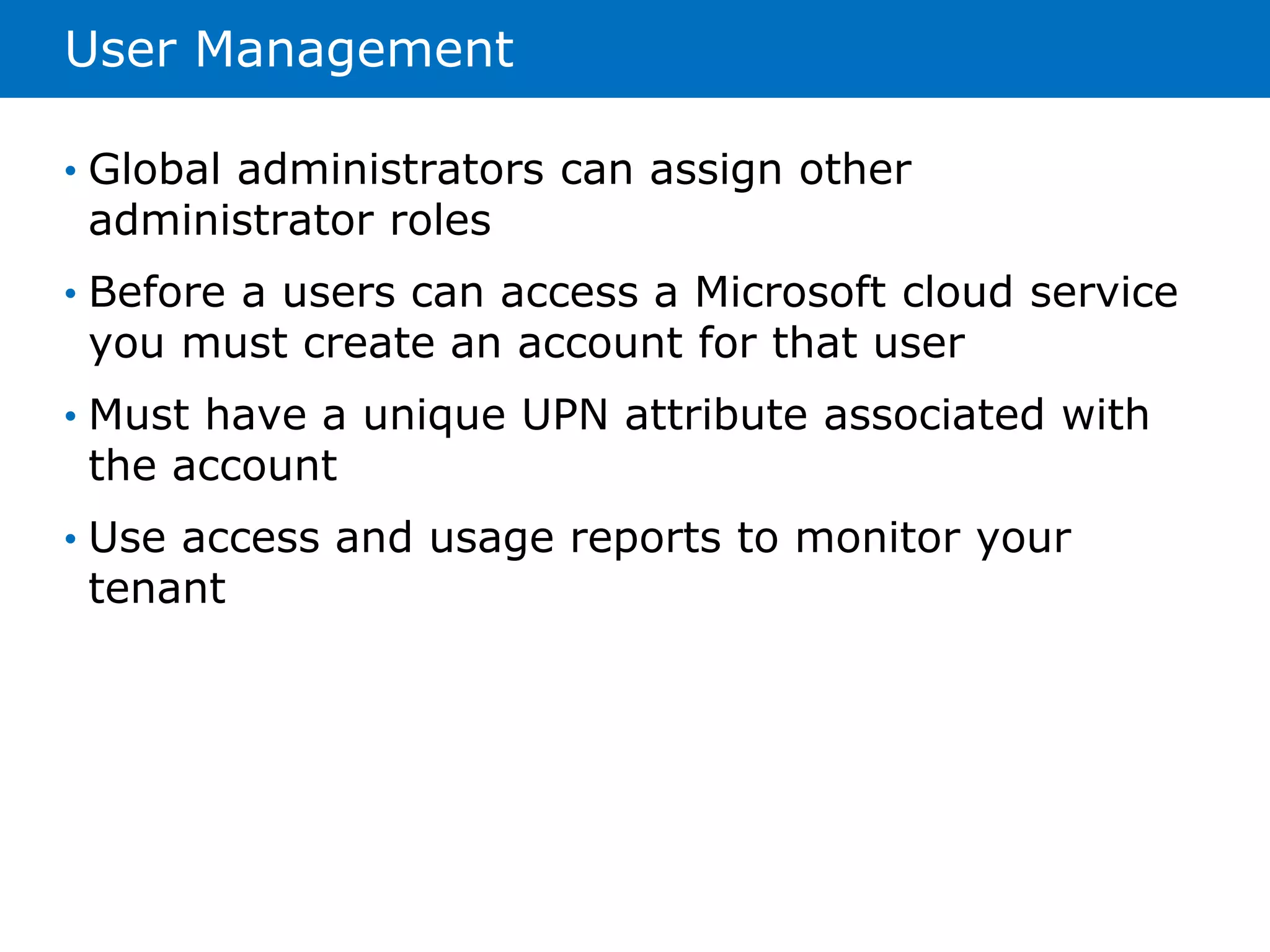
User Management 
• Global administrators can assign other 
administrator roles 
• Before a users can access a Microsoft cloud service 
you must create an account for that user 
• Must have a unique UPN attribute associated with 
the account 
• Use access and usage reports to monitor your 
tenant
Group Management 
• Collection of users that can be managed as a single 
unit 
• Can be used to simplify administration 
• Can assign permissions to multiple accounts at the 
same time 
• Used to assign access to applications or configuring 
access management to online services
Directory Integration 
• Used to simplify cloud-based administrative tasks 
• Provides a streamlined sign-in experience for users 
• The following types of directory integration are 
currently available: 
• Directory Sync 
• Directory Sync with password sync 
• Directory Sync with single sign-on 
• Multi-Forest Directory Sync with single sign-on
Internet Domain Management 
• Can add custom domain name to your Azure AD 
• Becomes available to all of your Microsoft Cloud 
services 
• The following should be considered before adding 
your domain name: 
• You can add up to 600 domain names 
• You must have already registered the domain name with a 
registrar 
• You can add multiple domains to your tenant but cannot 
add the same domain to different tenants 
• Must verify you own the domain name
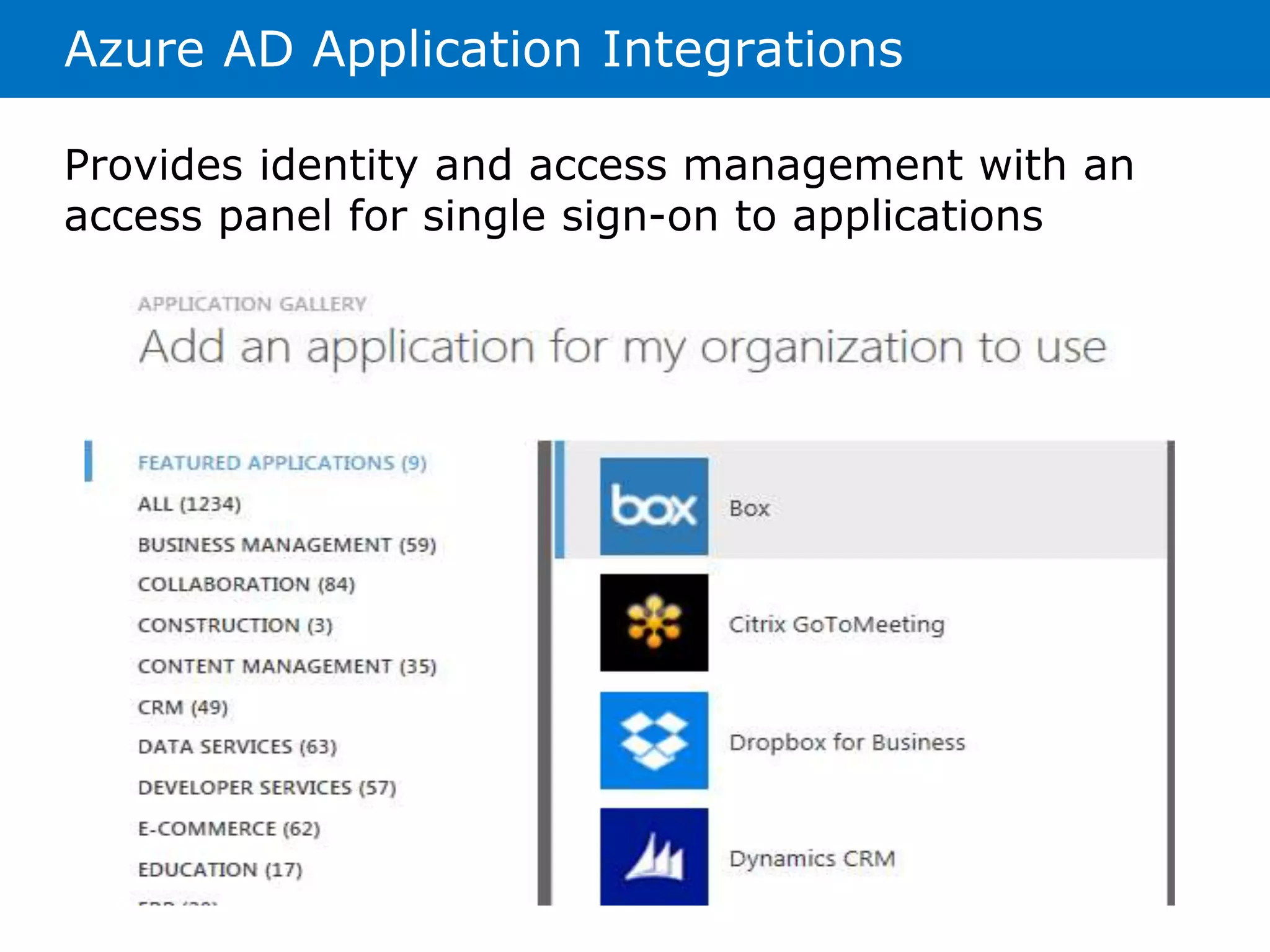
Azure AD Application Integrations 
Provides identity and access management with an 
access panel for single sign-on to applications
Azure Multi-Factor Authentication 
• Requires more than one verification method for 
user sign-ins 
• The following are authentication options available 
with Azure AD: 
• Multi-factor authentication apps 
• Automated phone calls 
• Text messages 
• Free for Global Administrators 
• Additional charge for users 
• Can be purchased in two billing options: 
• Per user 
• Per authentication
Deploying Windows Server AD on Azure Virtual Machines 
• You can deploy an additional domain controller into 
an existing on-premises AD environment using 
Azure AD 
• You should consider the following before doing so: 
• Azure VMs need connectivity to on-premises network 
• Static IP address are not supported on Azure VMs 
• Azure provides two distinct disk types for VMs 
• Could provide an alternate solution to Disaster 
Recovery 
• Can be used as a separate environment for testing 
and development
TEŞEKKÜR EDERİM 
Önder DEĞER – Microsoft Azure MVP

Microsoft Azure Active Directory

  • 1.
    MICROSOFT AZURE ITPRO MICROSOFT AZURE ACTIVE DIRECTORY Önder DEĞER Microsoft Azure - MVP
  • 2.
    Module Overview •Introduction to Azure Active Directory • Administering Azure Active Directory • Managing Azure Active Directory
  • 3.
    What is AzureActive Directory • Cloud based identity and access management solution • Can be used as a standalone cloud directory • Can be integrated into your existing on-premises Active Directory • Developers can integrate their applications • Allows for applications to be hosted in the cloud but user authentication is done with corporate credentials
  • 4.
    Similarities between AzureAD and AD • Active Directory is the data store for on-premises identities • Azure AD stores the same data in the cloud • Azure AD allows 3rd party cloud applications to interact with data stored in Azure AD • Data can be synchronized between your local AD and Azure AD
  • 5.
    Microsoft Azure Identity • Azure supports the following cloud identity options: • Run Windows Server AD in the cloud on virtual machines hosted in Azure • Use Azure AD to allow users single sign-on to SaaS applications • Use Azure AD Access Control to log in using different identities • Not a full replacement for on-premises AD
  • 6.
    Azure Active DirectoryPremium • Paid offering of Azure AD • Includes the following features: • User self-service password reset • Group-based application access • Company branding • Additional security reports
  • 7.
    Azure AD Tenant • Created automatically when you sign up for a Microsoft cloud service • Can be used with multiple Microsoft cloud services • Can be created from the Management Portal • Fully leverage existing user accounts, policies, settings, or on premises directory integration when signing up for a new Microsoft cloud service
  • 8.
    User Management •Global administrators can assign other administrator roles • Before a users can access a Microsoft cloud service you must create an account for that user • Must have a unique UPN attribute associated with the account • Use access and usage reports to monitor your tenant
  • 9.
    Group Management •Collection of users that can be managed as a single unit • Can be used to simplify administration • Can assign permissions to multiple accounts at the same time • Used to assign access to applications or configuring access management to online services
  • 10.
    Directory Integration •Used to simplify cloud-based administrative tasks • Provides a streamlined sign-in experience for users • The following types of directory integration are currently available: • Directory Sync • Directory Sync with password sync • Directory Sync with single sign-on • Multi-Forest Directory Sync with single sign-on
  • 11.
    Internet Domain Management • Can add custom domain name to your Azure AD • Becomes available to all of your Microsoft Cloud services • The following should be considered before adding your domain name: • You can add up to 600 domain names • You must have already registered the domain name with a registrar • You can add multiple domains to your tenant but cannot add the same domain to different tenants • Must verify you own the domain name
  • 12.
    Azure AD ApplicationIntegrations Provides identity and access management with an access panel for single sign-on to applications
  • 13.
    Azure Multi-Factor Authentication • Requires more than one verification method for user sign-ins • The following are authentication options available with Azure AD: • Multi-factor authentication apps • Automated phone calls • Text messages • Free for Global Administrators • Additional charge for users • Can be purchased in two billing options: • Per user • Per authentication
  • 14.
    Deploying Windows ServerAD on Azure Virtual Machines • You can deploy an additional domain controller into an existing on-premises AD environment using Azure AD • You should consider the following before doing so: • Azure VMs need connectivity to on-premises network • Static IP address are not supported on Azure VMs • Azure provides two distinct disk types for VMs • Could provide an alternate solution to Disaster Recovery • Can be used as a separate environment for testing and development
  • 15.
    TEŞEKKÜR EDERİM ÖnderDEĞER – Microsoft Azure MVP

Editor's Notes