Download to read offline
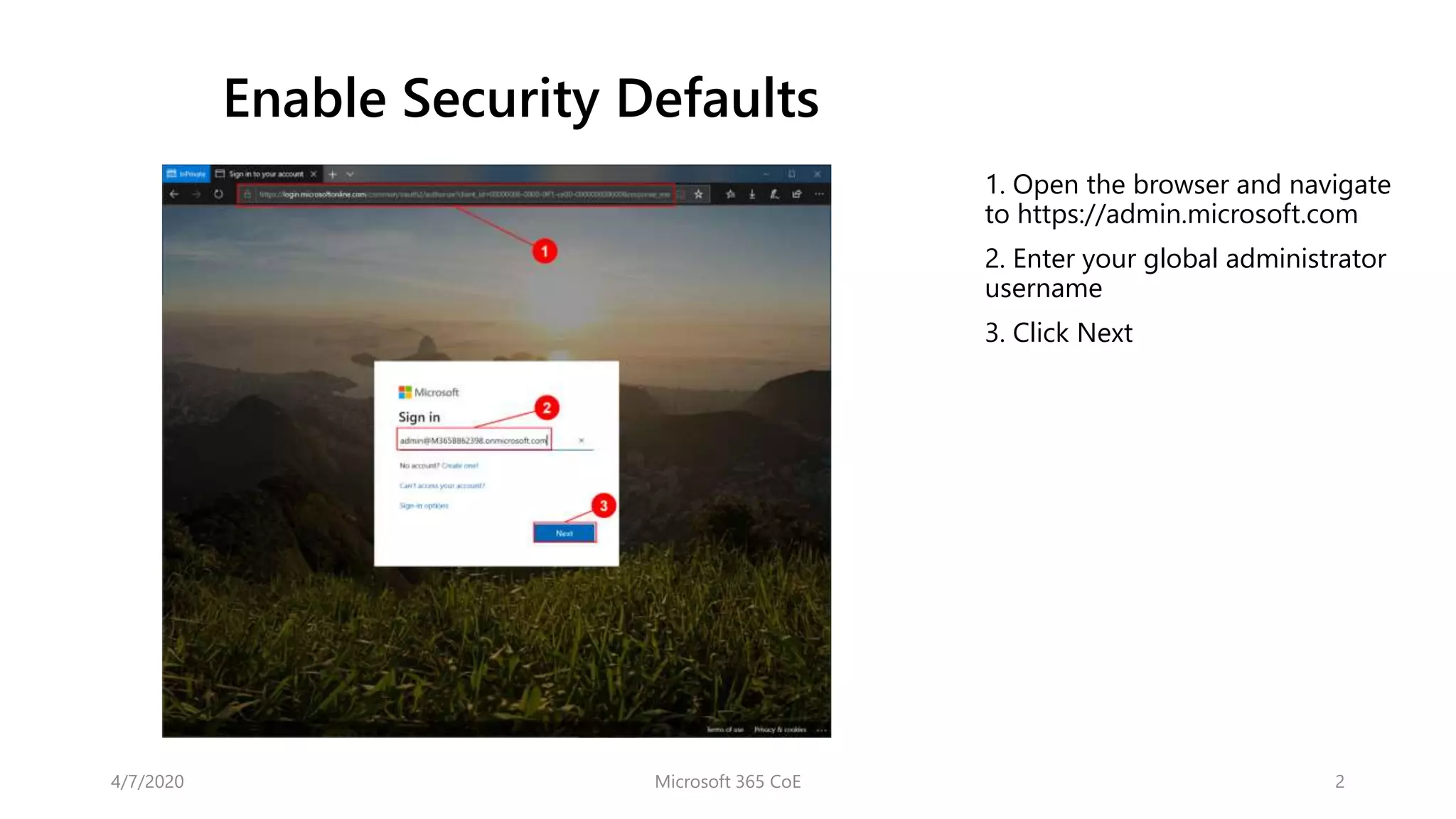
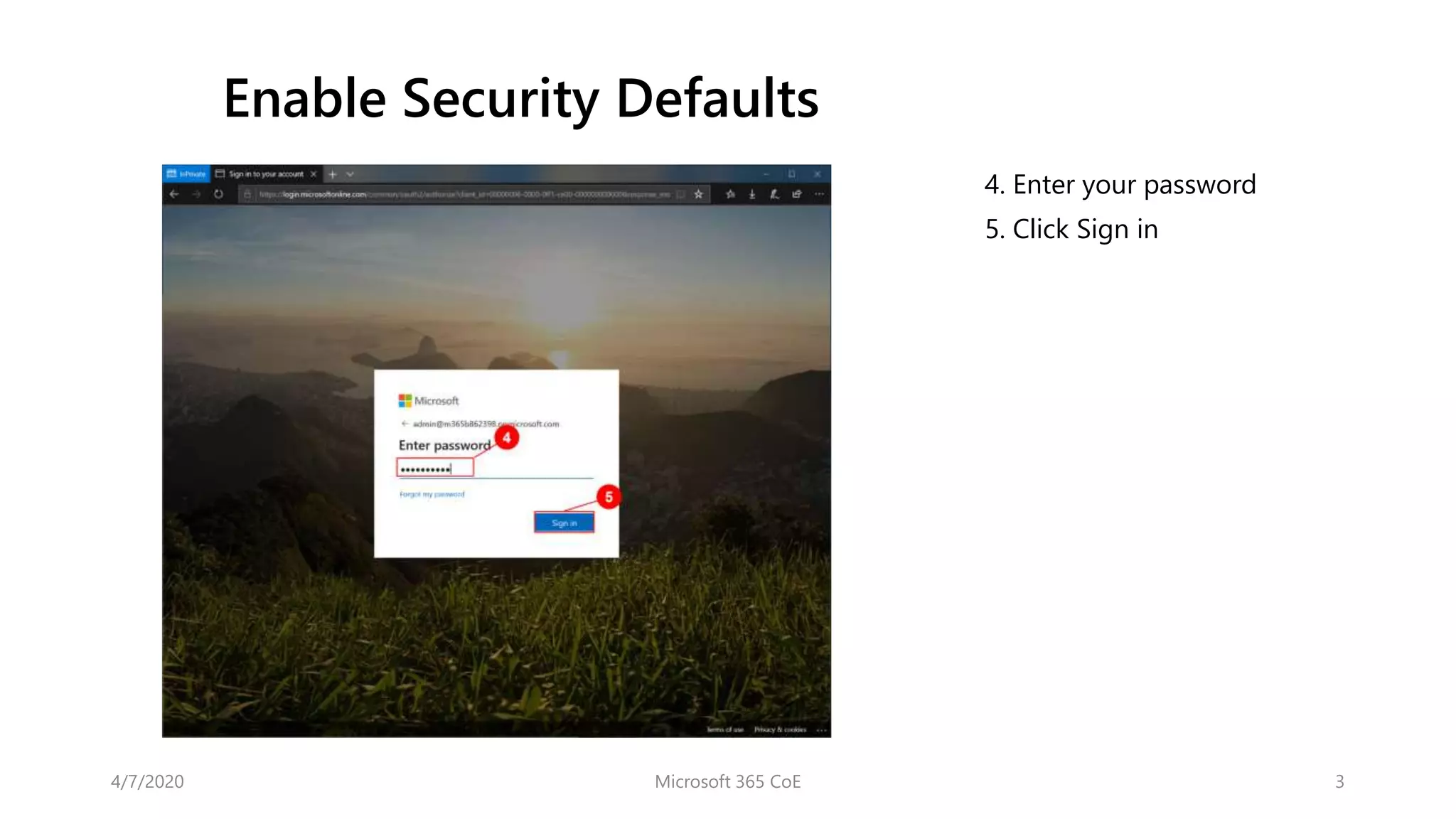
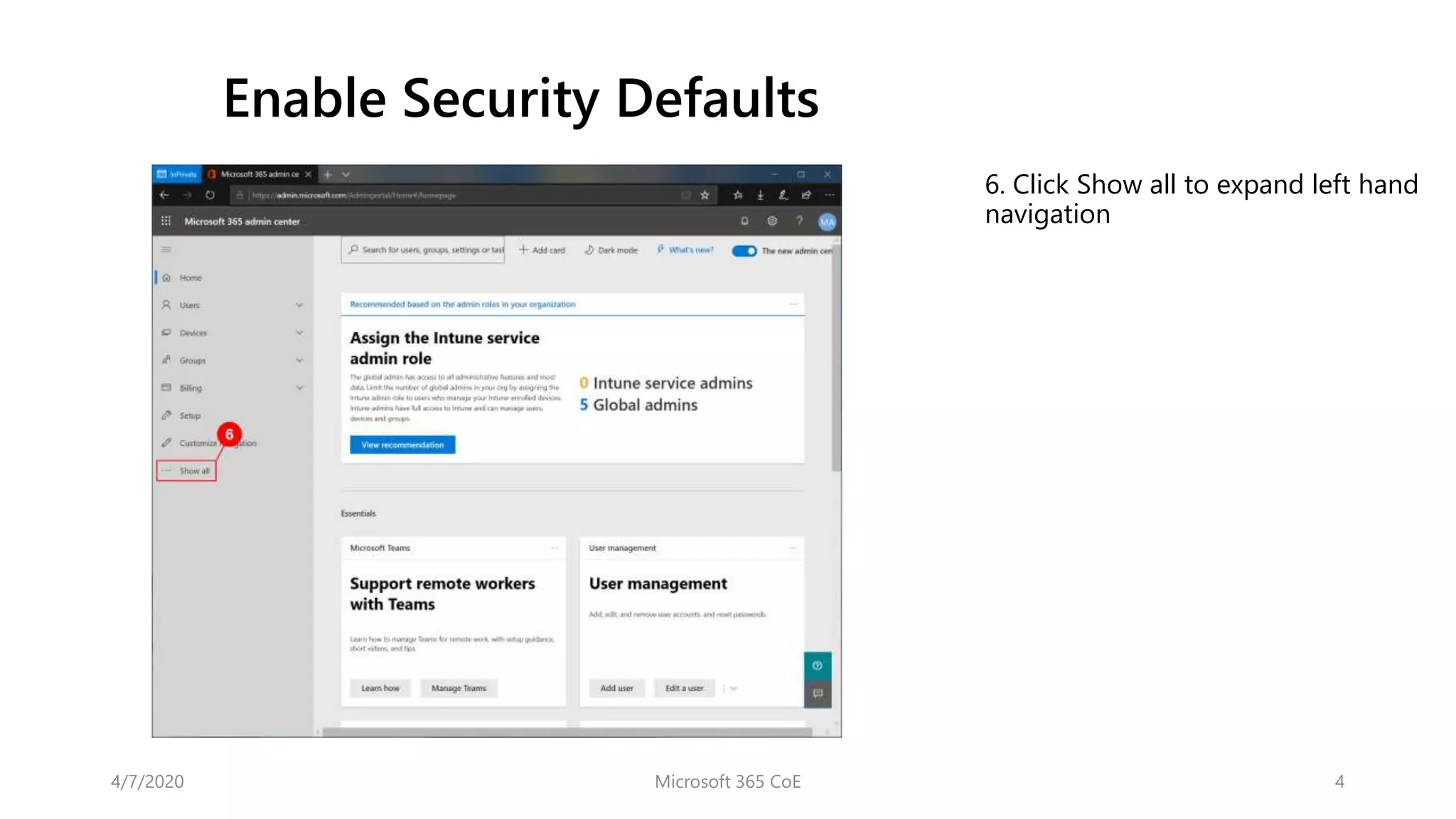
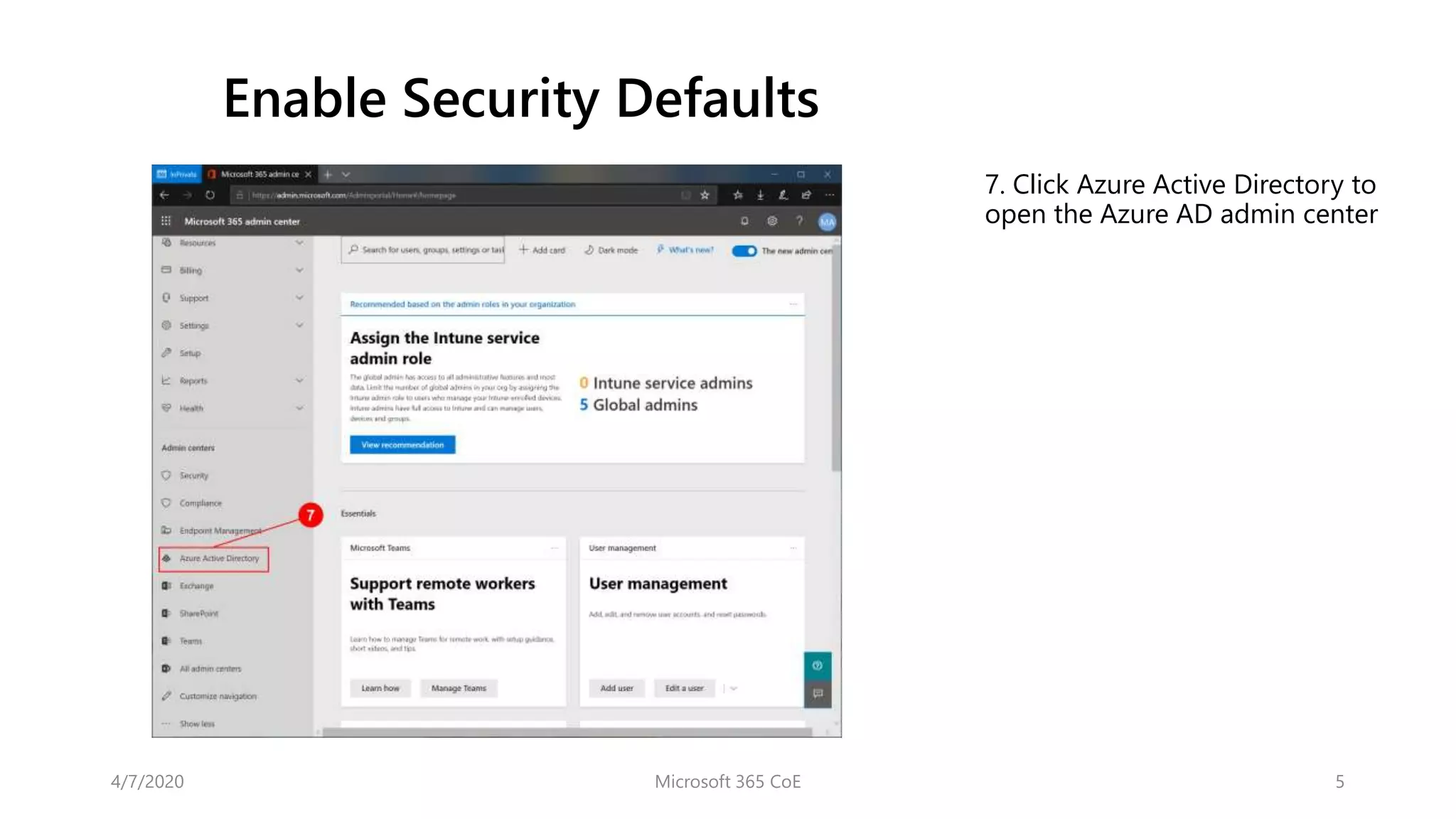
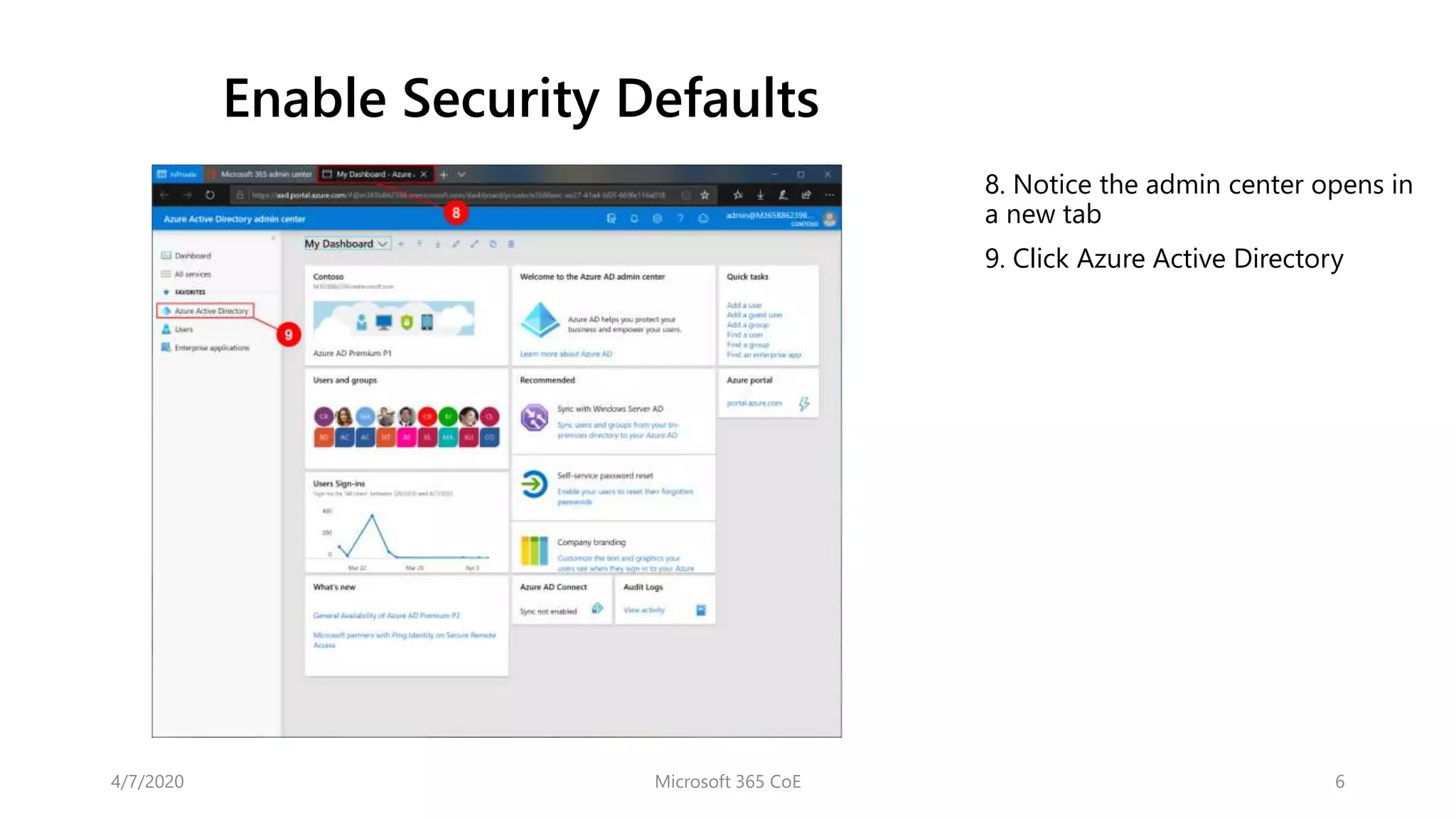
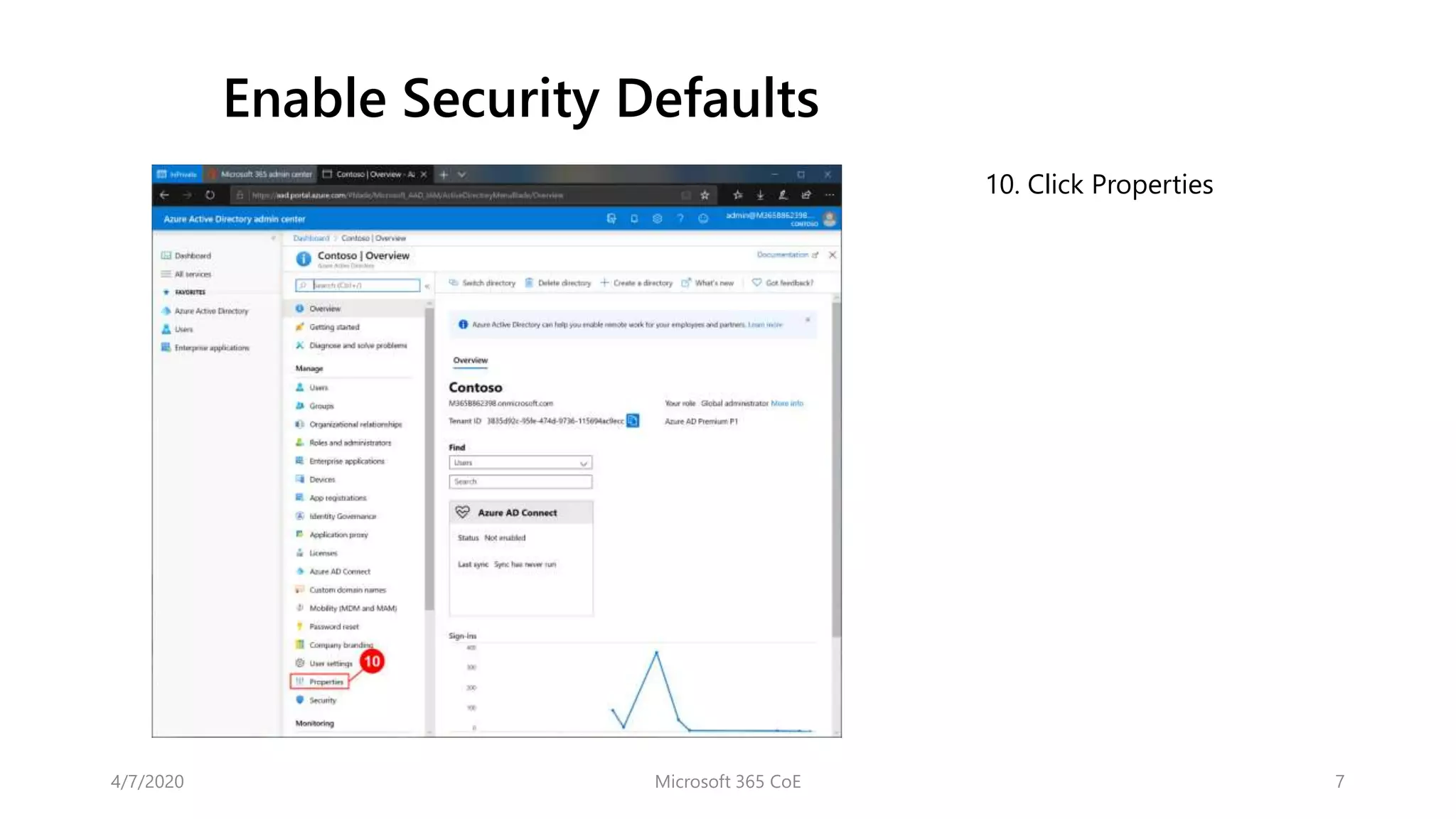
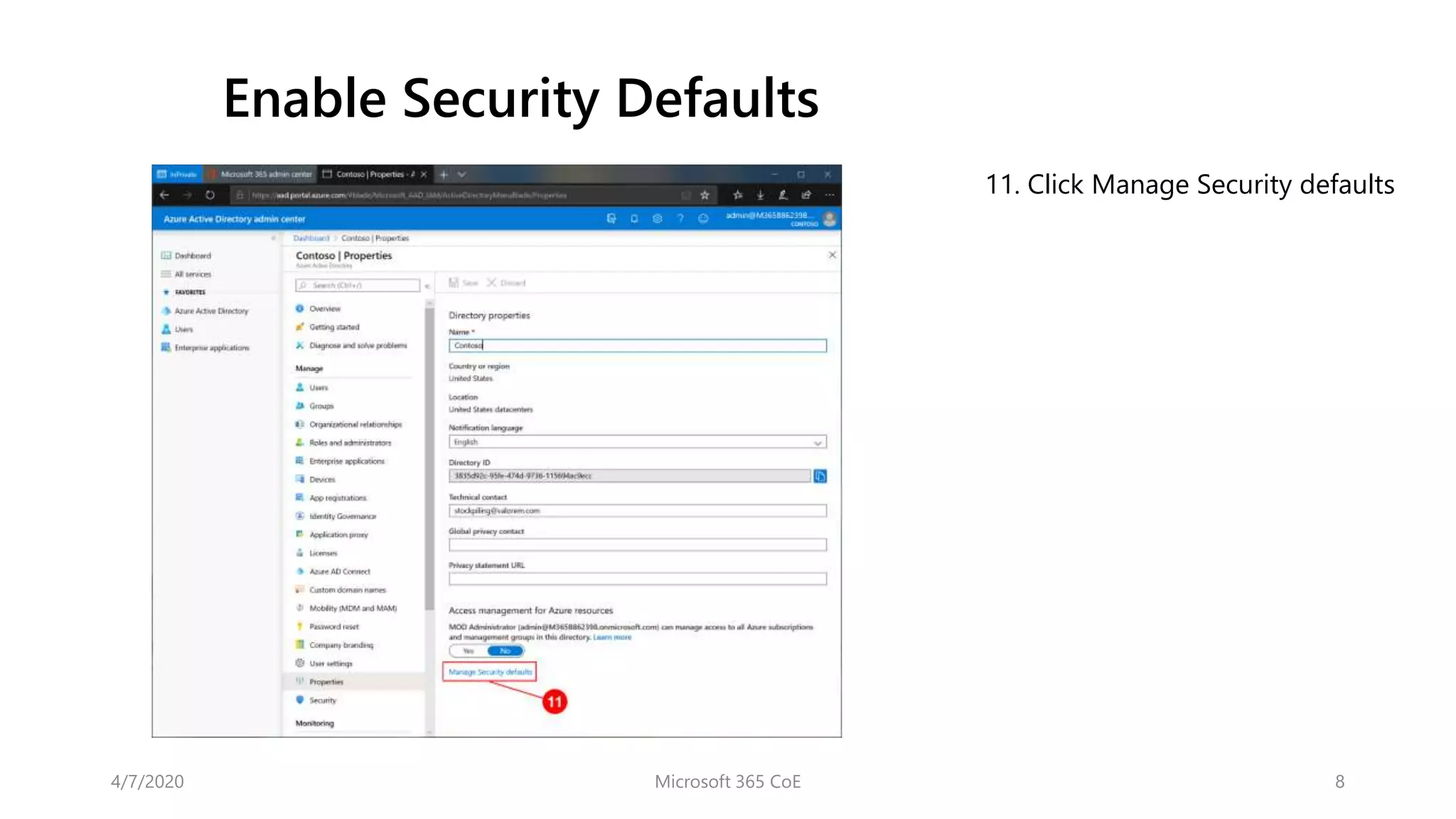
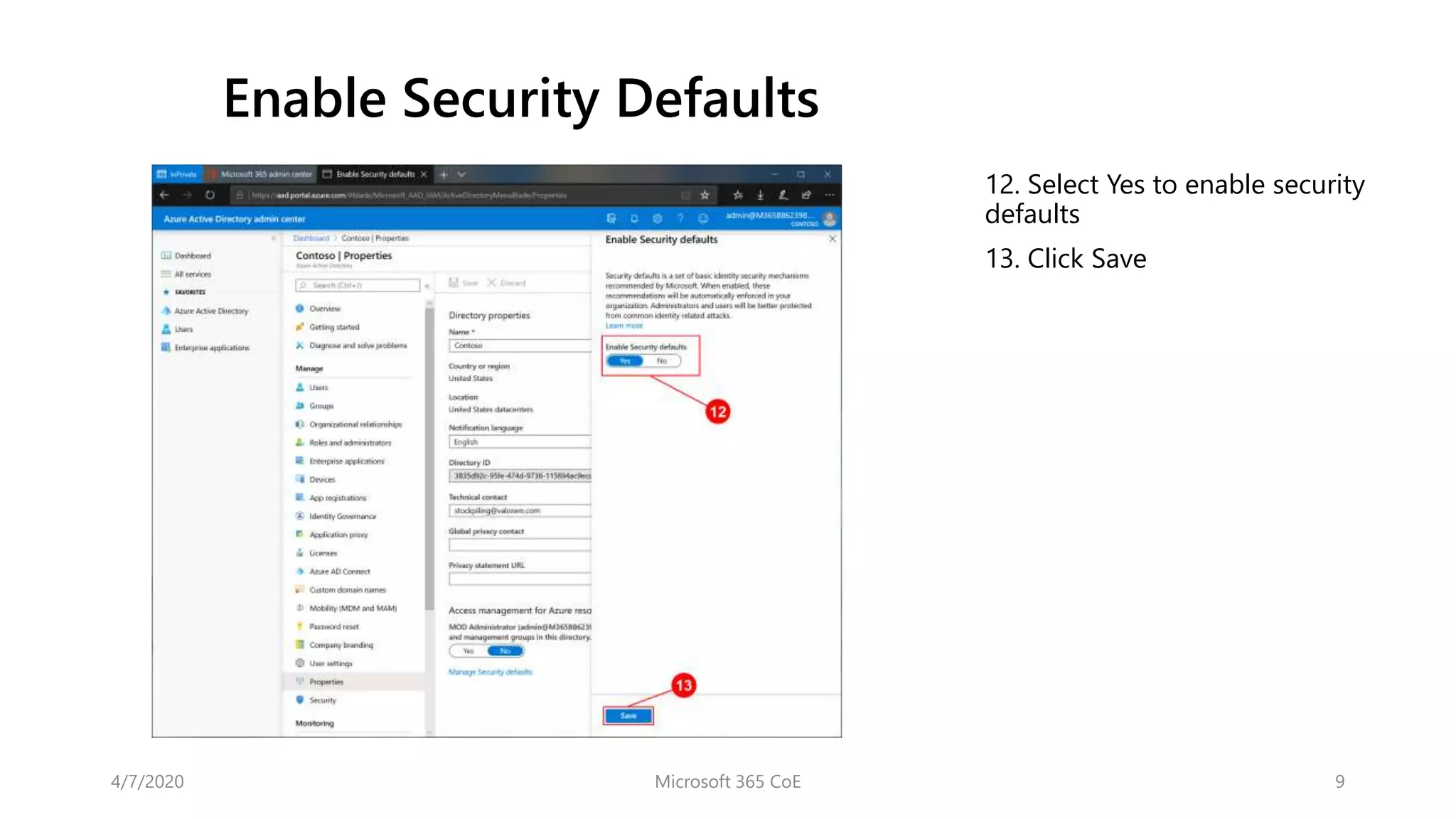

This document provides instructions for enabling security defaults in Microsoft 365, which involves navigating to the Azure Active Directory admin center website and selecting "Yes" to enable security defaults, then clicking "Save". The instructions guide the user through signing in to their global administrator account, expanding the left navigation menu, opening the Azure AD admin center, clicking properties, and then managing security defaults.


![[PU&D] - Securing IT Against Modern Threats with Microsoft Cloud Security Tools](https://cdn.slidesharecdn.com/ss_thumbnails/noelmicrosoftcloudsecuritytools-200404190312-thumbnail.jpg?width=640&height=640&fit=bounds)


![Coded Agents – with UiPath SDK + LangGraph [Virtual Hands-on Workshop]](https://cdn.slidesharecdn.com/ss_thumbnails/codedagentsdeck-251215155422-5497c599-thumbnail.jpg?width=640&height=640&fit=bounds)


