Download to read offline

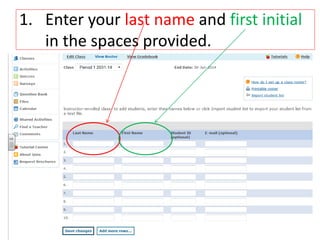
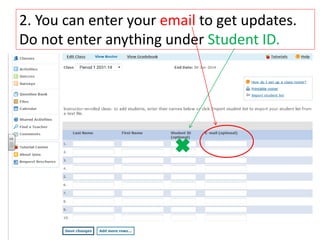
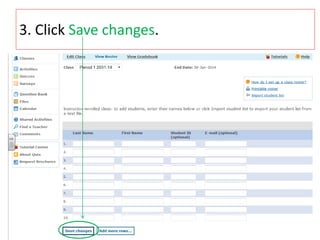
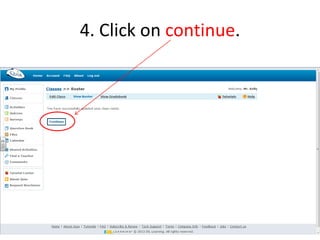
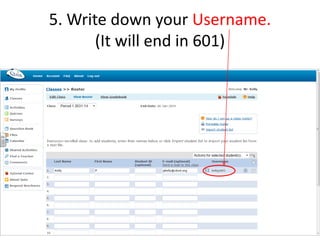
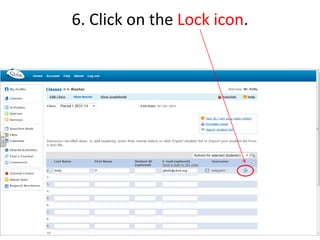
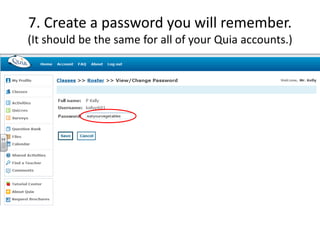
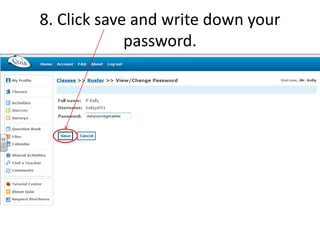

To create an account on Quia, enter your last name and first initial, optionally enter your email, click save changes and continue, write down your auto-generated username ending in 601, click the lock icon and create a memorable password, then click save to complete registration for Mr. Kelly's class.


