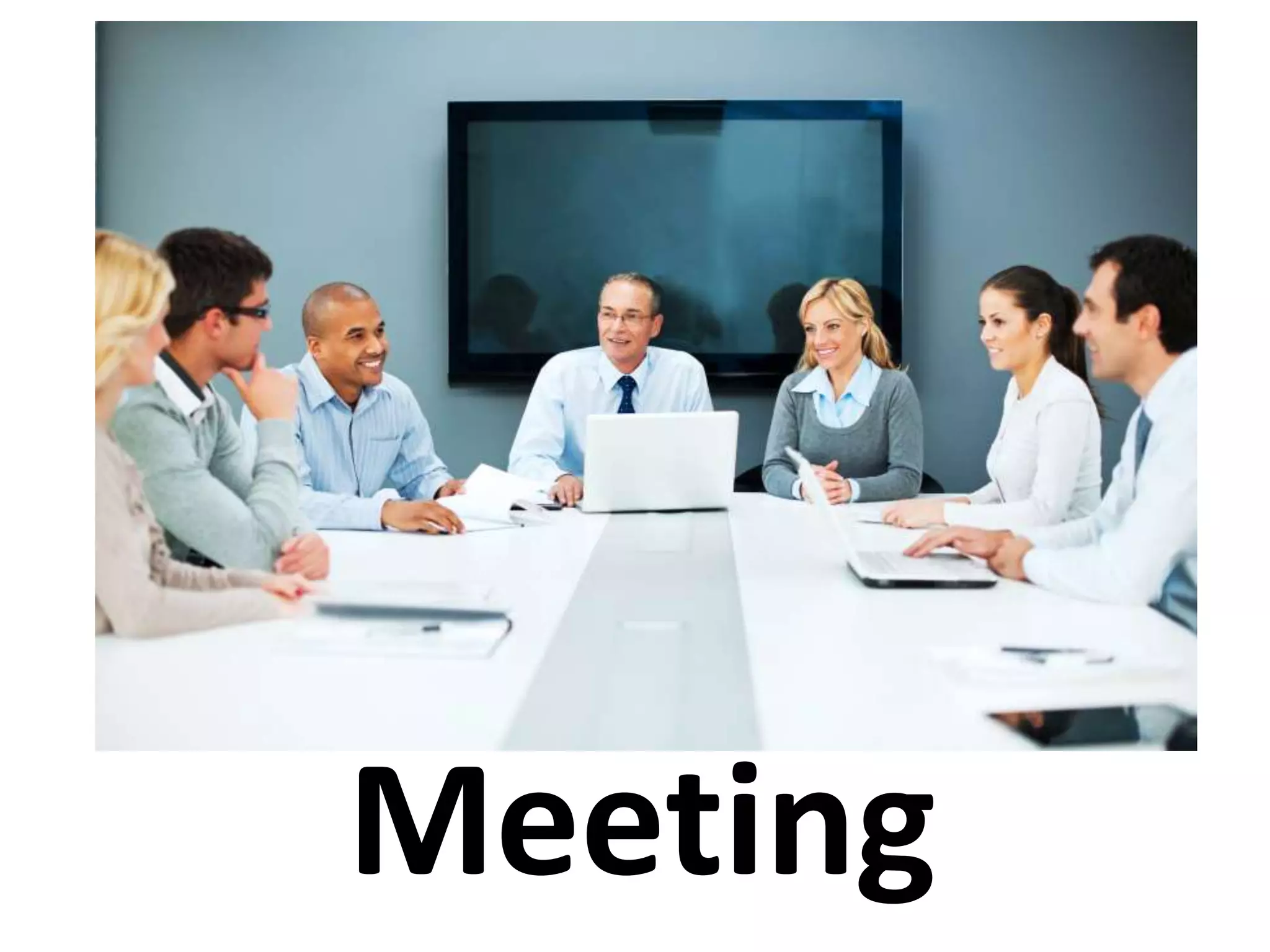
Meeting
Objectives of the session
– You will understand the importance of the
meetings in the business world.
– You will learn meeting etiquettes.
– You will be able to run a successful meeting.
– You will be able to use meeting technologies.
What is a Meeting ?
– An occasion when people come together to
discuss or decide something.
– A situation in which two or more people meet
together, because they have arranged it or by
chance.
(Oxford Advance Dictionary )
Meeting Etiquettes
– Hand Shake Etiquettes
– How to Introduce Yourself
– Dinning Etiquettes
– Misuse of mobile
– Dress professionally
– Keep important accessories with you
– Do not place your hands on your lap
– Do not try to cross your legs
– Focus on the speaker by giving positive gesture
Steps Conducting Meeting
– Preparation of meeting
– Conducting a meeting
– Follow-up to meeting
Preparing For the Meeting
– Careful preparation will save you from two meeting
mistakes :
» Holding a meeting when a memo or other message
would do the job
» Holding meeting without specific goal in mind
– Decide the purpose of the meeting
– Select the participants for the meeting
– Choose the time and the facility
– Set the agenda
What is an agenda letter ?
Why is an agenda important?
Prepares chairman
Prepares attendees
Creates an interest
Clearly defines objectives
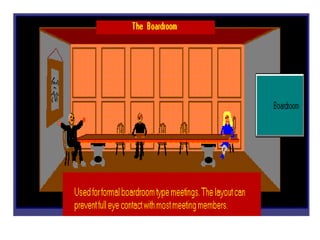
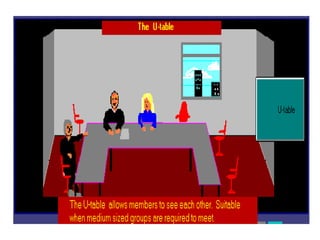
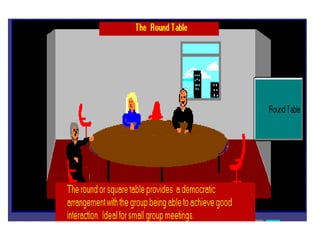
Arrangement of Room
Boardroom meeting
U table
Round table
Preparation before leading /attending
a meeting
– Collect ballot results
– Review correspondence
– Review minutes and action items from previous
meeting
– Contact attendees
– Prepare agenda prepare
– Stationary on venue
– Audio video aids on Venue
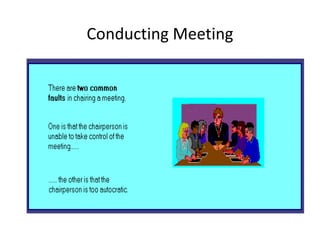
Conducting Meeting
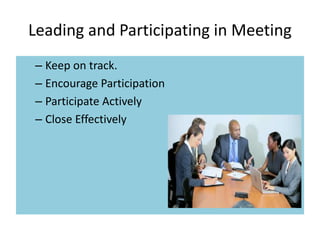
Leading and Participating in Meeting
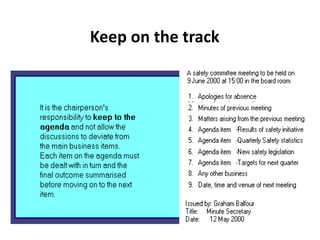
– Keep on track.
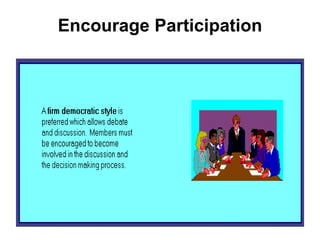
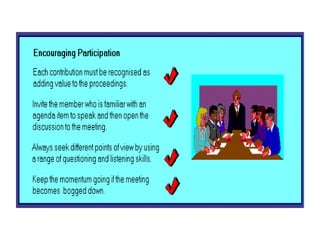
– Encourage Participation
– Participate Actively
– Close Effectively
Keep on the track
Encourage Participation
Participate Actively
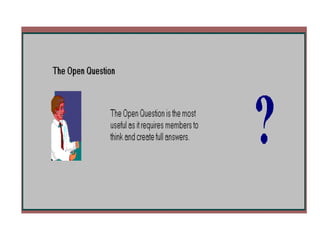
Questionnaire technique should be adopted to
participate actively in the meeting
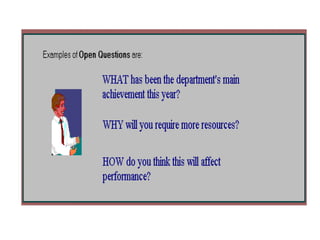
• The open question
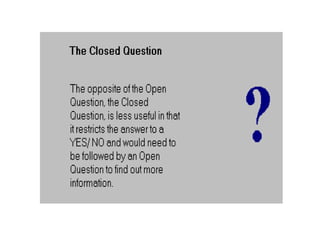
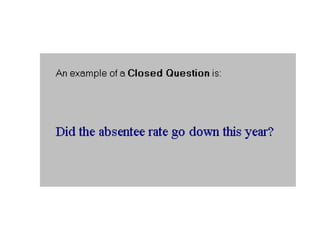
• The close question
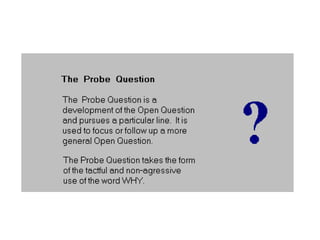
• The probe question
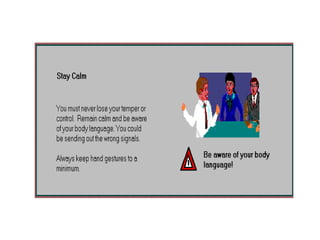
An appropriate, eye contact , body language and
gesture should be maintained during the
meeting
Closing of the meeting
State conclusions reached
Summarize assignments
Give staff manager next meeting
requirements
After the meeting
• Send hard copy of minutes of meeting as
soon as possible after the meeting
• Send electronic version of minutes to all
attendees
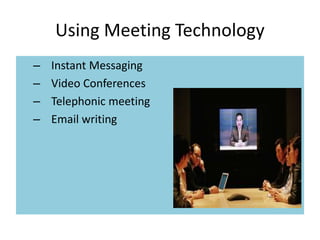
Using Meeting Technology
– Instant Messaging
– Video Conferences
– Telephonic meeting
– Email writing
Drawbacks
– Security Issue
– technological barriers
– Typing abilities
– Constant Interruption
– Accidental mixing of personal messages
– Less Focus
– Privacy focus
Tips for making Instant message more
efficient and effective
– Make yourself available when you are free
– If you are not secure on the system, do not send
confidential information
– Be extremely careful about sending personal
messages
– Do not use IM for important meetings
– Do not use for complex and long meetings
– Try to avoid carrying on multiple IM conversations
– Do not use Slang messages
Meeting

Meeting

  • 1.
  • 2.
    Objectives of thesession – You will understand the importance of the meetings in the business world. – You will learn meeting etiquettes. – You will be able to run a successful meeting. – You will be able to use meeting technologies.
  • 3.
    What is aMeeting ? – An occasion when people come together to discuss or decide something. – A situation in which two or more people meet together, because they have arranged it or by chance. (Oxford Advance Dictionary )
  • 4.
    Meeting Etiquettes – HandShake Etiquettes – How to Introduce Yourself – Dinning Etiquettes – Misuse of mobile – Dress professionally – Keep important accessories with you – Do not place your hands on your lap – Do not try to cross your legs – Focus on the speaker by giving positive gesture
  • 5.
    Steps Conducting Meeting –Preparation of meeting – Conducting a meeting – Follow-up to meeting
  • 6.
    Preparing For theMeeting – Careful preparation will save you from two meeting mistakes : » Holding a meeting when a memo or other message would do the job » Holding meeting without specific goal in mind – Decide the purpose of the meeting – Select the participants for the meeting – Choose the time and the facility – Set the agenda
  • 7.
    What is anagenda letter ?
  • 8.
    Why is anagenda important? Prepares chairman Prepares attendees Creates an interest Clearly defines objectives
  • 9.
    Arrangement of Room Boardroommeeting U table Round table
  • 14.
    Preparation before leading/attending a meeting – Collect ballot results – Review correspondence – Review minutes and action items from previous meeting – Contact attendees – Prepare agenda prepare – Stationary on venue – Audio video aids on Venue
  • 15.
  • 16.
    Leading and Participatingin Meeting – Keep on track. – Encourage Participation – Participate Actively – Close Effectively
  • 17.
  • 18.
  • 20.
    Participate Actively Questionnaire techniqueshould be adopted to participate actively in the meeting • The open question • The close question • The probe question An appropriate, eye contact , body language and gesture should be maintained during the meeting
  • 30.
    Closing of themeeting State conclusions reached Summarize assignments Give staff manager next meeting requirements
  • 31.
    After the meeting •Send hard copy of minutes of meeting as soon as possible after the meeting • Send electronic version of minutes to all attendees
  • 32.
    Using Meeting Technology –Instant Messaging – Video Conferences – Telephonic meeting – Email writing
  • 33.
    Drawbacks – Security Issue –technological barriers – Typing abilities – Constant Interruption – Accidental mixing of personal messages – Less Focus – Privacy focus
  • 34.
    Tips for makingInstant message more efficient and effective – Make yourself available when you are free – If you are not secure on the system, do not send confidential information – Be extremely careful about sending personal messages – Do not use IM for important meetings – Do not use for complex and long meetings – Try to avoid carrying on multiple IM conversations – Do not use Slang messages