History of Mobile GPS
Phillip Connaughton
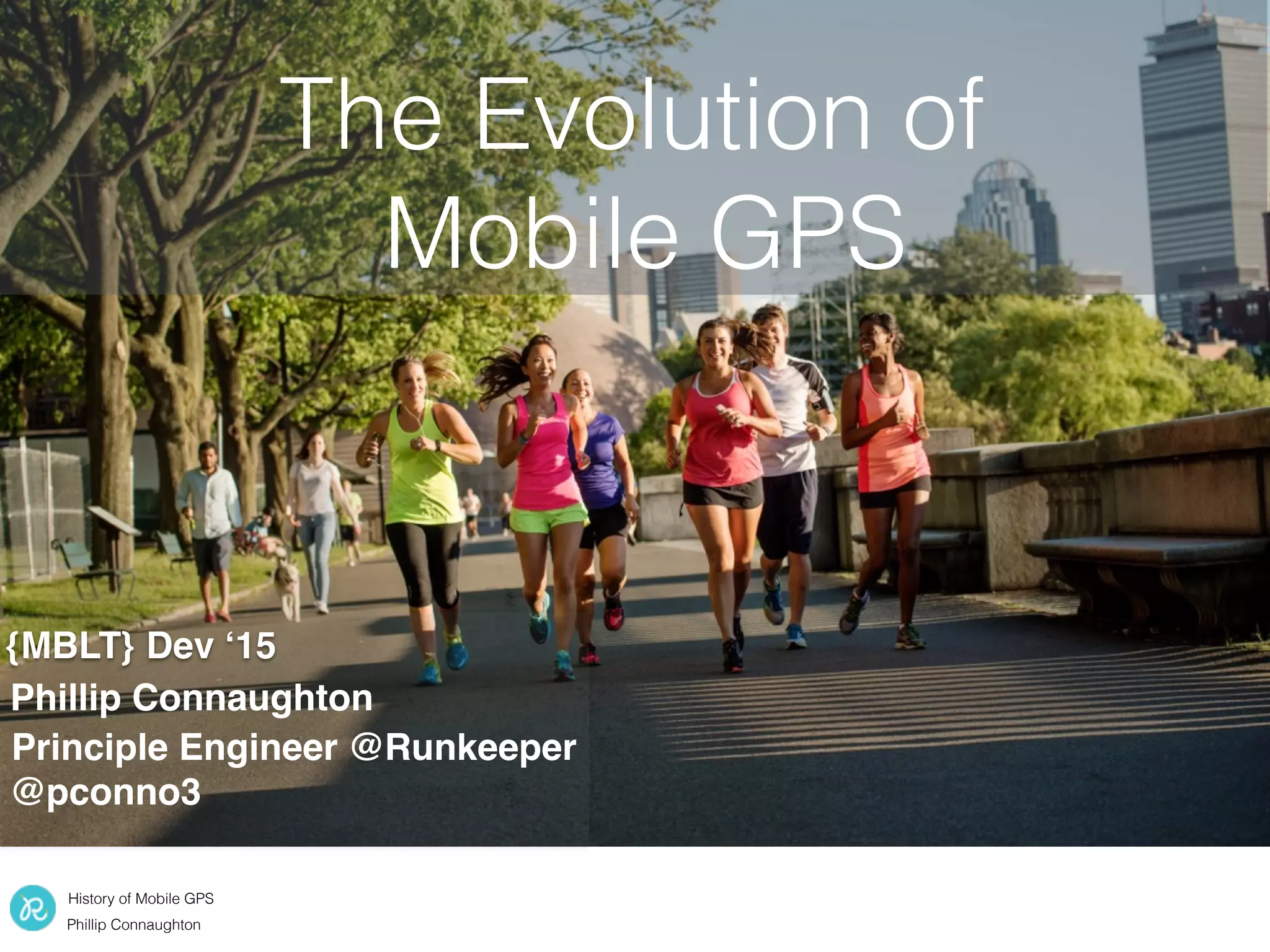
The Evolution of
Mobile GPS
{MBLT} Dev ‘15
Phillip Connaughton
Principle Engineer @Runkeeper
@pconno3
History of Mobile GPS
Phillip Connaughton
Overview
• History of GPS on iOS
• Runkeeper filtering algorithms
• GPS bugs and gotcha’s
• Conserving battery life
History of Mobile GPS
Phillip Connaughton
Runkeeper and GPS
1. Collect finite points during the activity
2. Broader location data post activity
Used for realtime feedback (distance,
pace, calories, etc.)
Used for show the general area a
user ran in, location based
messaging and music
History of Mobile GPS
Phillip Connaughton
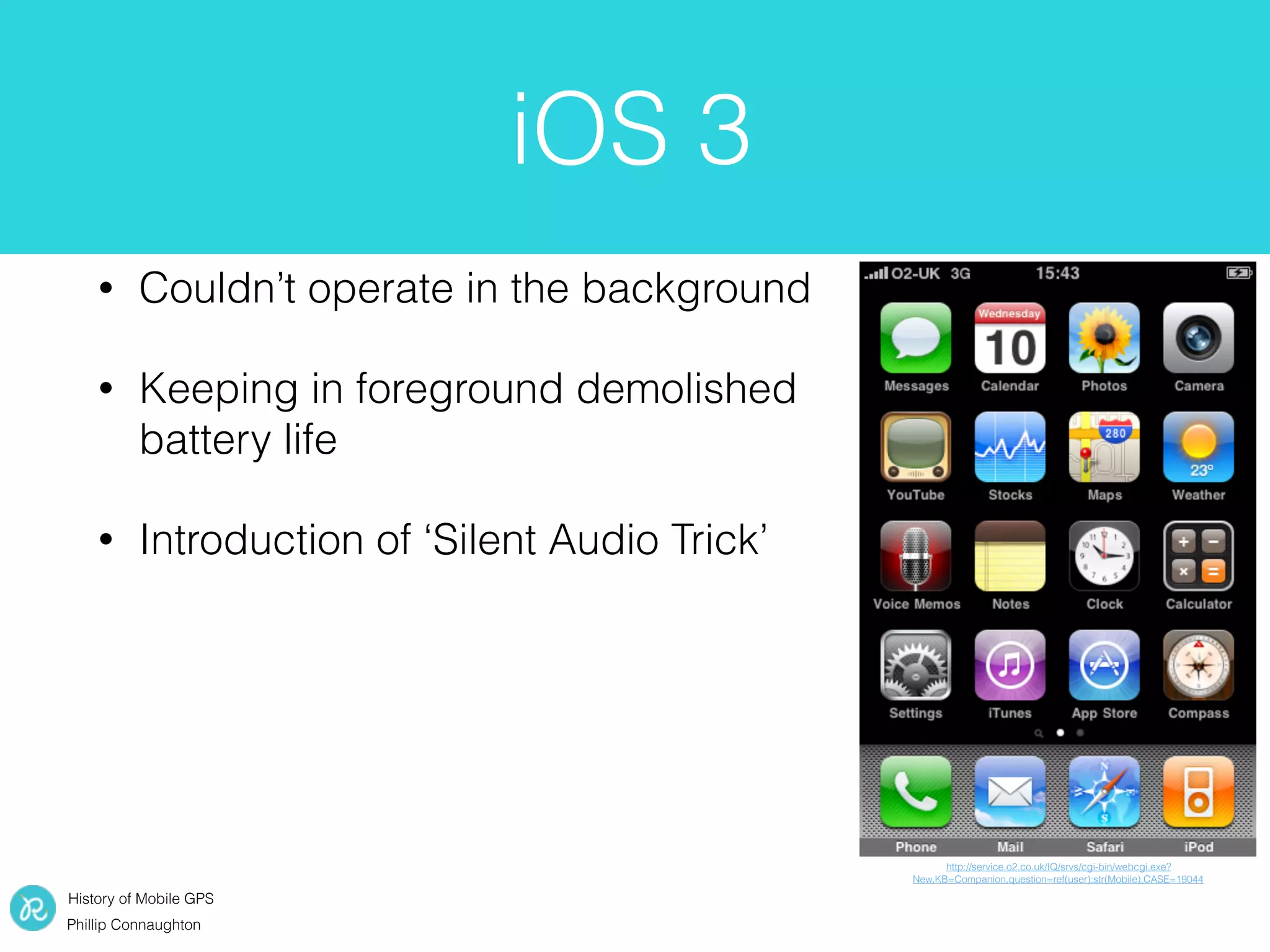
iOS 3
• Couldn’t operate in the background
• Keeping in foreground demolished
battery life
• Introduction of ‘Silent Audio Trick’
http://service.o2.co.uk/IQ/srvs/cgi-bin/webcgi.exe?
New,KB=Companion,question=ref(user):str(Mobile),CASE=19044
History of Mobile GPS
Phillip Connaughton
iOS 4 & 5
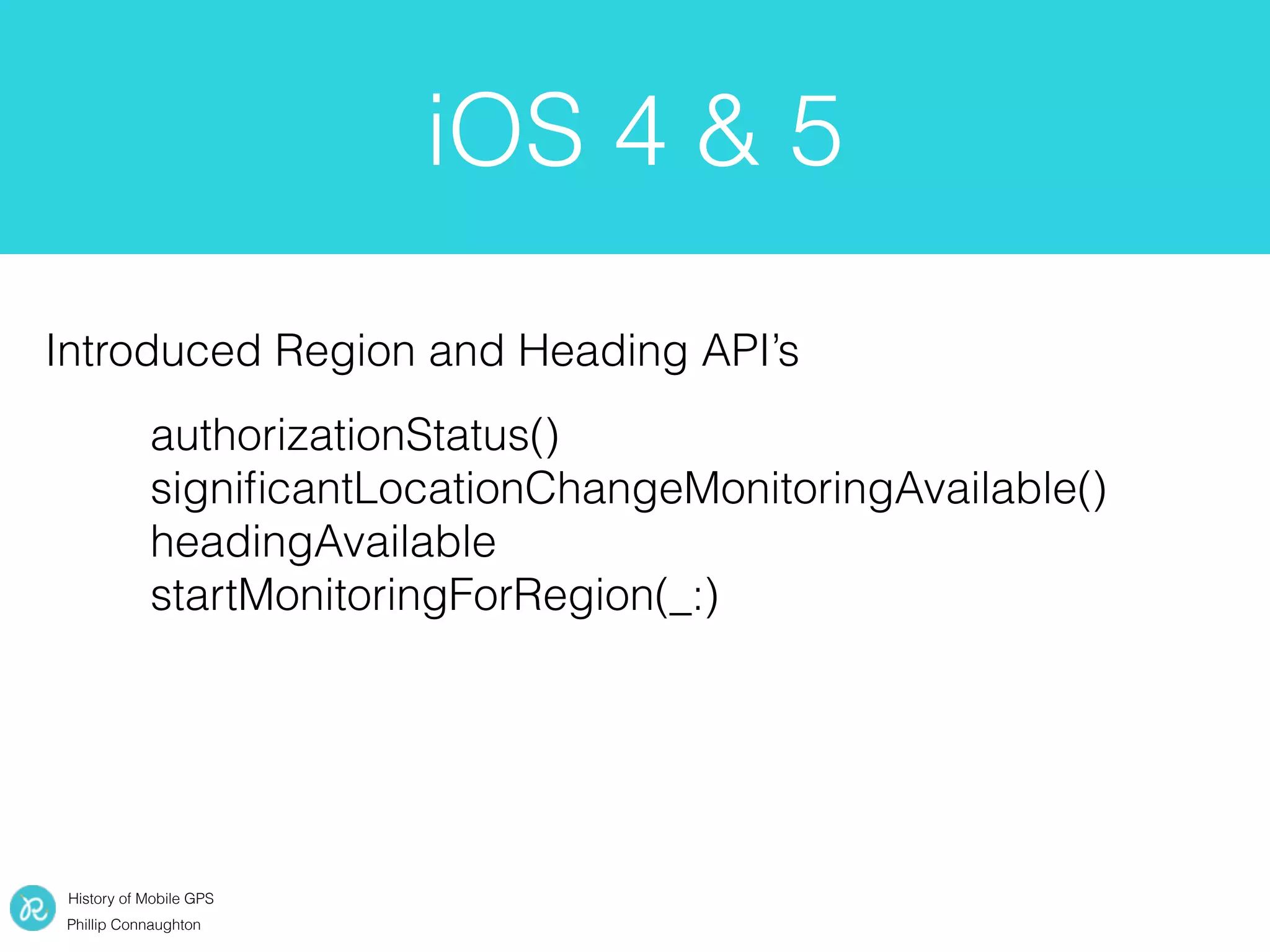
authorizationStatus()
significantLocationChangeMonitoringAvailable()
headingAvailable
startMonitoringForRegion(_:)
Introduced Region and Heading API’s
History of Mobile GPS
Phillip Connaughton
• Deferred updates
• Conserve battery life with
Hi-fidelity points
iOS 6
https://developer.apple.com/library/ios/documentation/CoreLocation/Reference/CoreLocationConstantsRef/index.html#//apple_ref/c/data/kCLLocationAccuracyBest
https://www.siliconbeachtraining.co.uk/blog/ios-7-new-features
- (void)locationManager:(CLLocationManager *)manager
didUpdateLocations:(NSArray<CLLocation *> *)locations;
- (void)locationManager:(CLLocationManager *)manager
didUpdateToLocation:(CLLocation *)newLocation
fromLocation:(CLLocation *)oldLocation;
• To enable
• Set accuracy to kCLLocationAccuracyBest
or kCLLocationAccuracyBestForNavigation
• Distance Filter kCLDistanceFilterNone
History of Mobile GPS
Phillip Connaughton
iOS 7
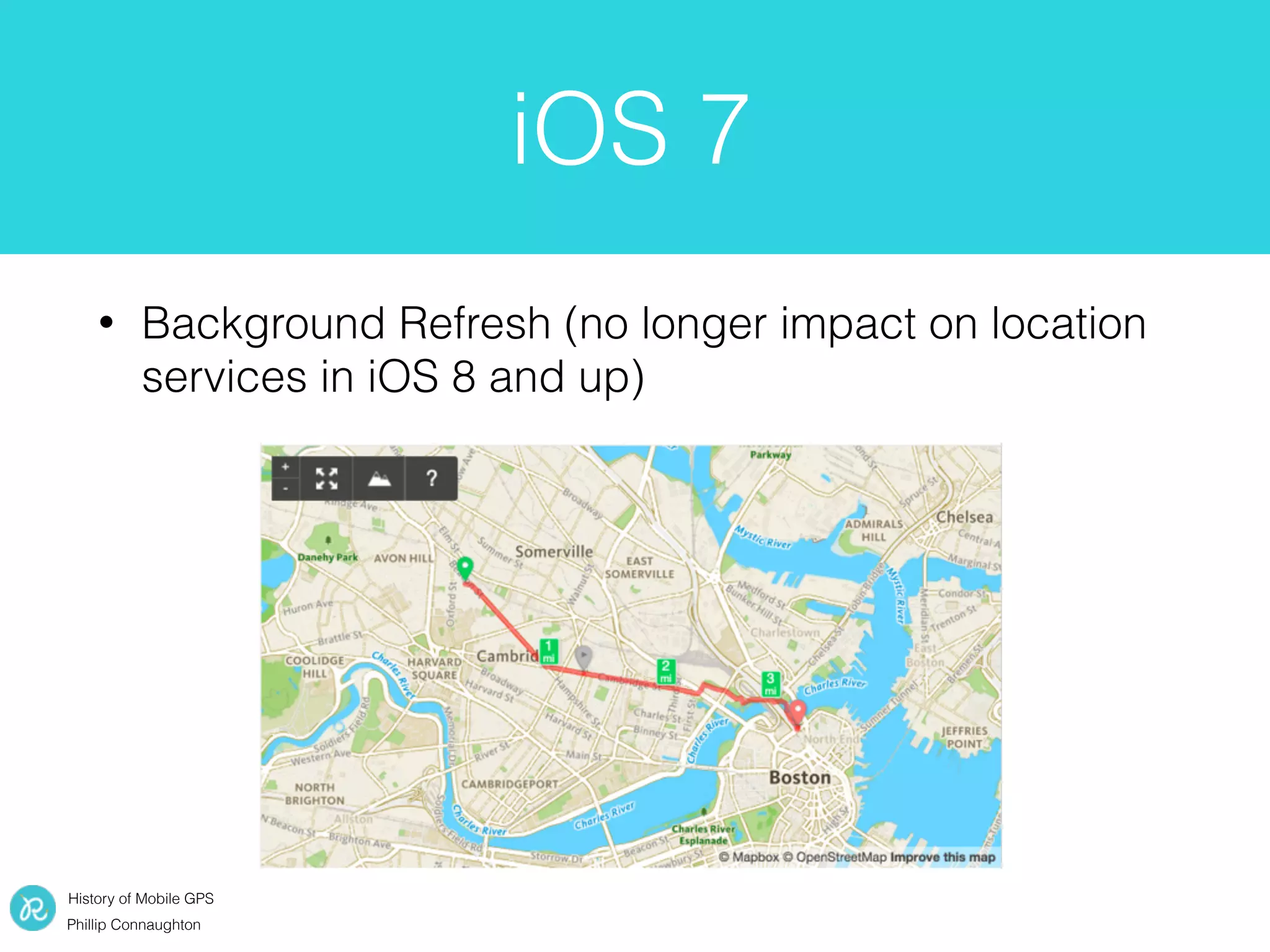
• Background Refresh (no longer impact on location
services in iOS 8 and up)
History of Mobile GPS
Phillip Connaughton
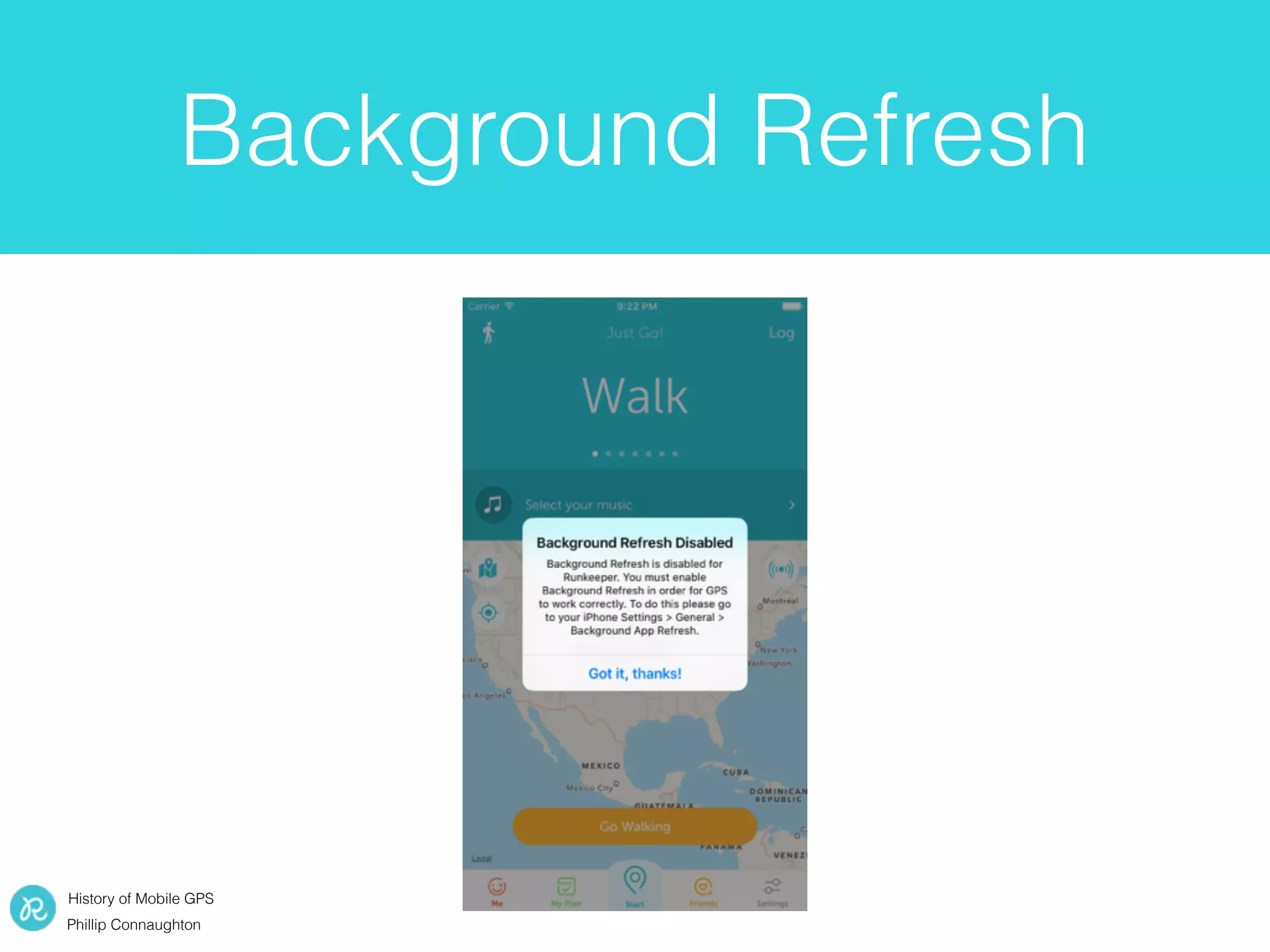
Background Refresh
History of Mobile GPS
Phillip Connaughton
iOS 8
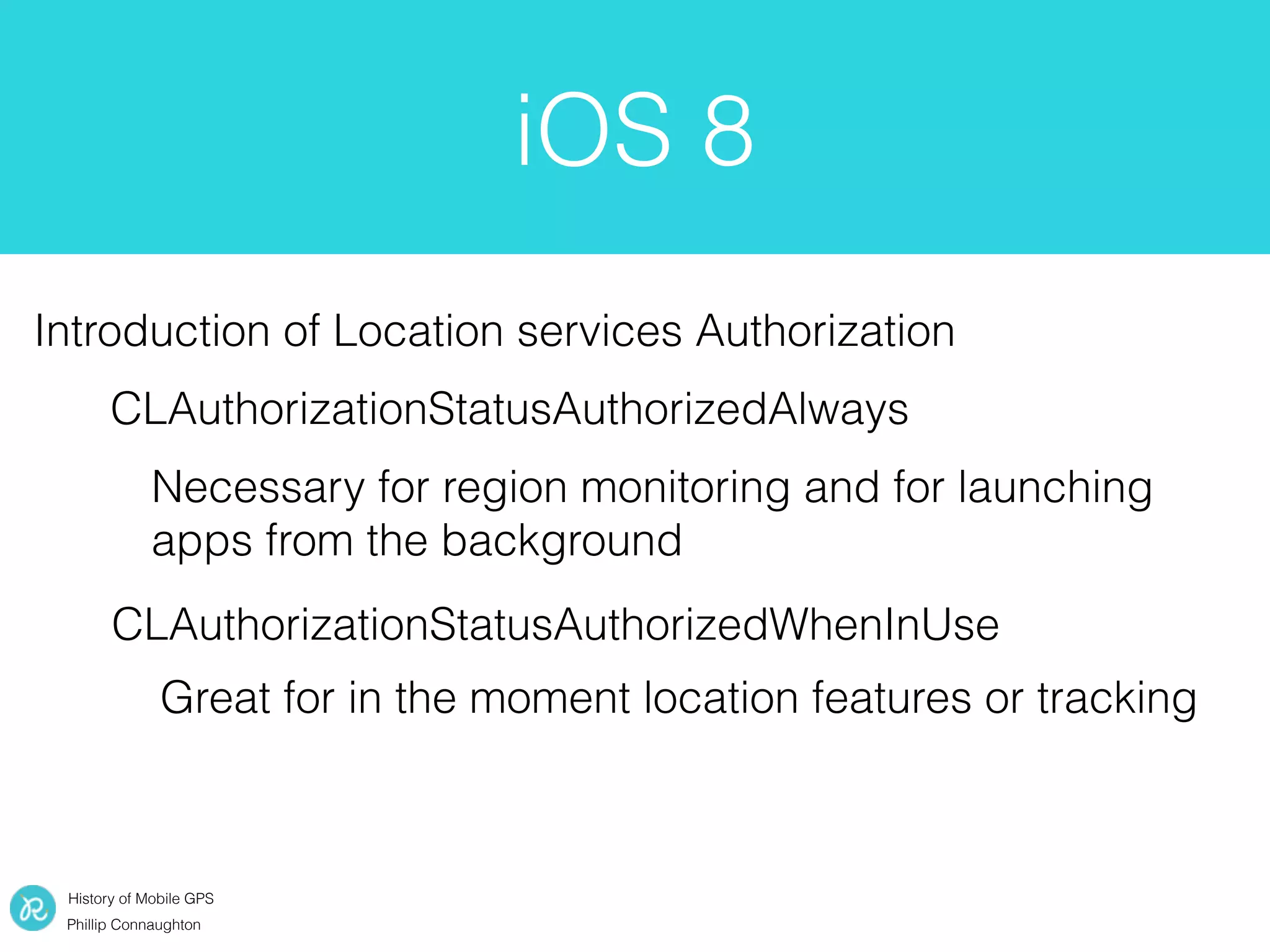
Introduction of Location services Authorization
CLAuthorizationStatusAuthorizedAlways
CLAuthorizationStatusAuthorizedWhenInUse
Necessary for region monitoring and for launching
apps from the background
Great for in the moment location features or tracking
History of Mobile GPS
Phillip Connaughton
iOS 9 & watchOS2
[self.locationManager setAllowsBackgroundLocationUpdates:NO];
Nothing too exciting,
changed some permissions
watchOS 2 adds CoreLocation
History of Mobile GPS
Phillip Connaughton
Setting up
Location Services
• Setting up location services is really easy
func locationManager(manager: CLLocationManager, didUpdateLocations locations: [CLLocation])
{
}
• Location Services is very noisy
self.locationManager.delegate = self //Register your class to receive updates
self.locationManager.desiredAccuracy = kCLLocationAccuracyHundredMeters // How close do we need to be?
self.locationManager.distanceFilter = kCLDistanceFilterNone //We will be informed of any movement
self.locationManager.requestWhenInUseAuthorization() // add NSLocationWhenInUseUsageDescription to
plist to explain location usage
self.locationManager.startUpdatingLocation()
History of Mobile GPS
Phillip Connaughton
Filtering Algorithm
• You will not receive points that are as accurate as
you asked. While Location Services start up you will
receive inaccurate points
• Need a large dataset for making real improvements
to filters
• Important to see every point given by the OS so
that you are improving filtering with complete
dataset
History of Mobile GPS
Phillip Connaughton
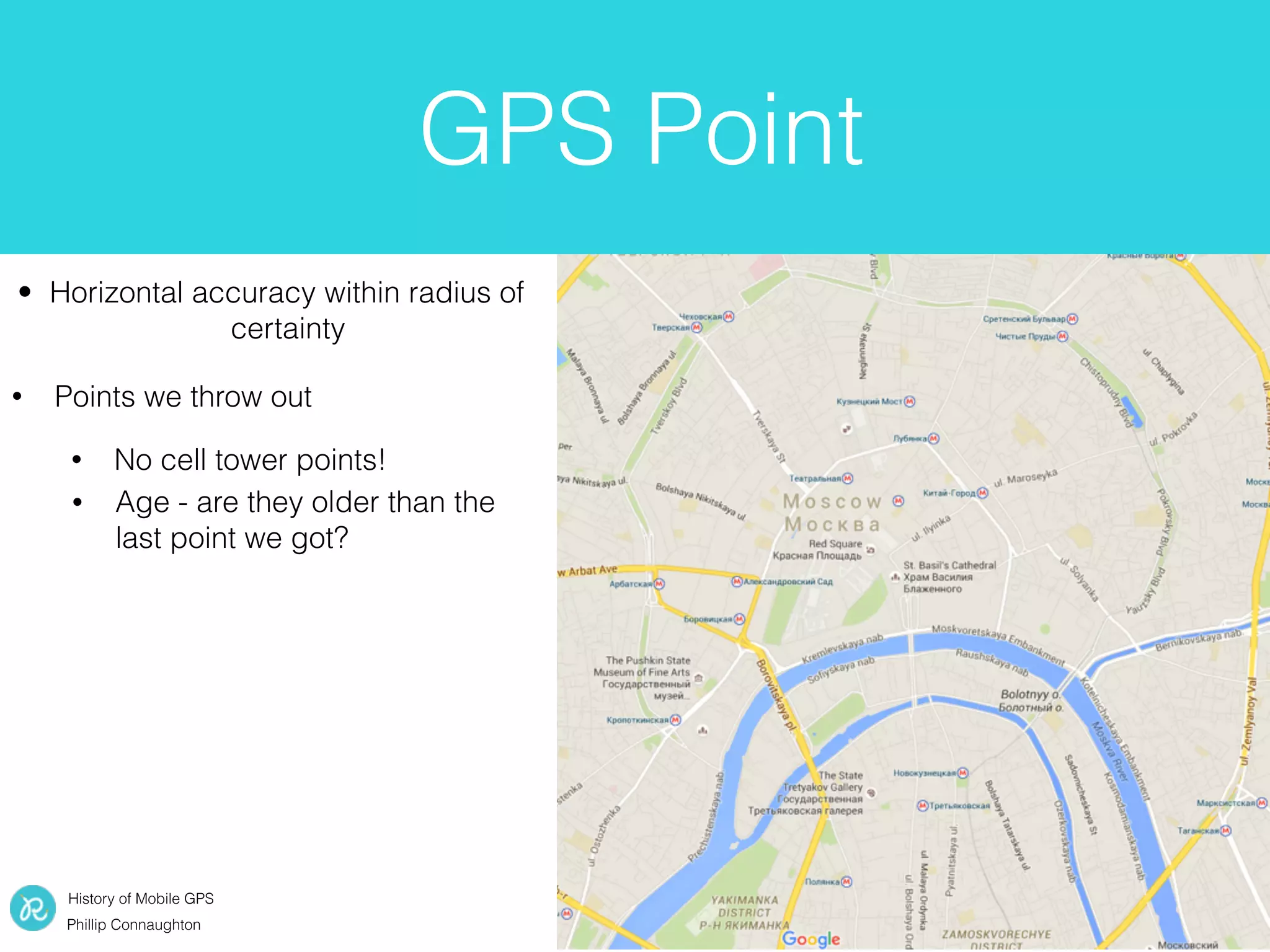
GPS Point
• Horizontal accuracy within radius of
certainty
• Points we throw out
• No cell tower points!
• Age - are they older than the
last point we got?
History of Mobile GPS
Phillip Connaughton
• Horizontal accuracy within radius of
certainty
• Points we throw out
• Acceleration, did the person
just jump across the city in a
few seconds?
• Horizontal accuracy < 0
GPS Point
• No cell tower points!
• Age - are they older than the
last point we got?
History of Mobile GPS
Phillip Connaughton
GPS Accuracy Level
Fine grained GPS Data • City Level Accuracy
History of Mobile GPS
Phillip Connaughton
Reverse Geocoding
let geocoder = CLGeocoder()
geocoder.reverseGeocodeLocation(locations[0]) { (placemarks, error) -> Void in
if (placemarks?.count > 0){
let placemark: CLPlacemark! = placemarks![0]
if(placemark.locality != nil && placemark.administrativeArea != nil){
NSLog(String(format: "Locality: %@, Area: %@", placemark.locality!, placemark.administrativeArea!))
}
}
}
Geocoder geocoder = new Geocoder(context, Locale.getDefault());

try {

List<Address> addresses = geocoder.getFromLocation(latitude, longitude, 1);


if(addresses.size() > 0)

{

Address address = addresses.get(0);

if (address.getAdminArea() != null && address.getLocality() != null)

{

Log.d("Location Example", "Locality:" + address.getLocality() + " Area:" + address.getAdminArea());

}

}

}

catch (IOException e)

{

e.printStackTrace();

}
iOS
Android
History of Mobile GPS
Phillip Connaughton
AutoPause
Don’t want runners to have to mess
with phone in armband while
running
History of Mobile GPS
Phillip Connaughton
Smoothing with Kalman
Filter
Normal GPS points Filters GPS points
History of Mobile GPS
Phillip Connaughton
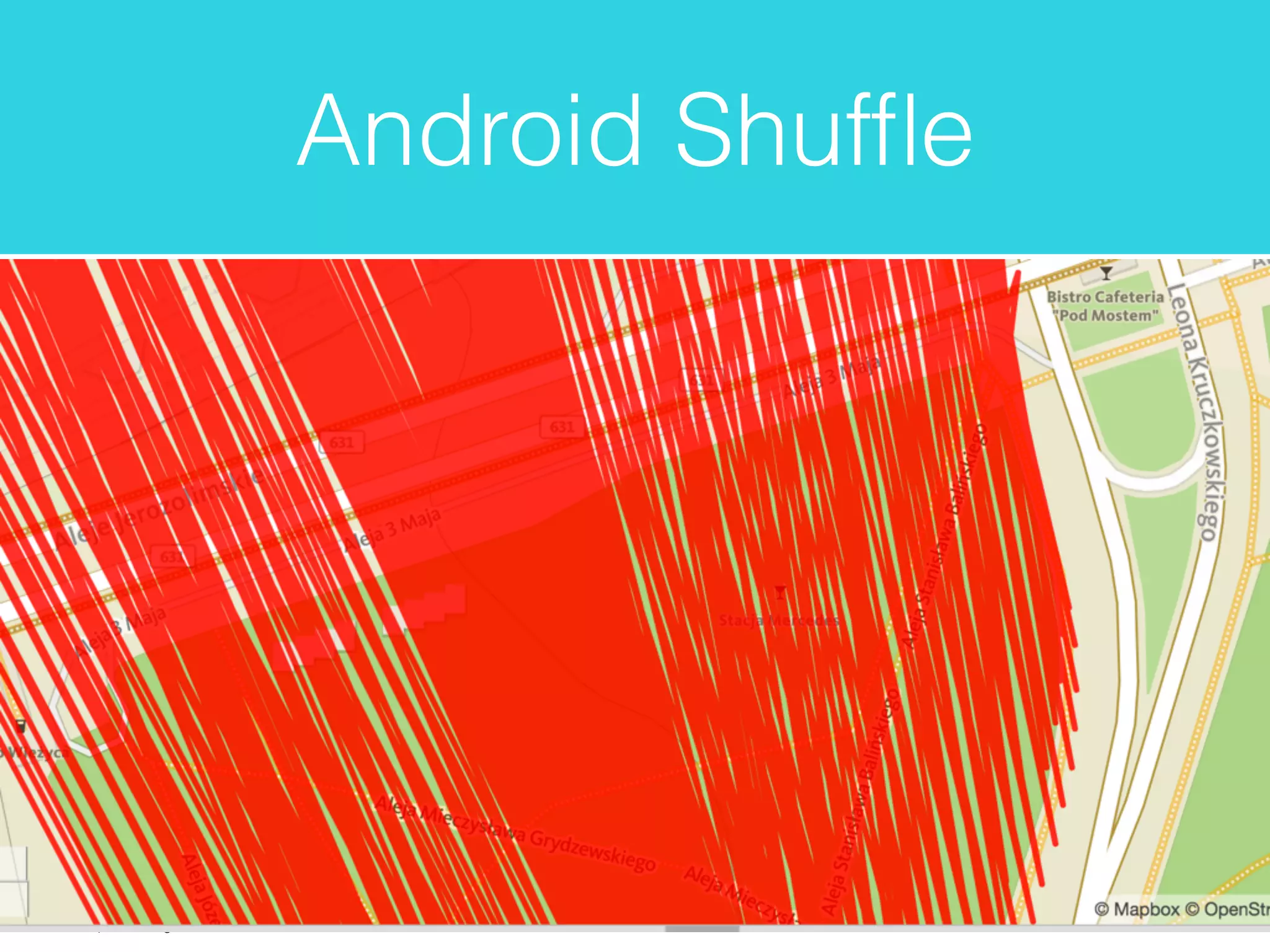
Android Shuffle
History of Mobile GPS
Phillip Connaughton
Android Shuffle
History of Mobile GPS
Phillip Connaughton
Android Shuffle
History of Mobile GPS
Phillip Connaughton
Android Shuffle
Something wrong with sort?
Collections.sort(points, new Comparator<TripPoint>()

{

@Override

public int compare(TripPoint lhs, TripPoint rhs)

{

return Double.compare(lhs.getTimeAtPoint(), rhs.getTimeAtPoint());

}

});
We were setting the timestamps as
point.setTimeAtPoint(System.currentTimeMillis());
Returns the current time in milliseconds since January 1, 1970 00:00:00.0 UTC.
This method shouldn't be used for measuring timeouts or other elapsed time measurements, as changing the
system time can affect the results. Use nanoTime() for that.
http://developer.android.com/reference/java/lang/System.html#currentTimeMillis()
History of Mobile GPS
Phillip Connaughton
Elevation
We haven’t had much luck with
the OS but give it a shot!
http://topocoding.com
https://www.pinterest.com/pin/320459329711121377/
http://www.cliparthut.com
History of Mobile GPS
Phillip Connaughton
User Presentation
Thin Line Thicker Line
History of Mobile GPS
Phillip Connaughton
Battery Life
Don’t be here! GPS is a killer
Limit network calls
History of Mobile GPS
Phillip Connaughton
Conclusion
• iOS and Android continue to make location data
easier and easier to use
• Consider the users perception when displaying
location data to them
• Always be thinking about battery life

MBLTDev: Phillip Connaughton, RunKepper

  • 1.
    History of MobileGPS Phillip Connaughton The Evolution of Mobile GPS {MBLT} Dev ‘15 Phillip Connaughton Principle Engineer @Runkeeper @pconno3
  • 2.
    History of MobileGPS Phillip Connaughton Overview • History of GPS on iOS • Runkeeper filtering algorithms • GPS bugs and gotcha’s • Conserving battery life
  • 3.
    History of MobileGPS Phillip Connaughton Runkeeper and GPS 1. Collect finite points during the activity 2. Broader location data post activity Used for realtime feedback (distance, pace, calories, etc.) Used for show the general area a user ran in, location based messaging and music
  • 4.
    History of MobileGPS Phillip Connaughton iOS 3 • Couldn’t operate in the background • Keeping in foreground demolished battery life • Introduction of ‘Silent Audio Trick’ http://service.o2.co.uk/IQ/srvs/cgi-bin/webcgi.exe? New,KB=Companion,question=ref(user):str(Mobile),CASE=19044
  • 5.
    History of MobileGPS Phillip Connaughton iOS 4 & 5 authorizationStatus() significantLocationChangeMonitoringAvailable() headingAvailable startMonitoringForRegion(_:) Introduced Region and Heading API’s
  • 6.
    History of MobileGPS Phillip Connaughton • Deferred updates • Conserve battery life with Hi-fidelity points iOS 6 https://developer.apple.com/library/ios/documentation/CoreLocation/Reference/CoreLocationConstantsRef/index.html#//apple_ref/c/data/kCLLocationAccuracyBest https://www.siliconbeachtraining.co.uk/blog/ios-7-new-features - (void)locationManager:(CLLocationManager *)manager didUpdateLocations:(NSArray<CLLocation *> *)locations; - (void)locationManager:(CLLocationManager *)manager didUpdateToLocation:(CLLocation *)newLocation fromLocation:(CLLocation *)oldLocation; • To enable • Set accuracy to kCLLocationAccuracyBest or kCLLocationAccuracyBestForNavigation • Distance Filter kCLDistanceFilterNone
  • 7.
    History of MobileGPS Phillip Connaughton iOS 7 • Background Refresh (no longer impact on location services in iOS 8 and up)
  • 8.
    History of MobileGPS Phillip Connaughton Background Refresh
  • 9.
    History of MobileGPS Phillip Connaughton iOS 8 Introduction of Location services Authorization CLAuthorizationStatusAuthorizedAlways CLAuthorizationStatusAuthorizedWhenInUse Necessary for region monitoring and for launching apps from the background Great for in the moment location features or tracking
  • 10.
    History of MobileGPS Phillip Connaughton iOS 9 & watchOS2 [self.locationManager setAllowsBackgroundLocationUpdates:NO]; Nothing too exciting, changed some permissions watchOS 2 adds CoreLocation
  • 11.
    History of MobileGPS Phillip Connaughton Setting up Location Services • Setting up location services is really easy func locationManager(manager: CLLocationManager, didUpdateLocations locations: [CLLocation]) { } • Location Services is very noisy self.locationManager.delegate = self //Register your class to receive updates self.locationManager.desiredAccuracy = kCLLocationAccuracyHundredMeters // How close do we need to be? self.locationManager.distanceFilter = kCLDistanceFilterNone //We will be informed of any movement self.locationManager.requestWhenInUseAuthorization() // add NSLocationWhenInUseUsageDescription to plist to explain location usage self.locationManager.startUpdatingLocation()
  • 12.
    History of MobileGPS Phillip Connaughton Filtering Algorithm • You will not receive points that are as accurate as you asked. While Location Services start up you will receive inaccurate points • Need a large dataset for making real improvements to filters • Important to see every point given by the OS so that you are improving filtering with complete dataset
  • 13.
    History of MobileGPS Phillip Connaughton GPS Point • Horizontal accuracy within radius of certainty • Points we throw out • No cell tower points! • Age - are they older than the last point we got?
  • 14.
    History of MobileGPS Phillip Connaughton • Horizontal accuracy within radius of certainty • Points we throw out • Acceleration, did the person just jump across the city in a few seconds? • Horizontal accuracy < 0 GPS Point • No cell tower points! • Age - are they older than the last point we got?
  • 15.
    History of MobileGPS Phillip Connaughton GPS Accuracy Level Fine grained GPS Data • City Level Accuracy
  • 16.
    History of MobileGPS Phillip Connaughton Reverse Geocoding let geocoder = CLGeocoder() geocoder.reverseGeocodeLocation(locations[0]) { (placemarks, error) -> Void in if (placemarks?.count > 0){ let placemark: CLPlacemark! = placemarks![0] if(placemark.locality != nil && placemark.administrativeArea != nil){ NSLog(String(format: "Locality: %@, Area: %@", placemark.locality!, placemark.administrativeArea!)) } } } Geocoder geocoder = new Geocoder(context, Locale.getDefault());
 try {
 List<Address> addresses = geocoder.getFromLocation(latitude, longitude, 1);
 
 if(addresses.size() > 0)
 {
 Address address = addresses.get(0);
 if (address.getAdminArea() != null && address.getLocality() != null)
 {
 Log.d("Location Example", "Locality:" + address.getLocality() + " Area:" + address.getAdminArea());
 }
 }
 }
 catch (IOException e)
 {
 e.printStackTrace();
 } iOS Android
  • 17.
    History of MobileGPS Phillip Connaughton AutoPause Don’t want runners to have to mess with phone in armband while running
  • 18.
    History of MobileGPS Phillip Connaughton Smoothing with Kalman Filter Normal GPS points Filters GPS points
  • 19.
    History of MobileGPS Phillip Connaughton Android Shuffle
  • 20.
    History of MobileGPS Phillip Connaughton Android Shuffle
  • 21.
    History of MobileGPS Phillip Connaughton Android Shuffle
  • 22.
    History of MobileGPS Phillip Connaughton Android Shuffle Something wrong with sort? Collections.sort(points, new Comparator<TripPoint>()
 {
 @Override
 public int compare(TripPoint lhs, TripPoint rhs)
 {
 return Double.compare(lhs.getTimeAtPoint(), rhs.getTimeAtPoint());
 }
 }); We were setting the timestamps as point.setTimeAtPoint(System.currentTimeMillis()); Returns the current time in milliseconds since January 1, 1970 00:00:00.0 UTC. This method shouldn't be used for measuring timeouts or other elapsed time measurements, as changing the system time can affect the results. Use nanoTime() for that. http://developer.android.com/reference/java/lang/System.html#currentTimeMillis()
  • 23.
    History of MobileGPS Phillip Connaughton Elevation We haven’t had much luck with the OS but give it a shot! http://topocoding.com https://www.pinterest.com/pin/320459329711121377/ http://www.cliparthut.com
  • 24.
    History of MobileGPS Phillip Connaughton User Presentation Thin Line Thicker Line
  • 25.
    History of MobileGPS Phillip Connaughton Battery Life Don’t be here! GPS is a killer Limit network calls
  • 26.
    History of MobileGPS Phillip Connaughton Conclusion • iOS and Android continue to make location data easier and easier to use • Consider the users perception when displaying location data to them • Always be thinking about battery life