GEOLOCATION WITH MOBILE APPSAdam Paxton
Connect.tech Atlanta
September 21st, 2017
PRESENTATION NOTES
bit.ly/mobilegeotalk
OVERVIEW
➤ A little GPS background
➤ Our responsibilities as devs and product owners
➤ What’s available on iOS
➤ And Android
➤ Location considerations cross platform
HELLO
➤ Adam Paxton
➤ Freelance Mobile App Developer

polancomedia.com
➤ Location API

condesa.io


Twitter: @adampax

Github: adampax
GLOBAL POSITIONING SYSTEM
➤ Satellites!
➤ Run by US Govt
➤ ~ 3 meters accuracy
➤ Trouble with obstructions
➤ inside buildings
➤ In canyons, skyscrapers
➤ Water
➤ Phones contain actual GPS hardware
➤ Power intensive!
➤ Takes time to determine location
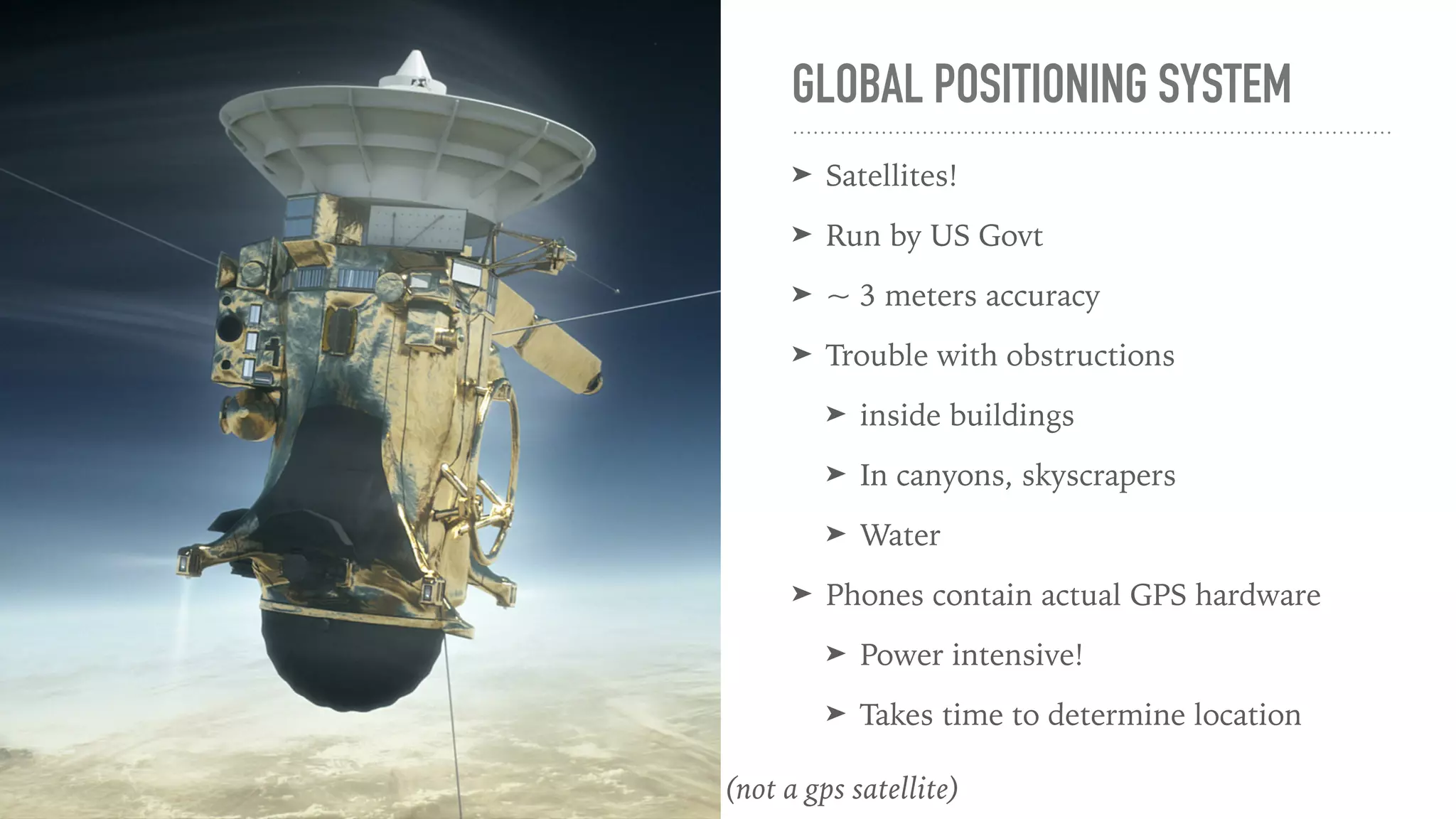
(not a gps satellite)
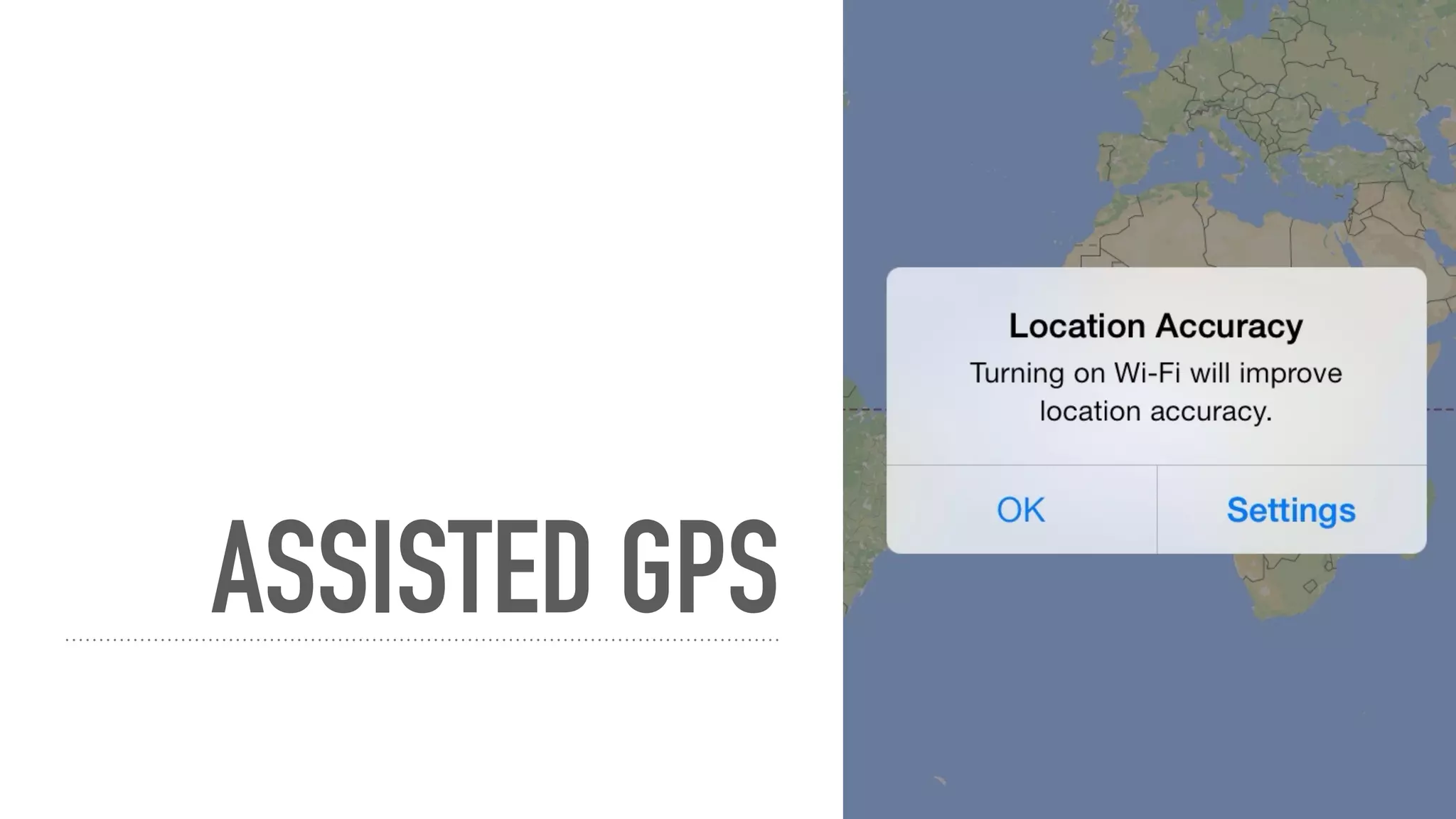
ASSISTED GPS
ASSISTED GPS
➤ Helps with 3 big problems of GPS…
➤ Power consumption
➤ Response time
➤ Accuracy in buildings, etc
➤ …by using other stuff available on the phone
➤ Wifi signals
➤ Cell towers
DEVELOPER RESPONSIBILITIES
➤ Privacy
➤ Accurate reasons for authorization
➤ Battery conservation
➤ Privacy!
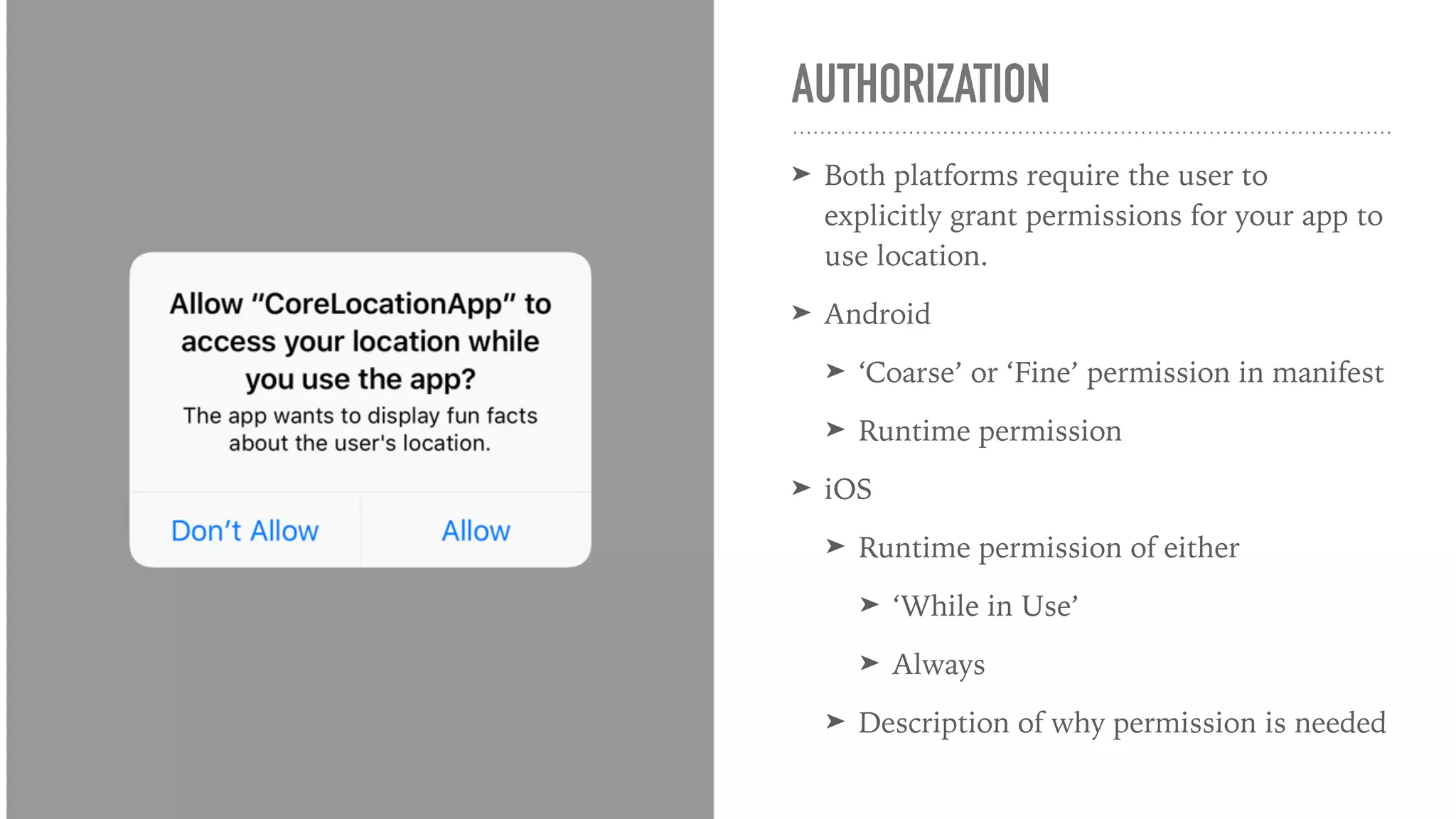
AUTHORIZATION
➤ Both platforms require the user to
explicitly grant permissions for your app to
use location.
➤ Android
➤ ‘Coarse’ or ‘Fine’ permission in manifest
➤ Runtime permission
➤ iOS
➤ Runtime permission of either
➤ ‘While in Use’
➤ Always
➤ Description of why permission is needed
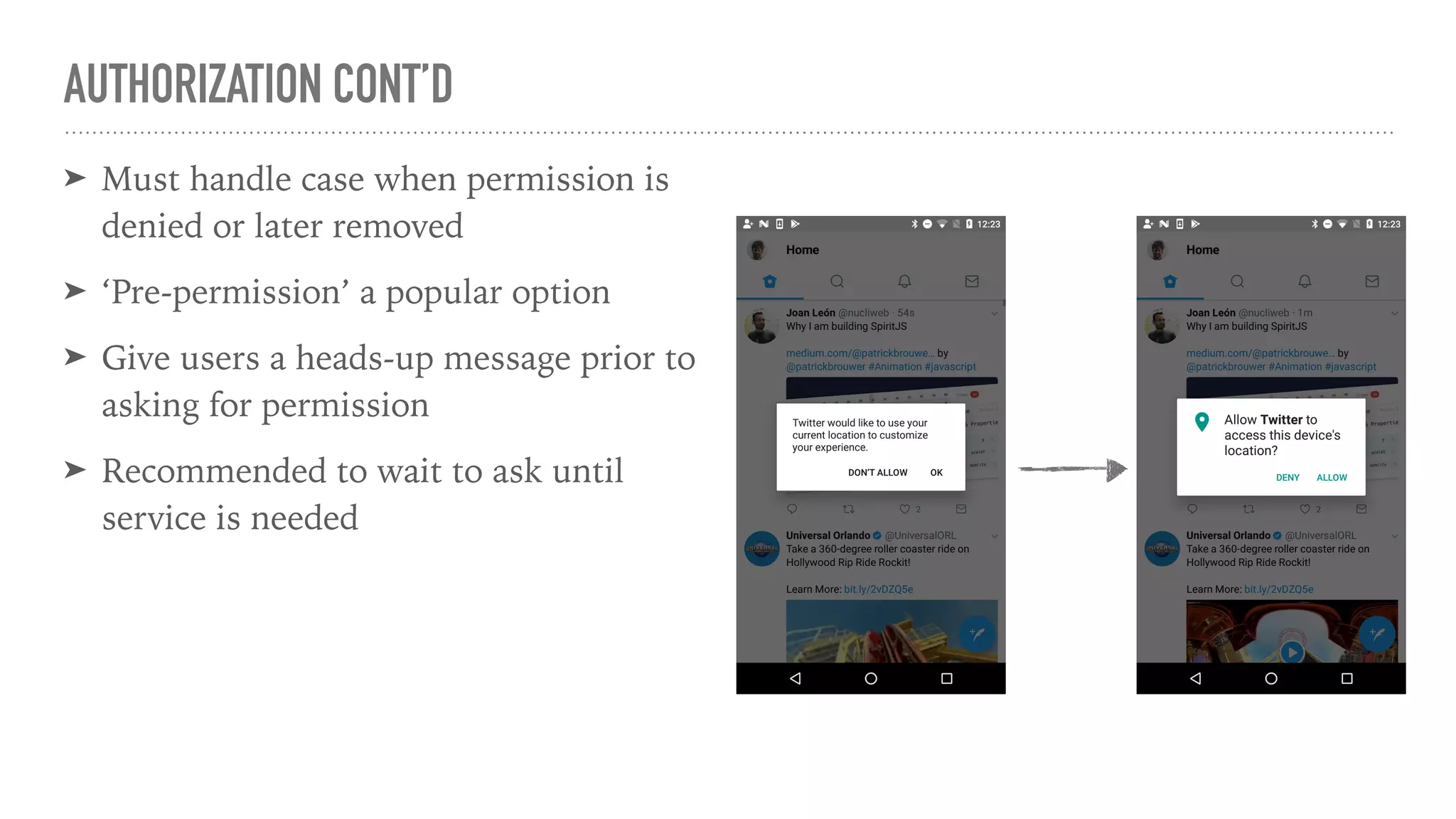
AUTHORIZATION CONT’D
➤ Must handle case when permission is
denied or later removed
➤ ‘Pre-permission’ a popular option
➤ Give users a heads-up message prior to
asking for permission
➤ Recommended to wait to ask until
service is needed
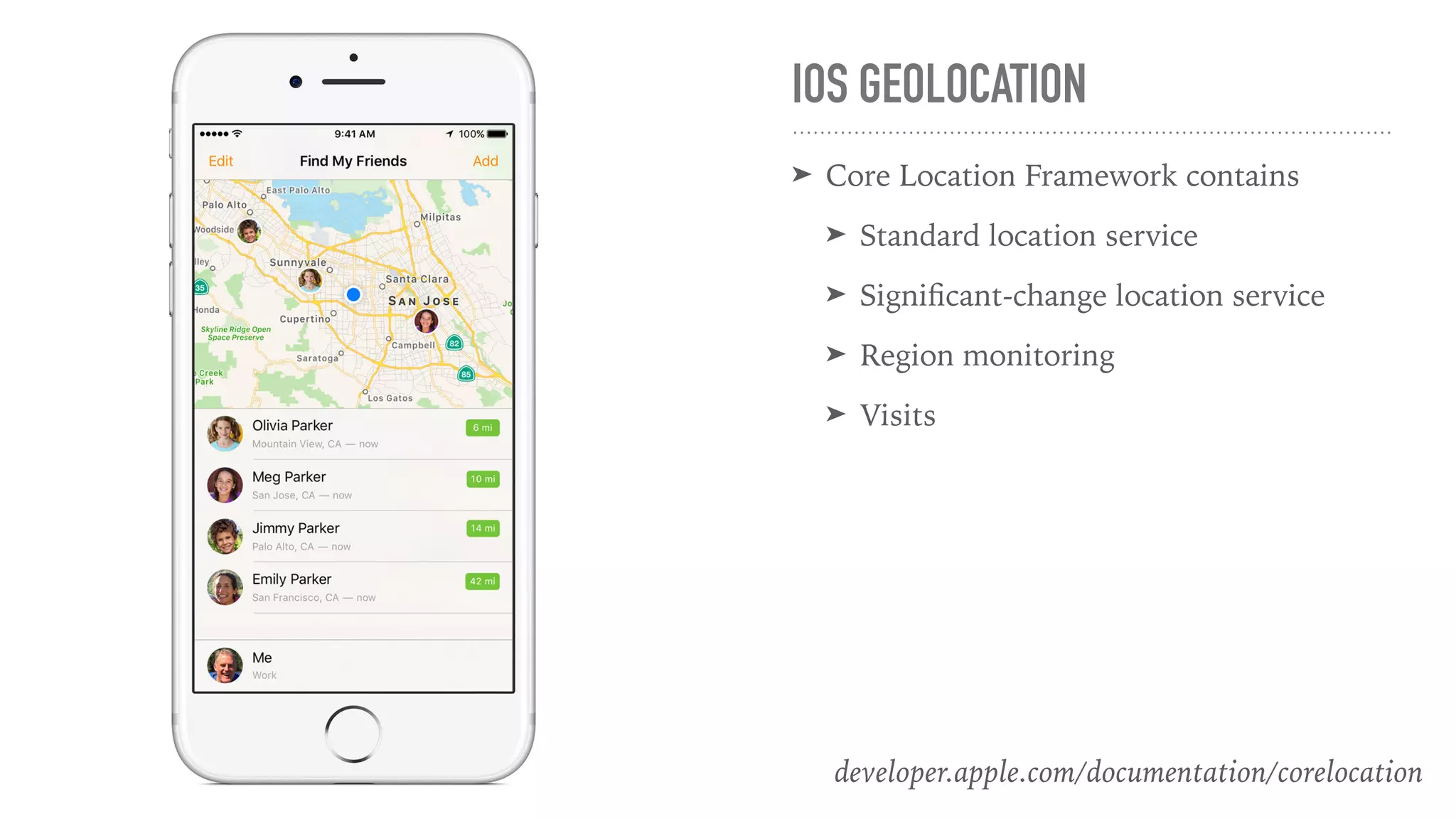
IOS GEOLOCATION
➤ Core Location Framework contains
➤ Standard location service
➤ Significant-change location service
➤ Region monitoring
➤ Visits
developer.apple.com/documentation/corelocation
STANDARD LOCATION SERVICE
➤ Examples:
➤ Turn by turn navigation
➤ Get weather for current location
➤ Pros: Highest accuracy, Most configuration options
➤ Cons: Drains the battery
➤ Two Approaches:
➤ Onetime location request: requestLocation()
➤ Continually track location: startUpdatingLocation()
STANDARD LOCATION SERVICE CONT’D
➤ Return Data:
➤ Coordinates - Latitude/Longitude
➤ Accuracy in meters
➤ Altitude accuracy in meters
➤ Config options:
➤ Distance filter - min distance you move before generating another event
➤ Desired accuracy
➤ Activity type - power saving option to help device know when you’ve stopped
➤ Pause location automatically - power saving option
SIGNIFICANT-CHANGE LOCATION SERVICE
➤ Very low precision location tracking service
➤ Pros:
➤ Highly efficient battery usage
➤ Persists through device restart
➤ Cons: Very coarse location tracking, think 500m - 1k
➤ Apple now considers this a niche-usage service
➤ ‘Always’ authorization
REGION MONITORING, AKA GEOFENCING
➤ Example: App notifies user of sales when arriving at store location
➤ Pros:
➤ Highly efficient battery usage
➤ Persists through device restart
➤ Only receives location updates when entering/existing relevant regions
➤ Cons:
➤ Max 20 regions supported at one time
➤ Not always firing location event?
➤ Define region with set of coordinates and a radius
➤ ‘Always’ authorization
AND BEACONS!
➤ Similar to Region Monitoring, with Bluetooth beacons
➤ Place beacons anywhere, identify by unique ids
➤ Can determine a rough distance or range between device and beacon
VISITS LOCATION SERVICE
➤ Examples:
➤ Journaling app listing places visited throughout the day
➤ Music app that prepares gym playlist when user arrives at gym
➤ Pros: Highest level of battery efficiency
➤ Cons:
➤ After the fact info, not for realtime or near realtime location decisions
➤ Up to iOS to determine what constitutes a ‘visit’
➤ Return Data:
➤ Coordinates
➤ Horizontal accuracy in meters
➤ Approximate arrival & departure time, if applicable
➤ ‘Always’ authorization
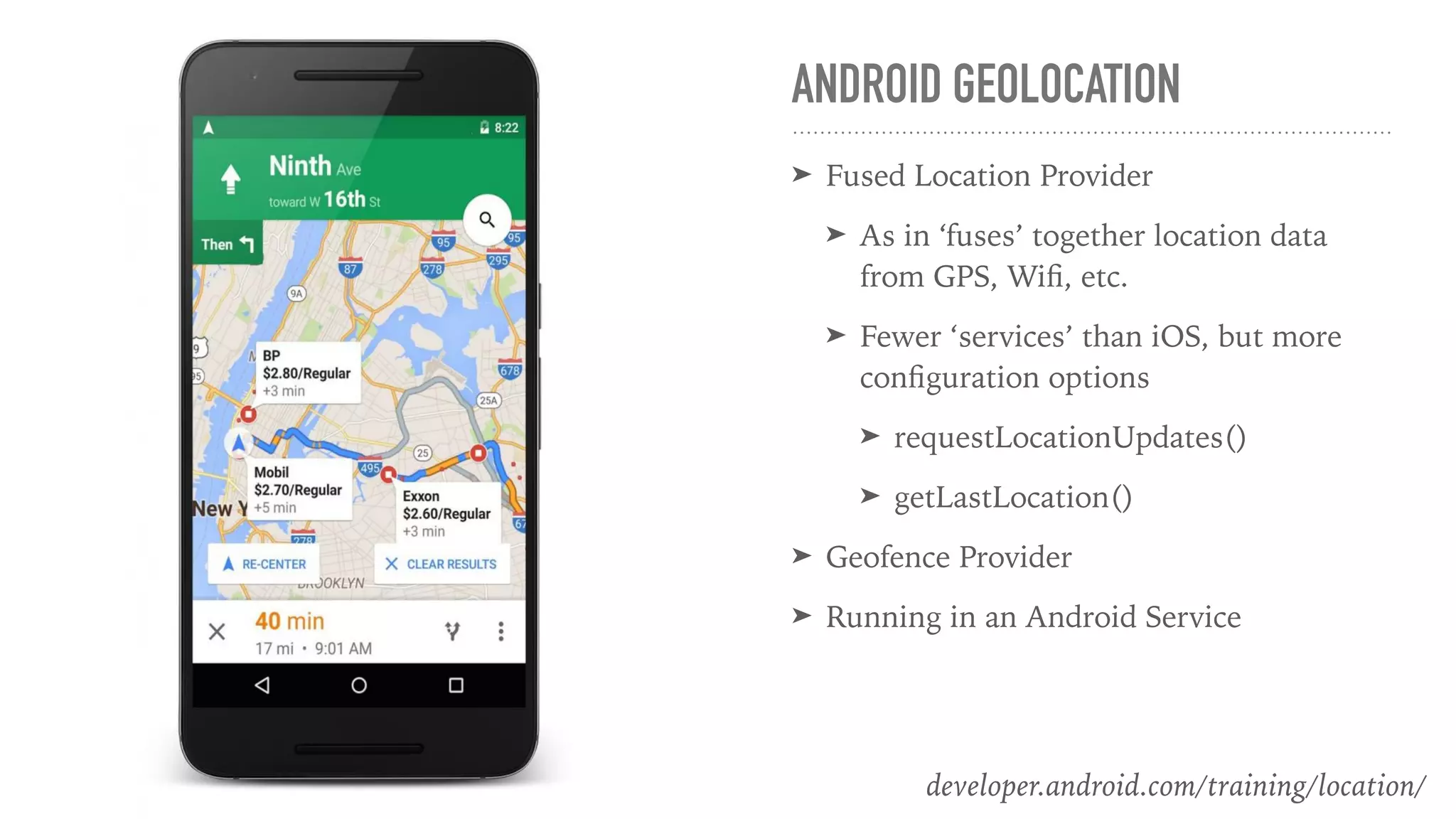
ANDROID GEOLOCATION
➤ Fused Location Provider
➤ As in ‘fuses’ together location data
from GPS, Wifi, etc.
➤ Fewer ‘services’ than iOS, but more
configuration options
➤ requestLocationUpdates()
➤ getLastLocation()
➤ Geofence Provider
➤ Running in an Android Service
developer.android.com/training/location/
➤ Start receiving device location updates, similar to iOS startUpdatingService()
➤ Configuration Options
➤ Interval - preferred rate of receiving updates
➤ May be affected by other apps requesting faster updates
➤ Or by no updates being available
➤ Fastest Interval - set an upper limit on what your app can handle
➤ Priority - Set preference between accuracy and power consumption
➤ Number of updates - Stop receiving locations after x updates
REQUEST LOCATION UPDATES
➤ Number of updates - Stop receiving locations after x updates
➤ Expiration duration - Like the number of updates, but stop after a period of time
➤ Max wait time
➤ Smallest Displacement - Minimum ‘distance’ between location updates
REQUEST LOCATION UPDATES CONT’D
➤ Get the devices last known location
➤ Usually the same as the current location
➤ No waiting, not async
➤ Might be empty!
GET LAST LOCATION
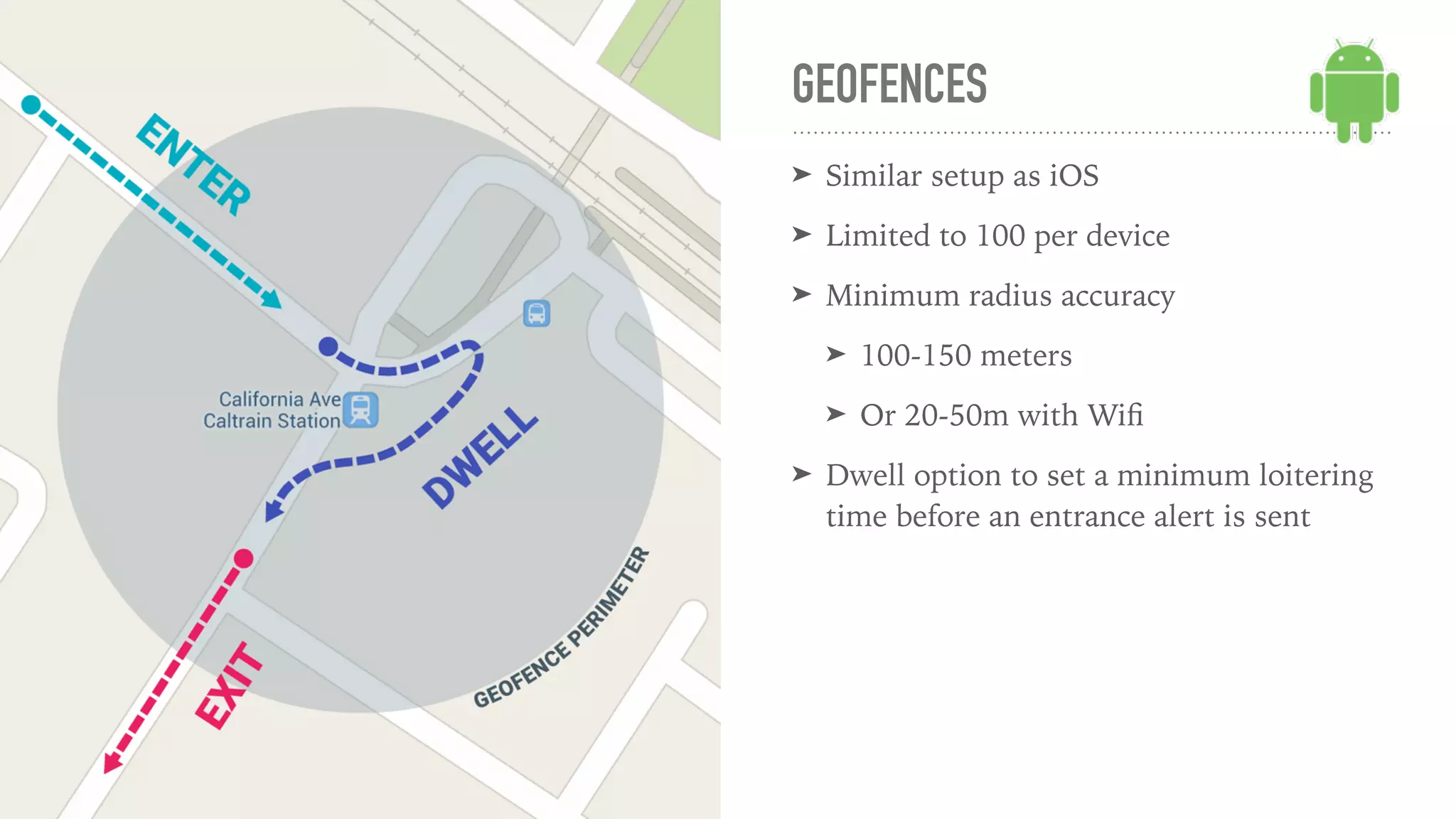
GEOFENCES
➤ Similar setup as iOS
➤ Limited to 100 per device
➤ Minimum radius accuracy
➤ 100-150 meters
➤ Or 20-50m with Wifi
➤ Dwell option to set a minimum loitering
time before an entrance alert is sent
ANDROID SERVICES AND BACKGROUND LOCATION
➤ Run an android service to periodically request location
➤ Can set regular intervals, or get ‘hot’ or ‘cold’ around specific areas
➤ Combine with boot event receiver to restart after device reboot
➤ Background location service
➤ Re-register geofences
CROSS PLATFORM CONSIDERATIONS
➤ Expect different behavior and abilities between platform
➤ Depending on your goals, implementation may be easier on either platform
➤ Teach product owners importance of privacy!
➤ Complement Android location with background services
➤ Consider combining multiple options on iOS, depending on goal
THANKS
bit.ly/mobilegeotalk

Geolocation for Mobile Apps - Connect.tech Atlanta, 2017

  • 1.
    GEOLOCATION WITH MOBILEAPPSAdam Paxton Connect.tech Atlanta September 21st, 2017
  • 2.
  • 3.
    OVERVIEW ➤ A littleGPS background ➤ Our responsibilities as devs and product owners ➤ What’s available on iOS ➤ And Android ➤ Location considerations cross platform
  • 4.
    HELLO ➤ Adam Paxton ➤Freelance Mobile App Developer
 polancomedia.com ➤ Location API
 condesa.io
 
 Twitter: @adampax
 Github: adampax
  • 5.
    GLOBAL POSITIONING SYSTEM ➤Satellites! ➤ Run by US Govt ➤ ~ 3 meters accuracy ➤ Trouble with obstructions ➤ inside buildings ➤ In canyons, skyscrapers ➤ Water ➤ Phones contain actual GPS hardware ➤ Power intensive! ➤ Takes time to determine location (not a gps satellite)
  • 6.
  • 7.
    ASSISTED GPS ➤ Helpswith 3 big problems of GPS… ➤ Power consumption ➤ Response time ➤ Accuracy in buildings, etc ➤ …by using other stuff available on the phone ➤ Wifi signals ➤ Cell towers
  • 8.
    DEVELOPER RESPONSIBILITIES ➤ Privacy ➤Accurate reasons for authorization ➤ Battery conservation ➤ Privacy!
  • 9.
    AUTHORIZATION ➤ Both platformsrequire the user to explicitly grant permissions for your app to use location. ➤ Android ➤ ‘Coarse’ or ‘Fine’ permission in manifest ➤ Runtime permission ➤ iOS ➤ Runtime permission of either ➤ ‘While in Use’ ➤ Always ➤ Description of why permission is needed
  • 10.
    AUTHORIZATION CONT’D ➤ Musthandle case when permission is denied or later removed ➤ ‘Pre-permission’ a popular option ➤ Give users a heads-up message prior to asking for permission ➤ Recommended to wait to ask until service is needed
  • 11.
    IOS GEOLOCATION ➤ CoreLocation Framework contains ➤ Standard location service ➤ Significant-change location service ➤ Region monitoring ➤ Visits developer.apple.com/documentation/corelocation
  • 12.
    STANDARD LOCATION SERVICE ➤Examples: ➤ Turn by turn navigation ➤ Get weather for current location ➤ Pros: Highest accuracy, Most configuration options ➤ Cons: Drains the battery ➤ Two Approaches: ➤ Onetime location request: requestLocation() ➤ Continually track location: startUpdatingLocation()
  • 13.
    STANDARD LOCATION SERVICECONT’D ➤ Return Data: ➤ Coordinates - Latitude/Longitude ➤ Accuracy in meters ➤ Altitude accuracy in meters ➤ Config options: ➤ Distance filter - min distance you move before generating another event ➤ Desired accuracy ➤ Activity type - power saving option to help device know when you’ve stopped ➤ Pause location automatically - power saving option
  • 14.
    SIGNIFICANT-CHANGE LOCATION SERVICE ➤Very low precision location tracking service ➤ Pros: ➤ Highly efficient battery usage ➤ Persists through device restart ➤ Cons: Very coarse location tracking, think 500m - 1k ➤ Apple now considers this a niche-usage service ➤ ‘Always’ authorization
  • 15.
    REGION MONITORING, AKAGEOFENCING ➤ Example: App notifies user of sales when arriving at store location ➤ Pros: ➤ Highly efficient battery usage ➤ Persists through device restart ➤ Only receives location updates when entering/existing relevant regions ➤ Cons: ➤ Max 20 regions supported at one time ➤ Not always firing location event? ➤ Define region with set of coordinates and a radius ➤ ‘Always’ authorization
  • 16.
    AND BEACONS! ➤ Similarto Region Monitoring, with Bluetooth beacons ➤ Place beacons anywhere, identify by unique ids ➤ Can determine a rough distance or range between device and beacon
  • 17.
    VISITS LOCATION SERVICE ➤Examples: ➤ Journaling app listing places visited throughout the day ➤ Music app that prepares gym playlist when user arrives at gym ➤ Pros: Highest level of battery efficiency ➤ Cons: ➤ After the fact info, not for realtime or near realtime location decisions ➤ Up to iOS to determine what constitutes a ‘visit’ ➤ Return Data: ➤ Coordinates ➤ Horizontal accuracy in meters ➤ Approximate arrival & departure time, if applicable ➤ ‘Always’ authorization
  • 18.
    ANDROID GEOLOCATION ➤ FusedLocation Provider ➤ As in ‘fuses’ together location data from GPS, Wifi, etc. ➤ Fewer ‘services’ than iOS, but more configuration options ➤ requestLocationUpdates() ➤ getLastLocation() ➤ Geofence Provider ➤ Running in an Android Service developer.android.com/training/location/
  • 19.
    ➤ Start receivingdevice location updates, similar to iOS startUpdatingService() ➤ Configuration Options ➤ Interval - preferred rate of receiving updates ➤ May be affected by other apps requesting faster updates ➤ Or by no updates being available ➤ Fastest Interval - set an upper limit on what your app can handle ➤ Priority - Set preference between accuracy and power consumption ➤ Number of updates - Stop receiving locations after x updates REQUEST LOCATION UPDATES
  • 20.
    ➤ Number ofupdates - Stop receiving locations after x updates ➤ Expiration duration - Like the number of updates, but stop after a period of time ➤ Max wait time ➤ Smallest Displacement - Minimum ‘distance’ between location updates REQUEST LOCATION UPDATES CONT’D
  • 21.
    ➤ Get thedevices last known location ➤ Usually the same as the current location ➤ No waiting, not async ➤ Might be empty! GET LAST LOCATION
  • 22.
    GEOFENCES ➤ Similar setupas iOS ➤ Limited to 100 per device ➤ Minimum radius accuracy ➤ 100-150 meters ➤ Or 20-50m with Wifi ➤ Dwell option to set a minimum loitering time before an entrance alert is sent
  • 23.
    ANDROID SERVICES ANDBACKGROUND LOCATION ➤ Run an android service to periodically request location ➤ Can set regular intervals, or get ‘hot’ or ‘cold’ around specific areas ➤ Combine with boot event receiver to restart after device reboot ➤ Background location service ➤ Re-register geofences
  • 24.
    CROSS PLATFORM CONSIDERATIONS ➤Expect different behavior and abilities between platform ➤ Depending on your goals, implementation may be easier on either platform ➤ Teach product owners importance of privacy! ➤ Complement Android location with background services ➤ Consider combining multiple options on iOS, depending on goal
  • 25.