WordPress Websites
Making and Marketing
Find Me Here!
JupiterJim.com
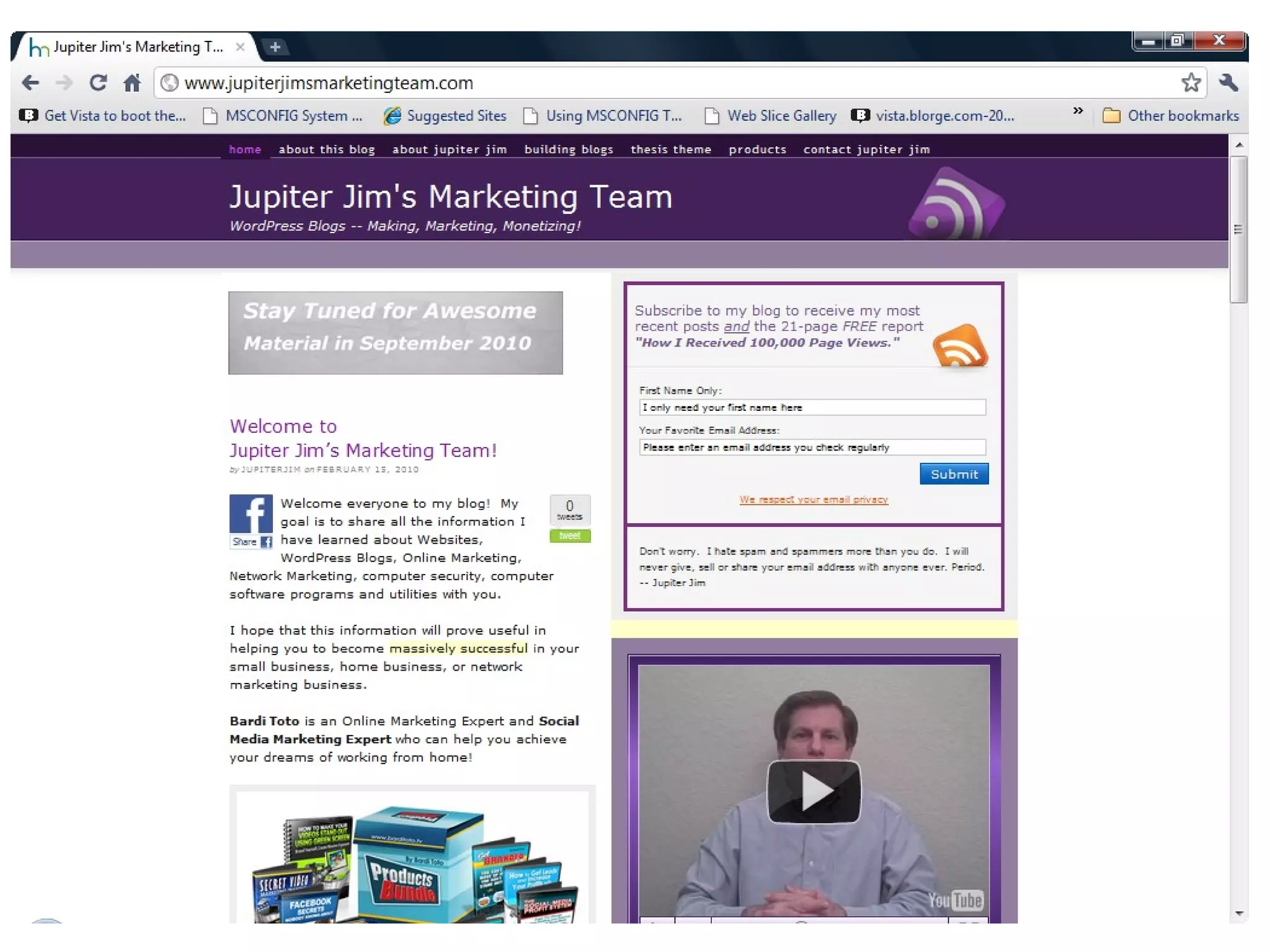
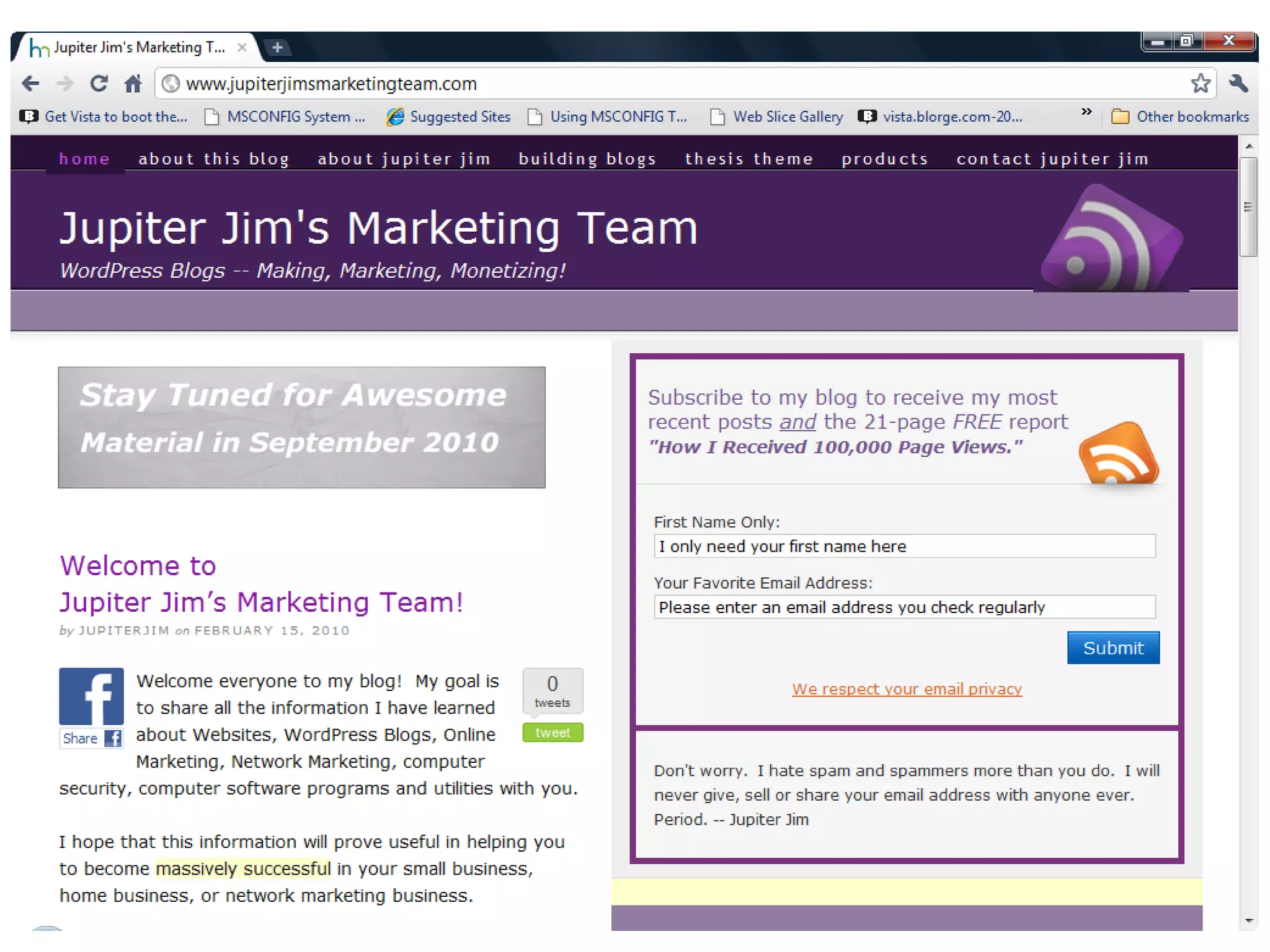
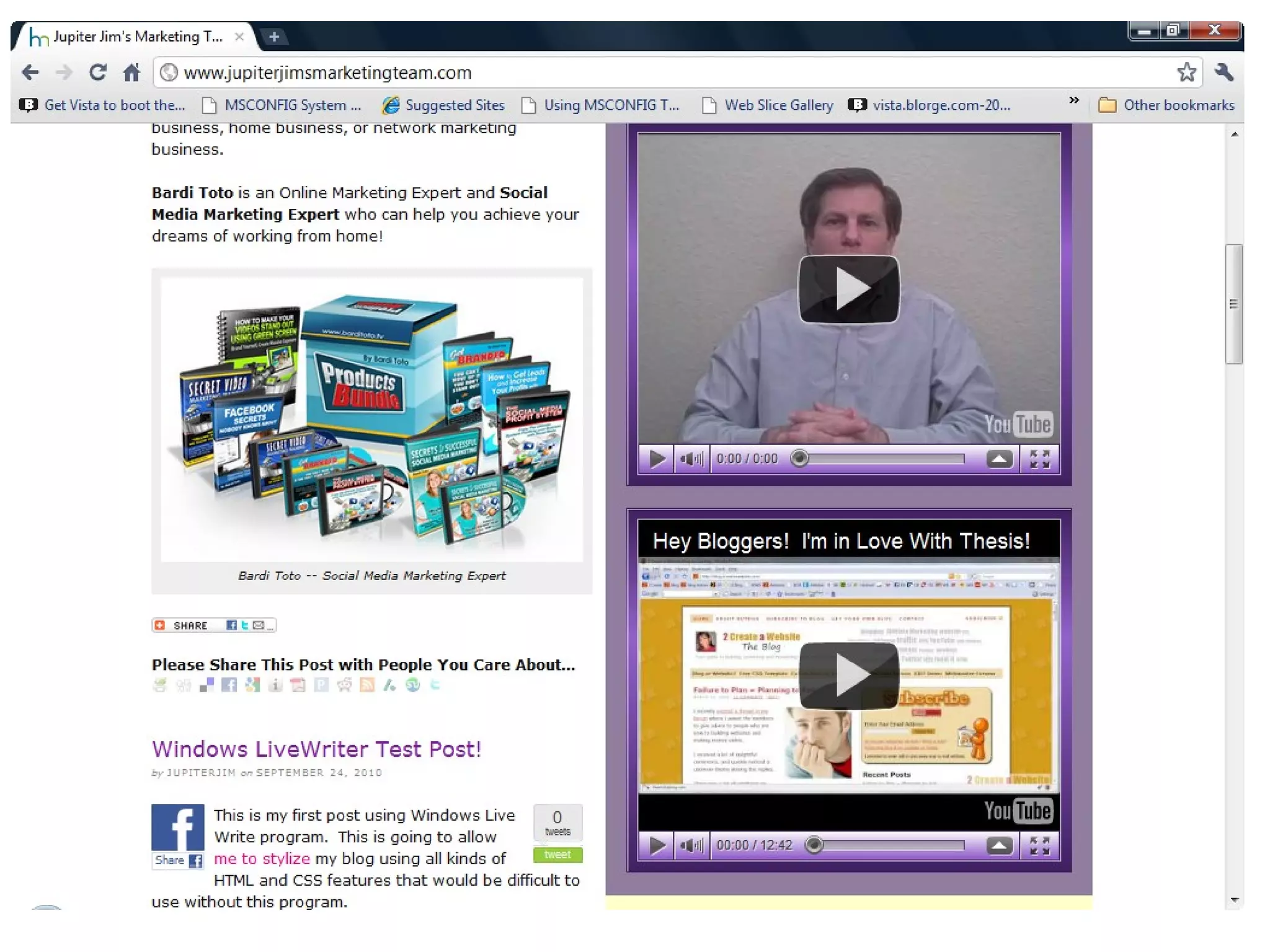
JupiterJimsMarketingTeam.com
Purpose of this Lecture
Great Overview of WordPress!
 For DIY ers
 Not feel intimidated if you ask someone
else to create your WordPress website.
 $20 and $50 tips for WordPress users!
 In short, you should feel comfortable
talking about WordPress with anyone after
today.

My Personal Mission Statement


“To share positive, life-changing
information with as many receptive people
as I can.”
— Jupiter Jim
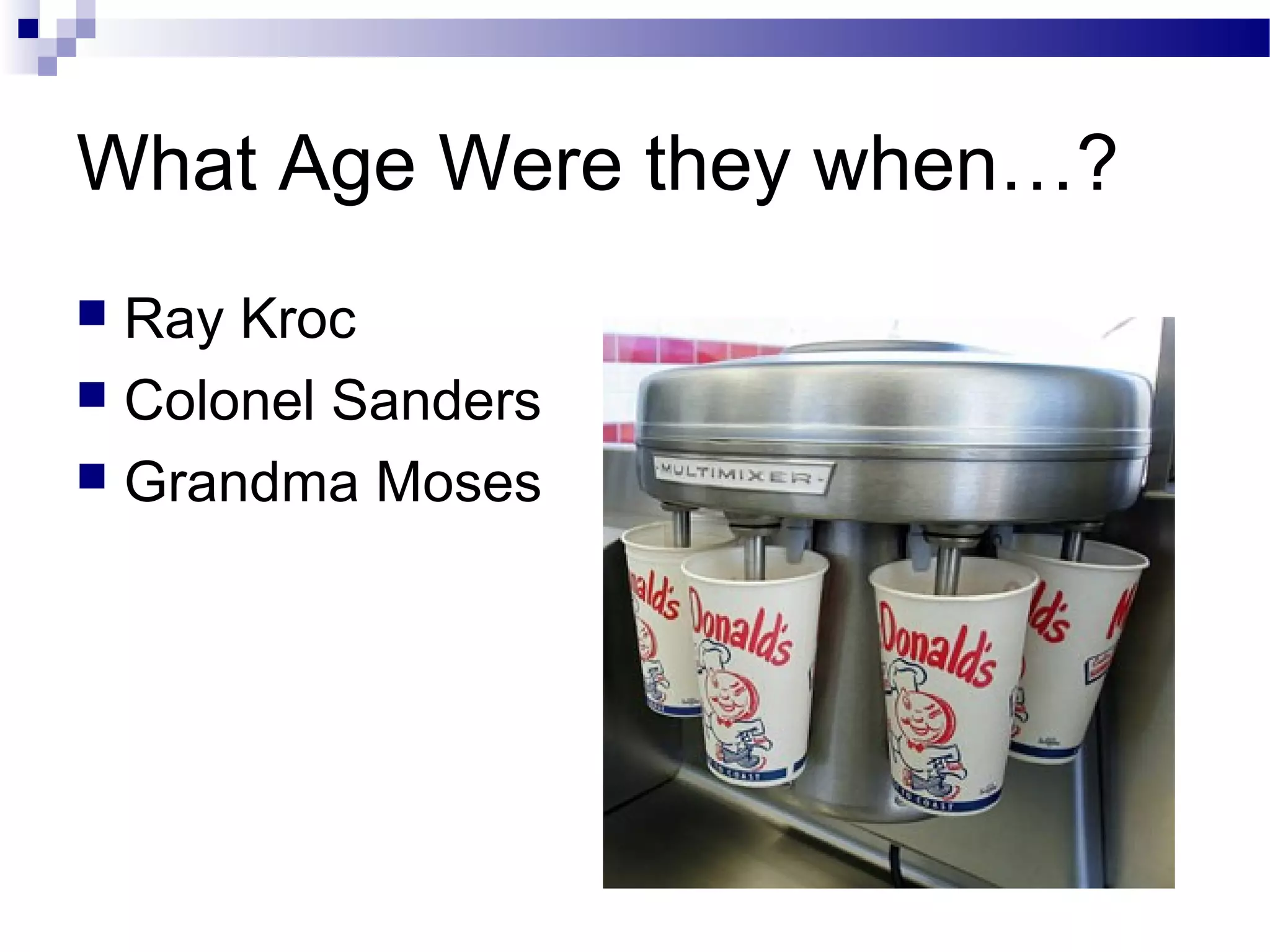
What Age Were they when…?
Ray Kroc
 Colonel Sanders
 Grandma Moses

My Business Mission Statement


“To help as many receptive people as I
can become financially free through their
WordPress blogs and websites”
— Jupiter Jim
When You Are Your Own Boss!
You pick your days. You pick your hours.
 You pick your clients.
 You pick your co-workers.
 You pick your company’s direction.
 You pick your own income!
 You got FREEDOM!
 Even though freedom is NOT Free!

Outline














Servers
Websites and Web Pages
HTML Files
Browsers
HTML Websites versus WordPress websites.
WordPress vs. Blogger
WordPress.org vs. WordPress.com
Domain Name registrars
Web Hosting companies
WordPress Themes and Frameworks
What are the Top Frameworks on the market today!
Plugins and Widgets
Review of Presentation
What is a Server?
A Server is just a Big, Fast Computer that
holds Website and Blog files and is always
connected to the Internet.
 Just like the computer under your desk but
does NOT have a monitor connected to it!

What is a Website?
A collection of files and folders inside one
Big Folder called a Root Folder
 The Root Folder is stored on a “Server”
 The files (web pages or blog pages) are
downloaded and viewed by a browser on
your computer.

What are Web Pages Exactly?

What

is a web page?
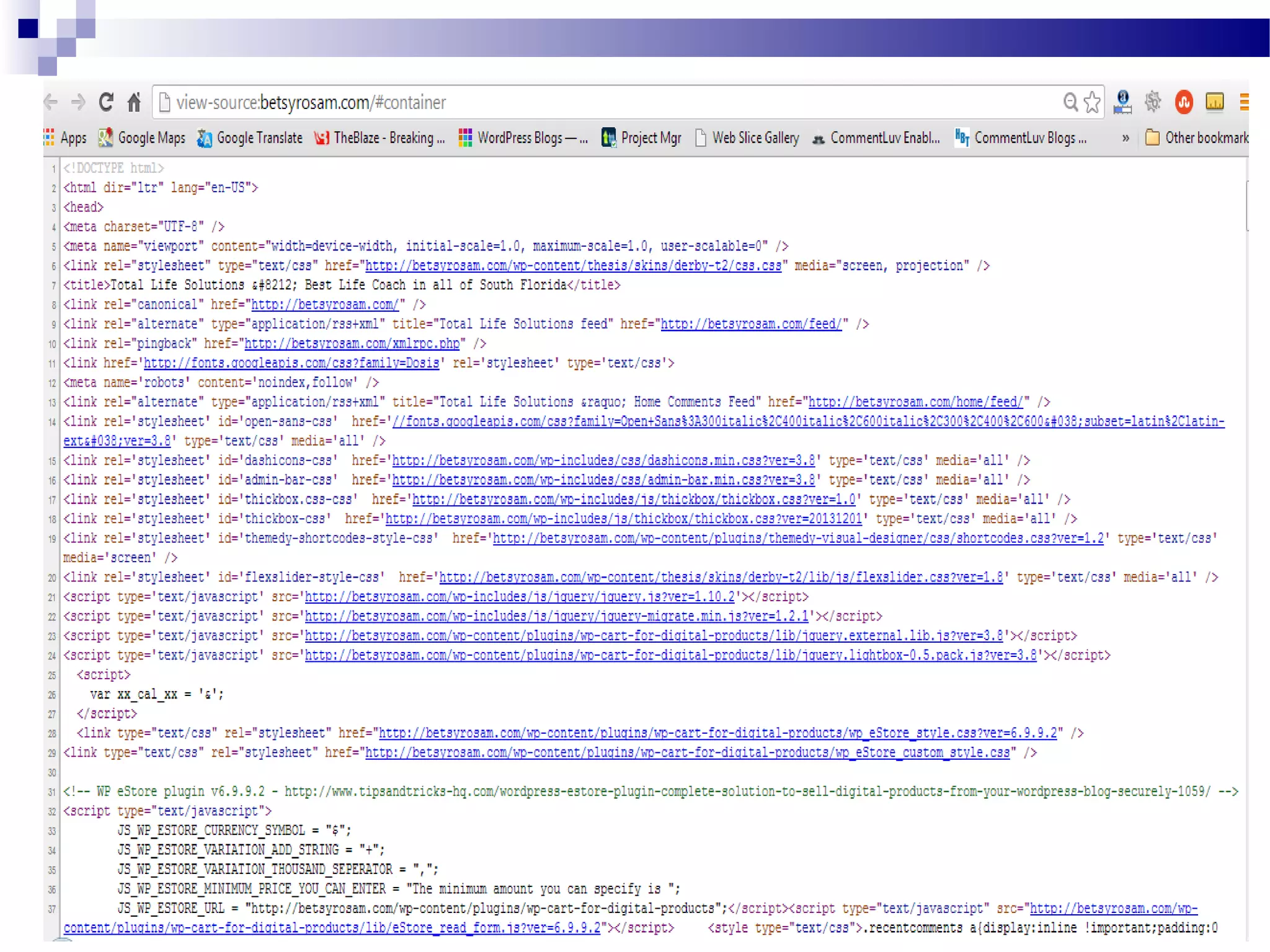
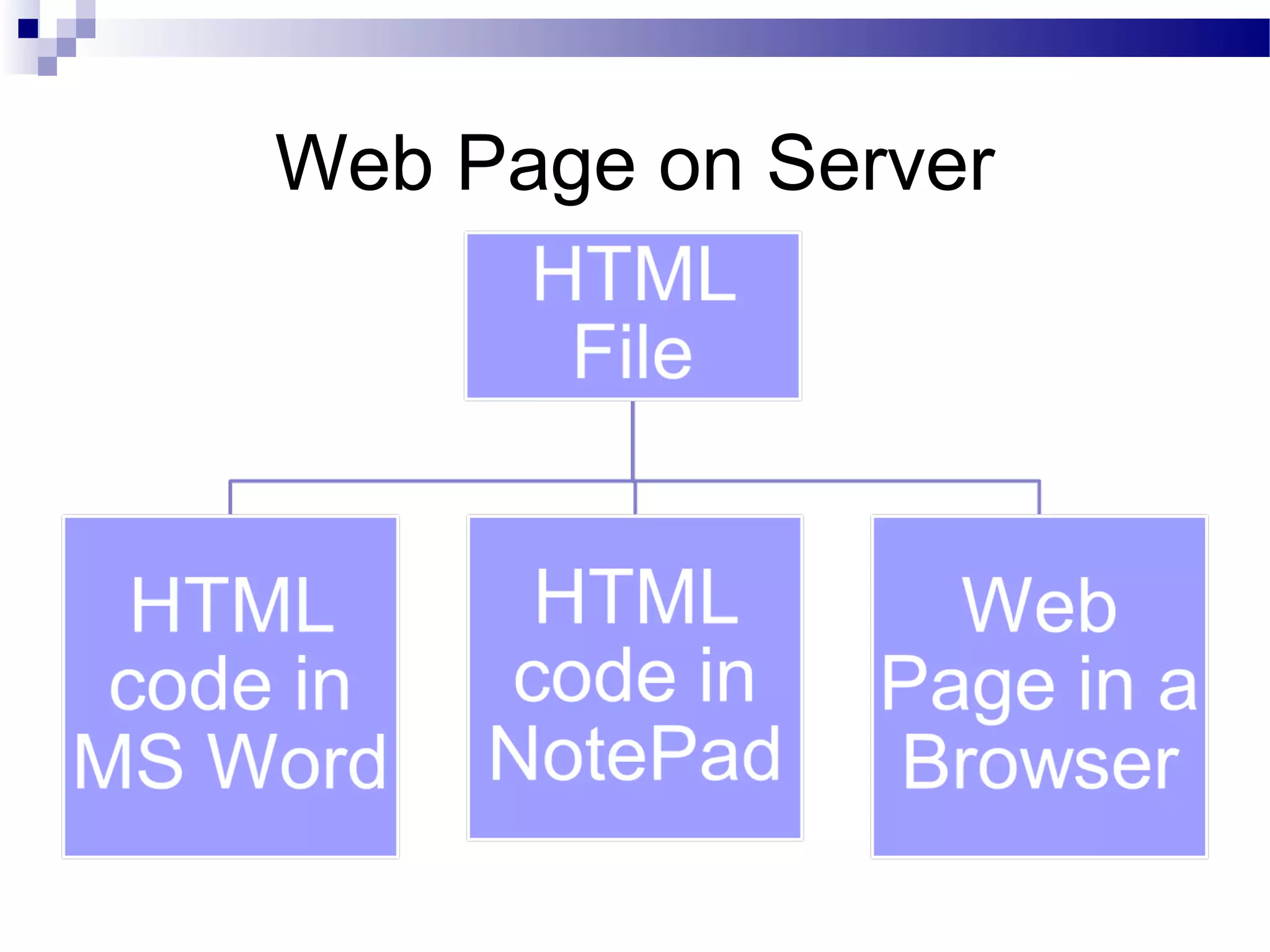
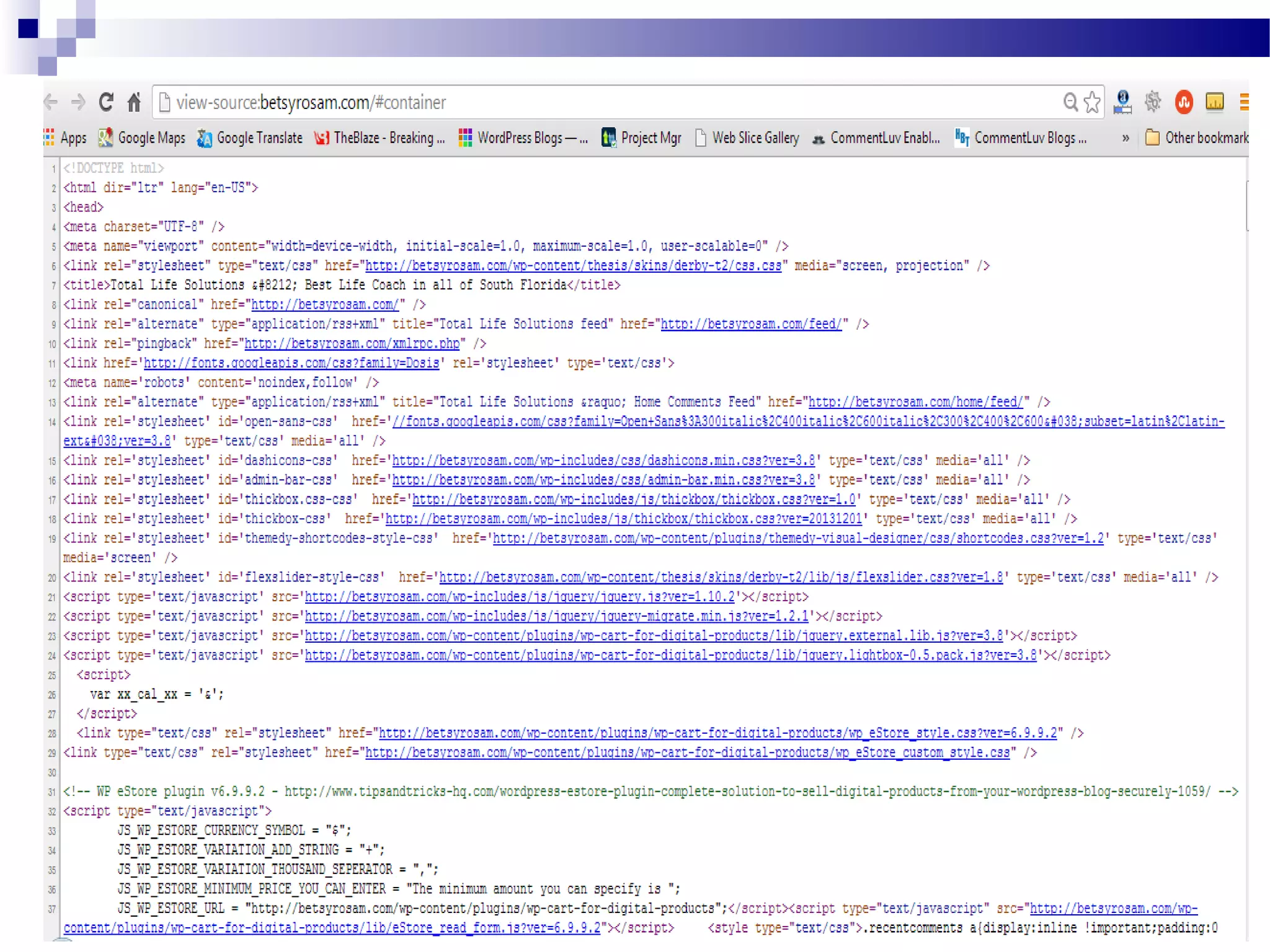
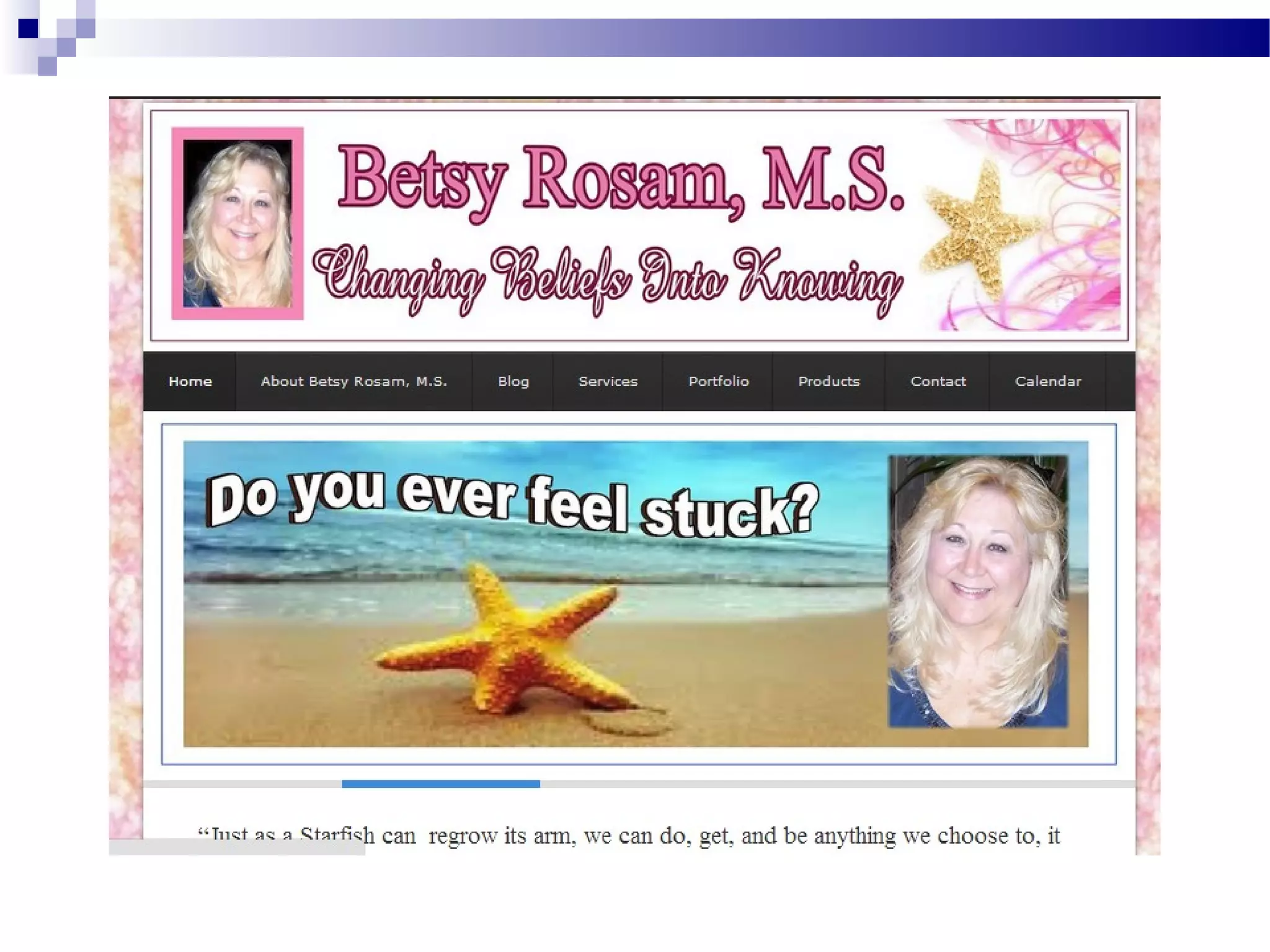
What is an HTML file?
HTML file = Web Page
Web Page on Server
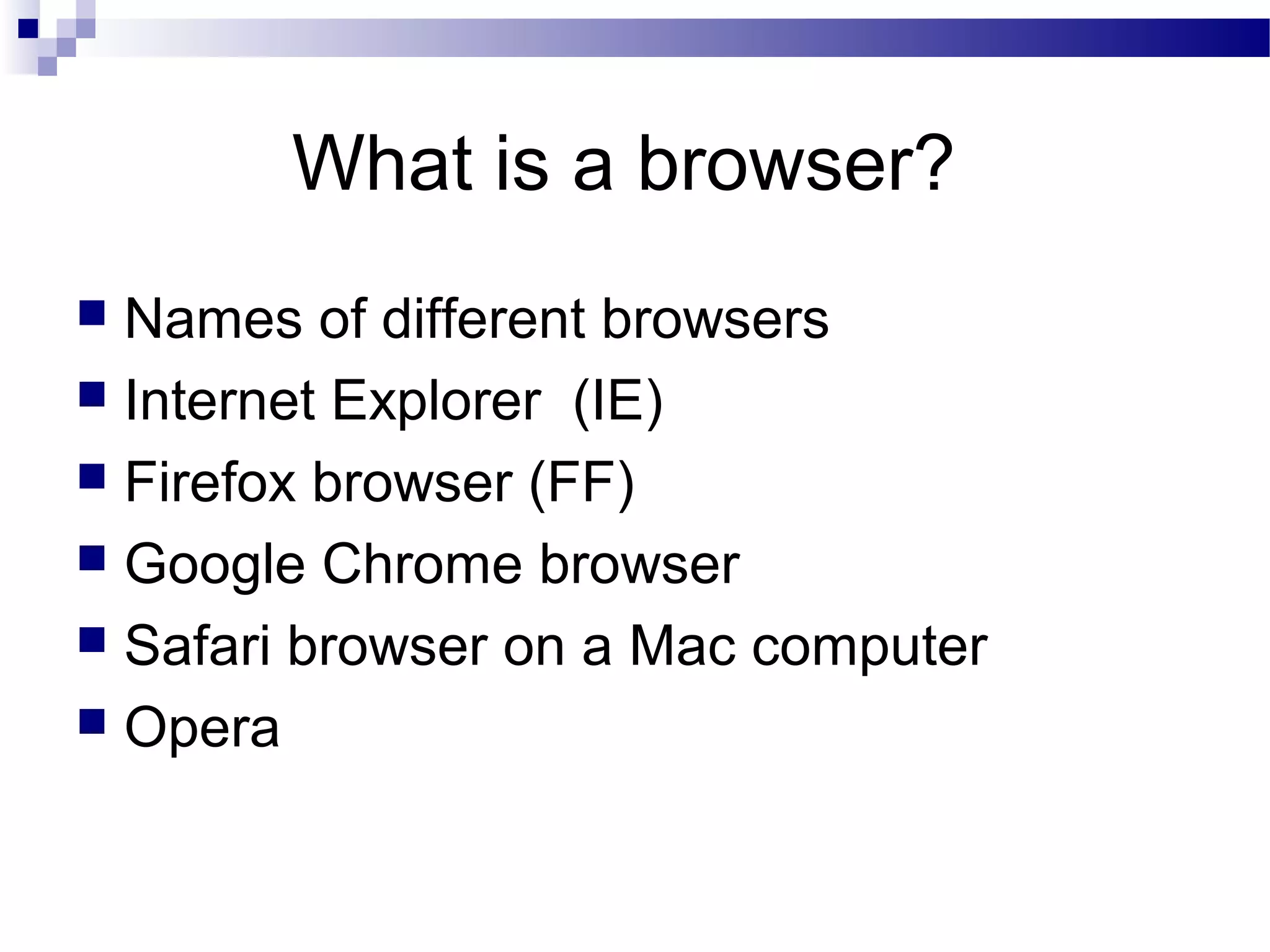
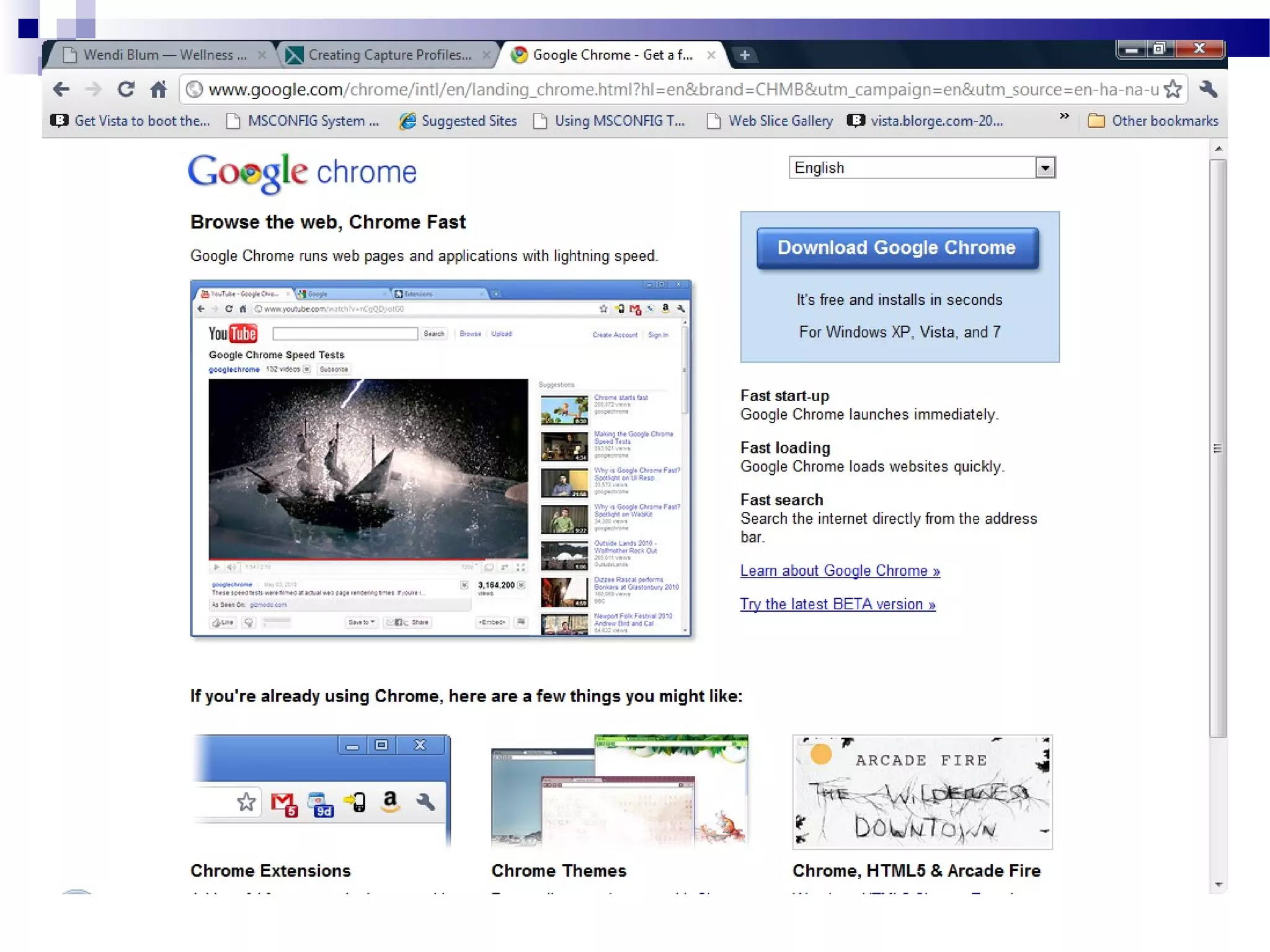
What is a browser?
Names of different browsers
 Internet Explorer (IE)
 Firefox browser (FF)
 Google Chrome browser
 Safari browser on a Mac computer
 Opera

WordPress CMS vs. HTML Websites
Faster Turnaround times for the client.
 Much less expensive than conventional
websites.
 Clients can update text and pictures on
their own site!
 Blogs are more interactive with the
audience.
 WordPress Blogs & sites are SEO friendly.

From Wordtracker.com


SEO benefits: the average blog attracts
55% more visitors and gets indexed 434%
more by search engines than a traditional
website, giving you exposure like never
before.
How Many WordPress Sites?


Only about 72 million out there!
Fortune 500 Companies that
use WordPress
Wall Street Journal
 Pepsi (RefreshEverything.com)
 General Electric
 UPS
 Ford Motor Company
 Samsung
 Coca Cola
 Xerox

WordPress vs. Blogger
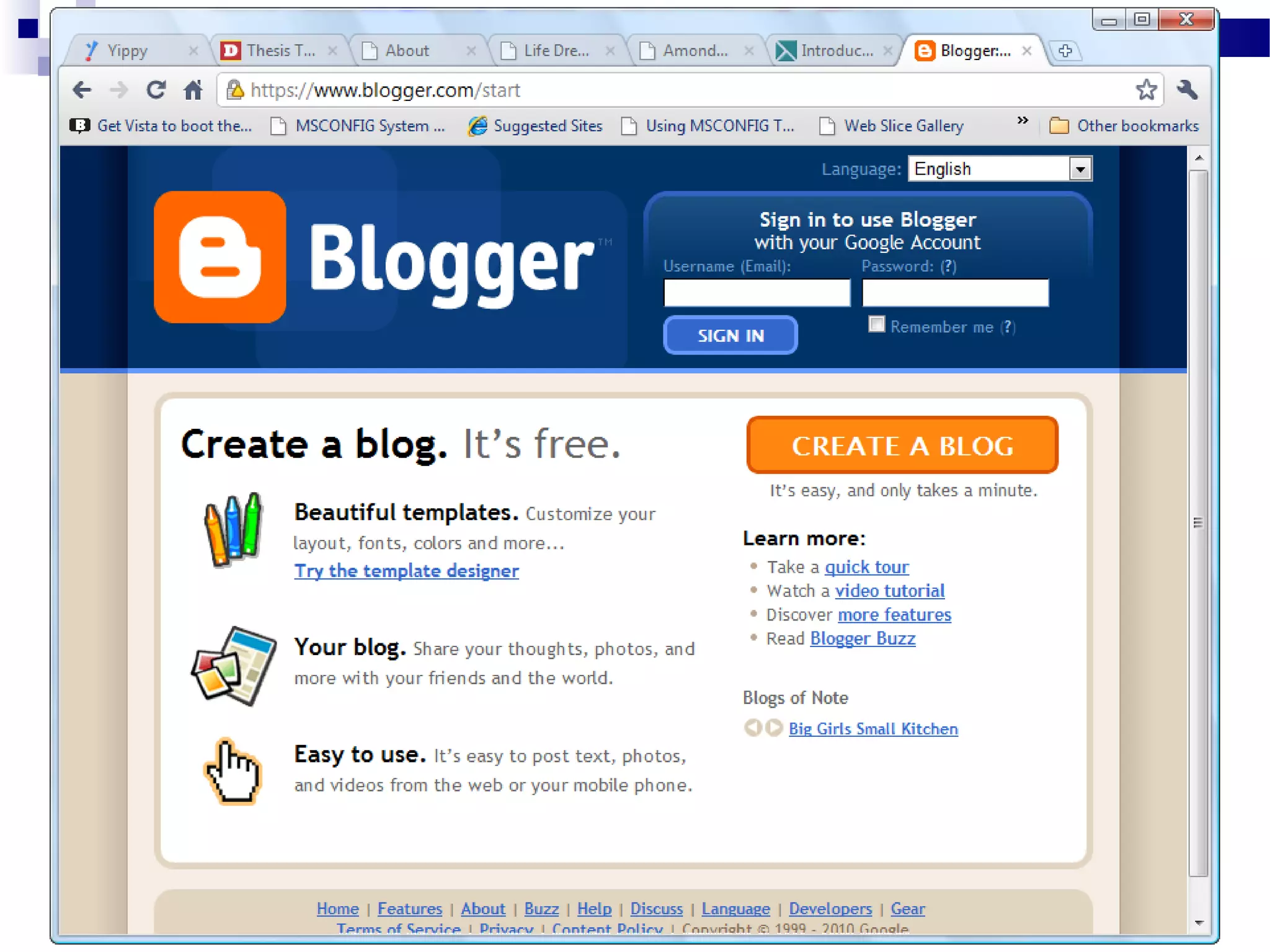
Blogger is free. Yeah!
 Blogger owned and run by Google.
 Blogger owns the real estate
 Or Blogger own the storage facility

Don’t End Up Being SOL!
The bottom line is that you get what you
pay for.
 Don’t wake up someday to find that your
site is gone and you are SOL!
 SOL = So Out of Luck!
 But you knew that already…

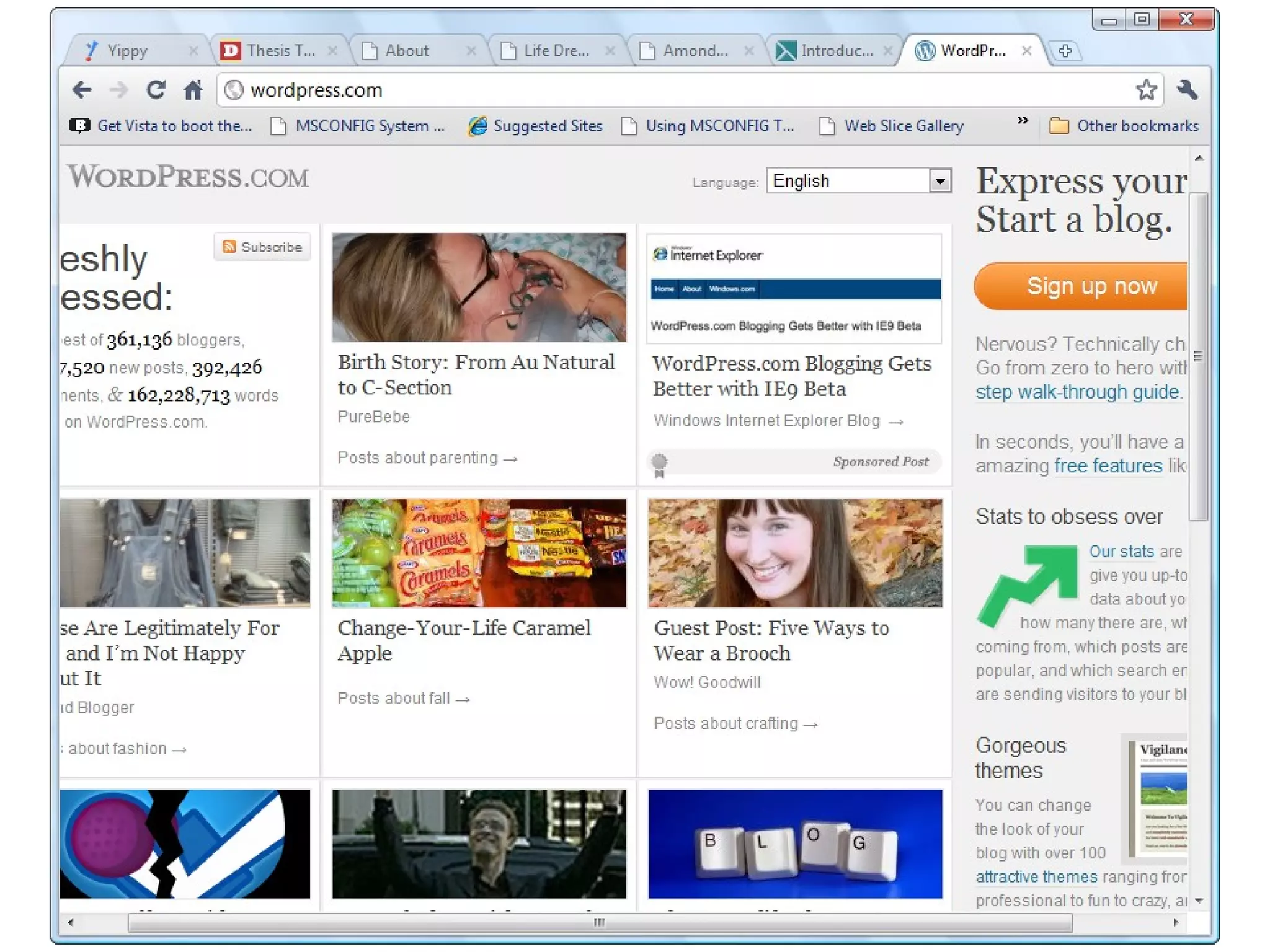
WordPress.org vs. WordPress.com
WordPress.com is FREE. Yeah!
 Up and running quickly
 WordPress.com owns the real estate
 Or WordPress.com own the storage
facility
 WordPress.org gives you complete control
over all your files.

Well Begun is Half Done
When you move from a ‘free’
WordPress.com site to your self-hosted
WordPress.org site, you lose ALL your
backlinks and all your SEO!!!
 All that work will be lost!

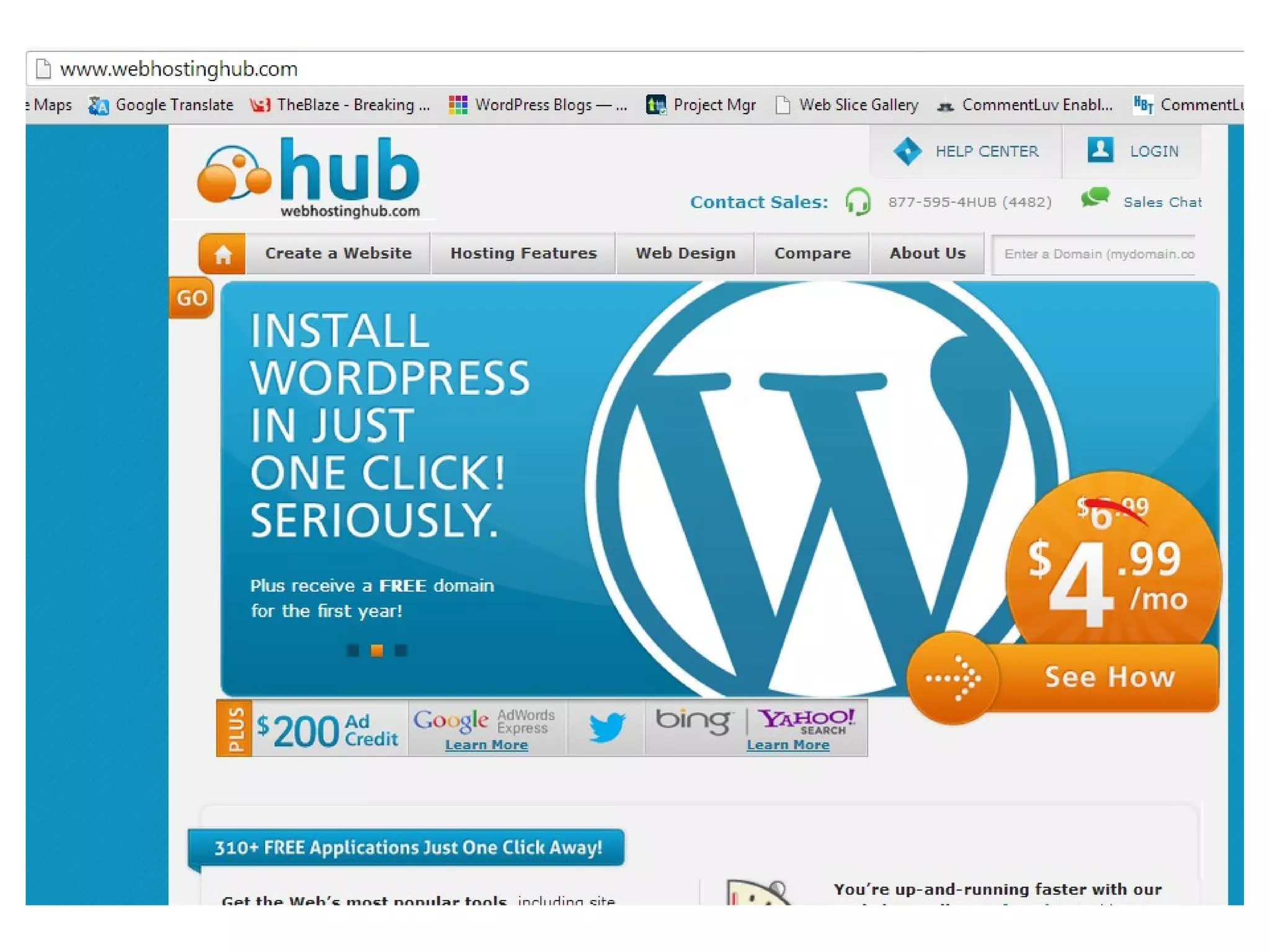
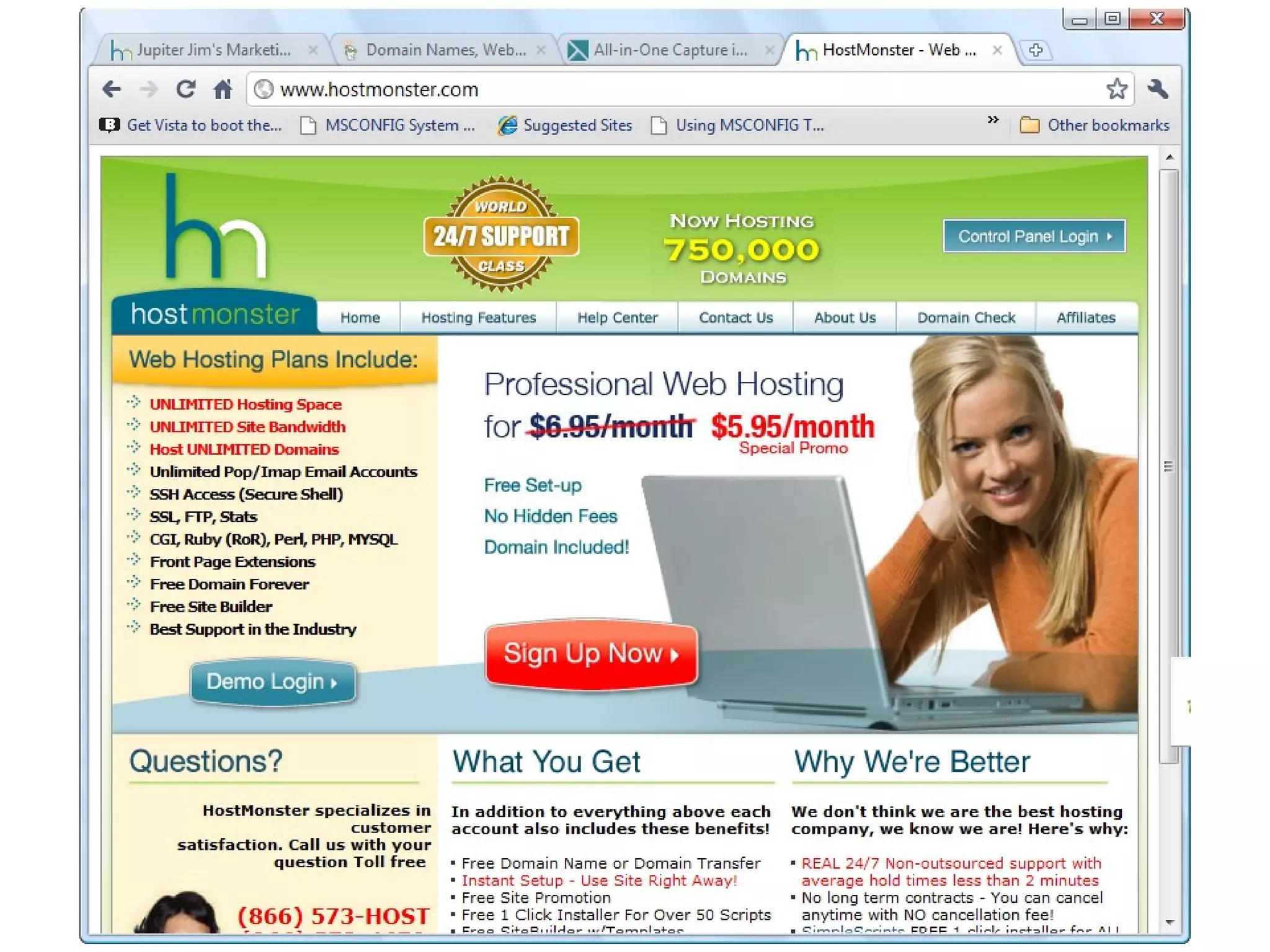
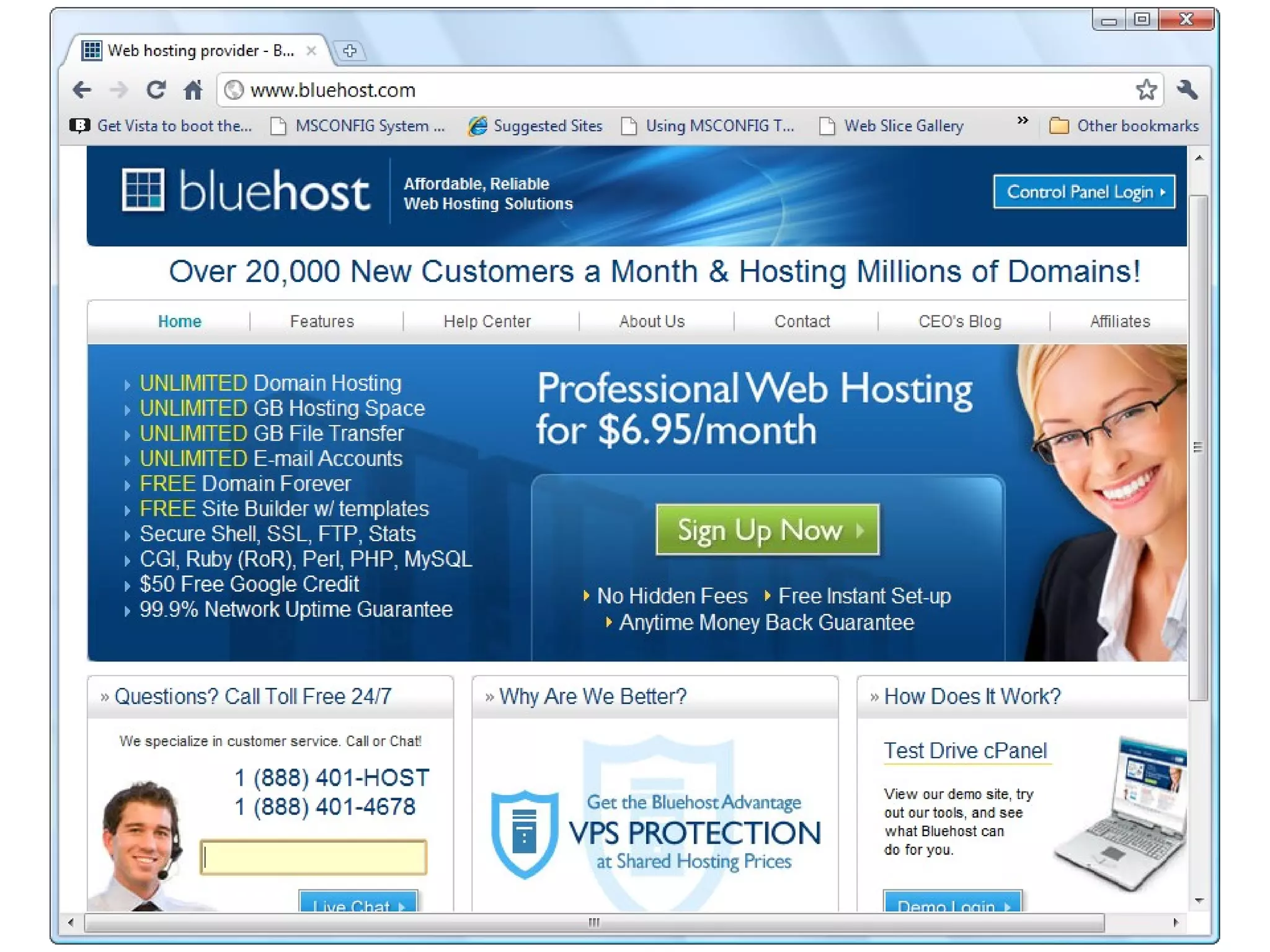
Self-Hosting -- WordPress or
Web Hosting Companies
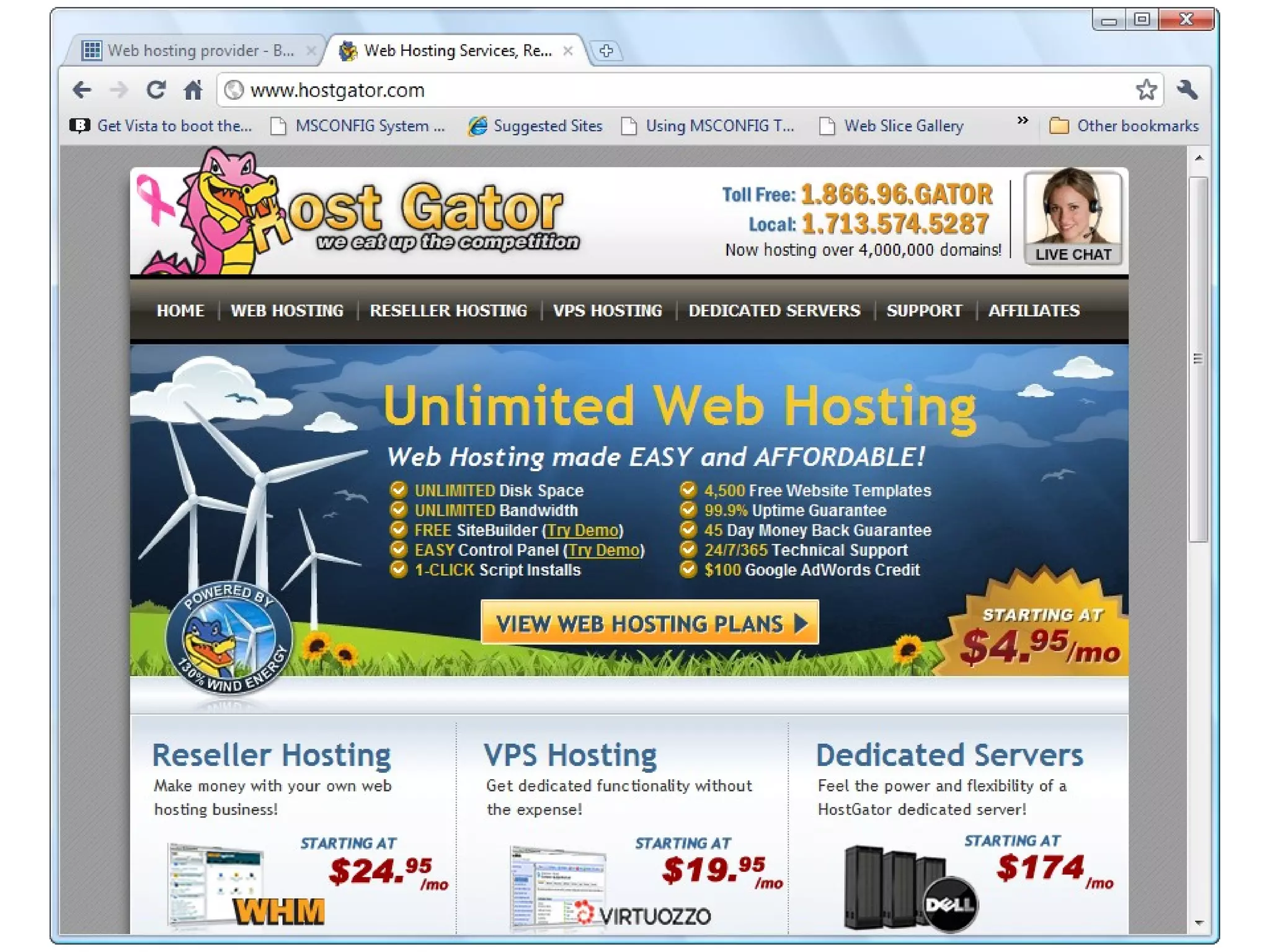
WebHostingHub.com
 Hostmonster.com
 Bluehost.com
 HostGator.com
 Where to buy domain names.

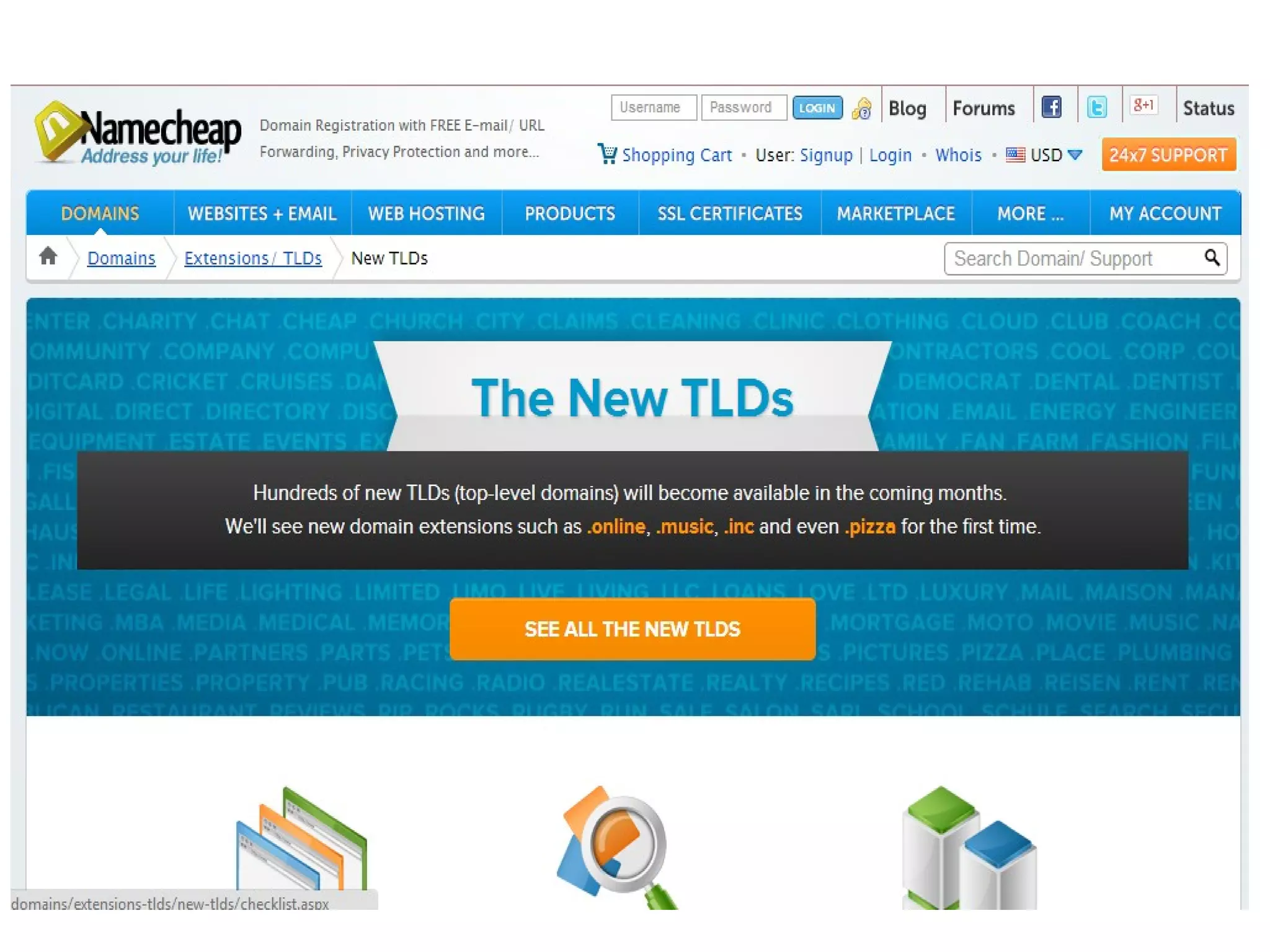
Where to Buy Domain Names
Namecheap.com
 Godaddy.com
 Namecheap.com is more secure and does
NOT have ridiculous Super Bowl
Commercials!

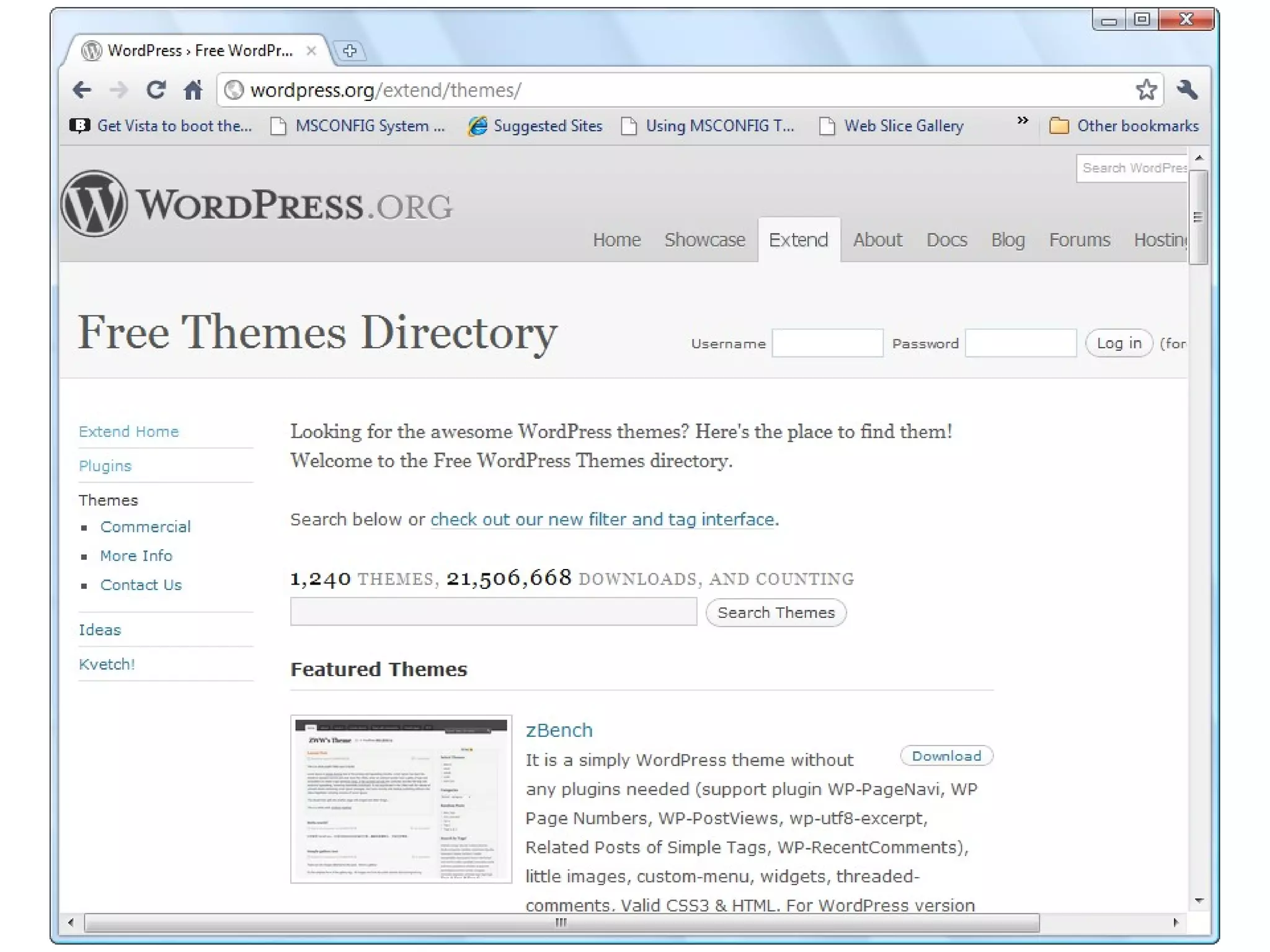
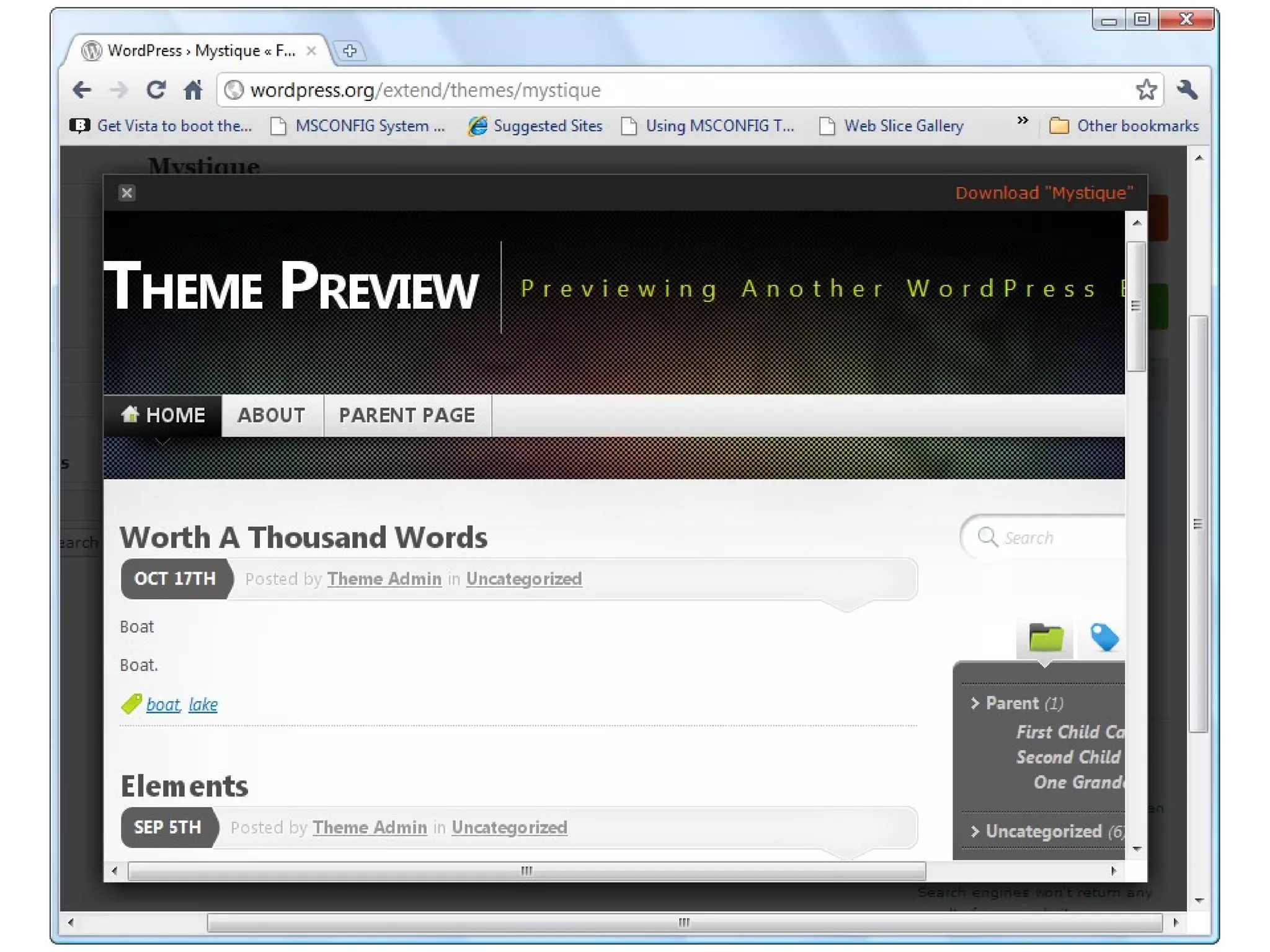
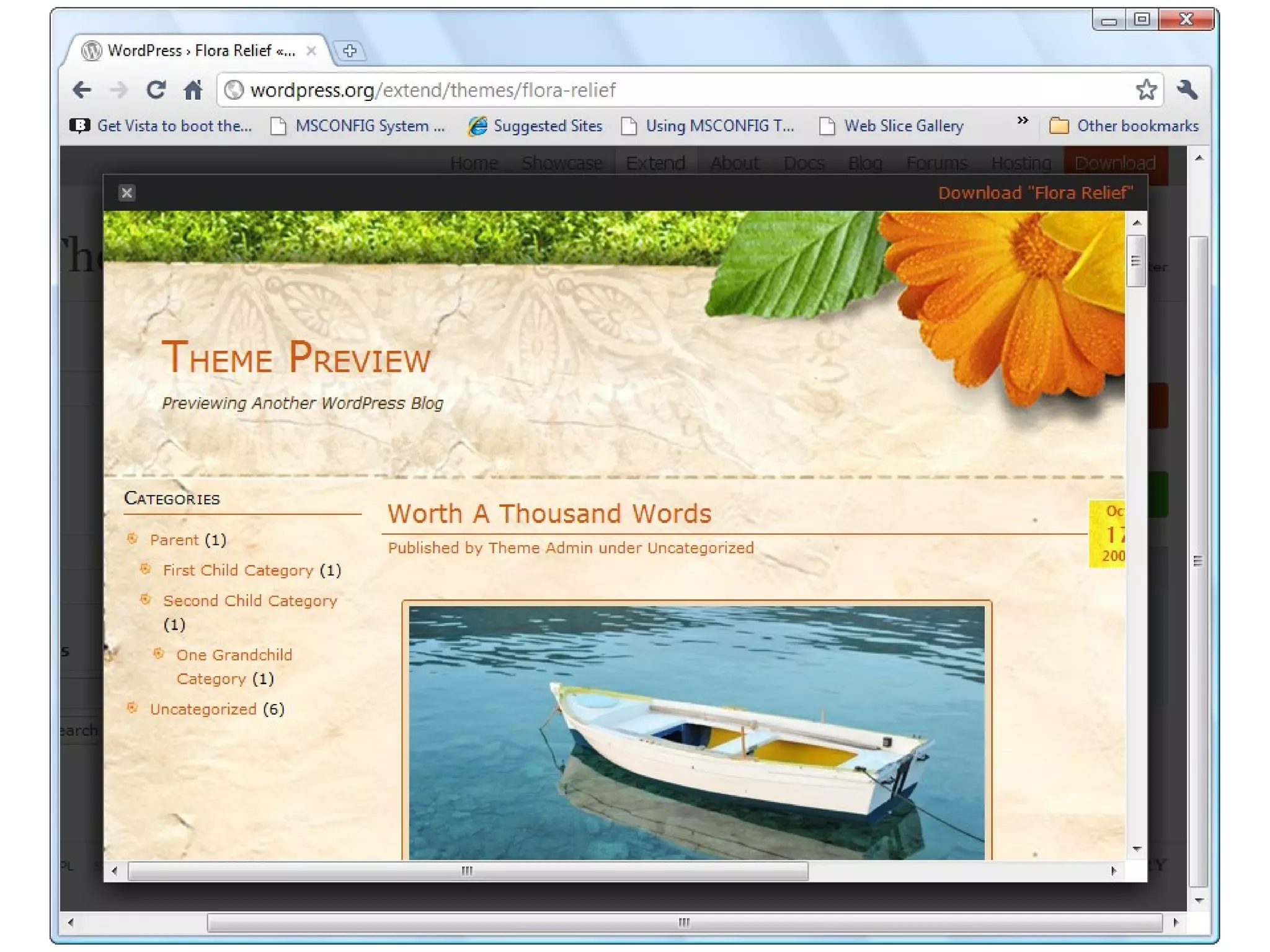
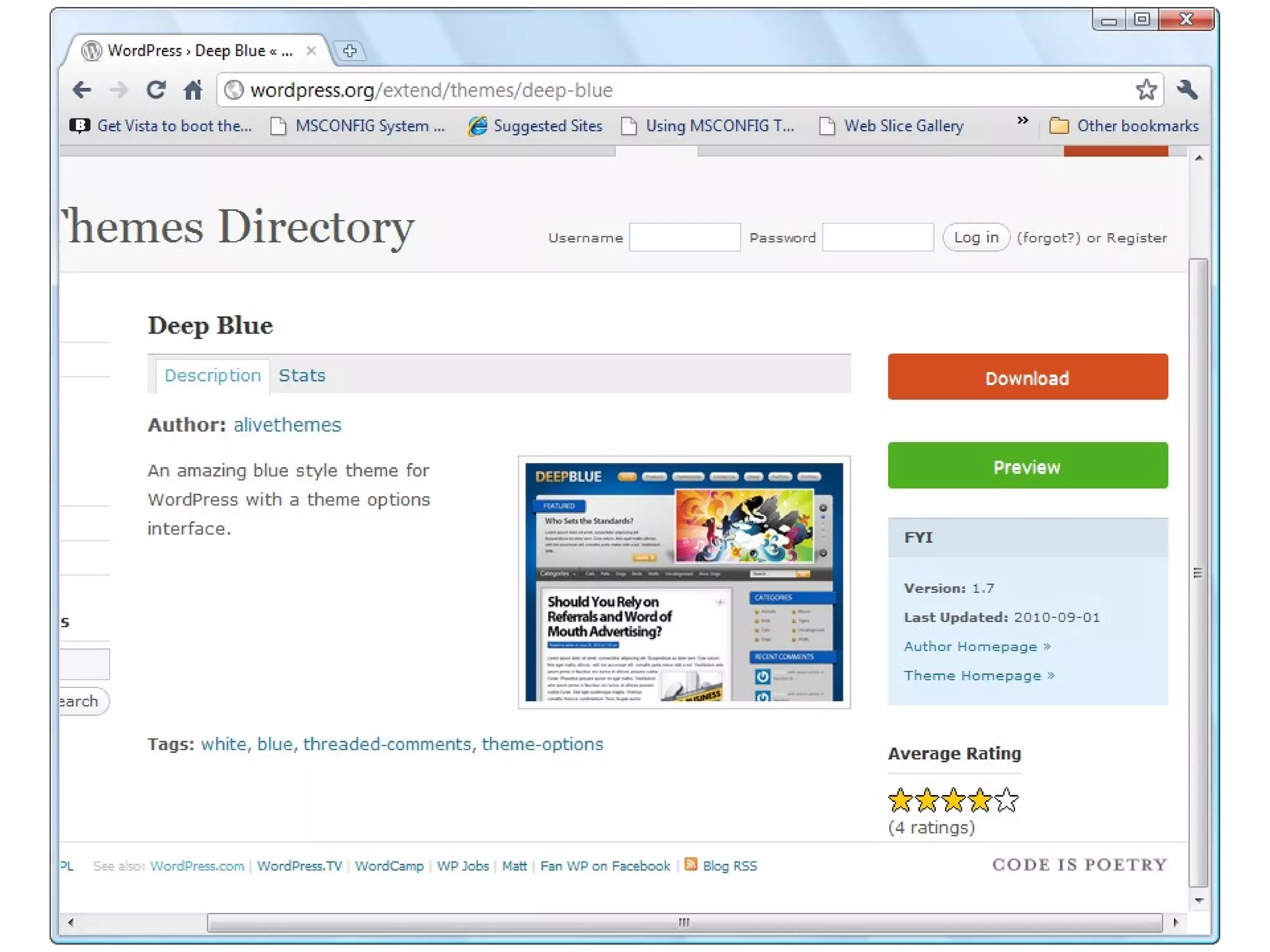
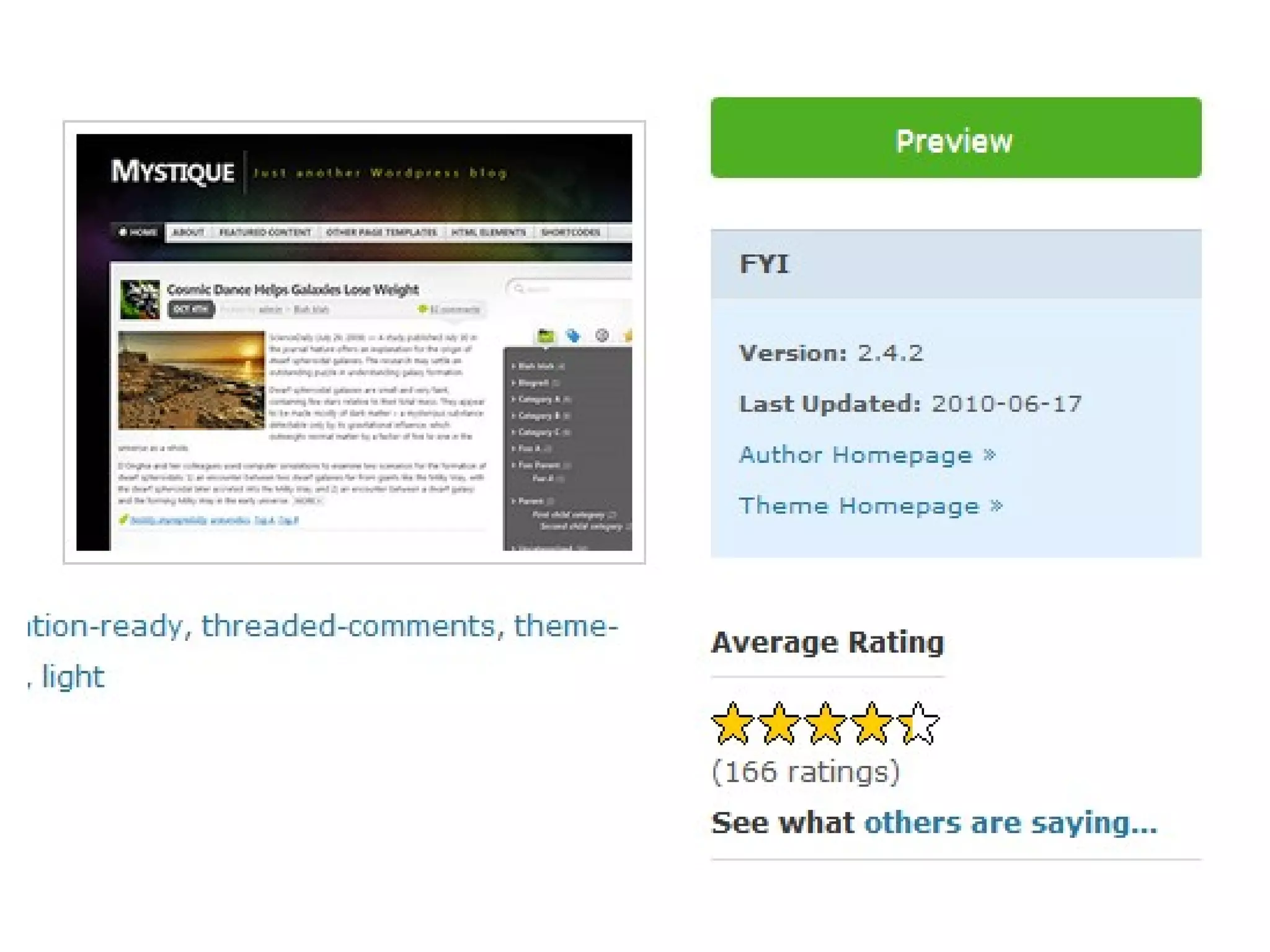
Show Free Themes


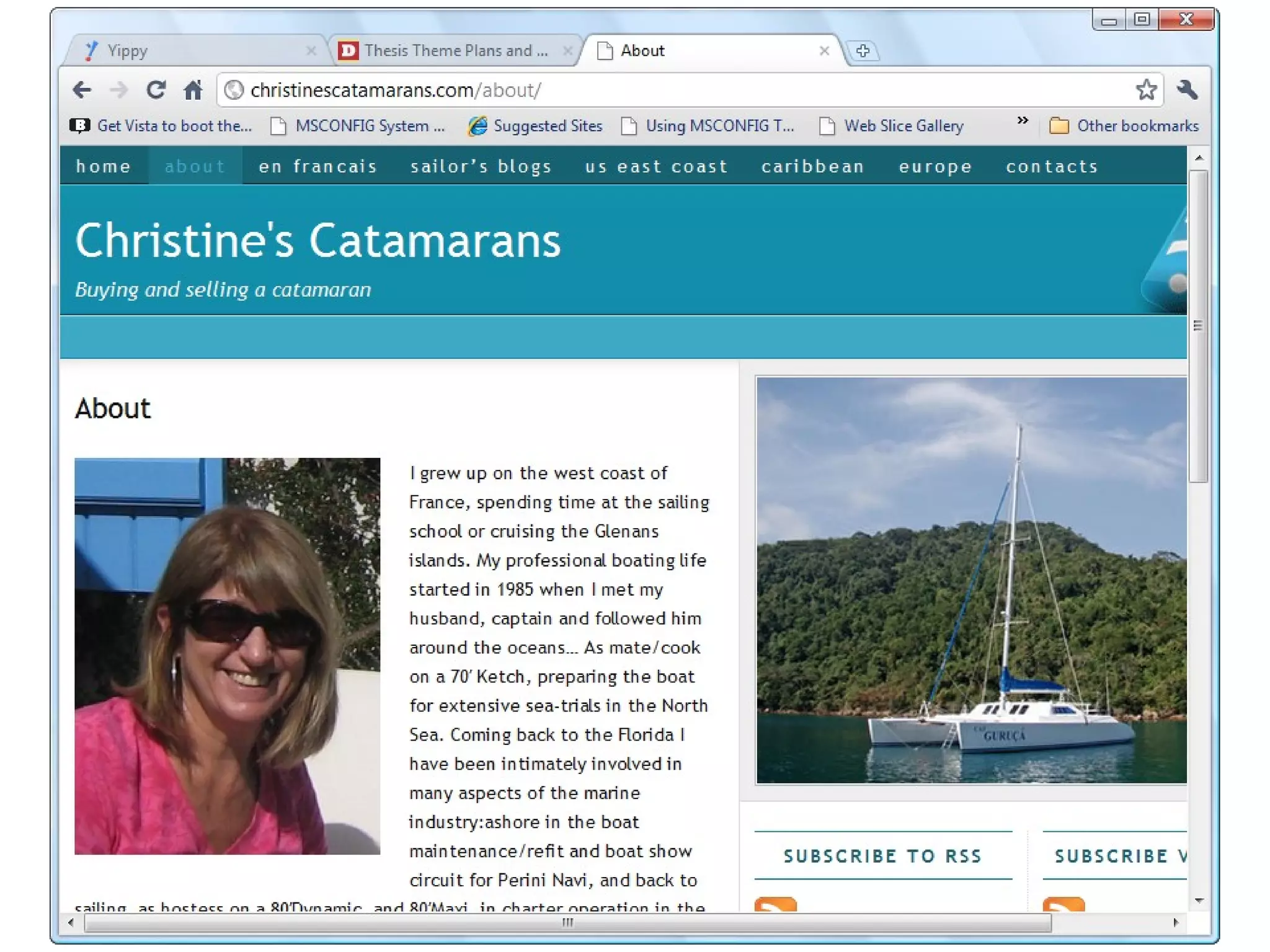
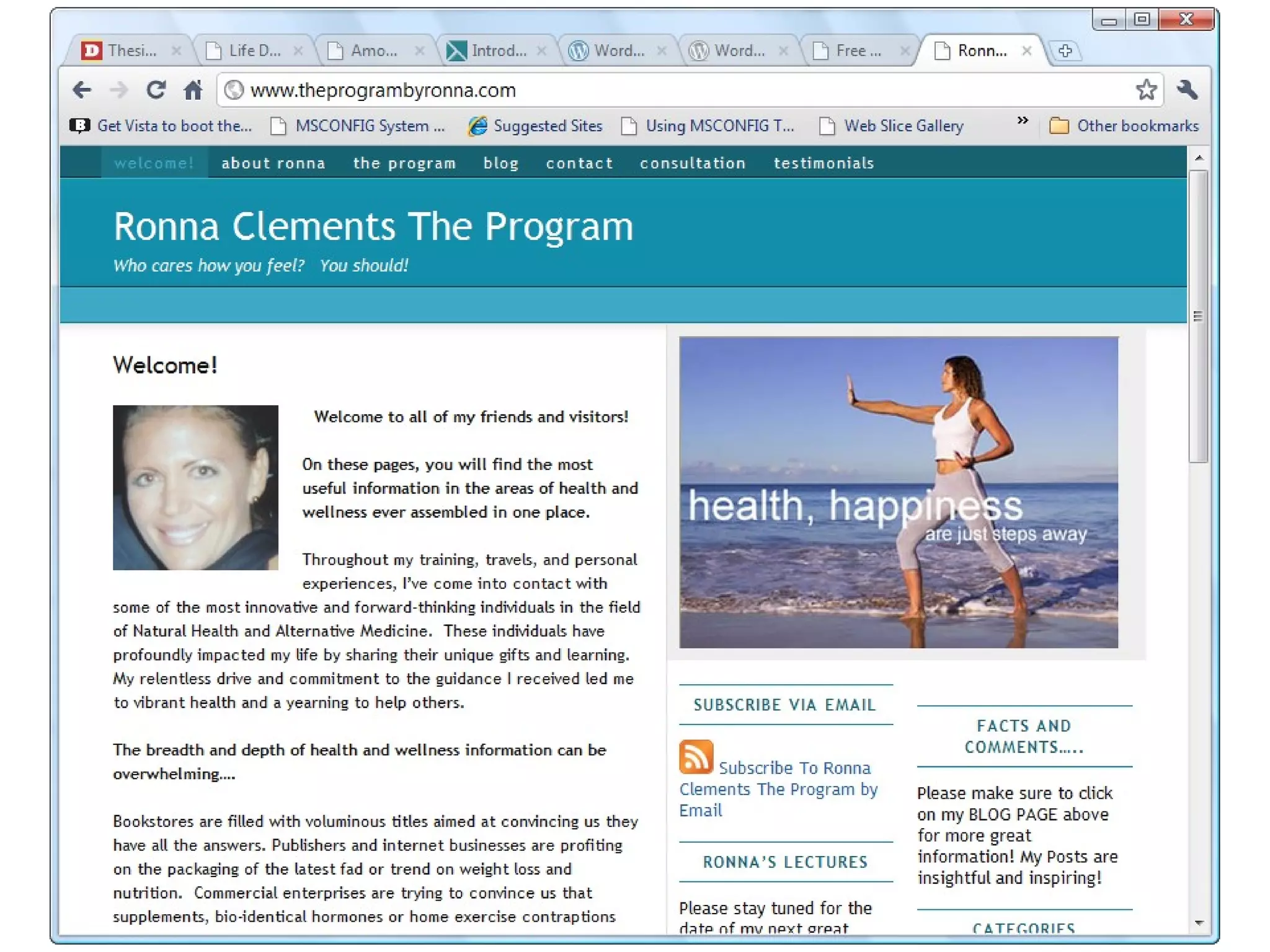
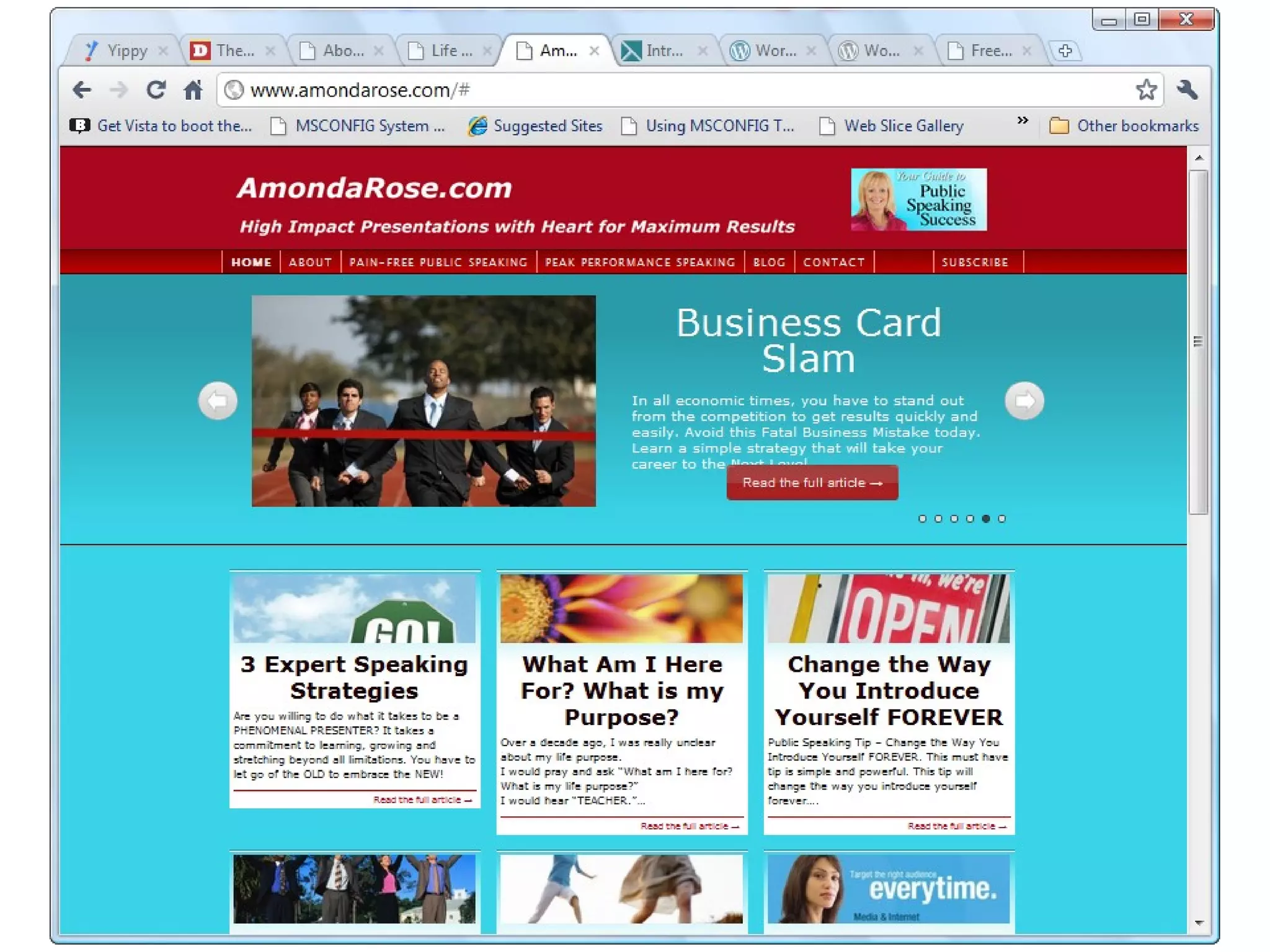
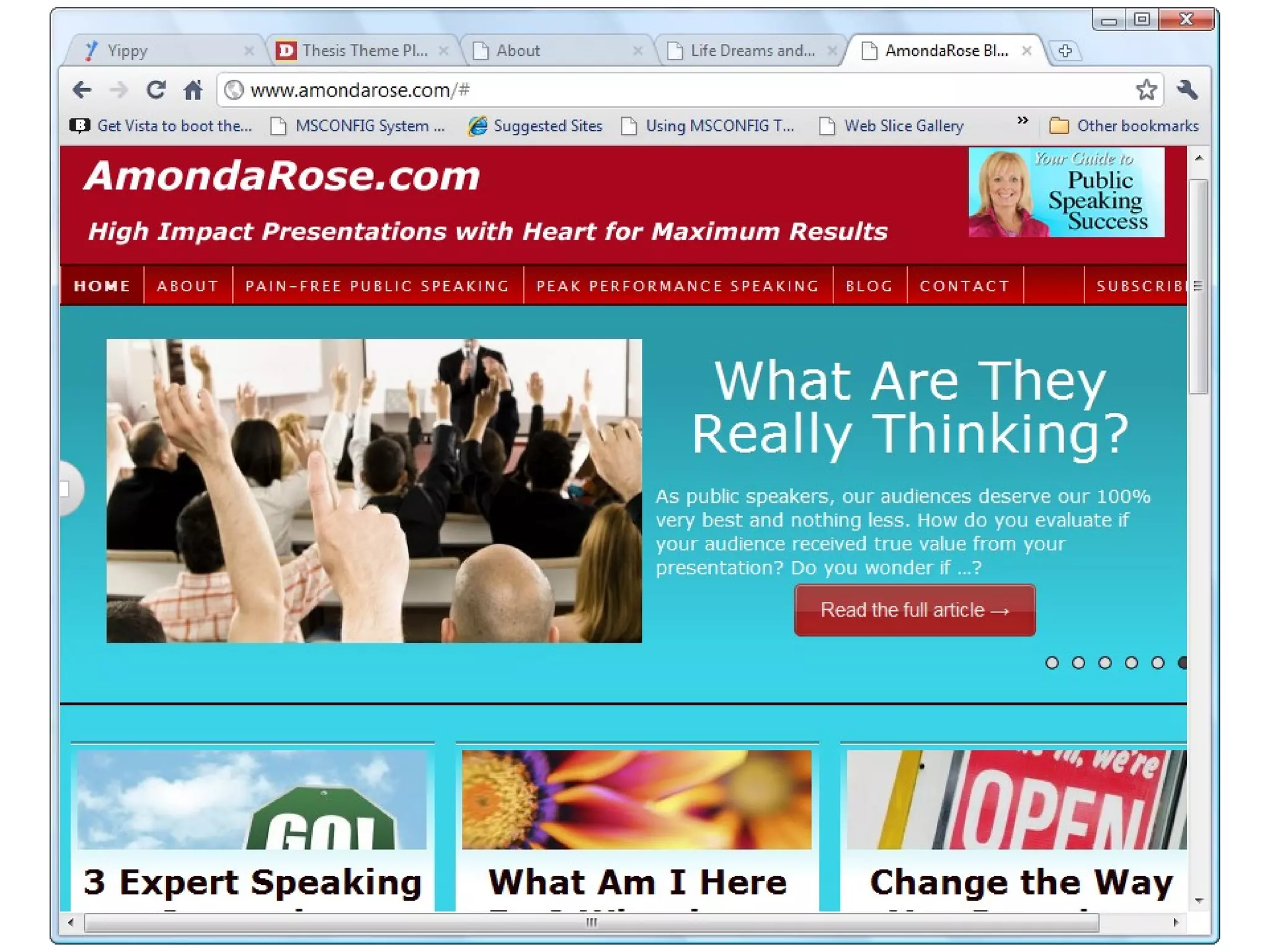
Free themes at WordPress.org
My Two Favorite Themes
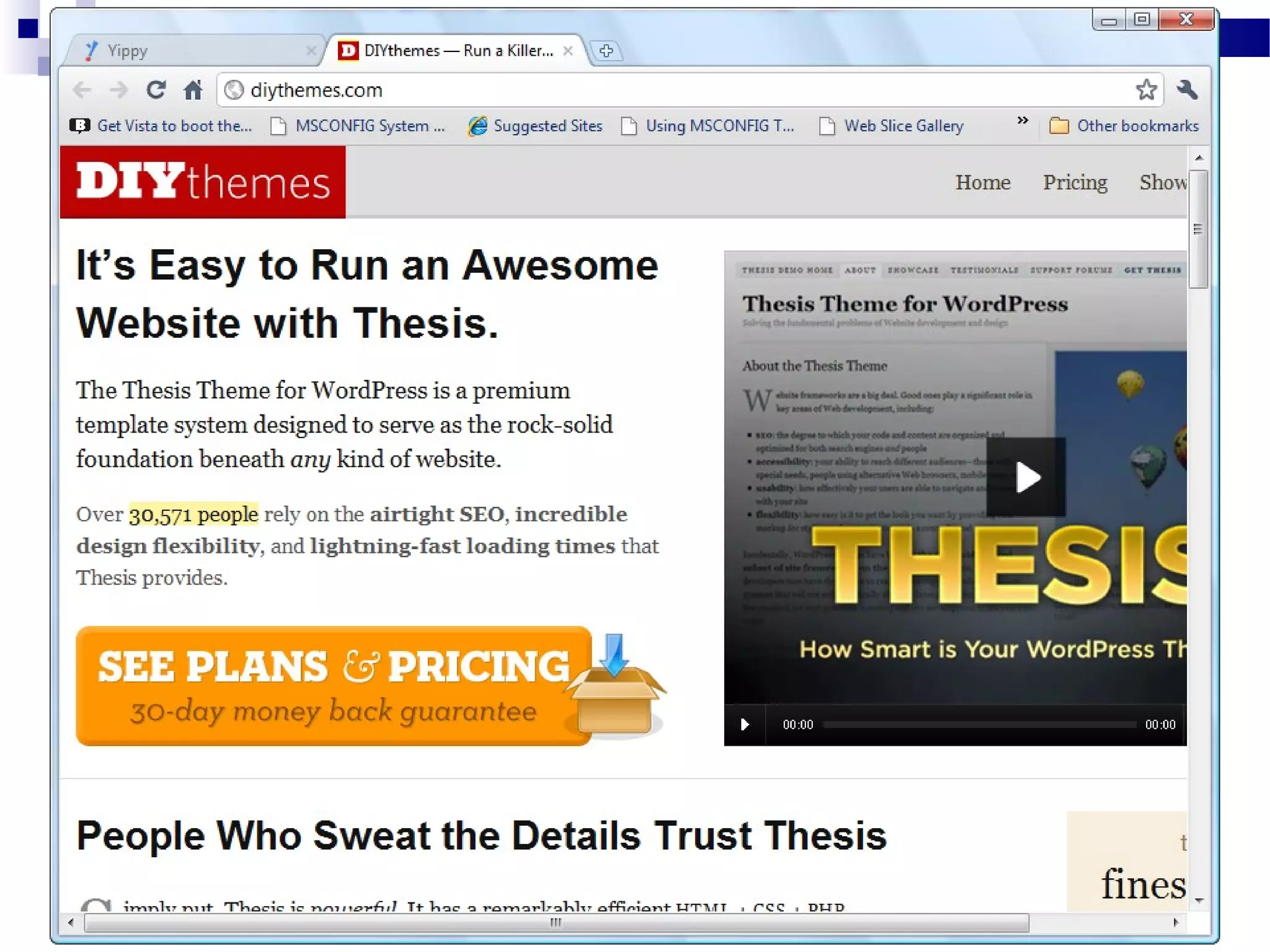
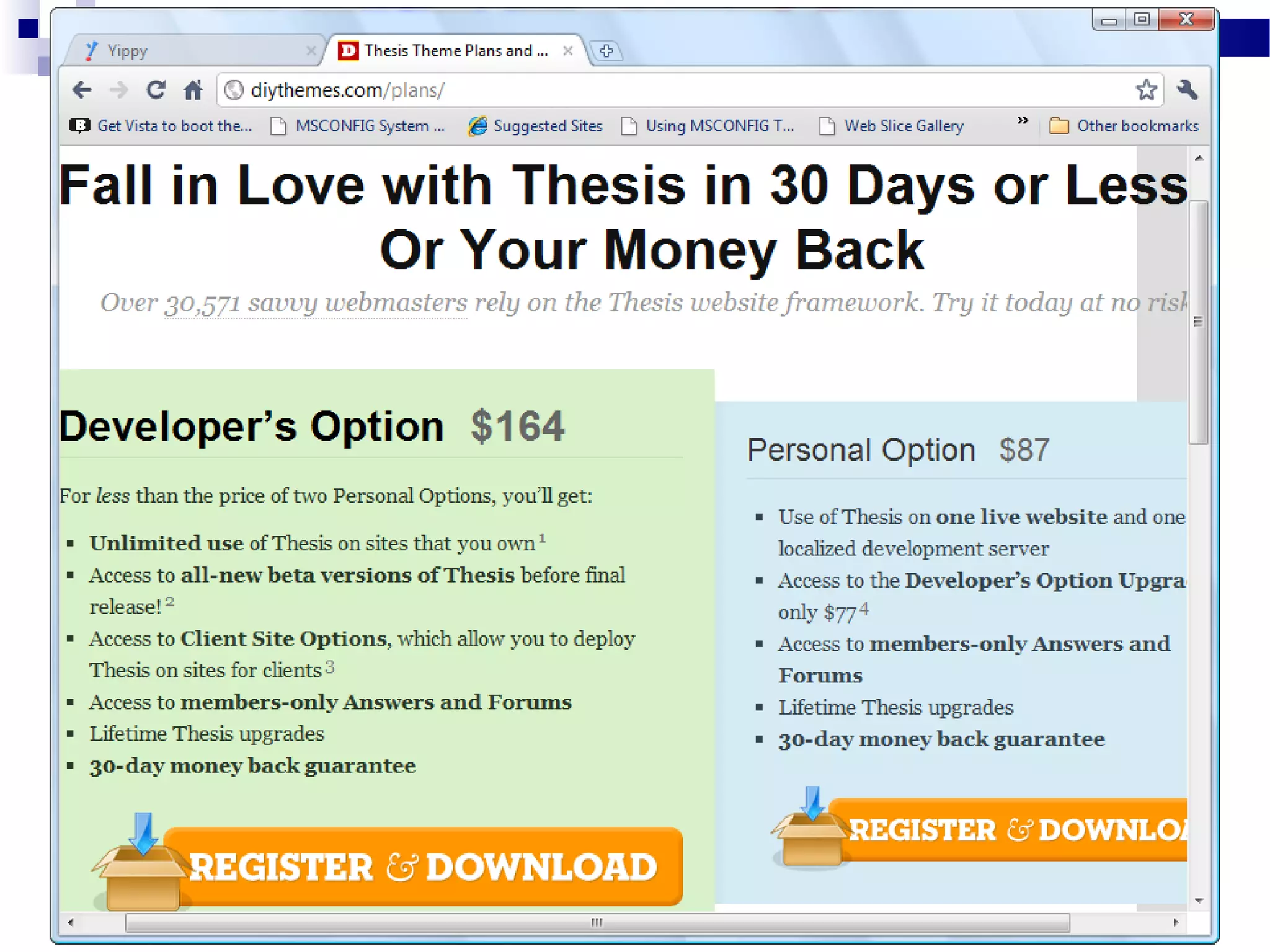
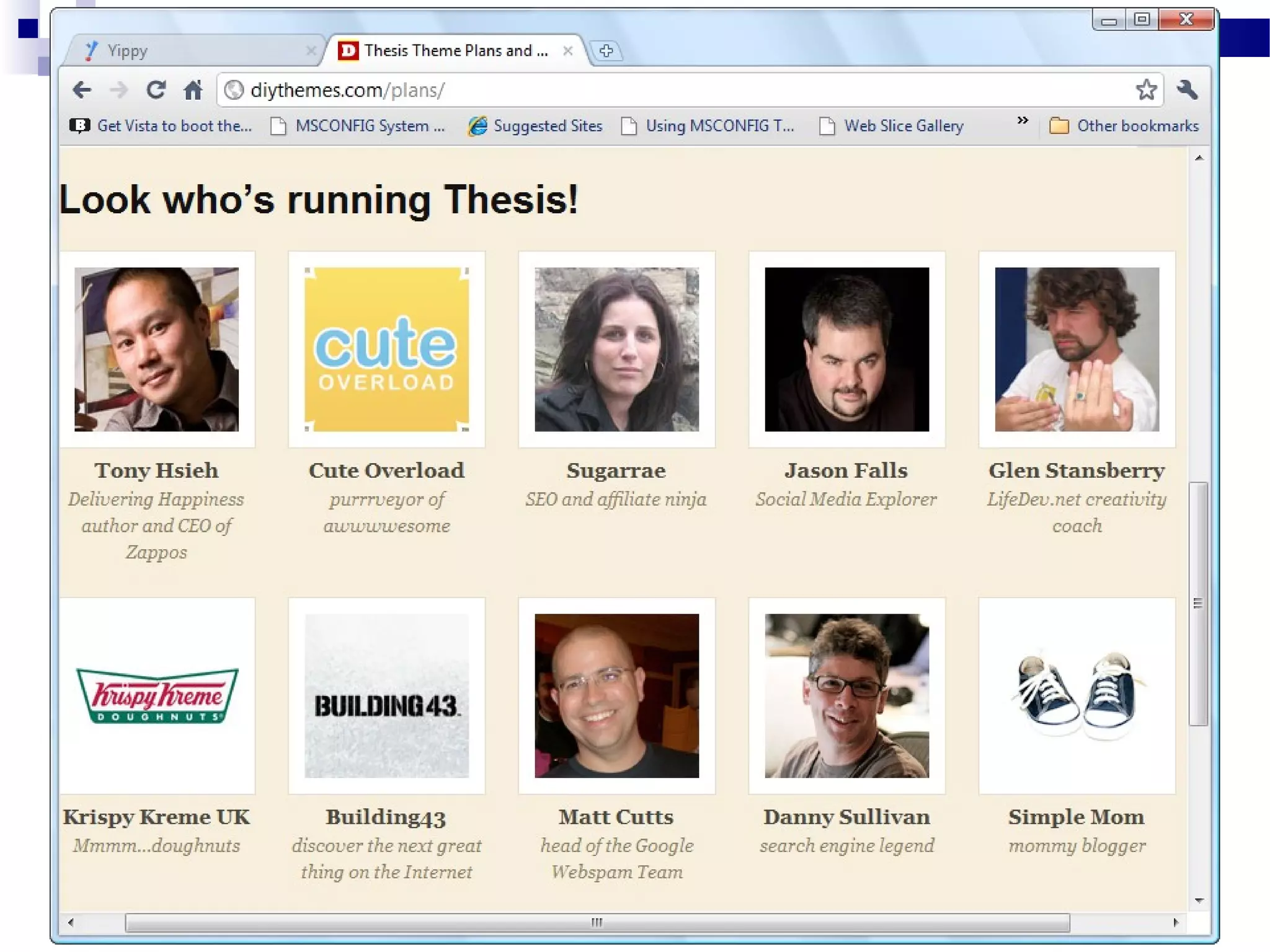
Thesis Theme (Thesis Framework)
 Genesis Theme (Genesis Framework)

What is a Framework?
WordPress  Theme
 WordPress  Framework  Child Theme
 WordPress  Framework  Skin

Why Thesis is So Good! (part 1)
Constantly upgraded.
 Outstanding Theme support unlike others.
 Lots of Thesis developers share info on
their websites and YouTube, etc.
 Upgrade Proof – your work not destroyed
 Rock solid foundation made for
customization.
 Built for fast download speeds.

Why Thesis is So Good! (part 2)
Has some of the best SEO of any theme.
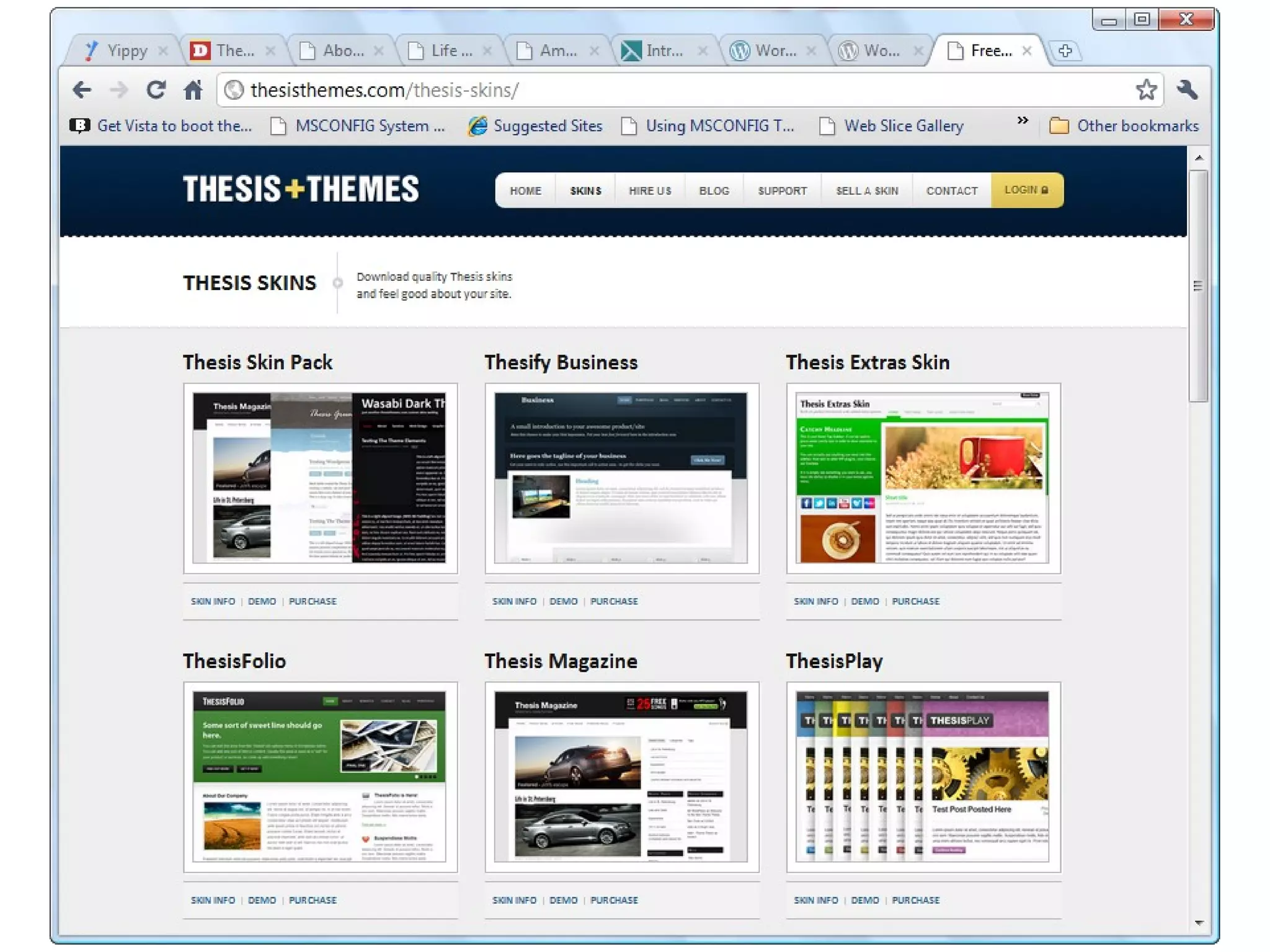
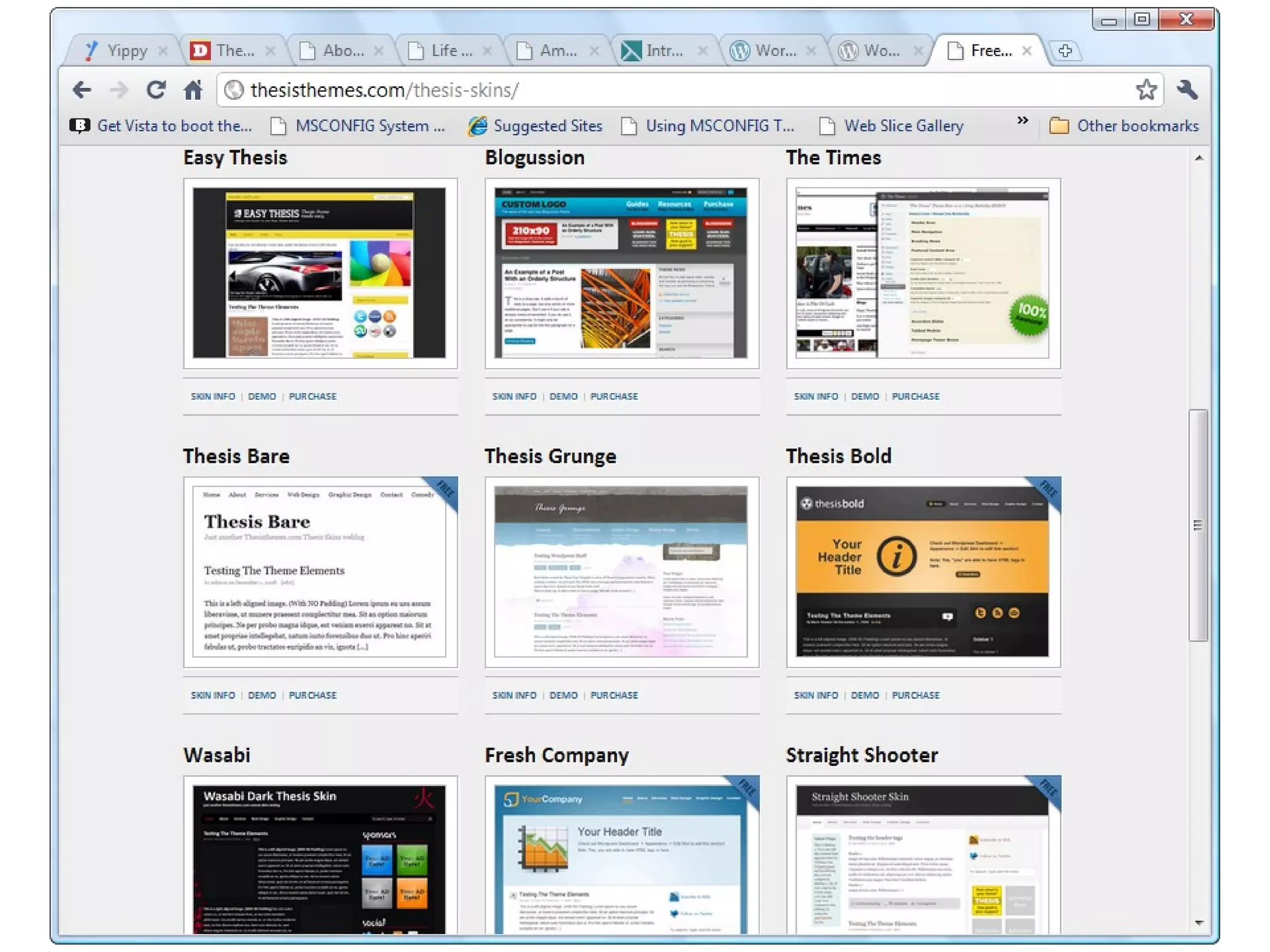
 Many other developers have created topnotch “skins” and child themes that go on
top of the Thesis Theme or Thesis
Framework.
 Is very easy to customize!

What are Plugins?
Little software programs that you
download to add functionality to your blog.
 Plugins could add a Facebook or Twitter
Re-Tweet button to your blog.
 Plugins could make your blog download
faster.

Some Top Plugins
Backup Buddy $80
 BackWPup (free)
 Gravity Forms $39
 Fast Secure Contact Form
 Ultimate tinyMCE plugin
 Black Studio tinyMCE widget plugin

Some More Plugins
WP SuperCache
 W3 Total Cache
 Yoast SEO plugin

What are widgets?
Widgets are little boxes that you drag and
drop to the sidebar in your blog.
 Widgets can be text boxes, or boxes with
links to previous posts, or a calendar, a
video or an email opt-in box.
 Plugins can create widgets for you.
 Got that?

Get My #1 Blog Secret
Go to JupiterJimsMarketingTeam.com
 If you want a website go to:
JupiterJim.com
 If you want this PowerPoint Presentation
email me at:
 jim@jupiterjim.com

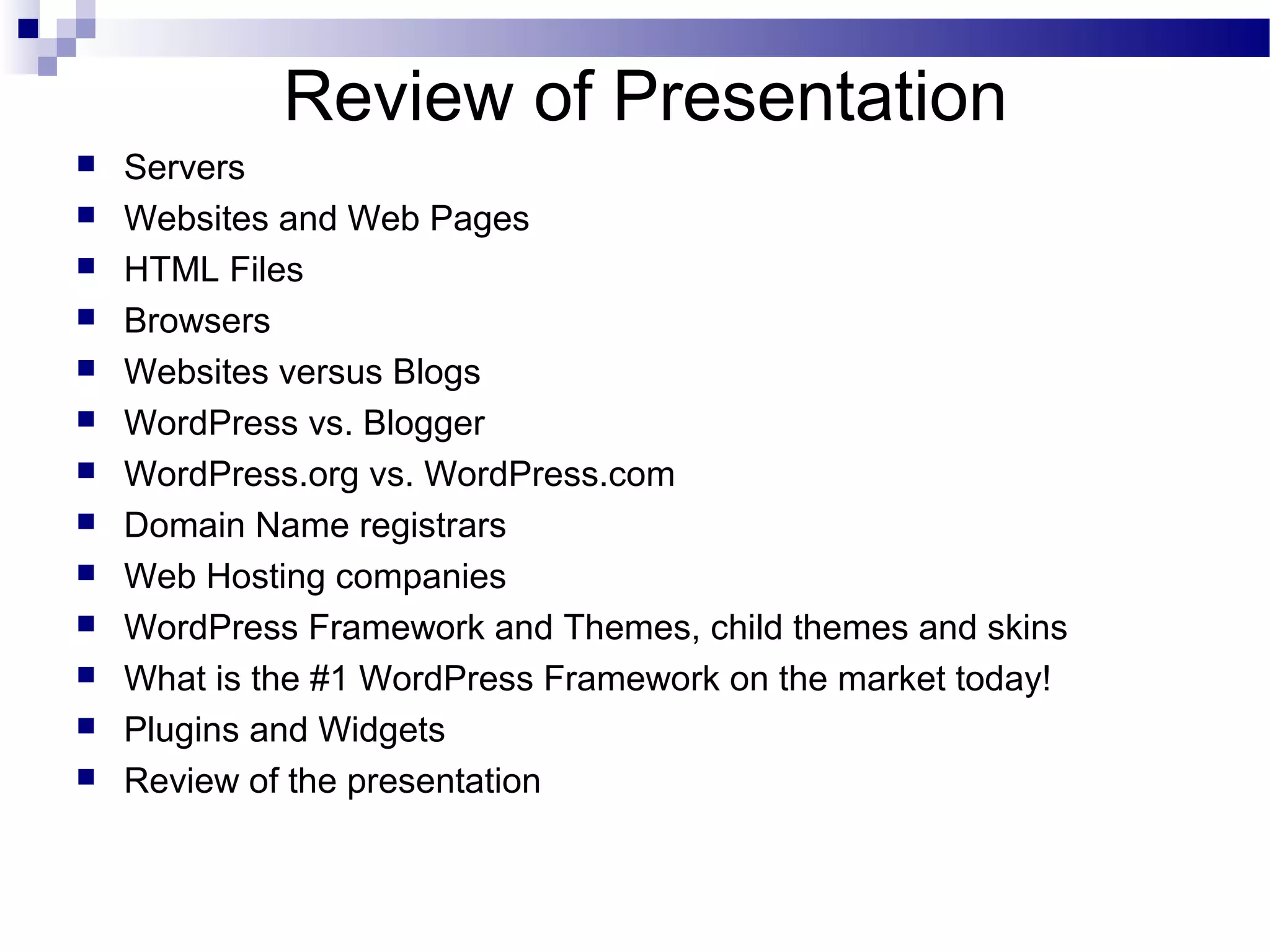
Review of Presentation














Servers
Websites and Web Pages
HTML Files
Browsers
Websites versus Blogs
WordPress vs. Blogger
WordPress.org vs. WordPress.com
Domain Name registrars
Web Hosting companies
WordPress Framework and Themes, child themes and skins
What is the #1 WordPress Framework on the market today!
Plugins and Widgets
Review of the presentation
The End


Thanks for listening Everybody!

WordPress Websites: Making and Marketing with Jupiter Jim

  • 1.
  • 2.
  • 3.
    Purpose of thisLecture Great Overview of WordPress!  For DIY ers  Not feel intimidated if you ask someone else to create your WordPress website.  $20 and $50 tips for WordPress users!  In short, you should feel comfortable talking about WordPress with anyone after today. 
  • 4.
    My Personal MissionStatement  “To share positive, life-changing information with as many receptive people as I can.” — Jupiter Jim
  • 5.
    What Age Werethey when…? Ray Kroc  Colonel Sanders  Grandma Moses 
  • 6.
    My Business MissionStatement  “To help as many receptive people as I can become financially free through their WordPress blogs and websites” — Jupiter Jim
  • 7.
    When You AreYour Own Boss! You pick your days. You pick your hours.  You pick your clients.  You pick your co-workers.  You pick your company’s direction.  You pick your own income!  You got FREEDOM!  Even though freedom is NOT Free! 
  • 8.
    Outline              Servers Websites and WebPages HTML Files Browsers HTML Websites versus WordPress websites. WordPress vs. Blogger WordPress.org vs. WordPress.com Domain Name registrars Web Hosting companies WordPress Themes and Frameworks What are the Top Frameworks on the market today! Plugins and Widgets Review of Presentation
  • 9.
    What is aServer? A Server is just a Big, Fast Computer that holds Website and Blog files and is always connected to the Internet.  Just like the computer under your desk but does NOT have a monitor connected to it! 
  • 10.
    What is aWebsite? A collection of files and folders inside one Big Folder called a Root Folder  The Root Folder is stored on a “Server”  The files (web pages or blog pages) are downloaded and viewed by a browser on your computer. 
  • 11.
    What are WebPages Exactly? What is a web page? What is an HTML file? HTML file = Web Page
  • 13.
  • 16.
    What is abrowser? Names of different browsers  Internet Explorer (IE)  Firefox browser (FF)  Google Chrome browser  Safari browser on a Mac computer  Opera 
  • 18.
    WordPress CMS vs.HTML Websites Faster Turnaround times for the client.  Much less expensive than conventional websites.  Clients can update text and pictures on their own site!  Blogs are more interactive with the audience.  WordPress Blogs & sites are SEO friendly. 
  • 19.
    From Wordtracker.com  SEO benefits:the average blog attracts 55% more visitors and gets indexed 434% more by search engines than a traditional website, giving you exposure like never before.
  • 20.
    How Many WordPressSites?  Only about 72 million out there!
  • 21.
    Fortune 500 Companiesthat use WordPress Wall Street Journal  Pepsi (RefreshEverything.com)  General Electric  UPS  Ford Motor Company  Samsung  Coca Cola  Xerox 
  • 22.
    WordPress vs. Blogger Bloggeris free. Yeah!  Blogger owned and run by Google.  Blogger owns the real estate  Or Blogger own the storage facility 
  • 23.
    Don’t End UpBeing SOL! The bottom line is that you get what you pay for.  Don’t wake up someday to find that your site is gone and you are SOL!  SOL = So Out of Luck!  But you knew that already… 
  • 25.
    WordPress.org vs. WordPress.com WordPress.comis FREE. Yeah!  Up and running quickly  WordPress.com owns the real estate  Or WordPress.com own the storage facility  WordPress.org gives you complete control over all your files. 
  • 26.
    Well Begun isHalf Done When you move from a ‘free’ WordPress.com site to your self-hosted WordPress.org site, you lose ALL your backlinks and all your SEO!!!  All that work will be lost! 
  • 28.
    Self-Hosting -- WordPressor Web Hosting Companies WebHostingHub.com  Hostmonster.com  Bluehost.com  HostGator.com  Where to buy domain names. 
  • 29.
    Where to BuyDomain Names Namecheap.com  Godaddy.com  Namecheap.com is more secure and does NOT have ridiculous Super Bowl Commercials! 
  • 35.
    Show Free Themes  Freethemes at WordPress.org
  • 42.
    My Two FavoriteThemes Thesis Theme (Thesis Framework)  Genesis Theme (Genesis Framework) 
  • 43.
    What is aFramework? WordPress  Theme  WordPress  Framework  Child Theme  WordPress  Framework  Skin 
  • 48.
    Why Thesis isSo Good! (part 1) Constantly upgraded.  Outstanding Theme support unlike others.  Lots of Thesis developers share info on their websites and YouTube, etc.  Upgrade Proof – your work not destroyed  Rock solid foundation made for customization.  Built for fast download speeds. 
  • 49.
    Why Thesis isSo Good! (part 2) Has some of the best SEO of any theme.  Many other developers have created topnotch “skins” and child themes that go on top of the Thesis Theme or Thesis Framework.  Is very easy to customize! 
  • 59.
    What are Plugins? Littlesoftware programs that you download to add functionality to your blog.  Plugins could add a Facebook or Twitter Re-Tweet button to your blog.  Plugins could make your blog download faster. 
  • 60.
    Some Top Plugins BackupBuddy $80  BackWPup (free)  Gravity Forms $39  Fast Secure Contact Form  Ultimate tinyMCE plugin  Black Studio tinyMCE widget plugin 
  • 61.
    Some More Plugins WPSuperCache  W3 Total Cache  Yoast SEO plugin 
  • 62.
    What are widgets? Widgetsare little boxes that you drag and drop to the sidebar in your blog.  Widgets can be text boxes, or boxes with links to previous posts, or a calendar, a video or an email opt-in box.  Plugins can create widgets for you.  Got that? 
  • 63.
    Get My #1Blog Secret Go to JupiterJimsMarketingTeam.com  If you want a website go to: JupiterJim.com  If you want this PowerPoint Presentation email me at:  jim@jupiterjim.com 
  • 64.
    Review of Presentation              Servers Websitesand Web Pages HTML Files Browsers Websites versus Blogs WordPress vs. Blogger WordPress.org vs. WordPress.com Domain Name registrars Web Hosting companies WordPress Framework and Themes, child themes and skins What is the #1 WordPress Framework on the market today! Plugins and Widgets Review of the presentation
  • 65.
    The End  Thanks forlistening Everybody!