HOW TO START A
WORDPRESS SITE THAT
GENERATES $1000
MONTHLY.
Starting up a blog can be daunting at times. Some find it very
difficult to easily create a website. Thankfully a CMS
like WordPress has made it very simple for you to easily create your
site in few minutes. It doesn’t matter whether you’re a complete
novice about blogging, the big question is “Are you ready to create
your own website?”.
https://mightyblogspot.com
Connect with us
Facebook Instagram
Now let’s take a look at step-by-step-guide on
how to create your own wordpress site that can
generates $1000 monthly.
 Select a topic
 Choose a domain name
 Choose a hosting company
 Install WordPress
 Customize your site
 Publish your first post and go live
https://mightyblogspot.com
#1. Select a perfect topic (niche) for your blog
Before choosing any topic (niche) for your blog you have to take note of the following:
Choose a topic you’re passionate about, a topic that interest you, something that makes
you happy, something that you enjoy writing about. If you aren’t excited about your topic,
writing about it will be very difficult and when you can’t write what your readers will
enjoy, you can’t build a good relationship with them. Some people do miss out on this, so
think carefully before making a any decision.
Choose a topic which has plenty room for discussion. This will make it to remain
interesting. If you’re confuse about what to write, you can check our >List of topics for a
blog beginner.
https://mightyblogspot.com
#2. Choose a domain name
Before you design any blog you must have a domain name. A domain name
gives your blog a unique address that people type into the address bar in
other to get to your site.
Tips for choosing a domain name
 Choose a name that represent your business so that it will be easier for
people to find you. For example; if your blog is about parenting, you can
choose something like “parentingguide.com”
 Keep it short and memorable. This is a good advice to choose a
memorable name that people will easily remember.
https://mightyblogspot.com
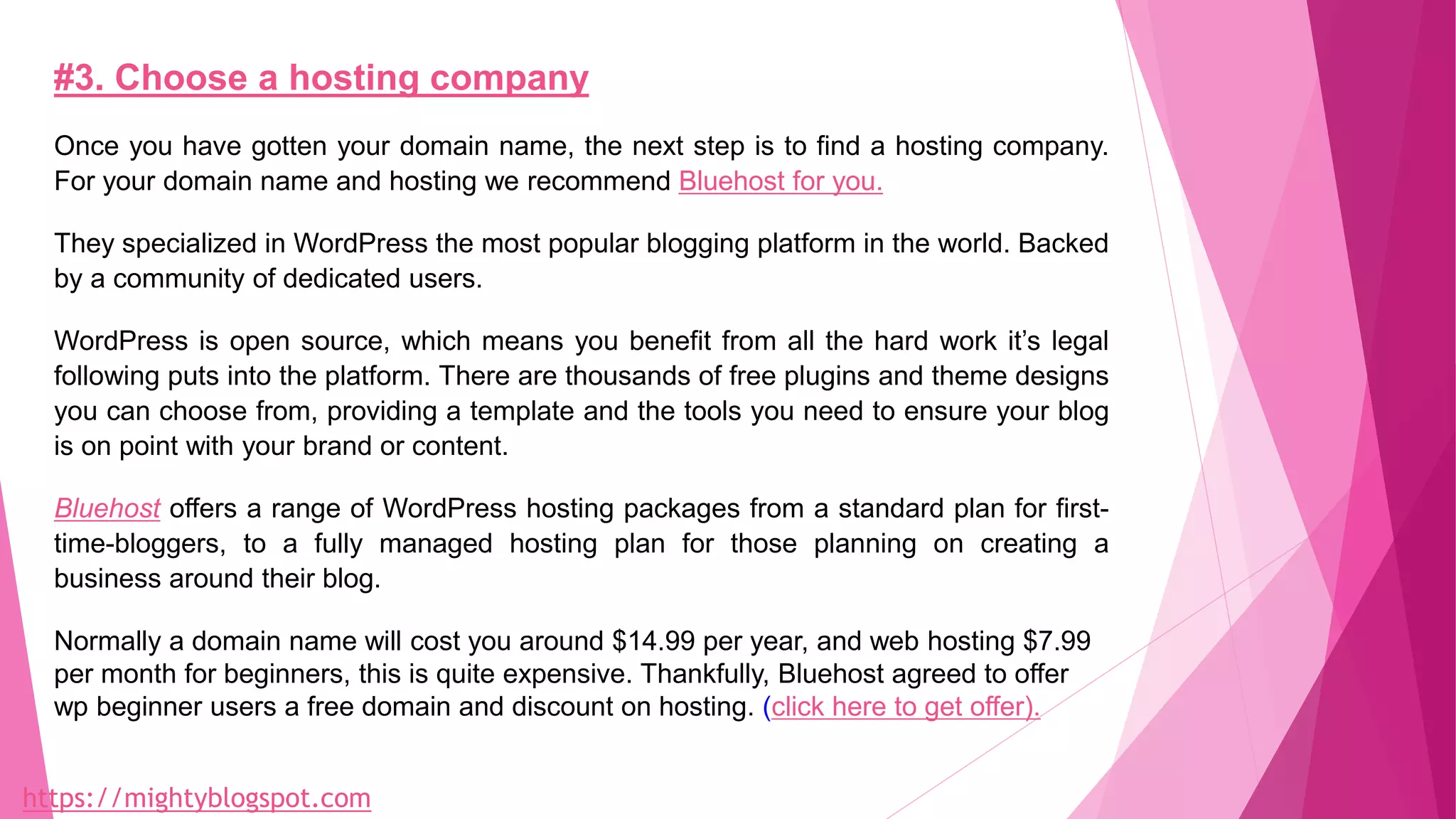
#3. Choose a hosting company
Once you have gotten your domain name, the next step is to find a hosting company.
For your domain name and hosting we recommend Bluehost for you.
They specialized in WordPress the most popular blogging platform in the world. Backed
by a community of dedicated users.
WordPress is open source, which means you benefit from all the hard work it’s legal
following puts into the platform. There are thousands of free plugins and theme designs
you can choose from, providing a template and the tools you need to ensure your blog
is on point with your brand or content.
Bluehost offers a range of WordPress hosting packages from a standard plan for first-
time-bloggers, to a fully managed hosting plan for those planning on creating a
business around their blog.
Normally a domain name will cost you around $14.99 per year, and web hosting $7.99
per month for beginners, this is quite expensive. Thankfully, Bluehost agreed to offer
wp beginner users a free domain and discount on hosting. (click here to get offer).
https://mightyblogspot.com
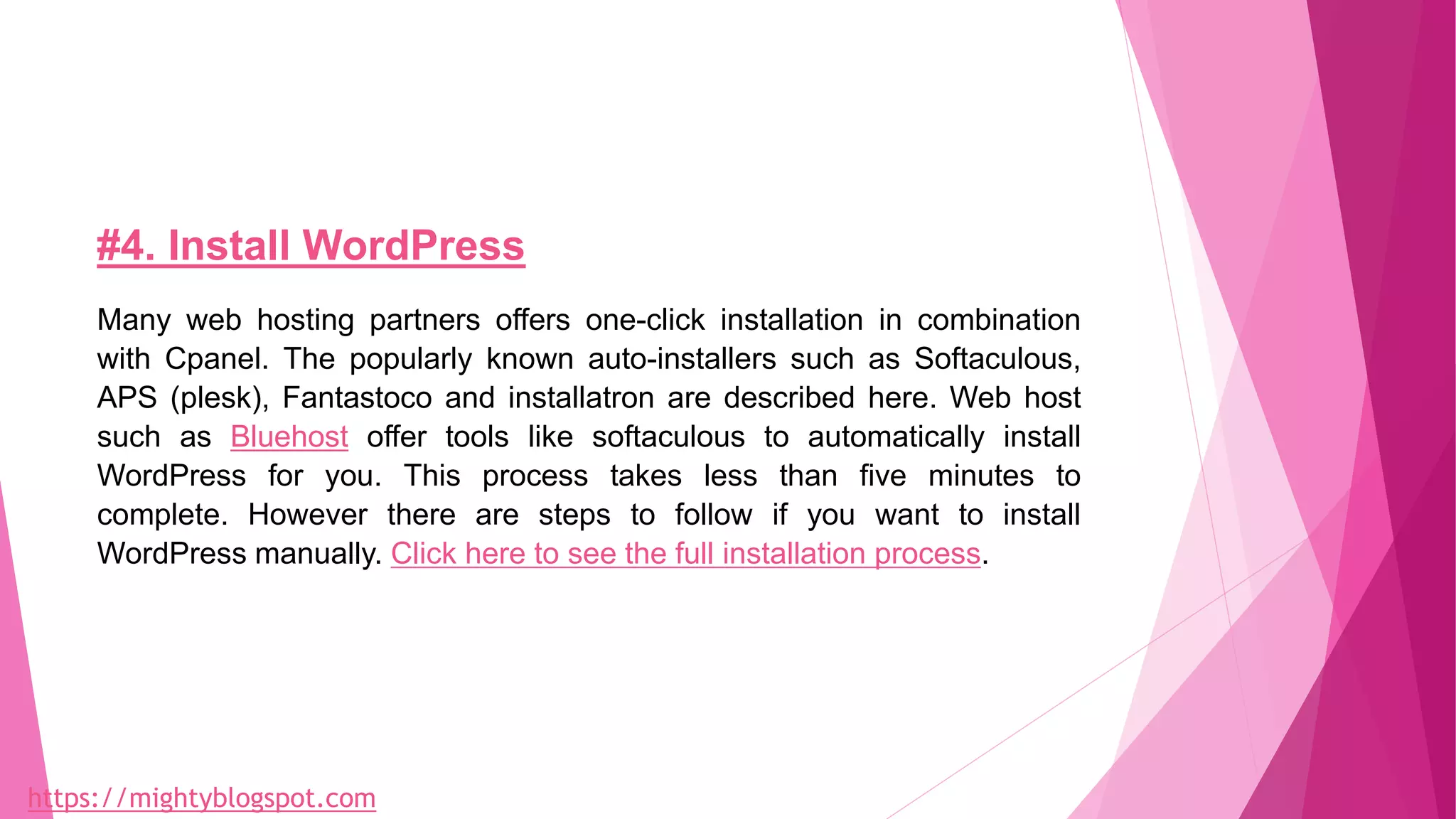
#4. Install WordPress
Many web hosting partners offers one-click installation in combination
with Cpanel. The popularly known auto-installers such as Softaculous,
APS (plesk), Fantastoco and installatron are described here. Web host
such as Bluehost offer tools like softaculous to automatically install
WordPress for you. This process takes less than five minutes to
complete. However there are steps to follow if you want to install
WordPress manually. Click here to see the full installation process.
https://mightyblogspot.com
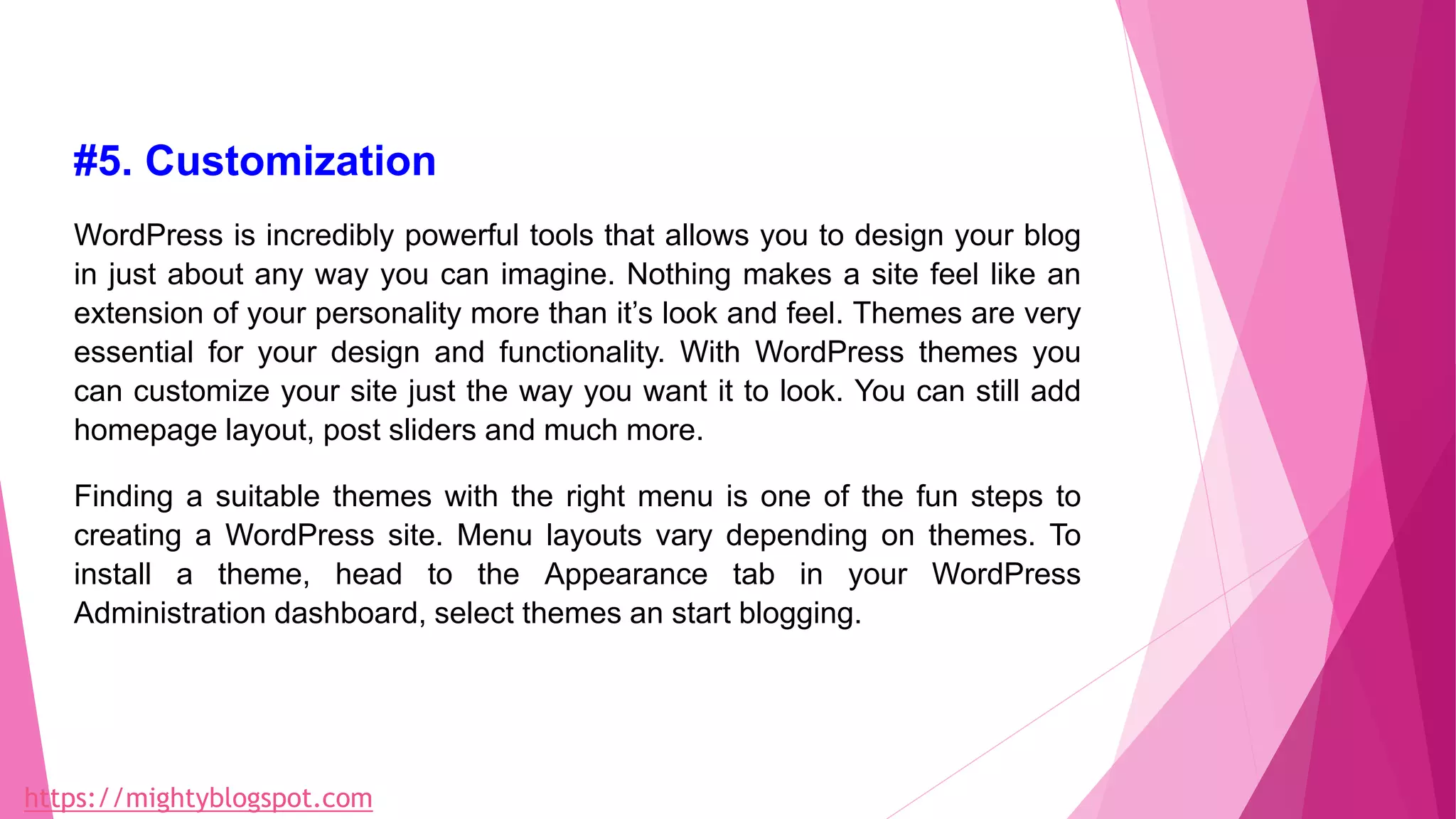
#5. Customization
WordPress is incredibly powerful tools that allows you to design your blog
in just about any way you can imagine. Nothing makes a site feel like an
extension of your personality more than it’s look and feel. Themes are very
essential for your design and functionality. With WordPress themes you
can customize your site just the way you want it to look. You can still add
homepage layout, post sliders and much more.
Finding a suitable themes with the right menu is one of the fun steps to
creating a WordPress site. Menu layouts vary depending on themes. To
install a theme, head to the Appearance tab in your WordPress
Administration dashboard, select themes an start blogging.
https://mightyblogspot.com
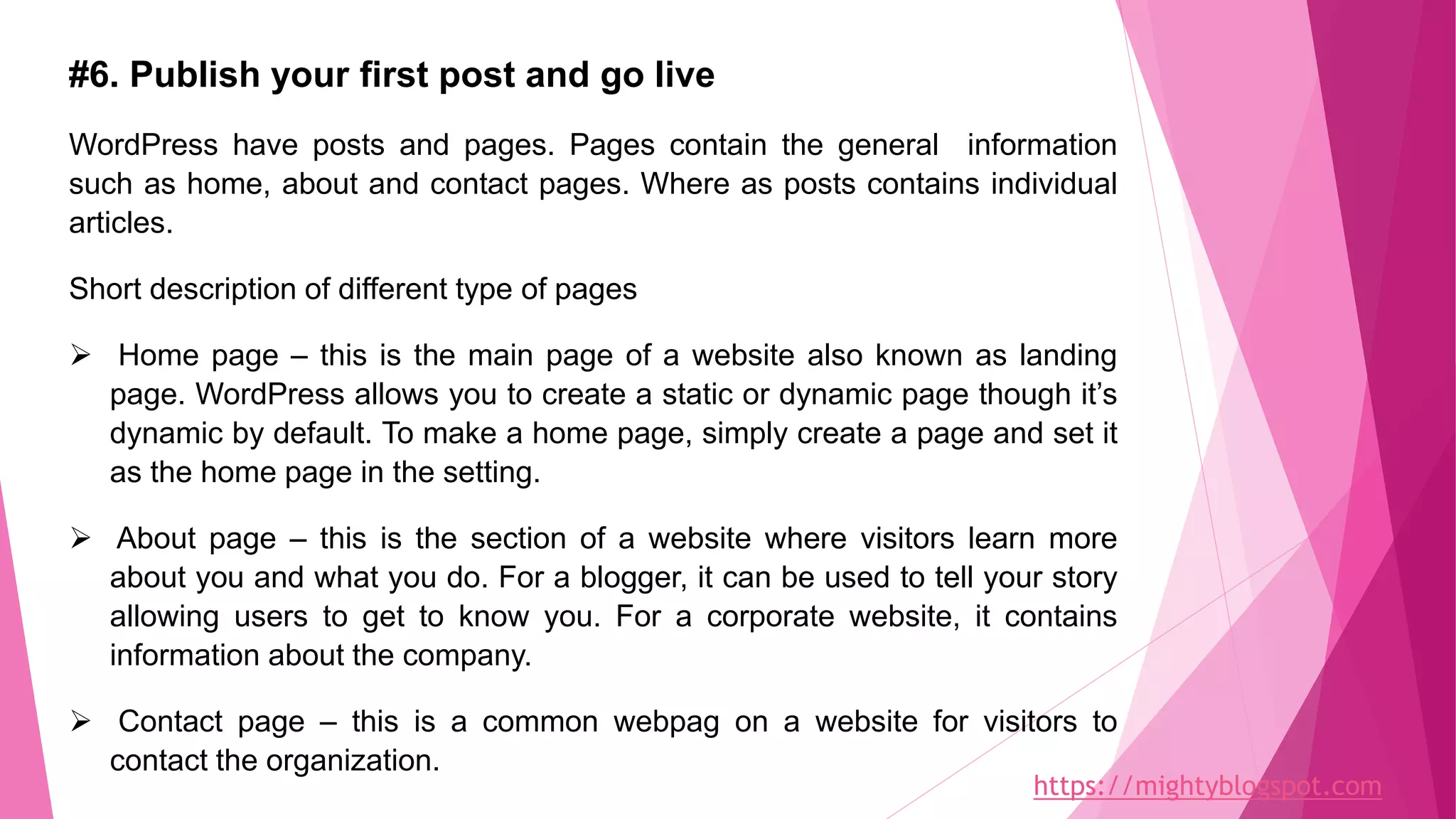
#6. Publish your first post and go live
WordPress have posts and pages. Pages contain the general information
such as home, about and contact pages. Where as posts contains individual
articles.
Short description of different type of pages
 Home page – this is the main page of a website also known as landing
page. WordPress allows you to create a static or dynamic page though it’s
dynamic by default. To make a home page, simply create a page and set it
as the home page in the setting.
 About page – this is the section of a website where visitors learn more
about you and what you do. For a blogger, it can be used to tell your story
allowing users to get to know you. For a corporate website, it contains
information about the company.
 Contact page – this is a common webpag on a website for visitors to
contact the organization.
https://mightyblogspot.com
To publish your first post, open a new post, select add new at the top of
the screen, input your content and hit publish that’s it. This is similar to
publishing a page.
Find this presentation helpful please share with friends. And also don’t
forget to drop your opinions by commenting below.
Also check out this article on How to make money from blogging
Thanks.
Need a Coach contact us
Join the Academy today
https://mightyblogspot.com
Connect with us
Facebook Instagram

How to start a WordPress site that generates $1000 monthly

  • 1.
    HOW TO STARTA WORDPRESS SITE THAT GENERATES $1000 MONTHLY. Starting up a blog can be daunting at times. Some find it very difficult to easily create a website. Thankfully a CMS like WordPress has made it very simple for you to easily create your site in few minutes. It doesn’t matter whether you’re a complete novice about blogging, the big question is “Are you ready to create your own website?”. https://mightyblogspot.com Connect with us Facebook Instagram
  • 2.
    Now let’s takea look at step-by-step-guide on how to create your own wordpress site that can generates $1000 monthly.  Select a topic  Choose a domain name  Choose a hosting company  Install WordPress  Customize your site  Publish your first post and go live https://mightyblogspot.com
  • 3.
    #1. Select aperfect topic (niche) for your blog Before choosing any topic (niche) for your blog you have to take note of the following: Choose a topic you’re passionate about, a topic that interest you, something that makes you happy, something that you enjoy writing about. If you aren’t excited about your topic, writing about it will be very difficult and when you can’t write what your readers will enjoy, you can’t build a good relationship with them. Some people do miss out on this, so think carefully before making a any decision. Choose a topic which has plenty room for discussion. This will make it to remain interesting. If you’re confuse about what to write, you can check our >List of topics for a blog beginner. https://mightyblogspot.com
  • 4.
    #2. Choose adomain name Before you design any blog you must have a domain name. A domain name gives your blog a unique address that people type into the address bar in other to get to your site. Tips for choosing a domain name  Choose a name that represent your business so that it will be easier for people to find you. For example; if your blog is about parenting, you can choose something like “parentingguide.com”  Keep it short and memorable. This is a good advice to choose a memorable name that people will easily remember. https://mightyblogspot.com
  • 5.
    #3. Choose ahosting company Once you have gotten your domain name, the next step is to find a hosting company. For your domain name and hosting we recommend Bluehost for you. They specialized in WordPress the most popular blogging platform in the world. Backed by a community of dedicated users. WordPress is open source, which means you benefit from all the hard work it’s legal following puts into the platform. There are thousands of free plugins and theme designs you can choose from, providing a template and the tools you need to ensure your blog is on point with your brand or content. Bluehost offers a range of WordPress hosting packages from a standard plan for first- time-bloggers, to a fully managed hosting plan for those planning on creating a business around their blog. Normally a domain name will cost you around $14.99 per year, and web hosting $7.99 per month for beginners, this is quite expensive. Thankfully, Bluehost agreed to offer wp beginner users a free domain and discount on hosting. (click here to get offer). https://mightyblogspot.com
  • 6.
    #4. Install WordPress Manyweb hosting partners offers one-click installation in combination with Cpanel. The popularly known auto-installers such as Softaculous, APS (plesk), Fantastoco and installatron are described here. Web host such as Bluehost offer tools like softaculous to automatically install WordPress for you. This process takes less than five minutes to complete. However there are steps to follow if you want to install WordPress manually. Click here to see the full installation process. https://mightyblogspot.com
  • 7.
    #5. Customization WordPress isincredibly powerful tools that allows you to design your blog in just about any way you can imagine. Nothing makes a site feel like an extension of your personality more than it’s look and feel. Themes are very essential for your design and functionality. With WordPress themes you can customize your site just the way you want it to look. You can still add homepage layout, post sliders and much more. Finding a suitable themes with the right menu is one of the fun steps to creating a WordPress site. Menu layouts vary depending on themes. To install a theme, head to the Appearance tab in your WordPress Administration dashboard, select themes an start blogging. https://mightyblogspot.com
  • 8.
    #6. Publish yourfirst post and go live WordPress have posts and pages. Pages contain the general information such as home, about and contact pages. Where as posts contains individual articles. Short description of different type of pages  Home page – this is the main page of a website also known as landing page. WordPress allows you to create a static or dynamic page though it’s dynamic by default. To make a home page, simply create a page and set it as the home page in the setting.  About page – this is the section of a website where visitors learn more about you and what you do. For a blogger, it can be used to tell your story allowing users to get to know you. For a corporate website, it contains information about the company.  Contact page – this is a common webpag on a website for visitors to contact the organization. https://mightyblogspot.com
  • 9.
    To publish yourfirst post, open a new post, select add new at the top of the screen, input your content and hit publish that’s it. This is similar to publishing a page. Find this presentation helpful please share with friends. And also don’t forget to drop your opinions by commenting below. Also check out this article on How to make money from blogging Thanks. Need a Coach contact us Join the Academy today https://mightyblogspot.com Connect with us Facebook Instagram