Make SharePoint work for
You!
(and not the other way around)
Asif Rehmani
SharePoint MVP and MCT
@asifrehmani
SharePoint-Videos.com
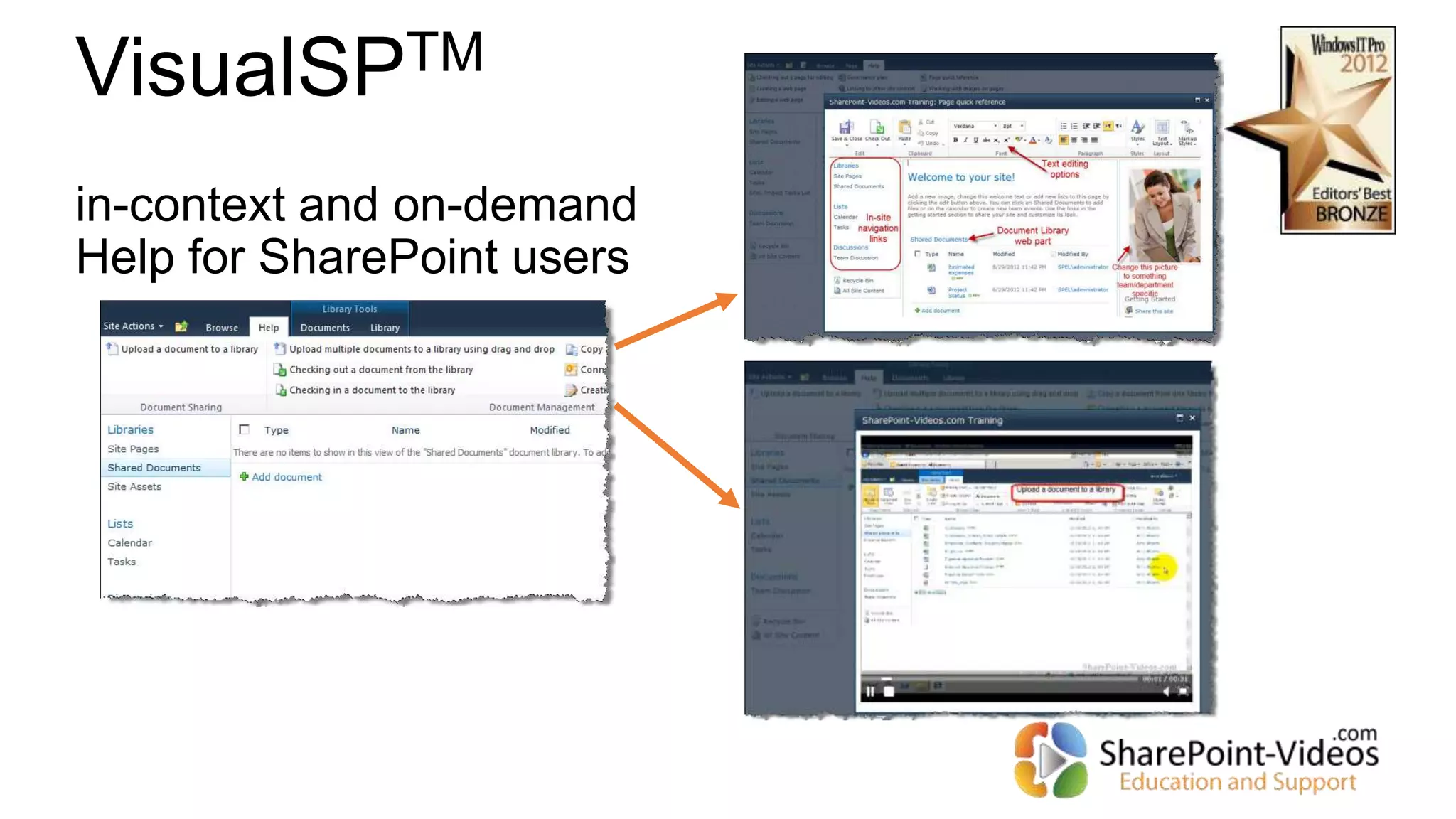
VisualSPTM
in-context and on-demand
Help for SharePoint users
Multi-User access to All videos on
SharePoint-Videos.com
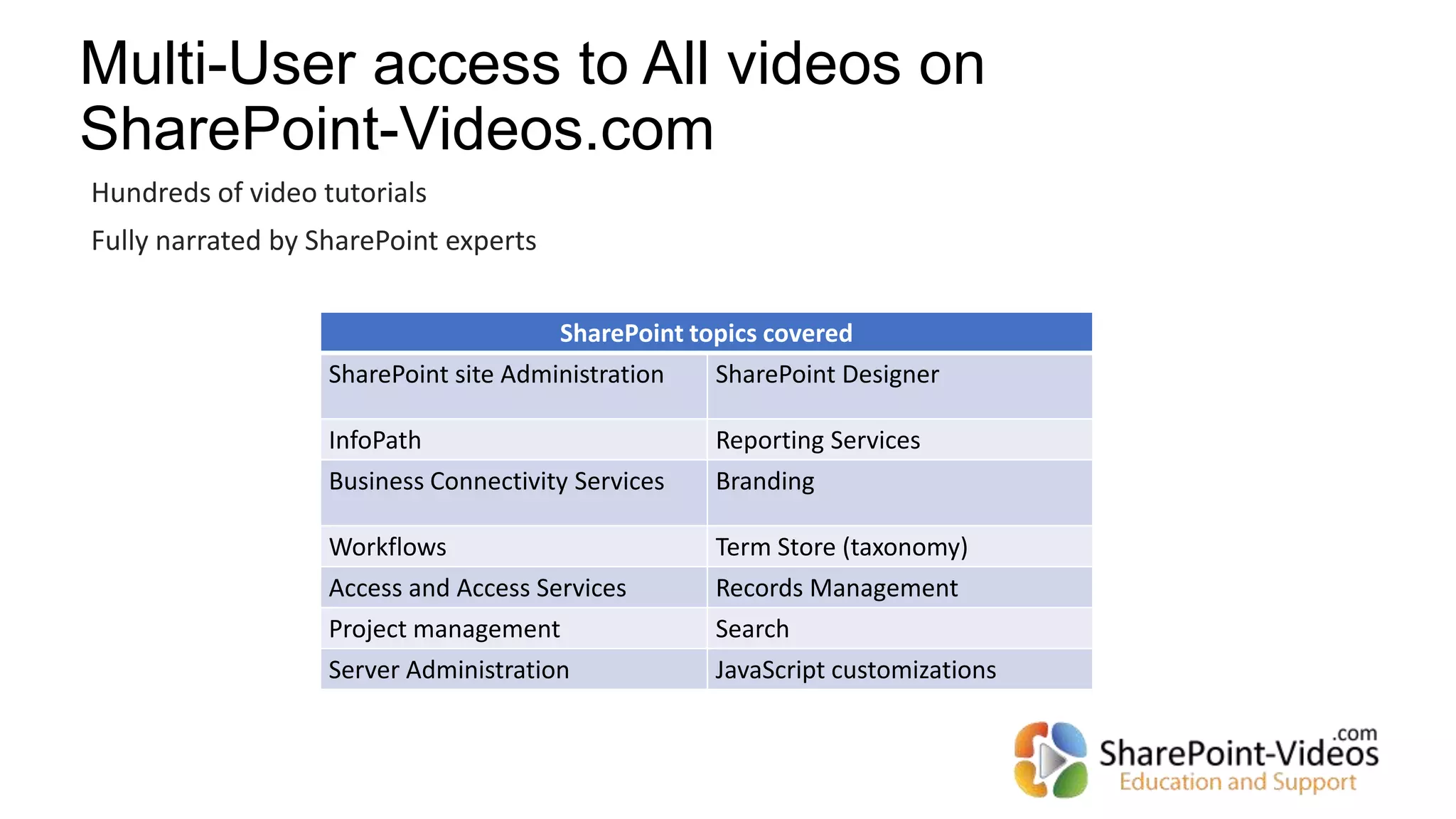
SharePoint topics covered
SharePoint site Administration SharePoint Designer
InfoPath Reporting Services
Business Connectivity Services Branding
Workflows Term Store (taxonomy)
Access and Access Services Records Management
Project management Search
Server Administration JavaScript customizations
Hundreds of video tutorials
Fully narrated by SharePoint experts
Target audience for this session
Rated E for Everyone
Have you ever asked this question to
yourself?
What has SharePoint done for me lately…?
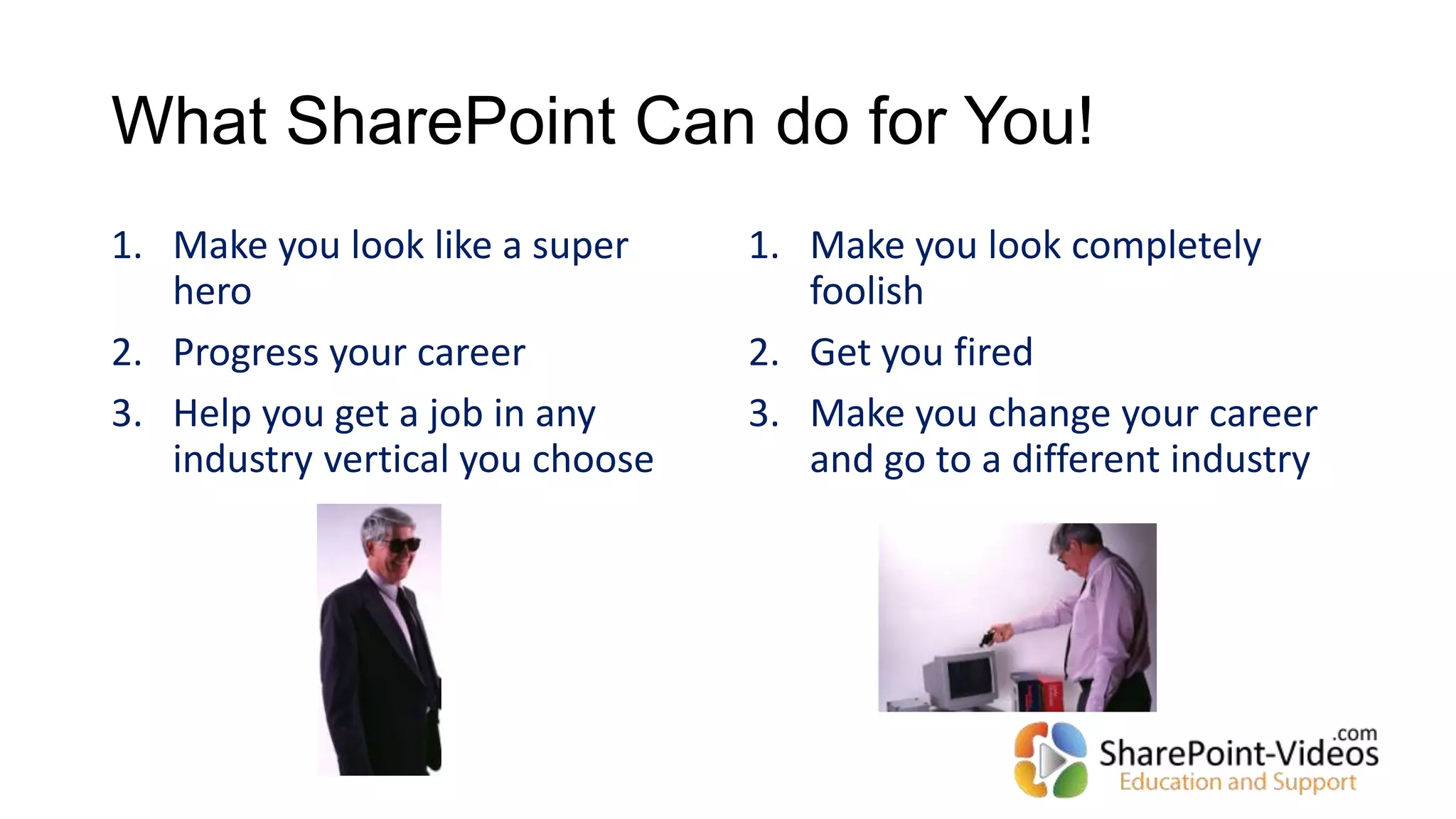
What SharePoint Can do for You!
1. Make you look like a super
hero
2. Progress your career
3. Help you get a job in any
industry vertical you choose
1. Make you look completely
foolish
2. Get you fired
3. Make you change your career
and go to a different industry
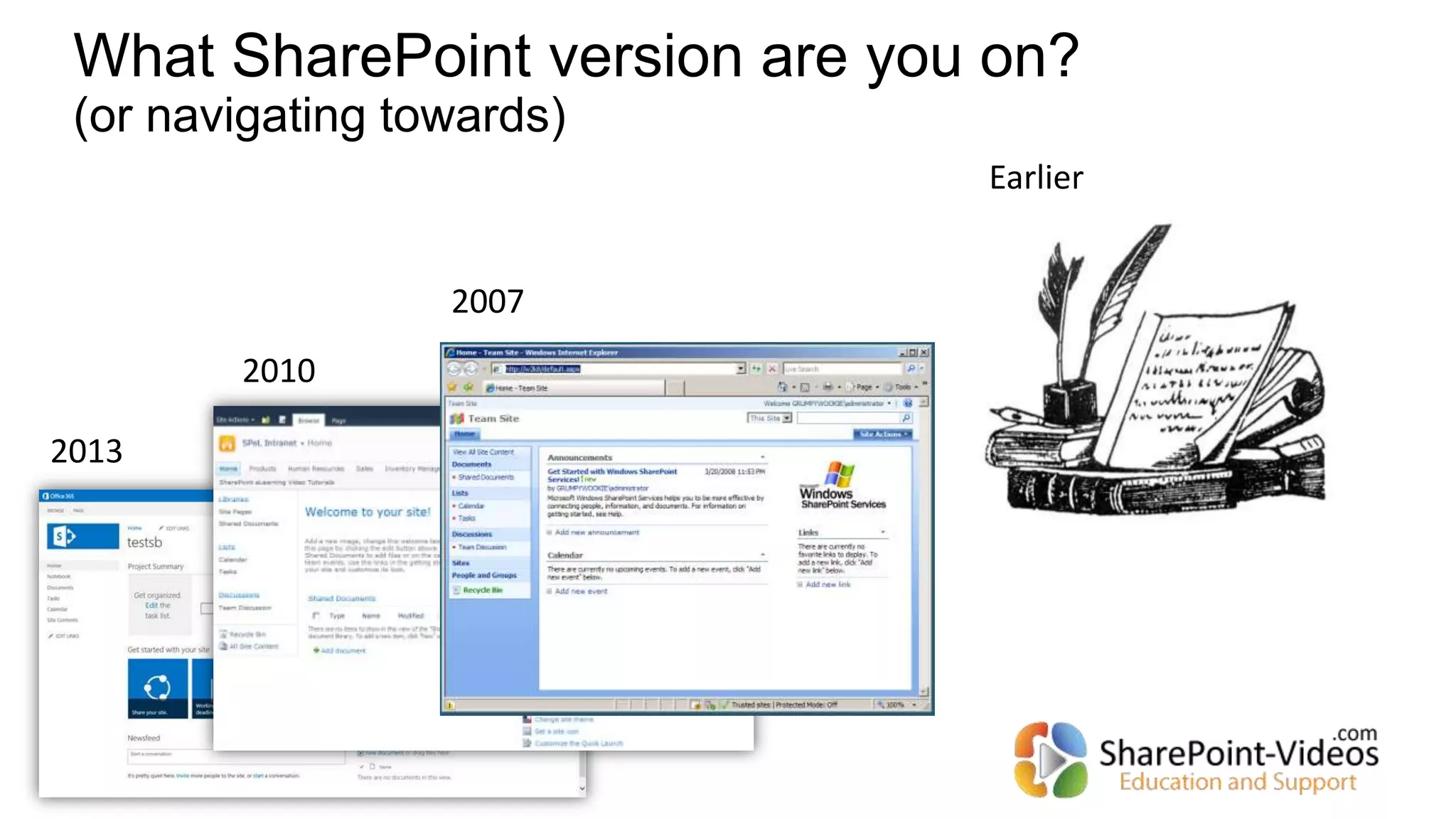
What SharePoint version are you on?
(or navigating towards)
2013
2010
2007
Earlier
What can SharePoint do?
Collaboration
Document management
Forms
Workflows
Business Intelligence
Reporting
Search
…
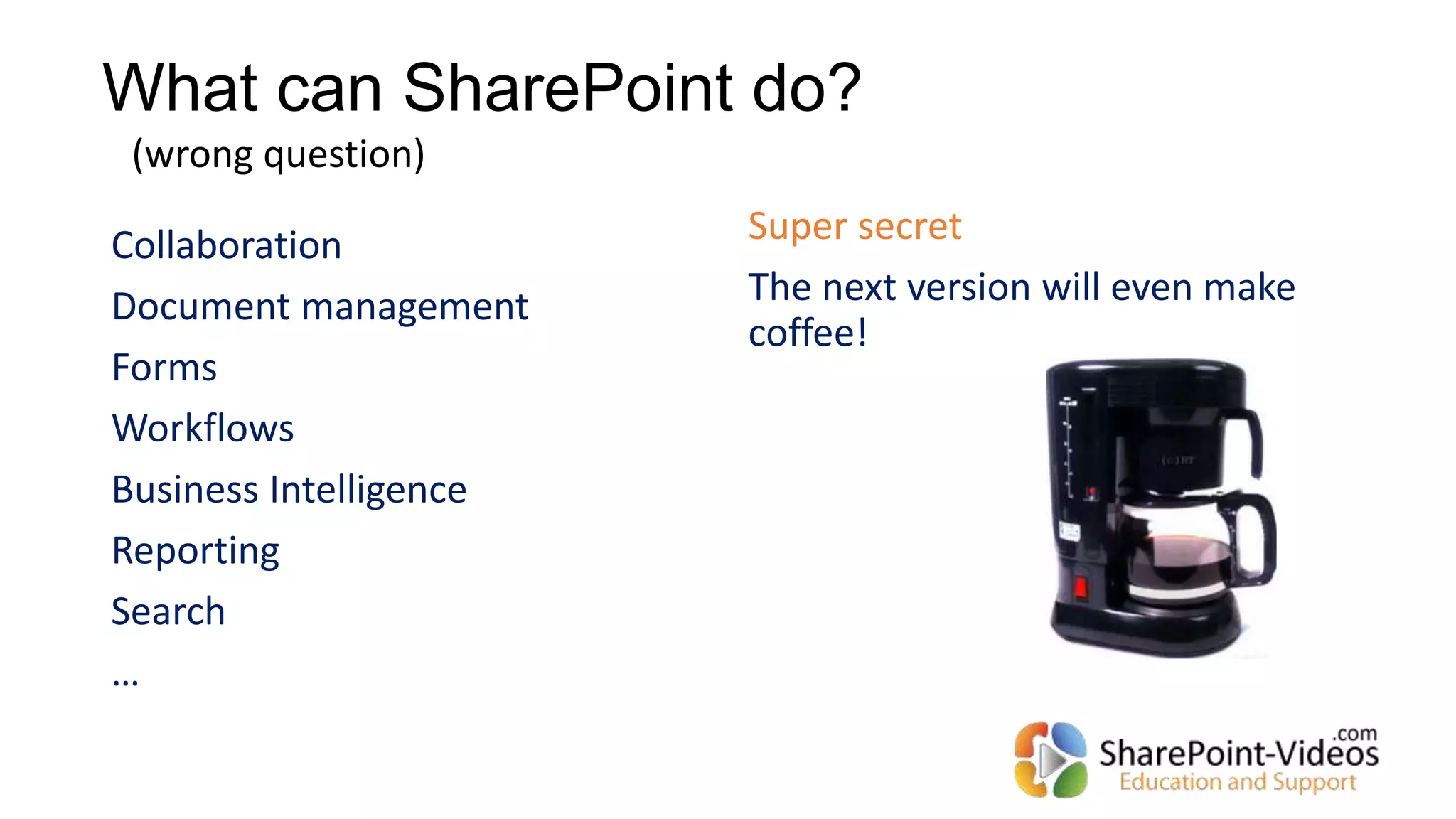
Super secret
The next version will even make
coffee!
(wrong question)
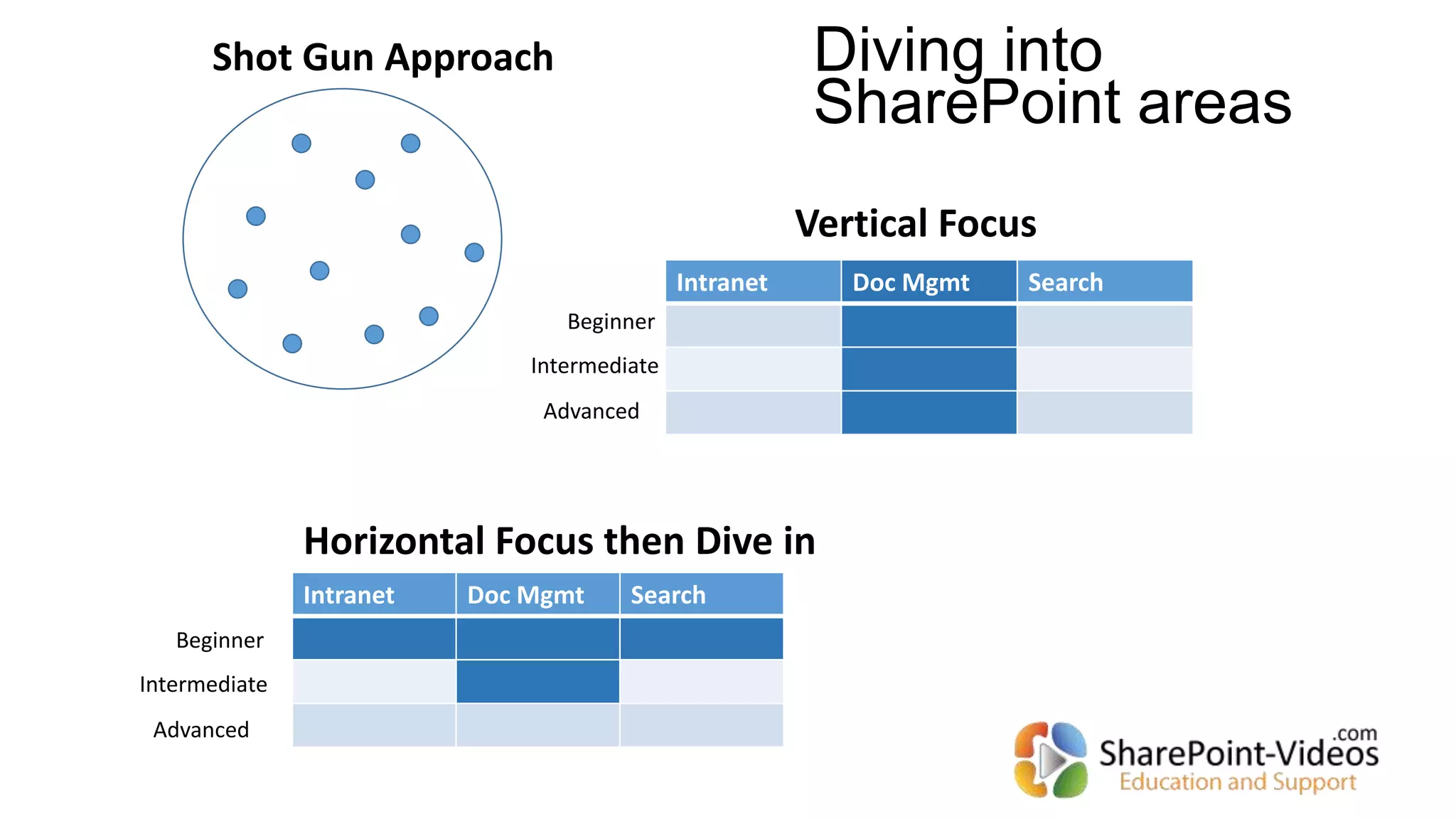
Shot Gun Approach
Intranet Doc Mgmt Search
Vertical Focus
Horizontal Focus then Dive in
Beginner
Intermediate
Advanced
Intranet Doc Mgmt Search
Beginner
Intermediate
Advanced
Diving into
SharePoint areas
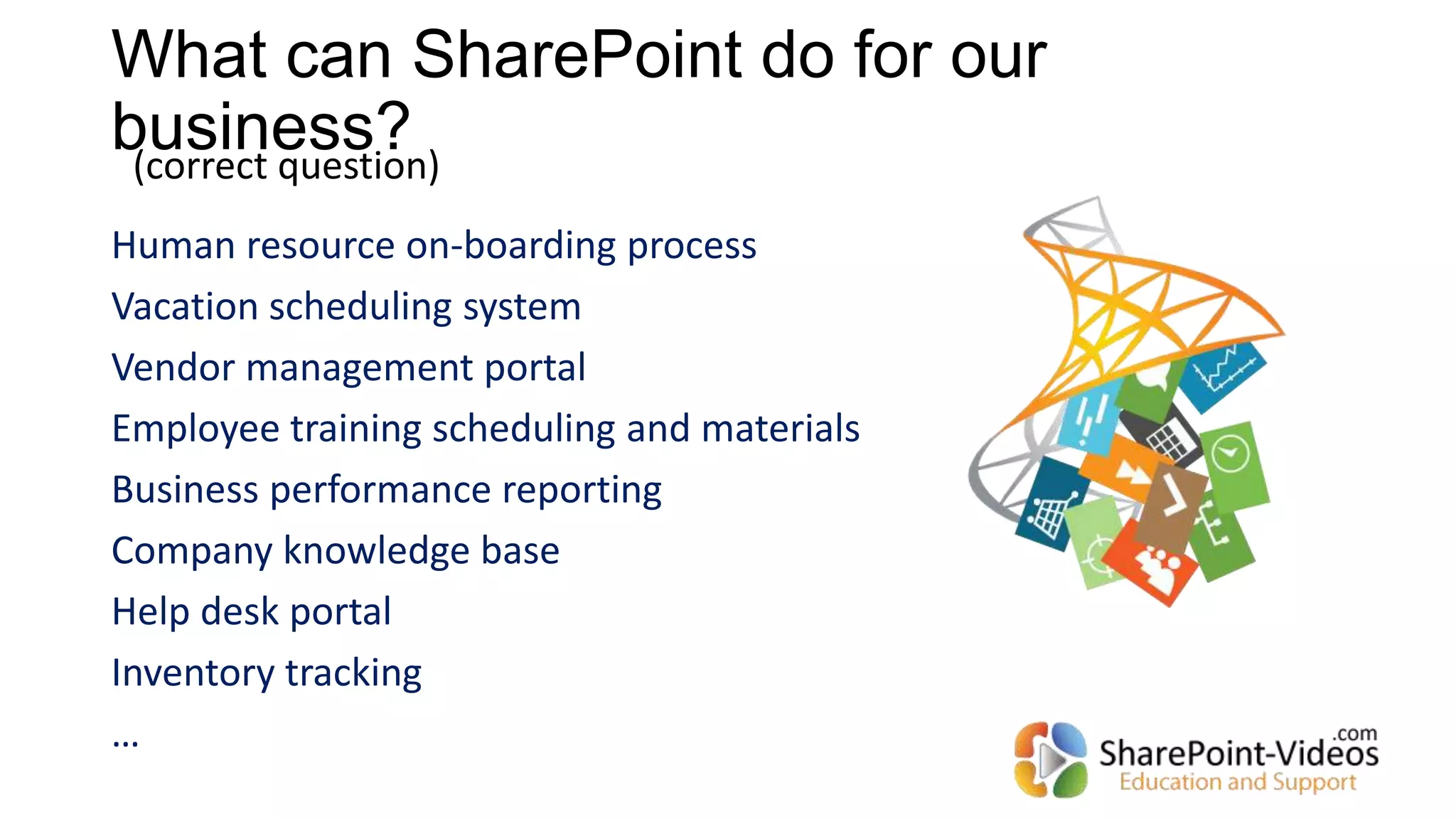
What can SharePoint do for our
business?
Human resource on-boarding process
Vacation scheduling system
Vendor management portal
Employee training scheduling and materials
Business performance reporting
Company knowledge base
Help desk portal
Inventory tracking
…
(correct question)
Recipe for failure
Hire the local SharePoint “experts” to come and “do SharePoint”
without consultation with business leads
Start on many SharePoint projects all at once
Treat SharePoint like a regular intranet where IT pushes out the content
and manages pages. Knowledge workers just consume the information
Building on top of the
SharePoint platform
Creating Solutions
Recommended sequence when creating Your solutions:
1. Browser based only
2. Use no-code tools
3. Use code tools
OR
3rd party products
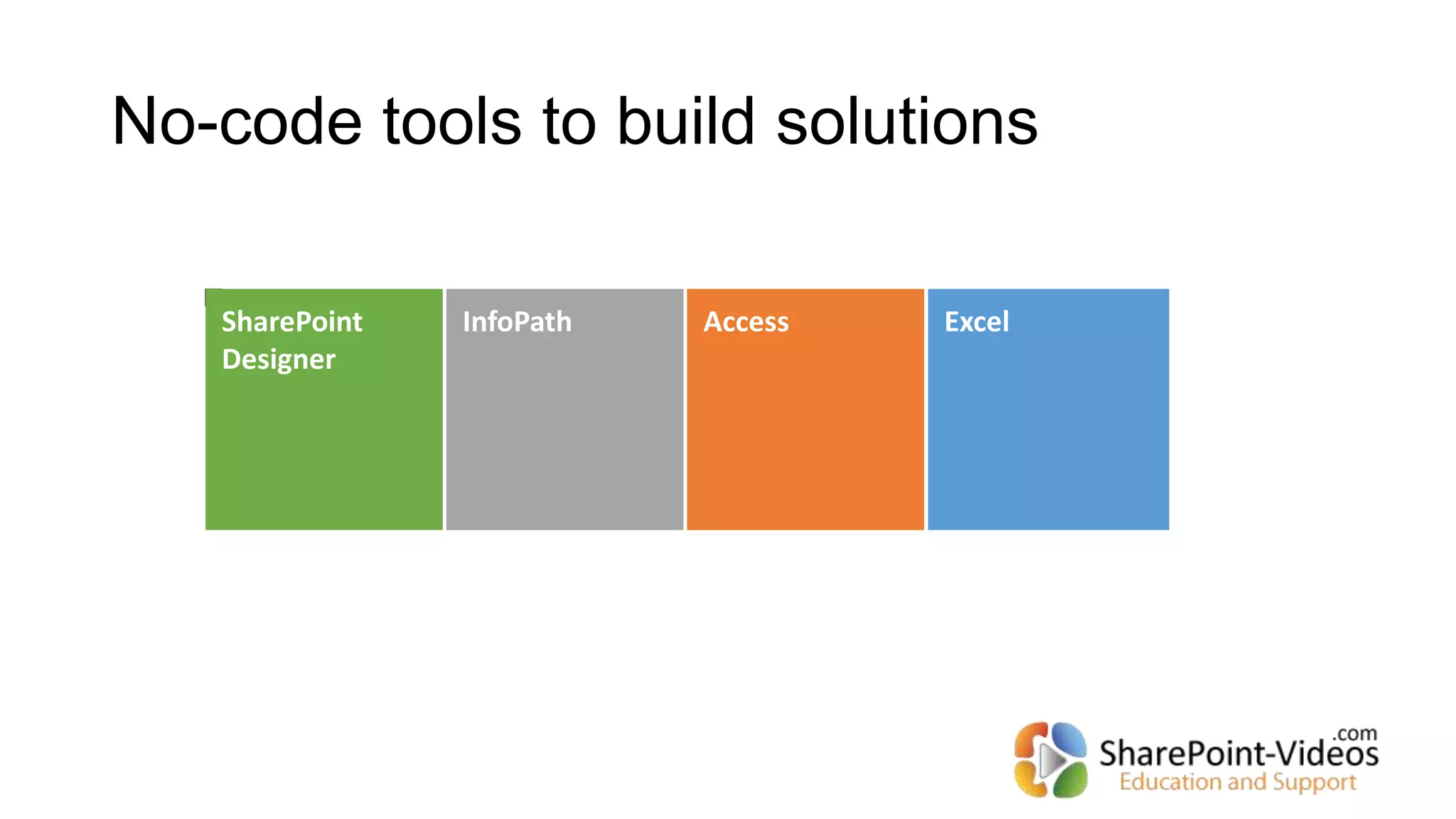
No-code tools to build solutions
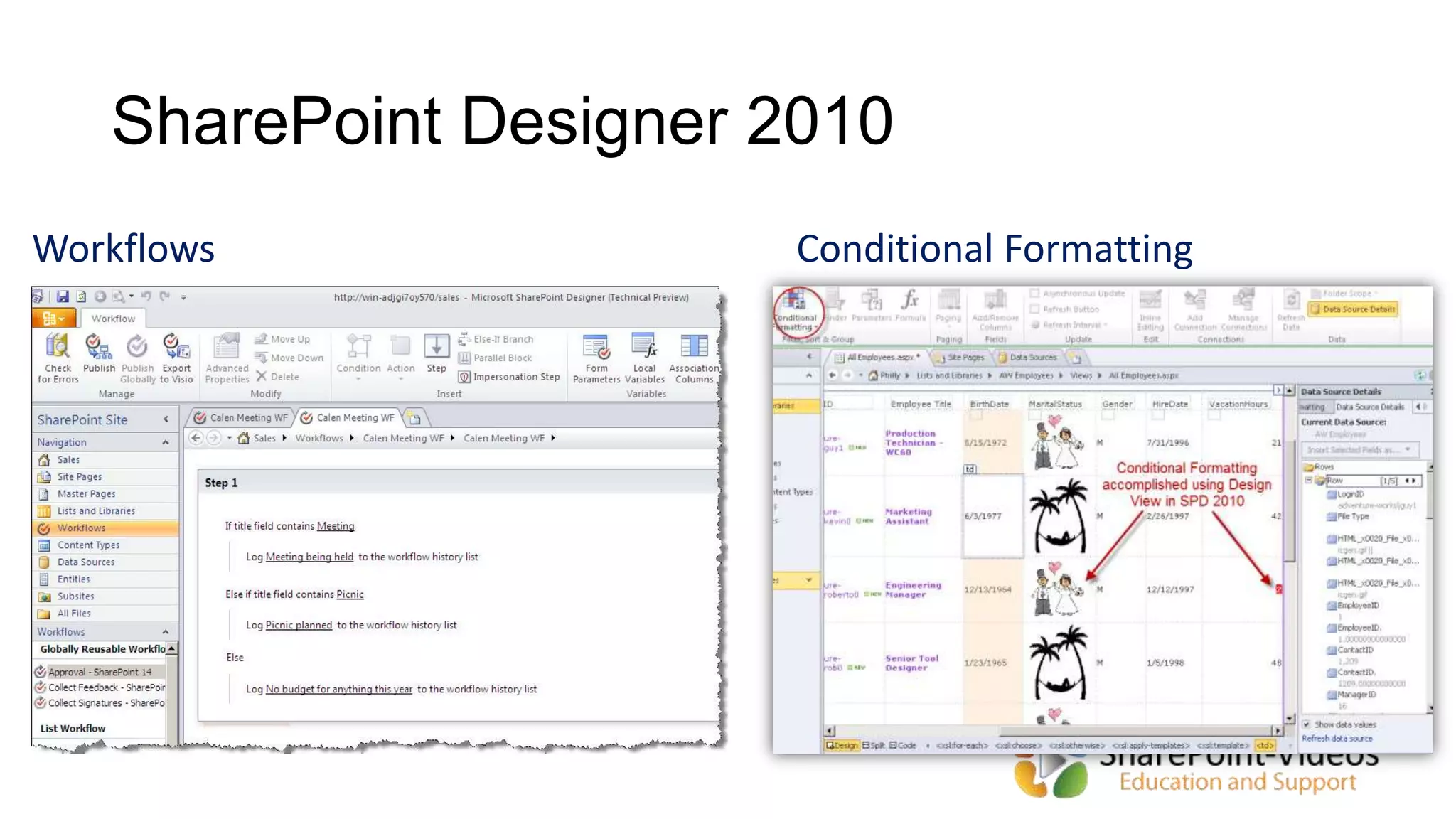
SharePoint Designer 2010
Workflows Conditional Formatting
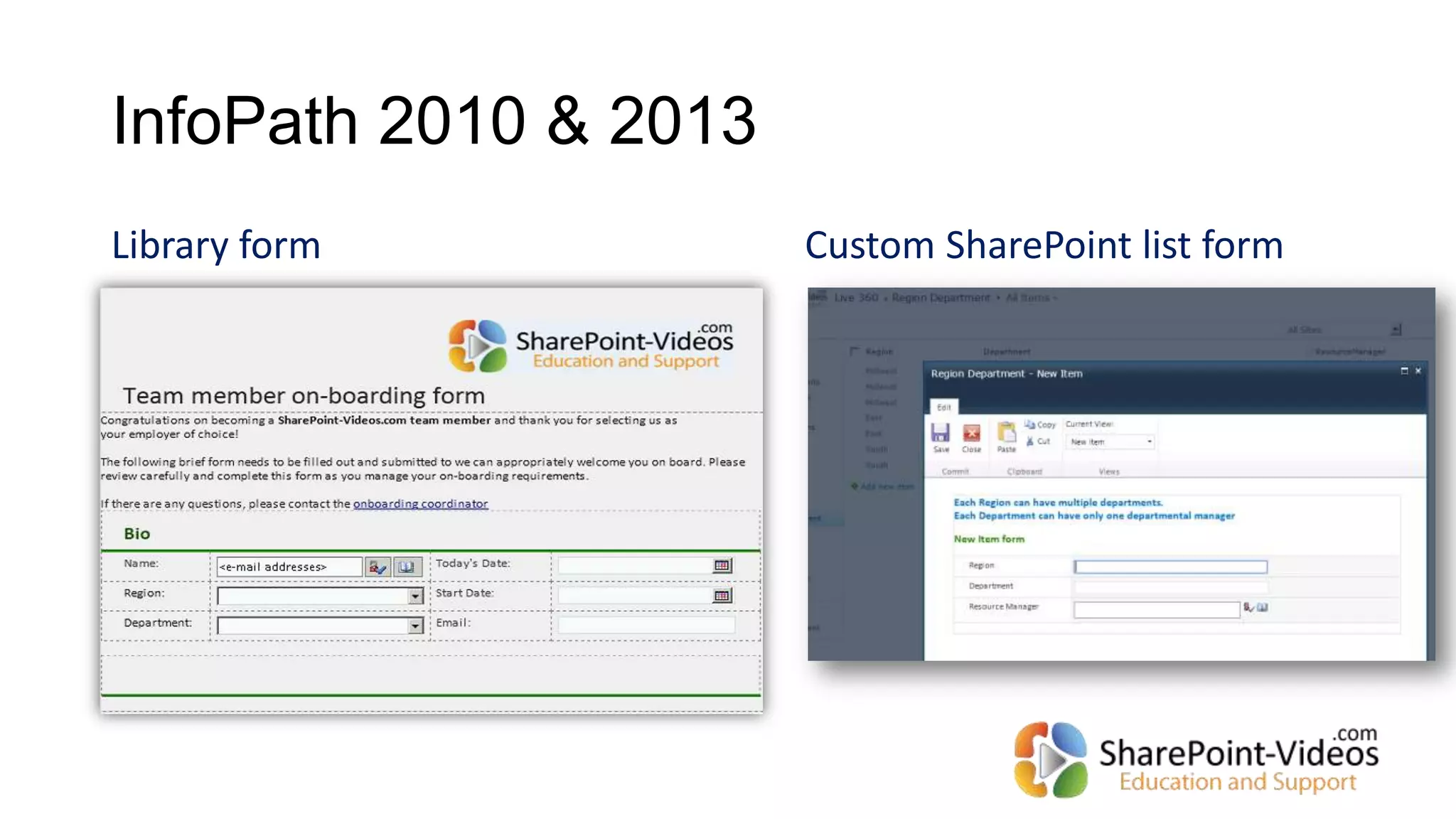
Library form Custom SharePoint list form
InfoPath 2010 & 2013
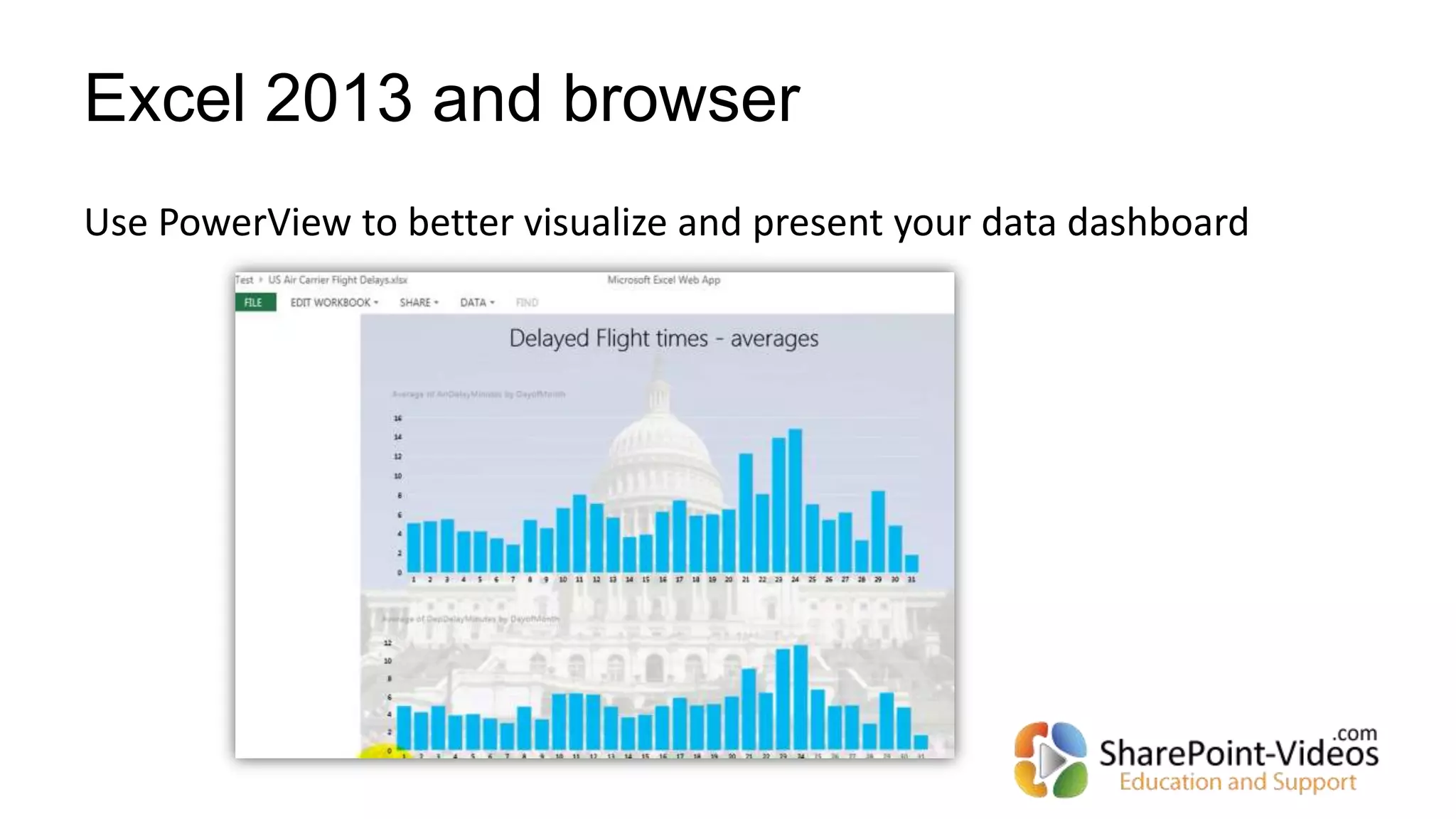
Excel 2013 and browser
Use PowerView to better visualize and present your data dashboard
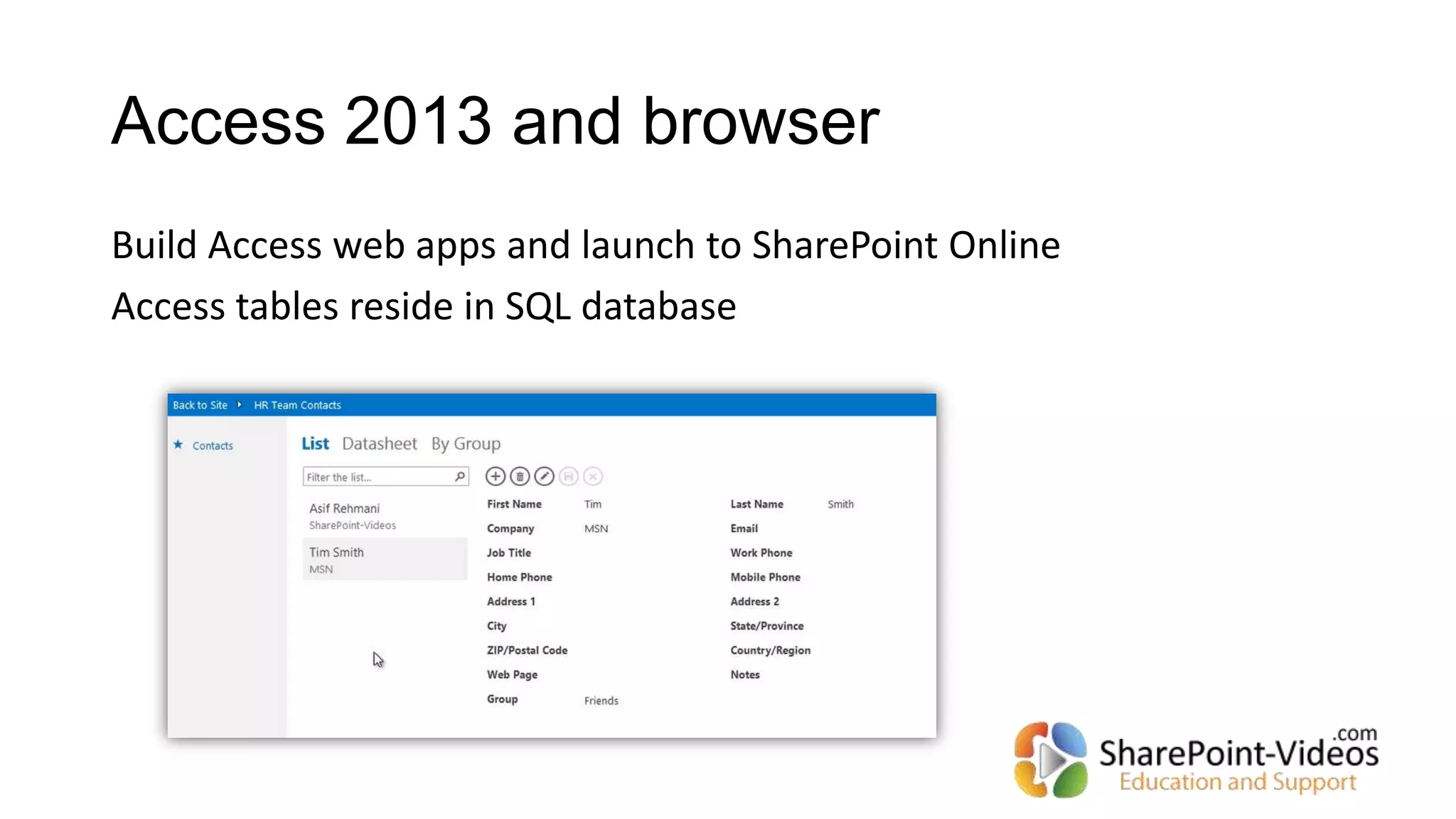
Access 2013 and browser
Build Access web apps and launch to SharePoint Online
Access tables reside in SQL database
How do I practice my ideas and
concepts?
Watch free videos at:
http://sharepoint-videos.com/video-categories/all-
free-videos/
Get a free CloudShare environment for 14 days to play
around with:
http://tinyurl.com/asifcloudshare
19
Don’t forget about the
End Users!!!
“If you build it, they will come” is sadly not true for SharePoint
Stop training the end users… please
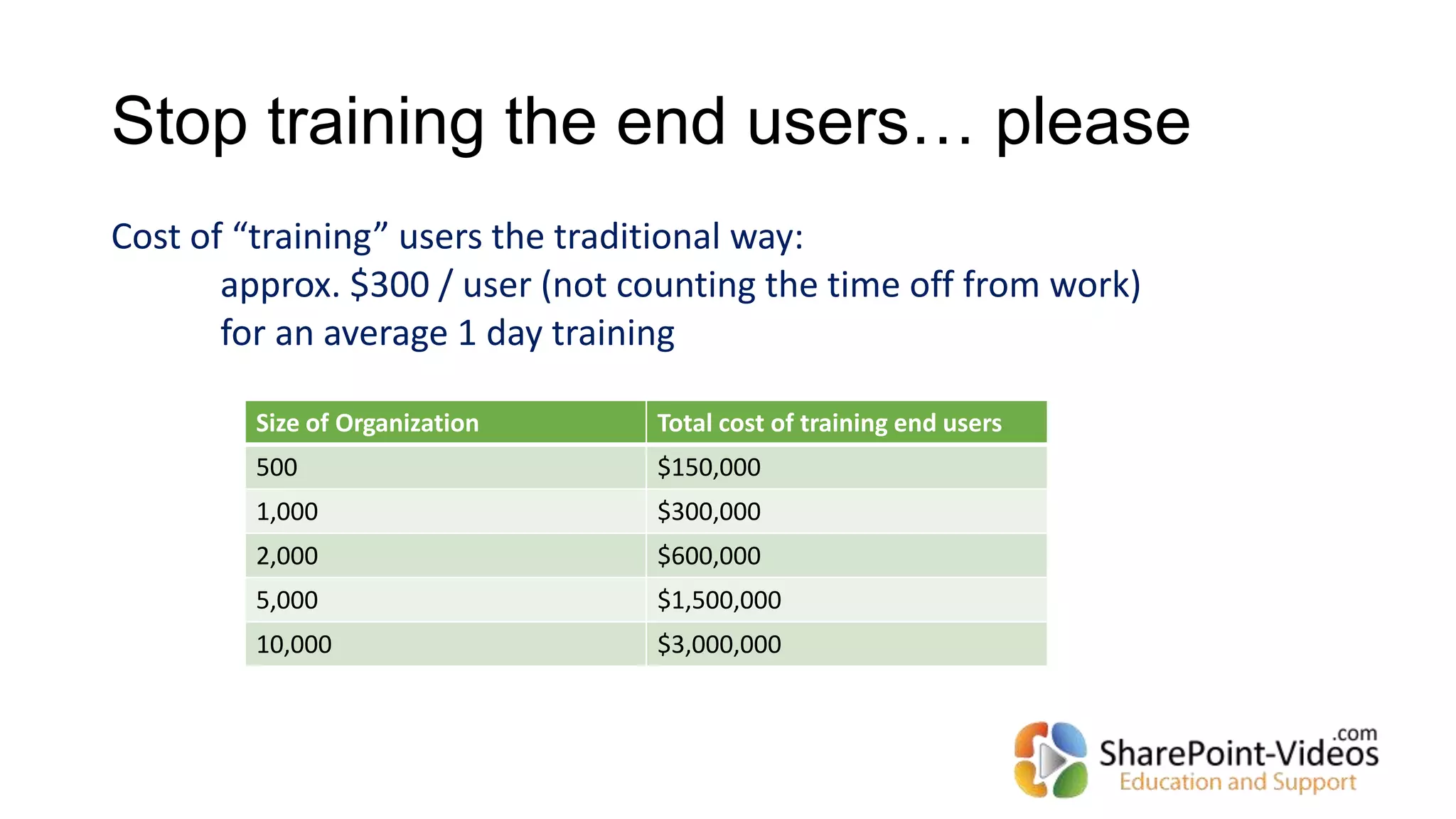
Cost of “training” users the traditional way:
approx. $300 / user (not counting the time off from work)
for an average 1 day training
Size of Organization Total cost of training end users
500 $150,000
1,000 $300,000
2,000 $600,000
5,000 $1,500,000
10,000 $3,000,000
How to help SharePoint users be
successful!
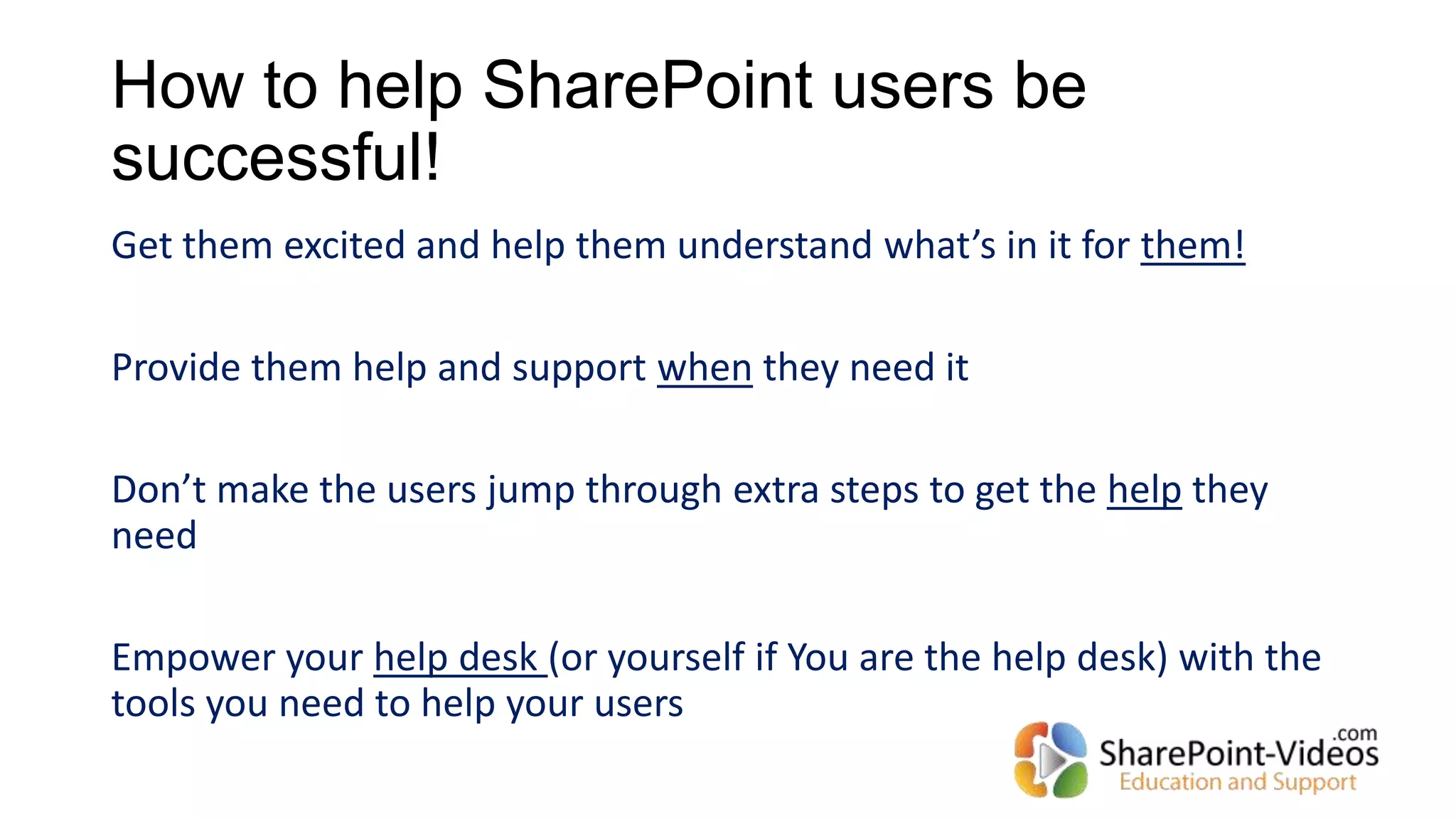
Get them excited and help them understand what’s in it for them!
Provide them help and support when they need it
Don’t make the users jump through extra steps to get the help they
need
Empower your help desk (or yourself if You are the help desk) with the
tools you need to help your users
Call to Action
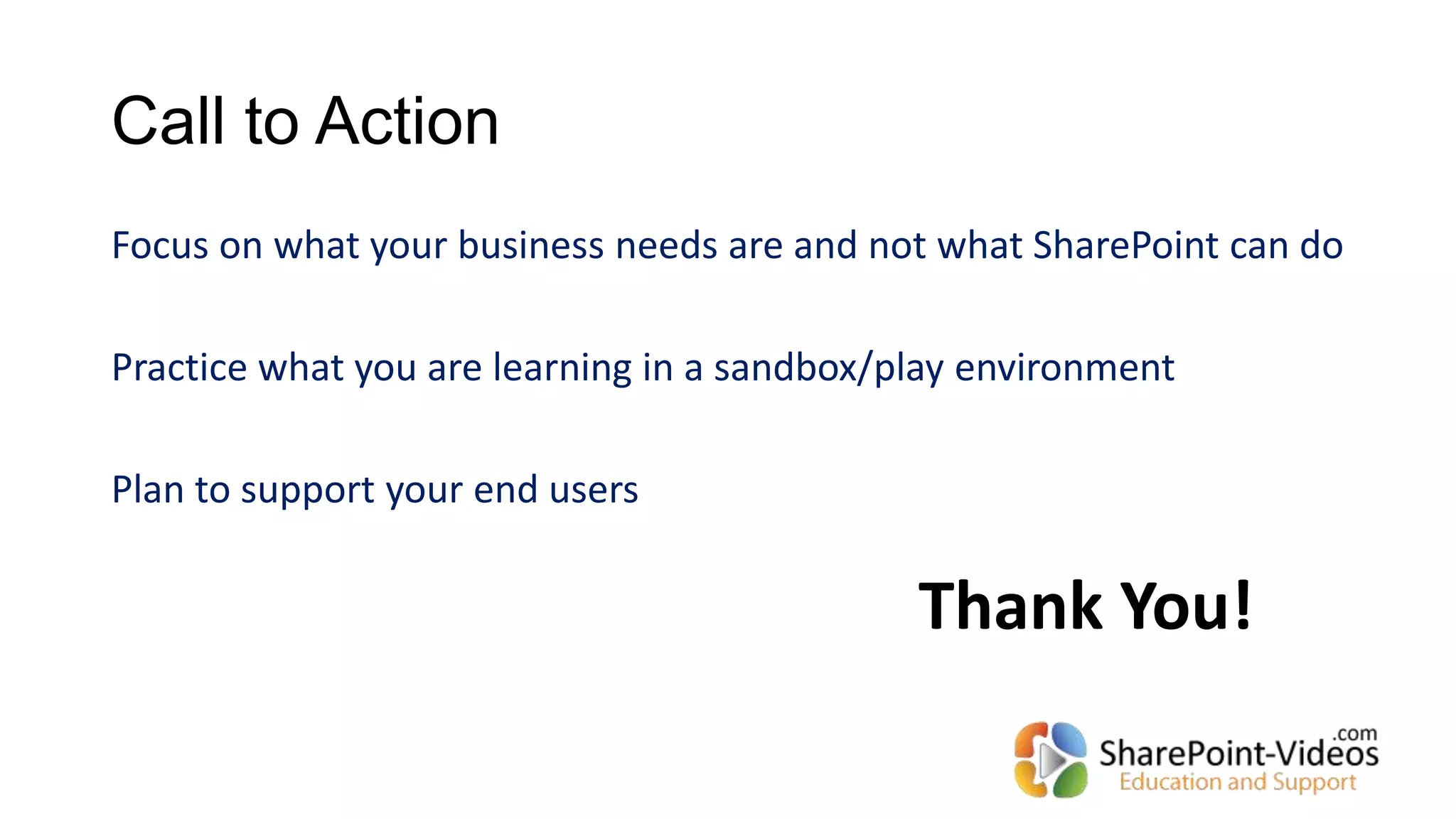
Focus on what your business needs are and not what SharePoint can do
Practice what you are learning in a sandbox/play environment
Plan to support your end users
Thank You!

Make SharePoint work for you!

  • 1.
    Make SharePoint workfor You! (and not the other way around) Asif Rehmani SharePoint MVP and MCT @asifrehmani SharePoint-Videos.com
  • 2.
  • 3.
    Multi-User access toAll videos on SharePoint-Videos.com SharePoint topics covered SharePoint site Administration SharePoint Designer InfoPath Reporting Services Business Connectivity Services Branding Workflows Term Store (taxonomy) Access and Access Services Records Management Project management Search Server Administration JavaScript customizations Hundreds of video tutorials Fully narrated by SharePoint experts
  • 4.
    Target audience forthis session Rated E for Everyone
  • 5.
    Have you everasked this question to yourself? What has SharePoint done for me lately…?
  • 6.
    What SharePoint Cando for You! 1. Make you look like a super hero 2. Progress your career 3. Help you get a job in any industry vertical you choose 1. Make you look completely foolish 2. Get you fired 3. Make you change your career and go to a different industry
  • 7.
    What SharePoint versionare you on? (or navigating towards) 2013 2010 2007 Earlier
  • 8.
    What can SharePointdo? Collaboration Document management Forms Workflows Business Intelligence Reporting Search … Super secret The next version will even make coffee! (wrong question)
  • 9.
    Shot Gun Approach IntranetDoc Mgmt Search Vertical Focus Horizontal Focus then Dive in Beginner Intermediate Advanced Intranet Doc Mgmt Search Beginner Intermediate Advanced Diving into SharePoint areas
  • 10.
    What can SharePointdo for our business? Human resource on-boarding process Vacation scheduling system Vendor management portal Employee training scheduling and materials Business performance reporting Company knowledge base Help desk portal Inventory tracking … (correct question)
  • 11.
    Recipe for failure Hirethe local SharePoint “experts” to come and “do SharePoint” without consultation with business leads Start on many SharePoint projects all at once Treat SharePoint like a regular intranet where IT pushes out the content and manages pages. Knowledge workers just consume the information
  • 12.
    Building on topof the SharePoint platform
  • 13.
    Creating Solutions Recommended sequencewhen creating Your solutions: 1. Browser based only 2. Use no-code tools 3. Use code tools OR 3rd party products
  • 14.
    No-code tools tobuild solutions
  • 15.
    SharePoint Designer 2010 WorkflowsConditional Formatting
  • 16.
    Library form CustomSharePoint list form InfoPath 2010 & 2013
  • 17.
    Excel 2013 andbrowser Use PowerView to better visualize and present your data dashboard
  • 18.
    Access 2013 andbrowser Build Access web apps and launch to SharePoint Online Access tables reside in SQL database
  • 19.
    How do Ipractice my ideas and concepts? Watch free videos at: http://sharepoint-videos.com/video-categories/all- free-videos/ Get a free CloudShare environment for 14 days to play around with: http://tinyurl.com/asifcloudshare 19
  • 20.
    Don’t forget aboutthe End Users!!! “If you build it, they will come” is sadly not true for SharePoint
  • 21.
    Stop training theend users… please Cost of “training” users the traditional way: approx. $300 / user (not counting the time off from work) for an average 1 day training Size of Organization Total cost of training end users 500 $150,000 1,000 $300,000 2,000 $600,000 5,000 $1,500,000 10,000 $3,000,000
  • 22.
    How to helpSharePoint users be successful! Get them excited and help them understand what’s in it for them! Provide them help and support when they need it Don’t make the users jump through extra steps to get the help they need Empower your help desk (or yourself if You are the help desk) with the tools you need to help your users
  • 23.
    Call to Action Focuson what your business needs are and not what SharePoint can do Practice what you are learning in a sandbox/play environment Plan to support your end users Thank You!