Drive SharePoint Adoption
in Your Organization!
Asif Rehmani, MVP & MCT
CEO, VisualSP
@asifrehmani
A quick story about technology
adoption
The story of a beautiful looking Intranet…
that didn’t help its users
Time for a Quick Poll
Agenda
2 minutes intro about me and our company
Discussion on why we should care about ‘Adoption’
Overview of current challenges and true stories to learn from
Strategies to overcome those challenges
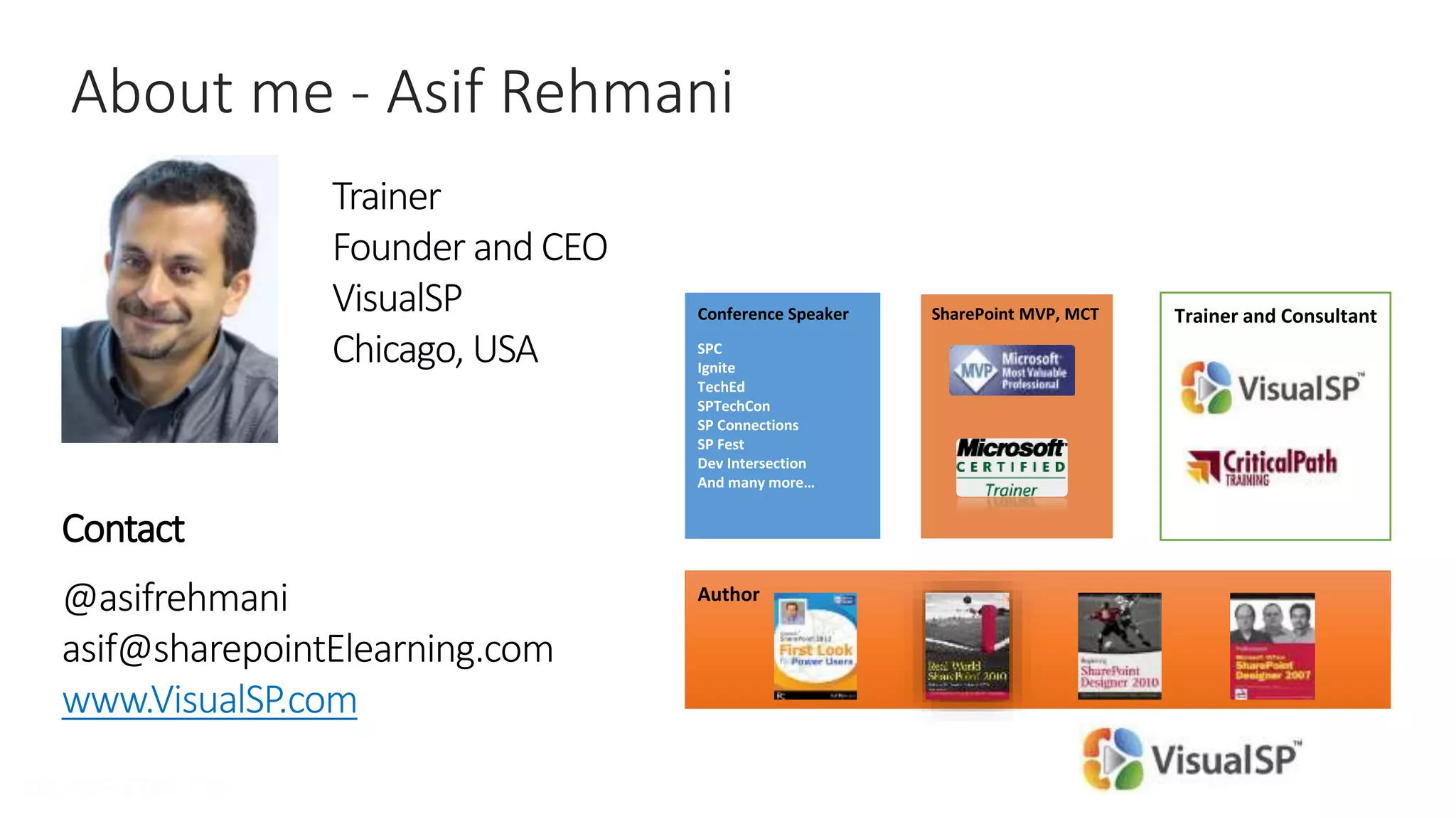
About me - Asif Rehmani
Trainer
Founder and CEO
VisualSP
Chicago, USA
Contact
@asifrehmani
asif@sharepointElearning.com
www.VisualSP.com
Author
Trainer and ConsultantSharePoint MVP, MCTConference Speaker
About our company - VisualSP
Two Solutions
Help System Training Center
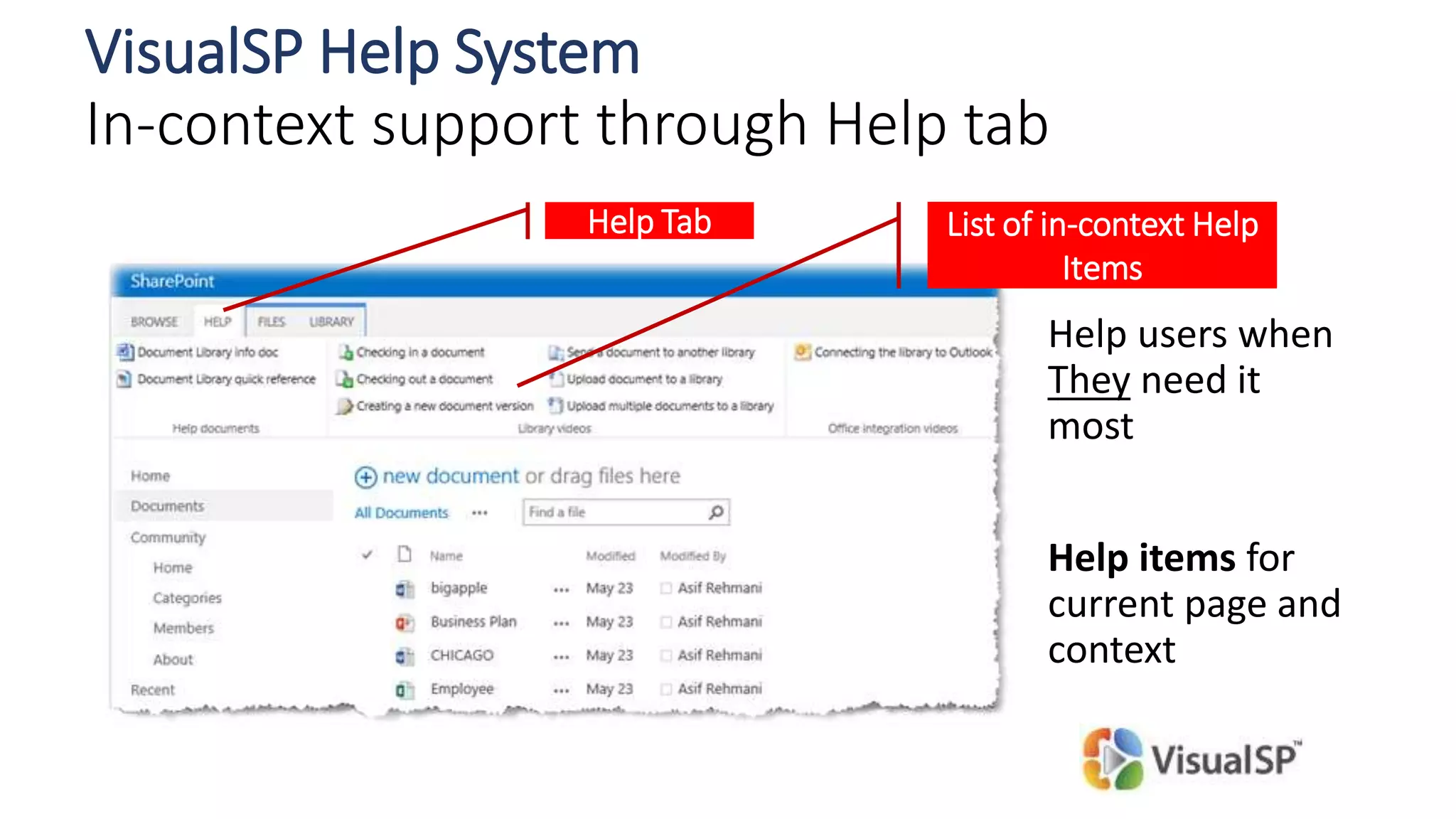
Help users when
They need it
most
Help items for
current page and
context
List of in-context Help
Items
Help Tab
VisualSP Help System
In-context support through Help tab
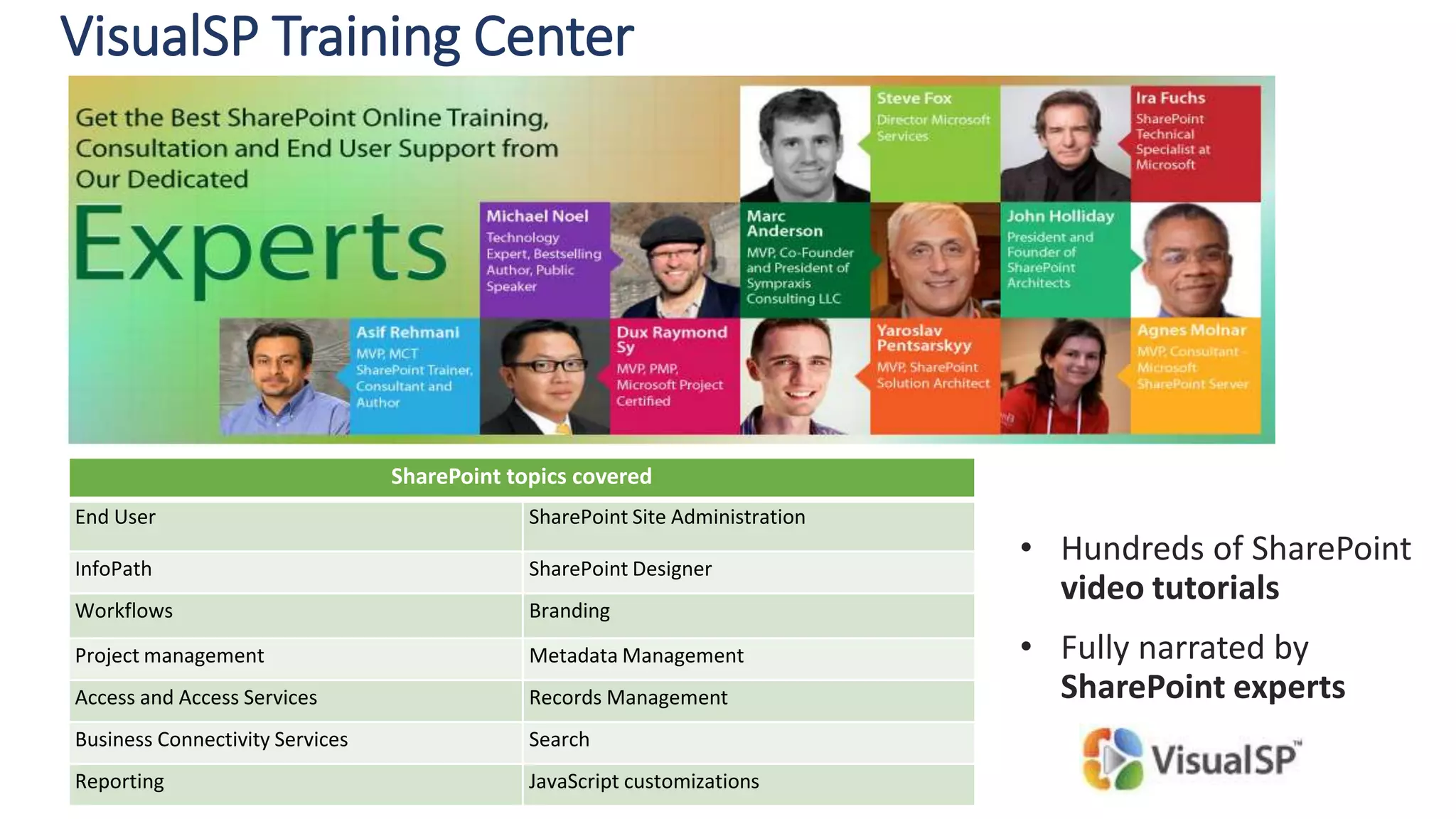
SharePoint topics covered
End User SharePoint Site Administration
InfoPath SharePoint Designer
Workflows Branding
Project management Metadata Management
Access and Access Services Records Management
Business Connectivity Services Search
Reporting JavaScript customizations
• Hundreds of SharePoint
video tutorials
• Fully narrated by
SharePoint experts
VisualSP Training Center
Giveaway for today’s session
1 Year access to
* Retail value:
$199.50
Target audience for this session:
Communications Specialist
Intranet/Web Content Manager
Portal Solutions Manager
SharePoint Guy/Gal
Session level:
100 - Overview
First question to ask:
What can SharePoint do for
You ?
(aka WIIFM)
11
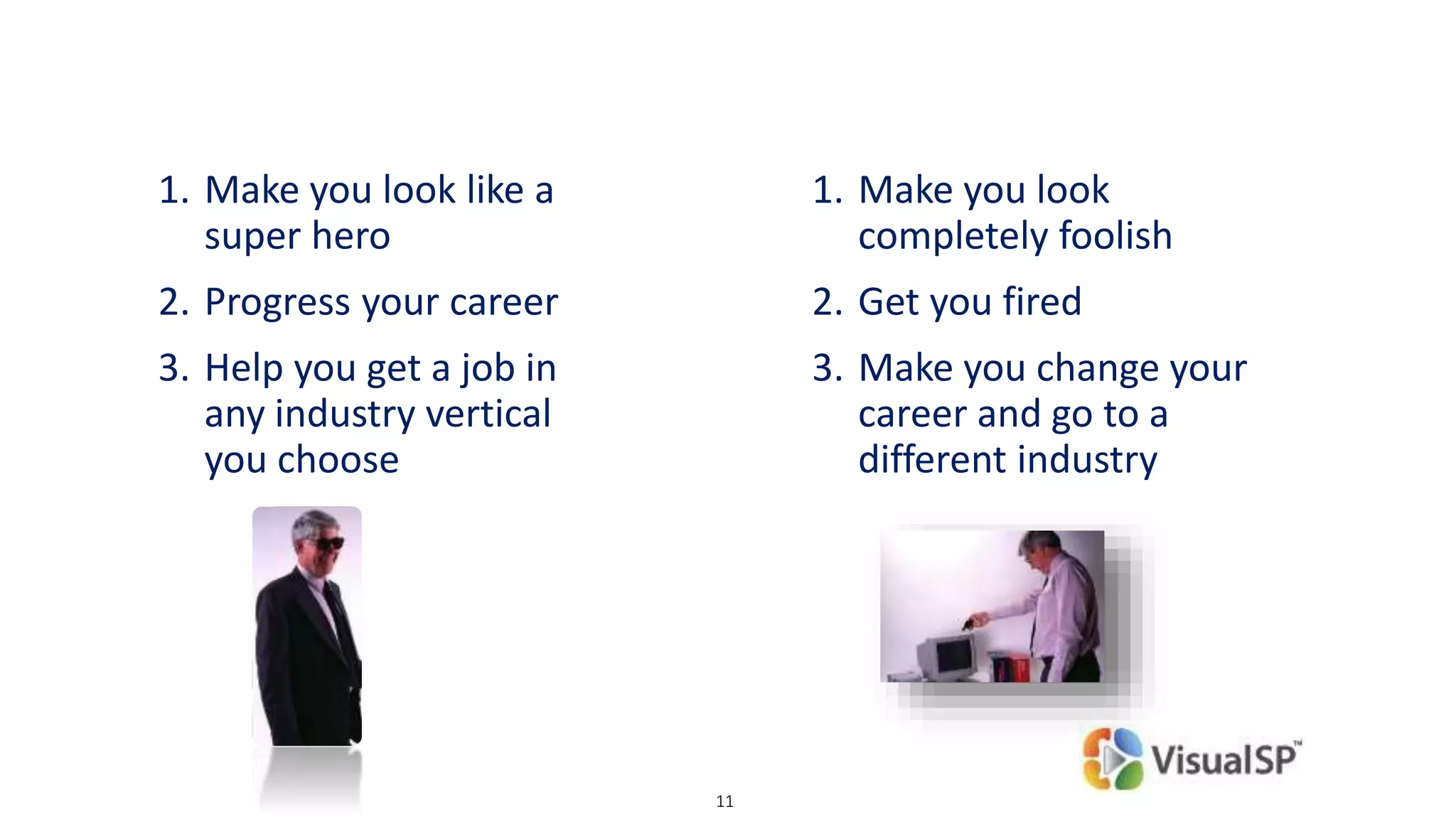
1. Make you look like a
super hero
2. Progress your career
3. Help you get a job in
any industry vertical
you choose
1. Make you look
completely foolish
2. Get you fired
3. Make you change your
career and go to a
different industry
© DEVintersection. All rights reserved.
http://www.DEVintersection.com12
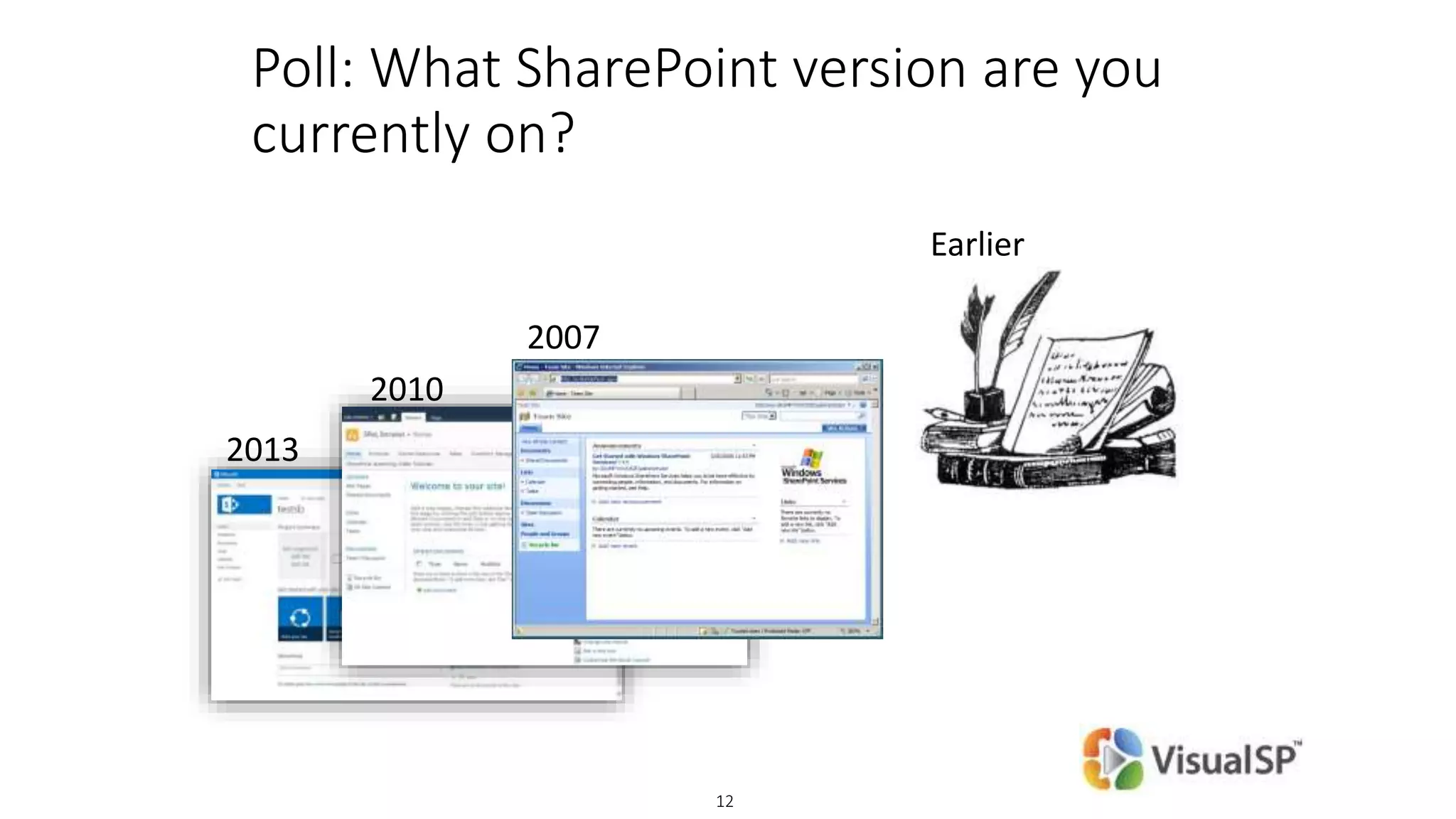
Poll: What SharePoint version are you
currently on?
2013
2010
2007
Earlier
Why is adoption of a technology by
Information Workers so important!?
15
Adoption of any new technology is not easy
A new product has to offer a 9x improvement* over the
existing solution in order to be easily adopted.
*Source: Harvard Business School Publishing, 2004
Is SharePoint even up for the job?
© DEVintersection. All rights reserved.
http://www.DEVintersection.com17
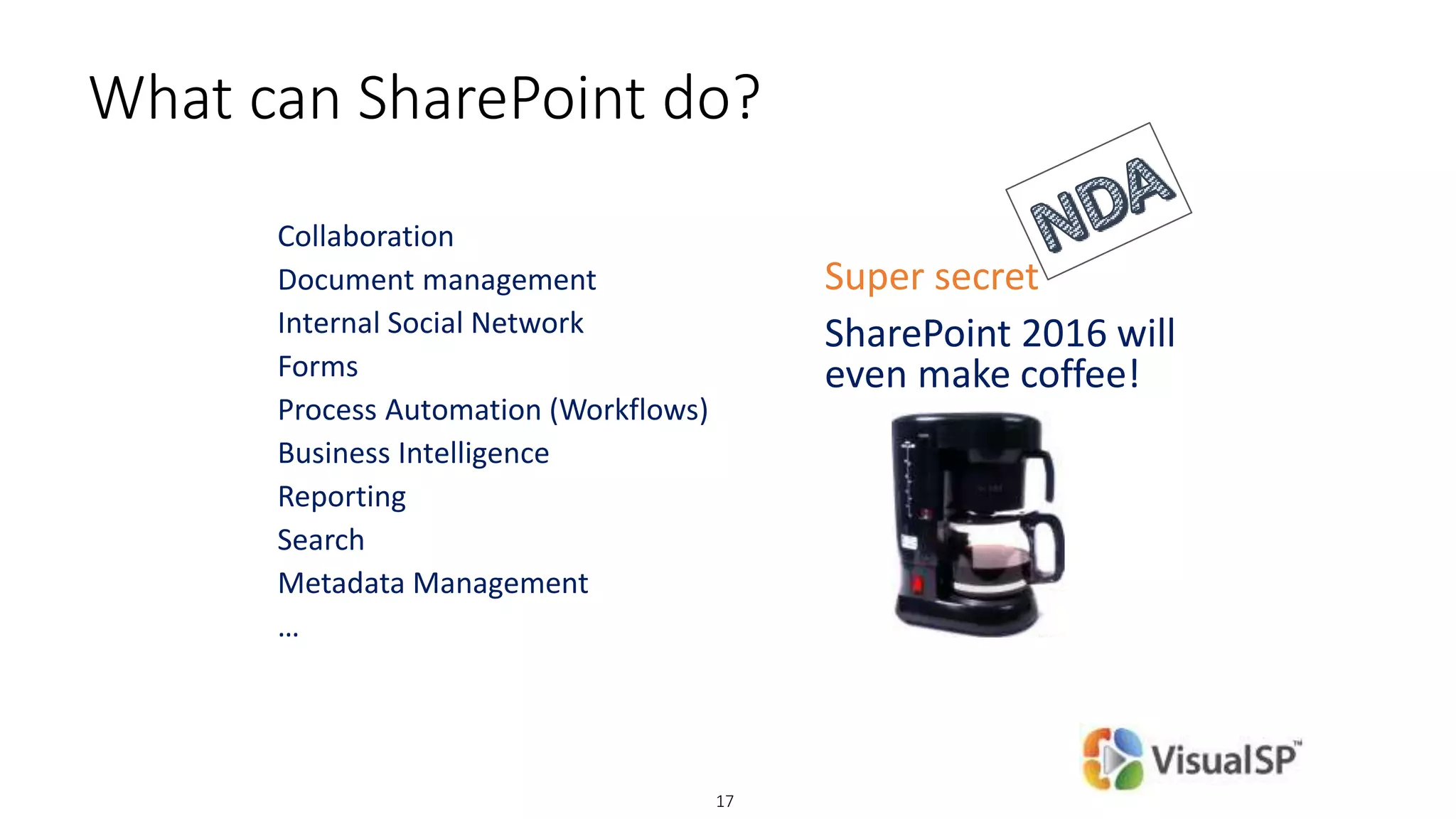
What can SharePoint do?
Collaboration
Document management
Internal Social Network
Forms
Process Automation (Workflows)
Business Intelligence
Reporting
Search
Metadata Management
…
Super secret
SharePoint 2016 will
even make coffee!
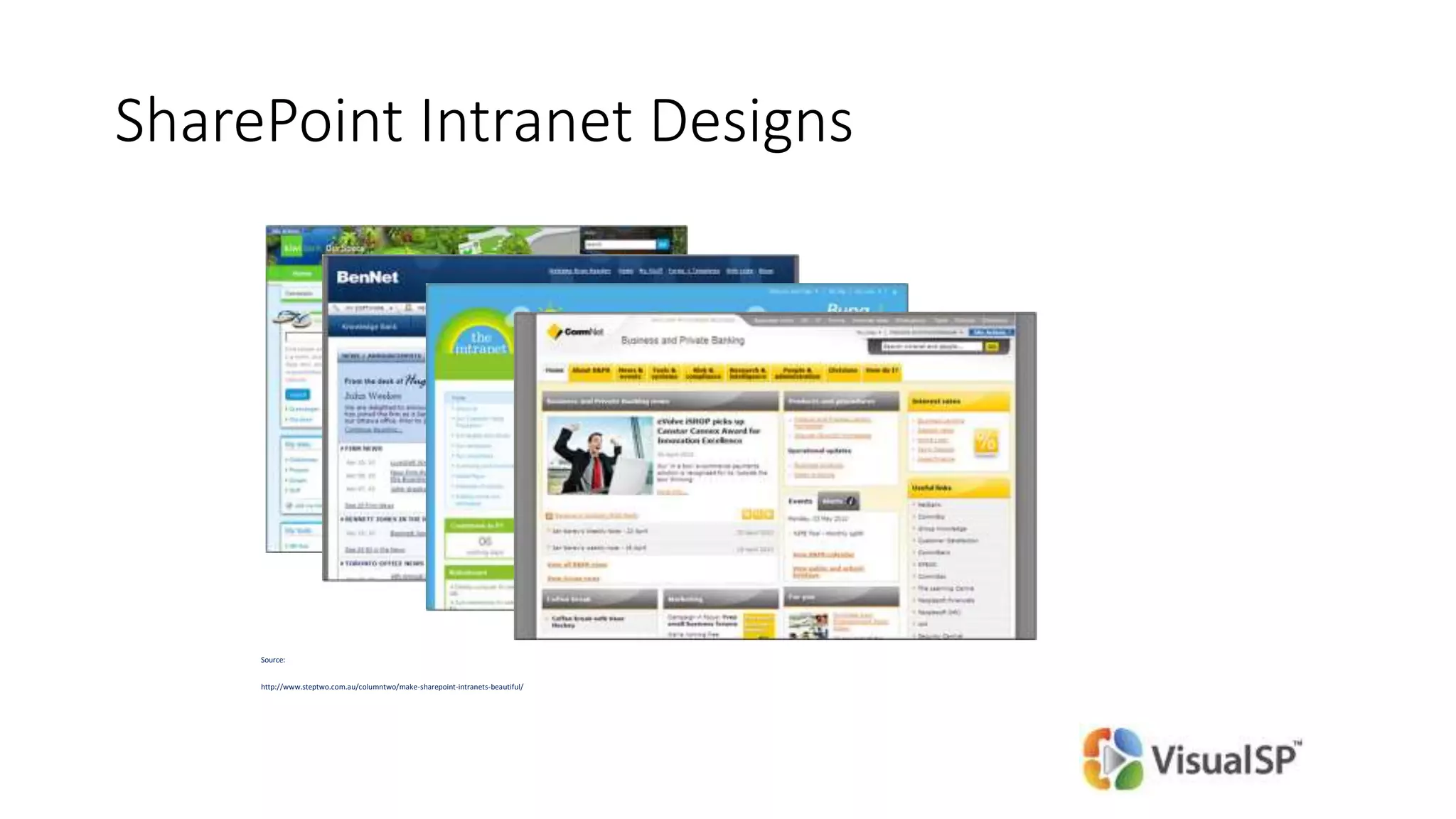
SharePoint Intranet Designs
Source:
http://www.steptwo.com.au/columntwo/make-sharepoint-intranets-beautiful/
© DEVintersection. All rights reserved.
http://www.DEVintersection.com19
Best rated intranets of 2013
7 out of top 10 winners in 2013 used SharePoint*
* Nielsen Norman Group (expertise in user experience research)
http://www.nngroup.com/articles/intranet-design-2013/
Looks like SharePoint is up for the job!
Current SharePoint end user support
and software adoption challenges
SharePoint support person point of view
1. Users ask the same question again and again
2. I don’t have enough hours in the day to support
SharePoint users and do my ‘real’ job
3. SharePoint is one of the many systems I support
4. People keep going back to the old way of doing things
and not using and adopting our Awesome Intranet the
right way
End User point of view
1. I like the way we are currently doing things. Why change it?
2. I don’t want to learn a new technology/software
What they are Really saying is:
WIIFM - What’s In It For Me?
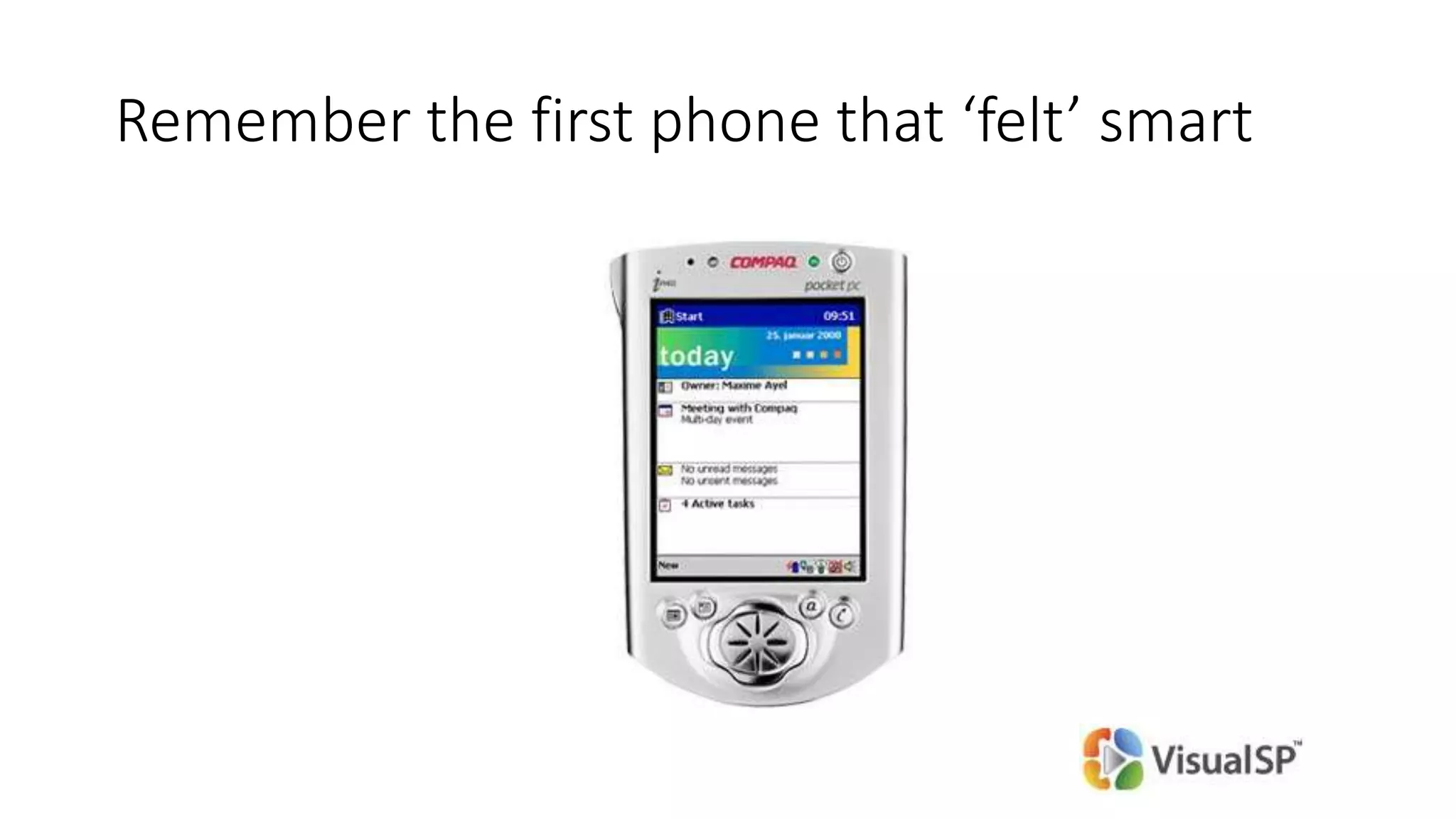
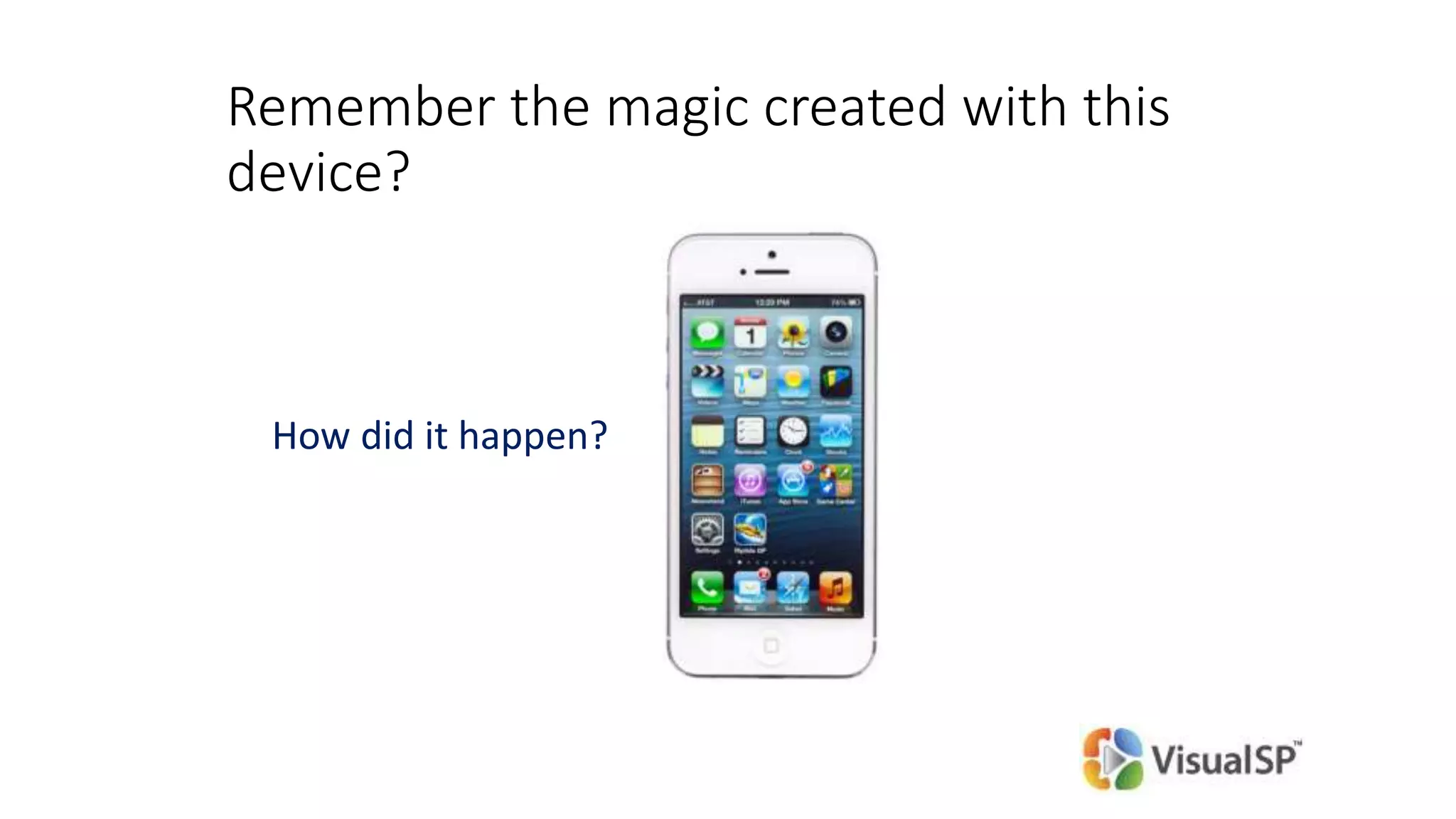
Remember the first phone that ‘felt’ smart
Remember the magic created with this
device?
How did it happen?
How can we create our own magic?
Coming up:
The quick solution to End User
Adoption
Proven strategies from the field
Components of SharePoint Adoption
1.Get an Executive sponsor
2.End User Training and Support
3.Build ‘no-code’ solutions and create ‘no-code’
developers in-house
4.Empower the Help Desk
5.Keep things Fresh!
Executive Sponsorship
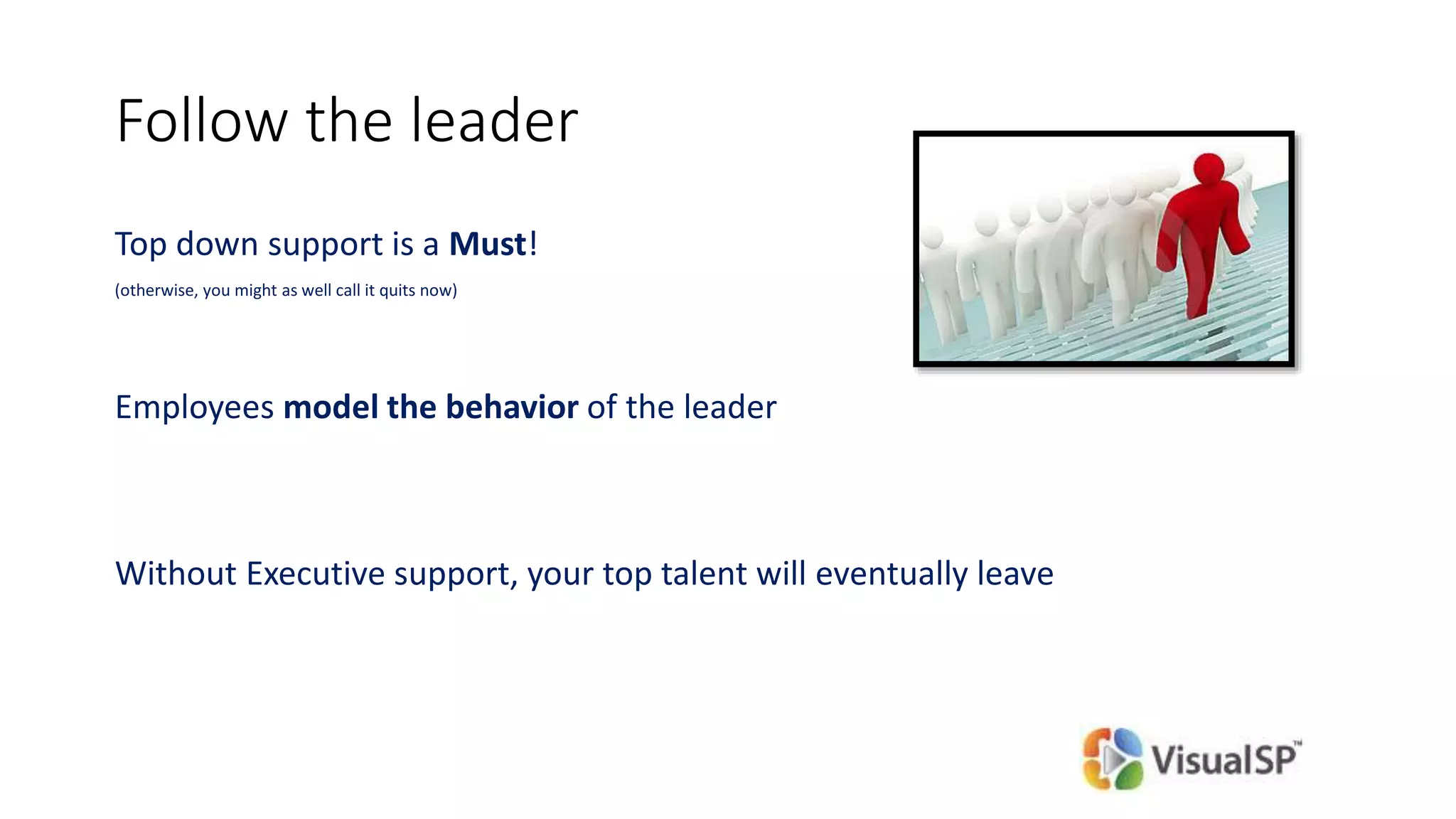
Follow the leader
Top down support is a Must!
(otherwise, you might as well call it quits now)
Employees model the behavior of the leader
Without Executive support, your top talent will eventually leave
What can an Executive do to show
his/her support for SharePoint initiatives?
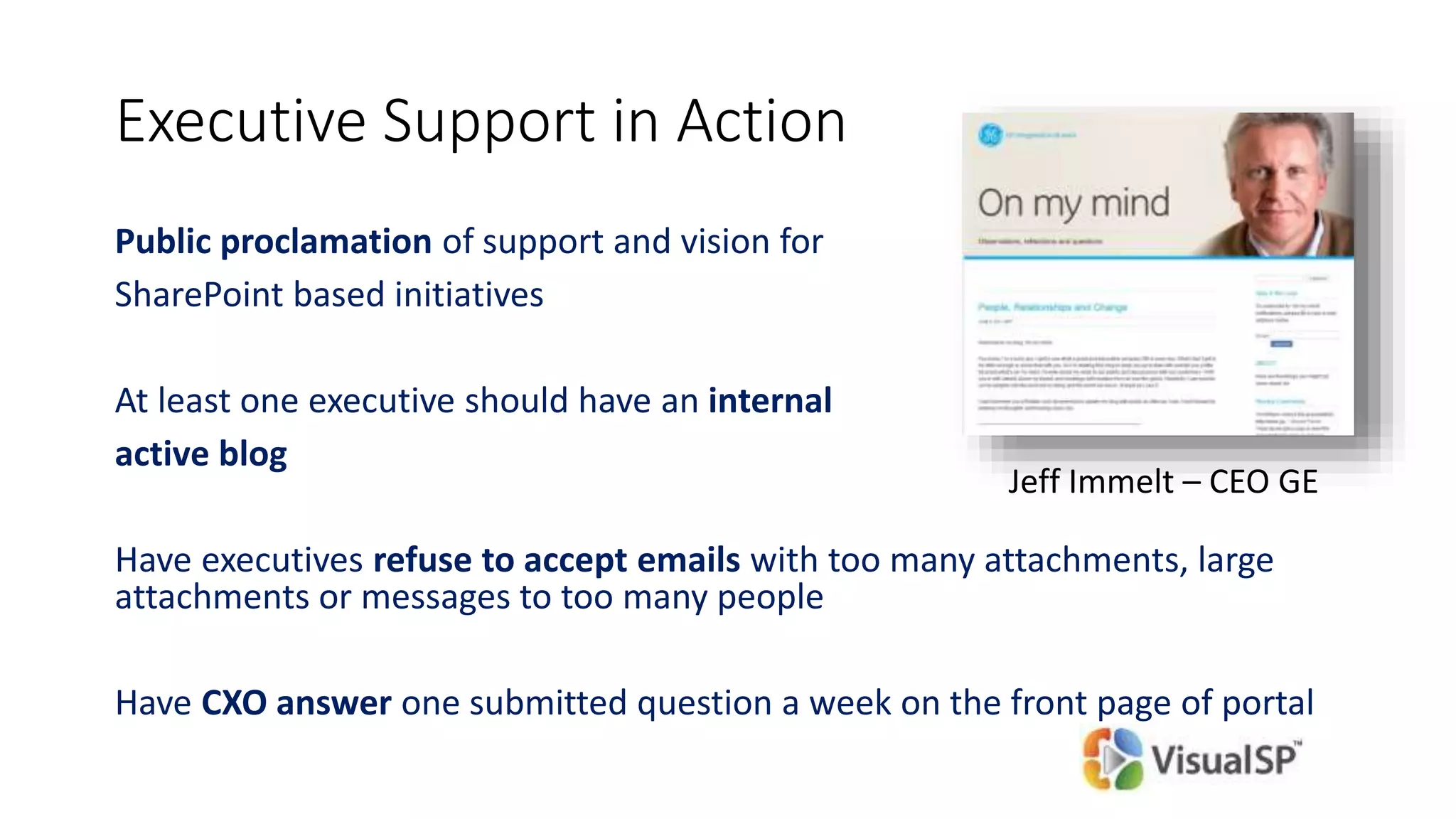
Executive Support in Action
Public proclamation of support and vision for
SharePoint based initiatives
At least one executive should have an internal
active blog
Have executives refuse to accept emails with too many attachments, large
attachments or messages to too many people
Have CXO answer one submitted question a week on the front page of portal
Jeff Immelt – CEO GE
End User Training and Support
“If you build it, they will come” is sadly not true for
SharePoint
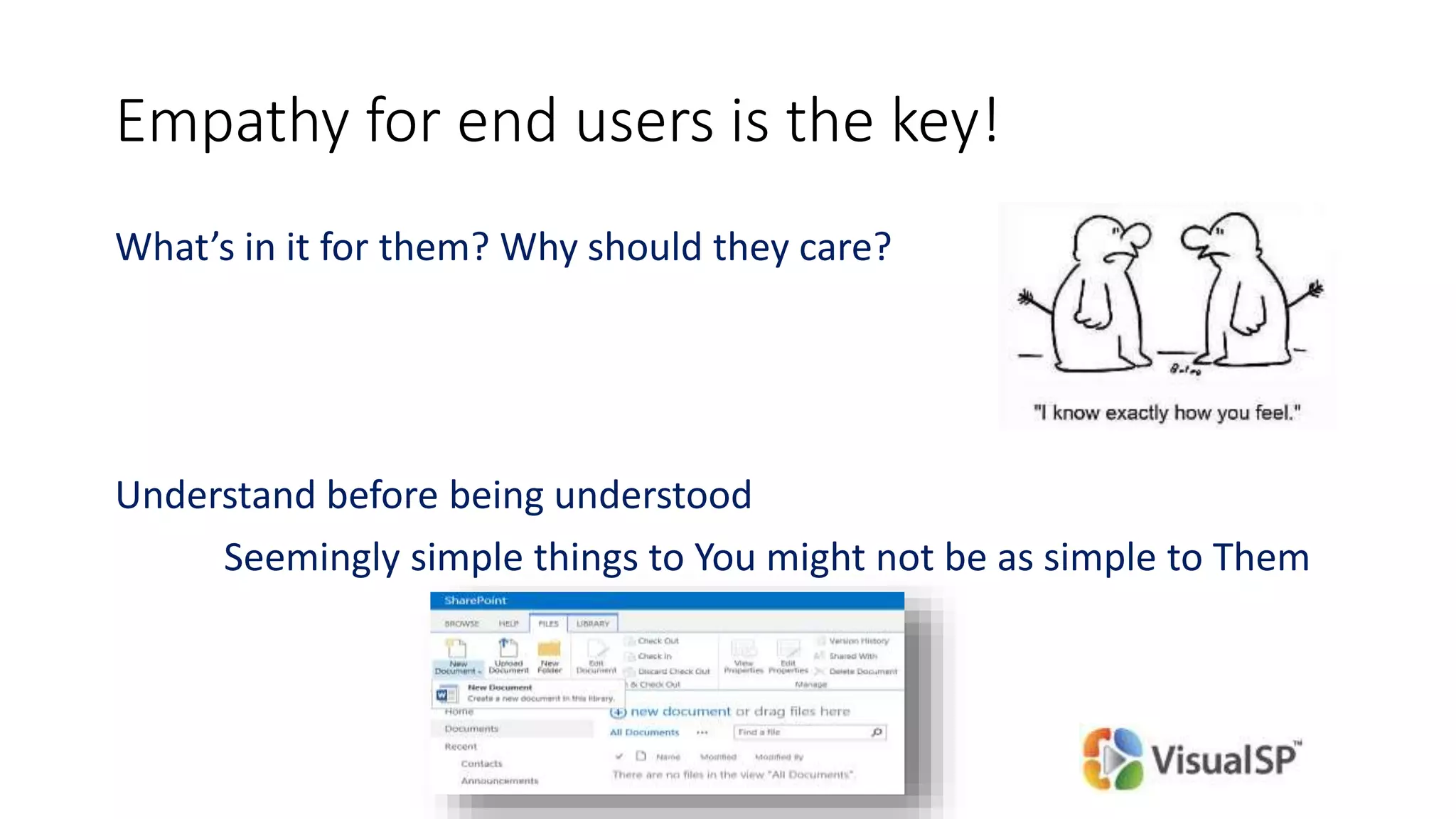
Empathy for end users is the key!
What’s in it for them? Why should they care?
Understand before being understood
Seemingly simple things to You might not be as simple to Them
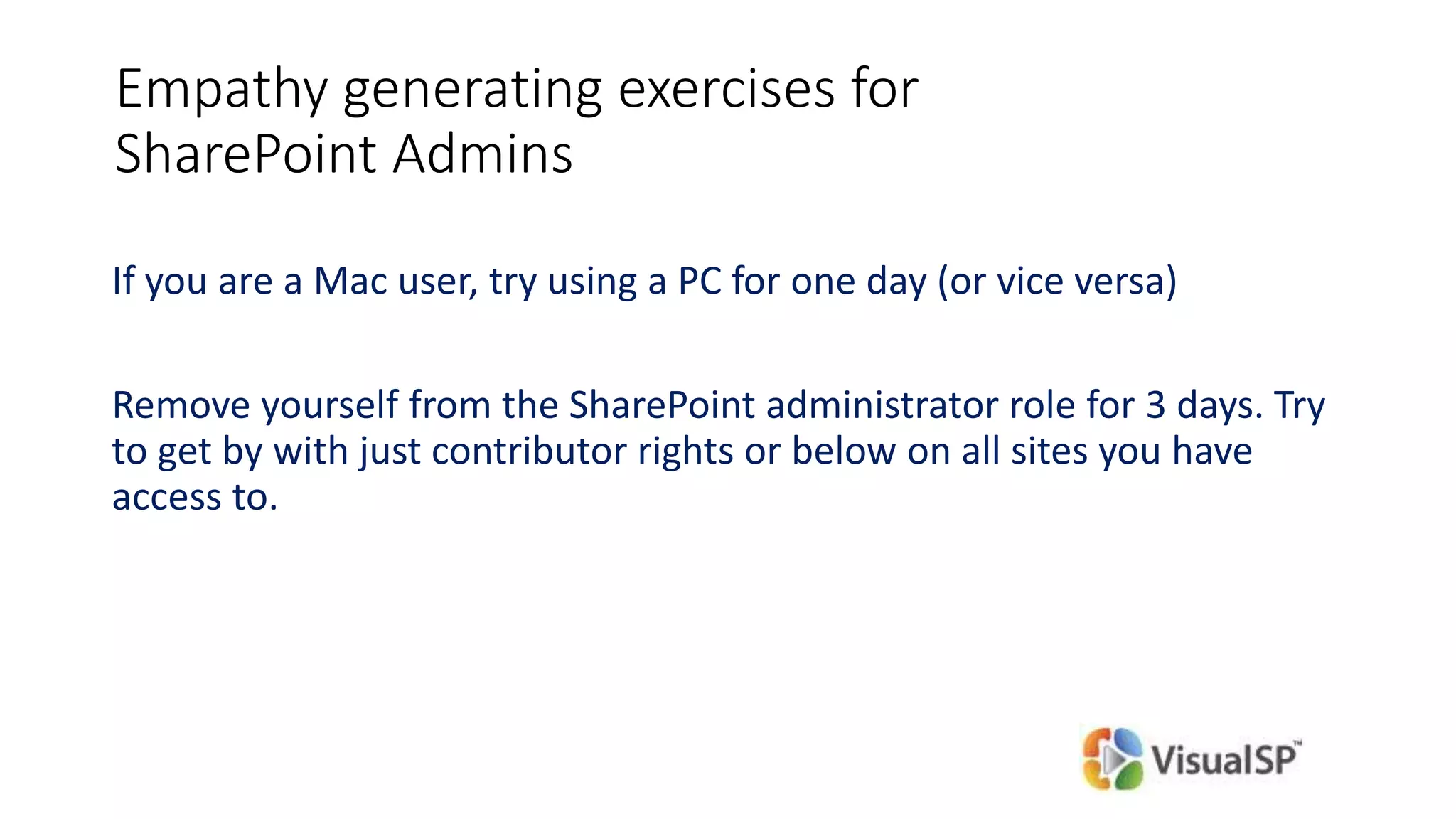
Empathy generating exercises for
SharePoint Admins
If you are a Mac user, try using a PC for one day (or vice versa)
Remove yourself from the SharePoint administrator role for 3 days. Try
to get by with just contributor rights or below on all sites you have
access to.
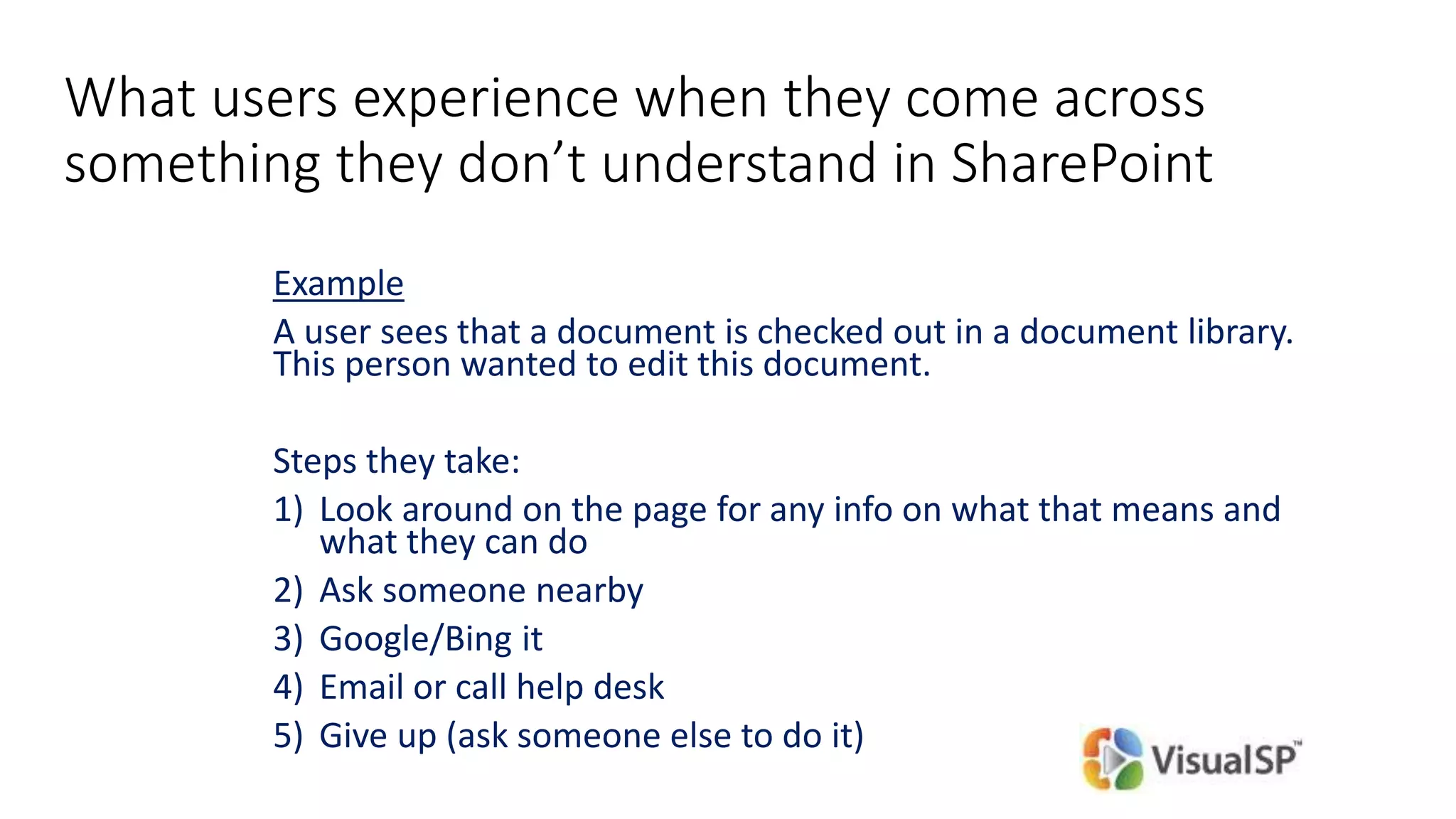
What users experience when they come across
something they don’t understand in SharePoint
Example
A user sees that a document is checked out in a document library.
This person wanted to edit this document.
Steps they take:
1) Look around on the page for any info on what that means and
what they can do
2) Ask someone nearby
3) Google/Bing it
4) Email or call help desk
5) Give up (ask someone else to do it)
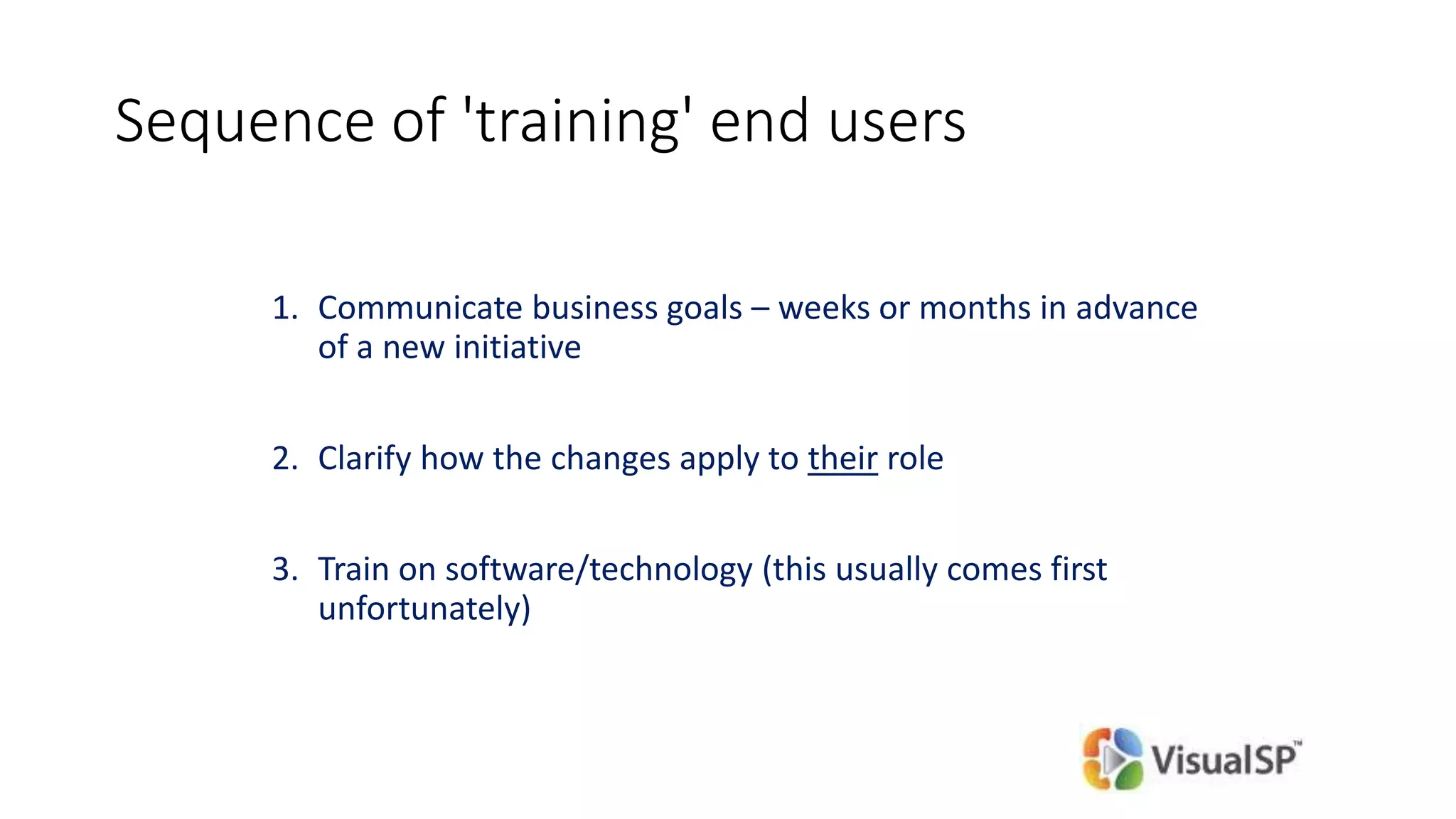
Sequence of 'training' end users
1. Communicate business goals – weeks or months in advance
of a new initiative
2. Clarify how the changes apply to their role
3. Train on software/technology (this usually comes first
unfortunately)
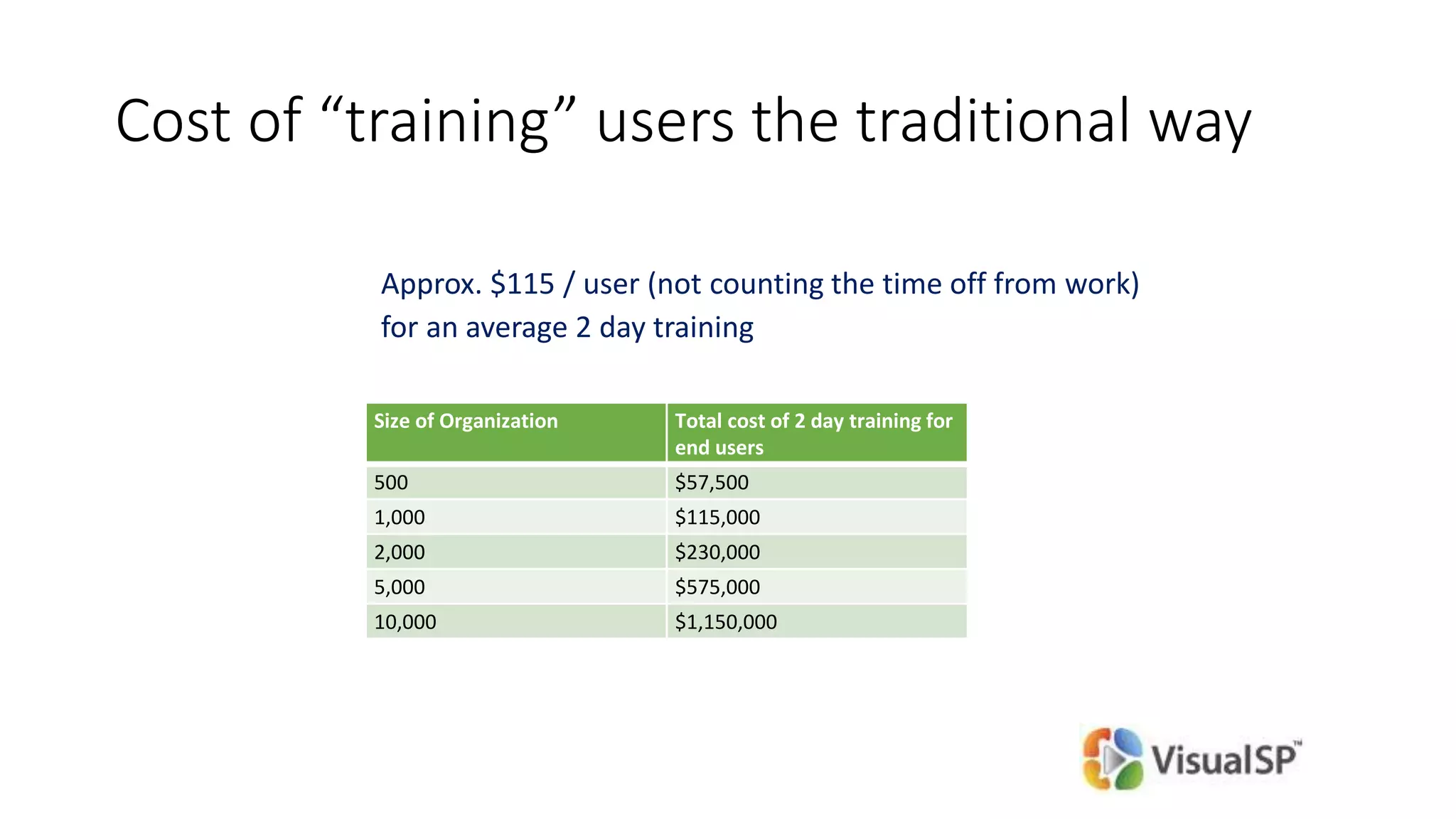
Cost of “training” users the traditional way
Approx. $115 / user (not counting the time off from work)
for an average 2 day training
Size of Organization Total cost of 2 day training for
end users
500 $57,500
1,000 $115,000
2,000 $230,000
5,000 $575,000
10,000 $1,150,000
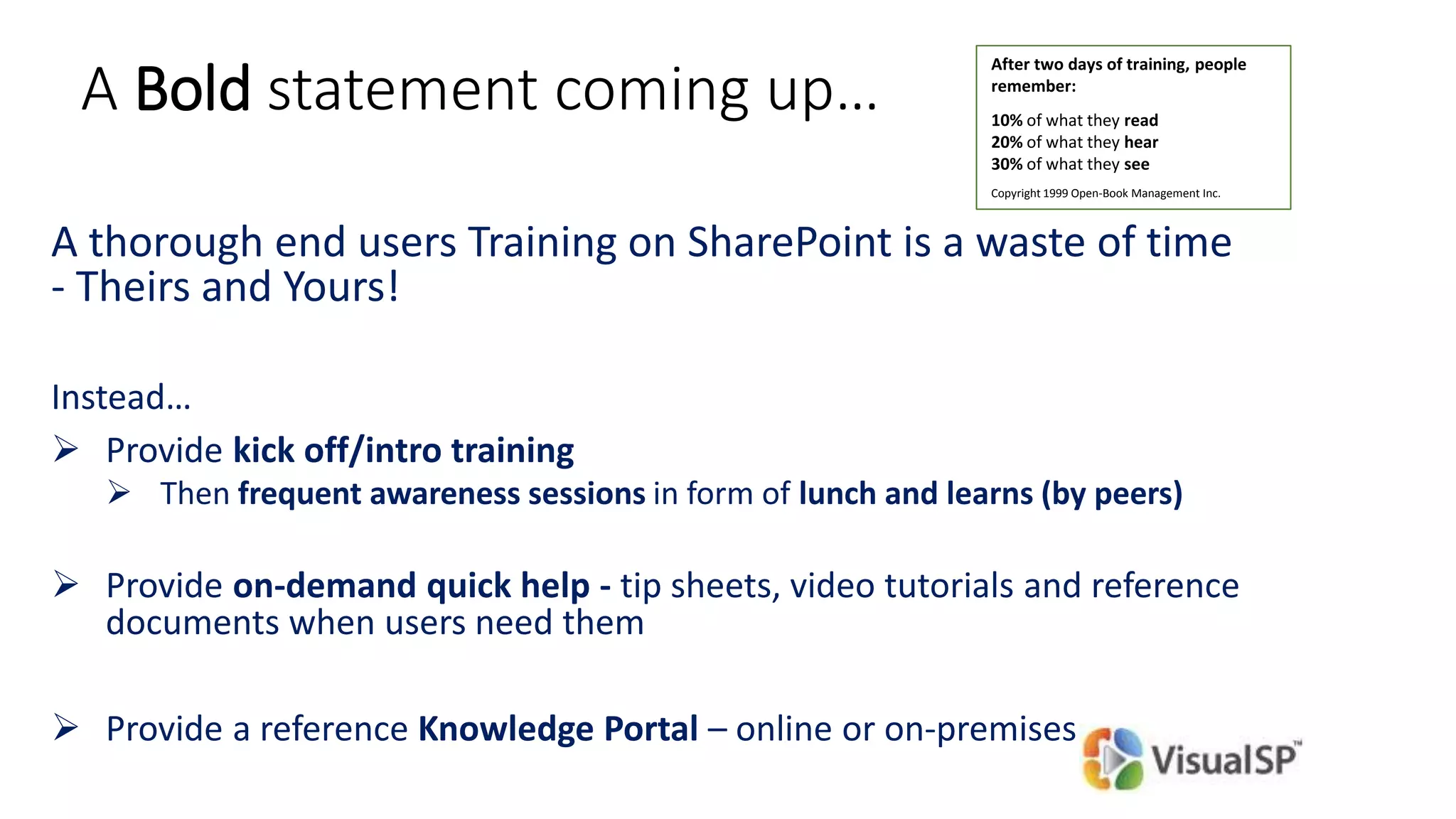
A Bold statement coming up…
A thorough end users Training on SharePoint is a waste of time
- Theirs and Yours!
Instead…
 Provide kick off/intro training
 Then frequent awareness sessions in form of lunch and learns (by peers)
 Provide on-demand quick help - tip sheets, video tutorials and reference
documents when users need them
 Provide a reference Knowledge Portal – online or on-premises
After two days of training, people
remember:
10% of what they read
20% of what they hear
30% of what they see
Copyright 1999 Open-Book Management Inc.
Poll
Does your organization provide
context sensitive help to users?
Build no-code solutions
46
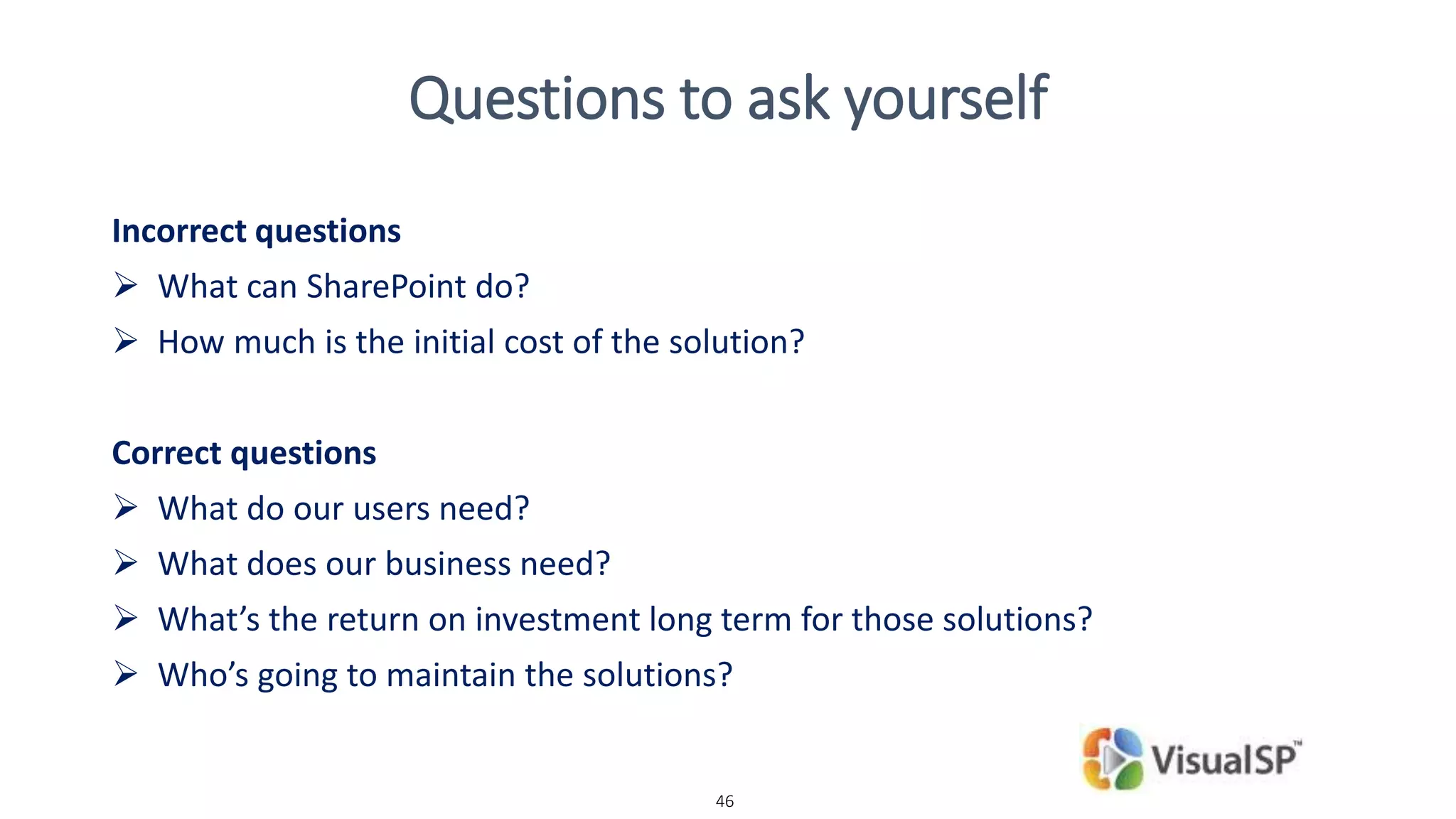
Questions to ask yourself
Incorrect questions
 What can SharePoint do?
 How much is the initial cost of the solution?
Correct questions
 What do our users need?
 What does our business need?
 What’s the return on investment long term for those solutions?
 Who’s going to maintain the solutions?
What can SharePoint do for your
business?
Human resource on-boarding process
Vacation scheduling system
Vendor management portal
Employee training scheduling and materials
Business performance reporting
Company knowledge base
Help desk portal
Inventory tracking
…
Reasons for going ‘no-code’
Possibilities of what you can do are Enormous!
Quick learning curve
Easier ongoing management of solution
Delegate responsibility easily
Who is building these no-code solutions and why?
Not end users!!
Power Users / Evangelists in each department
• SharePoint is a platform for solution creation
• Create team specific solutions quickly!
• Creates a sense of pride and accountability
Identify true pain points and focus in on them
sounds easy, right..? Not so fast
Implement Quick Wins
Examples of no-code solutions
© DEVintersection. All rights reserved.
http://www.DEVintersection.com52
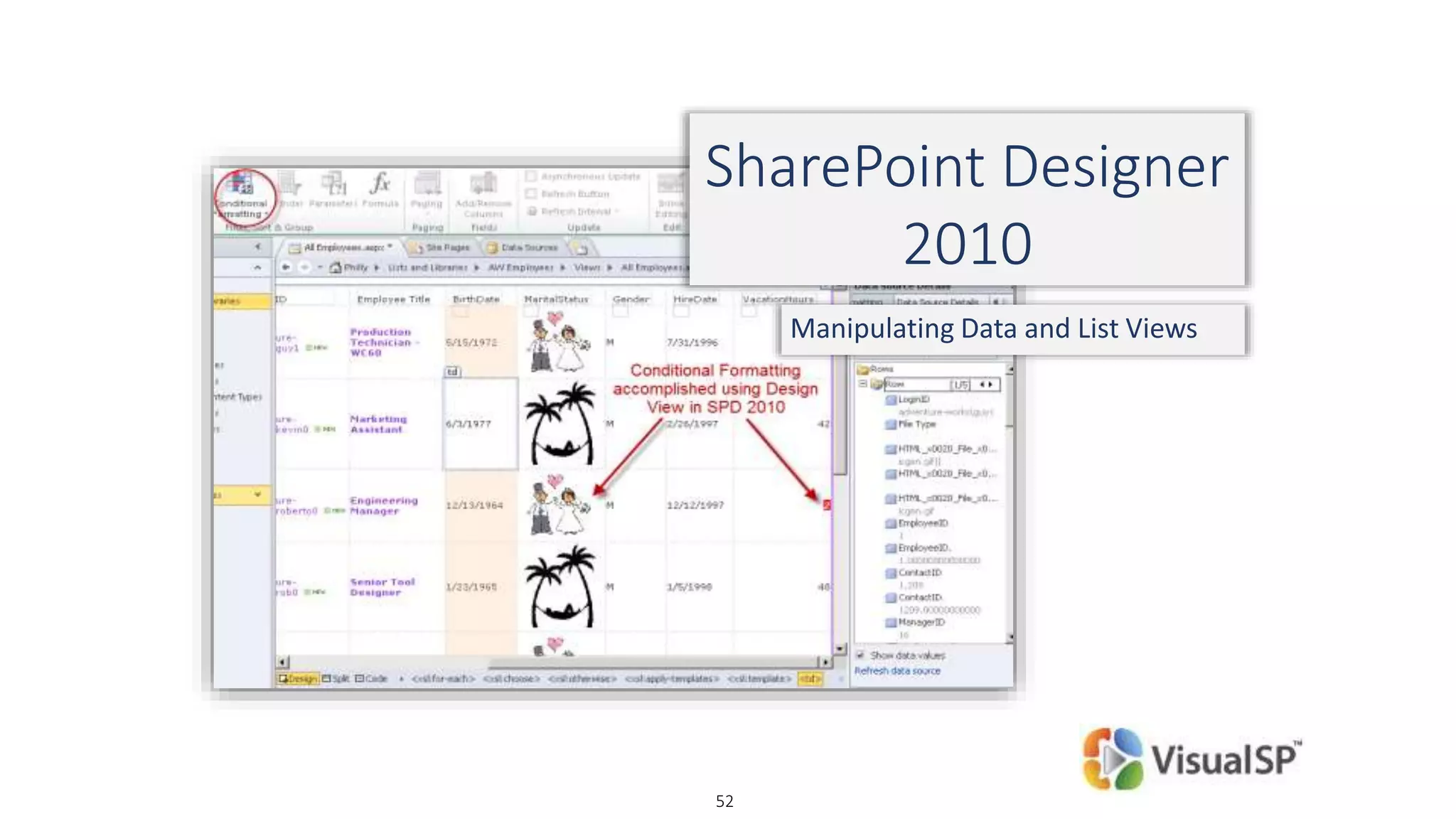
SharePoint Designer
2010
Manipulating Data and List Views
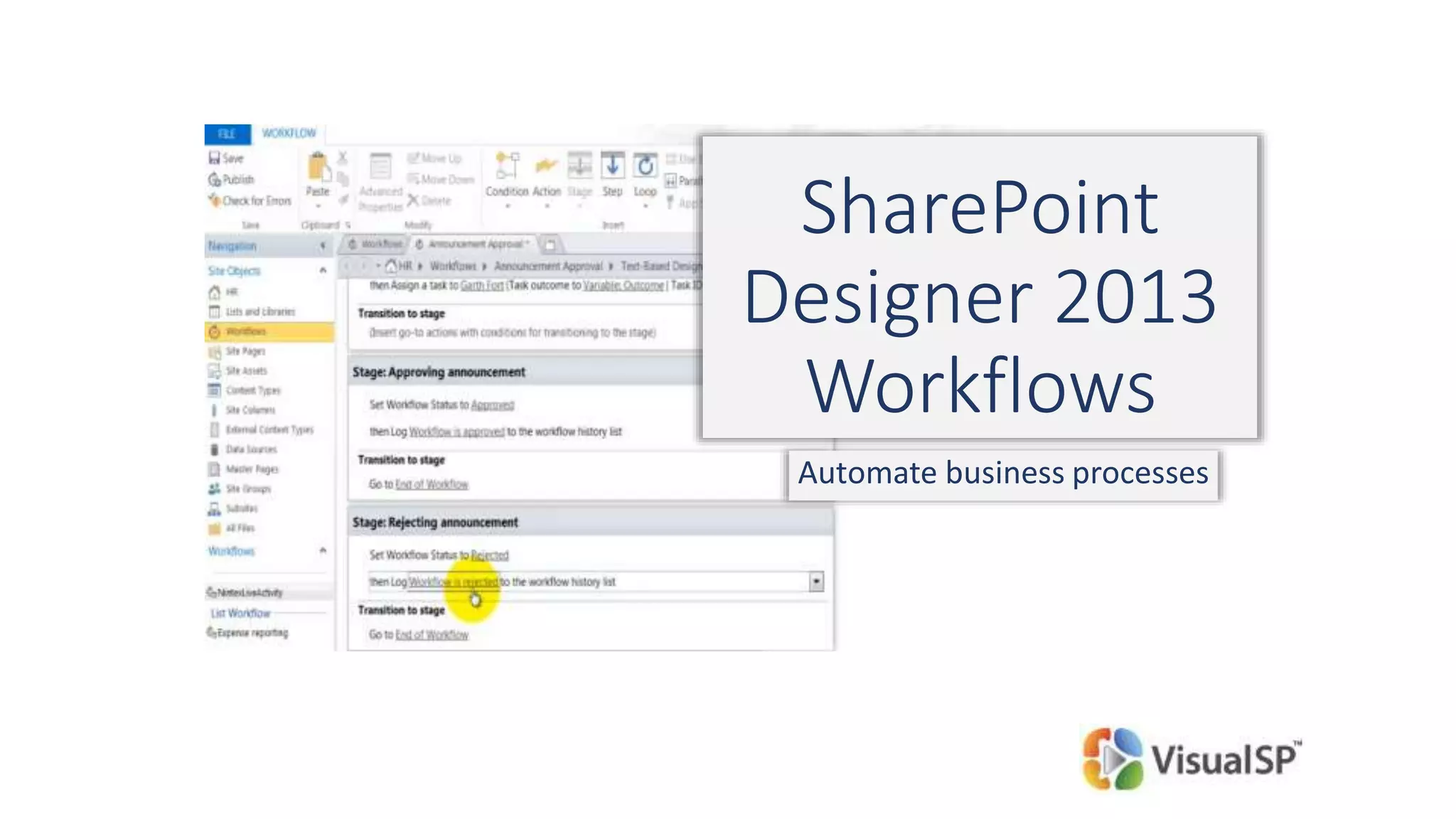
SharePoint
Designer 2013
Workflows
Automate business processes
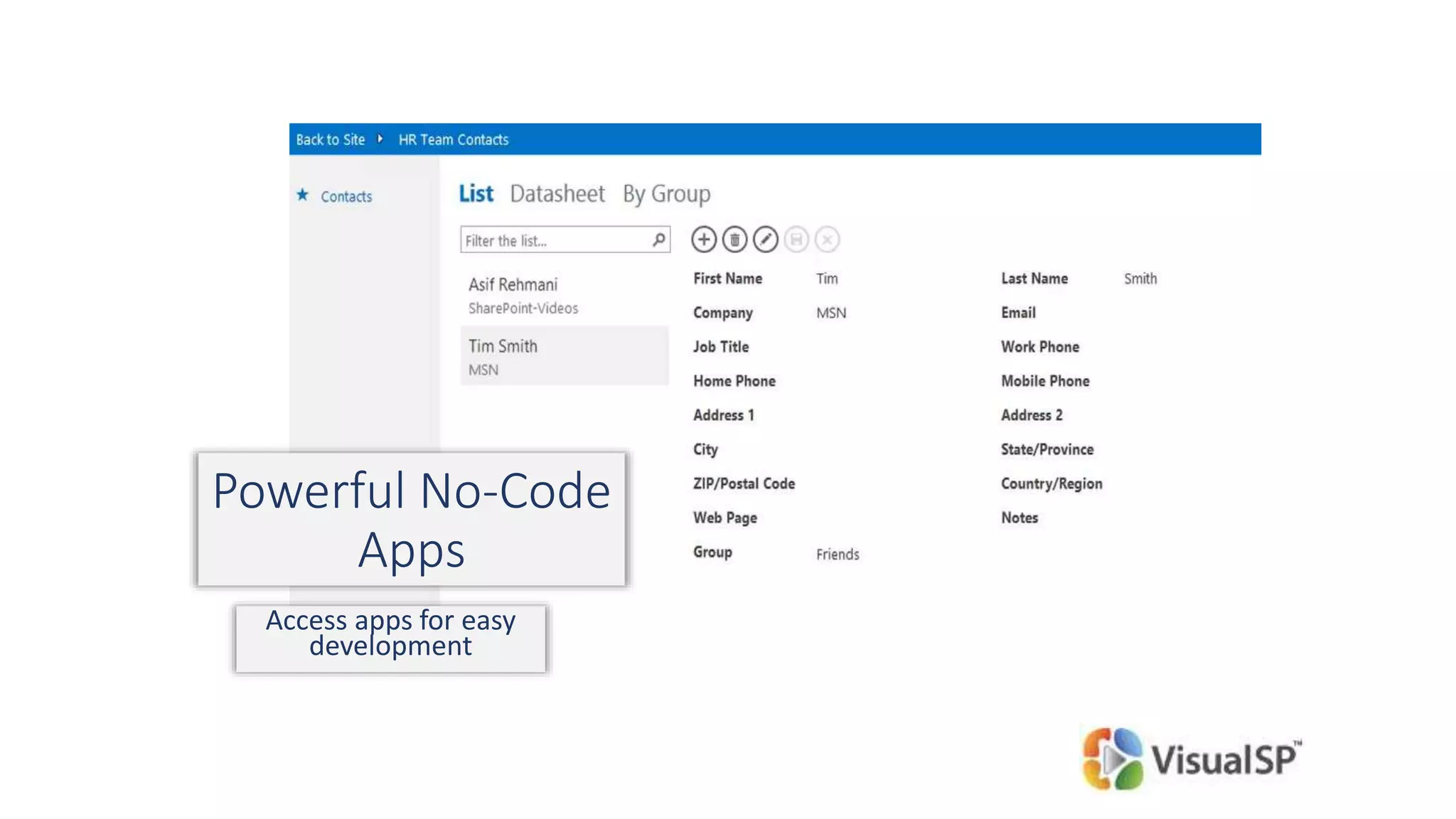
Powerful No-Code
Apps
Access apps for easy
development
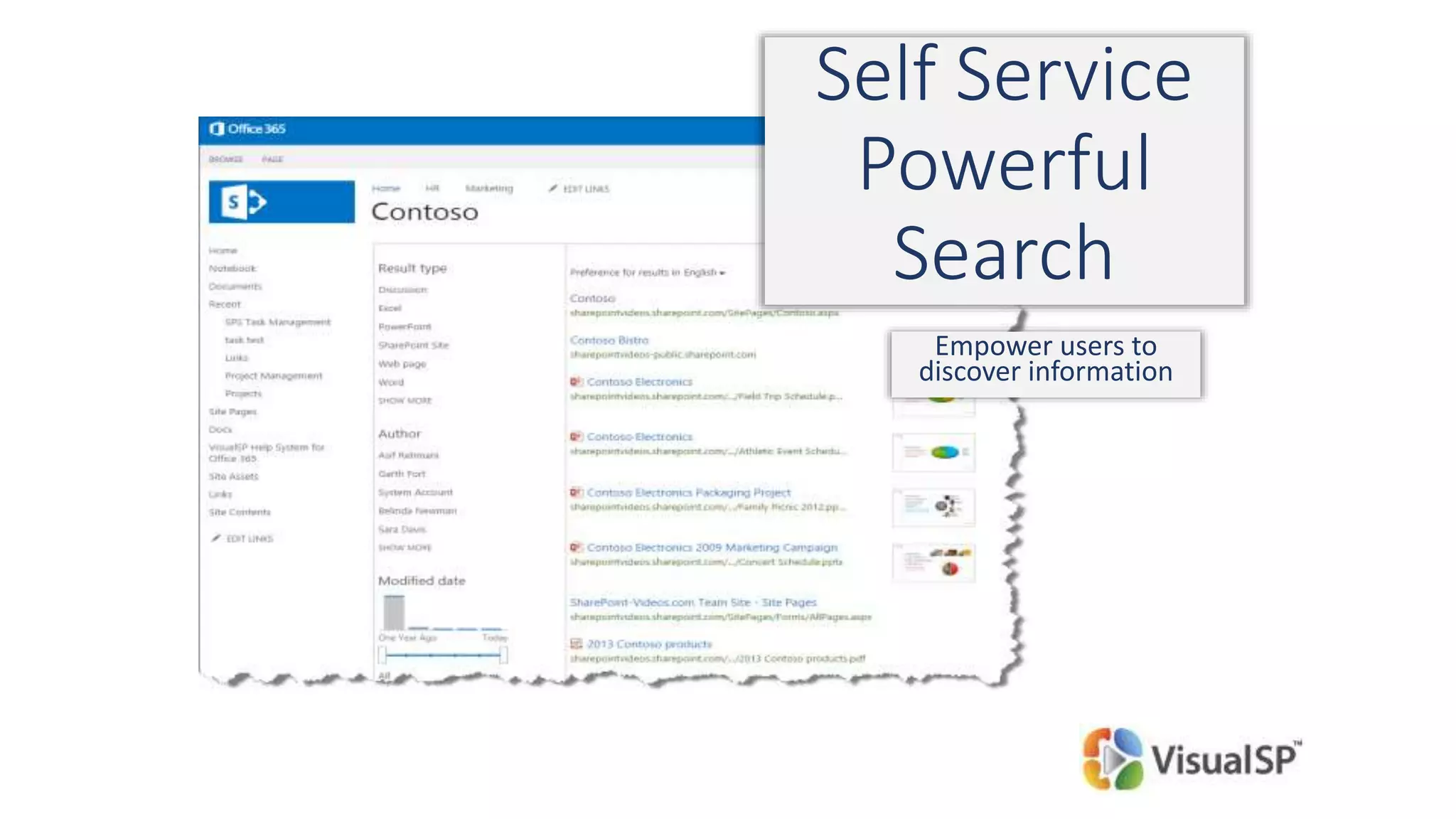
Self Service
Powerful
Search
Empower users to
discover information
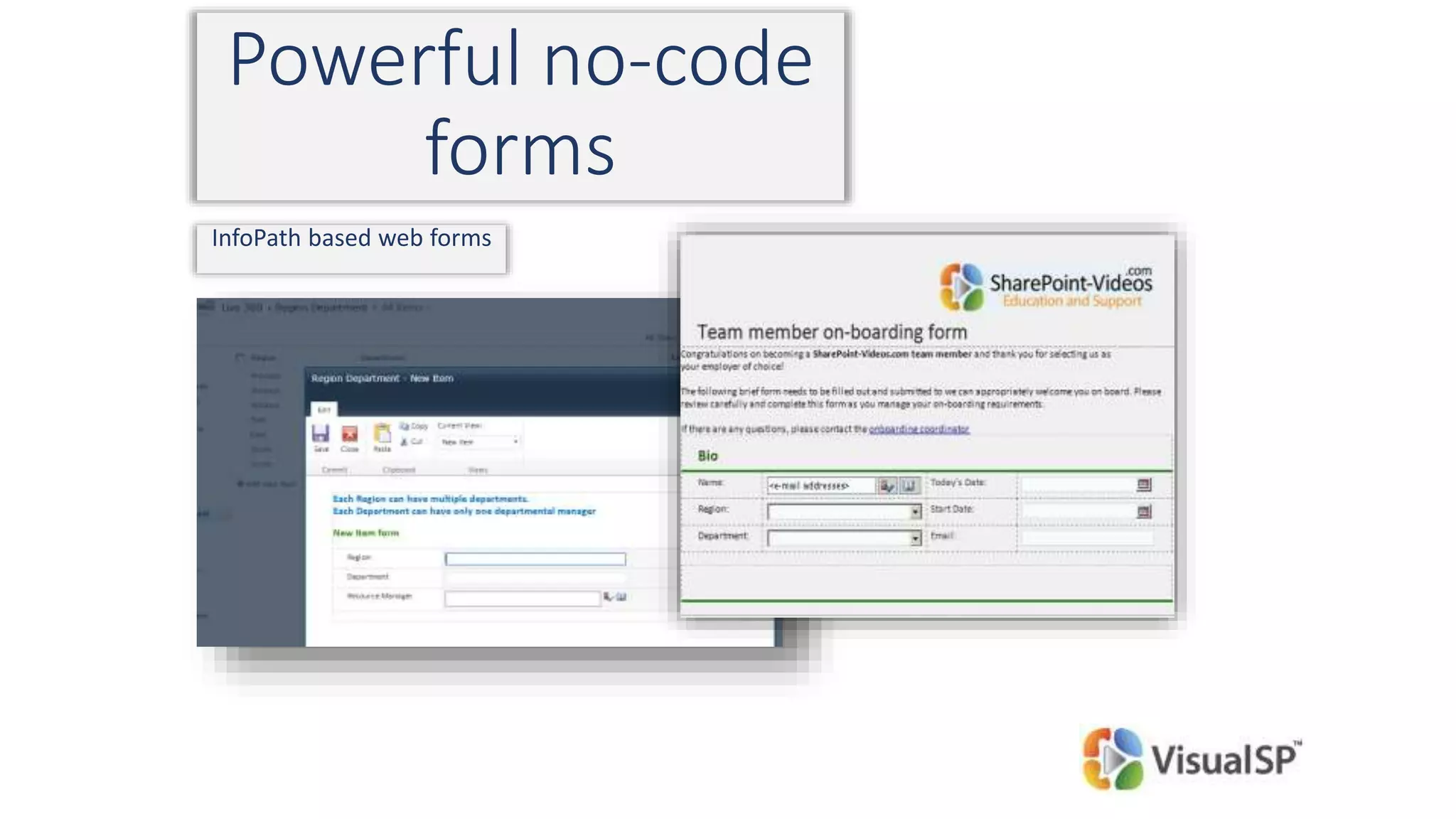
Powerful no-code
forms
InfoPath based web forms
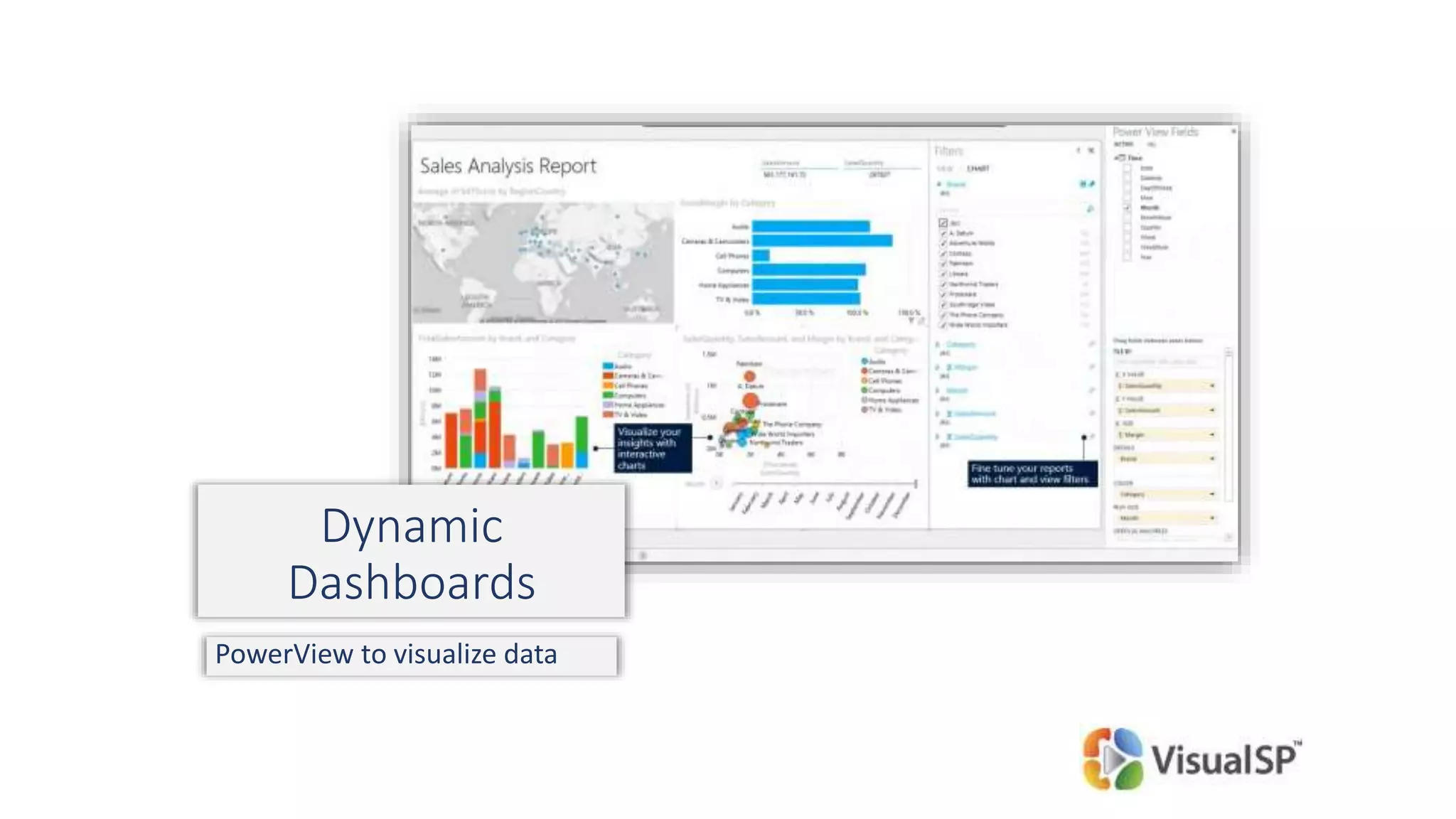
Dynamic
Dashboards
PowerView to visualize data
© DEVintersection. All rights reserved.
http://www.DEVintersection.com58
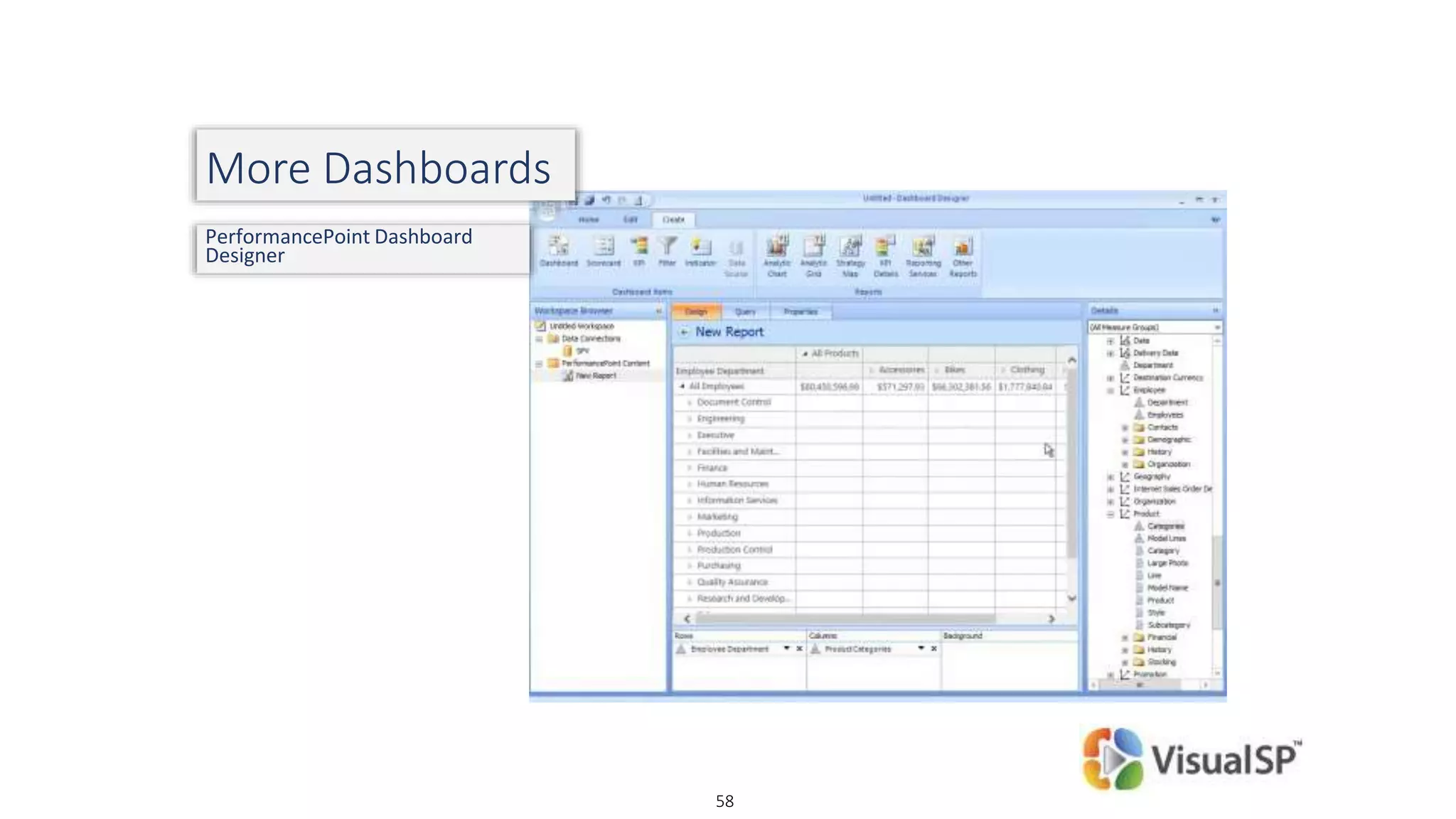
More Dashboards
PerformancePoint Dashboard
Designer
© DEVintersection. All rights reserved.
http://www.DEVintersection.com59
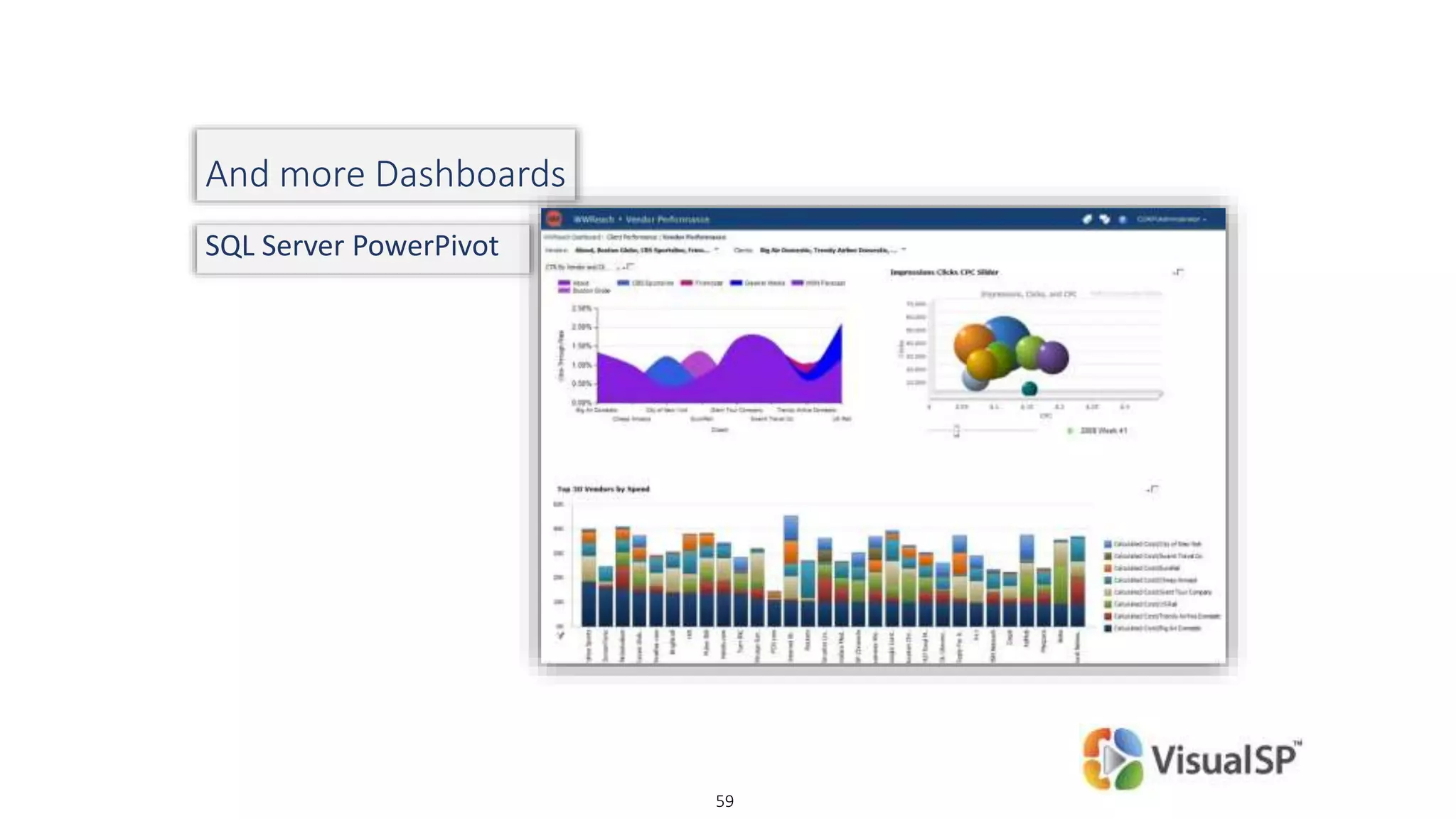
And more Dashboards
SQL Server PowerPivot
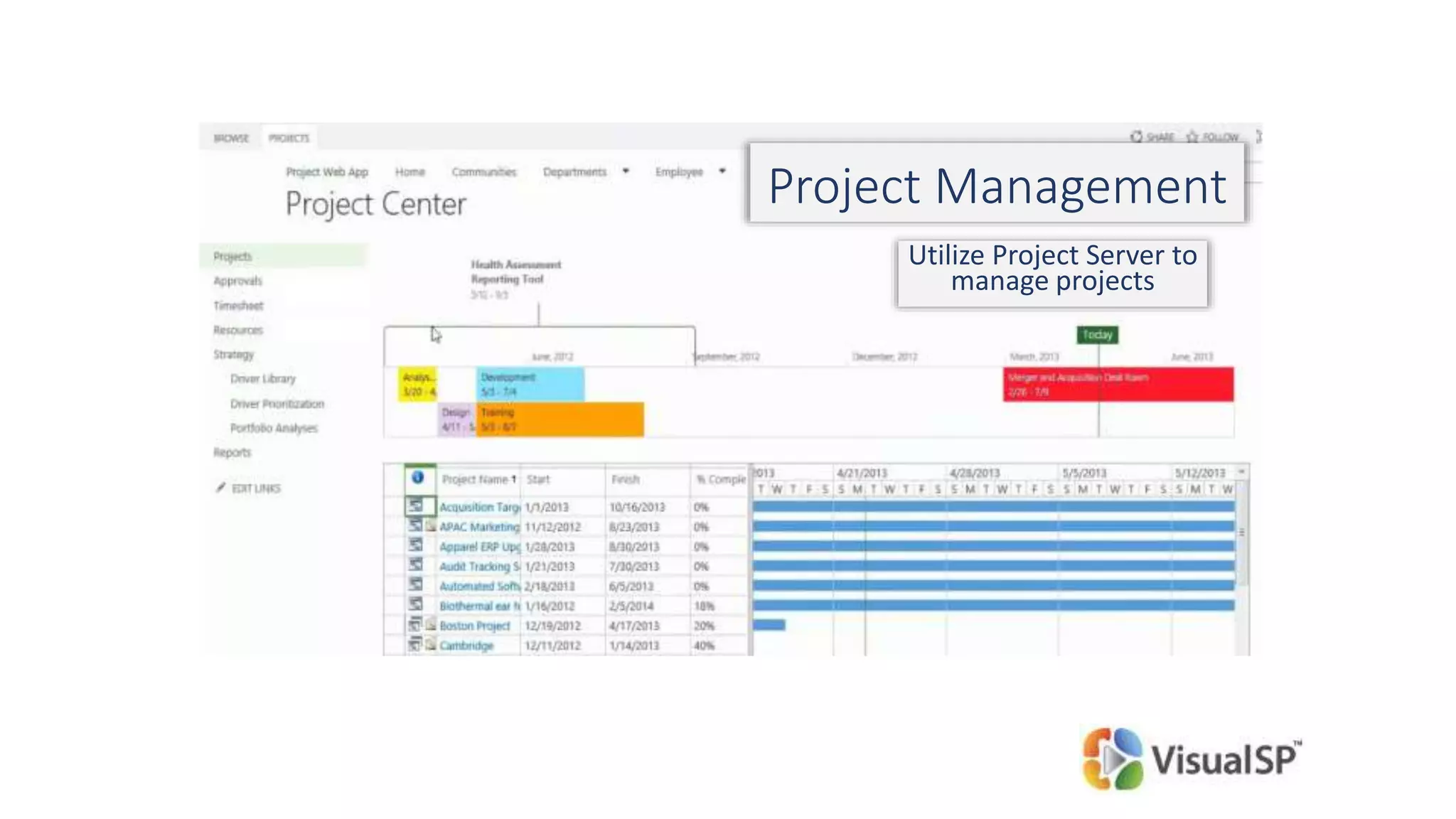
Project Management
Utilize Project Server to
manage projects
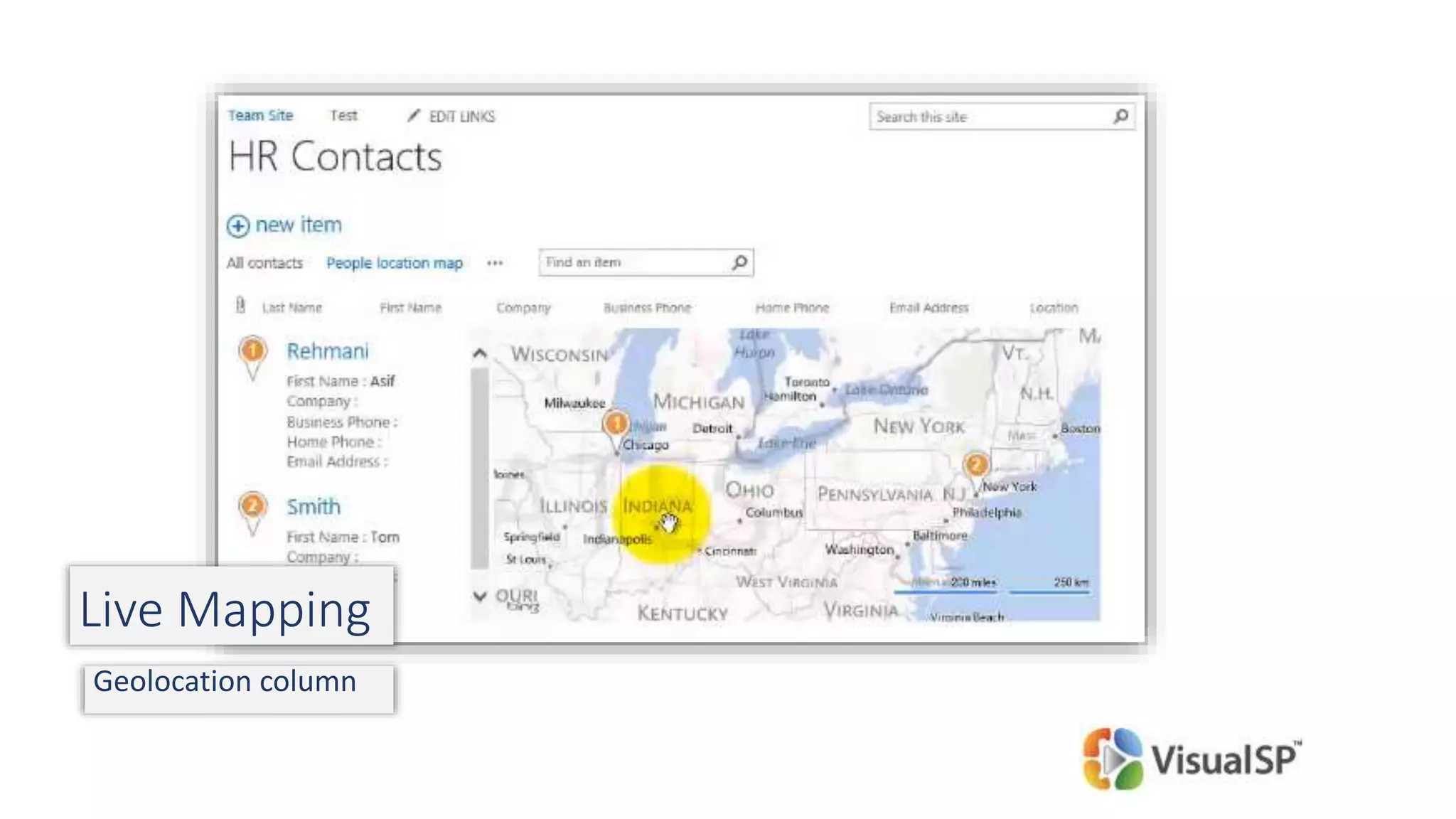
Live Mapping
Geolocation column
How do I practice my ideas and concepts?
Get a 30 day trial of Office 365
Watch free sample videos at:
http://visualsp.com/video-categories/all-sample-videos/
62
Empowering the Help Desk
Typical Technology Help Desk Setup
Big companies:
Internal Help Desk supporting multiple applications
Small to Medium size companies:
1 to few people in support role
Or
Help Desk is outsourced
Small companies:
It’s Joe or Sarah in each department who is The Help Desk
Providing Help to the Help Desk
Formal training (in-person or online) on SharePoint at the
Power User level – browser and no-code
Ability to tap into available knowledge base as needed
Wiki pages and documentation
Video tutorials
Established connections with department/team evangelists
Online resources
Remote consultation with SharePoint experts
Keeping it Fresh!
Focus on continuous re-marketing
There’s a reason why movie trailers are created months or years in advance.
They create much needed excitement!
Hold mini launch and re-launch events
Focus on the WIIFM aspect when designing campaigns
Tools for marketing:
Videos, Posters around the building, special Announcements at company events,
internal Social Media, Newsletter, etc.
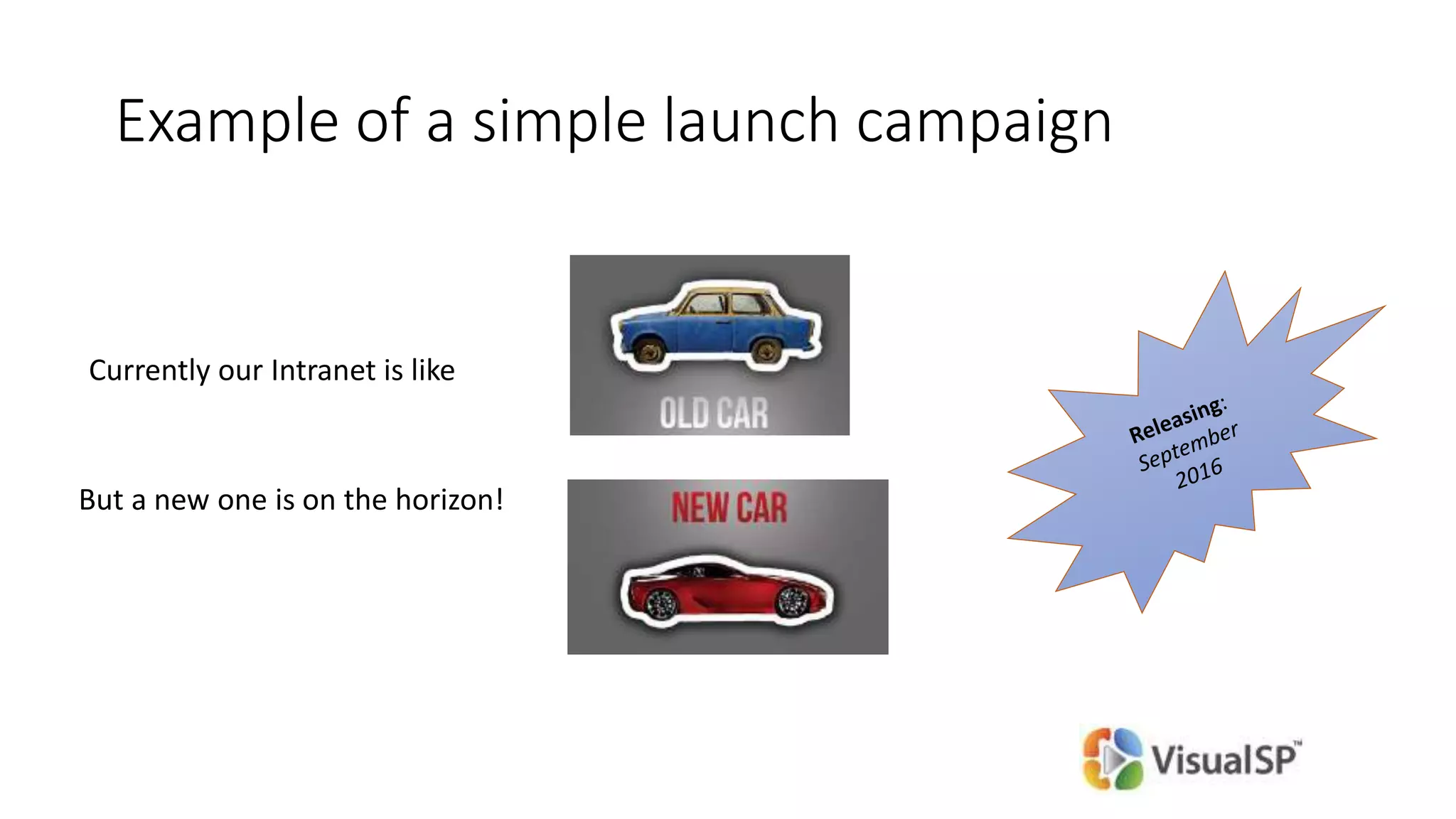
Example of a simple launch campaign
Currently our Intranet is like
But a new one is on the horizon!
Create sense of Accountability
SharePoint doesn’t drive culture change, People do! Empower them!
Place owner info on every page
provides accountability
creates End Users 'comfort' - someone is out there who can help
Hold Food related events on a regular basis
SharePointOberfest (Oktoberfest)
CollaBOOration (Halloween)
SharePointgiving (Thanksgiving)
30 for 30 – give us 30 mins and we’ll teach you 30 things
(another name for Lunch & Learn)
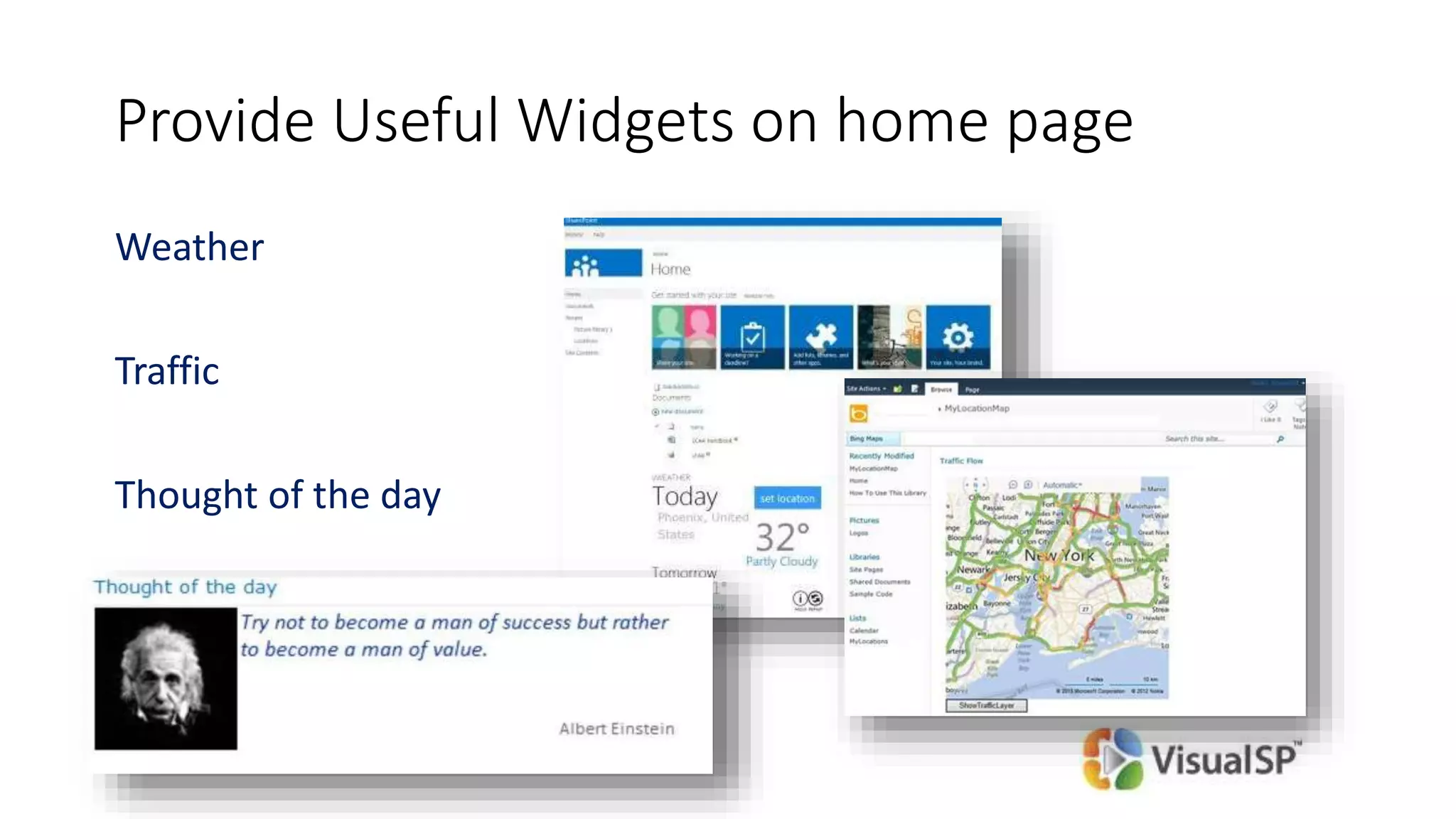
Provide Useful Widgets on home page
Weather
Traffic
Thought of the day
Call to Action
(Raffle coming up)
Always have clear goals defined before proceeding
Commit to continuous improvement
Check out the VisualSP Help System to help improve SharePoint
Adoption in your organization
@asifrehmani
asif@sharepointElearning.com
www.VisualSP.com
Thank You!

Driving SharePoint Adoption - webinar presentation

  • 1.
    Drive SharePoint Adoption inYour Organization! Asif Rehmani, MVP & MCT CEO, VisualSP @asifrehmani
  • 2.
    A quick storyabout technology adoption The story of a beautiful looking Intranet… that didn’t help its users Time for a Quick Poll
  • 3.
    Agenda 2 minutes introabout me and our company Discussion on why we should care about ‘Adoption’ Overview of current challenges and true stories to learn from Strategies to overcome those challenges
  • 4.
    About me -Asif Rehmani Trainer Founder and CEO VisualSP Chicago, USA Contact @asifrehmani asif@sharepointElearning.com www.VisualSP.com Author Trainer and ConsultantSharePoint MVP, MCTConference Speaker
  • 5.
    About our company- VisualSP Two Solutions Help System Training Center
  • 6.
    Help users when Theyneed it most Help items for current page and context List of in-context Help Items Help Tab VisualSP Help System In-context support through Help tab
  • 7.
    SharePoint topics covered EndUser SharePoint Site Administration InfoPath SharePoint Designer Workflows Branding Project management Metadata Management Access and Access Services Records Management Business Connectivity Services Search Reporting JavaScript customizations • Hundreds of SharePoint video tutorials • Fully narrated by SharePoint experts VisualSP Training Center
  • 8.
    Giveaway for today’ssession 1 Year access to * Retail value: $199.50
  • 9.
    Target audience forthis session: Communications Specialist Intranet/Web Content Manager Portal Solutions Manager SharePoint Guy/Gal Session level: 100 - Overview
  • 10.
    First question toask: What can SharePoint do for You ? (aka WIIFM)
  • 11.
    11 1. Make youlook like a super hero 2. Progress your career 3. Help you get a job in any industry vertical you choose 1. Make you look completely foolish 2. Get you fired 3. Make you change your career and go to a different industry
  • 12.
    © DEVintersection. Allrights reserved. http://www.DEVintersection.com12 Poll: What SharePoint version are you currently on? 2013 2010 2007 Earlier
  • 13.
    Why is adoptionof a technology by Information Workers so important!?
  • 15.
    15 Adoption of anynew technology is not easy A new product has to offer a 9x improvement* over the existing solution in order to be easily adopted. *Source: Harvard Business School Publishing, 2004
  • 16.
    Is SharePoint evenup for the job?
  • 17.
    © DEVintersection. Allrights reserved. http://www.DEVintersection.com17 What can SharePoint do? Collaboration Document management Internal Social Network Forms Process Automation (Workflows) Business Intelligence Reporting Search Metadata Management … Super secret SharePoint 2016 will even make coffee!
  • 18.
  • 19.
    © DEVintersection. Allrights reserved. http://www.DEVintersection.com19 Best rated intranets of 2013 7 out of top 10 winners in 2013 used SharePoint* * Nielsen Norman Group (expertise in user experience research) http://www.nngroup.com/articles/intranet-design-2013/
  • 20.
    Looks like SharePointis up for the job!
  • 21.
    Current SharePoint enduser support and software adoption challenges
  • 22.
    SharePoint support personpoint of view 1. Users ask the same question again and again 2. I don’t have enough hours in the day to support SharePoint users and do my ‘real’ job 3. SharePoint is one of the many systems I support 4. People keep going back to the old way of doing things and not using and adopting our Awesome Intranet the right way
  • 23.
    End User pointof view 1. I like the way we are currently doing things. Why change it? 2. I don’t want to learn a new technology/software What they are Really saying is: WIIFM - What’s In It For Me?
  • 24.
    Remember the firstphone that ‘felt’ smart
  • 25.
    Remember the magiccreated with this device? How did it happen?
  • 26.
    How can wecreate our own magic?
  • 27.
    Coming up: The quicksolution to End User Adoption
  • 29.
  • 30.
    Components of SharePointAdoption 1.Get an Executive sponsor 2.End User Training and Support 3.Build ‘no-code’ solutions and create ‘no-code’ developers in-house 4.Empower the Help Desk 5.Keep things Fresh!
  • 31.
  • 32.
    Follow the leader Topdown support is a Must! (otherwise, you might as well call it quits now) Employees model the behavior of the leader Without Executive support, your top talent will eventually leave
  • 33.
    What can anExecutive do to show his/her support for SharePoint initiatives?
  • 34.
    Executive Support inAction Public proclamation of support and vision for SharePoint based initiatives At least one executive should have an internal active blog Have executives refuse to accept emails with too many attachments, large attachments or messages to too many people Have CXO answer one submitted question a week on the front page of portal Jeff Immelt – CEO GE
  • 35.
    End User Trainingand Support “If you build it, they will come” is sadly not true for SharePoint
  • 36.
    Empathy for endusers is the key! What’s in it for them? Why should they care? Understand before being understood Seemingly simple things to You might not be as simple to Them
  • 37.
    Empathy generating exercisesfor SharePoint Admins If you are a Mac user, try using a PC for one day (or vice versa) Remove yourself from the SharePoint administrator role for 3 days. Try to get by with just contributor rights or below on all sites you have access to.
  • 38.
    What users experiencewhen they come across something they don’t understand in SharePoint Example A user sees that a document is checked out in a document library. This person wanted to edit this document. Steps they take: 1) Look around on the page for any info on what that means and what they can do 2) Ask someone nearby 3) Google/Bing it 4) Email or call help desk 5) Give up (ask someone else to do it)
  • 39.
    Sequence of 'training'end users 1. Communicate business goals – weeks or months in advance of a new initiative 2. Clarify how the changes apply to their role 3. Train on software/technology (this usually comes first unfortunately)
  • 40.
    Cost of “training”users the traditional way Approx. $115 / user (not counting the time off from work) for an average 2 day training Size of Organization Total cost of 2 day training for end users 500 $57,500 1,000 $115,000 2,000 $230,000 5,000 $575,000 10,000 $1,150,000
  • 41.
    A Bold statementcoming up… A thorough end users Training on SharePoint is a waste of time - Theirs and Yours! Instead…  Provide kick off/intro training  Then frequent awareness sessions in form of lunch and learns (by peers)  Provide on-demand quick help - tip sheets, video tutorials and reference documents when users need them  Provide a reference Knowledge Portal – online or on-premises After two days of training, people remember: 10% of what they read 20% of what they hear 30% of what they see Copyright 1999 Open-Book Management Inc.
  • 42.
    Poll Does your organizationprovide context sensitive help to users?
  • 43.
  • 44.
    46 Questions to askyourself Incorrect questions  What can SharePoint do?  How much is the initial cost of the solution? Correct questions  What do our users need?  What does our business need?  What’s the return on investment long term for those solutions?  Who’s going to maintain the solutions?
  • 45.
    What can SharePointdo for your business? Human resource on-boarding process Vacation scheduling system Vendor management portal Employee training scheduling and materials Business performance reporting Company knowledge base Help desk portal Inventory tracking …
  • 46.
    Reasons for going‘no-code’ Possibilities of what you can do are Enormous! Quick learning curve Easier ongoing management of solution Delegate responsibility easily
  • 47.
    Who is buildingthese no-code solutions and why? Not end users!! Power Users / Evangelists in each department • SharePoint is a platform for solution creation • Create team specific solutions quickly! • Creates a sense of pride and accountability
  • 48.
    Identify true painpoints and focus in on them sounds easy, right..? Not so fast Implement Quick Wins
  • 49.
  • 50.
    © DEVintersection. Allrights reserved. http://www.DEVintersection.com52 SharePoint Designer 2010 Manipulating Data and List Views
  • 51.
  • 52.
  • 53.
  • 54.
  • 55.
  • 56.
    © DEVintersection. Allrights reserved. http://www.DEVintersection.com58 More Dashboards PerformancePoint Dashboard Designer
  • 57.
    © DEVintersection. Allrights reserved. http://www.DEVintersection.com59 And more Dashboards SQL Server PowerPivot
  • 58.
    Project Management Utilize ProjectServer to manage projects
  • 59.
  • 60.
    How do Ipractice my ideas and concepts? Get a 30 day trial of Office 365 Watch free sample videos at: http://visualsp.com/video-categories/all-sample-videos/ 62
  • 61.
  • 62.
    Typical Technology HelpDesk Setup Big companies: Internal Help Desk supporting multiple applications Small to Medium size companies: 1 to few people in support role Or Help Desk is outsourced Small companies: It’s Joe or Sarah in each department who is The Help Desk
  • 63.
    Providing Help tothe Help Desk Formal training (in-person or online) on SharePoint at the Power User level – browser and no-code Ability to tap into available knowledge base as needed Wiki pages and documentation Video tutorials Established connections with department/team evangelists Online resources Remote consultation with SharePoint experts
  • 64.
  • 65.
    Focus on continuousre-marketing There’s a reason why movie trailers are created months or years in advance. They create much needed excitement! Hold mini launch and re-launch events Focus on the WIIFM aspect when designing campaigns Tools for marketing: Videos, Posters around the building, special Announcements at company events, internal Social Media, Newsletter, etc.
  • 66.
    Example of asimple launch campaign Currently our Intranet is like But a new one is on the horizon!
  • 67.
    Create sense ofAccountability SharePoint doesn’t drive culture change, People do! Empower them! Place owner info on every page provides accountability creates End Users 'comfort' - someone is out there who can help
  • 68.
    Hold Food relatedevents on a regular basis SharePointOberfest (Oktoberfest) CollaBOOration (Halloween) SharePointgiving (Thanksgiving) 30 for 30 – give us 30 mins and we’ll teach you 30 things (another name for Lunch & Learn)
  • 69.
    Provide Useful Widgetson home page Weather Traffic Thought of the day
  • 70.
    Call to Action (Rafflecoming up) Always have clear goals defined before proceeding Commit to continuous improvement Check out the VisualSP Help System to help improve SharePoint Adoption in your organization @asifrehmani asif@sharepointElearning.com www.VisualSP.com Thank You!

Editor's Notes

  • #3 Poll on what the problem was Intranet that looked beautiful and to the eyes of the developers was very functional. Couple of months after the launch, everything seemed to be going smoothly and then the search logs were checked. Who knows how many people went away disappointed
  • #4 Feel free to interject with comments and questions
  • #6 Focused on educating and empowering all SharePoint users
  • #10 Target audience is anyone whose job it is to make SharePoint successful in the organization!
  • #11 Ultimately, there has to be something You would want from it. Dig deep and understand that before you start evangelizing it. Career progression Satisfaction of helping users I’m in love with SharePoint It’s my job. Otherwise, I could care less about this SharePoint thingy
  • #13 Poll SP Online as well Challenge of adoption has still remain even though the feature set has increased exponentially over the years.
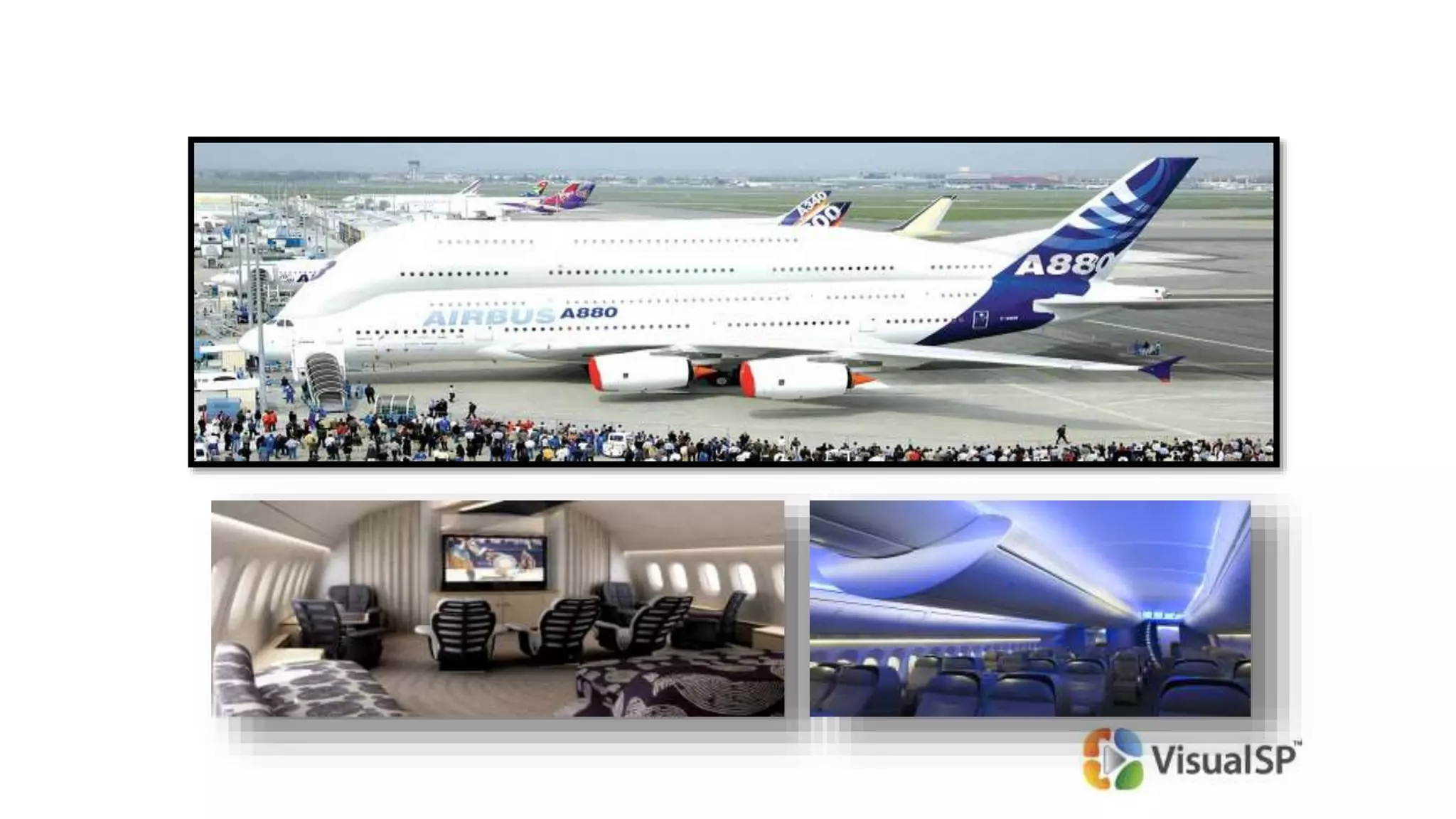
  • #15 Buying SharePoint and not getting the users onboard is like buying a Jumbo Jet, learning to fly it and then flying around in it without passengers. What's the point? That’s what happens when end users are not provided the support they need when they need it!
  • #16 Ask yourself: is the SharePoint based solution better than what folks currently have? Fileshare Intranet Document Management Search Business Intelligence
  • #18 Fundamentally what SharePoint can do has not changed from version to version Some things it does really well. Others not so much.
  • #19 Intranets I have worked on or seen at my customers have been beautiful looking None of them are called ‘SharePoint’
  • #22 It’s a pretty tall order to support the demanding true end users
  • #25 Same questions asked by various people – how do I create a new contact? Why am I not seeing the list on the left hand side of page (quick launch)? How do I put more stuff on this page? My real job on SharePoint is to build and maintain solutions on top of it, not support end users continuously. Many SharePoint people are also handling other servers: Windows, Exchange, AD, Identity Manager. The old Intranet, fileshare and document management solution get more traction than SharePoint.
  • #26 If these people were really technology averse, they wouldn’t be carrying smartphones and stick to the flip variety. It’s all about WIIFM
  • #27 Introduced in 2000. Many geeks like me took to it. But it failed to take over the mainstream.
  • #28 Introduced in 2007 The same person who will tell you ‘I don’t want to try anything new’ would fall easily for an easy to use interface like this that benefits Them and it just works! Simple, straightforward, built for the masses.
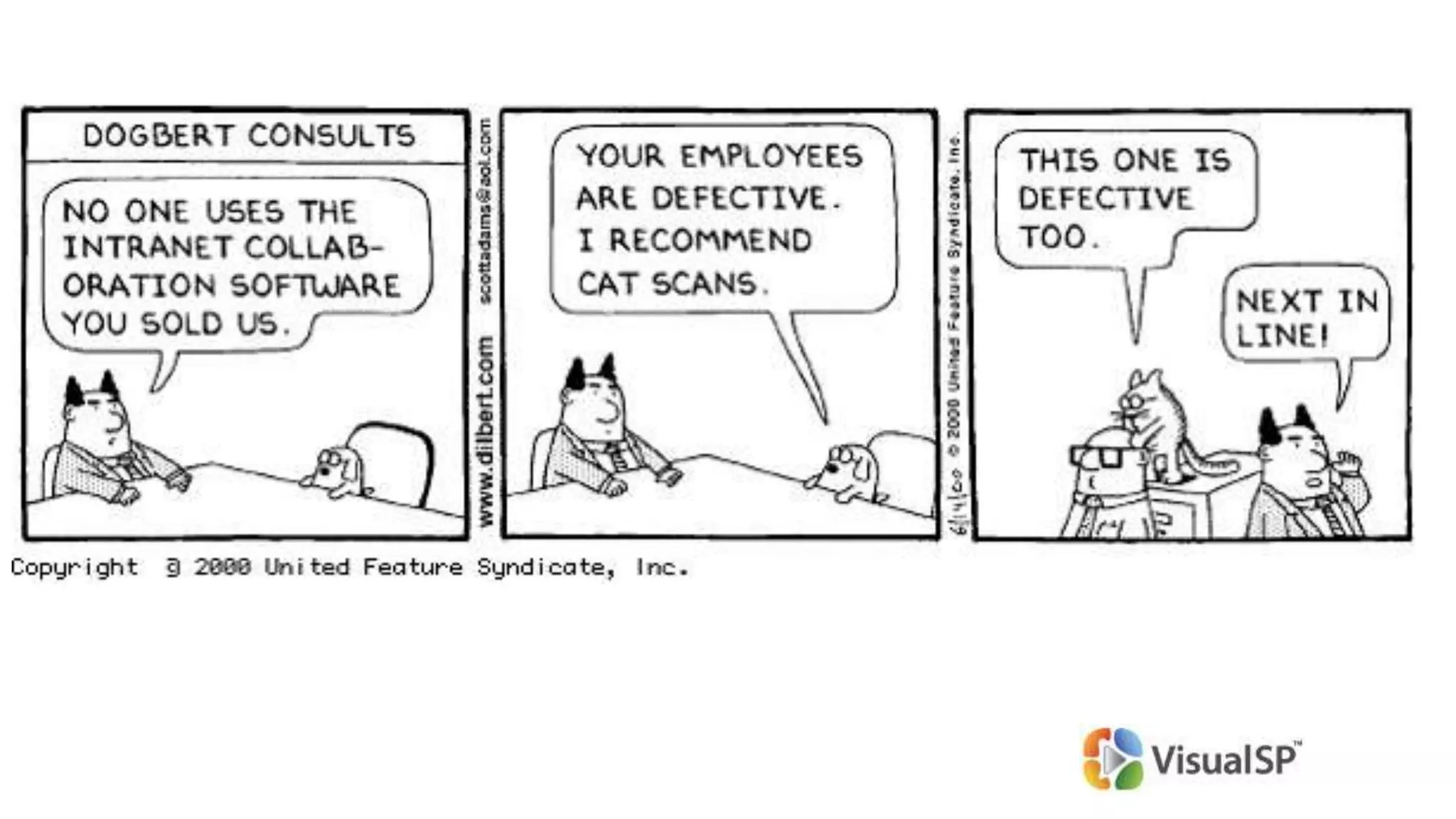
  • #31 Cat scan is the best way to get the right people in the seats. If that doesn’t work, you can use the other strategies I’ll talk about for supporting your users
  • #32 No one silver bullet unfortunately. However, a bunch of copper bullets combined together make a Big impact
  • #35 I have not seen a single installment of SharePoint that has succeeded without executive support. Story of how my fellow speaker left her company because she could not get exec support no matter what.
  • #37 Exec must declare in company communication the ‘why’ of SharePoint My understanding is that Jeff Immelt’s SharePoint blog is still current. Refusal to accept emails with too many attachments or people can start slowly by one executive than others would start modeling it. CIO, CMO, CEO, etc can answer one submitted question a week on the home page of portal
  • #38 You have to proactively help users. It won’t happen automatically.
  • #39 Empathy and not Sympathy. Why should they care? Would you care if someone came in and told you to change how you have been doing things for years? Creating a new document – at least 3 ways to start the process. But wait… only Word documents can be created..?
  • #40 Tell the Mac users to start using a PC or vice versa and the reaction is the same. No way!
  • #41 Usually after a couple of these steps, you have lost the user. Once frustration sets in, the user probably won’t be back.
  • #42 Business goals – how does it benefit the company and their department/region. Market the new launch around the office – posters, signs, announcements, internal social media, etc. Roles in various industries – secretary, paralegal, biologist, analyst, financial advisor, banker, school faculty, ‘knowledge worker’ More often than not, No 3 is the No 1 and the other two just don’t happen. They are expected to be known variables
  • #43 That is ridiculous amount of money if done this way. Especially because this type of training just isn’t that effective.
  • #44 The return on investment of in-class end user training is not good. The story of how end user training didn’t work. Kick off/intro would be half day or 4 hours. Two groups done in one day. On-demand quick help in form of physical docs on the desk (but unfortunately, they tend to get misplaced or damaged) or on the screen help Check out http://www.VisualSP.com for an in-context, on-demand Help solution for SharePoint end users Knowledge portal can be a library of videos and documents either accessed online or available on location
  • #46 How does this fit in the adoption story? Creating no-code solutions and no-code developers in-house has major benefits enhancing adoption in the organization.
  • #47 Focus on value and business need, not features. Look at the ROI long term, not cost of acquisition – sometimes it’s better to buy then build.
  • #48 SharePoint as a platform. Talk about Benefits, not Features to internal customers (end users) Imagine using Windows without any applications.. That’s how SharePoint is when it’s first turned On Most can be developed as no-code solutions
  • #50 Power Users in each department are the ones whose technical acumen is respected by all in the department. They are the ones end users ask when they have a technical question or request.
  • #51 Don’t try to go for Everything at once. It’s been a recipe for failure for many orgs The story of the secretary from Tennessee
  • #52 Some examples of no-code solutions and the technology used to create them.
  • #63 No credit card required to get an Office 365 trial
  • #65 Question is: how do you empower these folks to help their users?
  • #66 In-person training is the best, but not always the practical choice these days. Online training is the next best choice. Help desk should be able to get the expert help they need when they need it.
  • #68 WIIFM – what’s in it for me It’s a continuous cycle and not a one time effort
  • #70 SharePoint is just a tool/platform. People make it successful/unsuccessful. Preferably owner’s picture on the page as well
  • #71 Food in general always brings people together as we all know 
  • #72 This stuff is important to folks. Remember to provide what’s important to Them first before expecting them to pay attention to stuff that’s important to You!