Topics to becovered
i. Introduction to Android, Open Handset
Alliance, Android Ecosystem.
ii. Need of Android, Features of Android.
iii. Tools and software required
developing and Android Application
iv. Android architecture
Introduction to Android
Android is a Linux based operating system with a Java programming
interface for mobile devices.
It is designed primarily for touch screen mobile devices such as smart
phones and tablet computers.
Android was developed by the Open Handset Alliance (OHA),
which is led by Google. The Open Handset Alliance (OHA) is group
of multiple companies like Samsung, Sony, Intel and many more to
provide a services and deploy handsets using android platform.
Android includes a software development kit (SDK) that helps you
write original code and assemble software modules to create apps for
Android users.
The SDK includes software libraries of prewritten code, a debugger, a
device emulator, documentation, sample code, and tutorials.
7.
What is OpenHandset
Alliance
The Open Handset Alliance (OHA) is a business alliance
that was created for the purpose of developing open
mobile device standards.
The OHA is a group of more than 80 companies,
including Google, HTC, Dell, Intel, Motorola, Qualcomm.
OHA's main product is the Android platform - the
world's most popular smartphone platform. Android is
open to everyone: developers, designers, and device
makers. That means more people can experiment,
imagine, and create the world has never seen.
8.
The OpenHandset Alliance is an association of
84 companies developing free standards for
mobile devices.
Member companies include HTC, Sony, Dell,
Intel, Motorola, Qualcomm, Texas Instruments,
Google, Samsung Electronics, LG Electronics,
Sprint Corporation, Nvidia.
OHA members are mainly device operators,
device manufacturers, software development
firms, semiconductor companies, and
commercialization companies. Members share
a commitment to increase the commercial
viability of open platform development.
10.
Android Ecosystem
Ecosystemin Market terminology refers to the
inter-dependence between demand and supply.
In the Android ecosystem this translates to
inter-dependence between users, developers,
and equipment makers. One cannot exist
without the other:
Users buy devices and applications
Equipment makers sell devices, sometimes
bundled with applications
Developers buy devices, then make and sell
applications
11.
The Android ecosystem
An open source platform for mobile,
embedded and wearable devices
Google is the principle maintainer
Other companies contribute to the
system.
Each device manufacturer can
customize Android to suite their needs
Android Features
Androidis a powerful open source operating system which provides a
lot of great features, those are
It’s an open source and we can customize the OS based on our
requirements.
It support a connectivity for GSM, CDMA, WIFI, NFC, Bluetooth, etc.
for telephony or data transfer. It will allow us to make or receive a
calls / SMS messages and we can send or retrieve a data across
mobile networks
By using WIFI technology we can pair with other devices using apps
Android have a multiple APIs to support a location-based services
such as GPS
We can perform all data storage related activities by using light
weight database SQLite.
It have a wide range of media supports like AVI, MKV, FLV, MPEG4
etc. to play or record variety of audio / video and having a different
image formats like JPEG, PNG, GIF, BMP, MP3, etc.
14.
It hasan extensive support for multimedia hardware
control to perform playback or recording using camera
and microphone
It has an integrated open source webkit layout based web
browser to support HTML5, CSS3
It supports a multi-tasking, we can move from one task
window to another and multiple applications can run
simultaneously
It will give a chance to reuse the application components
and the replacement of native applications.
We can access the hardware components like Camera,
GPS, and Accelerometer
It has a support for 2D/3D Graphics
15.
Tools for application
development
AndroidSDK
Provides the Java framework classes
Compiles to java byte code
Class framework is updated with every OS release
Android NDK
C/C++ tool chain for compiling to machine code
Android platform tools
adb (android debug bridge) : runs and debugs apps
from your dev machine
Android developer tools
Eclipse plug-in for Android
Android studio (doesn’t yet fully support all NDK
features)
16.
Software Development Kit
(SDK)
The Android SDK is a set of development tools that are
used to develop applications for the Android platform.
Every time Google releases a new version, the
corresponding SDK is also released. In order to work
with Android, the developers must download and
install each version’s SDK for the particular device.
This SDK provides a selection of tools that are required
to build Android applications and ensures the process
goes as smoothly as possible.
Whether you create an application using Java or C#,
you need the SDK to get it to run on any Android
device.
17.
NDK or NativeDevelopment
Kit
NDK is a toolset that is provided by
Android to use C or C++ code in our
Android application, besides the Android
Software Development Kit (Android SDK)
which supports Java.
18.
Android Applications
Androidapplications are usually developed
in the Java language using the Android
Software Development Kit.
Once developed, Android applications can
be packaged easily and sold out either
through a store such as Google
Play, SlideME, Opera Mobile
Store, Mobango, F-droid and the Amazon
Appstore.
19.
Android powershundreds of millions of
mobile devices in more than 190
countries around the world. It's the
largest installed base of any mobile
platform and growing fast. Every day
more than 1 million new Android devices
are activated worldwide.
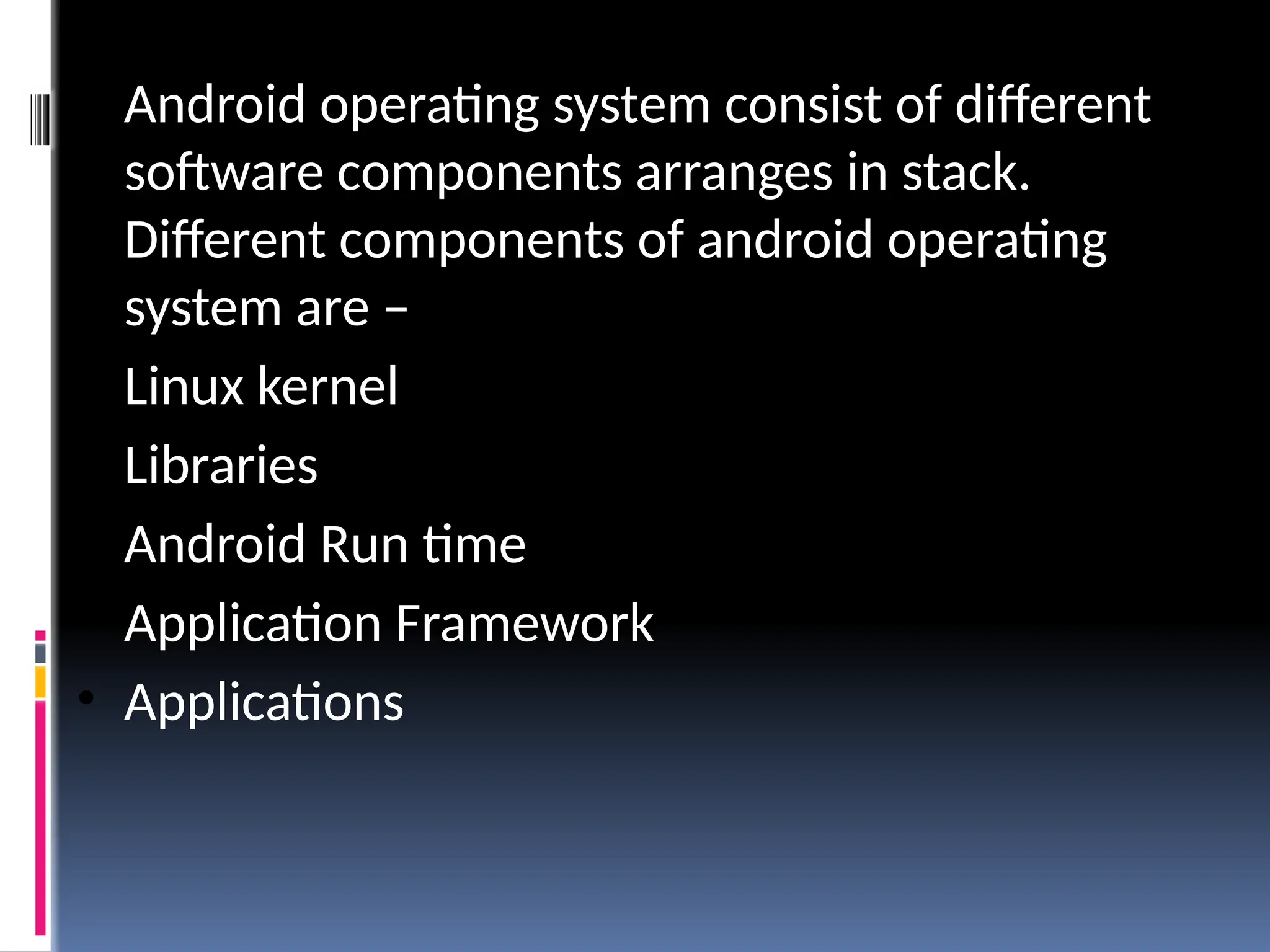
• Android operatingsystem consist of different
software components arranges in stack.
Different components of android operating
system are –
• Linux kernel
• Libraries
• Android Run time
• Application Framework
• Applications
22.
• Linux kernel
•Bottom layer of android operating system is Linux
kernel.
• Android is built on top of Linux 2.6 Kernel and few
architectural changes made by Google.
• Linux Kernel provides the basic system
functionality such as process management,
memory management and device management
• Linux kernel also provides array of device drivers
which make our task easier while interfacing the
android with peripheral devices.
23.
• Libraries
• Onthe top of Linux Kernel another layer called
libraries is present.
• It provides the different libraries useful for
well functioning of android operating system.
• Libraries are java libraries build specific for
android operating system.
• For example
• SSL(Secure Socket Layer): It is used to
provide internet security
• WebKit: It is the browser engine used to
display internet content or HTML content
24.
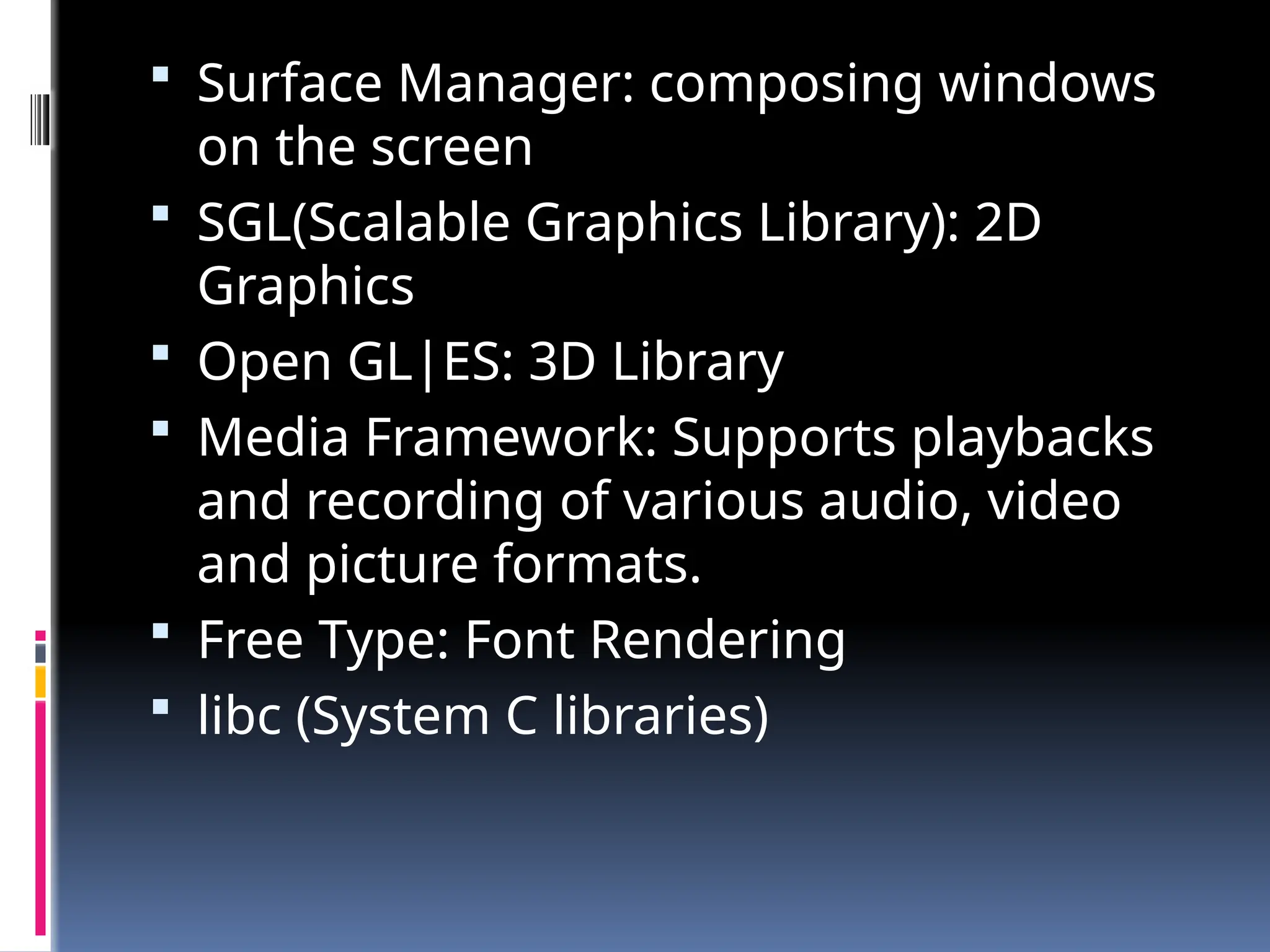
Surface Manager:composing windows
on the screen
SGL(Scalable Graphics Library): 2D
Graphics
Open GL|ES: 3D Library
Media Framework: Supports playbacks
and recording of various audio, video
and picture formats.
Free Type: Font Rendering
libc (System C libraries)
25.
• Android Runtime
•It is third component of the android architecture
and placed in second layer from bottom
• It provides most important part of android called
Dalvik Virtual Machine.
• Dalvik Virtual Machine is similar to JVM but only
difference is that it is designed and optimized for
Android.
• Dalvik Virtual machine uses core functions of
Linux such as memory management and
multithreading and enables each android app to
run its own process.
26.
• Application framework
•It is 2nd topmost component in android
operating system stack
• Android applications directly interacts with
application framework.
• Application framework manages the basic
functions of android device such as resource
management, voice call management etc
27.
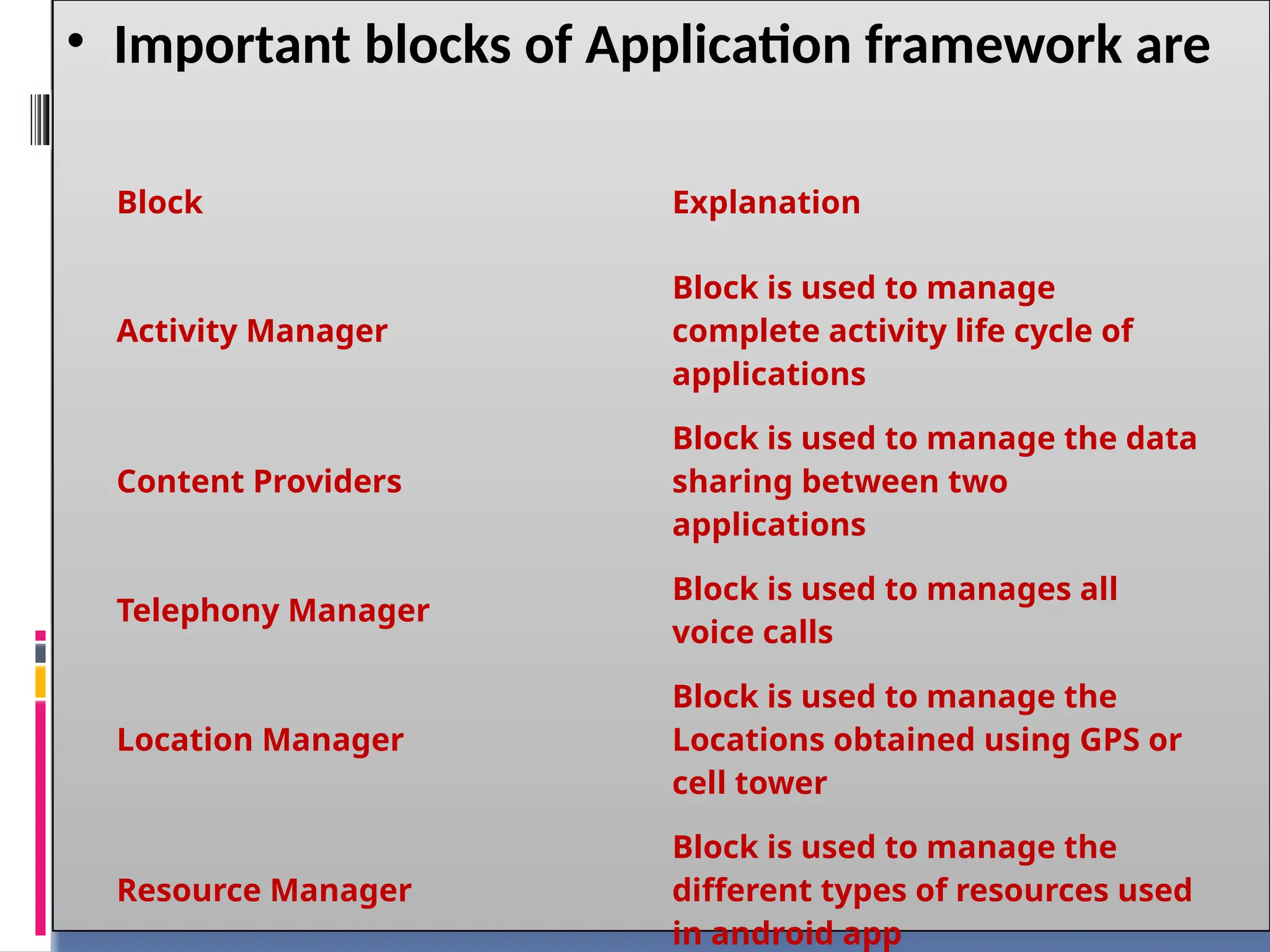
• Important blocksof Application framework are
Block Explanation
Activity Manager
Block is used to manage
complete activity life cycle of
applications
Content Providers
Block is used to manage the data
sharing between two
applications
Telephony Manager
Block is used to manages all
voice calls
Location Manager
Block is used to manage the
Locations obtained using GPS or
cell tower
Resource Manager
Block is used to manage the
different types of resources used
in android app
Assignment 1
1. Describeandroid and importance of
OHA
2. List and explain features of android.
3. Explain need of android .
4. Explain android architecture
5. Explain android ecosystem