
Bash       4
Linux Open Administration Days

        Pieter Colpaert_
#Understanding Bash
 >A little history
 >Reinventing UNIX
#Speaking Bash
#Bash 4
#_
Understanding Bash_
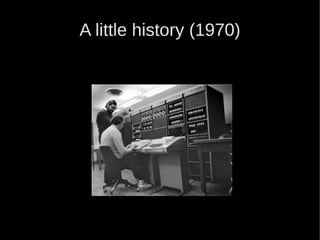
A little history (1970)
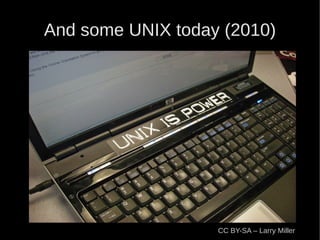
And some UNIX today (2010)


                   CC BY-SA – Larry Miller
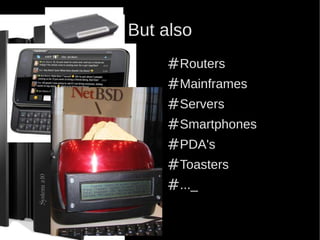
But also
    #Routers
    #Mainframes
    #Servers
    #Smartphones
    #PDA's
    #Toasters
    #..._
Let's reinvent UNIX
/rules/1# Writing software is one thing.
Making it communicate is another_
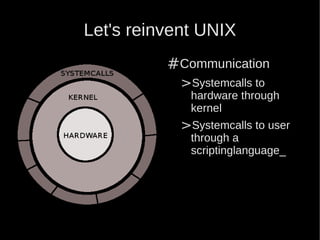
Let's reinvent UNIX
          #Communication
            >Systemcalls to
             hardware through
             kernel
            >Systemcalls to user
             through a
             scriptinglanguage_
Why Bash?
#Not much knowledge required
#Combines C-shell, Bourne Shell, …
#Free Software
#_
What the hell is wrong with a GUI?
#Nothing
 >For once in a life-time configurations
 >Living today is pretty awesome
#Everything
 >When you have to configure 20 PC's the same way
 >When you don't want to install a demo-version of
    some proprietary tool
  >When you want to do things fast_
Speaking Bash_
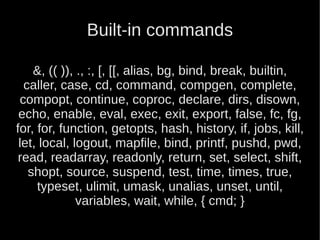
Built-in commands

    &, (( )), ., :, [, [[, alias, bg, bind, break, builtin,
  caller, case, cd, command, compgen, complete,
 compopt, continue, coproc, declare, dirs, disown,
 echo, enable, eval, exec, exit, export, false, fc, fg,
for, for, function, getopts, hash, history, if, jobs, kill,
 let, local, logout, mapfile, bind, printf, pushd, pwd,
 read, readarray, readonly, return, set, select, shift,
   shopt, source, suspend, test, time, times, true,
     typeset, ulimit, umask, unalias, unset, until,
              variables, wait, while, { cmd; }
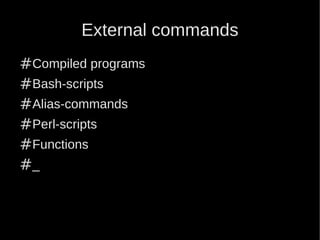
External commands
#Compiled programs
#Bash-scripts
#Alias-commands
#Perl-scripts
#Functions
#_
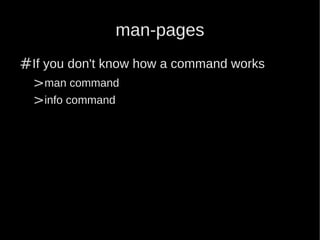
man-pages
#If you don't know how a command works
  >man command
  >info command
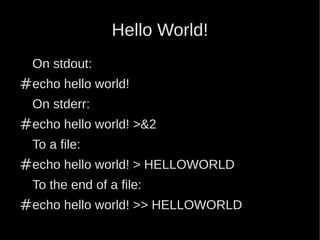
Hello World!
  On stdout:
#echo hello world!
  On stderr:
#echo hello world! >&2
  To a file:
#echo hello world! > HELLOWORLD
  To the end of a file:
#echo hello world! >> HELLOWORLD
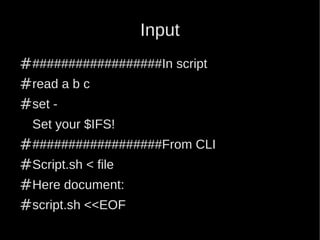
Input
###################In script
#read a b c
#set -
 Set your $IFS!
###################From CLI
#Script.sh < file
#Here document:
#script.sh <<EOF
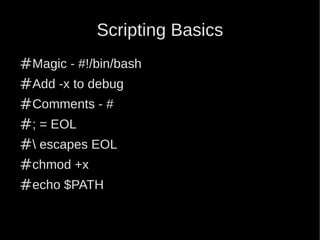
Scripting Basics
#Magic - #!/bin/bash
#Add -x to debug
#Comments - #
#; = EOL
# escapes EOL
#chmod +x
#echo $PATH
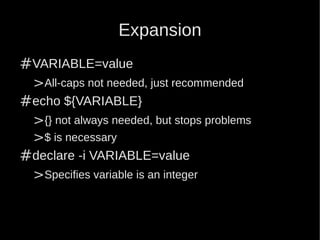
Expansion
#VARIABLE=value
 >All-caps not needed, just recommended
#echo ${VARIABLE}
 >{} not always needed, but stops problems
 >$ is necessary
#declare -i VARIABLE=value
 >Specifies variable is an integer
Expansion

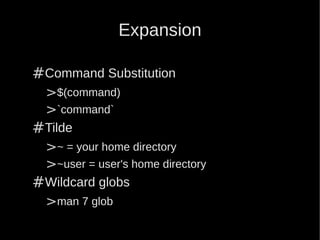
#Command Substitution
 >$(command)
 >`command`
#Tilde
 >~ = your home directory
 >~user = user's home directory
#Wildcard globs
 >man 7 glob
Expansion
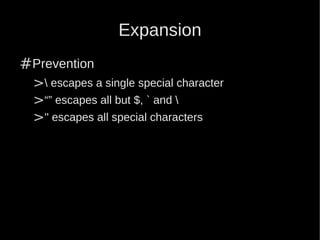
#Prevention
  > escapes a single special character
  >“” escapes all but $, ` and 
  >'' escapes all special characters
Loops
#for VAR in items in list; do commands; done
#exit status - $?
#test - [ condition ]
#while [ test ]; do commands; done
#until [ test ]; do commands; done
Conditional Statements

#Operators
 >&&
 >||
#if [ test ]; then commands
#elif [ test ]; then commands
#else commands
#fi
Conditional Statements

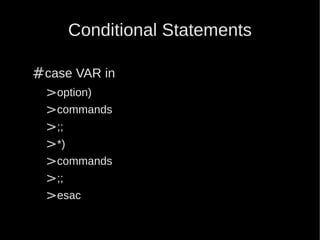
#case VAR in
 >option)
 >commands
 >;;
 >*)
 >commands
 >;;
 >esac
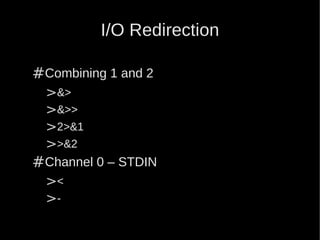
I/O Redirection

#Combining 1 and 2
 >&>
 >&>>
 >2>&1
 >>&2
#Channel 0 – STDIN
 ><
 >-
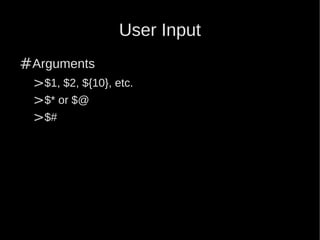
User Input
#Arguments
 >$1, $2, ${10}, etc.
 >$* or $@
 >$#
Bash 4_
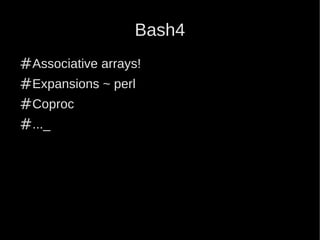
Bash4
#Associative arrays!
#Expansions ~ perl
#Coproc
#..._
Associative Arrays
#Declare -A array
#array[element]=hello
#echo ${array[element]}
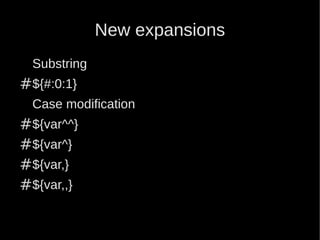
New expansions
  Substring
#${#:0:1}
  Case modification
#${var^^}
#${var^}
#${var,}
#${var,,}
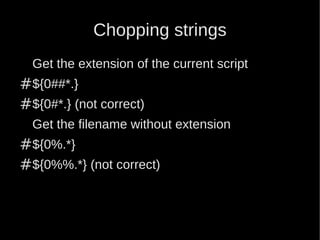
Chopping strings
  Get the extension of the current script
#${0##*.}
#${0#*.} (not correct)
  Get the filename without extension
#${0%.*}
#${0%%.*} (not correct)
Examples
Questions


            #CC BY-SA

Bash 4