Downloaded 27 times

![Logstash Shipper - Sample conf
input {
file {
type => "access-log"
path => [ "/usr/local/share/megam/megamd/logs/*/*" ]
}
}
filter {
grok {
type => "access-log"
match => [ "@source_path",
"(//usr/local/share/megam/megamd/logs/)(?
<source_key>.+)(//*)" ]
}
}
output {
stdout { debug => true debug_format => "json"}
redis {
key => '%{source_key}'
type => "access-log"
data_type => "channel"
host => "my_redis_server.com"
}
}
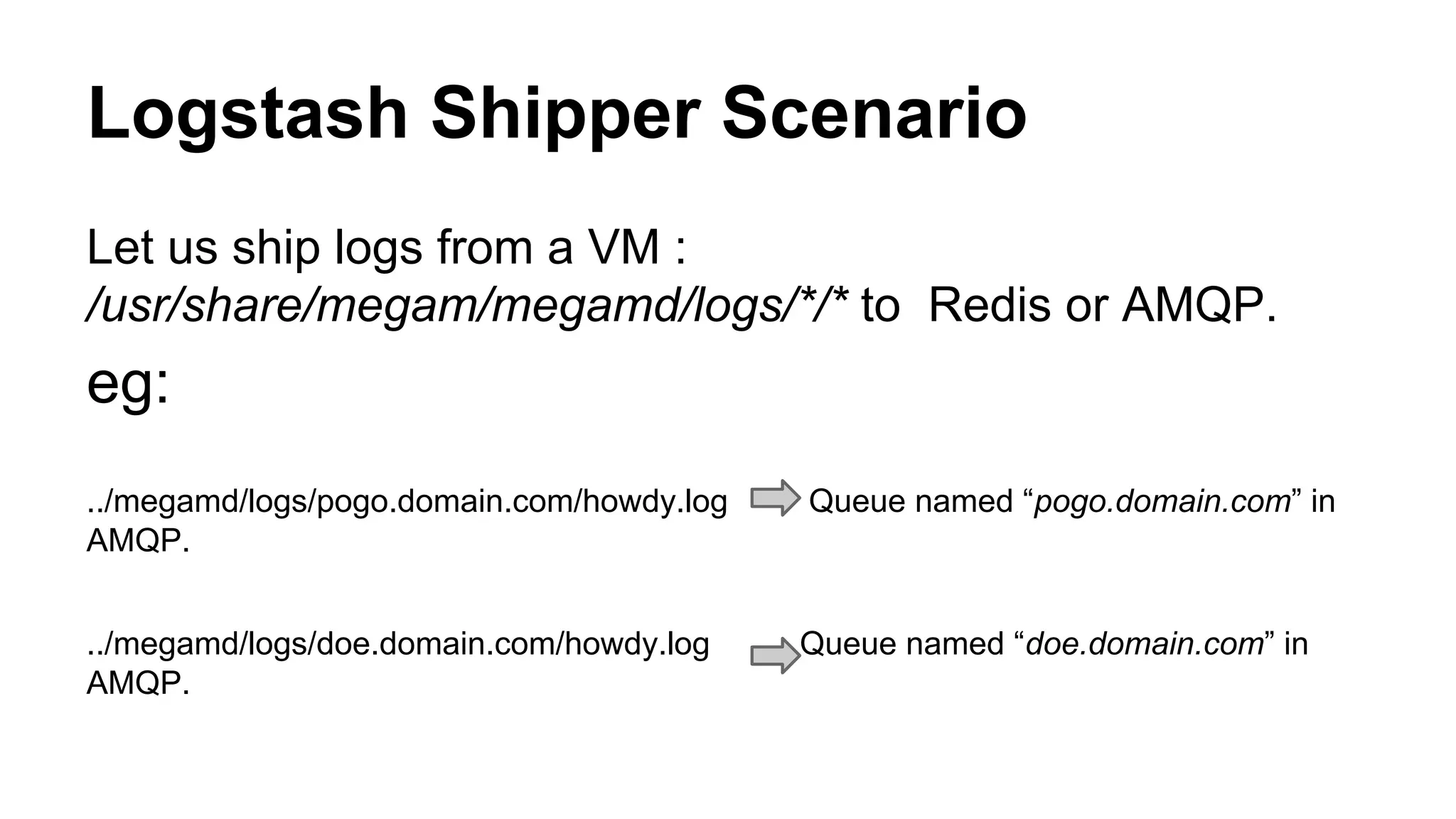
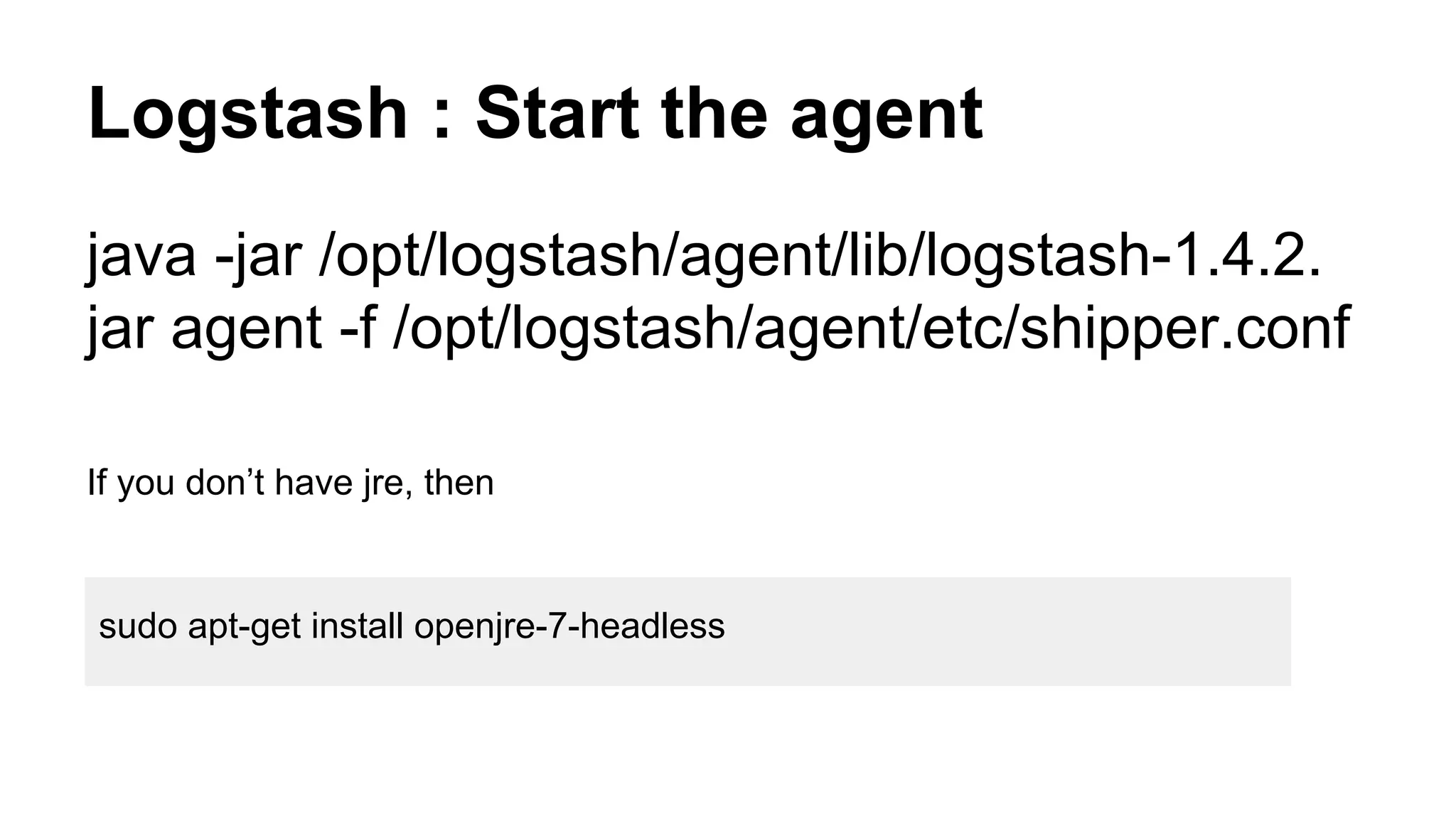
Logs inside <source_key> directory are shipped to Redis key named <source_key>
/opt/logstash/agent/etc$ sudo cat shipper.conf](https://image.slidesharecdn.com/likelogglyusingopensource-140711030330-phpapp01/75/Like-loggly-using-open-source-15-2048.jpg)
![Heka configuration
nano /etc/hekad.toml
[TestWebserver]
type = "LogstreamerInput"
log_directory = "/usr/share/megam/heka/logs/"
file_match = '(?P<DomainName>[^/]+)/(?P<FileName>[^/]+)'
differentiator = ["DomainName", "_log"]
[AMQPOutput]
url = "amqp://guest:guest@localhost/"
exchange = "test_tom"
queue = true
exchangeType = "fanout"
message_matcher = 'TRUE'
encoder = "JsonEncoder"
[JsonEncoder]
fields = [ "Timestamp", "Type", "Logger", "Payload",
"Hostname" ]](https://image.slidesharecdn.com/likelogglyusingopensource-140711030330-phpapp01/75/Like-loggly-using-open-source-20-2048.jpg)
![Chef Recipe : Beaver
When a VM is run, recipe(megam_logstash::beaver) is
included.
node.set['logstash']['key'] = "#{node.name}"
node.set['logstash']['amqp'] = "#{node.name}_log"
node.set['logstash']['beaver']['inputs'] = [ "/var/log/upstart/nodejs.log",
"/var/log/upstart/gulpd.log" ]
include_recipe "megam_logstash::beaver"
attributes like (nodename, logfiles) are set dynamically.](https://image.slidesharecdn.com/likelogglyusingopensource-140711030330-phpapp01/75/Like-loggly-using-open-source-24-2048.jpg)
![Chef Recipe : Rsyslog
When a VM is run, recipe(megam_logstash::rsyslog) is
included.
node.set['rsyslog']['index'] = "#{node.name}"
node.set['rsyslog']['elastic_ip'] = "monitor.megam.co.in"
node.set['rsyslog']['input']['files'] = [ "/var/log/upstart/nodejs.log",
"/var/log/upstart/gulpd.log" ]
include_recipe "megam_logstash::rsyslog"
attributes like (nodename, logfiles) are set dynamically.](https://image.slidesharecdn.com/likelogglyusingopensource-140711030330-phpapp01/75/Like-loggly-using-open-source-26-2048.jpg)


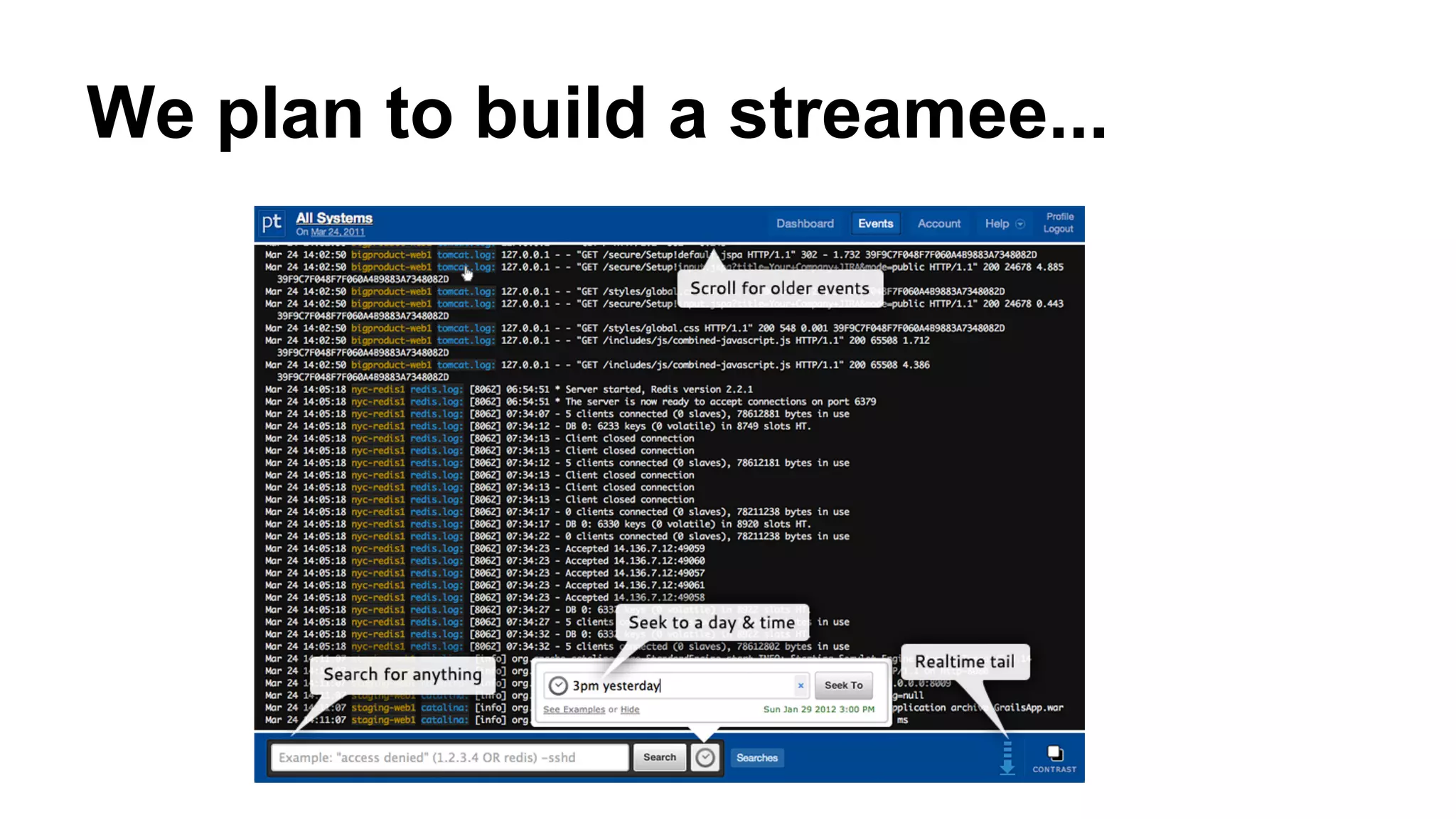
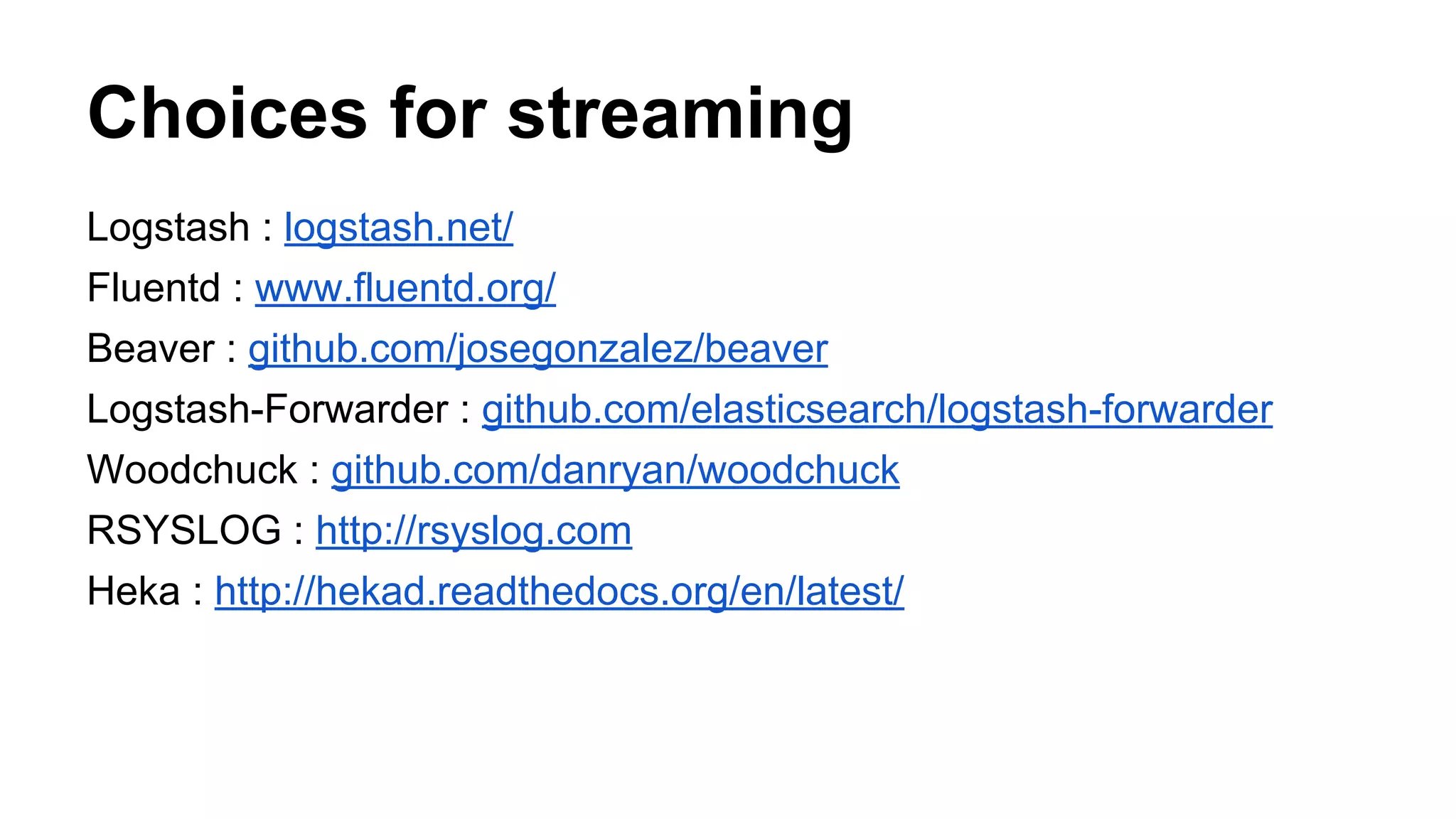
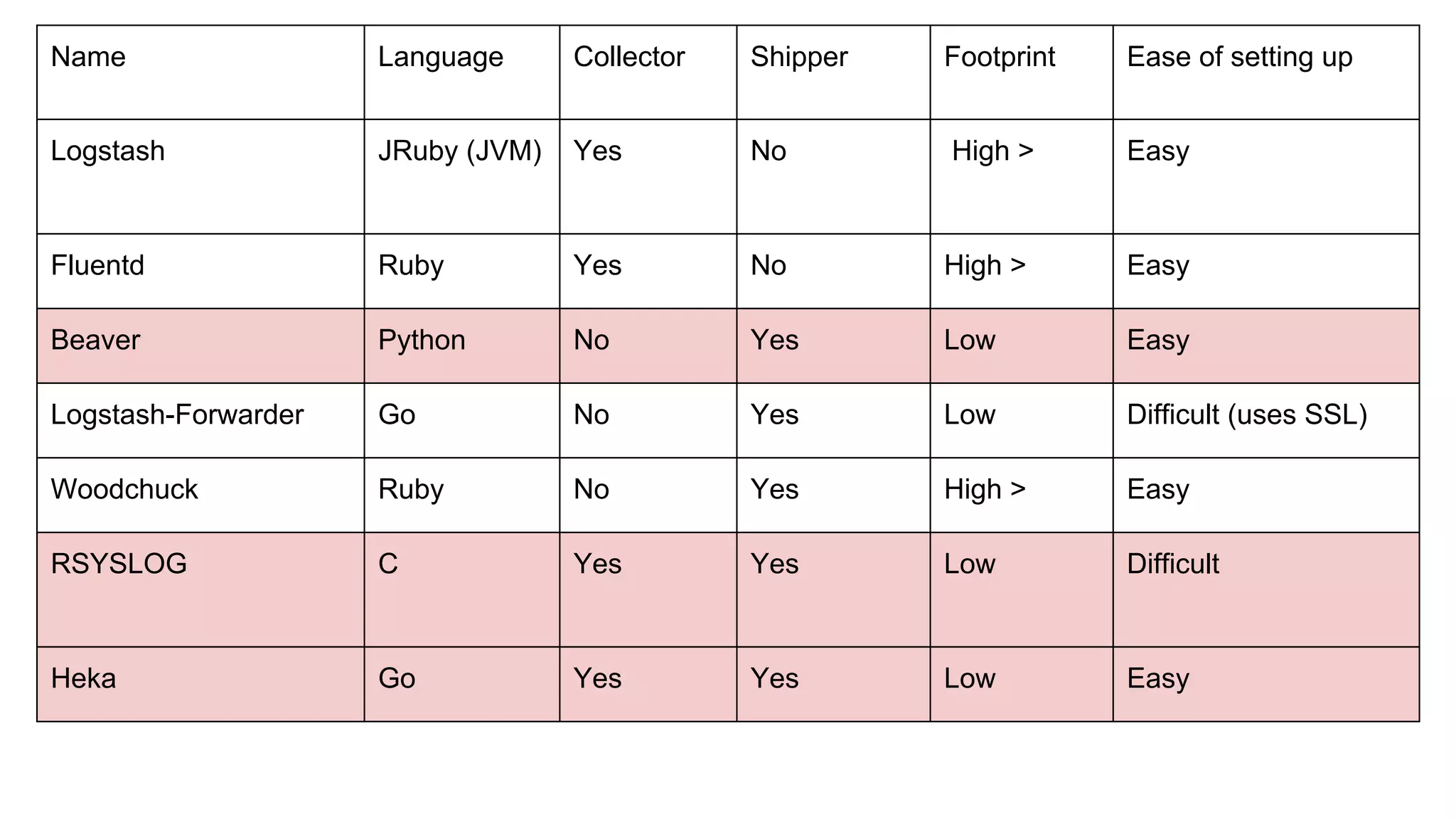
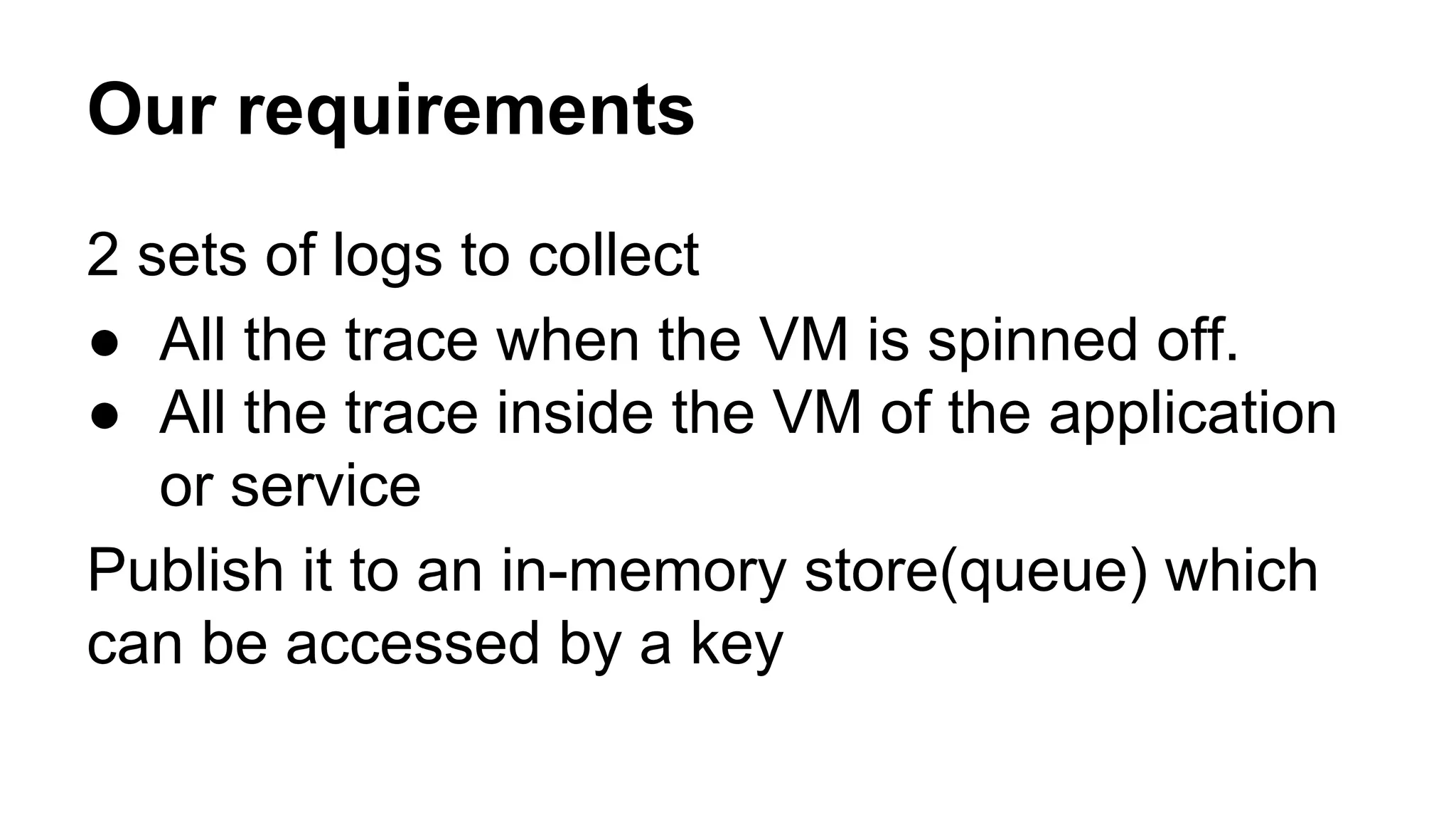
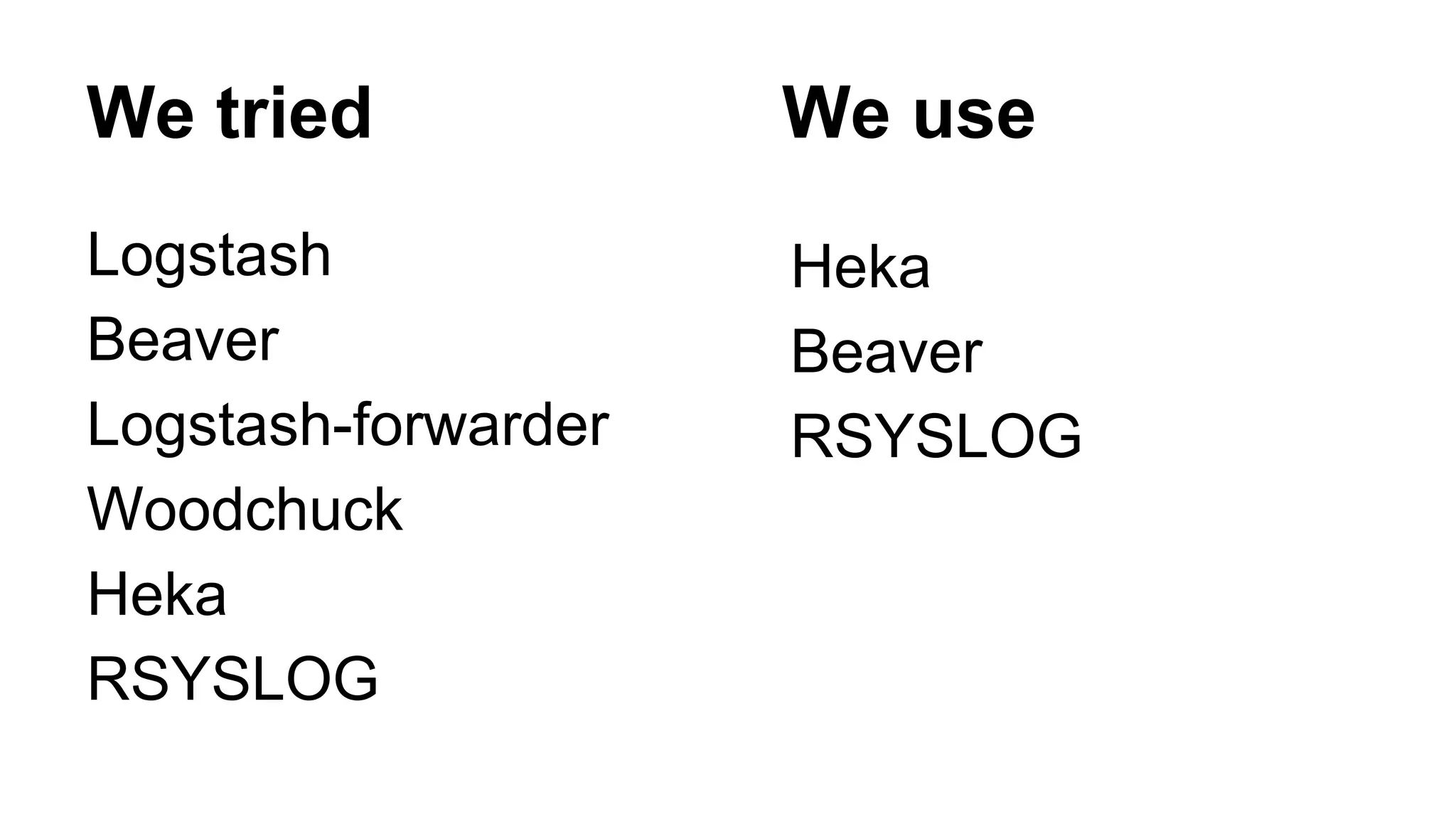
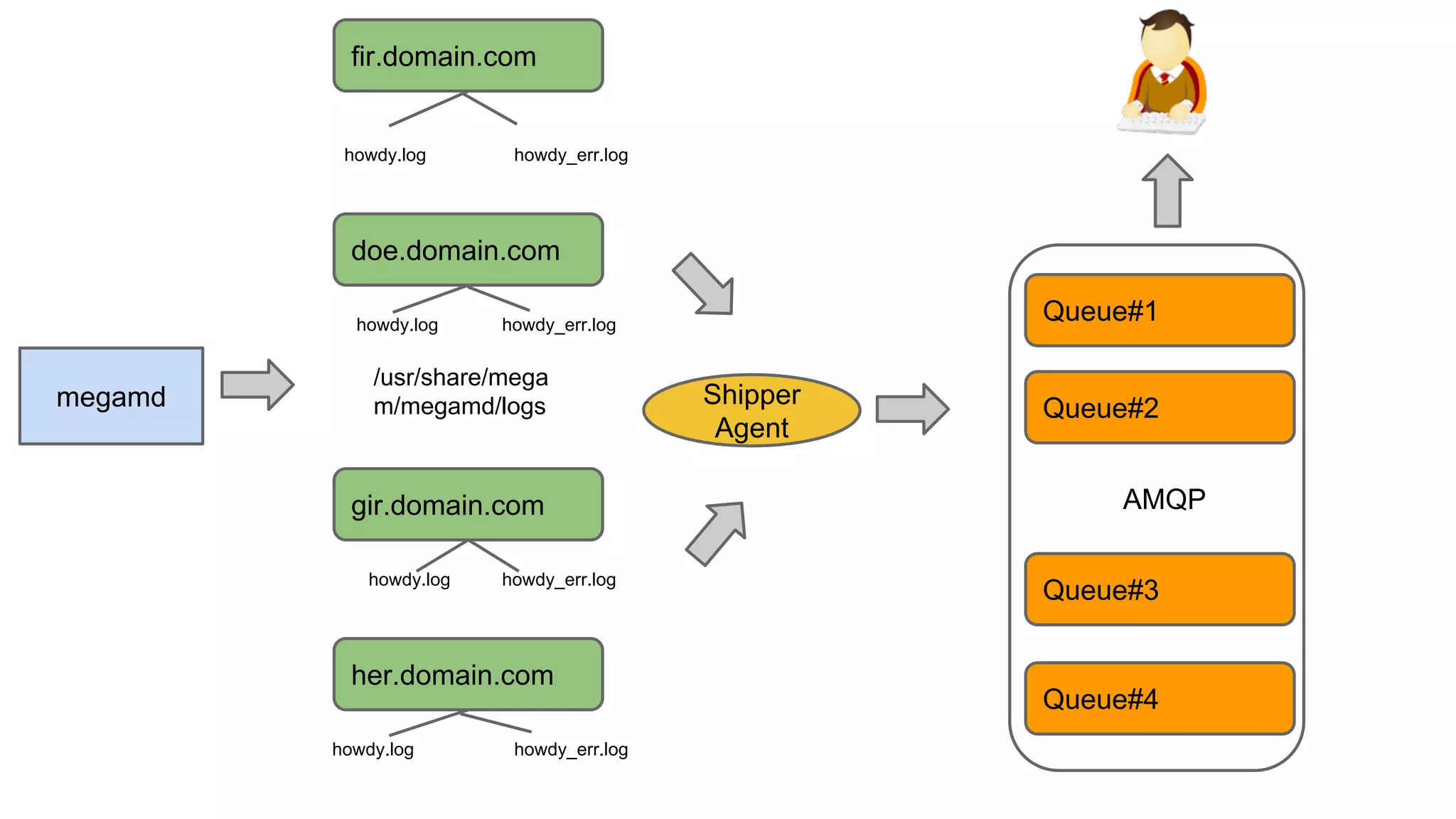
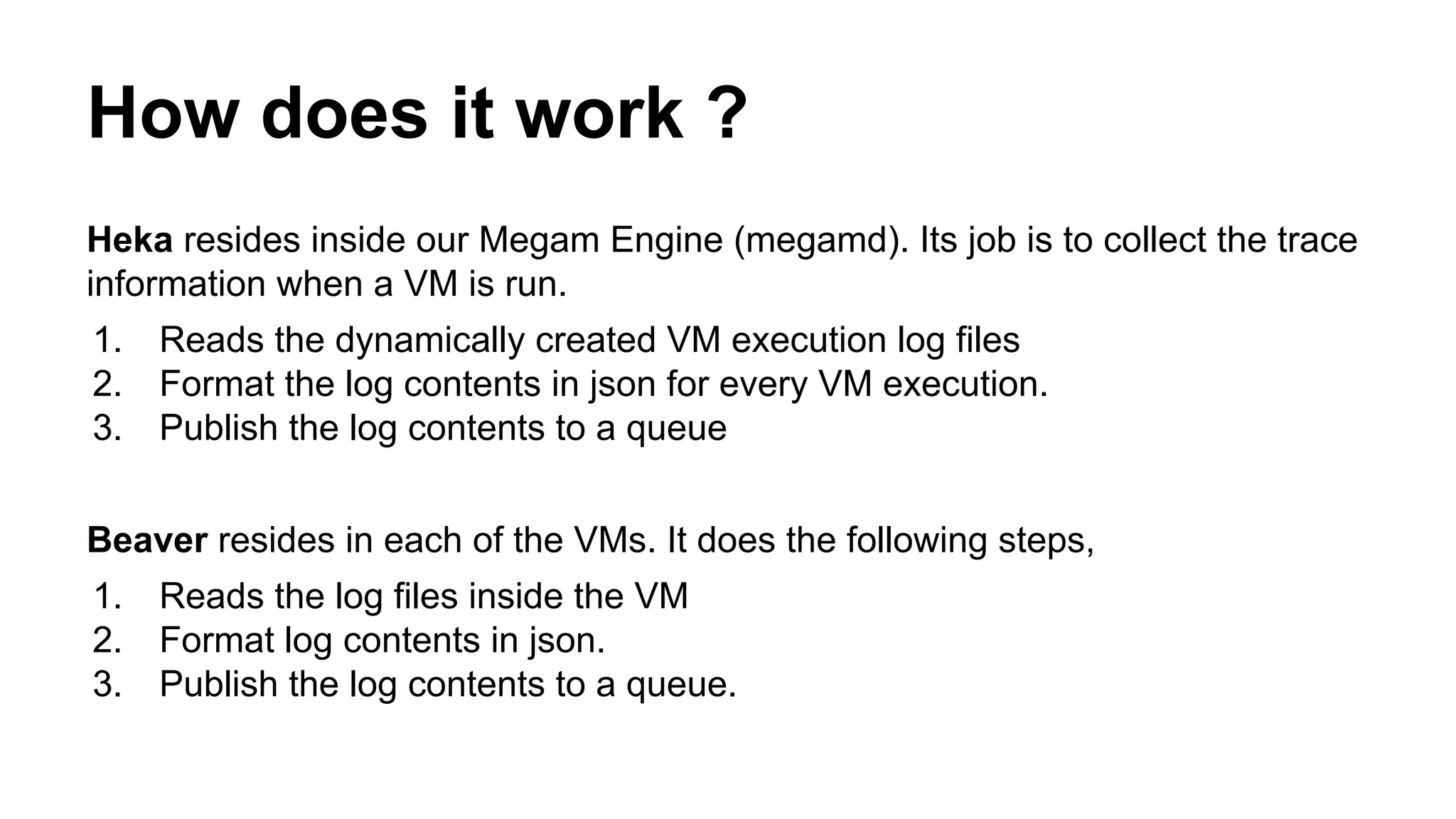
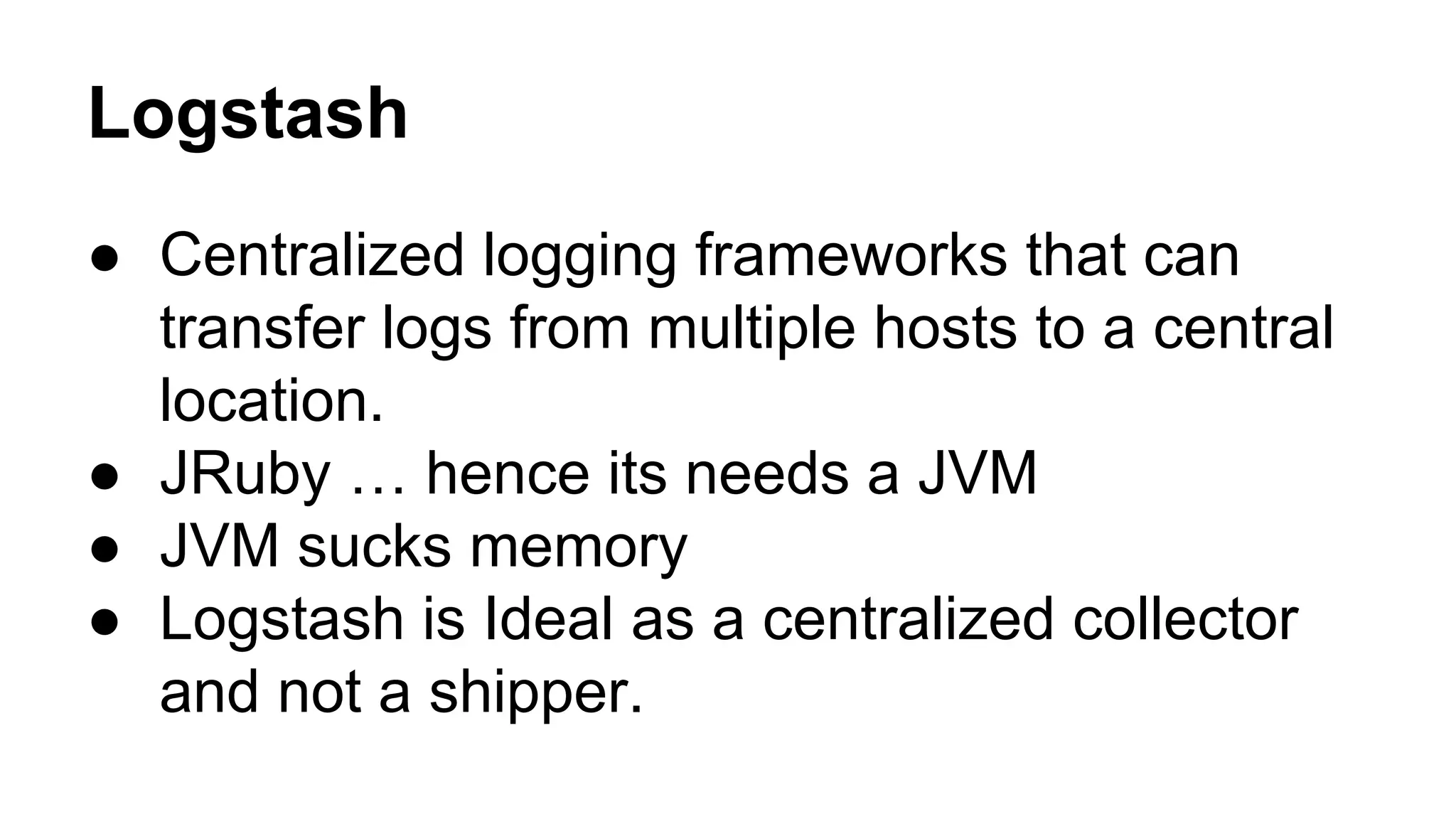
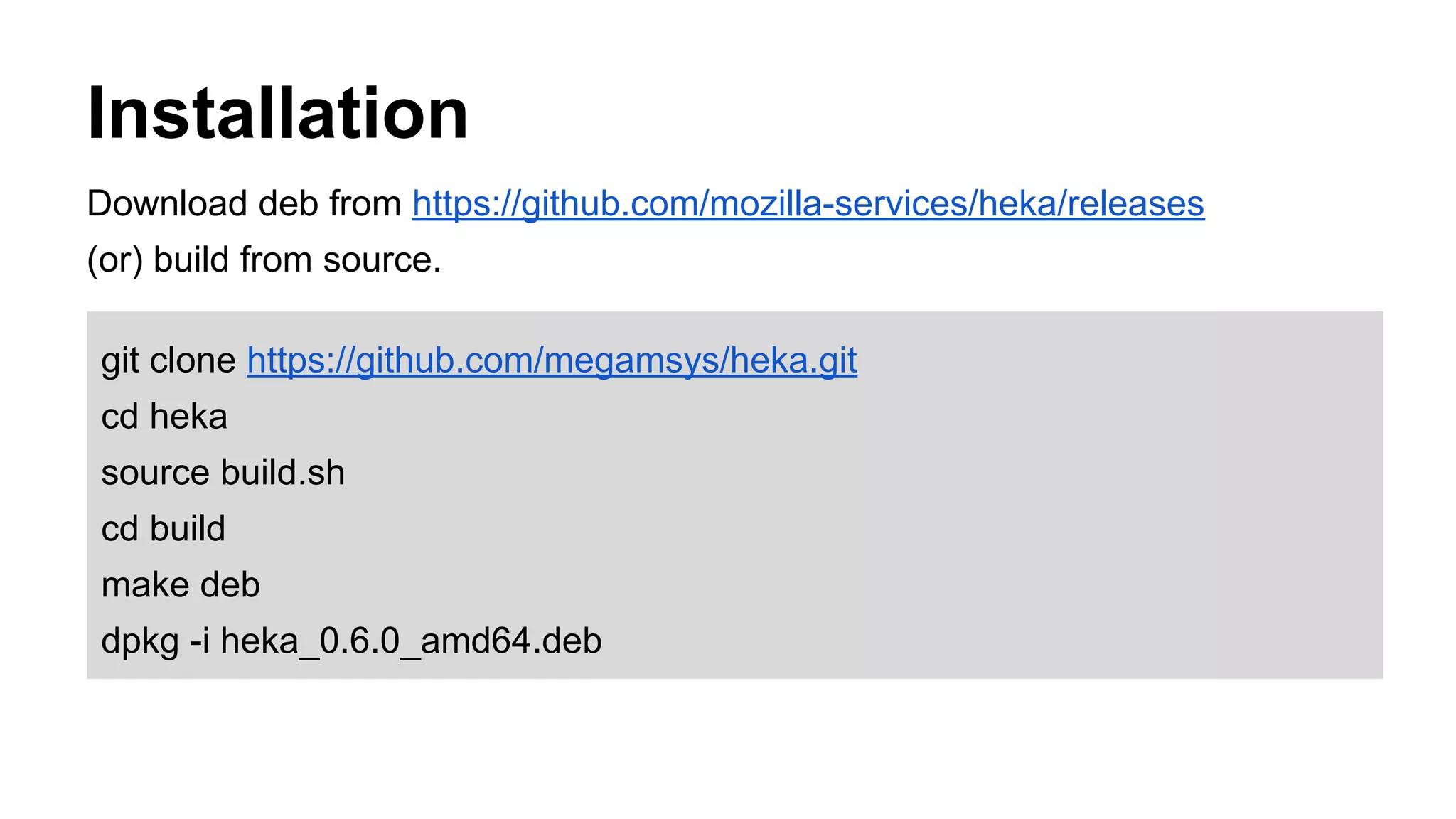
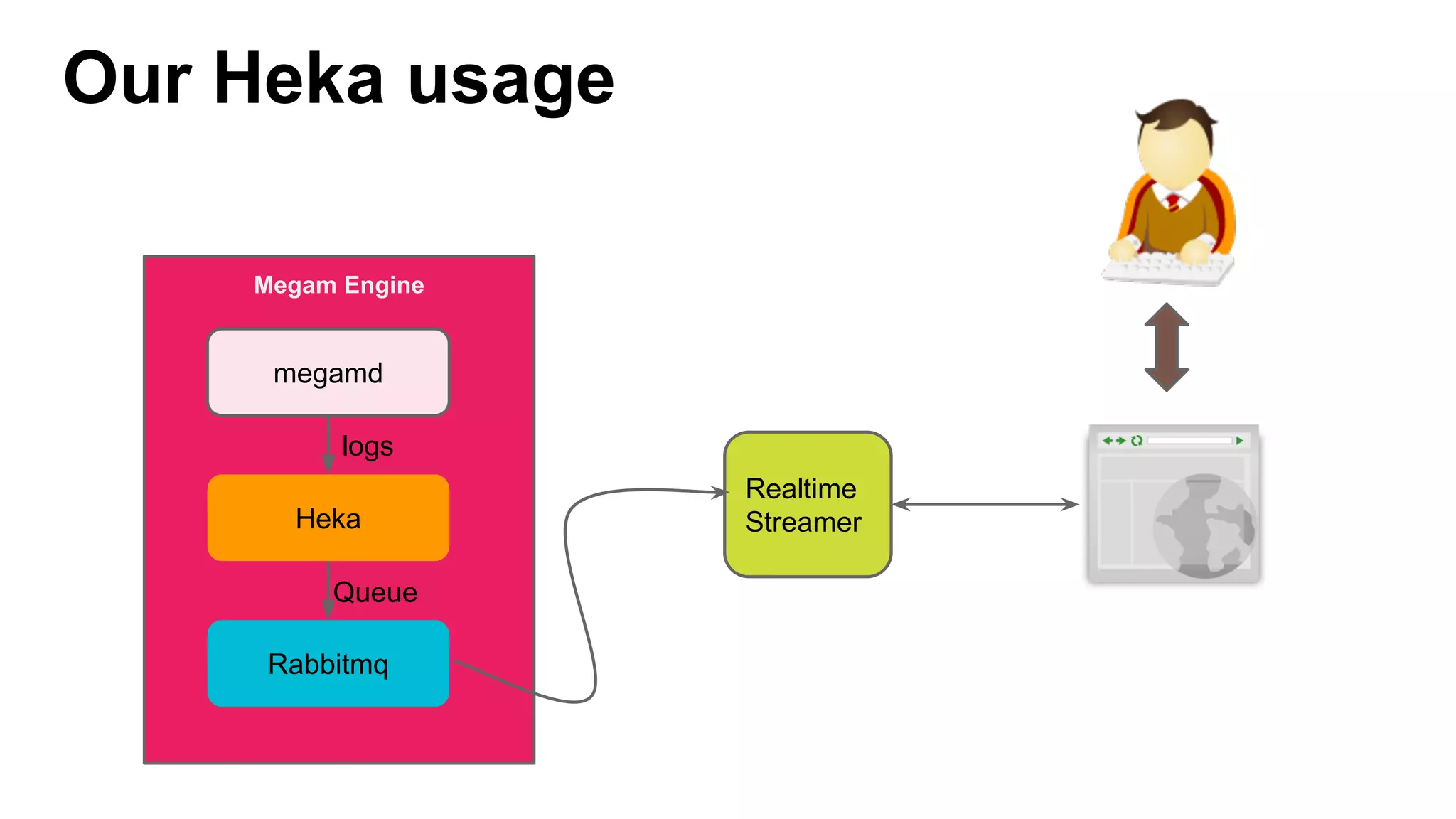
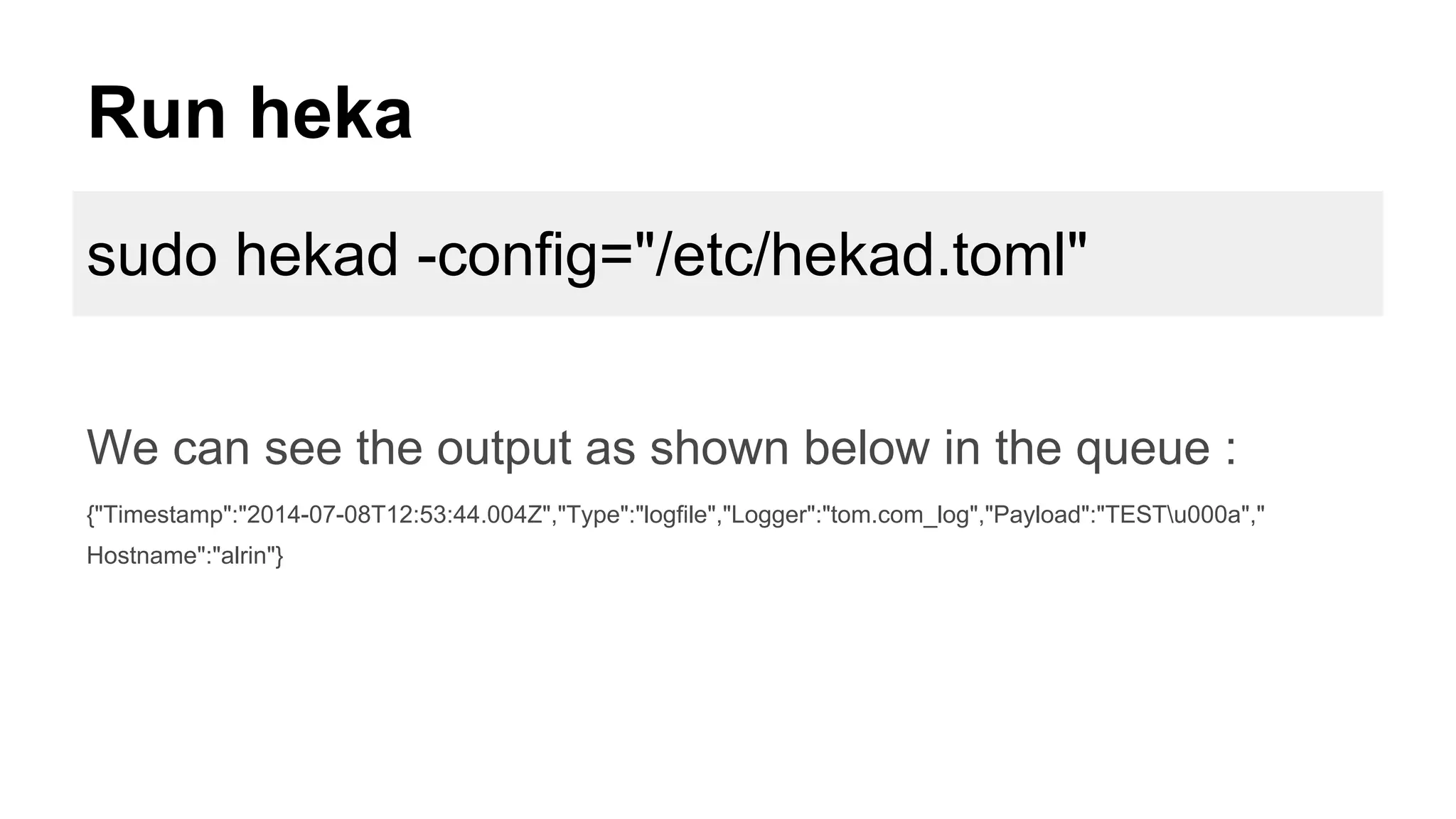
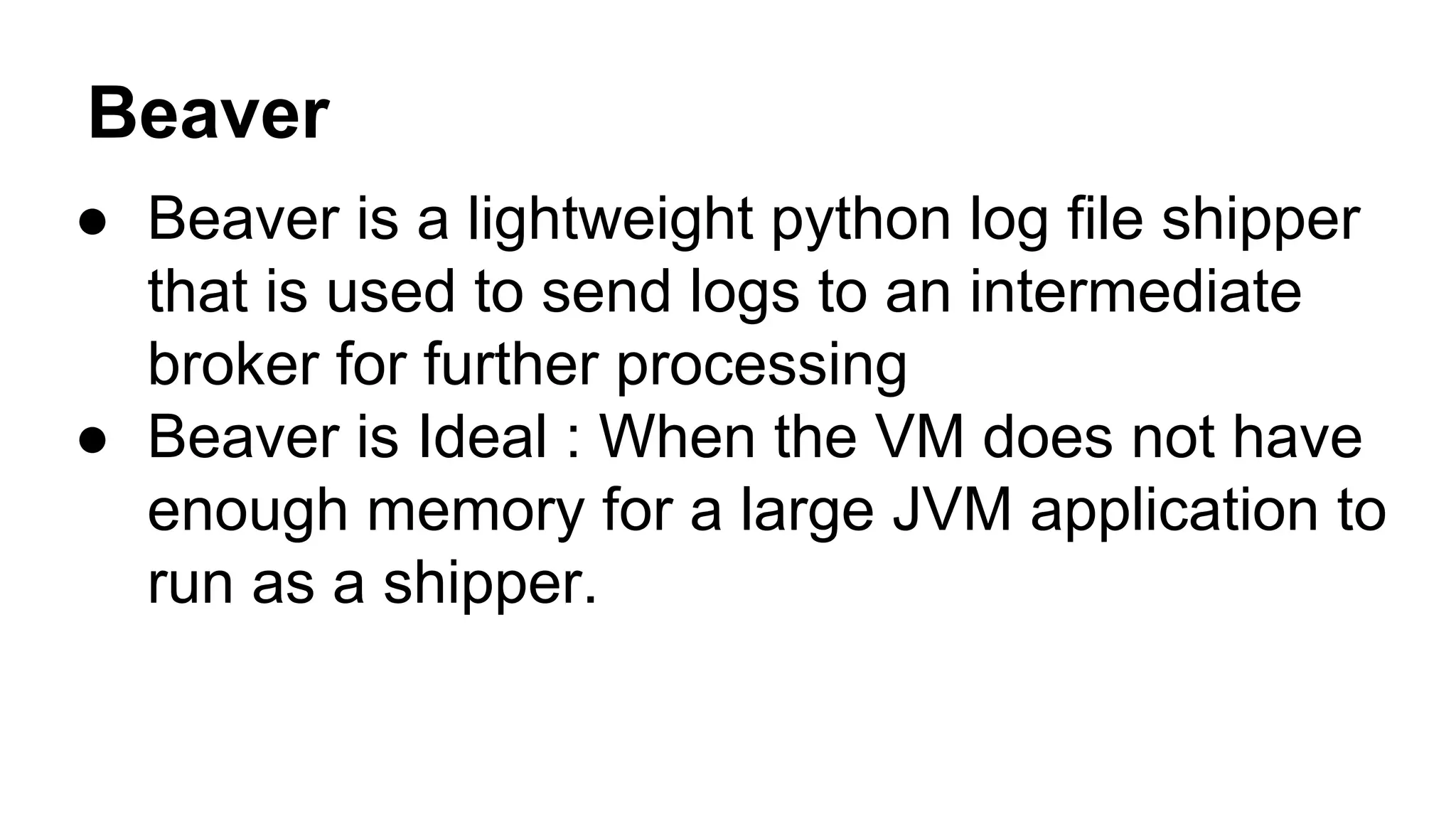
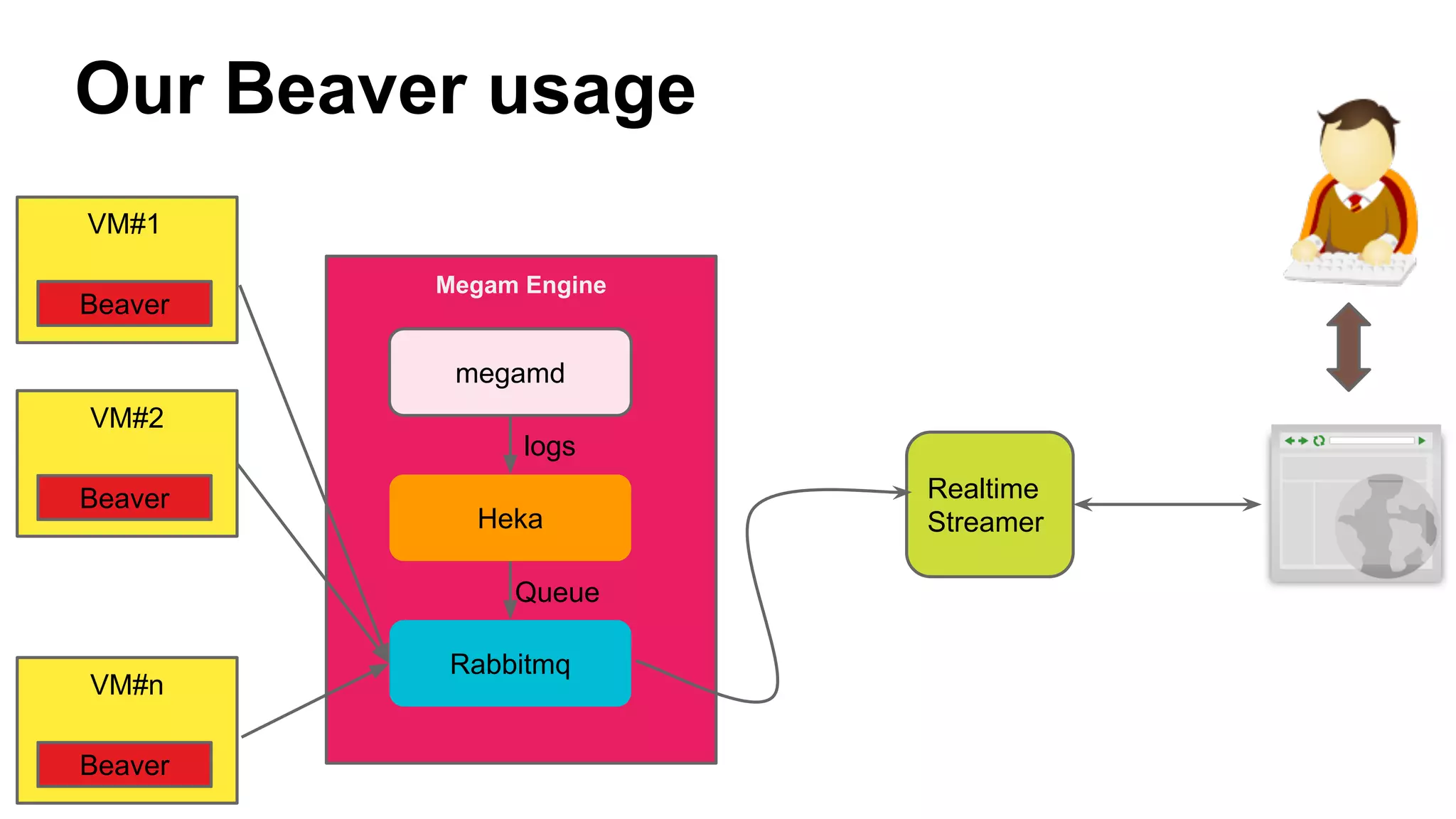
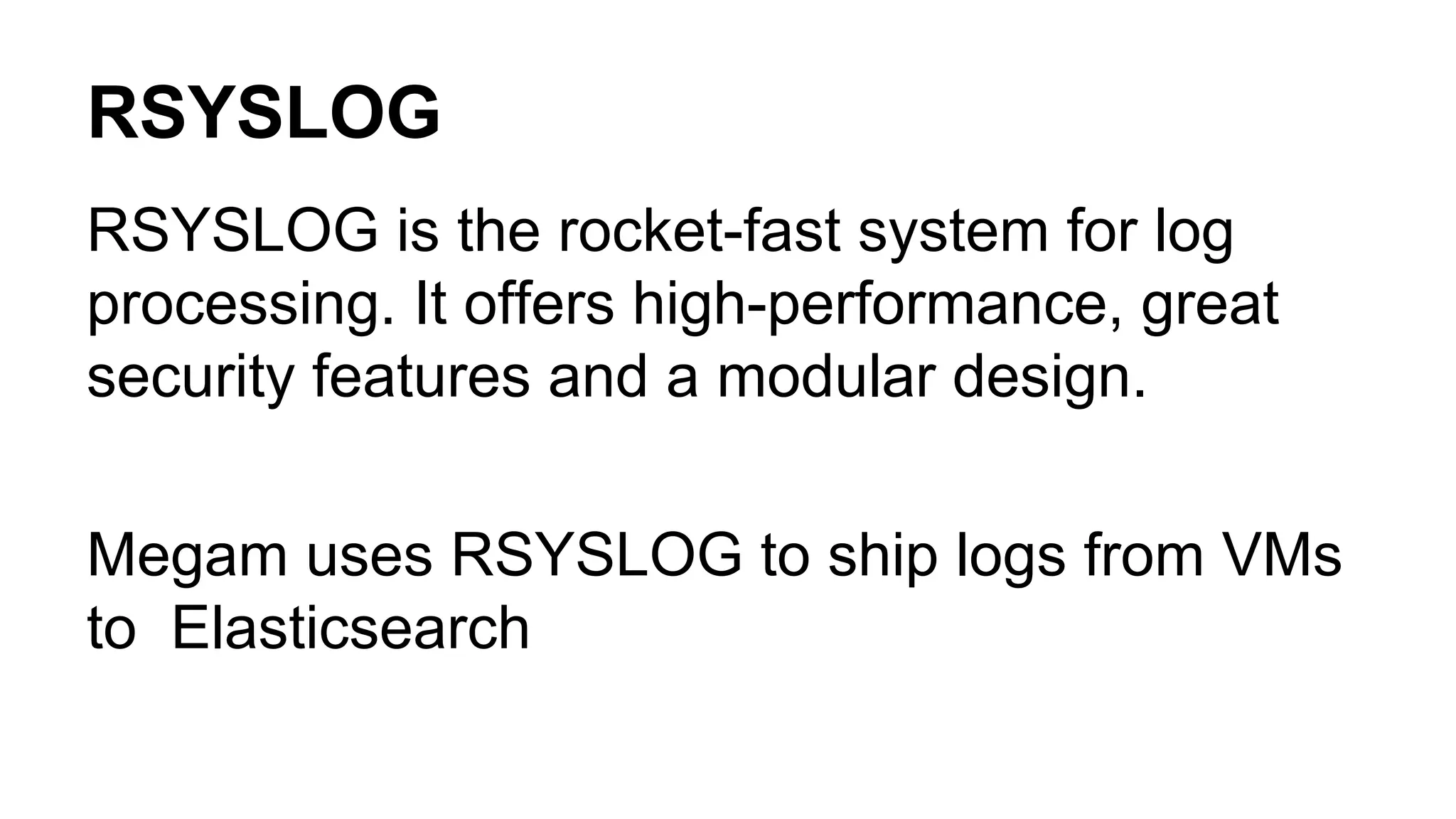
This document discusses options for streaming logs and metrics from cloud VMs in real-time. It evaluates log shipping tools like Logstash, Fluentd, Beaver, Logstash-Forwarder, RSYSLOG and Heka, and recommends Heka and Beaver for shipping logs from VMs to a central queue due to their lightweight footprint. The document also provides configuration examples for using Heka and Beaver to collect logs from VMs and stream them to RabbitMQ in real-time for further processing. Chef recipes are used to dynamically configure log shipping tools on VMs.


![[DSC Europe 25] Aleksandra Dragicevic - AI-Boosted Research in Healthcare: Fr...](https://cdn.slidesharecdn.com/ss_thumbnails/iqwngszurf2r7pi1lnnj-4-aleksandra-dragicevic-ad-dsc-europe-conference-20-251208151905-37c3238a-thumbnail.jpg?width=640&height=640&fit=bounds)
![[DSC Europe 25] Max Talanov - Non digital NNs.pptx](https://cdn.slidesharecdn.com/ss_thumbnails/wif8tr3gtua74qvtopke-non-digital-nns-251205090438-26b0eea6-thumbnail.jpg?width=640&height=640&fit=bounds)

![[DSC Europe 25] Milan Sekuloski - Data, Defence, and Development: Cybersecuri...](https://cdn.slidesharecdn.com/ss_thumbnails/dfrkwwx4qly6atqpbl4z-4-251209104645-c3d4b0ca-thumbnail.jpg?width=640&height=640&fit=bounds)
![[DSC Europe 25] Imai Jen-La Plante - The New Generation: AI and the Future of...](https://cdn.slidesharecdn.com/ss_thumbnails/kxi8t2l5rggivgcenyba-1-jenlaplante-dsc-251208152532-d1e076c2-thumbnail.jpg?width=640&height=640&fit=bounds)

![[DSC Europe 25] Dusan Pavlov - There Is No Spoon: Inferring Vision from Neura...](https://cdn.slidesharecdn.com/ss_thumbnails/wg0v1umoqjm4nnbd3p0v-there-is-no-spoon-251205085715-6d81d6c5-thumbnail.jpg?width=640&height=640&fit=bounds)
![[DSC Europe 25] Dragan Vucic - Building the Learning Organization - How AI Tr...](https://cdn.slidesharecdn.com/ss_thumbnails/8brigo2sbu6qur6gxrra-7-251205085715-6ae07d24-thumbnail.jpg?width=640&height=640&fit=bounds)


![[DSC Europe 25] Goran Obradovic - The Rise of Sovereign AI: Building the Regi...](https://cdn.slidesharecdn.com/ss_thumbnails/7nw2xxixrxqdxvrb5wca-6-251205085714-ab09a2ac-thumbnail.jpg?width=640&height=640&fit=bounds)
![[DSC Europe 25] Sara Polak - The Archaeology of Innovation: AI as the Next Cr...](https://cdn.slidesharecdn.com/ss_thumbnails/7ecbscdnt8mlcuqbd2ln-2-sara-polak-ai-creative-industries-251208152533-aa1fcf54-thumbnail.jpg?width=640&height=640&fit=bounds)
![[DSC Europe 25] Dusan Nesic - Securing Tomorrow’s Infrastructure: Why Cyber-P...](https://cdn.slidesharecdn.com/ss_thumbnails/qikbszfftyowjm2q6duw-1-251211083848-8f2ead6b-thumbnail.jpg?width=640&height=640&fit=bounds)
![[DSC Europe 25] Nikola Rajovic - Hardware Technologies Under the Hood: RISC-V...](https://cdn.slidesharecdn.com/ss_thumbnails/o2gptrmtoyqndgoshwgq-dsc2025-tenstorrent-rajovic-251205090438-814685f5-thumbnail.jpg?width=640&height=640&fit=bounds)
![[DSC Europe 25] Sara Polak - The Ancient Operating System: What Archaeology T...](https://cdn.slidesharecdn.com/ss_thumbnails/3vch2p6tttdnwhsgazoz-3-sara-polak-smart-cities-251208152532-64404202-thumbnail.jpg?width=640&height=640&fit=bounds)
![[DSC Europe 25] Marko Krstic - Understanding the AI Threat Landscape - Risks,...](https://cdn.slidesharecdn.com/ss_thumbnails/tiyim1ins5jvbrvzpzla-2-251209104645-c69d3553-thumbnail.jpg?width=640&height=640&fit=bounds)


![[DSC Europe 25] Dobrica Cosic - Savings by the Second: How Dynamic Pricing an...](https://cdn.slidesharecdn.com/ss_thumbnails/znp09f3smtqz3w2sq6wn-1-dobrica-cosic-savings-by-the-second-how-dynamic-pricing-and-smart-data-are-bu-251208151905-26e6f41e-thumbnail.jpg?width=640&height=640&fit=bounds)
![[DSC Europe 25] Kaja Kandare - LLM as a judge.pptx](https://cdn.slidesharecdn.com/ss_thumbnails/arxyccaxsdsd1ba99wjw-7-251212104007-2b4e3f64-thumbnail.jpg?width=640&height=640&fit=bounds)