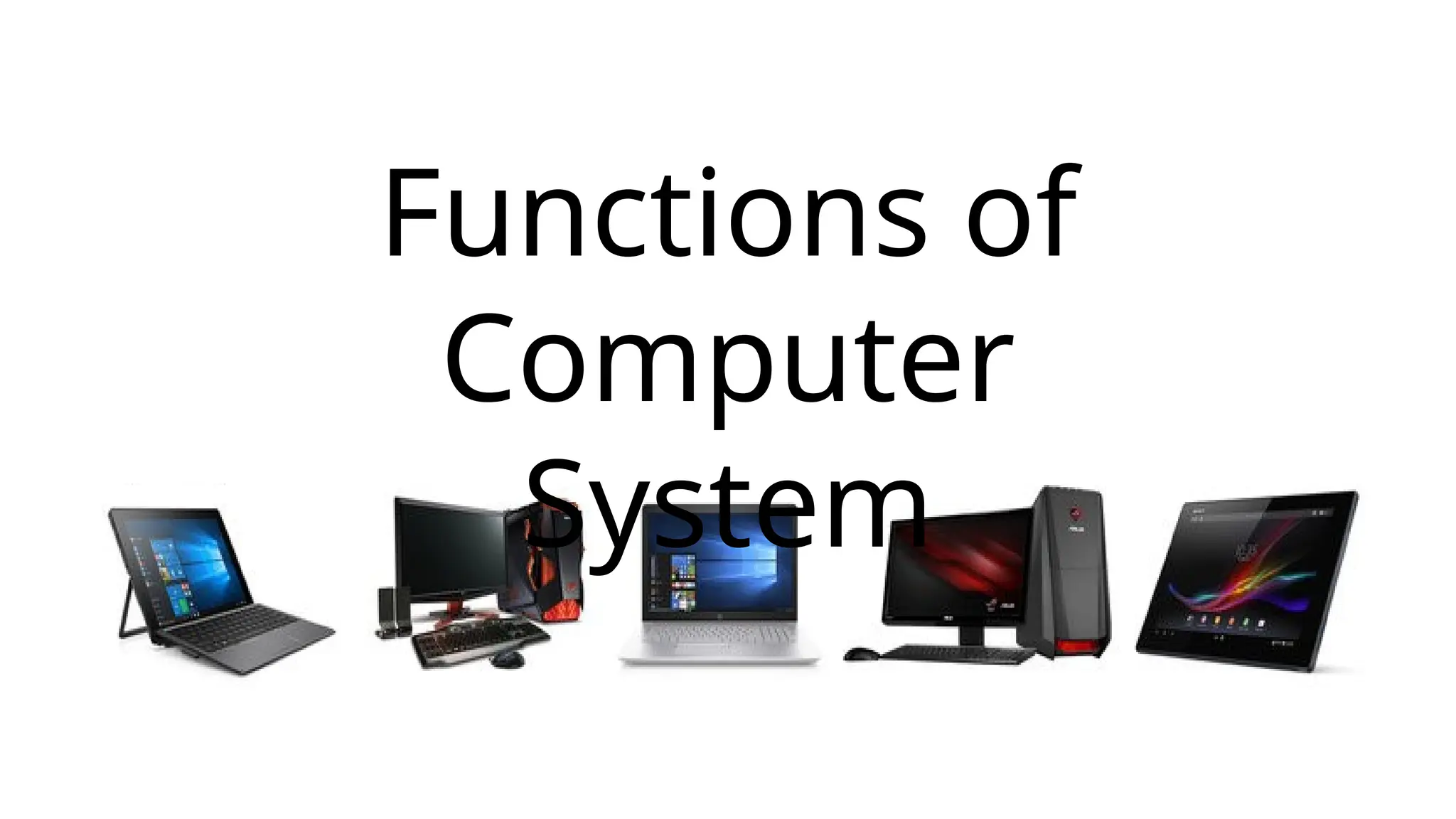
Functions of
Computer
System
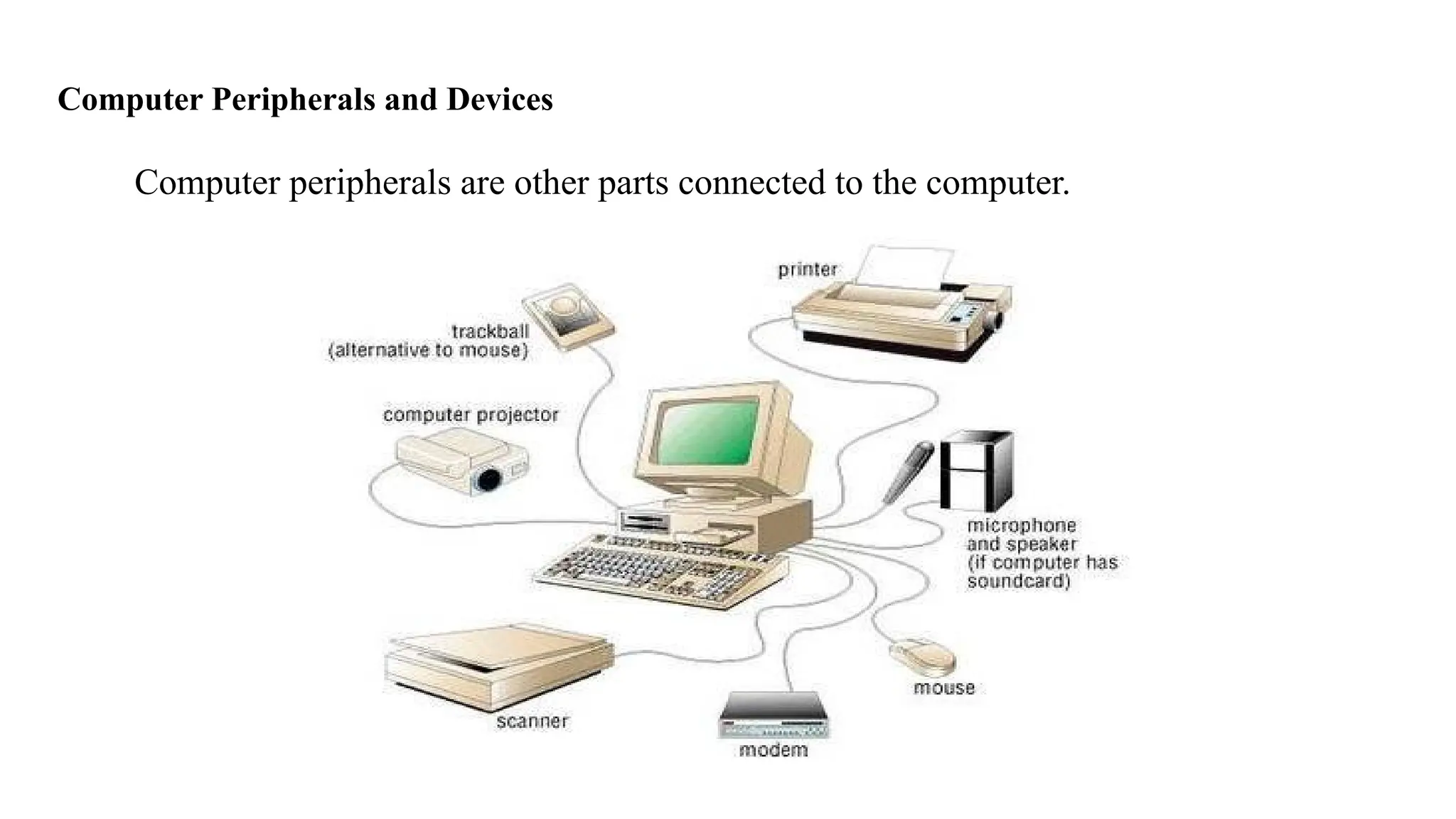
Computer Peripherals and Devices
Computer peripherals are other parts connected to the computer.
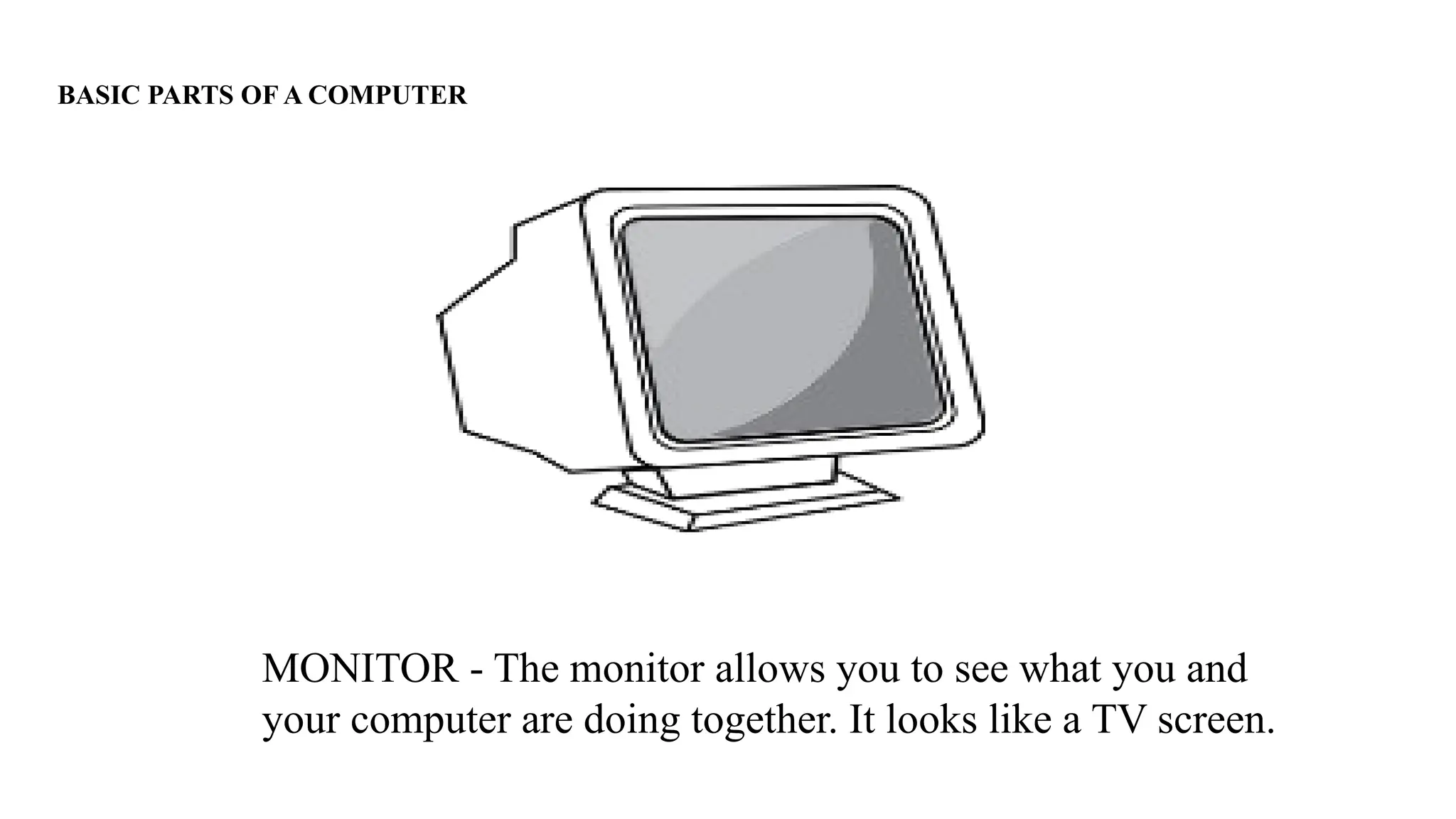
BASIC PARTS OF A COMPUTER
MONITOR - The monitor allows you to see what you and
your computer are doing together. It looks like a TV screen.
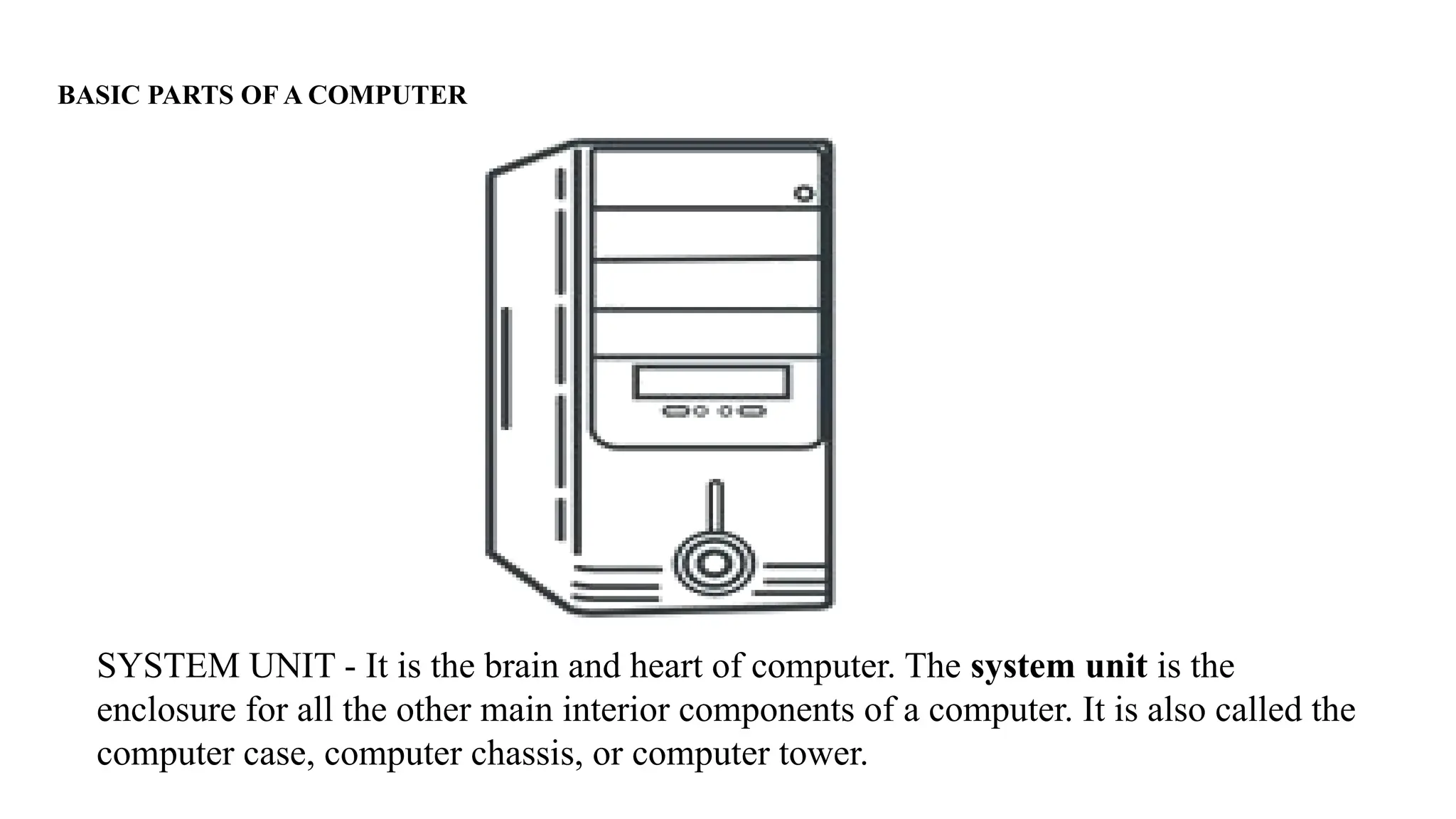
BASIC PARTS OF A COMPUTER
SYSTEM UNIT - It is the brain and heart of computer. The system unit is the
enclosure for all the other main interior components of a computer. It is also called the
computer case, computer chassis, or computer tower.
BASIC PARTS OF A COMPUTER
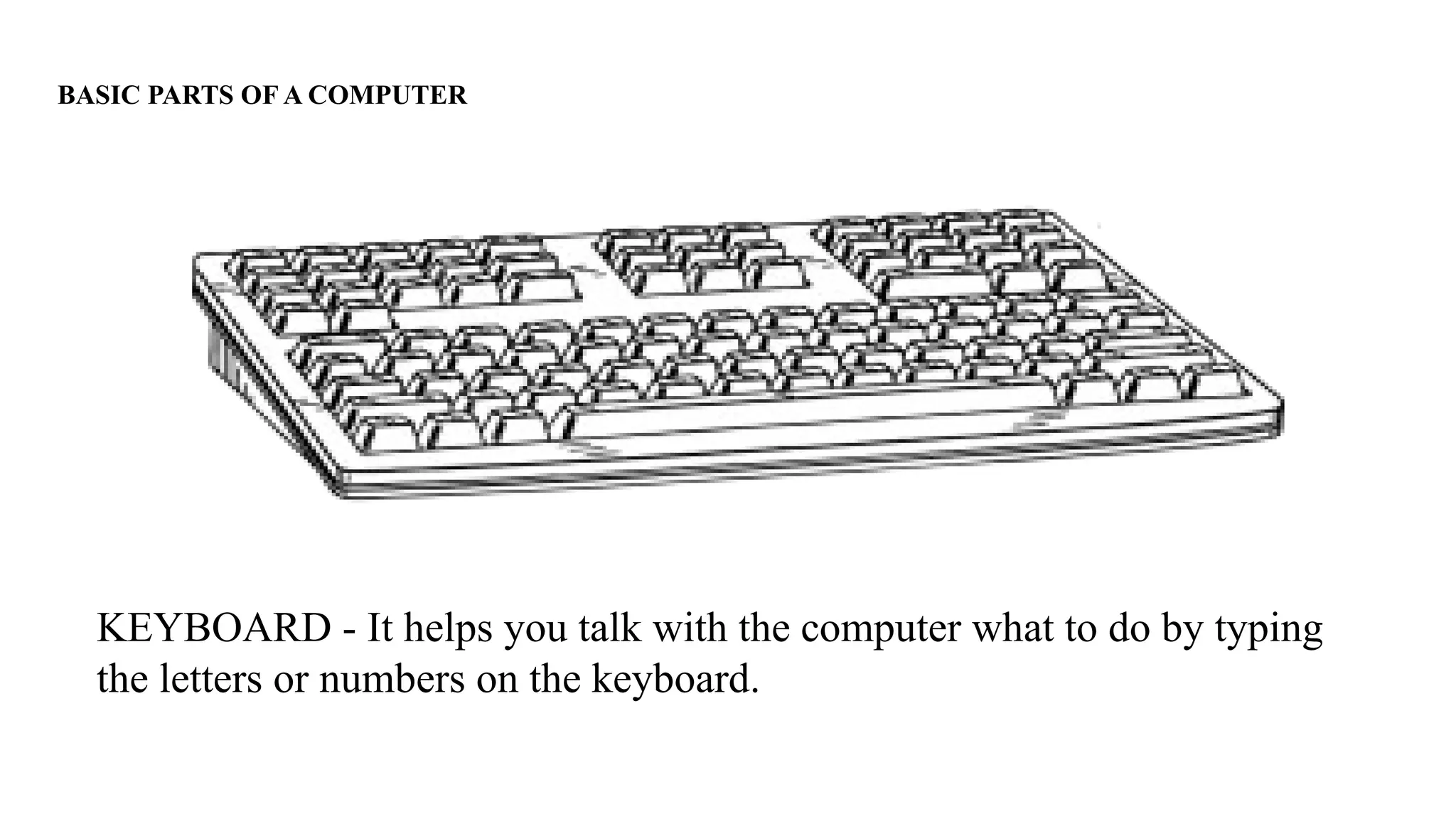
KEYBOARD - It helps you talk with the computer what to do by typing
the letters or numbers on the keyboard.
Computer Peripherals and Devices
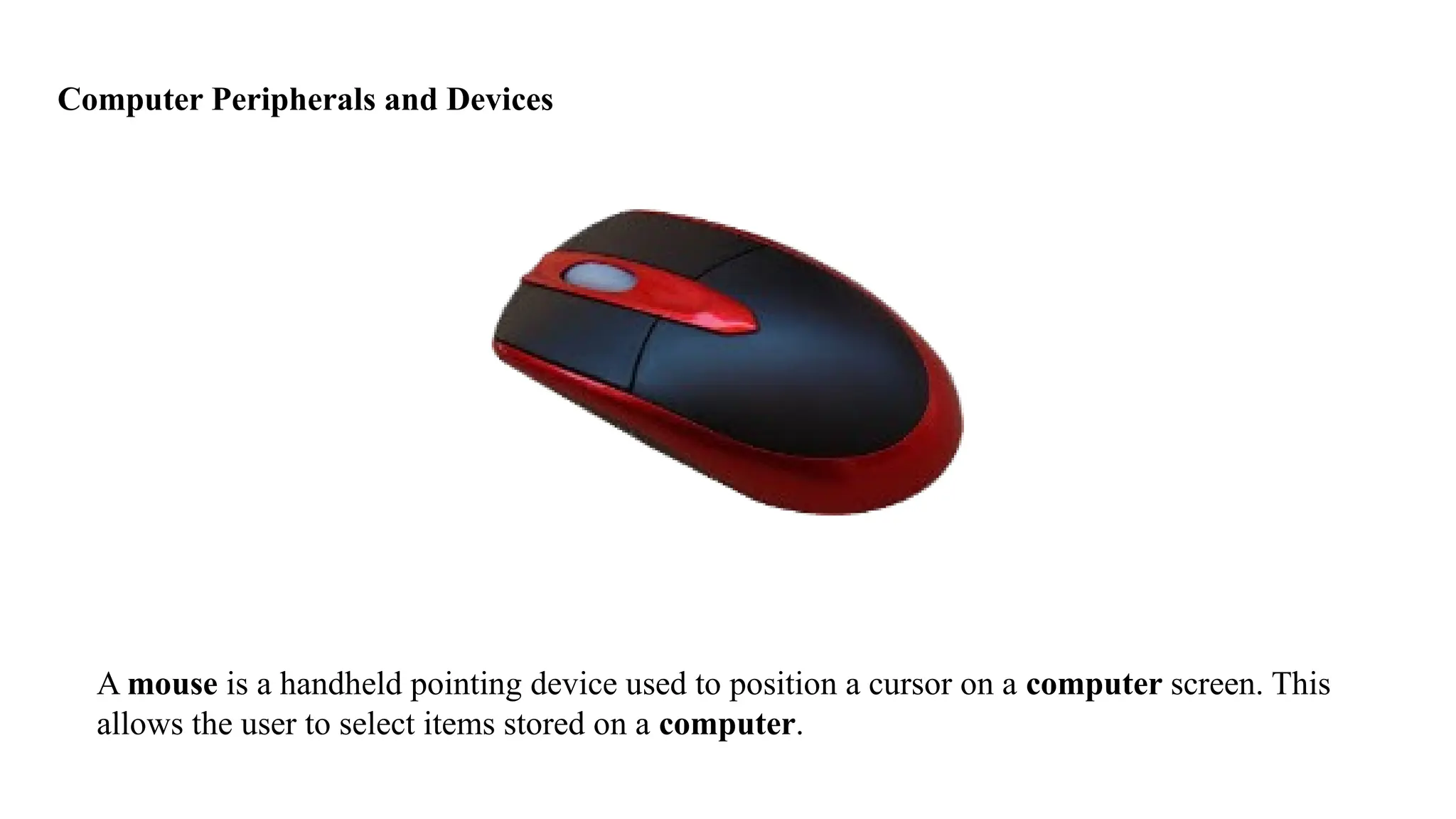
A mouse is a handheld pointing device used to position a cursor on a computer screen. This
allows the user to select items stored on a computer.
Computer Peripherals and Devices
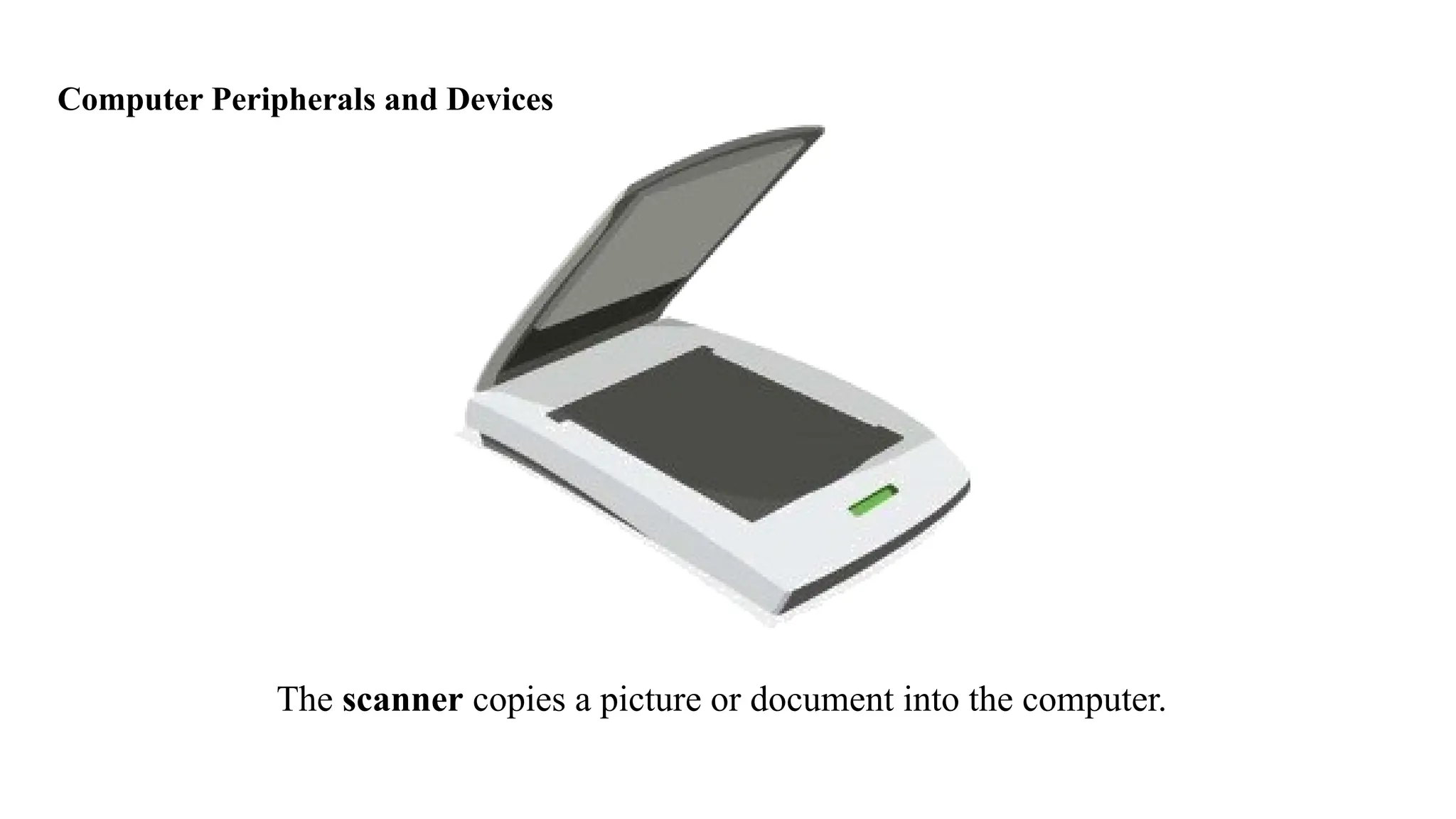
The scanner copies a picture or document into the computer.
Computer Peripherals and Devices
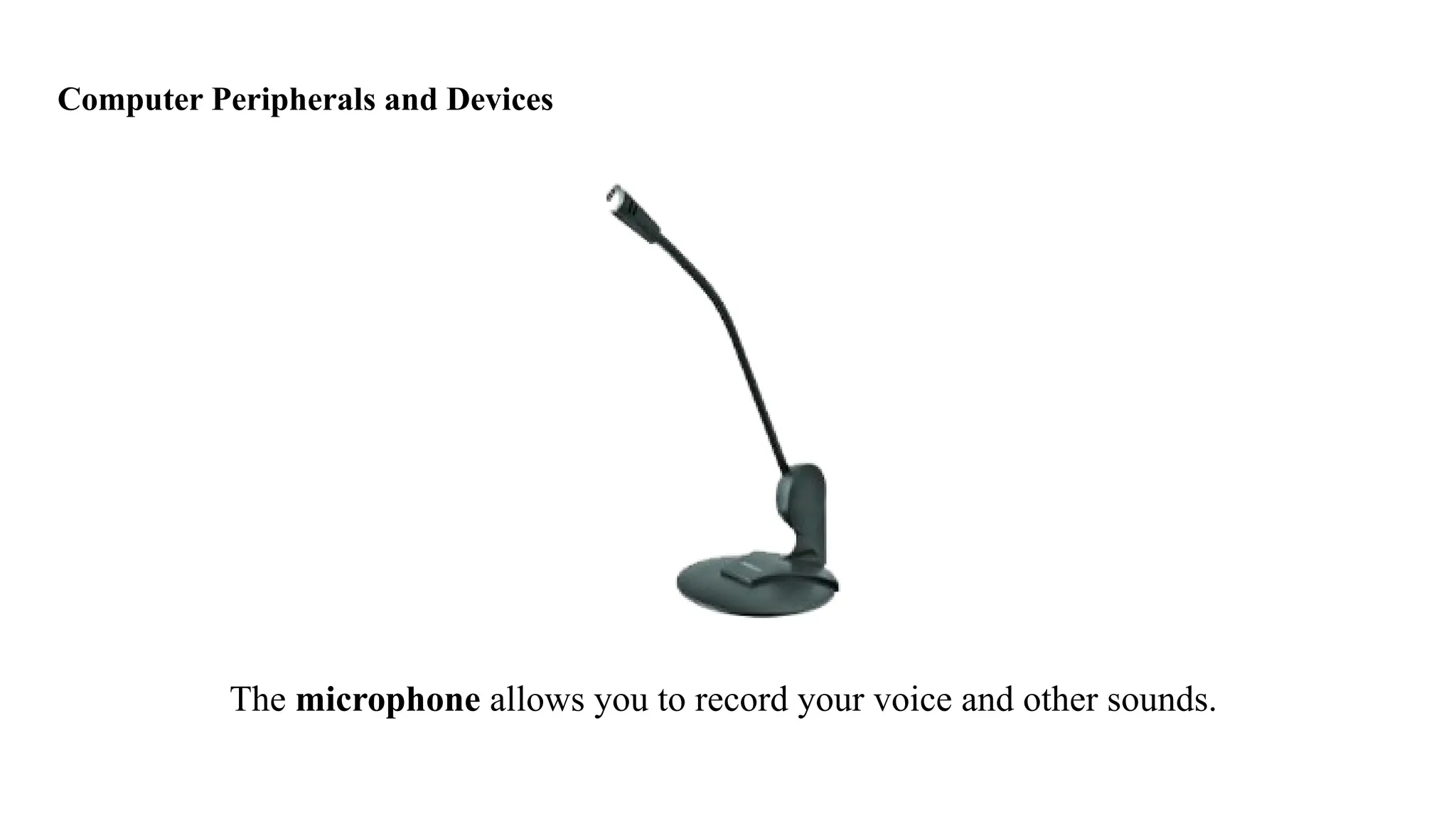
The microphone allows you to record your voice and other sounds.
Computer Peripherals and Devices
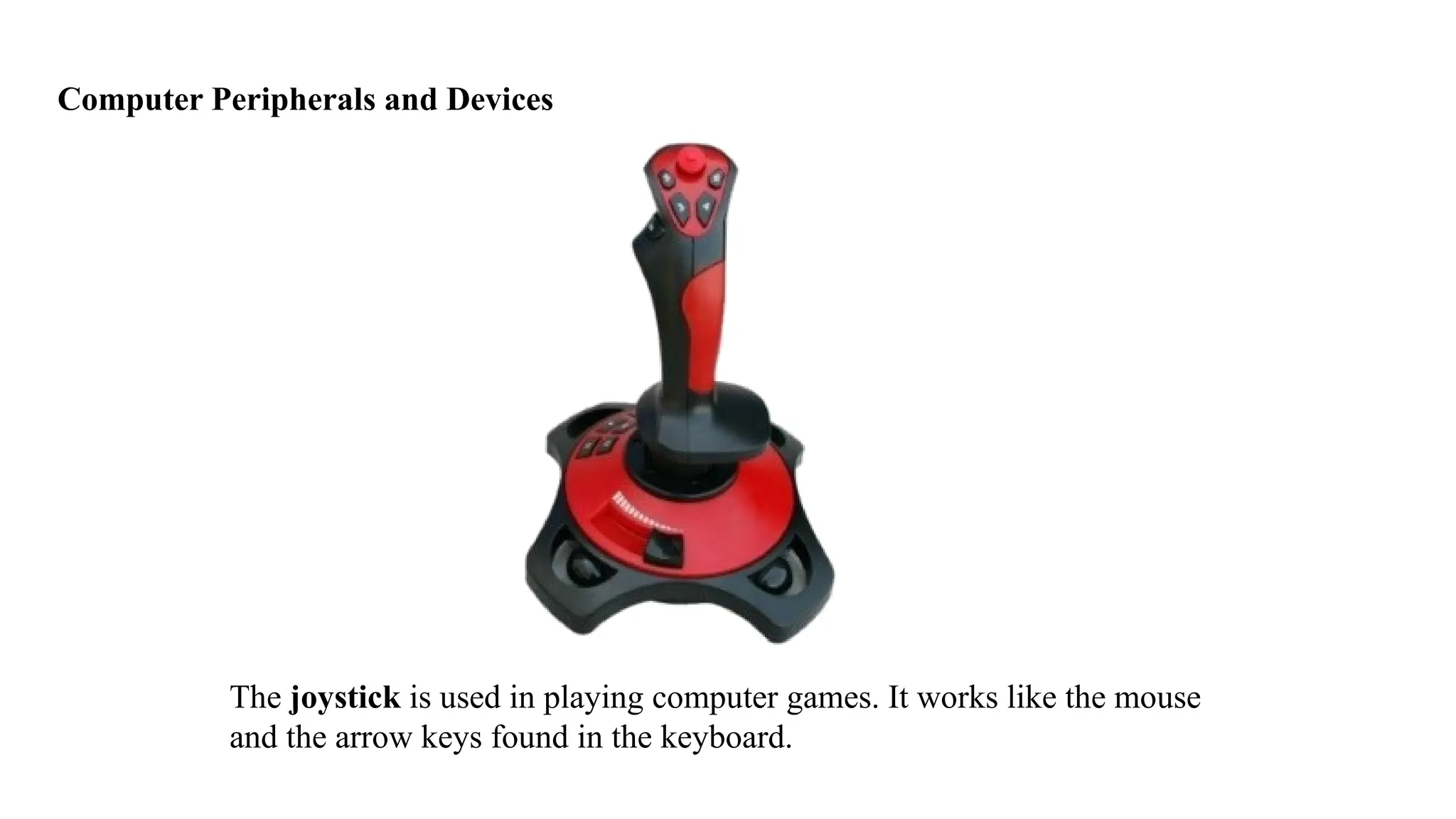
The joystick is used in playing computer games. It works like the mouse
and the arrow keys found in the keyboard.
Computer Peripherals and Devices
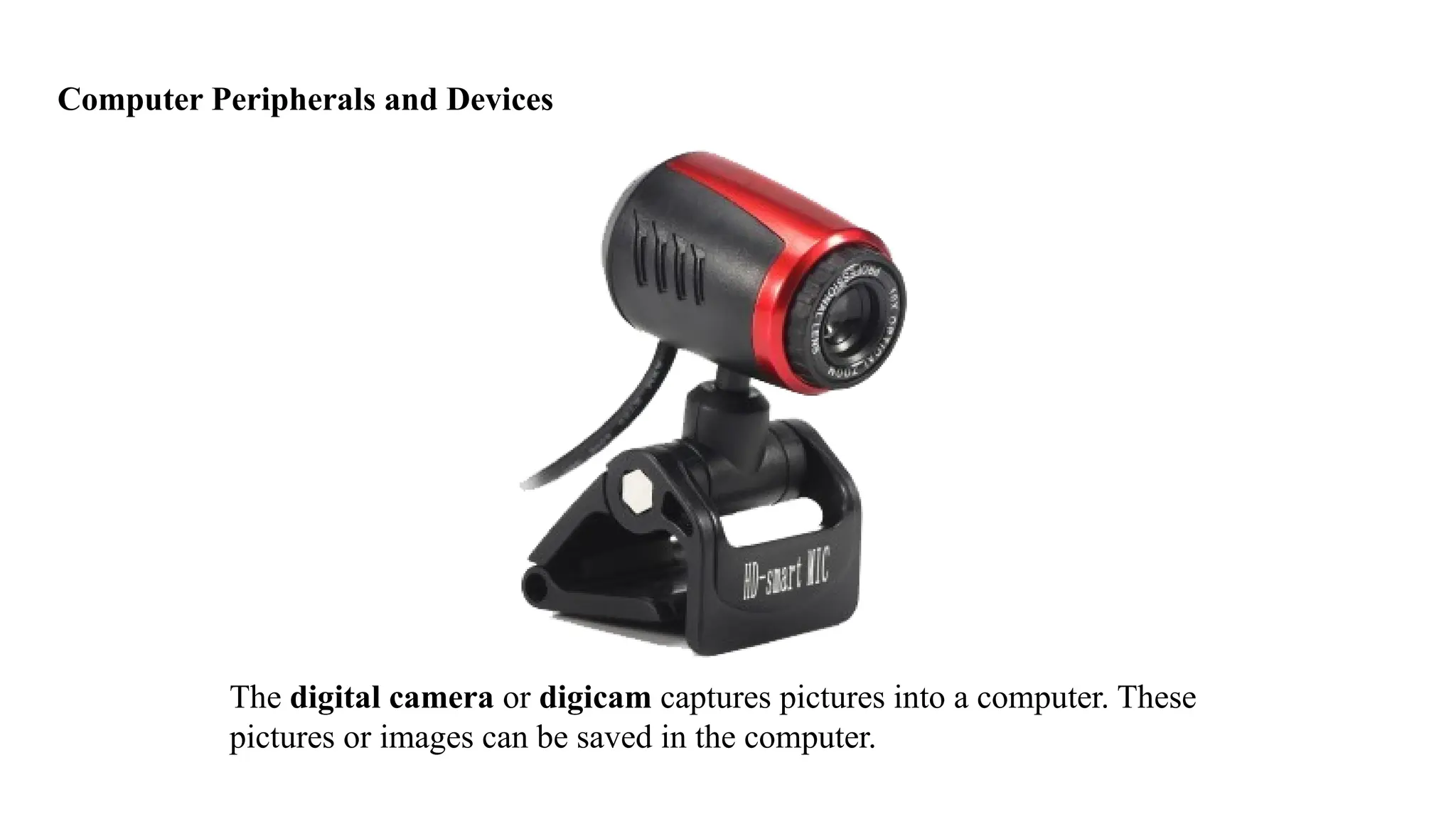
The digital camera or digicam captures pictures into a computer. These
pictures or images can be saved in the computer.
Computer Peripherals and Devices
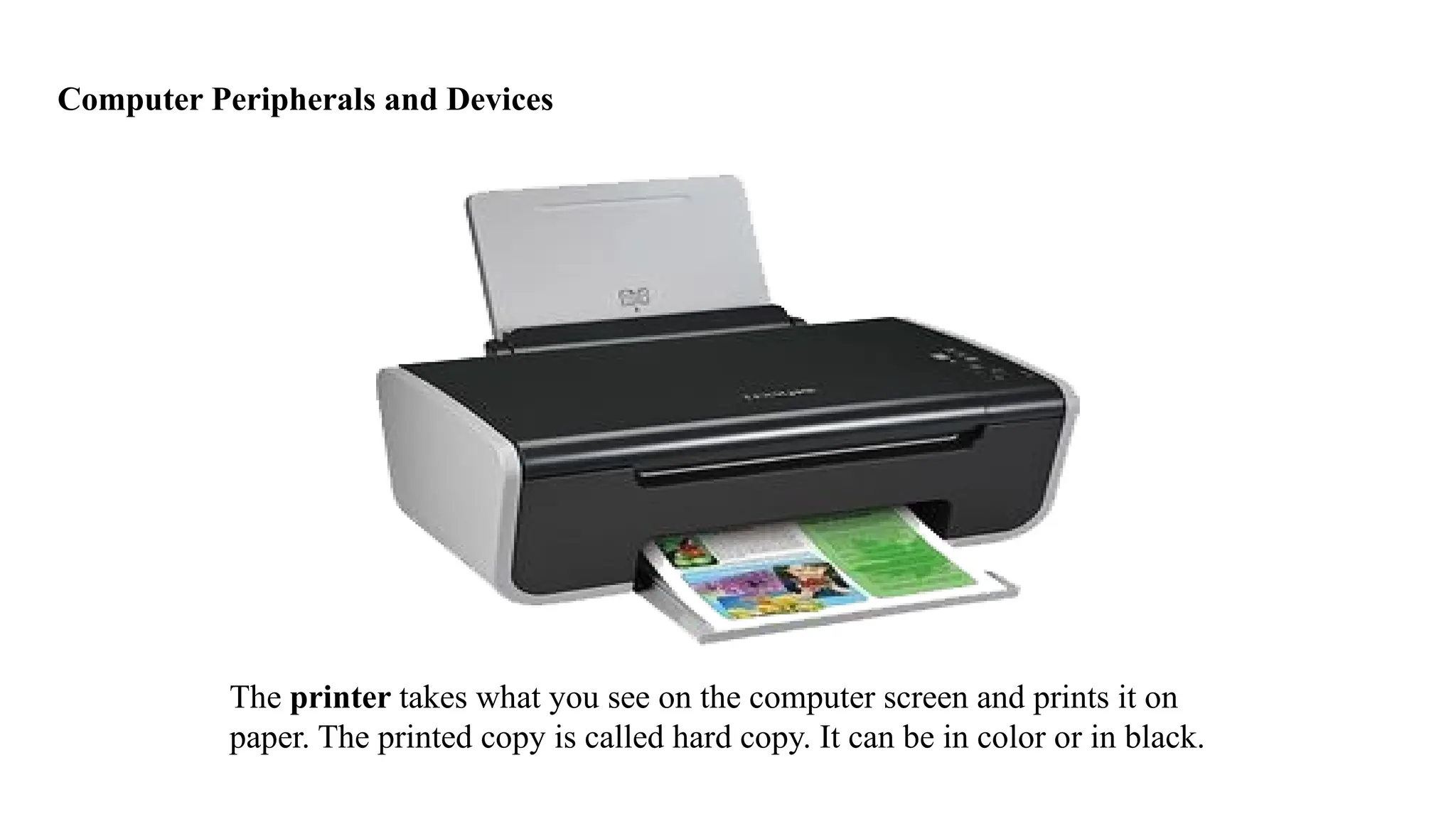
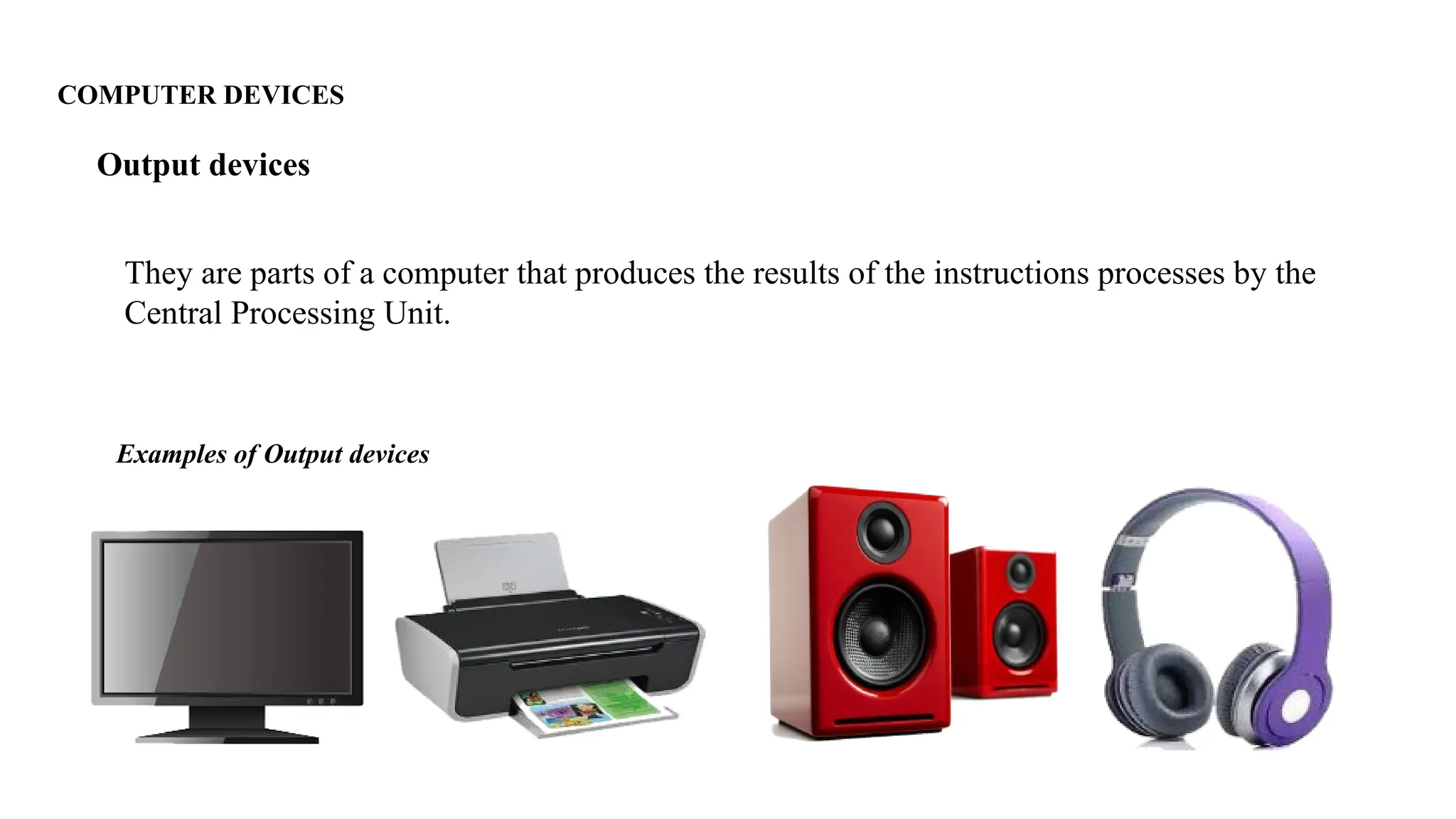
The printer takes what you see on the computer screen and prints it on
paper. The printed copy is called hard copy. It can be in color or in black.
Computer Peripherals and Devices
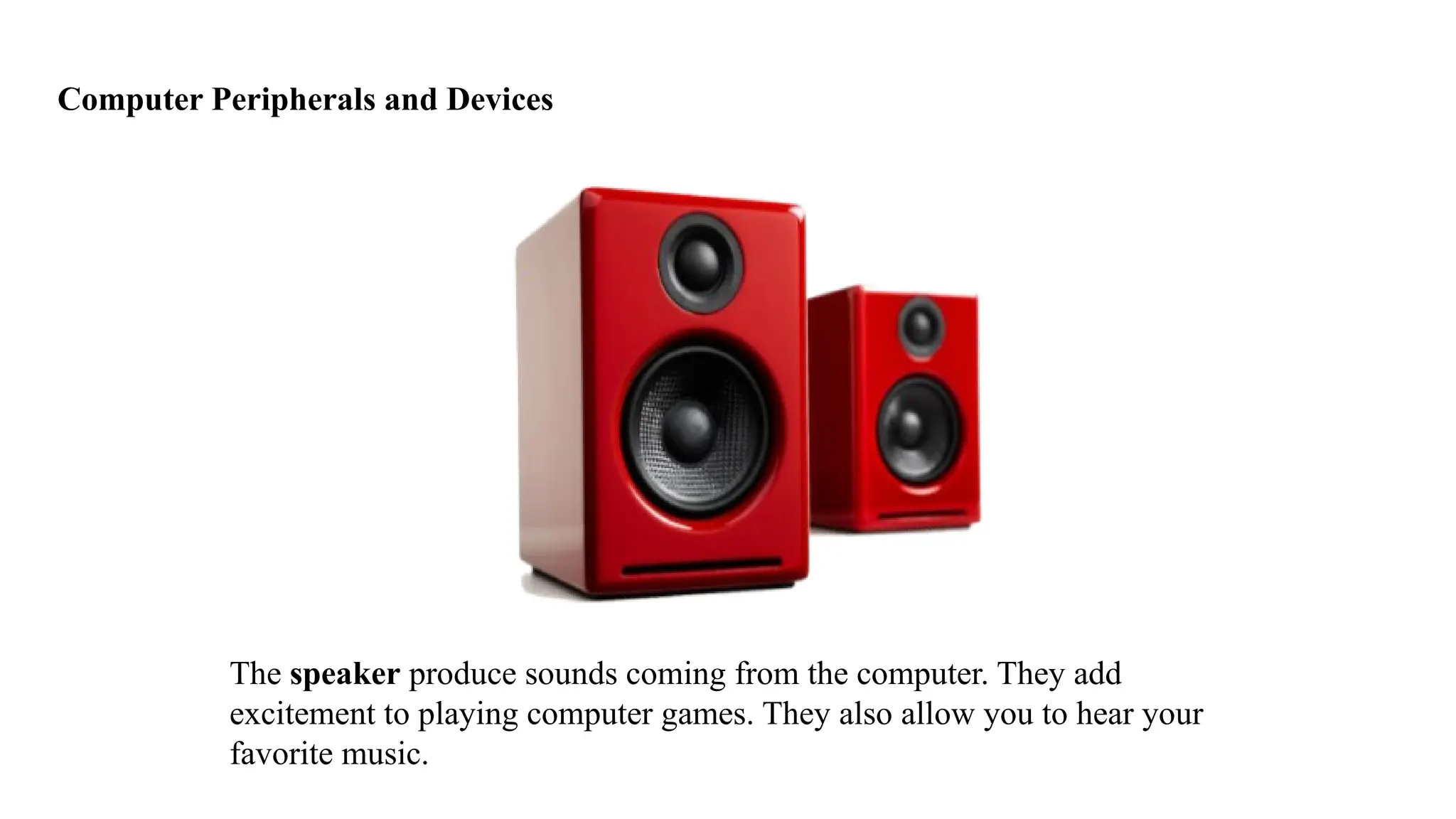
The speaker produce sounds coming from the computer. They add
excitement to playing computer games. They also allow you to hear your
favorite music.
Computer Peripherals and Devices
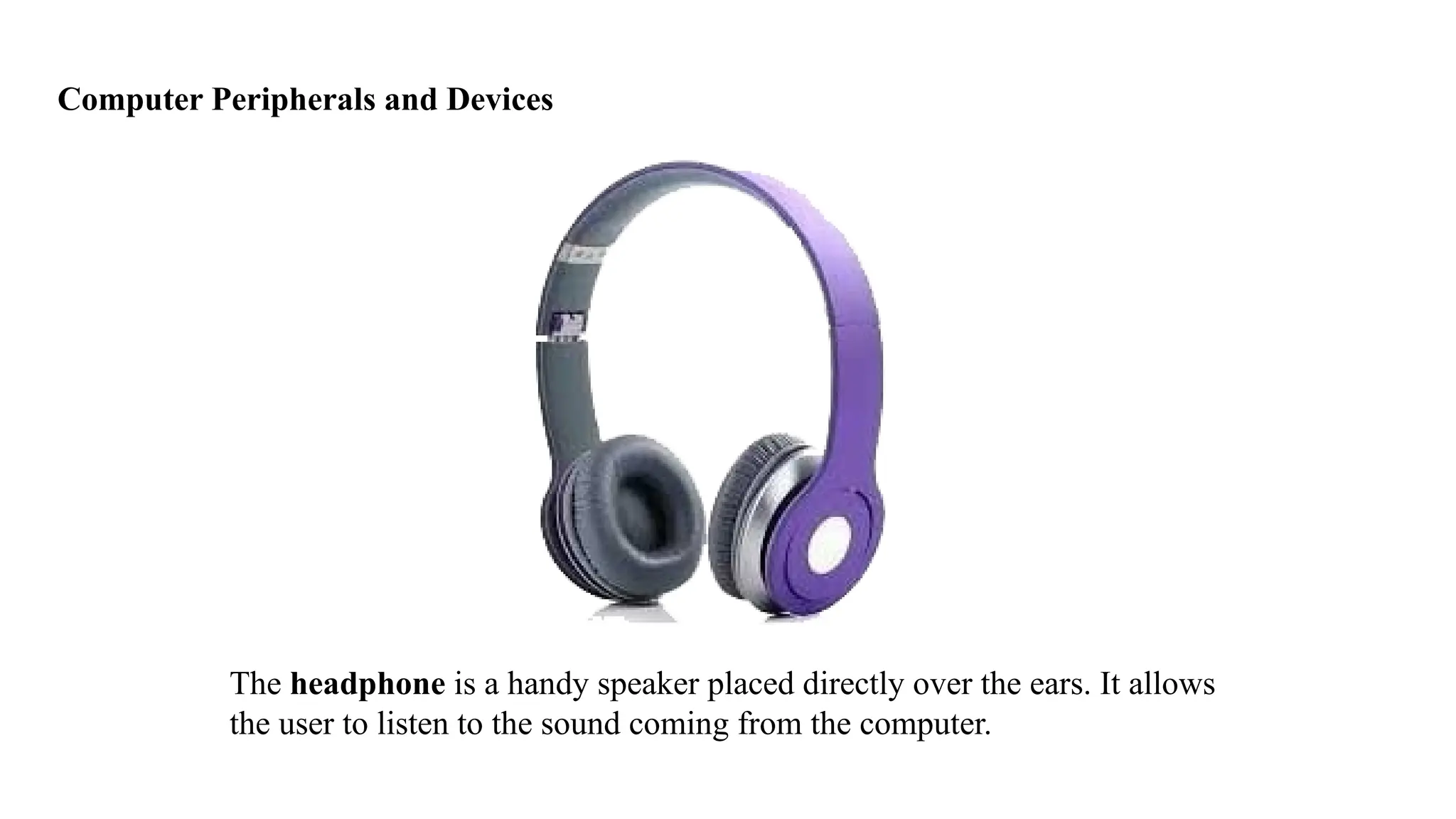
The headphone is a handy speaker placed directly over the ears. It allows
the user to listen to the sound coming from the computer.
COMPUTER DEVICES
1. Input devices
2. Processing devices
3. Output devices
4. Storage devices
COMPUTER DEVICES
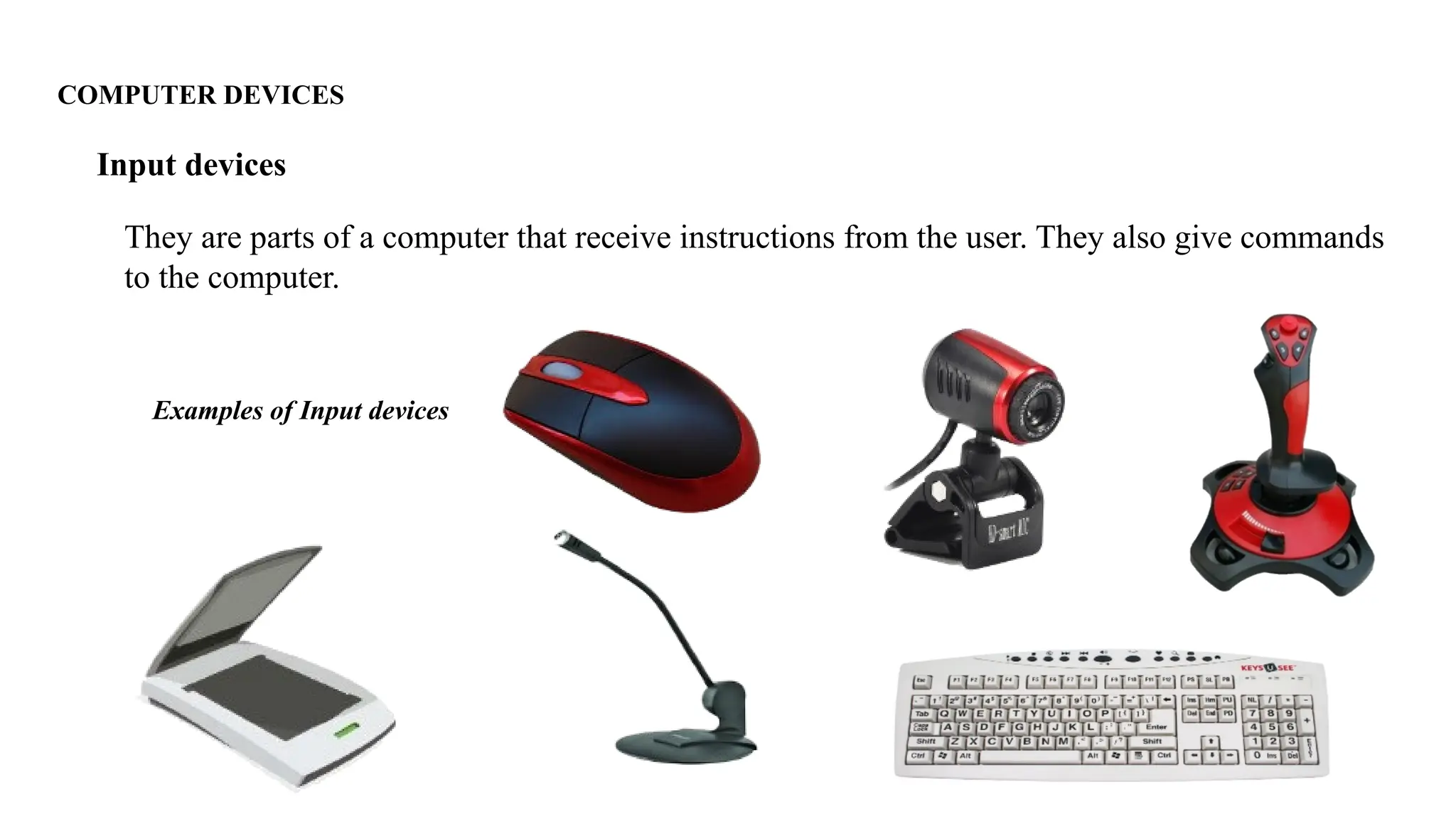
They are parts of a computer that receive instructions from the user. They also give commands
to the computer.
Input devices
Examples of Input devices
COMPUTER DEVICES
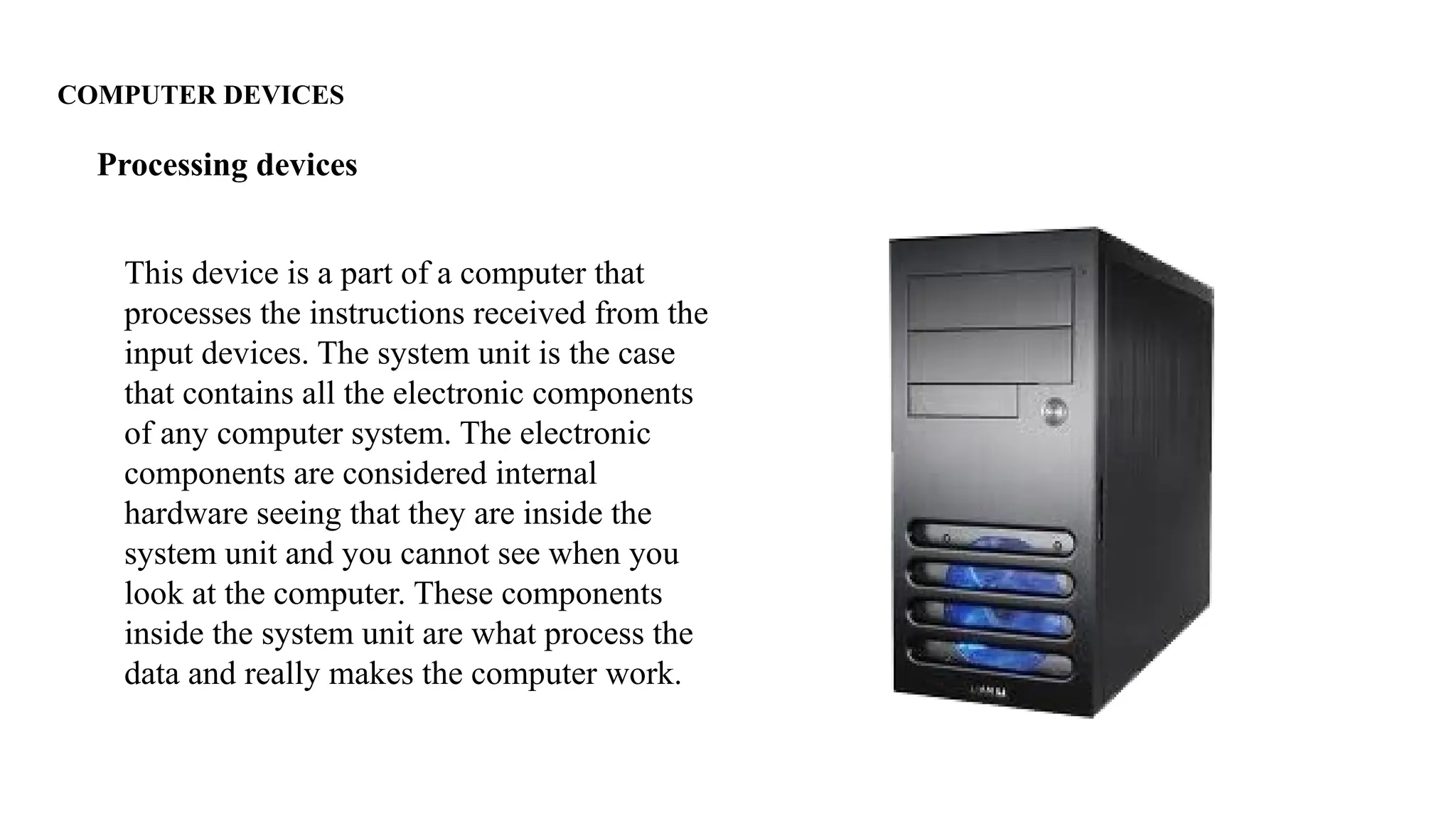
This device is a part of a computer that
processes the instructions received from the
input devices. The system unit is the case
that contains all the electronic components
of any computer system. The electronic
components are considered internal
hardware seeing that they are inside the
system unit and you cannot see when you
look at the computer. These components
inside the system unit are what process the
data and really makes the computer work.
Processing devices
COMPUTER DEVICES
They are parts of a computer that produces the results of the instructions processes by the
Central Processing Unit.
Output devices
Examples of Output devices
COMPUTER DEVICES
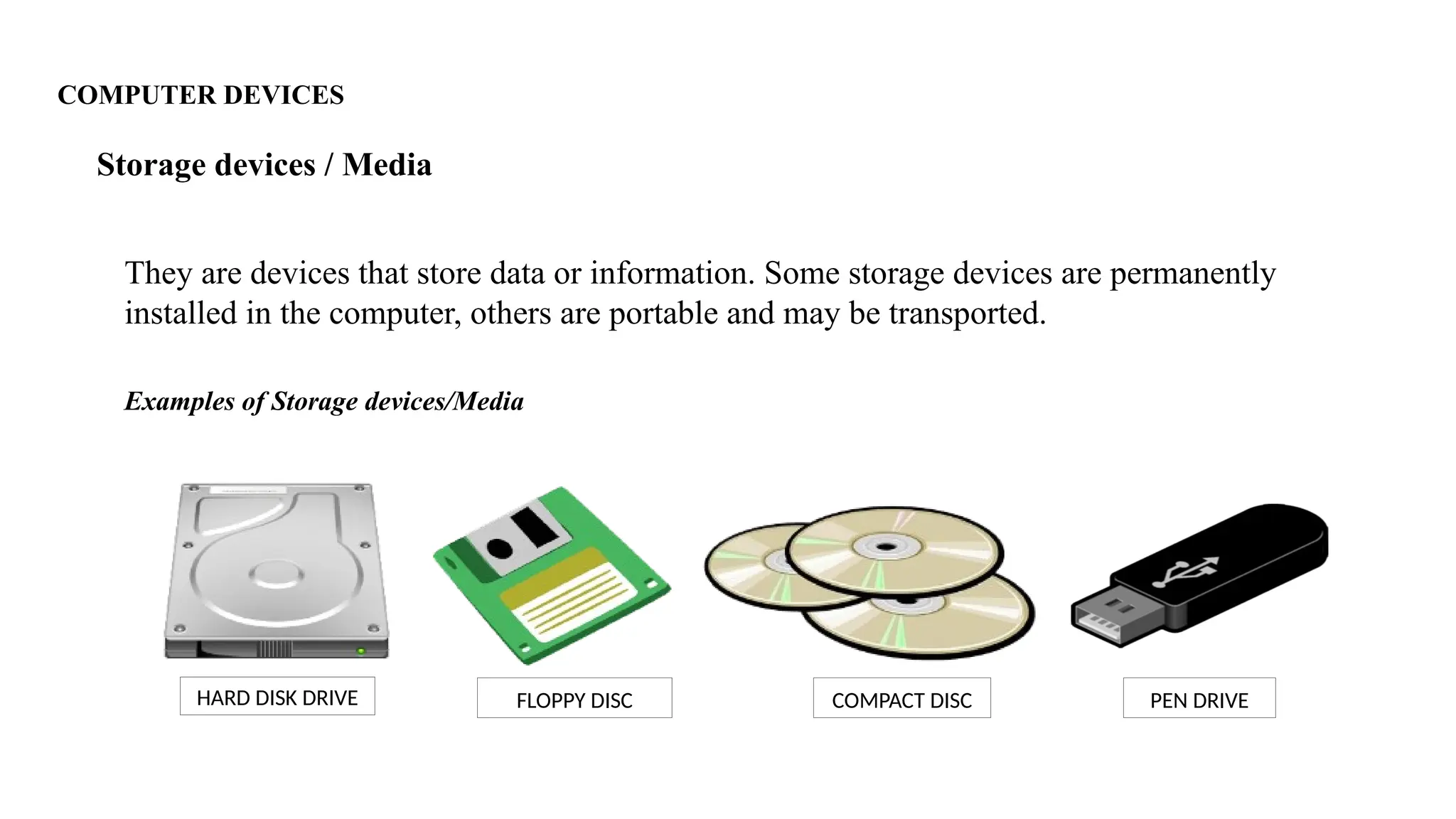
They are devices that store data or information. Some storage devices are permanently
installed in the computer, others are portable and may be transported.
Storage devices / Media
Examples of Storage devices/Media
HARD DISK DRIVE COMPACT DISC
FLOPPY DISC PEN DRIVE
End of Lesson!

Lesson-2-System-Software-peripherals-and-Computer-Fundamentals.pptx

  • 1.
  • 2.
    Computer Peripherals andDevices Computer peripherals are other parts connected to the computer.
  • 3.
    BASIC PARTS OFA COMPUTER MONITOR - The monitor allows you to see what you and your computer are doing together. It looks like a TV screen.
  • 4.
    BASIC PARTS OFA COMPUTER SYSTEM UNIT - It is the brain and heart of computer. The system unit is the enclosure for all the other main interior components of a computer. It is also called the computer case, computer chassis, or computer tower.
  • 5.
    BASIC PARTS OFA COMPUTER KEYBOARD - It helps you talk with the computer what to do by typing the letters or numbers on the keyboard.
  • 6.
    Computer Peripherals andDevices A mouse is a handheld pointing device used to position a cursor on a computer screen. This allows the user to select items stored on a computer.
  • 7.
    Computer Peripherals andDevices The scanner copies a picture or document into the computer.
  • 8.
    Computer Peripherals andDevices The microphone allows you to record your voice and other sounds.
  • 9.
    Computer Peripherals andDevices The joystick is used in playing computer games. It works like the mouse and the arrow keys found in the keyboard.
  • 10.
    Computer Peripherals andDevices The digital camera or digicam captures pictures into a computer. These pictures or images can be saved in the computer.
  • 11.
    Computer Peripherals andDevices The printer takes what you see on the computer screen and prints it on paper. The printed copy is called hard copy. It can be in color or in black.
  • 12.
    Computer Peripherals andDevices The speaker produce sounds coming from the computer. They add excitement to playing computer games. They also allow you to hear your favorite music.
  • 13.
    Computer Peripherals andDevices The headphone is a handy speaker placed directly over the ears. It allows the user to listen to the sound coming from the computer.
  • 14.
    COMPUTER DEVICES 1. Inputdevices 2. Processing devices 3. Output devices 4. Storage devices
  • 15.
    COMPUTER DEVICES They areparts of a computer that receive instructions from the user. They also give commands to the computer. Input devices Examples of Input devices
  • 16.
    COMPUTER DEVICES This deviceis a part of a computer that processes the instructions received from the input devices. The system unit is the case that contains all the electronic components of any computer system. The electronic components are considered internal hardware seeing that they are inside the system unit and you cannot see when you look at the computer. These components inside the system unit are what process the data and really makes the computer work. Processing devices
  • 17.
    COMPUTER DEVICES They areparts of a computer that produces the results of the instructions processes by the Central Processing Unit. Output devices Examples of Output devices
  • 18.
    COMPUTER DEVICES They aredevices that store data or information. Some storage devices are permanently installed in the computer, others are portable and may be transported. Storage devices / Media Examples of Storage devices/Media HARD DISK DRIVE COMPACT DISC FLOPPY DISC PEN DRIVE
  • 19.