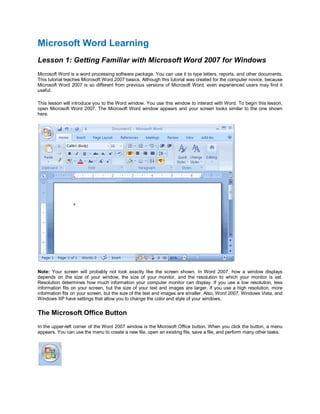
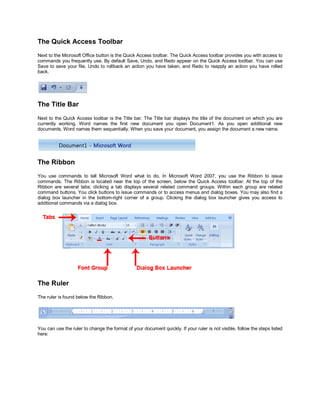
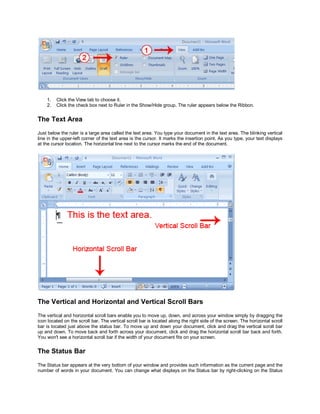
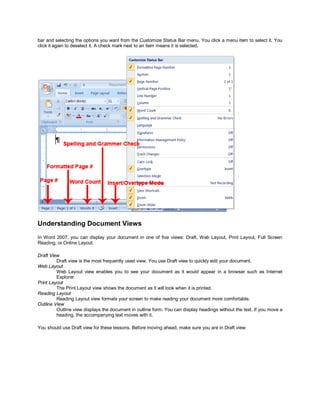
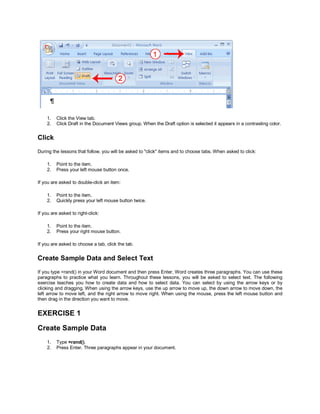
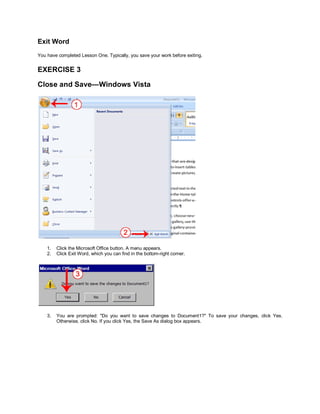
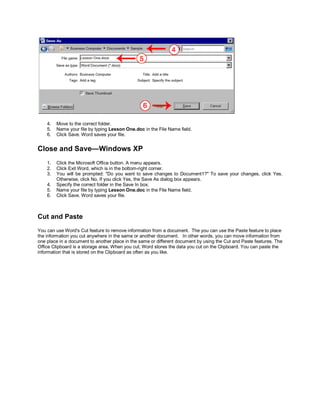
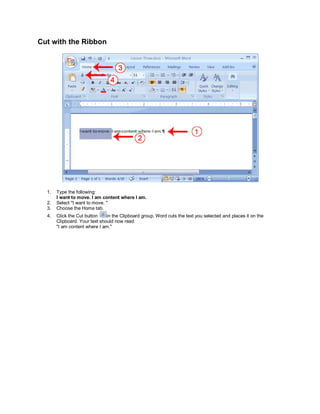
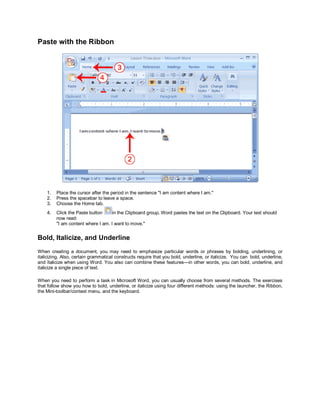
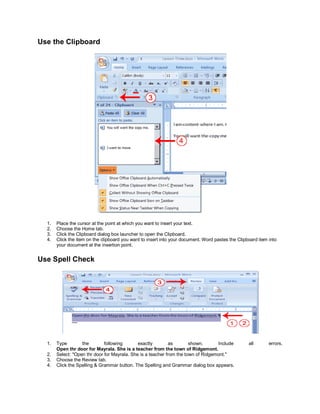
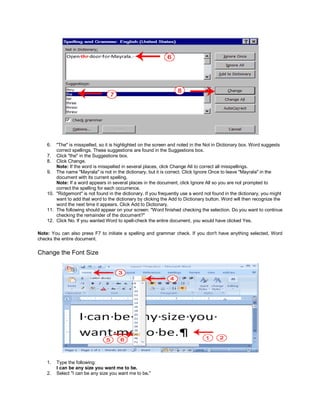
This document provides an overview and introduction to the Microsoft Word 2007 interface. It describes the main sections of the Word window including the Microsoft Office button, Quick Access toolbar, Ribbon, ruler, text area, scroll bars, and status bar. It also explains how to navigate around a document using keyboard shortcuts and mouse clicks, select text, cut and paste content, check spelling and grammar, and change font sizes. The goal is to familiarize new users with the basic Word window and commands.