Introduction to Database
9/22/2022 1
Lecture No 2
Overview of Database
By
Engr. Muhammad Anwar
anwarreki2016@gmail.com
Lecturer at Computer Science Department
University of Turbat (Panjgur Campus)
Sahih al-Buk
hari 59
Book 3,
Hadith 1
Introduction to Database 9/22/2022 3
Lecture
Outline
Introduction to Database
Database Concept
Purpose of Database
Advantages of Database
Disadvantages of Database
how does the database accomplish this purpose?
keys in a database
Database Languages
Types of Database Languages
purpose of database software
Is Excel Database System?
Tip of the Day
9/22/2022 4
Database Concept
A database intends to have a collection of data
stored together to serve multiple applications as
possible. Hence a database is often conceived of as
a repository of information needed for running
certain functions in a corporation or organization.
Such a database would permit not only the
retrieval of data but also the continuous
modification of data needed for control of
operations. It may be possible to search the
database to obtain answers to queries or
information for planning purposes.
Introduction to Database 9/22/2022 5
Purpose of
Database
Introduction to Database
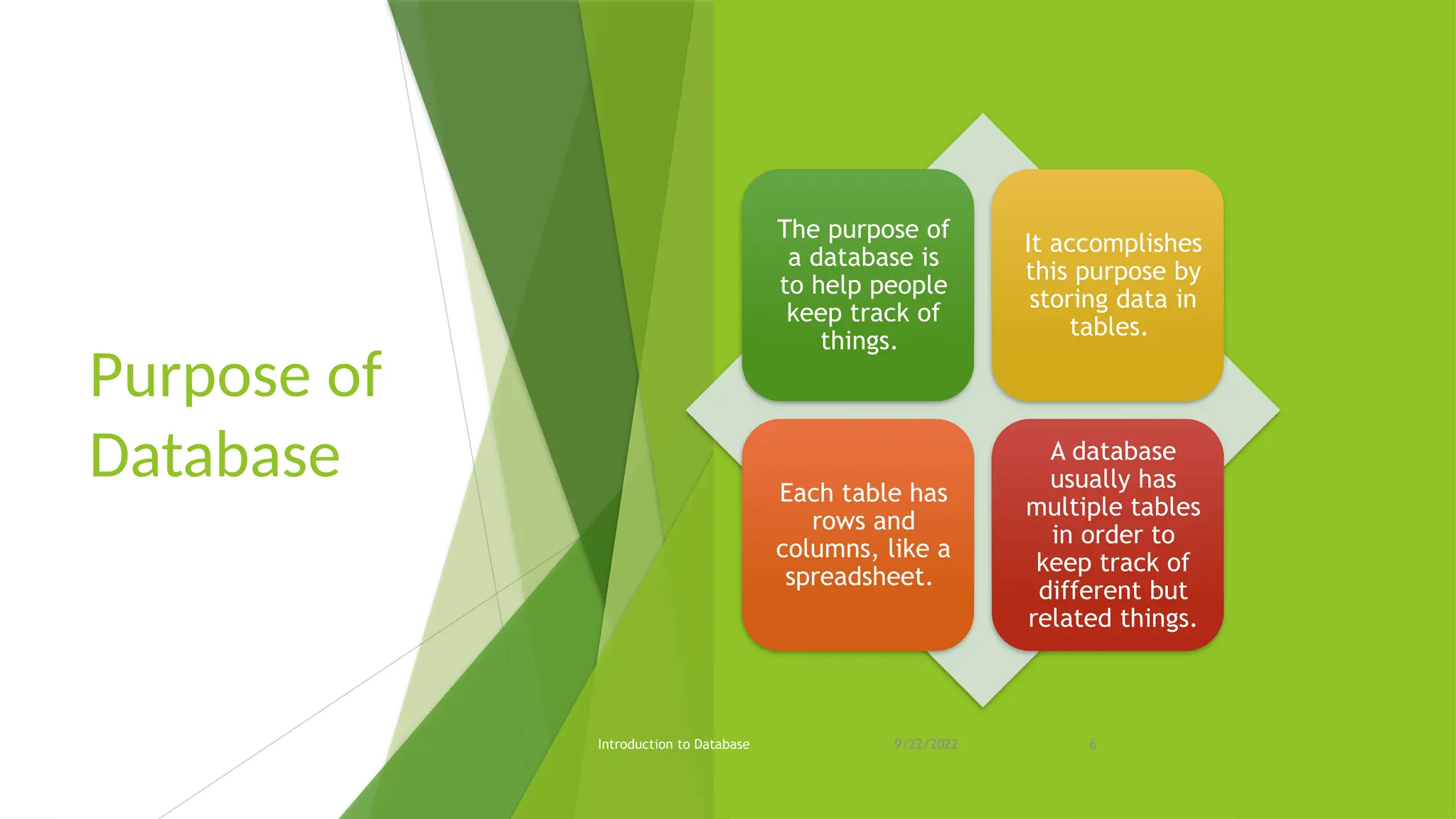
The purpose of
a database is
to help people
keep track of
things.
It accomplishes
this purpose by
storing data in
tables.
Each table has
rows and
columns, like a
spreadsheet.
A database
usually has
multiple tables
in order to
keep track of
different but
related things.
9/22/2022 6
Advantages of
Database
Introduction to Database
Better Data Transferring
Better Data Security
Data Abstraction
Controlling data redundancy
Minimized Data Inconsistency
Faster data Access
Better decision making
Increased end-user productivity
9/22/2022 7
Disadvantages
of Database
Introduction to Database
Cost of hardware and Software
Cost of data conversion
Cost of Staff training
9/22/2022 8
keys in a database
 A key in DBMS is an attribute or a set
of attributes that help to uniquely
identify a tuple (or row) in a relation
(or table).
 Keys are also used to establish
relationships between the different
tables and columns of a relational
database.
Introduction to Database 9/22/2022 9
Type of Keys in
DBMS
1. Primary Key
2. Candidate Key
3. Super Key
4. Foreign Key
5. Composite Key
6. Alternate Key
7. Unique Key
Introduction to Database 9/22/2022 10
Primary Key
A primary key is a column of a table or
a set of columns that helps to identify
every record present in that table
uniquely. There can be only one
primary Key in a table.
Introduction to Database 9/22/2022 11
Database Languages
 Database languages, also known as query
languages or data query languages, are a
classification of programming languages
that developers use to define and access
databases, which are collections of
organized data that users can access
electronically.
 These languages allow users to complete
tasks such as controlling access to data,
defining and updating data and searching
for information within the database
management system (DBMS).
Introduction to Database 9/22/2022 12
Types of Database Languages
Introduction to Database
1. DATA
DEFINITION
LANGUAGE (DDL)
2. DATA
MANIPULATION
LANGUAGE (DML)
3. DATA CONTROL
LANGUAGE (DCL)
4. TRANSACTION
CONTROL
LANGUAGE (TCL)
9/22/2022 13
1. Data
definition
language
(DDL)
Introduction to Database
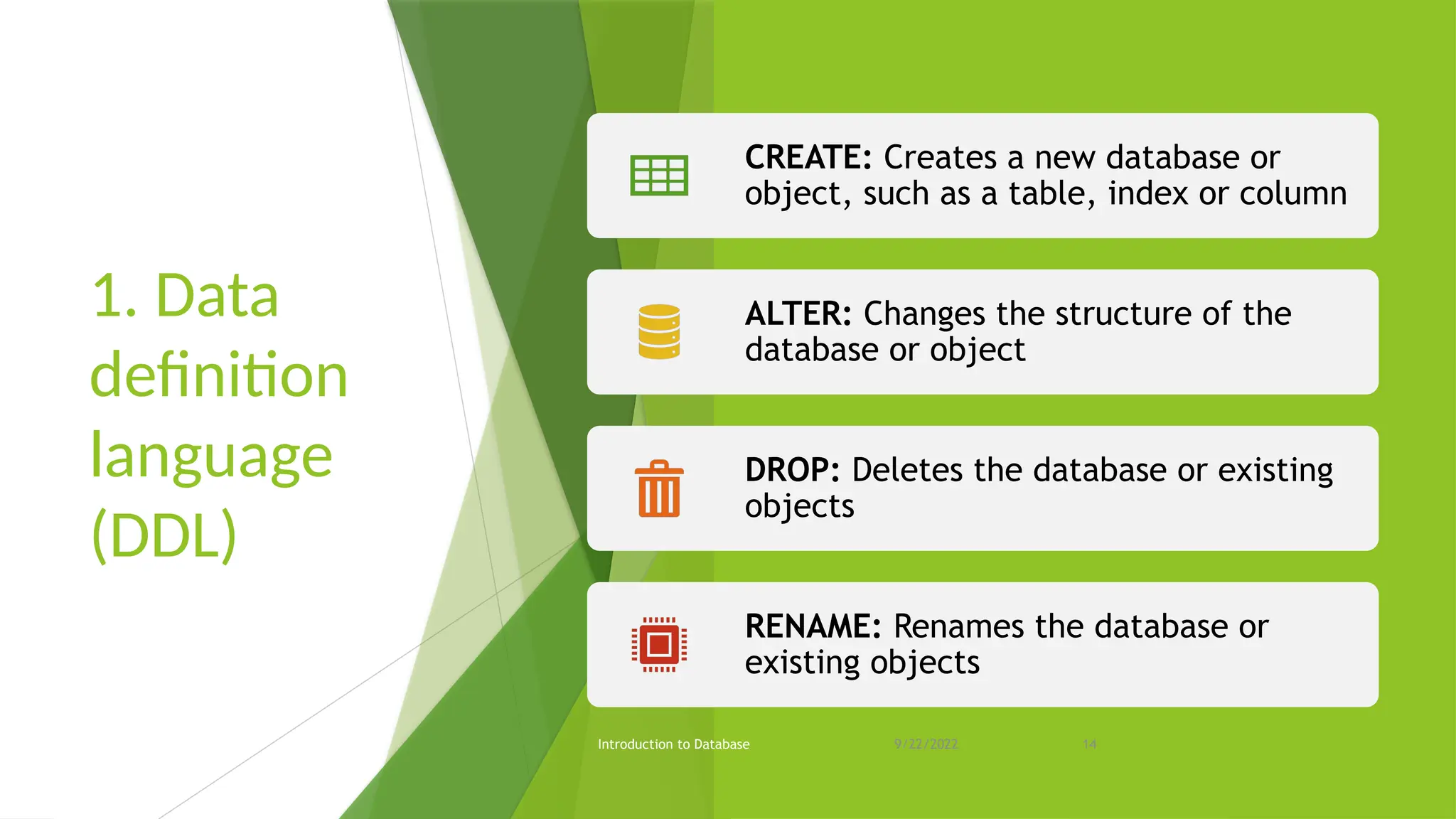
CREATE: Creates a new database or
object, such as a table, index or column
ALTER: Changes the structure of the
database or object
DROP: Deletes the database or existing
objects
RENAME: Renames the database or
existing objects
9/22/2022 14
2. Data
manipulation
language
(DML)
Introduction to Database
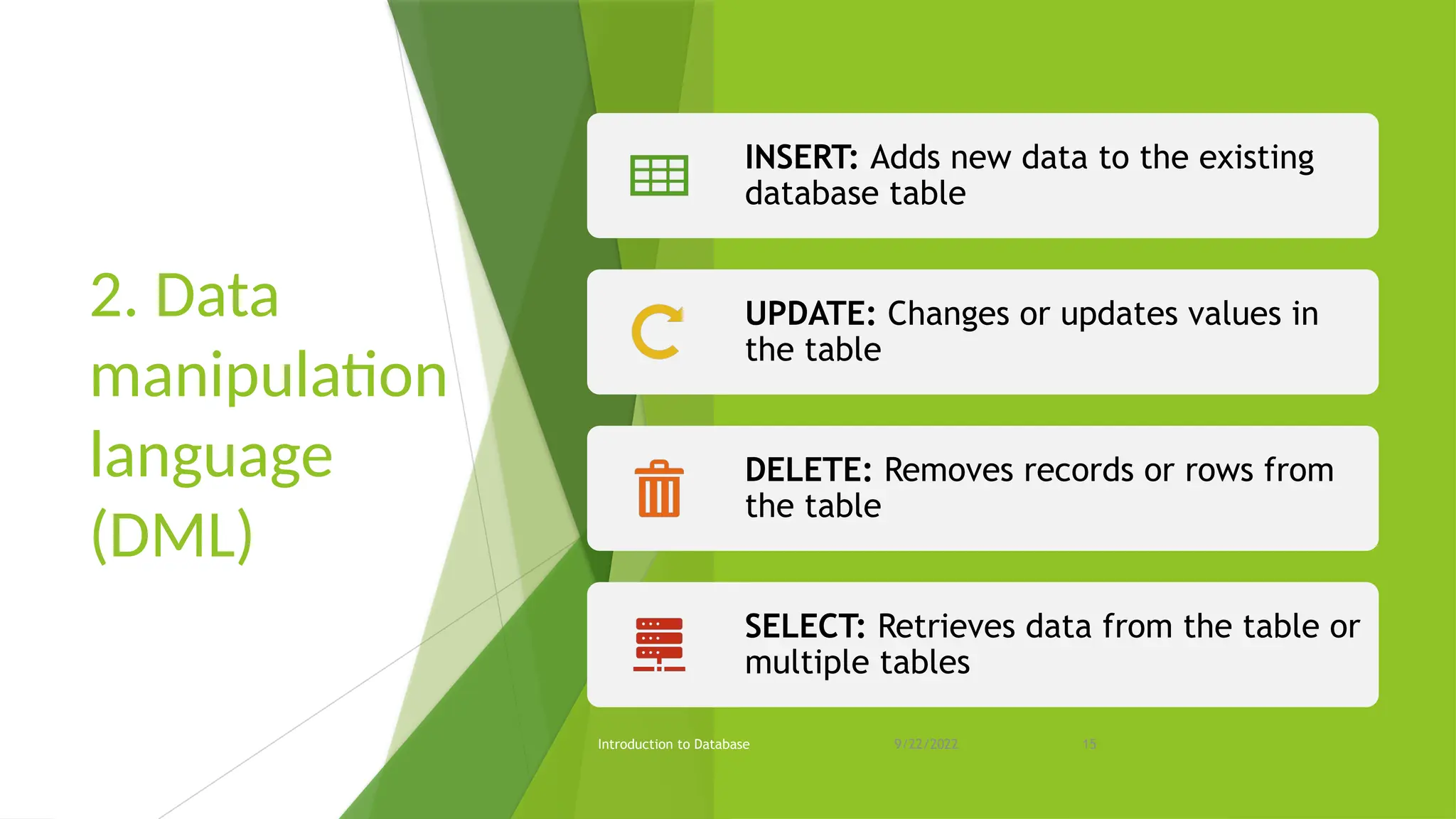
INSERT: Adds new data to the existing
database table
UPDATE: Changes or updates values in
the table
DELETE: Removes records or rows from
the table
SELECT: Retrieves data from the table or
multiple tables
9/22/2022 15
3. Data control language (DCL)
Introduction to Database
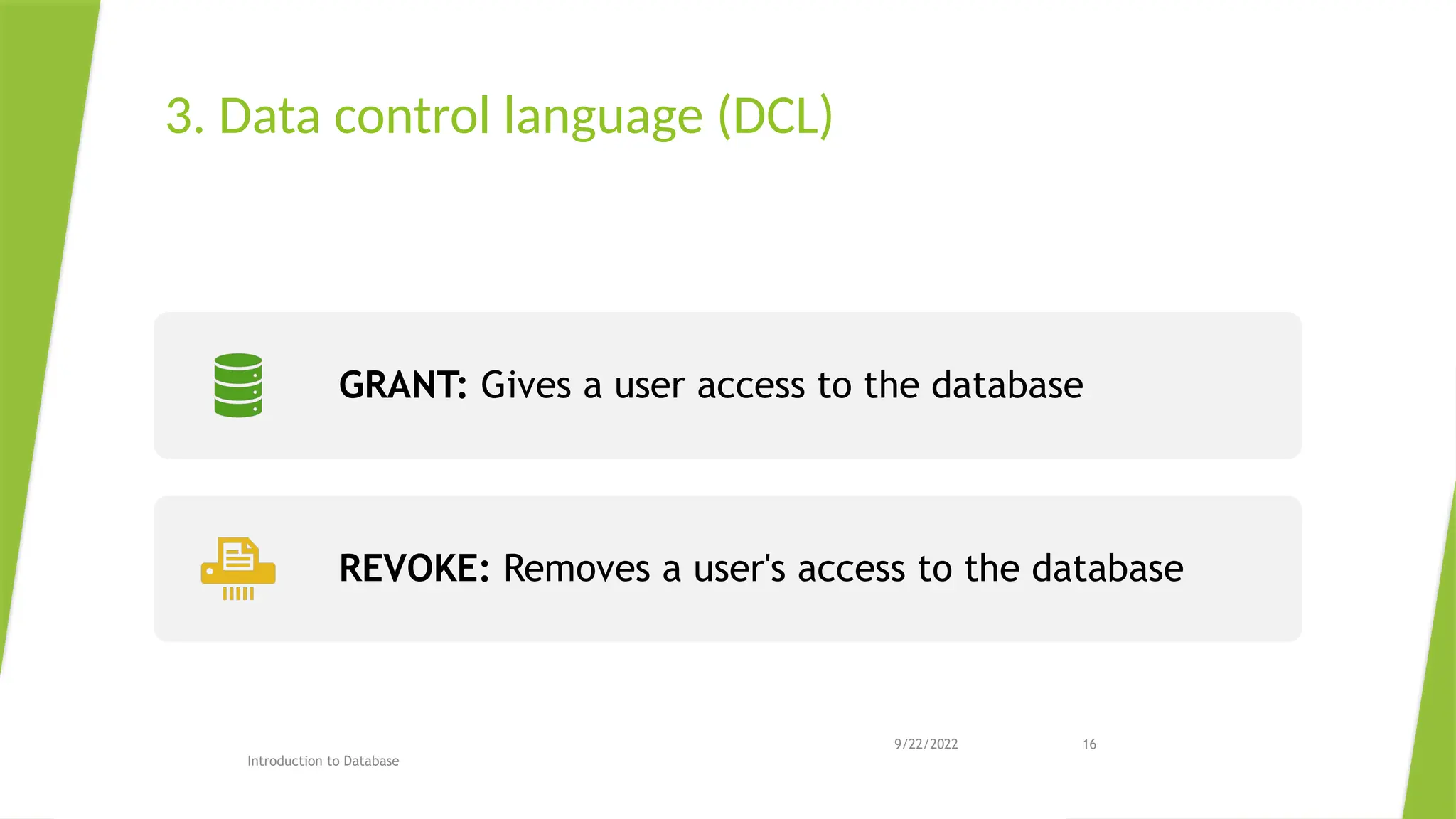
GRANT: Gives a user access to the database
REVOKE: Removes a user's access to the database
9/22/2022 16
Purpose of database
software
 Data Redundancy or Data Duplication is
Minimized.
 Data Integrity is maintained in a Database
Management System.
 Data Consistency is also maintained in a
Database Management System.
 Backing up data from a single location is simple.
 In DBMSs, Data is housed in a secure central
location, and many access privileges can be
assigned to multiple people.
 One of the main benefits of a Database
Management System is that the same business
data can be made available to various personnel
at any time and from any location.
Introduction to Database 9/22/2022 17
Introduction to Database
Purpose of
database
software
 Database Management Systems also
ensures data durability, that is, even if there
is a power outage or any other disaster for
that matter, the data in the Database will
persist.
 Usage Of Query Languages
 Maintenance of a Large Database
9/22/2022 18
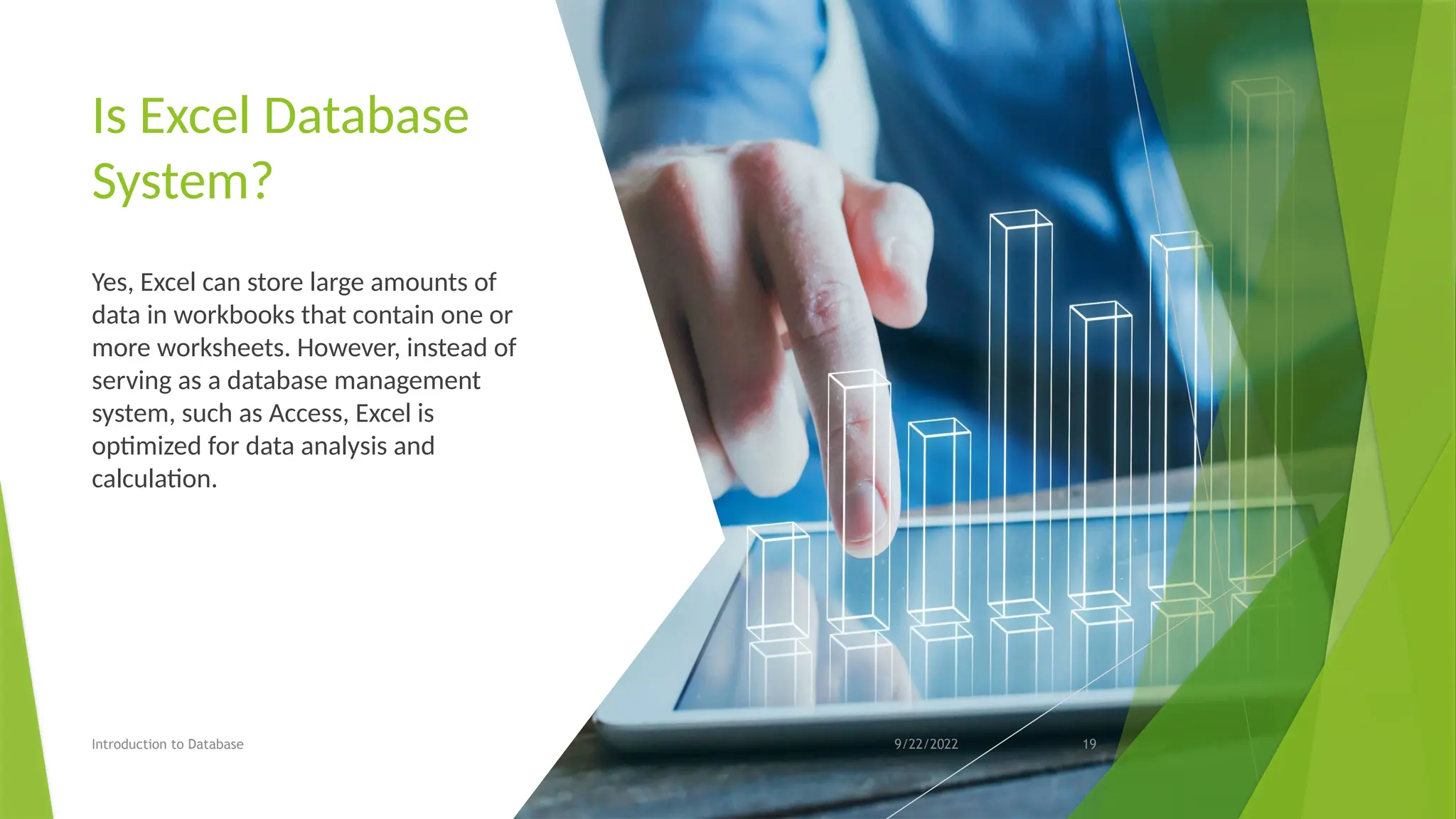
Is Excel Database
System?
Yes, Excel can store large amounts of
data in workbooks that contain one or
more worksheets. However, instead of
serving as a database management
system, such as Access, Excel is
optimized for data analysis and
calculation.
Introduction to Database 9/22/2022 19
Tip of the Day
Booting and Startup Stages
Introduction to Database 9/22/2022 20
Introduction to Database 9/22/2022 21
Introduction to Database 9/22/2022 22

Lecture No 1b Overview of Database intro

  • 1.
  • 2.
    Lecture No 2 Overviewof Database By Engr. Muhammad Anwar anwarreki2016@gmail.com Lecturer at Computer Science Department University of Turbat (Panjgur Campus)
  • 3.
    Sahih al-Buk hari 59 Book3, Hadith 1 Introduction to Database 9/22/2022 3
  • 4.
    Lecture Outline Introduction to Database DatabaseConcept Purpose of Database Advantages of Database Disadvantages of Database how does the database accomplish this purpose? keys in a database Database Languages Types of Database Languages purpose of database software Is Excel Database System? Tip of the Day 9/22/2022 4
  • 5.
    Database Concept A databaseintends to have a collection of data stored together to serve multiple applications as possible. Hence a database is often conceived of as a repository of information needed for running certain functions in a corporation or organization. Such a database would permit not only the retrieval of data but also the continuous modification of data needed for control of operations. It may be possible to search the database to obtain answers to queries or information for planning purposes. Introduction to Database 9/22/2022 5
  • 6.
    Purpose of Database Introduction toDatabase The purpose of a database is to help people keep track of things. It accomplishes this purpose by storing data in tables. Each table has rows and columns, like a spreadsheet. A database usually has multiple tables in order to keep track of different but related things. 9/22/2022 6
  • 7.
    Advantages of Database Introduction toDatabase Better Data Transferring Better Data Security Data Abstraction Controlling data redundancy Minimized Data Inconsistency Faster data Access Better decision making Increased end-user productivity 9/22/2022 7
  • 8.
    Disadvantages of Database Introduction toDatabase Cost of hardware and Software Cost of data conversion Cost of Staff training 9/22/2022 8
  • 9.
    keys in adatabase  A key in DBMS is an attribute or a set of attributes that help to uniquely identify a tuple (or row) in a relation (or table).  Keys are also used to establish relationships between the different tables and columns of a relational database. Introduction to Database 9/22/2022 9
  • 10.
    Type of Keysin DBMS 1. Primary Key 2. Candidate Key 3. Super Key 4. Foreign Key 5. Composite Key 6. Alternate Key 7. Unique Key Introduction to Database 9/22/2022 10
  • 11.
    Primary Key A primarykey is a column of a table or a set of columns that helps to identify every record present in that table uniquely. There can be only one primary Key in a table. Introduction to Database 9/22/2022 11
  • 12.
    Database Languages  Databaselanguages, also known as query languages or data query languages, are a classification of programming languages that developers use to define and access databases, which are collections of organized data that users can access electronically.  These languages allow users to complete tasks such as controlling access to data, defining and updating data and searching for information within the database management system (DBMS). Introduction to Database 9/22/2022 12
  • 13.
    Types of DatabaseLanguages Introduction to Database 1. DATA DEFINITION LANGUAGE (DDL) 2. DATA MANIPULATION LANGUAGE (DML) 3. DATA CONTROL LANGUAGE (DCL) 4. TRANSACTION CONTROL LANGUAGE (TCL) 9/22/2022 13
  • 14.
    1. Data definition language (DDL) Introduction toDatabase CREATE: Creates a new database or object, such as a table, index or column ALTER: Changes the structure of the database or object DROP: Deletes the database or existing objects RENAME: Renames the database or existing objects 9/22/2022 14
  • 15.
    2. Data manipulation language (DML) Introduction toDatabase INSERT: Adds new data to the existing database table UPDATE: Changes or updates values in the table DELETE: Removes records or rows from the table SELECT: Retrieves data from the table or multiple tables 9/22/2022 15
  • 16.
    3. Data controllanguage (DCL) Introduction to Database GRANT: Gives a user access to the database REVOKE: Removes a user's access to the database 9/22/2022 16
  • 17.
    Purpose of database software Data Redundancy or Data Duplication is Minimized.  Data Integrity is maintained in a Database Management System.  Data Consistency is also maintained in a Database Management System.  Backing up data from a single location is simple.  In DBMSs, Data is housed in a secure central location, and many access privileges can be assigned to multiple people.  One of the main benefits of a Database Management System is that the same business data can be made available to various personnel at any time and from any location. Introduction to Database 9/22/2022 17
  • 18.
    Introduction to Database Purposeof database software  Database Management Systems also ensures data durability, that is, even if there is a power outage or any other disaster for that matter, the data in the Database will persist.  Usage Of Query Languages  Maintenance of a Large Database 9/22/2022 18
  • 19.
    Is Excel Database System? Yes,Excel can store large amounts of data in workbooks that contain one or more worksheets. However, instead of serving as a database management system, such as Access, Excel is optimized for data analysis and calculation. Introduction to Database 9/22/2022 19
  • 20.
    Tip of theDay Booting and Startup Stages Introduction to Database 9/22/2022 20
  • 21.
  • 22.