Lecture 3 React
Native with Database
Prepared by: Eng Yee Wei
Introduction to Firebase
• Firebase is a comprehensive mobile and web application development
platform provided by Google. It offers a suite of cloud-based services
and tools that help developers build, deploy, and manage applications
more efficiently.
Steps on Integrating
Data Adding to
Firebase
• 1. First, you need to create a Firebase
project
• 2. https://console.firebase.google.com
• 3. Add a new Firebase Project
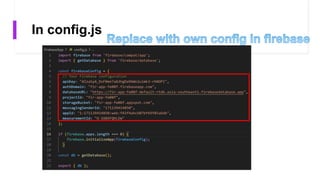
• 4. Create config.js in React Native Project.
• 5. Codes integration with React Native
and view data changes in Firebase
Section 1: Adding
Data to Firebase
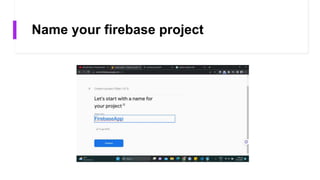
Name your firebase project
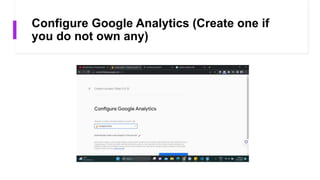
Configure Google Analytics (Create one if
you do not own any)
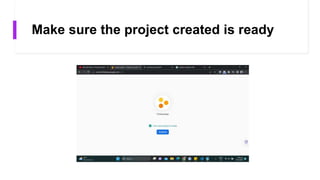
Make sure the project created is ready
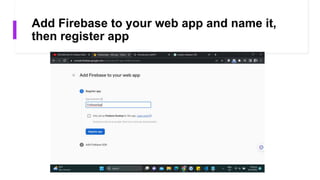
Add Firebase to your web app and name it,
then register app
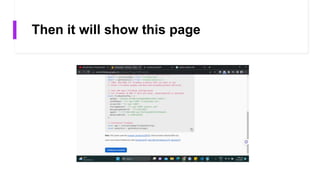
Then it will show this page
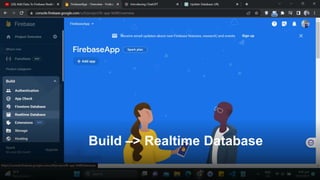
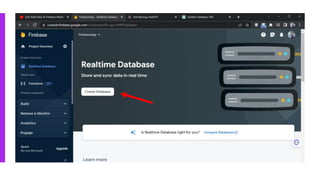
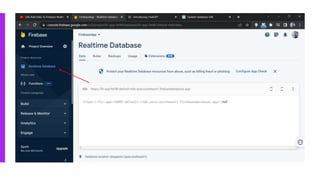
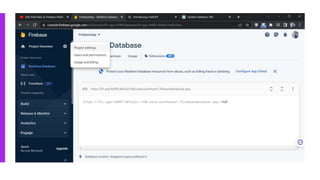
Build –> Realtime Database
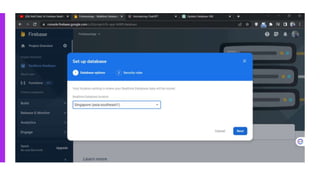
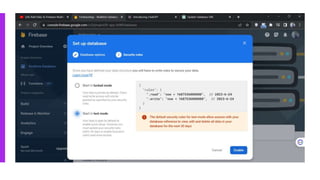
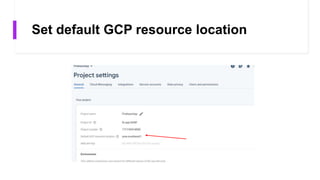
Set default GCP resource location
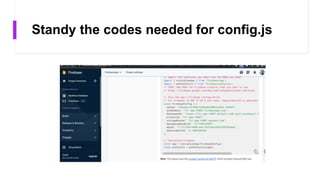
Standy the codes needed for config.js
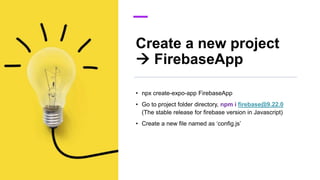
Create a new project
 FirebaseApp
• npx create-expo-app FirebaseApp
• Go to project folder directory, npm i firebase@9.22.0
(The stable release for firebase version in Javascript)
• Create a new file named as ‘config.js’
In config.js
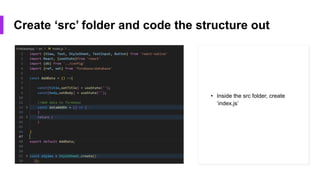
Create ‘src’ folder and code the structure out
• Inside the src folder, create
‘index.js’
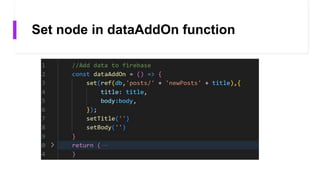
Set node in dataAddOn function
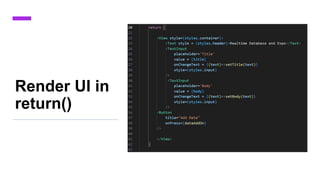
Render UI in
return()
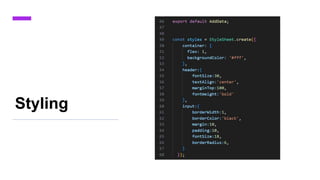
Styling
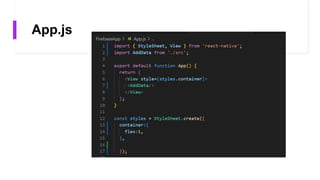
App.js
UI in mobile
phone
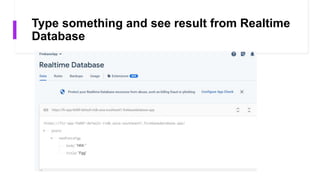
Type something and see result from Realtime
Database
Section 2: Retrieve
Data from Firebase
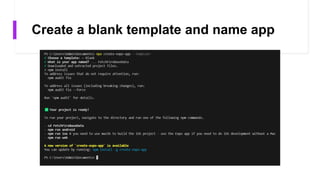
Create a blank template and name app
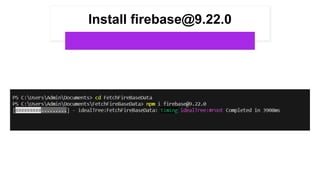
Install firebase@9.22.0
Build index.js in ‘src’ folder,
then build config.js (Copy
the same from previous)
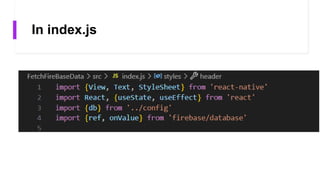
In index.js
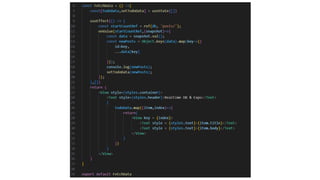
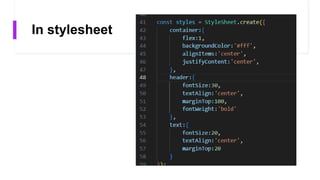
In stylesheet
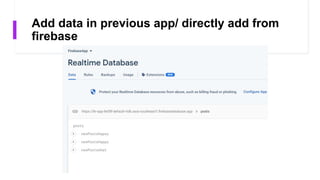
Add data in previous app/ directly add from
firebase
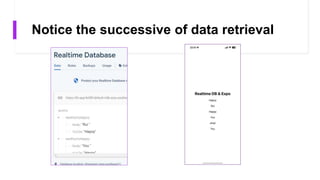
Notice the successive of data retrieval
Thank you 

Lecture 3 React Native with Database.pptx