






ARDUINO COURSE
Edited By : Mohamed Zain Allam
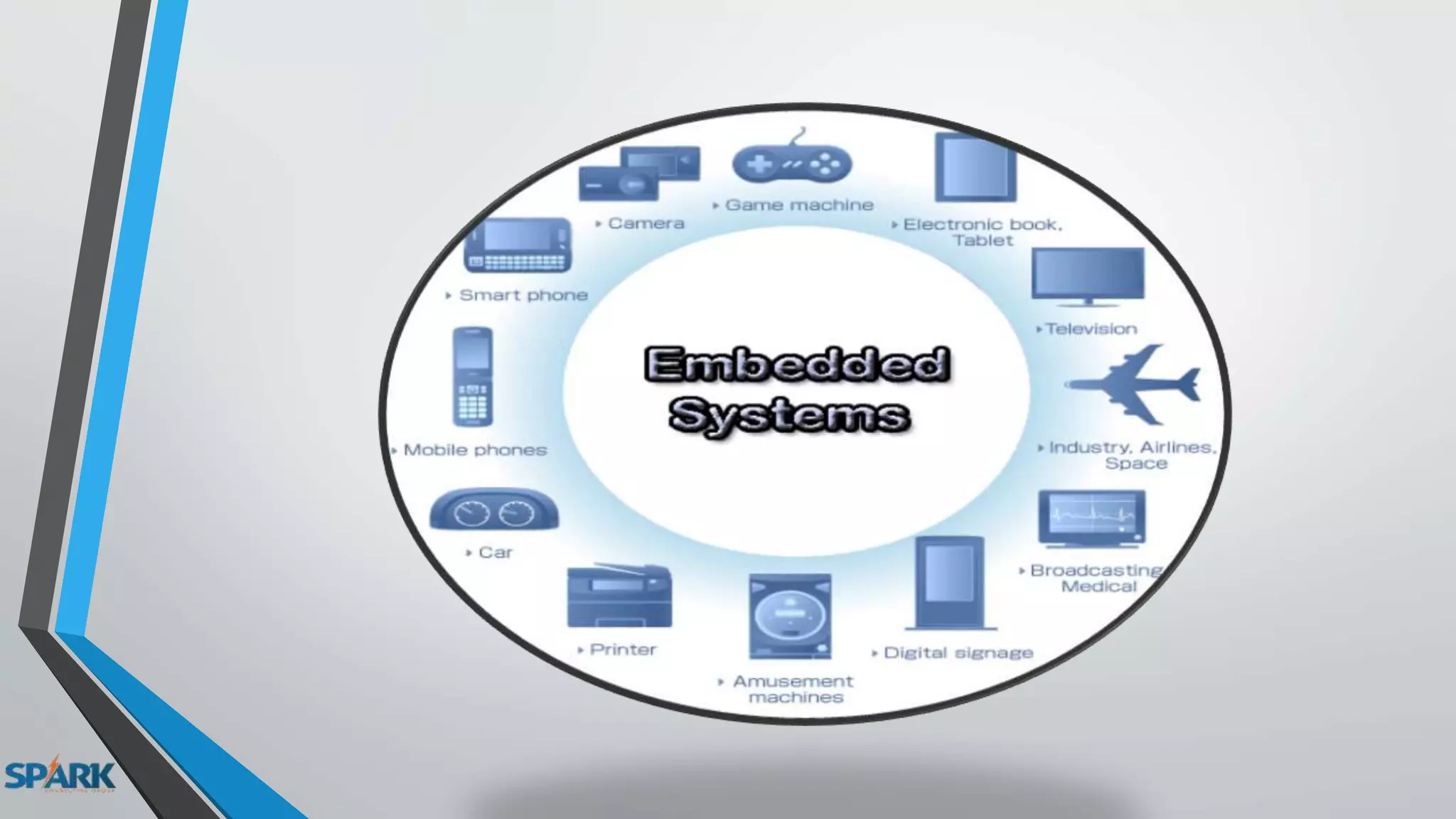
What is Embedded system ?
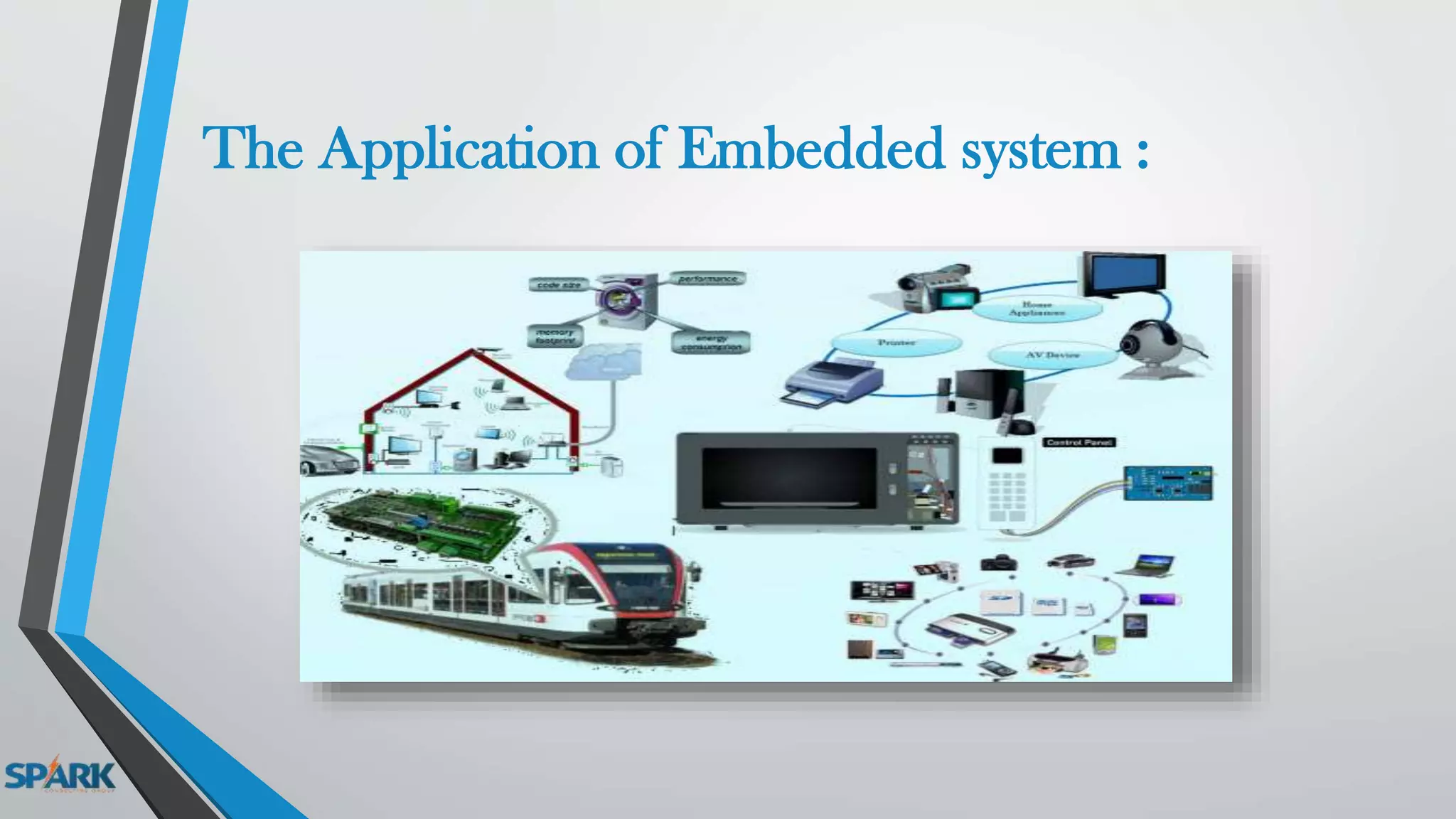
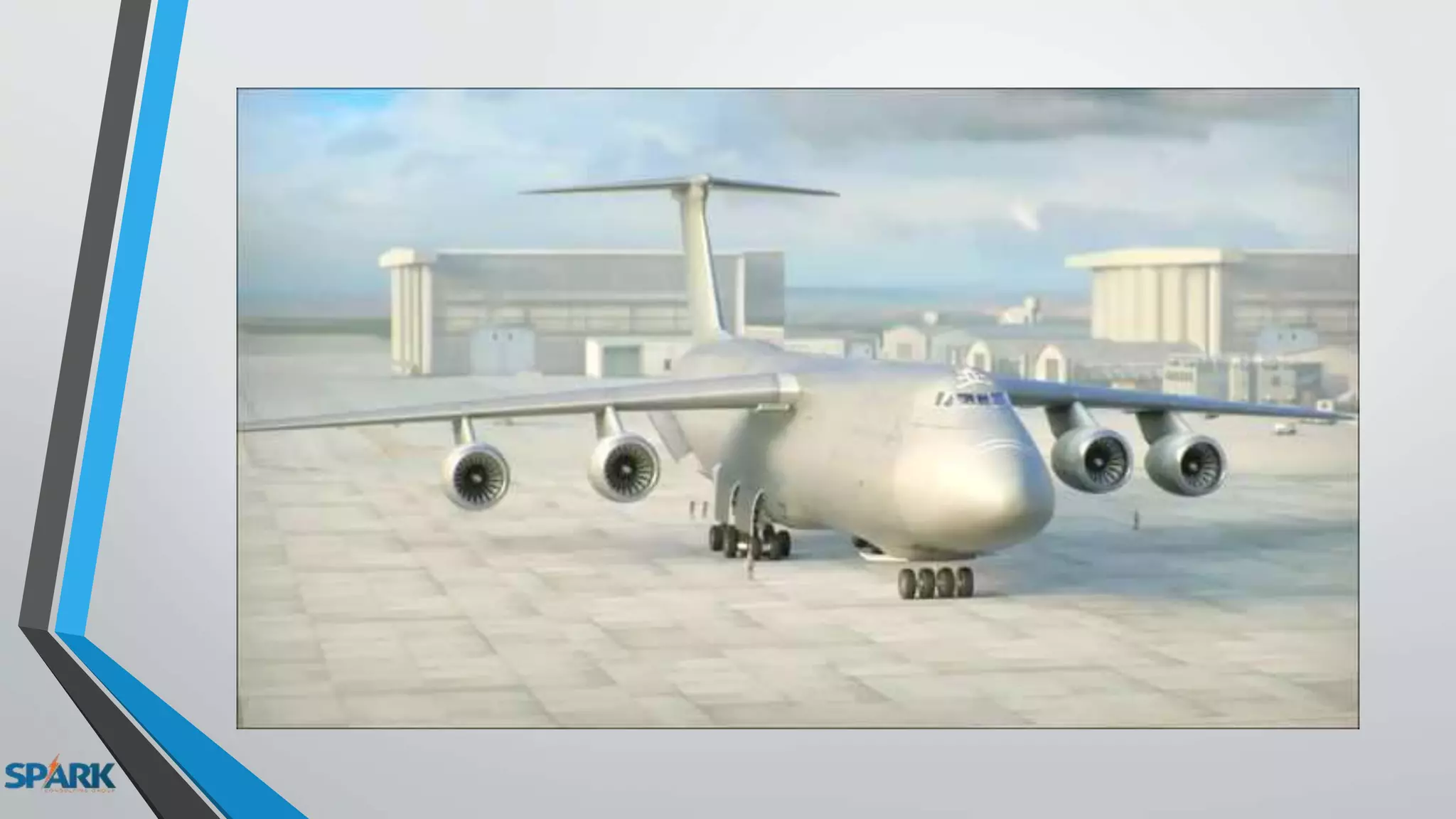
The Application of Embedded system :
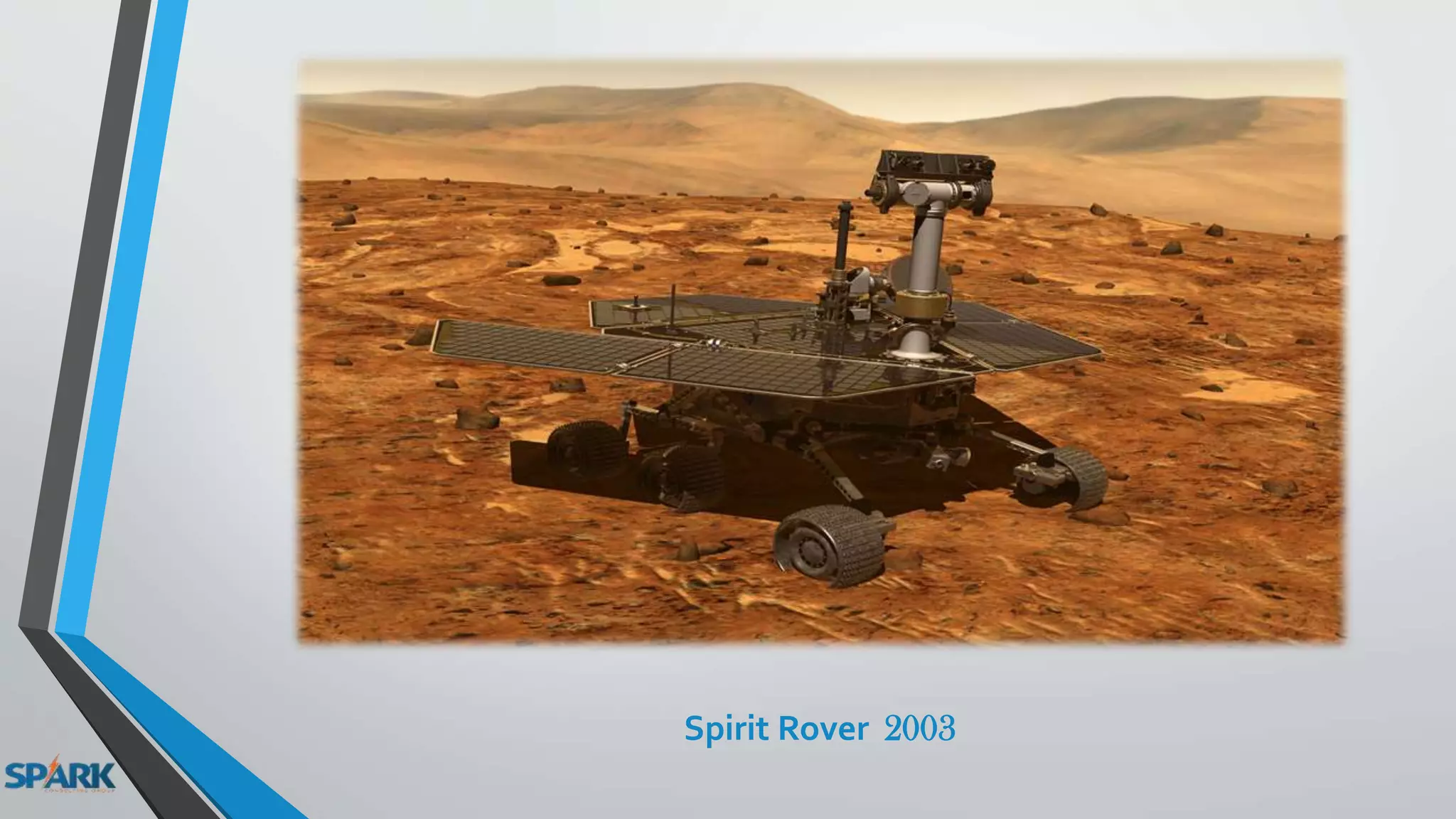
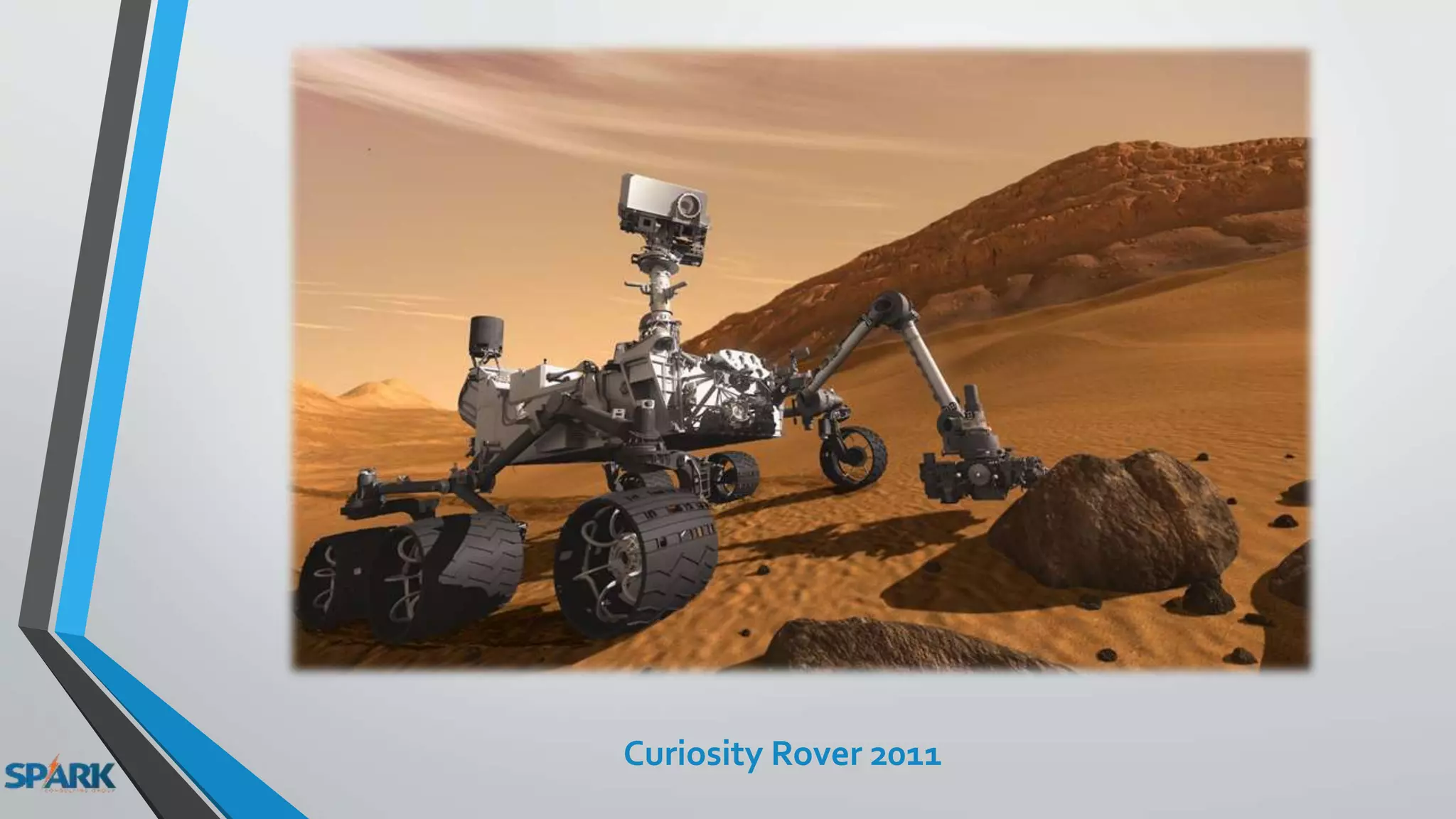
NASA
Spirit Rover 2003
Curiosity Rover 2011
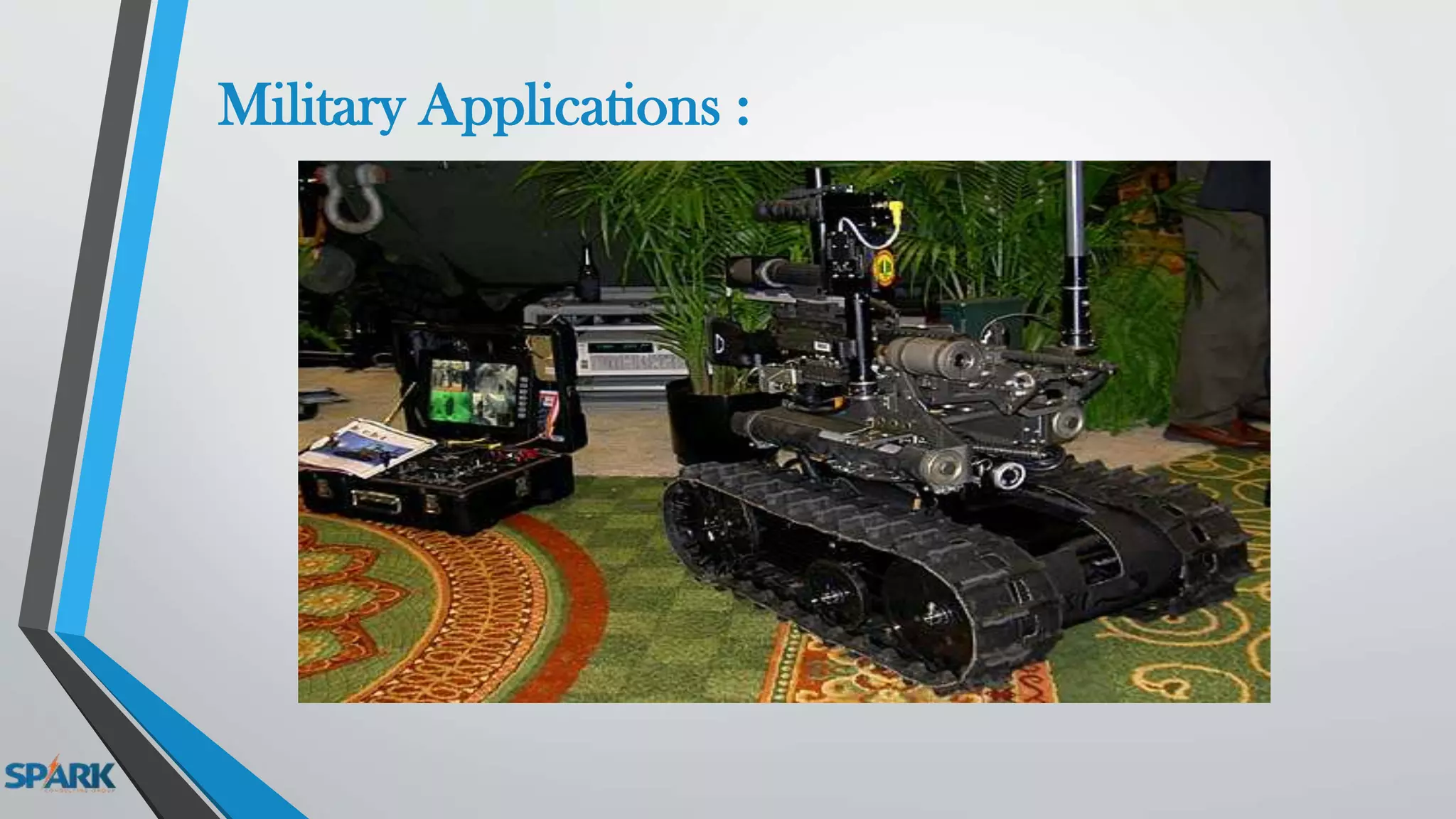
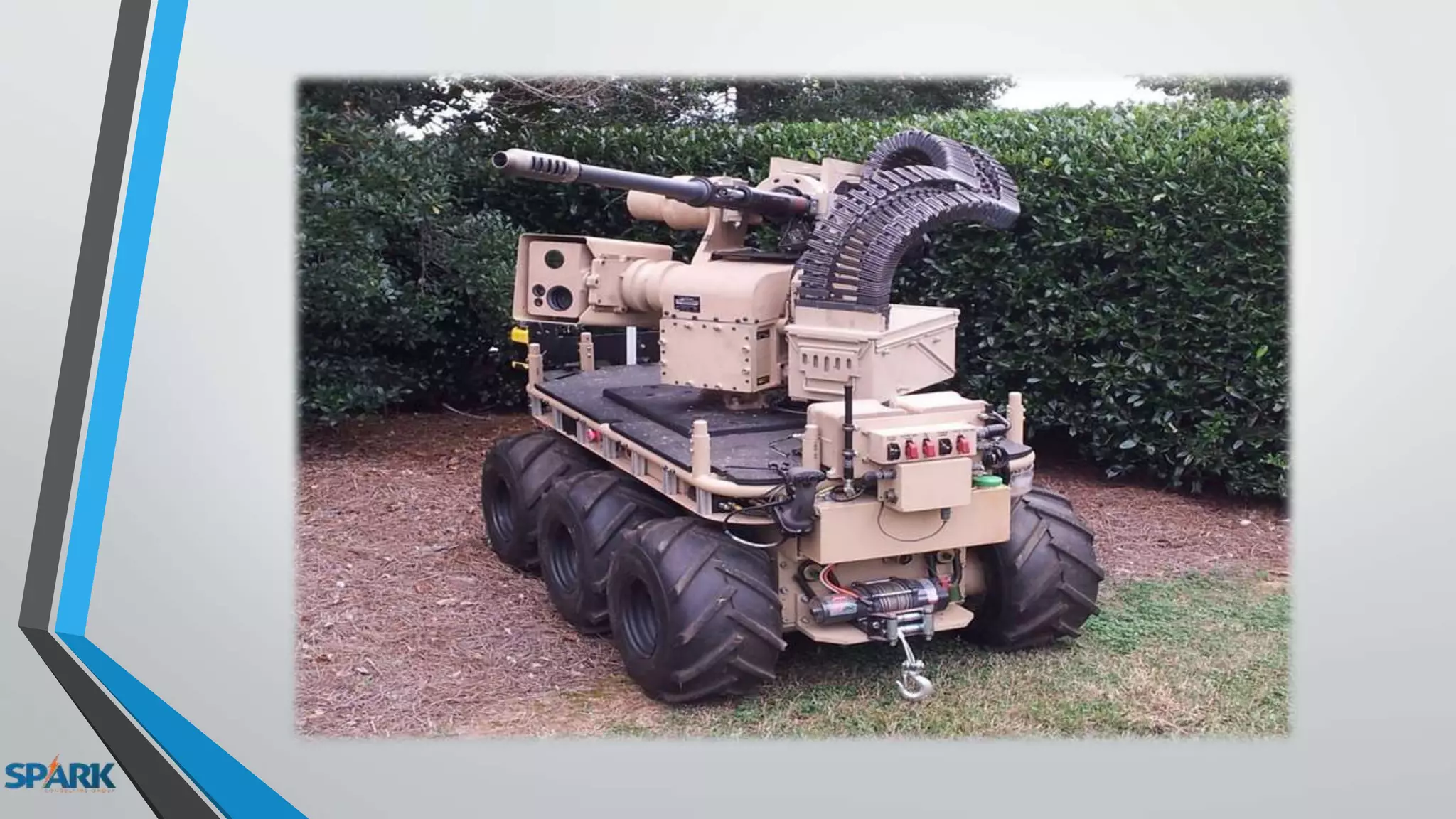
Military Applications :
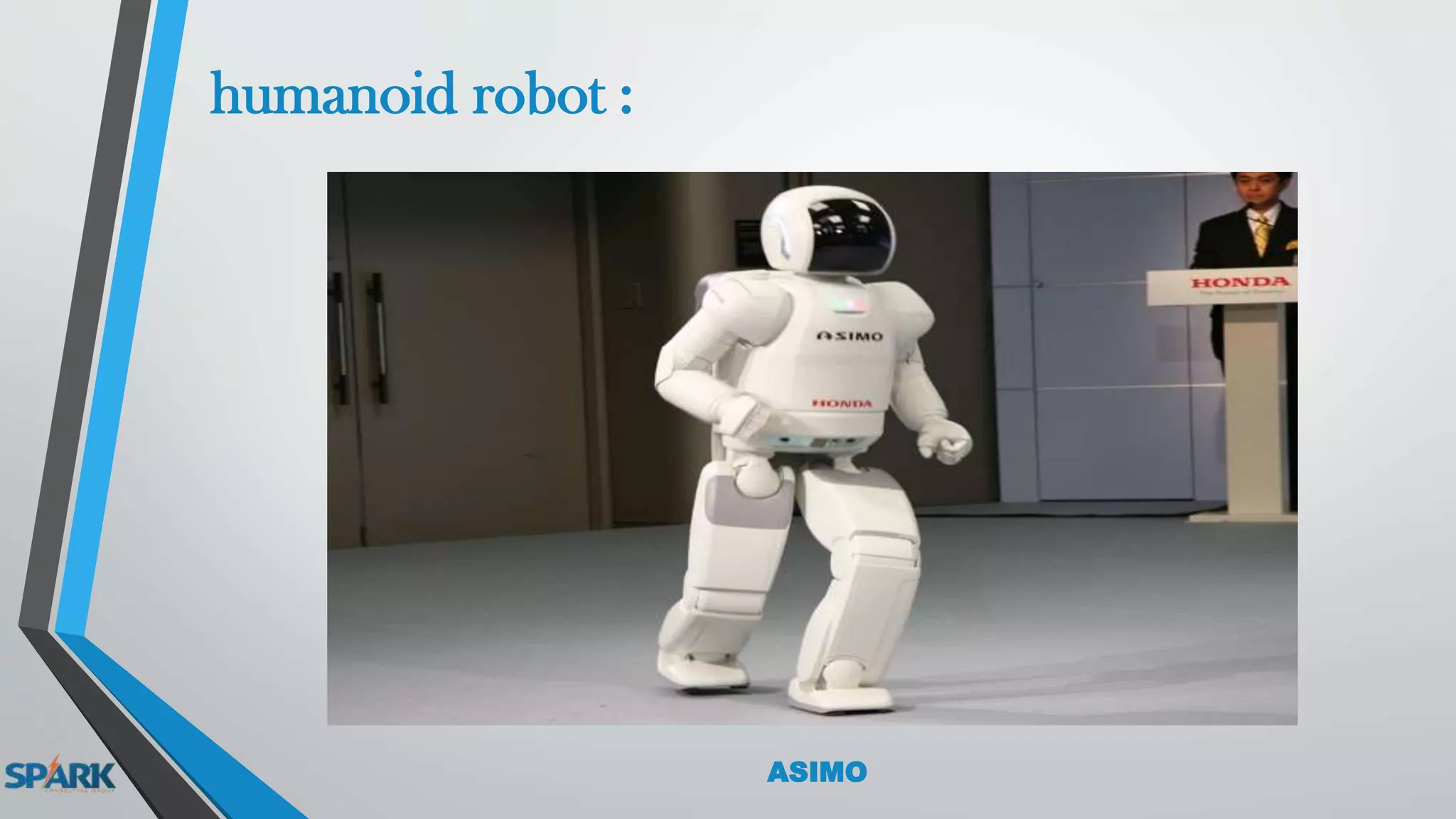
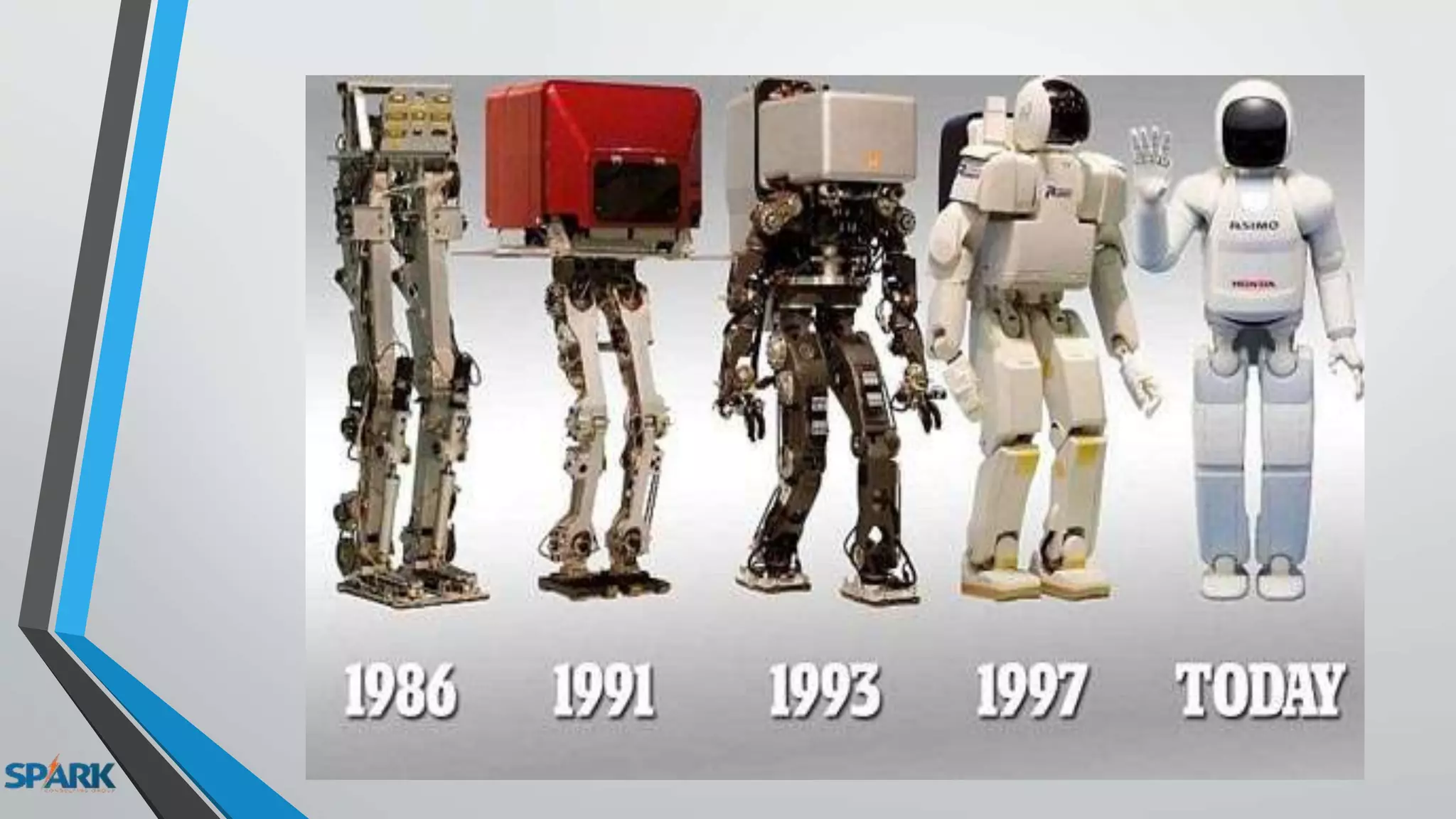
humanoid robot :
ASIMO
sophia
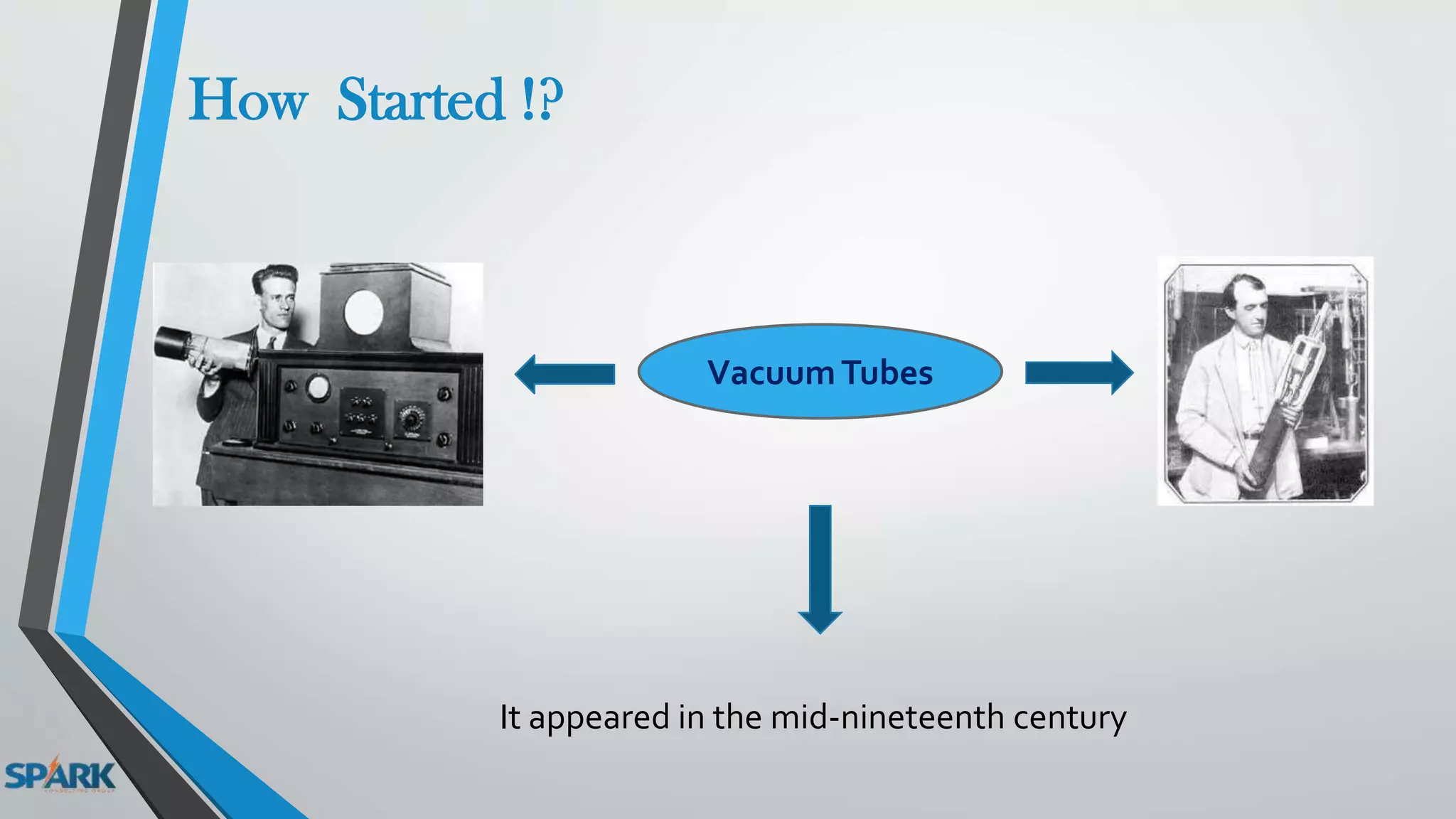
How Started !?
VacuumTubes
It appeared in the mid-nineteenth century
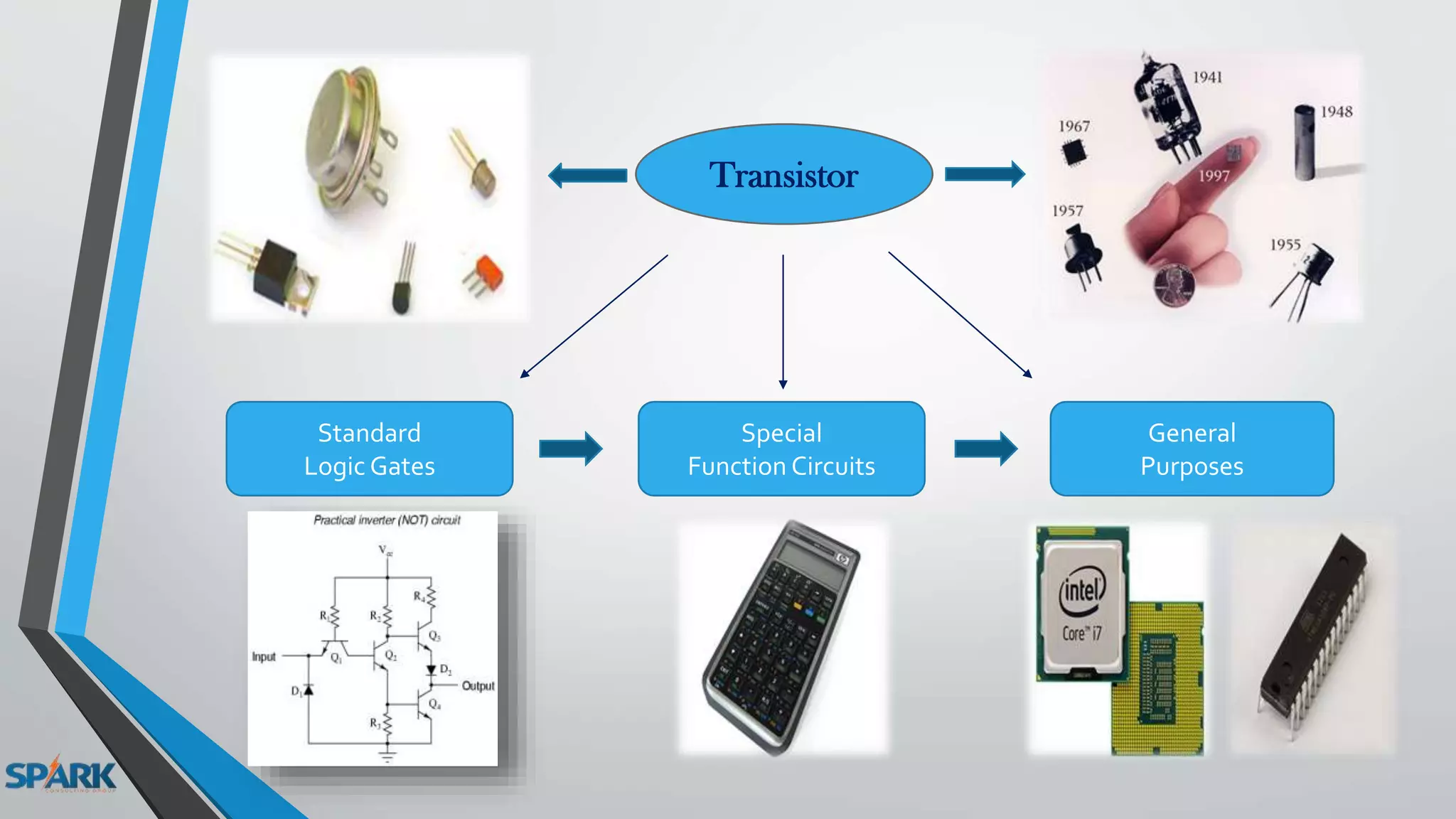
Transistor
Standard
Logic Gates
Special
Function Circuits
General
Purposes
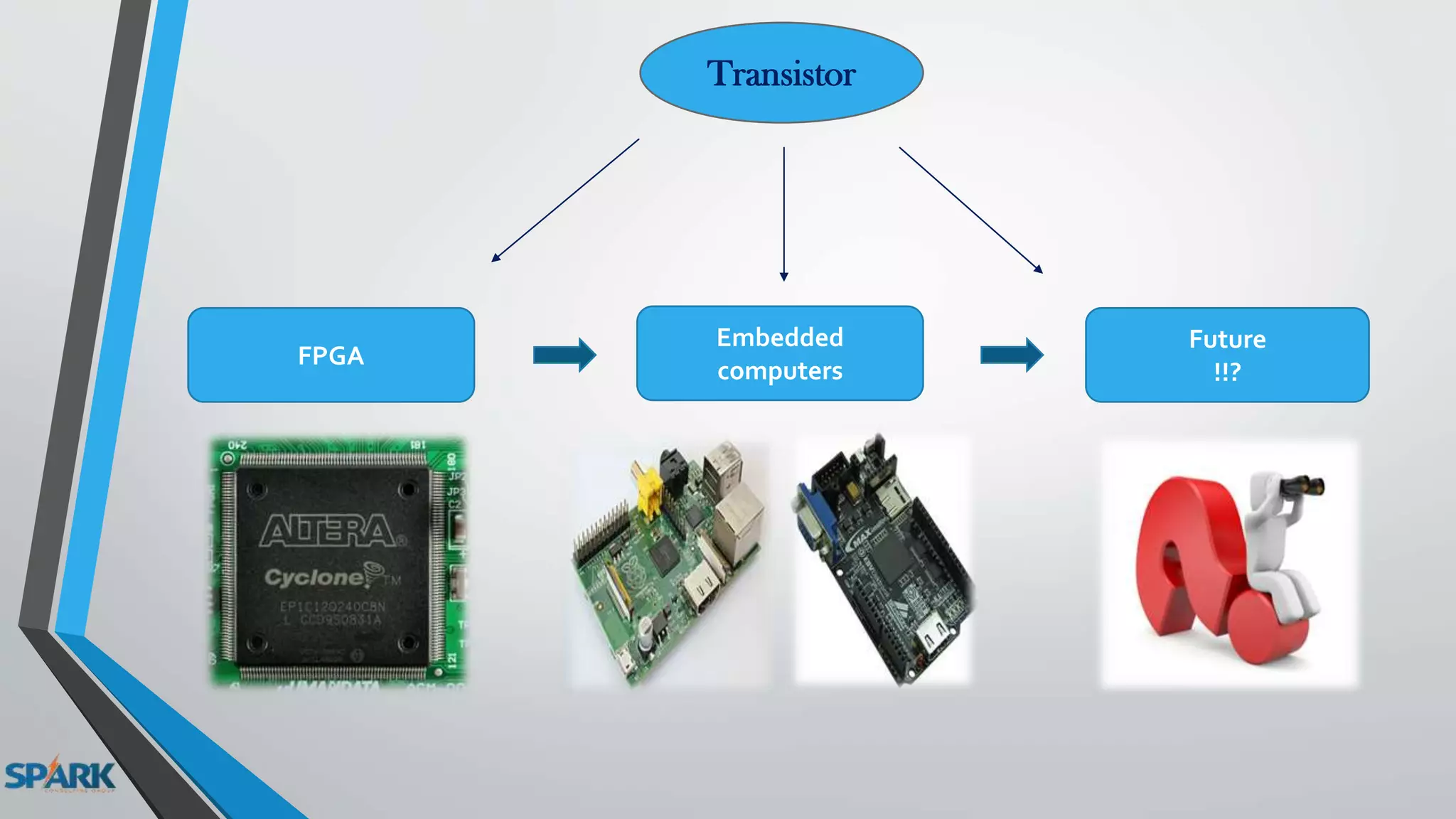
Transistor
FPGA
Embedded
computers
Future
!!?
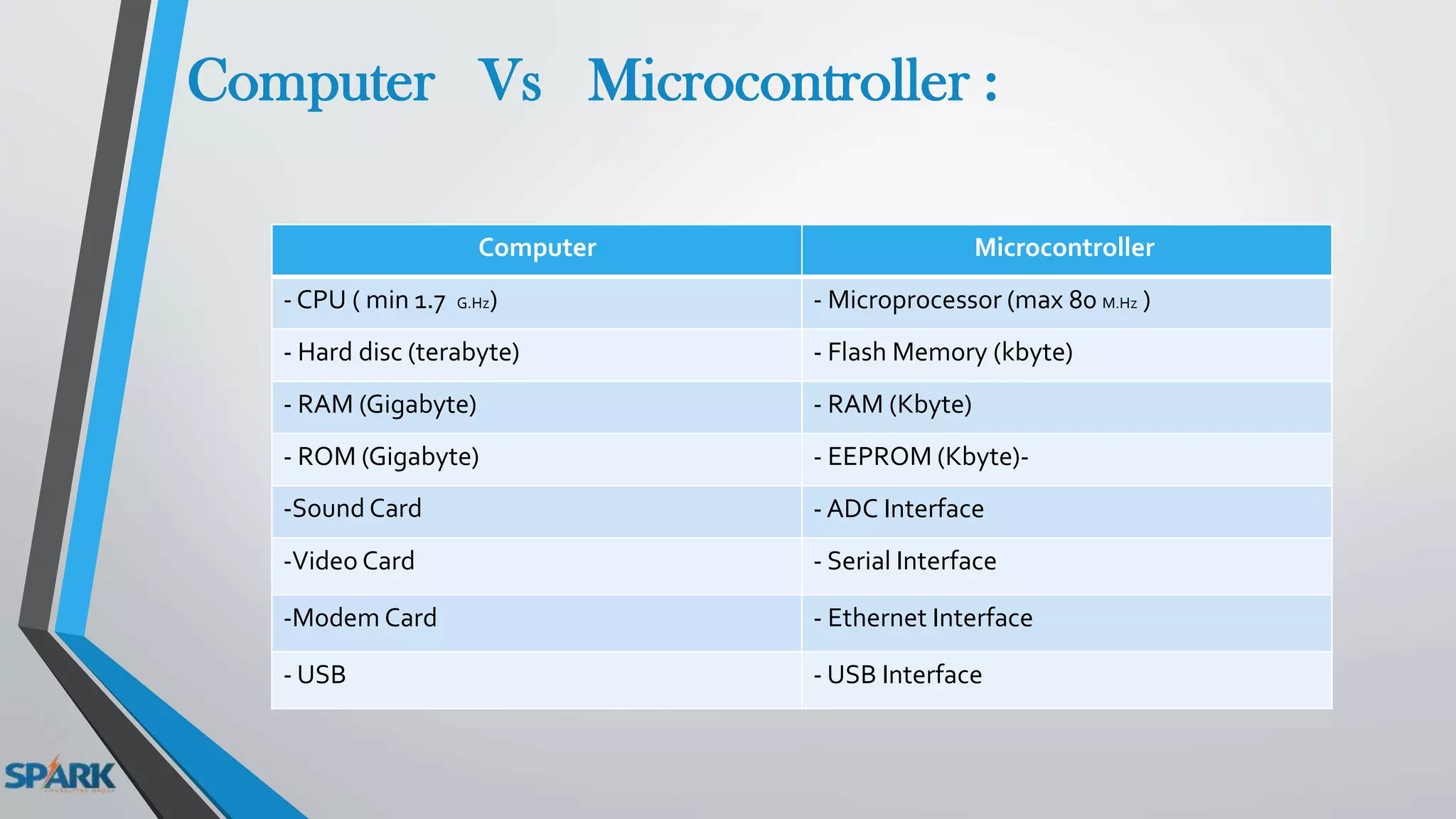
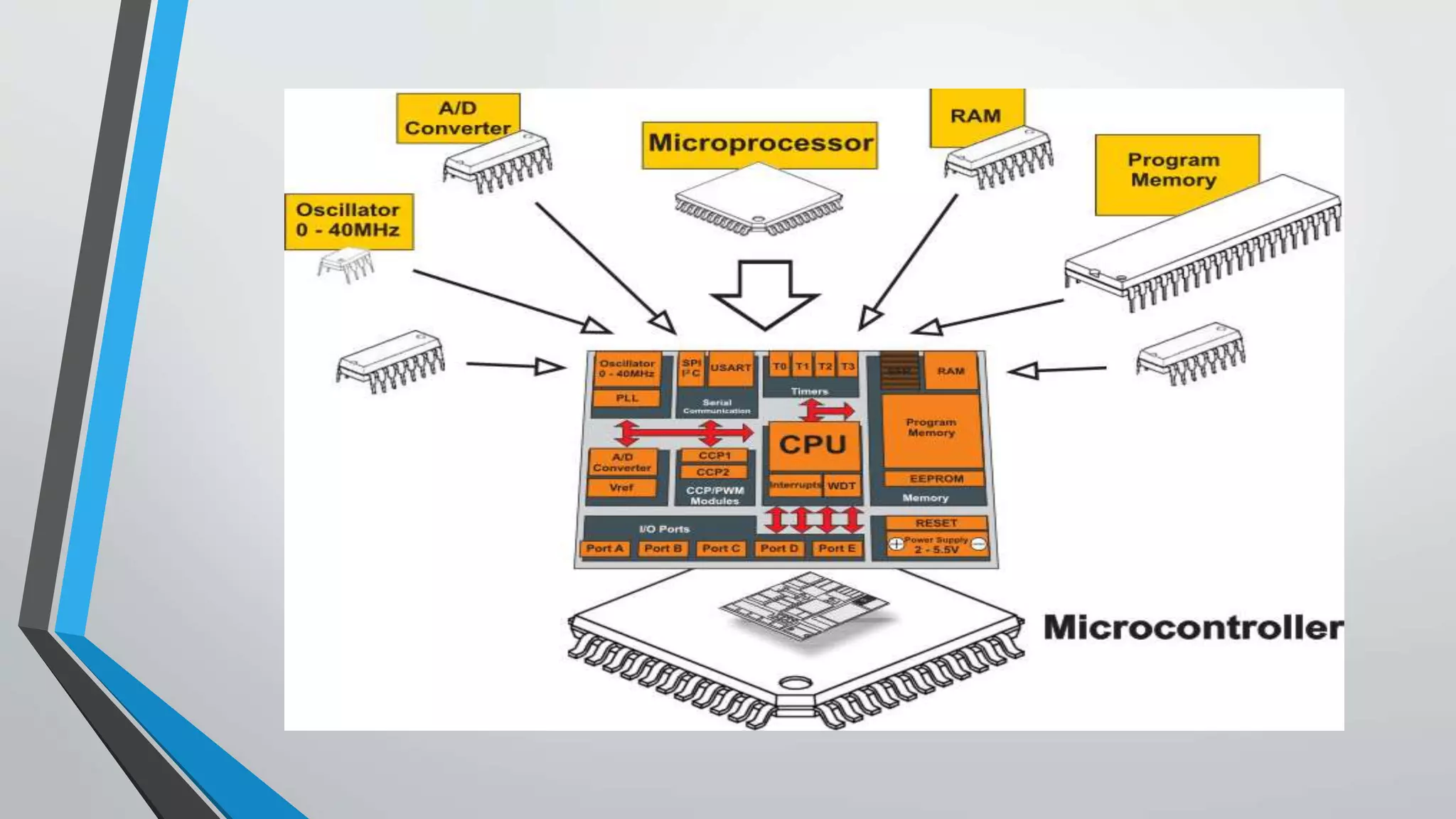
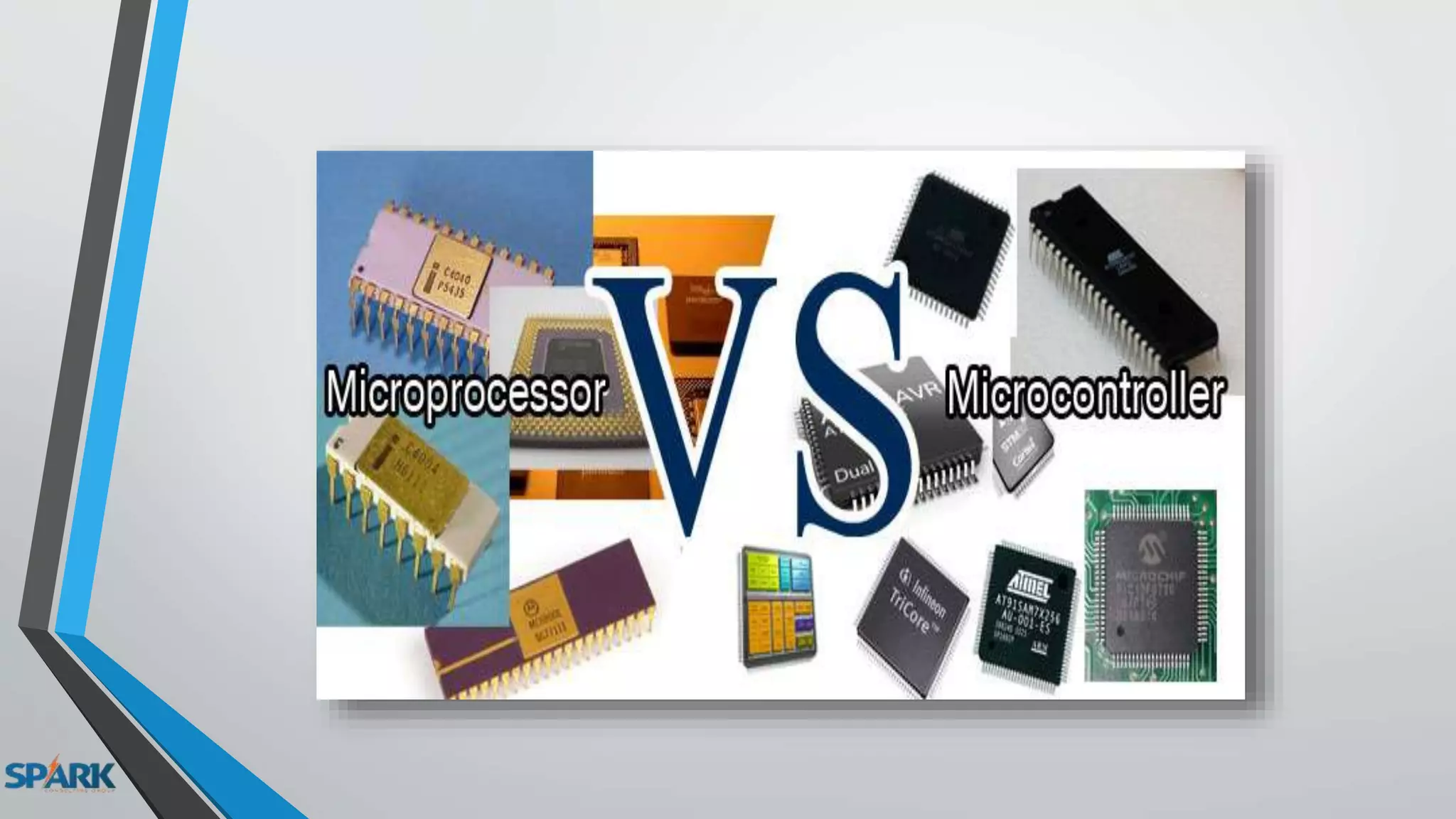
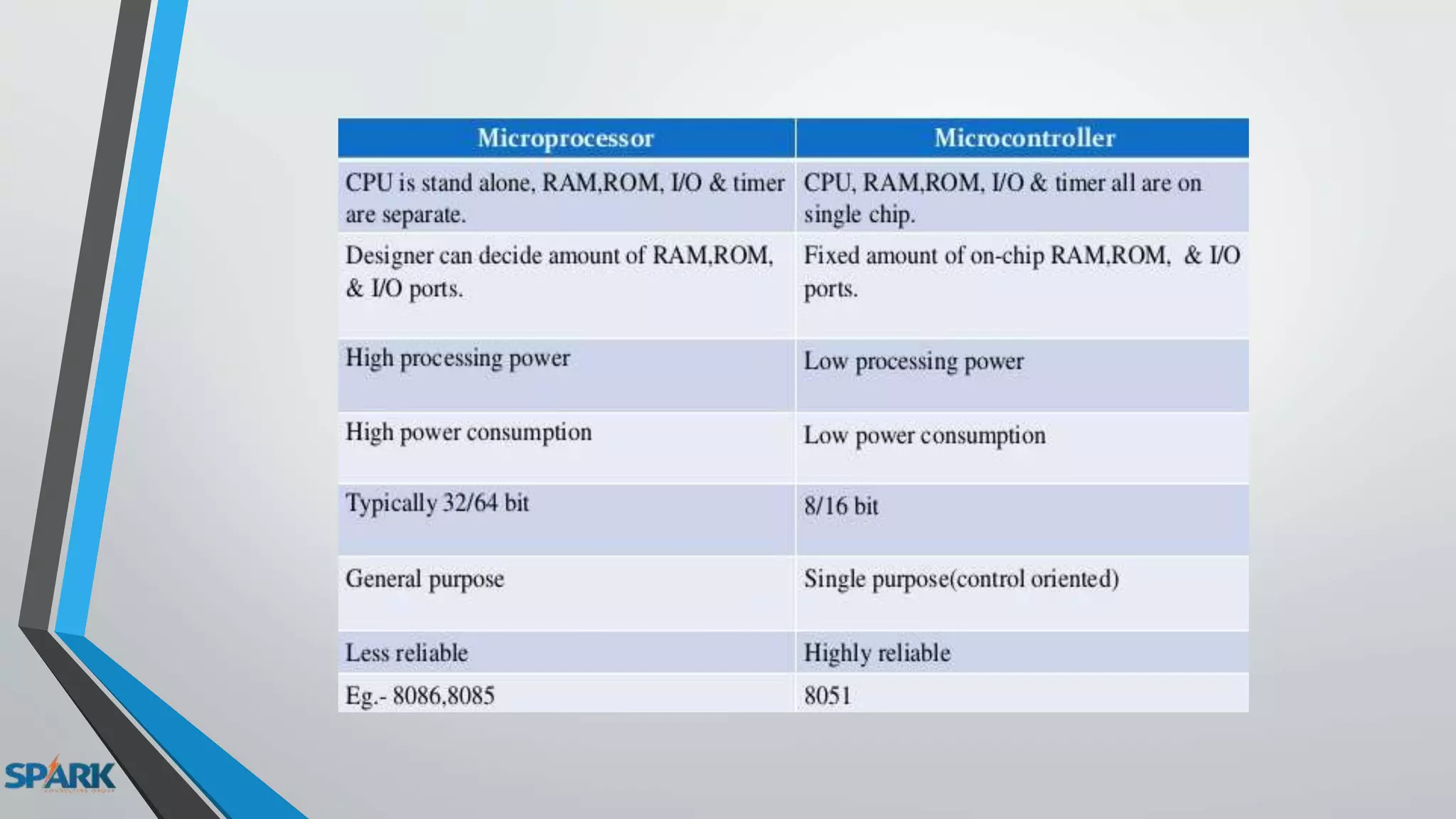
What's the difference between a microcontroller and
computer ?
MicrocontrollerComputer
- Microprocessor (max 80 M.Hz )- CPU ( min 1.7 G.Hz)
- Flash Memory (kbyte)- Hard disc (terabyte)
- RAM (Kbyte)- RAM (Gigabyte)
-- EEPROM (Kbyte)- ROM (Gigabyte)
- ADC Interface-Sound Card
- Serial Interface-Video Card
- Ethernet Interface-Modem Card
- USB Interface- USB
Computer Vs Microcontroller :
ARDUINO History :
- It was in the year 2005 that the first ever Arduino board was born in the classrooms of
the Interactive Design Institute in Ivrea, Italy.
- It was in the Interactive Design Institute that a hardware thesis was contributed for a
wiring design by a Colombian student named Hernando Barragan.
- A team of five developers worked on this thesis and when the new wiring platform was
complete, theyworked to make it much lighter, less expensive, and available to the open
source community.
-The new prototype board, the Arduino, created by Massimo Banzi and other founders, is
a low costmicrocontroller board that allows even a novice to do great things in electronics.
Massimo Banzi and the other founders
Arduino Production Factory
Why ARDUINO !?
- The Arduino is an open source software and hardware .
- The Arduino software is easy-to-use for beginners .
- flexible enough for advanced users .
- It runs on Mac, Windows, and Linux.
- Arduino is a key tool to learn new things .
- Anyone - children, hobbyists, artists, programmers - can start tinkering
just following the step by step instructions of a kit
or sharing ideas online with other members of the Arduino community.
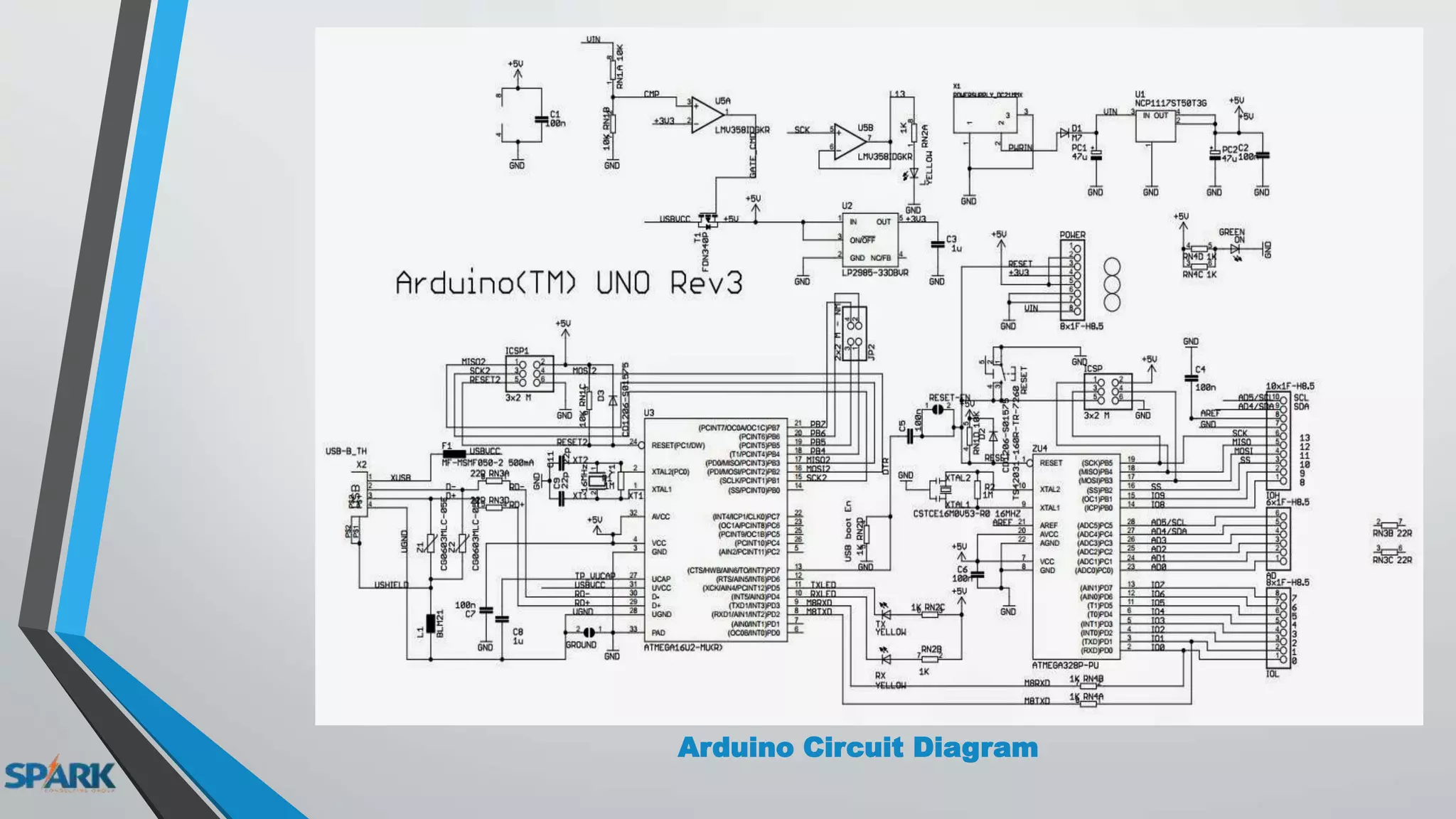
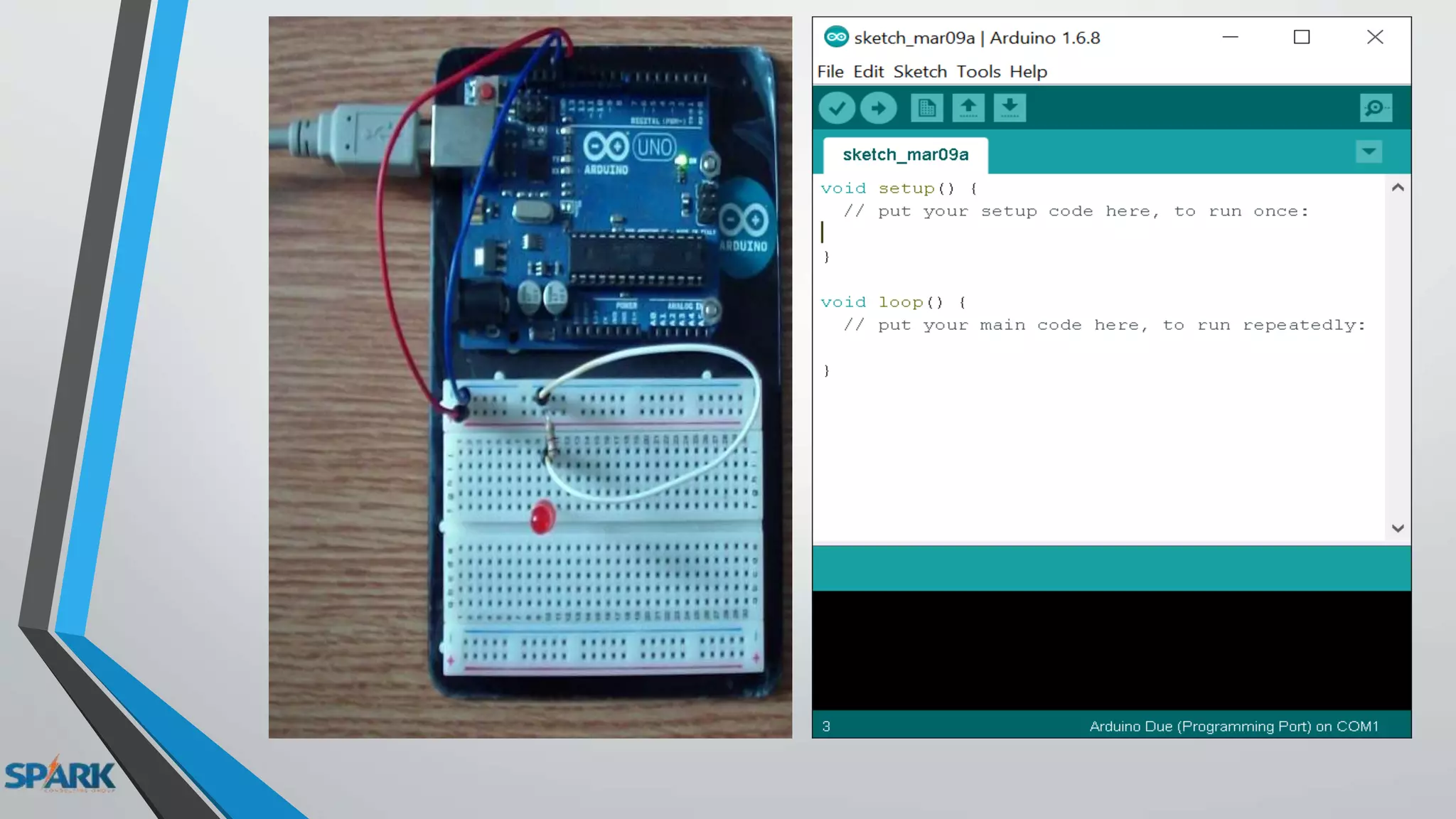
Arduino Circuit Diagram
Embedded CARDUINO C
sbit LCD_RS at RC2_bit;
sbit LCD_EN at RC3_bit;
sbit LCD_D4 at RC4_bit;
sbit LCD_D5 at RC5_bit;
sbit LCD_D6 at RC6_bit;
sbit LCD_D7 at RC7_bit;
sbit LCD_RS_Direction atTRISC2_bit;
sbit LCD_EN_Direction atTRISC3_bit;
sbit LCD_D4_Direction atTRISC4_bit;
sbit LCD_D5_Direction atTRISC5_bit;
sbit LCD_D6_Direction atTRISC6_bit;
sbit LCD_D7_Direction atTRISC7_bit;
void main()
{
Lcd_Init();
Lcd_Cmd(_LCD_CLEAR);
Lcd_Cmd(_LCD_CURSOR_OFF);
Lcd_Out(1,1,"HelloWorld");
}
#include <LiquidCrystal.h>
LiquidCrystal lcd(12, 11, 5, 4, 3, 2);
void setup()
{
lcd.begin(16, 2);
lcd.print("hello, world!");
}
void loop()
{
lcd.setCursor(0, 1);
lcd.print(millis() / 1000);
}
Arduino projects :
Propeller Clock
M&M’S Machine
Arduino in Industry :
Arduino Laddar
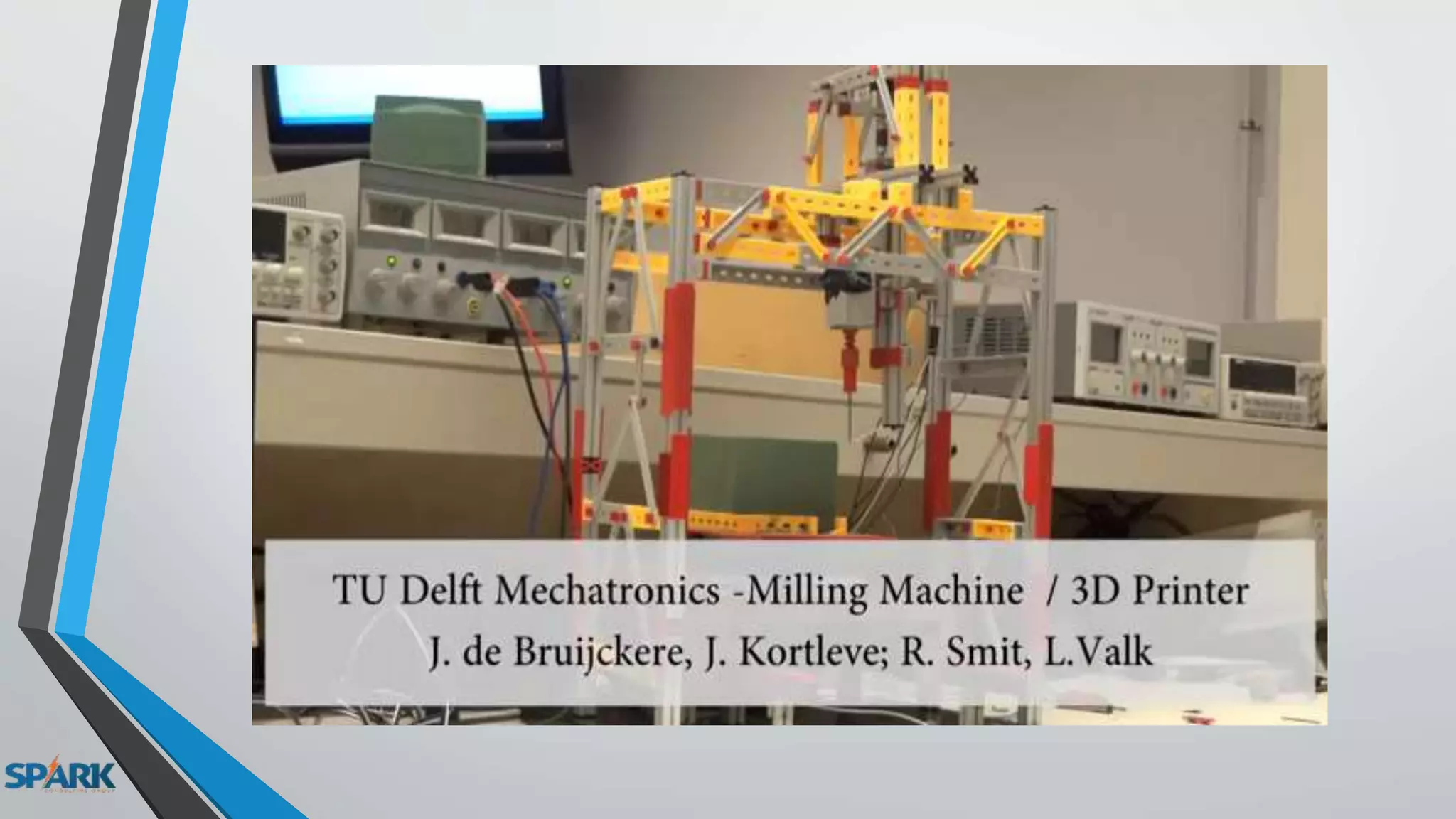
Arduino CNC :
3D printer
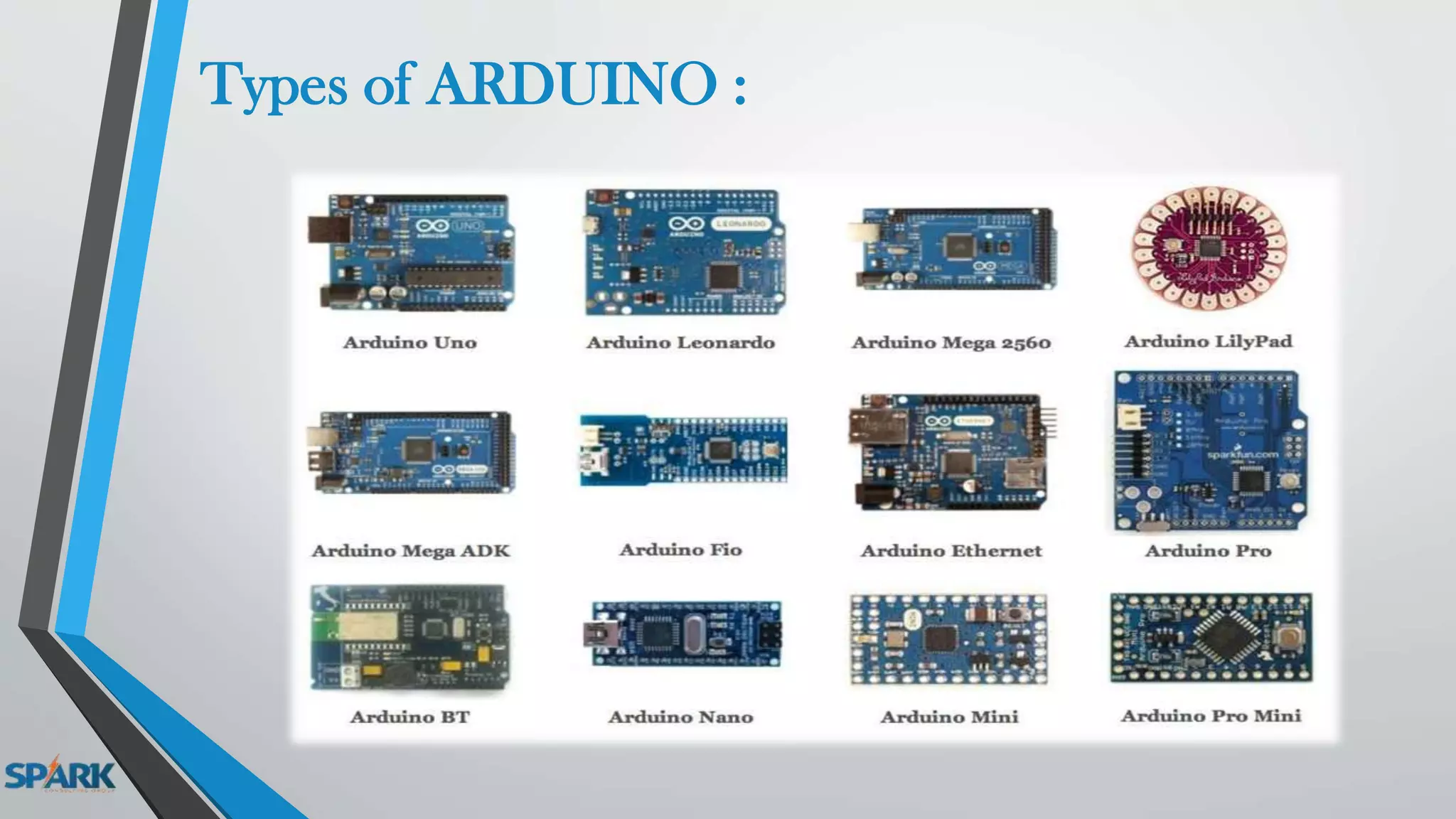
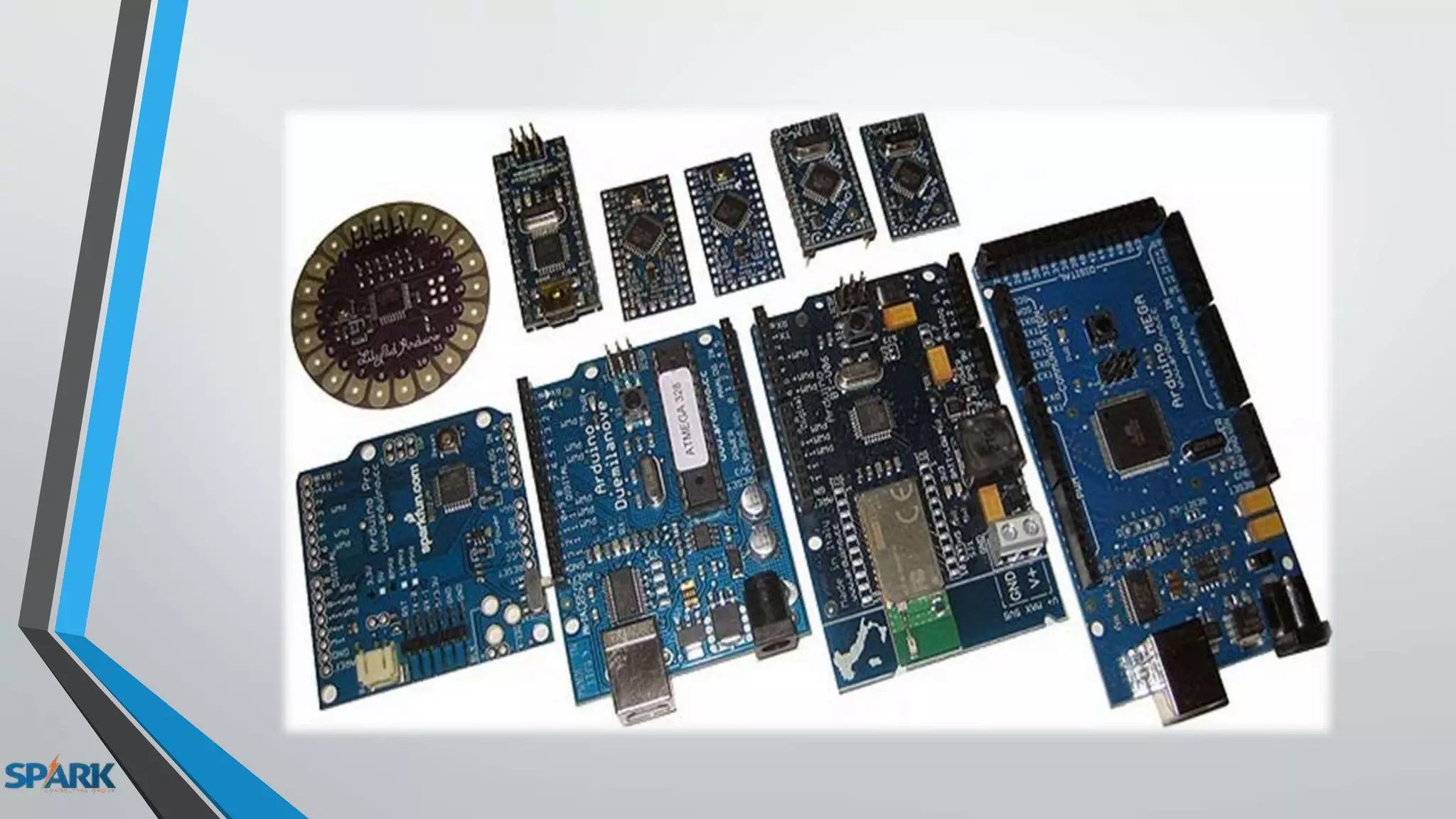
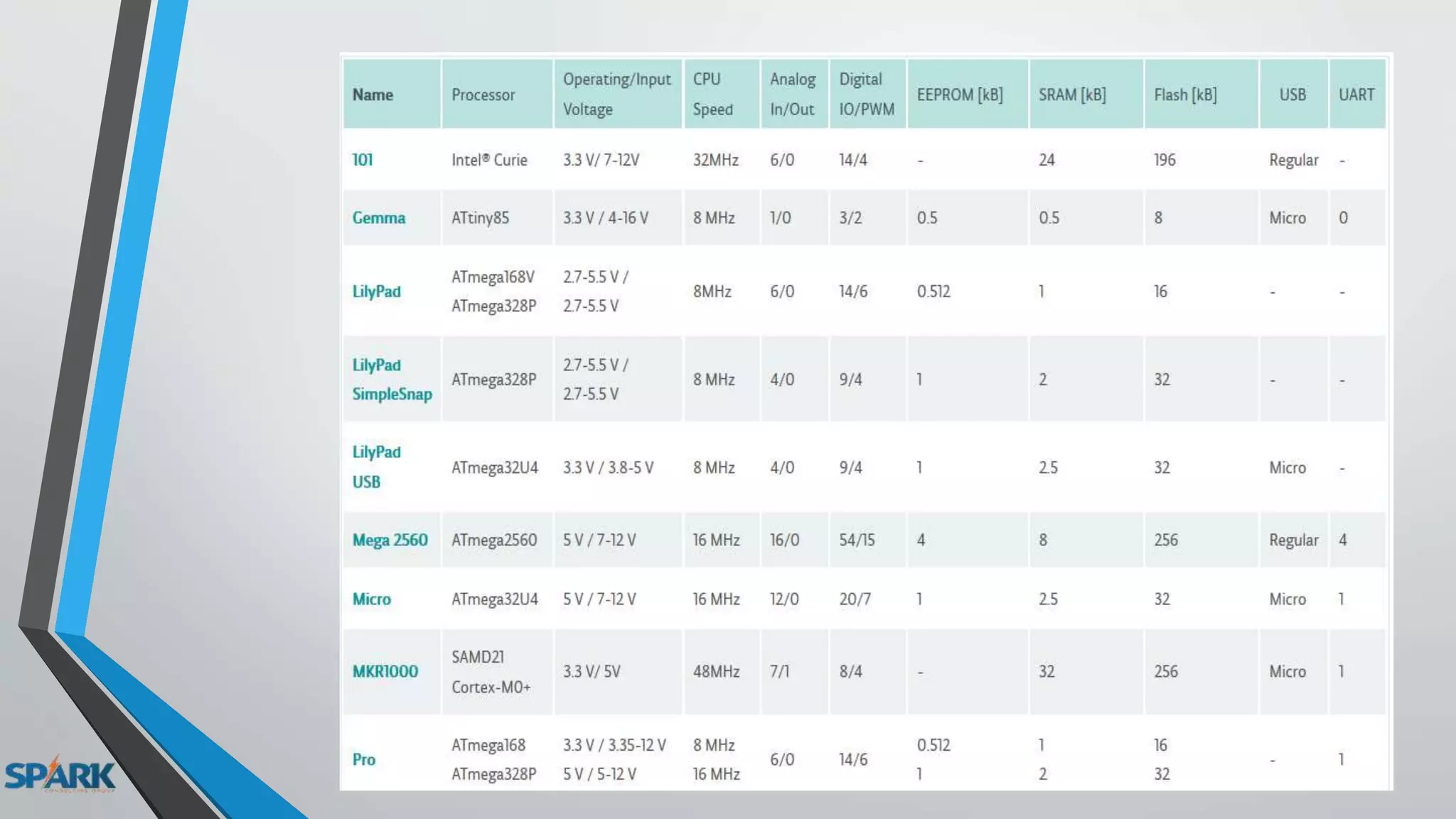
Types of ARDUINO :
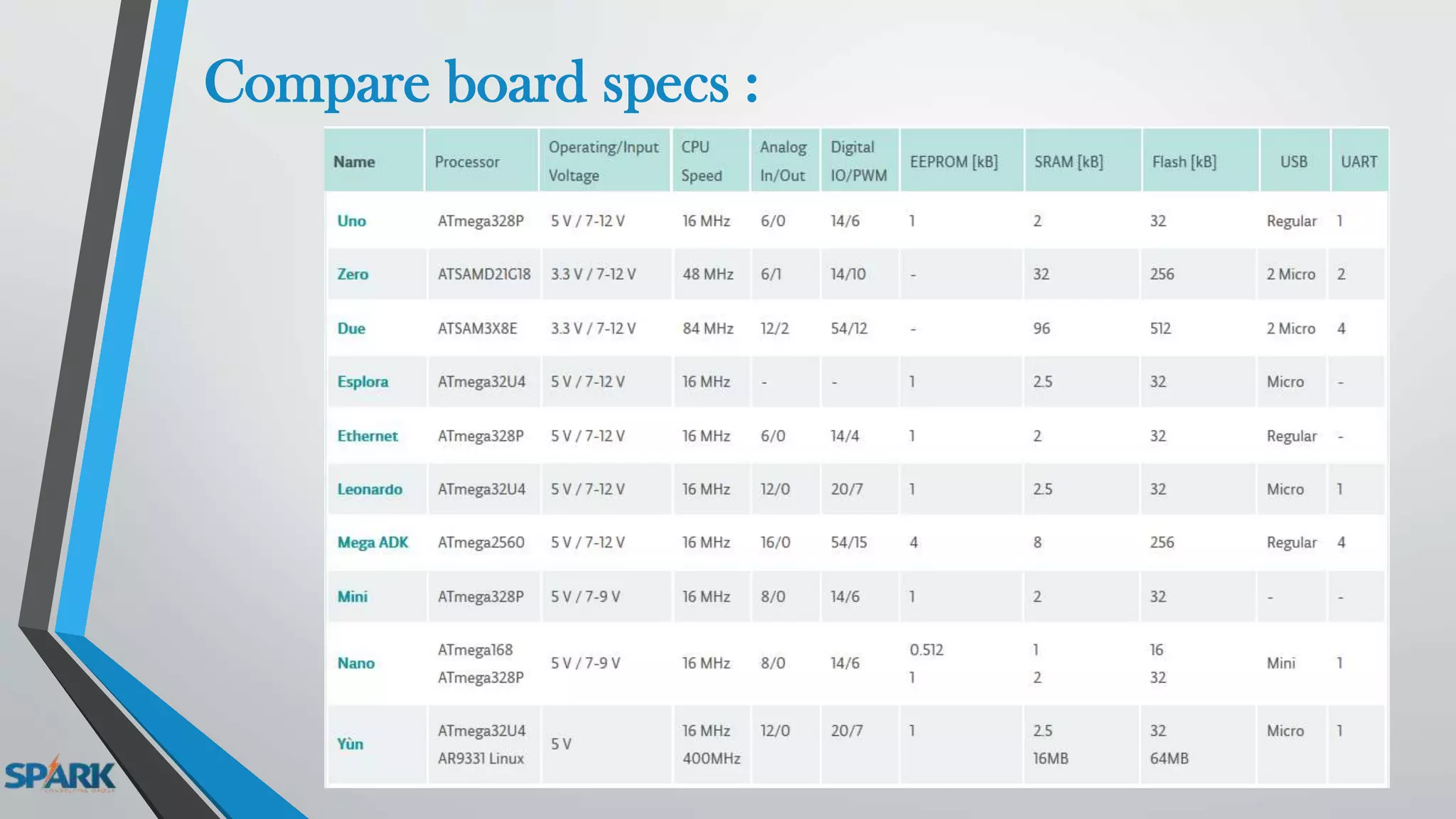
Compare board specs :
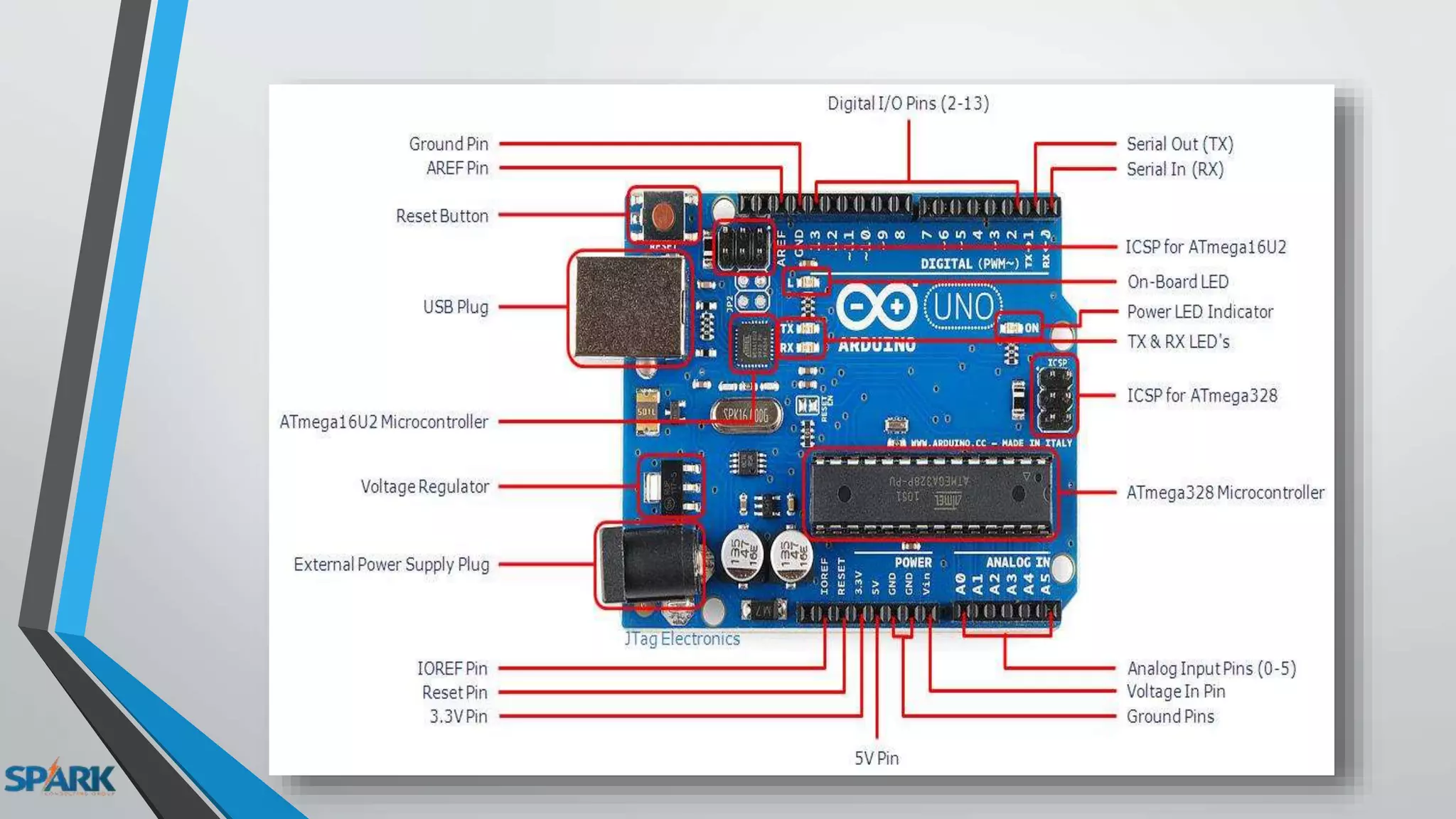
ARDUINO UNO R3 :
ChineseITALY
Lecture 1

Lecture 1