LearnFlex
Enhanced knowledge for measurable results


                               Copyright © OpenText Corporation. All rights reserved.
What makes LearnFlex different?
It is feature rich and highly configurable.


                                              2
What makes LearnFlex different?
   It is feature rich and highly configurable.

 Allows administrators to enable or disable any feature, as
  needed.
 Allows administrators to easily change the rules of various
  parts of the system without any new programming.
 Can be easily personalized to reflect an organization’s
  corporate brand.
 As a permission and role based solution, easily adopts an
  organizational structure.

 Learners can navigate in multiple languages that they can
  switch on-the-fly.
                                                                3
 Manages data from classroom (instructor led), online and
  blended learning environments.
 Provides “self-serve” learning; learners can choose
  courses and individualize their learning plans.
 The mobile capacity offers significant opportunities to
  provide on-the-go learning in a variety of ways.
 It has an E-Commerce engine and purchase order
  capabilities with many options to fit an organization.
 Provides comprehensive reporting with over 70 standard
  reports, an extensive report builder and graphical
  reporting feature.
 Integrates with many other applications, from large ERP
  systems to Microsoft Office products.
                                                             4
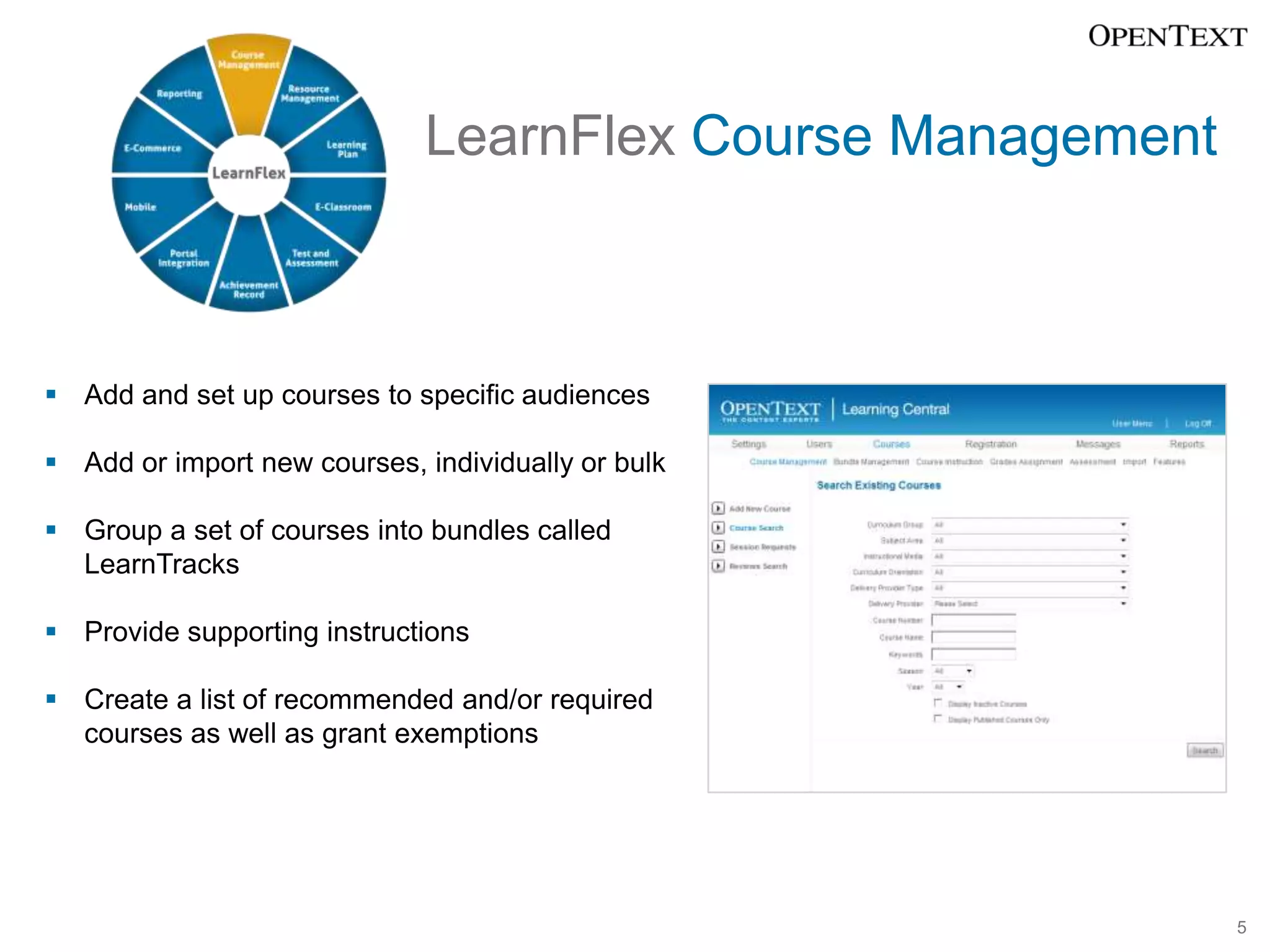
LearnFlex Course Management


 Add and set up courses to specific audiences

 Add or import new courses, individually or bulk

 Group a set of courses into bundles called
  LearnTracks

 Provide supporting instructions

 Create a list of recommended and/or required
  courses as well as grant exemptions


                                                            5
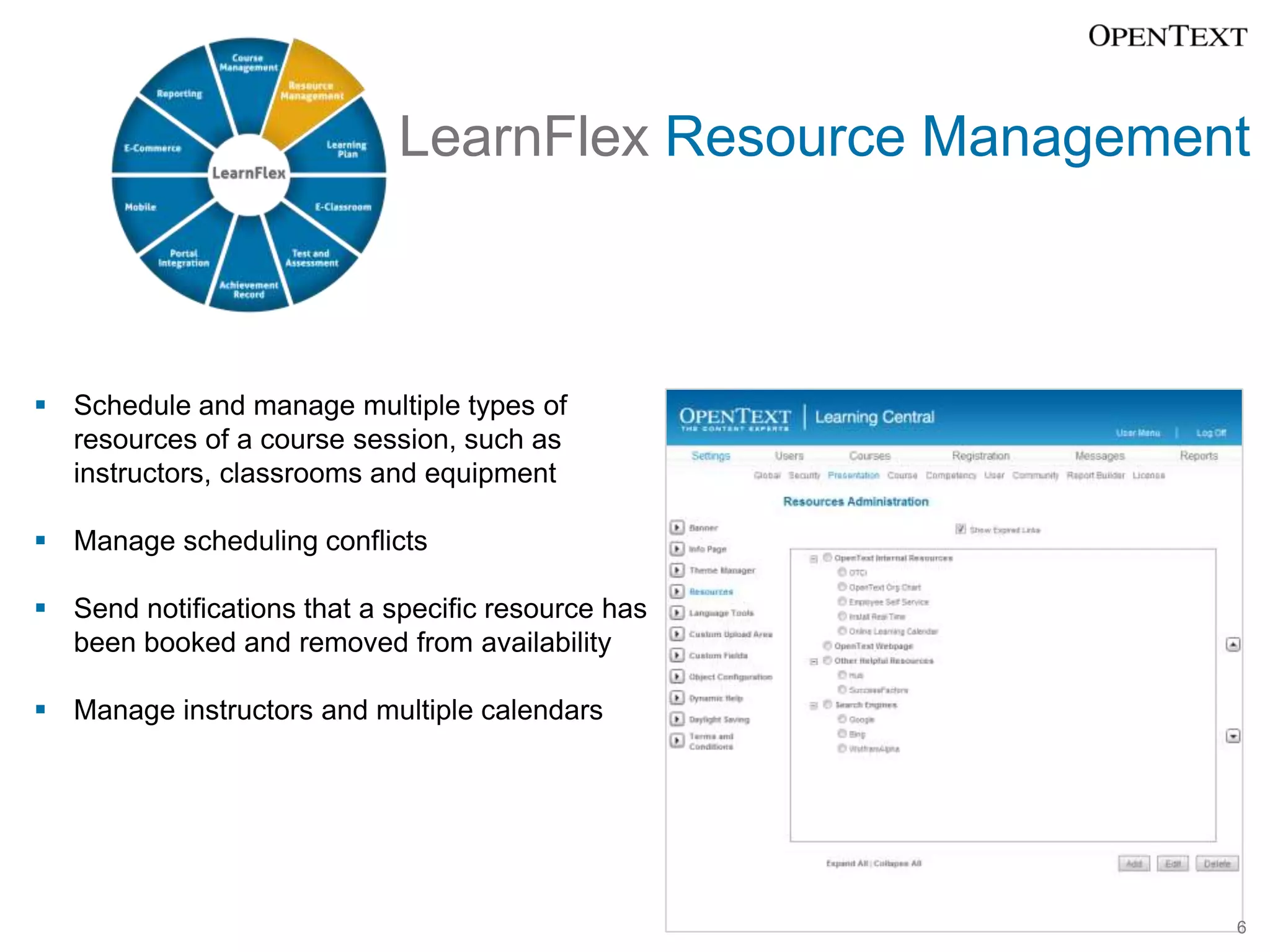
LearnFlex Resource Management


 Schedule and manage multiple types of
  resources of a course session, such as
  instructors, classrooms and equipment

 Manage scheduling conflicts

 Send notifications that a specific resource has
  been booked and removed from availability

 Manage instructors and multiple calendars


                                                         6
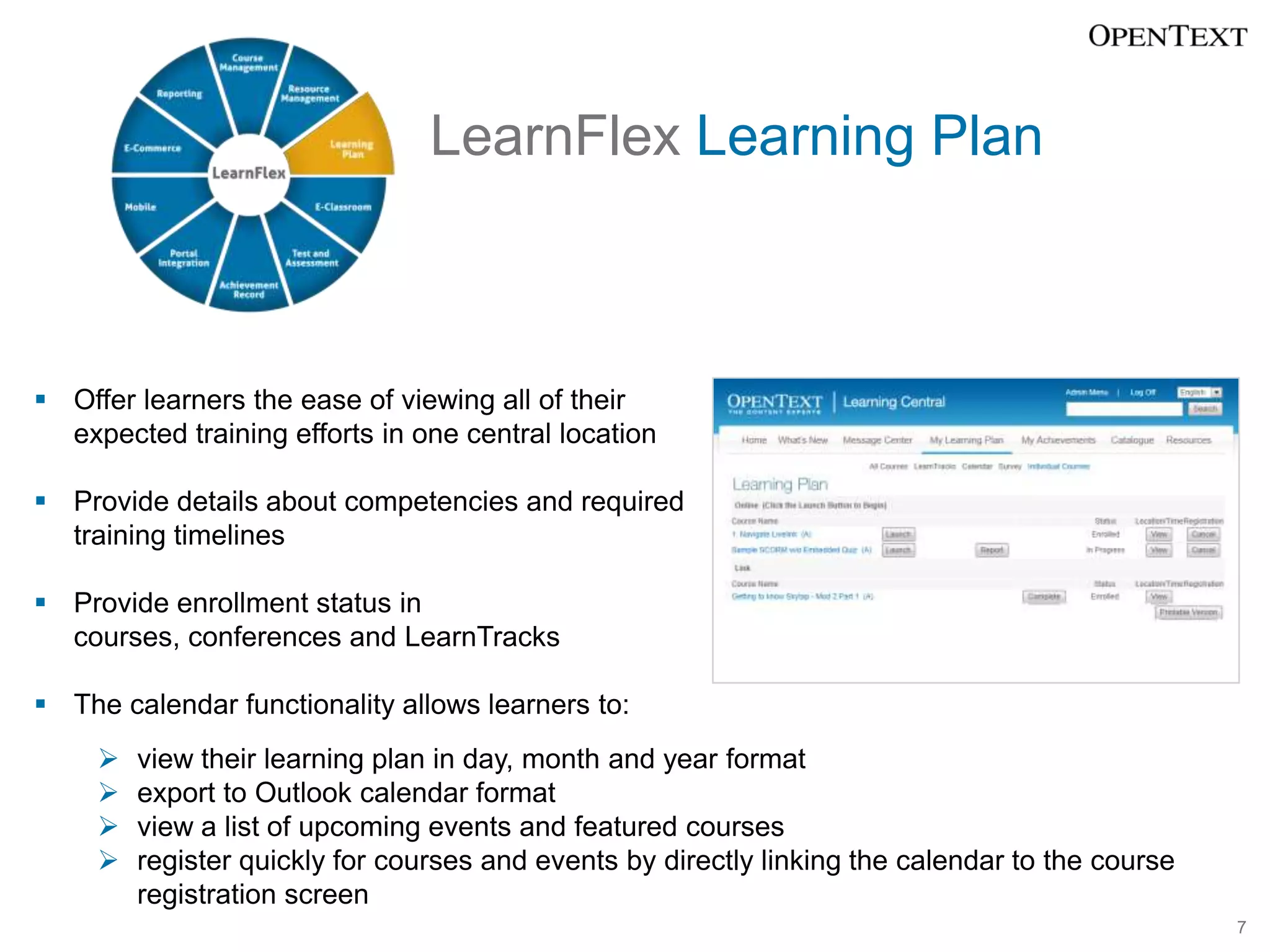
LearnFlex Learning Plan


 Offer learners the ease of viewing all of their
  expected training efforts in one central location

 Provide details about competencies and required
  training timelines

 Provide enrollment status in
  courses, conferences and LearnTracks

 The calendar functionality allows learners to:
        view their learning plan in day, month and year format
        export to Outlook calendar format
        view a list of upcoming events and featured courses
        register quickly for courses and events by directly linking the calendar to the course
         registration screen
                                                                                                  7
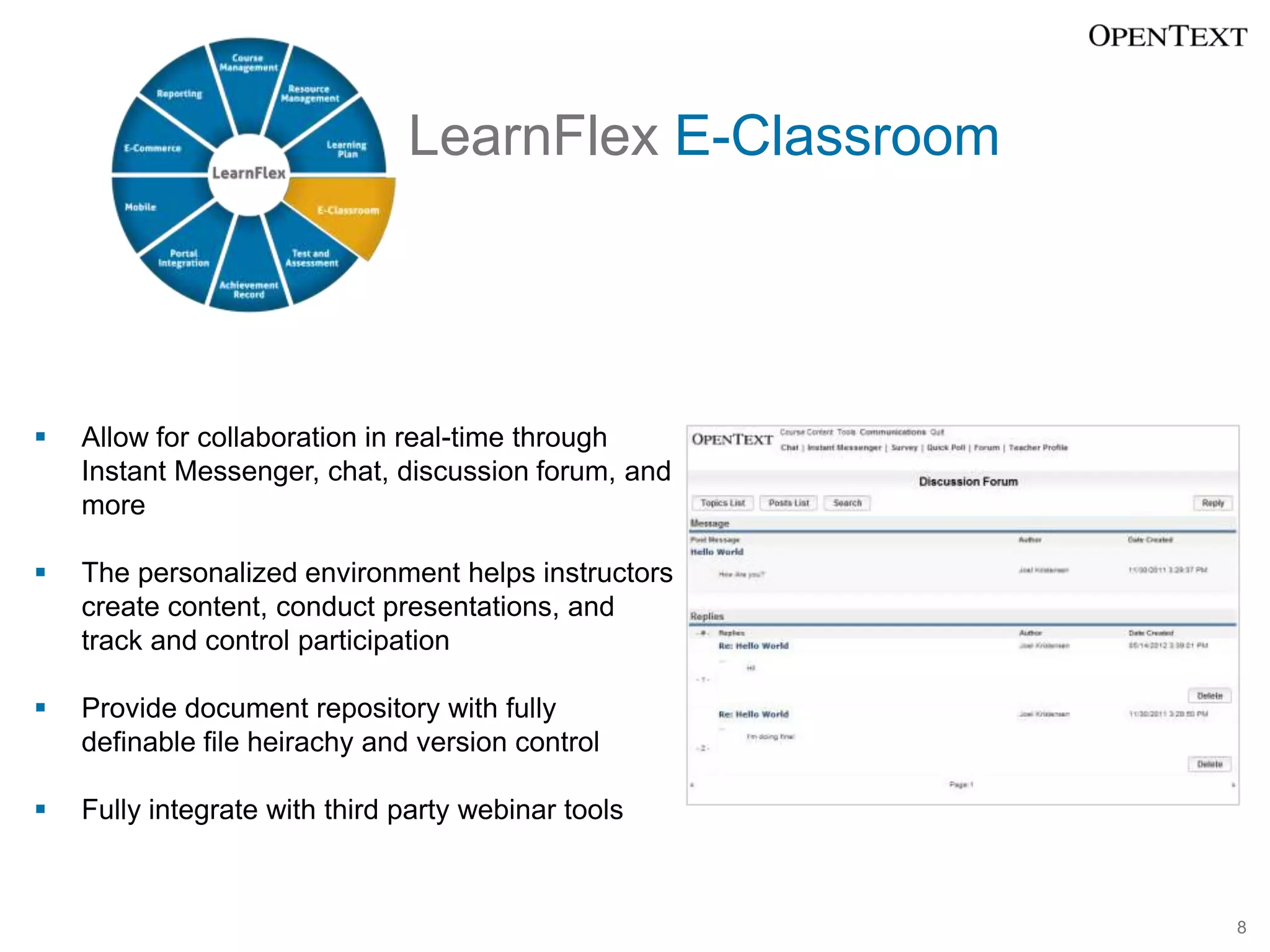
LearnFlex E-Classroom


   Allow for collaboration in real-time through
    Instant Messenger, chat, discussion forum, and
    more

   The personalized environment helps instructors
    create content, conduct presentations, and
    track and control participation

   Provide document repository with fully
    definable file heirachy and version control

   Fully integrate with third party webinar tools


                                                       8
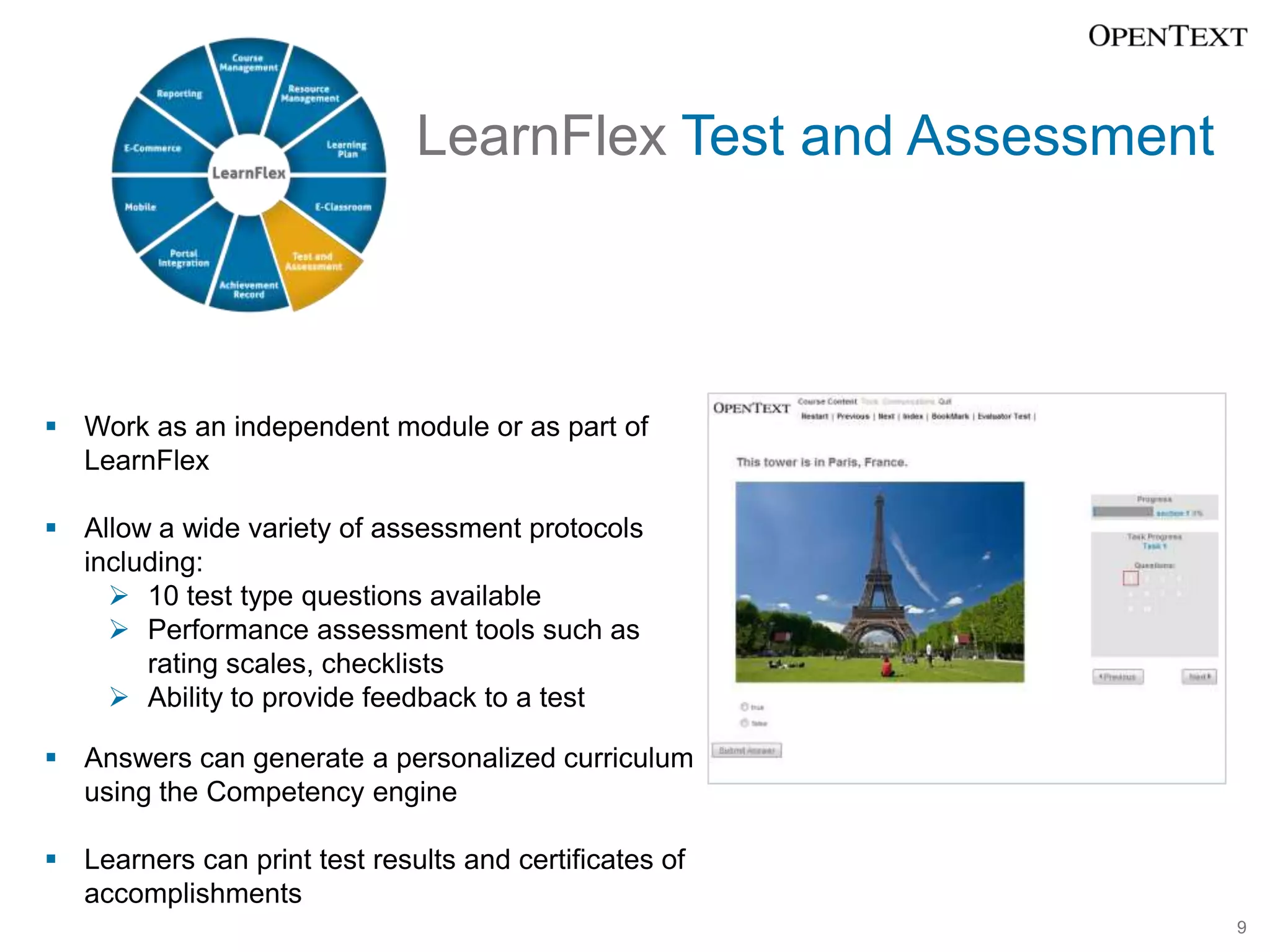
LearnFlex Test and Assessment


 Work as an independent module or as part of
  LearnFlex

 Allow a wide variety of assessment protocols
  including:
     10 test type questions available
     Performance assessment tools such as
       rating scales, checklists
     Ability to provide feedback to a test

 Answers can generate a personalized curriculum
  using the Competency engine

 Learners can print test results and certificates of
  accomplishments
                                                              9
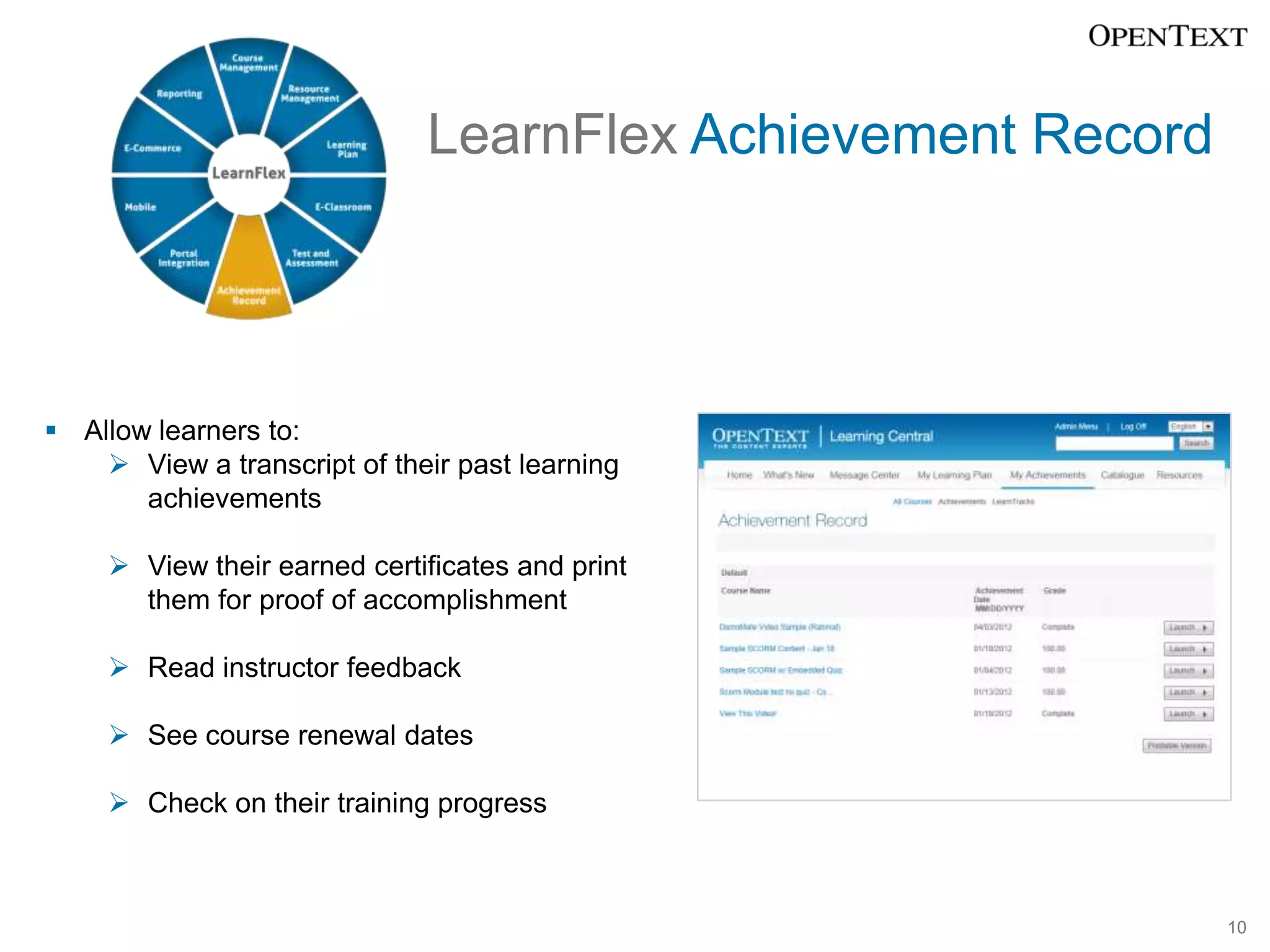
LearnFlex Achievement Record


 Allow learners to:
     View a transcript of their past learning
       achievements

      View their earned certificates and print
       them for proof of accomplishment

      Read instructor feedback

      See course renewal dates

      Check on their training progress


                                                             10
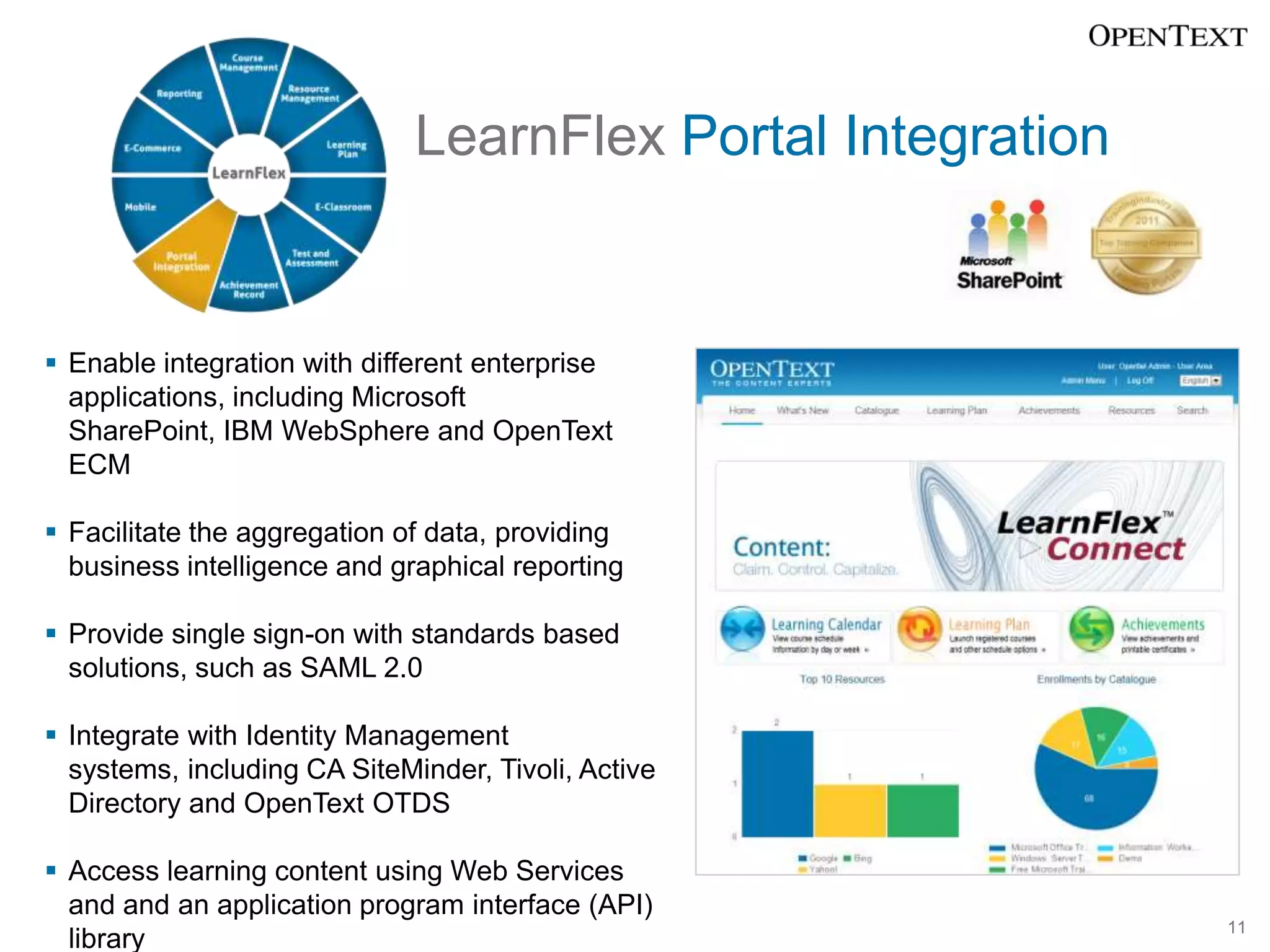
LearnFlex Portal Integration


 Enable integration with different enterprise
  applications, including Microsoft
  SharePoint, IBM WebSphere and OpenText
  ECM

 Facilitate the aggregation of data, providing
  business intelligence and graphical reporting

 Provide single sign-on with standards based
  solutions, such as SAML 2.0

 Integrate with Identity Management
  systems, including CA SiteMinder, Tivoli, Active
  Directory and OpenText OTDS

 Access learning content using Web Services
  and and an application program interface (API)
                                                             11
  library
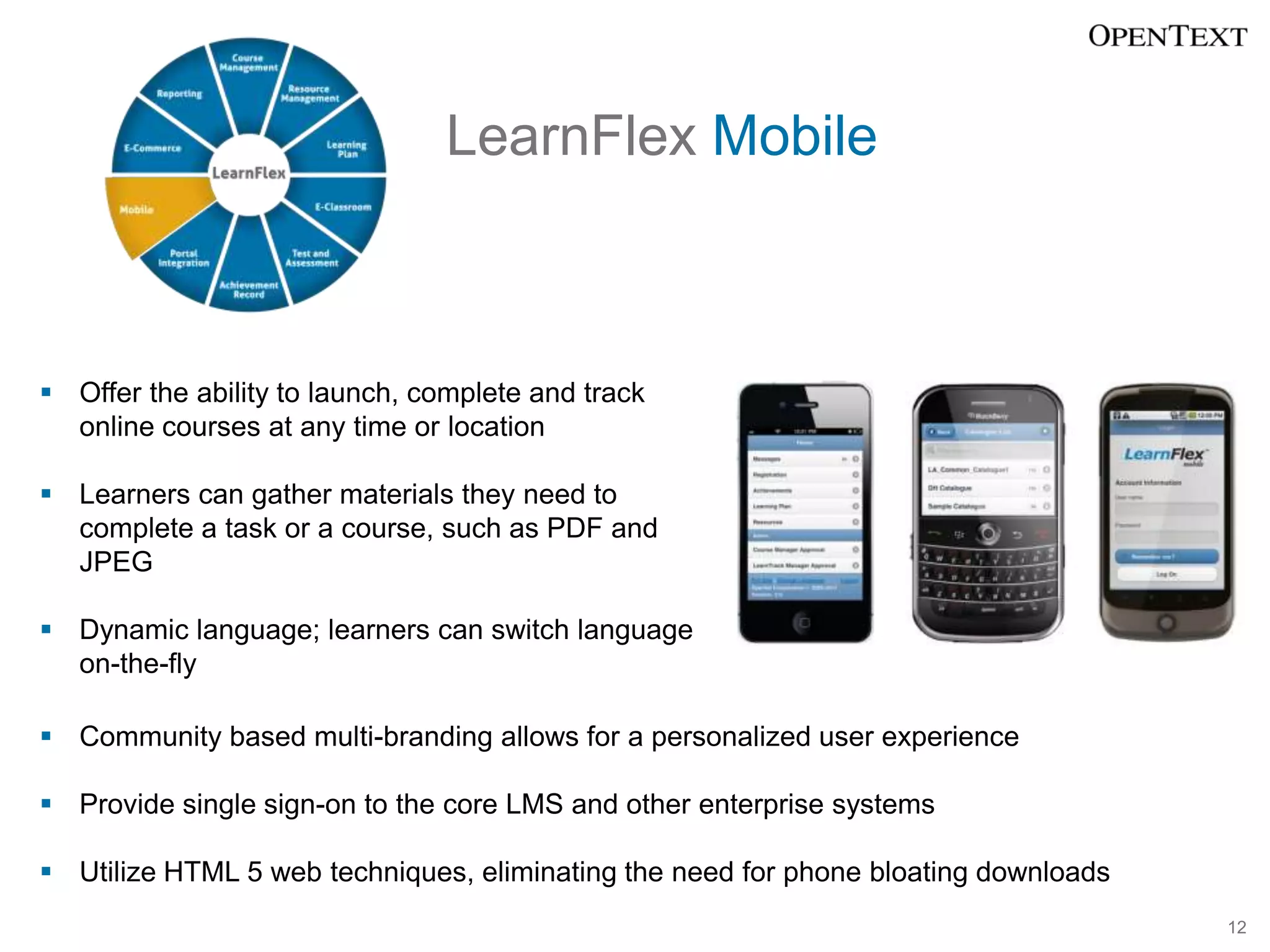
LearnFlex Mobile


 Offer the ability to launch, complete and track
  online courses at any time or location

 Learners can gather materials they need to
  complete a task or a course, such as PDF and
  JPEG

 Dynamic language; learners can switch language
  on-the-fly

 Community based multi-branding allows for a personalized user experience

 Provide single sign-on to the core LMS and other enterprise systems

 Utilize HTML 5 web techniques, eliminating the need for phone bloating downloads
                                                                                     12
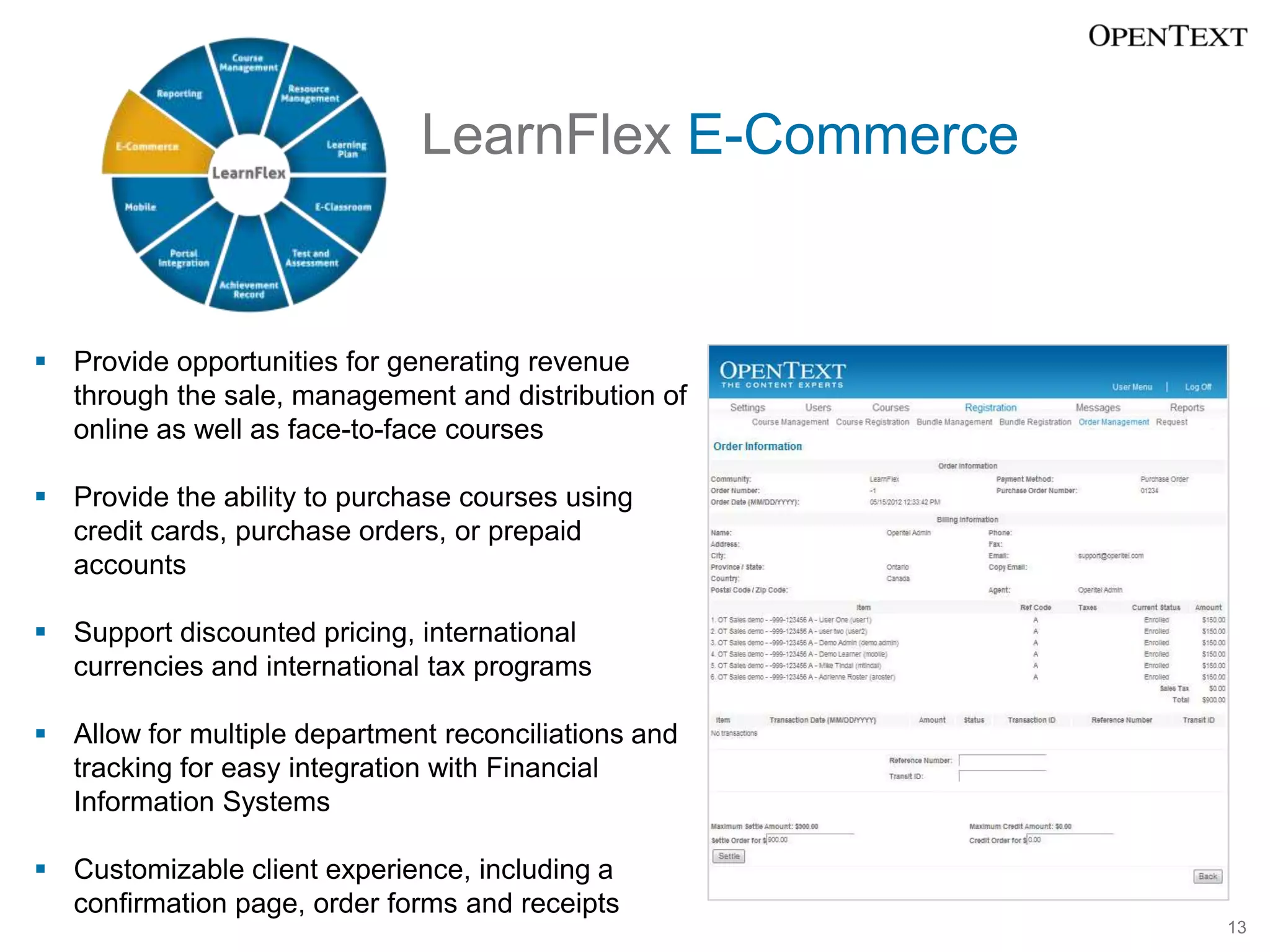
LearnFlex E-Commerce


 Provide opportunities for generating revenue
  through the sale, management and distribution of
  online as well as face-to-face courses

 Provide the ability to purchase courses using
  credit cards, purchase orders, or prepaid
  accounts

 Support discounted pricing, international
  currencies and international tax programs

 Allow for multiple department reconciliations and
  tracking for easy integration with Financial
  Information Systems

 Customizable client experience, including a
  confirmation page, order forms and receipts
                                                      13
LearnFlex Reporting


 Provide over 70 standard reports

 Extensive Report Builder tool allows administrators
  to create detailed personalized reports, allowing
  for an enhanced understanding of any return on
  investment (ROI) gained from training endeaviors

 Reports can be exported to many different
  programs or can be placed on a learner’s welcome
  screen to be viewed upon login

 Graphical Reporting Wizard allows administrators
  to personalize reports for specific learner groups
  and create dashboards reports, such as pie, bar
  and graph charts

                                                        14

Learning Solutions

  • 1.
    LearnFlex Enhanced knowledge formeasurable results Copyright © OpenText Corporation. All rights reserved.
  • 2.
    What makes LearnFlexdifferent? It is feature rich and highly configurable. 2
  • 3.
    What makes LearnFlexdifferent? It is feature rich and highly configurable.  Allows administrators to enable or disable any feature, as needed.  Allows administrators to easily change the rules of various parts of the system without any new programming.  Can be easily personalized to reflect an organization’s corporate brand.  As a permission and role based solution, easily adopts an organizational structure.  Learners can navigate in multiple languages that they can switch on-the-fly. 3
  • 4.
     Manages datafrom classroom (instructor led), online and blended learning environments.  Provides “self-serve” learning; learners can choose courses and individualize their learning plans.  The mobile capacity offers significant opportunities to provide on-the-go learning in a variety of ways.  It has an E-Commerce engine and purchase order capabilities with many options to fit an organization.  Provides comprehensive reporting with over 70 standard reports, an extensive report builder and graphical reporting feature.  Integrates with many other applications, from large ERP systems to Microsoft Office products. 4
  • 5.
    LearnFlex Course Management Add and set up courses to specific audiences  Add or import new courses, individually or bulk  Group a set of courses into bundles called LearnTracks  Provide supporting instructions  Create a list of recommended and/or required courses as well as grant exemptions 5
  • 6.
    LearnFlex Resource Management Schedule and manage multiple types of resources of a course session, such as instructors, classrooms and equipment  Manage scheduling conflicts  Send notifications that a specific resource has been booked and removed from availability  Manage instructors and multiple calendars 6
  • 7.
    LearnFlex Learning Plan Offer learners the ease of viewing all of their expected training efforts in one central location  Provide details about competencies and required training timelines  Provide enrollment status in courses, conferences and LearnTracks  The calendar functionality allows learners to:  view their learning plan in day, month and year format  export to Outlook calendar format  view a list of upcoming events and featured courses  register quickly for courses and events by directly linking the calendar to the course registration screen 7
  • 8.
    LearnFlex E-Classroom  Allow for collaboration in real-time through Instant Messenger, chat, discussion forum, and more  The personalized environment helps instructors create content, conduct presentations, and track and control participation  Provide document repository with fully definable file heirachy and version control  Fully integrate with third party webinar tools 8
  • 9.
    LearnFlex Test andAssessment  Work as an independent module or as part of LearnFlex  Allow a wide variety of assessment protocols including:  10 test type questions available  Performance assessment tools such as rating scales, checklists  Ability to provide feedback to a test  Answers can generate a personalized curriculum using the Competency engine  Learners can print test results and certificates of accomplishments 9
  • 10.
    LearnFlex Achievement Record Allow learners to:  View a transcript of their past learning achievements  View their earned certificates and print them for proof of accomplishment  Read instructor feedback  See course renewal dates  Check on their training progress 10
  • 11.
    LearnFlex Portal Integration Enable integration with different enterprise applications, including Microsoft SharePoint, IBM WebSphere and OpenText ECM  Facilitate the aggregation of data, providing business intelligence and graphical reporting  Provide single sign-on with standards based solutions, such as SAML 2.0  Integrate with Identity Management systems, including CA SiteMinder, Tivoli, Active Directory and OpenText OTDS  Access learning content using Web Services and and an application program interface (API) 11 library
  • 12.
    LearnFlex Mobile  Offerthe ability to launch, complete and track online courses at any time or location  Learners can gather materials they need to complete a task or a course, such as PDF and JPEG  Dynamic language; learners can switch language on-the-fly  Community based multi-branding allows for a personalized user experience  Provide single sign-on to the core LMS and other enterprise systems  Utilize HTML 5 web techniques, eliminating the need for phone bloating downloads 12
  • 13.
    LearnFlex E-Commerce  Provideopportunities for generating revenue through the sale, management and distribution of online as well as face-to-face courses  Provide the ability to purchase courses using credit cards, purchase orders, or prepaid accounts  Support discounted pricing, international currencies and international tax programs  Allow for multiple department reconciliations and tracking for easy integration with Financial Information Systems  Customizable client experience, including a confirmation page, order forms and receipts 13
  • 14.
    LearnFlex Reporting  Provideover 70 standard reports  Extensive Report Builder tool allows administrators to create detailed personalized reports, allowing for an enhanced understanding of any return on investment (ROI) gained from training endeaviors  Reports can be exported to many different programs or can be placed on a learner’s welcome screen to be viewed upon login  Graphical Reporting Wizard allows administrators to personalize reports for specific learner groups and create dashboards reports, such as pie, bar and graph charts 14