Learn to Compose, Record, and Produce
Songs and Podcasts Using GarageBand
Agenda:
• Understand basic recording terminology and practices that will translate to any DAW.
• Learn what GarageBand is capable of doing (e.g., audio recording, music lessons,
podcasts etc.).
• Become familiar and comfortable with GarageBand’s interface.
• Appreciate how easy it is to create a podcast to include sounds, images, and videos.
• See how GarageBand can be used to create multimodal assignments/activities.
• Find alternatives to GarageBand and learn ways to run it virtually within other
Operating Systems.
What’s a DAW?
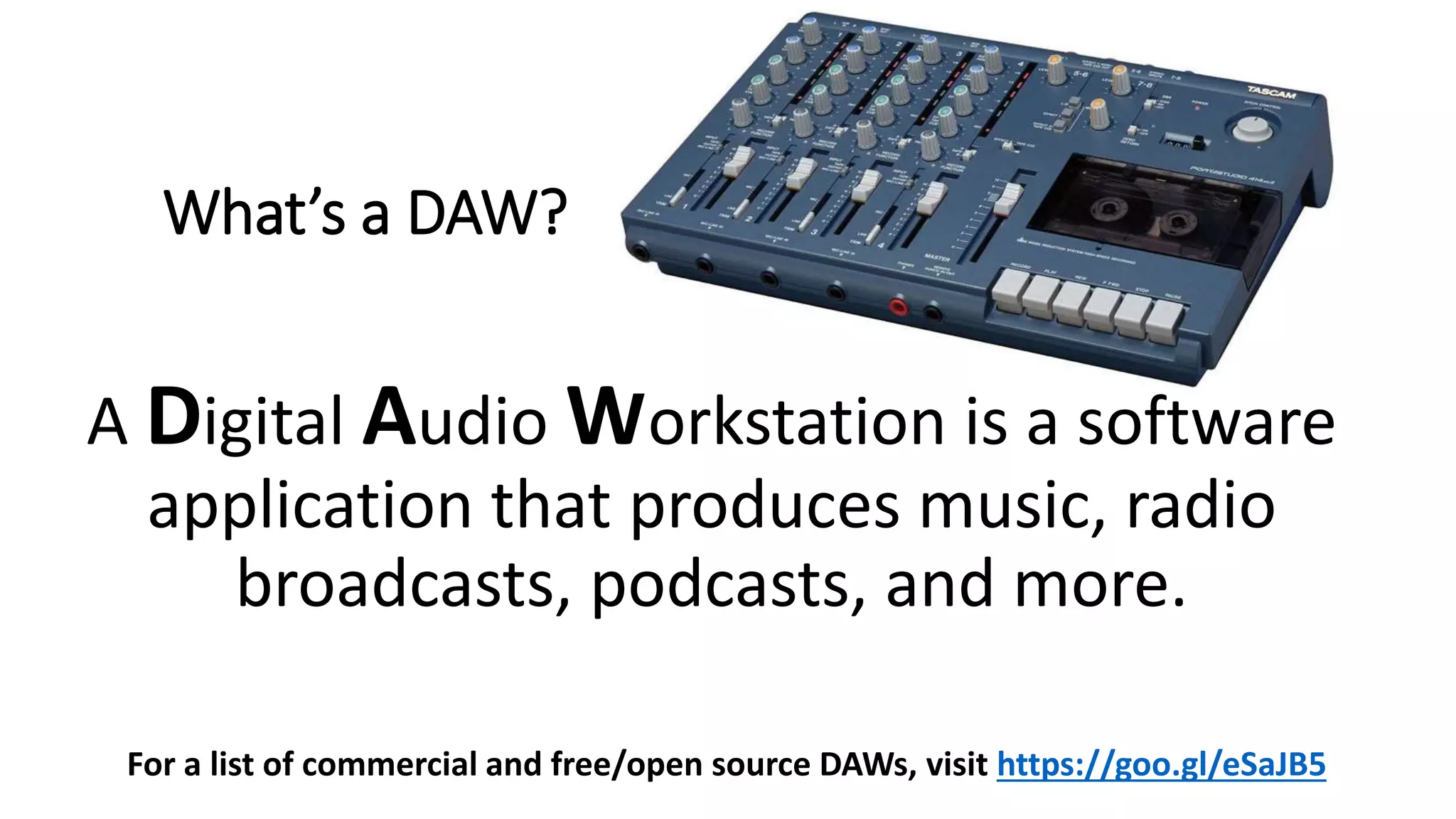
A Digital Audio Workstation is a software
application that produces music, radio
broadcasts, podcasts, and more.
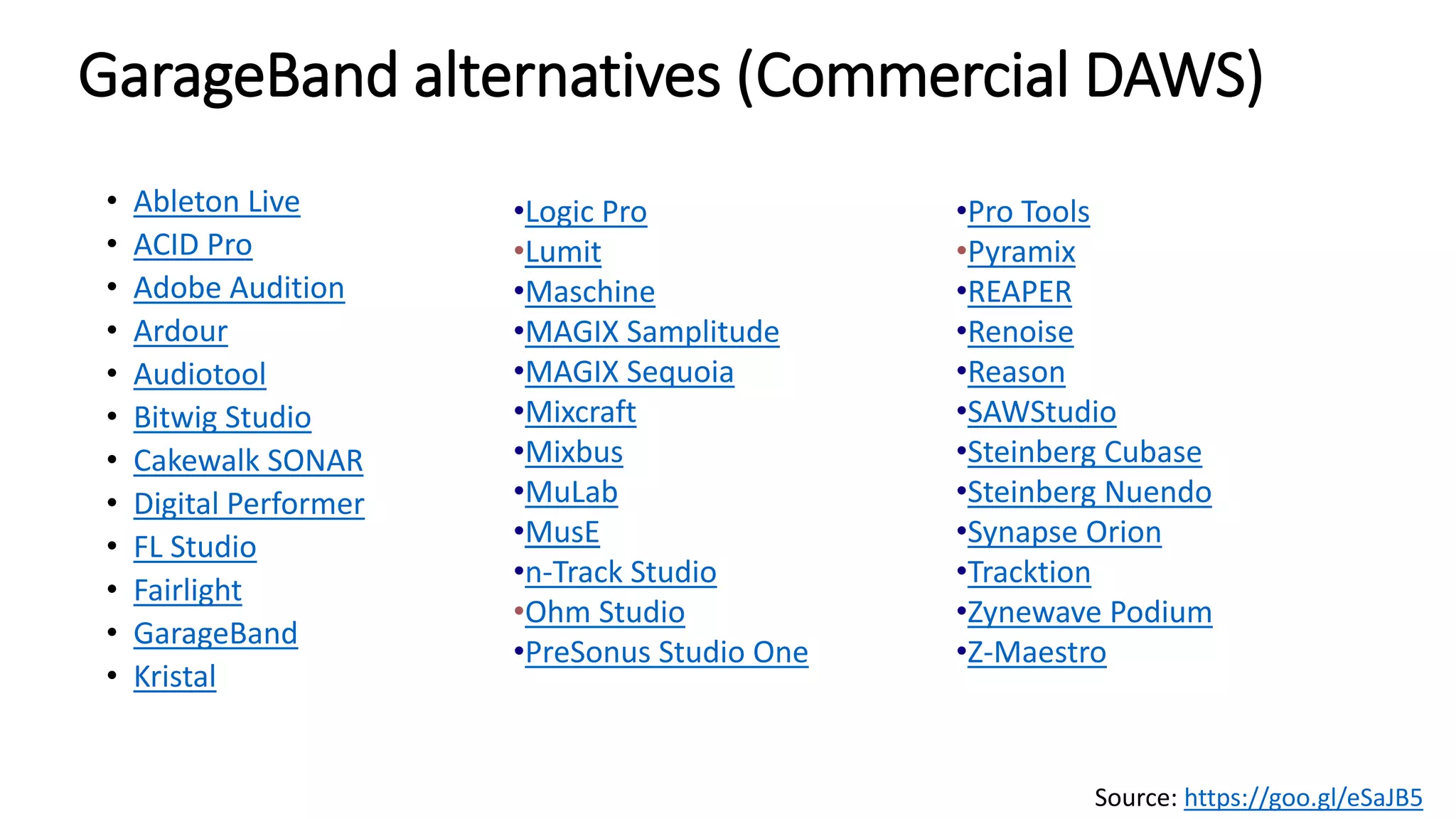
For a list of commercial and free/open source DAWs, visit https://goo.gl/eSaJB5
Basic Recording Terminology
• Audio Input – converts analog audio into digital audio, or vice-versa. For
example, a microphone inserted into a soundcard’s input captures sound.
• Audio Output – allows for sound to be heard via speakers/headphones etc.
• Channel – the mixing board has channel inputs with master controls, audio
level metering, effects etc.
• Driver – software that controls the interface between a computer and a
peripheral device (e.g., soundcard, MIDI controller etc.)
• MIDI - Musical Instrument Digital Interface. Allows music hardware from
different manufacturers to communicate with each other regardless of the
manufacturer. (MIDI controllers, virtual instruments)
• Track – where audio, volume, effects are recorded and edited.
What is GarageBand and what can it do?
• A fully equipped music studio for your Mac.
• Audio recording
• Amps and effects
• Sound libraries
• Virtual Software Instruments (virtual session drummer, synths etc.)
• MIDI Editing (Import MIDI files for notation style editing/playback)
• Music Lessons
• Store your projects in iCloud.
• Share your projects!
Source: https://www.apple.com/mac/garageband
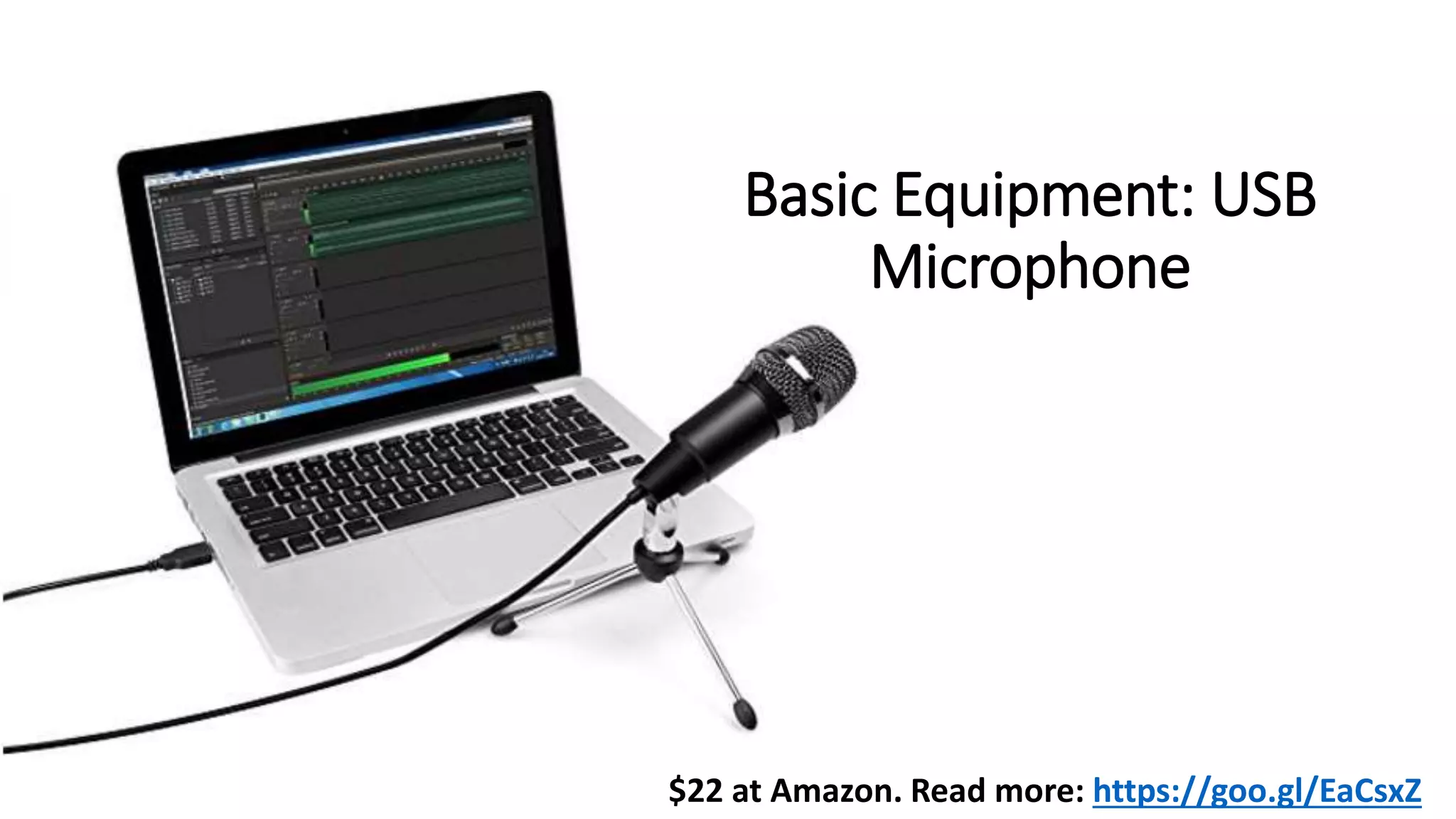
$22 at Amazon. Read more: https://goo.gl/EaCsxZ
Basic Equipment: USB
Microphone
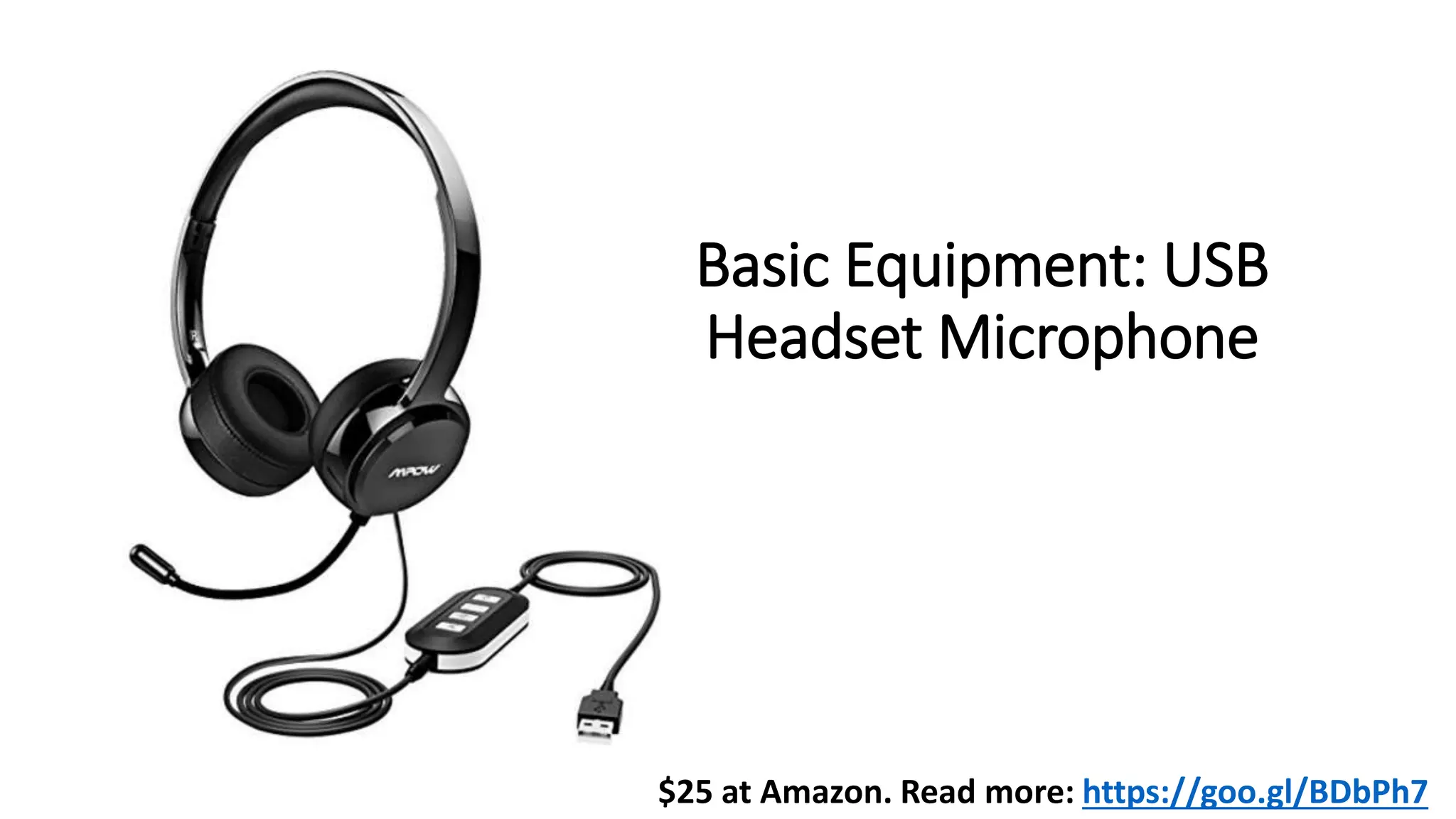
Basic Equipment: USB
Headset Microphone
$25 at Amazon. Read more: https://goo.gl/BDbPh7
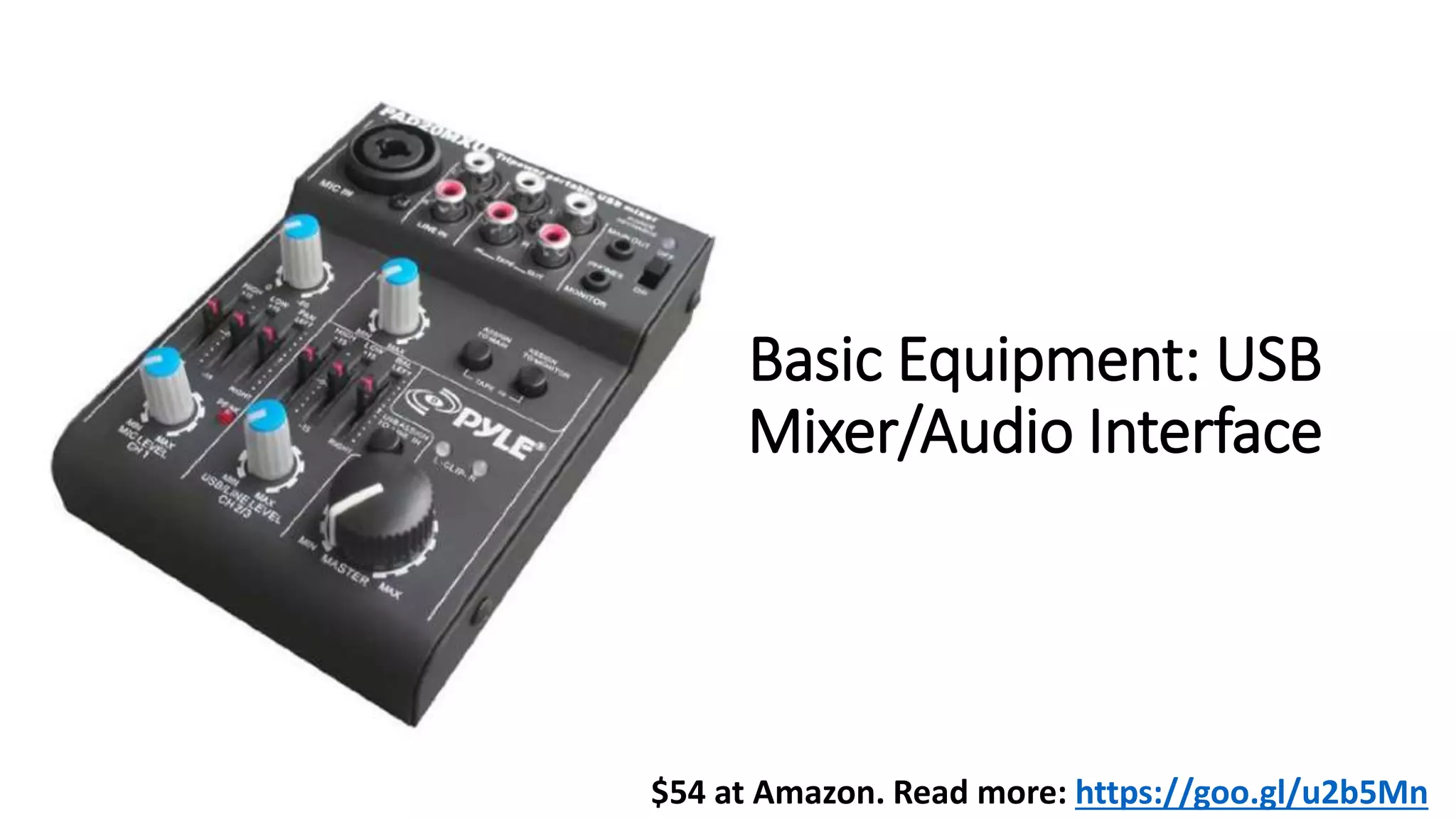
Basic Equipment: USB
Mixer/Audio Interface
$54 at Amazon. Read more: https://goo.gl/u2b5Mn
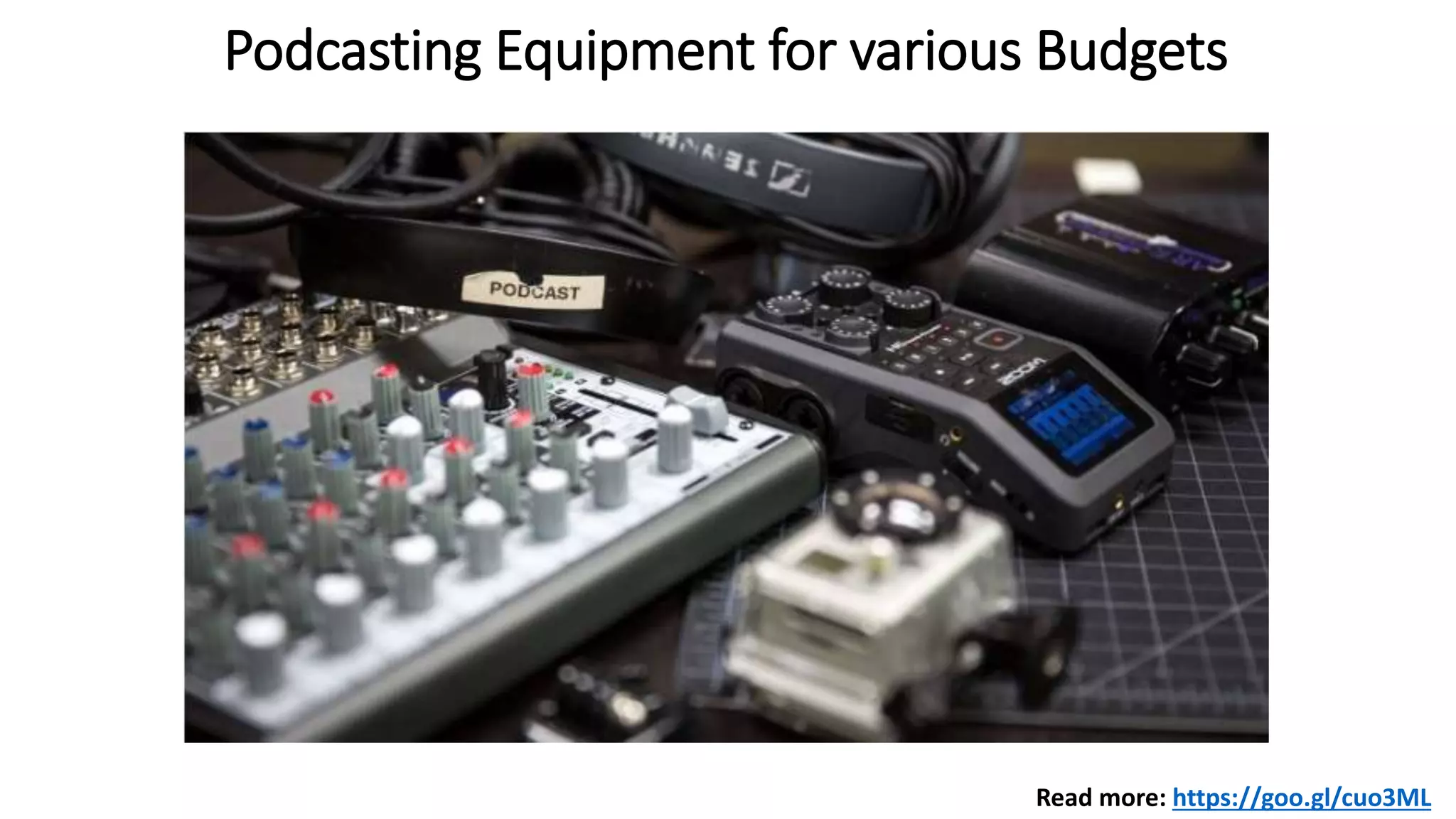
Podcasting Equipment for various Budgets
Read more: https://goo.gl/cuo3ML
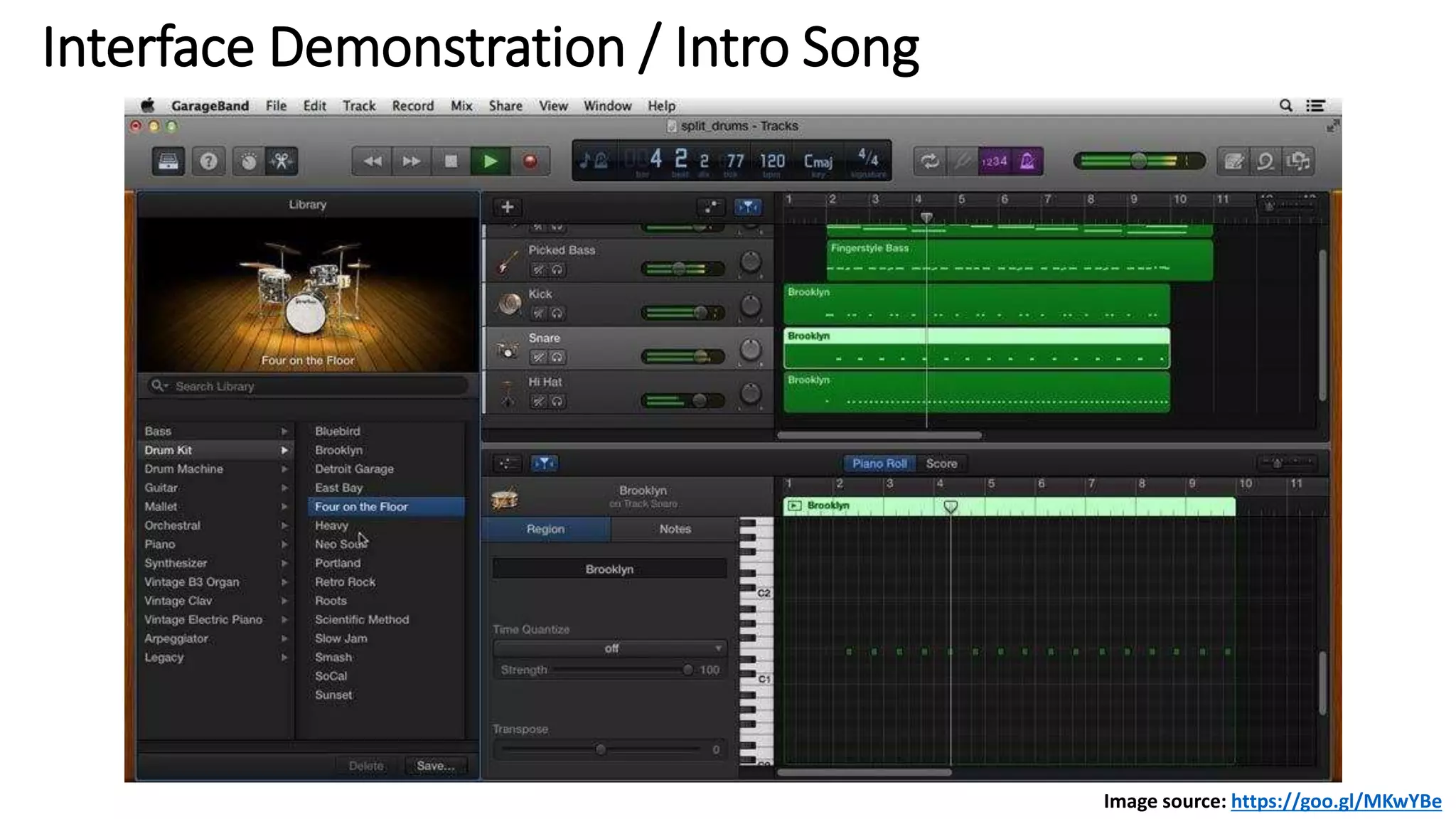
Interface Demonstration / Intro Song
Image source: https://goo.gl/MKwYBe
Creating a Podcast Demonstration
• Prepare for the show (gather facts, interview questions, practice, etc.)
• In GarageBand: New >>> Create Voice (note: GarageBand > Preferences > check input/output devices)
• Add show notes to GarageBand’s notepad.
• Select track, then hit record button >> record voice >> Space bar stops recording
• To split recorded region: press the Command + T key on the keyboard. (Explore Play with vocal
effects/presets)
• Add background music: Click on eyeball graphic to find music loops >> Drag a loop to the next track.
Remember automation (Fade in/fade out etc.)
• Can’t insert pictures anymore! You can import from GarageBand’s Media Browser OR work in iMovie to
import into GarageBand.
• Check volumes, make sure you don’t sound robotic etc.
• Share to iTunes etc. or import into iMovie.
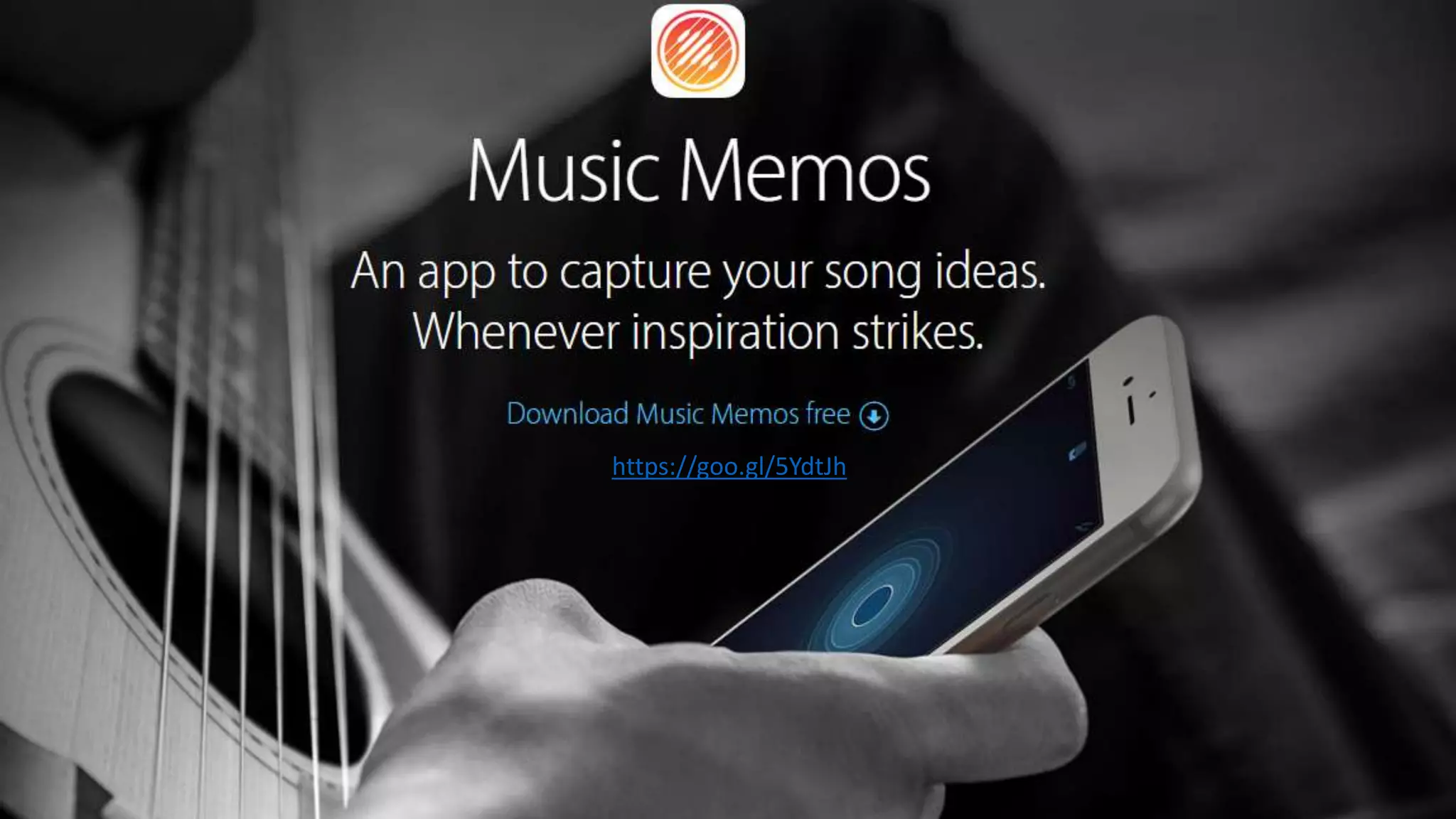
https://goo.gl/5YdtJh
You can add tracks to your
GarageBand sessions using an iPhone
or iPad when you are away from your
computer. Also, sketch out ideas on
your iOS device, then import it into
GarageBand to fine-tune it later.
Creating Custom
Ring Tones Demo
Images source: https://goo.gl/VyUErV
https://goo.gl/CcKedr
More info: https://goo.gl/z1GVid
Approved aggregators: https://itunespartner.apple.com/en/music/partnersearch
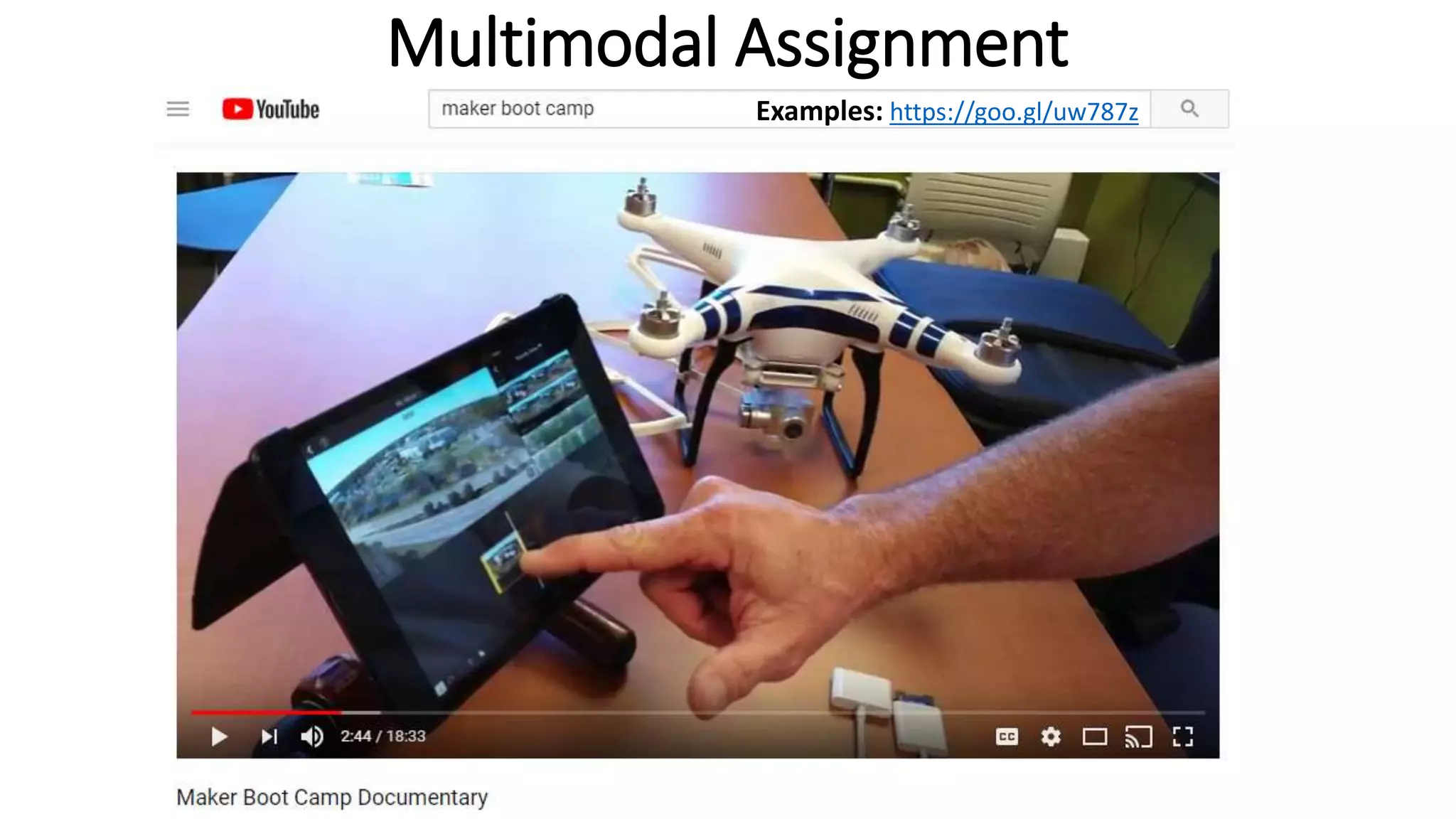
Multimodal Assignment
Examples: https://goo.gl/uw787z
http://radio.spcollege.edu
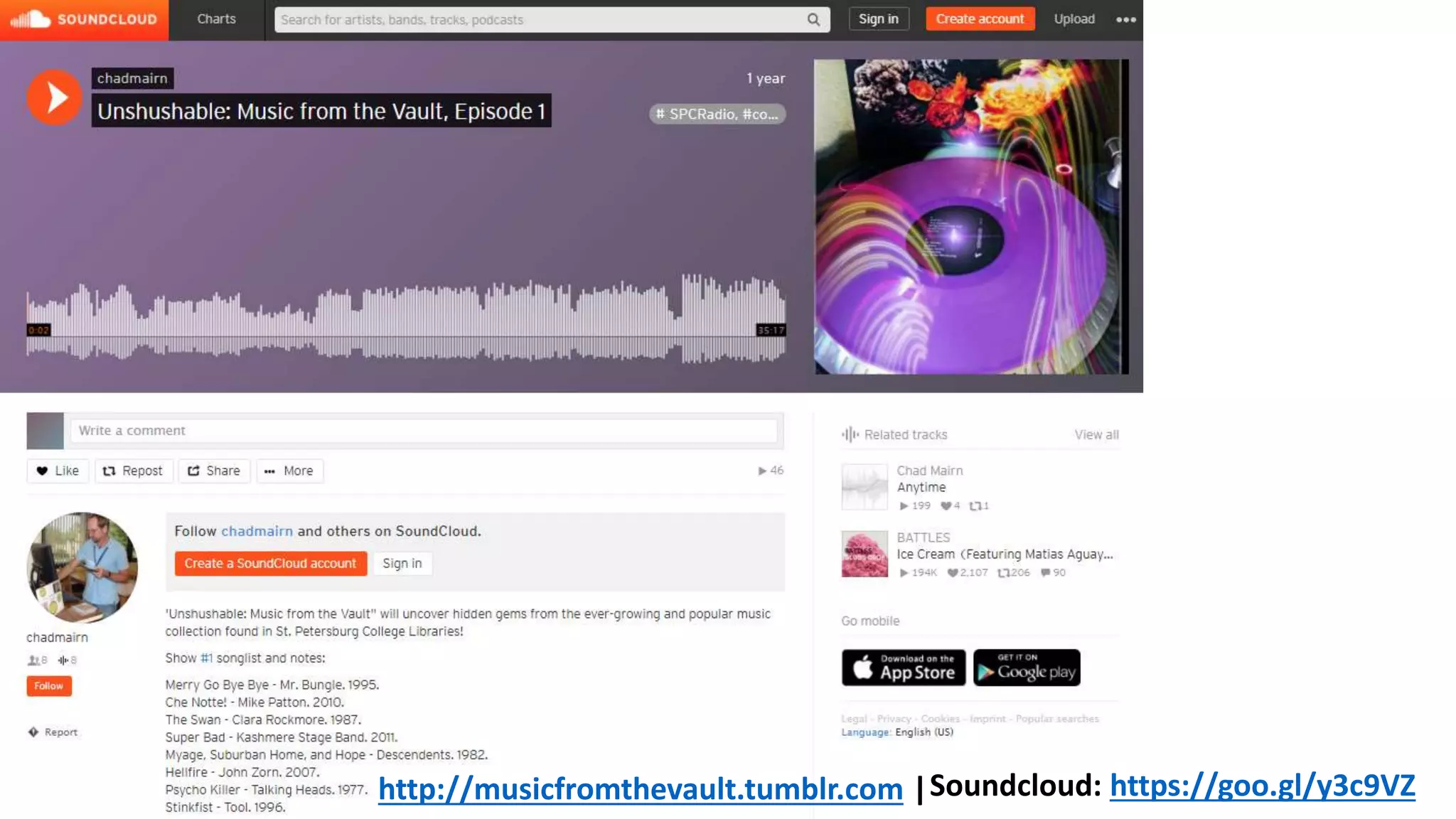
Soundcloud: https://goo.gl/y3c9VZhttp://musicfromthevault.tumblr.com |
GarageBand alternatives (Commercial DAWS)
• Ableton Live
• ACID Pro
• Adobe Audition
• Ardour
• Audiotool
• Bitwig Studio
• Cakewalk SONAR
• Digital Performer
• FL Studio
• Fairlight
• GarageBand
• Kristal
•Logic Pro
•Lumit
•Maschine
•MAGIX Samplitude
•MAGIX Sequoia
•Mixcraft
•Mixbus
•MuLab
•MusE
•n-Track Studio
•Ohm Studio
•PreSonus Studio One
•Pro Tools
•Pyramix
•REAPER
•Renoise
•Reason
•SAWStudio
•Steinberg Cubase
•Steinberg Nuendo
•Synapse Orion
•Tracktion
•Zynewave Podium
•Z-Maestro
Source: https://goo.gl/eSaJB5
Contact me!
.com/cmairn
.net/chadmairn

Learn to Compose, Record, and Produce Songs and Podcasts Using GarageBand

  • 1.
    Learn to Compose,Record, and Produce Songs and Podcasts Using GarageBand
  • 2.
    Agenda: • Understand basicrecording terminology and practices that will translate to any DAW. • Learn what GarageBand is capable of doing (e.g., audio recording, music lessons, podcasts etc.). • Become familiar and comfortable with GarageBand’s interface. • Appreciate how easy it is to create a podcast to include sounds, images, and videos. • See how GarageBand can be used to create multimodal assignments/activities. • Find alternatives to GarageBand and learn ways to run it virtually within other Operating Systems.
  • 3.
    What’s a DAW? ADigital Audio Workstation is a software application that produces music, radio broadcasts, podcasts, and more. For a list of commercial and free/open source DAWs, visit https://goo.gl/eSaJB5
  • 4.
    Basic Recording Terminology •Audio Input – converts analog audio into digital audio, or vice-versa. For example, a microphone inserted into a soundcard’s input captures sound. • Audio Output – allows for sound to be heard via speakers/headphones etc. • Channel – the mixing board has channel inputs with master controls, audio level metering, effects etc. • Driver – software that controls the interface between a computer and a peripheral device (e.g., soundcard, MIDI controller etc.) • MIDI - Musical Instrument Digital Interface. Allows music hardware from different manufacturers to communicate with each other regardless of the manufacturer. (MIDI controllers, virtual instruments) • Track – where audio, volume, effects are recorded and edited.
  • 5.
    What is GarageBandand what can it do? • A fully equipped music studio for your Mac. • Audio recording • Amps and effects • Sound libraries • Virtual Software Instruments (virtual session drummer, synths etc.) • MIDI Editing (Import MIDI files for notation style editing/playback) • Music Lessons • Store your projects in iCloud. • Share your projects! Source: https://www.apple.com/mac/garageband
  • 6.
    $22 at Amazon.Read more: https://goo.gl/EaCsxZ Basic Equipment: USB Microphone
  • 7.
    Basic Equipment: USB HeadsetMicrophone $25 at Amazon. Read more: https://goo.gl/BDbPh7
  • 8.
    Basic Equipment: USB Mixer/AudioInterface $54 at Amazon. Read more: https://goo.gl/u2b5Mn
  • 9.
    Podcasting Equipment forvarious Budgets Read more: https://goo.gl/cuo3ML
  • 10.
    Interface Demonstration /Intro Song Image source: https://goo.gl/MKwYBe
  • 11.
    Creating a PodcastDemonstration • Prepare for the show (gather facts, interview questions, practice, etc.) • In GarageBand: New >>> Create Voice (note: GarageBand > Preferences > check input/output devices) • Add show notes to GarageBand’s notepad. • Select track, then hit record button >> record voice >> Space bar stops recording • To split recorded region: press the Command + T key on the keyboard. (Explore Play with vocal effects/presets) • Add background music: Click on eyeball graphic to find music loops >> Drag a loop to the next track. Remember automation (Fade in/fade out etc.) • Can’t insert pictures anymore! You can import from GarageBand’s Media Browser OR work in iMovie to import into GarageBand. • Check volumes, make sure you don’t sound robotic etc. • Share to iTunes etc. or import into iMovie.
  • 12.
  • 13.
    You can addtracks to your GarageBand sessions using an iPhone or iPad when you are away from your computer. Also, sketch out ideas on your iOS device, then import it into GarageBand to fine-tune it later.
  • 14.
    Creating Custom Ring TonesDemo Images source: https://goo.gl/VyUErV https://goo.gl/CcKedr
  • 15.
    More info: https://goo.gl/z1GVid Approvedaggregators: https://itunespartner.apple.com/en/music/partnersearch
  • 16.
  • 17.
  • 18.
  • 19.
    GarageBand alternatives (CommercialDAWS) • Ableton Live • ACID Pro • Adobe Audition • Ardour • Audiotool • Bitwig Studio • Cakewalk SONAR • Digital Performer • FL Studio • Fairlight • GarageBand • Kristal •Logic Pro •Lumit •Maschine •MAGIX Samplitude •MAGIX Sequoia •Mixcraft •Mixbus •MuLab •MusE •n-Track Studio •Ohm Studio •PreSonus Studio One •Pro Tools •Pyramix •REAPER •Renoise •Reason •SAWStudio •Steinberg Cubase •Steinberg Nuendo •Synapse Orion •Tracktion •Zynewave Podium •Z-Maestro Source: https://goo.gl/eSaJB5
  • 20.
  • 21.