













How to get started with Social Media
Presented by: Eric Ritter

@EricRitter :: www.helloericritter.com
How to use start using Social Media
What is social media?
How can you participate?
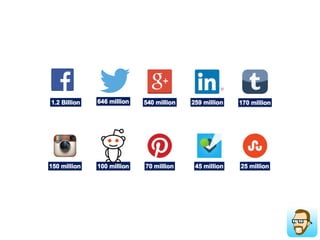
What are the top channels?
Tips & Tricks
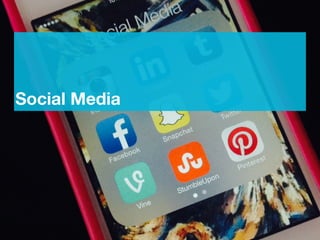
Social Media
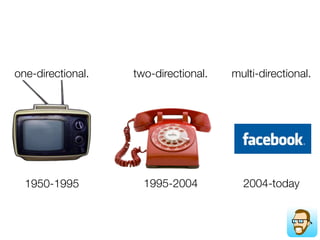
one-directional.
1950-1995
one-directional.
1950-1995
two-directional.
1995-2004
one-directional.
1950-1995
two-directional.
1995-2004
multi-directional.
2004-today
Social Media Revolution Video time
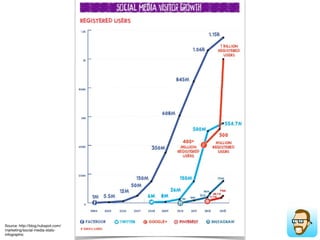
Source: http://blog.hubspot.com/
marketing/social-media-stats-
infographic
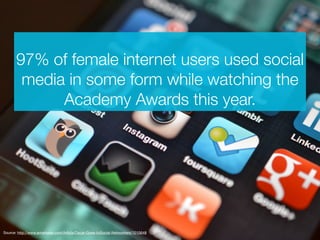
97% of female internet users used social
media in some form while watching the
Academy Awards this year.
Source: http://www.emarketer.com/Article/Oscar-Goes-toSocial-Networkers/1010648
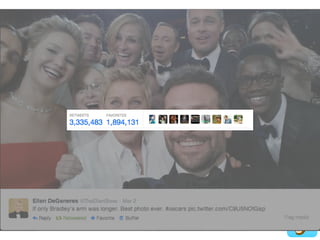
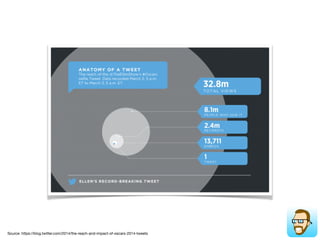
Source: https://blog.twitter.com/2014/the-reach-and-impact-of-oscars-2014-tweets
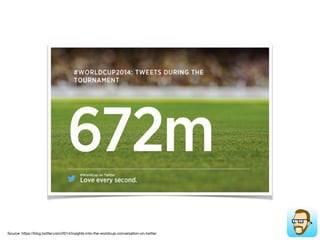
Source: https://blog.twitter.com/2014/insights-into-the-worldcup-conversation-on-twitter
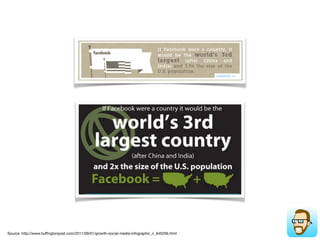
Source: http://www.huffingtonpost.com/2011/09/01/growth-social-media-infographic_n_945256.html
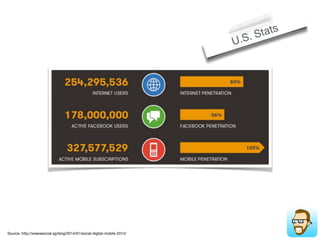
Source: http://wearesocial.sg/blog/2014/01/social-digital-mobile-2014/
U.S. Stats
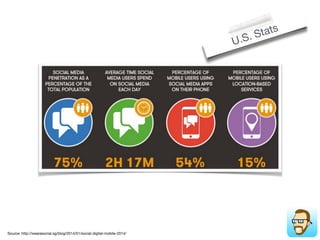
Source: http://wearesocial.sg/blog/2014/01/social-digital-mobile-2014/
U.S. Stats
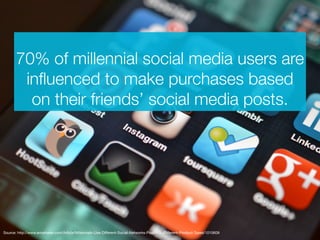
70% of millennial social media users are
influenced to make purchases based
on their friends’ social media posts.
Source: http://www.emarketer.com/Article/Millennials-Use-Different-Social-Networks-Post-Buy-Different-Product-Types/1010609
How can you participate?
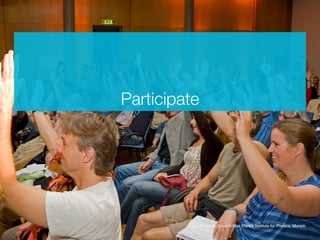
Participate
Participate!
Source: http://www.emarketer.com/Article/Millennials-Use-Different-Social-Networks-Post-Buy-Different-Product-Types/1010609
Talk to people
Participate!
Source: http://www.emarketer.com/Article/Millennials-Use-Different-Social-Networks-Post-Buy-Different-Product-Types/1010609
What’s your passion?
What can you contribute?
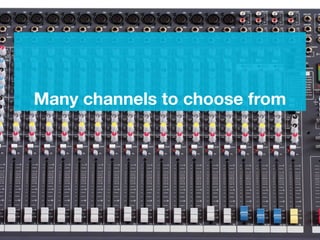
Many channels to choose from
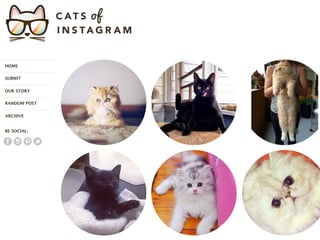
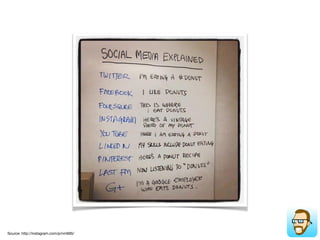
Source: http://instagram.com/p/nm695/
Facebook
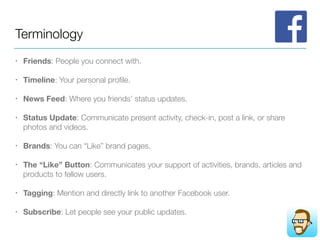
Terminology
• Friends: People you connect with.
• Timeline: Your personal profile.
• News Feed: Where you friends’ status updates.
• Status Update: Communicate present activity, check-in, post a link, or share
photos and videos.
• Brands: You can “Like” brand pages.
• The “Like” Button: Communicates your support of activities, brands, articles and
products to fellow users.
• Tagging: Mention and directly link to another Facebook user.
• Subscribe: Let people see your public updates.
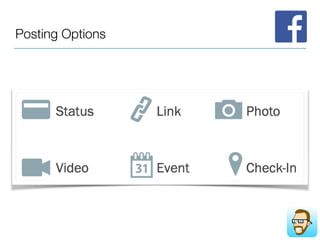
Posting Options
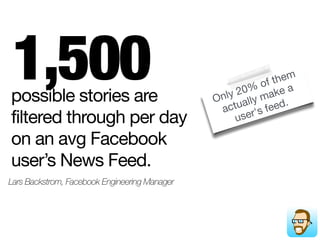
Only 20% of them
actually make a
user's feed.possible stories are
filtered through per day
on an avg Facebook
user’s News Feed.
1,500
Lars Backstrom, Facebook Engineering Manager
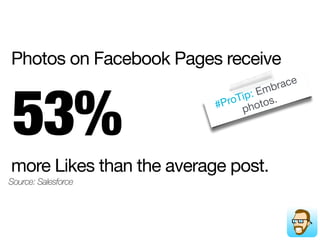
#ProTip: Embrace
photos.
more Likes than the average post.
53%
Source: Salesforce
Photos on Facebook Pages receive
Twitter
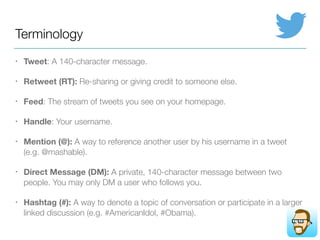
Terminology
• Tweet: A 140-character message.
• Retweet (RT): Re-sharing or giving credit to someone else.
• Feed: The stream of tweets you see on your homepage.
• Handle: Your username.
• Mention (@): A way to reference another user by his username in a tweet
(e.g. @mashable).
• Direct Message (DM): A private, 140-character message between two
people. You may only DM a user who follows you.
• Hashtag (#): A way to denote a topic of conversation or participate in a larger
linked discussion (e.g. #AmericanIdol, #Obama).
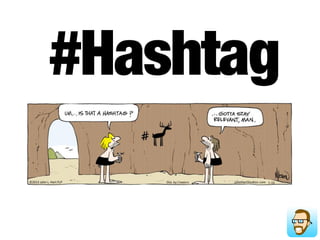
#Hashtag
Posting options
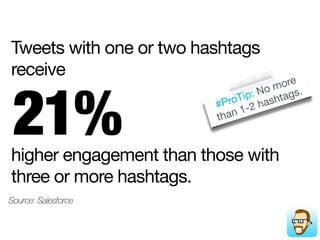
#ProTip: No more
than 1-2 hashtags.
higher engagement than those with
three or more hashtags.
21%
Source: Salesforce
Tweets with one or two hashtags
receive
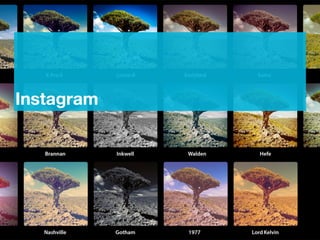
Instagram
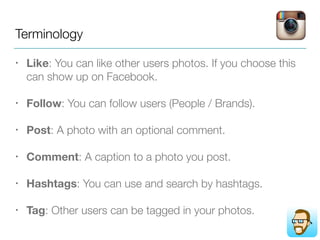
Terminology
• Like: You can like other users photos. If you choose this
can show up on Facebook.
• Follow: You can follow users (People / Brands).
• Post: A photo with an optional comment.
• Comment: A caption to a photo you post.
• Hashtags: You can use and search by hashtags.
• Tag: Other users can be tagged in your photos.
#ProTip: 87% of users
trust LinkedIn as a source
of info that affects
decision makingmillion companies have
LinkedIn Company
Pages.
Three
Source: LinkedIn
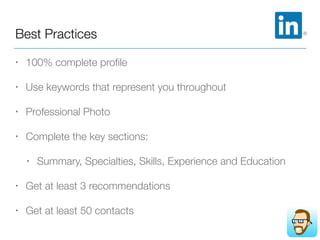
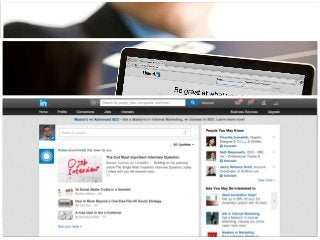
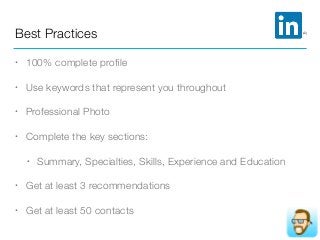
Best Practices
• 100% complete profile
• Use keywords that represent you throughout
• Professional Photo
• Complete the key sections:
• Summary, Specialties, Skills, Experience and Education
• Get at least 3 recommendations
• Get at least 50 contacts
Tools
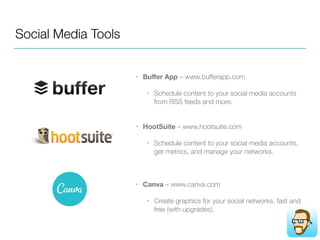
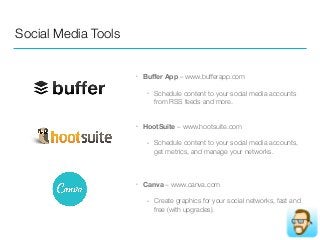
Social Media Tools
• Buffer App – www.bufferapp.com
• Schedule content to your social media accounts
from RSS feeds and more. 

• HootSuite – www.hootsuite.com
• Schedule content to your social media accounts,
get metrics, and manage your networks.
• Canva – www.canva.com
• Create graphics for your social networks, fast and
free (with upgrades).
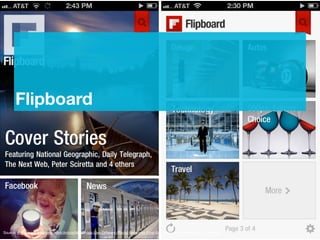
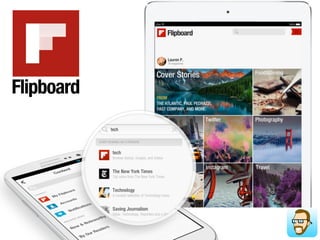
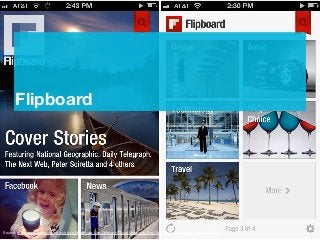
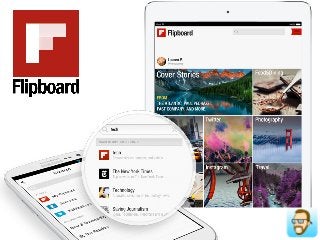
Flipboard
Source: http://www.emarketer.com/Article/Millennials-Use-Different-Social-Networks-Post-Buy-Different-Product-Types/1010609
Tips & Tricks
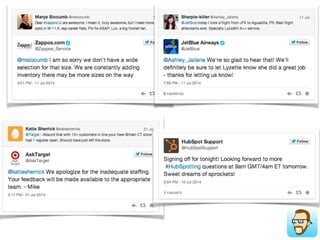
• Use Twitter / Facebook to get better customer service
• Setup 2-step verification for your profiles
• https://www.facebook.com/settings?tab=security
• https://twitter.com/settings/security
• Use it to get a new job with social media
• http://mashable.com/2014/03/13/job-hunt-social-
media/
Recap
• Find a community and Participate
• Social Media & Twitter is a conversation tool
• The world is flat
• Get Clipboard on your Phone or Tablet
• Get a LinkedIn!
Eric Ritter
Twitter
@EricRitter

Email
eric@helloericritter.com
Digital Strategist & Consultant
Contact me:
eric@helloericritter.com
or
@EricRitter
Resources
Facebook
• https://www.facebook.com/help/333140160100643/
Twitter
• https://business.twitter.com/glossary
Instagram
• https://help.instagram.com/454502981253053/
LinkedIn
• https://help.linkedin.com/
Flipboard
• https://flipboard.com/tutorials/
2-Step Verification
• https://support.twitter.com/articles/20170388-using-login-verification
• https://twitter.com/settings/security
• https://www.facebook.com/note.php?note_id=10150172618258920
• https://www.facebook.com/settings?tab=security

How to get started with social media