Software Design and Analysis
Lecture 05 Use case(s)
Use cases
• Use cases emphasize the user goals and perspective
• Use cases are text stories that describe the functional and behavior requirements from
a user’s perspective
• User Stories represent
– The experience of the user
– When interacting with a product/service
– To accomplish a task or a goal
• Scenario is a concrete, sequential narrative about a specific workflow.
– Dialogs between users and the system
14
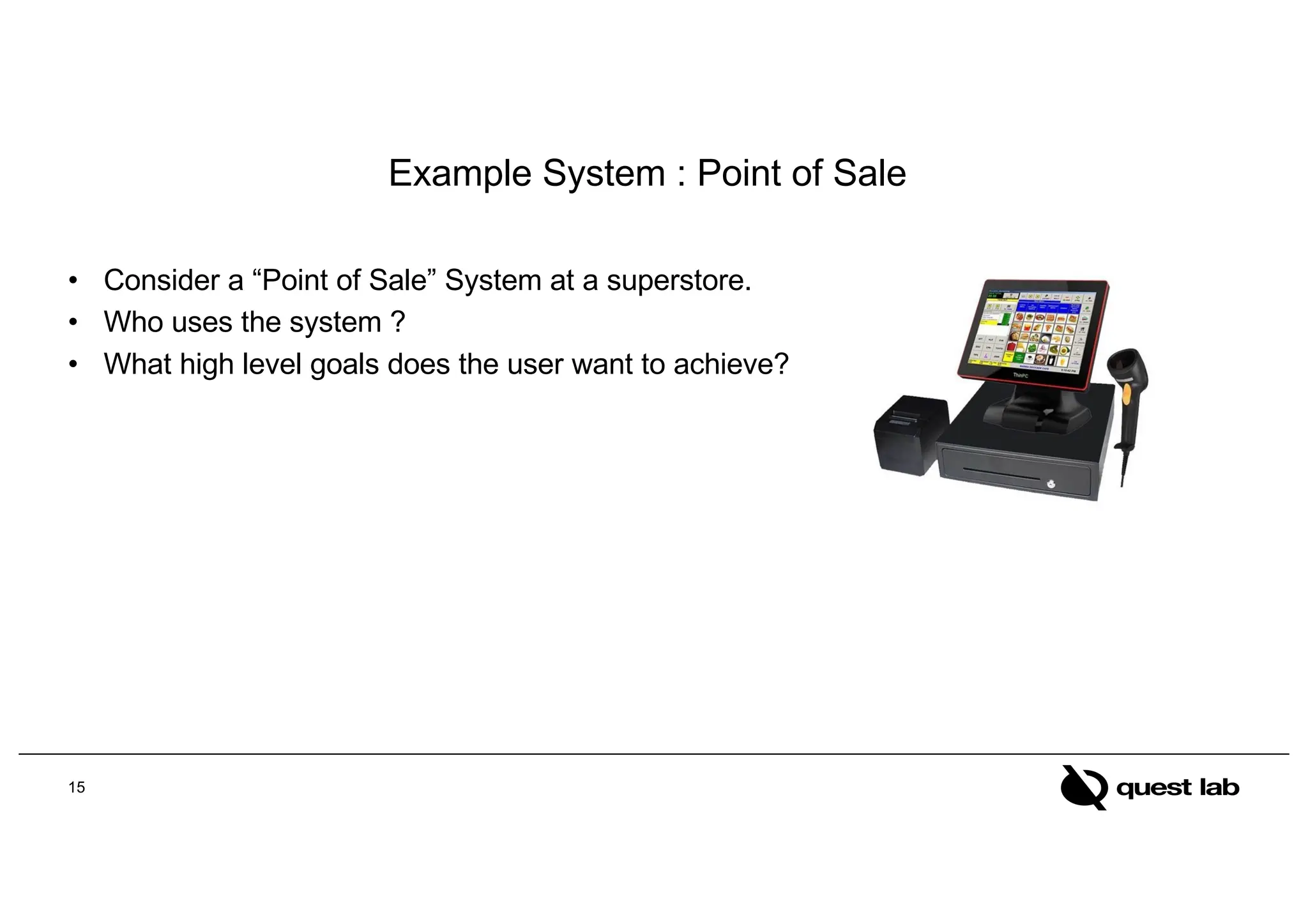
Example System : Point of Sale
• Consider a “Point of Sale” System at a superstore.
• Who uses the system ?
• What high level goals does the user want to achieve?
15
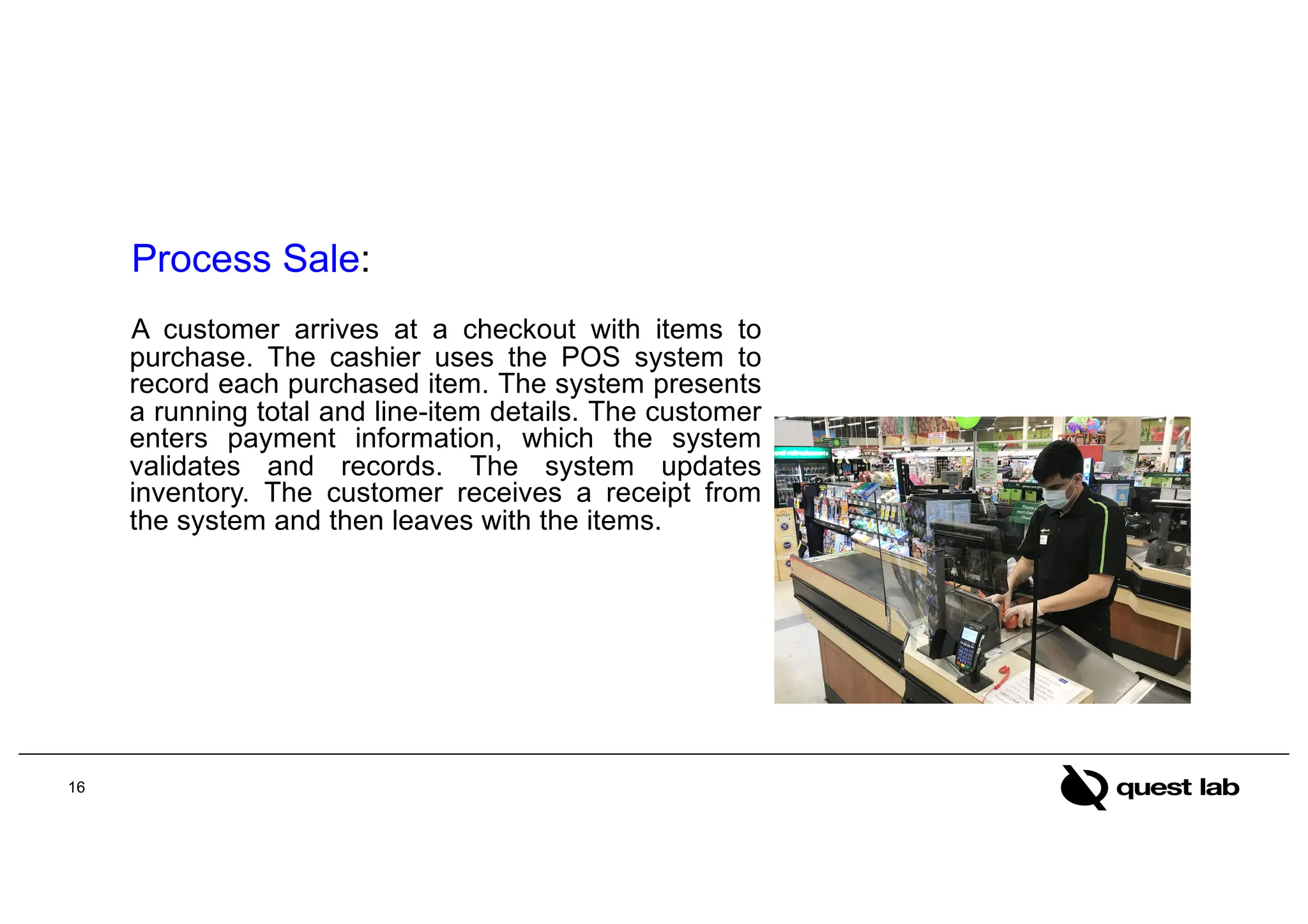
Process Sale:
A customer arrives at a checkout with items to
purchase. The cashier uses the POS system to
record each purchased item. The system presents
a running total and line-item details. The customer
enters payment information, which the system
validates and records. The system updates
inventory. The customer receives a receipt from
the system and then leaves with the items.
16
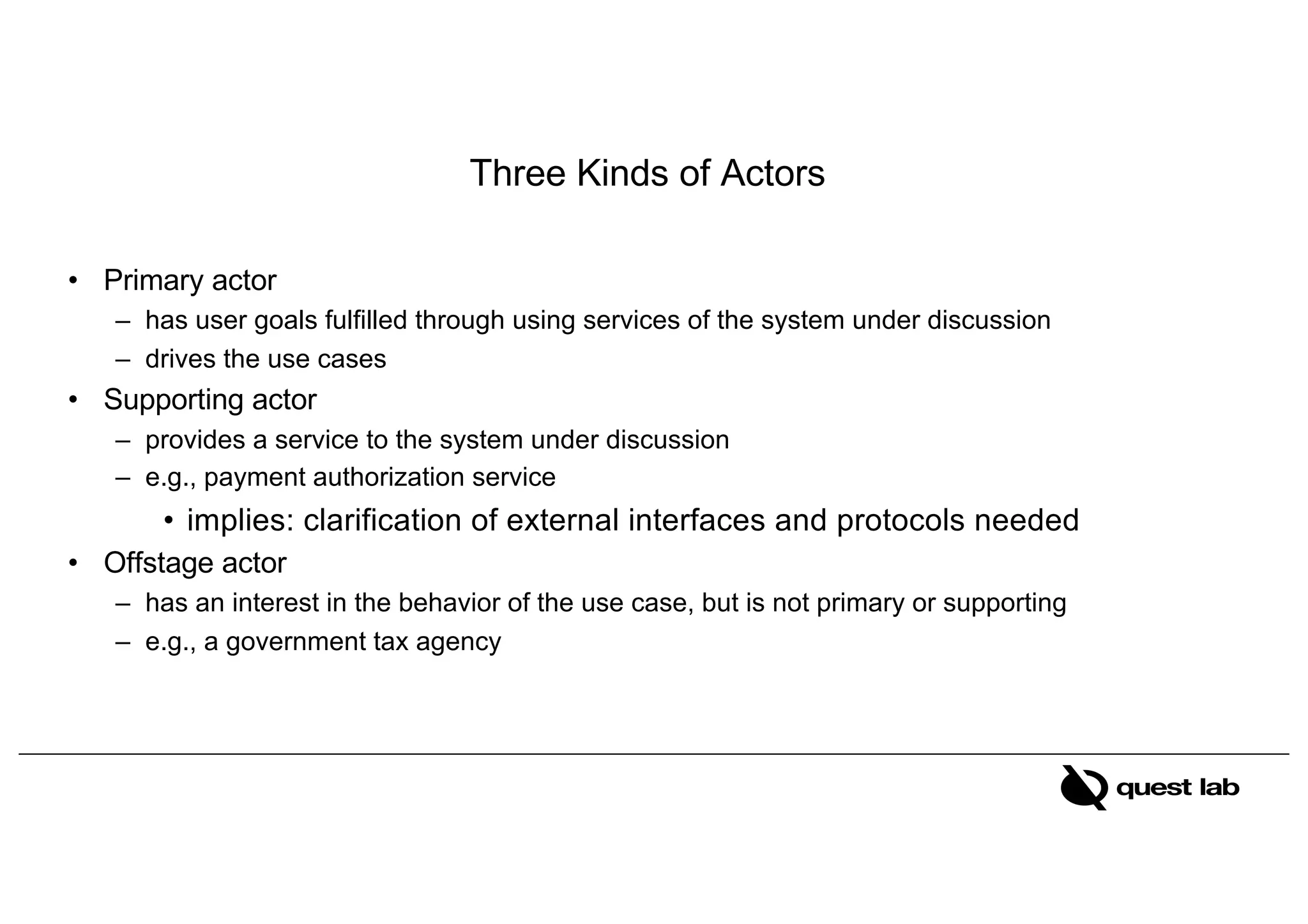
Three Kinds of Actors
• Primary actor
– has user goals fulfilled through using services of the system under discussion
– drives the use cases
• Supporting actor
– provides a service to the system under discussion
– e.g., payment authorization service
• implies: clarification of external interfaces and protocols needed
• Offstage actor
– has an interest in the behavior of the use case, but is not primary or supporting
– e.g., a government tax agency
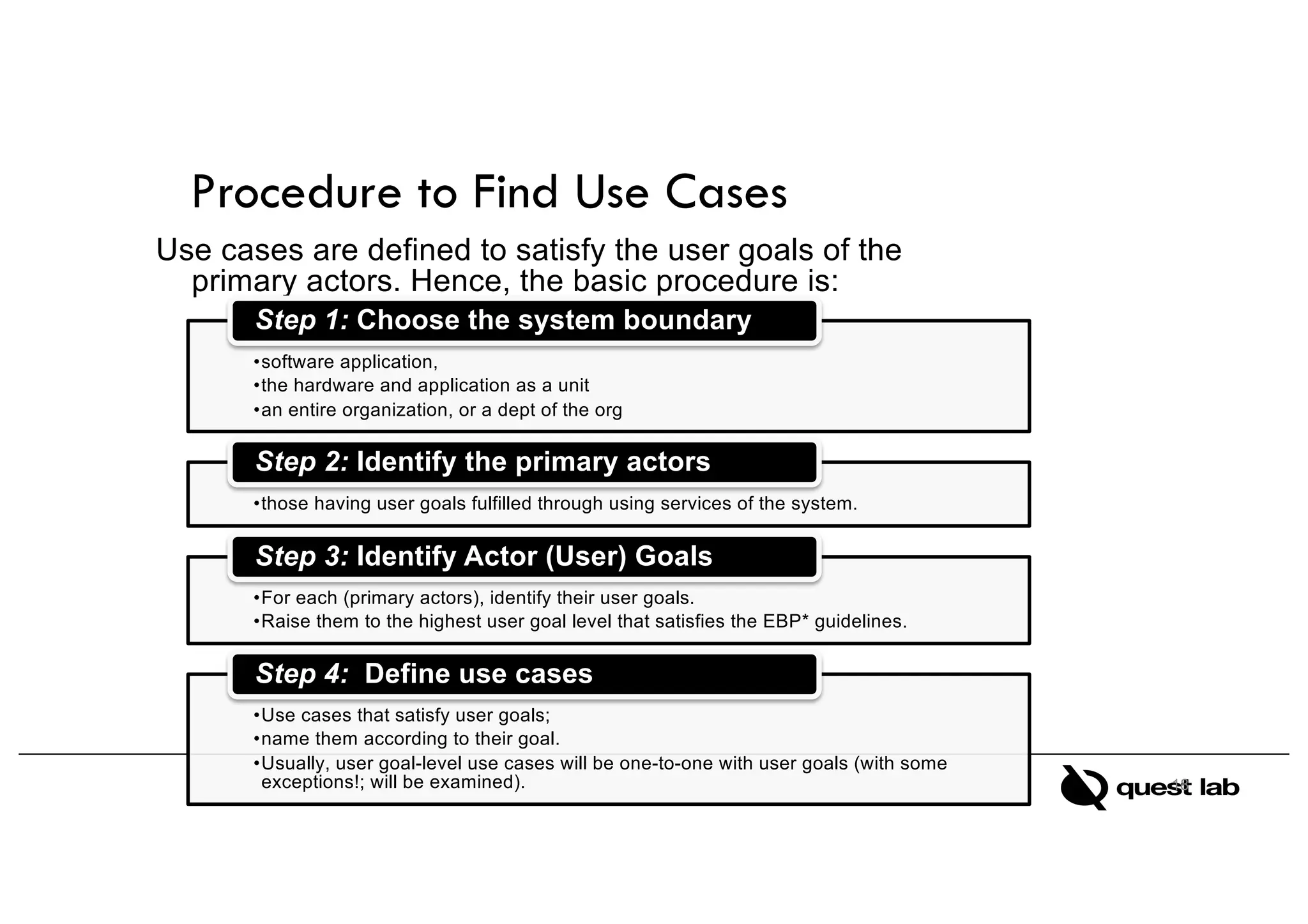
Use cases are defined to satisfy the user goals of the
primary actors. Hence, the basic procedure is:
18
•software application,
•the hardware and application as a unit
•an entire organization, or a dept of the org
Step 1: Choose the system boundary
•those having user goals fulfilled through using services of the system.
Step 2: Identify the primary actors
•For each (primary actors), identify their user goals.
•Raise them to the highest user goal level that satisfies the EBP* guidelines.
Step 3: Identify Actor (User) Goals
•Use cases that satisfy user goals;
•name them according to their goal.
•Usually, user goal-level use cases will be one-to-one with user goals (with some
exceptions!; will be examined).
Step 4: Define use cases
Procedure to Find Use Cases
Identifying System Boundary
Actor
Actor
<<System>>
Identifying scope
What is to be developed?
What use cases are provided
by system under development
19
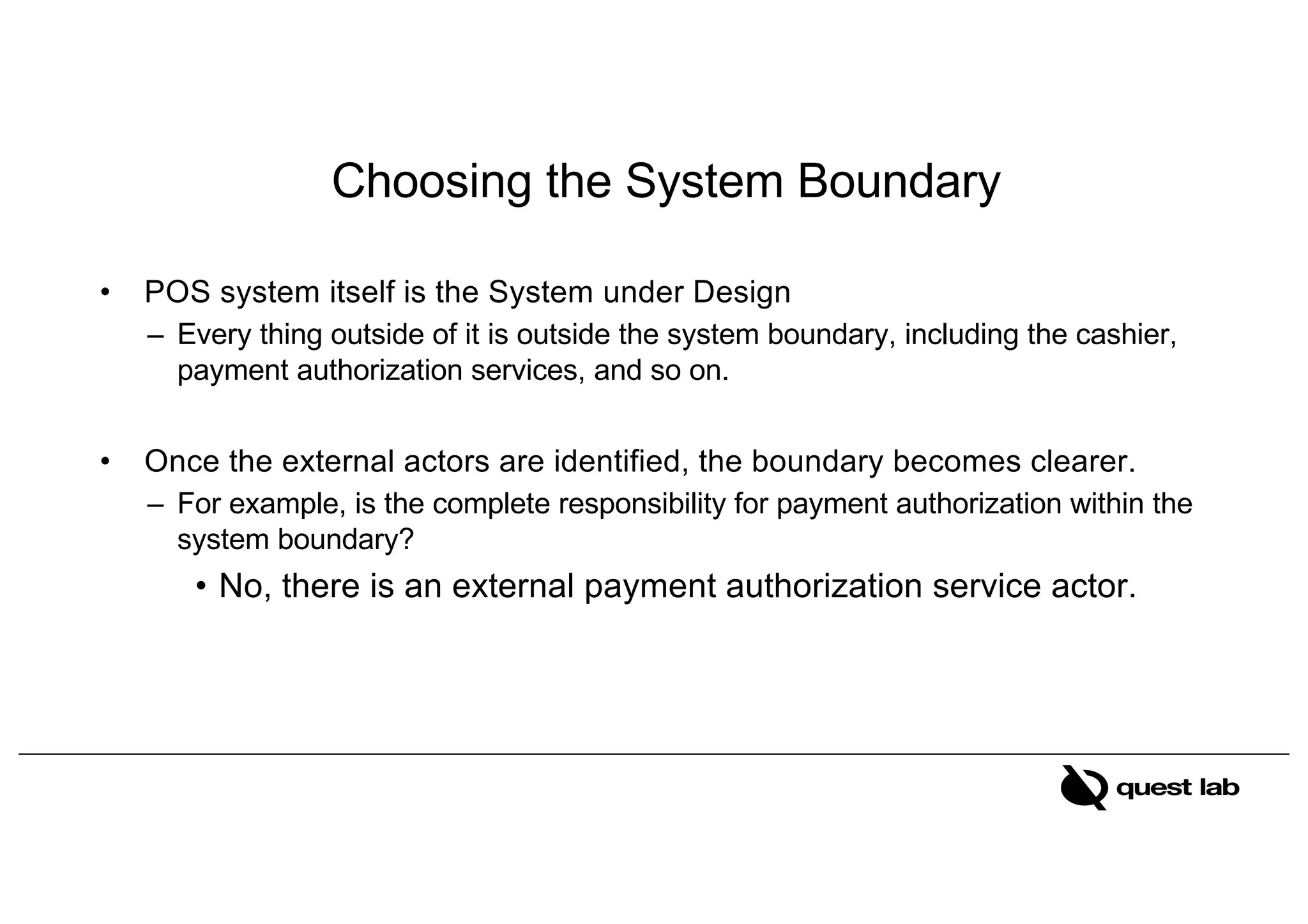
Choosing the System Boundary
• POS system itself is the System under Design
– Every thing outside of it is outside the system boundary, including the cashier,
payment authorization services, and so on.
• Once the external actors are identified, the boundary becomes clearer.
– For example, is the complete responsibility for payment authorization within the
system boundary?
• No, there is an external payment authorization service actor.
20
Identify Actors
• We cannot understand a system until we know who will use it
– Direct users
– Users responsible to operate and maintain it
– External systems used by the system
– External systems that interact with the system
21
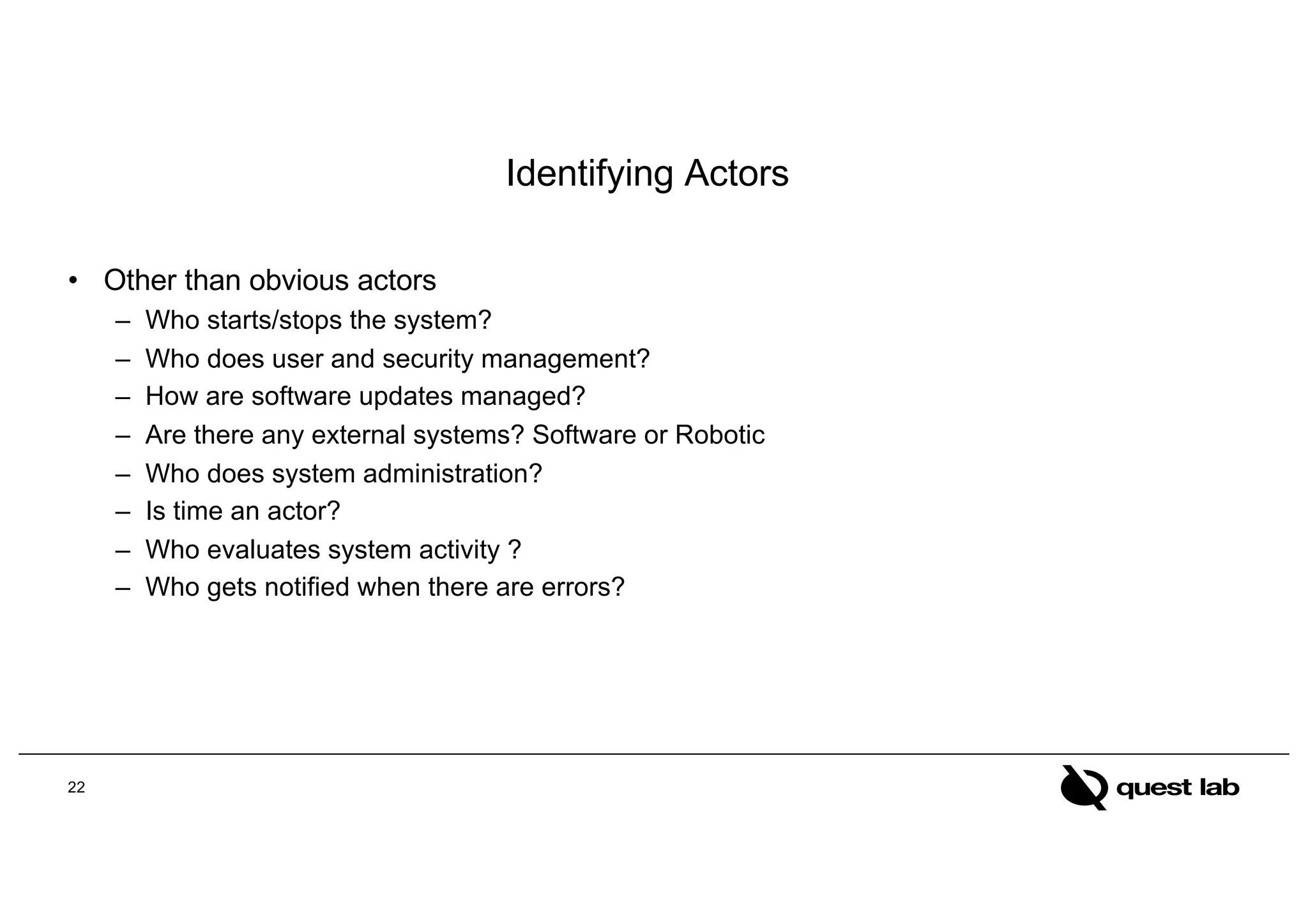
Identifying Actors
• Other than obvious actors
– Who starts/stops the system?
– Who does user and security management?
– How are software updates managed?
– Are there any external systems? Software or Robotic
– Who does system administration?
– Is time an actor?
– Who evaluates system activity ?
– Who gets notified when there are errors?
22
Identifying User Goals
• Record the actors and their user goals in an actor-goal list.
• For example:
23
Actor Goal Actor Goal
Cashier 1. Process sales
2. Process
rentals
3. Handle
returns
4. Cash in
5. Cash out
…
System Administrator 1. Add users
2. Modify users
3. Delete users
4. Manage security
5. Manage system tables
Manager 1. Start up
2. Shut down
Sales Activity System 1. Analyze sales and
performance data
… … … …
Identify Use cases
• Which of these are valid use cases?
– Negotiate a Supplier Contract
– Handle Returns
– Log in
– Enter Pin
24
• All of these can be use cases at different levels, depending on the system,
boundary, actors, and goals.
What Tests Can Help Find Useful Use Cases?
• The boss test
– What have you been doing all day?”
– Your reply “logging in!”
– Is your boss happy? No value? No good use case!“
• The Elementary Business Process (EBP) test
– a task performed by one person in one place at one time, in response to a business event, which
adds measurable business value and leaves data in a consistent state
– Good Examples: Approve Credit or Price Order
– Bad Examples: delete a line item or print the document
• The Size test
– Use case should not be a single step usually
25
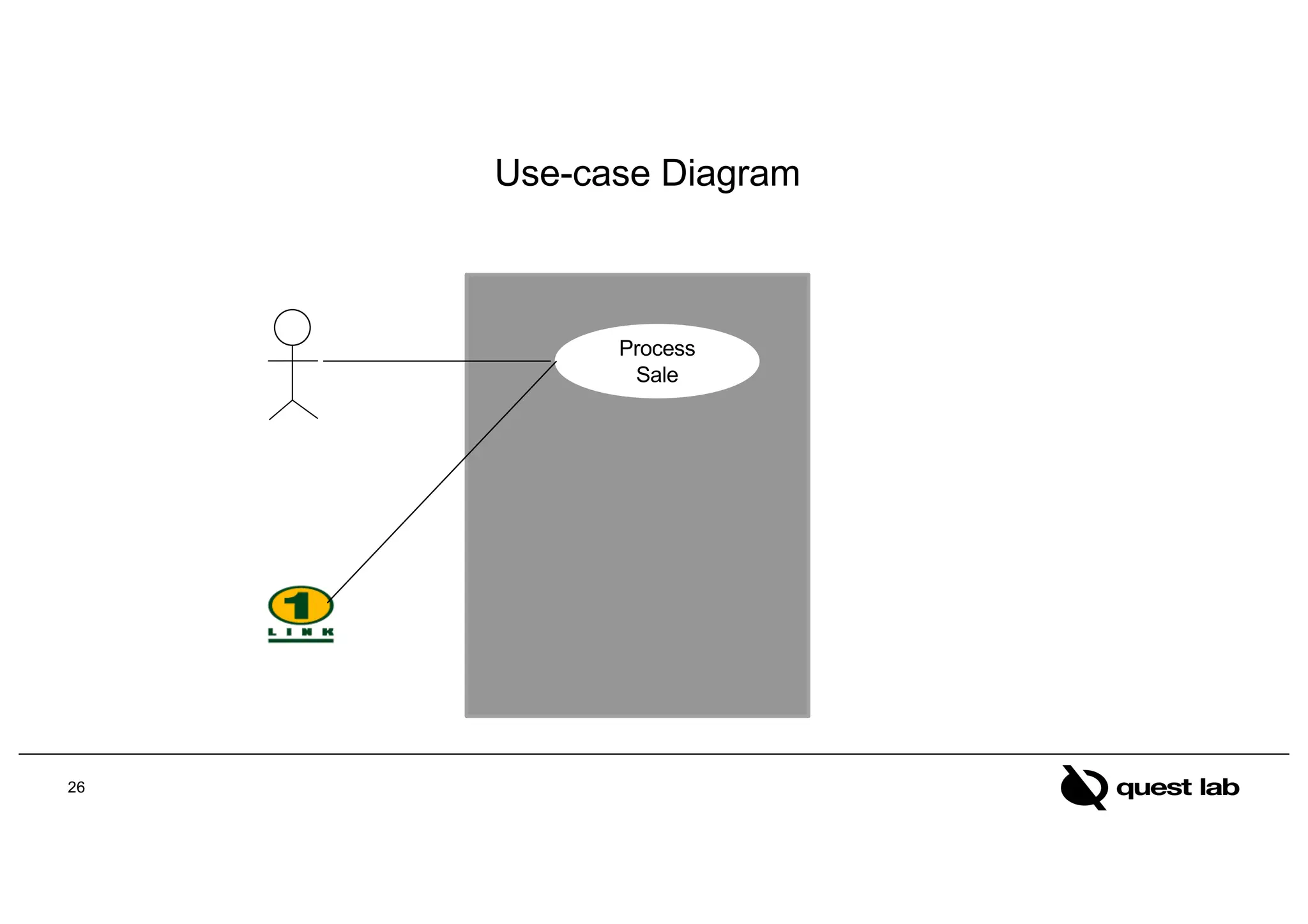
Use-case Diagram
Process
Sale
26
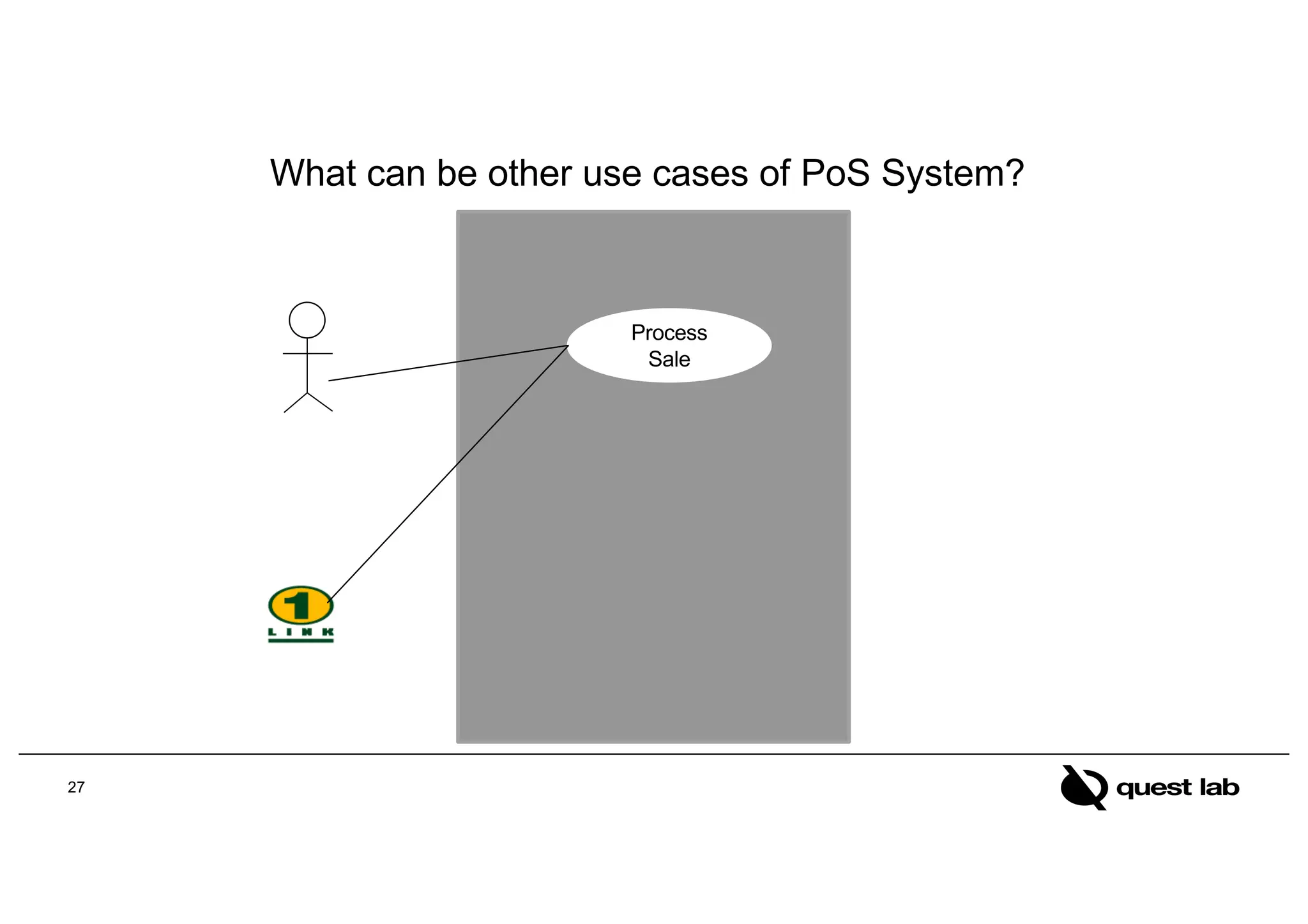
What can be other use cases of PoS System?
Process
Sale
27
28
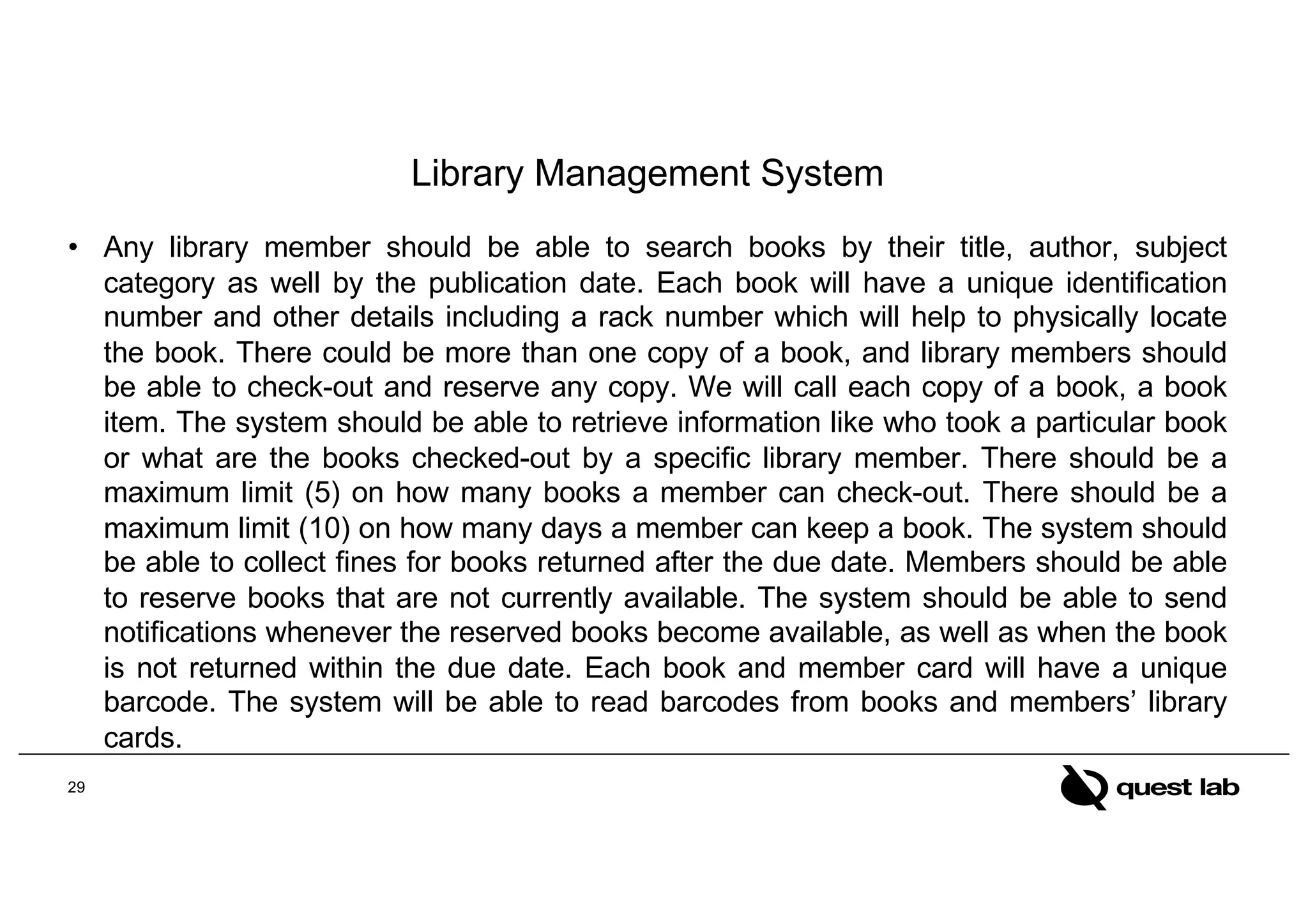
Library Management System
• Any library member should be able to search books by their title, author, subject
category as well by the publication date. Each book will have a unique identification
number and other details including a rack number which will help to physically locate
the book. There could be more than one copy of a book, and library members should
be able to check-out and reserve any copy. We will call each copy of a book, a book
item. The system should be able to retrieve information like who took a particular book
or what are the books checked-out by a specific library member. There should be a
maximum limit (5) on how many books a member can check-out. There should be a
maximum limit (10) on how many days a member can keep a book. The system should
be able to collect fines for books returned after the due date. Members should be able
to reserve books that are not currently available. The system should be able to send
notifications whenever the reserved books become available, as well as when the book
is not returned within the due date. Each book and member card will have a unique
barcode. The system will be able to read barcodes from books and members’ library
cards.
29
30
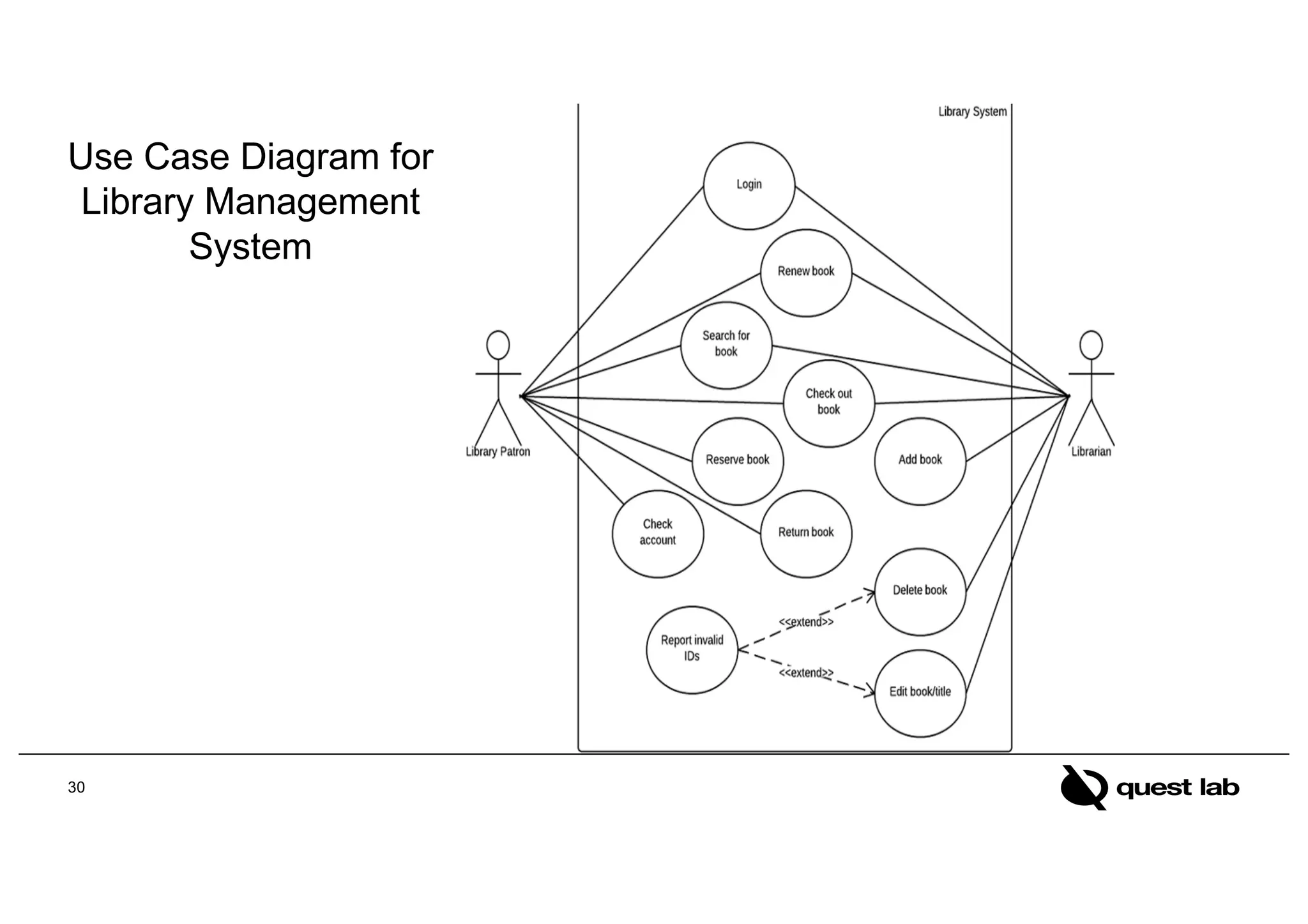
Use Case Diagram for
Library Management
System
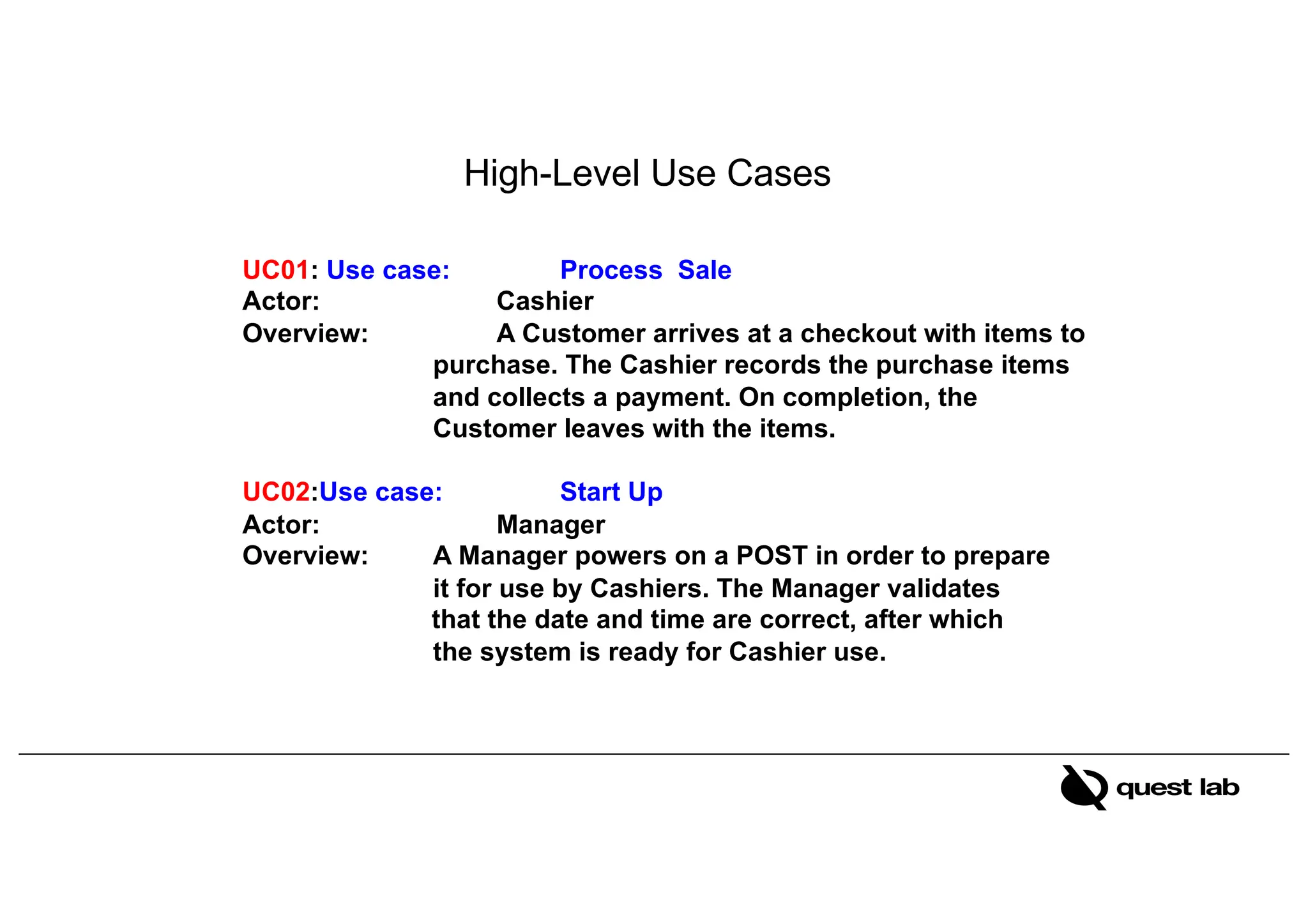
UC01: Use case: Process Sale
Actor: Cashier
Overview: A Customer arrives at a checkout with items to
purchase. The Cashier records the purchase items
and collects a payment. On completion, the
Customer leaves with the items.
UC02:Use case: Start Up
Actor: Manager
Overview: A Manager powers on a POST in order to prepare
it for use by Cashiers. The Manager validates
that the date and time are correct, after which
the system is ready for Cashier use.
High-Level Use Cases
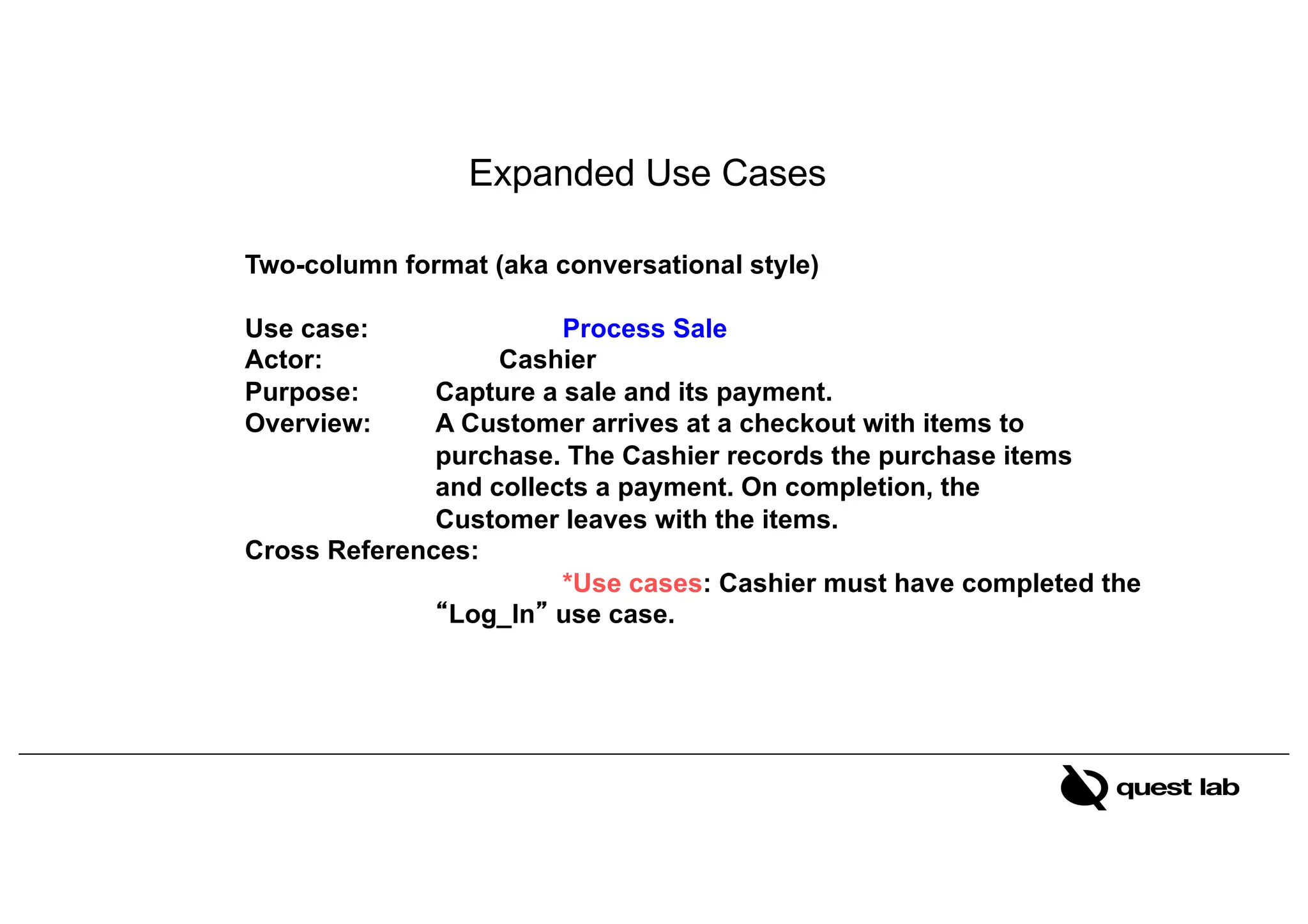
Two-column format (aka conversational style)
Use case: Process Sale
Actor: Cashier
Purpose: Capture a sale and its payment.
Overview: A Customer arrives at a checkout with items to
purchase. The Cashier records the purchase items
and collects a payment. On completion, the
Customer leaves with the items.
Cross References:
*Use cases: Cashier must have completed the
“Log_In” use case.
Expanded Use Cases
Typical Course of Events
Actor Action System Response
1. The use case begins when Customer
arrives at the POST checkout with
items to purchase.
2. Cashier records each item. If there is more
than one item, Cashier can enter the quantity as
well.
3. Determines the item price and adds the
item information to the running sales
transaction.
The description and price of the the
current item are presented.
4. On completion of item entry, the Cashier
indicates to the POST that item entry is
complete.
5. Calculates and presents the sale total.
6. The Cashier tells the Customer the total.
7. Customer chooses payment type:
a. If cash payment, section: Pay by Cash
b. If credit payment, section: Pay by Credit.
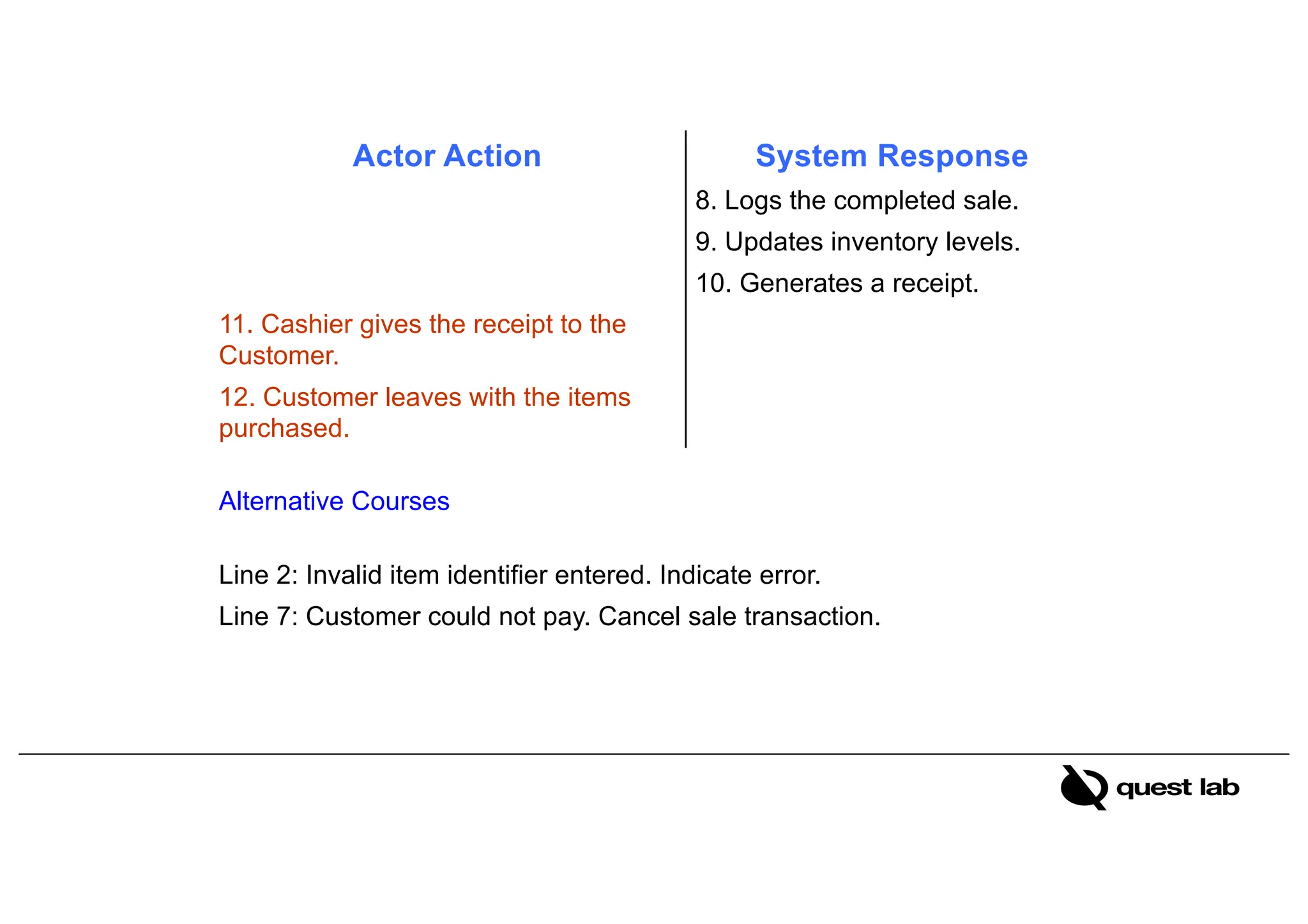
Actor Action System Response
8. Logs the completed sale.
9. Updates inventory levels.
10. Generates a receipt.
11. Cashier gives the receipt to the
Customer.
12. Customer leaves with the items
purchased.
Alternative Courses
Line 2: Invalid item identifier entered. Indicate error.
Line 7: Customer could not pay. Cancel sale transaction.
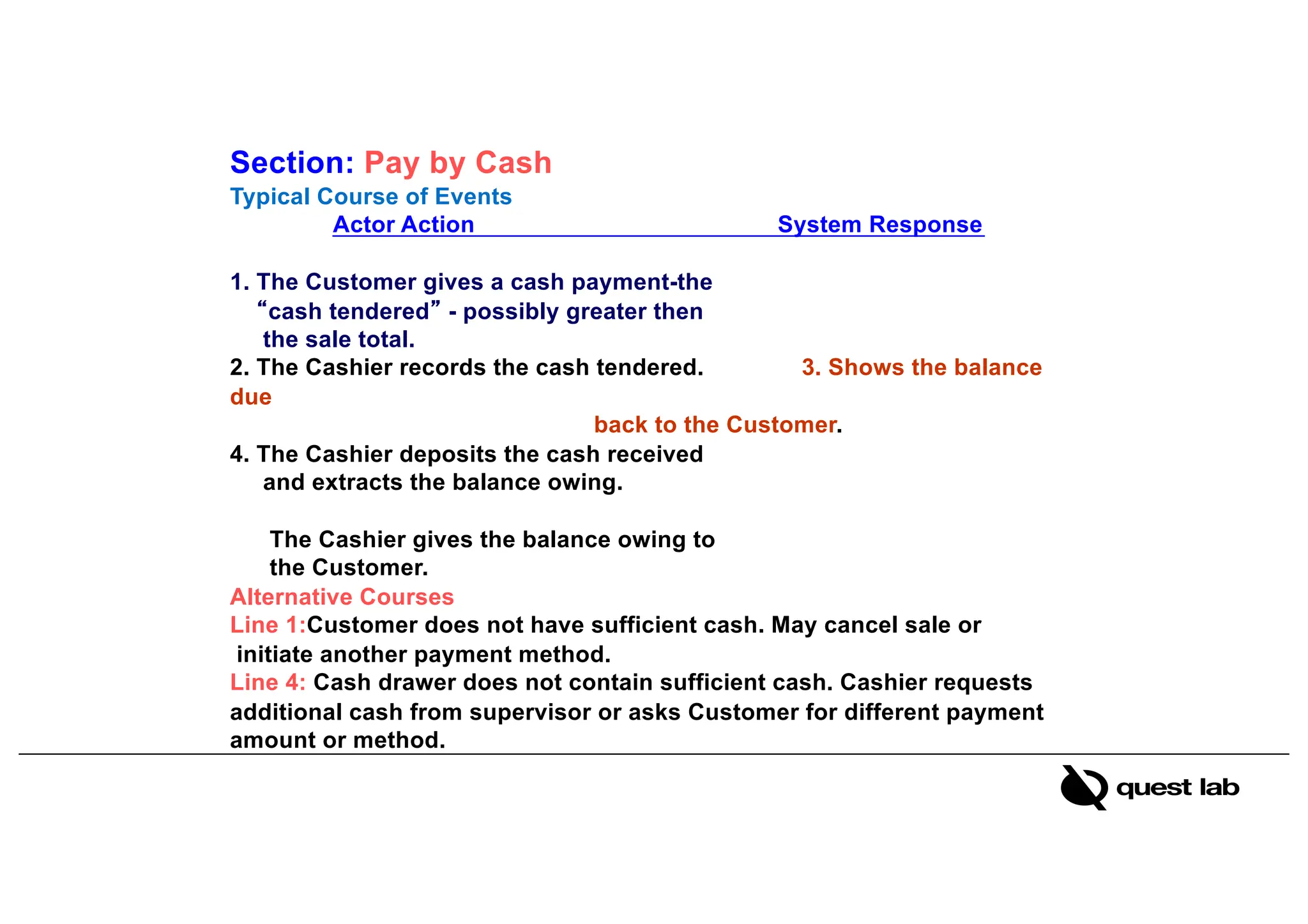
Section: Pay by Cash
Typical Course of Events
Actor Action System Response
1. The Customer gives a cash payment-the
“cash tendered” - possibly greater then
the sale total.
2. The Cashier records the cash tendered. 3. Shows the balance
due
back to the Customer.
4. The Cashier deposits the cash received
and extracts the balance owing.
The Cashier gives the balance owing to
the Customer.
Alternative Courses
Line 1:Customer does not have sufficient cash. May cancel sale or
initiate another payment method.
Line 4: Cash drawer does not contain sufficient cash. Cashier requests
additional cash from supervisor or asks Customer for different payment
amount or method.
Section: Pay by Credit
Actor Action System Response
1. The Customer communicates their credit 2.Generates a credit payment
information for the credit payment. Request and sends it to an
external Credit
Authorization service.
3. Credit Authorization Service authorizes 4. Receives a credit approval
the payment. Reply from the Credit Authorization
Service (CAS).
5. POST (records) the credit payment and
approval reply information to the Accounts
Receivable system. (The CAS owes money
to the Store, hence Acct/Recv must track it).
6. Display authorization success message.
Alternative Courses
* Line 3: Credit request denied by Credit Authorization Service.
Suggest different payment method.
UC1: Special Requirements (7)
• Touch screen UI on a large flat panel monitor. Text must be visible from 1 meter.
• Credit authorization response within 30 seconds 90% of the time.
• Somehow, we want robust recovery when access to remote services such the
inventory system is failing.
• Language internationalization on the text displayed.
37
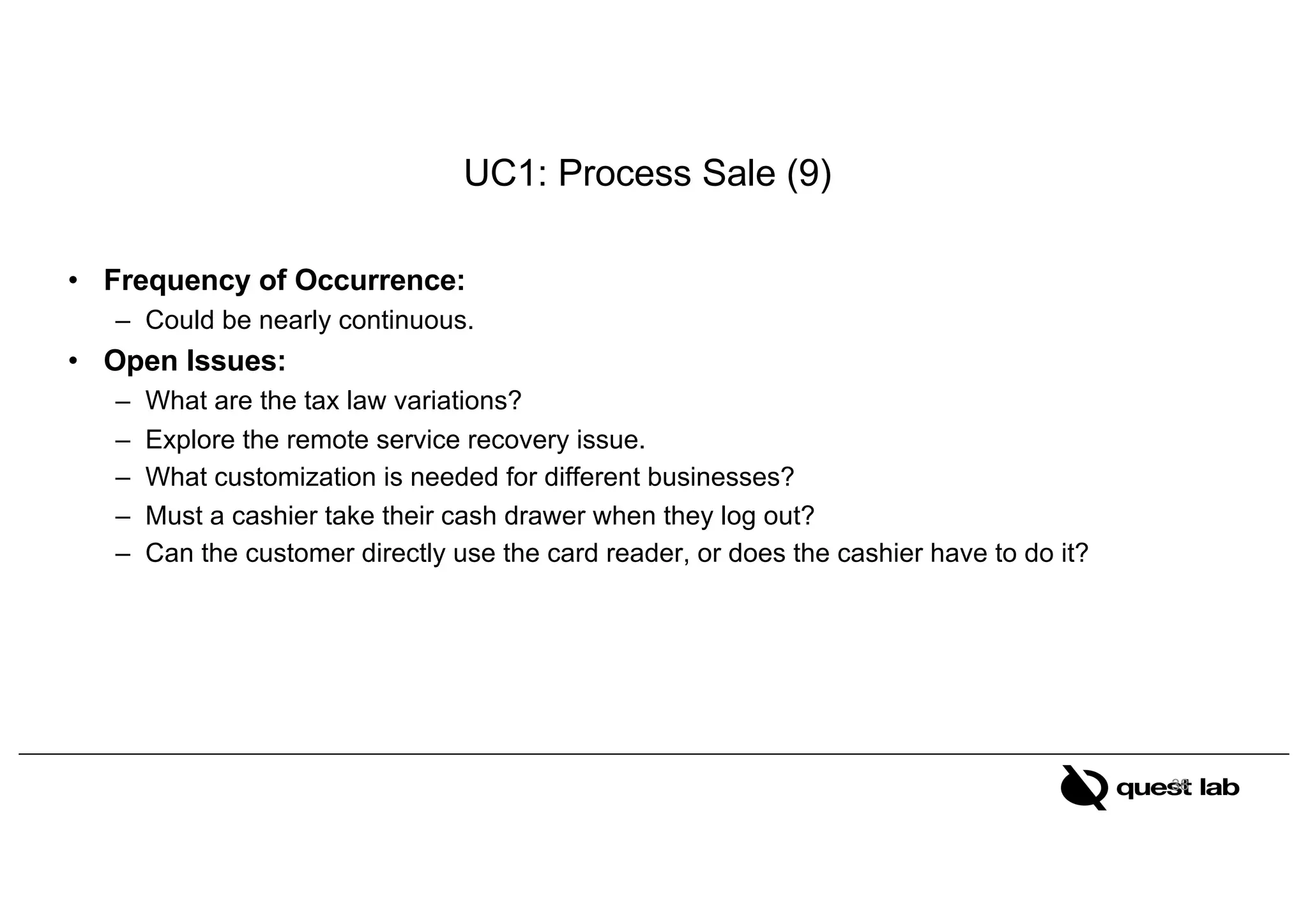
UC1: Process Sale (9)
• Frequency of Occurrence:
– Could be nearly continuous.
• Open Issues:
– What are the tax law variations?
– Explore the remote service recovery issue.
– What customization is needed for different businesses?
– Must a cashier take their cash drawer when they log out?
– Can the customer directly use the card reader, or does the cashier have to do it?
38

L08-09-10 Use cases - Use case Diagram- Expanded Use Cases.pdf

  • 1.
    Software Design andAnalysis Lecture 05 Use case(s)
  • 2.
    Use cases • Usecases emphasize the user goals and perspective • Use cases are text stories that describe the functional and behavior requirements from a user’s perspective • User Stories represent – The experience of the user – When interacting with a product/service – To accomplish a task or a goal • Scenario is a concrete, sequential narrative about a specific workflow. – Dialogs between users and the system 14
  • 3.
    Example System :Point of Sale • Consider a “Point of Sale” System at a superstore. • Who uses the system ? • What high level goals does the user want to achieve? 15
  • 4.
    Process Sale: A customerarrives at a checkout with items to purchase. The cashier uses the POS system to record each purchased item. The system presents a running total and line-item details. The customer enters payment information, which the system validates and records. The system updates inventory. The customer receives a receipt from the system and then leaves with the items. 16
  • 5.
    Three Kinds ofActors • Primary actor – has user goals fulfilled through using services of the system under discussion – drives the use cases • Supporting actor – provides a service to the system under discussion – e.g., payment authorization service • implies: clarification of external interfaces and protocols needed • Offstage actor – has an interest in the behavior of the use case, but is not primary or supporting – e.g., a government tax agency
  • 6.
    Use cases aredefined to satisfy the user goals of the primary actors. Hence, the basic procedure is: 18 •software application, •the hardware and application as a unit •an entire organization, or a dept of the org Step 1: Choose the system boundary •those having user goals fulfilled through using services of the system. Step 2: Identify the primary actors •For each (primary actors), identify their user goals. •Raise them to the highest user goal level that satisfies the EBP* guidelines. Step 3: Identify Actor (User) Goals •Use cases that satisfy user goals; •name them according to their goal. •Usually, user goal-level use cases will be one-to-one with user goals (with some exceptions!; will be examined). Step 4: Define use cases Procedure to Find Use Cases
  • 7.
    Identifying System Boundary Actor Actor <<System>> Identifyingscope What is to be developed? What use cases are provided by system under development 19
  • 8.
    Choosing the SystemBoundary • POS system itself is the System under Design – Every thing outside of it is outside the system boundary, including the cashier, payment authorization services, and so on. • Once the external actors are identified, the boundary becomes clearer. – For example, is the complete responsibility for payment authorization within the system boundary? • No, there is an external payment authorization service actor. 20
  • 9.
    Identify Actors • Wecannot understand a system until we know who will use it – Direct users – Users responsible to operate and maintain it – External systems used by the system – External systems that interact with the system 21
  • 10.
    Identifying Actors • Otherthan obvious actors – Who starts/stops the system? – Who does user and security management? – How are software updates managed? – Are there any external systems? Software or Robotic – Who does system administration? – Is time an actor? – Who evaluates system activity ? – Who gets notified when there are errors? 22
  • 11.
    Identifying User Goals •Record the actors and their user goals in an actor-goal list. • For example: 23 Actor Goal Actor Goal Cashier 1. Process sales 2. Process rentals 3. Handle returns 4. Cash in 5. Cash out … System Administrator 1. Add users 2. Modify users 3. Delete users 4. Manage security 5. Manage system tables Manager 1. Start up 2. Shut down Sales Activity System 1. Analyze sales and performance data … … … …
  • 12.
    Identify Use cases •Which of these are valid use cases? – Negotiate a Supplier Contract – Handle Returns – Log in – Enter Pin 24 • All of these can be use cases at different levels, depending on the system, boundary, actors, and goals.
  • 13.
    What Tests CanHelp Find Useful Use Cases? • The boss test – What have you been doing all day?” – Your reply “logging in!” – Is your boss happy? No value? No good use case!“ • The Elementary Business Process (EBP) test – a task performed by one person in one place at one time, in response to a business event, which adds measurable business value and leaves data in a consistent state – Good Examples: Approve Credit or Price Order – Bad Examples: delete a line item or print the document • The Size test – Use case should not be a single step usually 25
  • 14.
  • 15.
    What can beother use cases of PoS System? Process Sale 27
  • 16.
  • 17.
    Library Management System •Any library member should be able to search books by their title, author, subject category as well by the publication date. Each book will have a unique identification number and other details including a rack number which will help to physically locate the book. There could be more than one copy of a book, and library members should be able to check-out and reserve any copy. We will call each copy of a book, a book item. The system should be able to retrieve information like who took a particular book or what are the books checked-out by a specific library member. There should be a maximum limit (5) on how many books a member can check-out. There should be a maximum limit (10) on how many days a member can keep a book. The system should be able to collect fines for books returned after the due date. Members should be able to reserve books that are not currently available. The system should be able to send notifications whenever the reserved books become available, as well as when the book is not returned within the due date. Each book and member card will have a unique barcode. The system will be able to read barcodes from books and members’ library cards. 29
  • 18.
    30 Use Case Diagramfor Library Management System
  • 19.
    UC01: Use case:Process Sale Actor: Cashier Overview: A Customer arrives at a checkout with items to purchase. The Cashier records the purchase items and collects a payment. On completion, the Customer leaves with the items. UC02:Use case: Start Up Actor: Manager Overview: A Manager powers on a POST in order to prepare it for use by Cashiers. The Manager validates that the date and time are correct, after which the system is ready for Cashier use. High-Level Use Cases
  • 20.
    Two-column format (akaconversational style) Use case: Process Sale Actor: Cashier Purpose: Capture a sale and its payment. Overview: A Customer arrives at a checkout with items to purchase. The Cashier records the purchase items and collects a payment. On completion, the Customer leaves with the items. Cross References: *Use cases: Cashier must have completed the “Log_In” use case. Expanded Use Cases
  • 21.
    Typical Course ofEvents Actor Action System Response 1. The use case begins when Customer arrives at the POST checkout with items to purchase. 2. Cashier records each item. If there is more than one item, Cashier can enter the quantity as well. 3. Determines the item price and adds the item information to the running sales transaction. The description and price of the the current item are presented. 4. On completion of item entry, the Cashier indicates to the POST that item entry is complete. 5. Calculates and presents the sale total. 6. The Cashier tells the Customer the total. 7. Customer chooses payment type: a. If cash payment, section: Pay by Cash b. If credit payment, section: Pay by Credit.
  • 22.
    Actor Action SystemResponse 8. Logs the completed sale. 9. Updates inventory levels. 10. Generates a receipt. 11. Cashier gives the receipt to the Customer. 12. Customer leaves with the items purchased. Alternative Courses Line 2: Invalid item identifier entered. Indicate error. Line 7: Customer could not pay. Cancel sale transaction.
  • 23.
    Section: Pay byCash Typical Course of Events Actor Action System Response 1. The Customer gives a cash payment-the “cash tendered” - possibly greater then the sale total. 2. The Cashier records the cash tendered. 3. Shows the balance due back to the Customer. 4. The Cashier deposits the cash received and extracts the balance owing. The Cashier gives the balance owing to the Customer. Alternative Courses Line 1:Customer does not have sufficient cash. May cancel sale or initiate another payment method. Line 4: Cash drawer does not contain sufficient cash. Cashier requests additional cash from supervisor or asks Customer for different payment amount or method.
  • 24.
    Section: Pay byCredit Actor Action System Response 1. The Customer communicates their credit 2.Generates a credit payment information for the credit payment. Request and sends it to an external Credit Authorization service. 3. Credit Authorization Service authorizes 4. Receives a credit approval the payment. Reply from the Credit Authorization Service (CAS). 5. POST (records) the credit payment and approval reply information to the Accounts Receivable system. (The CAS owes money to the Store, hence Acct/Recv must track it). 6. Display authorization success message. Alternative Courses * Line 3: Credit request denied by Credit Authorization Service. Suggest different payment method.
  • 25.
    UC1: Special Requirements(7) • Touch screen UI on a large flat panel monitor. Text must be visible from 1 meter. • Credit authorization response within 30 seconds 90% of the time. • Somehow, we want robust recovery when access to remote services such the inventory system is failing. • Language internationalization on the text displayed. 37
  • 26.
    UC1: Process Sale(9) • Frequency of Occurrence: – Could be nearly continuous. • Open Issues: – What are the tax law variations? – Explore the remote service recovery issue. – What customization is needed for different businesses? – Must a cashier take their cash drawer when they log out? – Can the customer directly use the card reader, or does the cashier have to do it? 38