Re: 제로부터
시작하는
텐서플로우
Re: Zero starting
In TensorFlow
KOSS Lab. 2기
Mario Cho (조만석)
hephaex@gmail.com
Contents
• I. Virtualization setup
• II. Operating System Setup
• III. Apt-get update
• IV. Python & pip install
• V. Jupiter notebook install
• VI. Tensorflow install
• VII. Tutorial #1 Hello Tensorflow
• VIII. Tutorial #2 matrix multiplication
• IX. Tutorial #3 word2vector
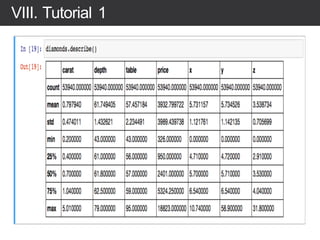
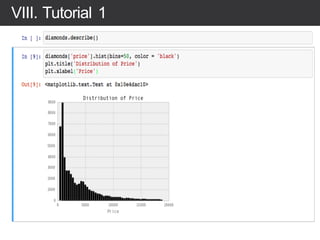
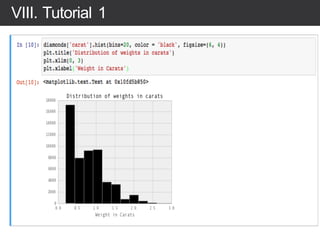
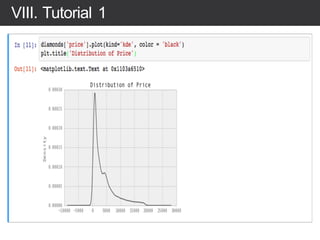
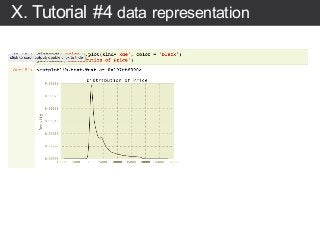
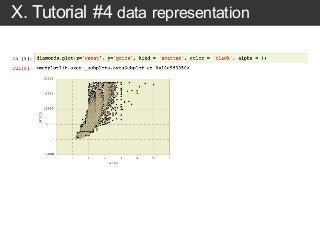
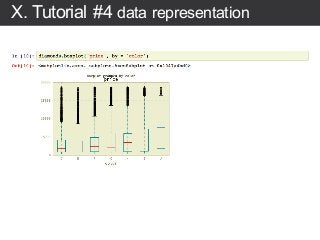
• X. Tutorial #4 data representation
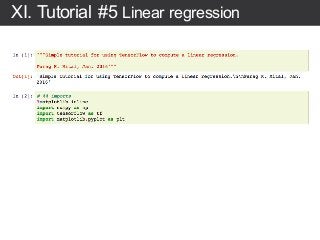
• XI. Tutorial #5 Linear regression
• XII. Tutorial #6 MNIST
Mario Cho
Development Experience
◆ Image Recognition using Neural Network
◆ Bio-Medical Data Processing
◆ Human Brain Mapping on High Performance
Computing
◆ Medical Image Reconstruction
(Computer Tomography)
◆ Enterprise System
◆ Open Source Software Developer
Open Source Software Developer
◆ OPNFV (NFV&SDN) & OpenStack
◆ Machine Learning (TensorFlow)
Book
◆ Unix V6 Kernel Korea Open Source Software Lab.
Mario Cho
hephaex@gmail.com
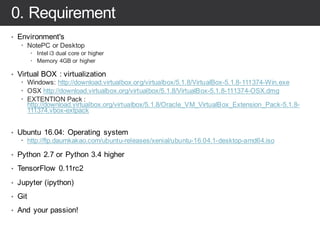
0. Requirement
• Environment's
– NotePC or Desktop
– Intel i3 dual core or higher
– Memory 4GB or higher
• Virtual BOX : virtualization
– Windows: http://download.virtualbox.org/virtualbox/5.1.8/VirtualBox-5.1.8-111374-Win.exe
– OSX http://download.virtualbox.org/virtualbox/5.1.8/VirtualBox-5.1.8-111374-OSX.dmg
– EXTENTION Pack :
http://download.virtualbox.org/virtualbox/5.1.8/Oracle_VM_VirtualBox_Extension_Pack-5.1.8-
111374.vbox-extpack
• Ubuntu 16.04: Operating system
– http://ftp.daumkakao.com/ubuntu-releases/xenial/ubuntu-16.04.1-desktop-amd64.iso
• Python 2.7 or Python 3.4 higher
• TensorFlow 0.11rc2
• Jupyter (ipython)
• Git
• And your passion!
I. Setup Virtual Environment
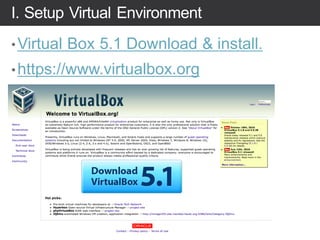
•Virtual Box 5.1 Download & install.
•https://www.virtualbox.org
I. Setup Virtual Environment
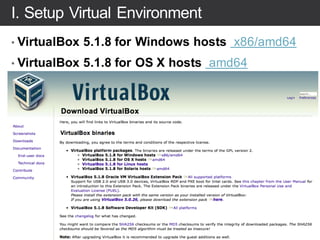
• VirtualBox 5.1.8 for Windows hosts x86/amd64
• VirtualBox 5.1.8 for OS X hosts amd64
II. Operating System: download
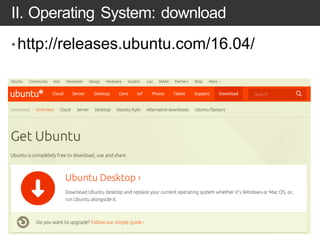
•http://releases.ubuntu.com/16.04/
II. Operating System: download
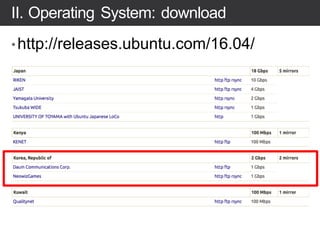
•http://releases.ubuntu.com/16.04/
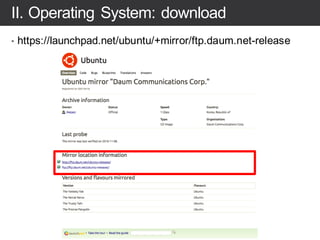
II. Operating System: download
• https://launchpad.net/ubuntu/+mirror/ftp.daum.net-release
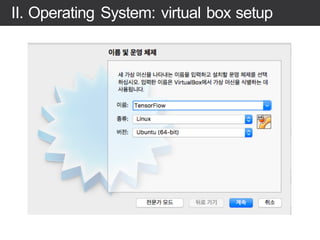
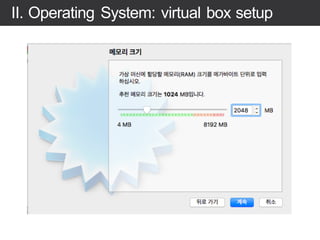
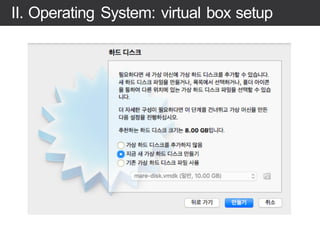
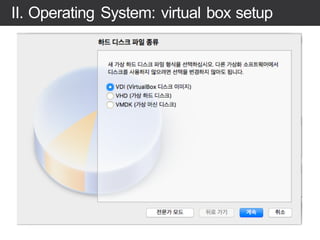
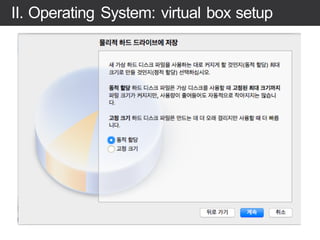
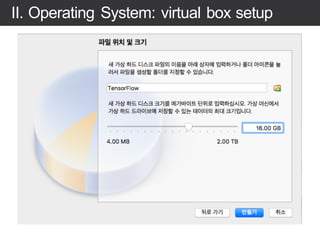
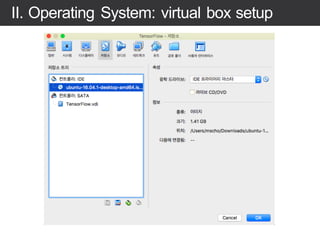
II. Operating System: virtual box setup
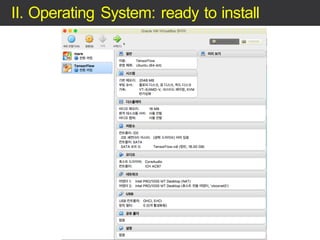
II. Operating System: ready to install
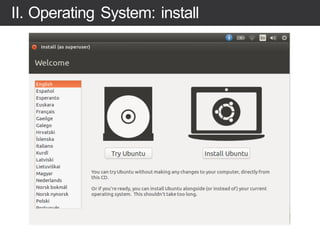
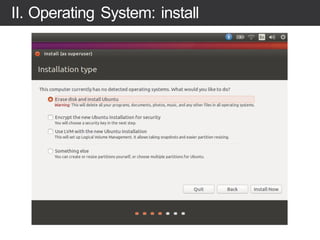
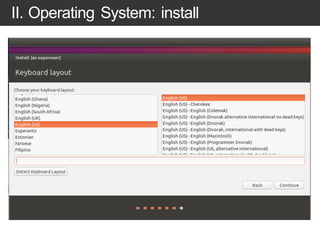
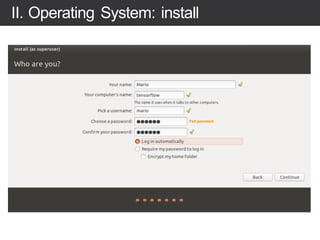
II. Operating System: install
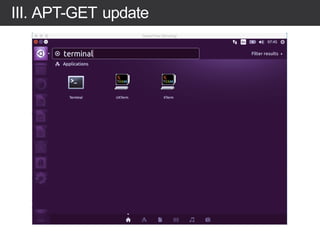
III. APT-GET update
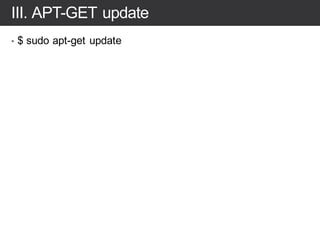
III. APT-GET update
• $ sudo apt-get update
III. SSH server install
• # Ubuntu/Linux 64-bit
• $ sudo apt-get install openssh-server
• # verify
• $ sudo service ssh status
III. Git install & source download
• $ sudo apt-get install git
• $ git clone https://github.com/hephaex/KOSSCON2016.git
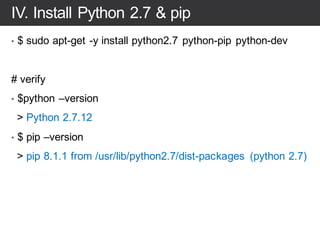
IV. Install Python 2.7 & pip
• $ sudo apt-get -y install python2.7 python-pip python-dev
# verify
• $python –version
> Python 2.7.12
• $ pip –version
> pip 8.1.1 from /usr/lib/python2.7/dist-packages (python 2.7)
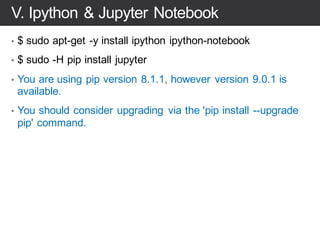
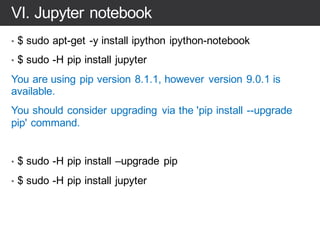
VI. Jupyter notebook
• $ sudo apt-get -y install ipython ipython-notebook
• $ sudo -H pip install jupyter
You are using pip version 8.1.1, however version 9.0.1 is
available.
You should consider upgrading via the 'pip install --upgrade
pip' command.
• $ sudo -H pip install –upgrade pip
• $ sudo -H pip install jupyter
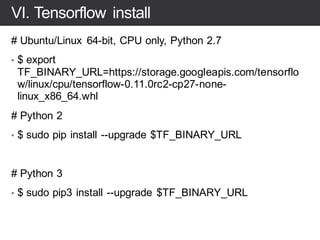
VI. Tensorflow install
# Ubuntu/Linux 64-bit, CPU only, Python 2.7
• $ export
TF_BINARY_URL=https://storage.googleapis.com/tensorflo
w/linux/cpu/tensorflow-0.11.0rc2-cp27-none-
linux_x86_64.whl
# Python 2
• $ sudo pip install --upgrade $TF_BINARY_URL
# Python 3
• $ sudo pip3 install --upgrade $TF_BINARY_URL
VI. Pandas & matplot
• $ sudo pip install pandas matplotlib
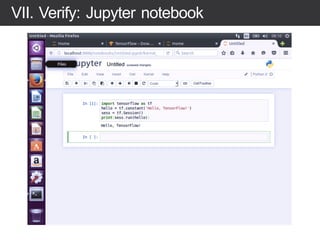
VII. Tutorial #1: Hello TensorFlow
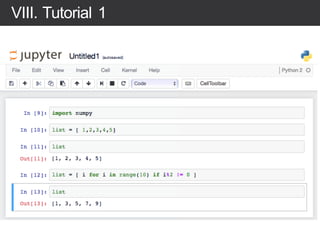
VII. Tutorial #1: loop
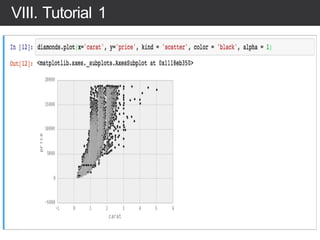
VIII. Tutorial #2 matrix multiplication
IX. Tutorial #3 word2vector
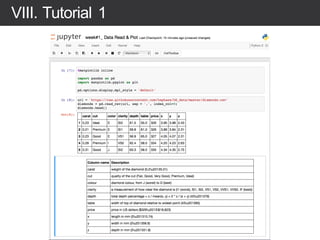
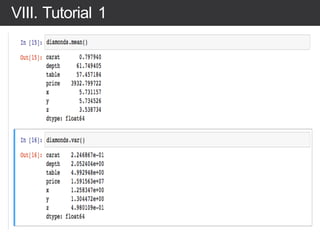
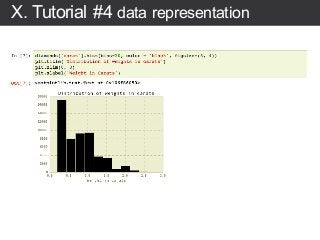
X. Tutorial #4 data representation
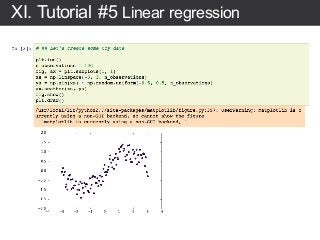
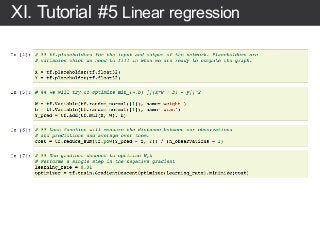
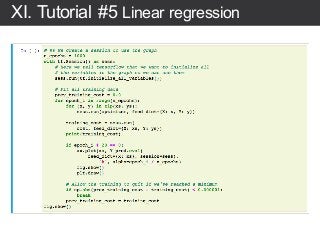
XI. Tutorial #5 Linear regression
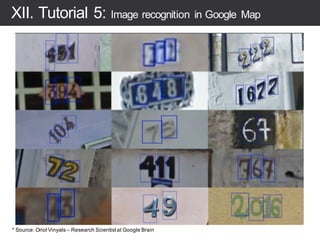
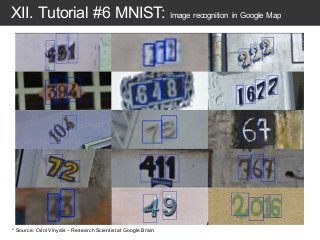
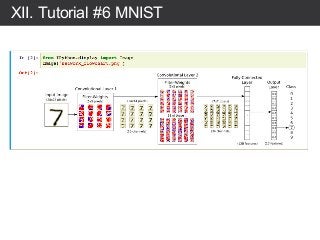
XII. Tutorial #6 MNIST: Image recognition in Google Map
* Source: Oriol Vinyals – Research Scientistat Google Brain
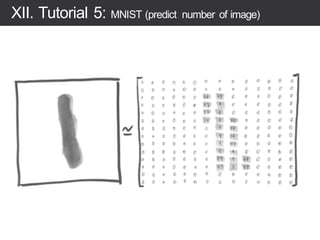
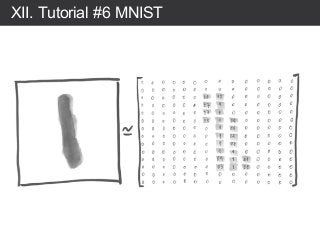
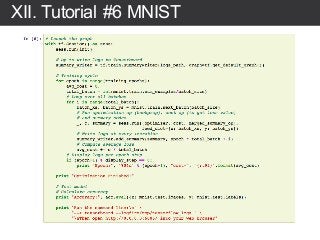
XII. Tutorial #6 MNIST
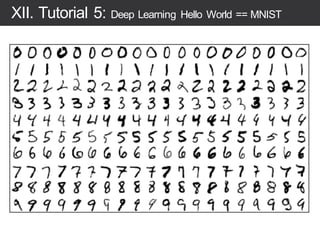
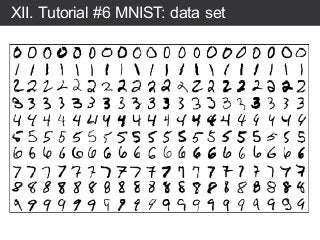
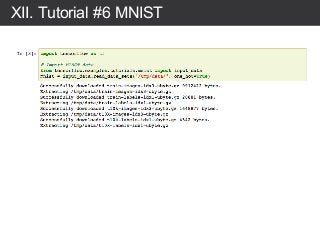
XII. Tutorial #6 MNIST: data set
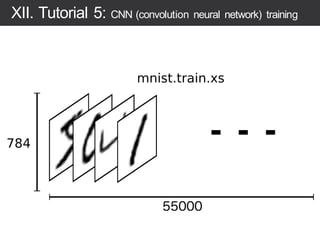
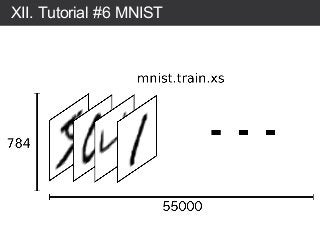
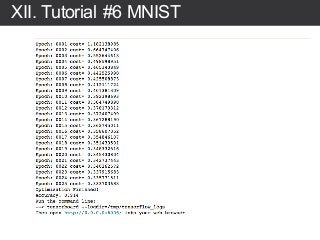
XII. Tutorial #6 MNIST
Thanks you!
Q&A

Re: 제로부터시작하는텐서플로우