Kill Administrator:
          Fighting Back Against Admin Rights
                         Dial In: +1 (609) 318-0024
                         Access Code: 373-855-516
                       Or use your computer speakers


     Greg Shields, MVP                                 Nick Cavalancia
Partner and Principal Technologist               VP, Windows Management
www.ConcentratedTech.com                                 ScriptLogic
About the Speakers
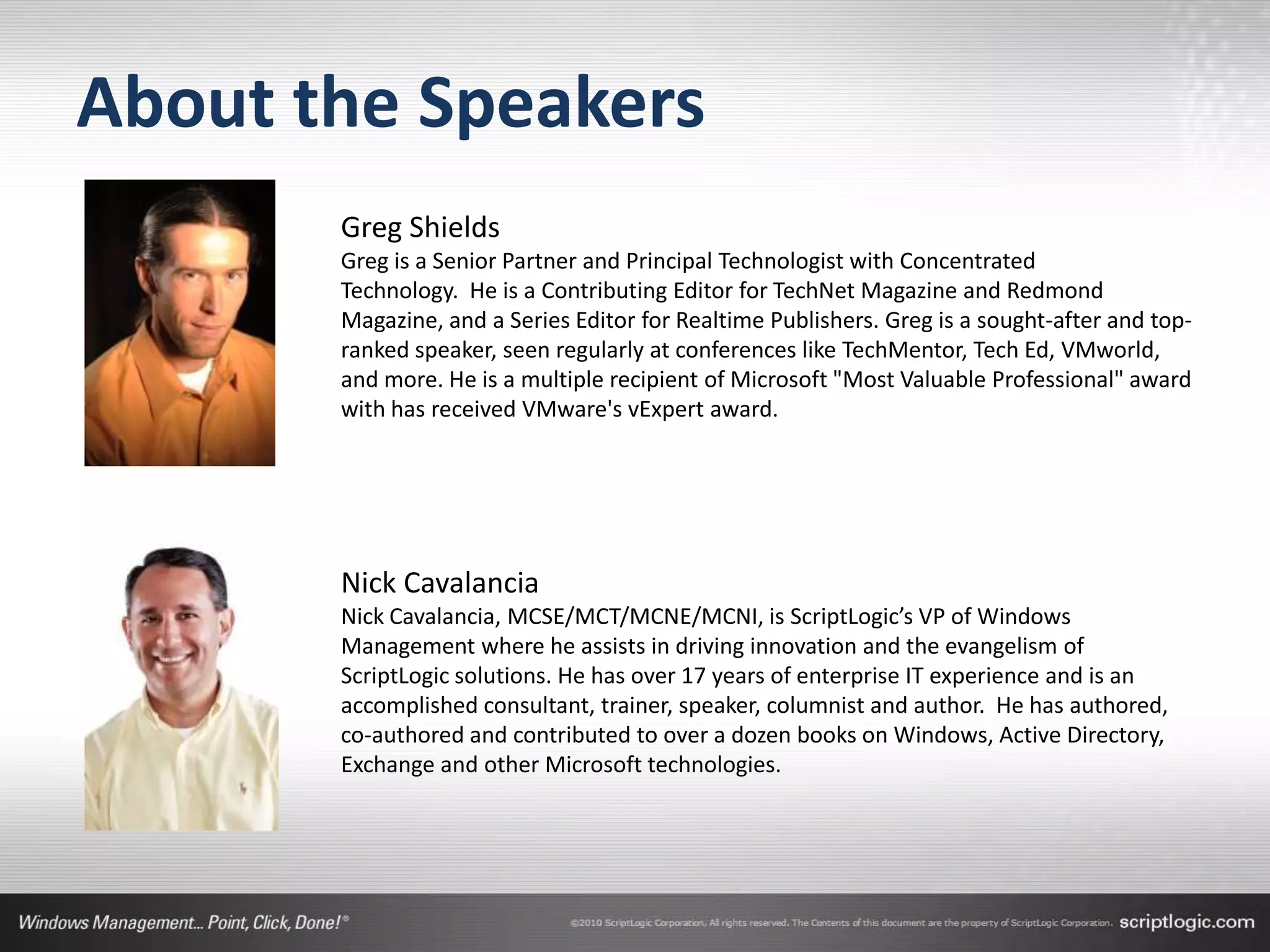
       Greg Shields
       Greg is a Senior Partner and Principal Technologist with Concentrated
       Technology. He is a Contributing Editor for TechNet Magazine and Redmond
       Magazine, and a Series Editor for Realtime Publishers. Greg is a sought-after and top-
       ranked speaker, seen regularly at conferences like TechMentor, Tech Ed, VMworld,
       and more. He is a multiple recipient of Microsoft "Most Valuable Professional" award
       with has received VMware's vExpert award.


       Nick Cavalancia
       Nick Cavalancia, MCSE/MCT/MCNE/MCNI, is ScriptLogic’s VP of Windows
       Management where he assists in driving innovation and the evangelism of
       ScriptLogic solutions. He has over 17 years of enterprise IT experience and is an
       accomplished consultant, trainer, speaker, columnist and author. He has authored,
       co-authored and contributed to over a dozen books on Windows, Active Directory,
       Exchange and other Microsoft technologies.
About ScriptLogic
• Founded in 2000
• Focus on 4 key areas:
   •   Desktop Management
   •   Active Directory Management
   •   Server Management
   •   Help Desk Management
• Customer Base
   • 30,800+ customers worldwide
   • From SMB to Fortune 100
• Headquartered in Boca Raton, Florida
• Subsidiary of Quest Software since 2007
Privilege Authority
• Lowest cost privilege management
  solution on the market
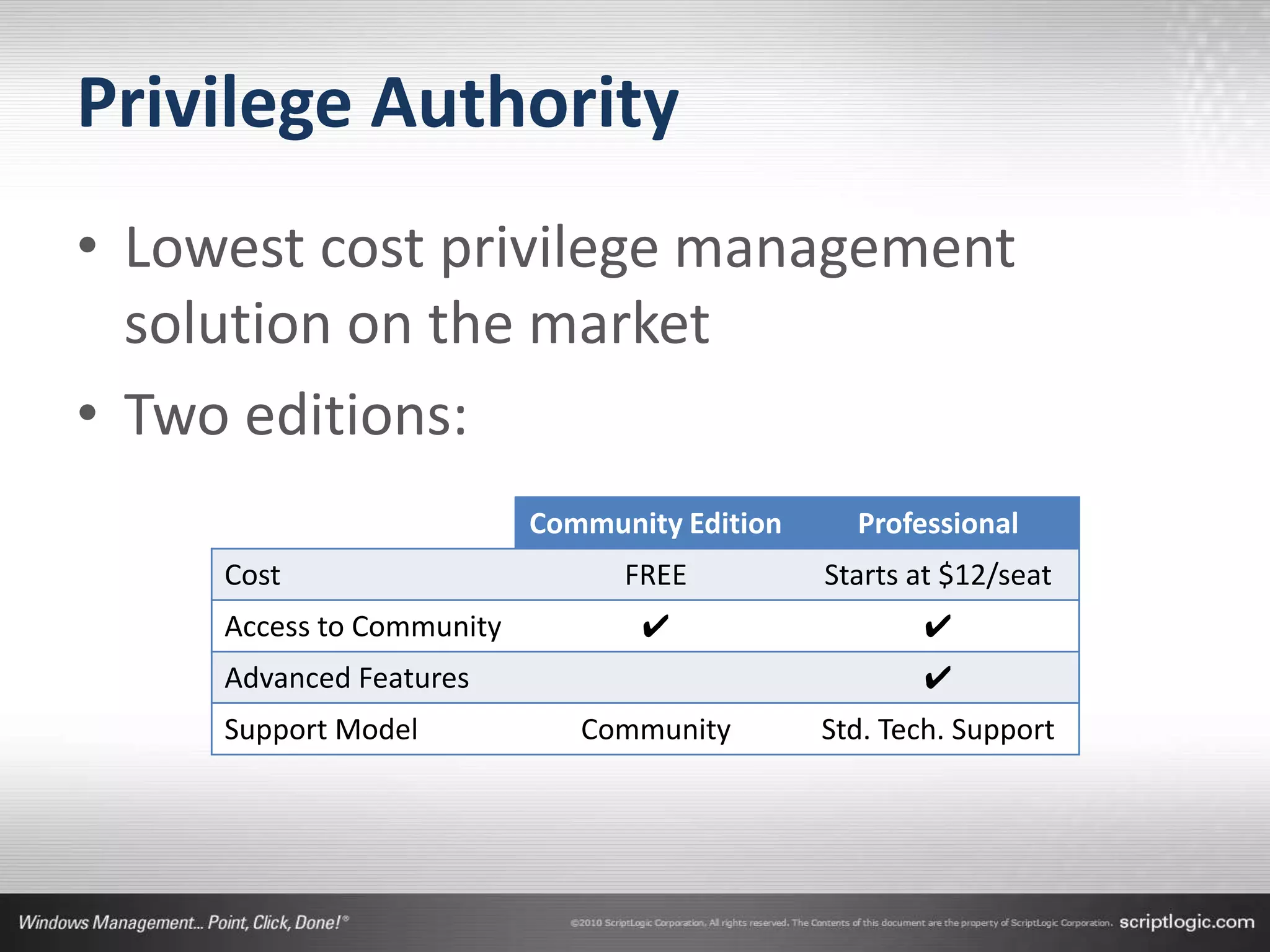
• Two editions:
                           Community Edition     Professional
     Cost                        FREE          Starts at $12/seat
     Access to Community          ✔                   ✔
     Advanced Features                                ✔
     Support Model            Community        Std. Tech. Support
Windows’ Necessary Evil.
• Administrator privileges are Windows’ unfortunate,
  but necessary evil.
   • They were built into Windows.
   • They aren’t going anywhere.
   • Standard user rights aren’t powerful enough.


• But “the evil” in Administrator creates a problem.
   • You either have it or you don’t.
   • Most of us need some subset of Administrator.
Your Goal: Kill Administrator
• Eliminating “the Administrator” from administrator
  rights solves three big problems.
   • Problem One: Getting to Least Privilege
   • Problem Two: Evolving from On/Off to granular privilege
     management.
   • Problem Three: Finding privilege rules that work.


• The Windows OS can’t do this.
• You’ll need external tools to assist.
   • More on those tools in a minute.
The Principle of Least Privilege
• “[The Principle of Least Privilege] requires
  that…
    • each subject in a system be granted the most
      restrictive set of privileges…
    • …needed for the performance of authorized
      tasks.
    • The application of this principle limits the
      damage that can result from accident, error, or
      unauthorized use.”
Source: U.S. Department of Defense
Problem #1: Getting to Least Privilege
• Least Privilege desires for…
   • …each subject in a system be granted the most restrictive
     set of privileges…
   • …needed for the performance of authorized tasks.


• Least Privilege wants this because…
   • …its application limits the damage from accident, error, or
     unauthorized use.
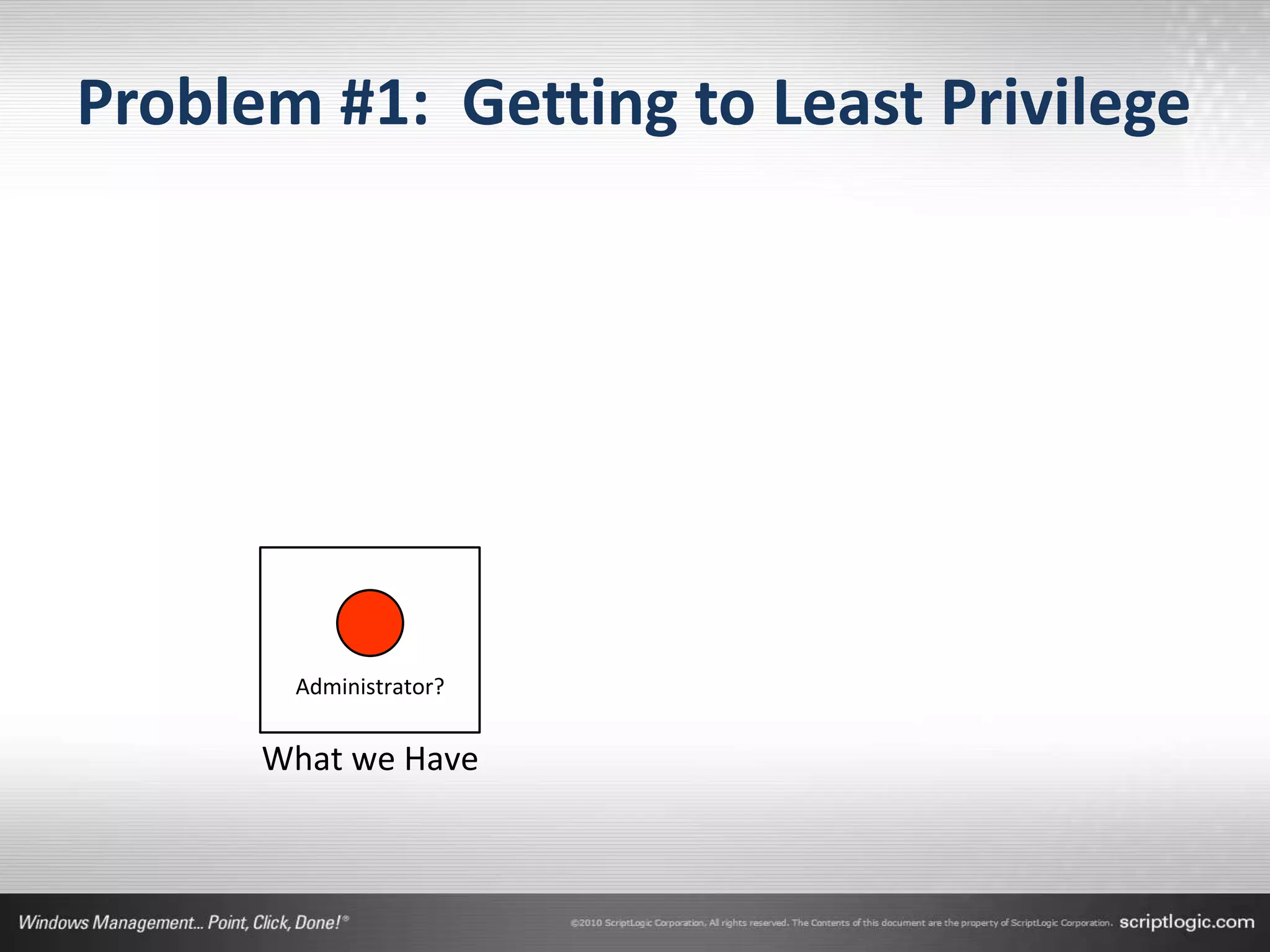
Problem #1: Getting to Least Privilege


       Administrator?


      What we Have
Problem #1: Getting to Least Privilege


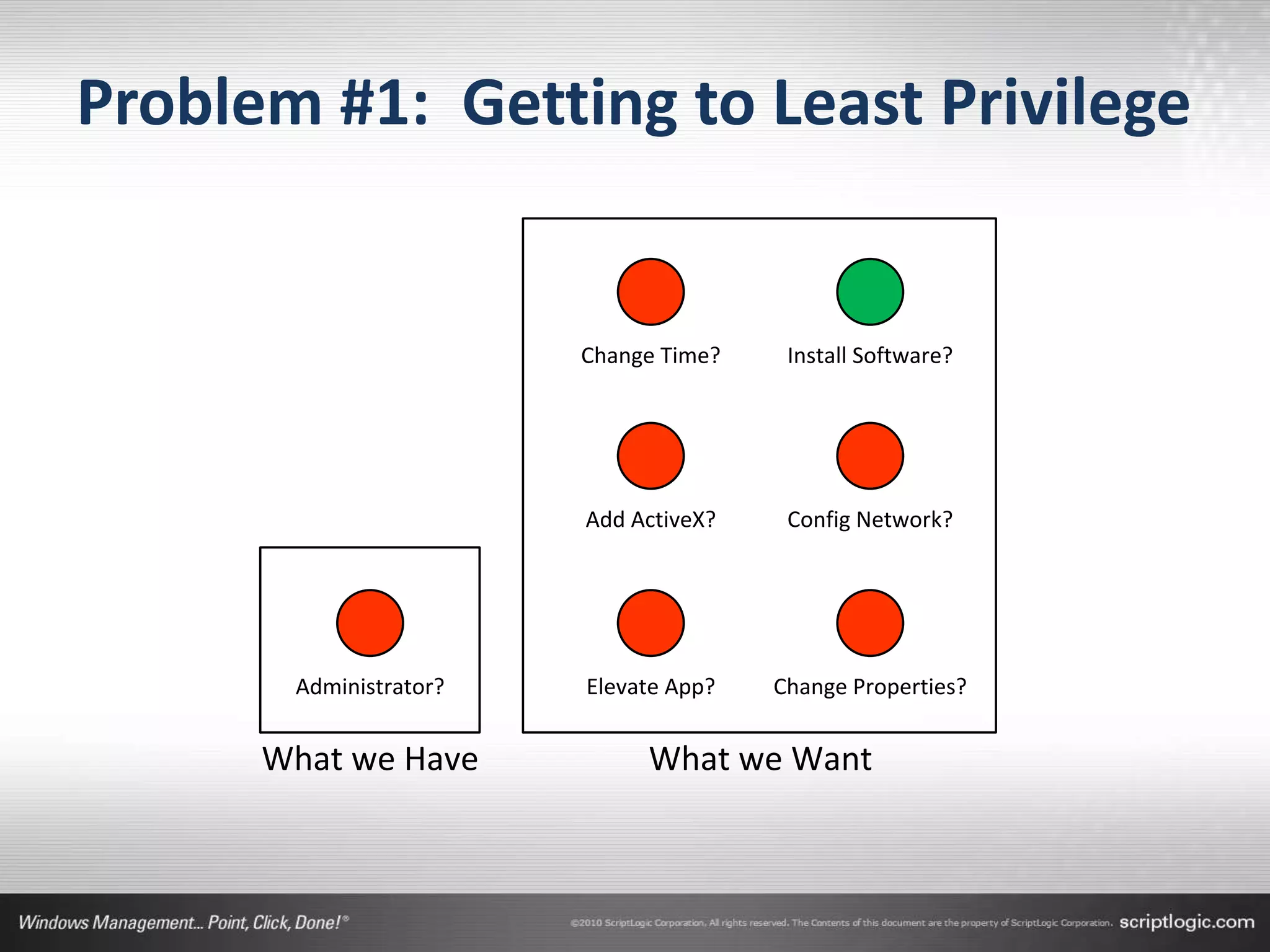
                        Change Time?    Install Software?


                        Add ActiveX?    Config Network?


       Administrator?   Elevate App?   Change Properties?


      What we Have           What we Want
Problem #1: Getting to Least Privilege
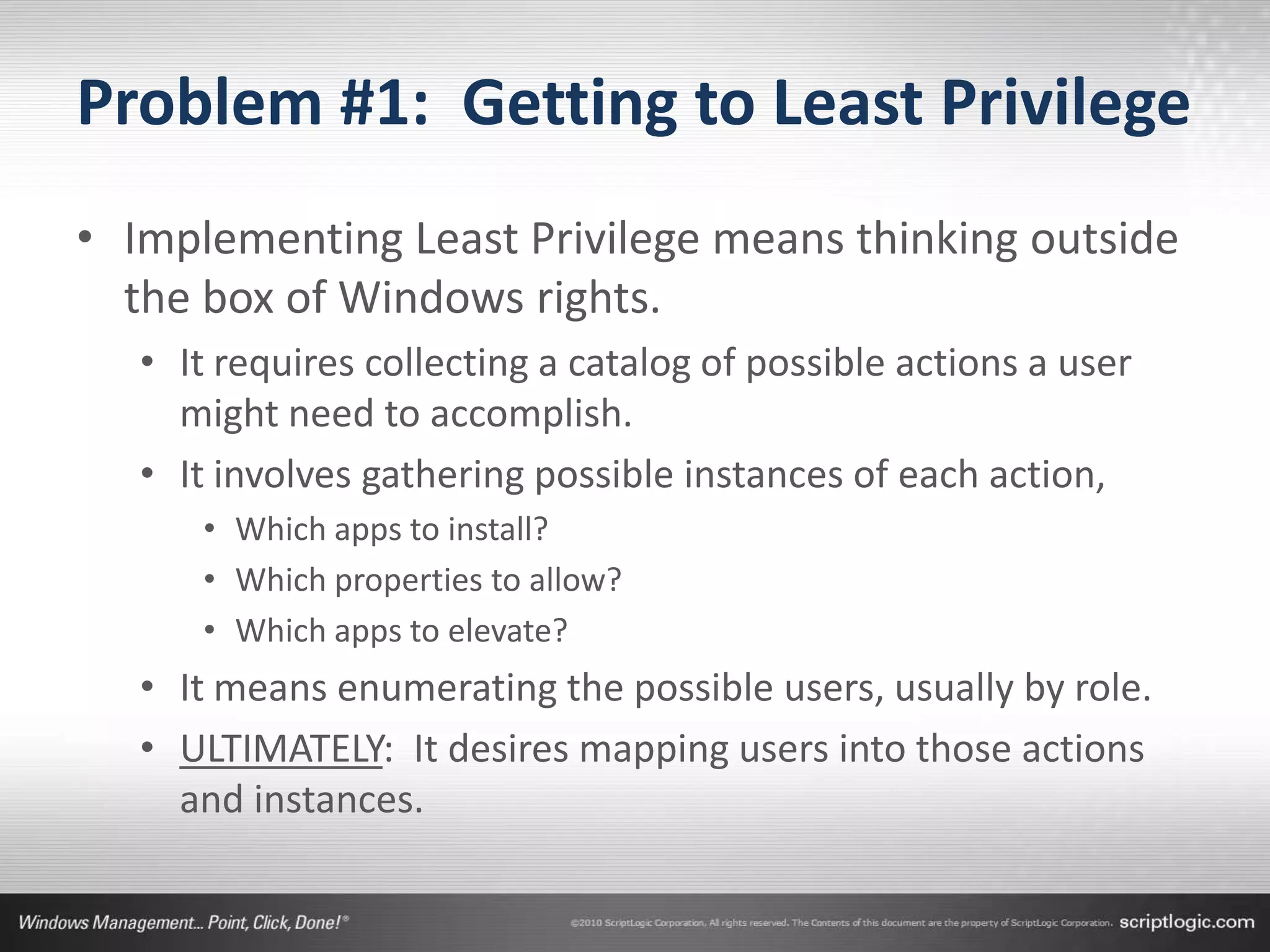
• Implementing Least Privilege means thinking outside
  the box of Windows rights.
   • It requires collecting a catalog of possible actions a user
     might need to accomplish.
   • It involves gathering possible instances of each action,
      • Which apps to install?
      • Which properties to allow?
      • Which apps to elevate?
   • It means enumerating the possible users, usually by role.
   • ULTIMATELY: It desires mapping users into those actions
     and instances.
…but isn’t this in Windows?
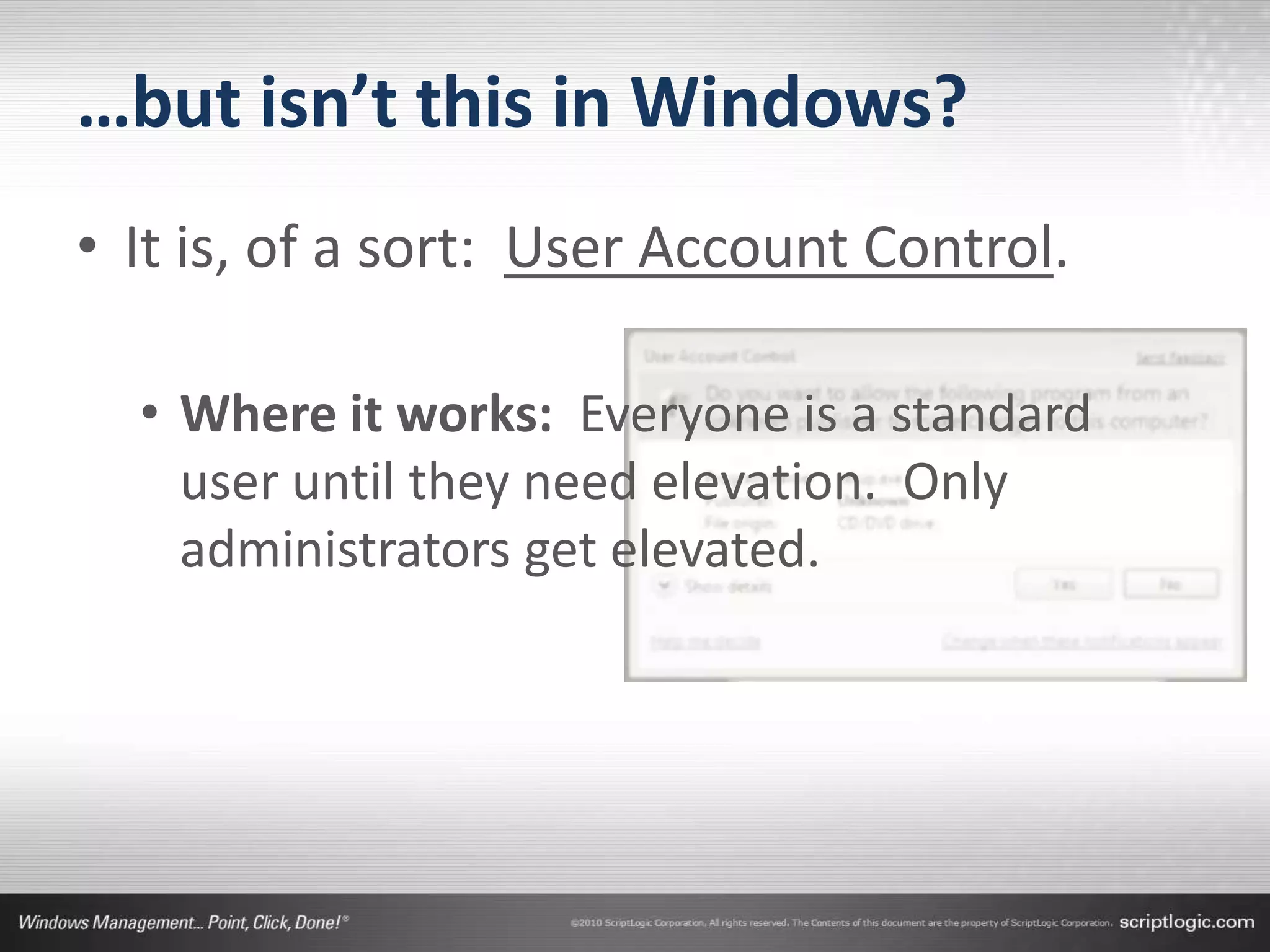
• It is, of a sort: User Account Control.

  • Where it works: Everyone is a standard
    user until they need elevation. Only
    administrators get elevated.
…but isn’t this in Windows?
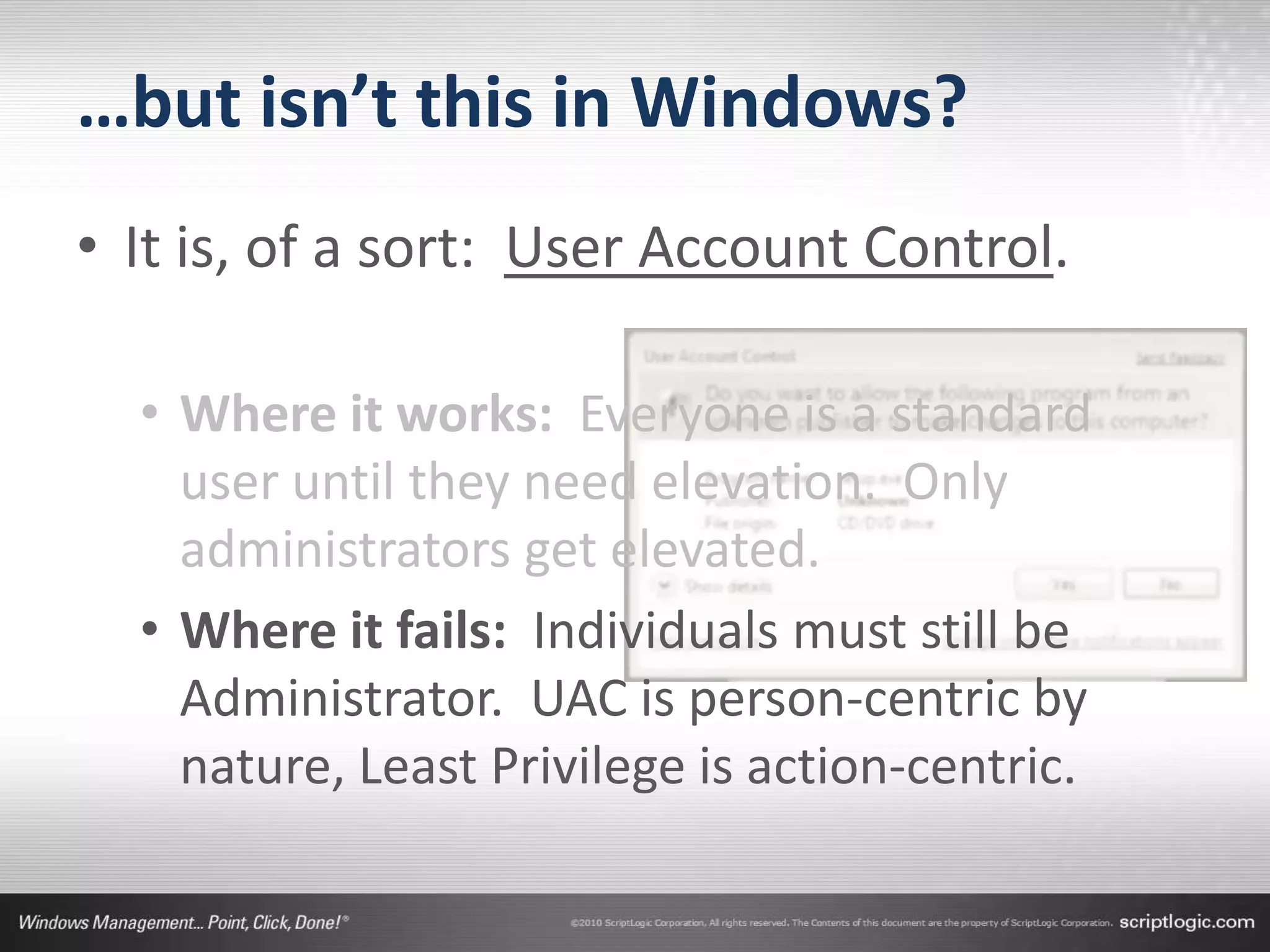
• It is, of a sort: User Account Control.

  • Where it works: Everyone is a standard
    user until they need elevation. Only
    administrators get elevated.
  • Where it fails: Individuals must still be
    Administrator. UAC is person-centric by
    nature, Least Privilege is action-centric.
Get there with Privilege Authority
• GPO-based elevation using
  •   Executable path
  •   Folder path
  •   ActiveX
  •   Digital Certificate


• DEMO!
Problem #2: Getting the Granularity
• Eliminating administrator won’t happen overnight.
   • Developers need application installations.
   • Users on the road require special consideration.
   • Even applications themselves require elevation when
     they’re not properly coded.


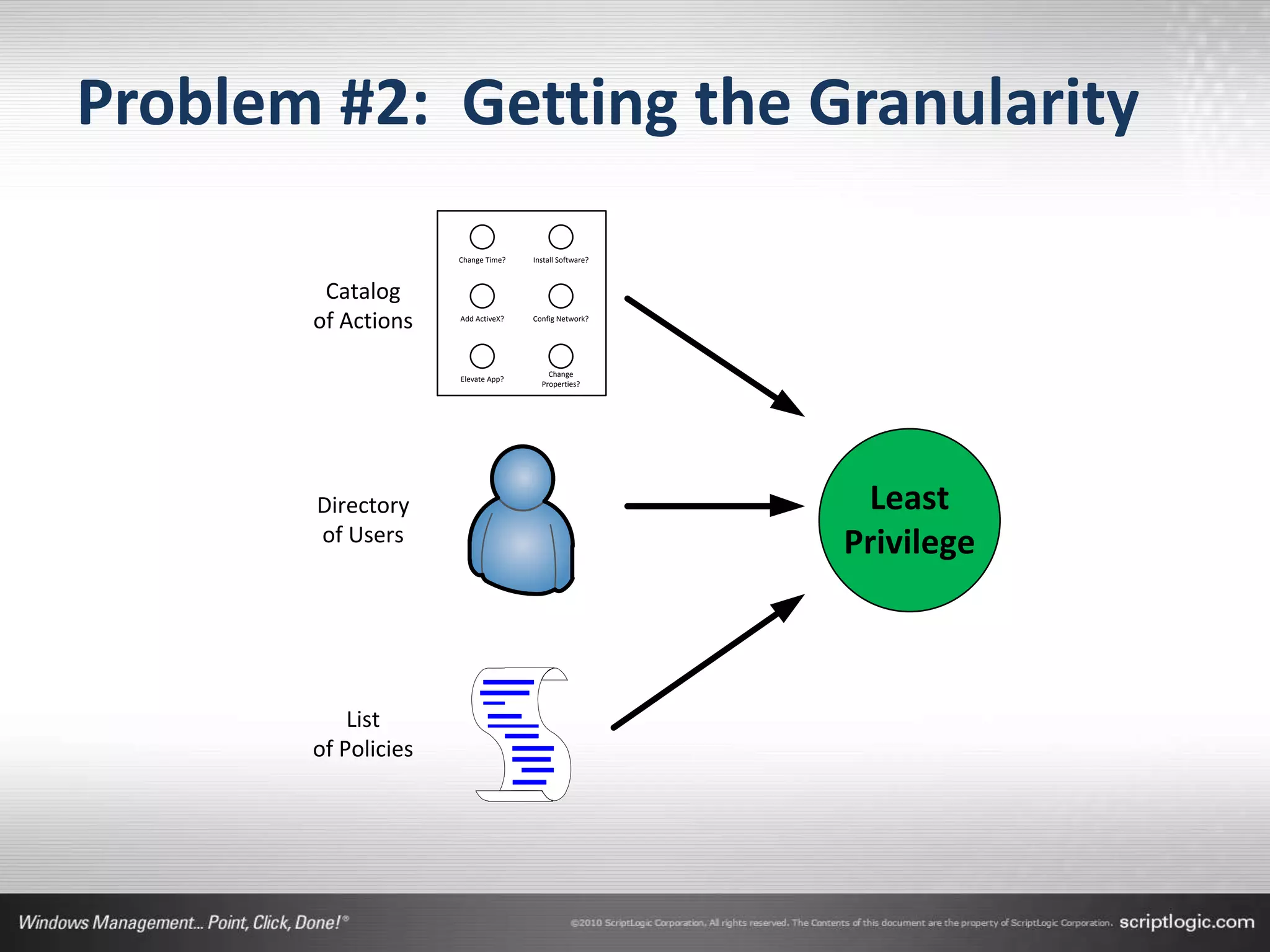
• The largest consumer of project time will be in
  figuring out the mapping between…
   • Users, possible actions, and permitted actions.
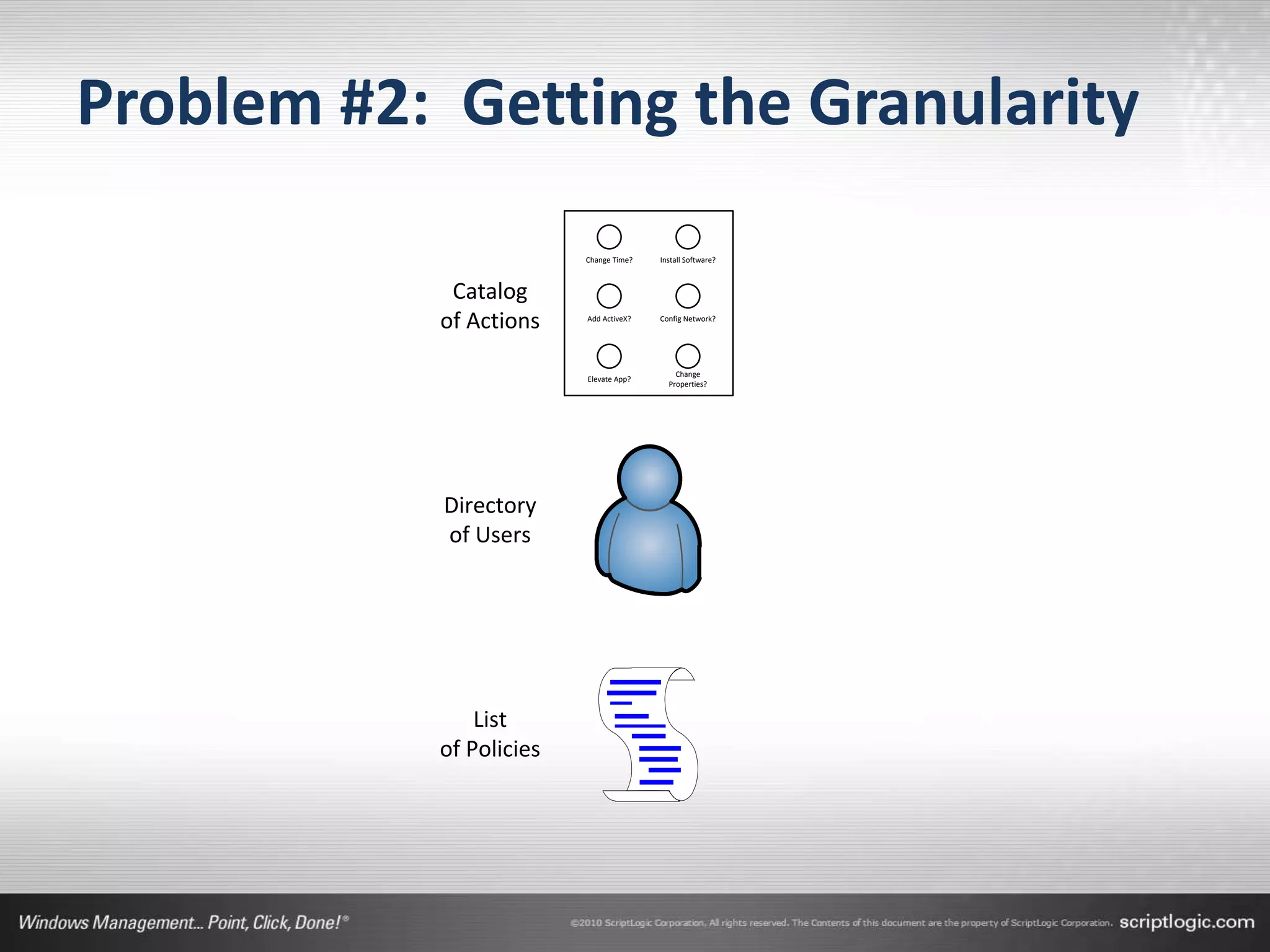
Problem #2: Getting the Granularity
                         Change Time?   Install Software?


            Catalog
           of Actions    Add ActiveX?   Config Network?


                                            Change
                         Elevate App?
                                          Properties?


            Directory
            of Users


               List
           of Policies
Problem #2: Getting the Granularity
• Thing #1: Catalog of Actions
   •   Changing the time
   •   Installing software
   •   Adding ActiveX Controls
   •   Changing System Properties
   •   Elevating Applications


• An effective privilege management solution will
  deliver this catalog via its administrative console.
Problem #2: Getting the Granularity
• Thing #2: Directory of Users
   • This part’s easy…
   • For most of us, this directory is something we already have
     through our Active Directory.


• The Groups and Organizational Units that already
  exist in your AD define user roles.
   • Finance, Sales, Executives, etc.
Problem #2: Getting the Granularity
• Thing #3: List of Policies
   • These policies are not technical in nature.
   • They are procedural in nature.
   • While your company policies may not be documented in a
     format that directly translates, you probably have a
     general understanding of which actions are approved.


• Gathering your list of policies and translating them
  into user actions is the final step in this process.
Problem #2: Getting the Granularity
                     Change Time?   Install Software?


        Catalog
       of Actions    Add ActiveX?   Config Network?


                                        Change
                     Elevate App?
                                      Properties?


       Directory                                         Least
       of Users                                         Privilege


           List
       of Policies
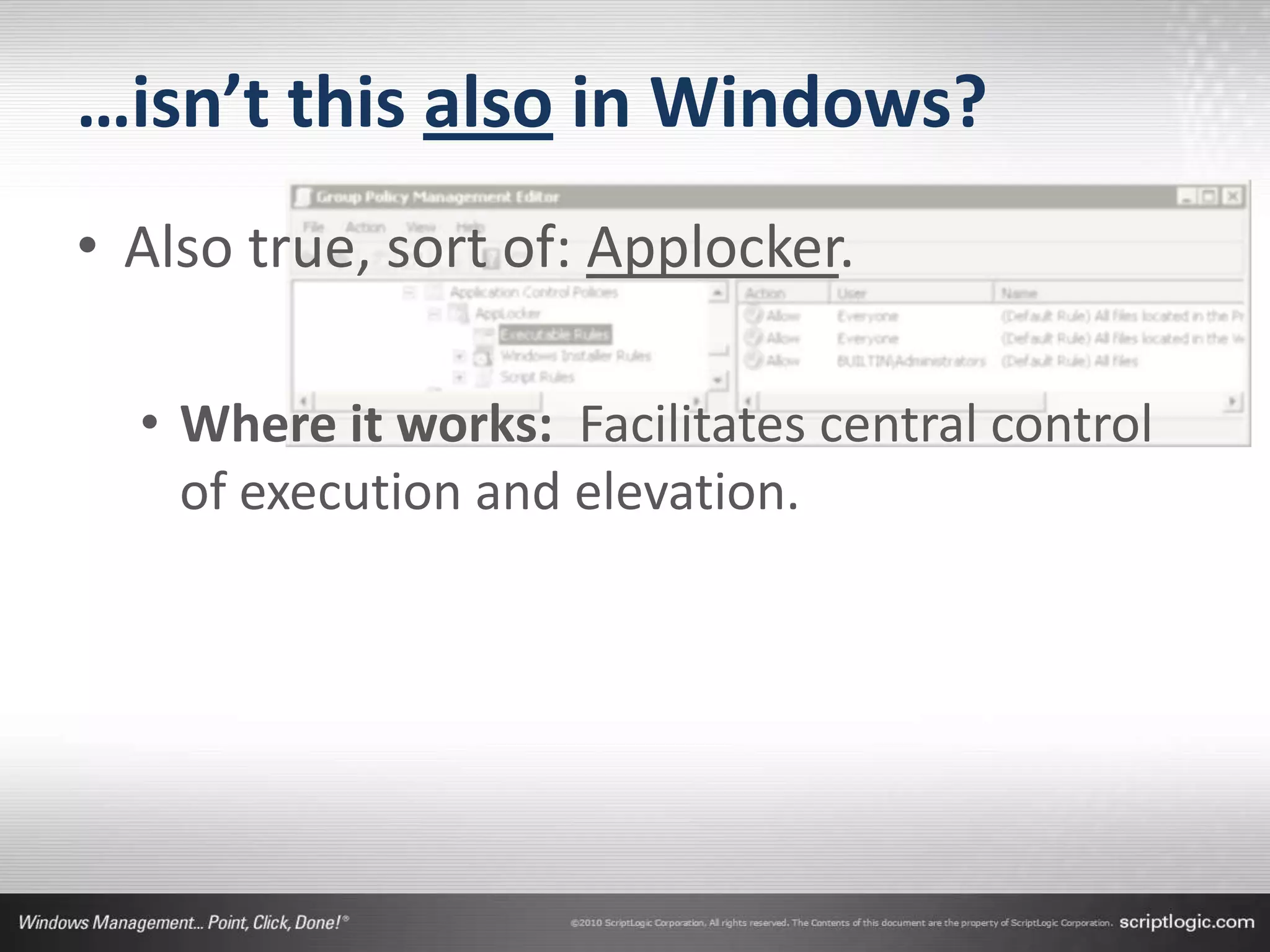
…isn’t this also in Windows?
• Also true, sort of: Applocker.

  • Where it works: Facilitates central control
    of execution and elevation.
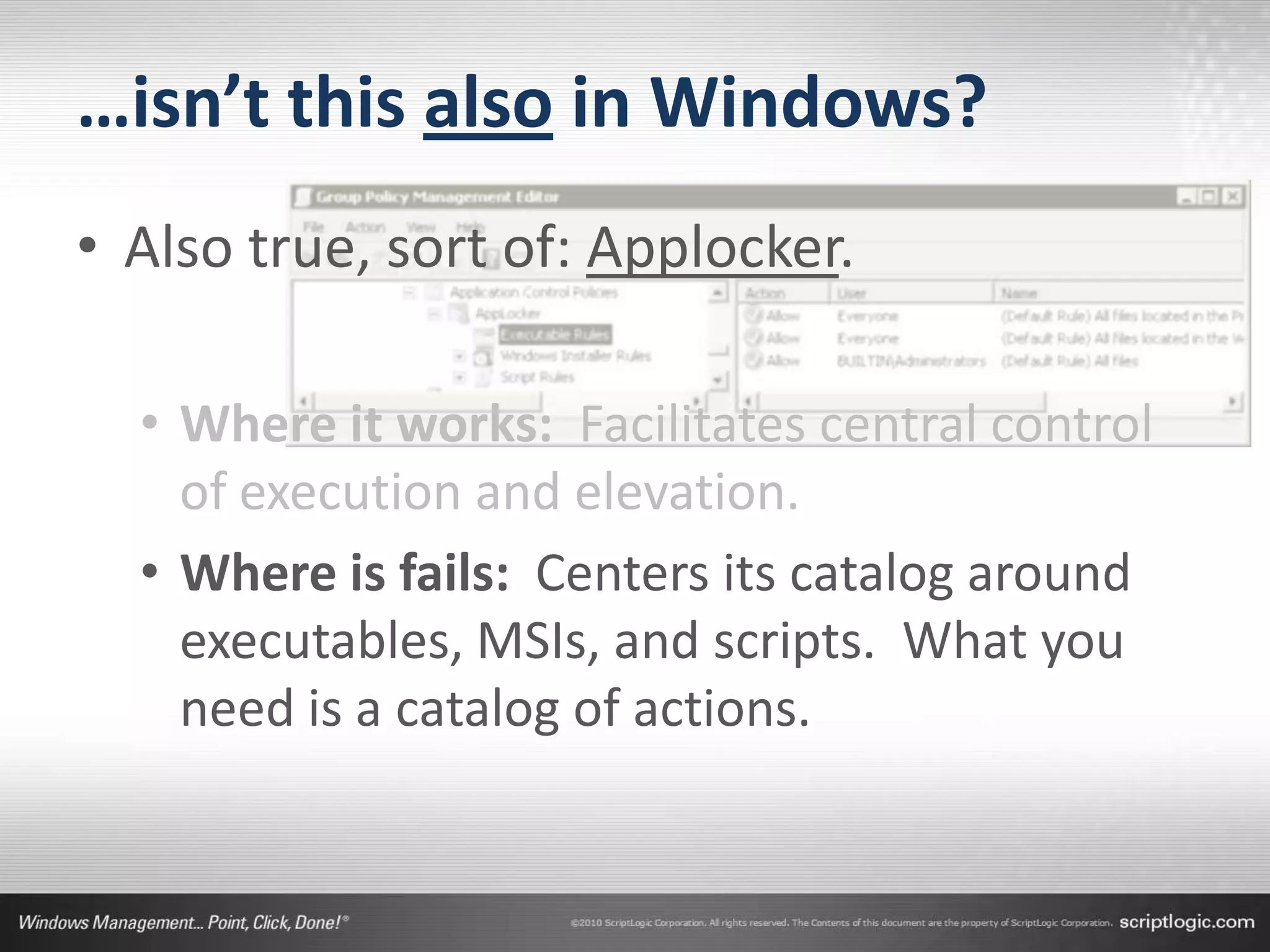
…isn’t this also in Windows?
• Also true, sort of: Applocker.

  • Where it works: Facilitates central control
    of execution and elevation.
  • Where is fails: Centers its catalog around
    executables, MSIs, and scripts. What you
    need is a catalog of actions.
Privilege Authority Targeting
• Dynamic targeting based on:
  • 18 Base criteria
  • Boolean Operators


• DEMO!
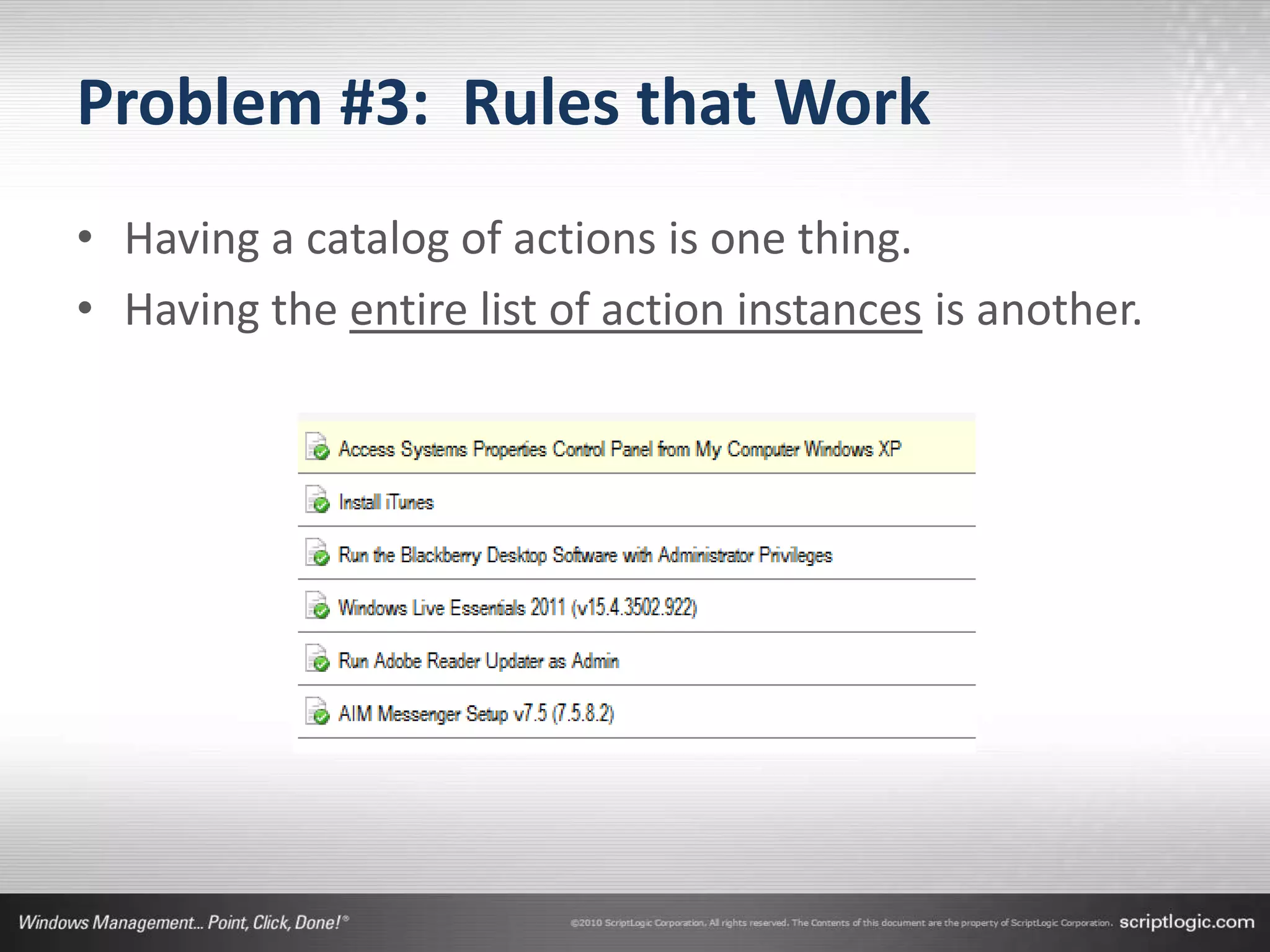
Problem #3: Rules that Work
• Having a catalog of actions is one thing.
• Having the entire list of action instances is another.
Problem #3: Rules that Work
• Just installing a privilege management solution
  doesn’t automatically bring Least Privilege.
   • Any solution is a framework within which rules must be
     created.
   • That framework enables you to map users to policy-
     approved actions.


• Finding the rules that work is a significant challenge!
Problem #3: Rules that Work
• SOLUTION: It takes a community.
  • Getting the rules that work requires the assistance of an
    entire community of Least Privilege Followers
  • An effective solution will enable you to share rules with
    others.
  • With a clearinghouse of effective rules, populated by
    others with similar situations, you can quickly find those
    that work for you.
  • …then you arrive at Least Privilege much more cleanly and
    faster!
…but who needs a community?
• Is Google really your friend?
…but who needs a community?
• Is Google really your friend?
  •   Allow a non-admin user to install an Adobe executable based installer (such as ending in
      ".exe") when the installer has been digitally signed by Adobe.
  •   Allow installation of MS Live Meeting Windows Client, protected with publisher cert
      information.
  •   Allow file operations from the File | Open menu with unrestricted editing, but without
      enabling 'child processes' because then you can 'run as administrator' and launch
      executables.
  •   Allow Firefox to be installed to the users profile without admin rights by matching both a
      digital certificate and file hash to ensure it is valid only for the current version.
  •   Allow users to run ActiveX controls to view Olsen field webcam.
  •   Allow users to install/update an array of preapproved applications on their own, while
      giving administrators the ability to create repositories for additional software.
  •   Allow privilege elevation for Security Explorer on Windows 7 to remove the need to
      specify UAC credentials when the application starts.
The Privilege Authority Community
www.privilegeauthority.com
• Forums
• Rules Exchange


• DEMO!
Privilege Management is
the Death of Administrator
• Finding the balance between security and user
  productivity requires a granular approach.
   • You can’t get that with Administrator rights alone.
   • You can’t get that with Privilege Management alone.


• It takes a community.
   • Be part of that community…
Resources
• Privilege Authority Community
 www.privilegeauthority.com
• Privilege Authority Pro
 www.scriptlogic.com/pa


• Greg Shields
 www.concentratedtech.com
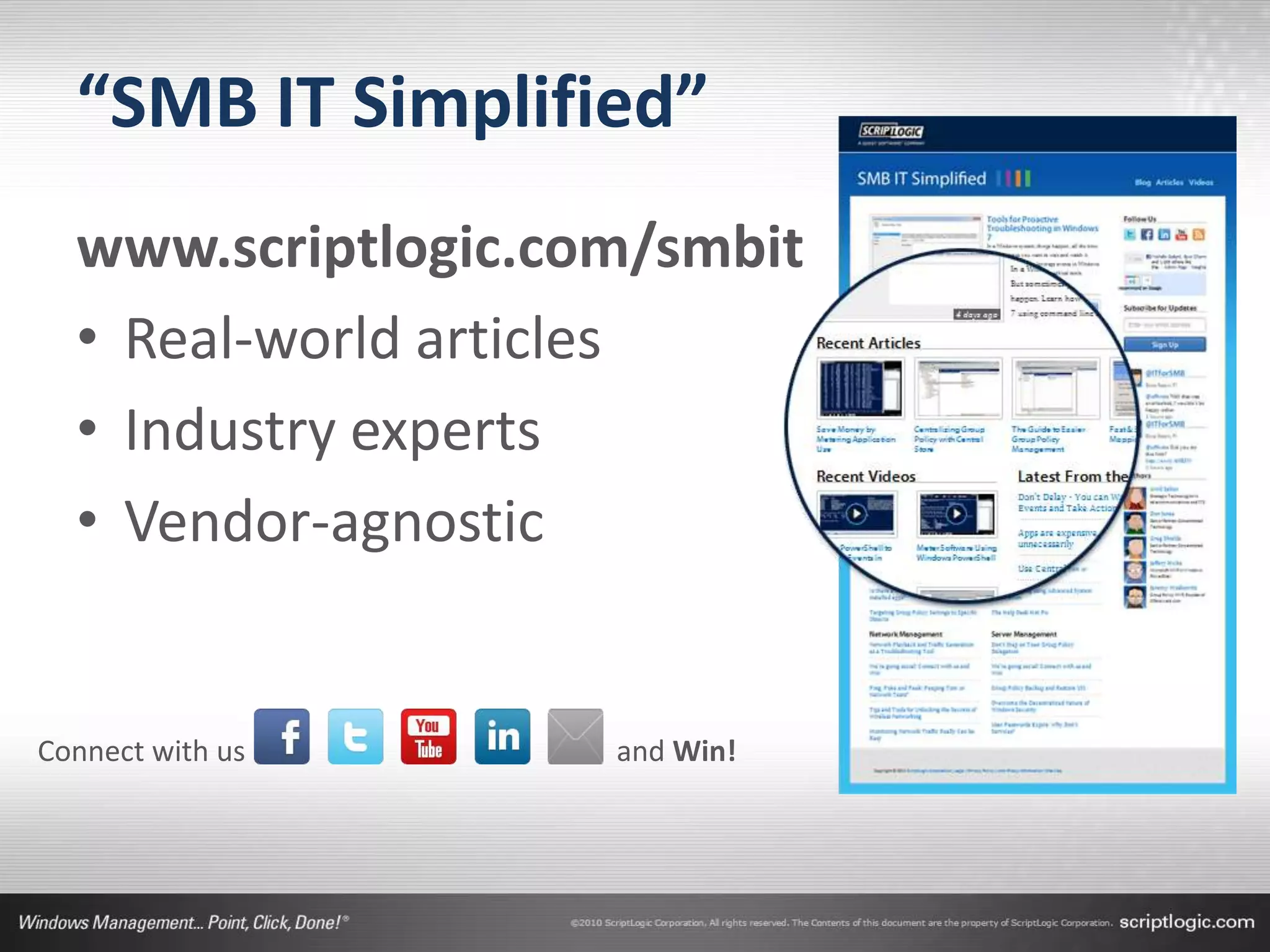
“SMB IT Simplified”
  www.scriptlogic.com/smbit
  • Real-world articles
  • Industry experts
  • Vendor-agnostic


Connect with us     and Win!
Questions?
Tablet
Winner

Kill Administrator: Fighting Back Against Admin Rights

  • 1.
    Kill Administrator: Fighting Back Against Admin Rights Dial In: +1 (609) 318-0024 Access Code: 373-855-516 Or use your computer speakers Greg Shields, MVP Nick Cavalancia Partner and Principal Technologist VP, Windows Management www.ConcentratedTech.com ScriptLogic
  • 2.
    About the Speakers Greg Shields Greg is a Senior Partner and Principal Technologist with Concentrated Technology. He is a Contributing Editor for TechNet Magazine and Redmond Magazine, and a Series Editor for Realtime Publishers. Greg is a sought-after and top- ranked speaker, seen regularly at conferences like TechMentor, Tech Ed, VMworld, and more. He is a multiple recipient of Microsoft "Most Valuable Professional" award with has received VMware's vExpert award. Nick Cavalancia Nick Cavalancia, MCSE/MCT/MCNE/MCNI, is ScriptLogic’s VP of Windows Management where he assists in driving innovation and the evangelism of ScriptLogic solutions. He has over 17 years of enterprise IT experience and is an accomplished consultant, trainer, speaker, columnist and author. He has authored, co-authored and contributed to over a dozen books on Windows, Active Directory, Exchange and other Microsoft technologies.
  • 3.
    About ScriptLogic • Foundedin 2000 • Focus on 4 key areas: • Desktop Management • Active Directory Management • Server Management • Help Desk Management • Customer Base • 30,800+ customers worldwide • From SMB to Fortune 100 • Headquartered in Boca Raton, Florida • Subsidiary of Quest Software since 2007
  • 4.
    Privilege Authority • Lowestcost privilege management solution on the market • Two editions: Community Edition Professional Cost FREE Starts at $12/seat Access to Community ✔ ✔ Advanced Features ✔ Support Model Community Std. Tech. Support
  • 5.
    Windows’ Necessary Evil. •Administrator privileges are Windows’ unfortunate, but necessary evil. • They were built into Windows. • They aren’t going anywhere. • Standard user rights aren’t powerful enough. • But “the evil” in Administrator creates a problem. • You either have it or you don’t. • Most of us need some subset of Administrator.
  • 6.
    Your Goal: KillAdministrator • Eliminating “the Administrator” from administrator rights solves three big problems. • Problem One: Getting to Least Privilege • Problem Two: Evolving from On/Off to granular privilege management. • Problem Three: Finding privilege rules that work. • The Windows OS can’t do this. • You’ll need external tools to assist. • More on those tools in a minute.
  • 7.
    The Principle ofLeast Privilege • “[The Principle of Least Privilege] requires that… • each subject in a system be granted the most restrictive set of privileges… • …needed for the performance of authorized tasks. • The application of this principle limits the damage that can result from accident, error, or unauthorized use.” Source: U.S. Department of Defense
  • 8.
    Problem #1: Gettingto Least Privilege • Least Privilege desires for… • …each subject in a system be granted the most restrictive set of privileges… • …needed for the performance of authorized tasks. • Least Privilege wants this because… • …its application limits the damage from accident, error, or unauthorized use.
  • 9.
    Problem #1: Gettingto Least Privilege Administrator? What we Have
  • 10.
    Problem #1: Gettingto Least Privilege Change Time? Install Software? Add ActiveX? Config Network? Administrator? Elevate App? Change Properties? What we Have What we Want
  • 11.
    Problem #1: Gettingto Least Privilege • Implementing Least Privilege means thinking outside the box of Windows rights. • It requires collecting a catalog of possible actions a user might need to accomplish. • It involves gathering possible instances of each action, • Which apps to install? • Which properties to allow? • Which apps to elevate? • It means enumerating the possible users, usually by role. • ULTIMATELY: It desires mapping users into those actions and instances.
  • 12.
  • 13.
    …but isn’t thisin Windows? • It is, of a sort: User Account Control. • Where it works: Everyone is a standard user until they need elevation. Only administrators get elevated.
  • 14.
    …but isn’t thisin Windows? • It is, of a sort: User Account Control. • Where it works: Everyone is a standard user until they need elevation. Only administrators get elevated. • Where it fails: Individuals must still be Administrator. UAC is person-centric by nature, Least Privilege is action-centric.
  • 15.
    Get there withPrivilege Authority • GPO-based elevation using • Executable path • Folder path • ActiveX • Digital Certificate • DEMO!
  • 16.
    Problem #2: Gettingthe Granularity • Eliminating administrator won’t happen overnight. • Developers need application installations. • Users on the road require special consideration. • Even applications themselves require elevation when they’re not properly coded. • The largest consumer of project time will be in figuring out the mapping between… • Users, possible actions, and permitted actions.
  • 17.
    Problem #2: Gettingthe Granularity Change Time? Install Software? Catalog of Actions Add ActiveX? Config Network? Change Elevate App? Properties? Directory of Users List of Policies
  • 18.
    Problem #2: Gettingthe Granularity • Thing #1: Catalog of Actions • Changing the time • Installing software • Adding ActiveX Controls • Changing System Properties • Elevating Applications • An effective privilege management solution will deliver this catalog via its administrative console.
  • 19.
    Problem #2: Gettingthe Granularity • Thing #2: Directory of Users • This part’s easy… • For most of us, this directory is something we already have through our Active Directory. • The Groups and Organizational Units that already exist in your AD define user roles. • Finance, Sales, Executives, etc.
  • 20.
    Problem #2: Gettingthe Granularity • Thing #3: List of Policies • These policies are not technical in nature. • They are procedural in nature. • While your company policies may not be documented in a format that directly translates, you probably have a general understanding of which actions are approved. • Gathering your list of policies and translating them into user actions is the final step in this process.
  • 21.
    Problem #2: Gettingthe Granularity Change Time? Install Software? Catalog of Actions Add ActiveX? Config Network? Change Elevate App? Properties? Directory Least of Users Privilege List of Policies
  • 22.
  • 23.
    …isn’t this alsoin Windows? • Also true, sort of: Applocker. • Where it works: Facilitates central control of execution and elevation.
  • 24.
    …isn’t this alsoin Windows? • Also true, sort of: Applocker. • Where it works: Facilitates central control of execution and elevation. • Where is fails: Centers its catalog around executables, MSIs, and scripts. What you need is a catalog of actions.
  • 25.
    Privilege Authority Targeting •Dynamic targeting based on: • 18 Base criteria • Boolean Operators • DEMO!
  • 26.
    Problem #3: Rulesthat Work • Having a catalog of actions is one thing. • Having the entire list of action instances is another.
  • 27.
    Problem #3: Rulesthat Work • Just installing a privilege management solution doesn’t automatically bring Least Privilege. • Any solution is a framework within which rules must be created. • That framework enables you to map users to policy- approved actions. • Finding the rules that work is a significant challenge!
  • 28.
    Problem #3: Rulesthat Work • SOLUTION: It takes a community. • Getting the rules that work requires the assistance of an entire community of Least Privilege Followers • An effective solution will enable you to share rules with others. • With a clearinghouse of effective rules, populated by others with similar situations, you can quickly find those that work for you. • …then you arrive at Least Privilege much more cleanly and faster!
  • 29.
    …but who needsa community?
  • 30.
    …but who needsa community? • Is Google really your friend?
  • 31.
    …but who needsa community? • Is Google really your friend? • Allow a non-admin user to install an Adobe executable based installer (such as ending in ".exe") when the installer has been digitally signed by Adobe. • Allow installation of MS Live Meeting Windows Client, protected with publisher cert information. • Allow file operations from the File | Open menu with unrestricted editing, but without enabling 'child processes' because then you can 'run as administrator' and launch executables. • Allow Firefox to be installed to the users profile without admin rights by matching both a digital certificate and file hash to ensure it is valid only for the current version. • Allow users to run ActiveX controls to view Olsen field webcam. • Allow users to install/update an array of preapproved applications on their own, while giving administrators the ability to create repositories for additional software. • Allow privilege elevation for Security Explorer on Windows 7 to remove the need to specify UAC credentials when the application starts.
  • 32.
    The Privilege AuthorityCommunity www.privilegeauthority.com • Forums • Rules Exchange • DEMO!
  • 33.
    Privilege Management is theDeath of Administrator • Finding the balance between security and user productivity requires a granular approach. • You can’t get that with Administrator rights alone. • You can’t get that with Privilege Management alone. • It takes a community. • Be part of that community…
  • 34.
    Resources • Privilege AuthorityCommunity www.privilegeauthority.com • Privilege Authority Pro www.scriptlogic.com/pa • Greg Shields www.concentratedtech.com
  • 35.
    “SMB IT Simplified” www.scriptlogic.com/smbit • Real-world articles • Industry experts • Vendor-agnostic Connect with us and Win!
  • 36.
  • 37.